
Elf Sniper Team in Forest Ambush
This prompt generates a photorealistic fantasy-combat image of 2 camouflaged elf scouts in a forest, ideal for cinematic concept art, game key art, or tabletop RPG visuals.
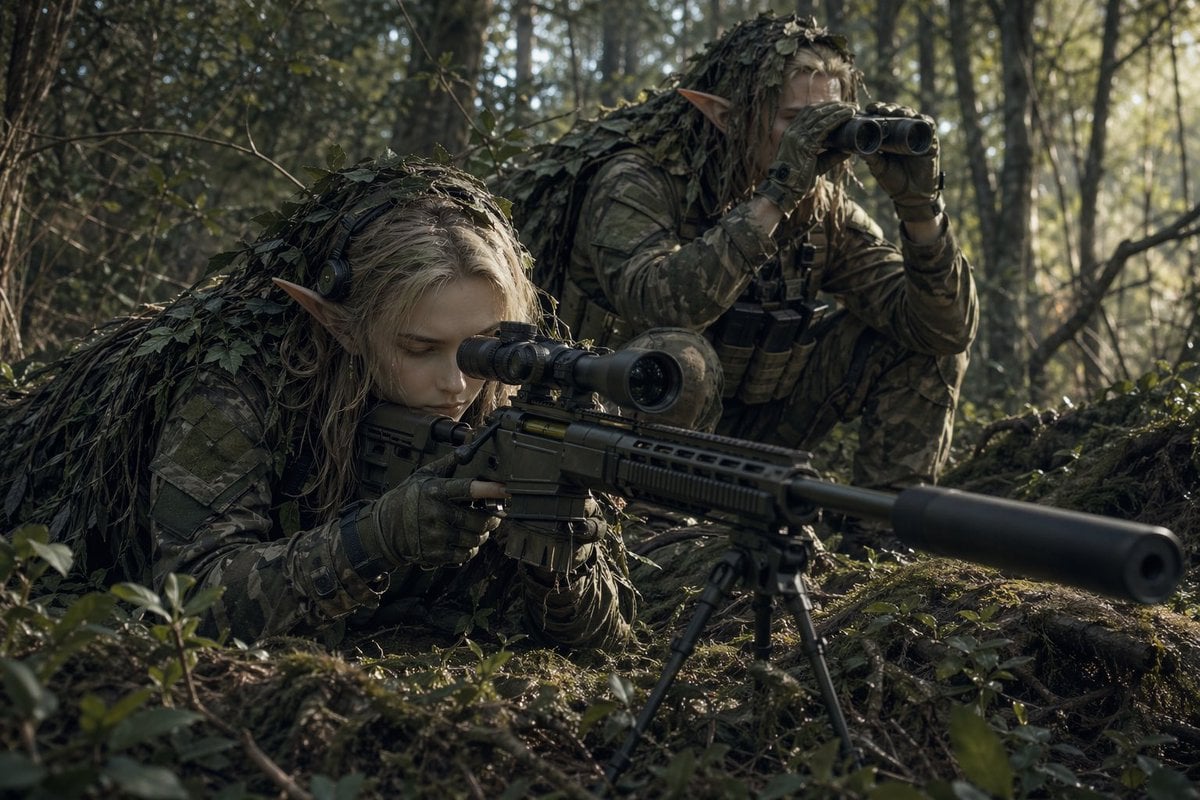
- Prompt included
- Model and format preset
- Free template
The prompt behind this image
Copy the exact prompt behind Elf Sniper Team in Forest Ambush, or open it in the studio and make it yours.
A cinematic ultra-realistic fantasy military scene in a dense woodland forest at ground level, showing 2 elf snipers concealed in camouflage while scouting a target. In the foreground, one elf with long pale-blond hair and clearly pointed ears lies prone behind a modern precision sniper rifle, aiming through a mounted scope. The rifle is long and tactical, fitted with a large suppressor, scope, and a deployed bipod planted in the mossy forest floor. The elf wears full modern woodland camouflage, tactical gloves, and a leaf-covered ghillie hood and shoulder covering that blends into the undergrowth. Behind and slightly to the right, a second elf crouches low, also with pointed ears and long light hair, wearing matching camouflage and a leafy ghillie cloak, holding binoculars to their eyes while observing. Add tactical chest gear and pouches on the rear scout. Set the scene in a shadowy temperate forest with tall thin trees, tangled branches, moss, roots, and scattered leaves, lit by soft early-morning natural sunlight filtering through the trees from the right side. Use muted green, brown, and gray tones, realistic textures, shallow depth of field, dramatic focus on the rifle and the two camouflaged elves, immersive war-photography composition, tense stealth atmosphere, and high-detail photorealism.
How to use Elf Sniper Team in Forest Ambush in 3 steps
- 1Upload ImagePNG, JPG or paste
Add your photo
Upload the photo the template builds on. The prompt, model and format are already set.
- 2…a portrait of your subject in softgolden-hour light, 85mm…
Personalize
Edit the subject and creative details for your destination.
- 3Generate
Generate
Press Generate — your image is created in PicX Studio, so you can compare it with the original and refine one variable at a time.
More like this
Templates with the same subject, style or setup. Open one to see its prompt.

Layered Paper Cut Forest Diorama
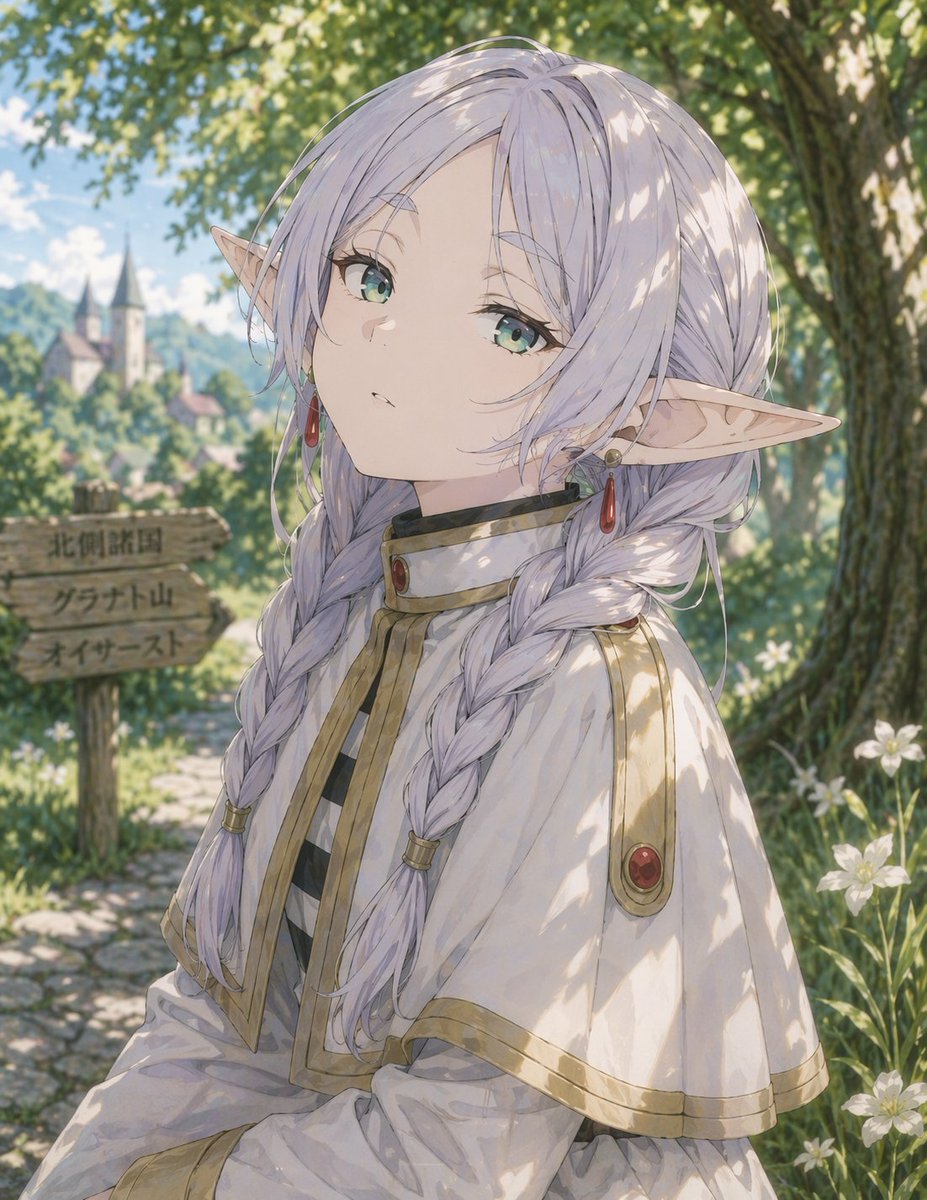
Anime Elf Girl on Forest Path
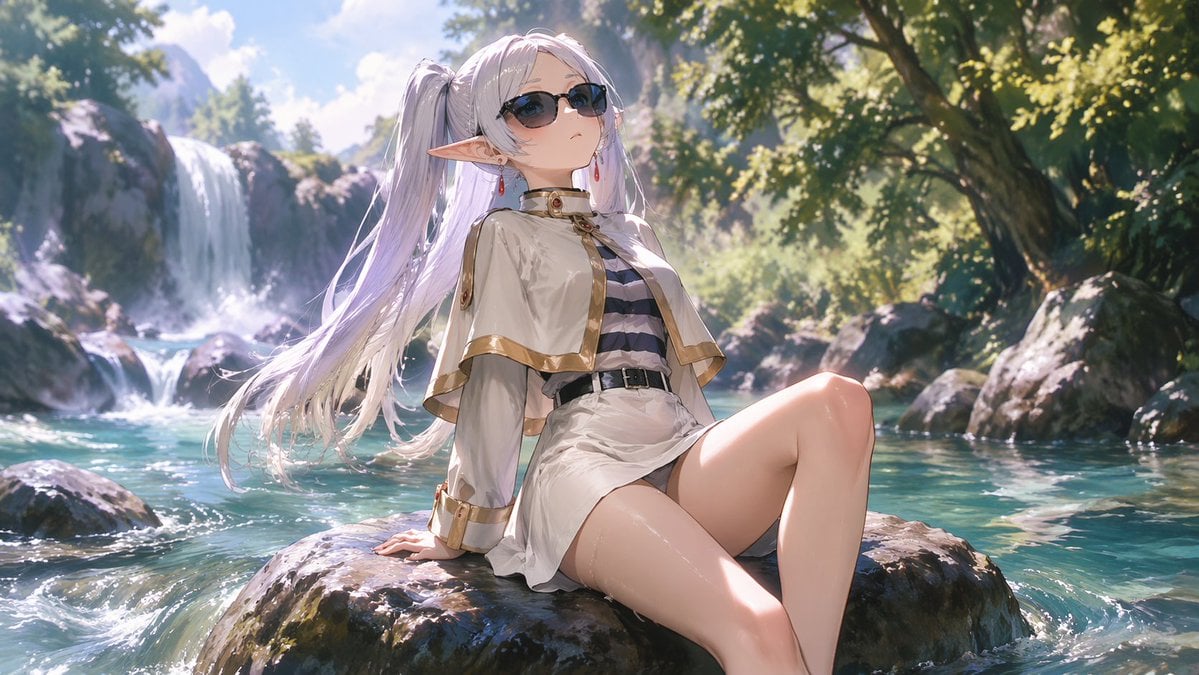
Anime Elf Girl Relaxing in a Forest River
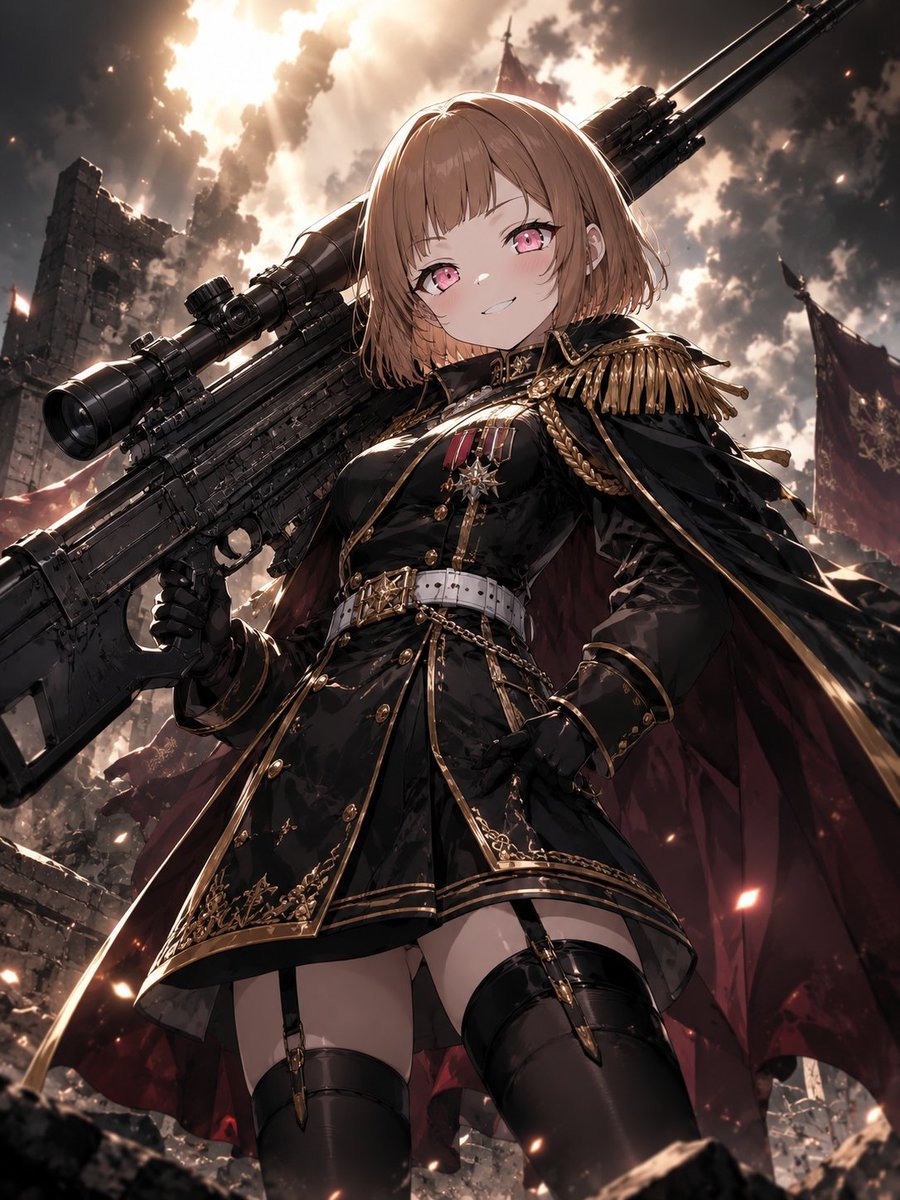
Anime Commander With Giant Sniper Rifle

Super Sentei Team Comic Illustration
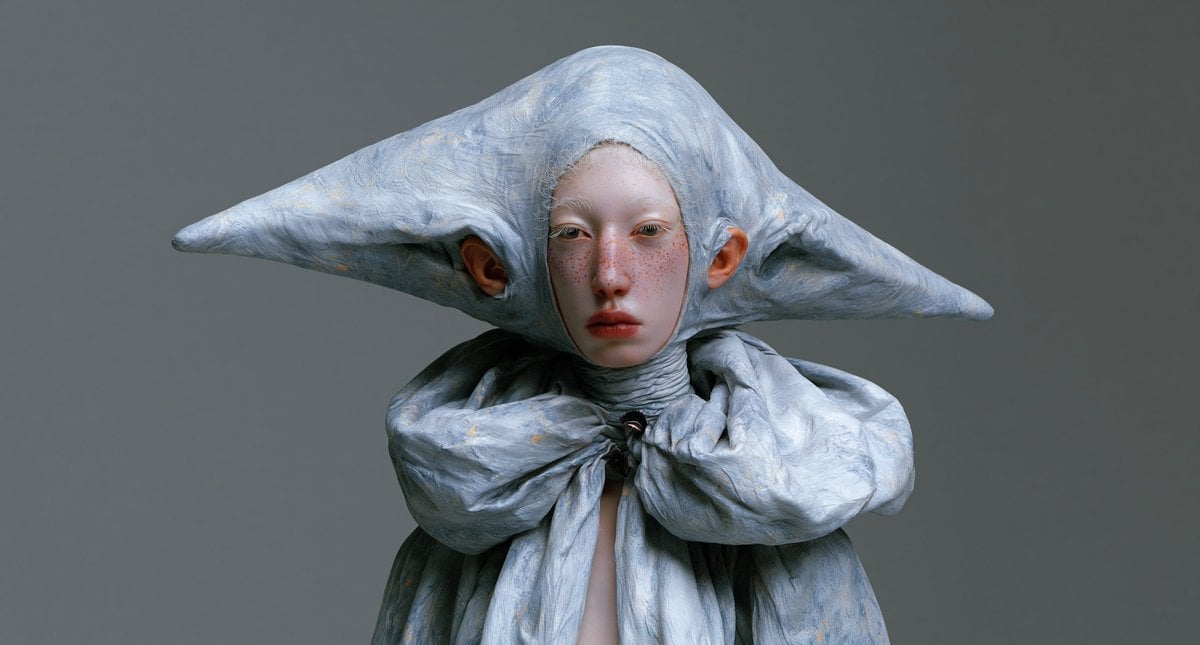
Surreal Elf Couture Portrait
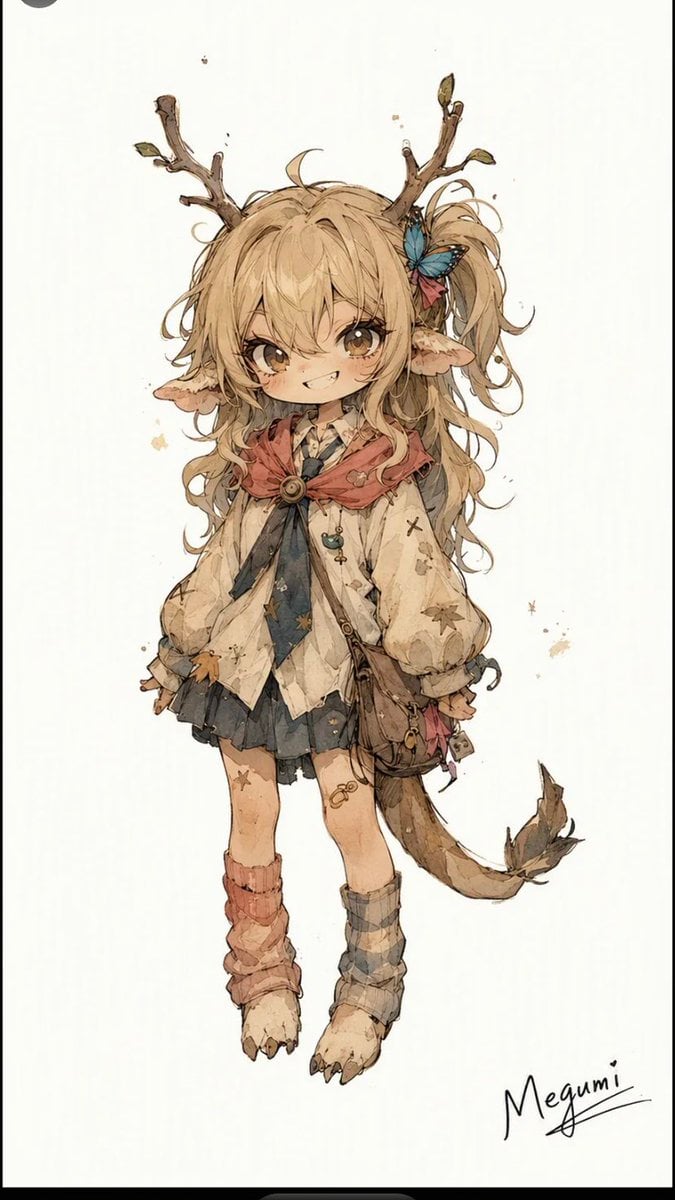
Mischievous Forest Faun Girl

Anime Elf Maid Turnaround Sheet

Six Girls Baseball Team Photo
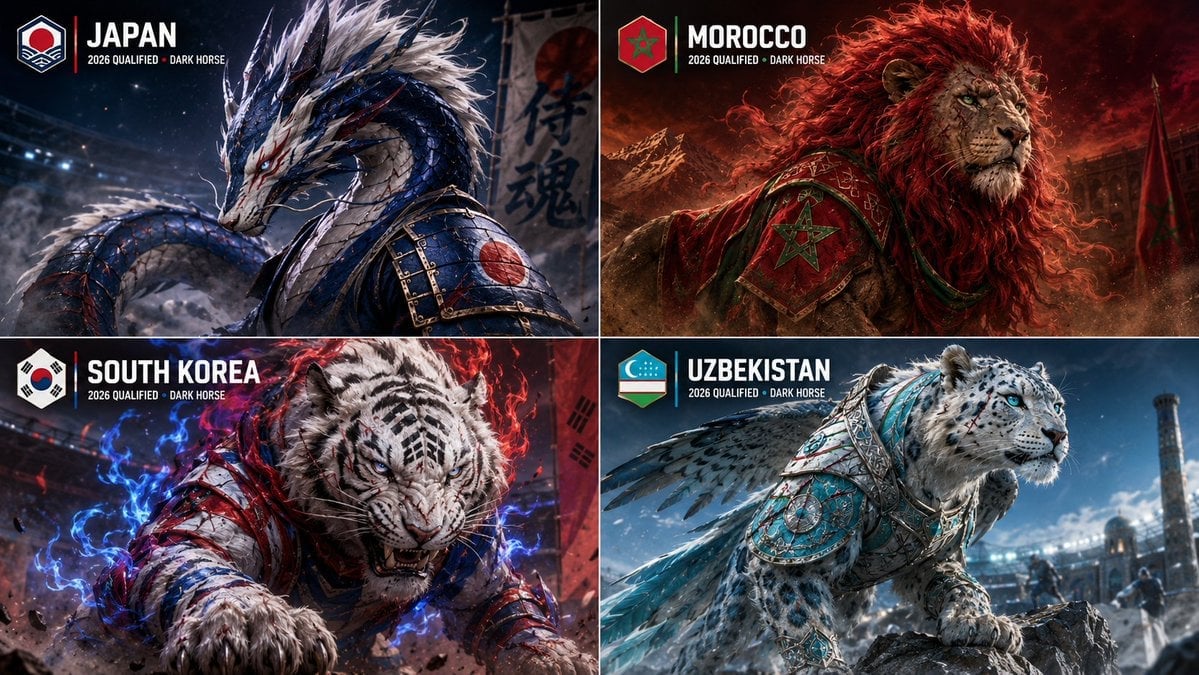
World Cup Dark Horse Teams Visualization
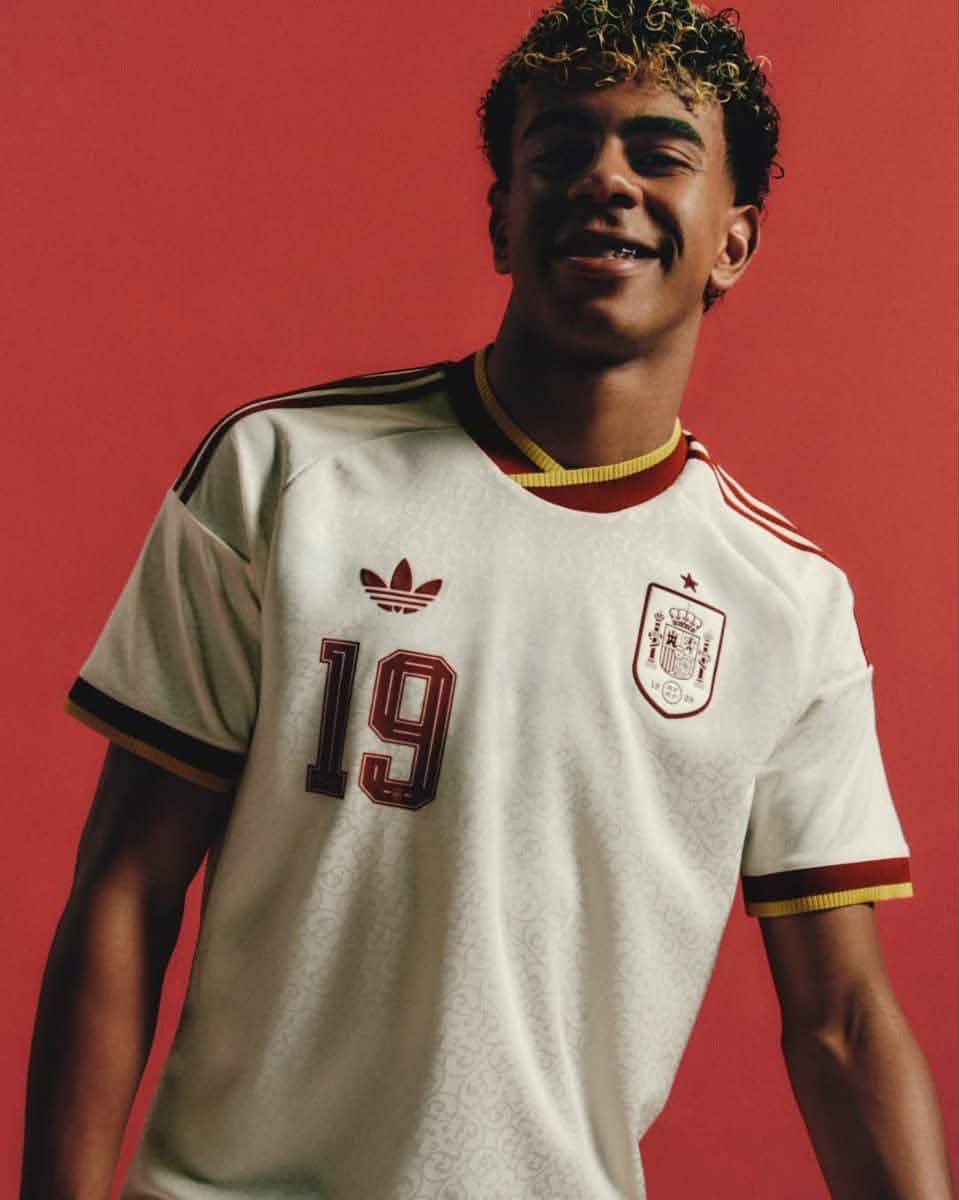
Retro National Team Football Player Portrait
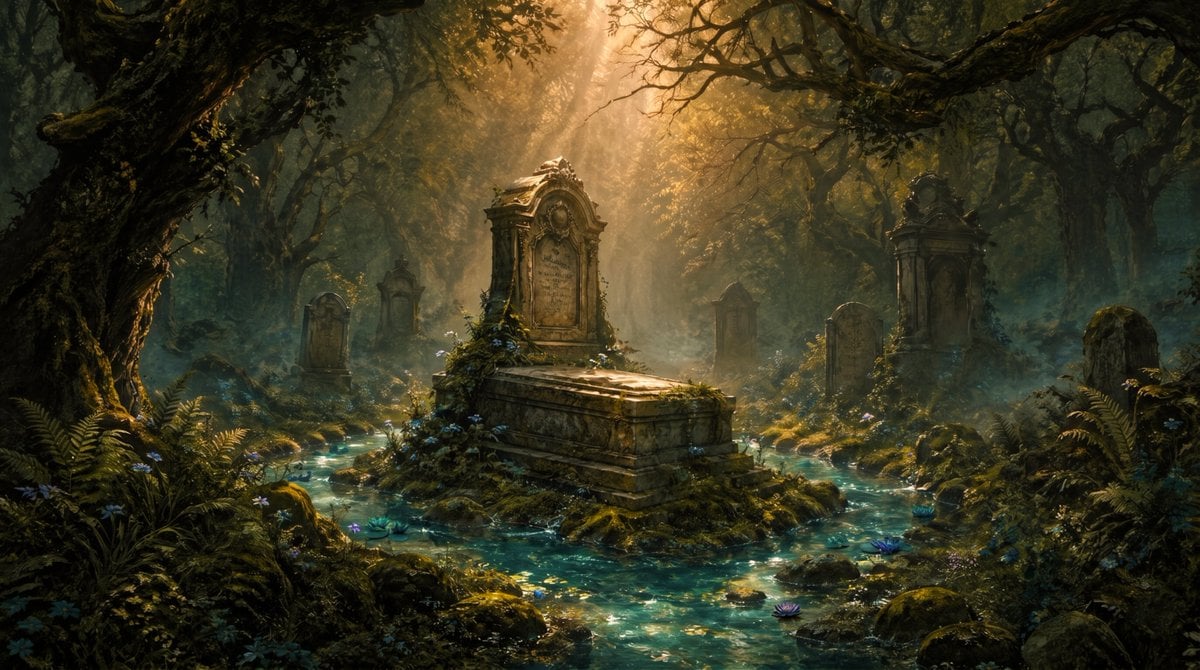
Enchanted Forest Grave Spring
Make it yours
Elf Sniper Team in Forest Ambush works as-is. These are the safest ways to change it without losing the look.
Change one field
Copy a single group, rewrite it, and generate again so you can see what that field is doing.
Keep the frame, change the subject
Hold the composition and light of Elf Sniper Team in Forest Ambush, then swap wardrobe, props or the person for a new take.
| If the result… | Why | Fix |
|---|---|---|
| The result drifts from the preview | Too many fields changed at once. | Reuse Elf Sniper Team in Forest Ambush as-is first, then change one group — subject, light, or setting. |
| The model over-stylizes the scene | The prose prompt leaves finish and camera underspecified. | Add one camera or lighting sentence and stay on GPT Image 2. |
More GPT Image 2 templates
Other prompts made for GPT Image 2.

Six VTuber Japanese Logo Sheet

Realistic Portrait of Woman and Deer

The Vista Modular Condo Poster

AI Model Routing Comparison Infographic

2.5D Anime Art Board

Isometric Productivity Desk Scene

New York Double Exposure Poster

Four-Panel AI Landscape Comparison

Japanese Tatami Lifestyle Magazine Cover

NESCAFÉ Coffee Map Poster
More image prompts
Fresh picks from across the catalog.
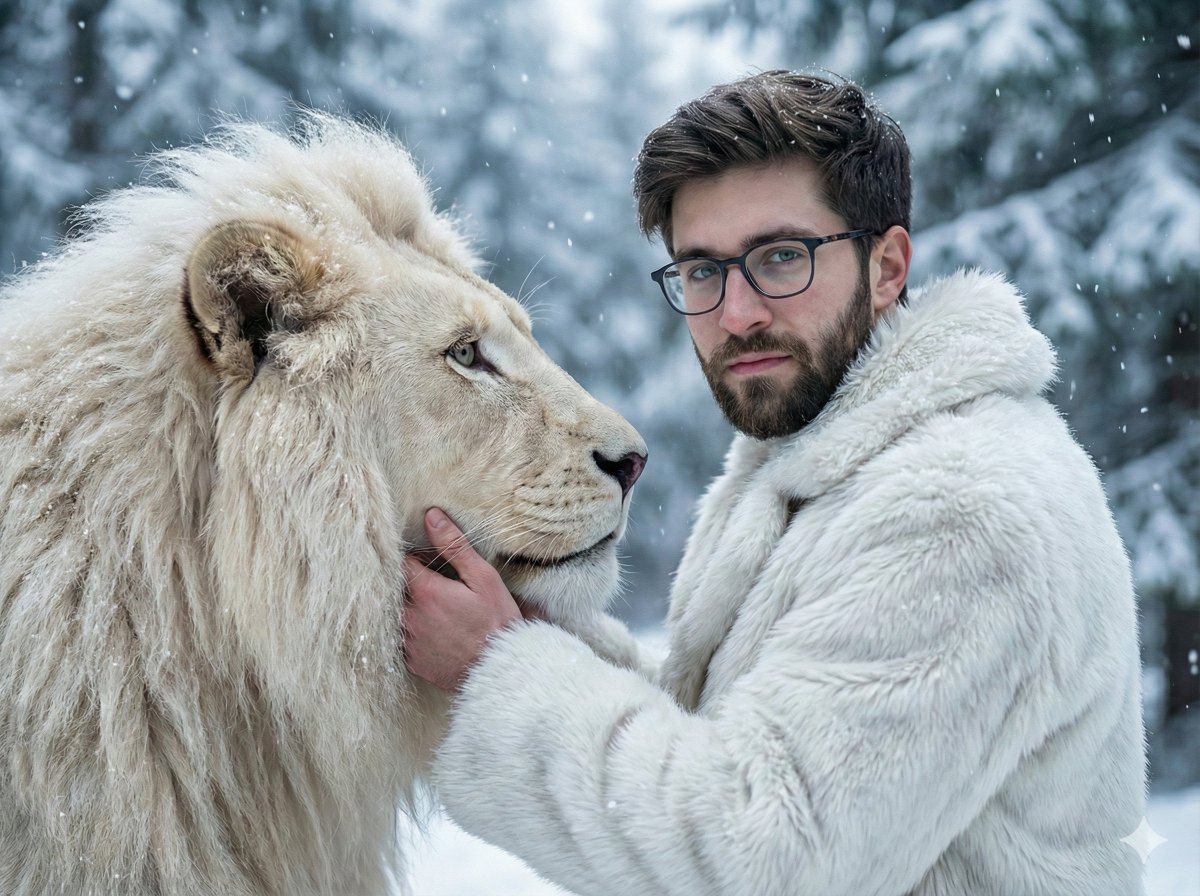
Cinematic Portrait of Man and White Lion in Snowy Forest

Casual Street Style Portrait Prompt for Nano Banana Pro
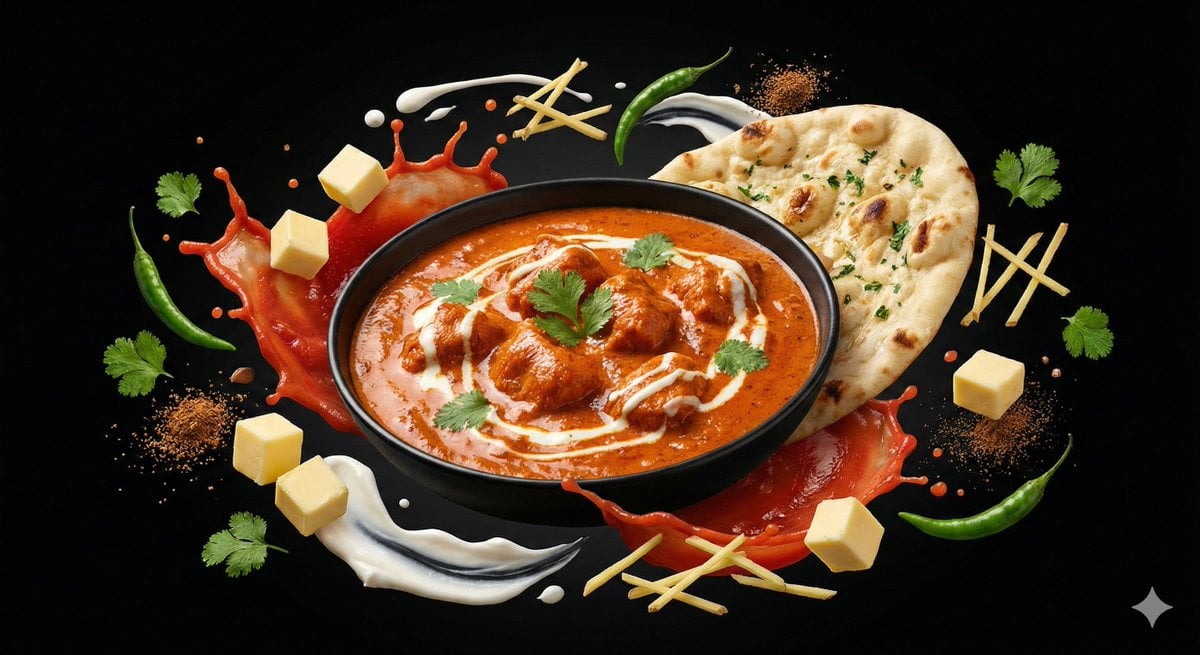
Ingredient Orbit Shot: Food Photography
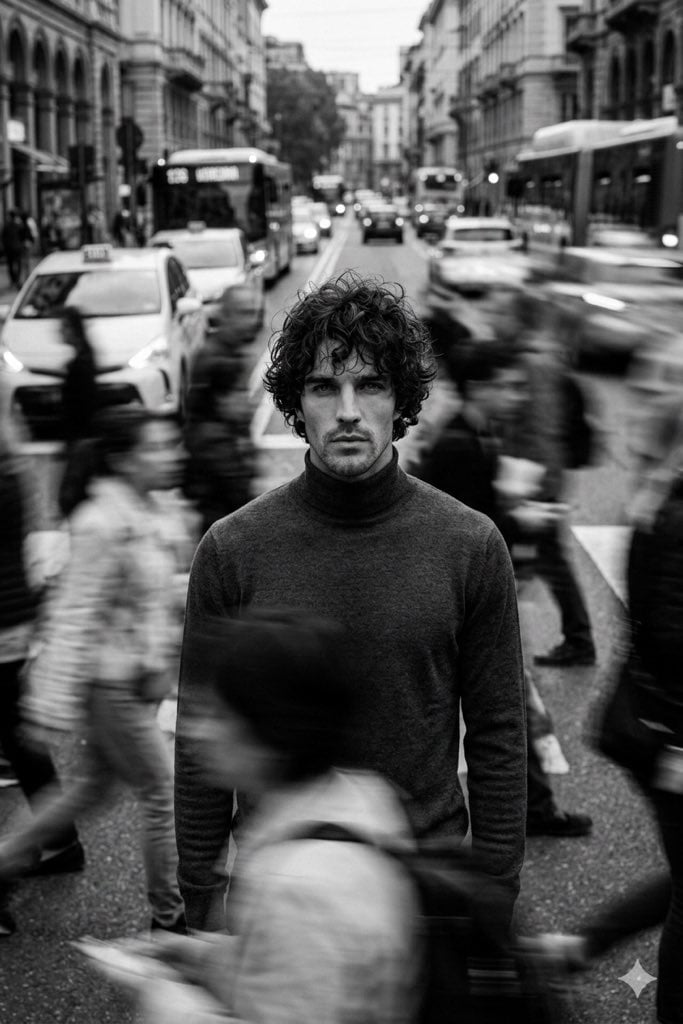
Cinematic Black and White Portrait in a Crowd
Monochrome Engraved Portrait
Luxury Lavender Skincare Ad

Futuristic GPT Image 2 Launch Banner

Commercial Food Photography Modules (Waffles, Biscuits, Ice Cream Bar)
Modern Art Gallery Fashion Panels
Organic Golden Alchemy Surreal Portrait
Browse template categories
Elf Sniper Team in Forest Ambush questions
How do I use the Elf Sniper Team in Forest Ambush template?
Add your photo if the template asks for one, edit the prompt if you like — the template's model and format are already selected — and press Generate. Your version opens in PicX Studio.
Can I customize the Elf Sniper Team in Forest Ambush template?
Yes. You can change the subject, setting, lighting, mood, format, and available model controls before creating your image.
Is the Elf Sniper Team in Forest Ambush template free?
Opening and editing this template is free. Generating uses credits, shown on the Generate button when you are signed in.
Which AI model should I use?
Start with GPT Image 2, which is the model associated with this template. You can compare another compatible model for a different finish.
Looking for something else? Browse all templates.

Your photo, any look
Thousands of ready templates for every top image and video model, from one credit balance.