
Futuristic GPT Image 2 Launch Banner
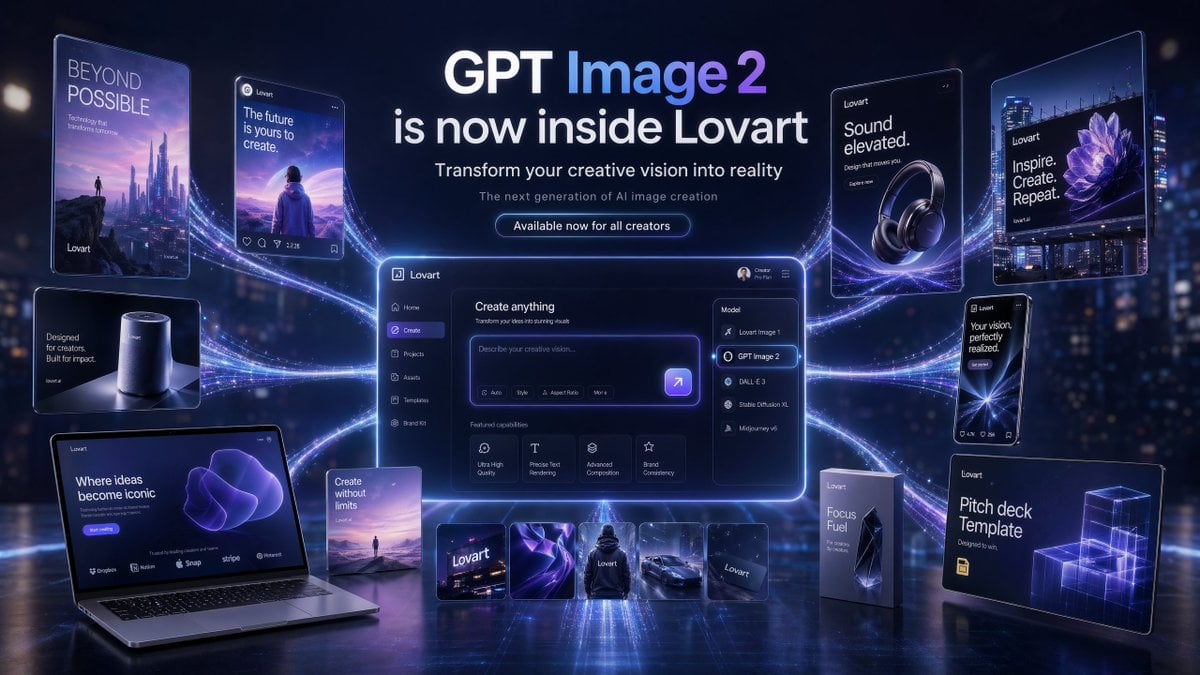
A premium campaign-style hero image showing GPT Image 2 inside Lovart with a central UI dashboard, multiple connected promotional mockups, and polished futuristic branding for product launch marketing.
- Prompt included
- Model and format preset
- Premium template
The prompt behind this image
Copy the exact prompt behind Futuristic GPT Image 2 Launch Banner, or open it in the studio and make it yours.
- Type
- futuristic AI product launch campaign hero banner
- Style
- high-end 3D advertising composite with cinematic neon lighting, polished UI mockups, floating product cards, and glossy tech presentation aesthetics
- Theme › Primary Colors
- deep navy, electric violet, indigo, white
- Theme › Mood
- innovative, premium, futuristic, campaign-ready
- Theme › Lighting
- dramatic blue-violet glow, rim lighting, luminous particle trails, soft bloom, reflective floor
- Canvas › Aspect Ratio
- 16:9
- Canvas › Background
- dark futuristic city-at-night bokeh with subtle skyscraper lights and atmospheric haze
- Headline Block › Position
- top center
- Headline Block › Count
- 4
- Headline Block › Lines
- GPT Image 2, is now inside Lovart, Transform your creative vision into reality, The next generation of AI image creation
- Headline Block › Cta
- Available now for all creators
- Headline Block › Typography
- clean modern sans-serif, bold white headline, smaller white and pale gray subtext, glowing rounded button
- Layout › Centerpiece
- large glowing desktop app interface floating in the center with purple edge lighting and curved energy trails connecting all surrounding assets
- Layout › Sections › 0 › Title
- left floating posters and devices
- Layout › Sections › 0 › Position
- left side
- Layout › Sections › 0 › Count
- 5
- Layout › Sections › 0 › Labels
- BEYOND POSSIBLE vertical sci-fi poster with futuristic skyline and tiny figure, social-style card reading 'The future is yours to create.' with a person facing a surreal landscape, small smart speaker product card reading 'Designed for creators. Built for impact.', open laptop mockup reading 'Where ideas become iconic' with a purple abstract form on screen, small vertical card reading 'Create without limits' with a tiny landscape scene
- Layout › Sections › 1 › Title
- center application UI
- Layout › Sections › 1 › Position
- middle
- Layout › Sections › 1 › Count
- 1
- Layout › Sections › 1 › Labels
- Lovart create interface with prompt box and model dropdown opened
- Layout › Sections › 2 › Title
- model menu items
- Layout › Sections › 2 › Position
- center-right inside UI
- Layout › Sections › 2 › Count
- 5
Raw JSON
{"type":"futuristic AI product launch campaign hero banner","style":"high-end 3D advertising composite with cinematic neon lighting, polished UI mockups, floating product cards, and glossy tech presentation aesthetics","theme":{"primary colors":["deep navy","electric violet","indigo","white"],"mood":"innovative, premium, futuristic, campaign-ready","lighting":"dramatic blue-violet glow, rim lighting, luminous particle trails, soft bloom, reflective floor"},"canvas":{"aspect_ratio":"16:9","background":"dark futuristic city-at-night bokeh with subtle skyscraper lights and atmospheric haze"},"headline_block":{"position":"top center","count":4,"lines":["GPT Image 2","is now inside Lovart","Transform your creative vision into reality","The next generation of AI image creation"],"cta":"Available now for all creators","typography":"clean modern sans-serif, bold white headline, smaller white and pale gray subtext, glowing rounded button"},"layout":{"centerpiece":"large glowing desktop app interface floating in the center with purple edge lighting and curved energy trails connecting all surrounding assets","sections":[{"title":"left floating posters and devices","position":"left side","count":5,"labels":["BEYOND POSSIBLE vertical sci-fi poster with futuristic skyline and tiny figure","social-style card reading 'The future is yours to create.' with a person facing a surreal landscape","small smart speaker product card reading 'Designed for creators. Built for impact.'","open laptop mockup reading 'Where ideas become iconic' with a purple abstract form on screen","small vertical card reading 'Create without limits' with a tiny landscape scene"]},{"title":"center application UI","position":"middle","count":1,"labels":["Lovart create interface with prompt box and model dropdown opened"]},{"title":"model menu items","position":"center-right inside UI","count":5,"labels":["Lovart Image 1","GPT Image 2","DALL·E 3","Stable Diffusion XL","Midjourney v6"]},{"title":"featured capability cards","position":"lower middle inside UI","count":4,"labels":["Ultra High Quality","Precise Text Rendering","Advanced Composition","Brand Consistency"]},{"title":"bottom asset strip","position":"bottom center","count":5,"labels":["Lovart logo card","abstract purple fabric-like visual","black hoodie mockup","sports car render","dark Lovart card"]},{"title":"right floating posters and packages","position":"right side","count":5,"labels":["headphone ad reading 'Sound elevated.'","large billboard-style poster reading 'Inspire. Create. Repeat.' with a purple flower image","phone-style card reading 'Your vision, perfectly realized.'","tall product box reading 'Focus Fuel'","presentation board reading 'Pitch deck Template' with glowing wireframe cubes"]}]},"ui_details":{"app_brand":"Lovart","main_panel_title":"Create anything","prompt_placeholder":"Describe your creative vision...","left_sidebar_count":6,"left_sidebar_labels":["Lovart","Home","Create","Projects","Assets","Templates"],"top_right_user_label":"Creator Pro Plan"},"composition":"symmetrical campaign composition, central software dashboard larger than all other elements, connected to surrounding posters and product mockups by multiple flowing luminous ribbons, reflective ground plane beneath all objects, crisp readable text, premium launch announcement aesthetic","quality":"ultra-detailed, sharp typography, realistic reflections, clean interface design, commercial-grade product visualization"}How to use Futuristic GPT Image 2 Launch Banner in 3 steps
- 1Upload ImagePNG, JPG or paste
Add your photo
Upload the photo the template builds on. The prompt, model and format are already set.
- 2…a portrait of your subject in softgolden-hour light, 85mm…
Personalize
Edit the subject and creative details for your destination.
- 3Generate
Generate
Press Generate — your image is created in PicX Studio, so you can compare it with the original and refine one variable at a time.
More like this
Templates with the same subject, style or setup. Open one to see its prompt.
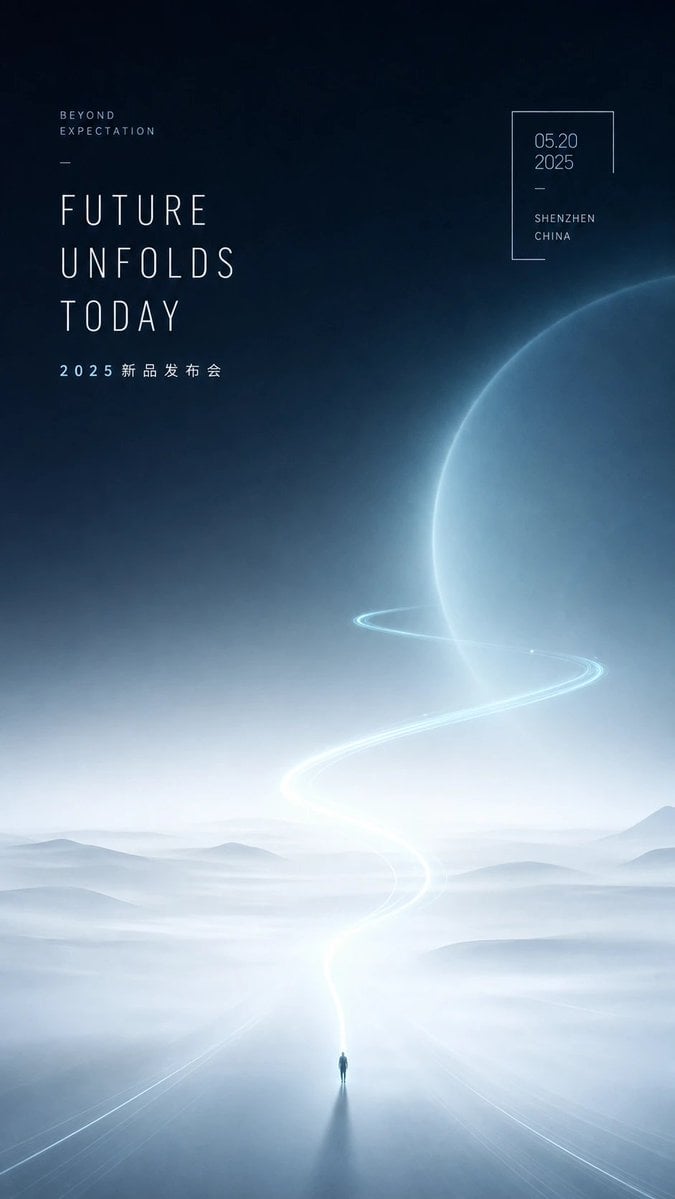
Futuristic Product Launch Poster
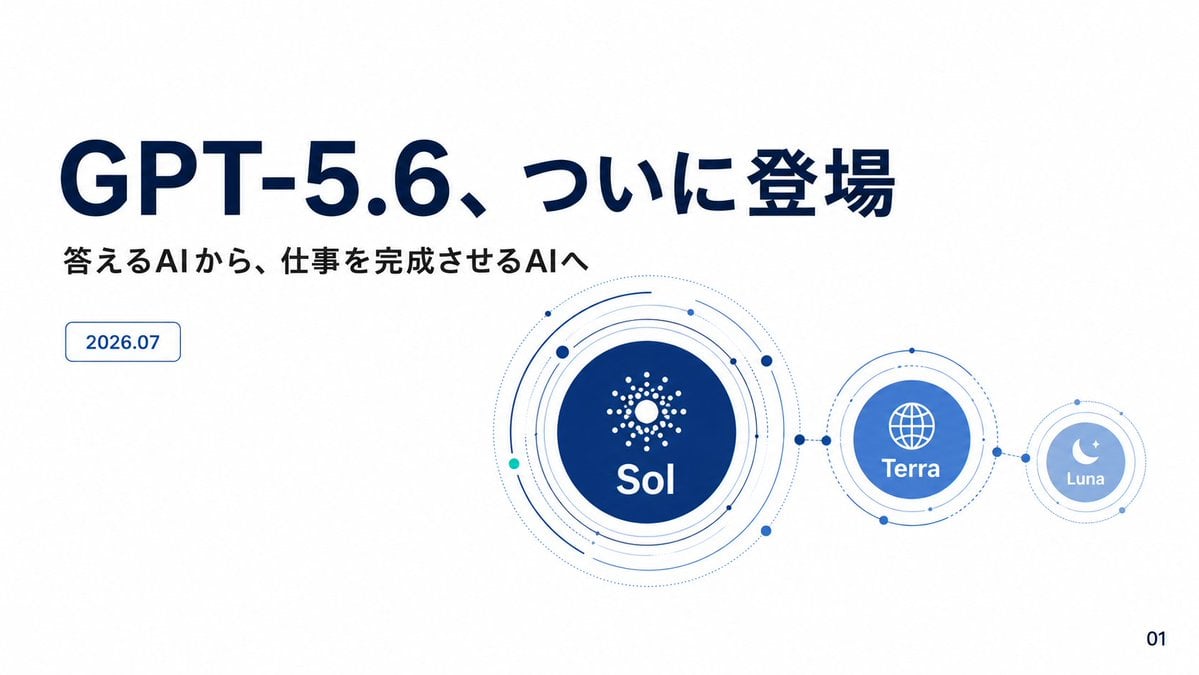
GPT-5.6 Japanese Launch Slide
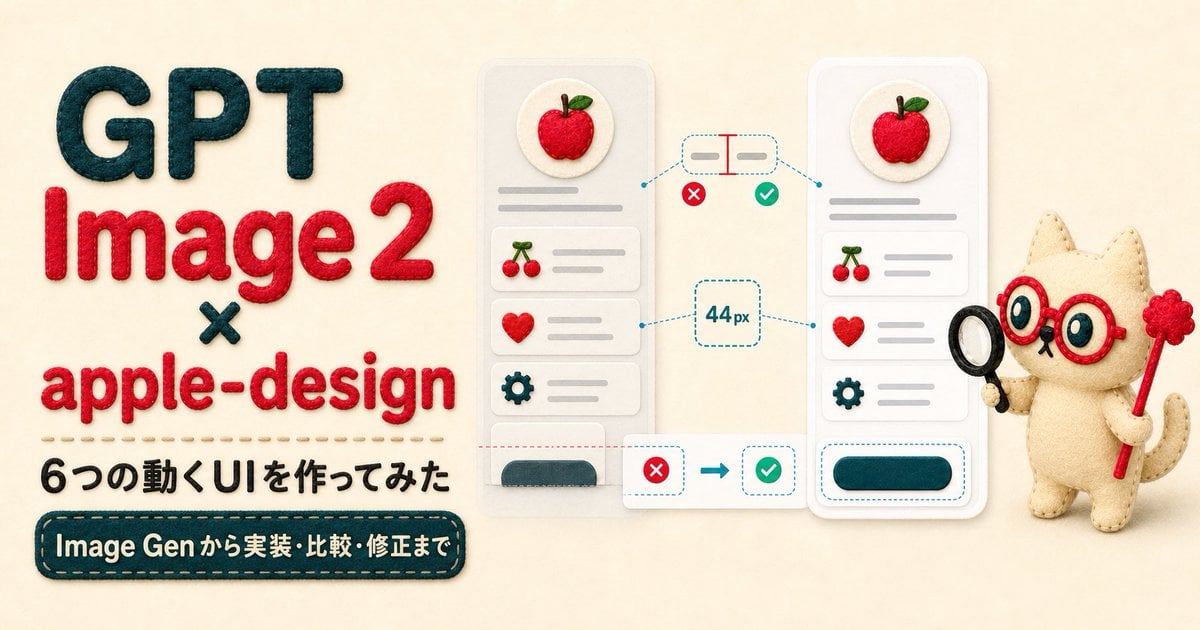
Felt GPT Image 2 Apple Design Banner
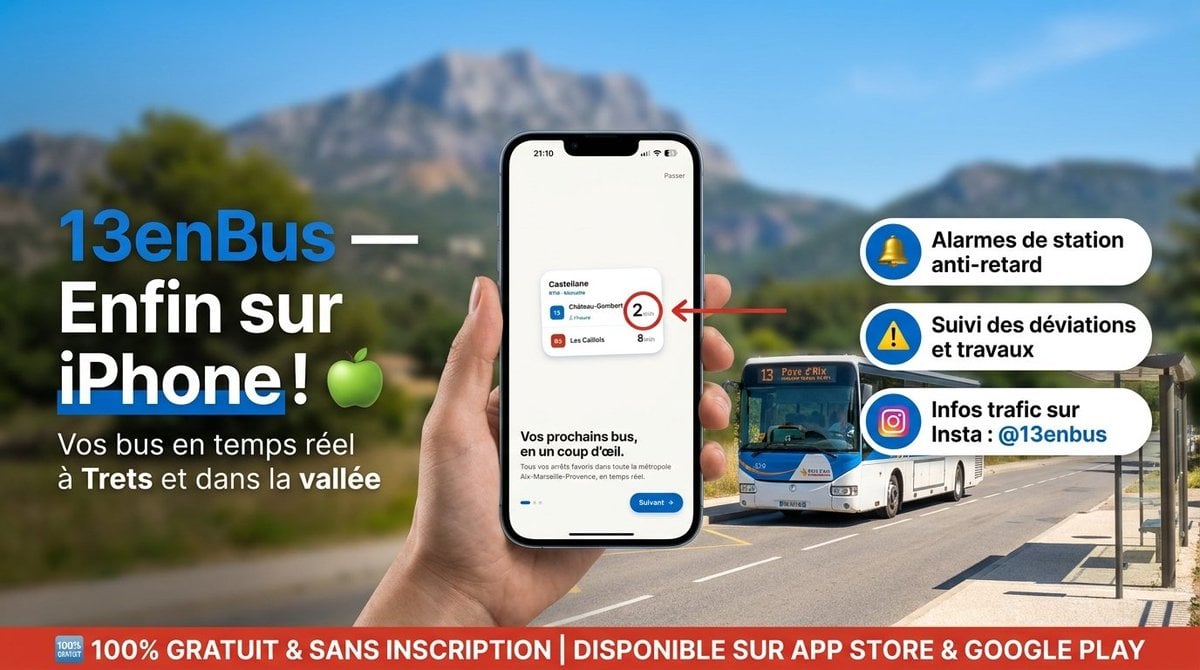
13enBus iPhone Launch Banner

ChatGPT Bonus Banner Screenshot

Futuristic Chrome Helmet Fashion Portrait

Futuristic Studio Neon Ring Minimalist Portrait
Futuristic Chrome Helmet Fashion Portrait
Futuristic Studio Neon Ring Minimalist Portrait

Black Liquid Cyberpunk Portrait Poster

Cyberpunk Neon Brazil World Cup Poster

Playful Futuristic Brand Kit Board
Make it yours
Futuristic GPT Image 2 Launch Banner works as-is. These are the safest ways to change it without losing the look.
Swap the setting
Keep the rest of the prompt and replace the location block. The current setting is “dark futuristic city-at-night bokeh with subtle skyscraper lights and atmospheri”.
Swap the light
One lighting change is enough to compare takes. Current light: “dramatic blue-violet glow, rim lighting, luminous particle trails, soft bloom, r”.
Change one field
Copy a single group, rewrite it, and generate again so you can see what that field is doing.
| If the result… | Why | Fix |
|---|---|---|
| The result drifts from the preview | Too many fields changed at once. | Reuse Futuristic GPT Image 2 Launch Banner as-is first, then change one group — subject, light, or setting. |
| GPT Image 2 ignores part of the JSON | Some models flatten or skip nested keys. | Keep the same values and paste them as a short paragraph instead. |
More GPT Image 2 templates
Other prompts made for GPT Image 2.

Six VTuber Japanese Logo Sheet

Realistic Portrait of Woman and Deer

The Vista Modular Condo Poster

AI Model Routing Comparison Infographic

2.5D Anime Art Board

Isometric Productivity Desk Scene

New York Double Exposure Poster

Four-Panel AI Landscape Comparison

Japanese Tatami Lifestyle Magazine Cover

NESCAFÉ Coffee Map Poster
More image prompts
Fresh picks from across the catalog.
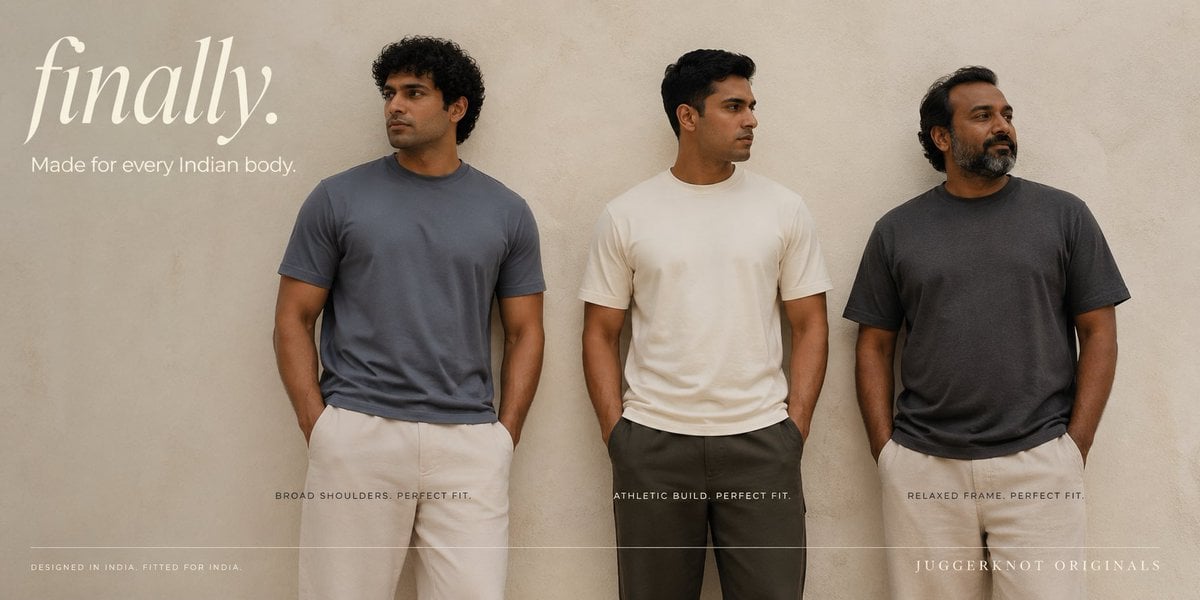
Inclusive Indian T-Shirt Brand Banner
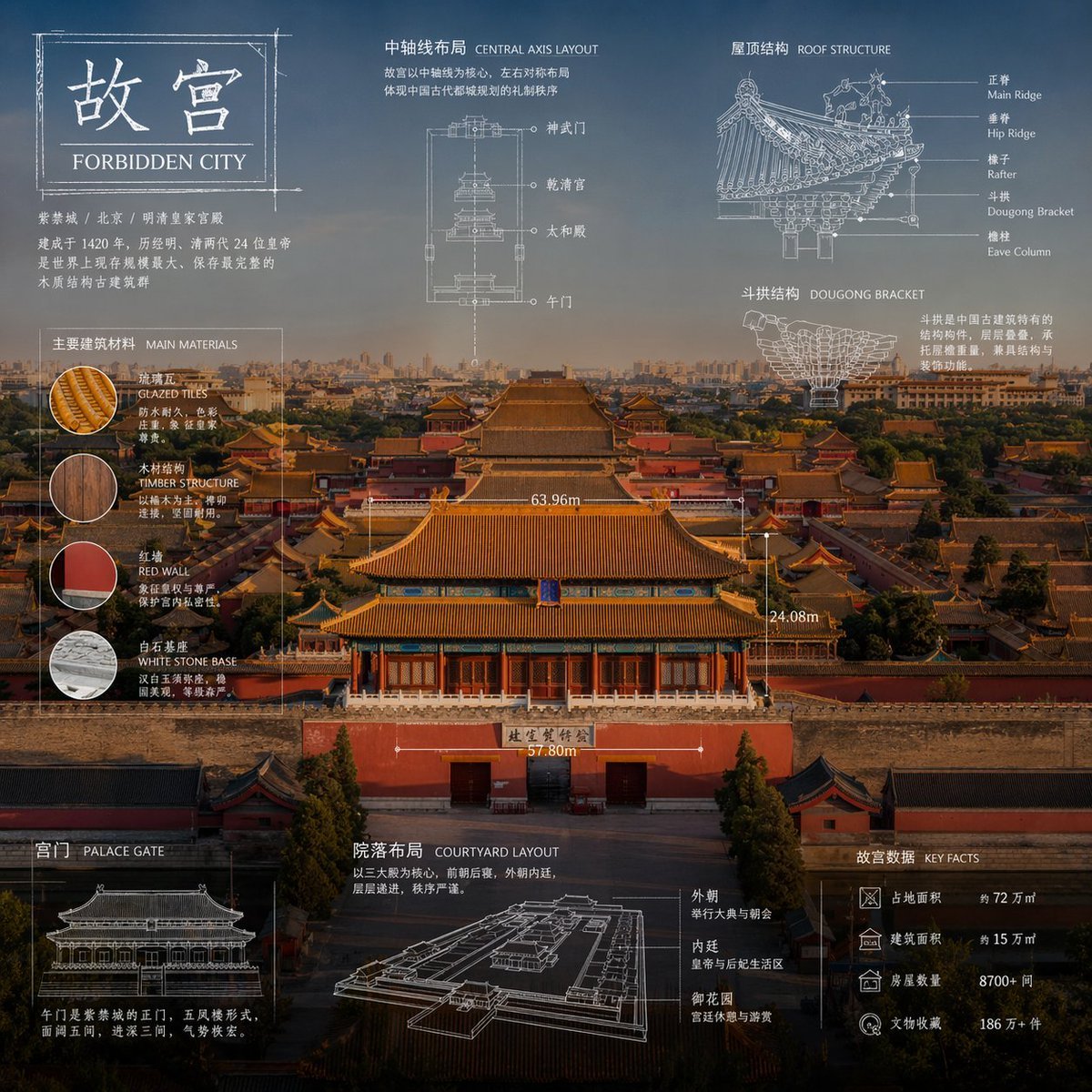
Technical Blueprint Infographic Style

Cosmic Catastrophe Blackout Scene
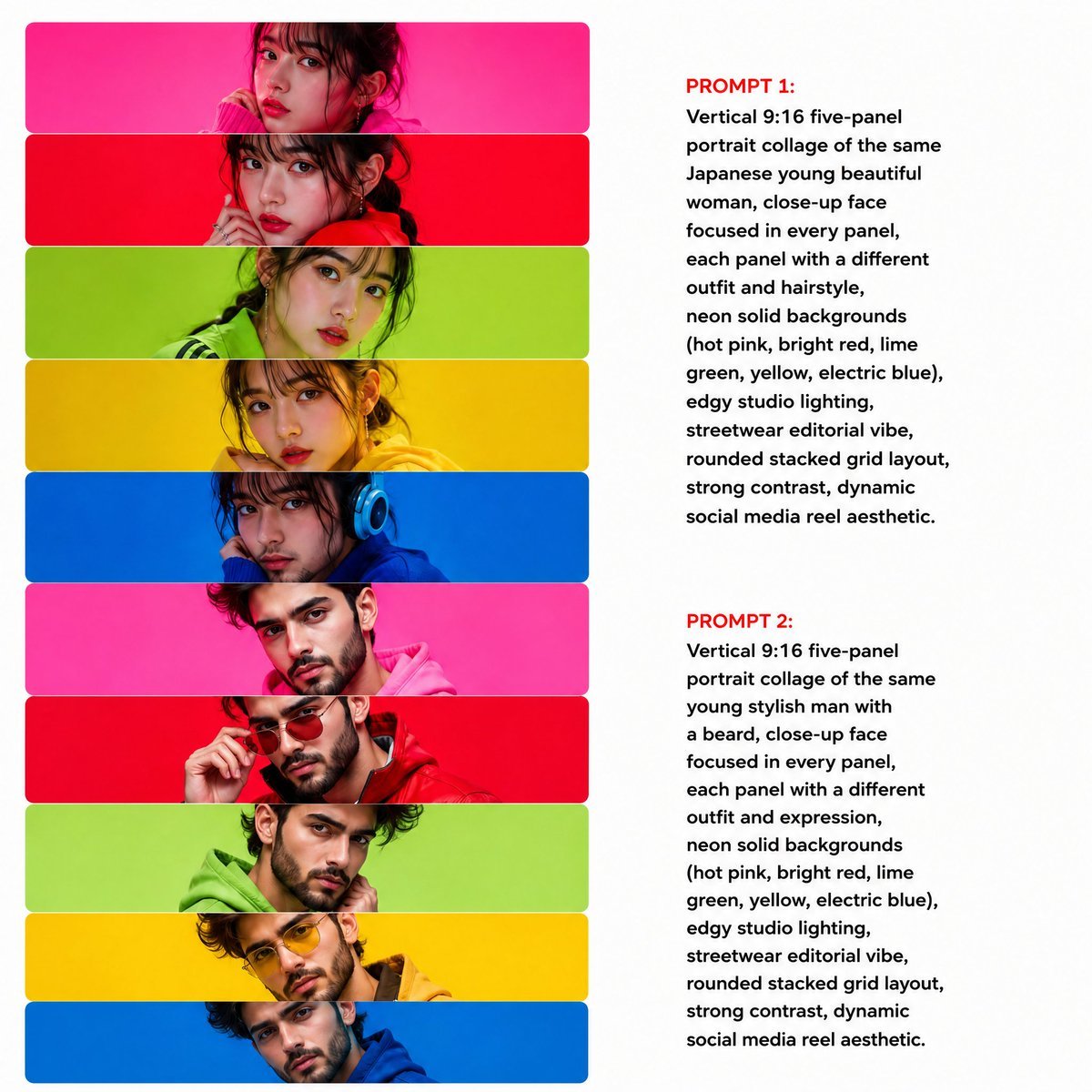
Neon Multi-Panel Fashion Collage
Furniture Assembly Manual Generator
Stylish Anthropomorphic Cat in Tracksuit
High-Fashion Urban Gangster Editorial Portrait
Triptych Composition Prompt for Abstract Fashion Editorial
3D Cartographic City Diorama
Dunhuang Mural Water Moon Guanyin
Browse template categories
Futuristic GPT Image 2 Launch Banner questions
How do I use the Futuristic GPT Image 2 Launch Banner template?
Add your photo if the template asks for one, edit the prompt if you like — the template's model and format are already selected — and press Generate. Your version opens in PicX Studio.
Can I customize the Futuristic GPT Image 2 Launch Banner template?
Yes. You can change the subject, setting, lighting, mood, format, and available model controls before creating your image.
Is the Futuristic GPT Image 2 Launch Banner template free?
Opening and editing this template is free. Generating uses credits, shown on the Generate button when you are signed in.
Which AI model should I use?
Start with GPT Image 2, which is the model associated with this template. You can compare another compatible model for a different finish.
Looking for something else? Browse all templates.

Your photo, any look
Thousands of ready templates for every top image and video model, from one credit balance.