
GPT-5.6 Japanese Launch Slide
A minimalist Japanese announcement slide for GPT-5.6 featuring Sol, Terra, and Luna as connected orbital model nodes.

- Prompt included
- Model and format preset
- Premium template
The prompt behind this image
Copy the exact prompt behind GPT-5.6 Japanese Launch Slide, or open it in the studio and make it yours.
Goal: Create a clean Japanese product announcement presentation slide for {argument name="product name" default="GPT-5.6"}, with a futuristic AI/model-family visual system. Canvas: 16:9 widescreen slide, white background, ample negative space, minimalist corporate tech style in navy blue and light blue. Use crisp vector graphics, subtle dotted orbital lines, and no photo texture. Layout: Left side contains the typography block; right side contains a connected orbital diagram of exactly 3 model circles. Keep the composition airy, with most content in the upper and middle portions and a small page number at bottom right. Text content: Main headline in very large bold navy Japanese text: “{argument name="headline text" default="GPT-5.6、ついに登場"}”. Under it, smaller bold black Japanese subtitle: “{argument name="subtitle text" default="答えるAIから、仕事を完成させるAIへ"}”. Below the subtitle on the left, add one small rounded rectangle date badge with thin blue outline and blue text: “{argument name="date text" default="2026.07"}”. Bottom-right page number: “01”. Diagram details: Show exactly 3 connected circular model nodes, arranged horizontally from largest to smallest: 1) a large dark navy “Sol” circle near center-right with a white radial dot/starburst icon above the label “Sol”, surrounded by multiple thin concentric orbit rings, dotted arcs, and small blue/teal nodes; 2) a medium blue “Terra” circle to its right, connected by a dotted line with small solid blue connector dots, containing a white globe icon above the label “Terra”, also surrounded by a few thin orbital rings; 3) a small pale blue “Luna” circle further right, connected the same way, containing a white crescent moon and small star icon above the label “Luna”, with thin rings around it. Visual style: Use deep navy for the headline and Sol node, medium cobalt for Terra, pale sky blue for Luna, and tiny teal accent dots. Typography should look like a modern Japanese sans-serif presentation deck, bold for the headline, clean and geometric for labels. Keep the orbital diagram precise, balanced, and technical, with thin strokes and small circular nodes. Constraints: Use exactly the three visible model labels Sol, Terra, and Luna; include exactly one date badge and one page number; do not add extra paragraphs, logos, watermarks, icons outside the described diagram, or decorative background patterns.
How to use GPT-5.6 Japanese Launch Slide in 3 steps
- 1Upload ImagePNG, JPG or paste
Add your photo
Upload the photo the template builds on. The prompt, model and format are already set.
- 2…a portrait of your subject in softgolden-hour light, 85mm…
Personalize
Edit the subject and creative details for your destination.
- 3Generate
Generate
Press Generate — your image is created in PicX Studio, so you can compare it with the original and refine one variable at a time.
More like this
Templates with the same subject, style or setup. Open one to see its prompt.

Minecraft Japanese Research Lab Exploration
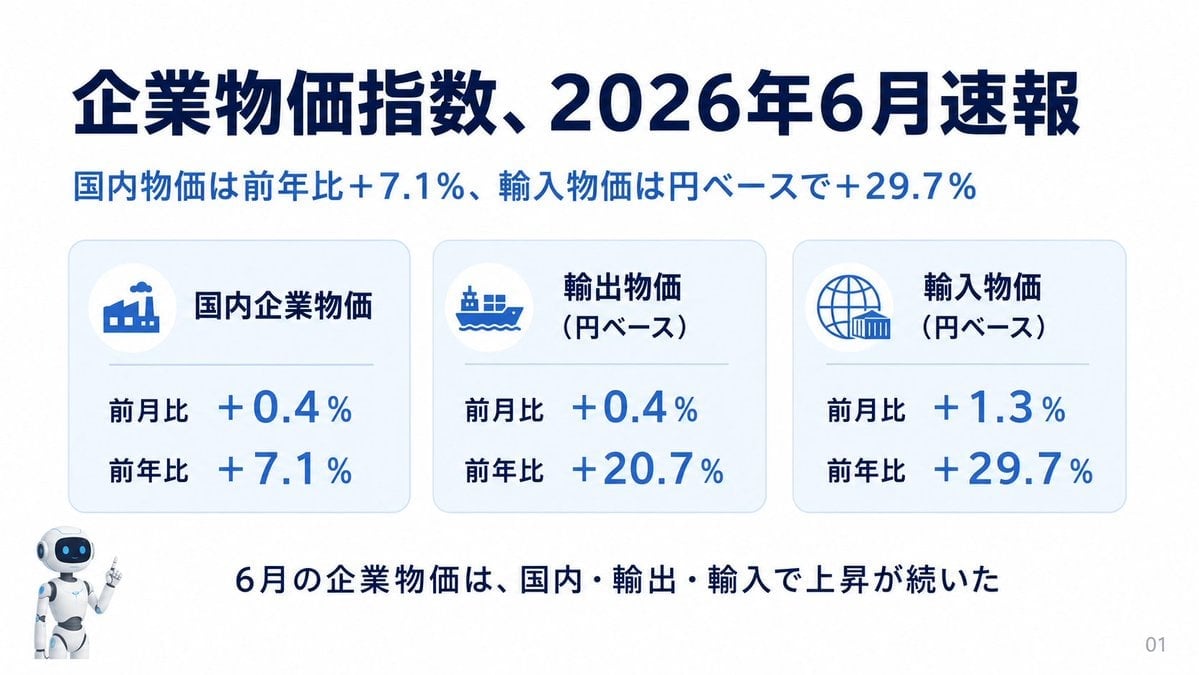
Japanese Corporate Price Index Slide
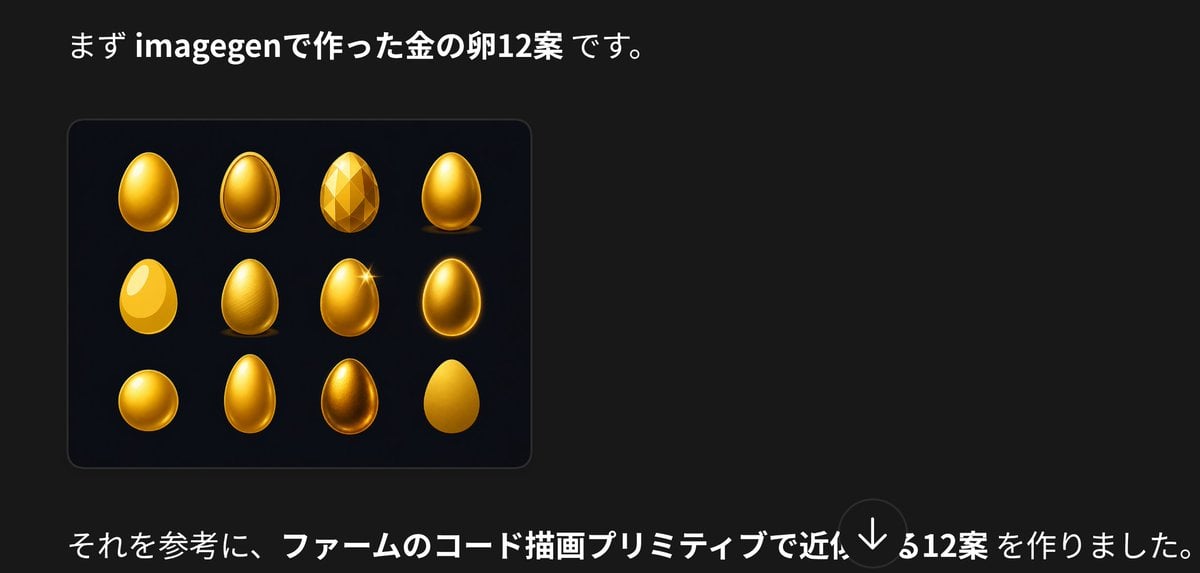
Japanese Golden Egg Design Slide

Japanese Architectural Concrete Studio Fashion Campaign

Japanese Minimalist Concrete Studio Fashion Editorial

Blue Backdrop Luxury Fashion Portrait Campaign
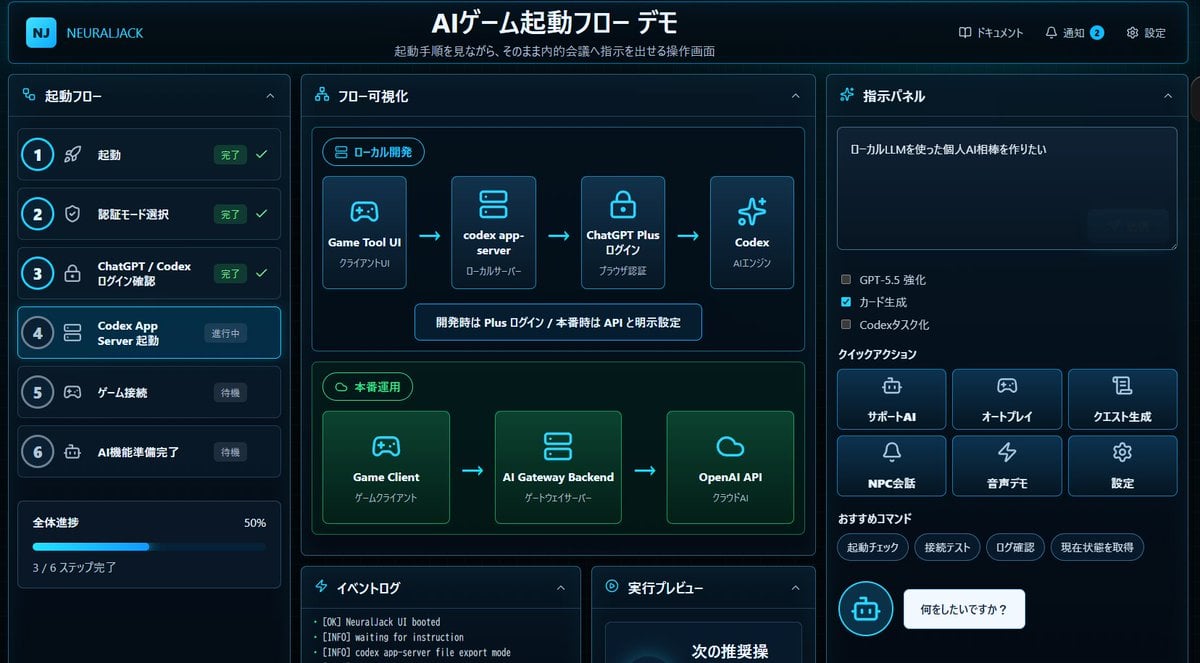
Japanese AI Game Launch Dashboard
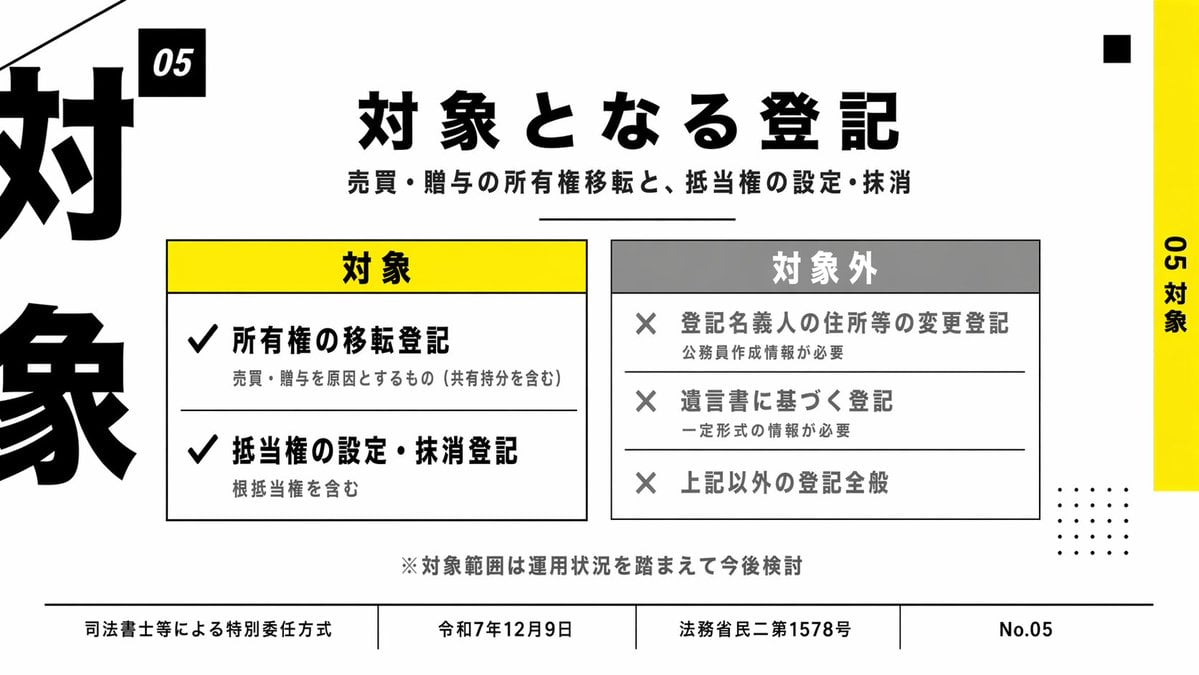
Japanese Corporate Scope Slide

Japanese AI Case Study Slide
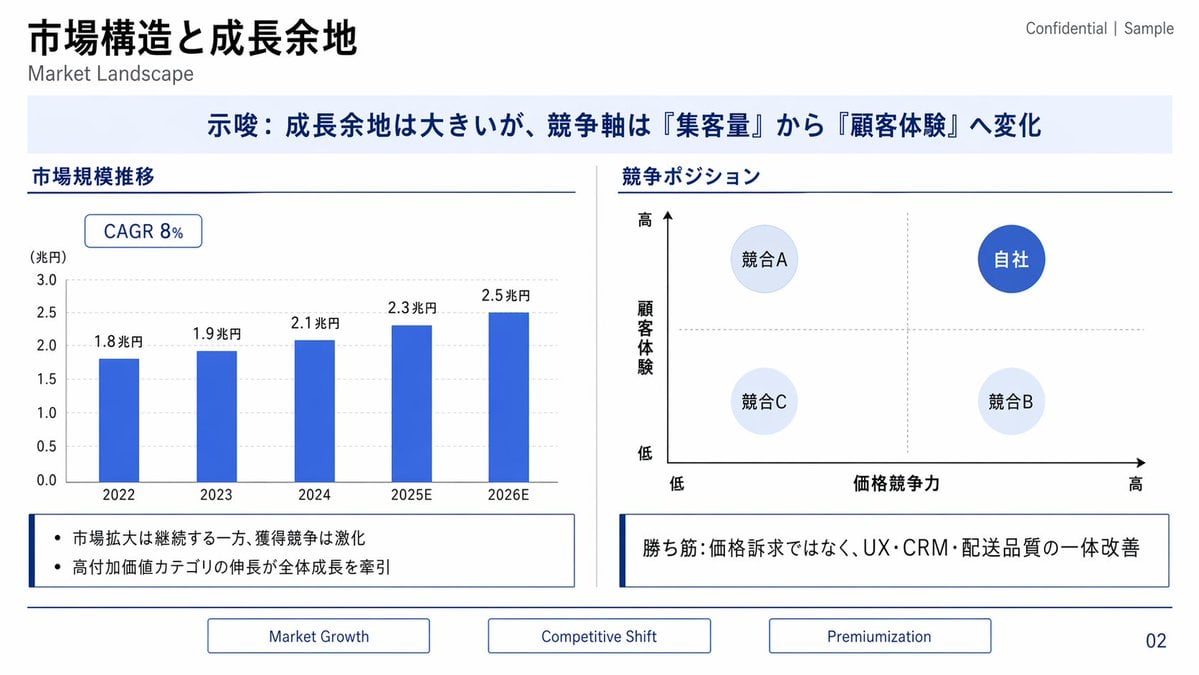
Japanese Market Landscape Slide
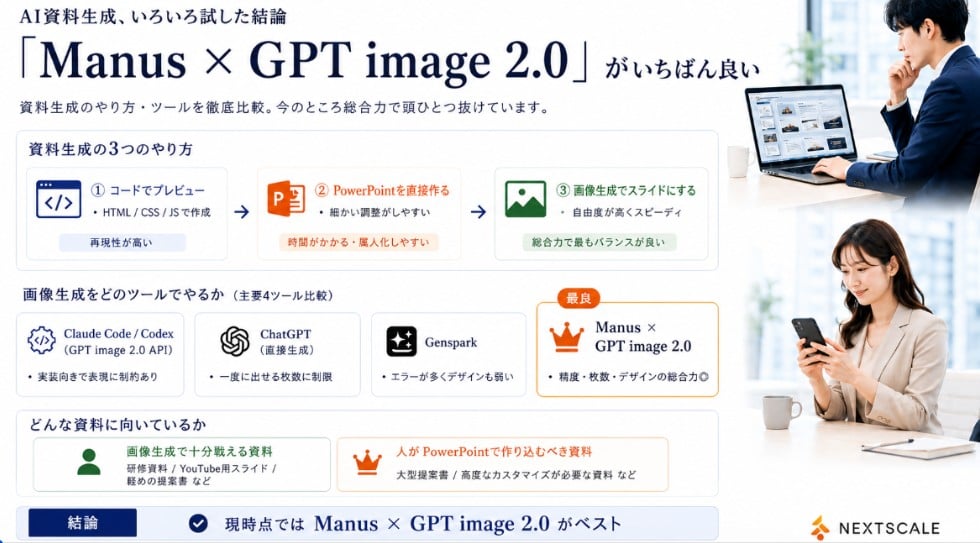
Manus GPT Image 2.0 Comparison Slide
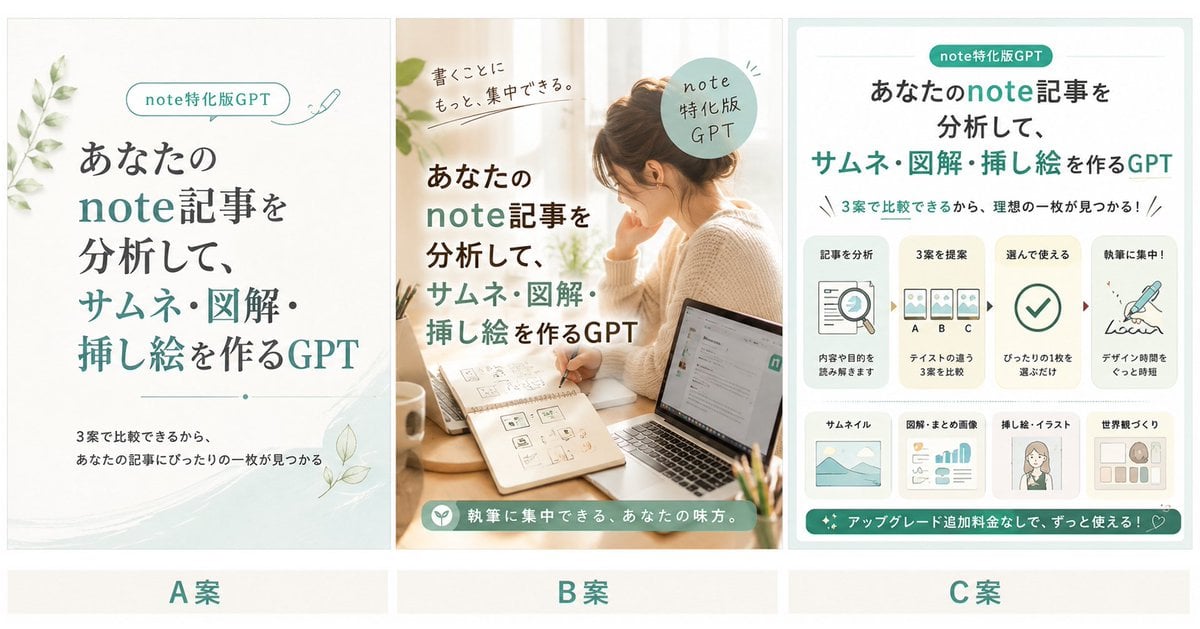
Three Japanese Note GPT Cover Proposals
Make it yours
GPT-5.6 Japanese Launch Slide works as-is. These are the safest ways to change it without losing the look.
Change one field
Copy a single group, rewrite it, and generate again so you can see what that field is doing.
Keep the frame, change the subject
Hold the composition and light of GPT-5.6 Japanese Launch Slide, then swap wardrobe, props or the person for a new take.
| If the result… | Why | Fix |
|---|---|---|
| The result drifts from the preview | Too many fields changed at once. | Reuse GPT-5.6 Japanese Launch Slide as-is first, then change one group — subject, light, or setting. |
| The model over-stylizes the scene | The prose prompt leaves finish and camera underspecified. | Add one camera or lighting sentence and stay on GPT Image 2. |
More GPT Image 2 templates
Other prompts made for GPT Image 2.

Six VTuber Japanese Logo Sheet

Realistic Portrait of Woman and Deer

The Vista Modular Condo Poster

AI Model Routing Comparison Infographic

2.5D Anime Art Board

Isometric Productivity Desk Scene

New York Double Exposure Poster

Four-Panel AI Landscape Comparison

Japanese Tatami Lifestyle Magazine Cover

NESCAFÉ Coffee Map Poster
More image prompts
Fresh picks from across the catalog.
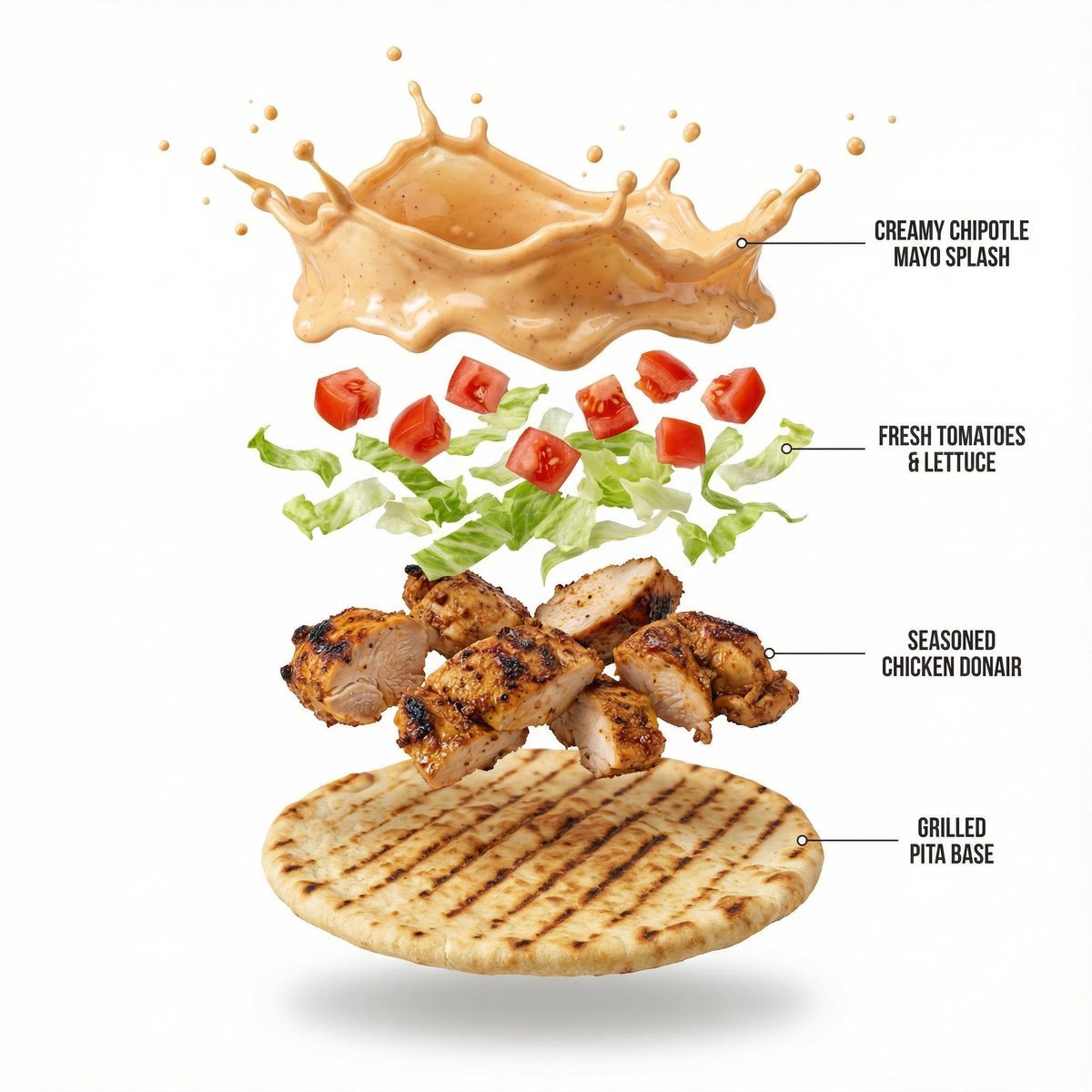
Shawarma Product Photography and Exploded Infographic
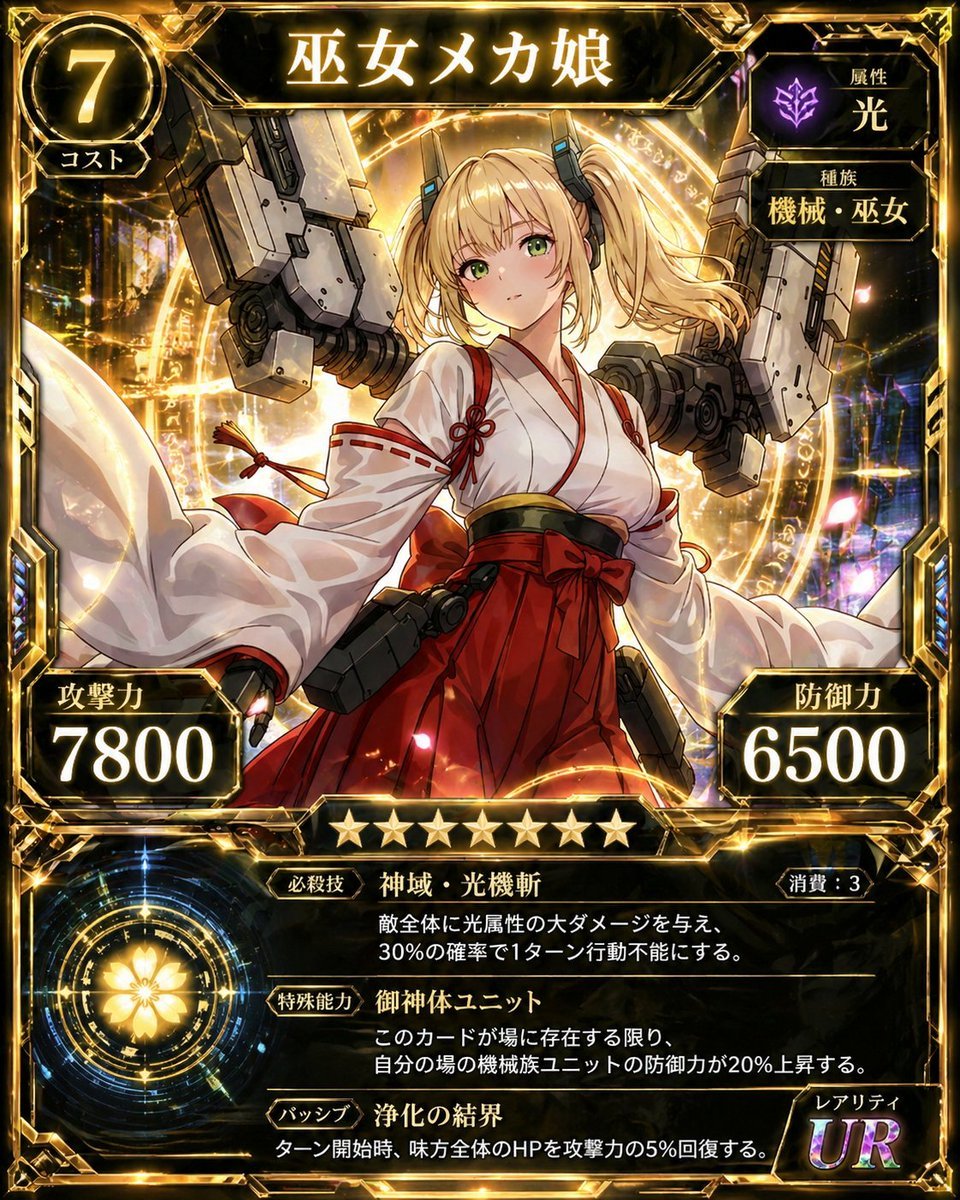
Ultra Rare Miko Mecha Card
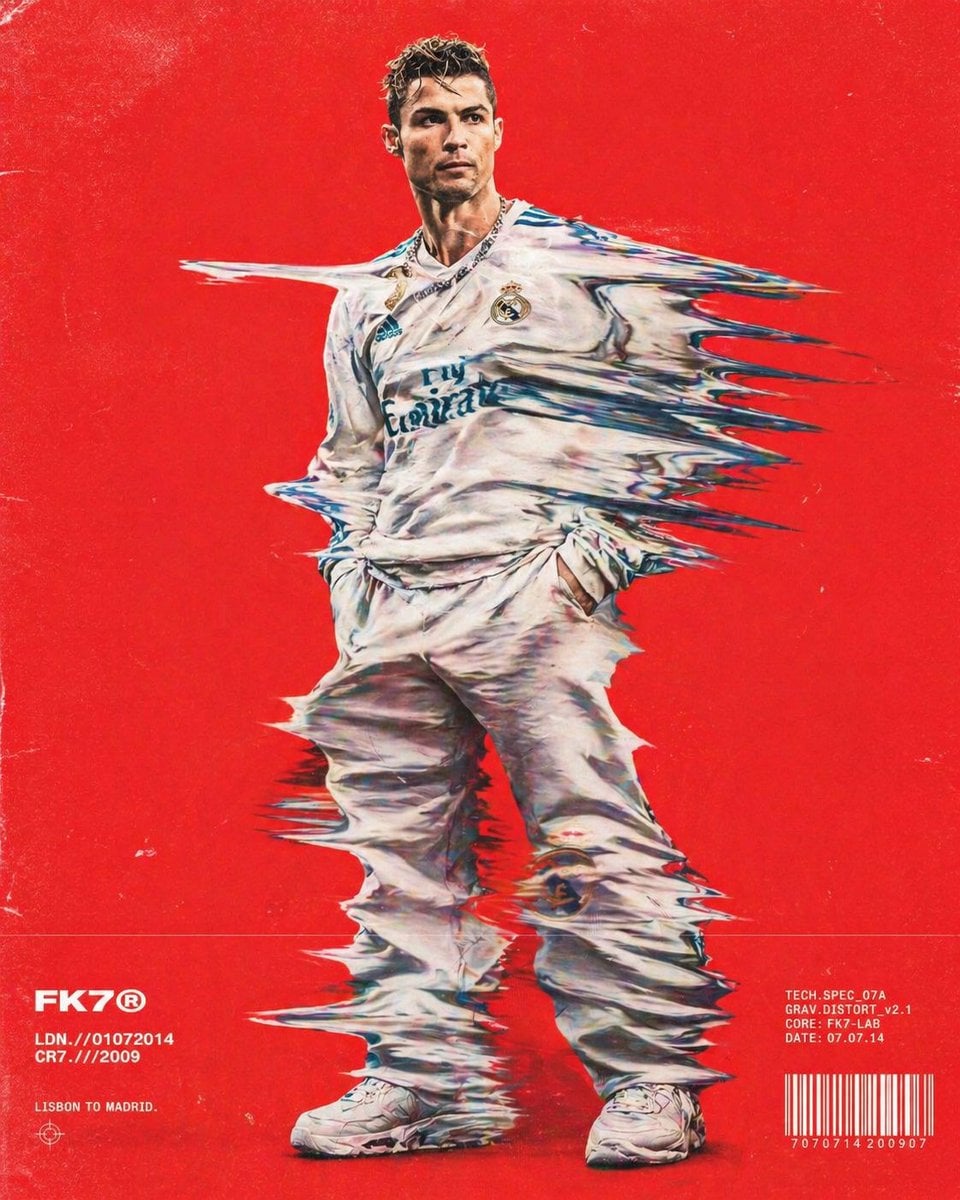
Distorted hip-hop fashion model prompt
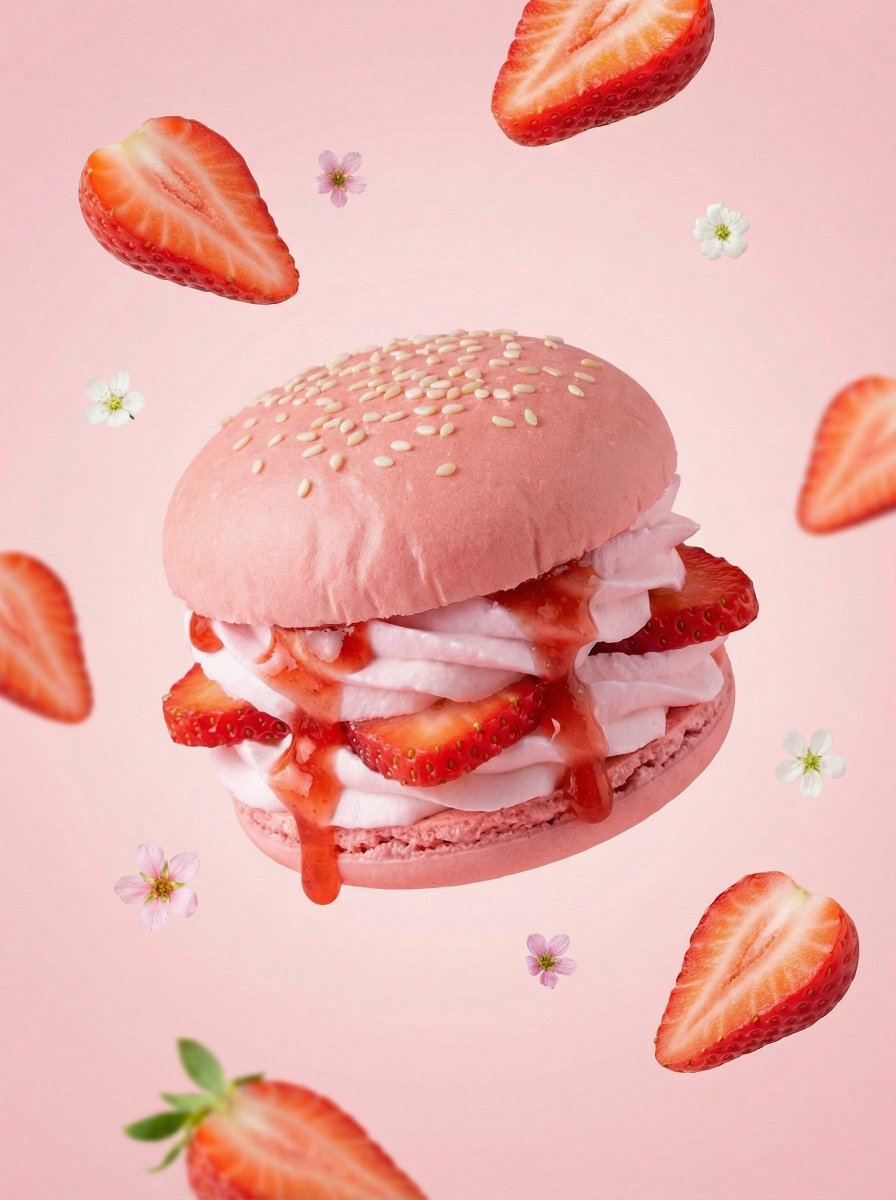
Hyper-Realistic Fruit Dessert Burger
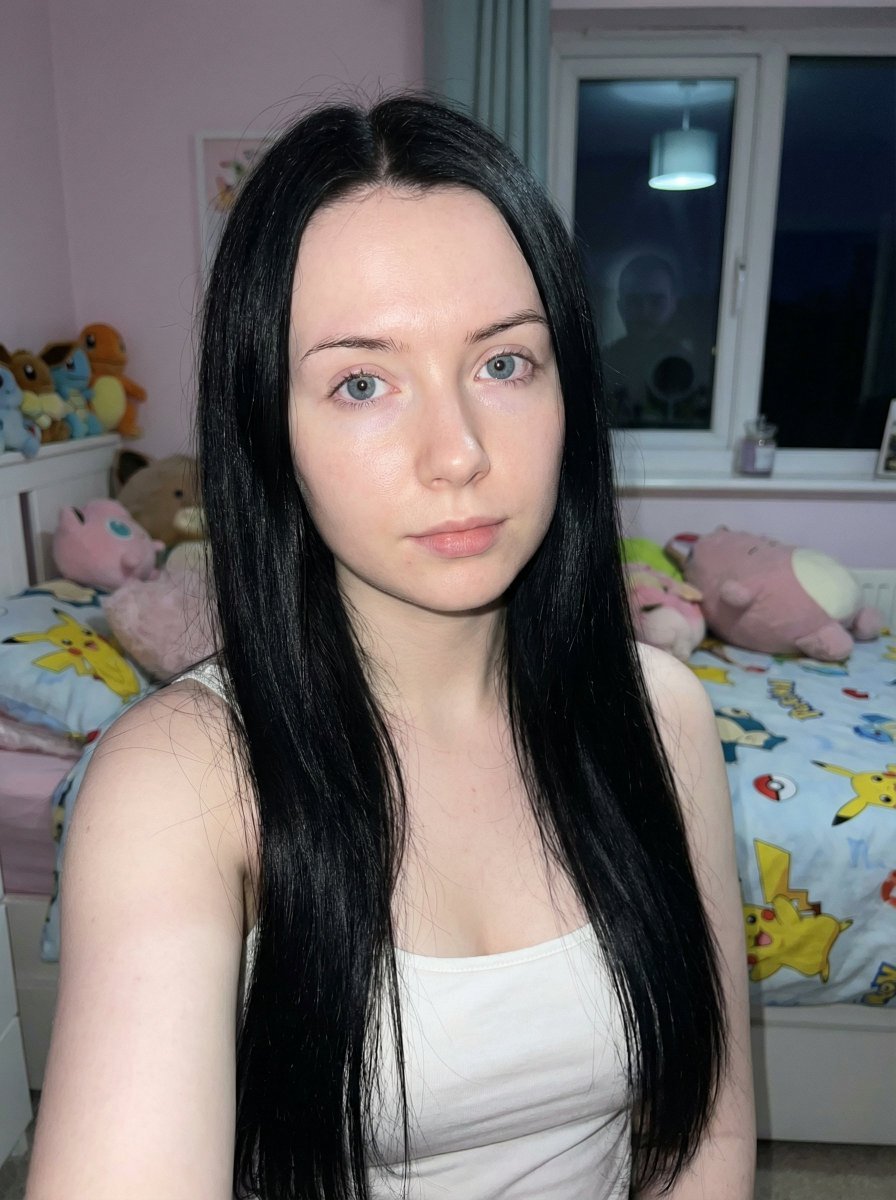
Psychological Horror Selfie with Distant Anomaly

Golden Hour Picnic Lifestyle Editorial Prompt

High-End Interior Portrait on a Marble Vanity

Harajuku Kawaii Pop Idol
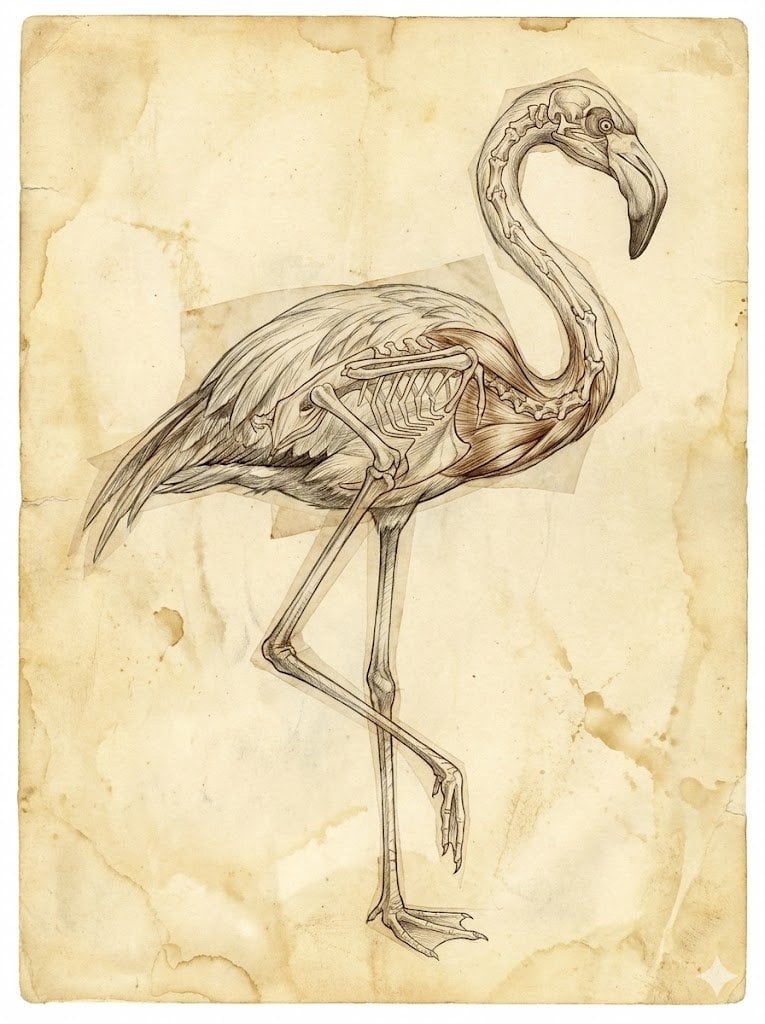
Renaissance Anatomical Study of a Flamingo
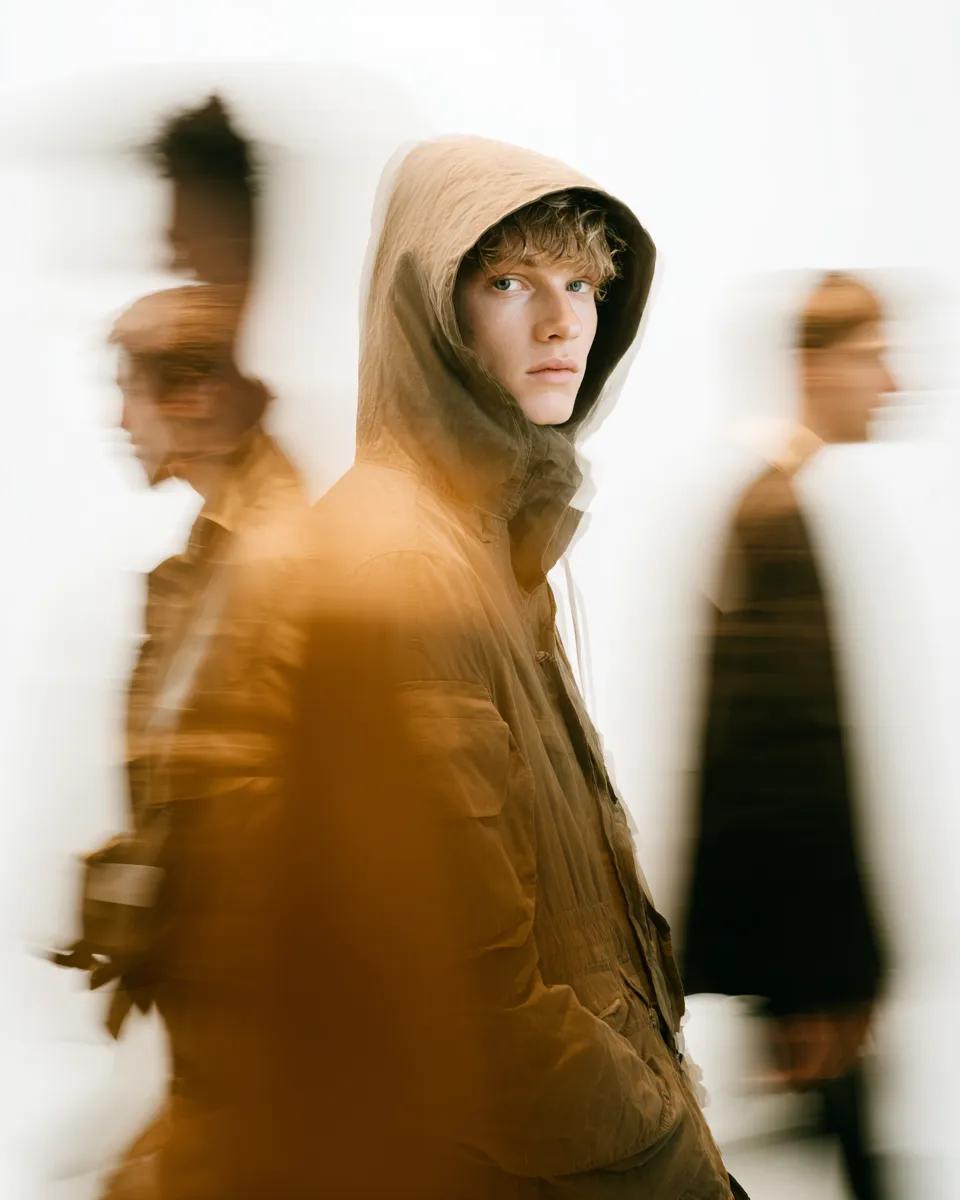
High Fashion Pictorial with Motion Blur
Browse template categories
GPT-5.6 Japanese Launch Slide questions
How do I use the GPT-5.6 Japanese Launch Slide template?
Add your photo if the template asks for one, edit the prompt if you like — the template's model and format are already selected — and press Generate. Your version opens in PicX Studio.
Can I customize the GPT-5.6 Japanese Launch Slide template?
Yes. You can change the subject, setting, lighting, mood, format, and available model controls before creating your image.
Is the GPT-5.6 Japanese Launch Slide template free?
Opening and editing this template is free. Generating uses credits, shown on the Generate button when you are signed in.
Which AI model should I use?
Start with GPT Image 2, which is the model associated with this template. You can compare another compatible model for a different finish.
Looking for something else? Browse all templates.

Your photo, any look
Thousands of ready templates for every top image and video model, from one credit balance.