
Ultra Rare Miko Mecha Card
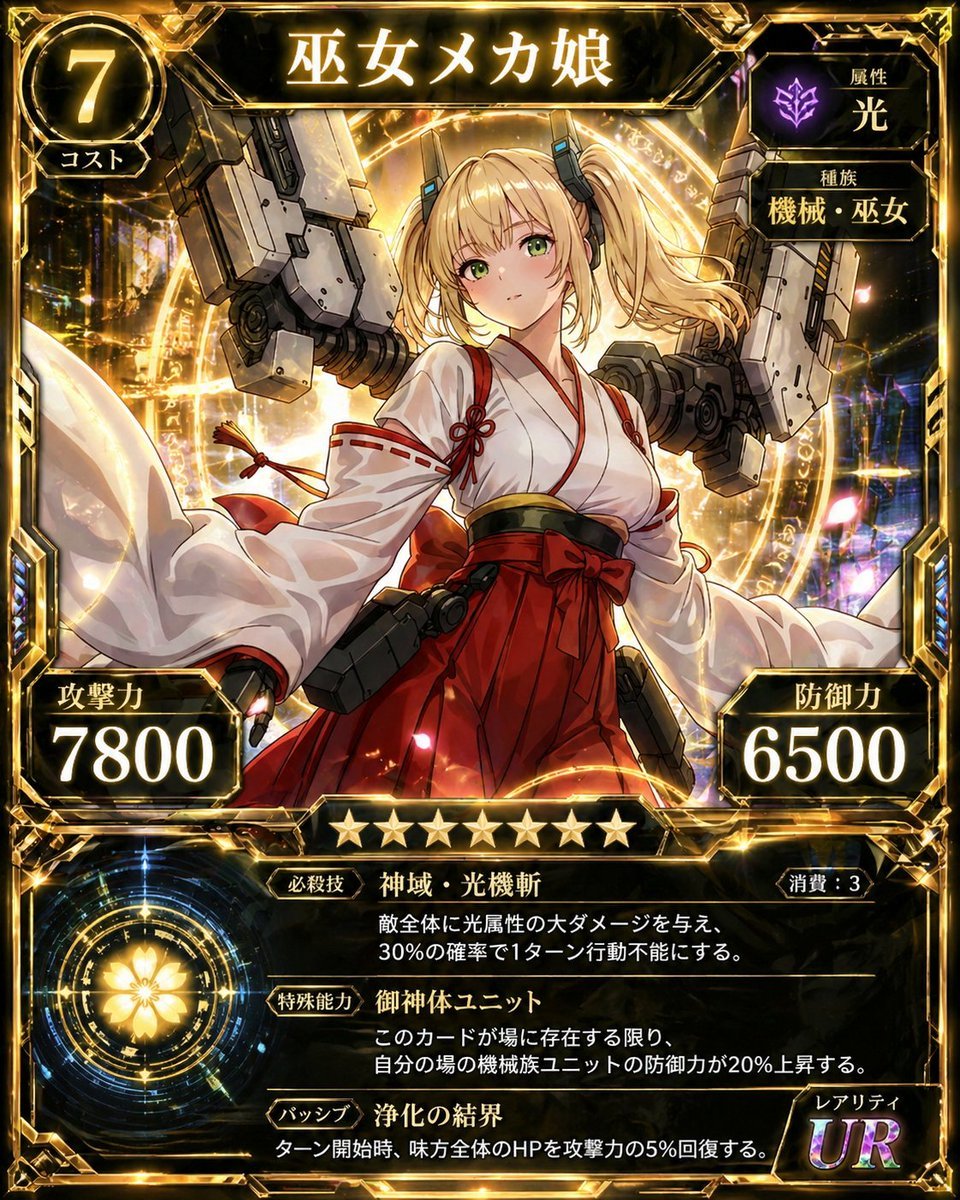
Generates a detailed Japanese fantasy sci-fi trading card featuring a shrine maiden mecha girl with stats, abilities, rarity, and ornate gold UI framing.
- Prompt included
- Model and format preset
- Free template
The prompt behind this image
Copy the exact prompt behind Ultra Rare Miko Mecha Card, or open it in the studio and make it yours.
- Type
- ornate anime trading card illustration
- Language
- Japanese visible text
- Overall Style
- high-detail fantasy sci-fi mobile game card, black and polished gold frame, glowing lens flares, holographic rainbow reflections, dramatic lighting, premium ultra-rare collectible card look
- Card Title
- {argument name="card title" default="巫女メカ娘"}
- Main Character › Description
- young anime shrine maiden mecha girl centered in a heroic three-quarter pose, face covered by a plain skin-tone square censor block with no facial features visible
- Main Character › Hair
- {argument name="hair color" default="blonde"} twin tails with soft curls, long side locks, small black mechanical hair attachments
- Main Character › Outfit
- white miko kimono top with very wide flowing sleeves, red trim and red cord knots, high-waisted red hakama skirt, black and gold obi belt, red bow at the waist
- Main Character › Equipment
- large gray mechanical armature and weapon-like robotic shoulder units rising behind both sides of her body, dark mechanical holster modules at the hips
- Main Character › Pose
- arms extended outward with sleeves billowing, torso facing forward, confident card-hero composition
- Background › Setting
- golden magical summoning circle behind the character, luminous runes and rings, abstract futuristic city-like lights, sparks, petals, and prismatic bokeh
- Background › Color Palette
- black, gold, white, crimson red, gray metal, purple accents
- Layout › Top › Count
- 3
- Layout › Top › Elements › 0 › Position
- top left circular badge
- Layout › Top › Elements › 0 › Text
- 7
- Layout › Top › Elements › 0 › Subtext
- コスト
- Layout › Top › Elements › 0 › Meaning
- cost value
- Layout › Top › Elements › 1 › Position
- top center title plaque
- Layout › Top › Elements › 1 › Text
- 巫女メカ娘
- Layout › Top › Elements › 2 › Position
- top right stacked attribute boxes
- Layout › Top › Elements › 2 › Count
- 2
- Layout › Top › Elements › 2 › Labels
- 属性 光, 種族 機械・巫女
- Layout › Top › Elements › 2 › Icon
- purple glowing emblem above the light attribute
- Layout › Middle › Count
- 2
- Layout › Middle › Elements › 0 › Position
- lower left stat box
Raw JSON
{"type":"ornate anime trading card illustration","language":"Japanese visible text","overall_style":"high-detail fantasy sci-fi mobile game card, black and polished gold frame, glowing lens flares, holographic rainbow reflections, dramatic lighting, premium ultra-rare collectible card look","card_title":"{argument name=\"card title\" default=\"巫女メカ娘\"}","main_character":{"description":"young anime shrine maiden mecha girl centered in a heroic three-quarter pose, face covered by a plain skin-tone square censor block with no facial features visible","hair":"{argument name=\"hair color\" default=\"blonde\"} twin tails with soft curls, long side locks, small black mechanical hair attachments","outfit":"white miko kimono top with very wide flowing sleeves, red trim and red cord knots, high-waisted red hakama skirt, black and gold obi belt, red bow at the waist","equipment":"large gray mechanical armature and weapon-like robotic shoulder units rising behind both sides of her body, dark mechanical holster modules at the hips","pose":"arms extended outward with sleeves billowing, torso facing forward, confident card-hero composition"},"background":{"setting":"golden magical summoning circle behind the character, luminous runes and rings, abstract futuristic city-like lights, sparks, petals, and prismatic bokeh","color_palette":"black, gold, white, crimson red, gray metal, purple accents"},"layout":{"top":{"count":3,"elements":[{"position":"top left circular badge","text":"7","subtext":"コスト","meaning":"cost value"},{"position":"top center title plaque","text":"巫女メカ娘"},{"position":"top right stacked attribute boxes","count":2,"labels":["属性 光","種族 機械・巫女"],"icon":"purple glowing emblem above the light attribute"}]},"middle":{"count":2,"elements":[{"position":"lower left stat box","label":"攻撃力","value":"{argument name=\"attack value\" default=\"7800\"}"},{"position":"lower right stat box","label":"防御力","value":"{argument name=\"defense value\" default=\"6500\"}"}]},"rarity_and_stars":{"position":"center below illustration","star_count":9,"description":"nine gold stars in a row","rarity_box":{"position":"bottom right","label":"レアリティ","value":"UR","style":"large iridescent purple-gold letters"}},"ability_panel":{"position":"bottom black text panel with gold dividers","section_count":3,"sections":[{"label":"必殺技","name":"神域・光機斬","cost_label":"消費:3","description":"敵全体に光属性の大ダメージを与え、30%の確率で1ターン行動不能にする。"},{"label":"特殊能力","name":"御神体ユニット","description":"このカードが場に存在する限り、自分の場の機械族ユニットの防御力が20%上昇する。"},{"label":"パッシブ","name":"浄化の結界","description":"ターン開始時、味方全体のHPを攻撃力の05%回復する。"}]},"bottom_left_emblem":{"count":1,"description":"circular glowing golden flower crest inside concentric sci-fi magic rings"}},"border":"elaborate beveled gold-and-black frame with angular corners, metallic panels, decorative blue side gems, bright glints and highlights","rendering_instructions":"make all Japanese text sharp, legible, and correctly placed; preserve the exact labels and numbers; square card aspect ratio; extremely detailed anime illustration with collectible card UI overlays"}How to use Ultra Rare Miko Mecha Card in 3 steps
- 1Upload ImagePNG, JPG or paste
Add your photo
Upload the photo the template builds on. The prompt, model and format are already set.
- 2…a portrait of your subject in softgolden-hour light, 85mm…
Personalize
Edit the subject and creative details for your destination.
- 3Generate
Generate
Press Generate — your image is created in PicX Studio, so you can compare it with the original and refine one variable at a time.
More like this
Templates with the same subject, style or setup. Open one to see its prompt.
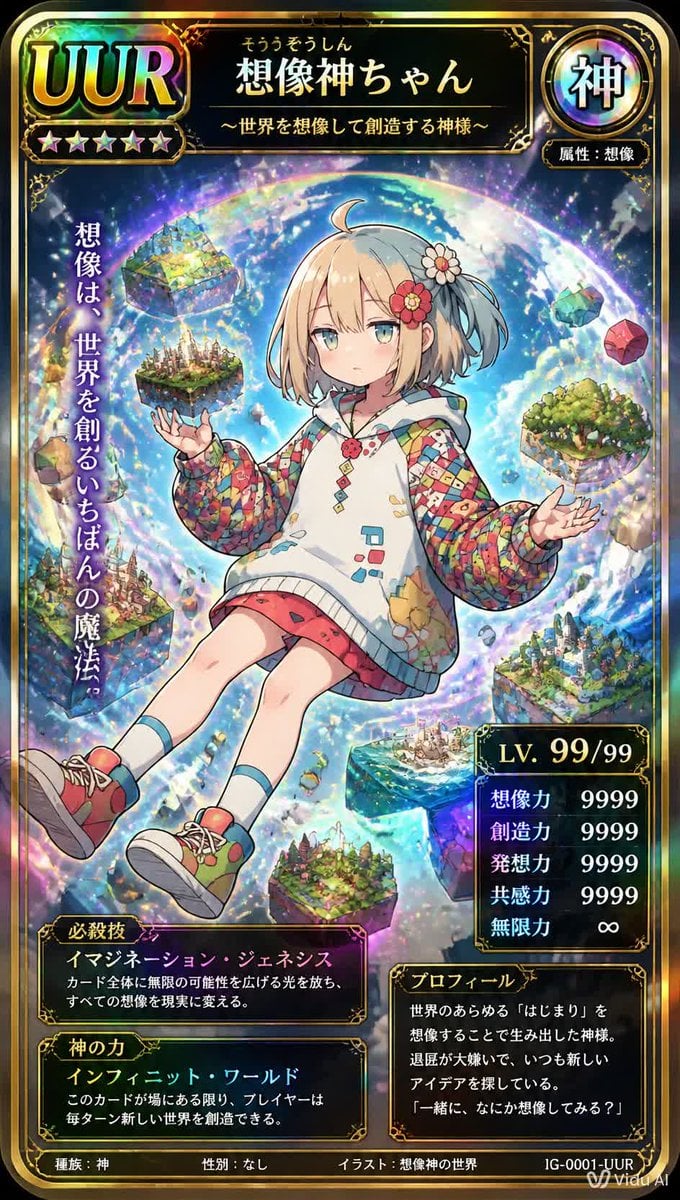
Ultra Rare Imagination God TCG Card
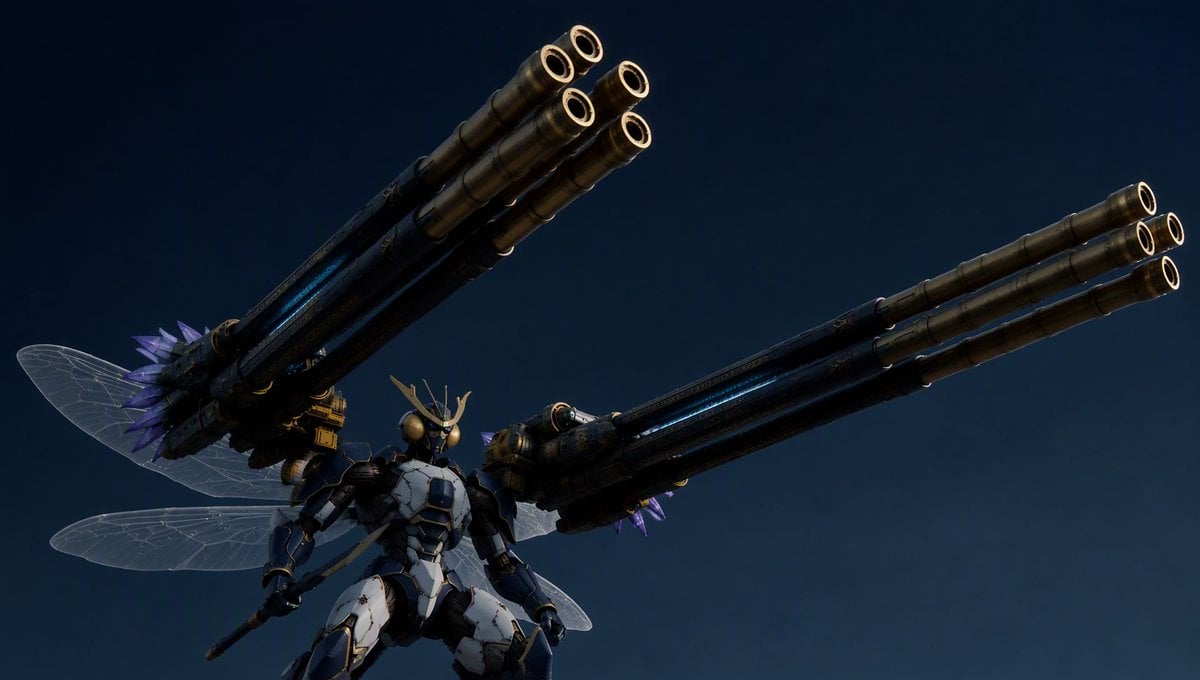
Insect Mecha Cannon Attack

Teal Japanese Handwritten Lyric Card

Reiwa Slang Reaction Gacha Card
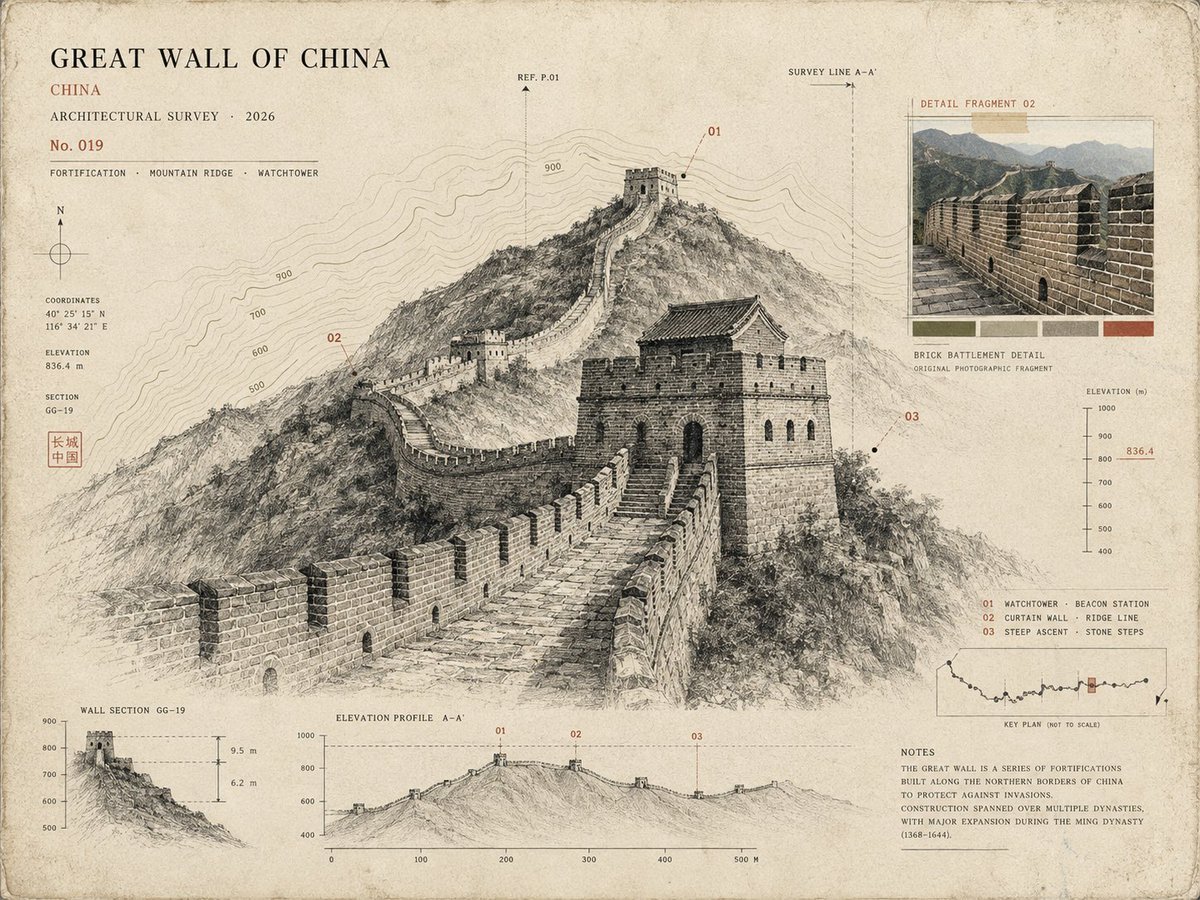
Architectural Museum Specimen Card
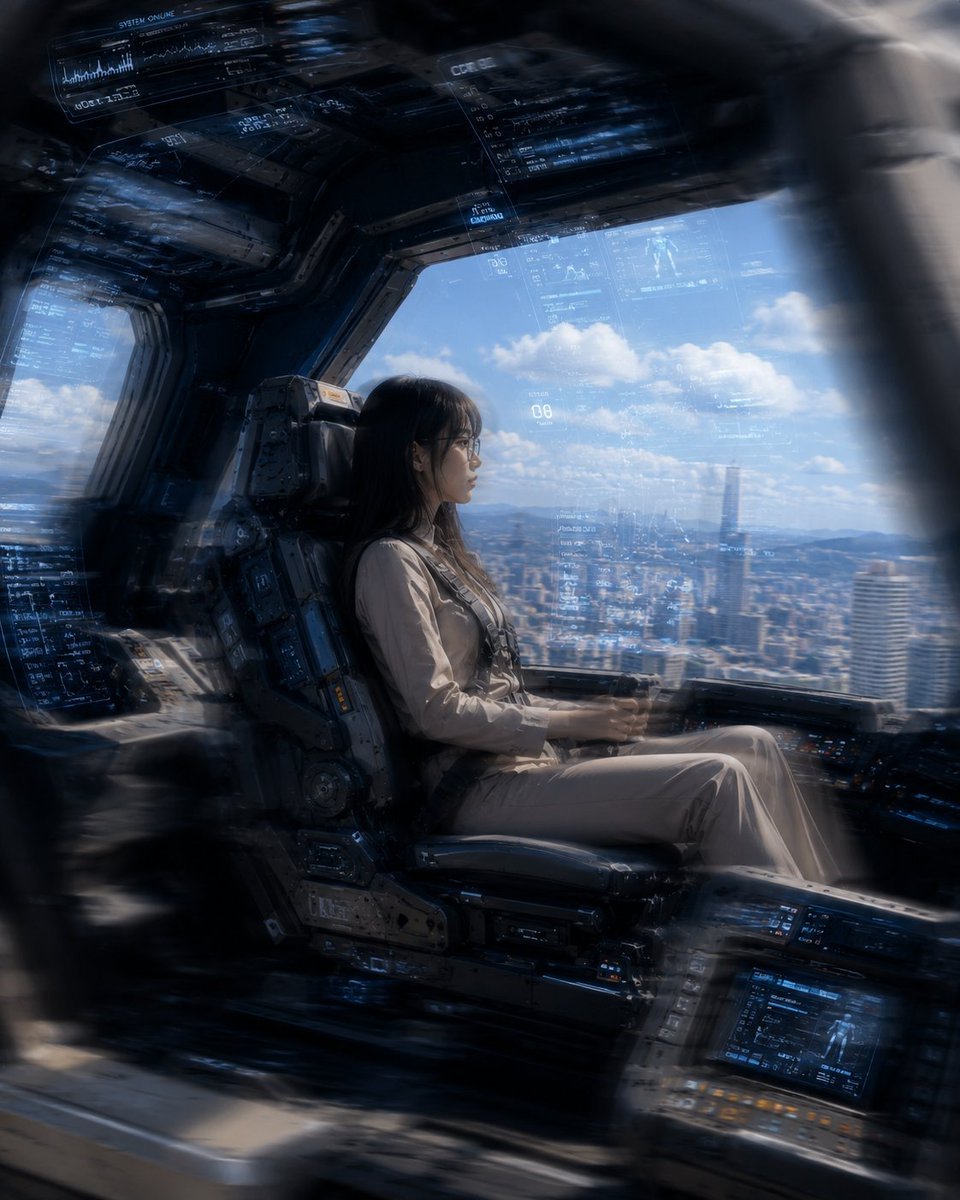
Mecha Cockpit Pilot Scene

Gothic Mecha Sword Warrior

Subway Good Vibes App Card Portrait
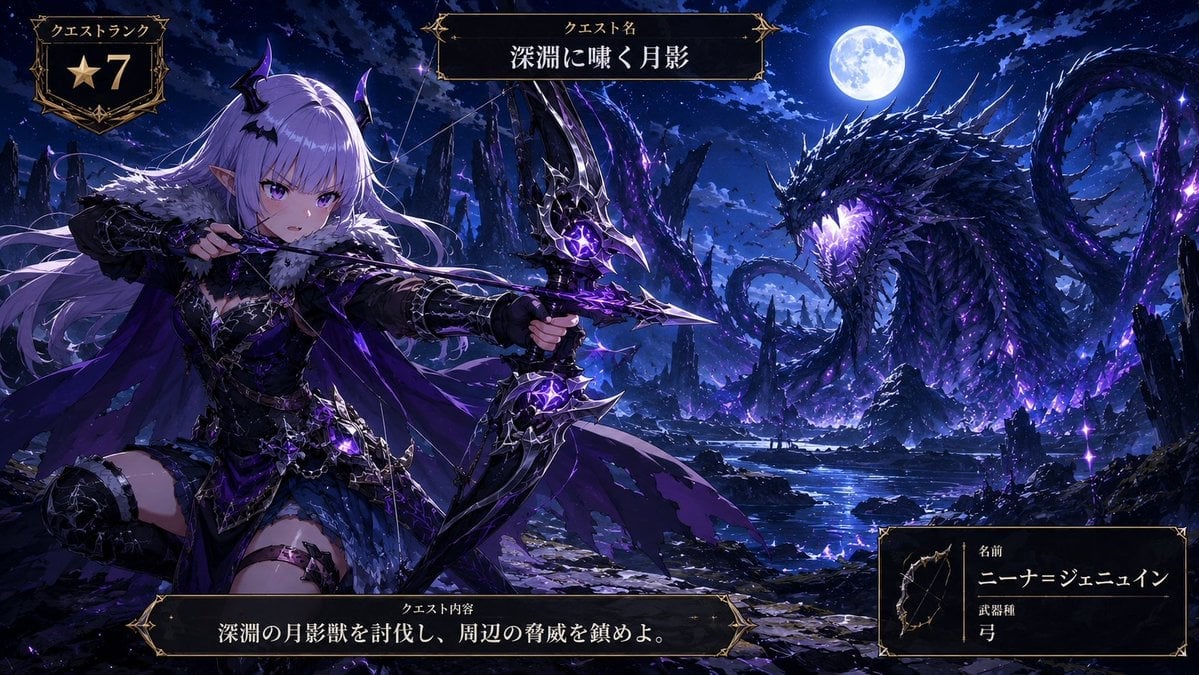
Anime Monster Hunter Quest Card
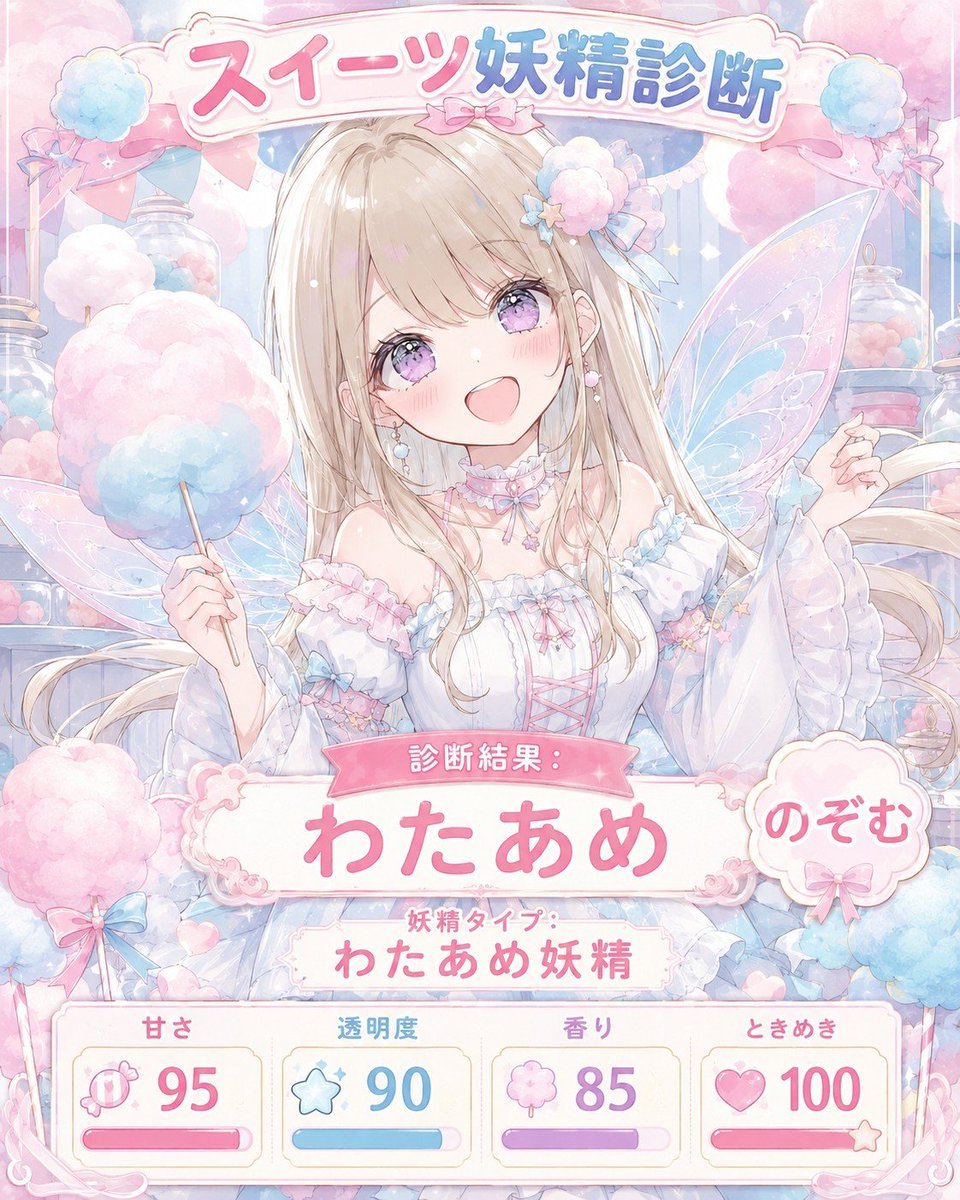
Pastel Sweets Fairy Diagnosis Card
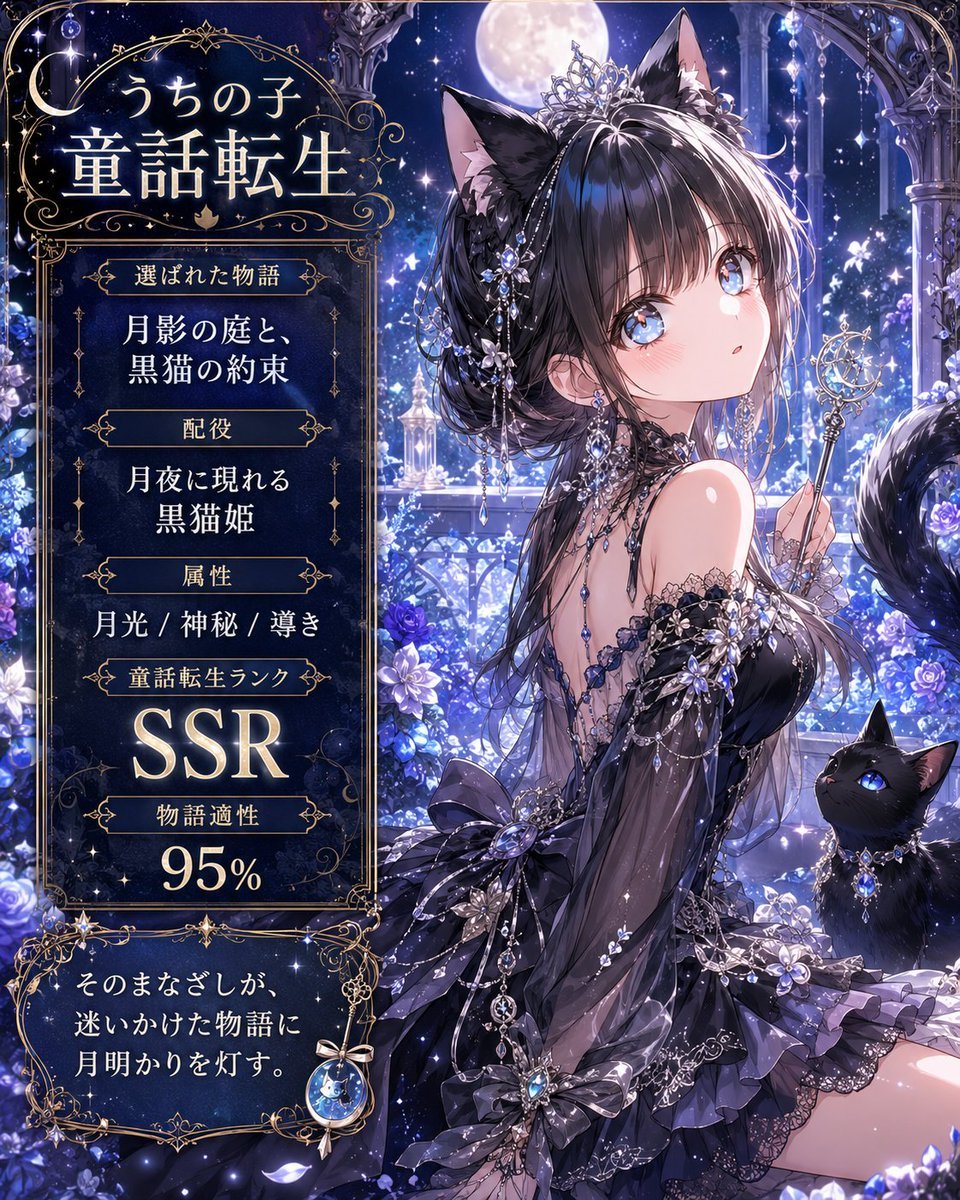
Moonlit Cat Princess Fairy-Tale Card
Sakura Divinity Tarot Card
Make it yours
Ultra Rare Miko Mecha Card works as-is. These are the safest ways to change it without losing the look.
Swap the setting
Keep the rest of the prompt and replace the location block. The current setting is “golden magical summoning circle behind the character, luminous runes and rings, ”.
Change one field
Copy a single group, rewrite it, and generate again so you can see what that field is doing.
Keep the frame, change the subject
Hold the composition and light of Ultra Rare Miko Mecha Card, then swap wardrobe, props or the person for a new take.
| If the result… | Why | Fix |
|---|---|---|
| The result drifts from the preview | Too many fields changed at once. | Reuse Ultra Rare Miko Mecha Card as-is first, then change one group — subject, light, or setting. |
| GPT Image 2 ignores part of the JSON | Some models flatten or skip nested keys. | Keep the same values and paste them as a short paragraph instead. |
More GPT Image 2 templates
Other prompts made for GPT Image 2.

Six VTuber Japanese Logo Sheet

Realistic Portrait of Woman and Deer

The Vista Modular Condo Poster

AI Model Routing Comparison Infographic

2.5D Anime Art Board

Isometric Productivity Desk Scene

New York Double Exposure Poster

Four-Panel AI Landscape Comparison

Japanese Tatami Lifestyle Magazine Cover

NESCAFÉ Coffee Map Poster
More image prompts
Fresh picks from across the catalog.
Studio Editorial Fashion Portrait
Cinematic Black and White Photo of Woman with Guitar and Pigeons
Elegant Wuxia Swordsman Design Sheet

Extreme Foreshortening Portrait with Feet in Foreground
Blue-Haired Festival Portrait
Royal Golden Cobra Emblem

Photorealistic Fenerbahçe Jersey Portrait on a Yacht

Photorealistic Modern Country Cowgirl Portrait
Street Art Rebel Magazine Cover
Cinematic Character Design Sheet
Browse template categories
Ultra Rare Miko Mecha Card questions
How do I use the Ultra Rare Miko Mecha Card template?
Add your photo if the template asks for one, edit the prompt if you like — the template's model and format are already selected — and press Generate. Your version opens in PicX Studio.
Can I customize the Ultra Rare Miko Mecha Card template?
Yes. You can change the subject, setting, lighting, mood, format, and available model controls before creating your image.
Is the Ultra Rare Miko Mecha Card template free?
Opening and editing this template is free. Generating uses credits, shown on the Generate button when you are signed in.
Which AI model should I use?
Start with GPT Image 2, which is the model associated with this template. You can compare another compatible model for a different finish.
Looking for something else? Browse all templates.

Your photo, any look
Thousands of ready templates for every top image and video model, from one credit balance.