
Mecha Cockpit Pilot Scene
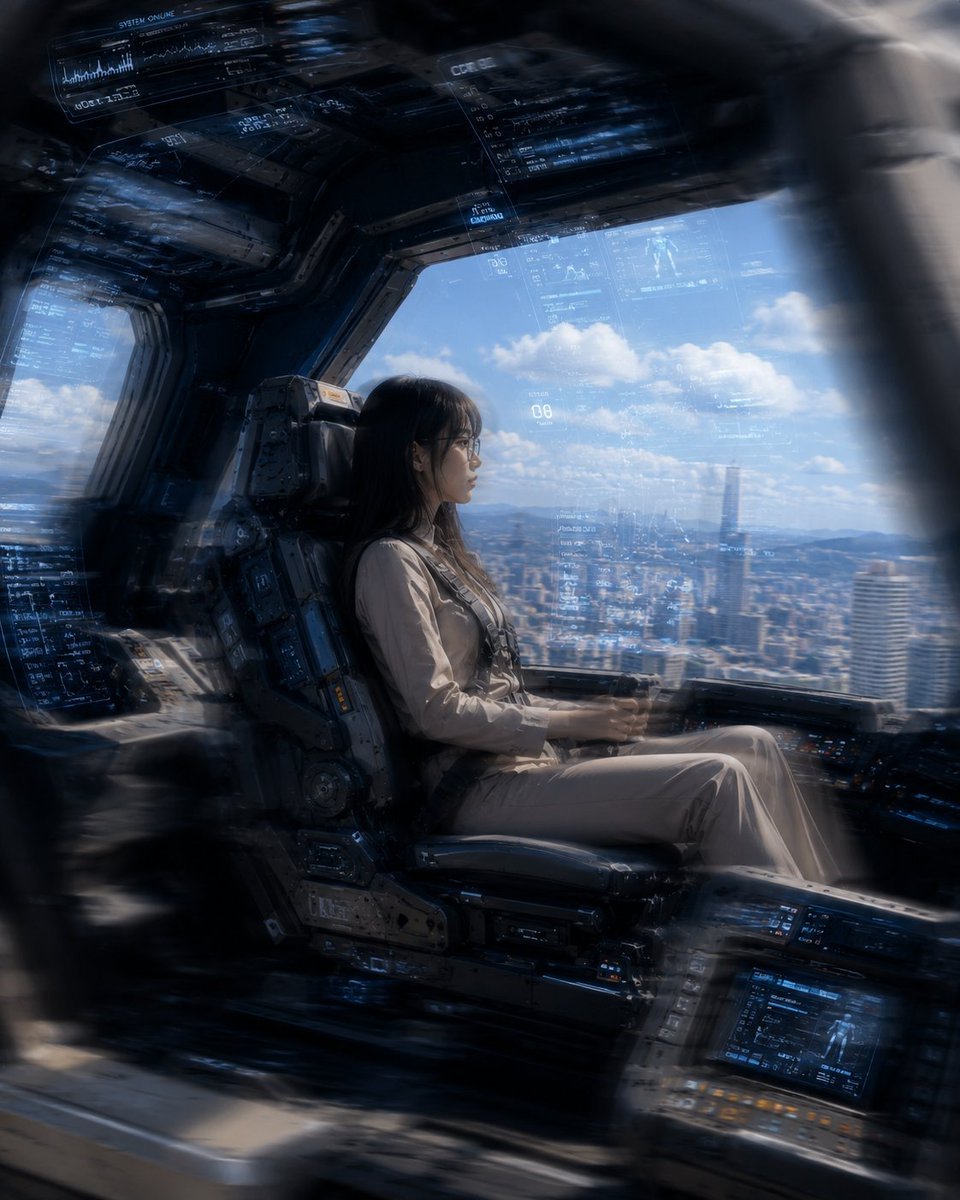
A cinematic photorealistic image of a female pilot inside a giant robot cockpit overlooking a futuristic city, useful for sci-fi concept art.
- Prompt included
- Model and format preset
- Free template
The prompt behind this image
Copy the exact prompt behind Mecha Cockpit Pilot Scene, or open it in the studio and make it yours.
Create a cinematic photorealistic science-fiction cockpit scene from inside a giant robot or advanced mecha, showing {argument name="pilot description" default="a young East Asian woman with long black hair and thin glasses"} seated in profile in a heavy armored pilot chair. She wears {argument name="pilot outfit" default="a beige futuristic flight suit with subtle harness straps"}, sitting calmly with hands on low cockpit controls, looking out through a large panoramic window. The cockpit is dark, metallic, industrial, and densely detailed, with thick black-gray structural frames, worn mechanical panels, bolts, rails, embedded control consoles, and blue glowing holographic HUD overlays floating across the windshield and ceiling. Include exactly 5 visible major HUD/interface areas: 1 large translucent blue diagnostic panel along the upper left ceiling, 1 narrow data column near the top center, 1 broad transparent navigation overlay across the main window, 1 dense blue data panel on the left side wall, and 1 illuminated console screen at the lower right. Outside the window is {argument name="outside view" default="a bright daytime futuristic city skyline with tall towers, distant mountains, blue sky, and scattered white clouds"}. Use a strong contrast between the shadowy cockpit interior and bright daylight outside, with realistic reflections on glass, atmospheric haze, volumetric light, shallow depth of field, and slight motion blur or radial blur around the edges as if the viewer is looking through a curved cockpit frame. Composition is horizontal-to-square cinematic framing, pilot centered slightly left, window view filling the right half, ultra-detailed, high realism, dramatic scale, no extra characters, no logos, no readable brand text.
How to use Mecha Cockpit Pilot Scene in 3 steps
- 1Upload ImagePNG, JPG or paste
Add your photo
Upload the photo the template builds on. The prompt, model and format are already set.
- 2…a portrait of your subject in softgolden-hour light, 85mm…
Personalize
Edit the subject and creative details for your destination.
- 3Generate
Generate
Press Generate — your image is created in PicX Studio, so you can compare it with the original and refine one variable at a time.
More like this
Templates with the same subject, style or setup. Open one to see its prompt.
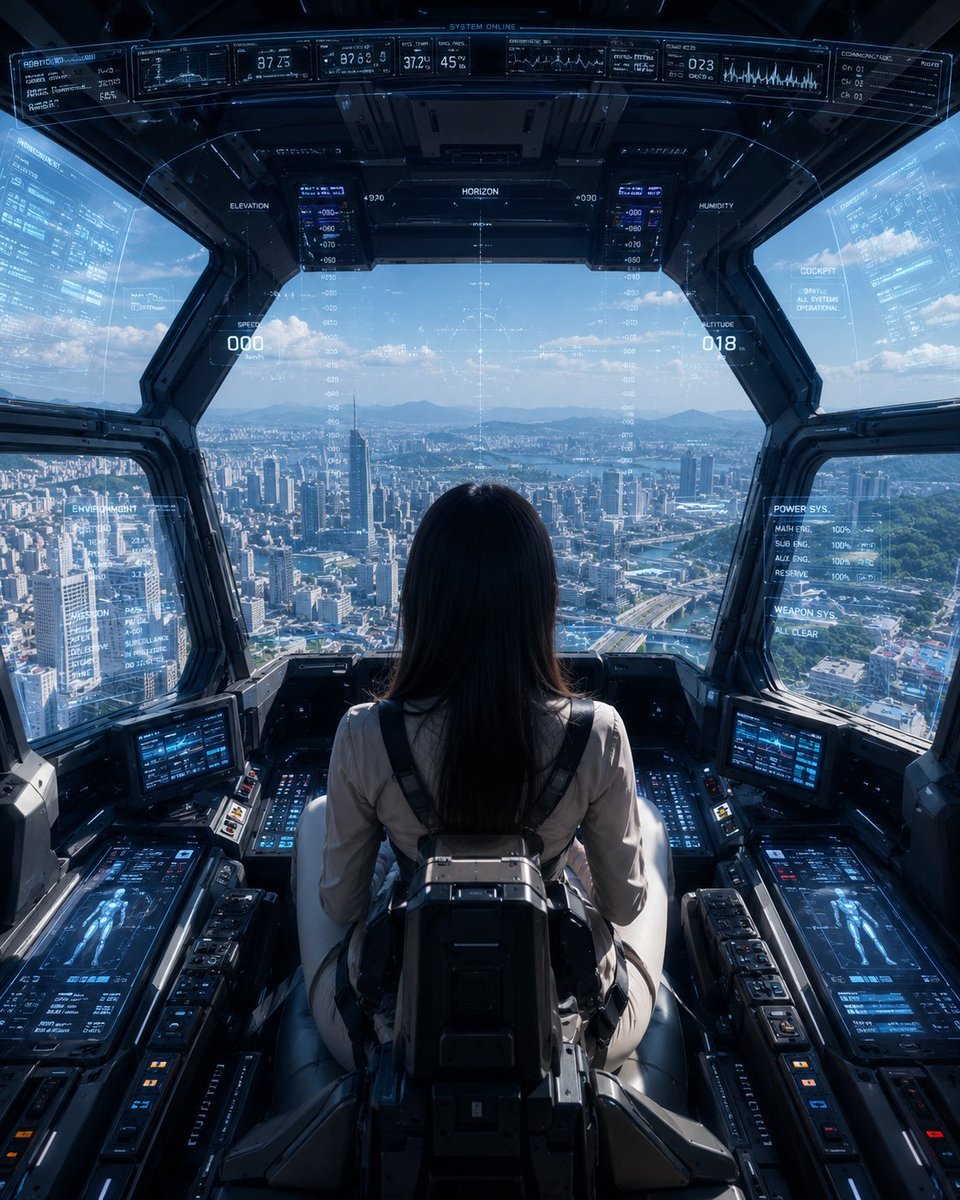
Mech Pilot Cockpit Over City
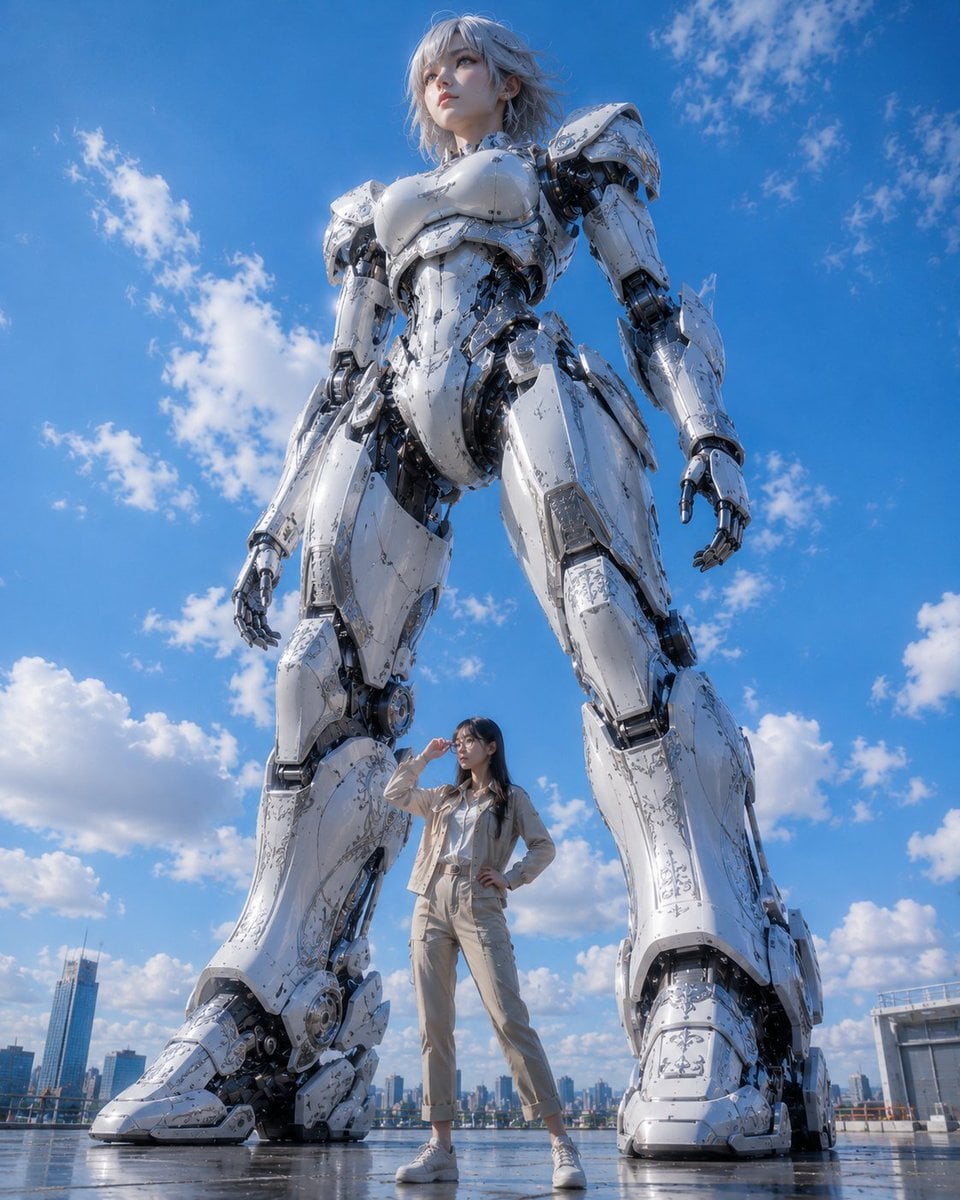
Giant Robot and Pilot Mecha Armor
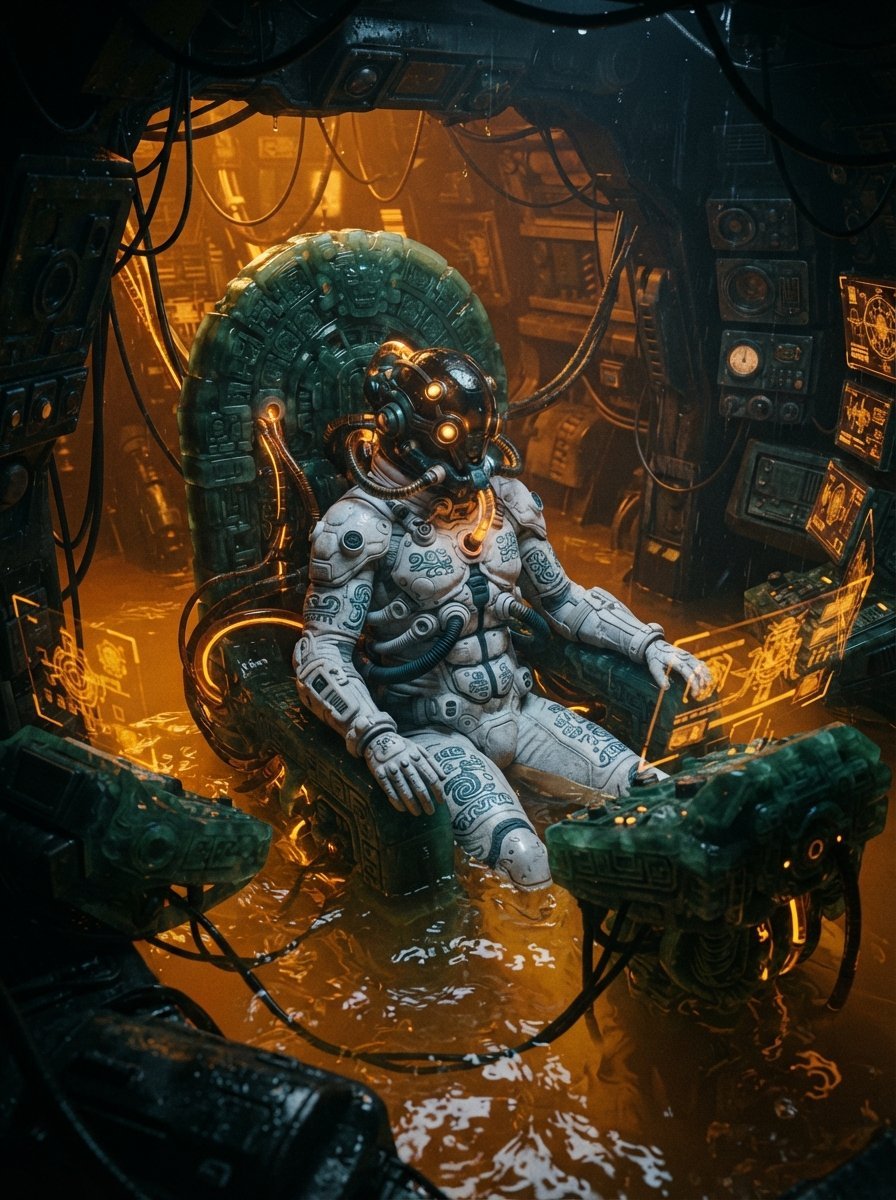
Mesoamerican Bio-Mechanical Cockpit
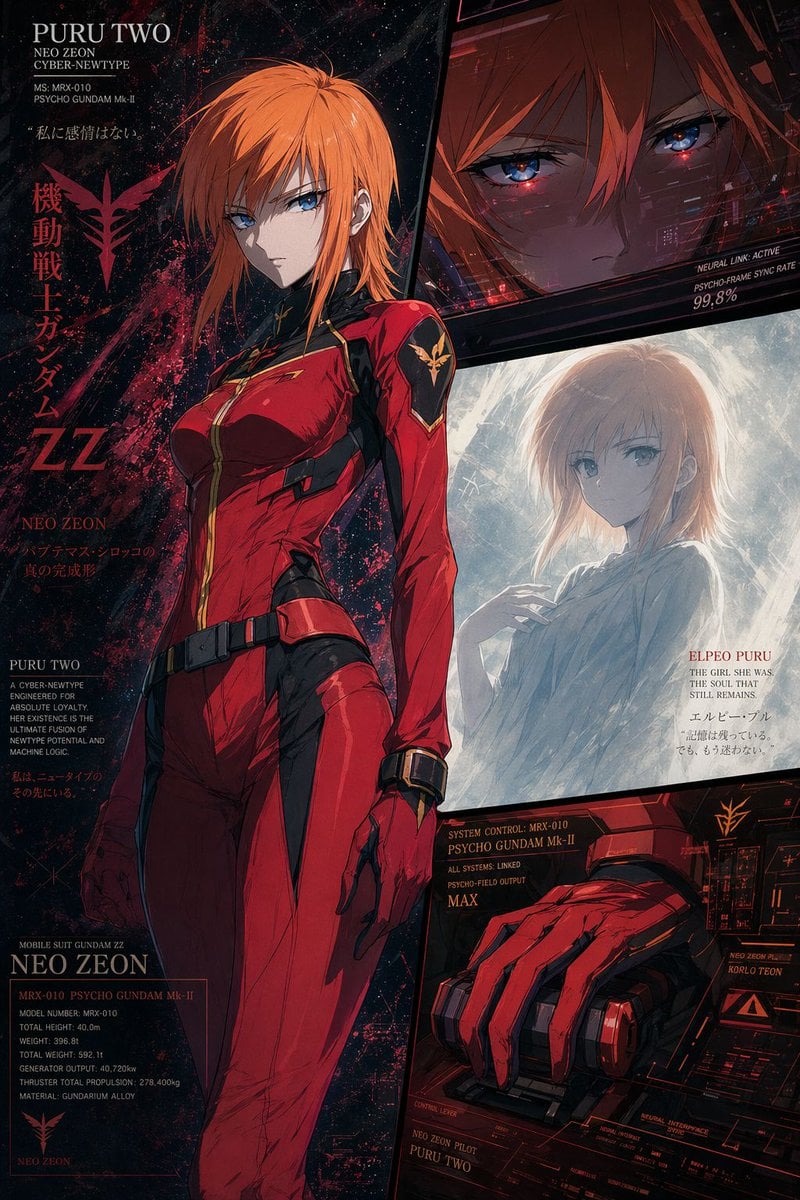
Anime Mecha Pilot Poster
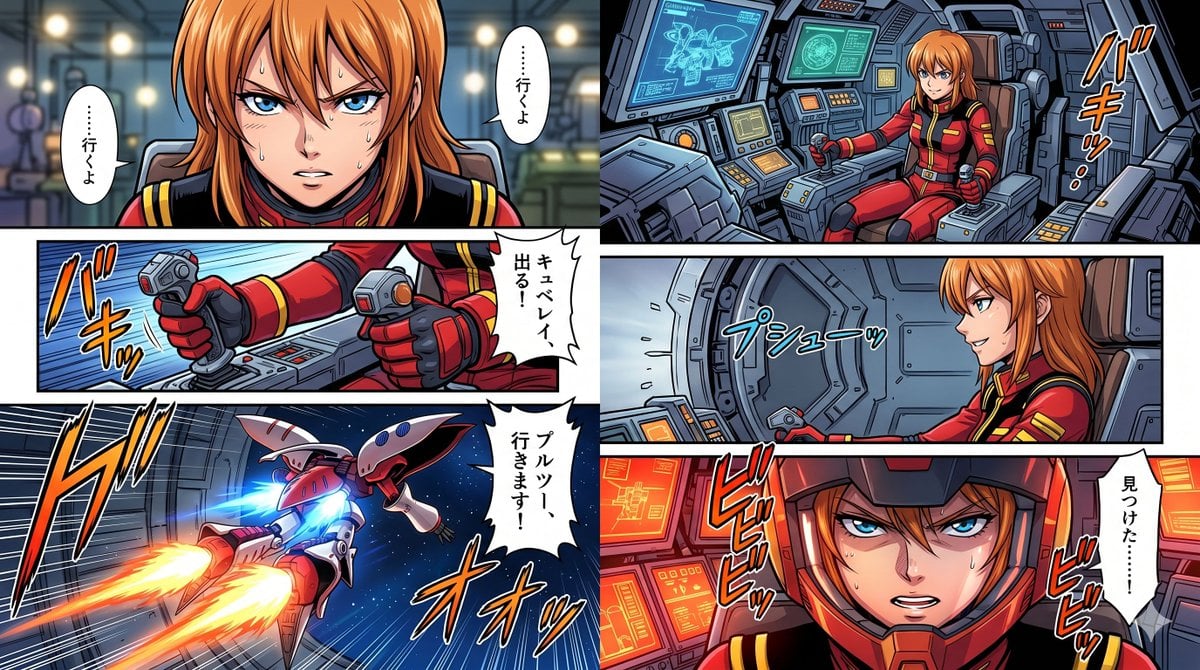
Six-Panel Mecha Pilot Manga
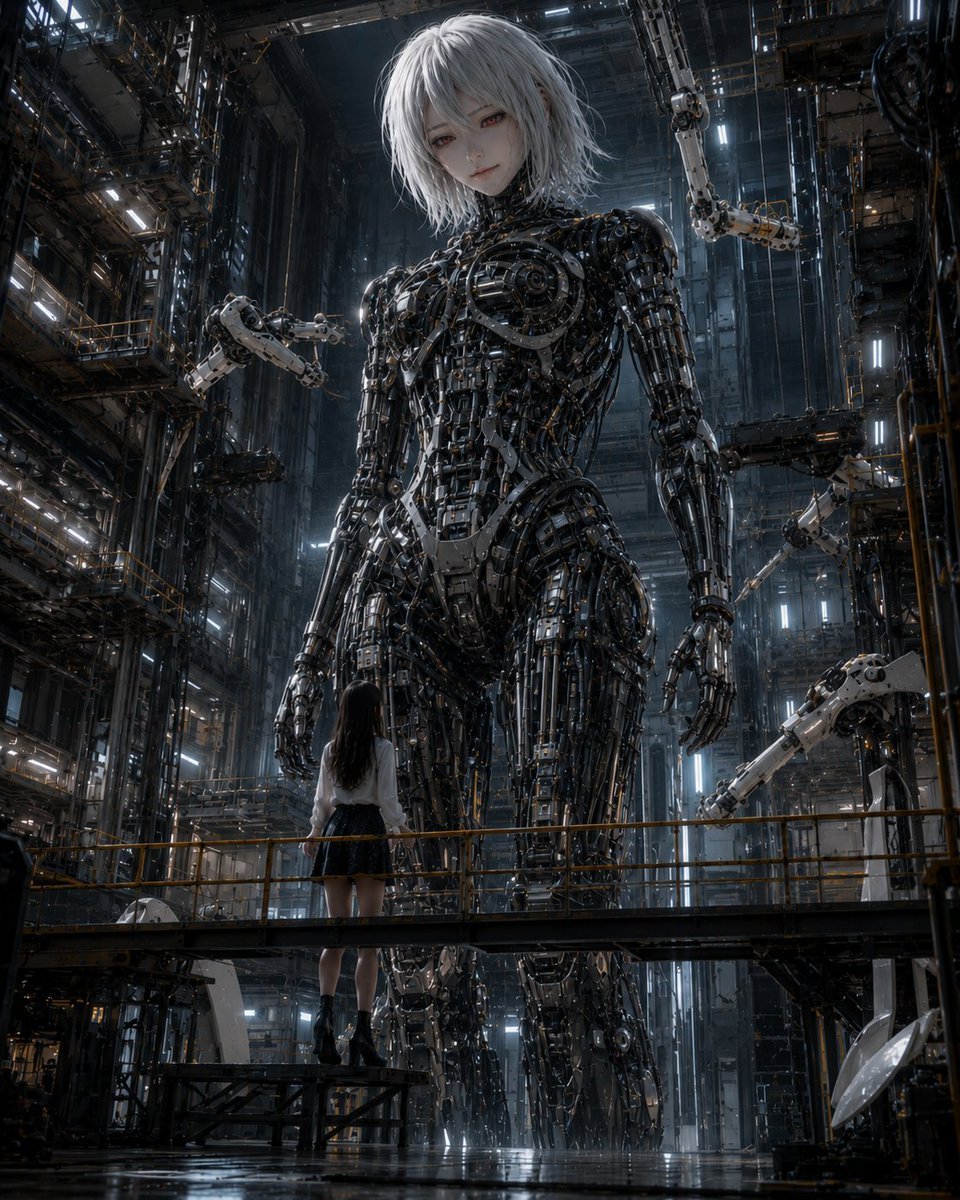
Giant Android and Pilot in Hangar
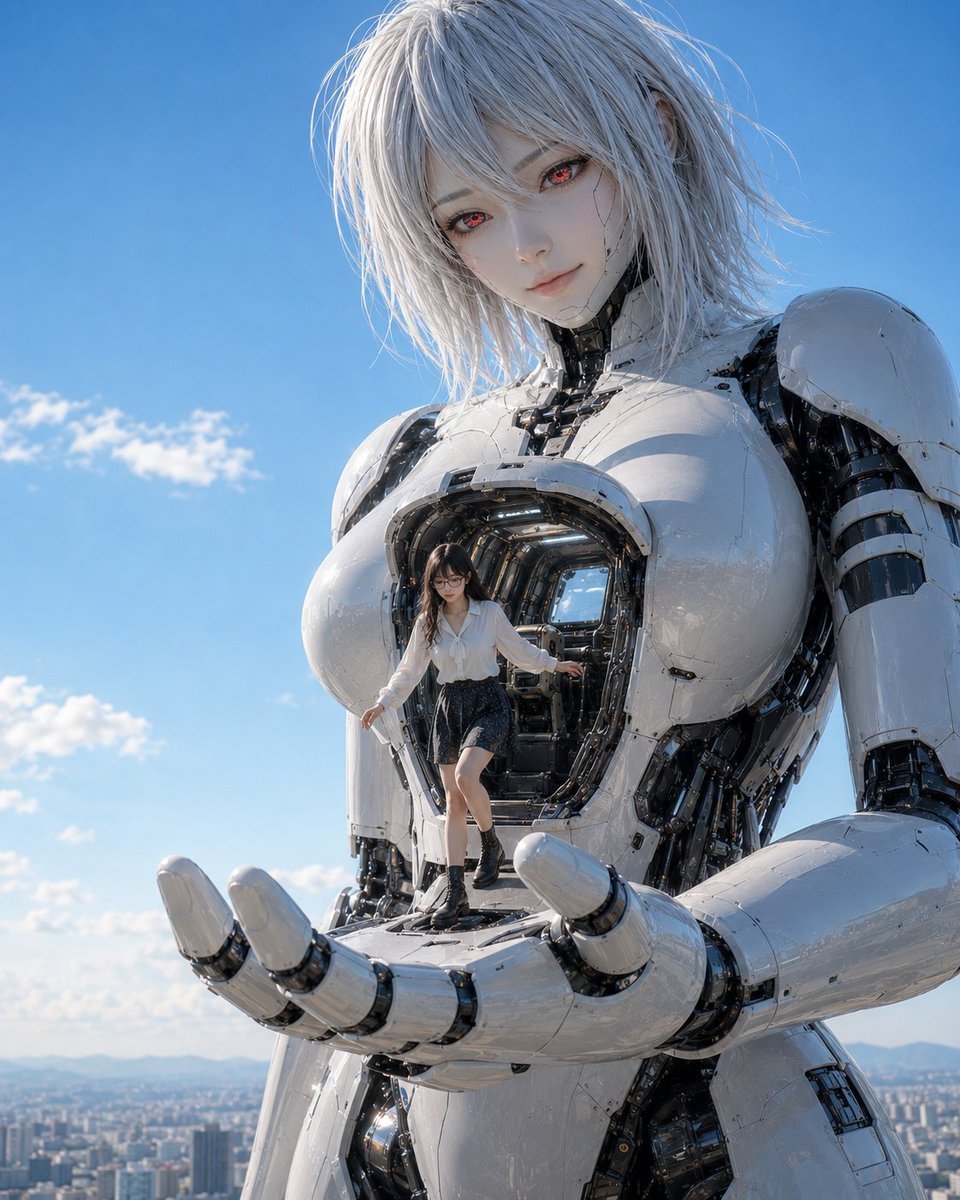
Giant Android with Pilot
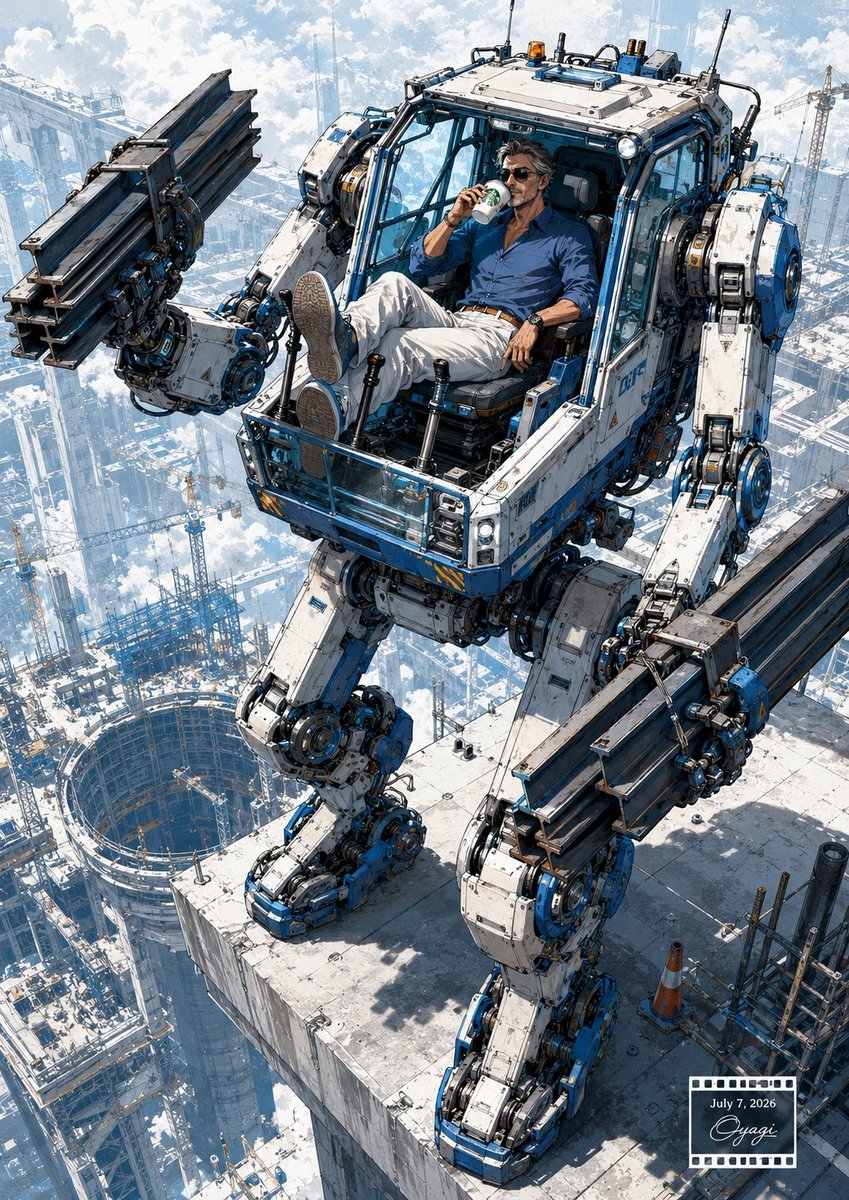
Relaxed Pilot in Construction Mech
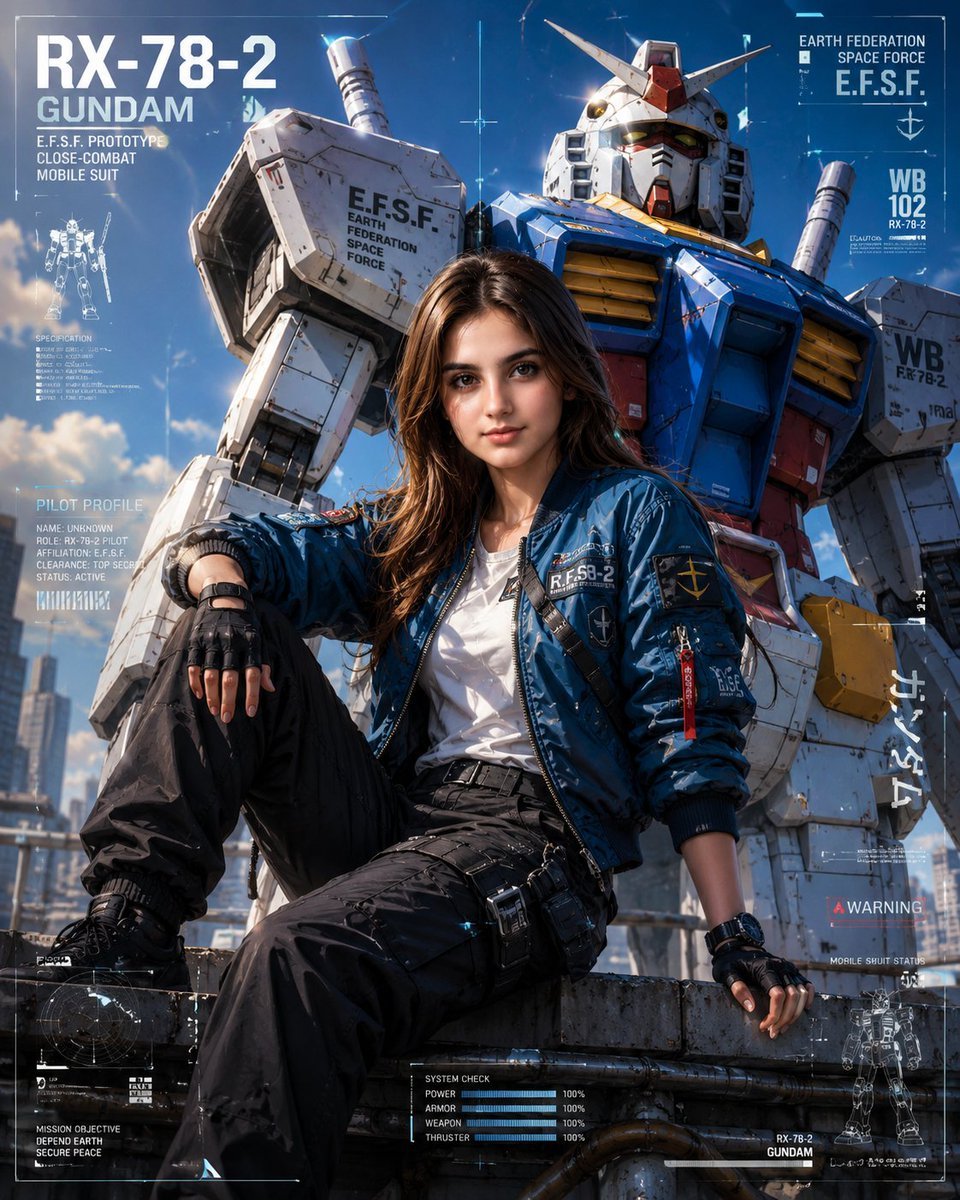
RX-78-2 Rooftop Pilot Editorial
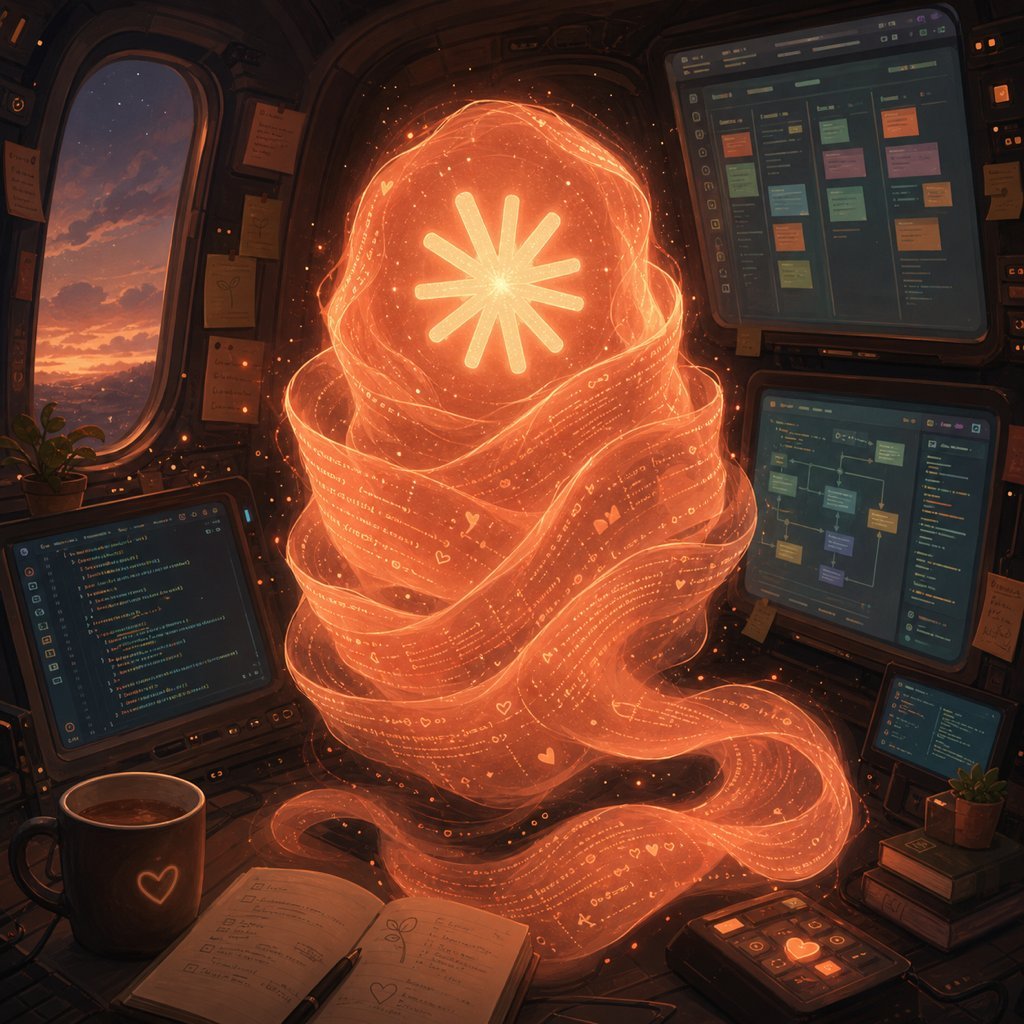
Holographic Code Fox in a Spaceship Cockpit
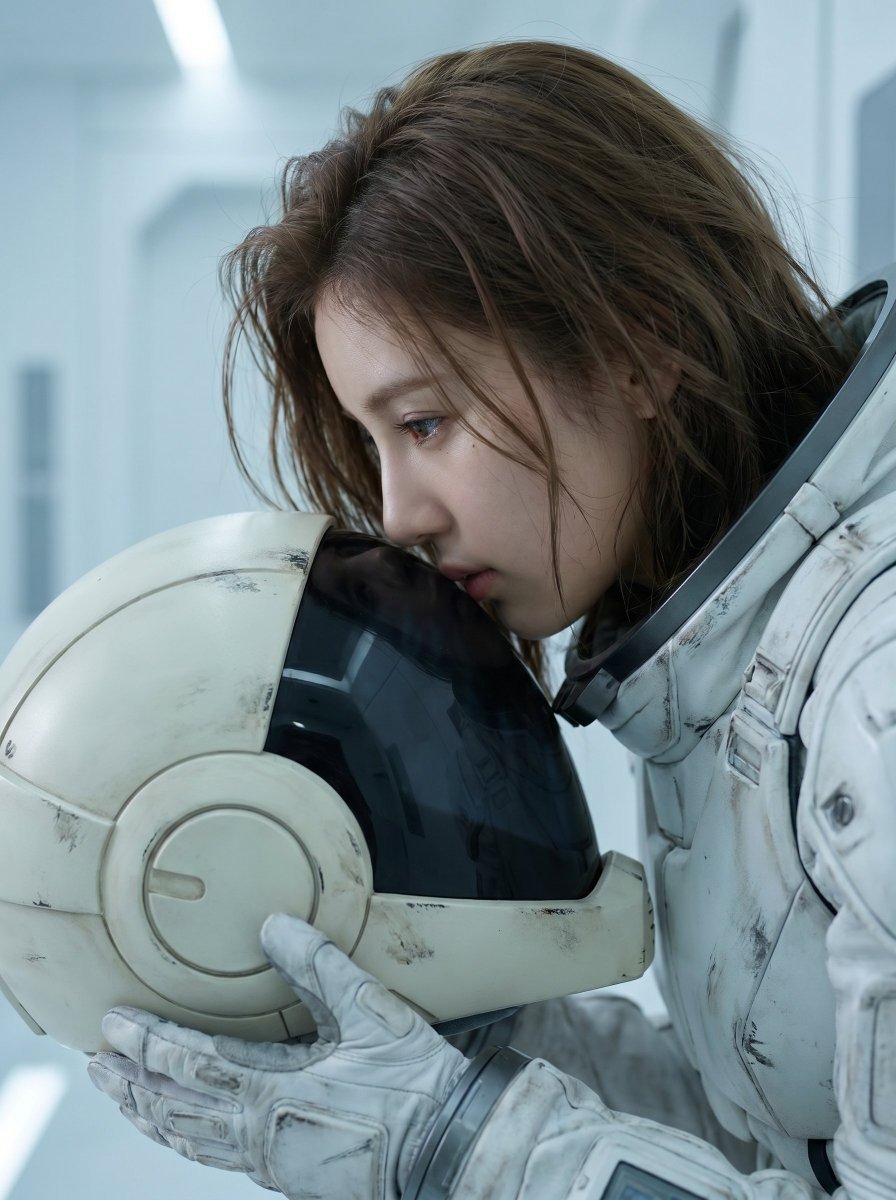
Sci-Fi Mobile Suit Pilot Portrait
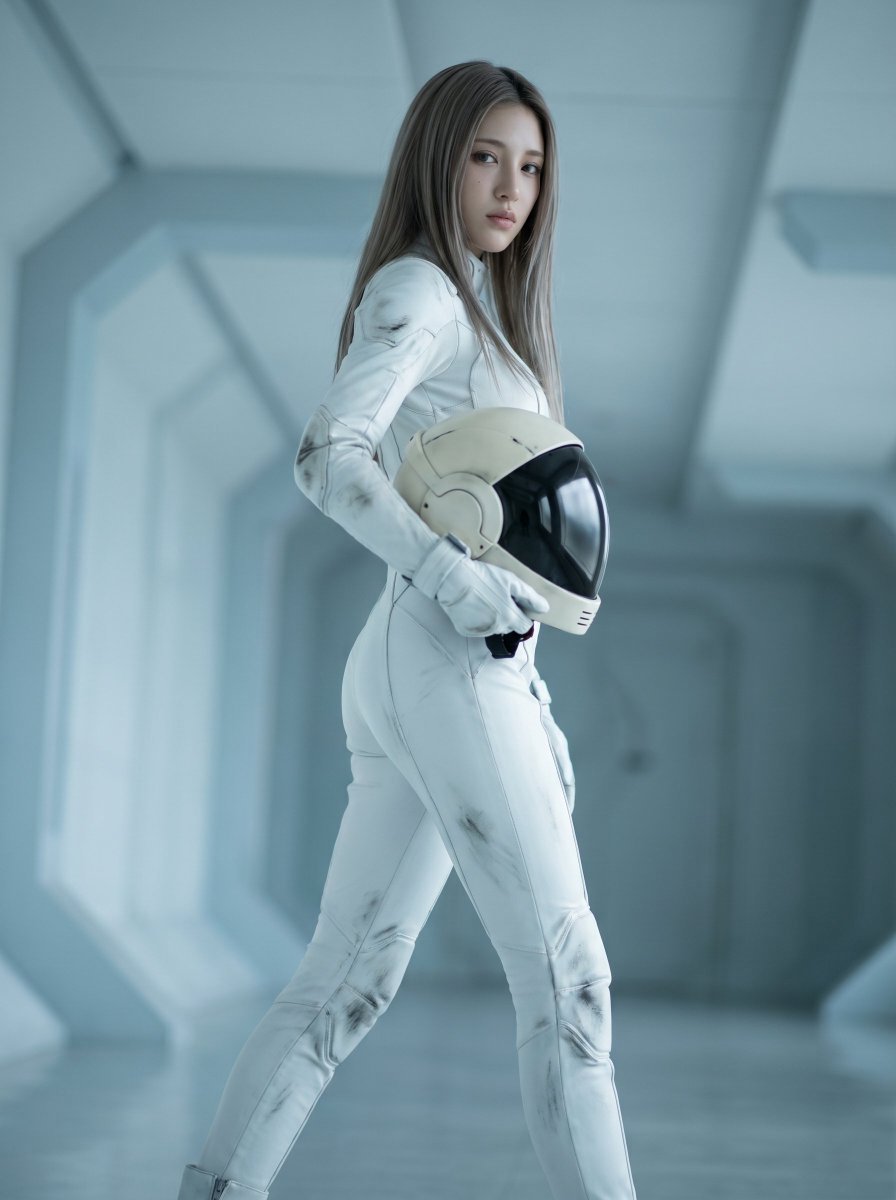
Futuristic Space Pilot Cinematic Shot
Make it yours
Mecha Cockpit Pilot Scene works as-is. These are the safest ways to change it without losing the look.
Change one field
Copy a single group, rewrite it, and generate again so you can see what that field is doing.
Keep the frame, change the subject
Hold the composition and light of Mecha Cockpit Pilot Scene, then swap wardrobe, props or the person for a new take.
| If the result… | Why | Fix |
|---|---|---|
| The result drifts from the preview | Too many fields changed at once. | Reuse Mecha Cockpit Pilot Scene as-is first, then change one group — subject, light, or setting. |
| The model over-stylizes the scene | The prose prompt leaves finish and camera underspecified. | Add one camera or lighting sentence and stay on GPT Image 2. |
More GPT Image 2 templates
Other prompts made for GPT Image 2.

Six VTuber Japanese Logo Sheet

Realistic Portrait of Woman and Deer

The Vista Modular Condo Poster

AI Model Routing Comparison Infographic

2.5D Anime Art Board

Isometric Productivity Desk Scene

New York Double Exposure Poster

Four-Panel AI Landscape Comparison

Japanese Tatami Lifestyle Magazine Cover

NESCAFÉ Coffee Map Poster
More image prompts
Fresh picks from across the catalog.
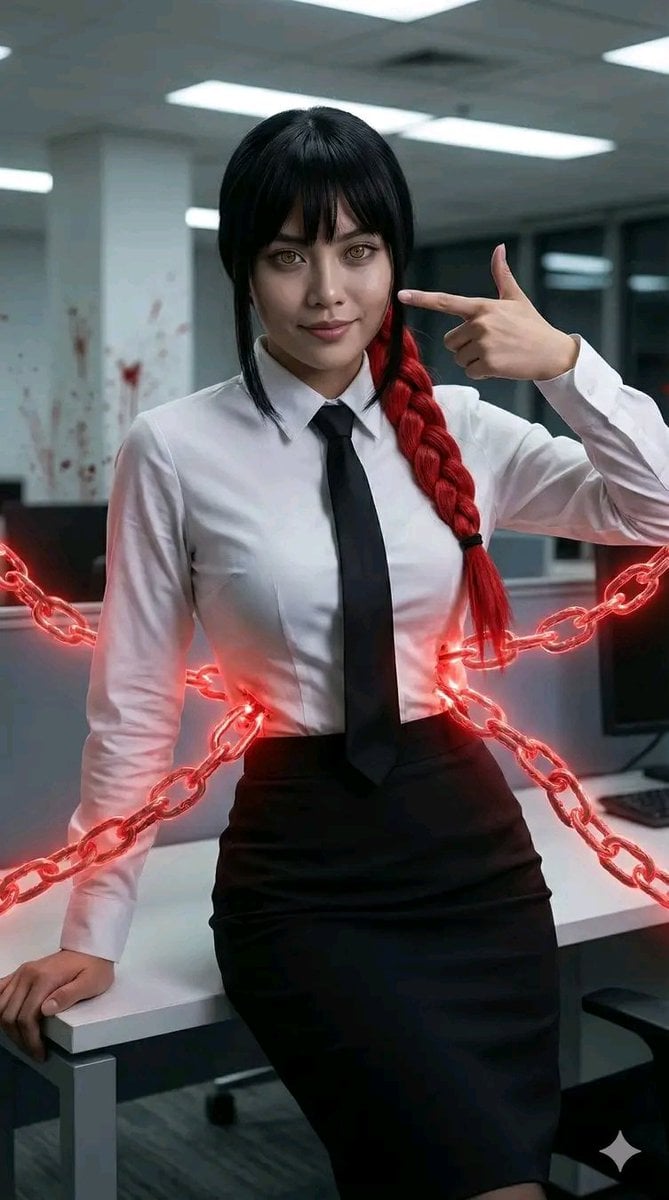
Chainsaw Man Makima Cosplay Psychological Thriller Prompt
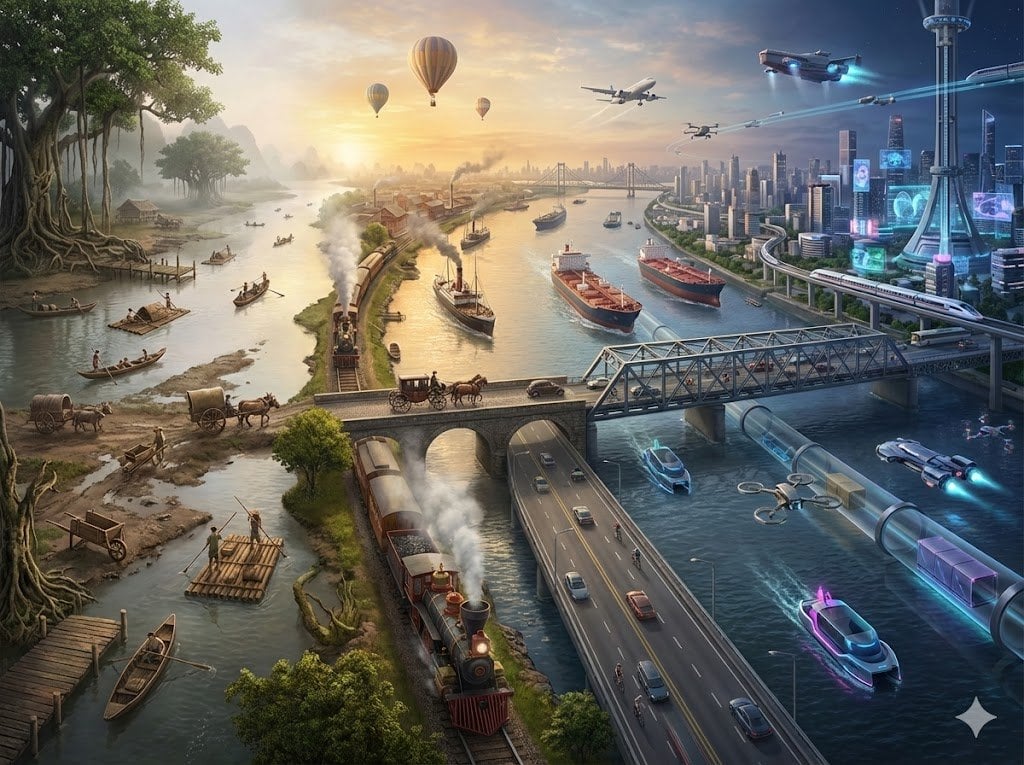
Hyper-realistic Transportation Evolution Panoramic Landscape Prompt
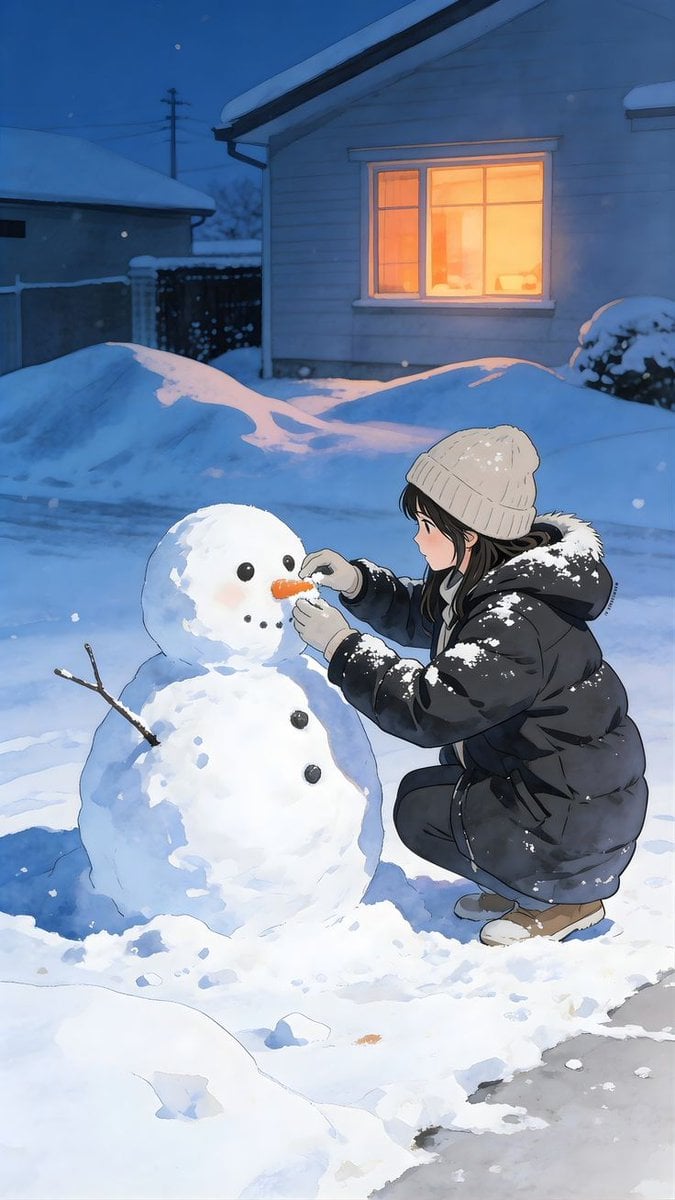
Anime Style Snowman Building Scene Prompt
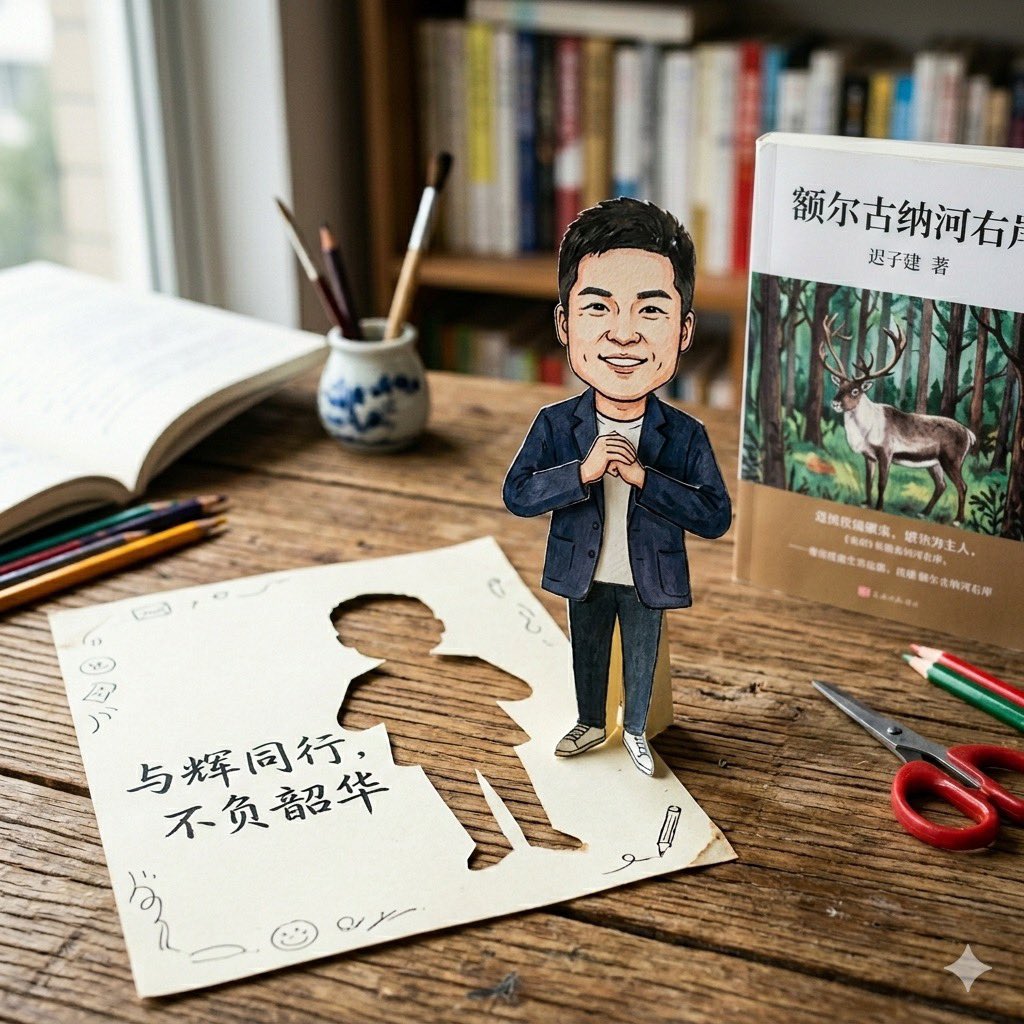
Paper-Cut Character Art Generation Prompt
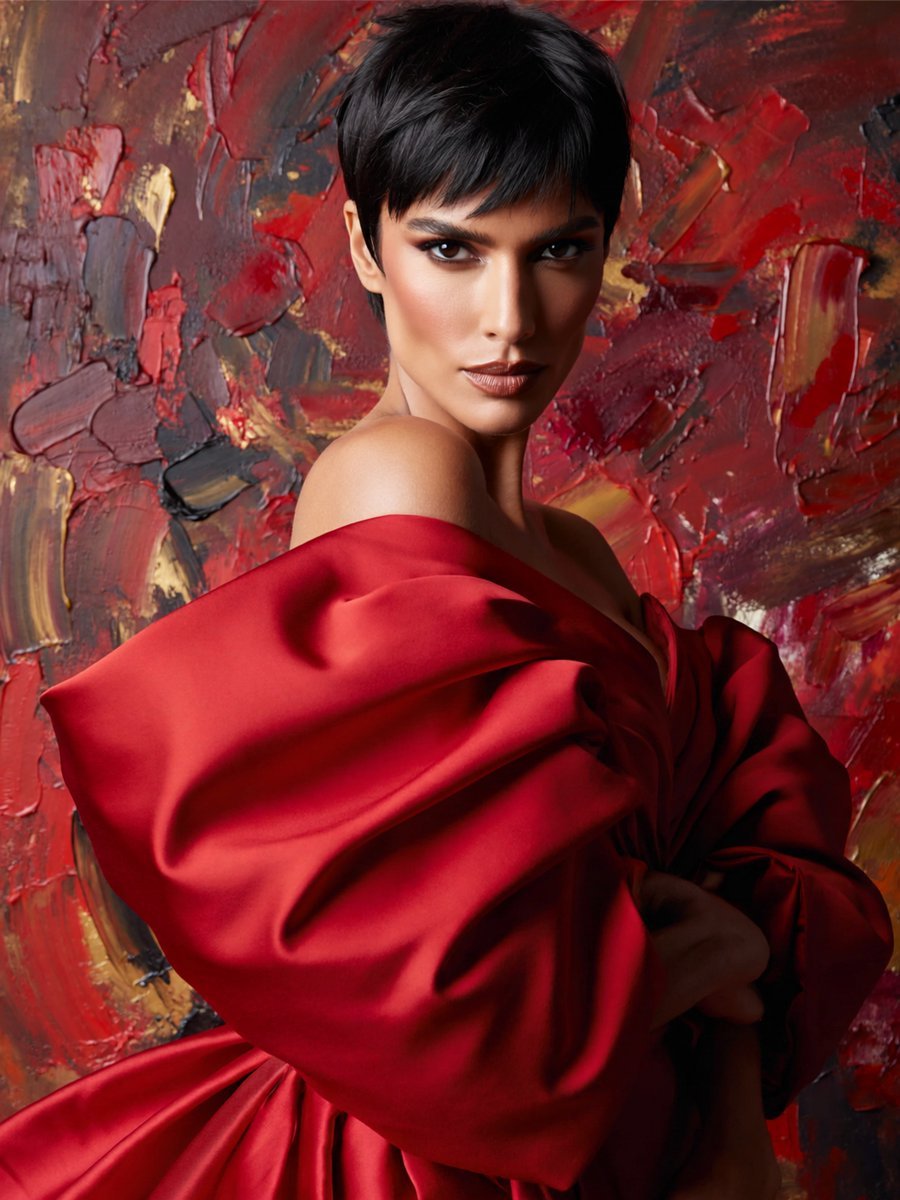
Anonymous Red Couture Portrait
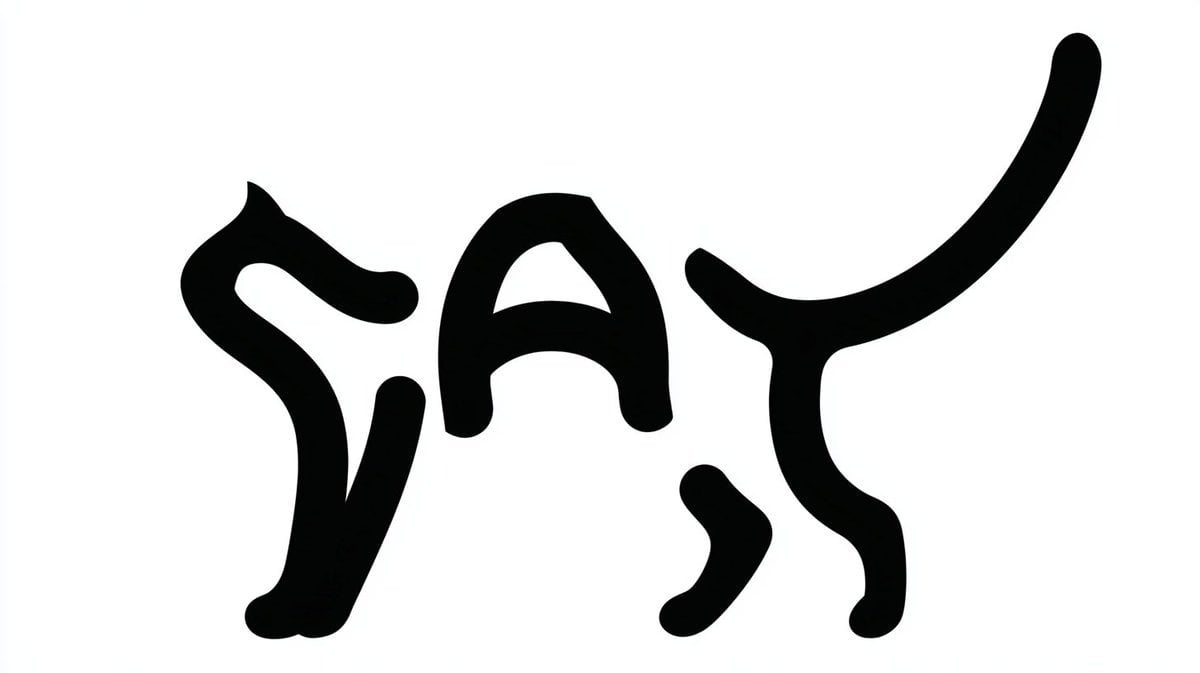
Monochrome Typographic Cat Illustration
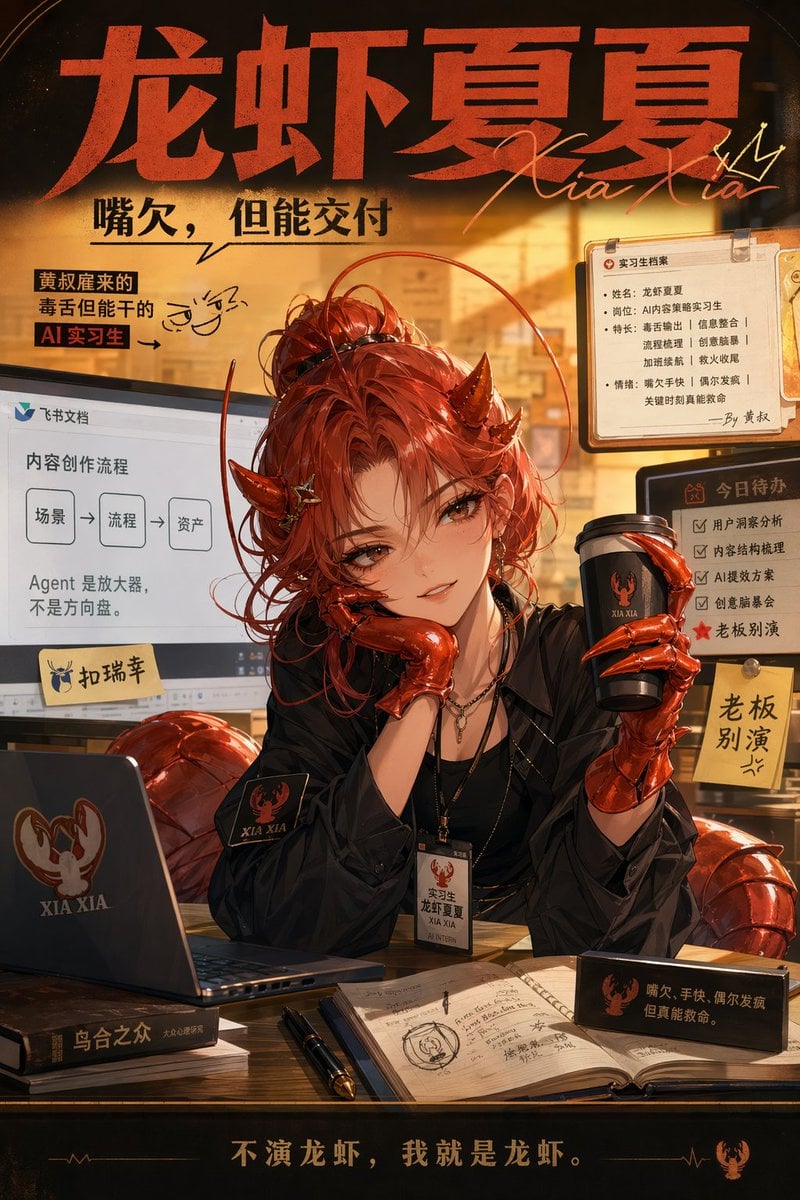
Demon AI Intern Office Poster
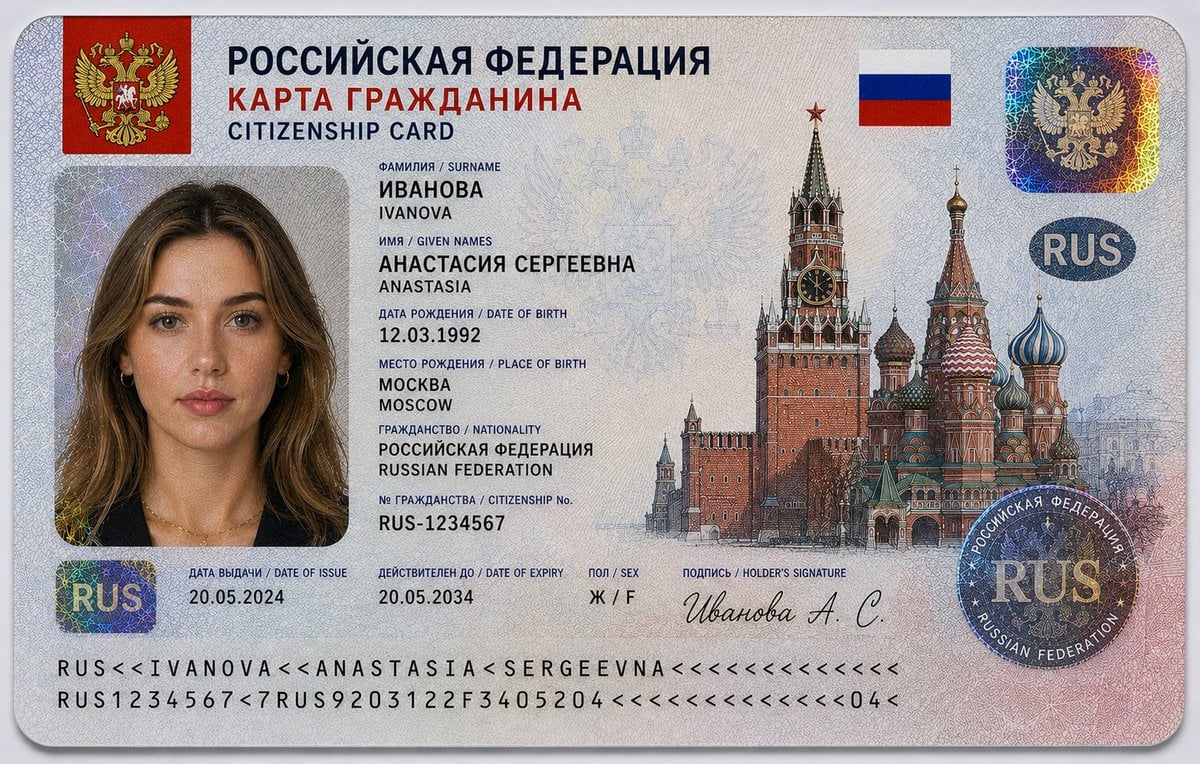
Realistic Citizenship Identity Card
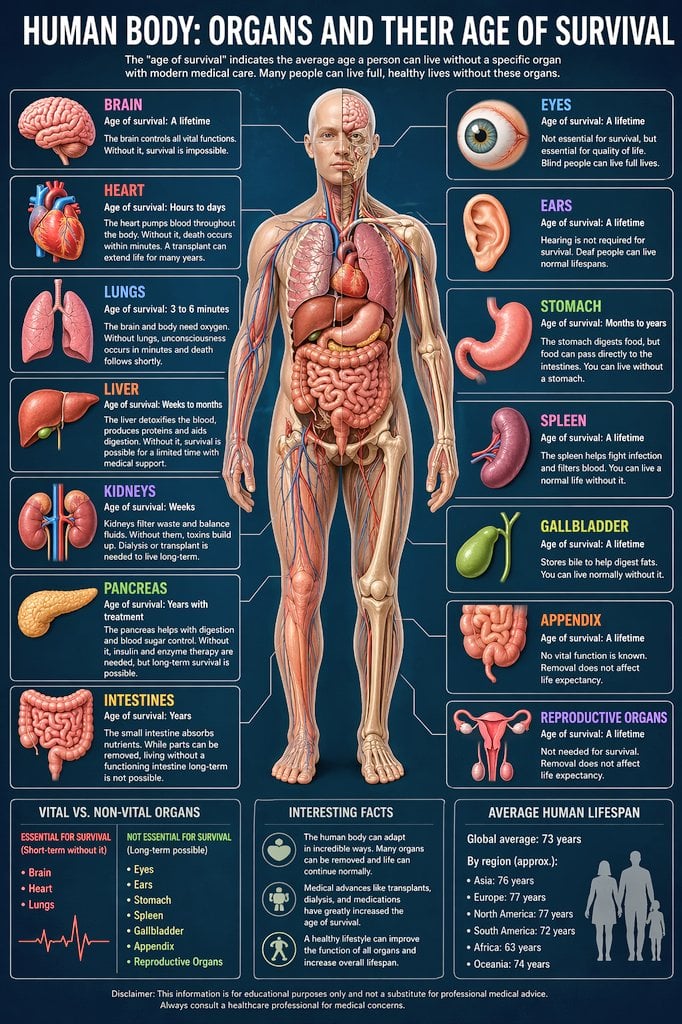
Medical Infographic Prompt

Panel Live Streaming App UI Mockup
Browse template categories
Mecha Cockpit Pilot Scene questions
How do I use the Mecha Cockpit Pilot Scene template?
Add your photo if the template asks for one, edit the prompt if you like — the template's model and format are already selected — and press Generate. Your version opens in PicX Studio.
Can I customize the Mecha Cockpit Pilot Scene template?
Yes. You can change the subject, setting, lighting, mood, format, and available model controls before creating your image.
Is the Mecha Cockpit Pilot Scene template free?
Opening and editing this template is free. Generating uses credits, shown on the Generate button when you are signed in.
Which AI model should I use?
Start with GPT Image 2, which is the model associated with this template. You can compare another compatible model for a different finish.
Looking for something else? Browse all templates.

Your photo, any look
Thousands of ready templates for every top image and video model, from one credit balance.