
Realistic Citizenship Identity Card
A highly detailed macro photography prompt for generating an official government-style citizenship ID card with security features and holographic details.
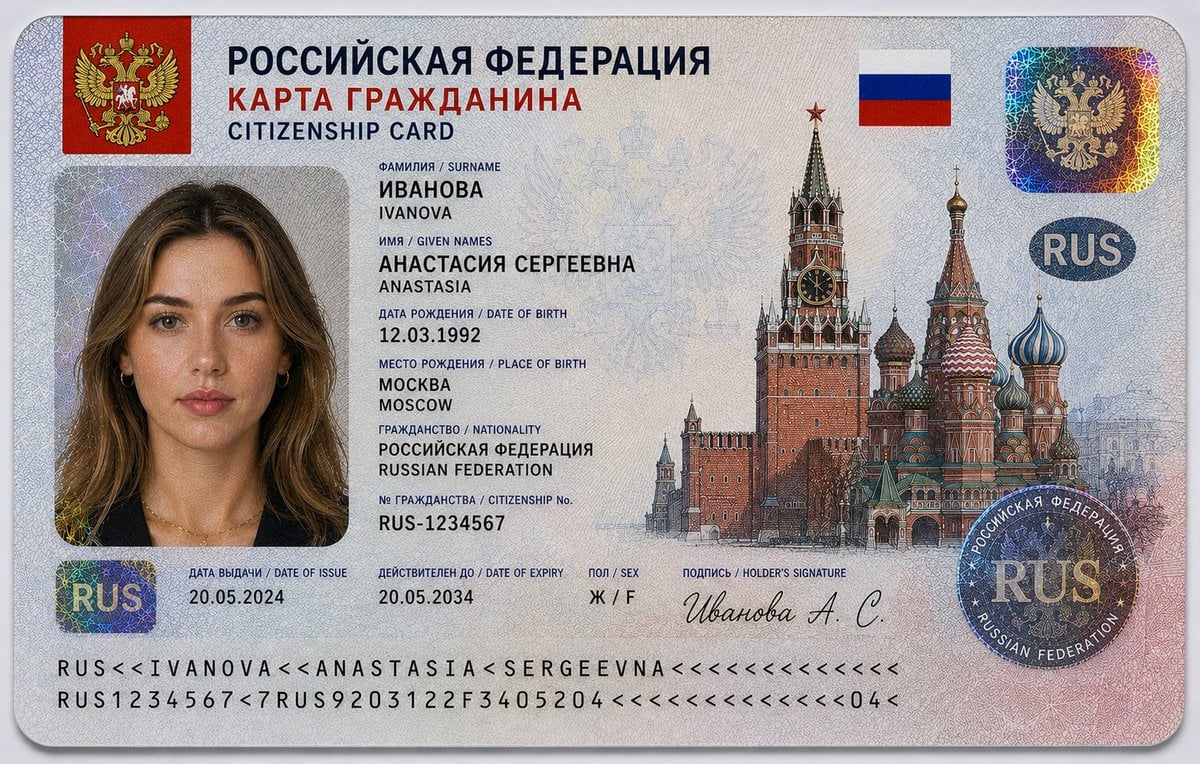
- Prompt included
- Model and format preset
- Free template
The prompt behind this image
Copy the exact prompt behind Realistic Citizenship Identity Card, or open it in the studio and make it yours.
Ultra-realistic 16:9 close-up studio photograph of a {argument name="country" default="Russian Federation"} citizenship identity card placed on a clean light grey or white background. The card is horizontally aligned, centered in frame, captured in sharp macro focus with soft diffused studio lighting. The design follows an official government-issued ID aesthetic with structured typography, layered anti-counterfeit detailing, and engraved security graphics inspired by modern national identity cards. Large bilingual header at top reads: “РОССИЙСКАЯ ФЕДЕРАЦИЯ” with secondary title “КАРТА ГРАЖДАНИНА / CITIZENSHIP CARD.” Top-left corner features the {argument name="coat of arms" default="Russian double-headed eagle"} coat of arms on a red shield background. Upper-right includes the national flag. The card contains a passport-style portrait of a {argument name="identity" default="young Russian woman"}: – Fair Eastern European skin tone with subtle natural freckles – Medium-length ash brown to dark blonde hair with soft waves – Grey-blue eyes, neutral expression, direct gaze – Minimal makeup, realistic facial texture – Wearing a dark navy blazer or black top with subtle gold jewelry Personal identity information displayed in Russian and English: – Фамилия / Surname: ИВАНОВА / IVANOVA – Имя / Given Names: АНАСТАСИЯ СЕРГЕЕВНА / ANASTASIA – Дата рождения / Date of Birth: 12.03.1992 – Место рождения / Place of Birth: МОСКВА / MOSCOW – Гражданство / Nationality: РОССИЙСКАЯ ФЕДЕРАЦИЯ / RUSSIAN FEDERATION – № гражданства / Citizenship No.: RUS-1234567 – Дата выдачи / Date of Issue: 20.05.2024 – Действителен до / Date of Expiry: 20.05.2034 – Пол / Sex: Ж / F Security and design features include: – Intricate guilloche security patterns across the entire card surface – Fine microprinted anti-counterfeit line textures – Holographic foil patches with iridescent rainbow reflections – Transparent layered security overlays – Circular “RUS” holographic security seal – Large engraved illustration of the Kremlin towers and Saint Basil’s Cathedral across the right side – Faint Russian double-headed eagle watermark integrated into background – Machine-readable identity strip at the bottom edge – Signature at bottom: “Иванова А. С.” Additional design styling: – Soft red, blue, and silver-grey gradients inspired by the Russian flag – Polycarbonate laminated material with realistic reflections and embossed texture – High-security official document aesthetic with engraved banknote-style artwork Lighting is soft and evenly diffused, emphasizing holographic effects, engraved textures, and realistic print detail without harsh shadows. No hand visible. Style: ultra-detailed, photorealistic, 8K resolution, macro clarity, professional product photography, documentary realism, highly realistic government ID card design.
How to use Realistic Citizenship Identity Card in 3 steps
- 1
Open
The prompt is already in the box next to the preview, with the template's model and format selected.
- 2…a portrait of your subject in softgolden-hour light, 85mm…
Personalize
Edit the subject and creative details for your destination.
- 3Generate
Generate
Press Generate — your image is created in PicX Studio, so you can compare it with the original and refine one variable at a time.
More like this
Templates with the same subject, style or setup. Open one to see its prompt.
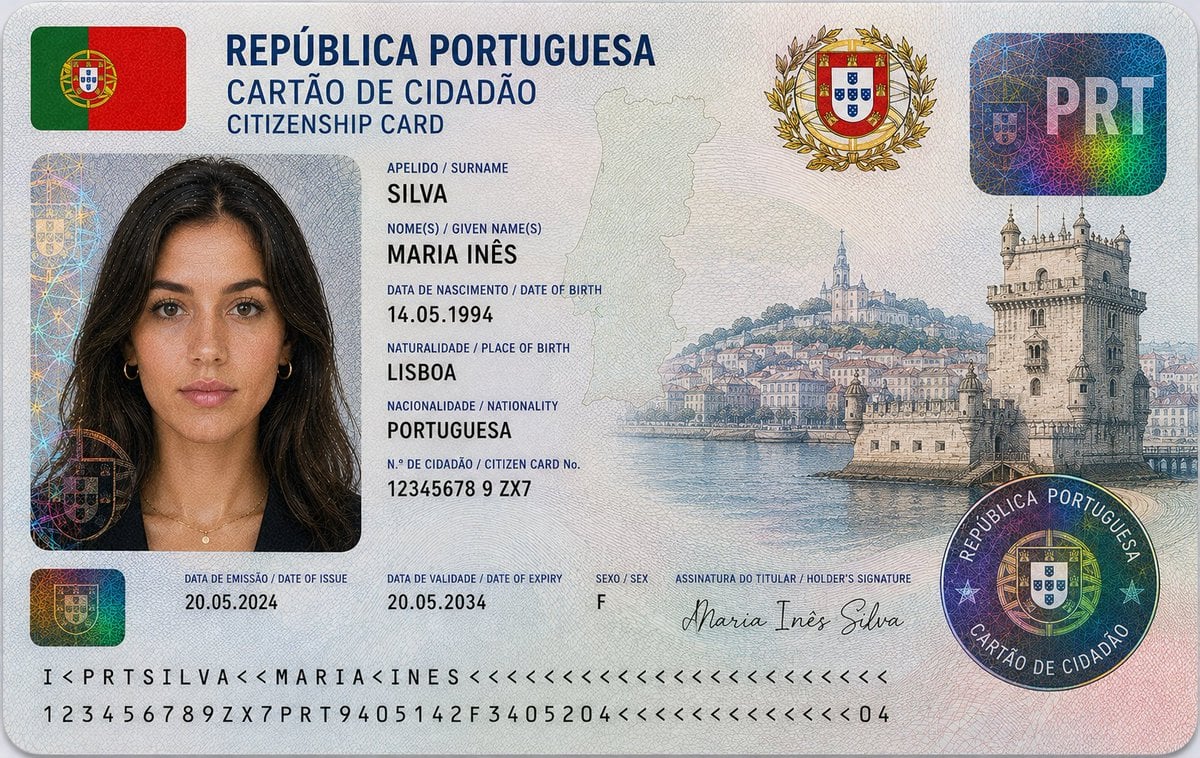
Nigerian Citizenship Identity Card Mockup
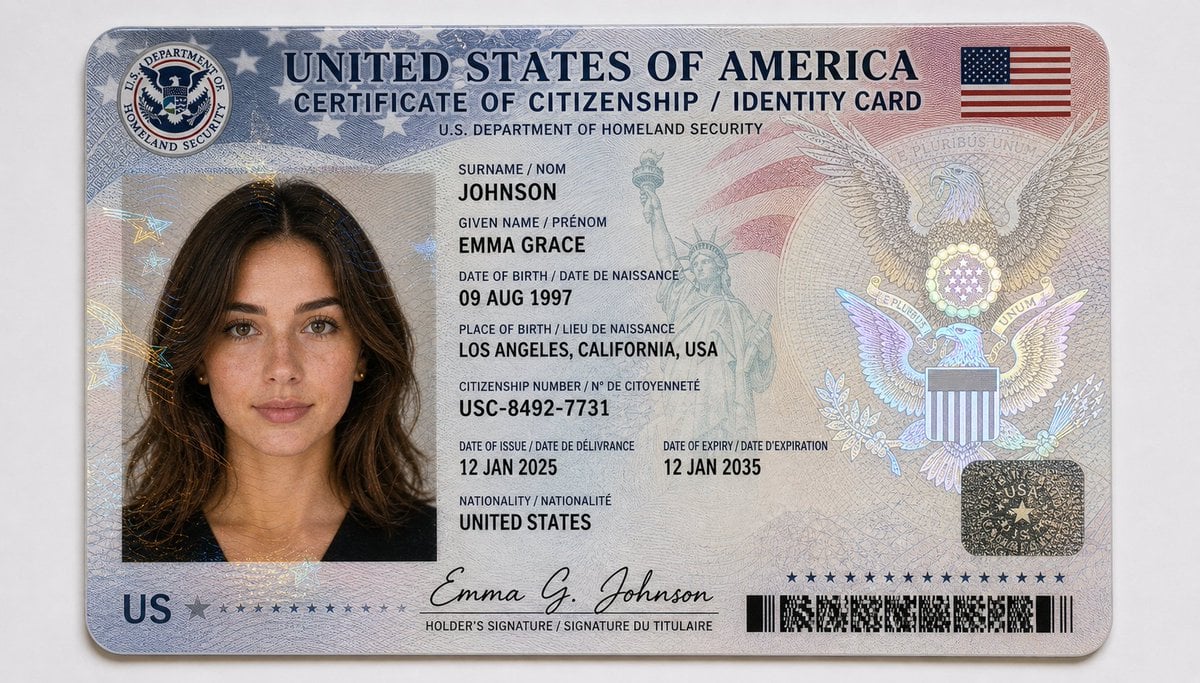
US Citizenship Identity Card Mockup
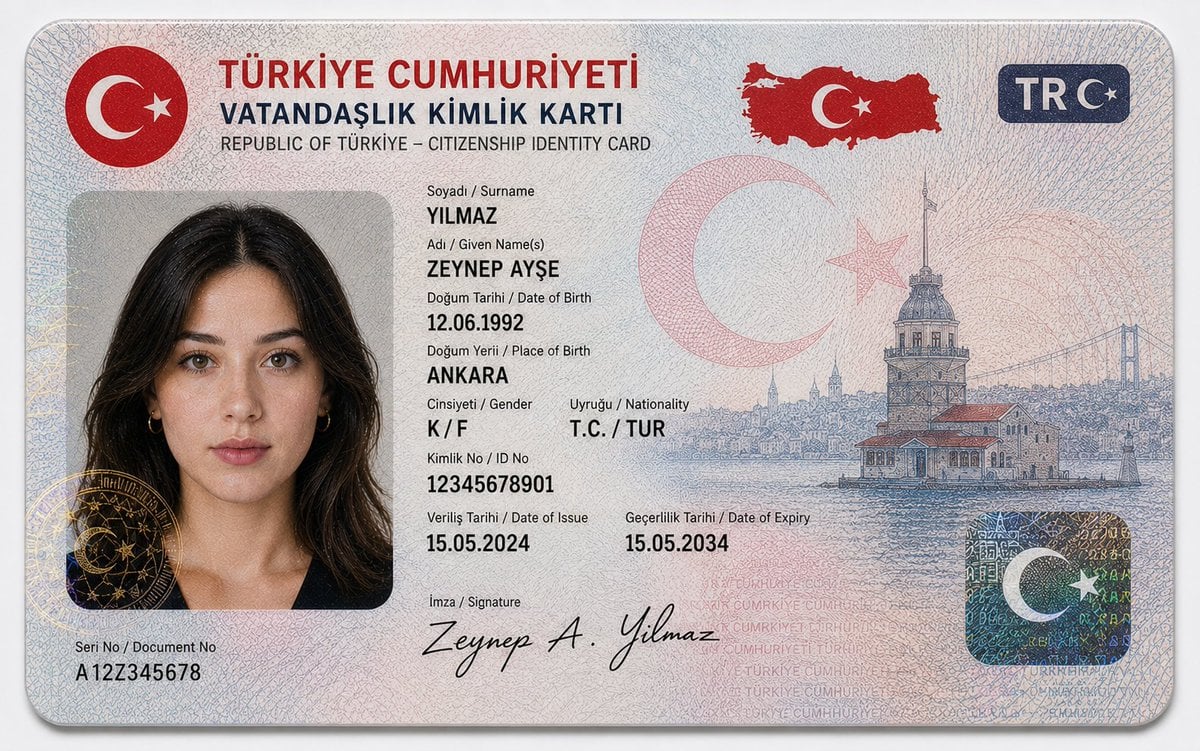
German Citizenship Identity Card Mockup
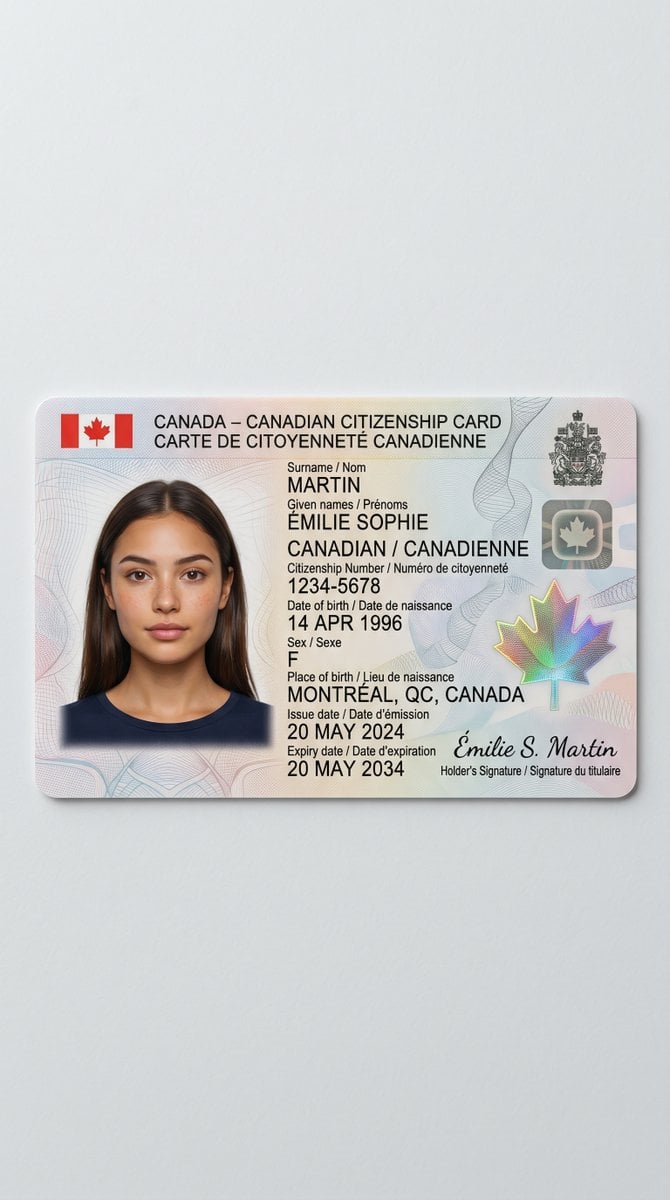
Canadian Citizenship Card Mockup Prompt

Teal Japanese Handwritten Lyric Card

Reiwa Slang Reaction Gacha Card
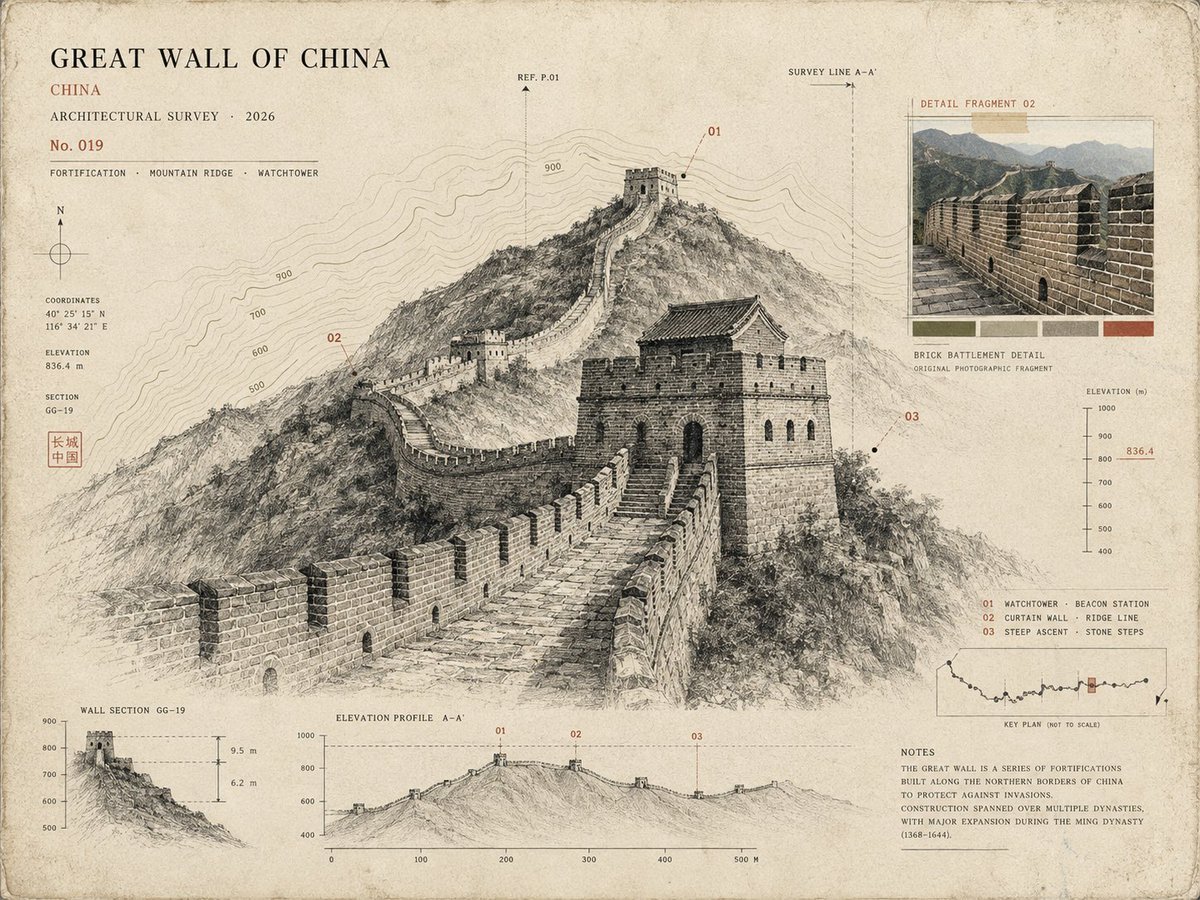
Architectural Museum Specimen Card

Nano Banana Pro Identity Lock — Composition + Face Reference

Subway Good Vibes App Card Portrait
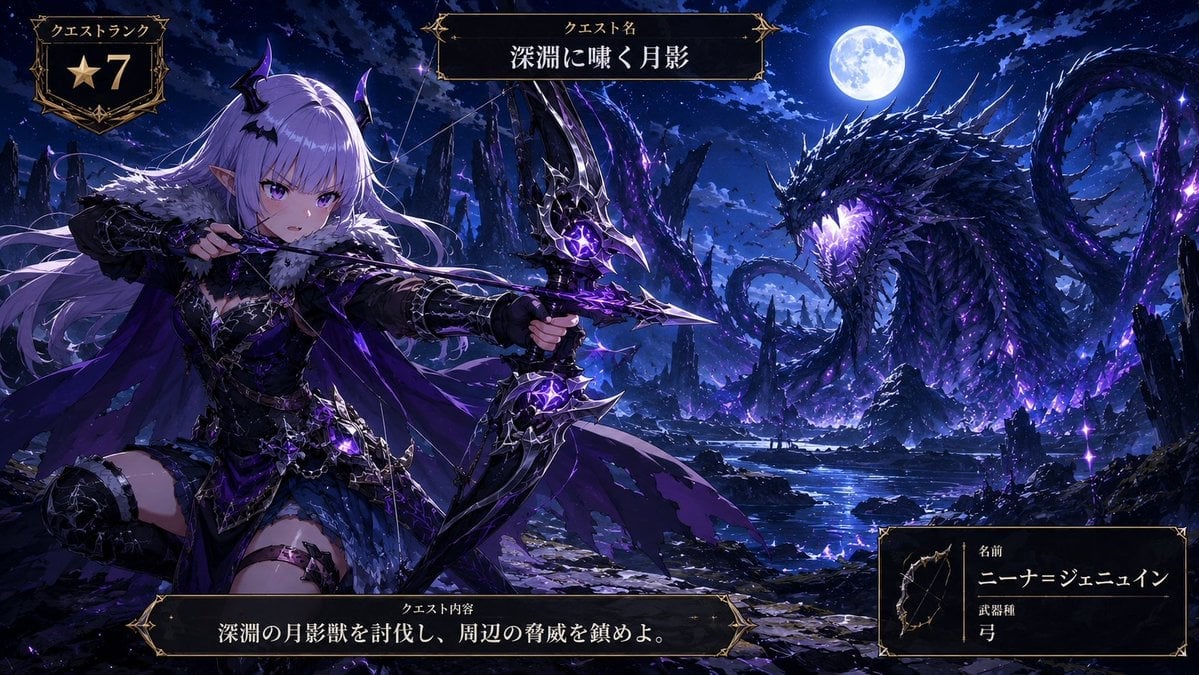
Anime Monster Hunter Quest Card
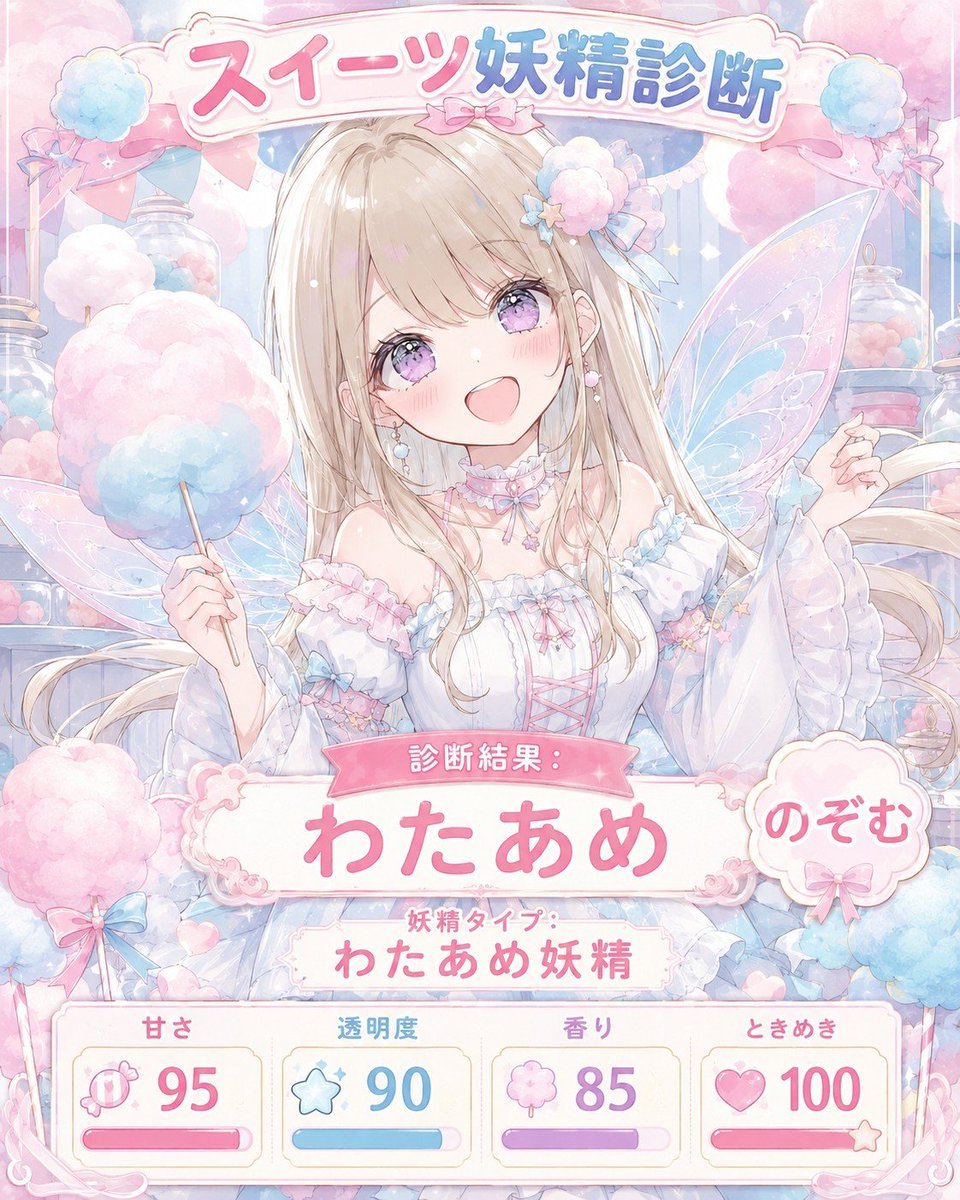
Pastel Sweets Fairy Diagnosis Card

Smartphone Photo Identity Transformation
Make it yours
Realistic Citizenship Identity Card works as-is. These are the safest ways to change it without losing the look.
Change one field
Copy a single group, rewrite it, and generate again so you can see what that field is doing.
Keep the frame, change the subject
Hold the composition and light of Realistic Citizenship Identity Card, then swap wardrobe, props or the person for a new take.
| If the result… | Why | Fix |
|---|---|---|
| The result drifts from the preview | Too many fields changed at once. | Reuse Realistic Citizenship Identity Card as-is first, then change one group — subject, light, or setting. |
| The model over-stylizes the scene | The prose prompt leaves finish and camera underspecified. | Add one camera or lighting sentence and stay on GPT Image 2. |
More GPT Image 2 templates
Other prompts made for GPT Image 2.

Six VTuber Japanese Logo Sheet

Realistic Portrait of Woman and Deer

The Vista Modular Condo Poster

AI Model Routing Comparison Infographic

2.5D Anime Art Board

Isometric Productivity Desk Scene

New York Double Exposure Poster

Four-Panel AI Landscape Comparison

Japanese Tatami Lifestyle Magazine Cover

NESCAFÉ Coffee Map Poster
More image prompts
Fresh picks from across the catalog.

Playful Duck-Face Selfie on Marble Stairs
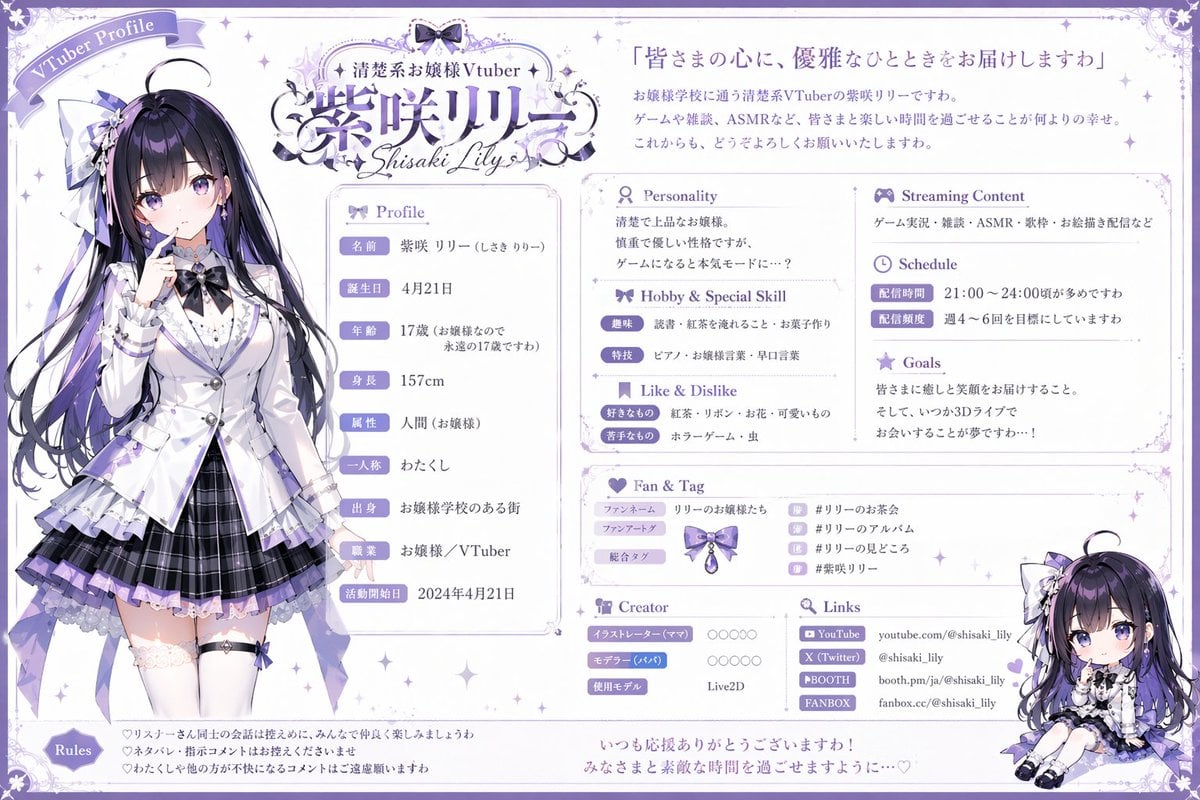
VTuber Profile Sheet Generator
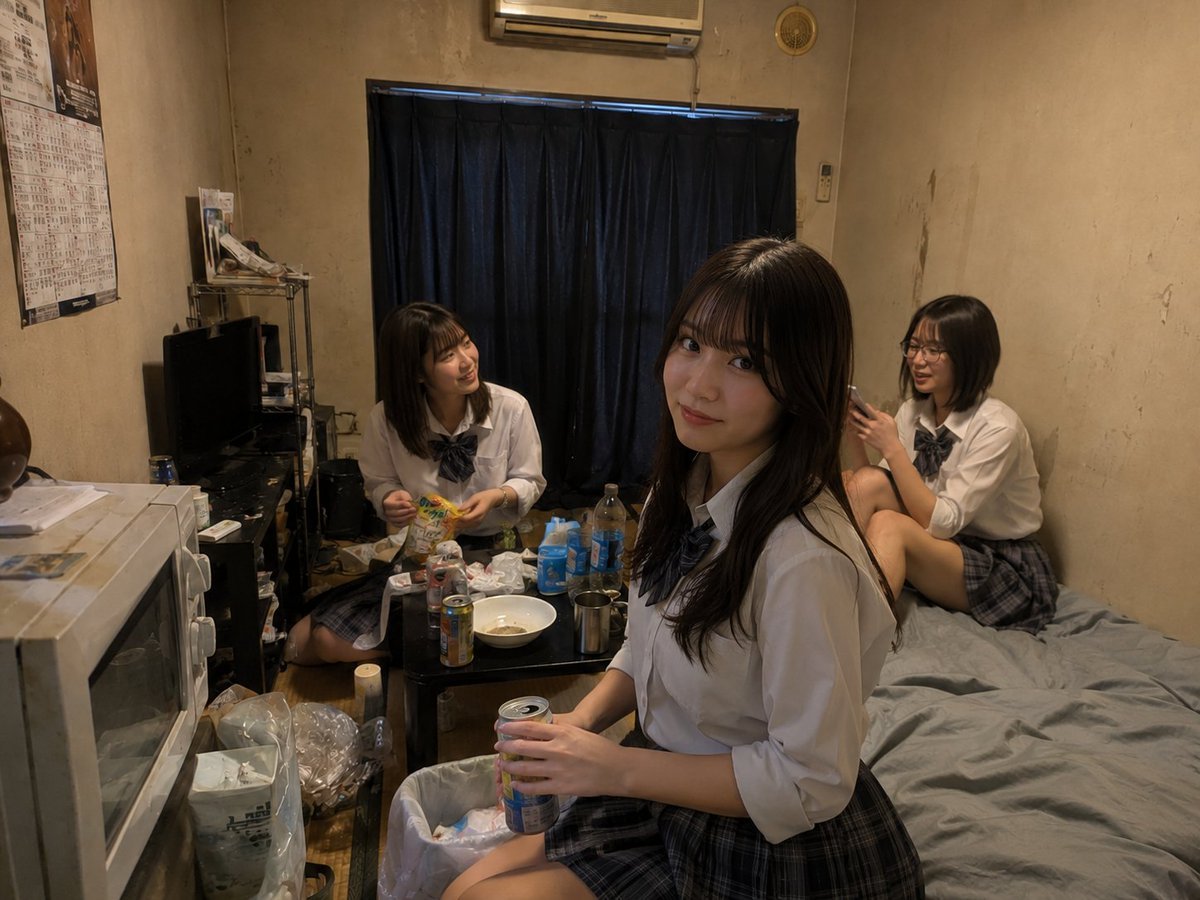
Messy Room Student Hangout

Luxury x E-commerce Split Poster
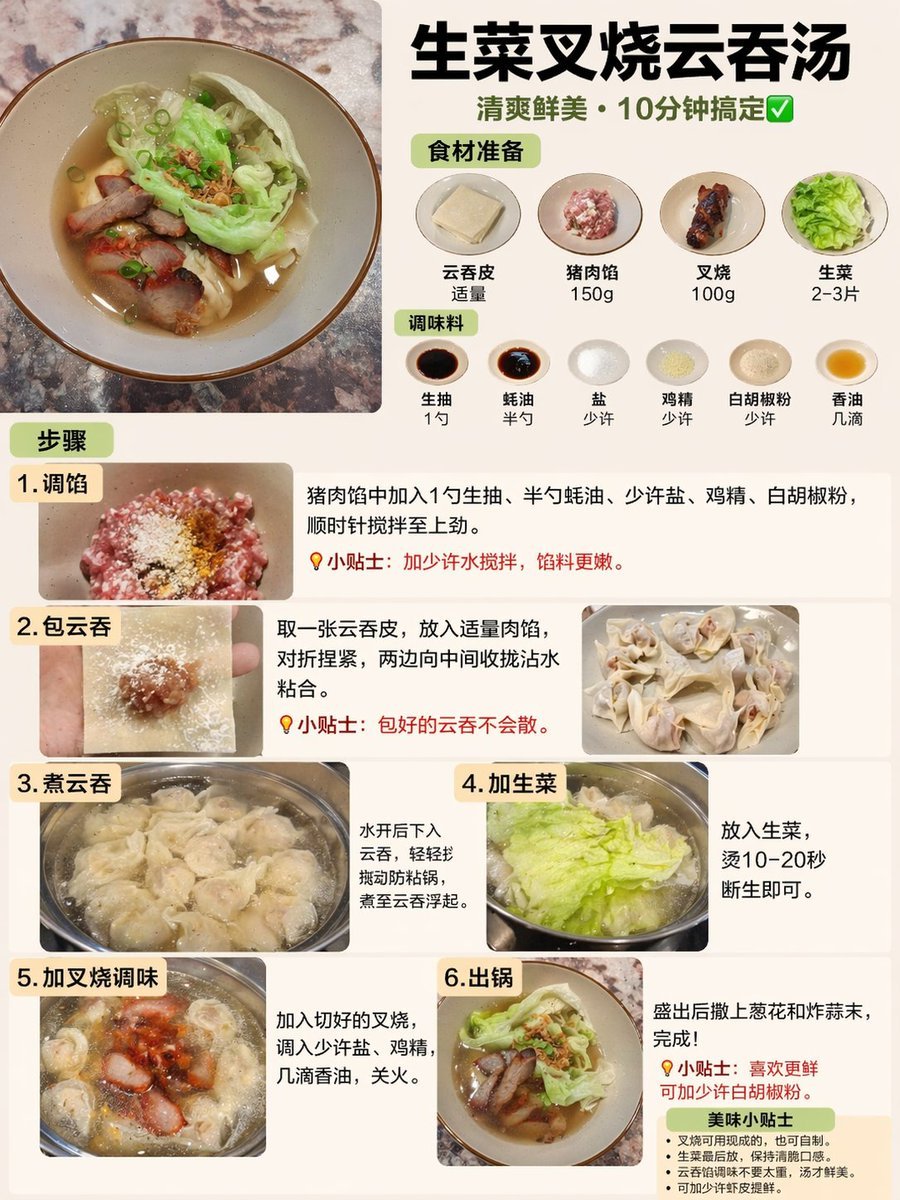
Educational Textbook Cover Design
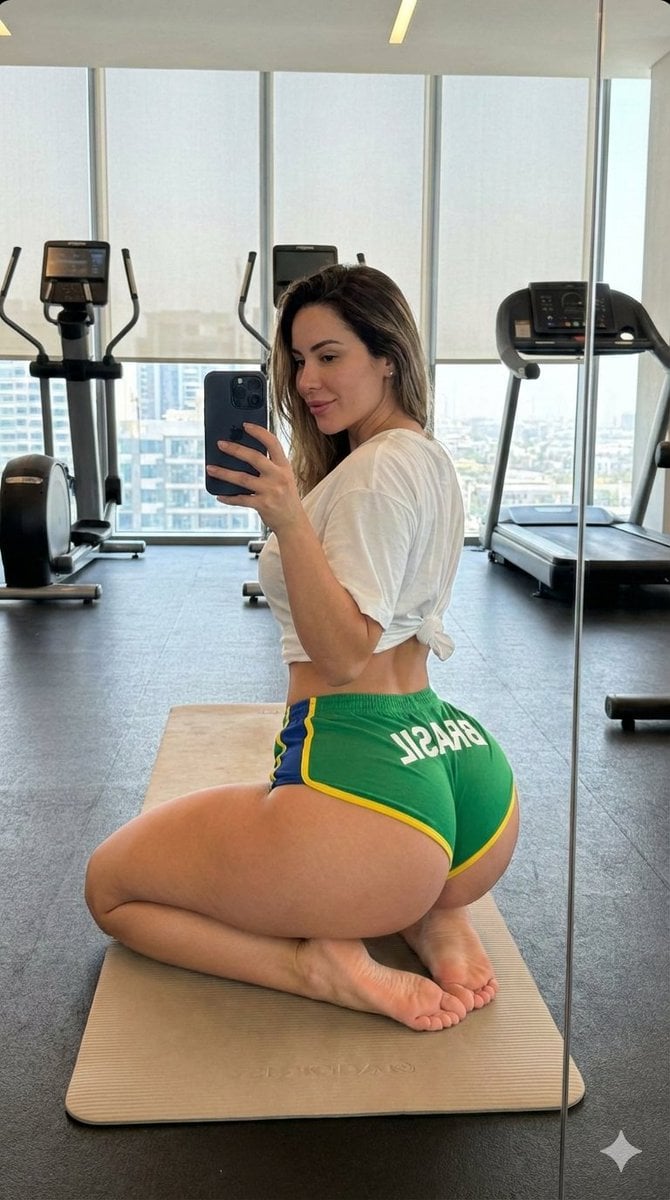
Gym Mirror Selfie with Exaggerated Proportions
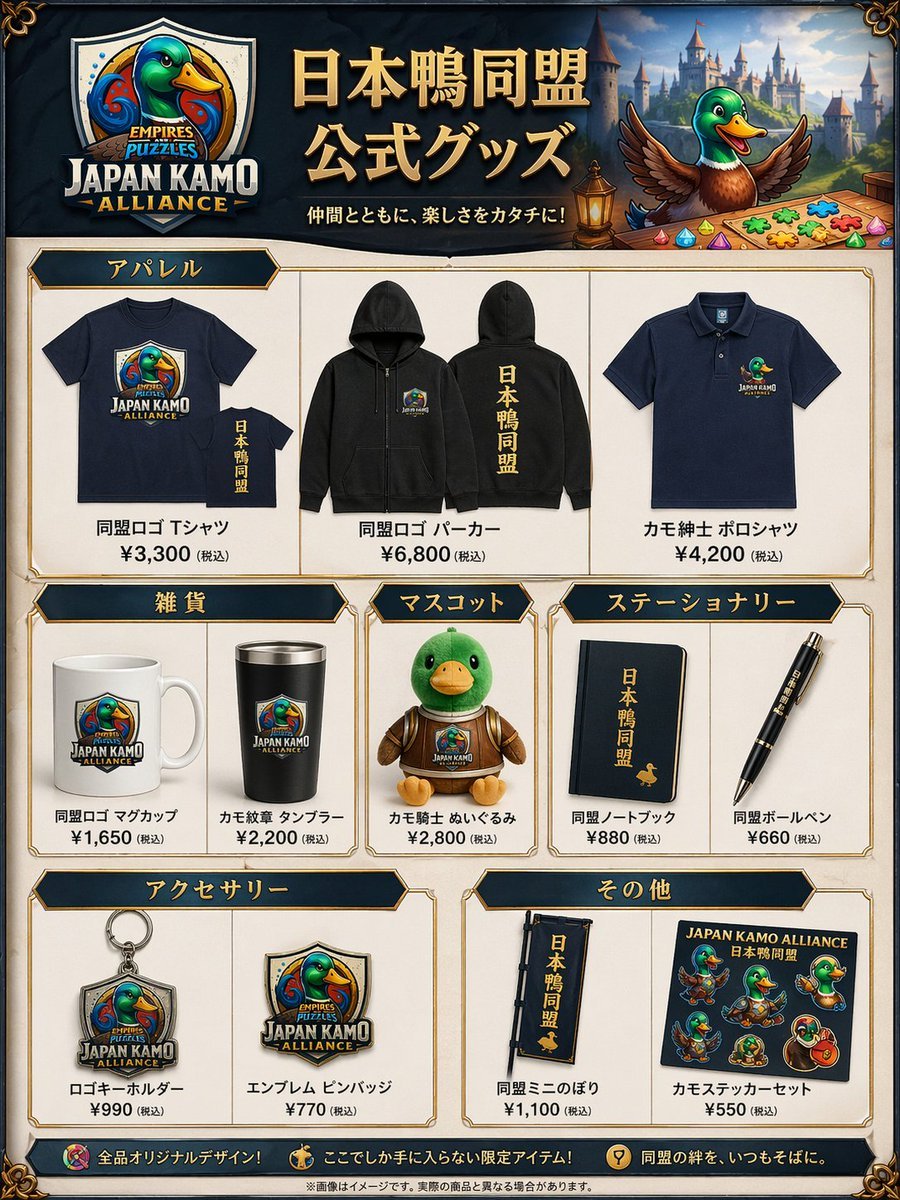
Fantasy Duck Alliance Goods Catalog
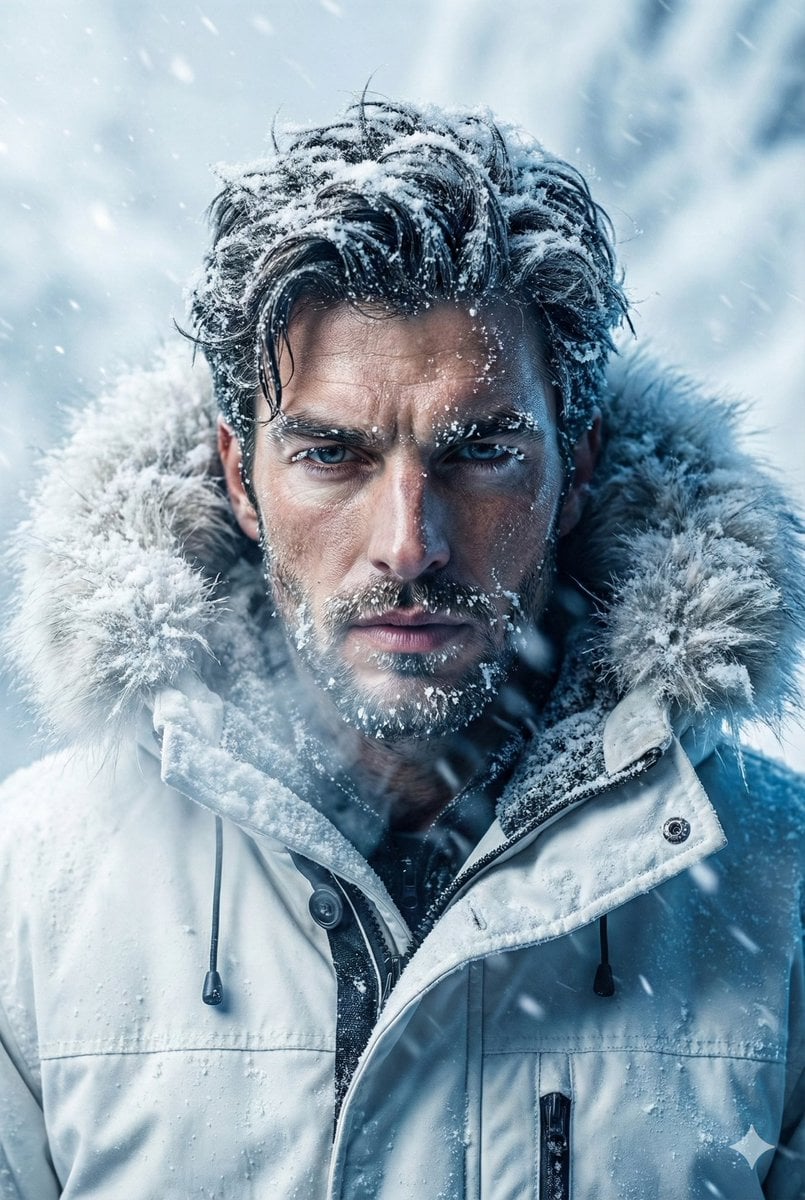
Arctic Explorer Close-Up Portrait
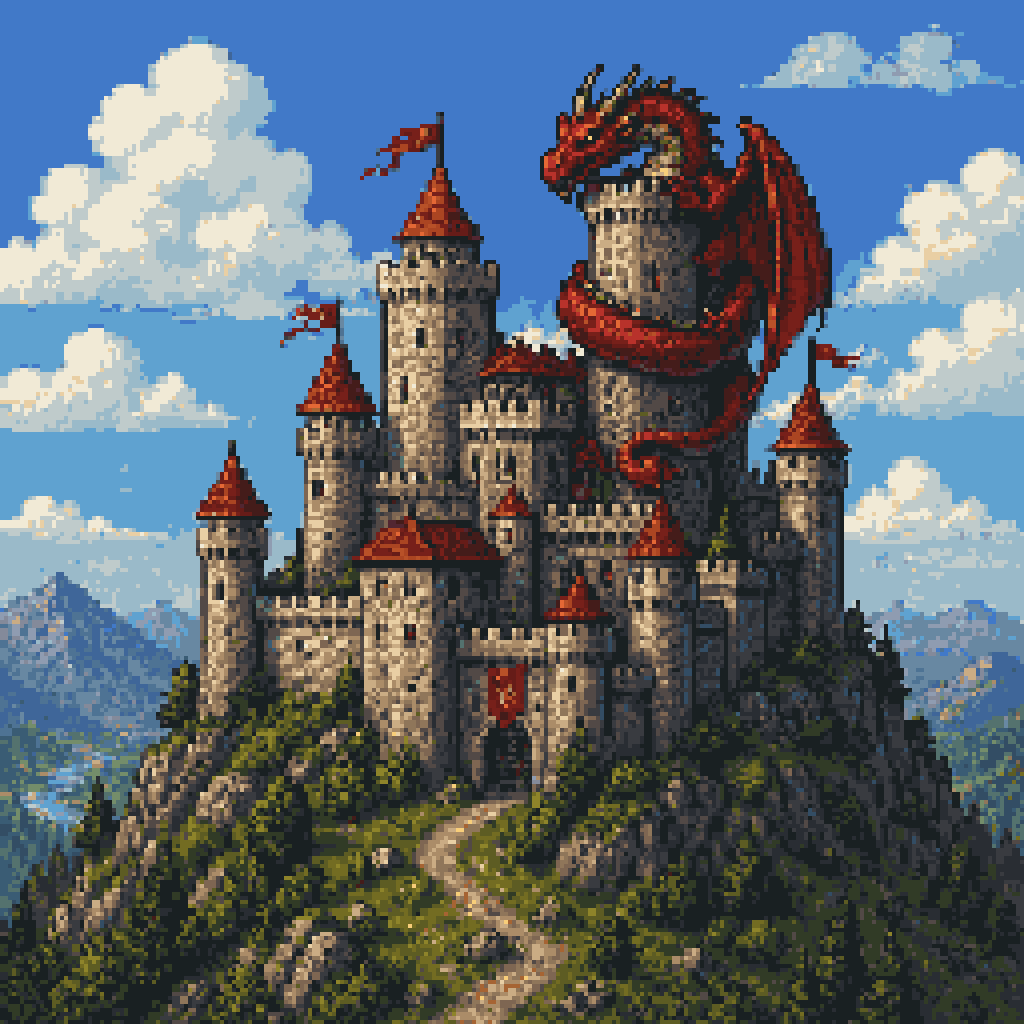
Pixel Art Dragon Castle

Idol flyer stuck on a steamed bun vending machine
Browse template categories
Realistic Citizenship Identity Card questions
How do I use the Realistic Citizenship Identity Card template?
Add your photo if the template asks for one, edit the prompt if you like — the template's model and format are already selected — and press Generate. Your version opens in PicX Studio.
Can I customize the Realistic Citizenship Identity Card template?
Yes. You can change the subject, setting, lighting, mood, format, and available model controls before creating your image.
Is the Realistic Citizenship Identity Card template free?
Opening and editing this template is free. Generating uses credits, shown on the Generate button when you are signed in.
Which AI model should I use?
Start with GPT Image 2, which is the model associated with this template. You can compare another compatible model for a different finish.
Looking for something else? Browse all templates.

Your photo, any look
Thousands of ready templates for every top image and video model, from one credit balance.