
VTuber Profile Sheet Generator
Generates a highly detailed, multi-section VTuber profile sheet featuring a full-body portrait, a chibi illustration, and customizable data fields for streaming.
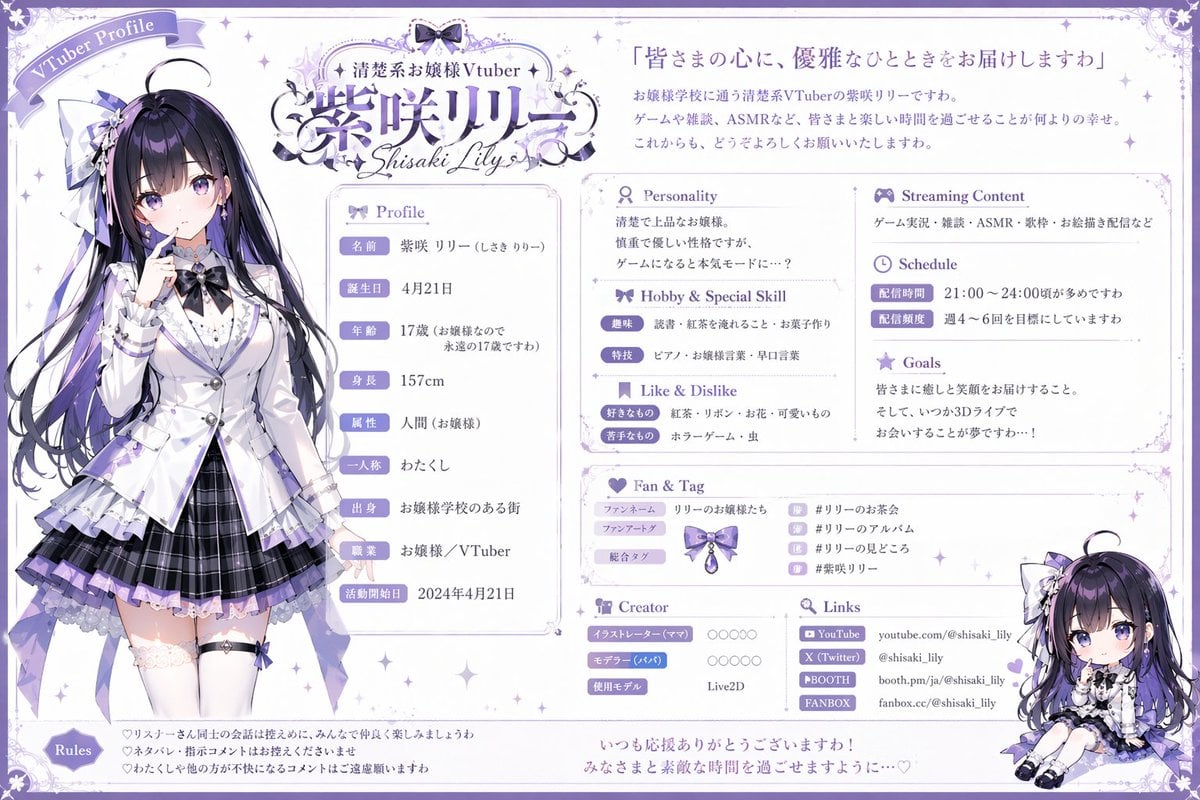
- Prompt included
- Model and format preset
- Free template
The prompt behind this image
Copy the exact prompt behind VTuber Profile Sheet Generator, or open it in the studio and make it yours.
- Type
- VTuber profile sheet
- Theme
- {argument name="color theme" default="purple and white"}, elegant, lace, ribbon motifs
- Character › Name
- {argument name="character name" default="紫咲リリー"}
- Character › Archetype
- {argument name="character archetype" default="elegant ojousama"}
- Character › Appearance
- anime girl, long black hair with purple highlights, purple eyes, wearing a white blazer, purple pleated skirt, thigh-highs, ribbons
- Character › Pose
- standing, finger to lips, looking slightly to the side
- Chibi Character › Appearance
- same character in chibi form
- Chibi Character › Pose
- sitting down, smiling
- Layout › Header › Top Left
- Ribbon banner reading 'VTuber Profile'
- Layout › Header › Top Center
- Logo with text '{argument name="vtuber type" default="清楚系お嬢様Vtuber"}' and '{argument name="character name" default="紫咲リリー"}' and 'Shisaki Lily'
- Layout › Header › Top Right
- Quote '{argument name="catchphrase" default="皆さまの心に、優雅なひとときをお届けしますわ"}' followed by a 3-line introductory paragraph
- Layout › Columns › 0 › Position
- left
- Layout › Columns › 0 › Content
- Full-body character portrait
- Layout › Columns › 1 › Position
- center
- Layout › Columns › 1 › Sections › 0 › Title
- Profile
- Layout › Columns › 1 › Sections › 0 › Count
- 9
- Layout › Columns › 1 › Sections › 0 › Labels
- 名前, 誕生日, 年齢, 身長, 属性, 一人称, 出身, 職業, 活動開始日
- Layout › Columns › 1 › Sections › 1 › Title
- Personality
- Layout › Columns › 1 › Sections › 1 › Content
- 2-line text block
- Layout › Columns › 1 › Sections › 2 › Title
- Hobby & Special Skill
- Layout › Columns › 1 › Sections › 2 › Count
- 2
- Layout › Columns › 1 › Sections › 2 › Labels
- 趣味, 特技
- Layout › Columns › 1 › Sections › 3 › Title
- Like & Dislike
- Layout › Columns › 1 › Sections › 3 › Count
- 2
Raw JSON
{ "type": "VTuber profile sheet", "theme": "{argument name=\"color theme\" default=\"purple and white\"}, elegant, lace, ribbon motifs", "character": { "name": "{argument name=\"character name\" default=\"紫咲リリー\"}", "archetype": "{argument name=\"character archetype\" default=\"elegant ojousama\"}", "appearance": "anime girl, long black hair with purple highlights, purple eyes, wearing a white blazer, purple pleated skirt, thigh-highs, ribbons", "pose": "standing, finger to lips, looking slightly to the side" }, "chibi_character": { "appearance": "same character in chibi form", "pose": "sitting down, smiling" }, "layout": { "header": { "top_left": "Ribbon banner reading 'VTuber Profile'", "top_center": "Logo with text '{argument name=\"vtuber type\" default=\"清楚系お嬢様Vtuber\"}' and '{argument name=\"character name\" default=\"紫咲リリー\"}' and 'Shisaki Lily'", "top_right": "Quote '{argument name=\"catchphrase\" default=\"皆さまの心に、優雅なひとときをお届けしますわ\"}' followed by a 3-line introductory paragraph" }, "columns": [ { "position": "left", "content": "Full-body character portrait" }, { "position": "center", "sections": [ { "title": "Profile", "count": 9, "labels": ["名前", "誕生日", "年齢", "身長", "属性", "一人称", "出身", "職業", "活動開始日"] }, { "title": "Personality", "content": "2-line text block" }, { "title": "Hobby & Special Skill", "count": 2, "labels": ["趣味", "特技"] }, { "title": "Like & Dislike", "count": 2, "labels": ["好きなもの", "苦手なもの"] } ] }, { "position": "right", "sections": [ { "title": "Streaming Content", "content": "1-line text block" }, { "title": "Schedule", "count": 2, "labels": ["配信時間", "配信頻度"] }, { "title": "Goals", "content": "3-line text block" }, { "title": "Fan & Tag", "count": 3, "labels": ["ファンネーム", "ファンアートタグ", "総合タグ"], "extra": "4 hashtag rows with small icons" }, { "title": "Creator", "count": 3, "labels": ["イラストレーター (ママ)", "モデラー (パパ)", "使用モデル"] }, { "title": "Links", "count": 4, "labels": ["YouTube", "X (Twitter)", "BOOTH", "FANBOX"] }, { "content": "Chibi character illustration placed at the bottom right corner" } ] } ], "footer": { "sections": [ { "title": "Rules", "count": 3, "description": "3 bullet points with heart icons" }, { "content": "2-line closing message at the bottom center" } ] } } }How to use VTuber Profile Sheet Generator in 3 steps
- 1Upload ImagePNG, JPG or paste
Add your photo
Upload the photo the template builds on. The prompt, model and format are already set.
- 2…a portrait of your subject in softgolden-hour light, 85mm…
Personalize
Edit the subject and creative details for your destination.
- 3Generate
Generate
Press Generate — your image is created in PicX Studio, so you can compare it with the original and refine one variable at a time.
More like this
Templates with the same subject, style or setup. Open one to see its prompt.

Six VTuber Japanese Logo Sheet

Cyberpunk Neon Profile Fashion Portrait
Low-Angle Cyberpunk Neon Profile Portrait
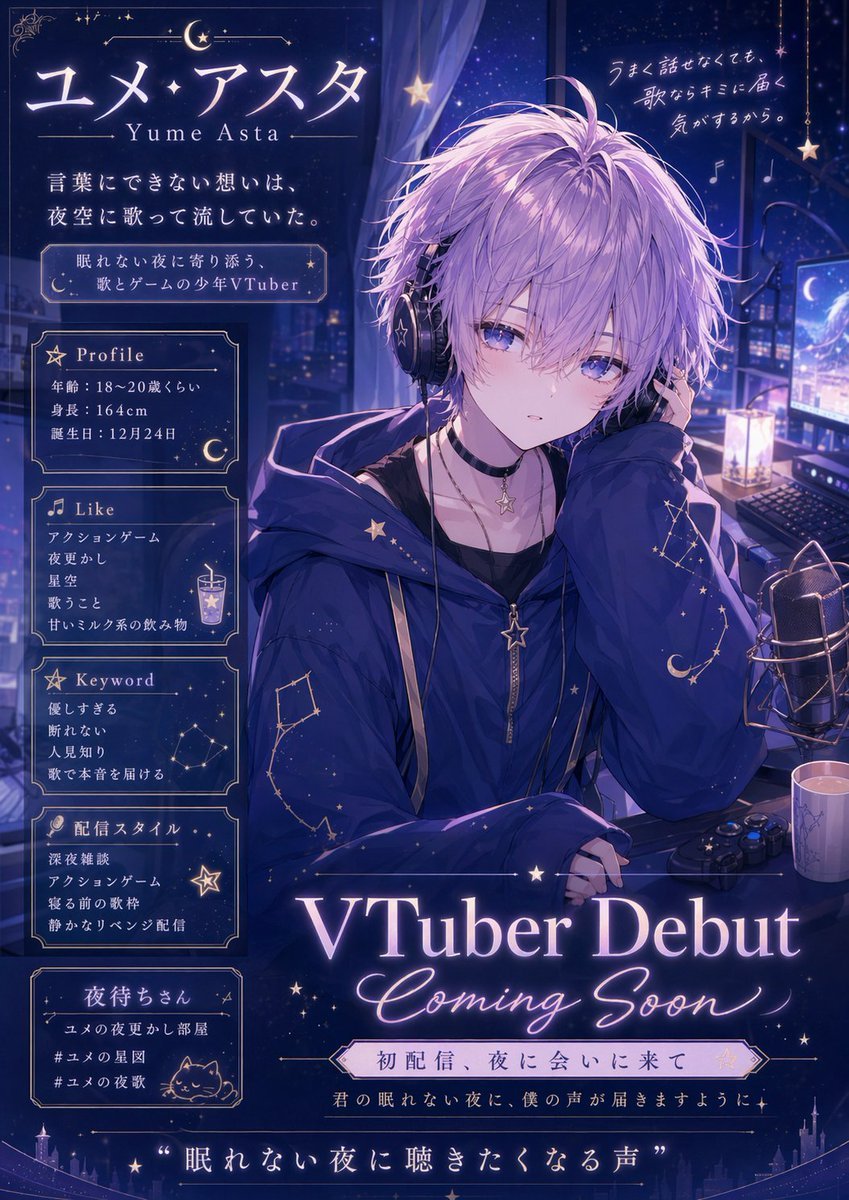
VTuber Debut Poster from Character Sheet

Dancer Character - Four View Reference Sheet

Movement Sheet - Dance Reference (Seedance 2.0)

Nano Banana Pro 2.0 — 3x3 Travel Profile Grid
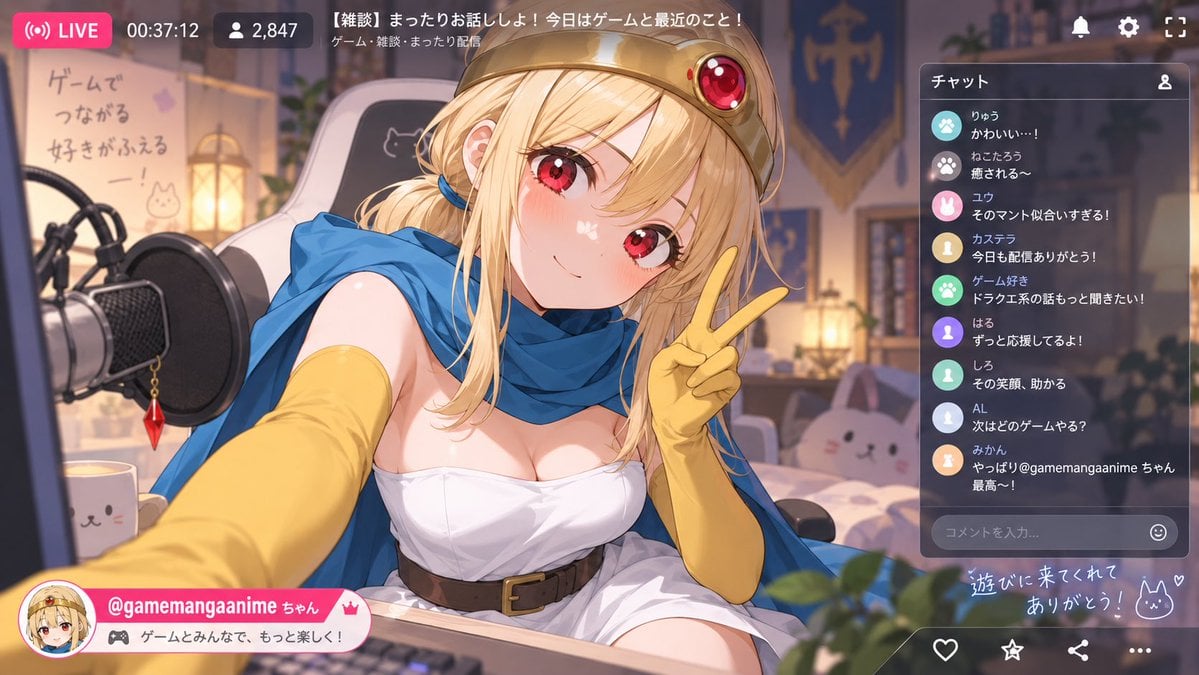
Anime VTuber Livestream Screenshot
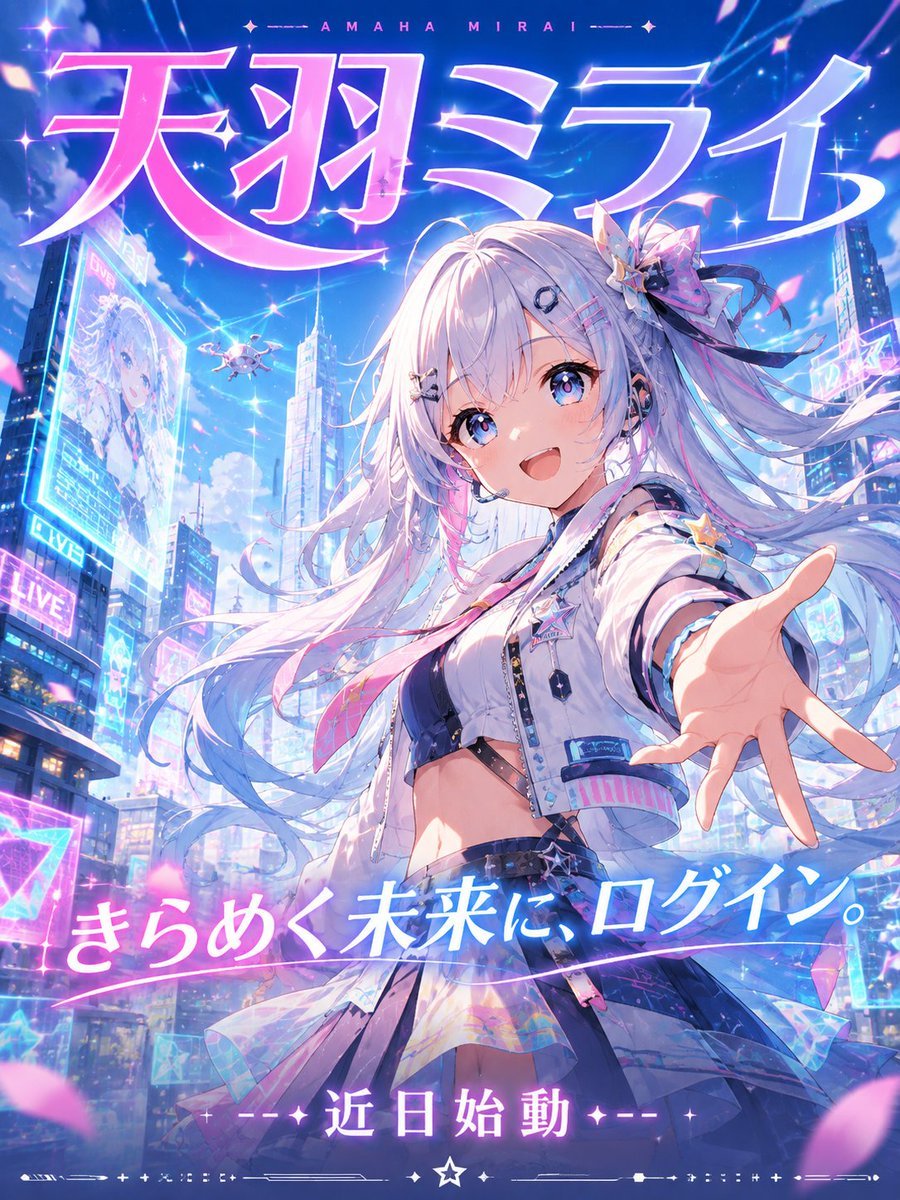
Futuristic VTuber Debut Poster
Anime VTuber Gaming Thumbnail

Retro Manga StackChan Concept Sheet

Halloween Nun Chibi Character Sheet
Make it yours
VTuber Profile Sheet Generator works as-is. These are the safest ways to change it without losing the look.
Change one field
Copy a single group, rewrite it, and generate again so you can see what that field is doing.
Keep the frame, change the subject
Hold the composition and light of VTuber Profile Sheet Generator, then swap wardrobe, props or the person for a new take.
| If the result… | Why | Fix |
|---|---|---|
| The result drifts from the preview | Too many fields changed at once. | Reuse VTuber Profile Sheet Generator as-is first, then change one group — subject, light, or setting. |
| GPT Image 2 ignores part of the JSON | Some models flatten or skip nested keys. | Keep the same values and paste them as a short paragraph instead. |
More GPT Image 2 templates
Other prompts made for GPT Image 2.

Realistic Portrait of Woman and Deer

The Vista Modular Condo Poster

AI Model Routing Comparison Infographic

2.5D Anime Art Board

Isometric Productivity Desk Scene

New York Double Exposure Poster

Four-Panel AI Landscape Comparison

Japanese Tatami Lifestyle Magazine Cover

NESCAFÉ Coffee Map Poster

Brutalist Cogito Chinese Typography Poster
More image prompts
Fresh picks from across the catalog.
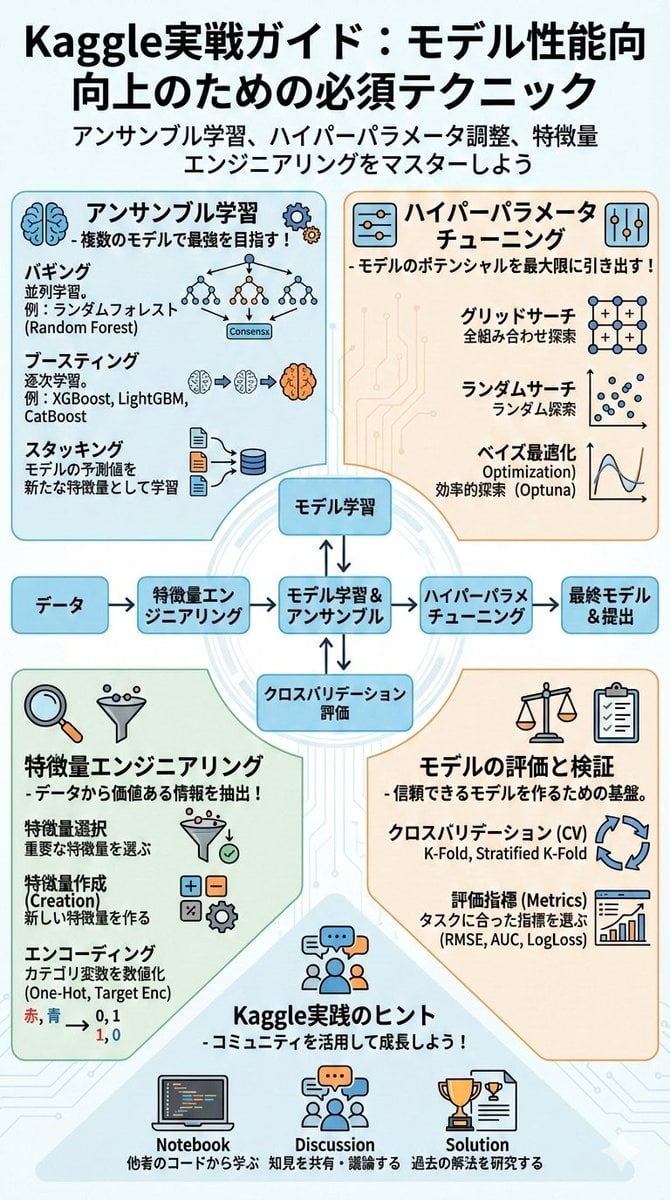
Summarize a book into a Japanese poster image

Larin: Dinner is almost ready
Rural Station Schoolgirl Scene
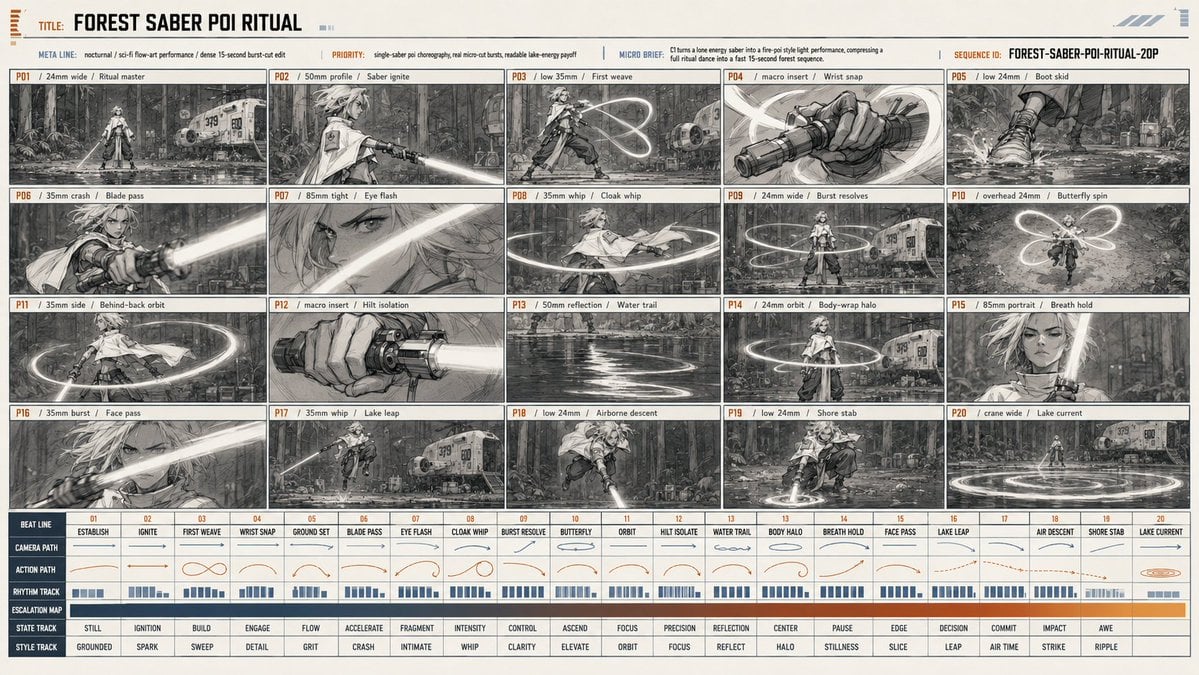
Forest Saber Ritual Storyboard Sheet
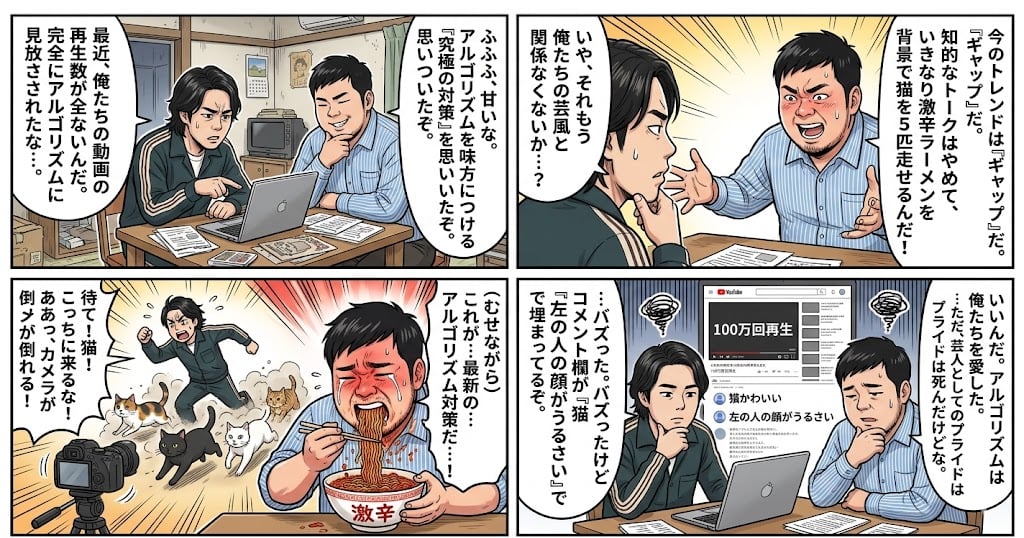
Nano Banana Pro 4-Panel Manga Prompt: The Formula for Buzz
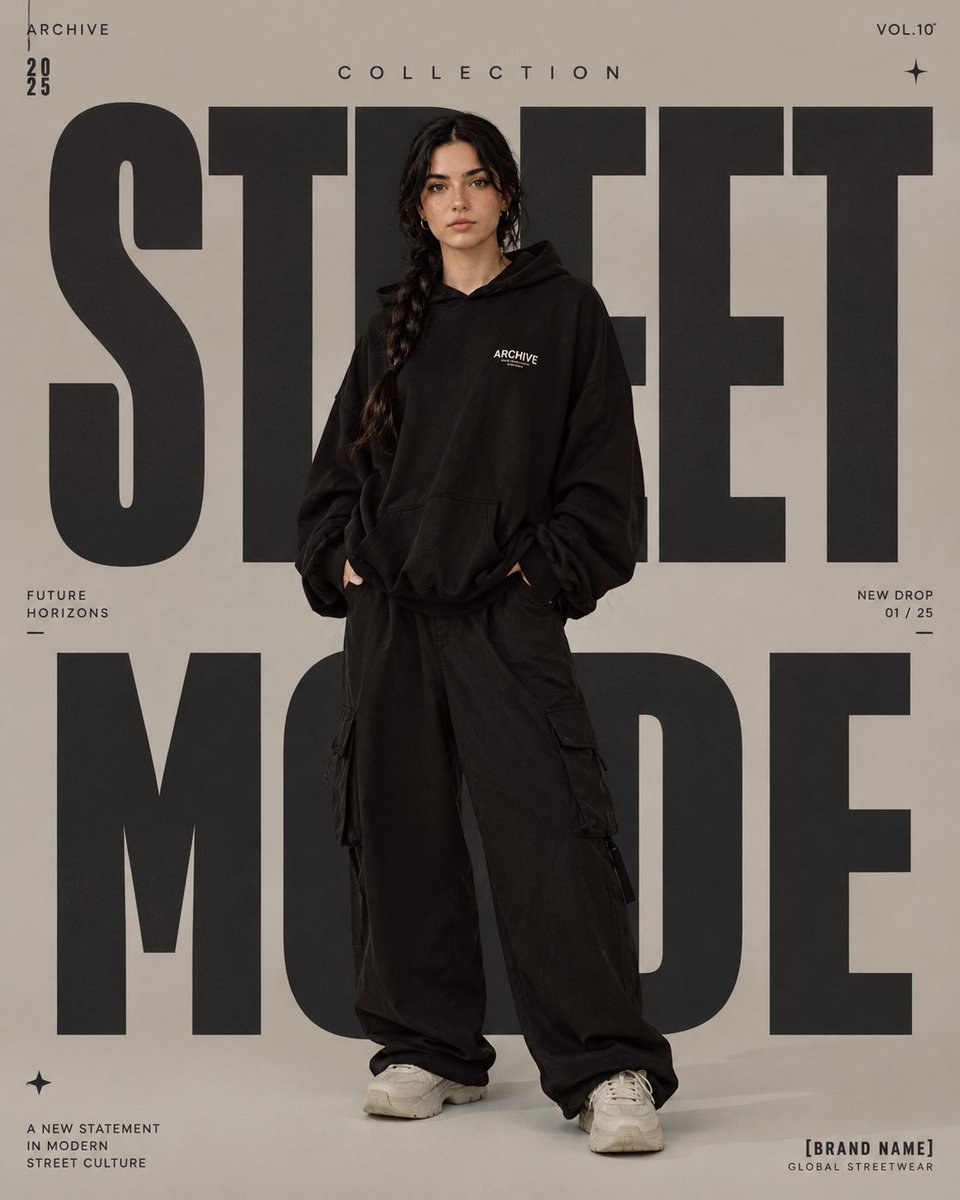
High-Fashion Editorial Magazine Poster

Bear Peering into a Deep Hole Illustration

Japanese MNP Campaign Banner
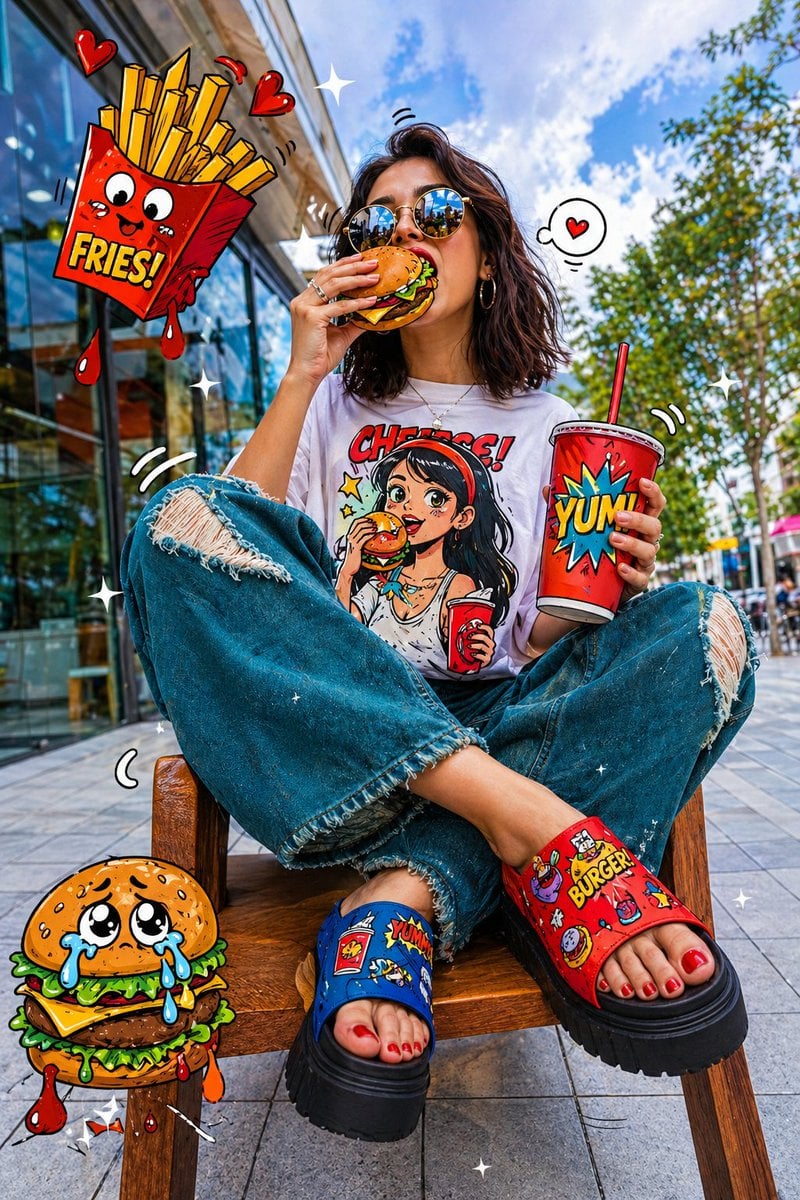
Pop-Art Urban Photography Fusion

Hyper-Realistic Street View of Man Leaning on BMW
Browse template categories
VTuber Profile Sheet Generator questions
How do I use the VTuber Profile Sheet Generator template?
Add your photo if the template asks for one, edit the prompt if you like — the template's model and format are already selected — and press Generate. Your version opens in PicX Studio.
Can I customize the VTuber Profile Sheet Generator template?
Yes. You can change the subject, setting, lighting, mood, format, and available model controls before creating your image.
Is the VTuber Profile Sheet Generator template free?
Opening and editing this template is free. Generating uses credits, shown on the Generate button when you are signed in.
Which AI model should I use?
Start with GPT Image 2, which is the model associated with this template. You can compare another compatible model for a different finish.
Looking for something else? Browse all templates.

Your photo, any look
Thousands of ready templates for every top image and video model, from one credit balance.