
Japanese MNP Campaign Banner
A polished square Japanese SNS banner for promoting a mobile number portability switching cashback or point-return campaign.
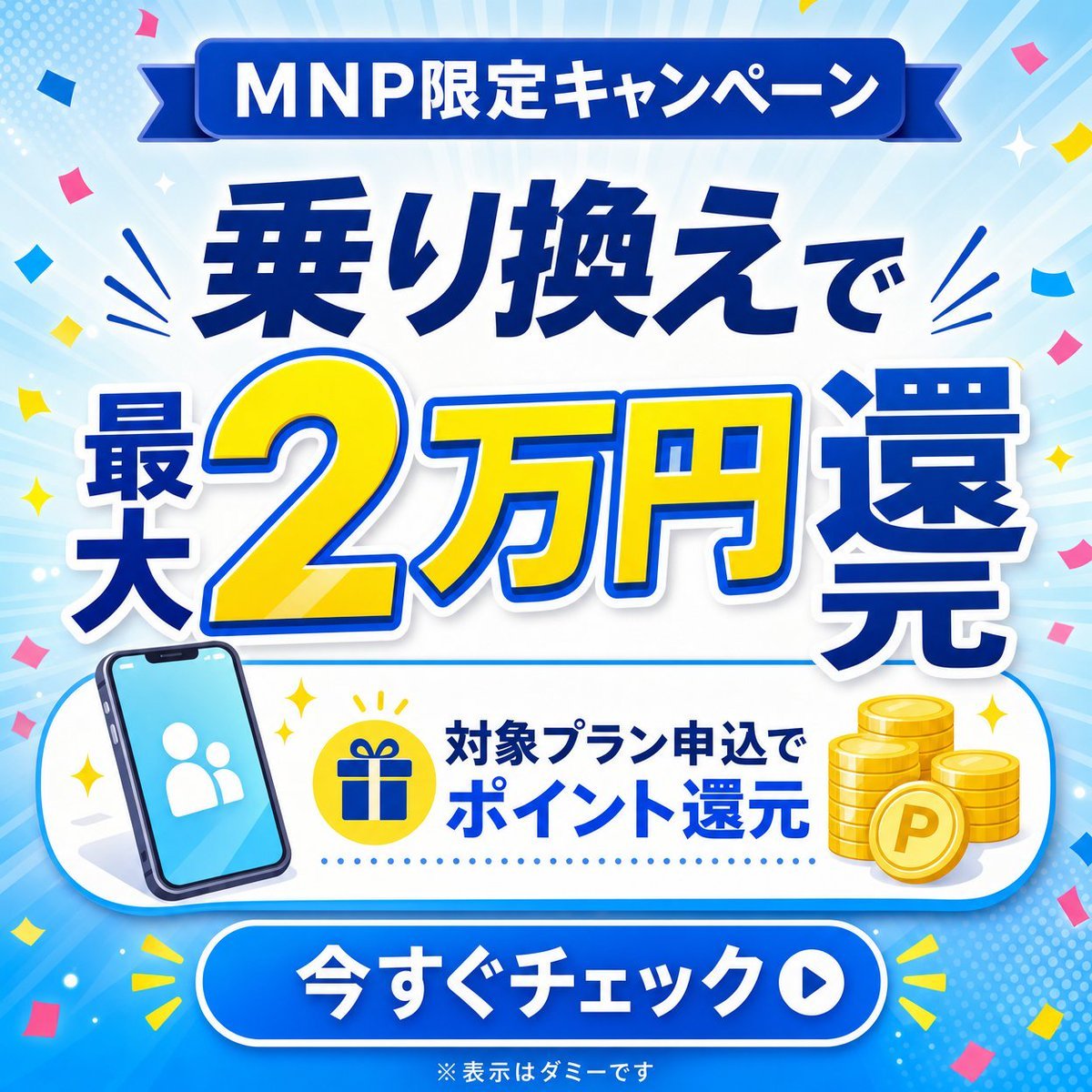
- Prompt included
- Model and format preset
- Free template
The prompt behind this image
Copy the exact prompt behind Japanese MNP Campaign Banner, or open it in the studio and make it yours.
Goal: Create a bright square Japanese social media campaign banner advertising an MNP switching promotion for {argument name="campaign type" default="MNP limited campaign"}. Canvas: 1:1 square banner, 768×768 style, high-resolution, clean commercial ad design. Use a sky-blue radial burst background with pale rays from the center, dotted halftone texture near the edges, small sparkle stars, and about 28 colorful confetti pieces in pink, yellow, and blue around the border. Layout: Arrange the design in 5 stacked zones. Zone 1 is a dark royal-blue ribbon at the top with rounded rectangular center and pointed ribbon tails. Zone 2 is a large headline area with bold Japanese text. Zone 3 is the main offer amount, oversized and centered. Zone 4 is a white rounded information card with icons. Zone 5 is a large blue rounded call-to-action button at the bottom. Text content: Top ribbon text: {argument name="top ribbon text" default="MNP限定キャンペーン"}. Main headline: {argument name="headline text" default="乗り換えで"}. Main offer text must read {argument name="offer amount text" default="最大2万円還元"}, with the number and currency in bright yellow and the surrounding characters in deep blue. Information card text: {argument name="detail text" default="対象プラン申込で ポイント還元"}. CTA button text: "今すぐチェック". Small disclaimer centered below the button: "※表示はダミーです". Counted visual elements: Include exactly 1 top ribbon banner, 1 main headline, 1 oversized offer amount block, 1 white rounded information card, 1 CTA button, 1 smartphone icon on the lower left, 1 yellow circular gift icon near the center of the card, 1 group of gold coins on the right of the card, 1 white play-arrow circle inside the CTA button, and 2 yellow attention-burst marks flanking the CTA button. In the coin group, show exactly 3 stacked coin columns plus 1 large front coin marked with a capital "P". Visual style: Bold Japanese advertising typography, thick white outlines, blue drop shadows, glossy gradients, high contrast, celebratory telecom-promotion look. Use deep navy blue, royal blue, cyan, white, and vivid yellow as the primary palette. The main "2万円" should dominate the composition, with heavy outline layering: yellow fill, blue stroke, thin white outer glow, and soft shadow. Subject details: The smartphone should be tilted slightly left, with a cyan screen and a simple white two-person user icon. The gift icon should be a dark blue present symbol inside a yellow circle with tiny yellow sparkle marks above it. The CTA button should be a glossy rounded rectangle with a white border and soft shadow, containing a white circular play icon on the right. Constraints: Keep all text crisp and readable, centered, and in Japanese. Do not add logos, brand names, watermarks, QR codes, or extra copy. Maintain a polished Japanese mobile-carrier campaign banner aesthetic.
How to use Japanese MNP Campaign Banner in 3 steps
- 1Upload ImagePNG, JPG or paste
Add your photo
Upload the photo the template builds on. The prompt, model and format are already set.
- 2…a portrait of your subject in softgolden-hour light, 85mm…
Personalize
Edit the subject and creative details for your destination.
- 3Generate
Generate
Press Generate — your image is created in PicX Studio, so you can compare it with the original and refine one variable at a time.
More like this
Templates with the same subject, style or setup. Open one to see its prompt.

Blue Backdrop Luxury Fashion Portrait Campaign

Japanese Architectural Concrete Studio Fashion Campaign
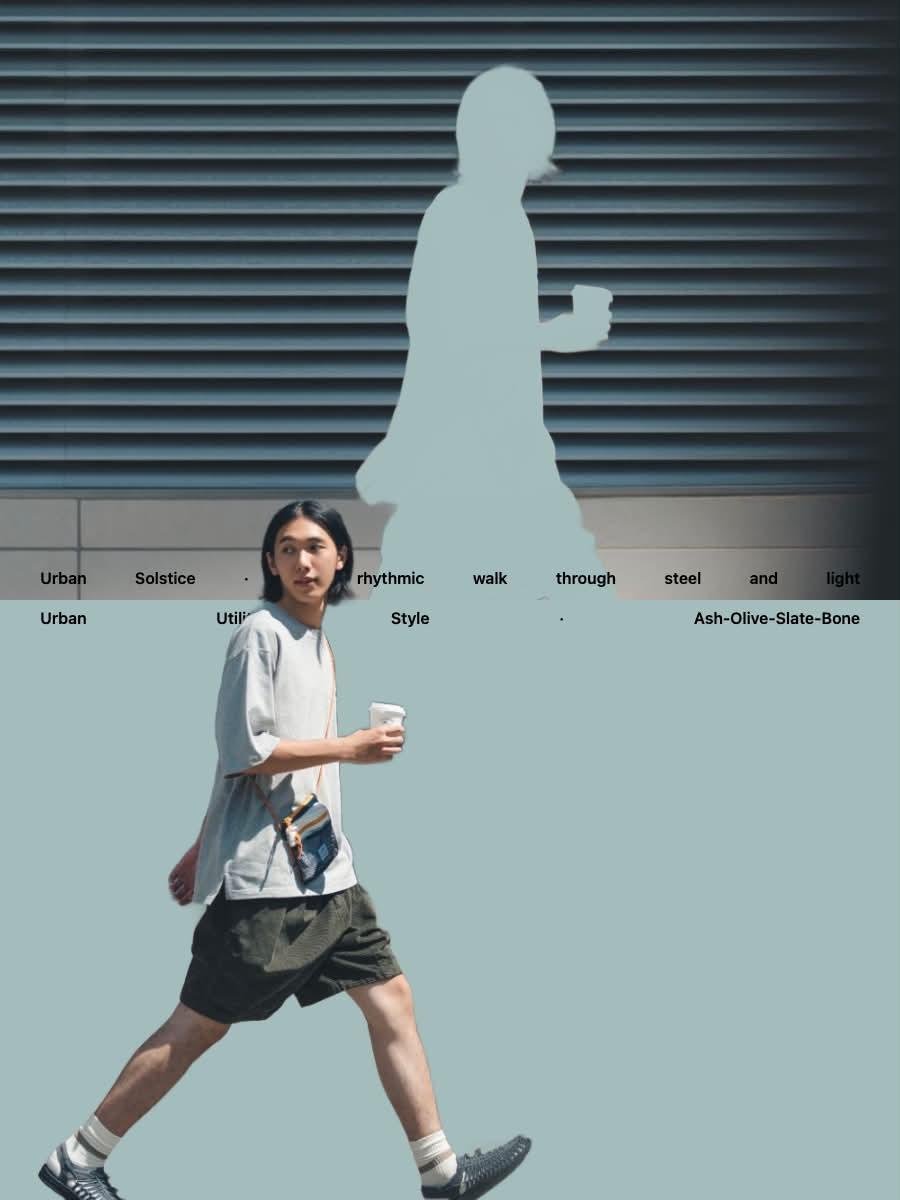
Japanese Minimalist Urban Fashion Campaign

Minecraft Japanese Research Lab Exploration

Retro Pop-Art K-Fashion Ultraluxury Campaign Poster

Japanese Minimalist Concrete Studio Fashion Editorial

Monroe and Ash Mediterranean Luxury Fashion Campaign

Polo Ralph Lauren Luxury American Heritage Fashion Campaign

Retro Mirror Luxury Fashion Campaign Poster

Luxury Fashion Campaign Typography Poster System

Premium Fashion Editorial Campaign Poster System

Korean Streetwear Minimalist Campaign Portrait
Make it yours
Japanese MNP Campaign Banner works as-is. These are the safest ways to change it without losing the look.
Change one field
Copy a single group, rewrite it, and generate again so you can see what that field is doing.
Keep the frame, change the subject
Hold the composition and light of Japanese MNP Campaign Banner, then swap wardrobe, props or the person for a new take.
| If the result… | Why | Fix |
|---|---|---|
| The result drifts from the preview | Too many fields changed at once. | Reuse Japanese MNP Campaign Banner as-is first, then change one group — subject, light, or setting. |
| The model over-stylizes the scene | The prose prompt leaves finish and camera underspecified. | Add one camera or lighting sentence and stay on GPT Image 2. |
More GPT Image 2 templates
Other prompts made for GPT Image 2.

Six VTuber Japanese Logo Sheet

Realistic Portrait of Woman and Deer

The Vista Modular Condo Poster

AI Model Routing Comparison Infographic

2.5D Anime Art Board

Isometric Productivity Desk Scene

New York Double Exposure Poster

Four-Panel AI Landscape Comparison

Japanese Tatami Lifestyle Magazine Cover

NESCAFÉ Coffee Map Poster
More image prompts
Fresh picks from across the catalog.
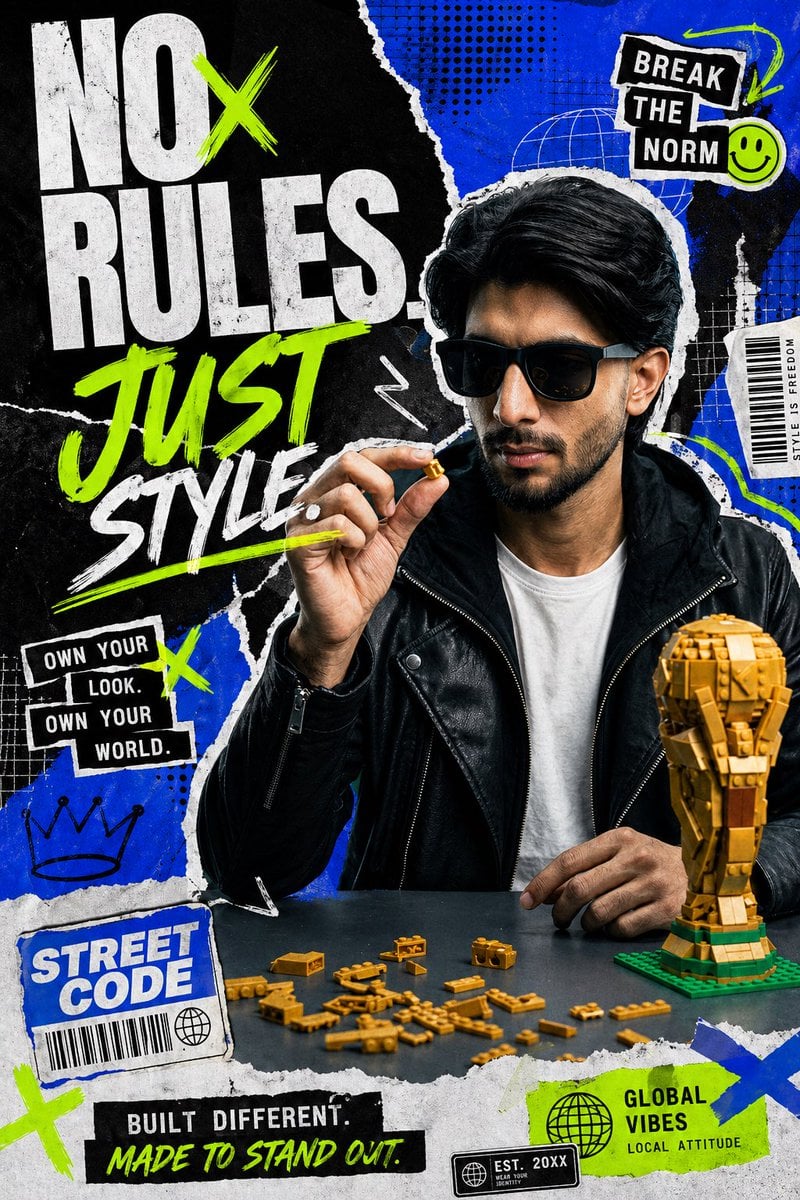
Streetwear Collage Poster With Gold Bricks
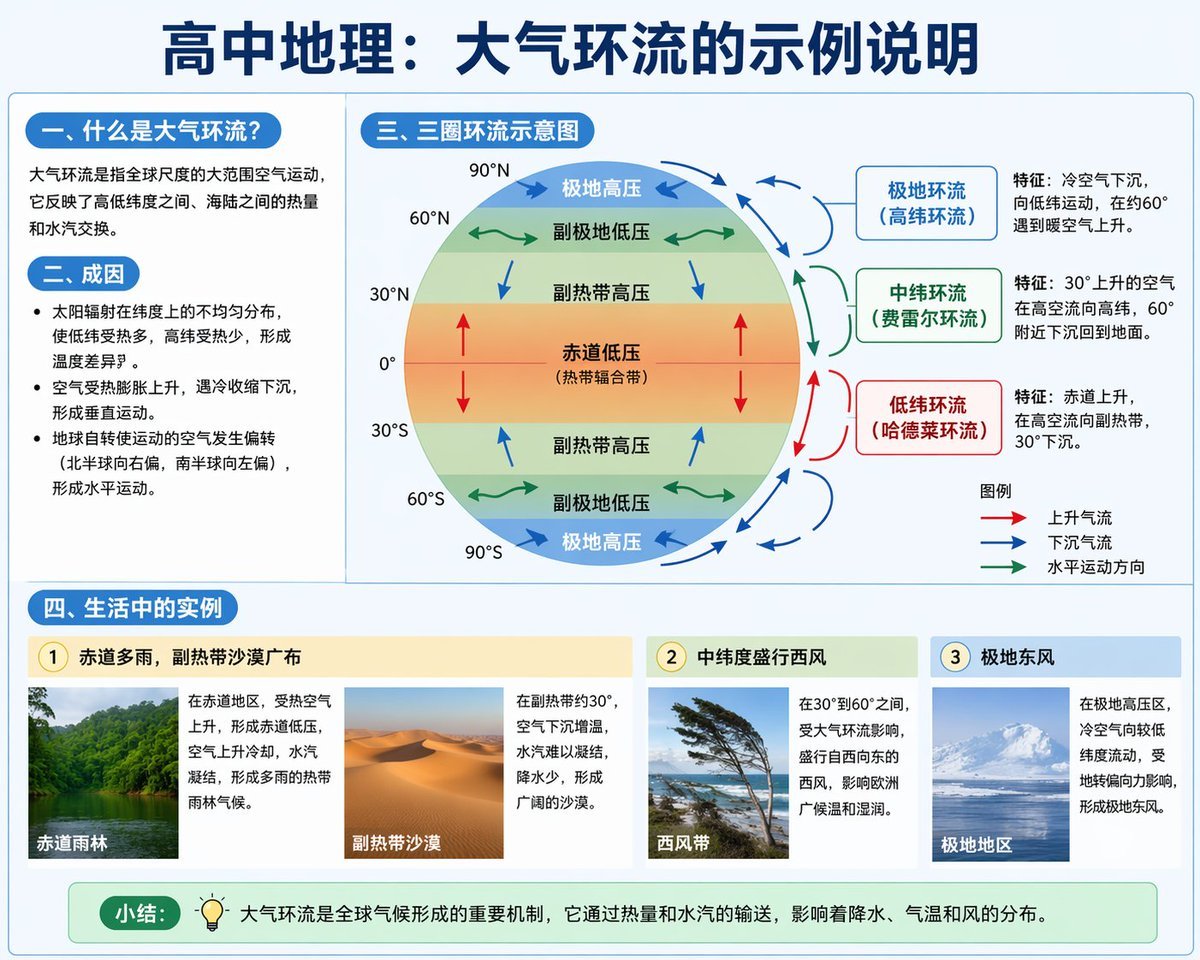
Educational Infographic on Atmospheric Circulation
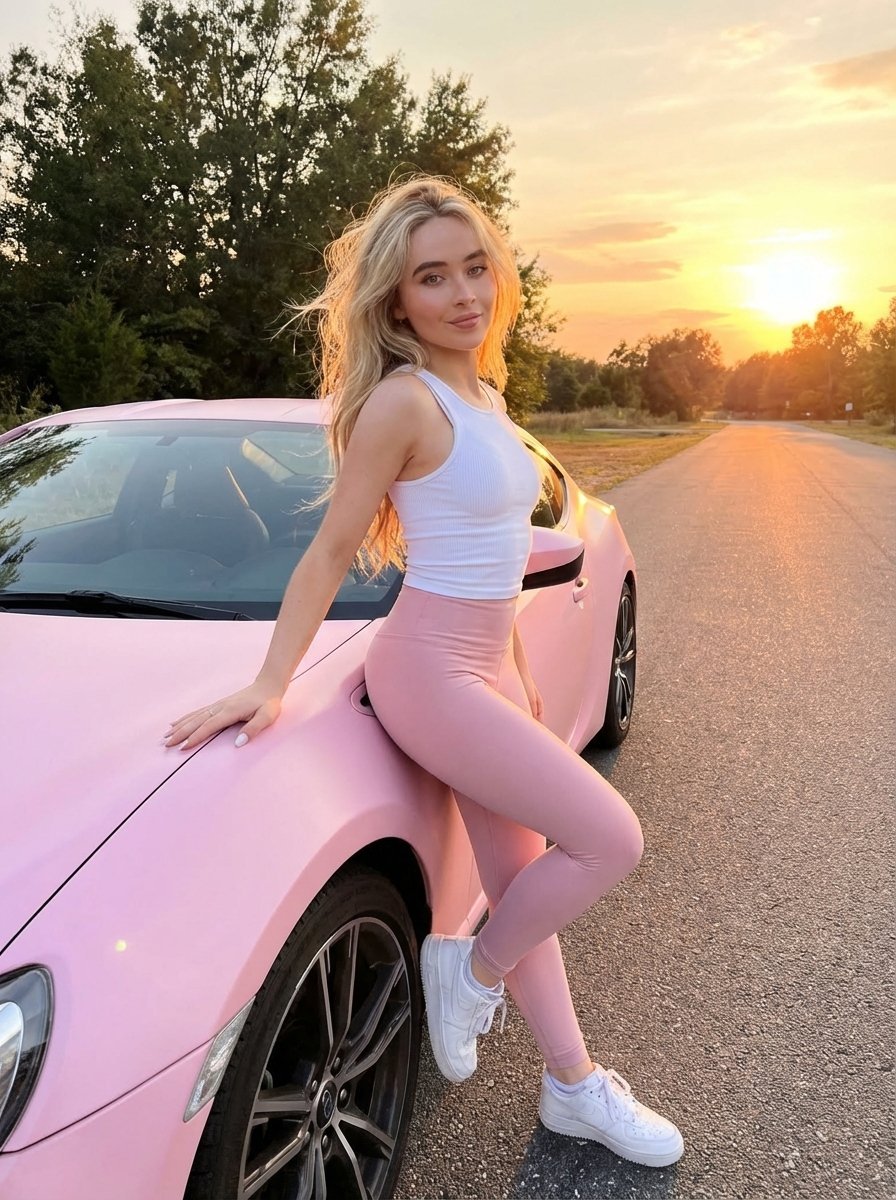
Lifestyle photo with pastel pink sports car at sunset
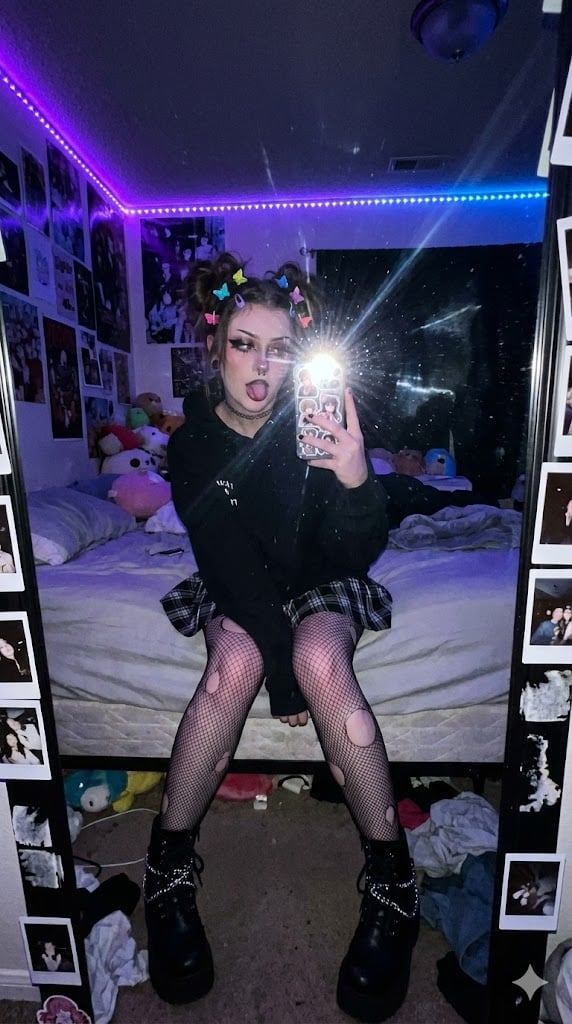
E-Girl Mirror Selfie Prompt (JSON Format)
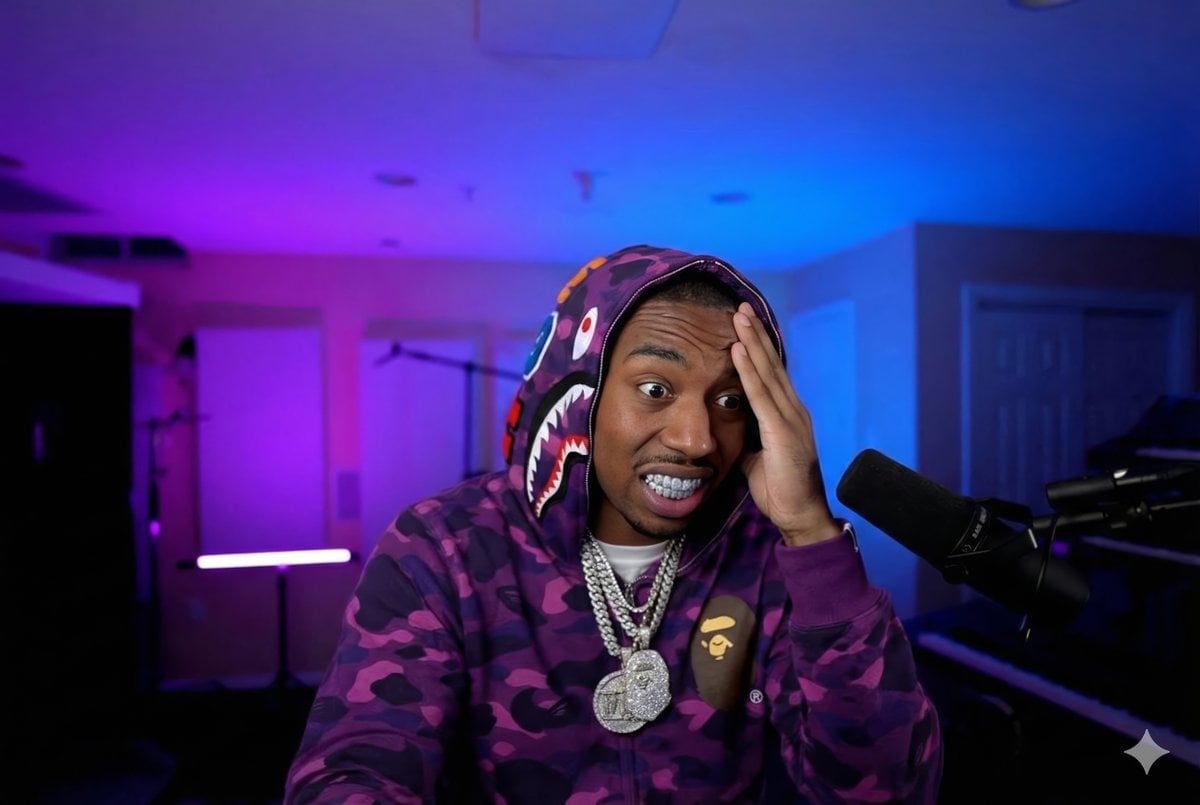
Rapper Transformation Prompt

Vlog Style Video Generation from Nano Banana Pro Image

Showa Modern Meisen Kimono Fashion
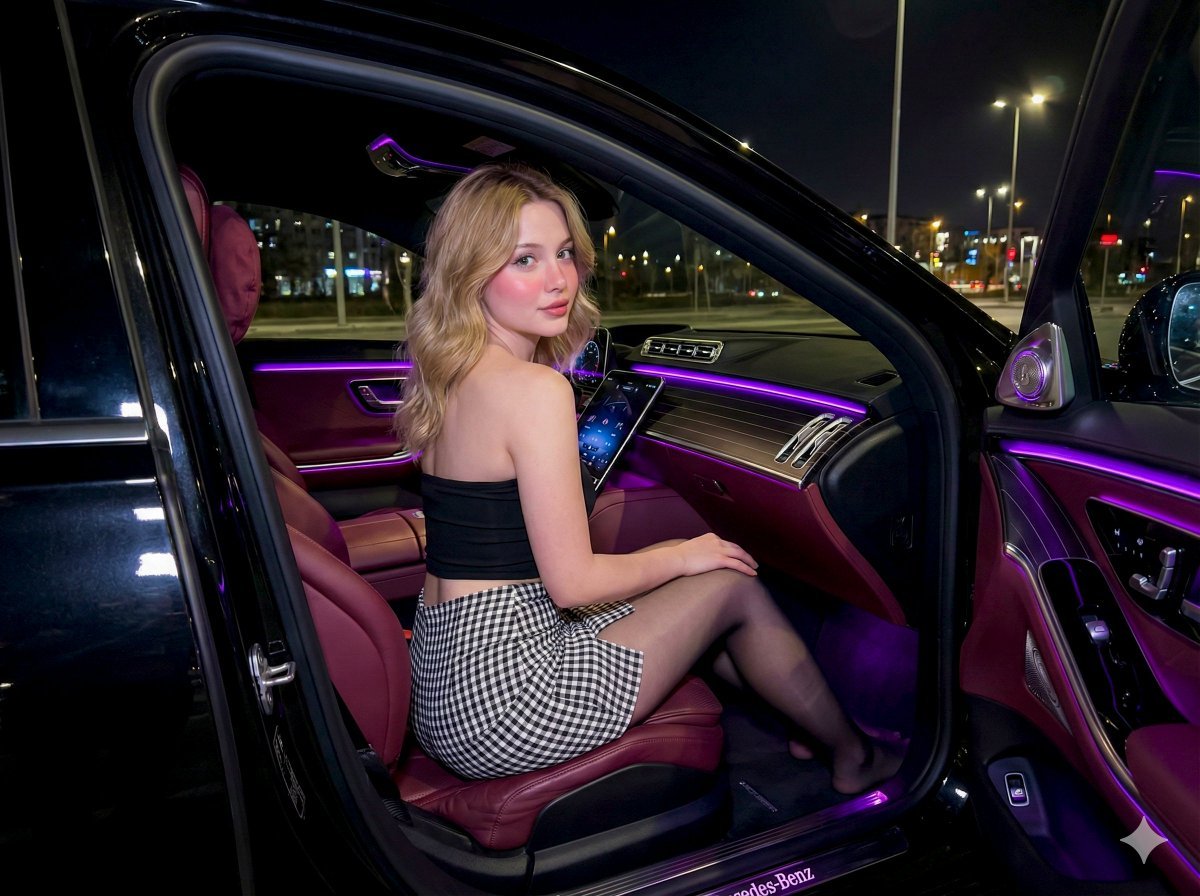
Nighttime Mercedes S-Class Interior Portrait with Purple Ambient Light
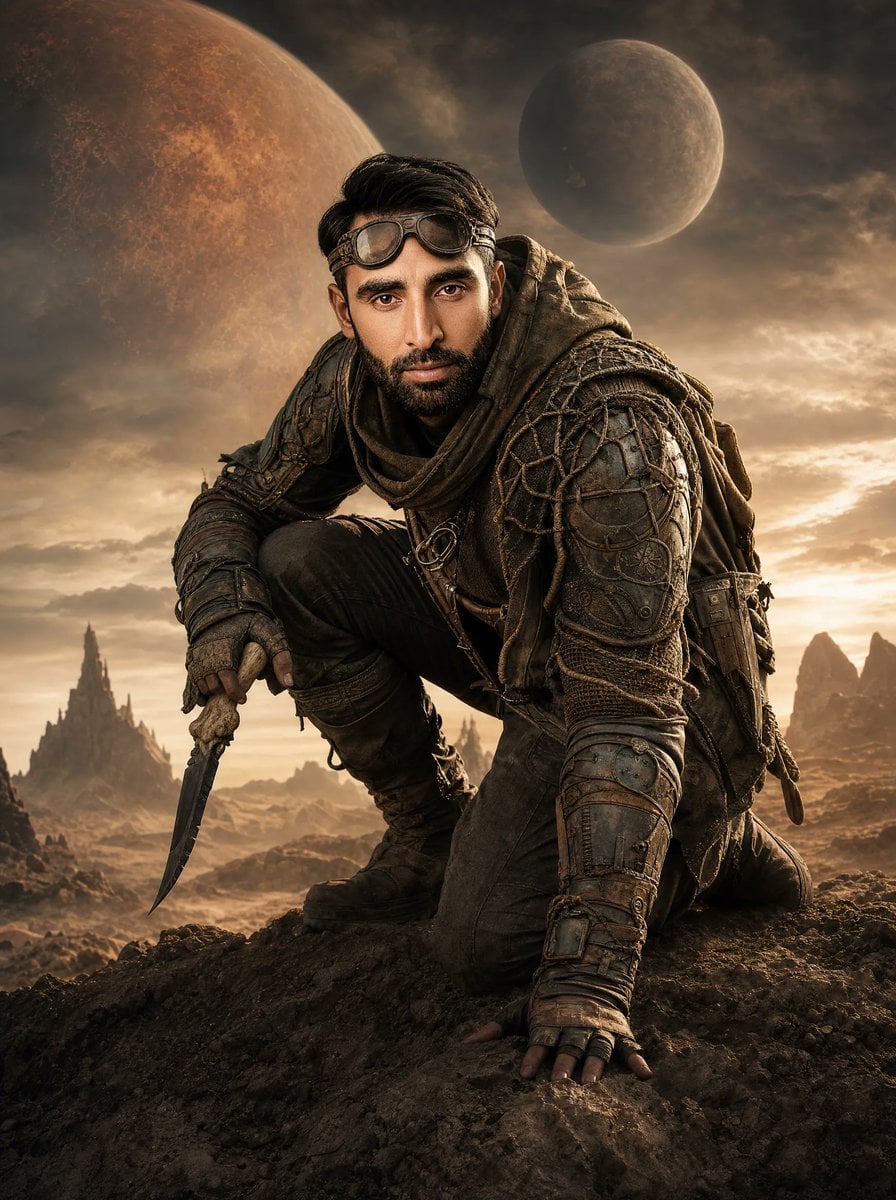
Post-Apocalyptic Alien Wasteland Warrior

Golden Hour Motion Blur Portrait
Browse template categories
Japanese MNP Campaign Banner questions
How do I use the Japanese MNP Campaign Banner template?
Add your photo if the template asks for one, edit the prompt if you like — the template's model and format are already selected — and press Generate. Your version opens in PicX Studio.
Can I customize the Japanese MNP Campaign Banner template?
Yes. You can change the subject, setting, lighting, mood, format, and available model controls before creating your image.
Is the Japanese MNP Campaign Banner template free?
Opening and editing this template is free. Generating uses credits, shown on the Generate button when you are signed in.
Which AI model should I use?
Start with GPT Image 2, which is the model associated with this template. You can compare another compatible model for a different finish.
Looking for something else? Browse all templates.

Your photo, any look
Thousands of ready templates for every top image and video model, from one credit balance.