
Post-Apocalyptic Alien Wasteland Warrior
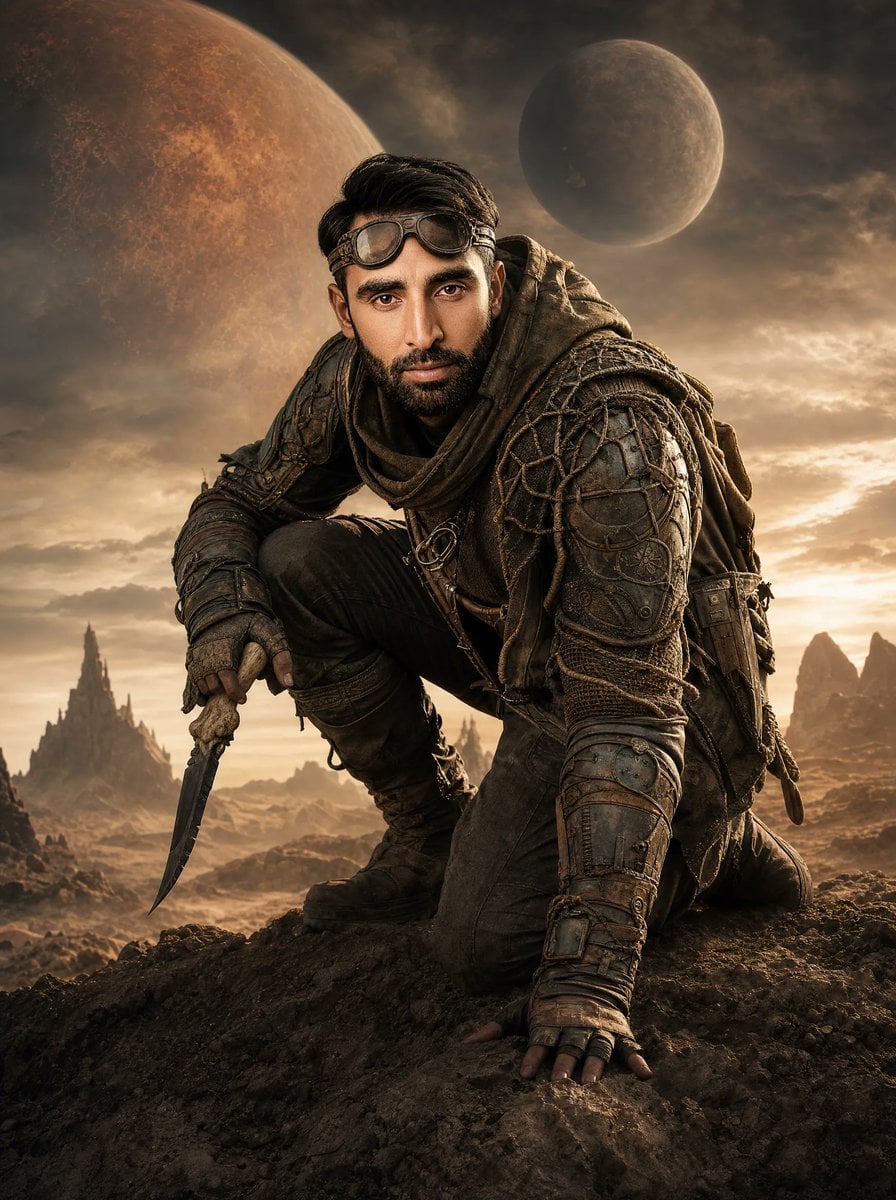
Generates a cinematic sci-fi poster of a crouching armored survivor with a knife on an alien desert world under two planets.
- Prompt included
- Model and format preset
- Free template
The prompt behind this image
Copy the exact prompt behind Post-Apocalyptic Alien Wasteland Warrior, or open it in the studio and make it yours.
Create a cinematic vertical sci-fi movie poster of {argument name="character name" default="a muscular lone male survivor"} crouching on a jagged rocky outcrop in a desolate alien wasteland. He is posed low and powerful, one knee bent forward, one hand braced on the ground, the other hand gripping a curved bone-handled knife with a dark blade pointed downward. His face is deliberately covered by a flat, centered, featureless rectangular mask in warm brown tones, while short dark hair remains visible above it. Dress him in {argument name="armor color" default="weathered olive-green and brown"} post-apocalyptic armor: bulky layered shoulder plates, intricate woven netting and cord patterns across the shoulders and chest, leather straps, metal rings, buckles, forearm bracers, fingerless gloves, rugged tactical pants, heavy boots, and a cloak or pack draped behind him. The setting is {argument name="planetary landscape" default="a barren rocky desert with distant jagged spires and eroded mountains"}, lit by a dramatic golden sunset with dust and haze. In the sky, show exactly two large celestial bodies: one enormous rusty orange planet dominating the upper left background and one smaller gray-brown moon in the upper right. Use epic high-contrast cinematic lighting, warm sepia and bronze color grading, sharp detailed textures, volumetric clouds, gritty realism, dramatic depth of field, and a heroic poster composition with no visible title text, logo, watermark, or extra characters.
How to use Post-Apocalyptic Alien Wasteland Warrior in 3 steps
- 1Upload ImagePNG, JPG or paste
Add your photo
Upload the photo the template builds on. The prompt, model and format are already set.
- 2…a portrait of your subject in softgolden-hour light, 85mm…
Personalize
Edit the subject and creative details for your destination.
- 3Generate
Generate
Press Generate — your image is created in PicX Studio, so you can compare it with the original and refine one variable at a time.
More like this
Templates with the same subject, style or setup. Open one to see its prompt.
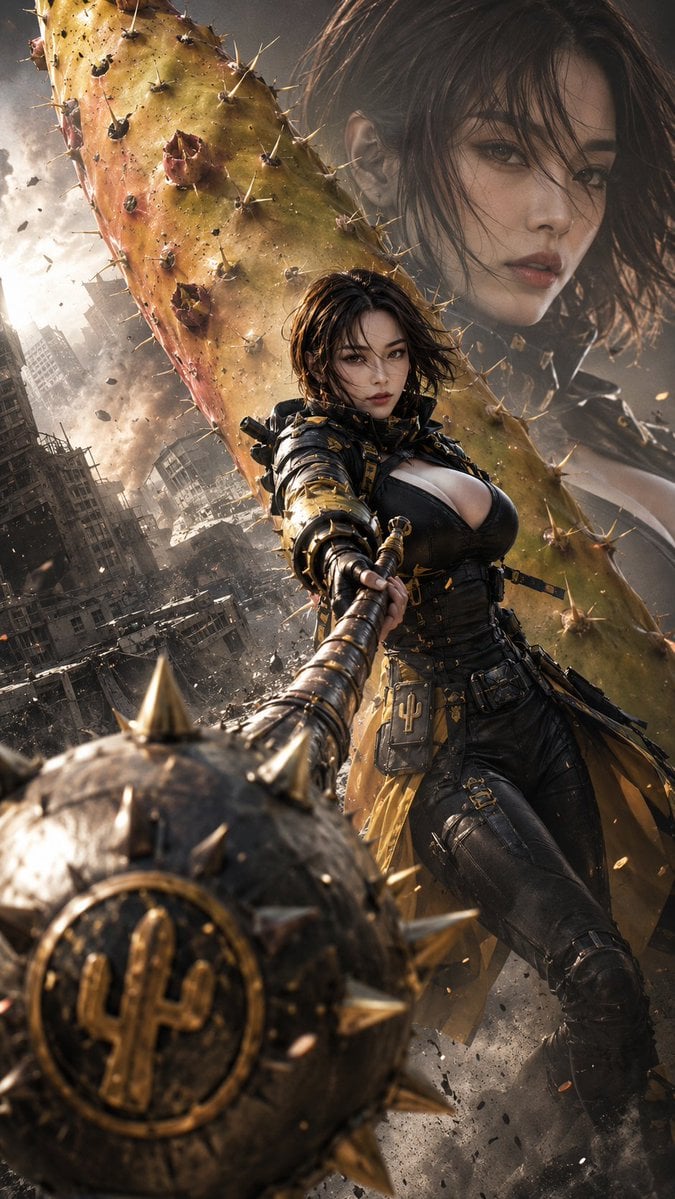
Post-Apocalyptic Cactus Warrior
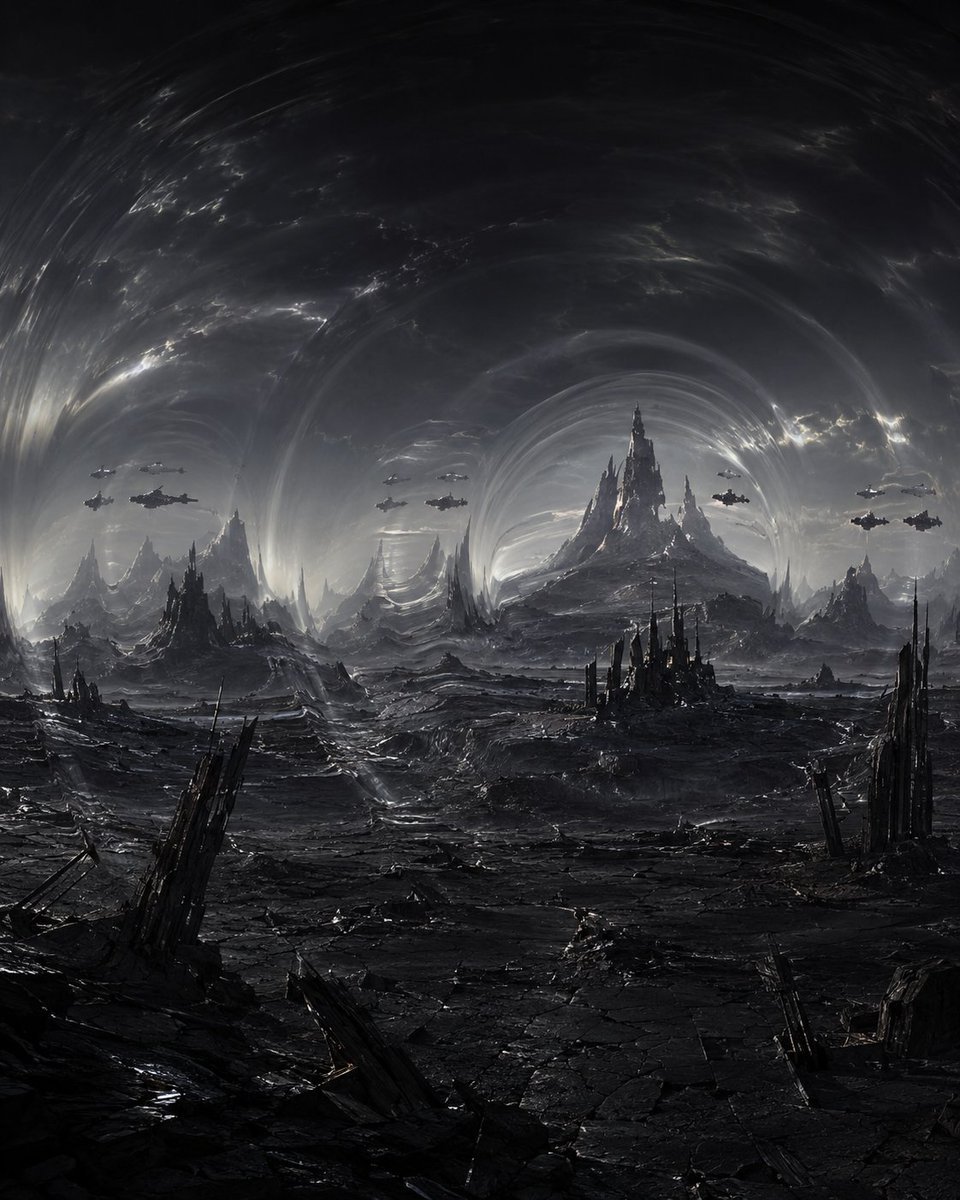
Dark Alien Vibration Wasteland
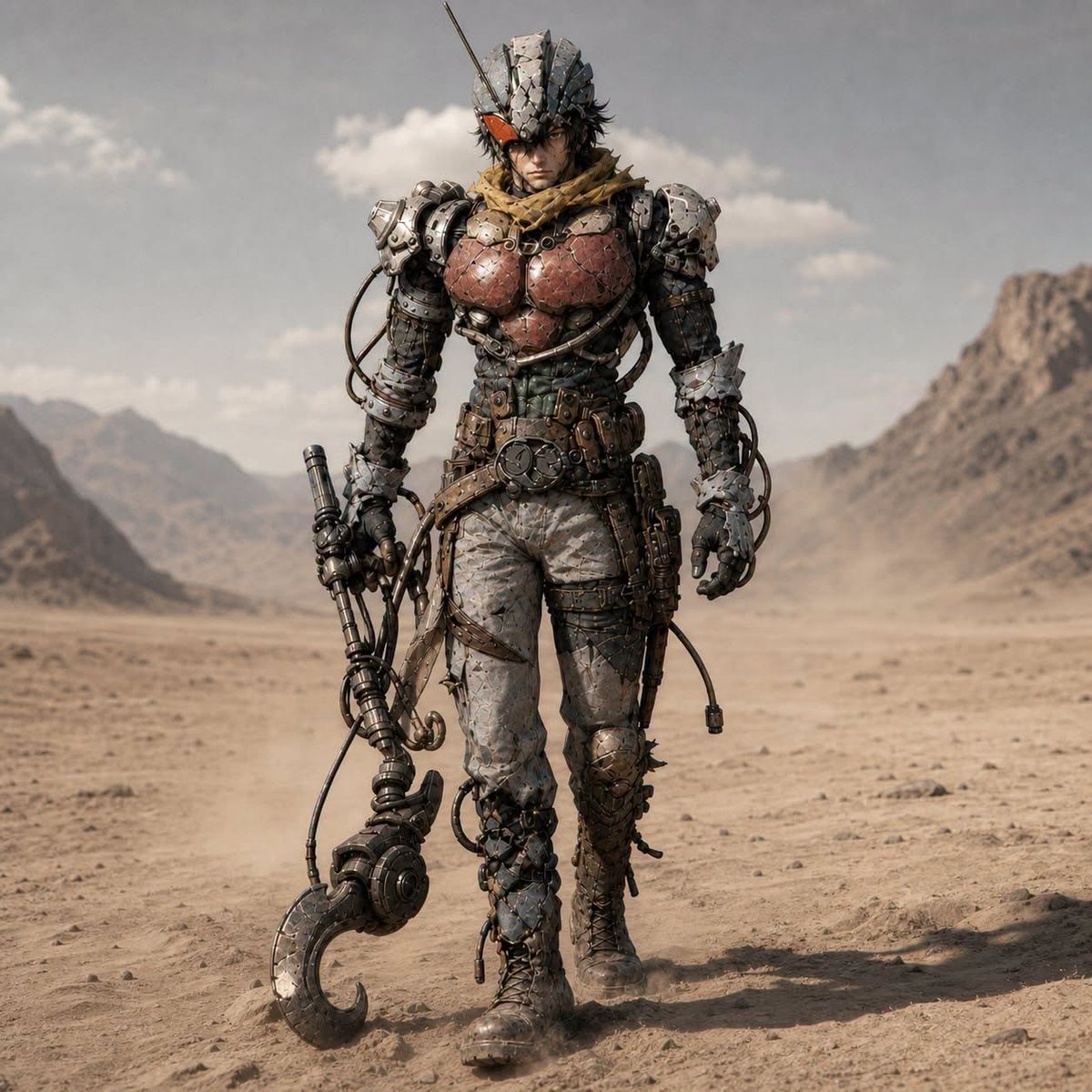
Post-Apocalyptic Riderman Cyborg
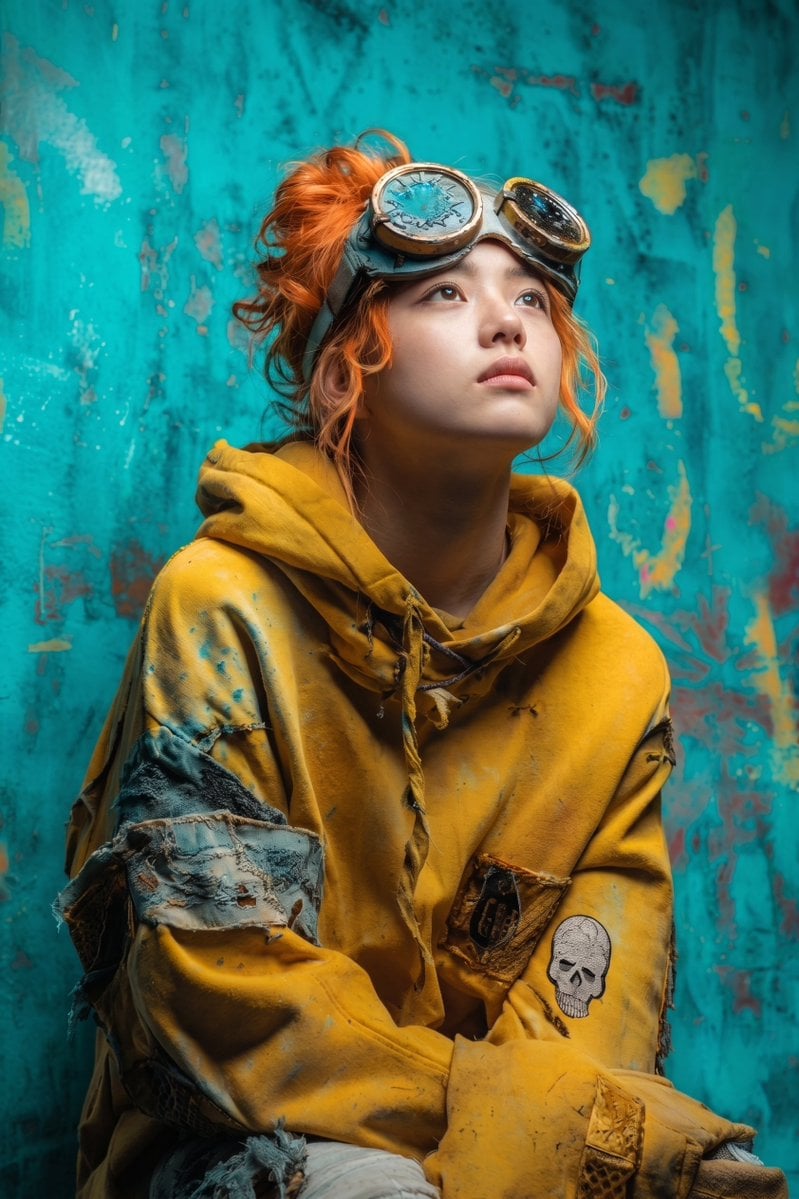
Post-Apocalyptic Girl with Welding Goggles
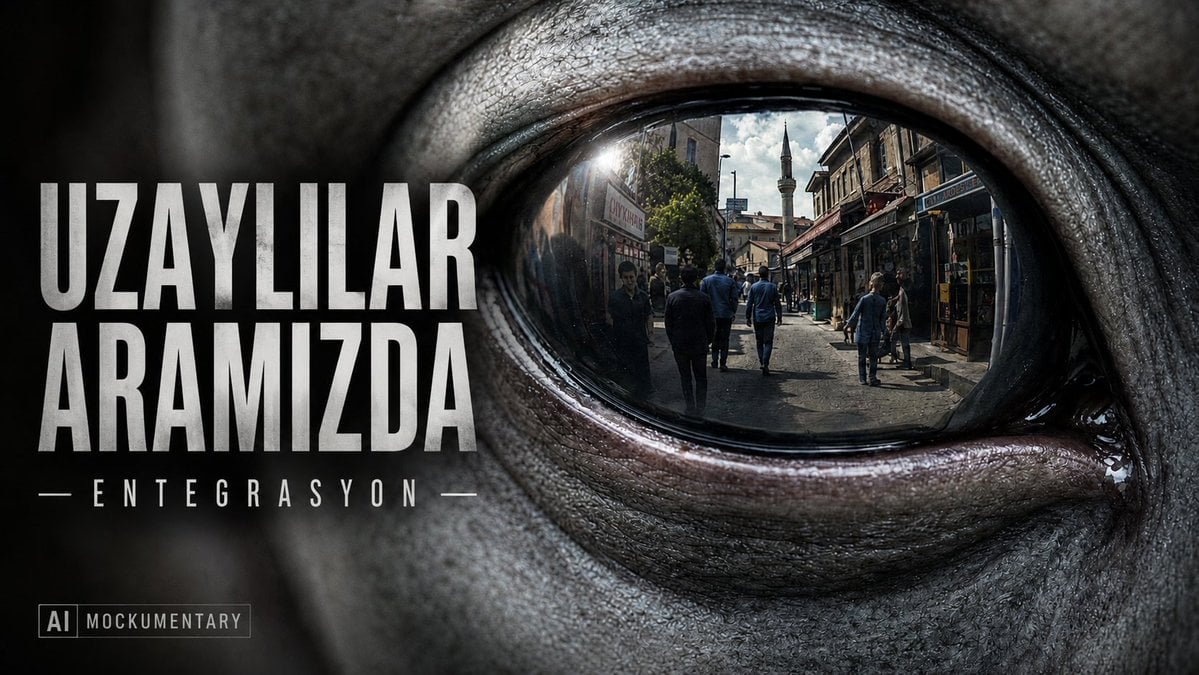
Alien Eye Mockumentary Poster
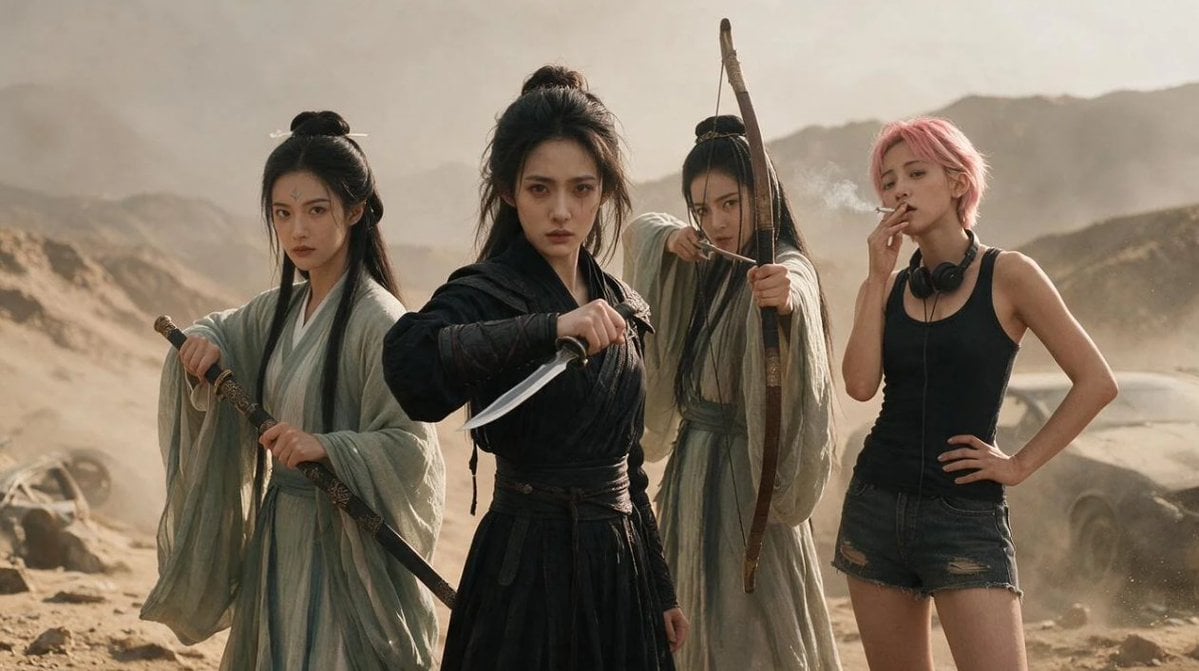
Post-Apocalyptic Wuxia Standoff
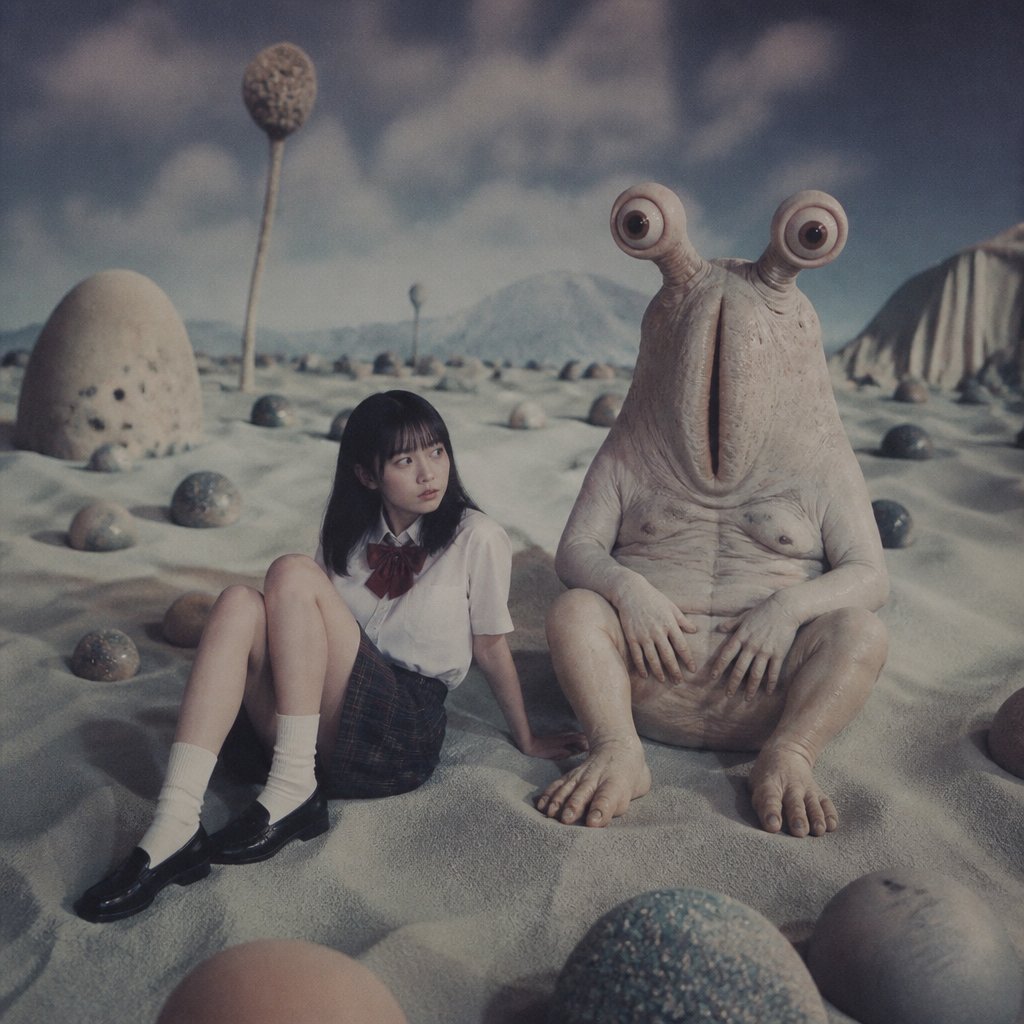
Schoolgirl and Eyestalk Alien in Sand Wasteland
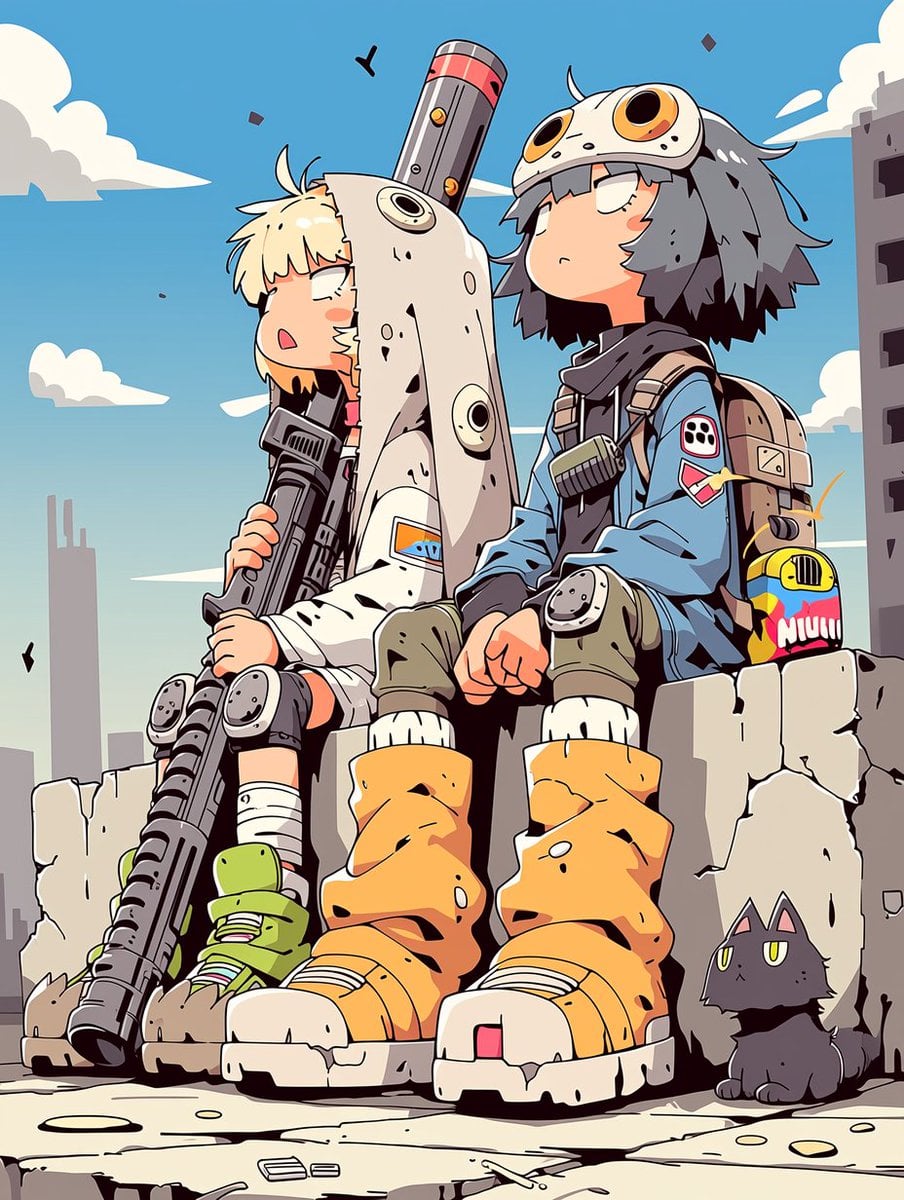
Anime Post-Apocalyptic Scavenger Kids
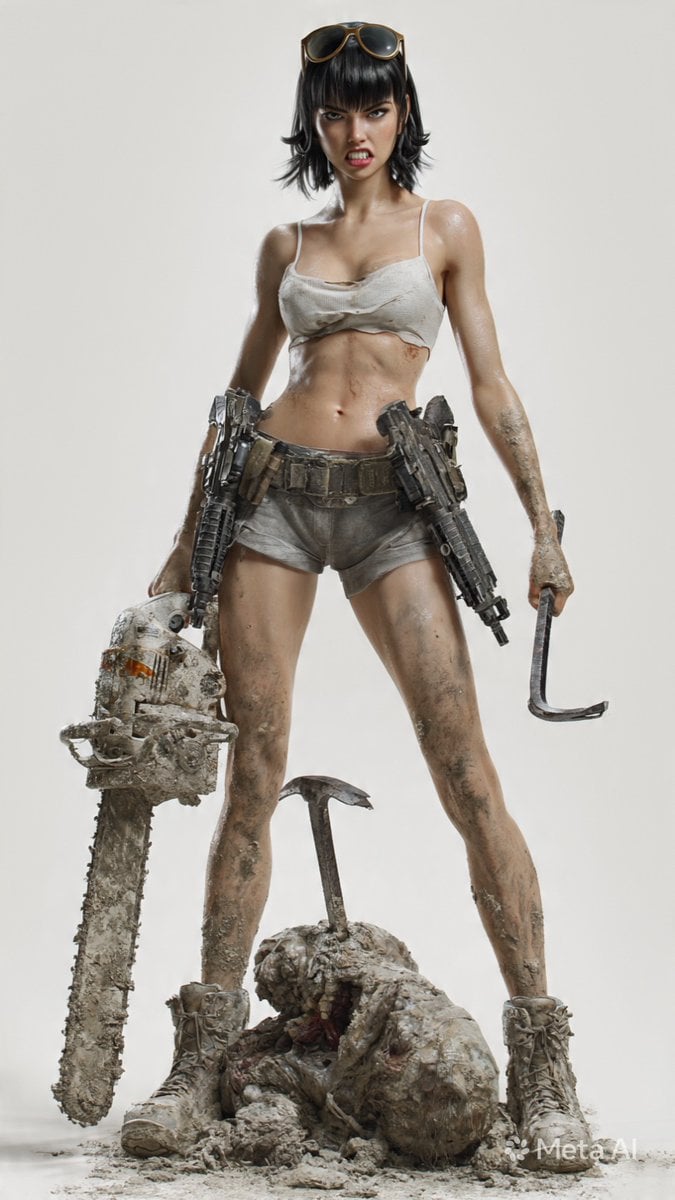
Post-Apocalyptic 3D Zombie Survivor

Post-Apocalyptic Desert Night Scene
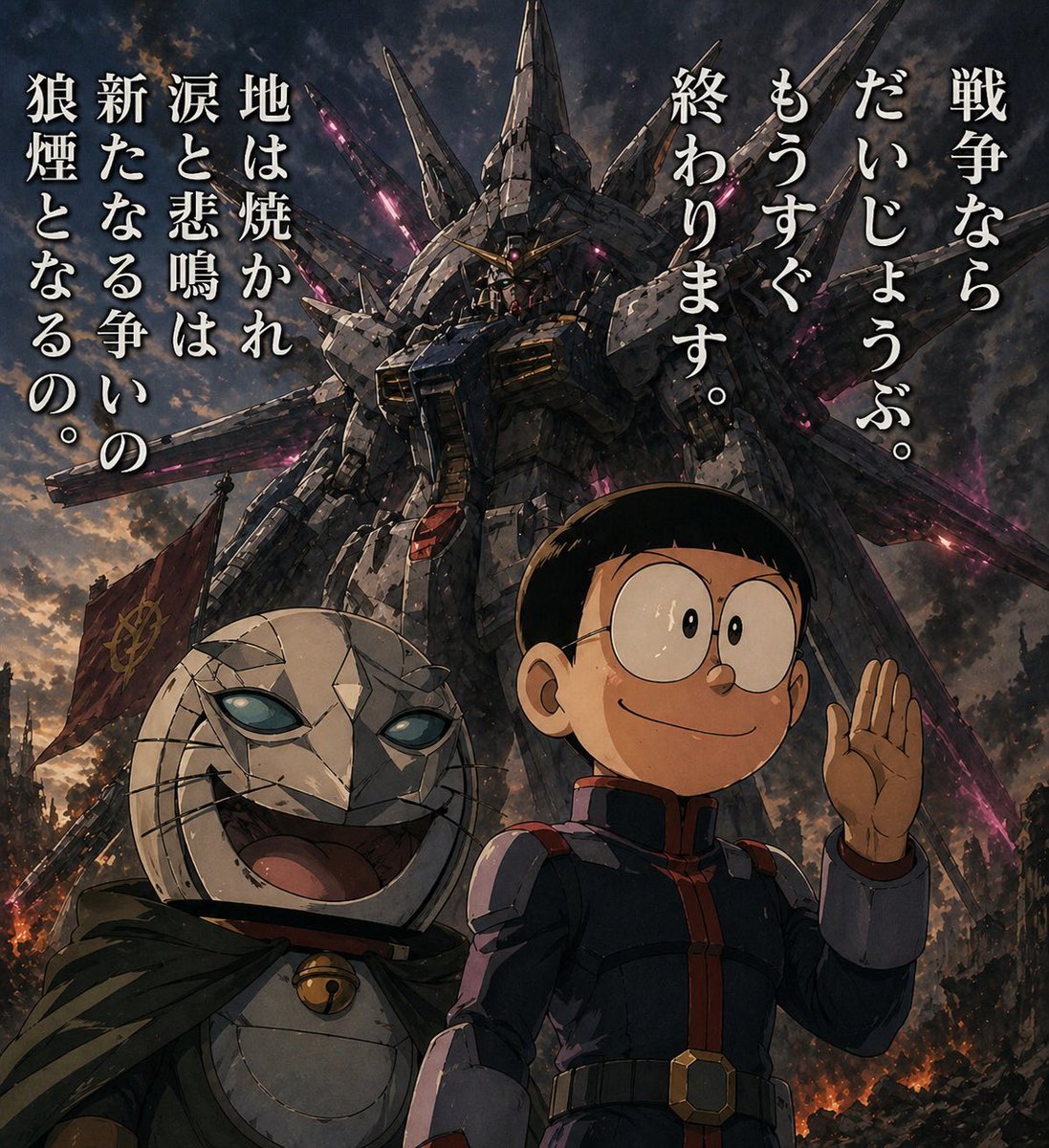
Manga Panel to Apocalyptic Mecha Poster
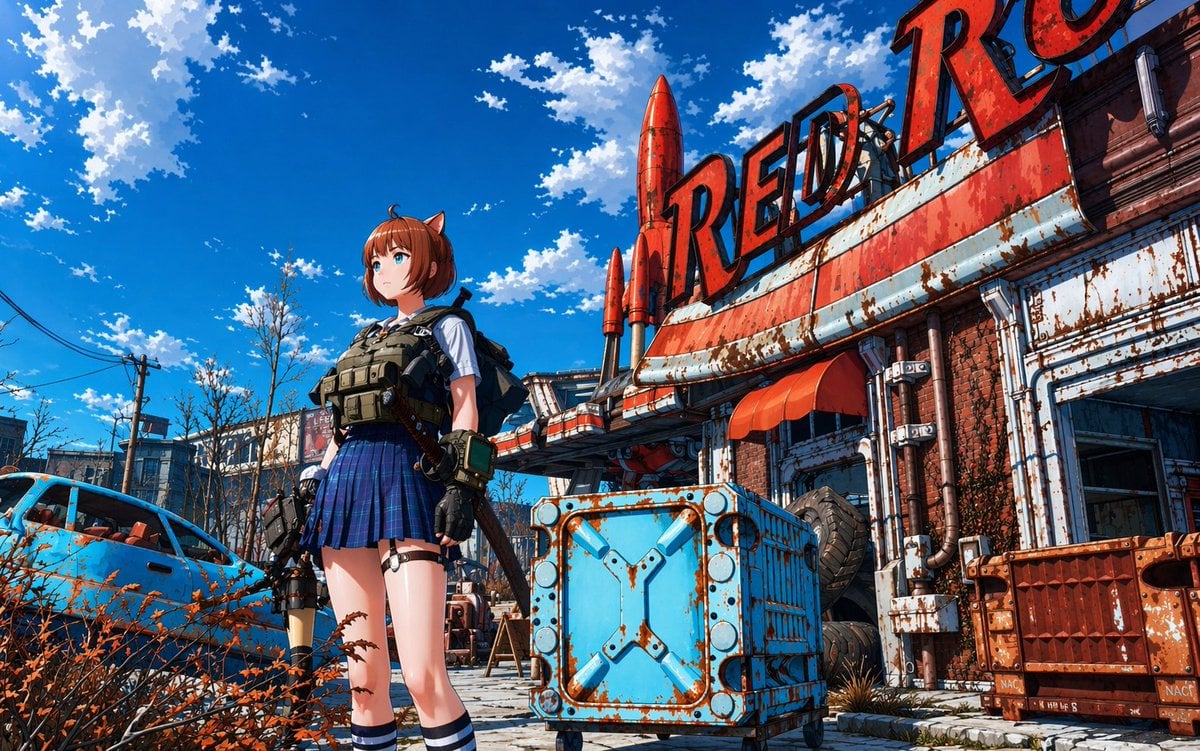
Post-Apocalyptic Tactical Anime Girl
Make it yours
Post-Apocalyptic Alien Wasteland Warrior works as-is. These are the safest ways to change it without losing the look.
Change one field
Copy a single group, rewrite it, and generate again so you can see what that field is doing.
Keep the frame, change the subject
Hold the composition and light of Post-Apocalyptic Alien Wasteland Warrior, then swap wardrobe, props or the person for a new take.
| If the result… | Why | Fix |
|---|---|---|
| The result drifts from the preview | Too many fields changed at once. | Reuse Post-Apocalyptic Alien Wasteland Warrior as-is first, then change one group — subject, light, or setting. |
| The model over-stylizes the scene | The prose prompt leaves finish and camera underspecified. | Add one camera or lighting sentence and stay on GPT Image 2. |
More GPT Image 2 templates
Other prompts made for GPT Image 2.

Six VTuber Japanese Logo Sheet

Realistic Portrait of Woman and Deer

The Vista Modular Condo Poster

AI Model Routing Comparison Infographic

2.5D Anime Art Board

Isometric Productivity Desk Scene

New York Double Exposure Poster

Four-Panel AI Landscape Comparison

Japanese Tatami Lifestyle Magazine Cover

NESCAFÉ Coffee Map Poster
More image prompts
Fresh picks from across the catalog.
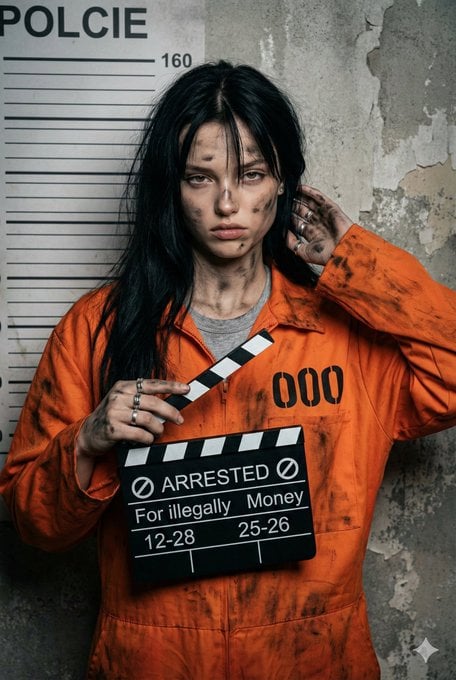
Mugshot Portrait with Custom Slate Text Prompt
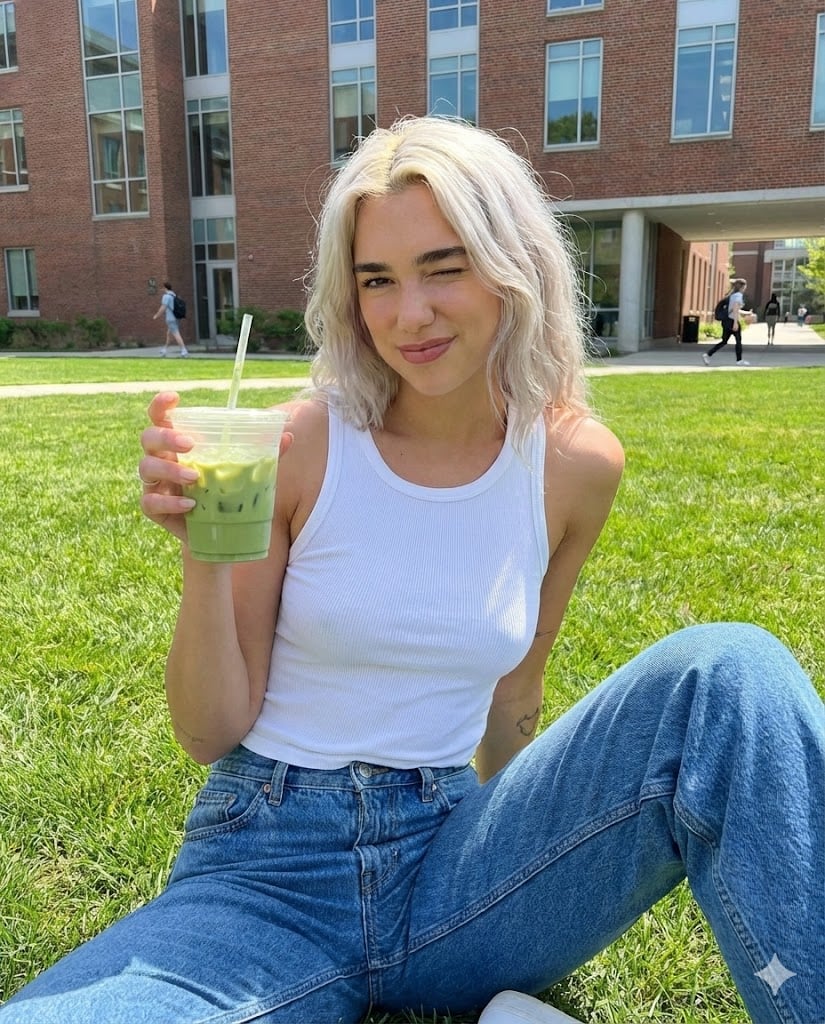
Casual Collegiate Lifestyle Portrait with Iced Drink

Elegant Oriental Fantasy Illustration
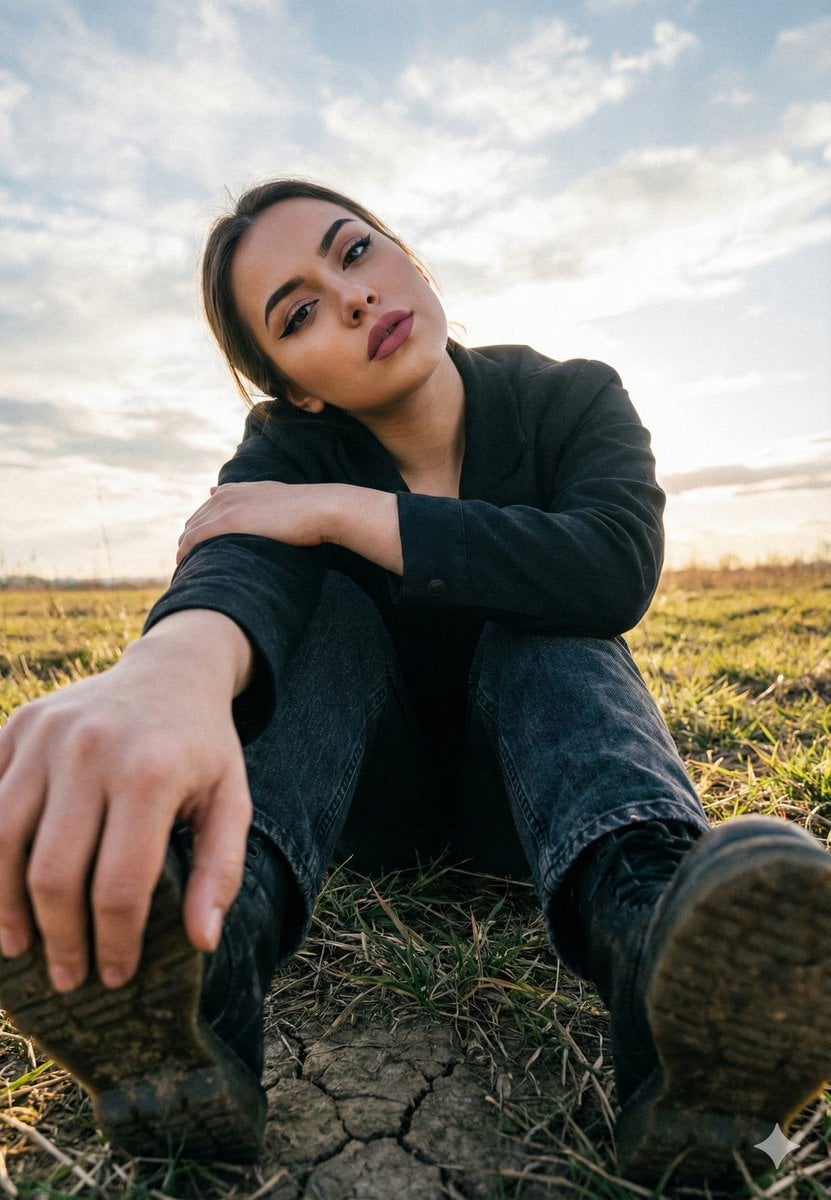
Cinematic Low Angle Portrait in a Dry Field
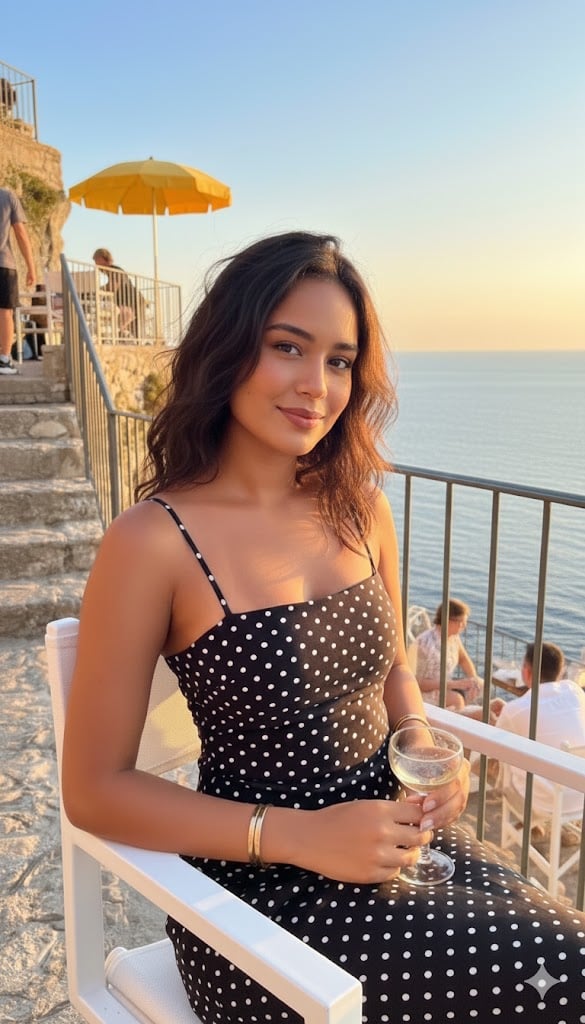
Golden Hour Coastal Lifestyle Photograph
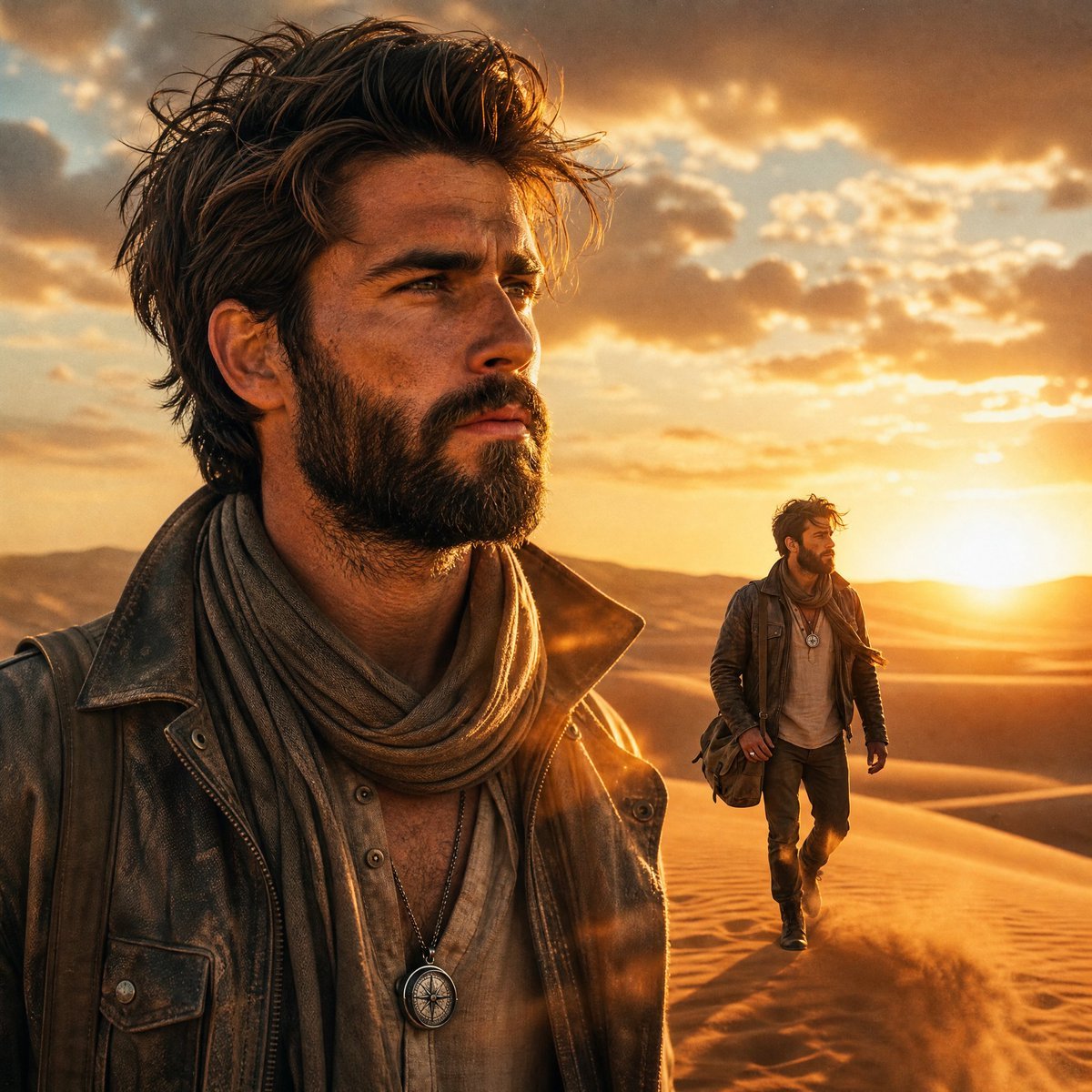
Desert Landscape Heroic Collage
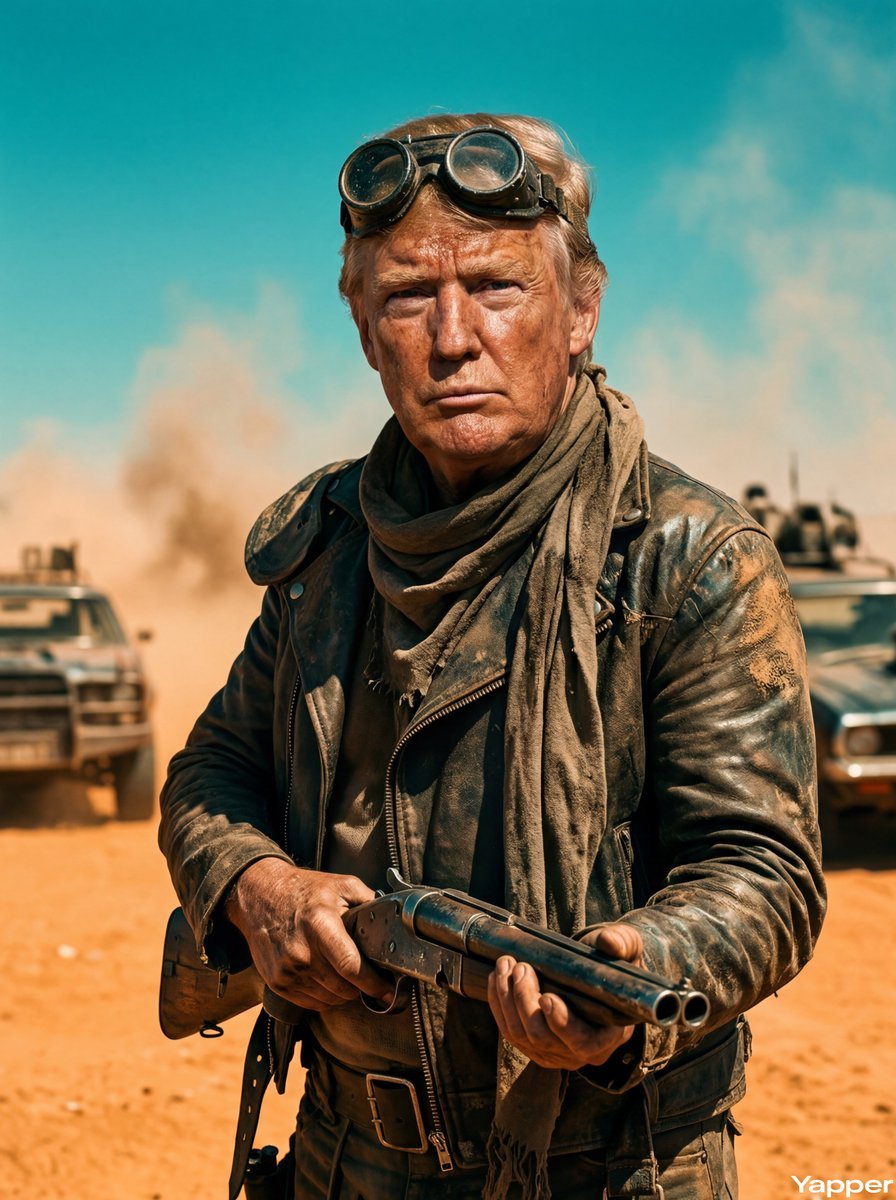
Mad Max Wasteland Survivor Film Still
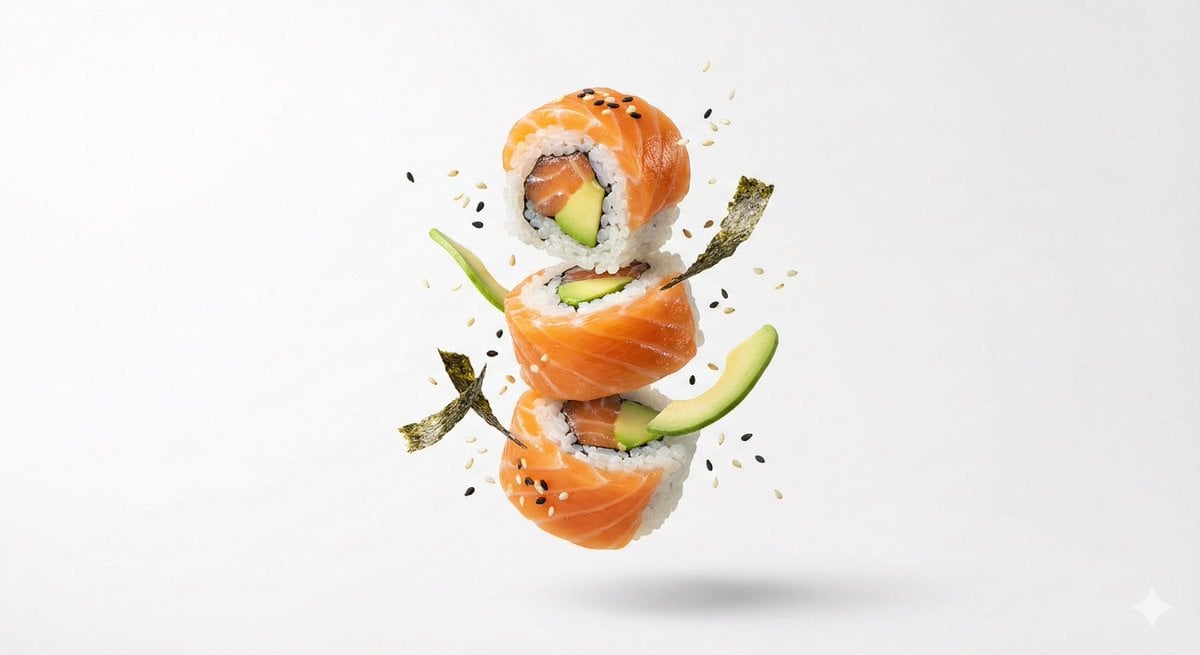
Premium Floating Food Hero Shot Template
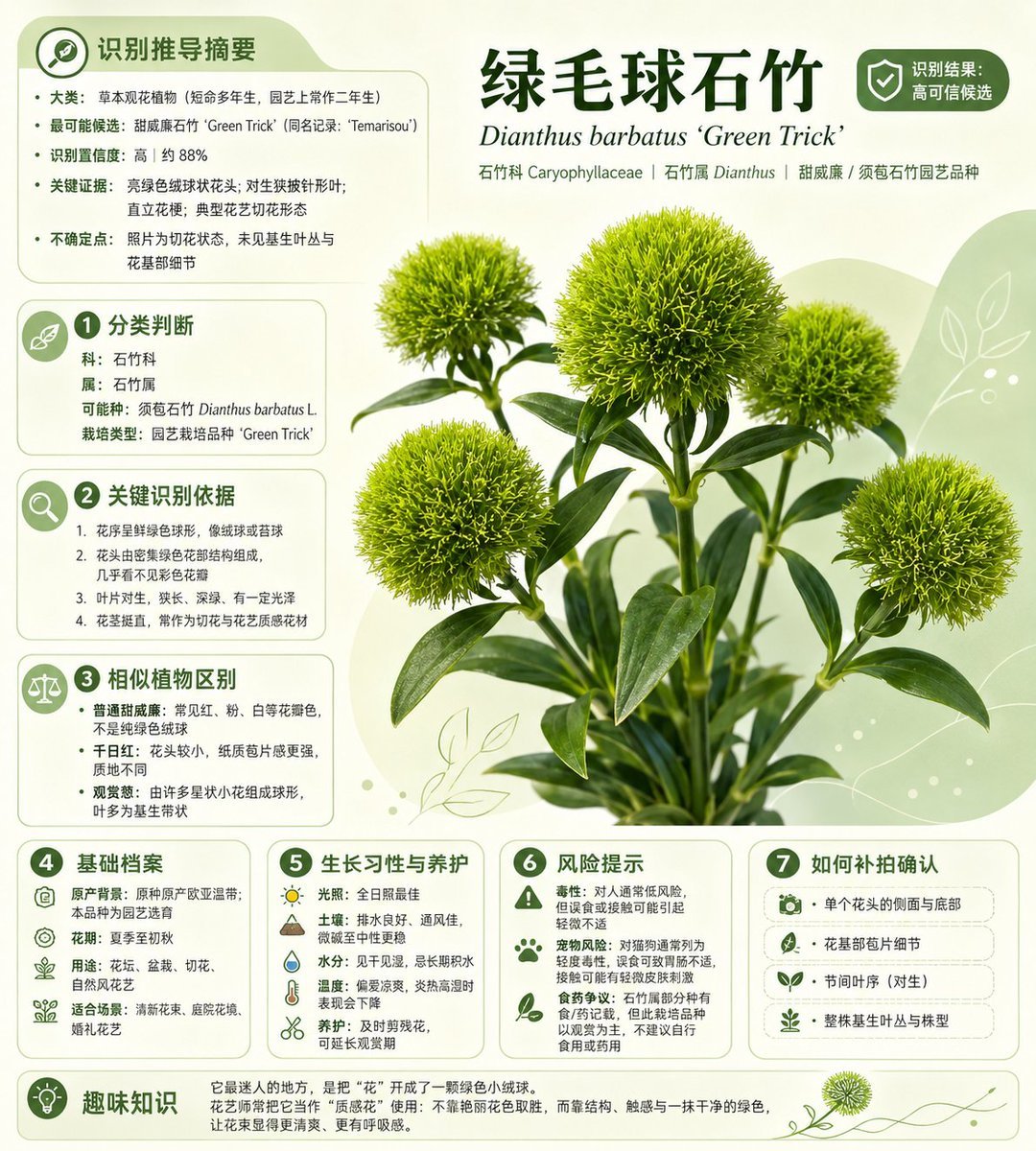
Chinese Plant ID Infographic
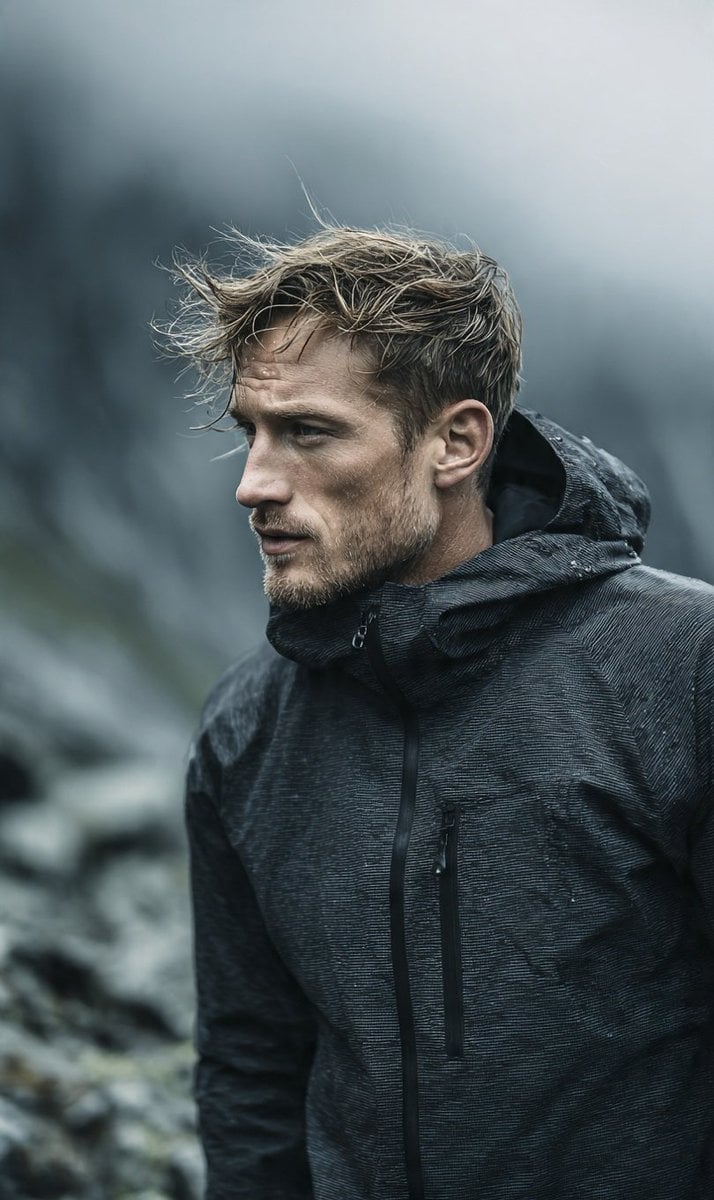
Cinematic Scandinavian Outdoor Portrait
Browse template categories
Post-Apocalyptic Alien Wasteland Warrior questions
How do I use the Post-Apocalyptic Alien Wasteland Warrior template?
Add your photo if the template asks for one, edit the prompt if you like — the template's model and format are already selected — and press Generate. Your version opens in PicX Studio.
Can I customize the Post-Apocalyptic Alien Wasteland Warrior template?
Yes. You can change the subject, setting, lighting, mood, format, and available model controls before creating your image.
Is the Post-Apocalyptic Alien Wasteland Warrior template free?
Opening and editing this template is free. Generating uses credits, shown on the Generate button when you are signed in.
Which AI model should I use?
Start with GPT Image 2, which is the model associated with this template. You can compare another compatible model for a different finish.
Looking for something else? Browse all templates.

Your photo, any look
Thousands of ready templates for every top image and video model, from one credit balance.