
Dark Alien Vibration Wasteland
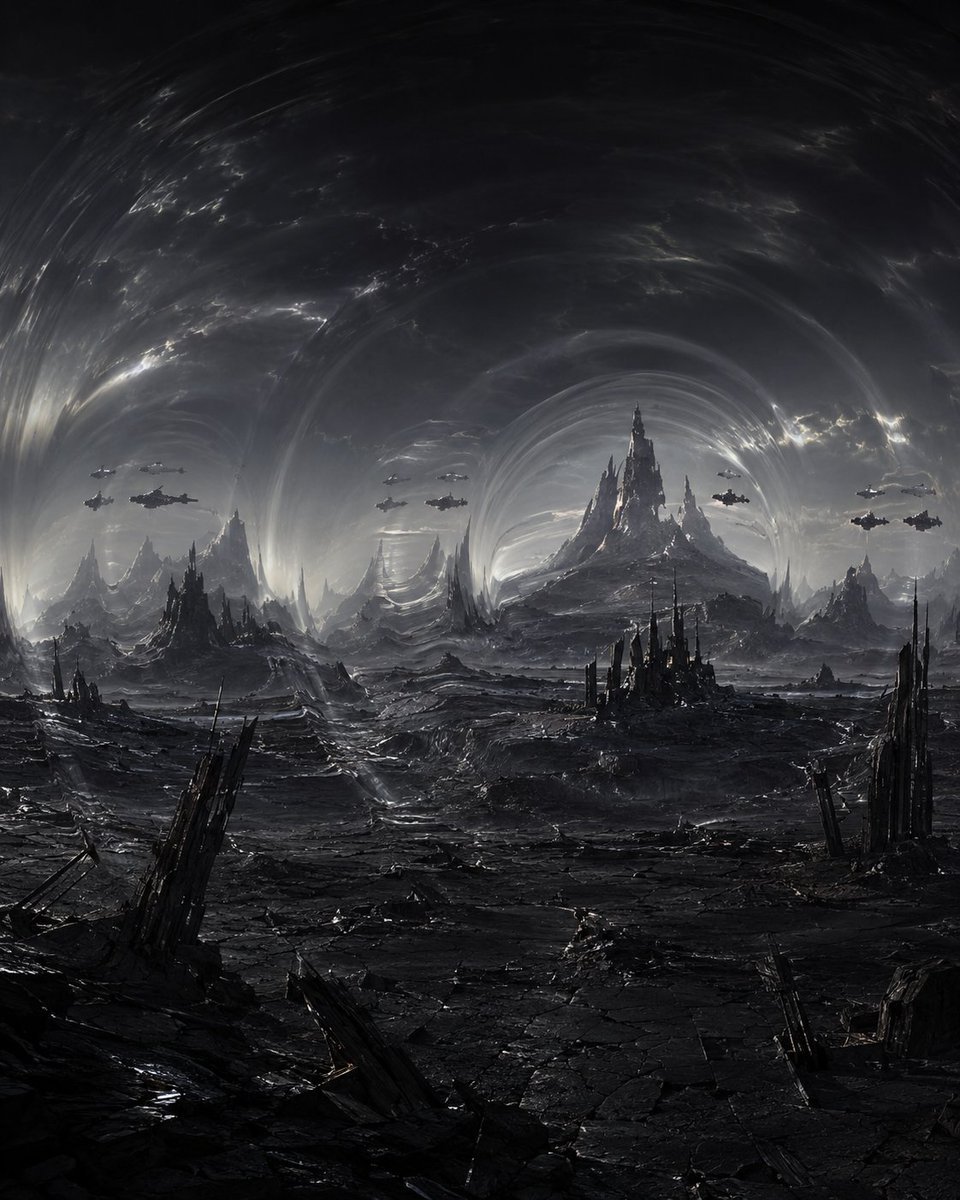
Generates a cinematic monochrome sci-fi fantasy wasteland with vibrating storm rings, jagged citadels, and hovering spacecraft.
- Prompt included
- Model and format preset
- Free template
The prompt behind this image
Copy the exact prompt behind Dark Alien Vibration Wasteland, or open it in the studio and make it yours.
Create a dark monochrome science-fantasy landscape titled by mood: {argument name="theme" default="vibration"}. Show a vast alien wasteland under an enormous storm-like sky made of concentric warped shockwave rings, as if the atmosphere itself is vibrating. The ground is black cracked stone and metallic ash, with jagged obsidian spires and ruined gothic-industrial towers rising from the foreground and midground. In the far distance, place a dominant central mountain-fortress with needlelike peaks, surrounded by smaller serrated mountains and citadel silhouettes. Add exactly 12 small dark spacecraft hovering in the sky, arranged as 6 on the left side, 1 near the center-left, and 5 on the right side, all seen in silhouette with faint highlights. Use a square vertical composition with a low horizon, deep perspective, cinematic scale, and a desolate apocalyptic atmosphere. Palette: nearly black, charcoal gray, gunmetal, and cold silver-white highlights. Lighting should be dim and dramatic, with pale light breaking through the swirling atmospheric bands and reflecting on wet cracked terrain. Style: ultra-detailed dark fantasy concept art, biomechanical sci-fi architecture, epic matte painting, high contrast, realistic texture, no people, no readable text, no logo, no watermark.
How to use Dark Alien Vibration Wasteland in 3 steps
- 1Upload ImagePNG, JPG or paste
Add your photo
Upload the photo the template builds on. The prompt, model and format are already set.
- 2…a portrait of your subject in softgolden-hour light, 85mm…
Personalize
Edit the subject and creative details for your destination.
- 3Generate
Generate
Press Generate — your image is created in PicX Studio, so you can compare it with the original and refine one variable at a time.
More like this
Templates with the same subject, style or setup. Open one to see its prompt.
Schoolgirl and Eyestalk Alien in Sand Wasteland

Selective Color Monochrome Football Poster
Post-Apocalyptic Alien Wasteland Warrior

Night Sports Car Portrait — Cinematic Moody

Cinematic Eye Light Portraits — 3 Nano Banana Prompts

Horror Cinematic Portrait
Dark Alien Megastructure Cavern
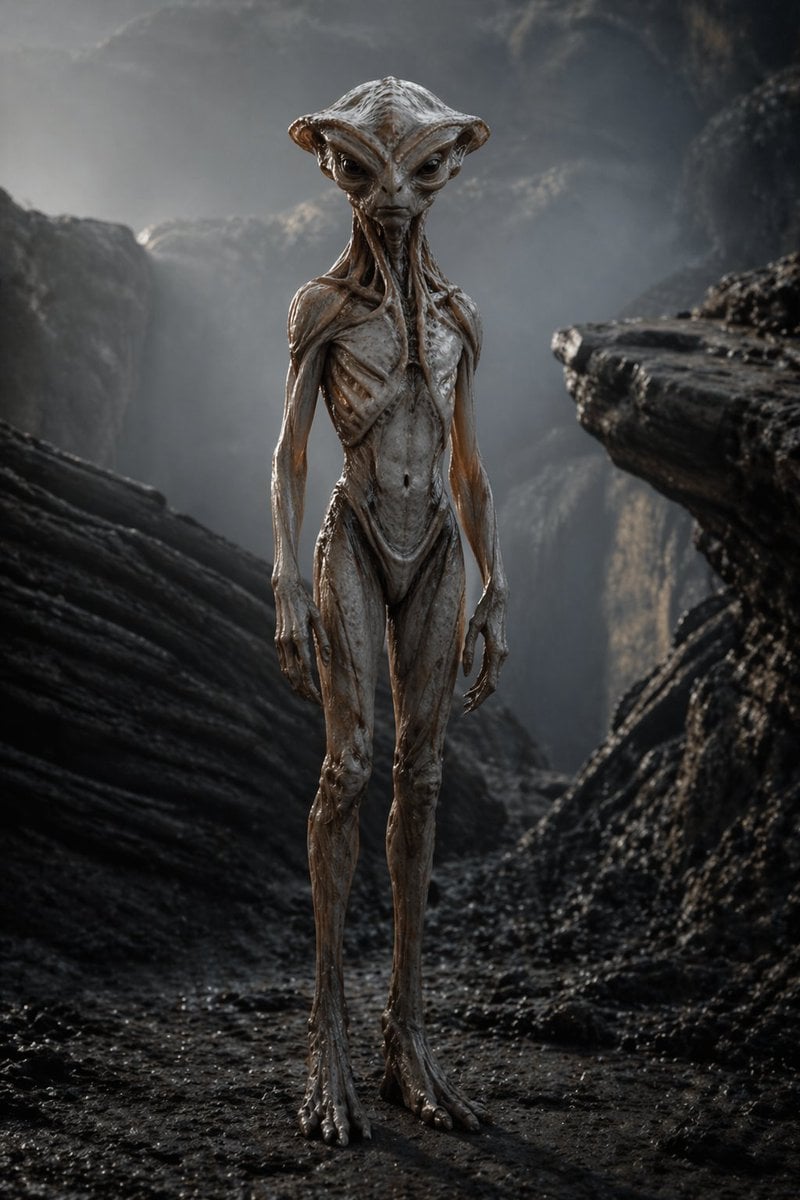
Photoreal Alien in Dark Ravine
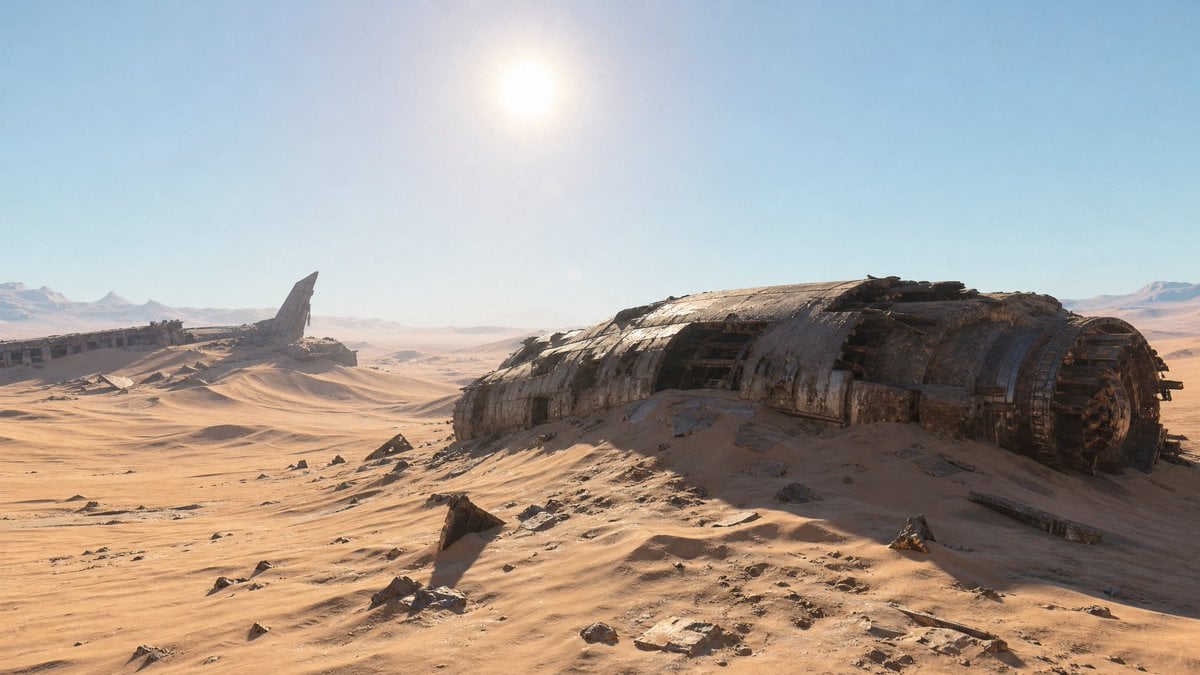
Crashed Spaceship Desert Wasteland
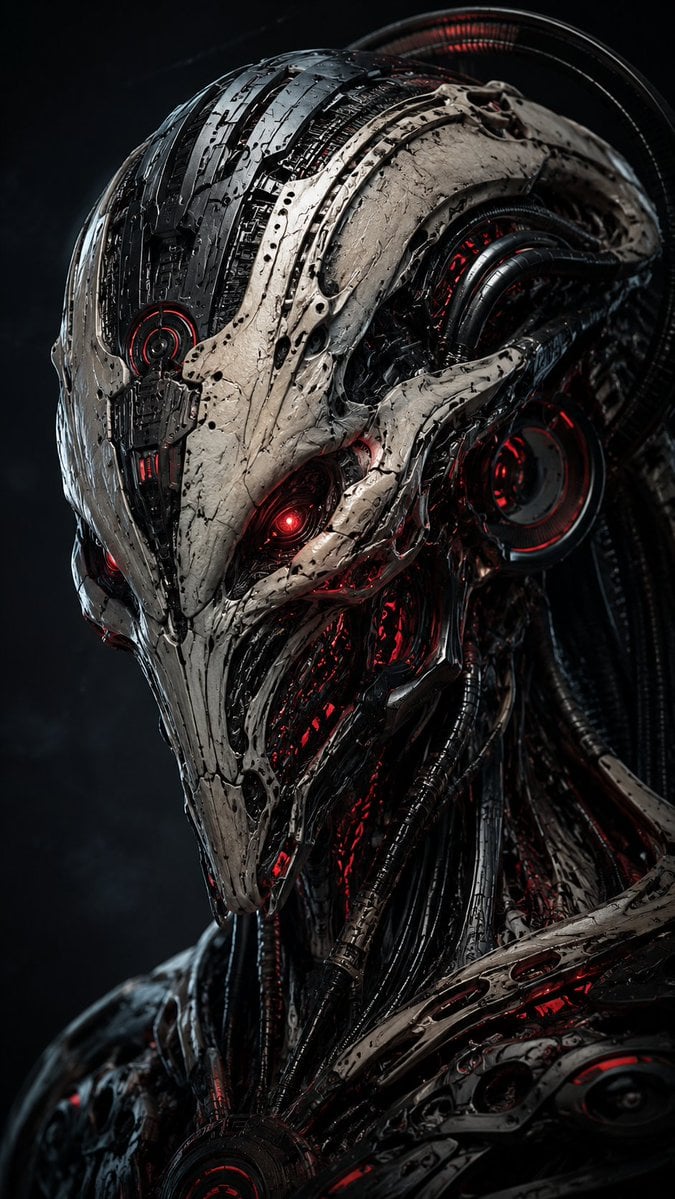
Mecha Alien at Gravity Edge
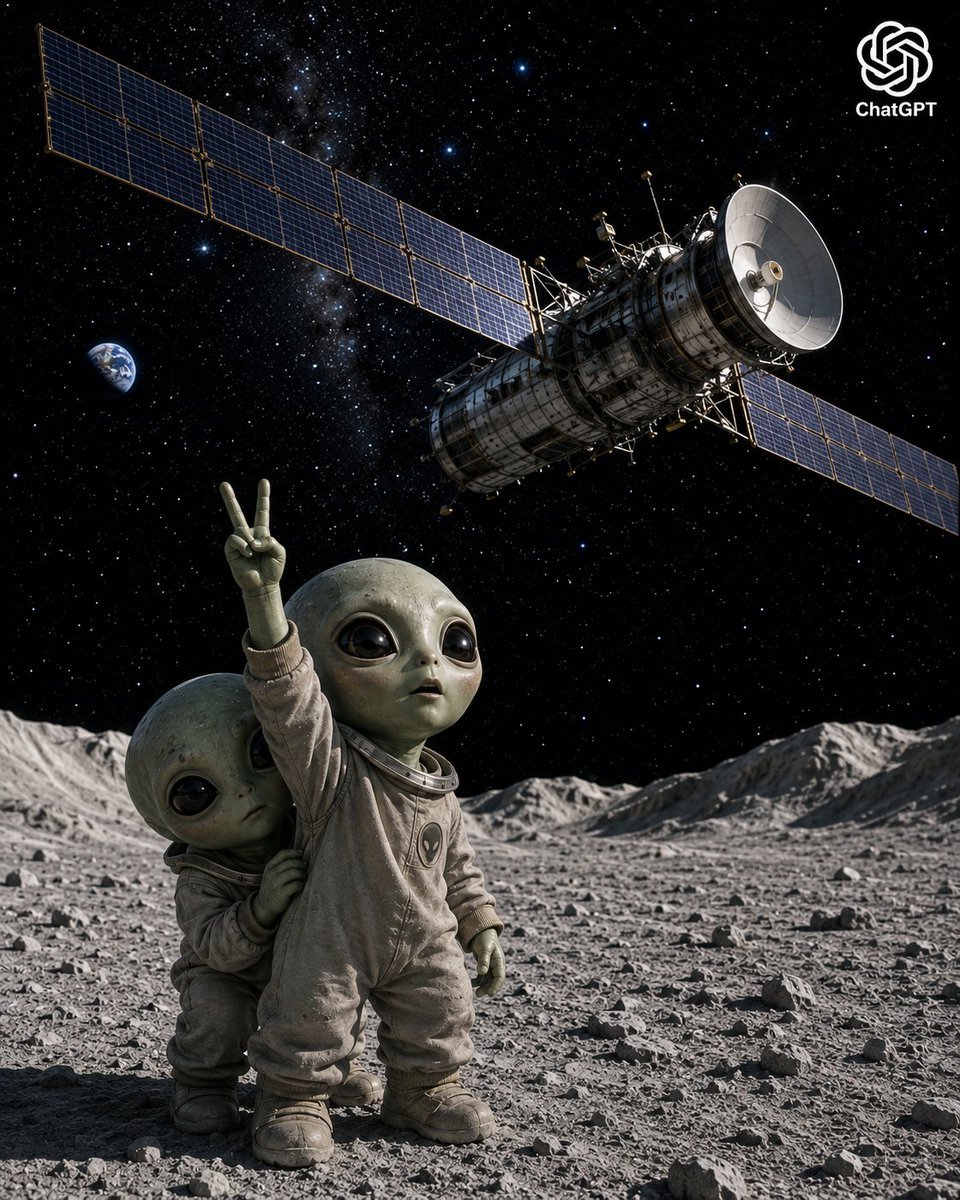
Lunar Alien Babies and Satellite
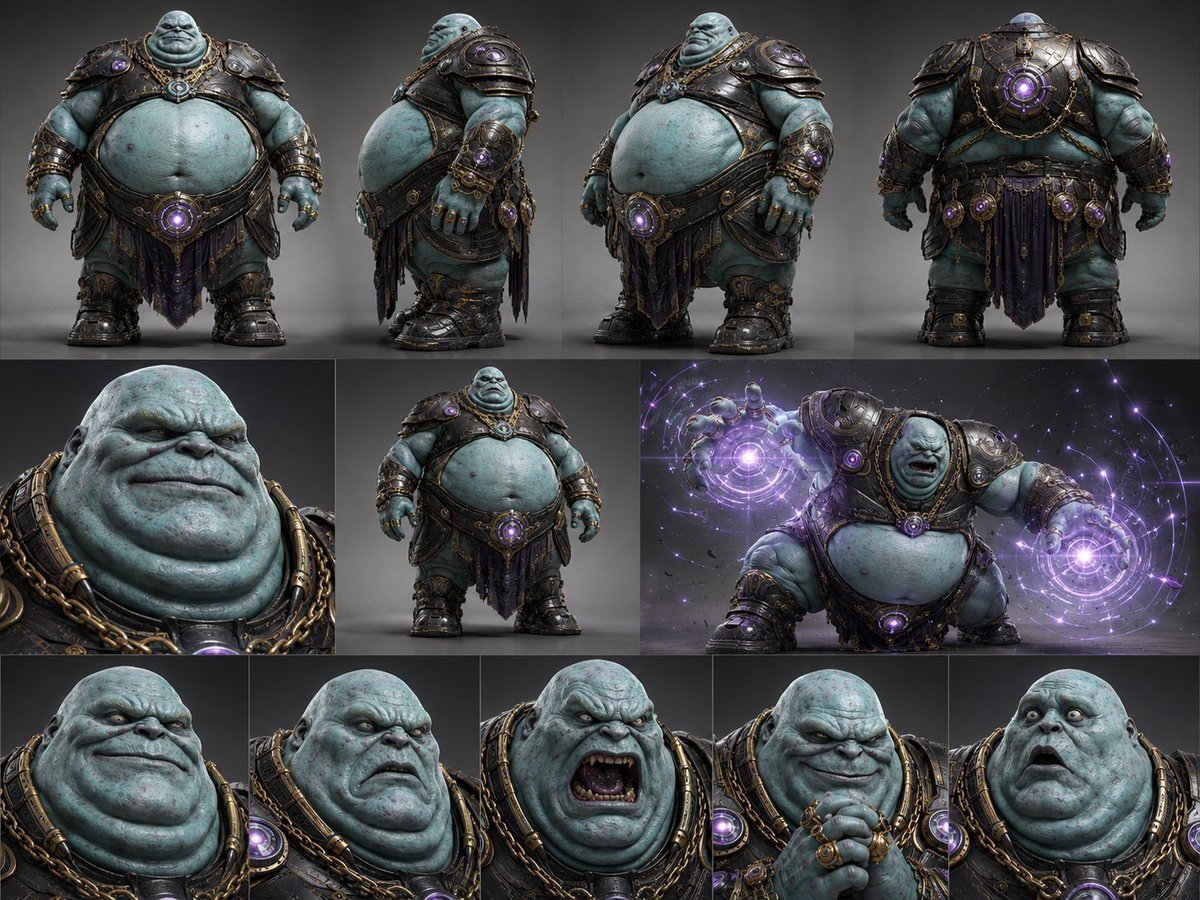
Alien Warlord Character Design Sheet
Make it yours
Dark Alien Vibration Wasteland works as-is. These are the safest ways to change it without losing the look.
Change one field
Copy a single group, rewrite it, and generate again so you can see what that field is doing.
Keep the frame, change the subject
Hold the composition and light of Dark Alien Vibration Wasteland, then swap wardrobe, props or the person for a new take.
| If the result… | Why | Fix |
|---|---|---|
| The result drifts from the preview | Too many fields changed at once. | Reuse Dark Alien Vibration Wasteland as-is first, then change one group — subject, light, or setting. |
| The model over-stylizes the scene | The prose prompt leaves finish and camera underspecified. | Add one camera or lighting sentence and stay on GPT Image 2. |
More GPT Image 2 templates
Other prompts made for GPT Image 2.

Six VTuber Japanese Logo Sheet

Realistic Portrait of Woman and Deer

The Vista Modular Condo Poster

AI Model Routing Comparison Infographic

2.5D Anime Art Board

Isometric Productivity Desk Scene

New York Double Exposure Poster

Four-Panel AI Landscape Comparison

Japanese Tatami Lifestyle Magazine Cover

NESCAFÉ Coffee Map Poster
More image prompts
Fresh picks from across the catalog.
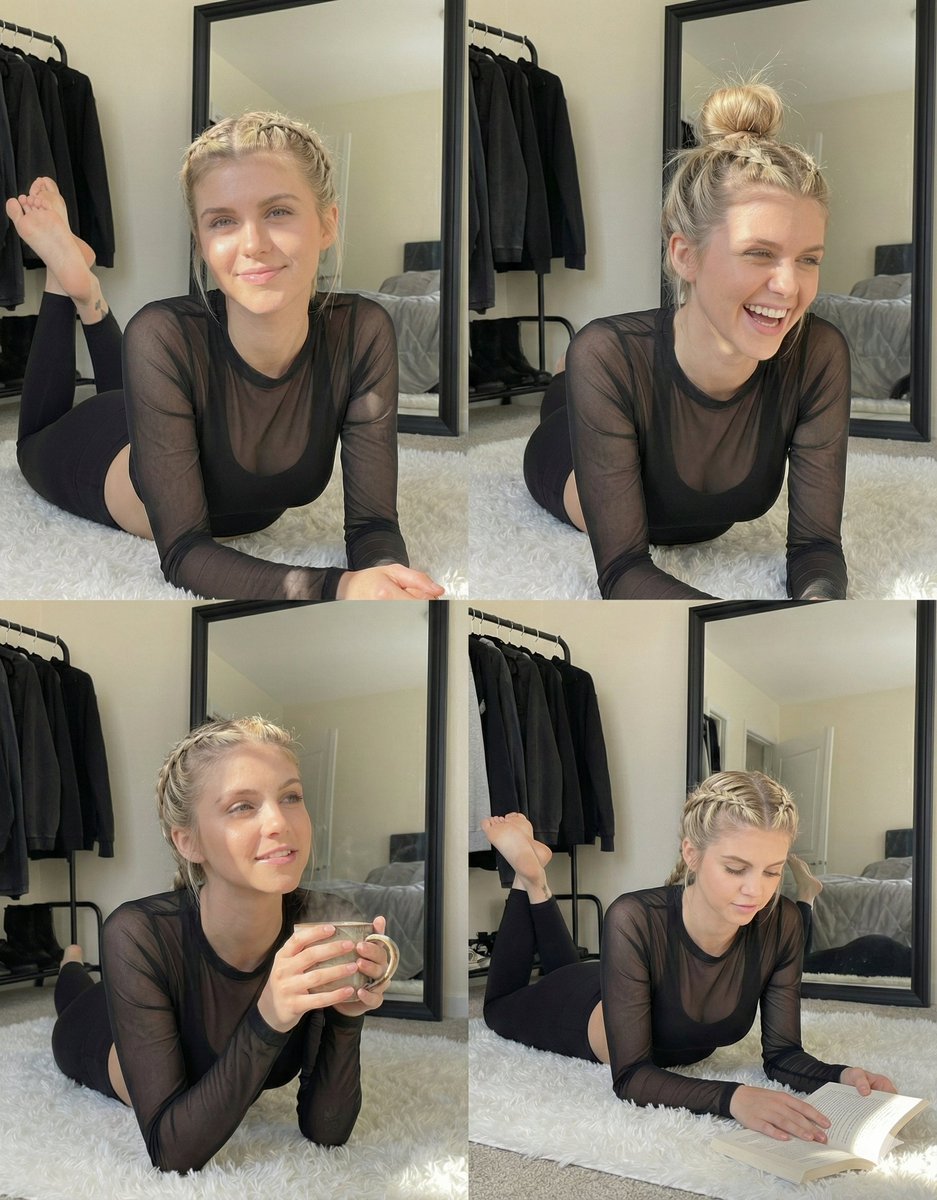
Detailed Indoor Portrait with Harsh Sunlight
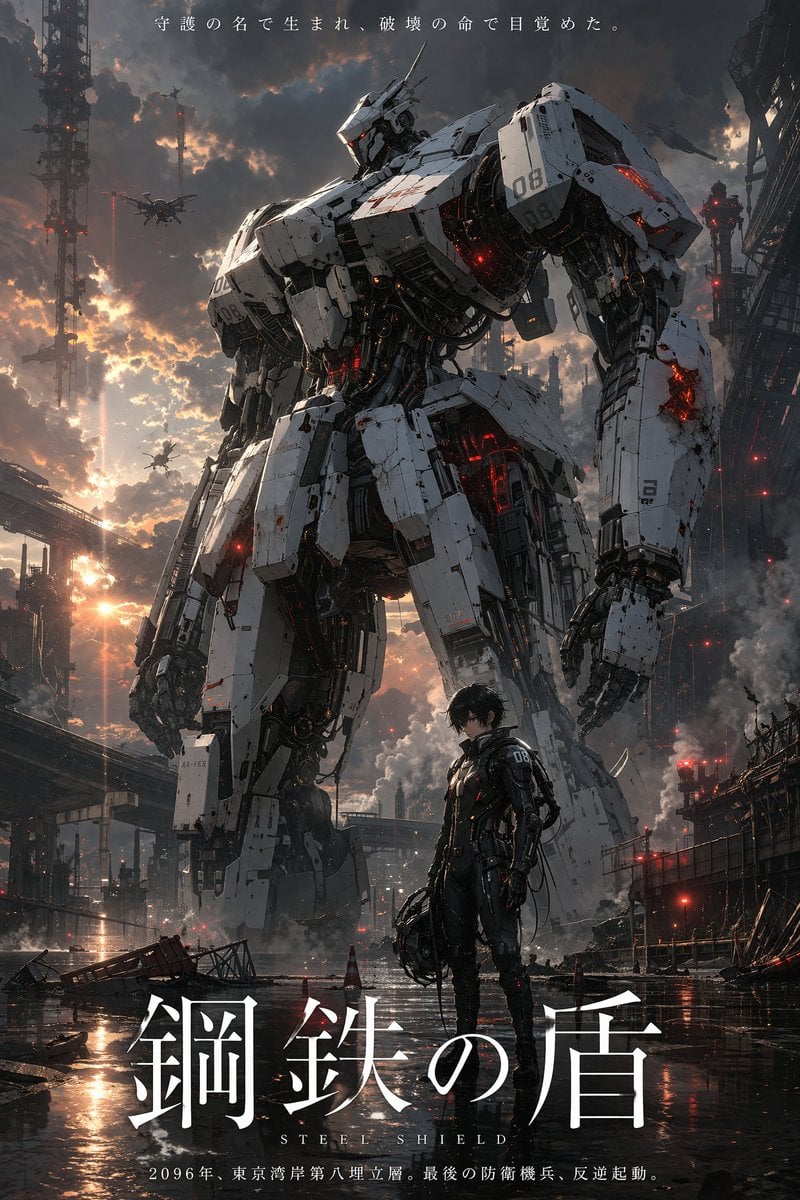
Robot Mecha Movie Key Visual Prompt
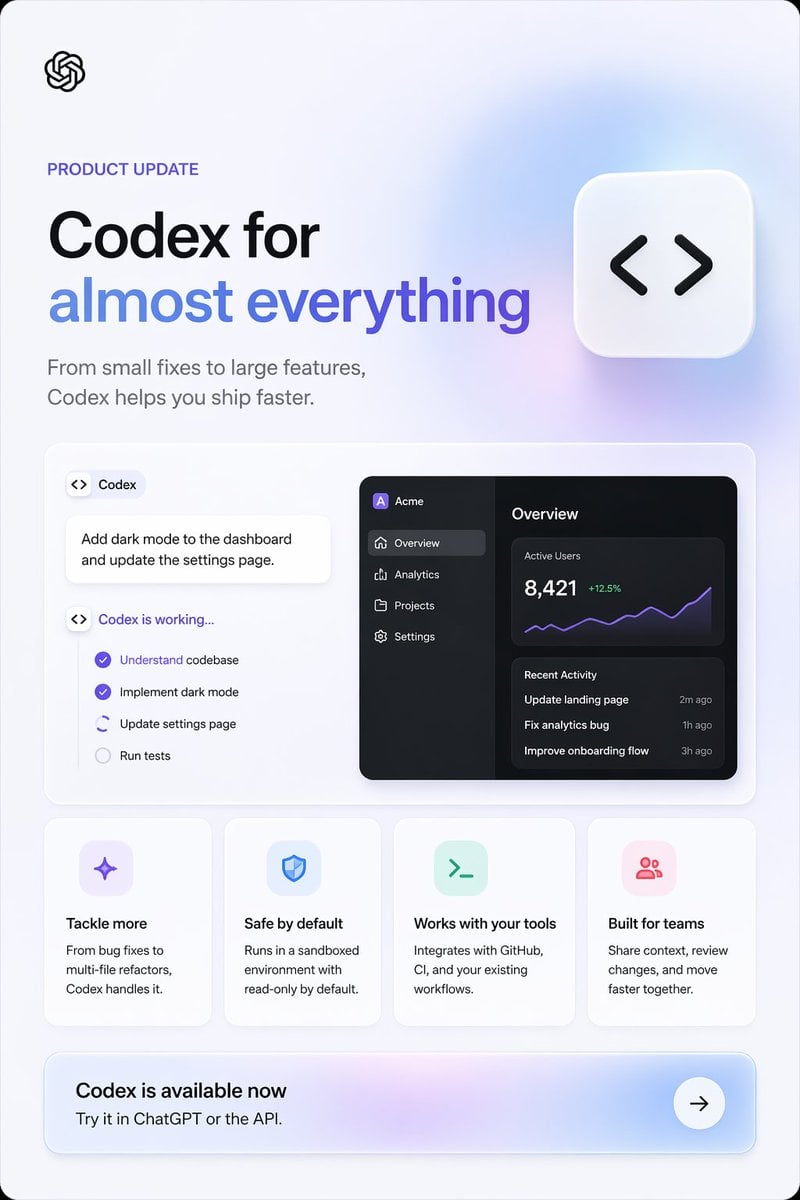
Codex Product Update Poster
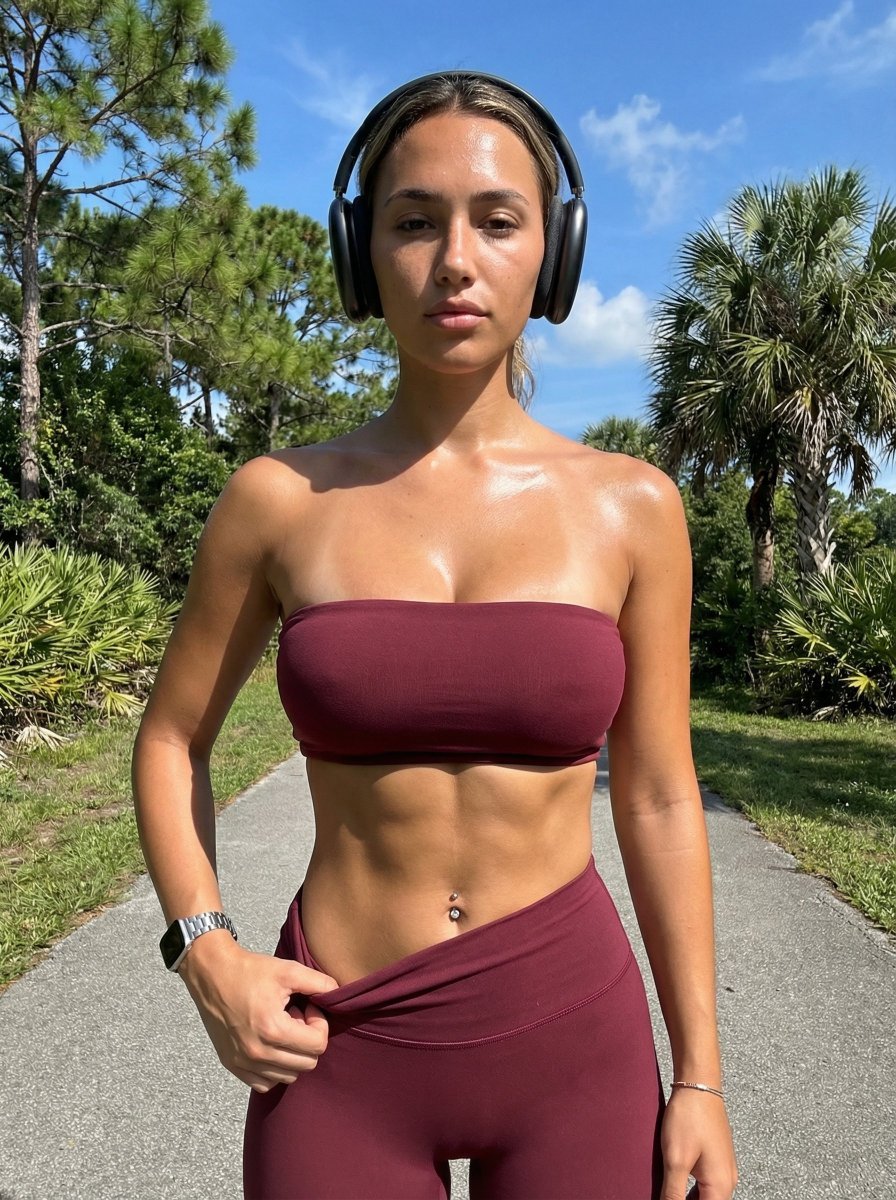
Ultra-Realistic Glistening Athletic Portrait
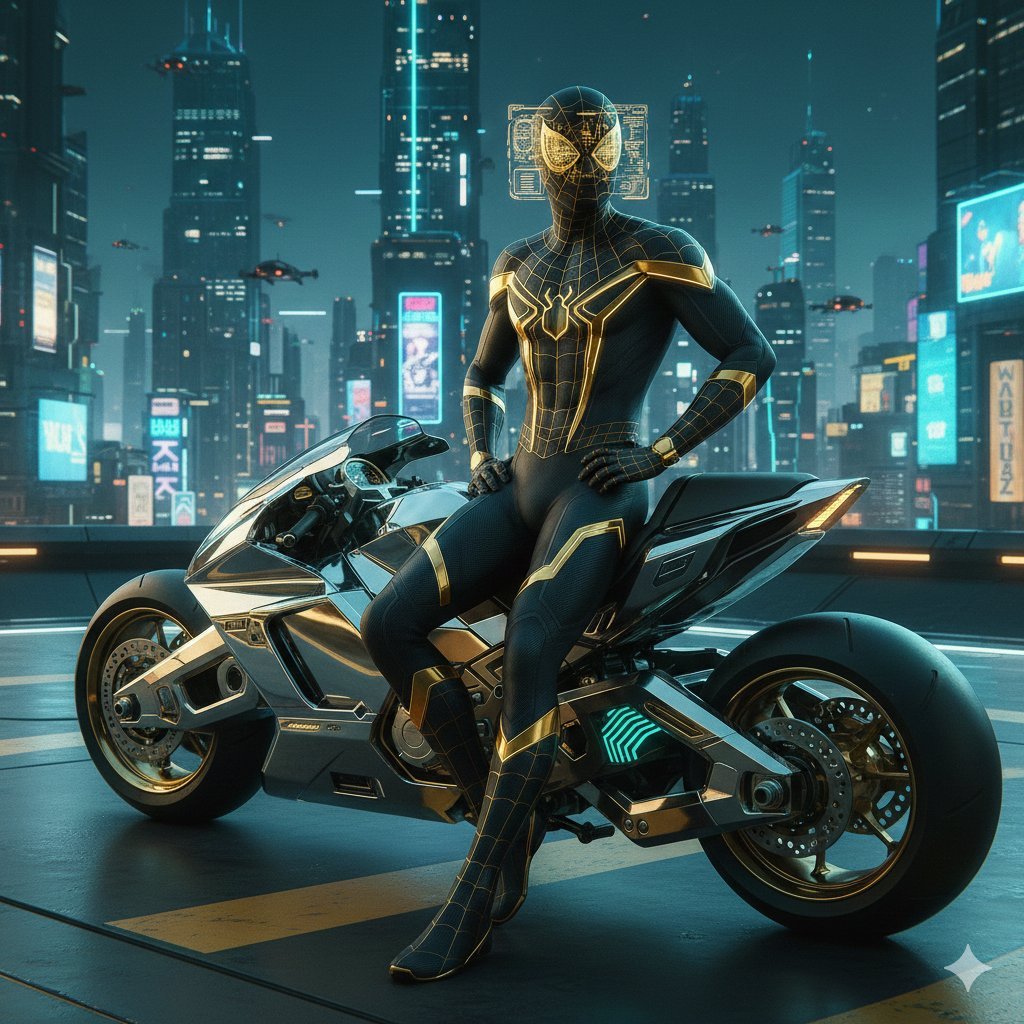
Cyberpunk Spider-Man in Matte Black and Gold

High-Contrast Street Fashion Editorial Portrait
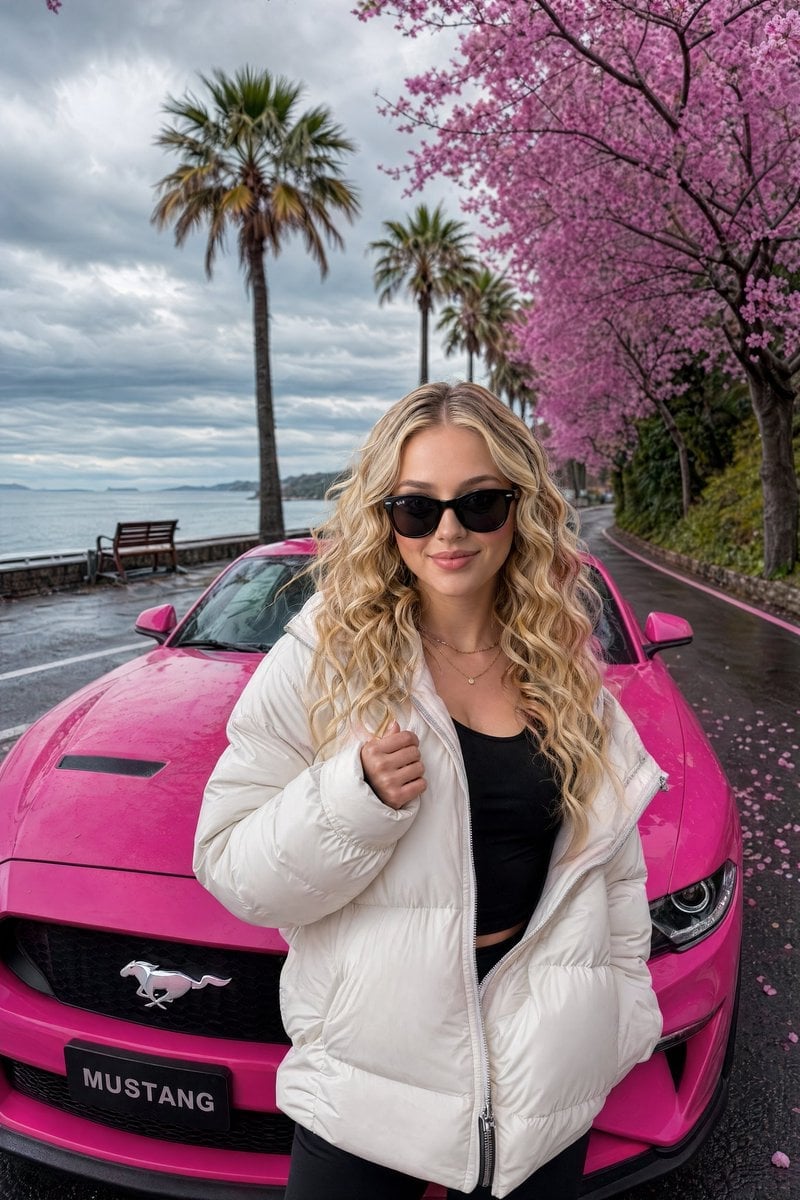
Gpt2 Social Media Post Luxury Lifestyle Mustang Shot
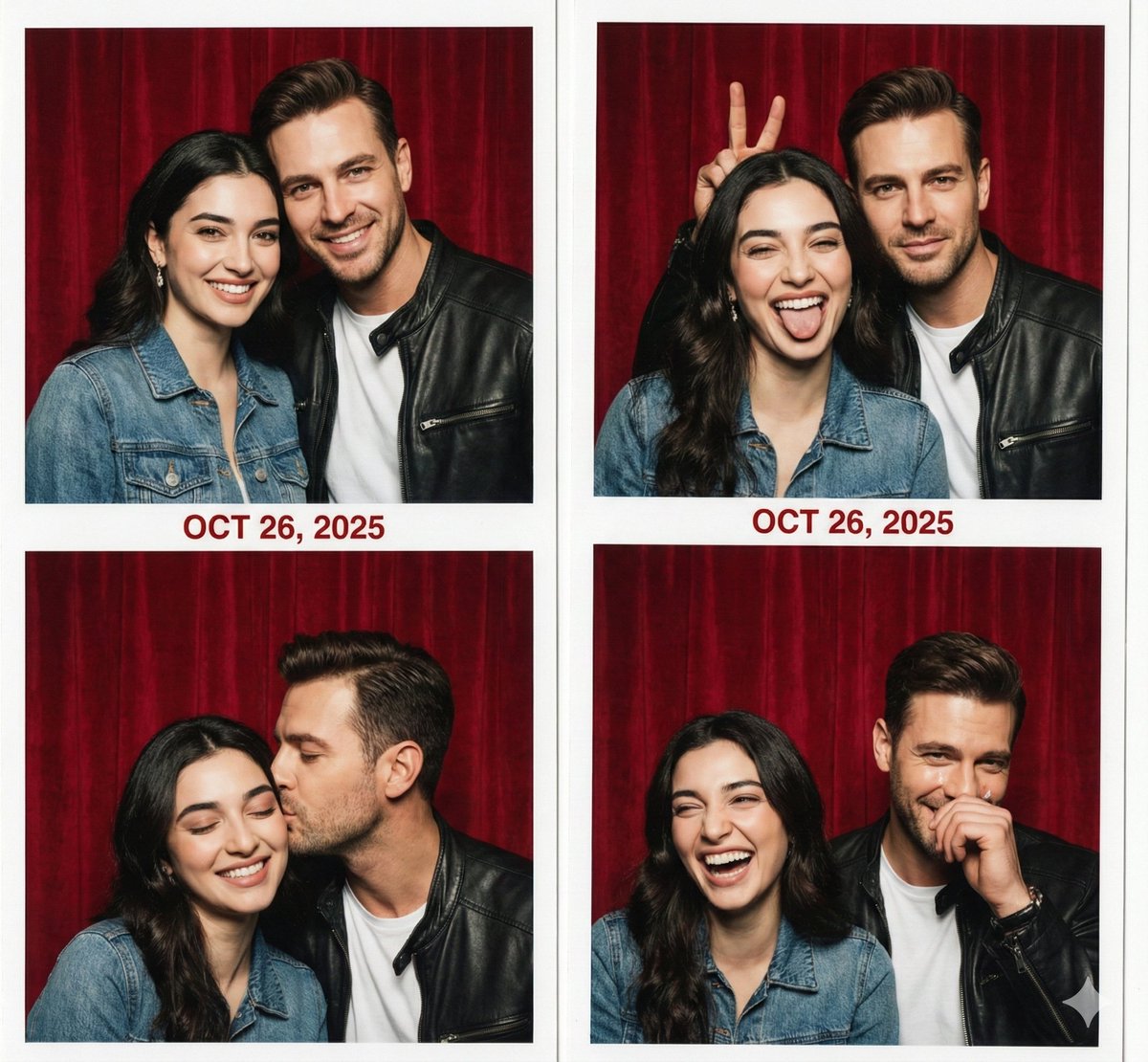
Retro Photo Booth Strip Prompt for a Couple
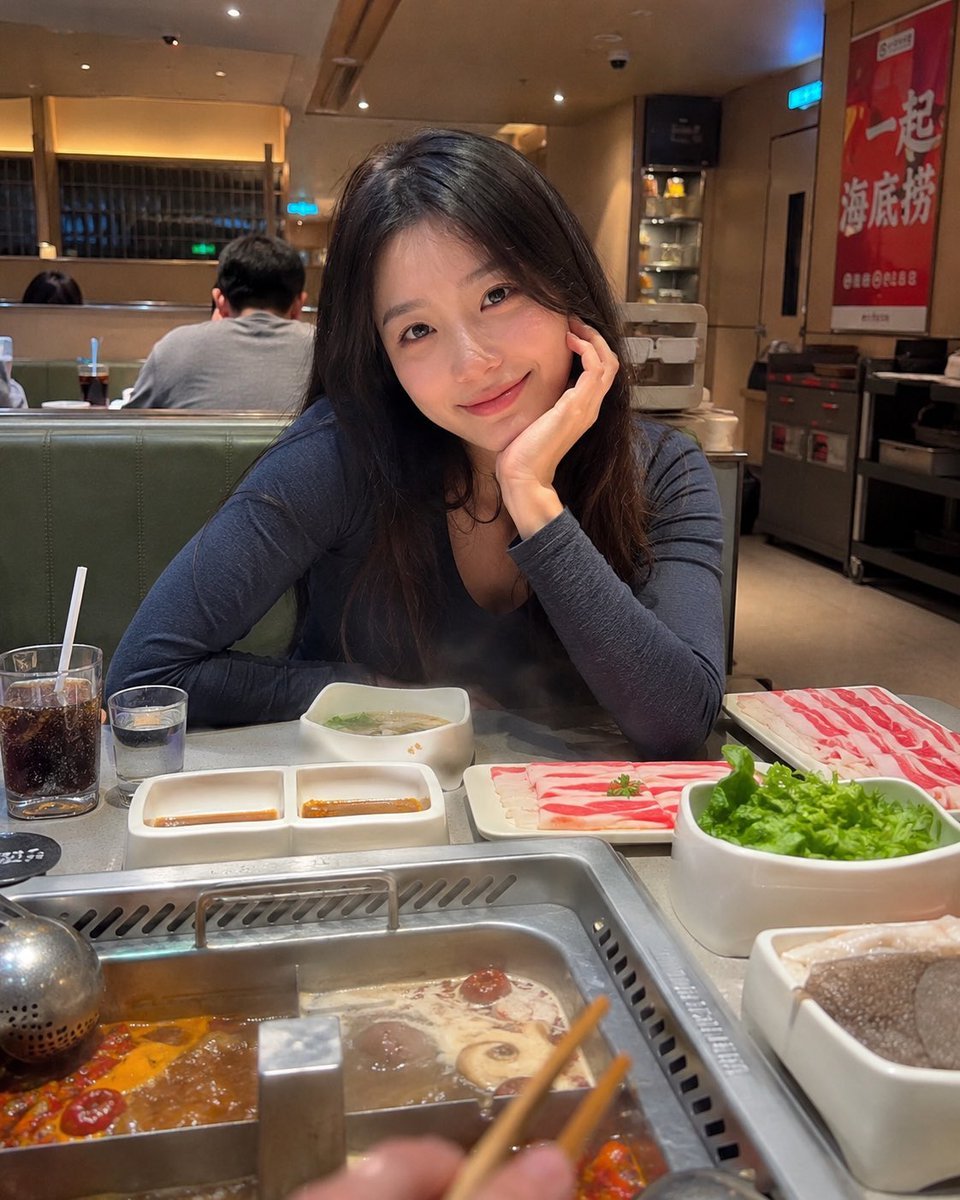
Haidilao Hotpot Date POV

Inpainting/Adding a Person to an Image
Browse template categories
Dark Alien Vibration Wasteland questions
How do I use the Dark Alien Vibration Wasteland template?
Add your photo if the template asks for one, edit the prompt if you like — the template's model and format are already selected — and press Generate. Your version opens in PicX Studio.
Can I customize the Dark Alien Vibration Wasteland template?
Yes. You can change the subject, setting, lighting, mood, format, and available model controls before creating your image.
Is the Dark Alien Vibration Wasteland template free?
Opening and editing this template is free. Generating uses credits, shown on the Generate button when you are signed in.
Which AI model should I use?
Start with GPT Image 2, which is the model associated with this template. You can compare another compatible model for a different finish.
Looking for something else? Browse all templates.

Your photo, any look
Thousands of ready templates for every top image and video model, from one credit balance.