
Crashed Spaceship Desert Wasteland
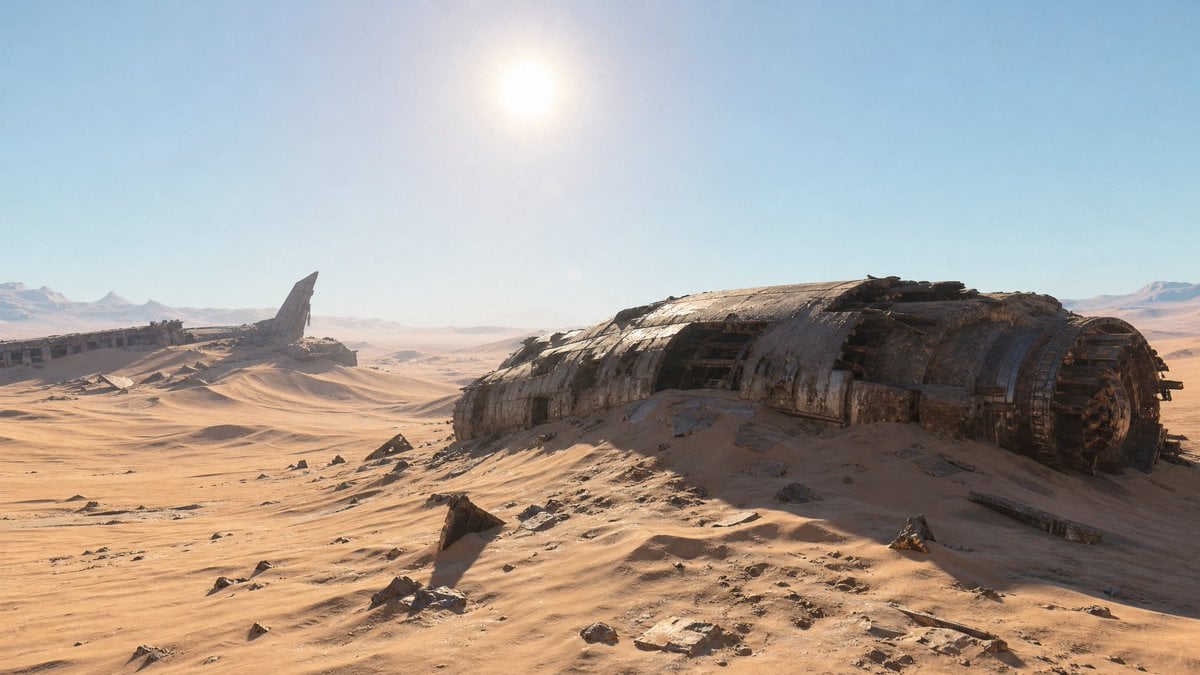
A cinematic photoreal sci-fi desert environment featuring massive half-buried crashed spaceship wrecks under a harsh high-noon sun.
- Prompt included
- Model and format preset
- Free template
The prompt behind this image
Copy the exact prompt behind Crashed Spaceship Desert Wasteland, or open it in the studio and make it yours.
Create a hyper-realistic 3D CGI wide cinematic landscape of a post-apocalyptic, sun-scorched desert wasteland under a clear pale blue sky. The scene shows exactly 2 major crashed spaceship wrecks: one enormous rusted cylindrical fuselage dominating the right foreground, half-buried in rolling sand dunes with torn metal panels, exposed ribs, dark openings, corrosion, scorch marks, and broken engine-ring details at its right end; and one distant wreck on the left horizon with a long horizontal broken hull and a single tall jagged fin or shard rising upward. Add massive wind-sculpted dunes stretching across the frame, scattered dark rocks and metal debris in the foreground, faint distant mountains on the far horizon, and atmospheric haze with subtle heat distortion. Place a blinding high-noon sun near the upper center-left, creating harsh golden desert light, strong shadows, lens glare, and a dry dusty atmosphere. Use an ultra-wide 16:9 composition, low aerial or elevated camera angle looking across the dunes, epic scale, photoreal materials, detailed rusted metal, cinematic sci-fi concept art realism, no people, no vehicles in motion, no text, no watermark.
How to use Crashed Spaceship Desert Wasteland in 3 steps
- 1Upload ImagePNG, JPG or paste
Add your photo
Upload the photo the template builds on. The prompt, model and format are already set.
- 2…a portrait of your subject in softgolden-hour light, 85mm…
Personalize
Edit the subject and creative details for your destination.
- 3Generate
Generate
Press Generate — your image is created in PicX Studio, so you can compare it with the original and refine one variable at a time.
More like this
Templates with the same subject, style or setup. Open one to see its prompt.

Saudi Arabia Paper Cut Travel Poster
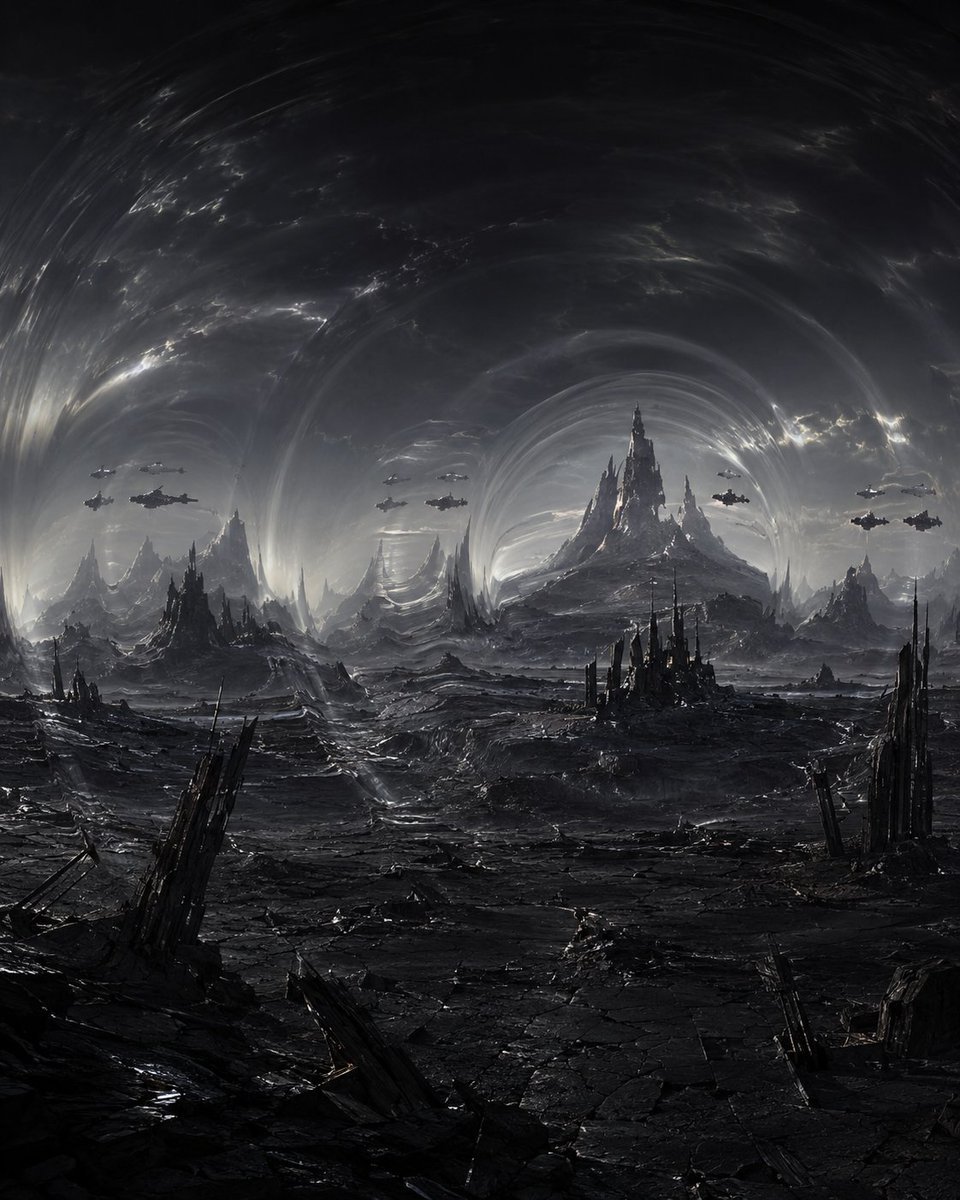
Dark Alien Vibration Wasteland
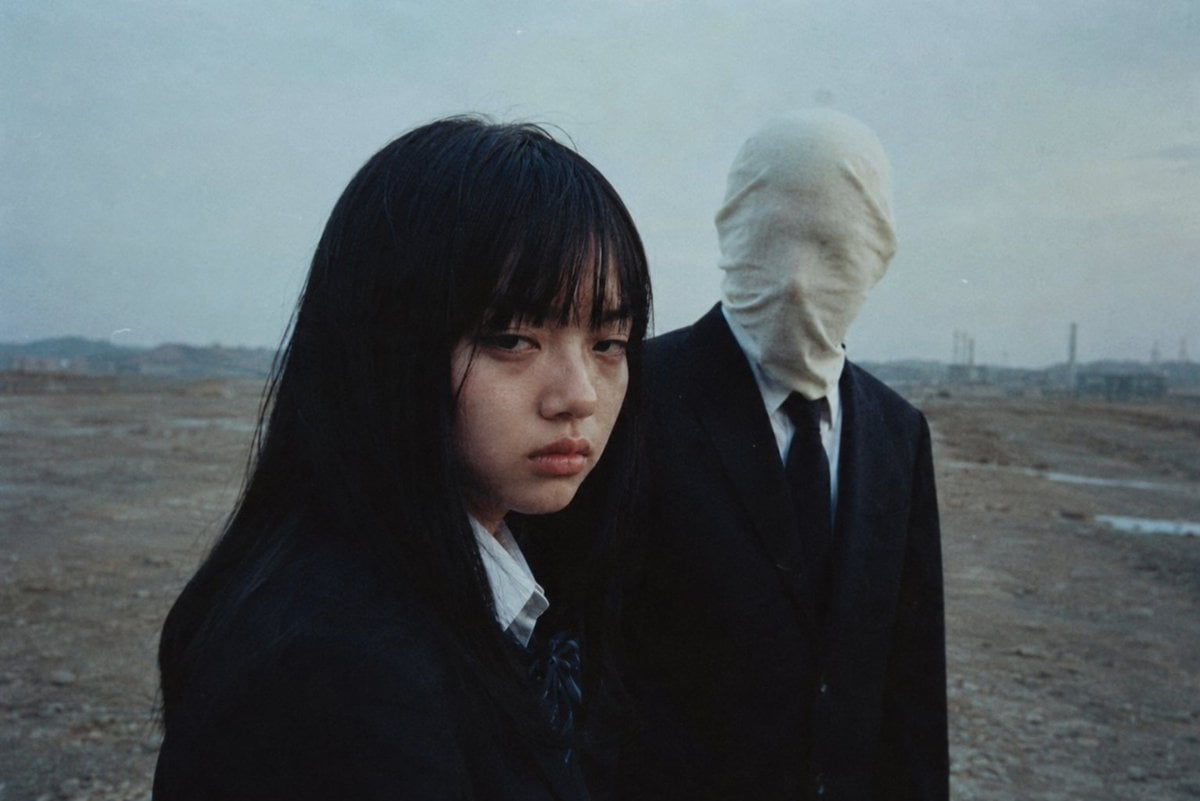
Anonymous Figures in Industrial Wasteland
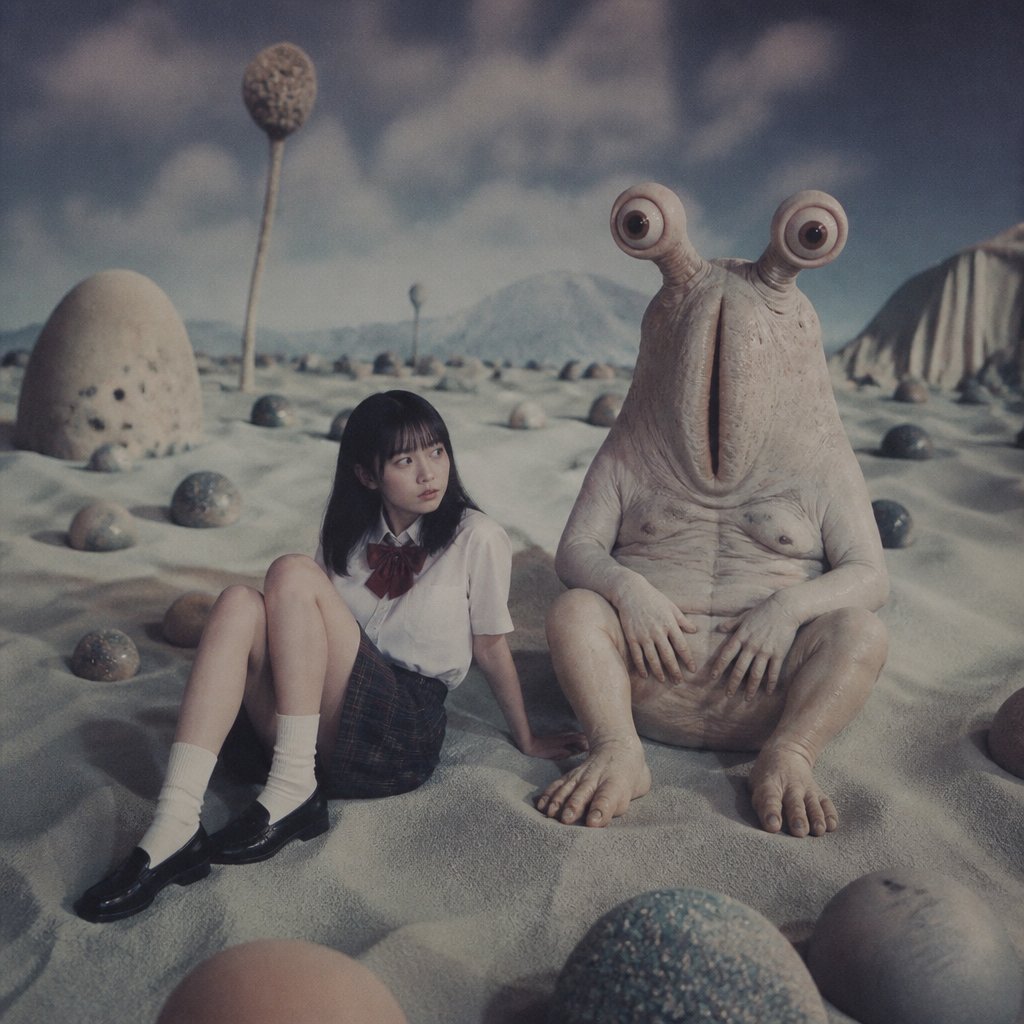
Schoolgirl and Eyestalk Alien in Sand Wasteland
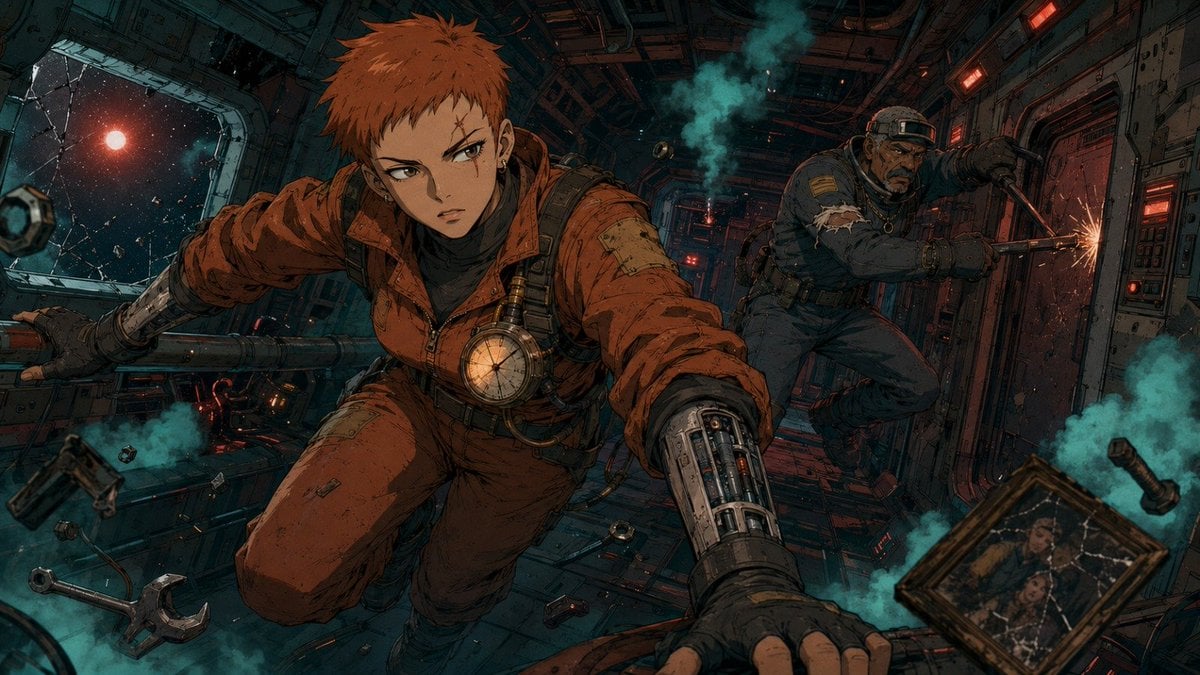
Zero-Gravity Anime Spaceship Escape
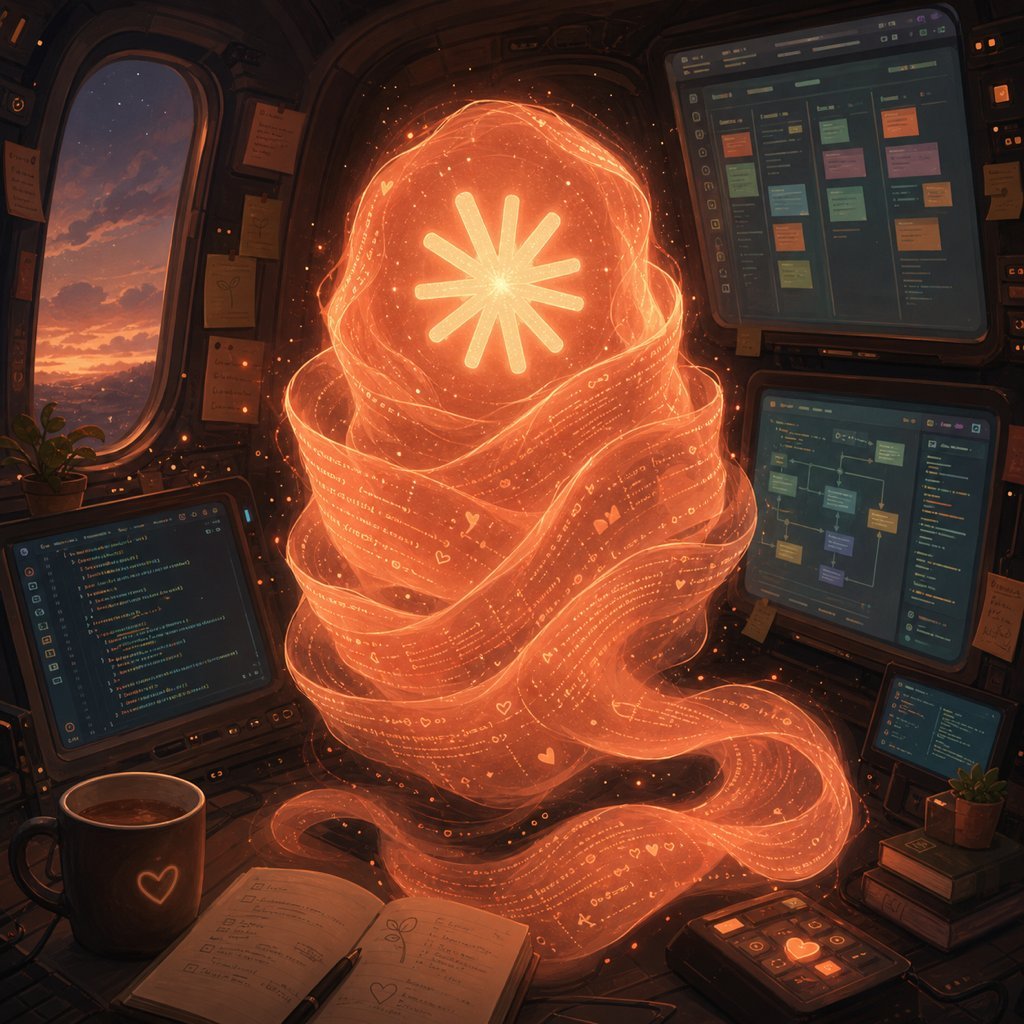
Holographic Code Fox in a Spaceship Cockpit
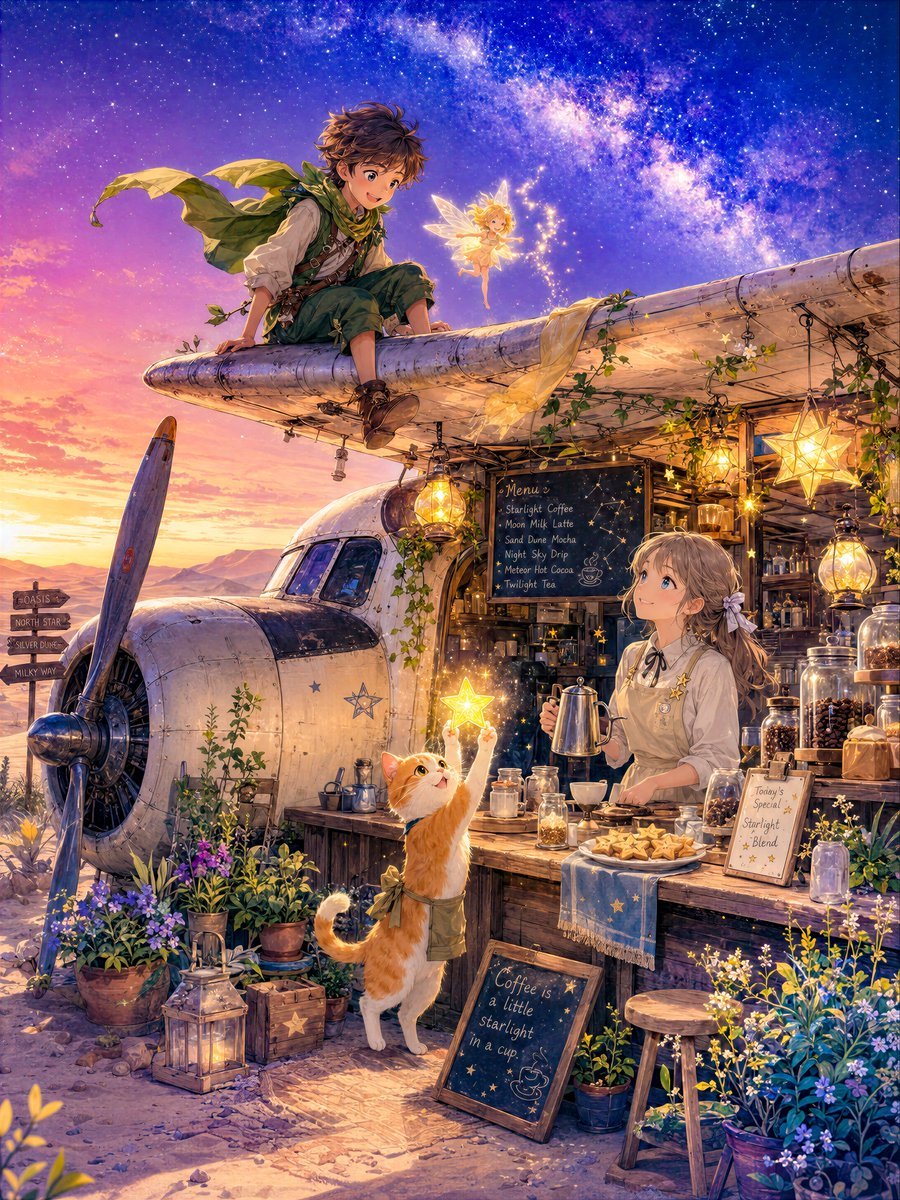
Star Cafe on a Crashed Airplane
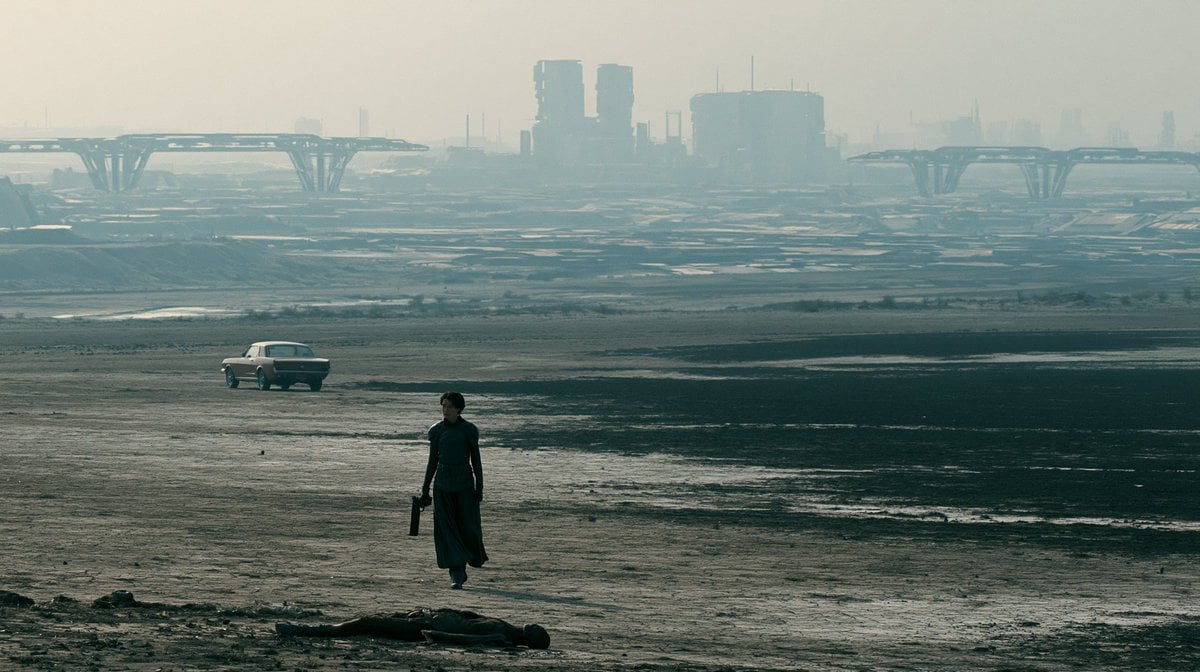
Dystopian Sci-Fi Wasteland Film Still
Alien Lake Spaceship Vista
Android Spaceship Rover Exploration
Female Android Repairing Spaceship Hull
Female Android in Spaceship
Make it yours
Crashed Spaceship Desert Wasteland works as-is. These are the safest ways to change it without losing the look.
Change one field
Copy a single group, rewrite it, and generate again so you can see what that field is doing.
Keep the frame, change the subject
Hold the composition and light of Crashed Spaceship Desert Wasteland, then swap wardrobe, props or the person for a new take.
| If the result… | Why | Fix |
|---|---|---|
| The result drifts from the preview | Too many fields changed at once. | Reuse Crashed Spaceship Desert Wasteland as-is first, then change one group — subject, light, or setting. |
| The model over-stylizes the scene | The prose prompt leaves finish and camera underspecified. | Add one camera or lighting sentence and stay on GPT Image 2. |
More GPT Image 2 templates
Other prompts made for GPT Image 2.

Six VTuber Japanese Logo Sheet

Realistic Portrait of Woman and Deer

The Vista Modular Condo Poster

AI Model Routing Comparison Infographic

2.5D Anime Art Board

Isometric Productivity Desk Scene

New York Double Exposure Poster

Four-Panel AI Landscape Comparison

Japanese Tatami Lifestyle Magazine Cover

NESCAFÉ Coffee Map Poster
More image prompts
Fresh picks from across the catalog.

AI Model Router App Store Screenshot

Eco Laundry Hack Youtube Thumbnail
Black-and-White Eye Backdrop Portrait
Cinematic Studio Portrait
Pop Art Plush Product Shot of a Beverage Can
Ultra-Realistic Cinematic Street Photograph Prompt
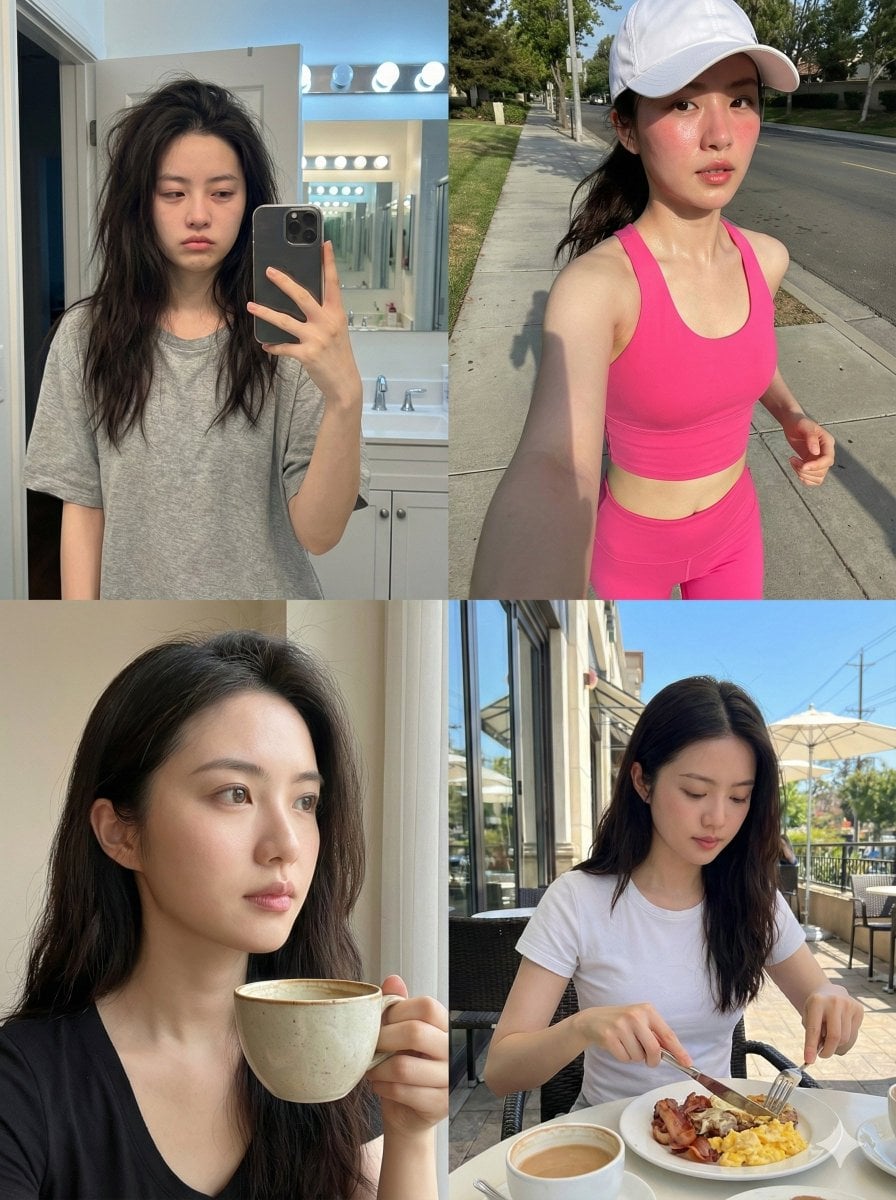
Consistent Identity Daily Routine Log Prompt (4-Quadrant)
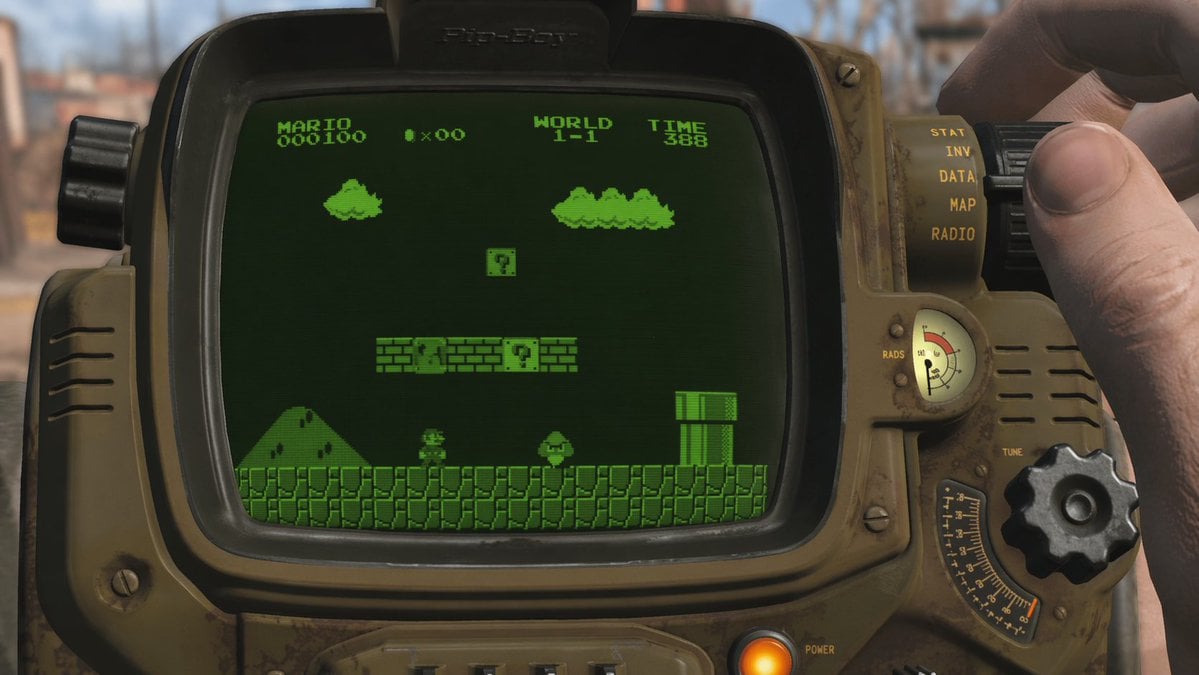
Retro Wrist Computer Playing Classic Platformer
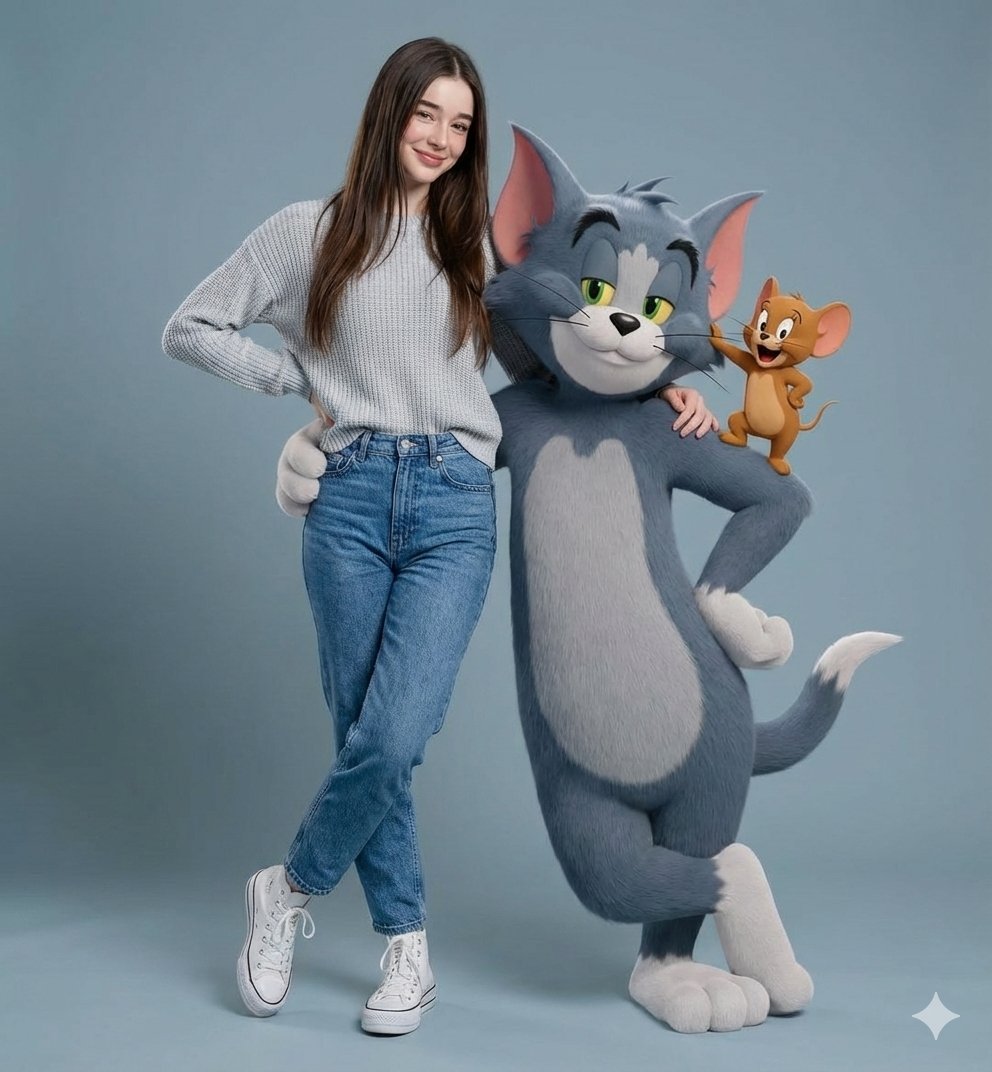
Hyper-realistic Portrait with Tom & Jerry 3D Characters

Watercolor Cafe Illustration
Browse template categories
Crashed Spaceship Desert Wasteland questions
How do I use the Crashed Spaceship Desert Wasteland template?
Add your photo if the template asks for one, edit the prompt if you like — the template's model and format are already selected — and press Generate. Your version opens in PicX Studio.
Can I customize the Crashed Spaceship Desert Wasteland template?
Yes. You can change the subject, setting, lighting, mood, format, and available model controls before creating your image.
Is the Crashed Spaceship Desert Wasteland template free?
Opening and editing this template is free. Generating uses credits, shown on the Generate button when you are signed in.
Which AI model should I use?
Start with GPT Image 2, which is the model associated with this template. You can compare another compatible model for a different finish.
Looking for something else? Browse all templates.

Your photo, any look
Thousands of ready templates for every top image and video model, from one credit balance.