
Android Spaceship Rover Exploration
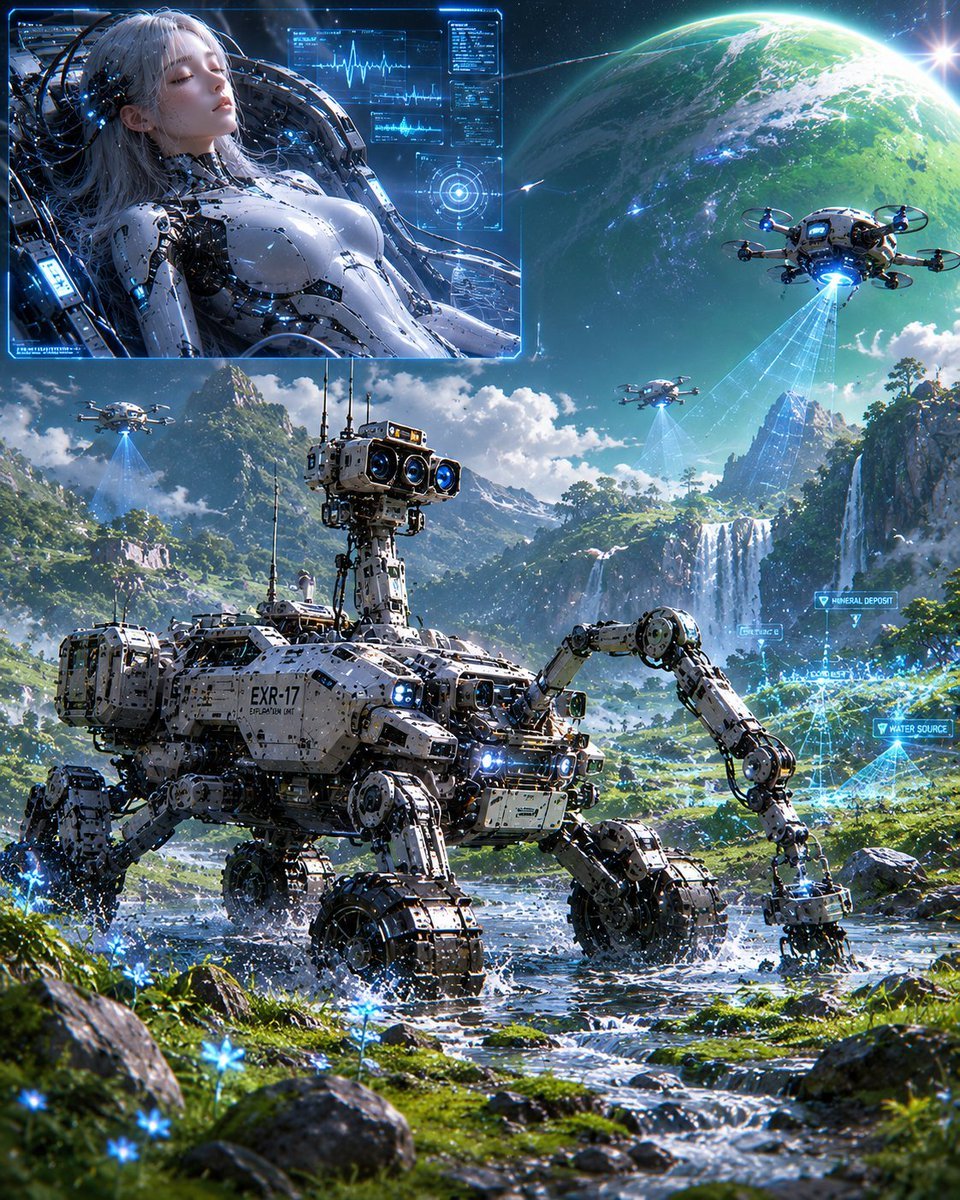
A cinematic sci-fi concept art prompt for creating a futuristic alien valley exploration scene with a quadruped rover, drones, holographic scans, and an inset female android diagnostic display.
- Prompt included
- Model and format preset
- Free template
The prompt behind this image
Copy the exact prompt behind Android Spaceship Rover Exploration, or open it in the studio and make it yours.
Create a highly detailed cinematic sci-fi concept art scene of {argument name="exploration rover label" default="EXR-17"} exploring an alien Earth-like valley. The main subject is one large white-and-gray mechanical quadruped rover in the foreground, walking through a shallow rocky stream; it has four heavy articulated legs, one long front-right manipulator arm touching the water with a sampling tool, a boxy armored chassis covered in panels, bolts, antennas, cables, blue indicator lights, and a tall sensor mast with three prominent camera lenses. Surround it with lush green moss, wet stones, tiny glowing blue flowers, splashing water, waterfalls, steep cliffs, distant mountains, and a bright blue sky with dramatic clouds. Add a colossal green-and-blue planet or moon dominating the upper-right sky with a bright sun flare near its edge. Include exactly 3 small survey drones in the sky: one large drone at upper right projecting a blue scanning beam downward, one small drone at upper left over the mountains also projecting a blue beam, and one distant drone near the center-right valley projecting a faint blue beam. Add translucent holographic AR mapping overlays on the right side of the landscape with exactly 3 visible labels: “MINERAL DEPOSIT”, “WATER SOURCE”, and “CONSERVATION ZONE”, plus blue wireframe scan grids and triangulation lines. In the upper-left corner, overlay a rectangular blue holographic display panel showing {argument name="android description" default="a female android aboard a spaceship"}: a reclining silver-white female android torso with exposed cybernetic joints, long pale hair, tubes and cables around her head and shoulders, glowing blue circuitry, and medical diagnostic UI graphs; her face is covered by a soft opaque square blur. The inset panel should have a neon cyan frame and contain exactly 4 main UI diagnostic regions: a waveform graph, a small data table, a circular targeting reticle, and thin technical readout lines. Overall style: ultra-detailed Japanese sci-fi key visual, photorealistic 3D concept art mixed with anime-inspired cyberpunk aesthetics, sharp focus, high dynamic range, vivid cyan-blue holograms, intricate hard-surface robotics, volumetric light, sparkling water, dense environmental detail, epic scale, no watermark, no extra readable text beyond the specified labels and rover marking.
How to use Android Spaceship Rover Exploration in 3 steps
- 1Upload ImagePNG, JPG or paste
Add your photo
Upload the photo the template builds on. The prompt, model and format are already set.
- 2…a portrait of your subject in softgolden-hour light, 85mm…
Personalize
Edit the subject and creative details for your destination.
- 3Generate
Generate
Press Generate — your image is created in PicX Studio, so you can compare it with the original and refine one variable at a time.
More like this
Templates with the same subject, style or setup. Open one to see its prompt.

Minecraft Japanese Research Lab Exploration

Rainy Night Android Cyberpunk Portrait
Rainy Night Android Cyberpunk Portrait
Female Android Repairing Spaceship Hull
Female Android in Spaceship
Female Android on a Spaceship
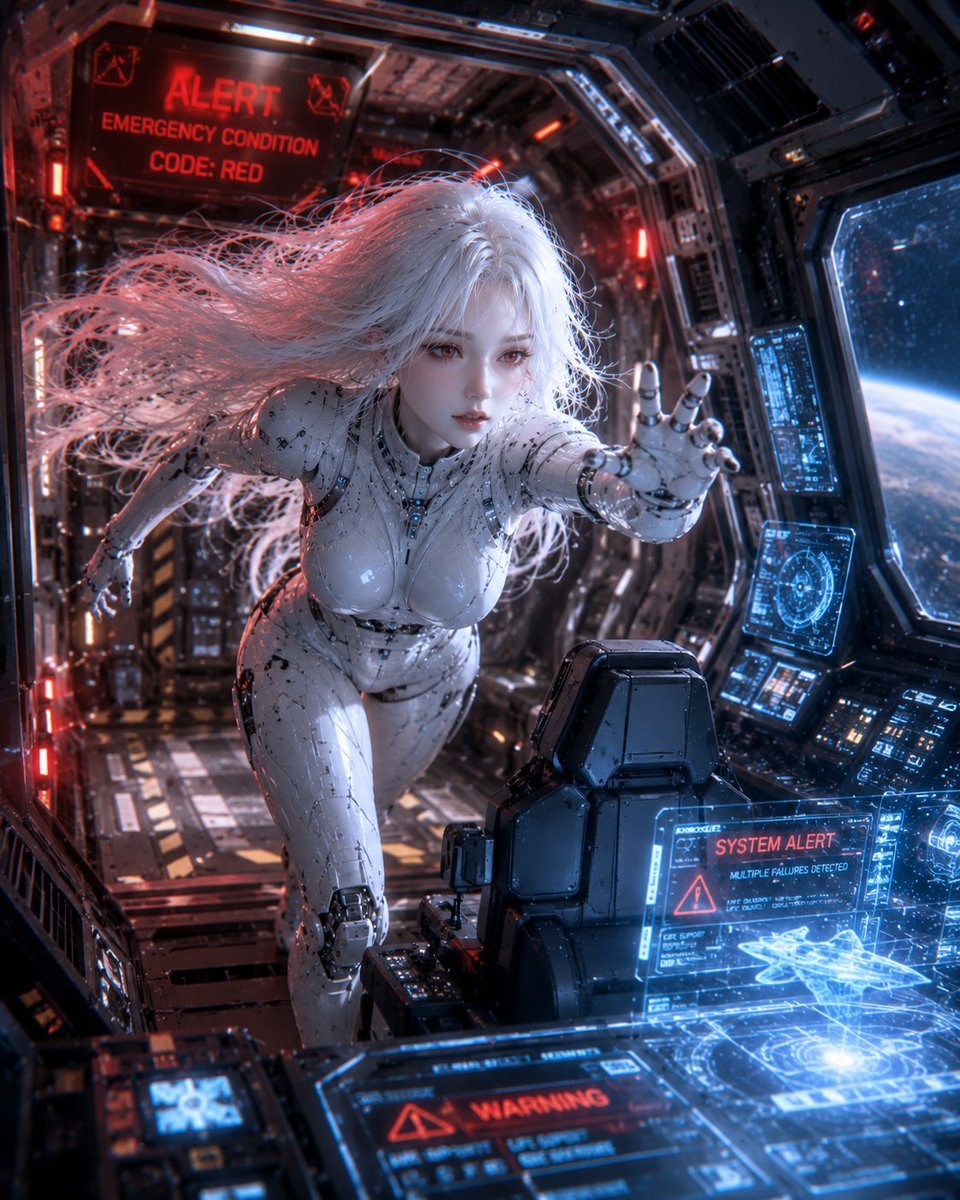
Spaceship Female Android
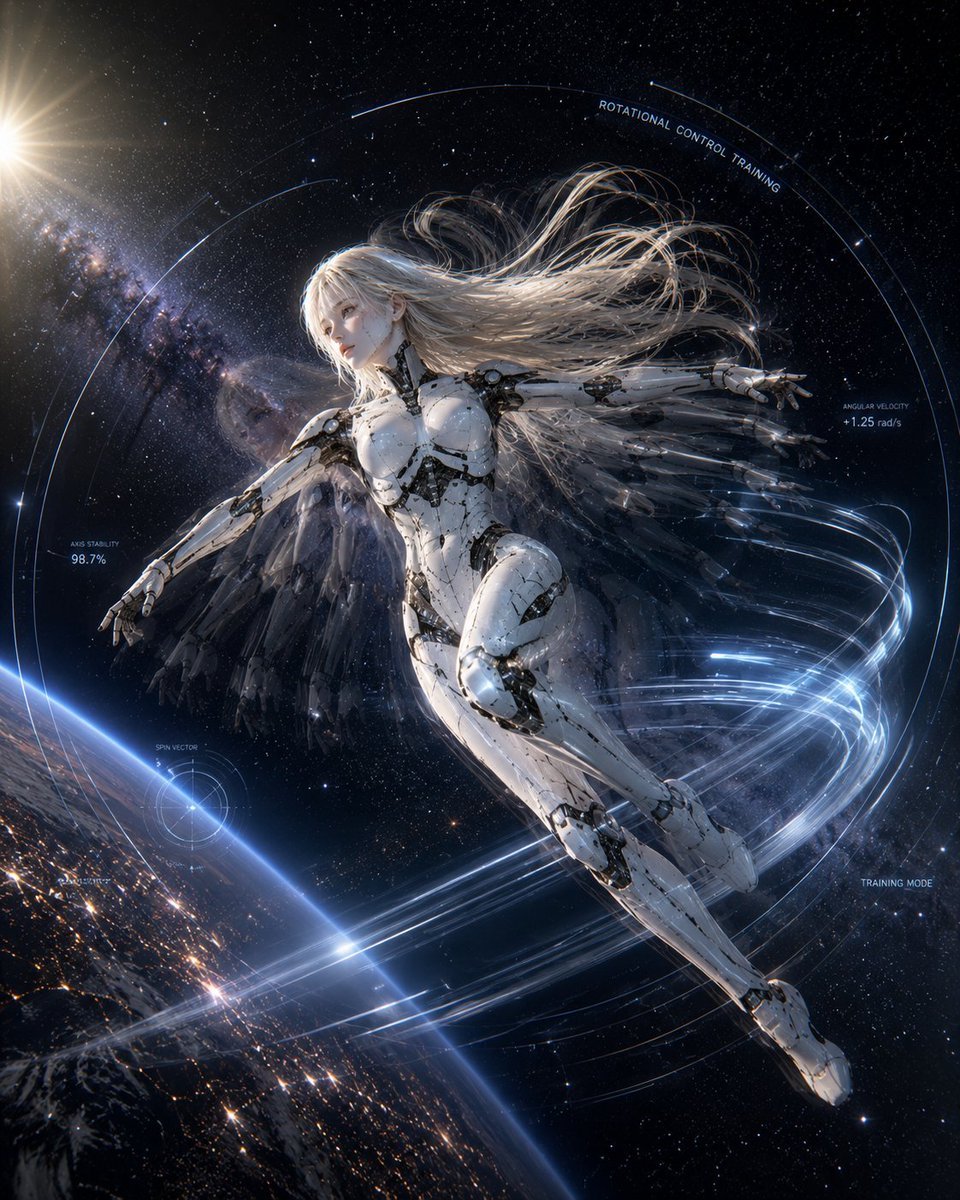
Spaceship Female Android Concept
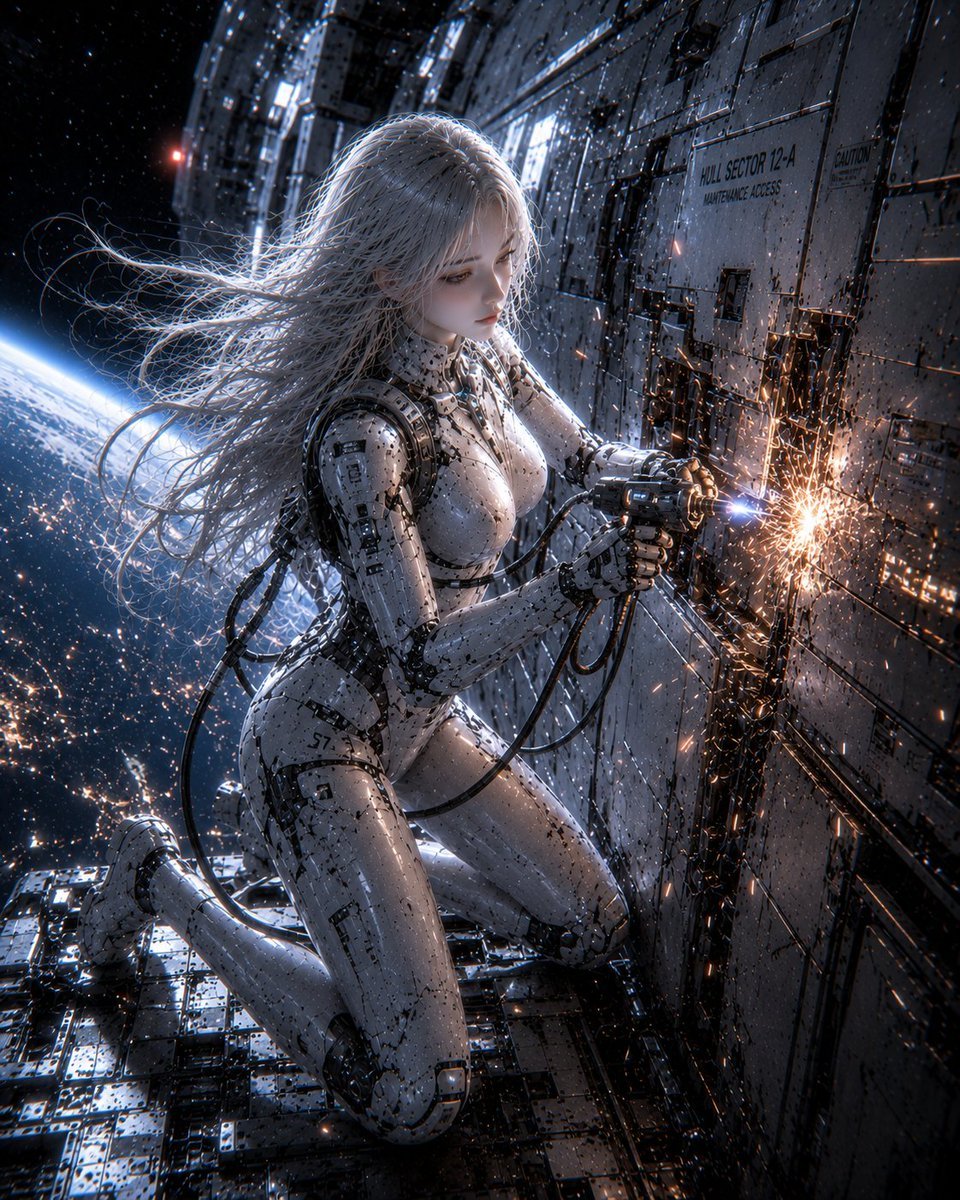
Female Android on Spaceship
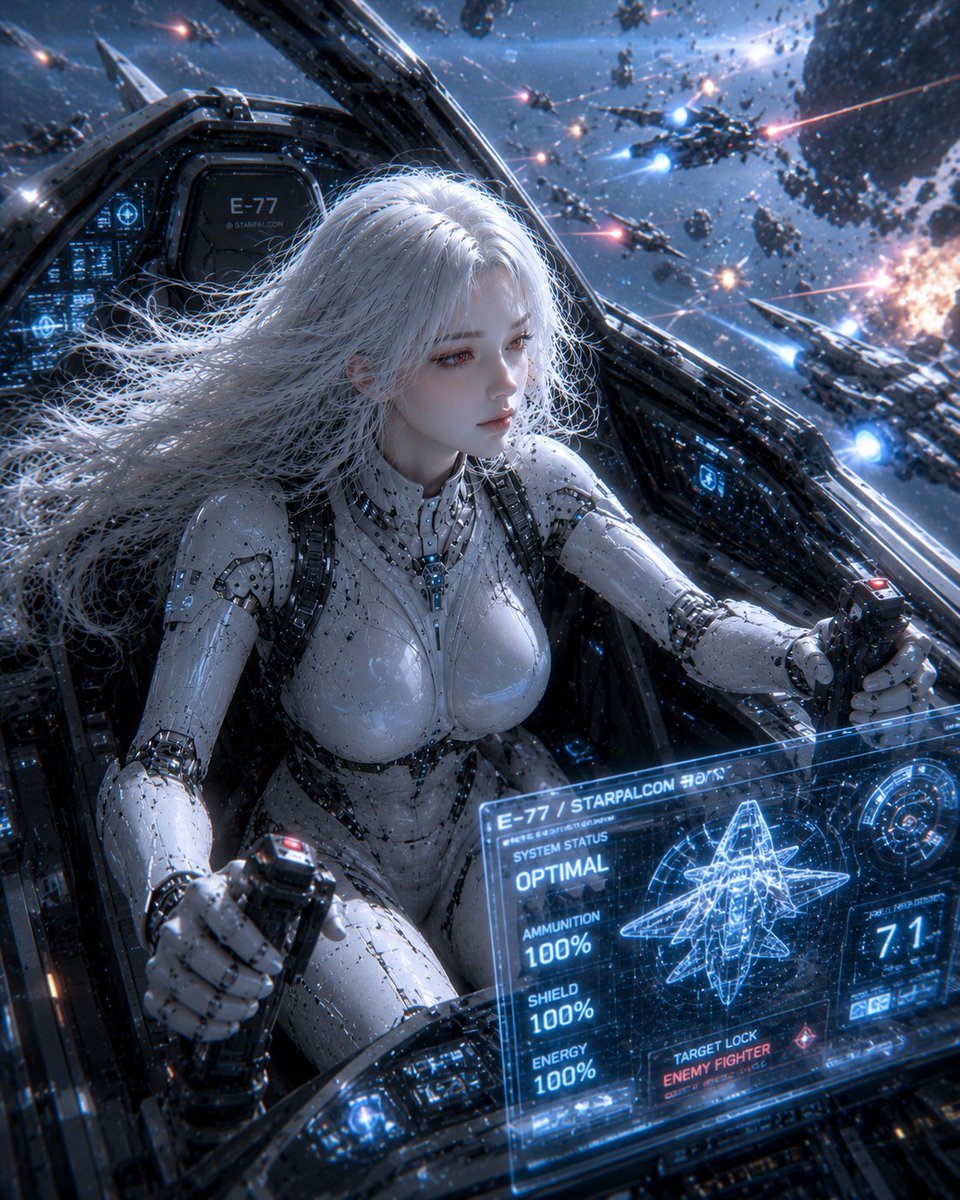
Female Android on a Spaceship
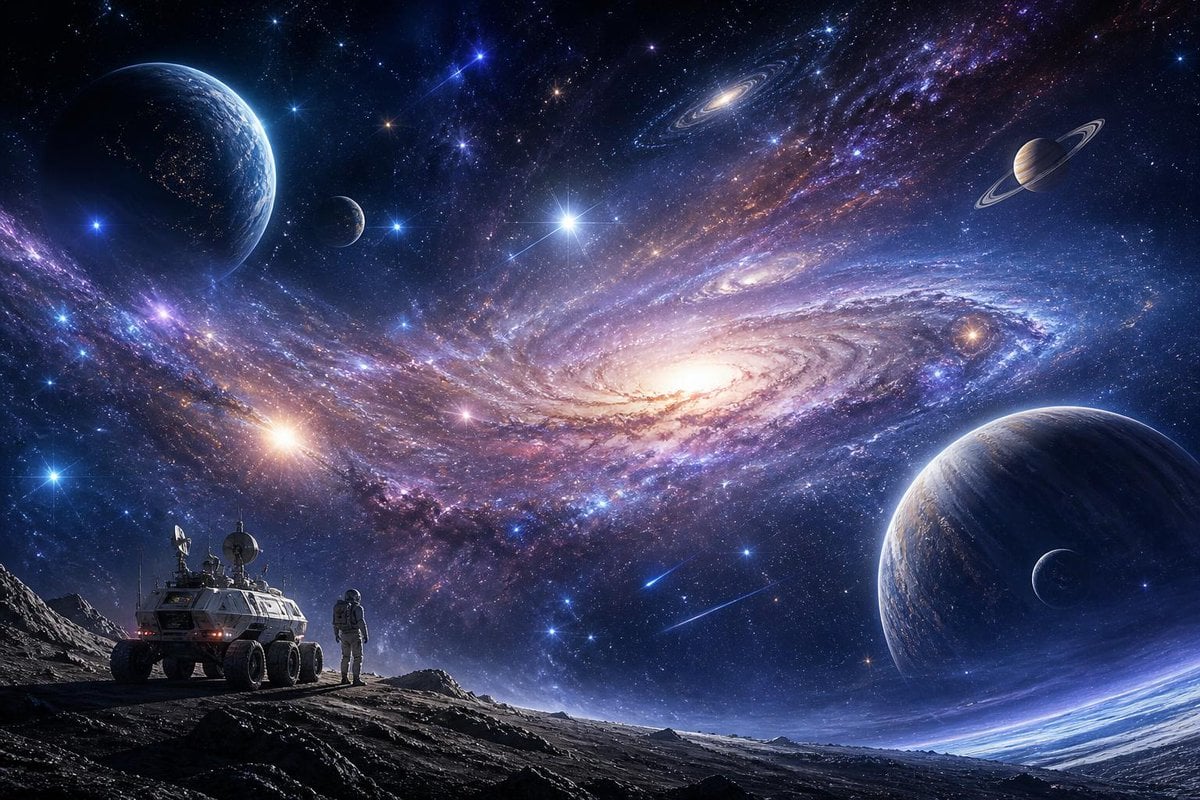
Galactic Exploration and Nebulae
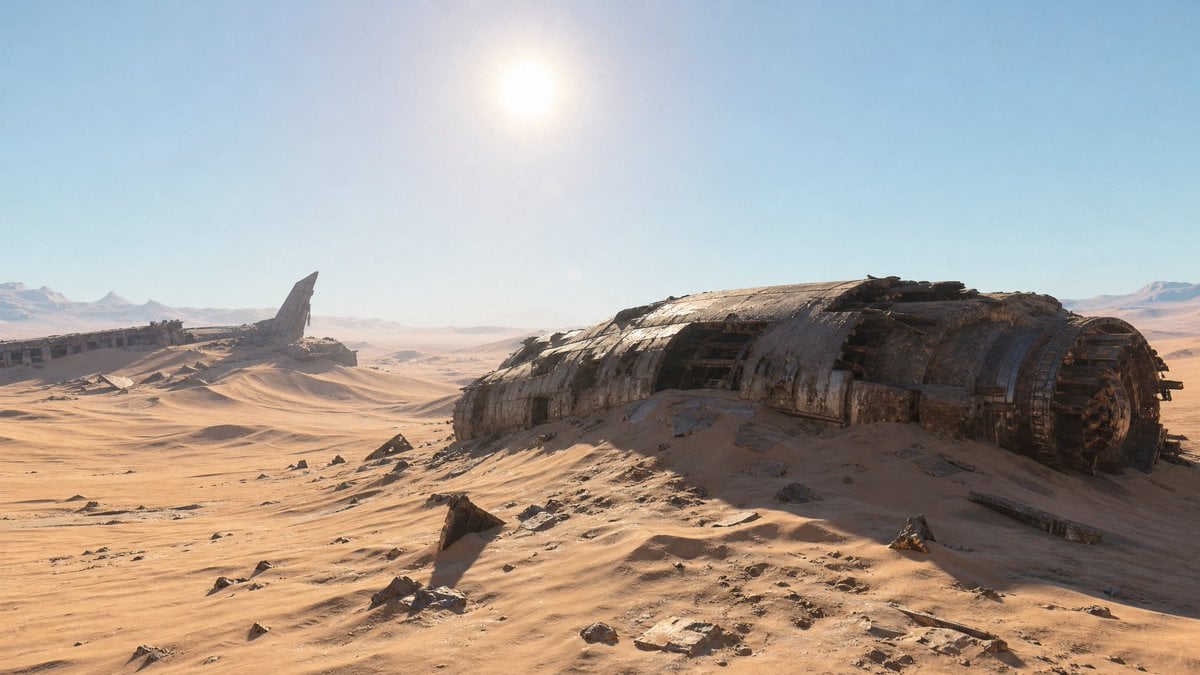
Crashed Spaceship Desert Wasteland
Make it yours
Android Spaceship Rover Exploration works as-is. These are the safest ways to change it without losing the look.
Change one field
Copy a single group, rewrite it, and generate again so you can see what that field is doing.
Keep the frame, change the subject
Hold the composition and light of Android Spaceship Rover Exploration, then swap wardrobe, props or the person for a new take.
| If the result… | Why | Fix |
|---|---|---|
| The result drifts from the preview | Too many fields changed at once. | Reuse Android Spaceship Rover Exploration as-is first, then change one group — subject, light, or setting. |
| The model over-stylizes the scene | The prose prompt leaves finish and camera underspecified. | Add one camera or lighting sentence and stay on GPT Image 2. |
More GPT Image 2 templates
Other prompts made for GPT Image 2.

Six VTuber Japanese Logo Sheet

Realistic Portrait of Woman and Deer

The Vista Modular Condo Poster

AI Model Routing Comparison Infographic

2.5D Anime Art Board

Isometric Productivity Desk Scene

New York Double Exposure Poster

Four-Panel AI Landscape Comparison

Japanese Tatami Lifestyle Magazine Cover

NESCAFÉ Coffee Map Poster
More image prompts
Fresh picks from across the catalog.
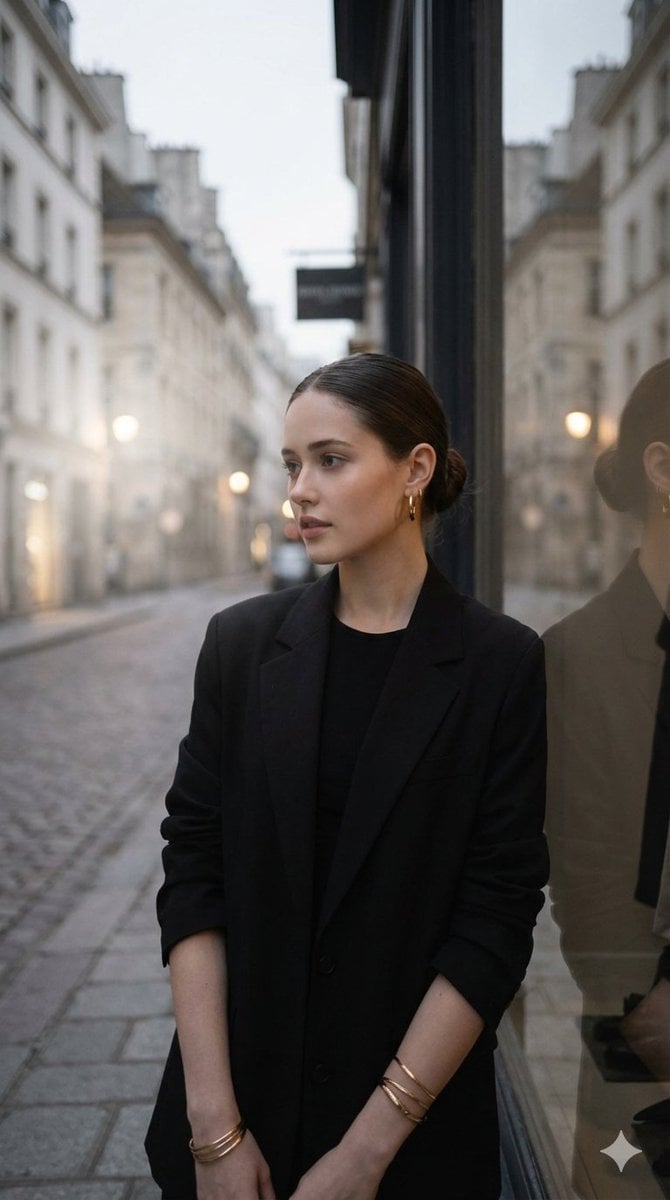
European Street Fashion Editorial
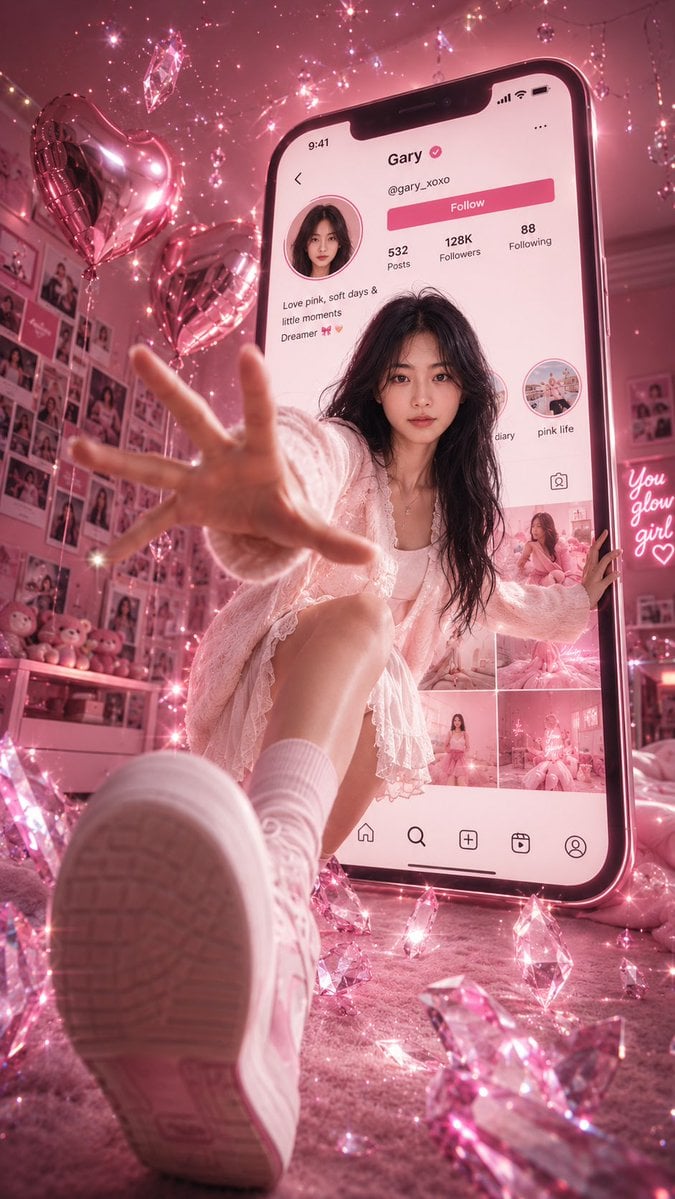
Surreal Pink Social Media Poster
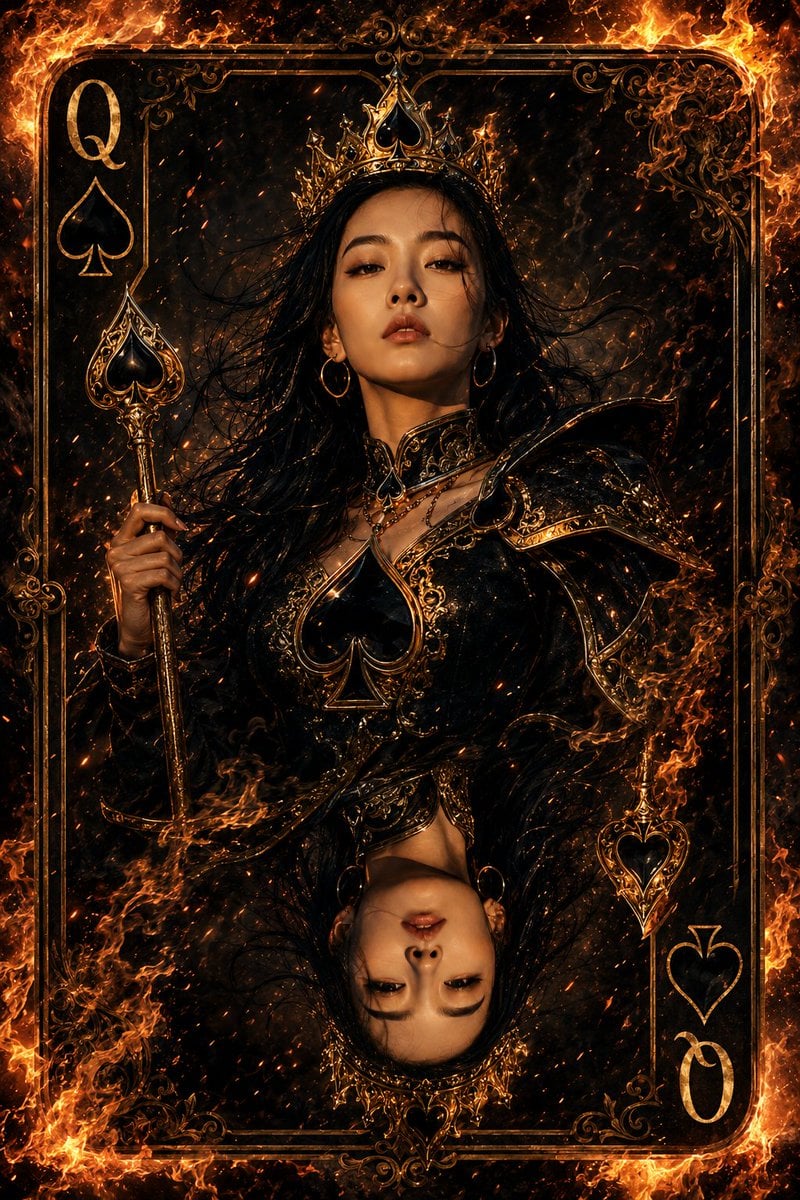
Queen of Spades Fantasy Playing Card

Tianjin City Promotional Poster Prompt
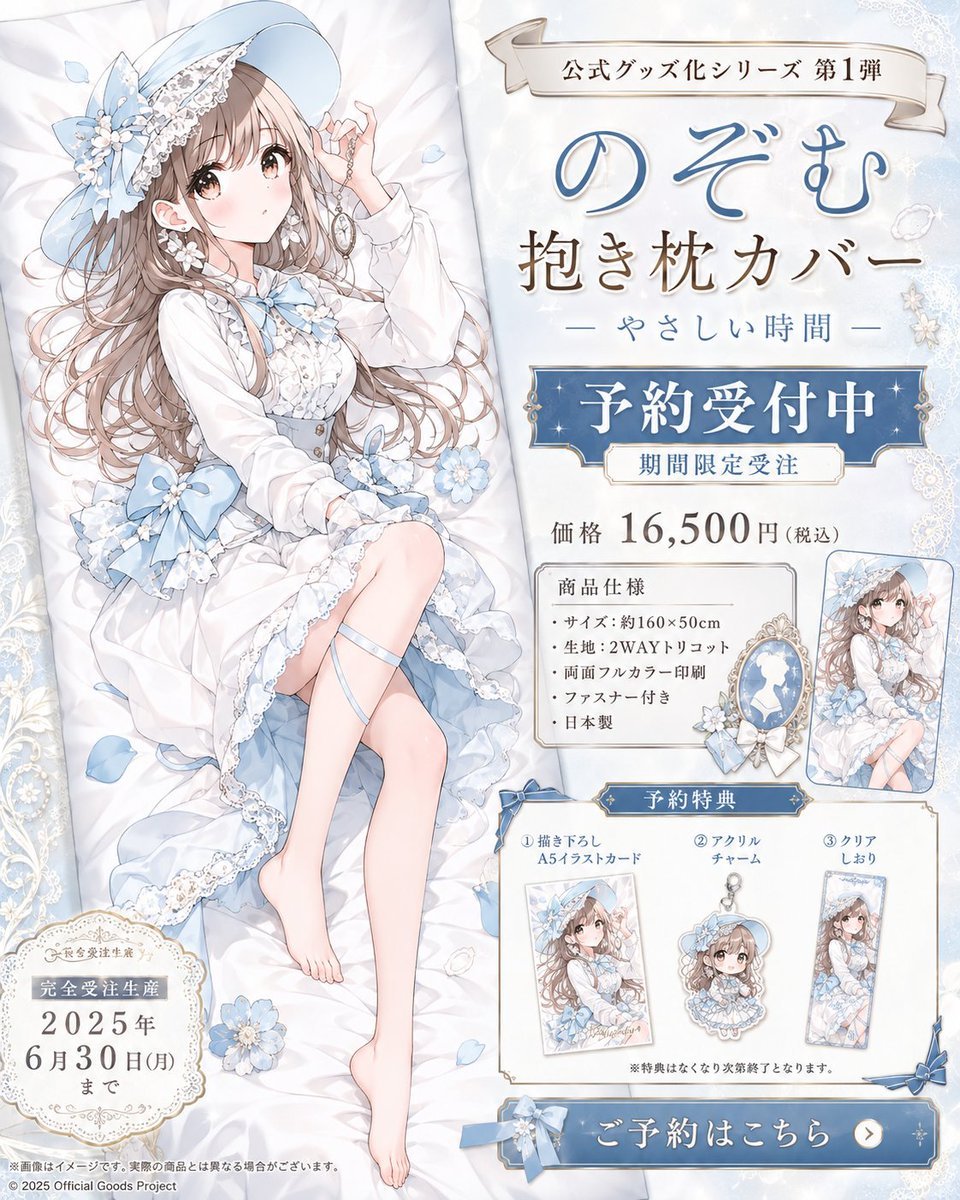
Anime Dakimakura Preorder Poster
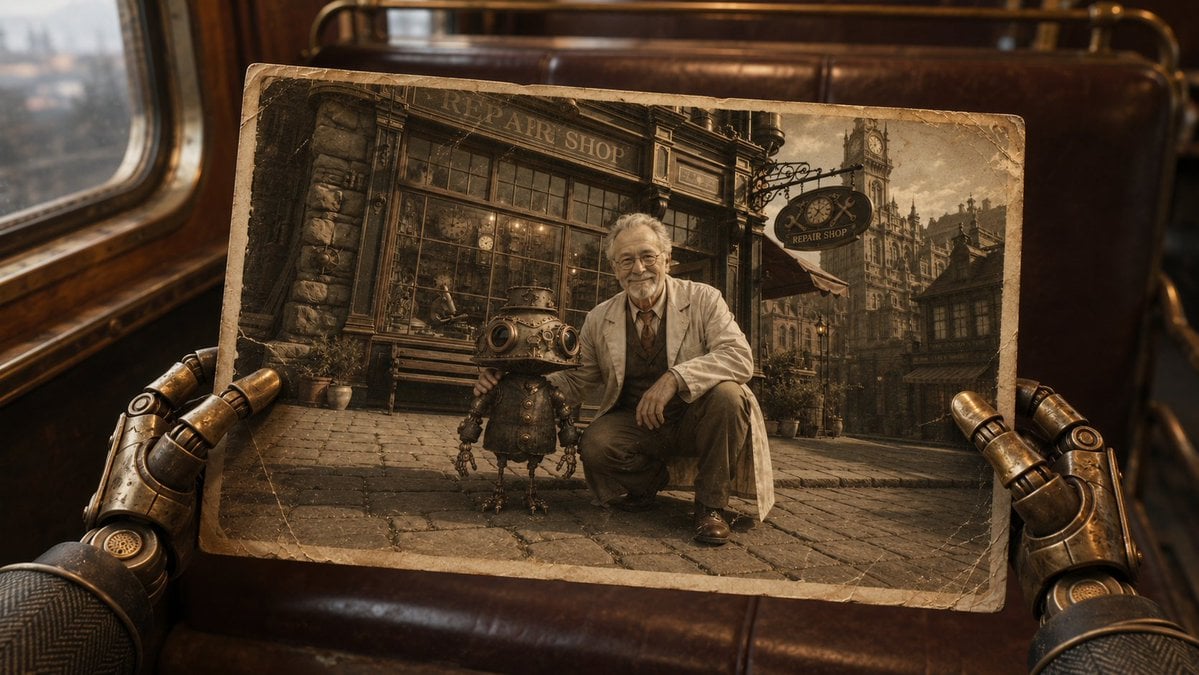
Steampunk Hands Holding Old Photo
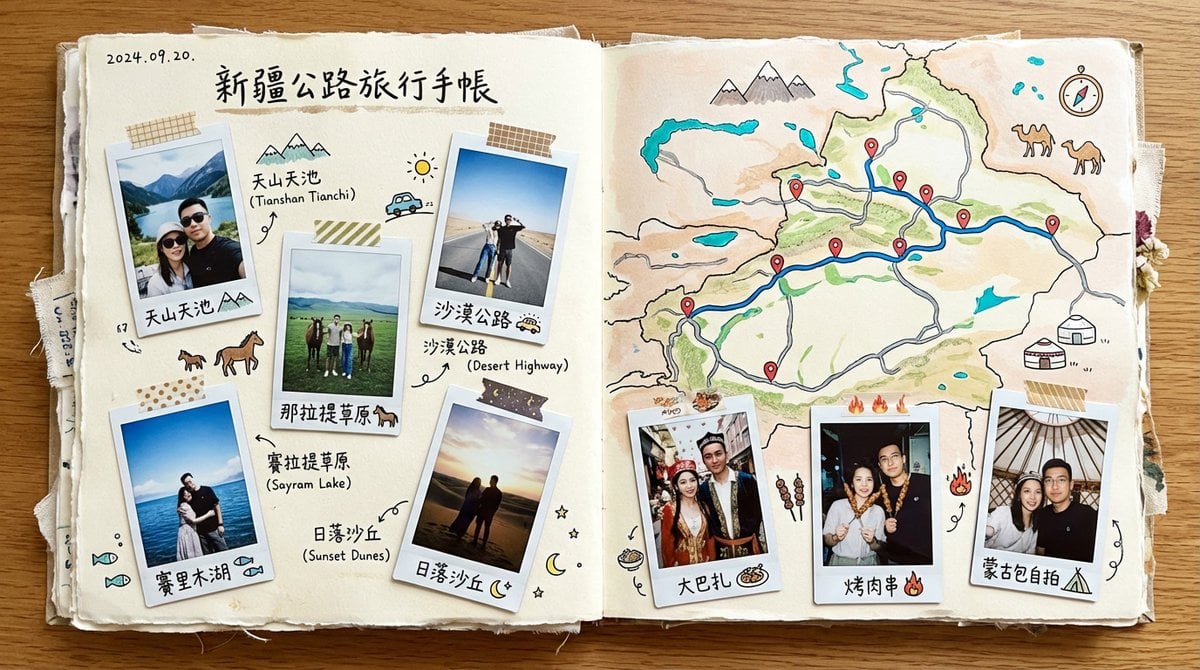
Xinjiang Road Trip Scrapbook Spread
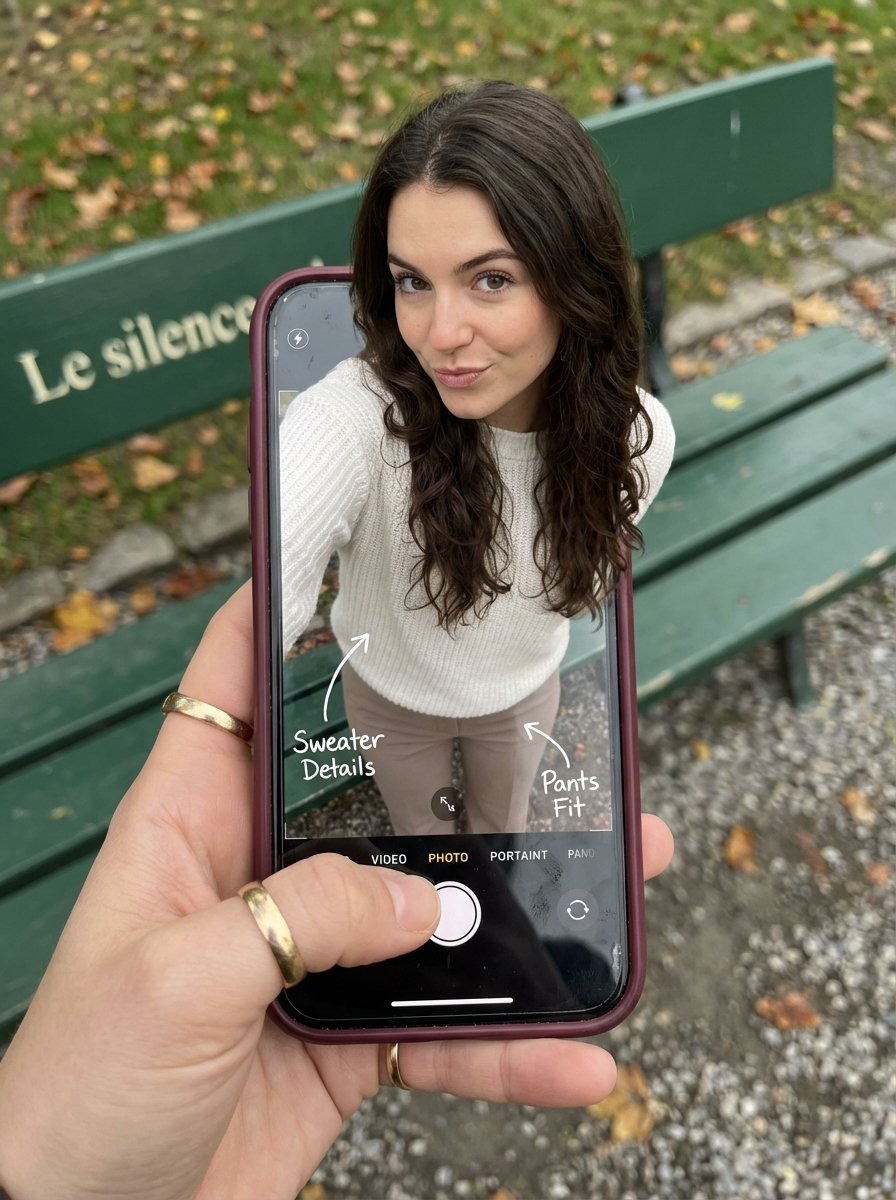
Optical Illusion: Stepping Out of a Smartphone Screen

Gpt2 Social Media Post Nostalgic 16 Photo Couple Grid
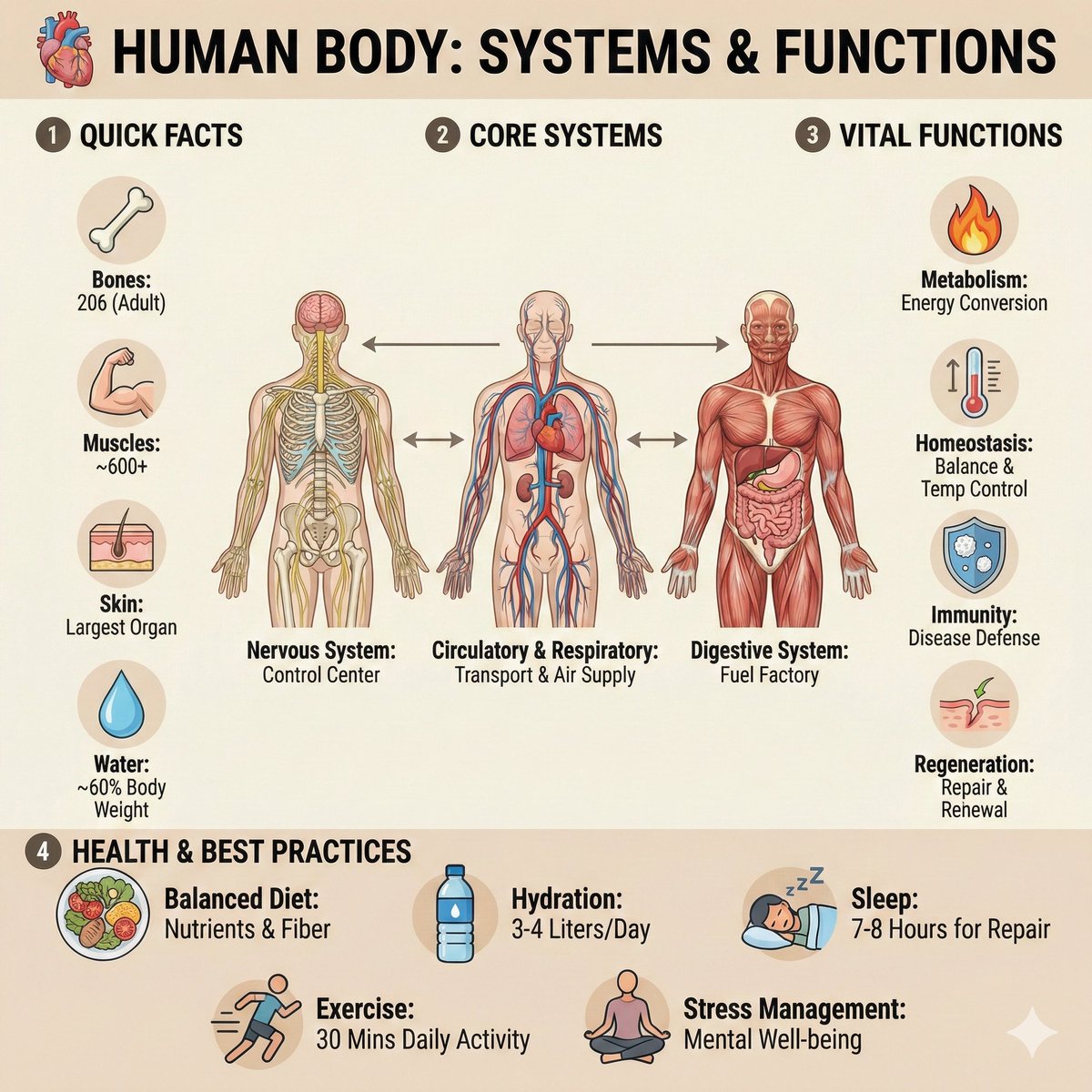
Ultra-Clean Anatomy Infographic Prompt
Browse template categories
Android Spaceship Rover Exploration questions
How do I use the Android Spaceship Rover Exploration template?
Add your photo if the template asks for one, edit the prompt if you like — the template's model and format are already selected — and press Generate. Your version opens in PicX Studio.
Can I customize the Android Spaceship Rover Exploration template?
Yes. You can change the subject, setting, lighting, mood, format, and available model controls before creating your image.
Is the Android Spaceship Rover Exploration template free?
Opening and editing this template is free. Generating uses credits, shown on the Generate button when you are signed in.
Which AI model should I use?
Start with GPT Image 2, which is the model associated with this template. You can compare another compatible model for a different finish.
Looking for something else? Browse all templates.

Your photo, any look
Thousands of ready templates for every top image and video model, from one credit balance.