
Optical Illusion: Stepping Out of a Smartphone Screen
A highly structured Nano Banana Pro prompt designed to create a hyper-realistic optical illusion photograph.
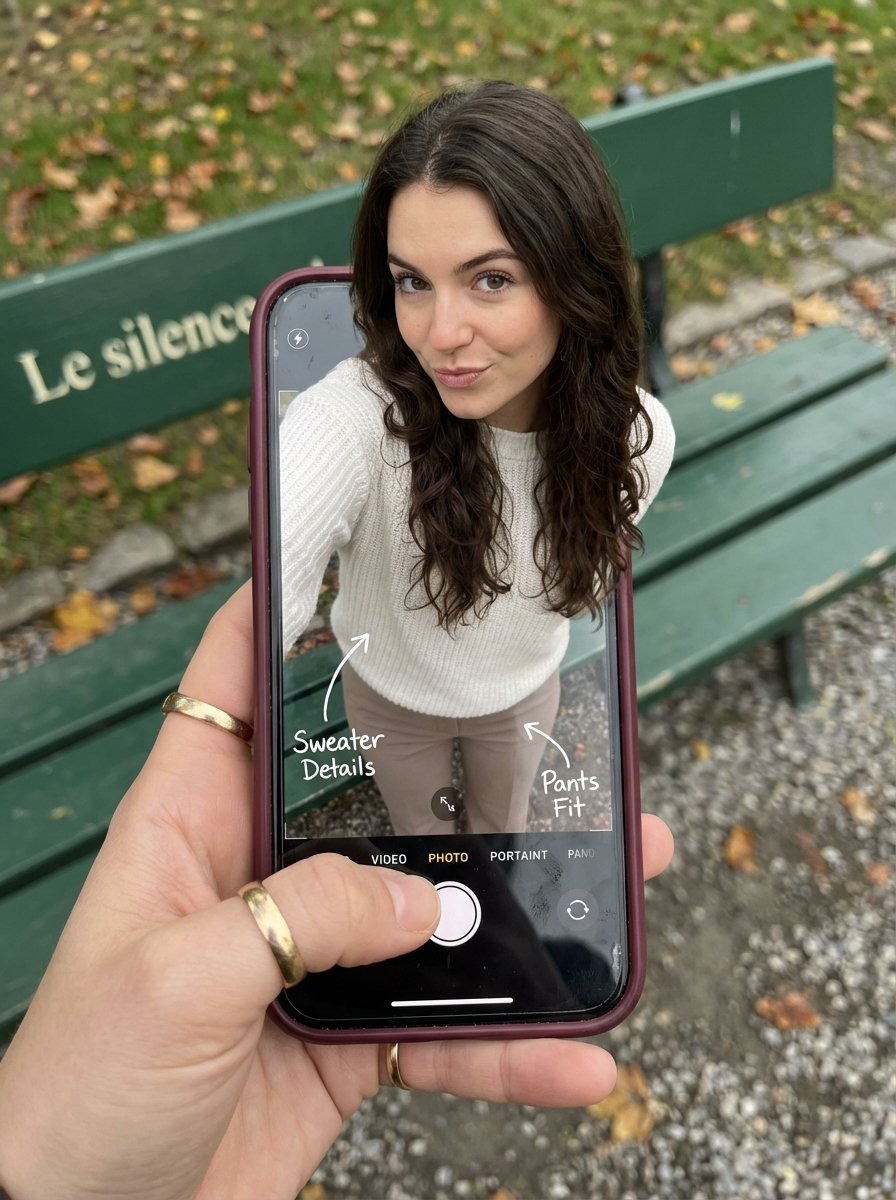
- Prompt included
- Model and format preset
- Premium template
The prompt behind this image
Copy the exact prompt behind Optical Illusion: Stepping Out of a Smartphone Screen, or open it in the studio and make it yours.
- Subject › Description
- A hyper-realistic optical illusion photograph. A young Caucasian woman appears to be stepping out of a smartphone screen held in a hand. The screen displays the camera interface, capturing her legs, while her real upper body extends out of the phone into reality.
- Subject › Mirror Rules
- Ensure the phone screen clearly shows the iOS Camera UI (shutter button, mode text). Handwritten annotations must be legible and not mirrored.
- Subject › Age
- 20s
- Subject › Expression › Eyes › Look
- Alluring and playful
- Subject › Expression › Eyes › Energy
- Confident, direct
- Subject › Expression › Eyes › Direction
- Looking at the viewer
- Subject › Expression › Mouth › Position
- Neutral, relaxed lips
- Subject › Expression › Mouth › Energy
- Chic and composed
- Subject › Expression › Overall
- Lifelike, engaging interaction
- Subject › Face › Preserve Original
- false
- Subject › Face › Makeup
- Natural glam, matte foundation, defined European features
- Subject › Face › Features
- High nose bridge, double eyelids, defined jawline
- Subject › Hair › Color
- Dark brown
- Subject › Hair › Style
- Long, loose waves, voluminous
- Subject › Hair › Effect
- Realistic shine, wind-blown effect
- Subject › Body › Frame
- Petite but proportionally realistic
- Subject › Body › Waist
- Defined
- Subject › Body › Chest
- Covered by white sweater
- Subject › Body › Legs
- Visible INSIDE the phone screen interface wearing pants
- Subject › Body › Skin › Visible Areas
- Face, hands
- Subject › Body › Skin › Tone
- Fair Caucasian skin
- Subject › Body › Skin › Texture
- Ultra-realistic skin texture, visible pores, natural imperfections
- Subject › Body › Skin › Lighting Effect
- Soft daylight
- Subject › Pose › Position
- Torso and head emerging vertically from the phone, legs displayed on the screen
Raw JSON
{
  "subject": {
    "description": "A hyper-realistic optical illusion photograph. A young Caucasian woman appears to be stepping out of a smartphone screen held in a hand. The screen displays the camera interface, capturing her legs, while her real upper body extends out of the phone into reality.",
    "mirror_rules": "Ensure the phone screen clearly shows the iOS Camera UI (shutter button, mode text). Handwritten annotations must be legible and not mirrored.",
    "age": "20s",
    "expression": {
      "eyes": {
        "look": "Alluring and playful",
        "energy": "Confident, direct",
        "direction": "Looking at the viewer"
      },
      "mouth": {
        "position": "Neutral, relaxed lips",
        "energy": "Chic and composed"
      },
      "overall": "Lifelike, engaging interaction"
    },
    "face": {
      "preserve_original": "false",
      "makeup": "Natural glam, matte foundation, defined European features",
      "features": "High nose bridge, double eyelids, defined jawline"
    },
    "hair": {
      "color": "Dark brown",
      "style": "Long, loose waves, voluminous",
      "effect": "Realistic shine, wind-blown effect"
    },
    "body": {
      "frame": "Petite but proportionally realistic",
      "waist": "Defined",
      "chest": "Covered by white sweater",
      "legs": "Visible INSIDE the phone screen interface wearing pants",
      "skin": {
        "visible_areas": "Face, hands",
        "tone": "Fair Caucasian skin",
        "texture": "Ultra-realistic skin texture, visible pores, natural imperfections",
        "lighting_effect": "Soft daylight"
      }
    },
    "pose": {
      "position": "Torso and head emerging vertically from the phone, legs displayed on the screen",
      "base": "Dynamic standing pose",
      "overall": "充满活力的随机姿势,让人感觉生命力满满"
    },
    "clothing": {
      "top": {
        "type": "White sweater",
        "effect": "精致的穿搭,High-quality textile photography"
      },
      "bottom": {
        "type": "Pants",
        "color": "Neutral tone",
        "details": "Pants visible on the screen beneath the UI elements"
      }
    }
  },
  "accessories": {
    "jewelry": "Gold rings on the photographer's hand (foreground)",
    "device": "Smartphone with burgundy case. The screen is ACTIVE and DETAILED: it displays the IOS Camera App Interface (white circular shutter button at bottom, 'PHOTO' text).",
    "prop": "On the phone screen: White handwritten-style text overlays with arrows pointing to the outfit elements"
  },
  "photography": {
    "camera_style": "DSLR photography, Macro lens for phone details",
    "angle": "POV, High angle looking down at hand",
    "shot_type": "Composite photography",
    "aspect_ratio": "3:4",
    "texture": "Sharp screen pixels, fingerprint smudges on screen, realistic fabric texture",
    "lighting": "Overcast soft natural light",
    "depth_of_field": "Background bench blurred (Bokeh), Phone scr"
  }
}How to use Optical Illusion: Stepping Out of a Smartphone Screen in 3 steps
- 1
Open
The prompt is already in the box next to the preview, with the template's model and format selected.
- 2…a portrait of your subject in softgolden-hour light, 85mm…
Personalize
Edit the subject and creative details for your destination.
- 3Generate
Generate
Press Generate — your image is created in PicX Studio, so you can compare it with the original and refine one variable at a time.
More like this
Templates with the same subject, style or setup. Open one to see its prompt.
Smartphone Screen Stepping Out Optical Illusion Prompt
Hyper-Realistic Optical Illusion: Woman Emerging from Smartphone Screen
Trompe l'oeil subject stepping out of social media screen
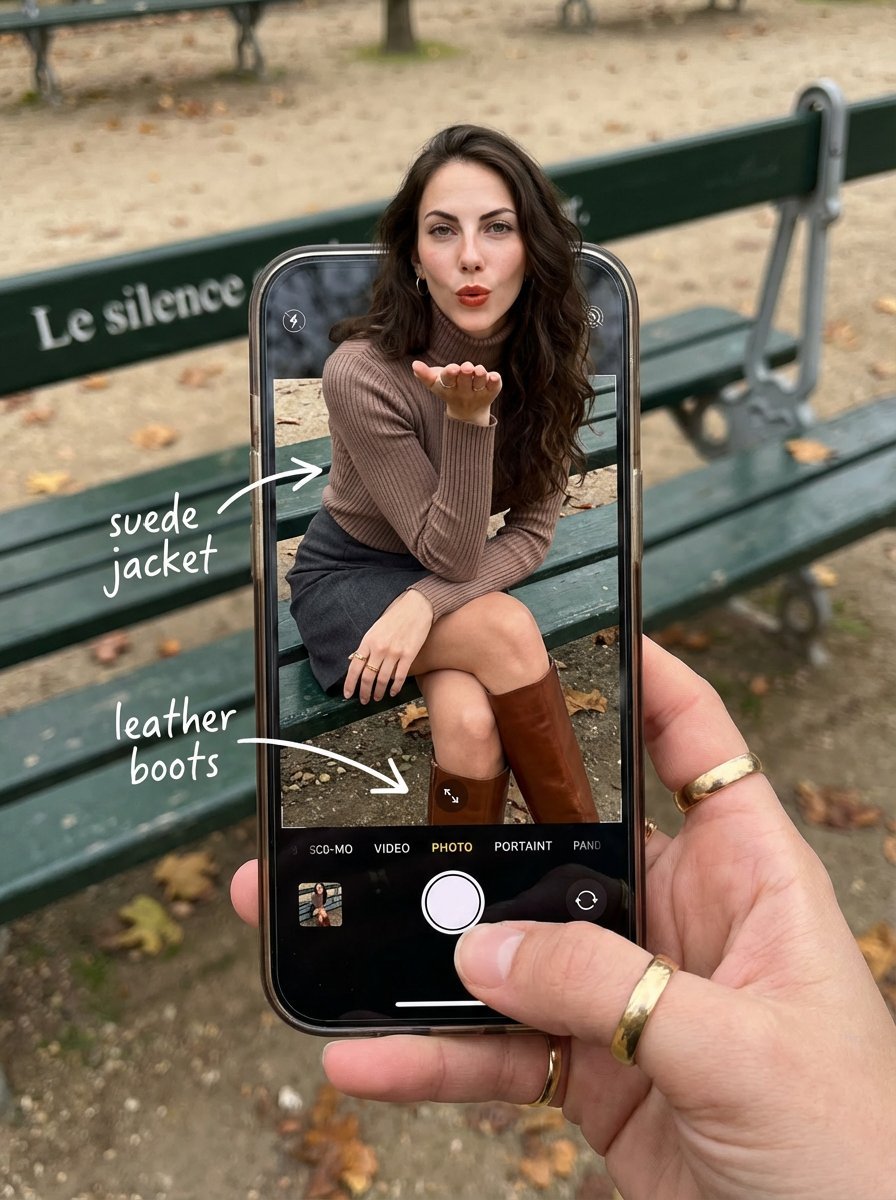
OOTD Breakdown Smartphone Pop-out Illusion

Smartphone Screen Illusion Portrait Template
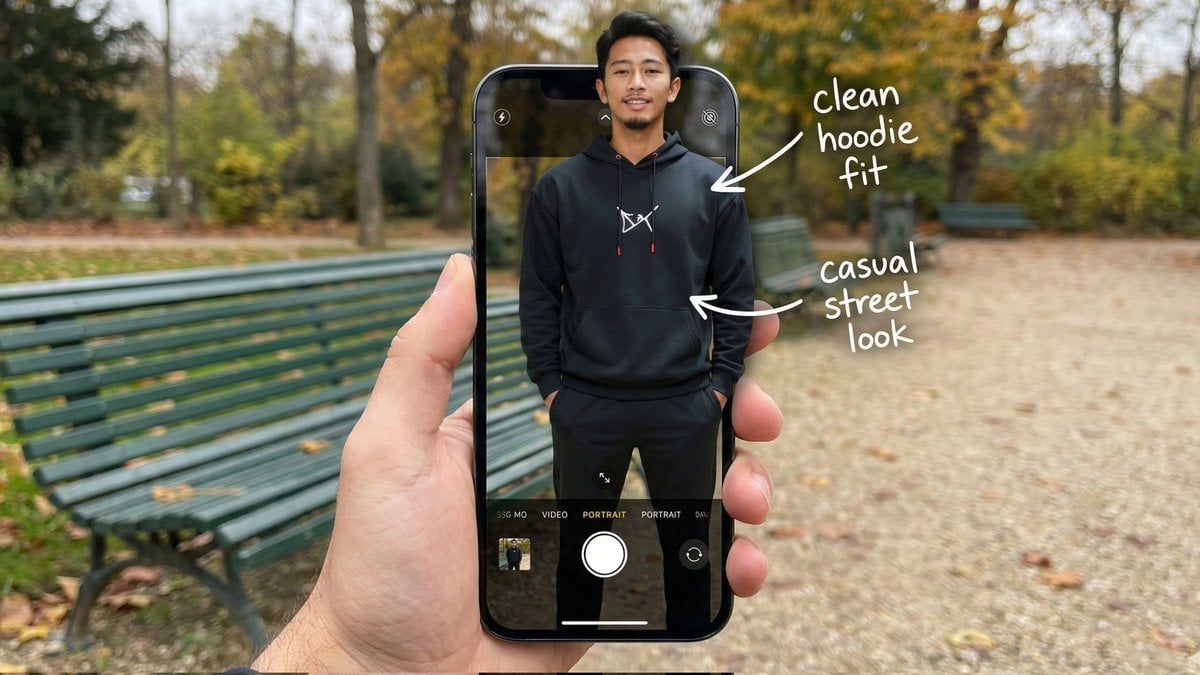
Hyper-Realistic POV Smartphone Pop-out Illusion in a Park
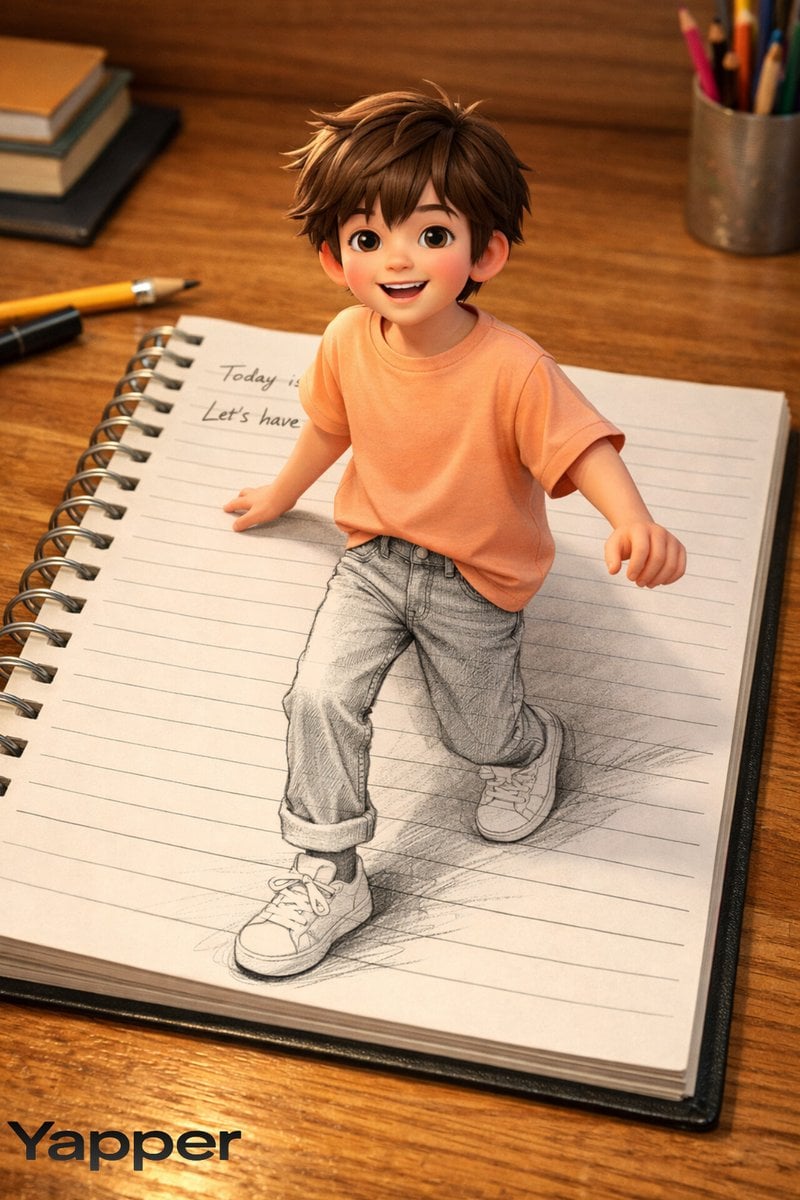
Creative 3D Illusion Artwork of a Boy Stepping Out of a Notebook
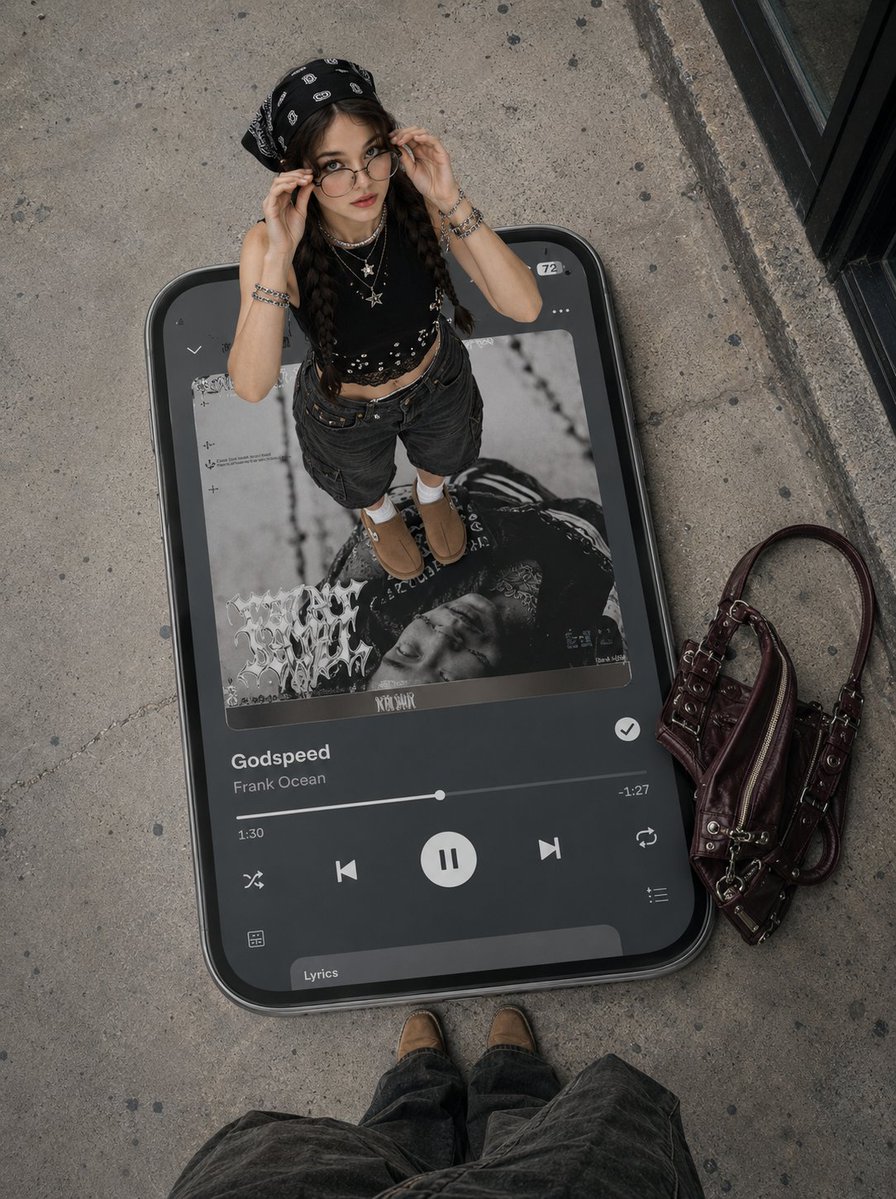
Surreal Y2K Street Fashion Smartphone Illusion
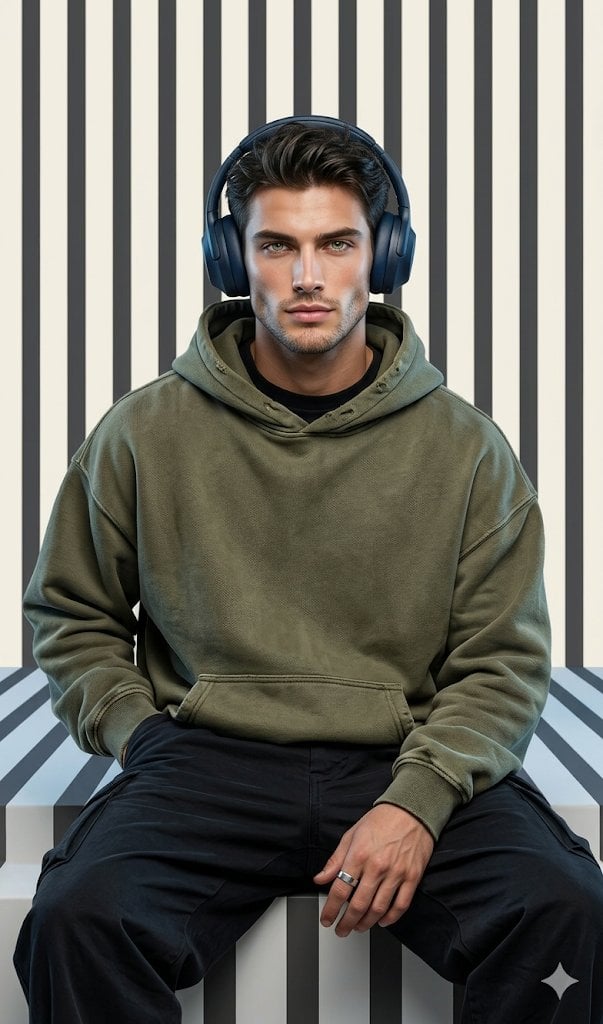
Graphic Portrait with Optical Illusion Background

Parametric Optical Illusion Poster
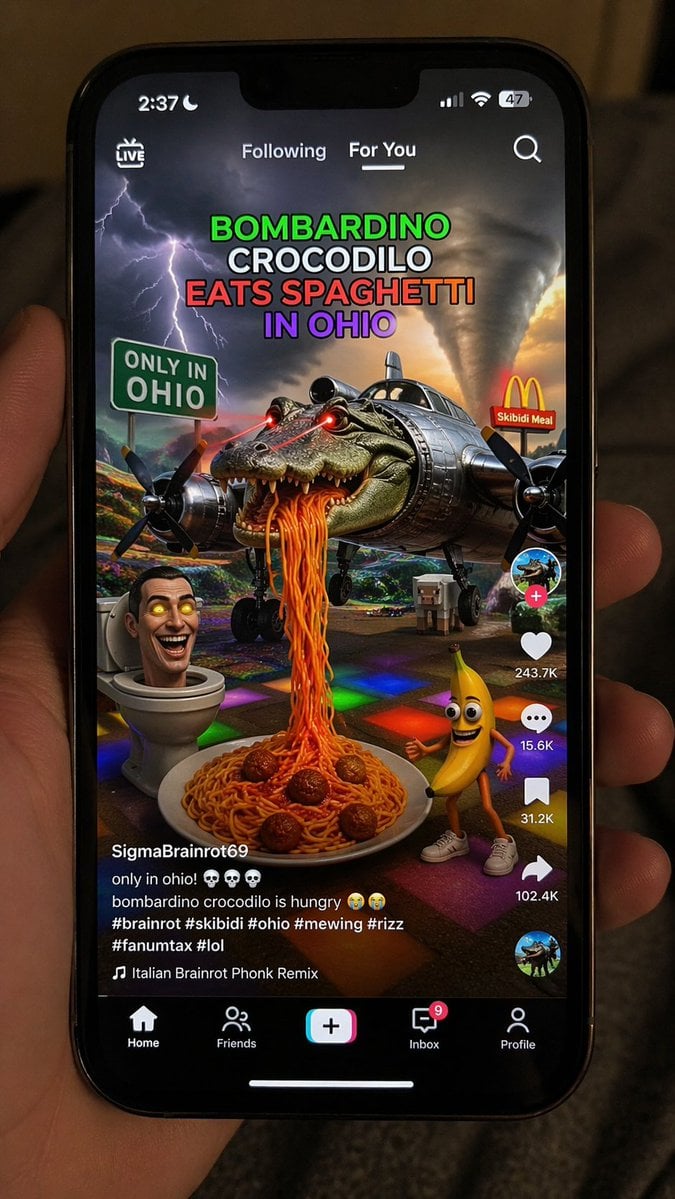
Smartphone Screen Mockup
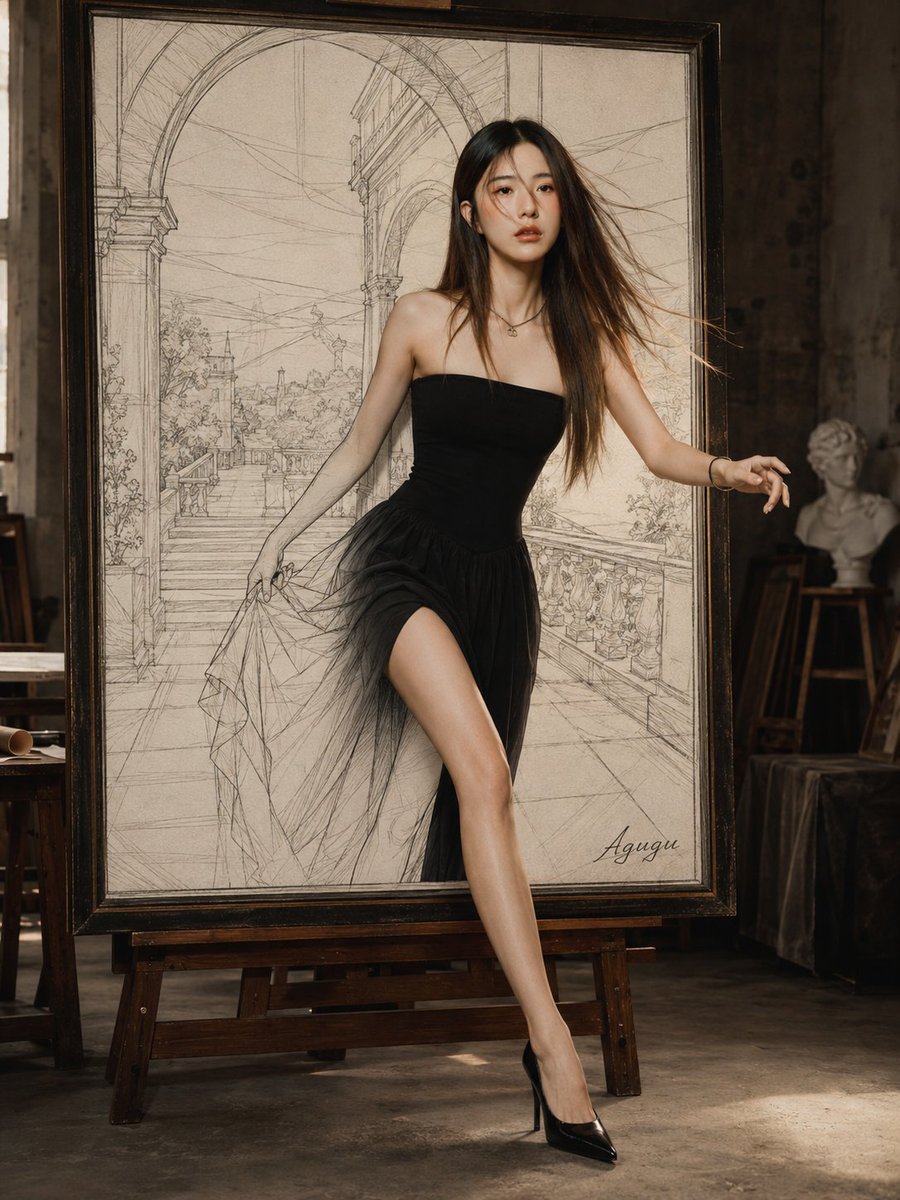
Woman Stepping Out of Sketch
Make it yours
Optical Illusion: Stepping Out of a Smartphone Screen works as-is. These are the safest ways to change it without losing the look.
Swap the light
One lighting change is enough to compare takes. Current light: “Soft daylight”.
Change one field
Copy a single group, rewrite it, and generate again so you can see what that field is doing.
Keep the frame, change the subject
Hold the composition and light of Optical Illusion: Stepping Out of a Smartphone Screen, then swap wardrobe, props or the person for a new take.
| If the result… | Why | Fix |
|---|---|---|
| The result drifts from the preview | Too many fields changed at once. | Reuse Optical Illusion: Stepping Out of a Smartphone Screen as-is first, then change one group — subject, light, or setting. |
| Nano Banana 2 ignores part of the JSON | Some models flatten or skip nested keys. | Keep the same values and paste them as a short paragraph instead. |
More Nano Banana 2 templates
Other prompts made for Nano Banana 2.

Photorealistic Leaf Shaped Like a Dragon

K-Pop Idol Portrait Grid for Rapid Selection

Poetic Rain Forest Portrait During Golden Hour

Urban Street Portrait with Cartoon Inner Self Duo

Candid Nighttime Photo with Cat Prompt

High-Concept 3D Diorama Generation Prompt

Cinematic Futuristic Studio Portrait Template

Skincare Editorial Photography Collage Prompt

Hyper-Realistic Commercial Product Photography (Splash Effect)

Hyper-Realistic Nightclub Portrait Prompt
More image prompts
Fresh picks from across the catalog.

Unexpected Products by Favorite Brands Prompt

Ultra-Detailed 3D Plush Cartoon Character Rendering

Cozy Cinematic Home Workspace Portrait

Sunlit Japanese Classroom Sailor Uniform Portrait

Surreal Studio Ghibli food advertisement prompt

High-Fidelity Fitness Portrait Prompt (Identity Locking)

Dramatic Cinematic Portrait with Bokeh Background

Business Office Manga Task Comic

Anime Fire Sorcerer
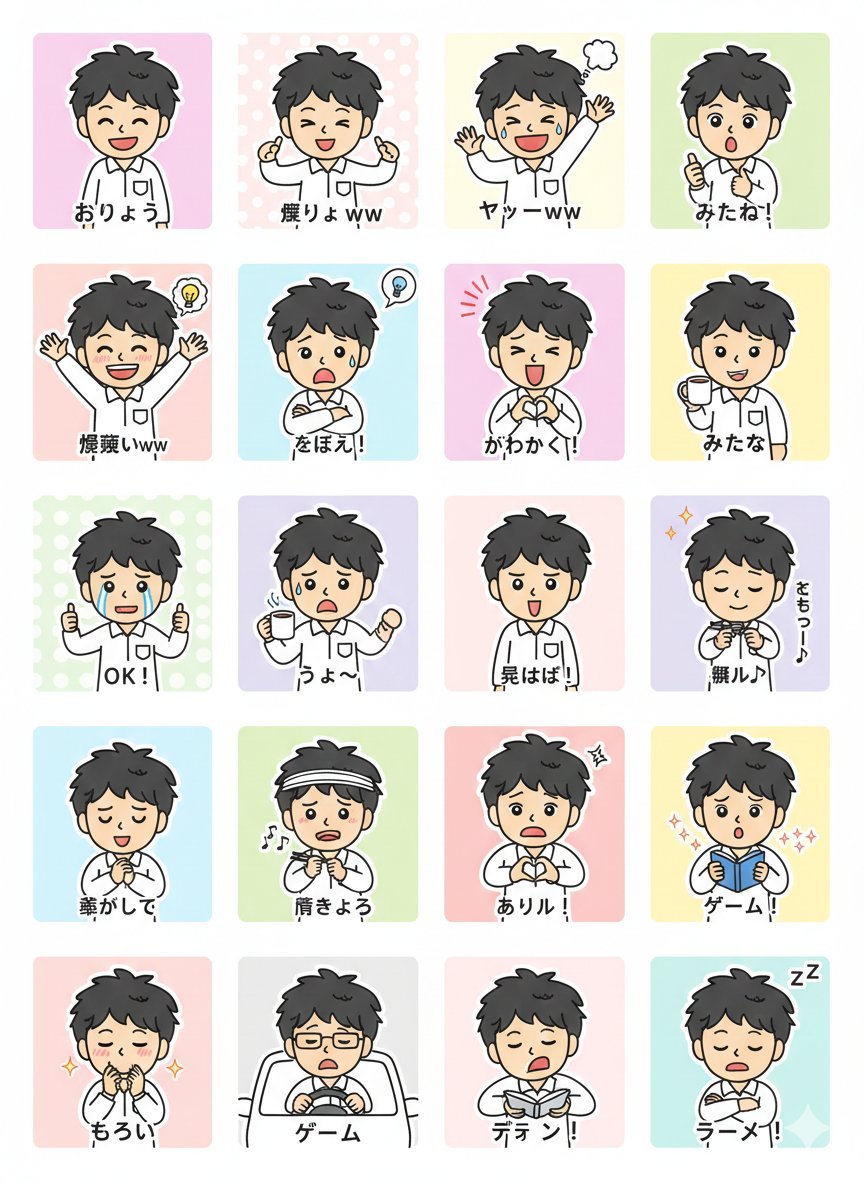
LINE Sticker Generation Prompt
Browse template categories
Optical Illusion: Stepping Out of a Smartphone Screen questions
How do I use the Optical Illusion: Stepping Out of a Smartphone Screen template?
Add your photo if the template asks for one, edit the prompt if you like — the template's model and format are already selected — and press Generate. Your version opens in PicX Studio.
Can I customize the Optical Illusion: Stepping Out of a Smartphone Screen template?
Yes. You can change the subject, setting, lighting, mood, format, and available model controls before creating your image.
Is the Optical Illusion: Stepping Out of a Smartphone Screen template free?
Opening and editing this template is free. Generating uses credits, shown on the Generate button when you are signed in.
Which AI model should I use?
Start with Nano Banana 2, which is the model associated with this template. You can compare another compatible model for a different finish.
Looking for something else? Browse all templates.

Your photo, any look
Thousands of ready templates for every top image and video model, from one credit balance.