
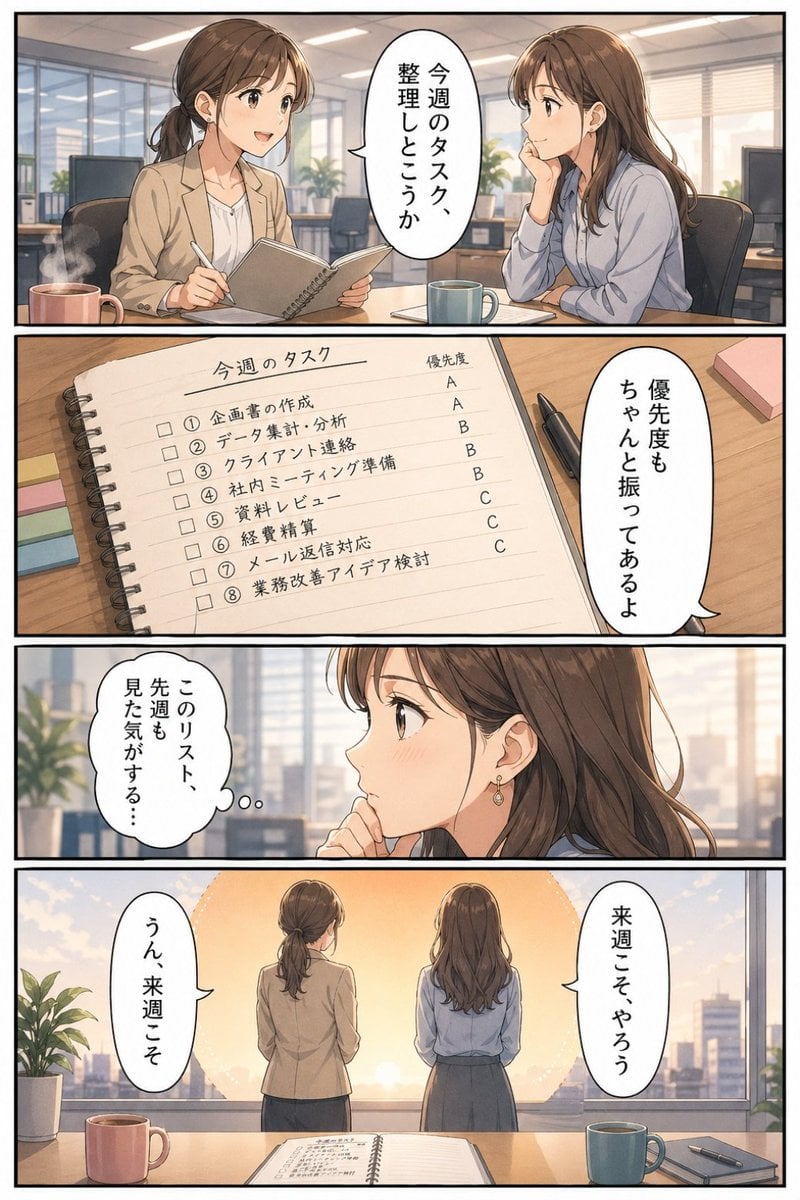
Business Office Manga Task Comic
A four-panel Japanese business manga page showing two office women discussing a weekly task list, often used as a humorous workplace productivity illustration.
- Prompt included
- Model and format preset
- Free template
The prompt behind this image
Copy the exact prompt behind Business Office Manga Task Comic, or open it in the studio and make it yours.
- Type
- manga style business office comic page
- Style
- clean modern Japanese manga illustration with soft realistic anime rendering, polished linework, warm muted office colors, cinematic lighting, speech balloons with vertical Japanese text, subtle emotional storytelling, professional corporate atmosphere
- Format
- single page comic with 4 horizontal panels stacked vertically
- Setting › Location
- modern open-plan office meeting area with large windows overlooking a city skyline
- Setting › Time
- late afternoon toward sunset
- Setting › Props
- wood meeting table, 2 ceramic mugs, spiral notebook, black pen, sticky notes, desktop monitors, office chairs, potted plants
- Characters › 0 › Role
- employee 1
- Characters › 0 › Appearance
- young Japanese office woman, brown hair tied in a low ponytail, beige blazer over a white blouse, small earrings
- Characters › 1 › Role
- employee 2
- Characters › 1 › Appearance
- young Japanese office woman, long brown hair worn down, light blue blouse, dark skirt, small earrings
- Layout › Sections › 0 › Title
- Panel 1
- Layout › Sections › 0 › Position
- top
- Layout › Sections › 0 › Count
- 1
- Layout › Sections › 0 › Labels
- two women seated across a table in conversation
- Layout › Sections › 1 › Title
- Panel 2
- Layout › Sections › 1 › Position
- upper-middle
- Layout › Sections › 1 › Count
- 1
- Layout › Sections › 1 › Labels
- close-up of notebook showing this week's task list with priorities
- Layout › Sections › 2 › Title
- Panel 3
- Layout › Sections › 2 › Position
- lower-middle
- Layout › Sections › 2 › Count
- 1
- Layout › Sections › 2 › Labels
- close-up reflective reaction shot of employee 2
- Layout › Sections › 3 › Title
- Panel 4
- Layout › Sections › 3 › Position
- bottom
Raw JSON
{"type":"manga style business office comic page","style":"clean modern Japanese manga illustration with soft realistic anime rendering, polished linework, warm muted office colors, cinematic lighting, speech balloons with vertical Japanese text, subtle emotional storytelling, professional corporate atmosphere","format":"single page comic with 4 horizontal panels stacked vertically","setting":{"location":"modern open-plan office meeting area with large windows overlooking a city skyline","time":"late afternoon toward sunset","props":["wood meeting table","2 ceramic mugs","spiral notebook","black pen","sticky notes","desktop monitors","office chairs","potted plants"]},"characters":[{"role":"employee 1","appearance":"young Japanese office woman, brown hair tied in a low ponytail, beige blazer over a white blouse, small earrings"},{"role":"employee 2","appearance":"young Japanese office woman, long brown hair worn down, light blue blouse, dark skirt, small earrings"}],"layout":{"sections":[{"title":"Panel 1","position":"top","count":1,"labels":["two women seated across a table in conversation"]},{"title":"Panel 2","position":"upper-middle","count":1,"labels":["close-up of notebook showing this week's task list with priorities"]},{"title":"Panel 3","position":"lower-middle","count":1,"labels":["close-up reflective reaction shot of employee 2"]},{"title":"Panel 4","position":"bottom","count":1,"labels":["rear view of both women standing before the glowing sunset window"]}]},"panel_details":[{"panel":"top panel","composition":"medium two-shot at a meeting table in the office","visible_objects_count":5,"visible_objects":["steaming pink mug on the left","spiral notebook in employee 1's hands","blue mug near employee 2","office chairs","background windows and desks"],"speech_bubbles_count":1,"speech_bubbles":["今週のタスク、整理しとこうか"]},{"panel":"second panel","composition":"close-up of an open spiral notebook on a wooden desk, viewed diagonally from above","notebook_title":"今週のタスク","task_count":8,"tasks":["① 企画書の作成","② データ集計・分析","③ クライアント連絡","④ 社内ミーティング準備","⑤ 資料レビュー","⑥ 経費精算","⑦ メール返信対応","⑧ 業務改善アイデア検討"],"priority_header":"優先度","priority_count":8,"priorities":["A","A","B","B","B","C","C","C"],"extra_objects_count":3,"extra_objects":["black pen","pink sticky note pad","multicolor sticky tabs"],"speech_bubbles_count":1,"speech_bubbles":["優先度もちゃんと振ってあるよ"]},{"panel":"third panel","composition":"close-up profile of employee 2 looking thoughtful, office window blurred in background","speech_bubbles_count":1,"speech_bubbles":["このリスト、先週も見た気がする…"]},{"panel":"bottom panel","composition":"wide rear shot of both women standing side by side facing a large sunset over the city, notebook open on the table in foreground","visible_objects_count":6,"visible_objects":["open notebook on table","pink mug on left","blue mug on right","smartphone or planner beside the blue mug","potted plant on the left","city buildings outside the window"],"speech_bubbles_count":2,"speech_bubbles":["うん、来週こそ","来週こそやろう"]}],"mood":"lightly humorous workplace procrastination, relatable business comic, bittersweet but hopeful ending","quality":"high detail, print-ready manga page, crisp panel borders, legible handwritten-style Japanese notebook text"}How to use Business Office Manga Task Comic in 3 steps
- 1Upload ImagePNG, JPG or paste
Add your photo
Upload the photo the template builds on. The prompt, model and format are already set.
- 2…a portrait of your subject in softgolden-hour light, 85mm…
Personalize
Edit the subject and creative details for your destination.
- 3Generate
Generate
Press Generate — your image is created in PicX Studio, so you can compare it with the original and refine one variable at a time.
More like this
Templates with the same subject, style or setup. Open one to see its prompt.
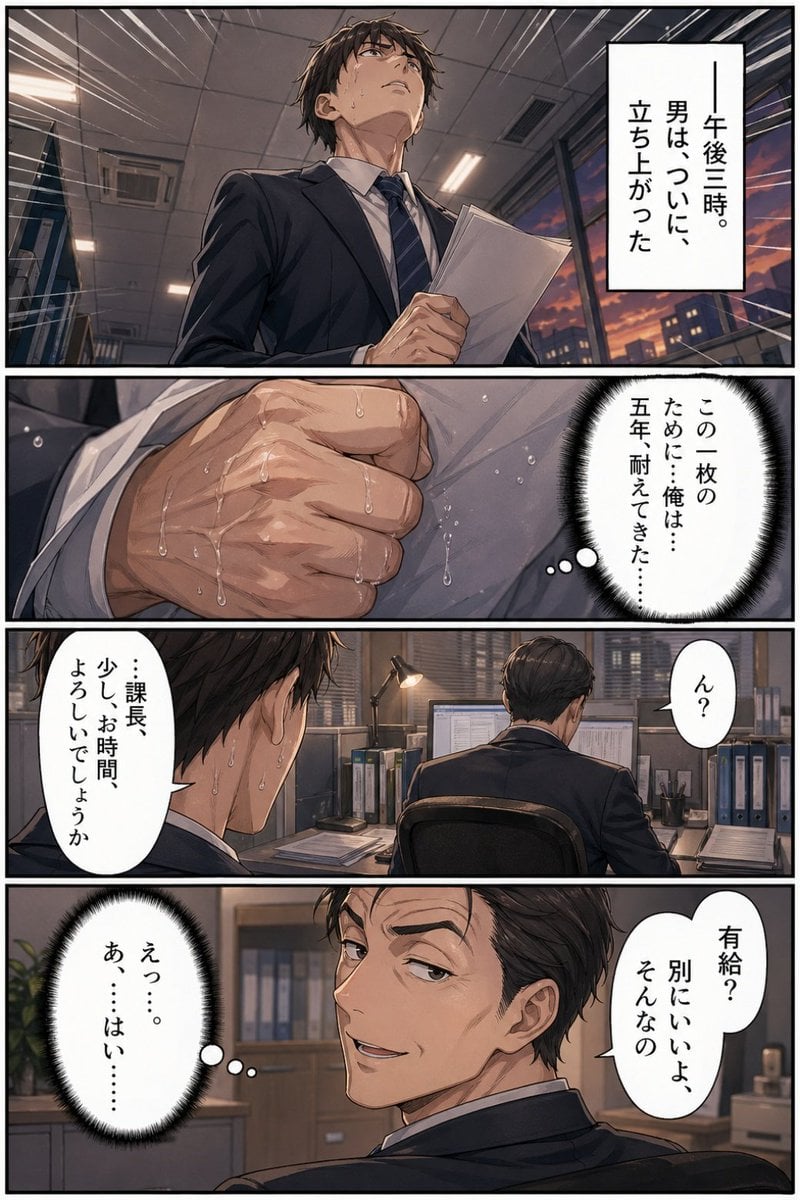
Business Office Manga Page
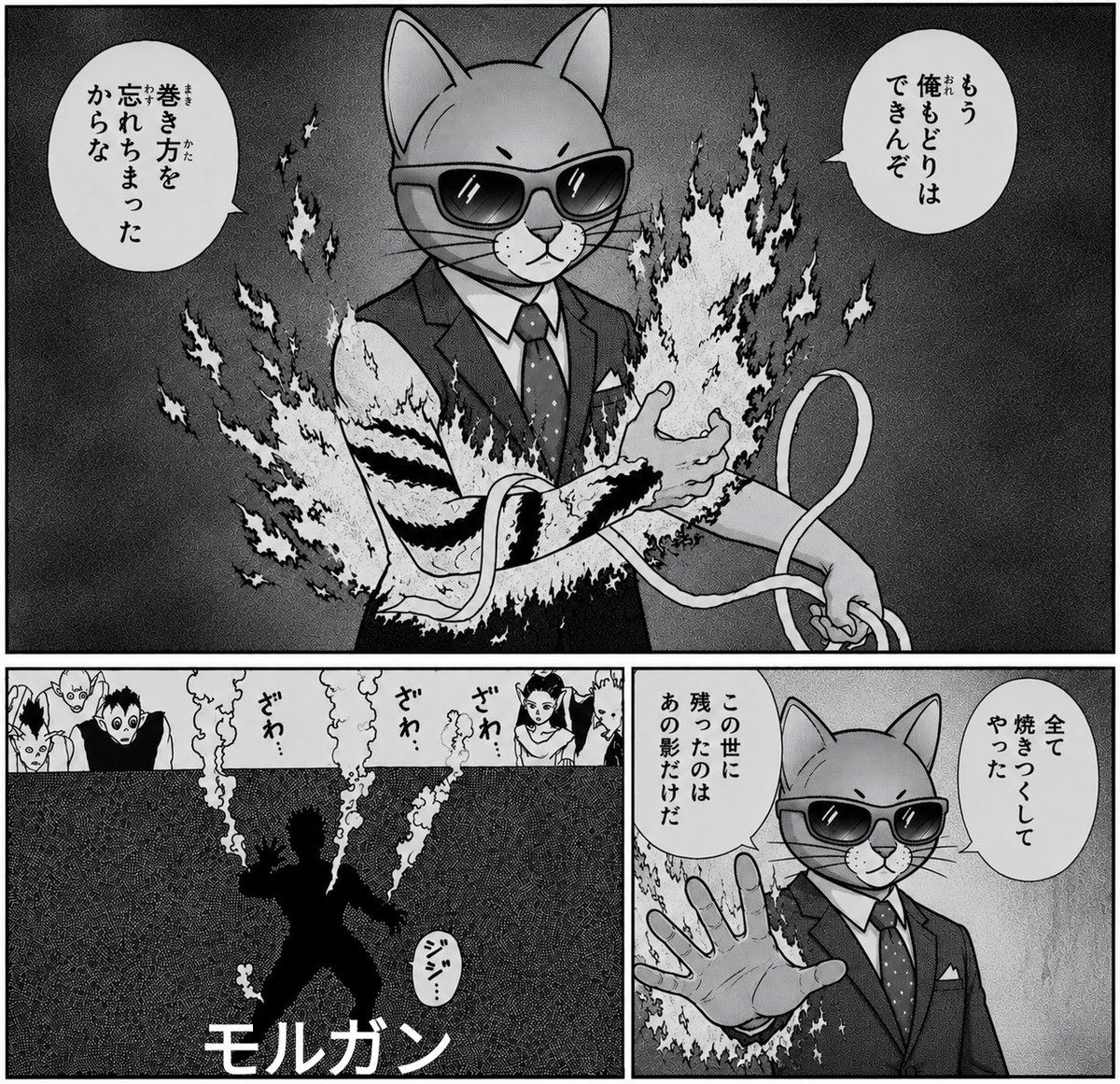
Monochrome Cat Businessman Manga Page
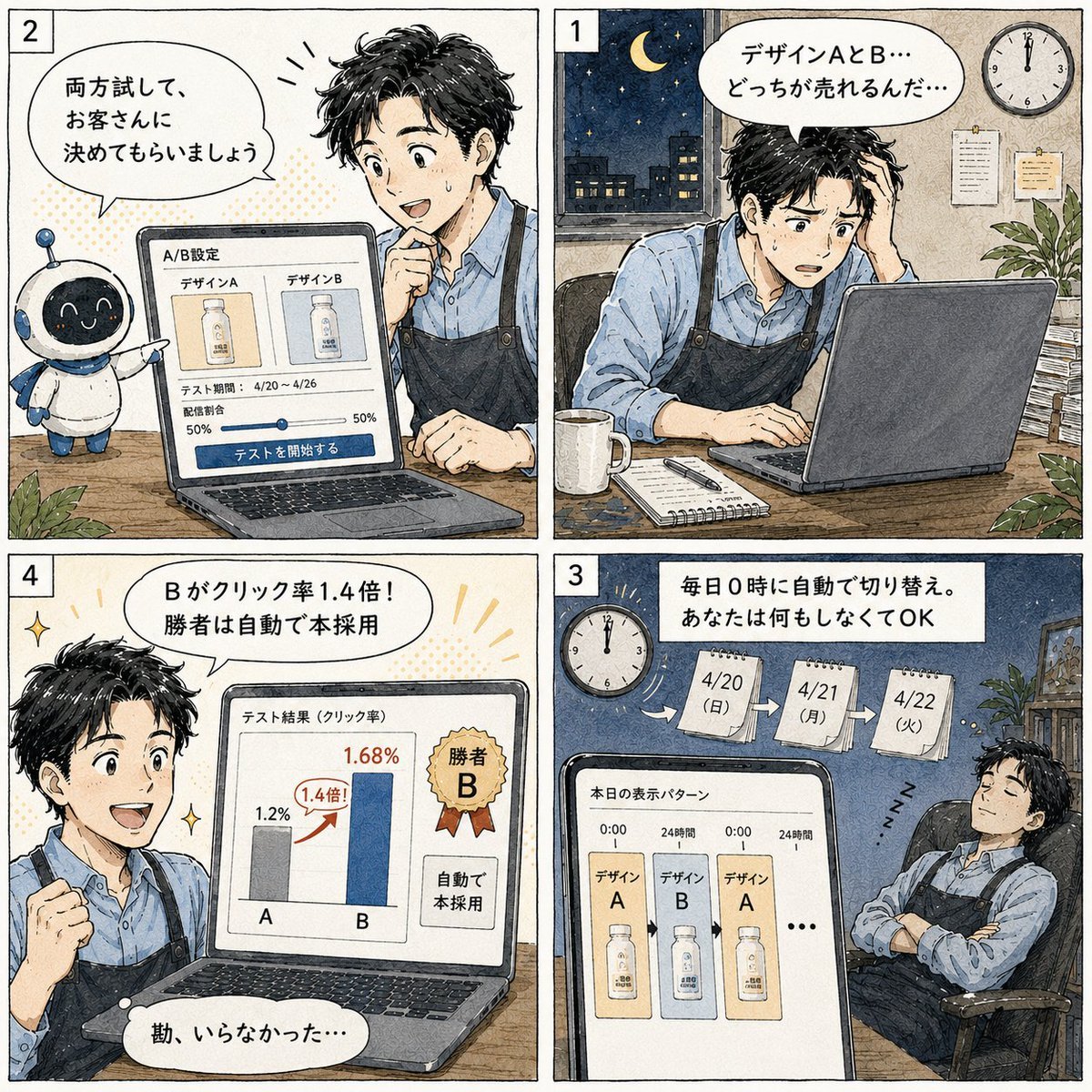
Japanese Manga A/B Testing Comic

Cute AI Manga Lesson Comic Page
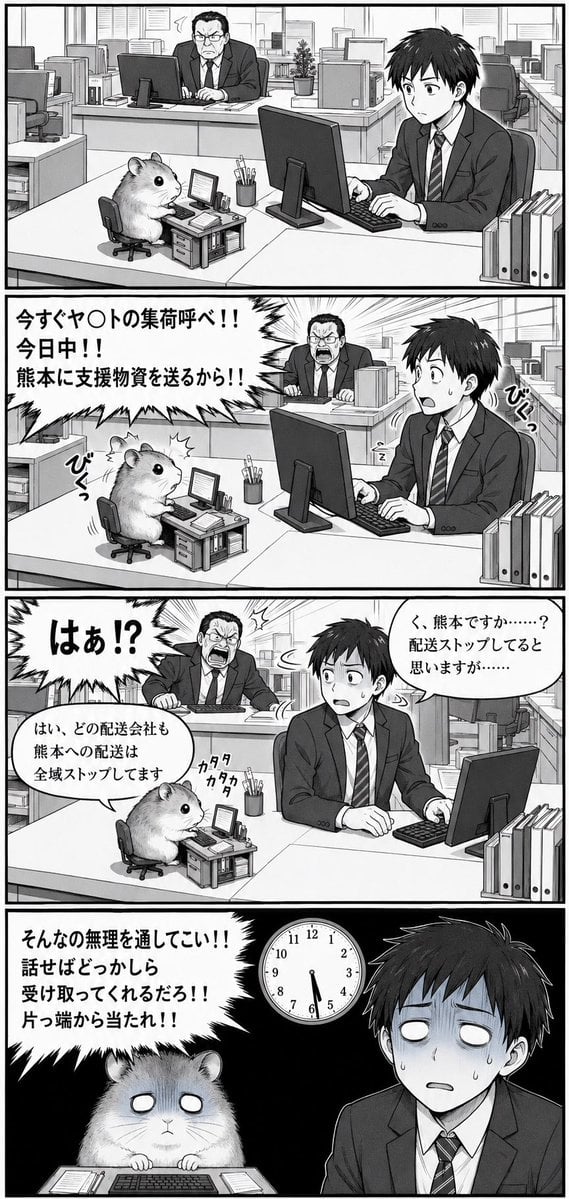
Hamster Office Manga Emergency

Indian Businesswoman Luxury Office Portrait

Pop Art Superhero Explosion Poster

Hero Portrait Comic Multi-Panel Poster

Spider-Man Noir Detective Rain Alley
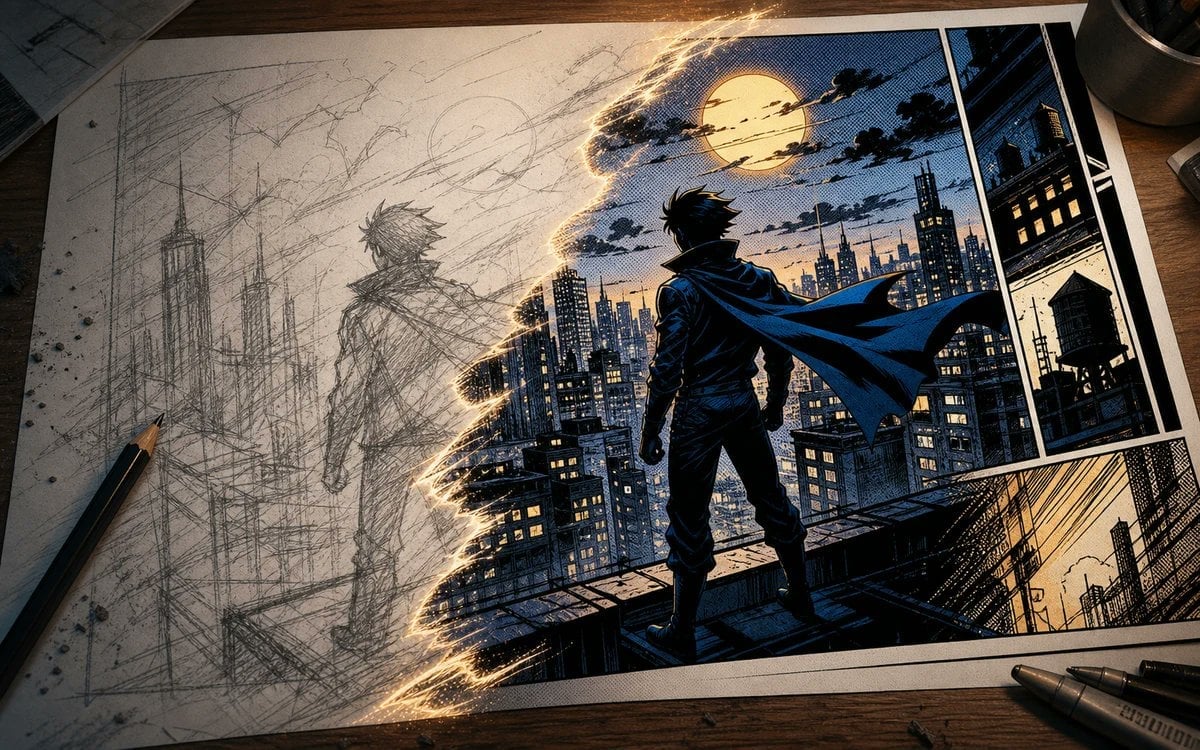
Sketch to Manga Comic Transformation
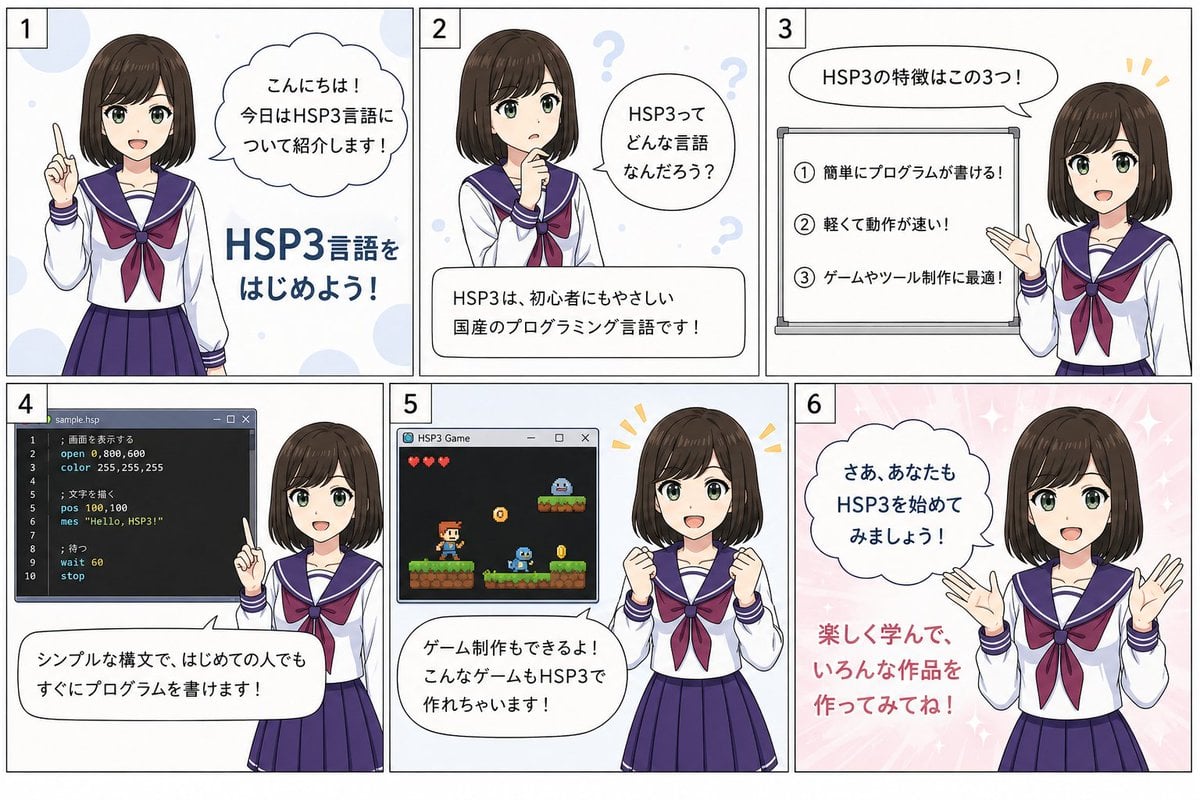
HSP3 Manga Introduction Comic
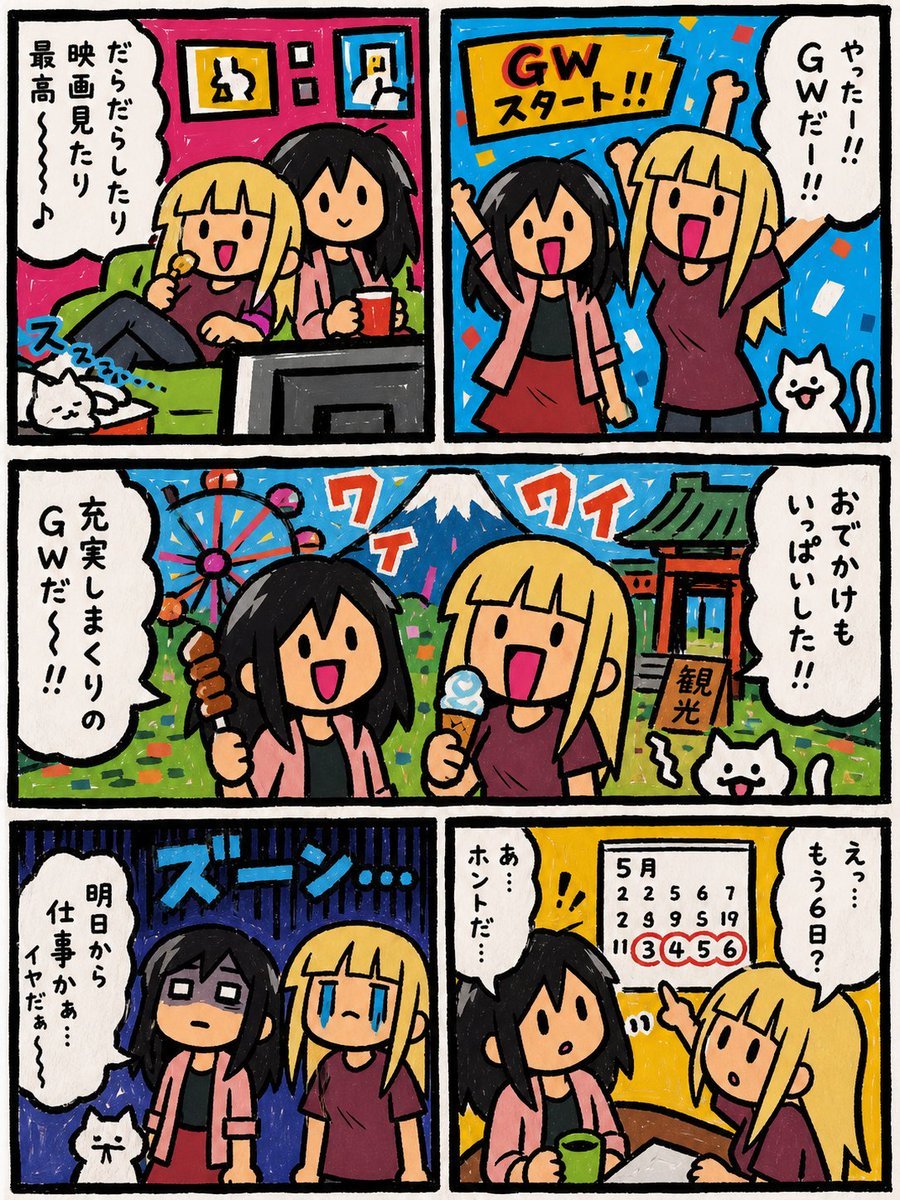
Six-Panel Golden Week Manga Comic
Make it yours
Business Office Manga Task Comic works as-is. These are the safest ways to change it without losing the look.
Swap the setting
Keep the rest of the prompt and replace the location block. The current setting is “modern open-plan office meeting area with large windows overlooking a city skyli”.
Change one field
Copy a single group, rewrite it, and generate again so you can see what that field is doing.
Keep the frame, change the subject
Hold the composition and light of Business Office Manga Task Comic, then swap wardrobe, props or the person for a new take.
| If the result… | Why | Fix |
|---|---|---|
| The result drifts from the preview | Too many fields changed at once. | Reuse Business Office Manga Task Comic as-is first, then change one group — subject, light, or setting. |
| GPT Image 2 ignores part of the JSON | Some models flatten or skip nested keys. | Keep the same values and paste them as a short paragraph instead. |
More GPT Image 2 templates
Other prompts made for GPT Image 2.

Six VTuber Japanese Logo Sheet

Realistic Portrait of Woman and Deer

The Vista Modular Condo Poster

AI Model Routing Comparison Infographic

2.5D Anime Art Board

Isometric Productivity Desk Scene

New York Double Exposure Poster

Four-Panel AI Landscape Comparison

Japanese Tatami Lifestyle Magazine Cover

NESCAFÉ Coffee Map Poster
More image prompts
Fresh picks from across the catalog.
Image Transformation into Energetic Roast Scribbles
Dramatic Chiaroscuro Male Editorial Portrait

Ultra Realistic Cinematic Winter

Hyperrealistic Chocolate Ice Cream Commercial Prompt
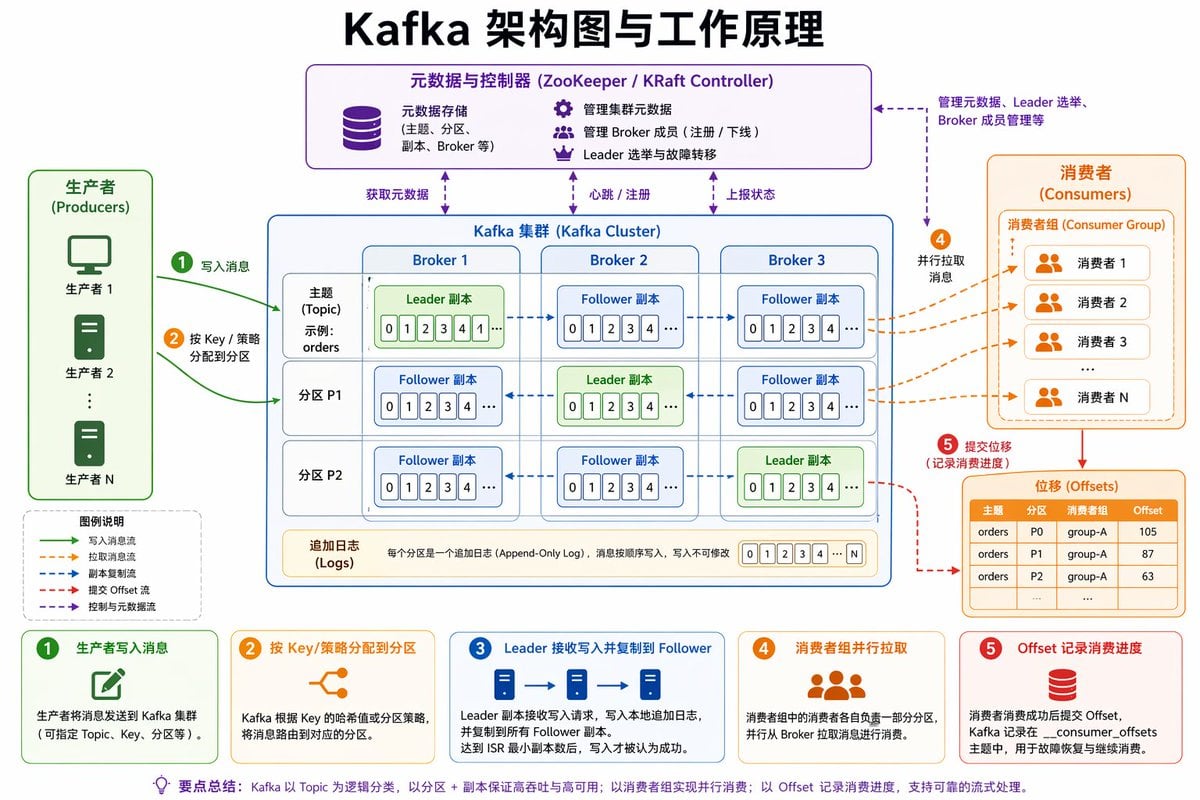
Kafka Architecture Diagram
Pirate Sea Battle Inside a Coffee Cup
Kawaii Sheep Girl Icing Cookie
Rainy Window Doodle Portrait Prompt
Font Generation Inspired by Uploaded Images
Cinematic Raspberry Energy Drink Ad Shot Prompt
Browse template categories
Business Office Manga Task Comic questions
How do I use the Business Office Manga Task Comic template?
Add your photo if the template asks for one, edit the prompt if you like — the template's model and format are already selected — and press Generate. Your version opens in PicX Studio.
Can I customize the Business Office Manga Task Comic template?
Yes. You can change the subject, setting, lighting, mood, format, and available model controls before creating your image.
Is the Business Office Manga Task Comic template free?
Opening and editing this template is free. Generating uses credits, shown on the Generate button when you are signed in.
Which AI model should I use?
Start with GPT Image 2, which is the model associated with this template. You can compare another compatible model for a different finish.
Looking for something else? Browse all templates.

Your photo, any look
Thousands of ready templates for every top image and video model, from one credit balance.