
Cute AI Manga Lesson Comic Page
Generates a three-panel pastel anime manga page featuring two cute characters planning to make manga with AI.

- Prompt included
- Model and format preset
- Premium template
The prompt behind this image
Copy the exact prompt behind Cute AI Manga Lesson Comic Page, or open it in the studio and make it yours.
Goal: Create a polished vertical anime manga page about two girls starting an AI manga project together, with warm pastel lighting, cute paw-print motifs, and clean professional line art. Canvas: Vertical manga page, 2:3 aspect ratio, full color, black panel borders. The page has exactly 3 panels: two smaller stacked panels on the left and one tall full-height panel on the right. Use dynamic manga speed lines in the tall right panel. Layout: Left column contains Panel 1 on top and Panel 2 below, separated by a black gutter. Right column is one large panel spanning the full height. Keep speech bubbles large and readable with vertical Japanese text. Characters: Show exactly 2 recurring anime girls. Girl 1 is a sleepy-looking lavender-haired girl with short tousled bob hair, golden eyes, pale skin, and a lavender oversized hoodie with subtle paw-print details; she clutches a tan teddy bear and has a small bear hair clip. Girl 2 is an energetic cat-eared girl with light brown hair in a side ponytail, purple eyes, tan fluffy cat ears and tail, a white cropped hoodie with purple paw-print drawstrings, ripped denim shorts, striped socks, white sneakers with purple laces, a phone pouch around her neck, a small tan paw-print belt pouch, and a triangular hair clip. Use {argument name="lavender girl mood" default="sleepy and hesitant"} and {argument name="cat girl mood" default="bright, excited, and encouraging"}. Panel details: Panel 1, top-left: inside a cozy lavender bedroom at morning or afternoon, the lavender-haired girl sits on a bed hugging a teddy bear, looking tired and withdrawn. Background includes a purple curtain, warm sunlight, crescent moon and star wall decorations, and soft bedding. Panel 2, bottom-left: at a small desk in the same cute room, the cat-eared girl sits beside the lavender-haired girl and enthusiastically opens a purple laptop with a paw-print logo. Include exactly 5 visible desk or background items: a purple mug with a cat face, a closed notebook with a small bear motif, a tiny purple plush, a wall checklist poster, and a small framed bear picture. Add sparkle effects around the cat girl. Panel 3, right: the cat-eared girl bursts through an open doorway into a sunlit room, one hand holding the door and the other reaching forward, smiling widely as if inviting the viewer. Show her full body, fluffy tail, sneakers, and energetic pose. Background has wooden floor, shelves with books, a small potted plant, a teddy bear on a lower shelf, and a round purple floor cushion with a paw print. Text content: Use exactly 2 speech bubbles. In the large right panel, place a tall oval speech bubble near the upper-right with the text {argument name="main speech bubble" default="ねむー!AIで漫画つくろー!"}. In the bottom-left panel, place a speech bubble on the left side with the text {argument name="reply speech bubble" default="急だね…"}. Keep the Japanese characters bold, black, vertical, and legible. Visual style: Modern high-quality anime manga illustration, soft cel shading, delicate highlights, pastel lavender and warm beige palette, expressive eyes, cute moe character design, cozy bedroom atmosphere, crisp inked outlines, subtle screentone texture, polished webcomic finish. Constraints: Exactly 3 panels, exactly 2 characters, exactly 2 speech bubbles, no extra dialogue, no watermarks, no logos except paw-print motifs, maintain consistent character designs across panels.
How to use Cute AI Manga Lesson Comic Page in 3 steps
- 1Upload ImagePNG, JPG or paste
Add your photo
Upload the photo the template builds on. The prompt, model and format are already set.
- 2…a portrait of your subject in softgolden-hour light, 85mm…
Personalize
Edit the subject and creative details for your destination.
- 3Generate
Generate
Press Generate — your image is created in PicX Studio, so you can compare it with the original and refine one variable at a time.
More like this
Templates with the same subject, style or setup. Open one to see its prompt.
Cute Sheep Girl Office Manga Page

Quiet Hamster Manga Page

Minecraft Homage Illustrious Style

Late-Night Hamster Manga Page

Surreal Noir Hamster Manga Page
Japanese Manga A/B Testing Comic

Shojo Horror Manga Corridor Page
Rainy Cyberpunk Superhero Comic Page

Hamster Summons Sol Manga Page

Lazy Day Chibi Manga Page

Overwhelmed Coding Manga Page

Fantasy Wagashi Manga Cooking Page
Make it yours
Cute AI Manga Lesson Comic Page works as-is. These are the safest ways to change it without losing the look.
Change one field
Copy a single group, rewrite it, and generate again so you can see what that field is doing.
Keep the frame, change the subject
Hold the composition and light of Cute AI Manga Lesson Comic Page, then swap wardrobe, props or the person for a new take.
| If the result… | Why | Fix |
|---|---|---|
| The result drifts from the preview | Too many fields changed at once. | Reuse Cute AI Manga Lesson Comic Page as-is first, then change one group — subject, light, or setting. |
| The model over-stylizes the scene | The prose prompt leaves finish and camera underspecified. | Add one camera or lighting sentence and stay on GPT Image 2. |
More GPT Image 2 templates
Other prompts made for GPT Image 2.

Six VTuber Japanese Logo Sheet

Realistic Portrait of Woman and Deer

The Vista Modular Condo Poster

AI Model Routing Comparison Infographic

2.5D Anime Art Board

Isometric Productivity Desk Scene

New York Double Exposure Poster

Four-Panel AI Landscape Comparison

Japanese Tatami Lifestyle Magazine Cover

NESCAFÉ Coffee Map Poster
More image prompts
Fresh picks from across the catalog.

Candid European Street Photography
Black-and-White Surreal Editorial Portrait Prompt

Professional Sports Campaign Portrait

Christmas Miniature Food Diorama Prompt (Croissant Workshop)

Pixelated Cartoon Animal Image
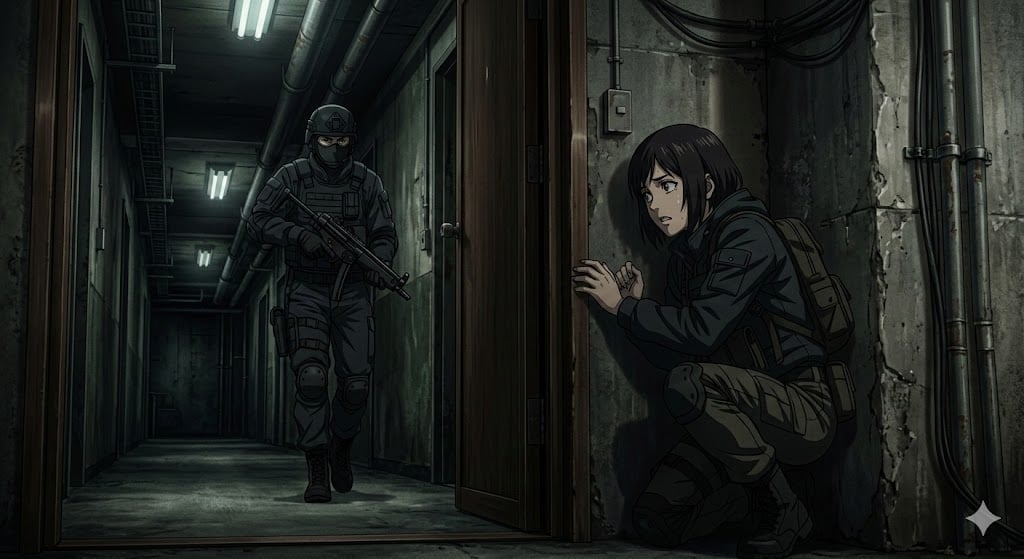
Anime Stealth Scene with Keystoning Angle

Visit Malaysia 2026 Travel Poster
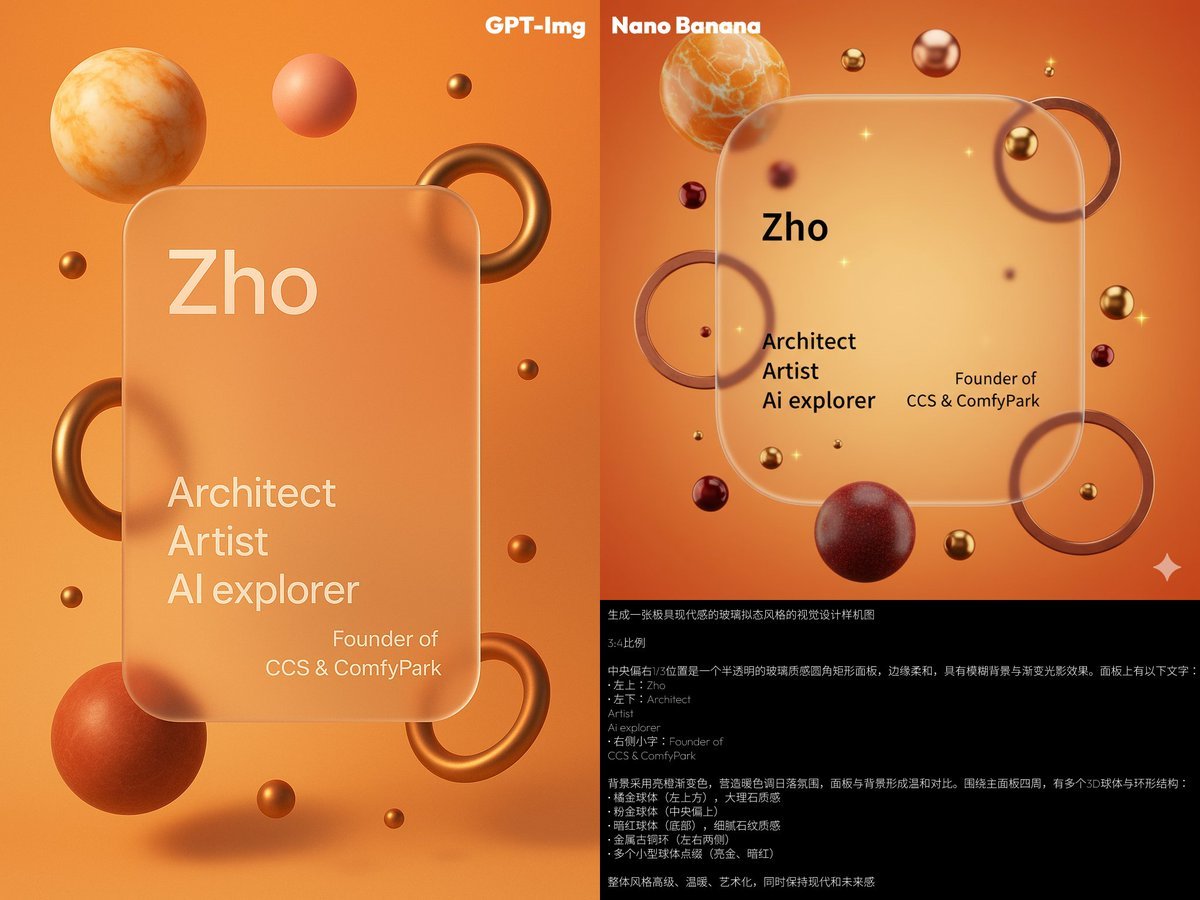
Glassmorphism personal branding mockup
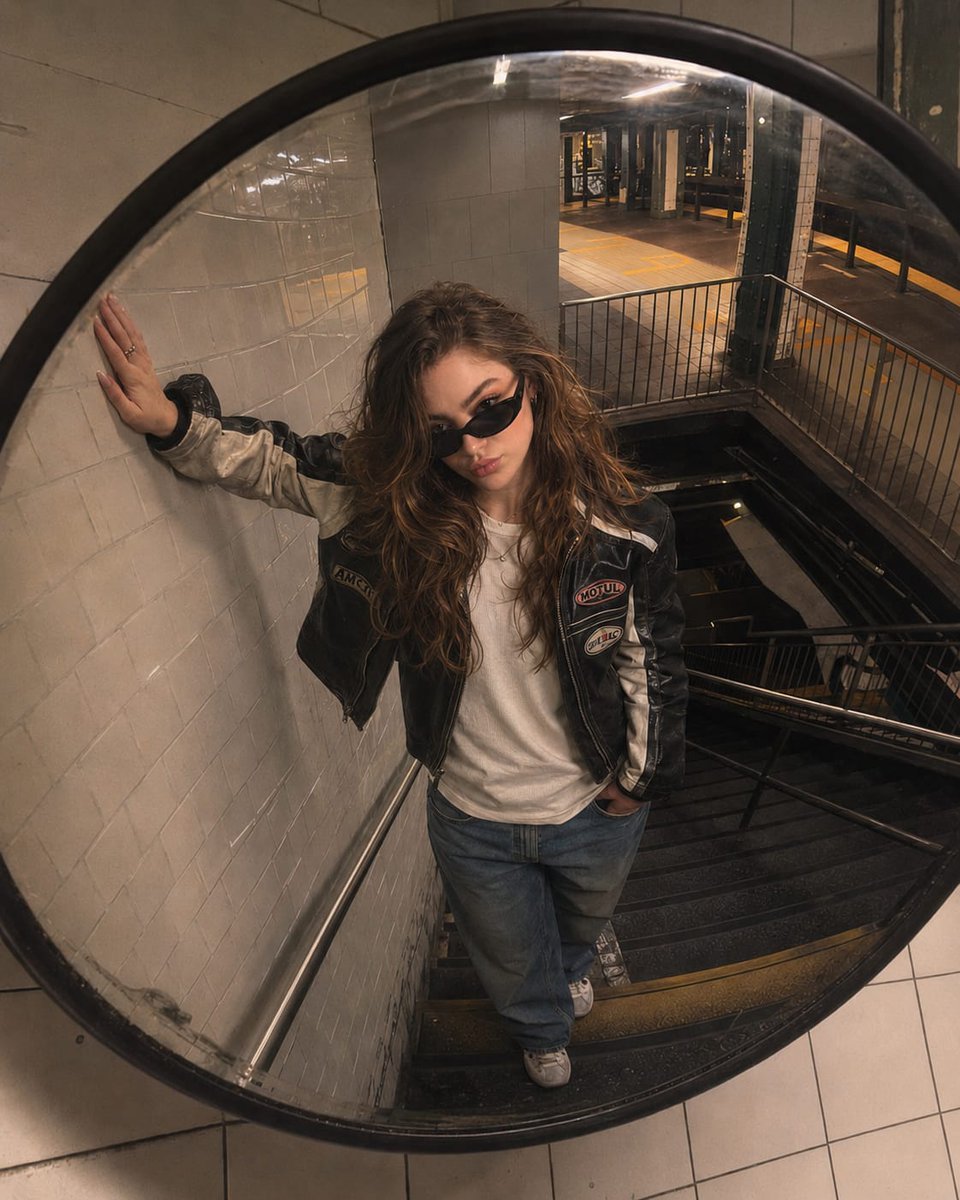
Underground Subway Mirror Portrait
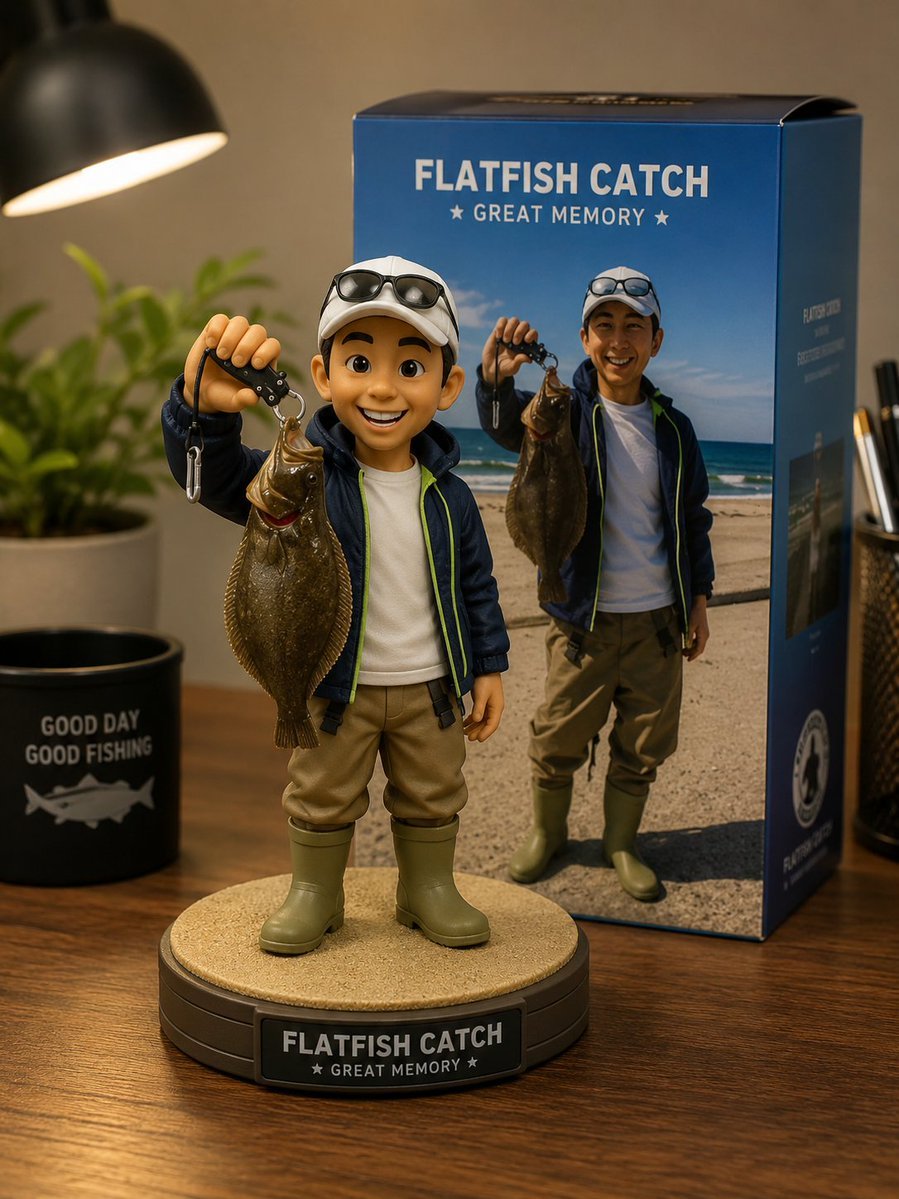
Toy Figure Character Transformation
Browse template categories
Cute AI Manga Lesson Comic Page questions
How do I use the Cute AI Manga Lesson Comic Page template?
Add your photo if the template asks for one, edit the prompt if you like — the template's model and format are already selected — and press Generate. Your version opens in PicX Studio.
Can I customize the Cute AI Manga Lesson Comic Page template?
Yes. You can change the subject, setting, lighting, mood, format, and available model controls before creating your image.
Is the Cute AI Manga Lesson Comic Page template free?
Opening and editing this template is free. Generating uses credits, shown on the Generate button when you are signed in.
Which AI model should I use?
Start with GPT Image 2, which is the model associated with this template. You can compare another compatible model for a different finish.
Looking for something else? Browse all templates.

Your photo, any look
Thousands of ready templates for every top image and video model, from one credit balance.