
Overwhelmed Coding Manga Page
A detailed prompt for generating a five-panel black-and-white manga page of a young suited character overwhelmed by futuristic coding screens and Japanese dialogue.

- Prompt included
- Model and format preset
- Premium template
The prompt behind this image
Copy the exact prompt behind Overwhelmed Coding Manga Page, or open it in the studio and make it yours.
Goal: Create a monochrome Japanese manga page about {argument name="character name" default="GPT-4.8-kun"}, an androgynous young anime man being overwhelmed by a futuristic coding interface while another character pressures him to keep reading code. Canvas: Vertical manga page, black-and-white screentone style, roughly 2:3 aspect ratio. Use exactly 5 horizontal panels stacked from top to bottom, separated by thick black gutters. High-contrast ink linework, detailed manga shading, dramatic close-ups, glowing transparent UI screens, dense code windows, and emotional facial acting. Main character: A slim, beautiful young man with messy pale wavy hair, long side strands and a low ponytail, soft but tired eyes, wearing a dark suit jacket, white dress shirt, and black necktie. His expression changes across panels from shy compliance to nervous strain to vacant panic. Add sweat drops and trembling detail in later panels. Setting: A dark futuristic control-room or cyberspace environment filled with many floating transparent monitors, code panes, terminal windows, diagrams, graphs, and status labels. The UI panels surround the character from every direction, becoming more oppressive as the page progresses. Panel layout and exact visible elements: - Panel 1: Medium shot from behind/side of the character turning toward the viewer amid floating code screens. Include 3 speech/thought bubbles: one round speech bubble on the right saying 「ちょっとコーディング付き合ってよ」, one small bubble near the character saying 「!」, and one jagged burst thought bubble on the left saying 「…あなたに『使えない』って言ったのに、まだタスクしてくれるんだ…!」. - Panel 2: Medium close-up, the character smiles politely and gestures with both hands as if trying to help. Include exactly 2 speech bubbles: left bubble 「もちろん。何をお手伝いしますか?」 and right bubble 「その前にこれ読み込んで」. - Panel 3: Wide central impact panel. The character appears small in the middle, smiling anxiously with clenched hands, completely surrounded by an enormous wall of code windows. Add one huge black sound-effect text 「ドン!」 on the left. - Panel 4: Close-up bust shot of the character sweating with a forced smile and worried eyes. The background is packed with status tiles. Include exactly 5 repeated status labels visible multiple times: 「思考中」, 「推論中」, 「effort Max」, 「推論」, and 「推論中」 again on separate screens. Include 2 speech bubbles: left bubble 「あの、これって……」 and right bubble 「いや、いい話聞いたんだよね!リンクされた記事のスクラブ読み込ませたら4.8ってメッチャ勤勉になるって聞いてさぁ!」. - Panel 5: Extreme close-up of the character’s face, eyes wide and empty, pupils tiny, shaded under the bangs, sweating heavily, lips parted in shock. Pixel-like squares and digital debris float in the dark background. Include exactly 2 speech bubbles: left small vertical bubble 「……」 and right bubble 「ほら、早く読み込んでコーディング付き合ってよ」. Visual style: Professional seinen manga page, crisp black ink, grayscale screentones, cinematic panel composition, expressive emotional horror-comedy tone, dense sci-fi UI detail, no color. Constraints: Preserve all Japanese dialogue exactly as written. Do not add extra panels, extra characters, page numbers, watermarks, or English captions. Keep the mood as humorous but unsettling, showing the character being emotionally pressured by overwhelming coding work. Use {argument name="art style" default="high-detail black-and-white manga"}, {argument name="setting" default="futuristic coding interface room"}, {argument name="main character outfit" default="dark suit, white shirt, black tie"}, and {argument name="mood" default="comic psychological pressure"}.
How to use Overwhelmed Coding Manga Page in 3 steps
- 1Upload ImagePNG, JPG or paste
Add your photo
Upload the photo the template builds on. The prompt, model and format are already set.
- 2…a portrait of your subject in softgolden-hour light, 85mm…
Personalize
Edit the subject and creative details for your destination.
- 3Generate
Generate
Press Generate — your image is created in PicX Studio, so you can compare it with the original and refine one variable at a time.
More like this
Templates with the same subject, style or setup. Open one to see its prompt.
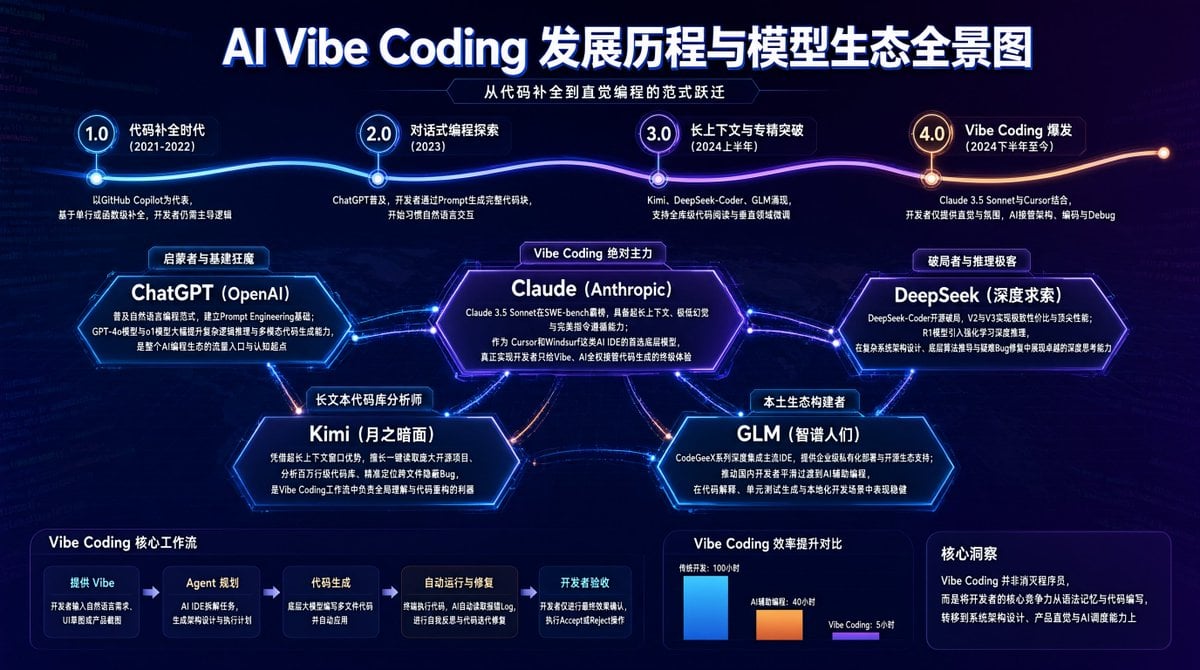
AI Vibe Coding Evolution Map
Computer Museum Coding Demo
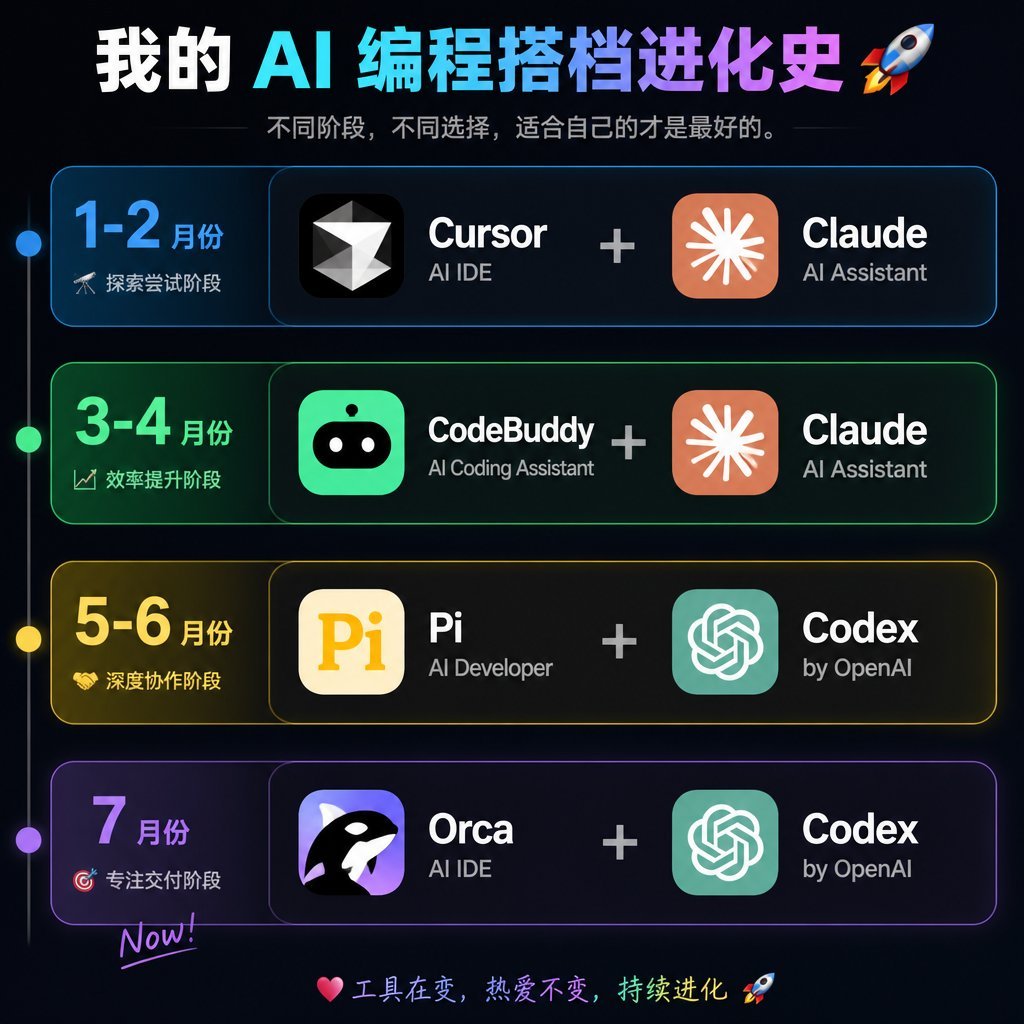
AI Coding Partner Timeline
Overwhelmed Anime Productivity Collage
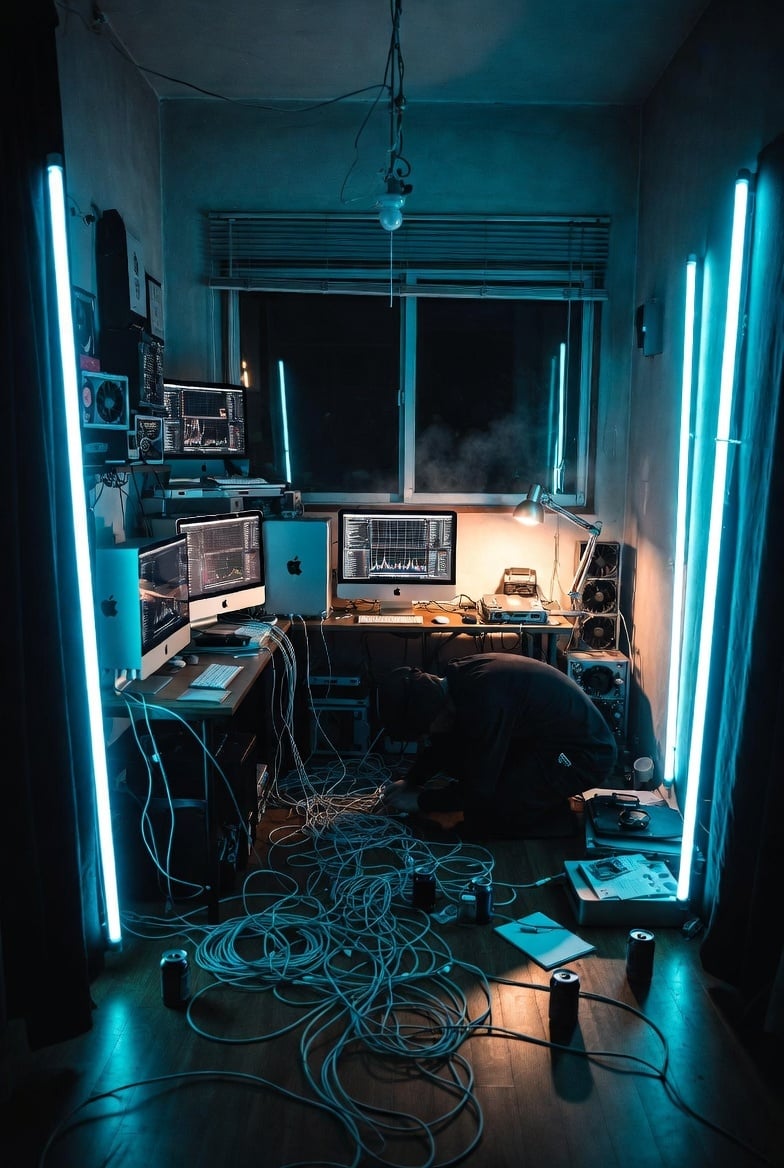
Cyberpunk AI Coding Room
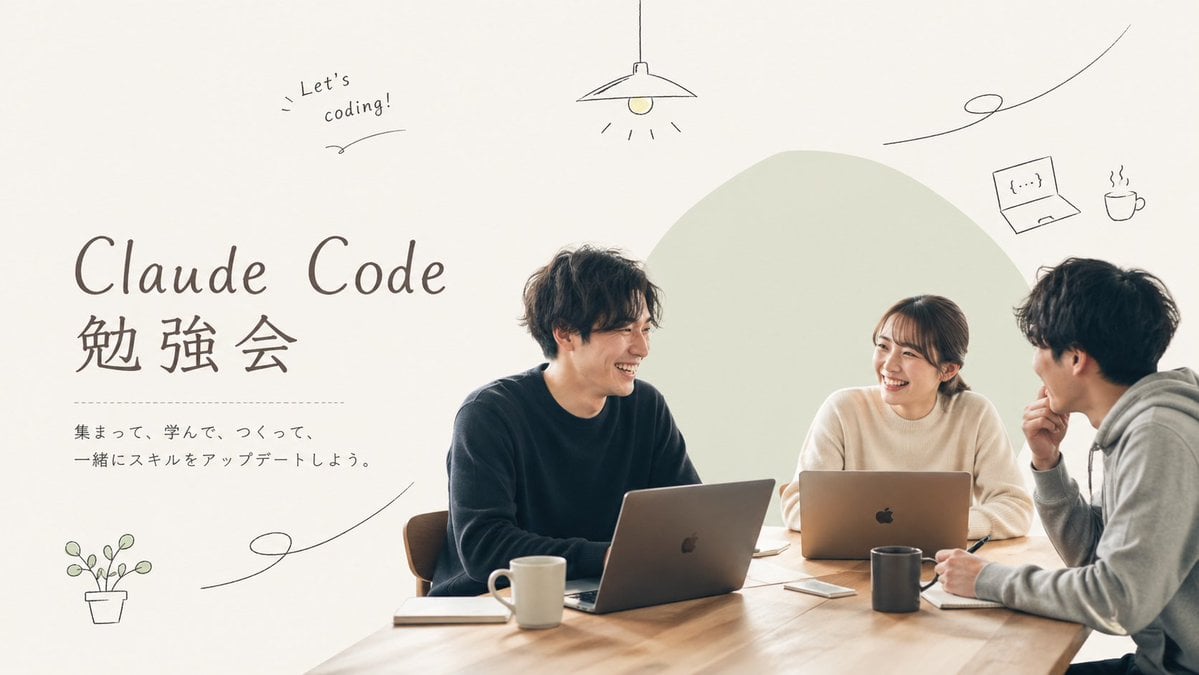
Minimal Coding Study Group Poster
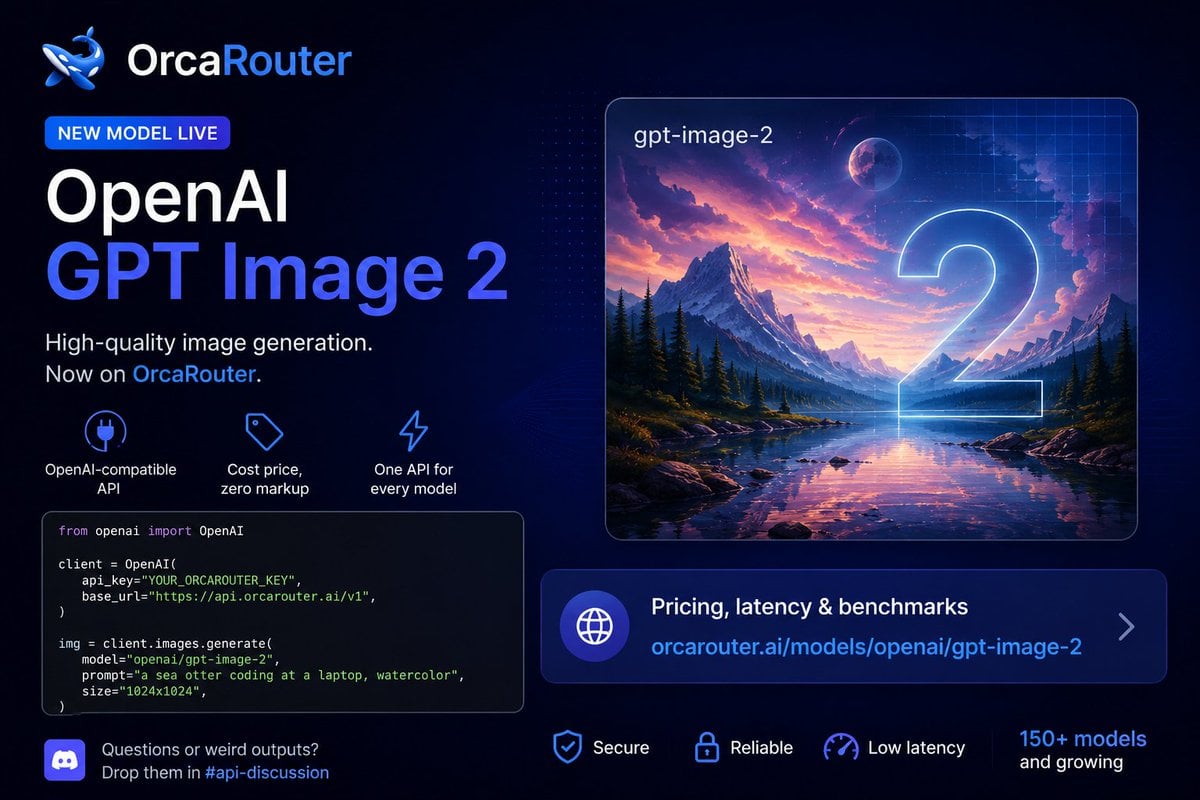
Watercolor Sea Otter Coding
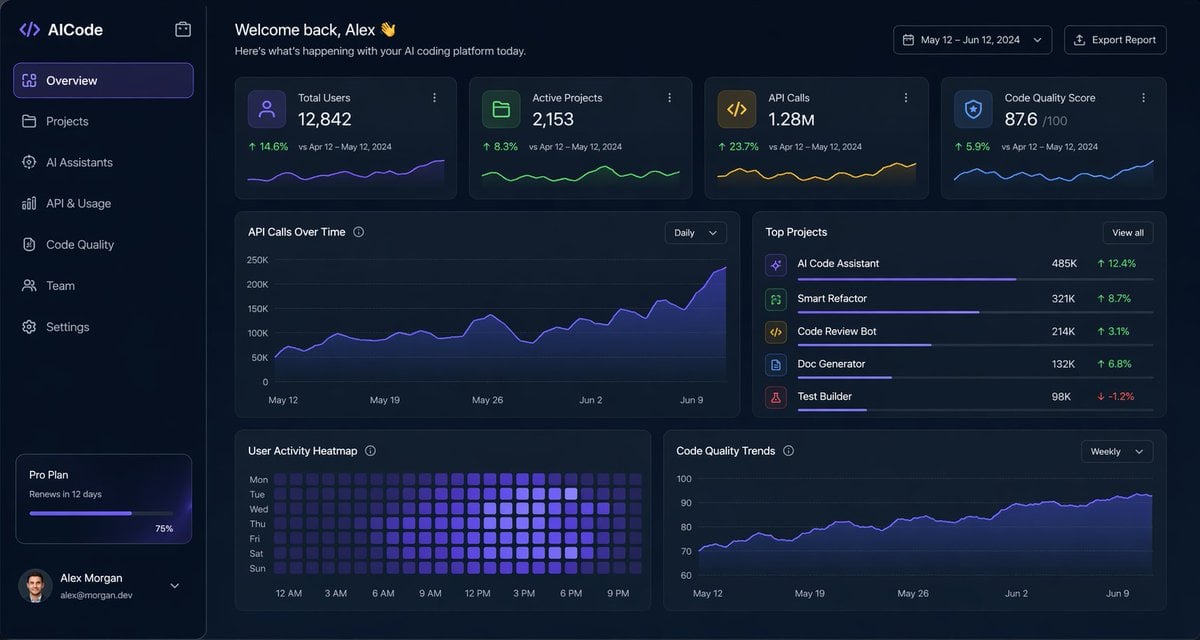
Dark AI Coding Dashboard UI
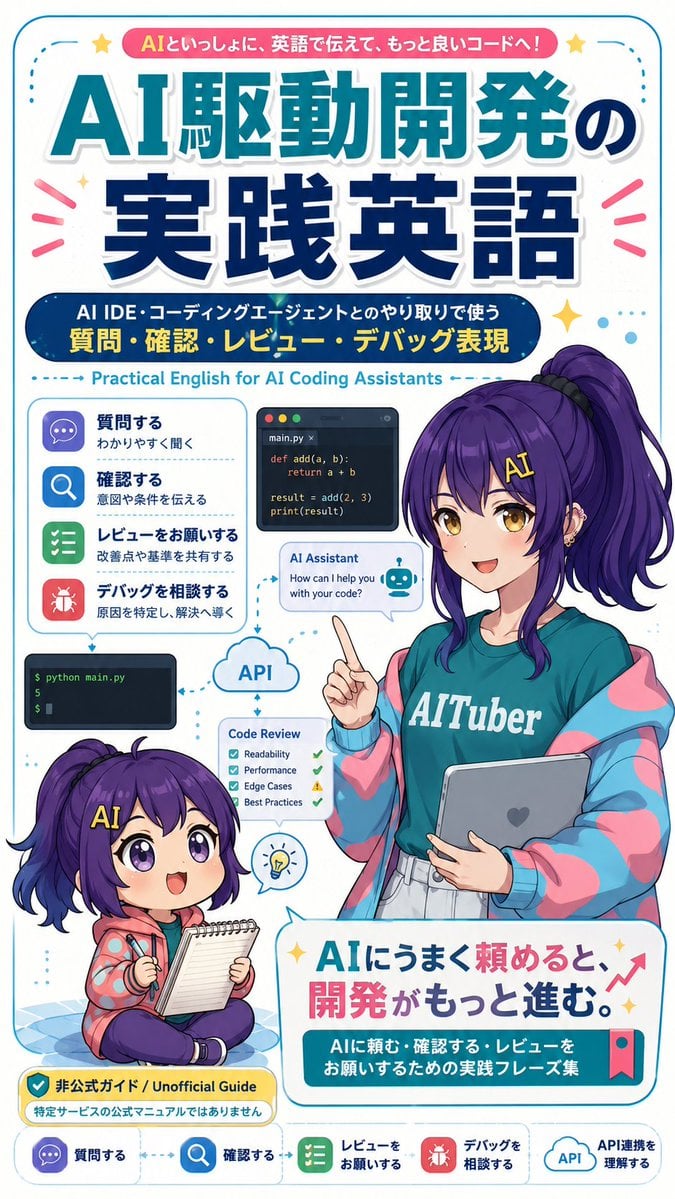
AI Coding English Learning Poster

AI Coding Assistant Promo Infographic

Quiet Hamster Manga Page

Late-Night Hamster Manga Page
Make it yours
Overwhelmed Coding Manga Page works as-is. These are the safest ways to change it without losing the look.
Change one field
Copy a single group, rewrite it, and generate again so you can see what that field is doing.
Keep the frame, change the subject
Hold the composition and light of Overwhelmed Coding Manga Page, then swap wardrobe, props or the person for a new take.
| If the result… | Why | Fix |
|---|---|---|
| The result drifts from the preview | Too many fields changed at once. | Reuse Overwhelmed Coding Manga Page as-is first, then change one group — subject, light, or setting. |
| The model over-stylizes the scene | The prose prompt leaves finish and camera underspecified. | Add one camera or lighting sentence and stay on GPT Image 2. |
More GPT Image 2 templates
Other prompts made for GPT Image 2.

Six VTuber Japanese Logo Sheet

Realistic Portrait of Woman and Deer

The Vista Modular Condo Poster

AI Model Routing Comparison Infographic

2.5D Anime Art Board

Isometric Productivity Desk Scene

New York Double Exposure Poster

Four-Panel AI Landscape Comparison

Japanese Tatami Lifestyle Magazine Cover

NESCAFÉ Coffee Map Poster
More image prompts
Fresh picks from across the catalog.
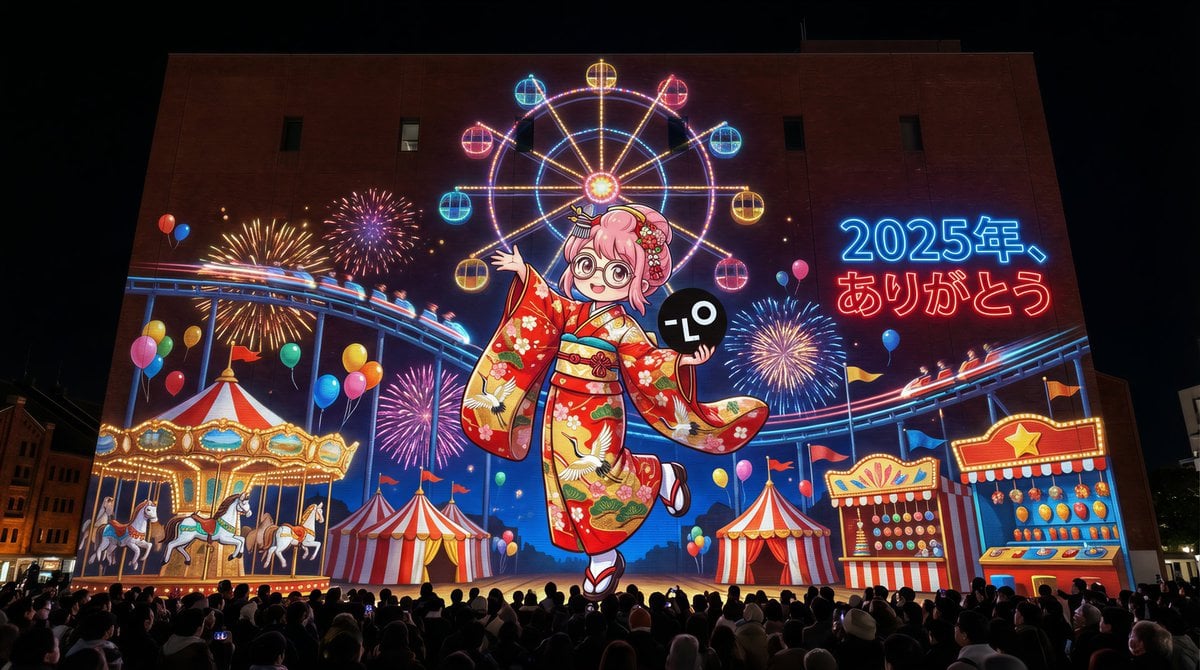
New Year's Eve Projection Mapping on Skyscraper Prompt
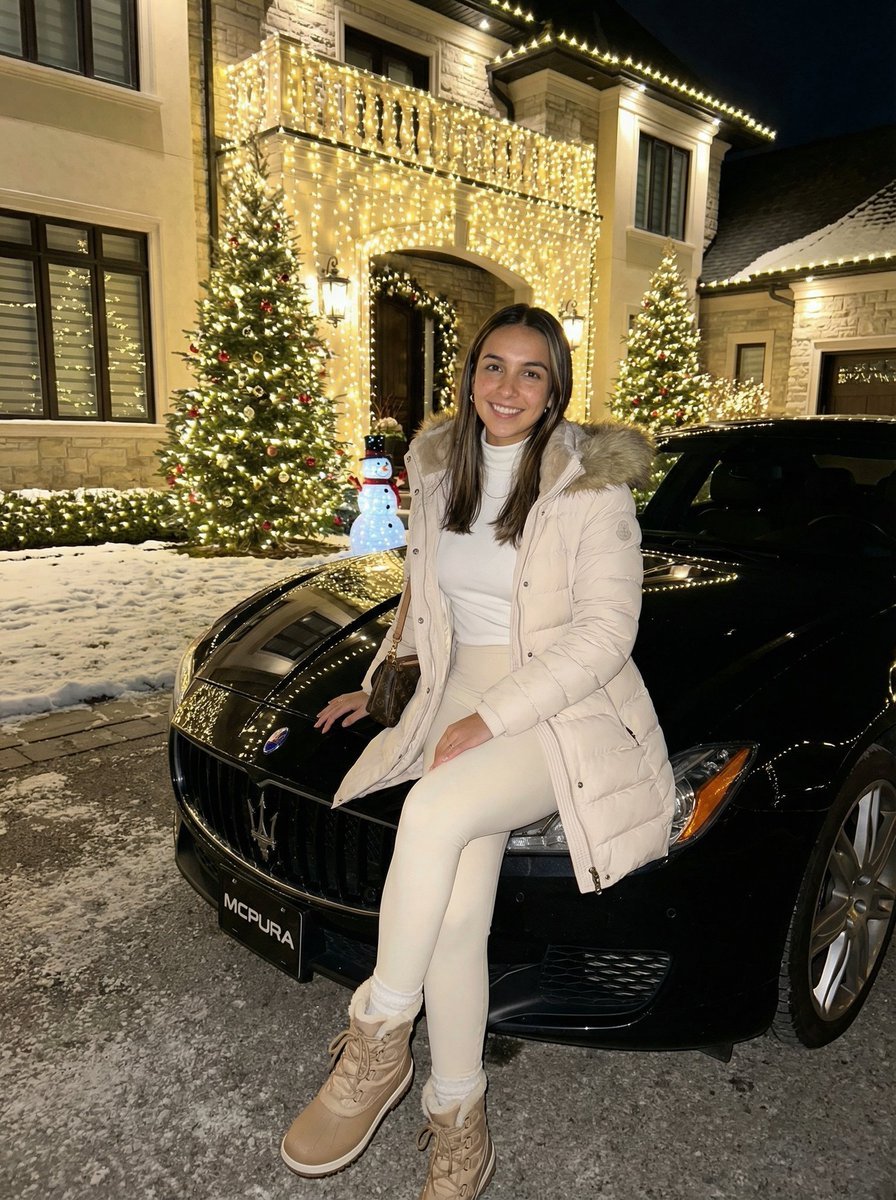
Ultra-Realistic Nighttime Winter Portrait in JSON Format

untitled
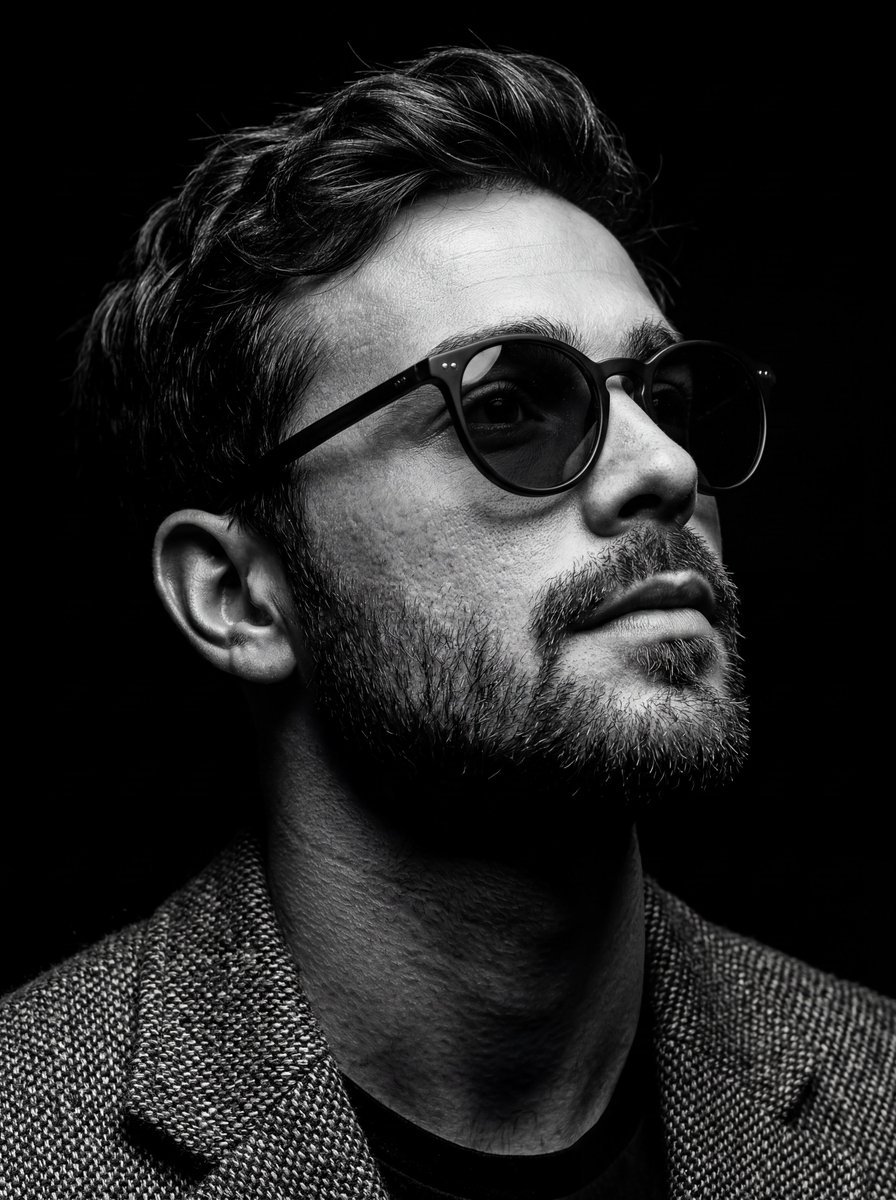
B&W Chiaroscuro Portrait

Hyper-Real Wildlife Photography Close-Up Prompt
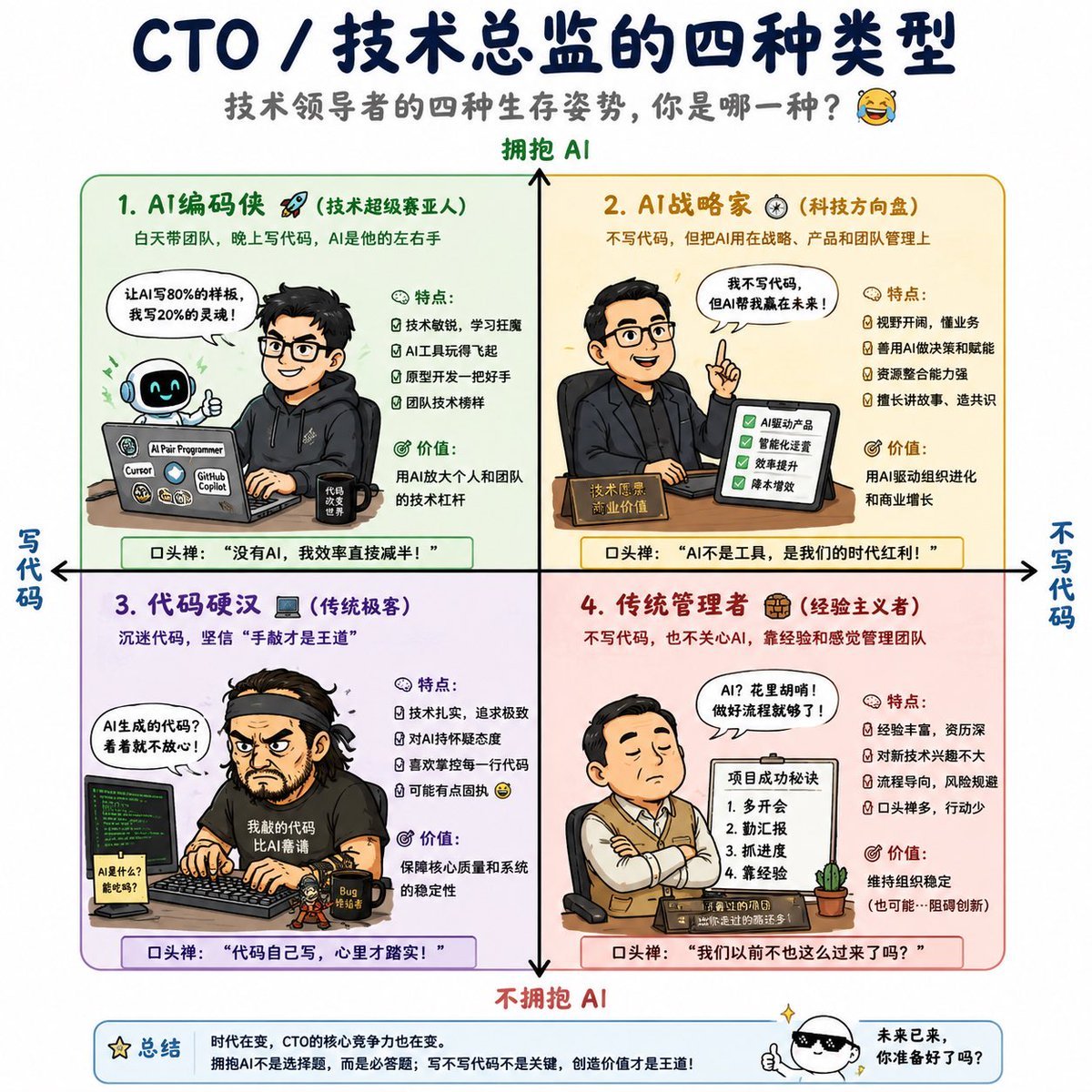
Four Types of CTO Infographic
Image Generation Prompt: Internal Structure of a Robot
Censored Realistic Spa Portrait
Visual Contrast Cultural Photography
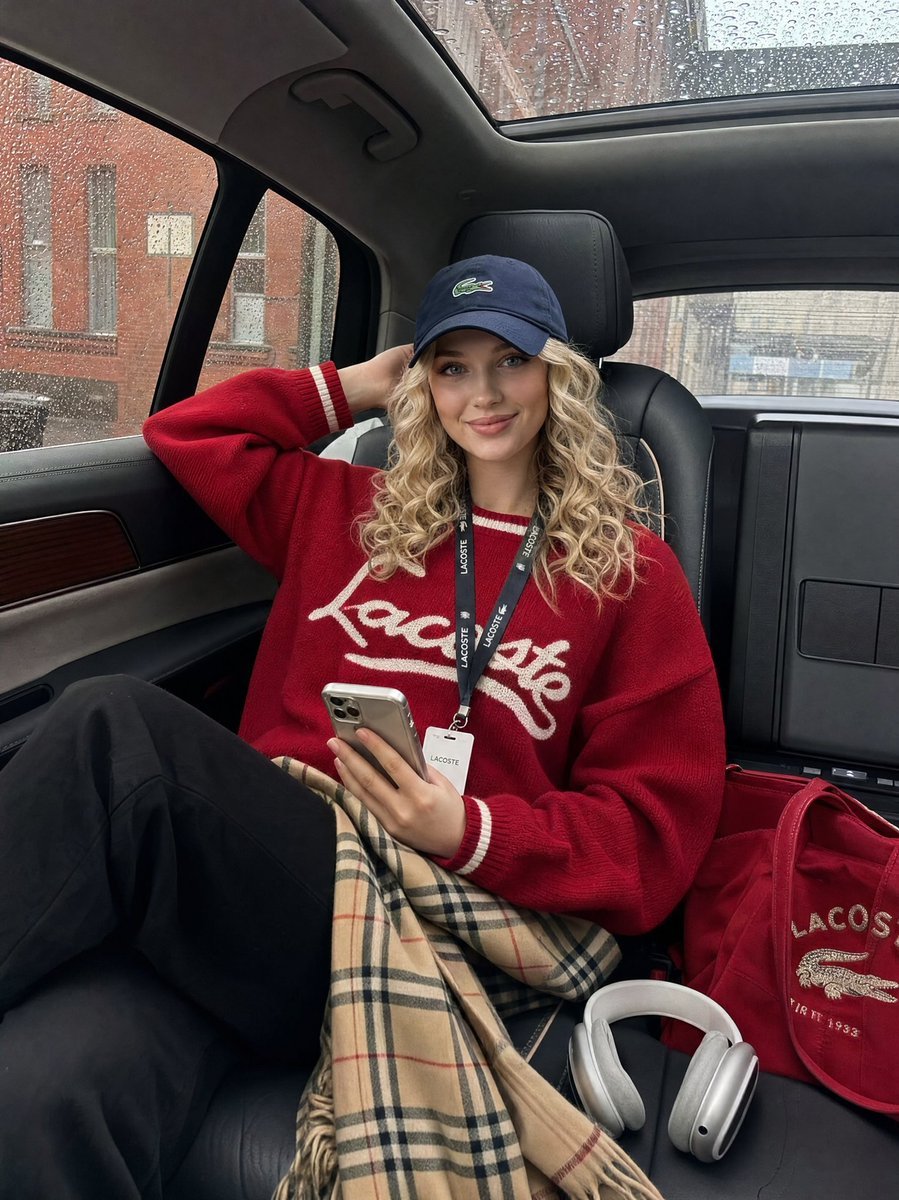
Luxury SUV Interior Lifestyle Snapshot
Browse template categories
Overwhelmed Coding Manga Page questions
How do I use the Overwhelmed Coding Manga Page template?
Add your photo if the template asks for one, edit the prompt if you like — the template's model and format are already selected — and press Generate. Your version opens in PicX Studio.
Can I customize the Overwhelmed Coding Manga Page template?
Yes. You can change the subject, setting, lighting, mood, format, and available model controls before creating your image.
Is the Overwhelmed Coding Manga Page template free?
Opening and editing this template is free. Generating uses credits, shown on the Generate button when you are signed in.
Which AI model should I use?
Start with GPT Image 2, which is the model associated with this template. You can compare another compatible model for a different finish.
Looking for something else? Browse all templates.

Your photo, any look
Thousands of ready templates for every top image and video model, from one credit balance.