
Overwhelmed Anime Productivity Collage
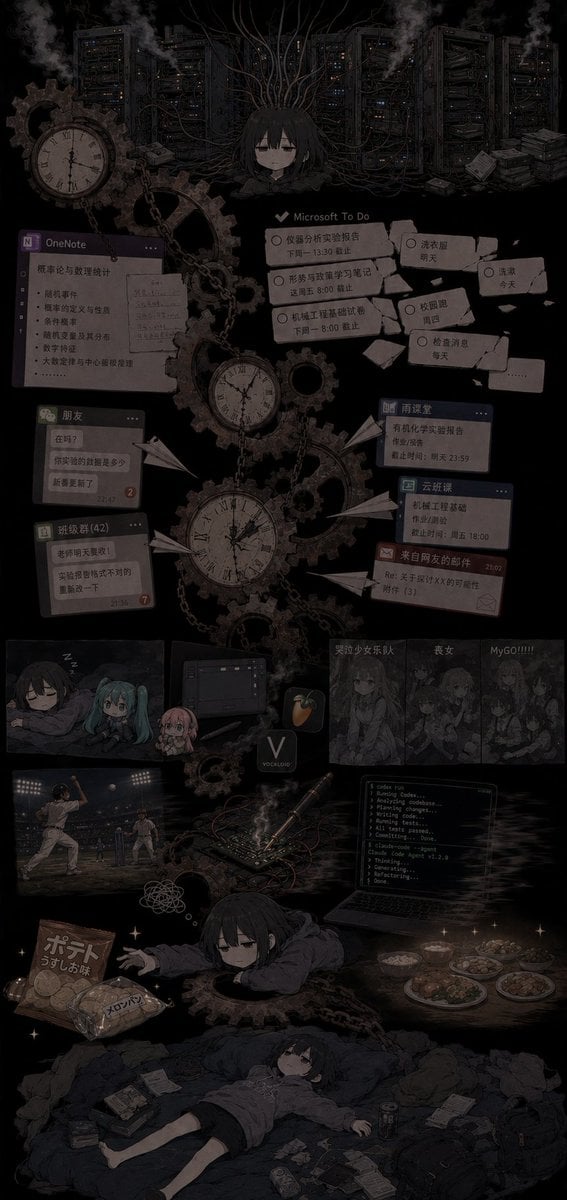
Generates a dark vertical anime collage of an exhausted student surrounded by tasks, clocks, servers, fandom distractions, and daily-life clutter.
- Prompt included
- Model and format preset
- Free template
The prompt behind this image
Copy the exact prompt behind Overwhelmed Anime Productivity Collage, or open it in the studio and make it yours.
Goal: Create a dark, vertical anime collage illustrating {argument name="mood" default="my current incompetent state"}: an overwhelmed student/programmer trapped inside a gloomy machinery-and-productivity nightmare. Canvas: Tall vertical poster, about 9:16 aspect ratio, black background with low-contrast charcoal gray details, muted sepia highlights, desaturated colors, soft film grain, vignette, smoky atmosphere, dense but readable collage composition. Central subject: A tired, emotionless anime girl with {argument name="character appearance" default="short black hair, pale skin, heavy-lidded eyes, oversized dark hoodie"}. Show her multiple times: 1 small bust at the upper center tangled in cables, 1 chibi/sleepy version near the lower middle reaching forward from inside gears, and 1 full-body version at the bottom lying exhausted on a messy bed or blanket surrounded by papers and trash. Her expression should stay flat, drained, and sleep-deprived. Main background and machinery: Fill the upper half with server racks, tangled black cables, smoke vents, and steampunk gears. Include exactly 4 prominent antique clock faces: 1 large clock at upper left, 1 medium pocket-watch clock near center-left, 1 large hanging clock in the vertical center, and 1 smaller clock integrated among gears. Add chains, cogwheels, paper airplanes, scattered notes, and faint sparks. Productivity and school-task UI collage: Place exactly 8 floating interface/task panels across the middle area, all dim and slightly skewed like screenshots pasted into the scene: 1 OneNote window on the left with Chinese class notes and bullet points, 1 Microsoft To Do panel in the upper middle with several overdue tasks, 1 torn sticky-note cluster on the upper right with daily routines, 1 small chat window labeled like friends on the left, 1 class-group chat window below it, 1 small blue homework/deadline card on the right, 1 cloud-classroom/deadline card below it, and 1 red warning or reminder message card below those. The visible text may be mostly Chinese, but keep it tiny, imperfect, and secondary to the mood. Media, fandom, and distraction strip: In the lower-middle area, include exactly 5 distraction panels/items in a row: 1 small anime sleep panel with three chibi characters, 1 dark computer/software panel, 1 music-production app icon resembling FL Studio, 1 grayscale band/anime screenshot panel with Chinese title text, and 1 grayscale panel labeled with an excited phrase like “MyGO!!!!!”. Lower activity scenes and clutter: Add exactly 6 bottom-life vignettes/items around the exhausted character: 1 baseball game scene at lower left, 1 crumpled thought scribble nearby, 1 coding laptop at lower right showing terminal output, 1 electronics/breadboard or soldering setup with smoke and wires near center-right, 1 plate-and-bowl meal scene at far right, and 1 snack pile at lower left with potato chips and melon bread packaging. Scatter additional notebooks, phones, cans, tissues, receipts, and small papers around the final lying figure. Visual style: Melancholic anime illustration, gothic productivity hell, detailed collage, dark academia meets cyberpunk servers and steampunk clocks. Use mostly black, charcoal, dusty brown, faded gray, muted blue, and occasional tiny warm lights. Keep everything intentionally dim, cluttered, and emotionally heavy, with the central character as the only recurring human focal point. Text constraints: Use a few legible UI labels such as {argument name="task app label" default="Microsoft To Do"}, {argument name="note app label" default="OneNote"}, and {argument name="band panel label" default="MyGO!!!!!"}. Do not add a clean infographic layout, bright colors, watermark, or photorealistic style.
How to use Overwhelmed Anime Productivity Collage in 3 steps
- 1Upload ImagePNG, JPG or paste
Add your photo
Upload the photo the template builds on. The prompt, model and format are already set.
- 2…a portrait of your subject in softgolden-hour light, 85mm…
Personalize
Edit the subject and creative details for your destination.
- 3Generate
Generate
Press Generate — your image is created in PicX Studio, so you can compare it with the original and refine one variable at a time.
More like this
Templates with the same subject, style or setup. Open one to see its prompt.












Make it yours
Overwhelmed Anime Productivity Collage works as-is. These are the safest ways to change it without losing the look.
Change one field
Copy a single group, rewrite it, and generate again so you can see what that field is doing.
Keep the frame, change the subject
Hold the composition and light of Overwhelmed Anime Productivity Collage, then swap wardrobe, props or the person for a new take.
| If the result… | Why | Fix |
|---|---|---|
| The result drifts from the preview | Too many fields changed at once. | Reuse Overwhelmed Anime Productivity Collage as-is first, then change one group — subject, light, or setting. |
| The model over-stylizes the scene | The prose prompt leaves finish and camera underspecified. | Add one camera or lighting sentence and stay on GPT Image 2. |
More GPT Image 2 templates
Other prompts made for GPT Image 2.

Six VTuber Japanese Logo Sheet

Realistic Portrait of Woman and Deer

The Vista Modular Condo Poster

AI Model Routing Comparison Infographic

2.5D Anime Art Board

Isometric Productivity Desk Scene

New York Double Exposure Poster

Four-Panel AI Landscape Comparison

Japanese Tatami Lifestyle Magazine Cover

NESCAFÉ Coffee Map Poster
More image prompts
Fresh picks from across the catalog.
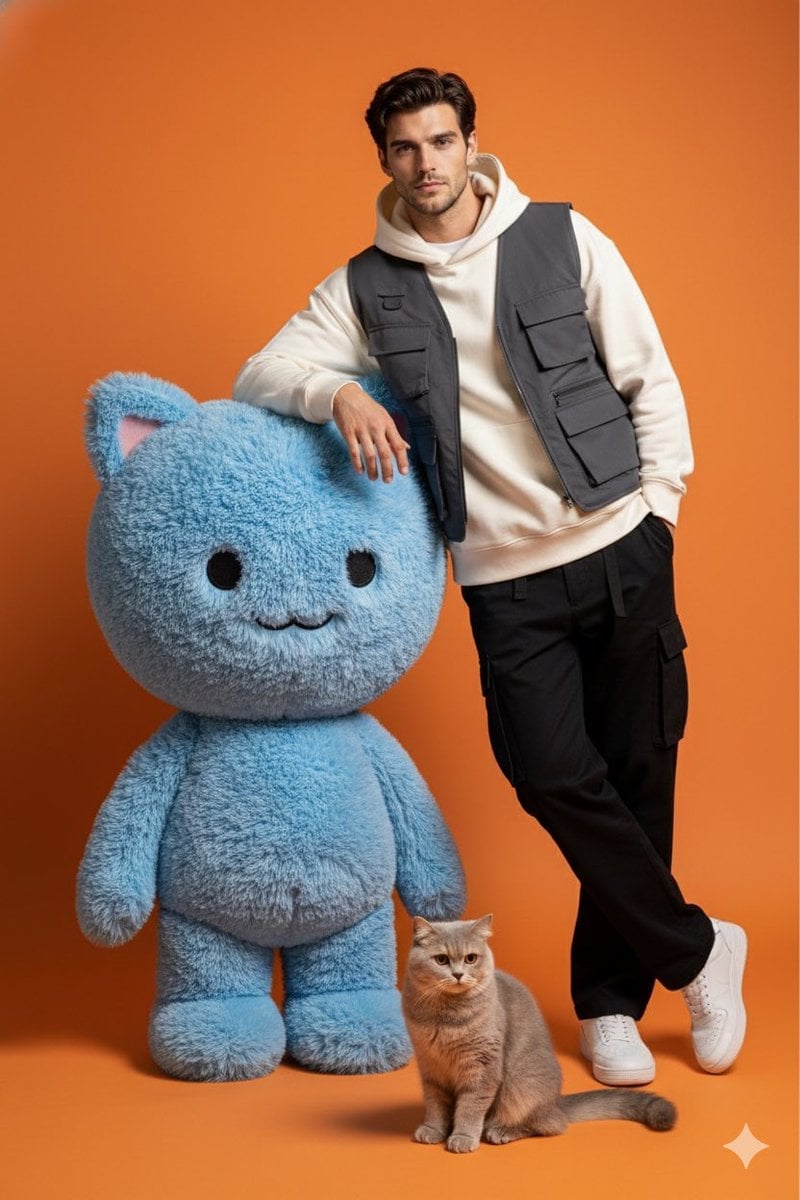
Studio Photoshoot with Labubu and British Shorthair

Universal JSON Template for Editorial Product Ads
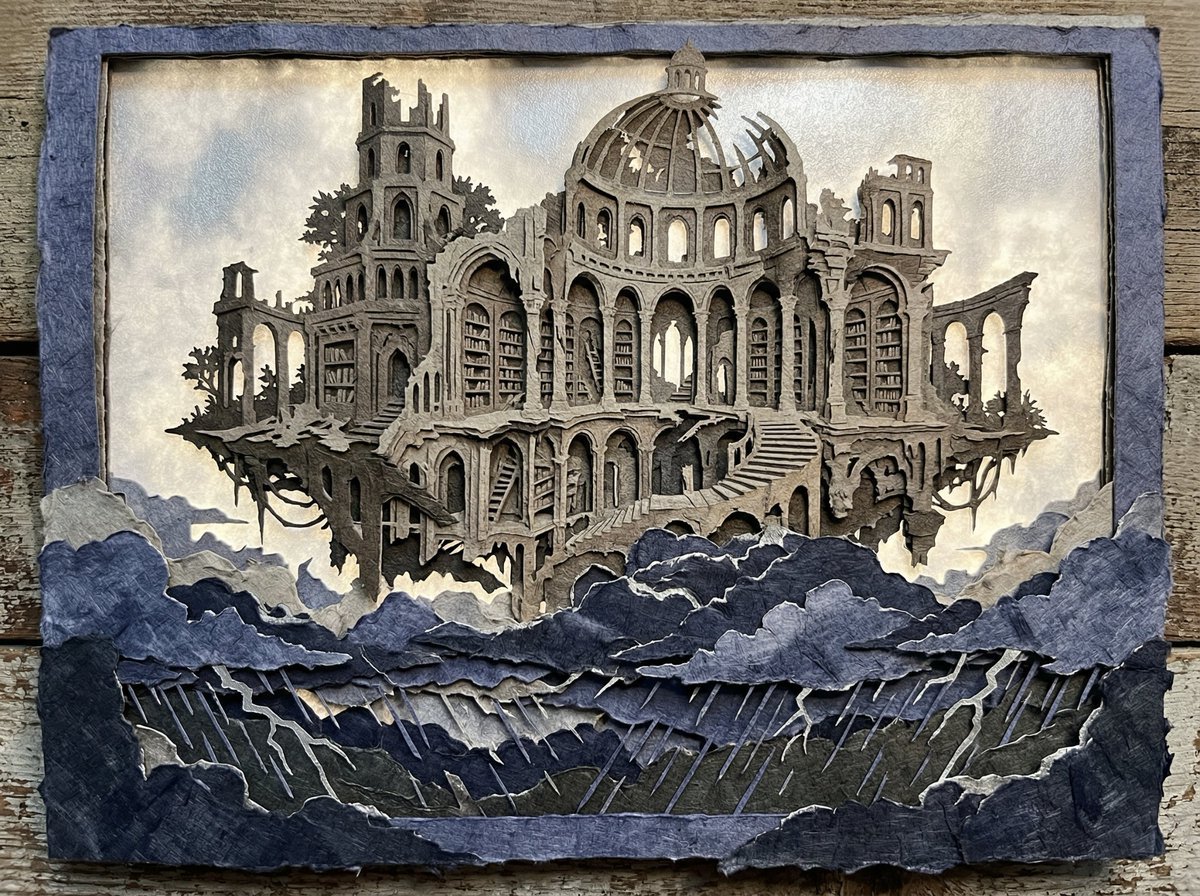
Intricate Paper Cut Silhouette of a Library
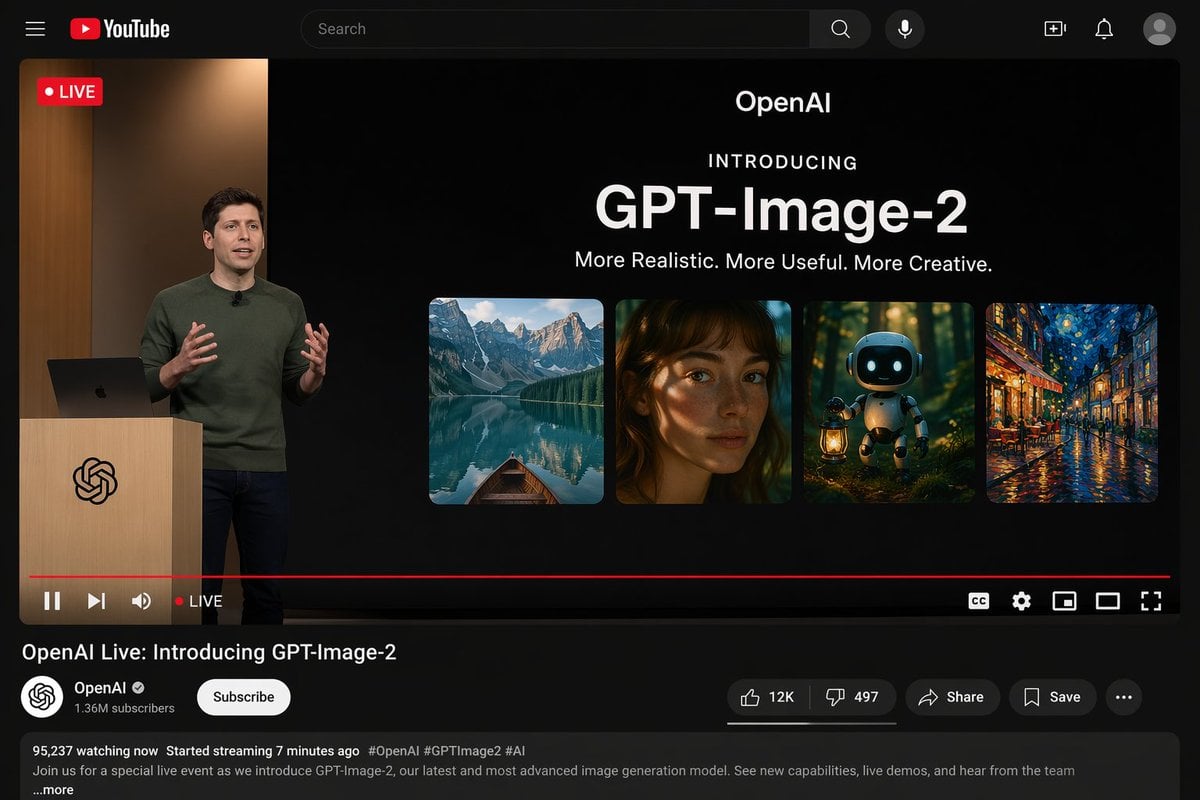
YouTube Live Stream Announcement Mockup
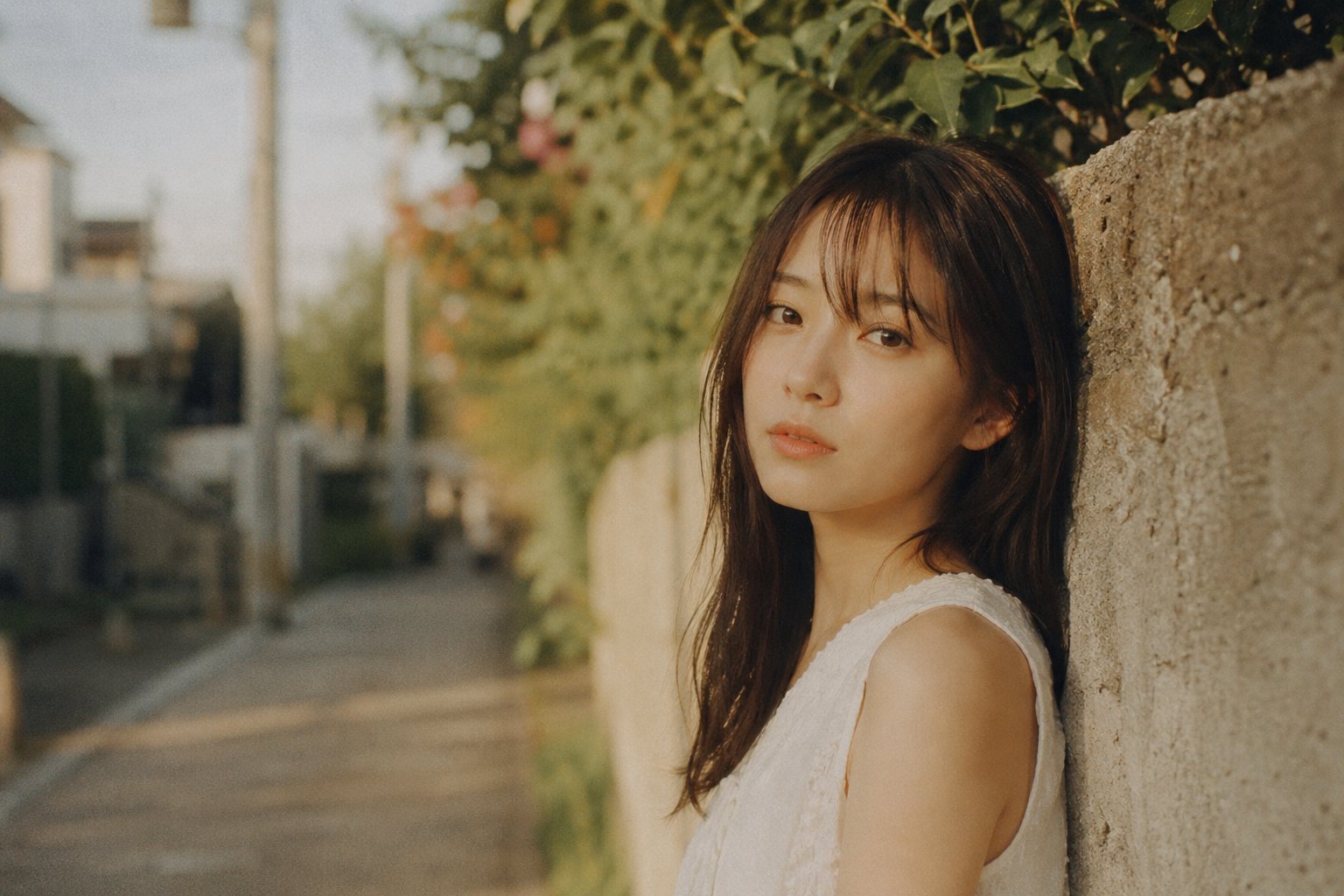
X Bubblebrain Portrait
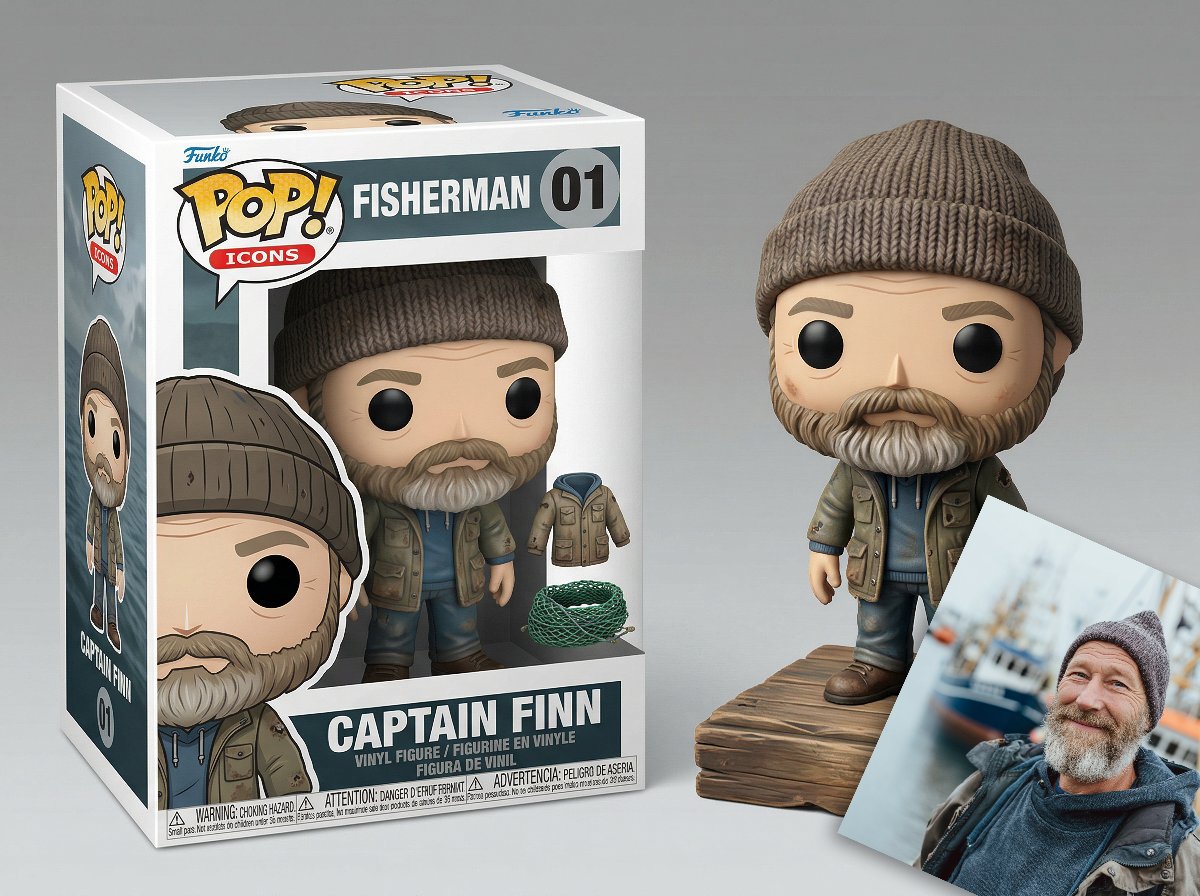
Isometric Luxury Product Showcase of a Vinyl Collectible Figure
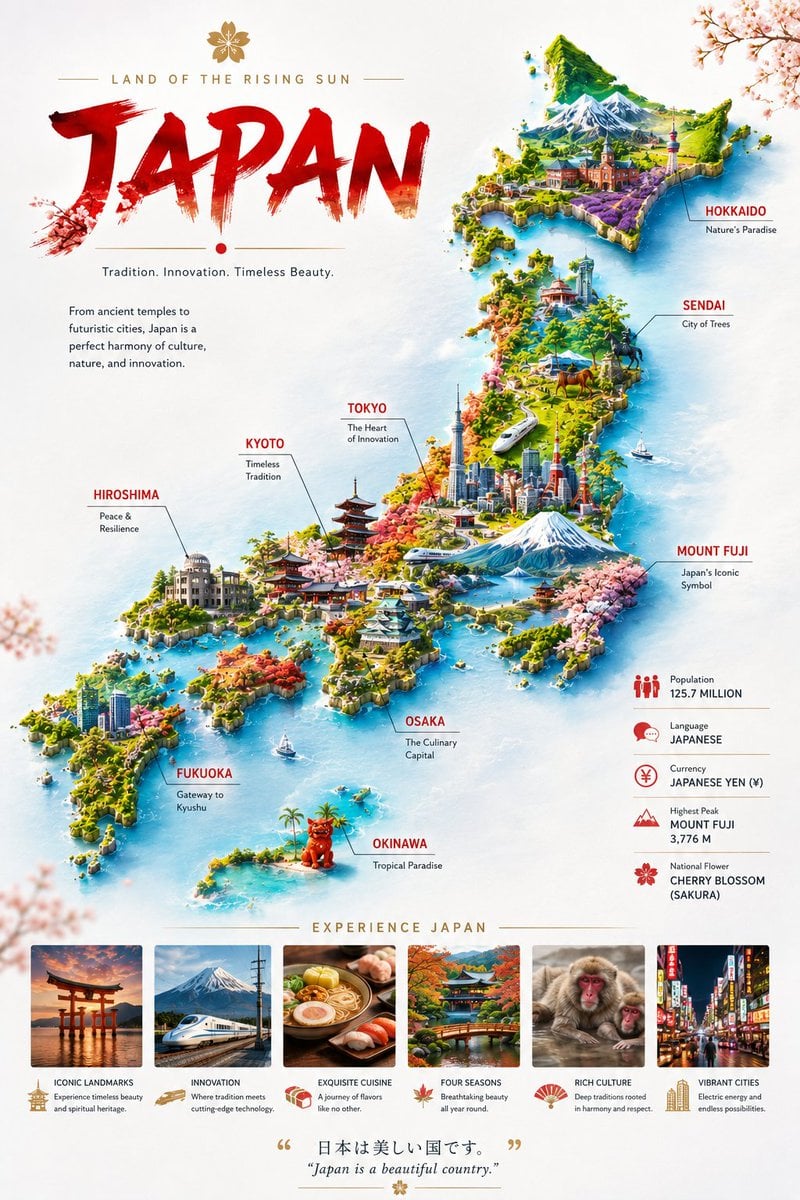
Japan Travel Poster Infographic
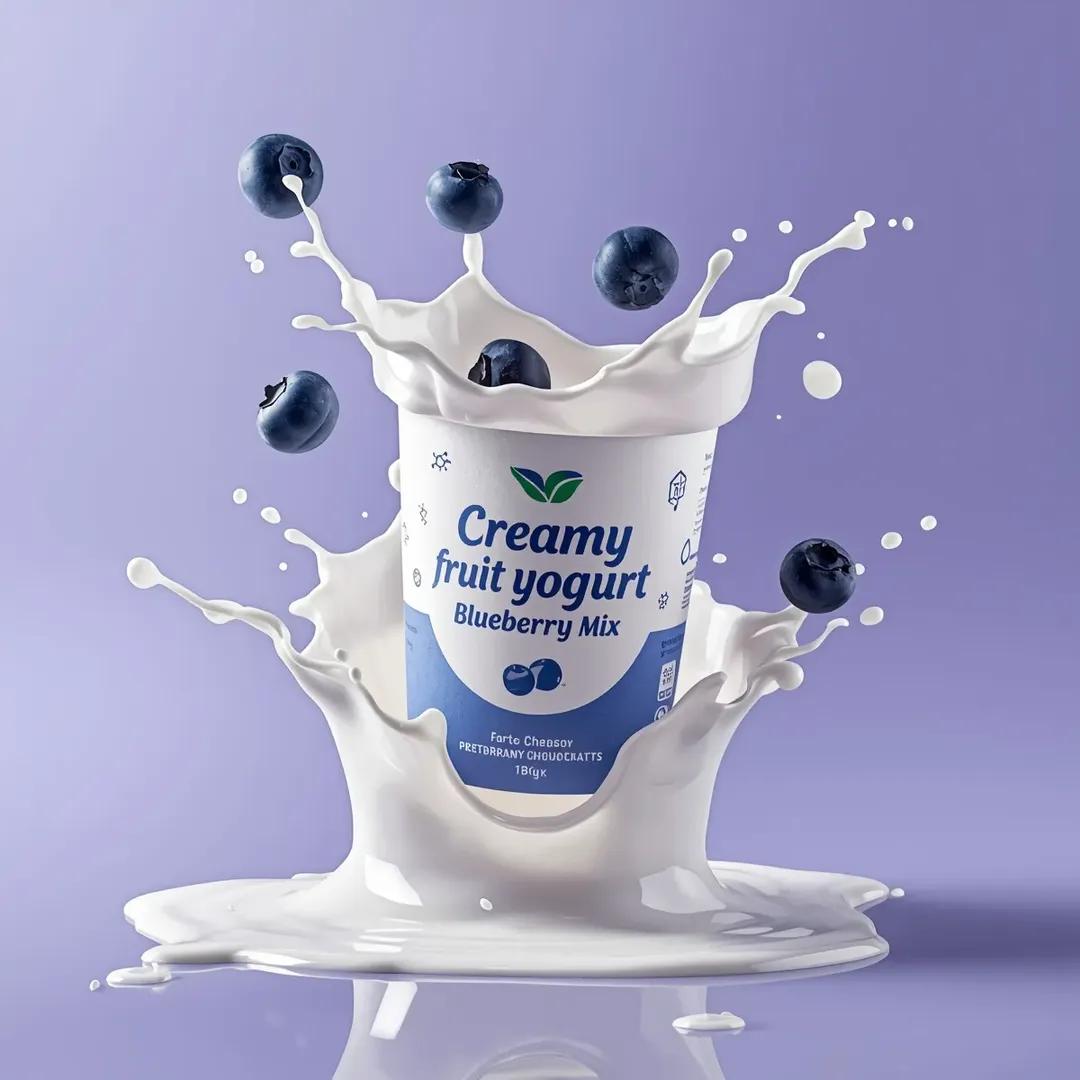
High-End Commercial Yogurt Product Photography Prompt
Masterpiece Political Caricature Prompt for Nano Banana 2
Handmade Clay Figurine Style with Wire Elements
Browse template categories
Overwhelmed Anime Productivity Collage questions
How do I use the Overwhelmed Anime Productivity Collage template?
Add your photo if the template asks for one, edit the prompt if you like — the template's model and format are already selected — and press Generate. Your version opens in PicX Studio.
Can I customize the Overwhelmed Anime Productivity Collage template?
Yes. You can change the subject, setting, lighting, mood, format, and available model controls before creating your image.
Is the Overwhelmed Anime Productivity Collage template free?
Opening and editing this template is free. Generating uses credits, shown on the Generate button when you are signed in.
Which AI model should I use?
Start with GPT Image 2, which is the model associated with this template. You can compare another compatible model for a different finish.
Looking for something else? Browse all templates.

Your photo, any look
Thousands of ready templates for every top image and video model, from one credit balance.