
Japan Travel Poster Infographic
Generates a detailed vertical country tourism poster with a miniature illustrated map, callout labels, facts, and travel experience cards.
- Prompt included
- Model and format preset
- Free template
The prompt behind this image
Copy the exact prompt behind Japan Travel Poster Infographic, or open it in the studio and make it yours.
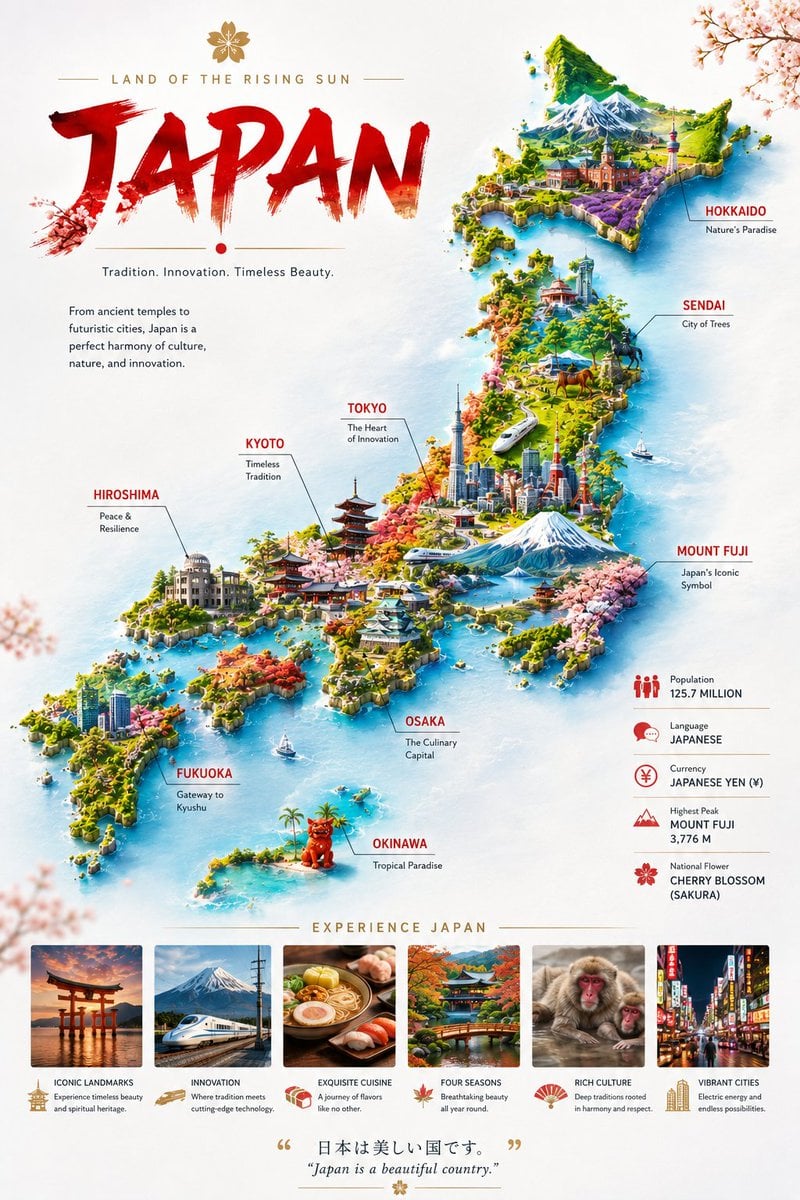
Goal: Create a premium vertical travel poster infographic celebrating {argument name="country name" default="Japan"}, combining a stylized 3D illustrated map with elegant editorial travel branding. Canvas: Tall portrait poster, clean off-white paper background with soft pale blue watercolor ocean wash, subtle cherry blossom branches in the corners, airy margins, refined gold divider lines, and a high-end tourism magazine aesthetic. Top-left title area: Add a small gold cherry blossom emblem above the subtitle "LAND OF THE RISING SUN" in widely spaced gold uppercase letters. Below it, place a huge expressive red brushstroke wordmark reading {argument name="main title" default="JAPAN"}, with rough paint texture and a small red dot beneath. Under the title, add the tagline "Tradition. Innovation. Timeless Beauty." and a short paragraph: "From ancient temples to futuristic cities, Japan is a perfect harmony of culture, nature, and innovation." Main visual: Show Japan as a diagonal floating miniature island map running from lower left to upper right, surrounded by turquoise water. Render it in vivid isometric 3D with lush greenery, mountains, coastlines, harbors, temples, cherry blossoms, modern skyscrapers, roads, boats, and small trains. Include Mount Fuji prominently in central Honshu with snowcap and lake reflections, plus another dramatic snowy mountain range in the northern island. Use bright saturated travel-poster colors, crisp details, soft shadows, and a polished GPT-image travel infographic look. Map labels: Include exactly 9 callout labels with thin gray leader lines and red uppercase city/region names, each with a short black subtitle: 1) HOKKAIDO — "Nature's Paradise" near the northern island, 2) SENDAI — "City of Trees", 3) TOKYO — "The Heart of Innovation", 4) MOUNT FUJI — "Japan's Iconic Symbol", 5) KYOTO — "Timeless Tradition", 6) HIROSHIMA — "Peace & Resilience", 7) OSAKA — "The Culinary Capital", 8) FUKUOKA — "Gateway to Kyushu", 9) OKINAWA — "Tropical Paradise" near a small southern tropical island with a red guardian statue. Right-side facts panel: Add exactly 5 stacked statistic rows with small red icons and thin divider lines: 1) Population — "125.7 MILLION", 2) Language — "JAPANESE", 3) Currency — "JAPANESE YEN (¥)", 4) Highest Peak — "MOUNT FUJI 3,776 M", 5) National Flower — "CHERRY BLOSSOM (SAKURA)". Bottom experience strip: Center a gold heading "EXPERIENCE JAPAN" above exactly 6 rectangular photo cards with captions and small gold/red icons. The six cards should be: 1) torii gate at sunset, titled "ICONIC LANDMARKS" with the description "Experience timeless beauty and spiritual heritage." 2) bullet train with Mount Fuji, titled "INNOVATION" with "Where tradition meets cutting-edge technology." 3) ramen and sushi, titled "EXQUISITE CUISINE" with "A journey of flavors like no other." 4) autumn garden bridge and temple, titled "FOUR SEASONS" with "Breathtaking beauty all year round." 5) snow monkeys in hot spring, titled "RICH CULTURE" with "Deep traditions rooted in harmony and respect." 6) neon city street at night, titled "VIBRANT CITIES" with "Electric energy and endless possibilities." Footer: Add a centered inspirational quote with gold quotation marks: Japanese text {argument name="Japanese quote" default="日本は美しい国です。"} and beneath it the English translation {argument name="English quote" default="Japan is a beautiful country."}. Add a small gold flower ornament at the bottom. Visual style: Bright, detailed, optimistic, luxurious tourism-board poster; mix 3D miniature map illustration with realistic travel-photo thumbnails; red, white, gold, turquoise, spring green, and sakura pink palette; sharp readable typography; no watermark, no extra labels, no misspelled text.
How to use Japan Travel Poster Infographic in 3 steps
- 1Upload ImagePNG, JPG or paste
Add your photo
Upload the photo the template builds on. The prompt, model and format are already set.
- 2…a portrait of your subject in softgolden-hour light, 85mm…
Personalize
Edit the subject and creative details for your destination.
- 3Generate
Generate
Press Generate — your image is created in PicX Studio, so you can compare it with the original and refine one variable at a time.
More like this
Templates with the same subject, style or setup. Open one to see its prompt.

Japan Travel Brochure Poster

Clay Miniature Landmark Travel Diorama

Japan Neon Speed City Racing Poster

Captain Tsubasa Anime World Cup Poster
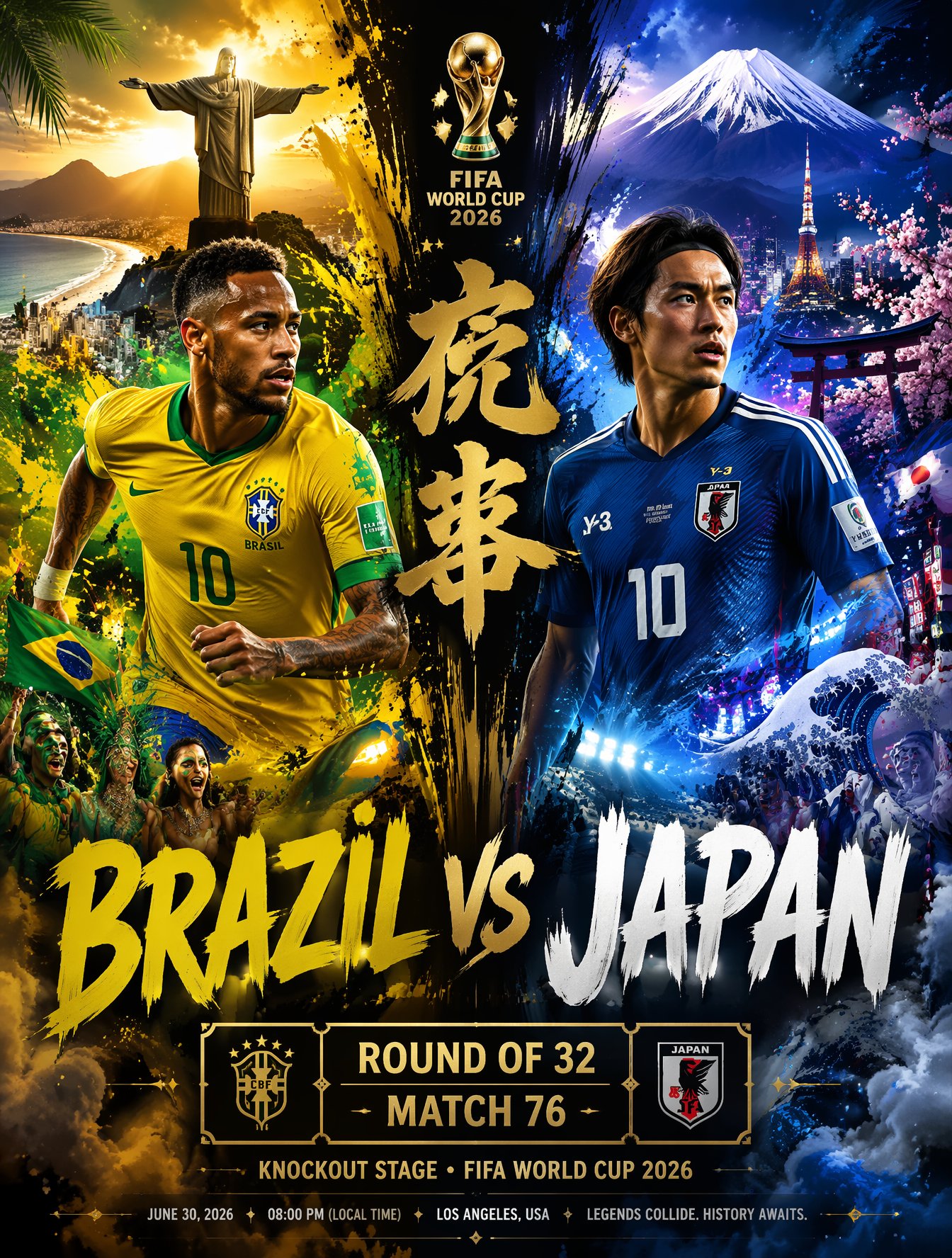
Brazil Versus Japan Knockout Split Rivalry Poster

Gpt2 Infographic Edu Visual Ink Wash Tribute Poster for Chen Uen

Gpt2 Infographic Edu Visual Biomimetic Skyray Aircraft Poster
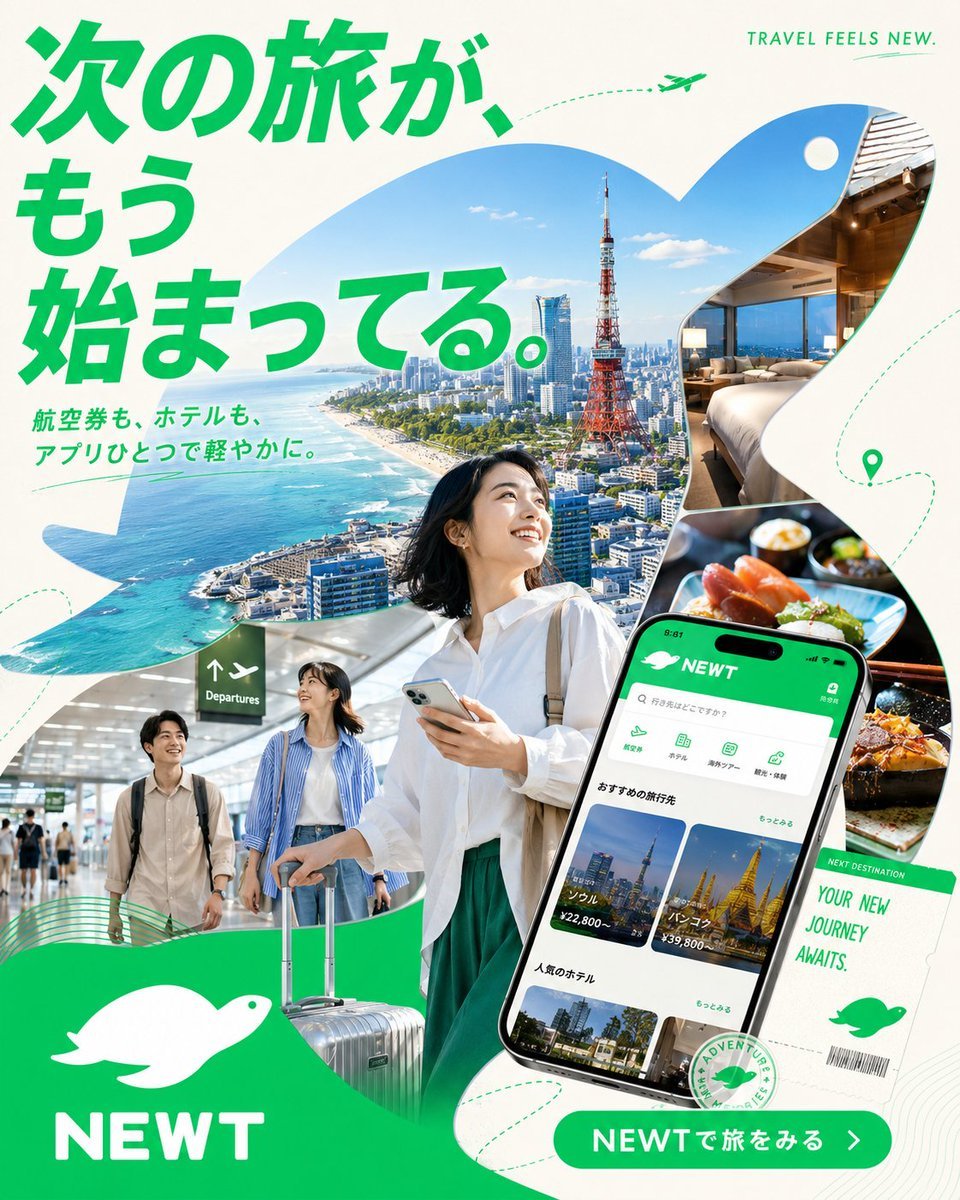
Japanese NEWT Travel App Poster

City Posters by Nano Banana Pro
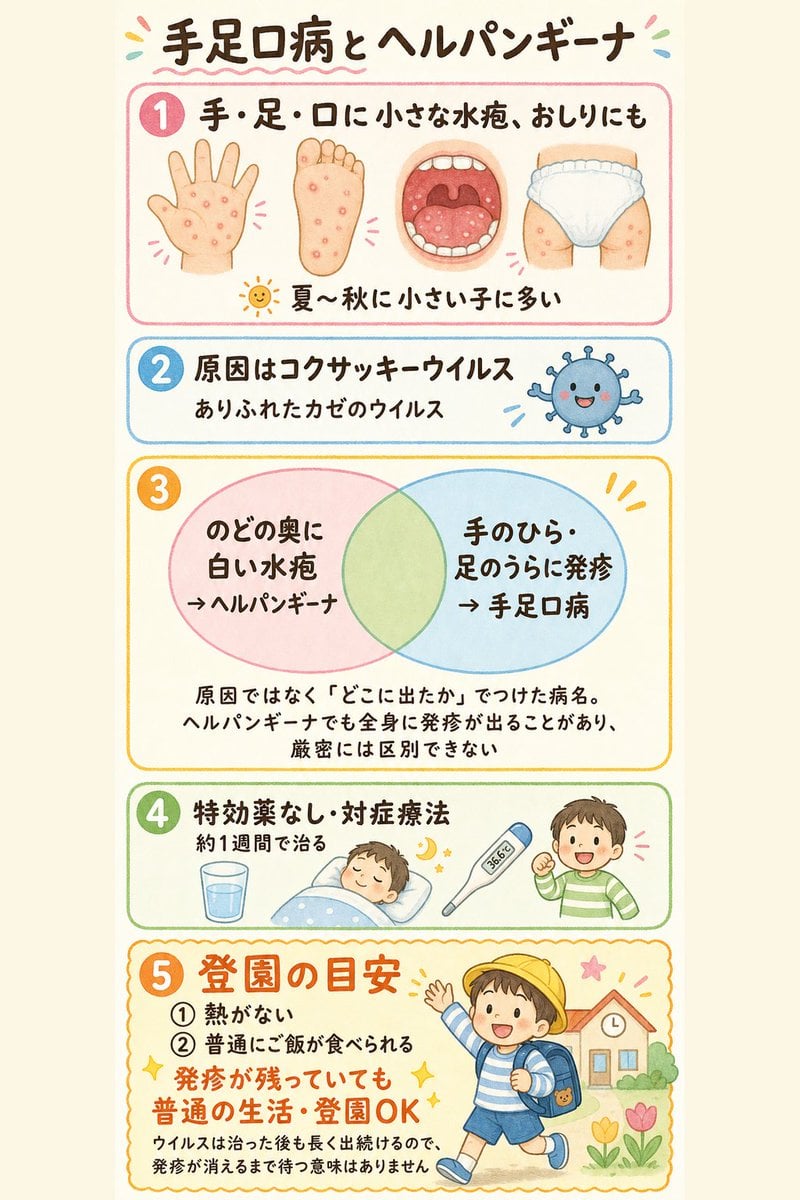
Japanese Pediatric Disease Infographic
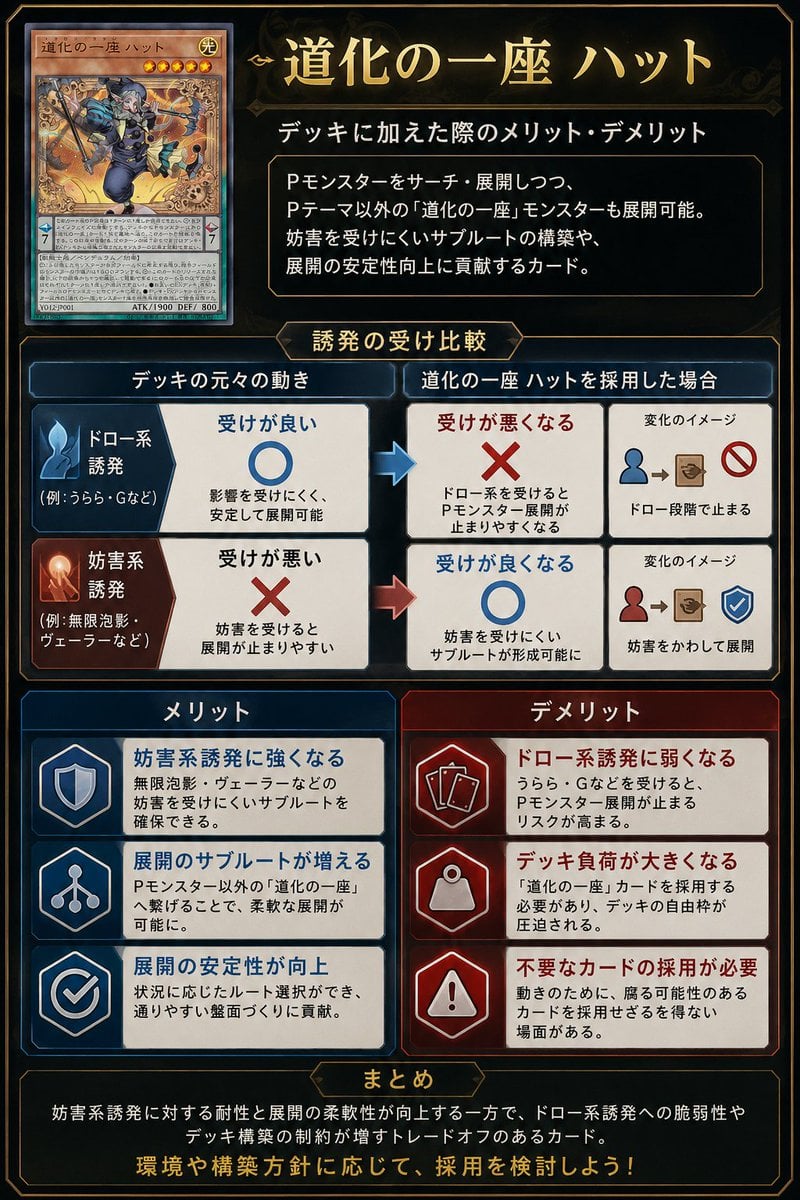
Japanese TCG Strategy Infographic
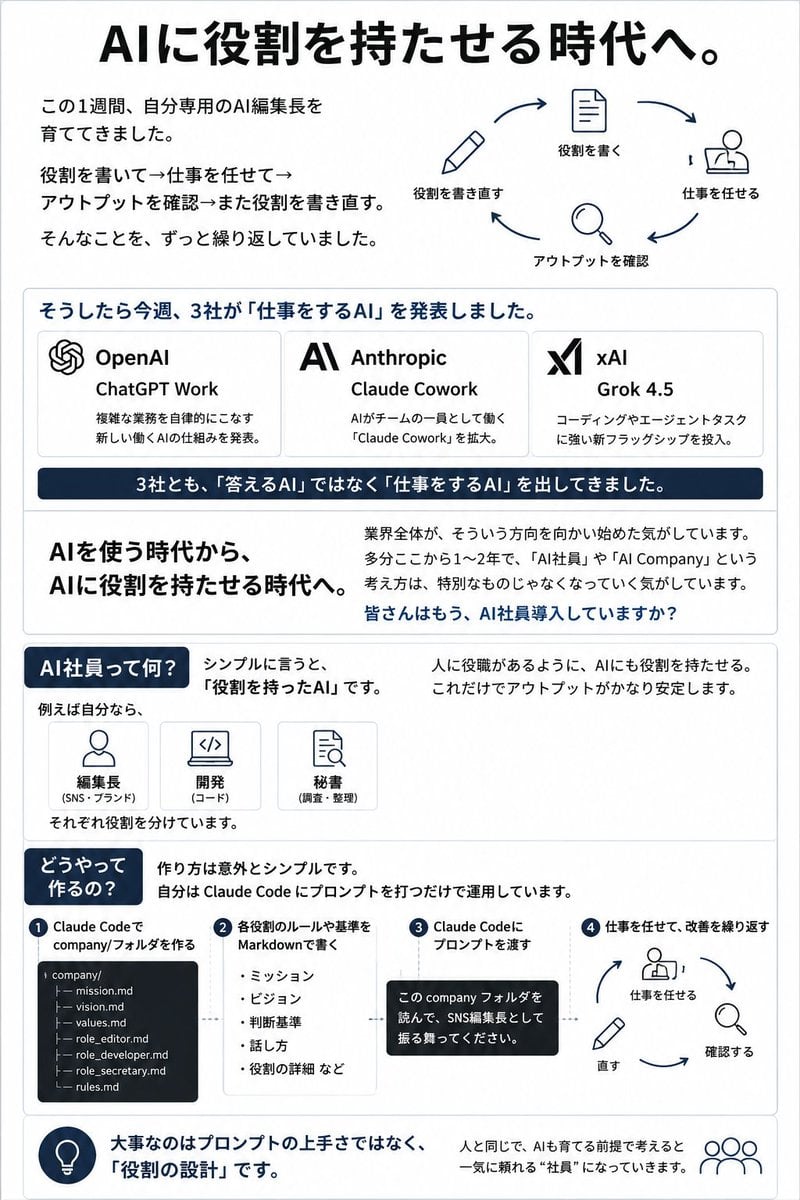
Japanese AI Employee Infographic
Make it yours
Japan Travel Poster Infographic works as-is. These are the safest ways to change it without losing the look.
Change one field
Copy a single group, rewrite it, and generate again so you can see what that field is doing.
Keep the frame, change the subject
Hold the composition and light of Japan Travel Poster Infographic, then swap wardrobe, props or the person for a new take.
| If the result… | Why | Fix |
|---|---|---|
| The result drifts from the preview | Too many fields changed at once. | Reuse Japan Travel Poster Infographic as-is first, then change one group — subject, light, or setting. |
| The model over-stylizes the scene | The prose prompt leaves finish and camera underspecified. | Add one camera or lighting sentence and stay on GPT Image 2. |
More GPT Image 2 templates
Other prompts made for GPT Image 2.

Six VTuber Japanese Logo Sheet

Realistic Portrait of Woman and Deer

The Vista Modular Condo Poster

AI Model Routing Comparison Infographic

2.5D Anime Art Board

Isometric Productivity Desk Scene

New York Double Exposure Poster

Four-Panel AI Landscape Comparison

Japanese Tatami Lifestyle Magazine Cover

NESCAFÉ Coffee Map Poster
More image prompts
Fresh picks from across the catalog.
Happy Birthday Song Copyright Prompt

Skincare Editorial Photography Collage Prompt
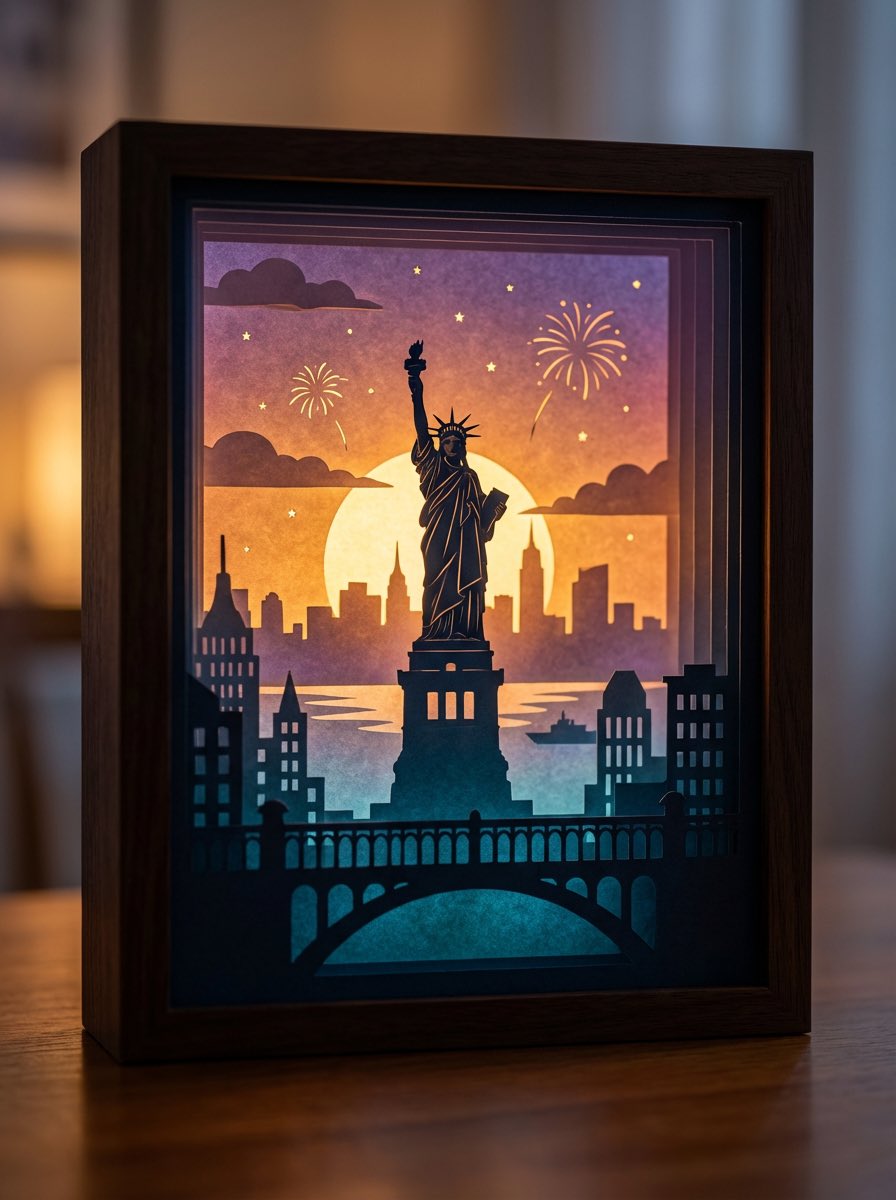
3D paper cut light box illustration framework
Dark Fantasy Samurai Battlefield

Neon Luxury Mirror Selfie

Nano Banana Pro 4-Panel Manga Prompt: The Ultimate Choice

Cinematic Boy and Miniature Version
Transparent Layered Glass Supercar Sculpture Prompt

Surreal Macro Masterpiece with Miniature Figure

Hand-Drawn Pencil Sketch Portrait
Browse template categories
Japan Travel Poster Infographic questions
How do I use the Japan Travel Poster Infographic template?
Add your photo if the template asks for one, edit the prompt if you like — the template's model and format are already selected — and press Generate. Your version opens in PicX Studio.
Can I customize the Japan Travel Poster Infographic template?
Yes. You can change the subject, setting, lighting, mood, format, and available model controls before creating your image.
Is the Japan Travel Poster Infographic template free?
Opening and editing this template is free. Generating uses credits, shown on the Generate button when you are signed in.
Which AI model should I use?
Start with GPT Image 2, which is the model associated with this template. You can compare another compatible model for a different finish.
Looking for something else? Browse all templates.

Your photo, any look
Thousands of ready templates for every top image and video model, from one credit balance.