
Japanese NEWT Travel App Poster
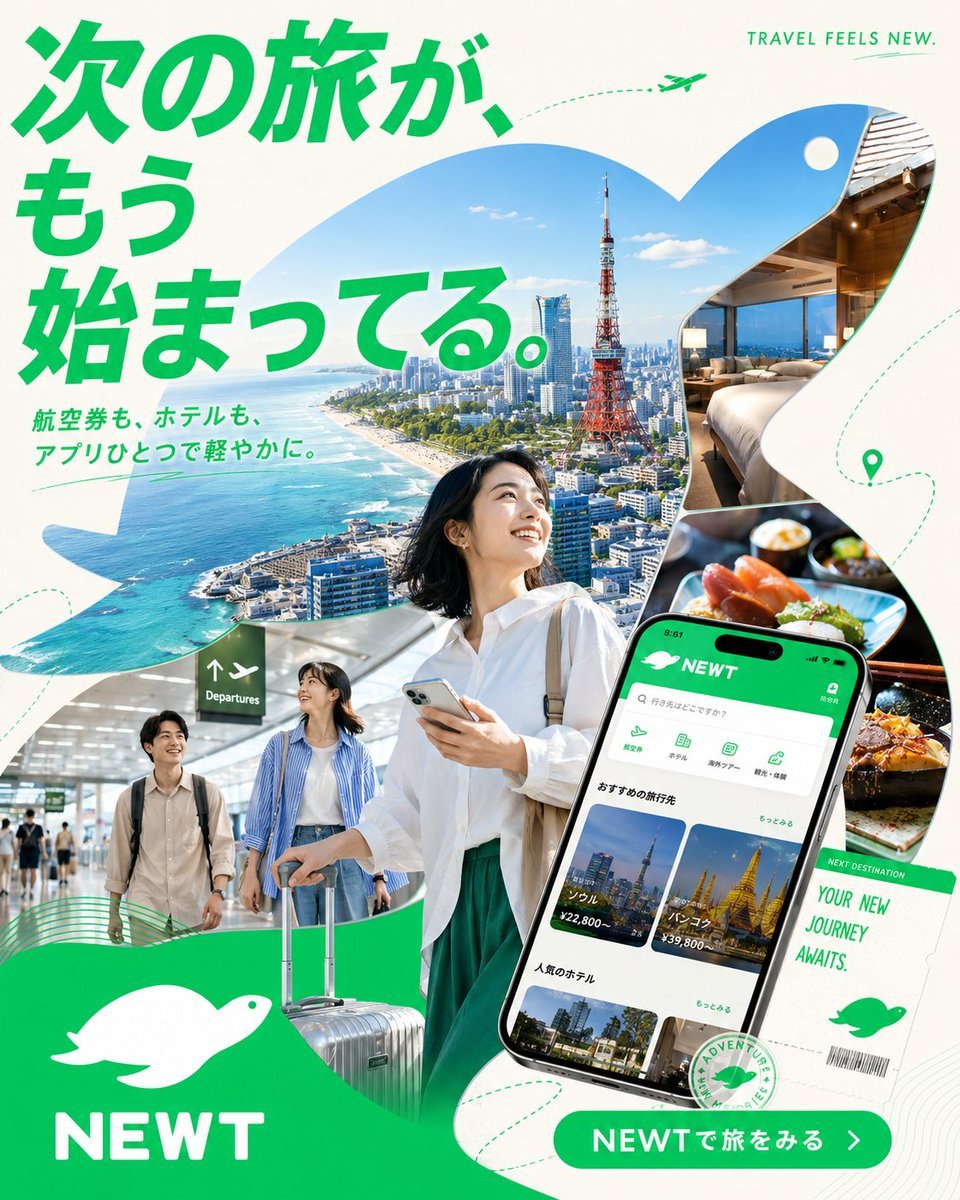
A polished square Japanese travel app advertisement featuring Tokyo, travelers, hotel and food cutouts, a phone UI mockup, and bold green NEWT branding.
- Prompt included
- Model and format preset
- Premium template
The prompt behind this image
Copy the exact prompt behind Japanese NEWT Travel App Poster, or open it in the studio and make it yours.
Goal: Create a vibrant Japanese travel app advertisement for {argument name="brand name" default="NEWT"}, combining a Tokyo city travel collage with app promotion and optimistic vacation energy. Canvas: Square 1:1 poster, clean off-white background with bold emerald green brand color, high-resolution commercial advertising finish. Layout: Use a dynamic collage built from large organic wave-shaped cutouts. Top-left is dominated by a huge bold Japanese headline in bright green: {argument name="headline text" default="次の旅が、もう始まってる。"}. Beneath it, add smaller green Japanese subcopy: {argument name="subheadline text" default="航空券も、ホテルも、アプリひとつで軽やかに。"}. Top-right has small uppercase English text: “TRAVEL FEELS NEW.” with a tiny green airplane and dotted flight path. Main imagery: In the center, show a smiling young Japanese woman traveler in a crisp white blouse and green skirt, holding a smartphone and looking upward with excitement. Behind her, inside a sweeping cutout, show a bright aerial coastal Tokyo scene with blue ocean, skyline, and Tokyo Tower. On the right, include two rounded photo cutouts: exactly 1 luxury hotel room with a bed and city view, and exactly 1 close-up gourmet meal scene with sushi/seafood. Bottom-left includes exactly 1 airport scene with two young travelers walking with luggage under a departures sign. Bottom-center shows a silver rolling suitcase partially overlapping the main traveler. App and brand elements: On the lower-right, place a large tilted smartphone mockup displaying the NEWT travel booking app interface in green and white. The app screen should show a green header with the white bird logo and “NEWT,” a search bar, category icons, destination cards, hotel cards, and Japanese UI text. Next to it, add a white boarding-pass style ticket reading “NEXT DESTINATION” and “YOUR NEW JOURNEY AWAITS.” with a barcode and green bird icon. Bottom-left place a large green wave block containing a white simple bird/kiwi-like logo and the brand name {argument name="brand name" default="NEWT"} in bold white uppercase letters. Bottom-right add a rounded green call-to-action button reading {argument name="button text" default="NEWTで旅をみる"} with a white arrow. Counted visible elements: exactly 1 main woman traveler, exactly 2 travelers in the airport cutout, exactly 1 smartphone mockup, exactly 1 suitcase in the foreground, exactly 1 boarding-pass ticket, exactly 1 hotel-room photo, exactly 1 food photo, exactly 1 Tokyo aerial city photo, exactly 1 airport photo, exactly 2 white bird logos, exactly 1 tiny airplane icon, and exactly 1 location pin icon. Visual style: Bright modern Japanese startup advertising, glossy photo-collage realism mixed with clean vector graphics, rounded organic masks, fresh emerald green typography, airy white space, dotted travel routes, subtle contour-line patterns, optimistic summer daylight, crisp shadows, premium app-store campaign aesthetic. Constraints: Preserve the Japanese headline and CTA text clearly, keep all text legible, avoid clutter beyond the specified elements, no extra logos, no watermark, no social media UI.
How to use Japanese NEWT Travel App Poster in 3 steps
- 1Upload ImagePNG, JPG or paste
Add your photo
Upload the photo the template builds on. The prompt, model and format are already set.
- 2…a portrait of your subject in softgolden-hour light, 85mm…
Personalize
Edit the subject and creative details for your destination.
- 3Generate
Generate
Press Generate — your image is created in PicX Studio, so you can compare it with the original and refine one variable at a time.
More like this
Templates with the same subject, style or setup. Open one to see its prompt.

Japan Travel Brochure Poster
Clay Miniature Landmark Travel Diorama
Japanese AI Keyboard App Poster
City Posters by Nano Banana Pro
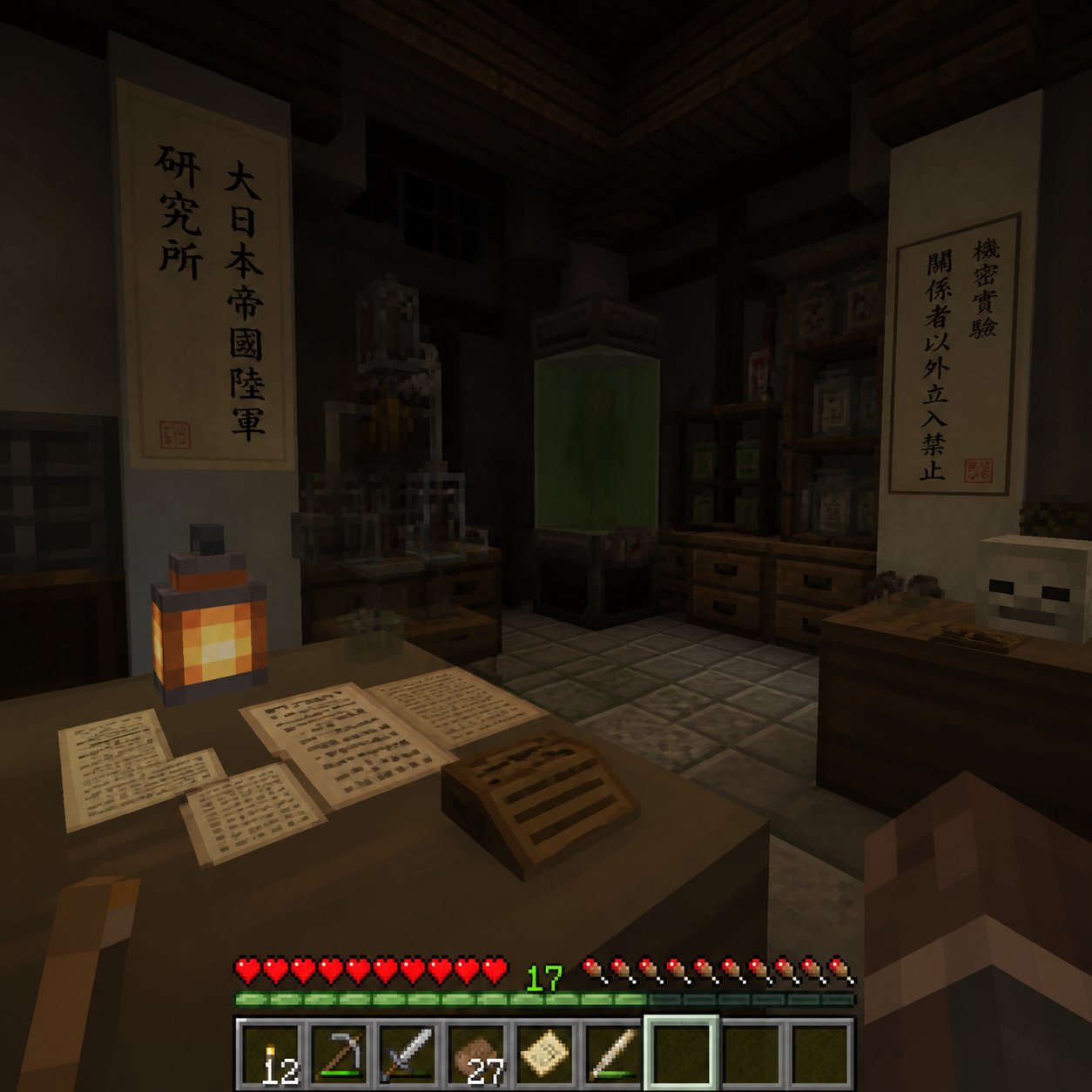
Minecraft Japanese Research Lab Exploration

Cartoon TV Show Poster Pack

Trendy Cafe Drink Promo Poster

Urban Fashion Editorial Collage Streetwear Poster
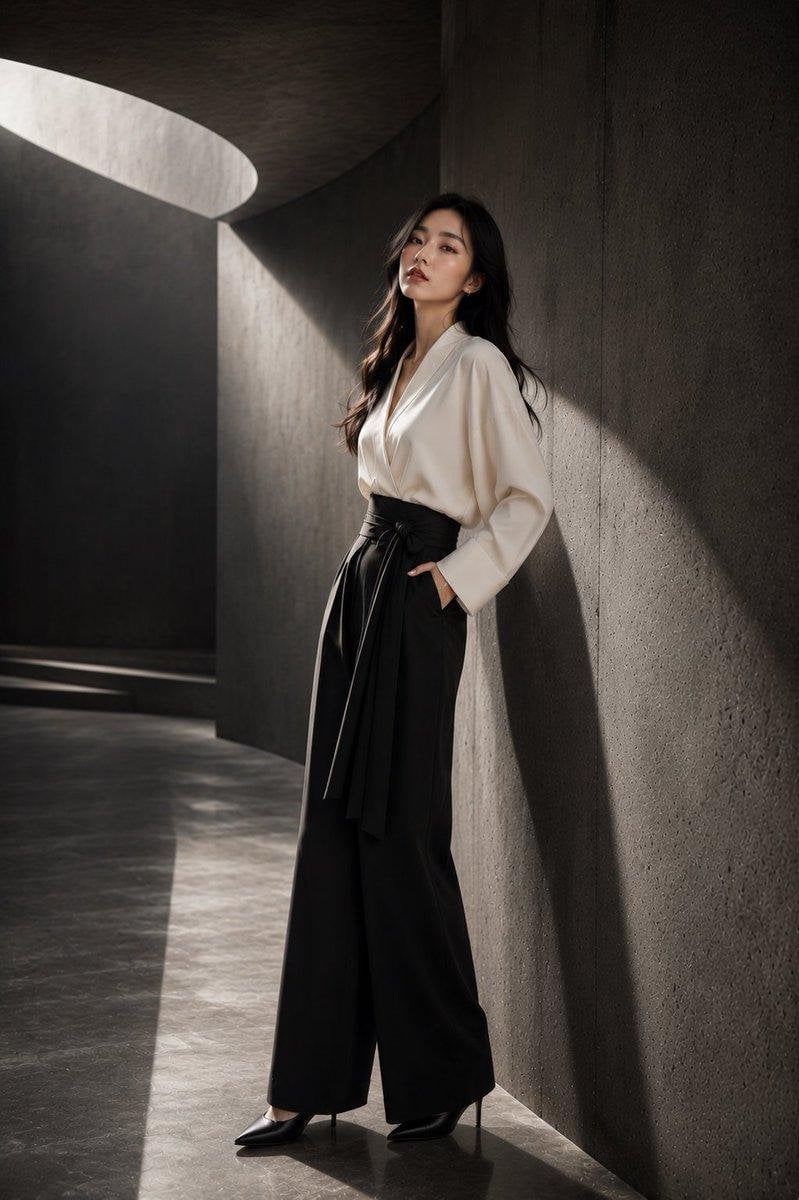
Japanese Architectural Concrete Studio Fashion Campaign

Premium Fashion Editorial Cover Layout System

Polo Ralph Lauren Luxury American Heritage Fashion Campaign

Monochrome Halftone Editorial Fashion Poster
Make it yours
Japanese NEWT Travel App Poster works as-is. These are the safest ways to change it without losing the look.
Change one field
Copy a single group, rewrite it, and generate again so you can see what that field is doing.
Keep the frame, change the subject
Hold the composition and light of Japanese NEWT Travel App Poster, then swap wardrobe, props or the person for a new take.
| If the result… | Why | Fix |
|---|---|---|
| The result drifts from the preview | Too many fields changed at once. | Reuse Japanese NEWT Travel App Poster as-is first, then change one group — subject, light, or setting. |
| The model over-stylizes the scene | The prose prompt leaves finish and camera underspecified. | Add one camera or lighting sentence and stay on GPT Image 2. |
More GPT Image 2 templates
Other prompts made for GPT Image 2.

Six VTuber Japanese Logo Sheet

Realistic Portrait of Woman and Deer

The Vista Modular Condo Poster

AI Model Routing Comparison Infographic

2.5D Anime Art Board

Isometric Productivity Desk Scene

New York Double Exposure Poster

Four-Panel AI Landscape Comparison

Japanese Tatami Lifestyle Magazine Cover

NESCAFÉ Coffee Map Poster
More image prompts
Fresh picks from across the catalog.
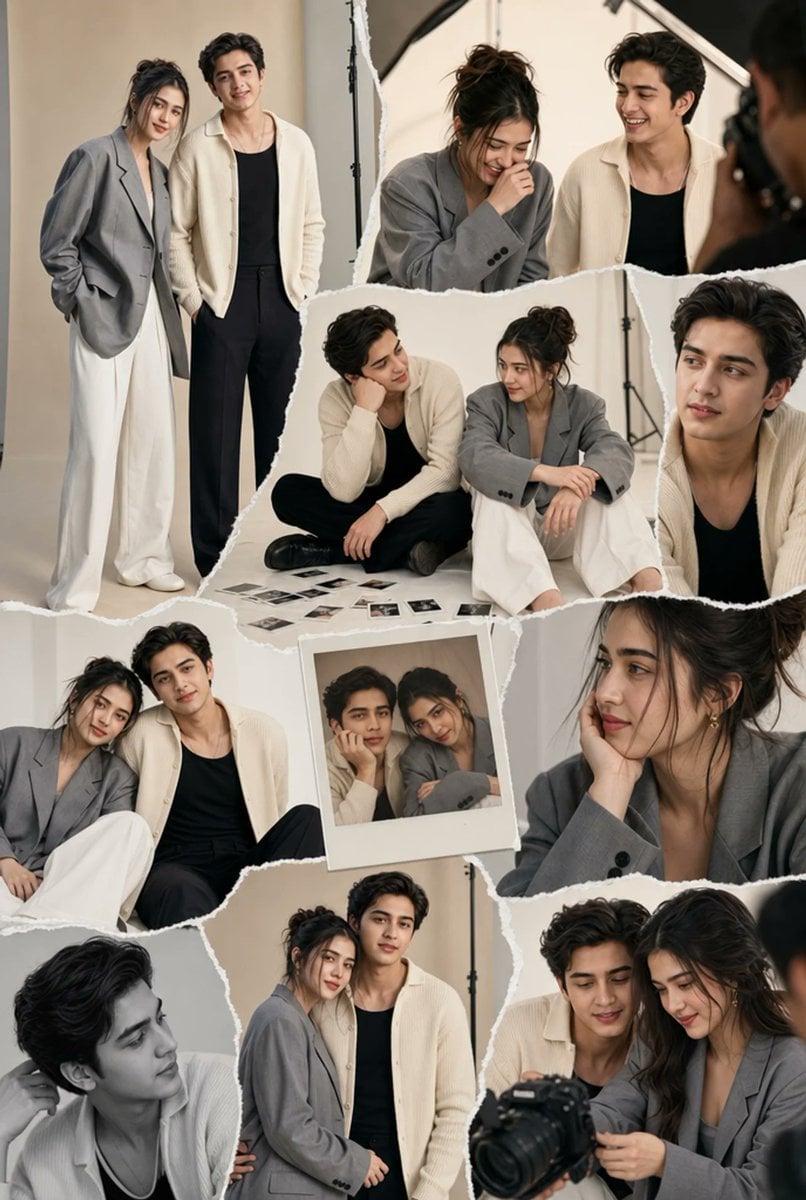
Torn-Paper Couple Studio Collage

Hyper-Realistic Cinematic Yacht Photo

Ultra-Realistic Urban Portrait of a Young Man
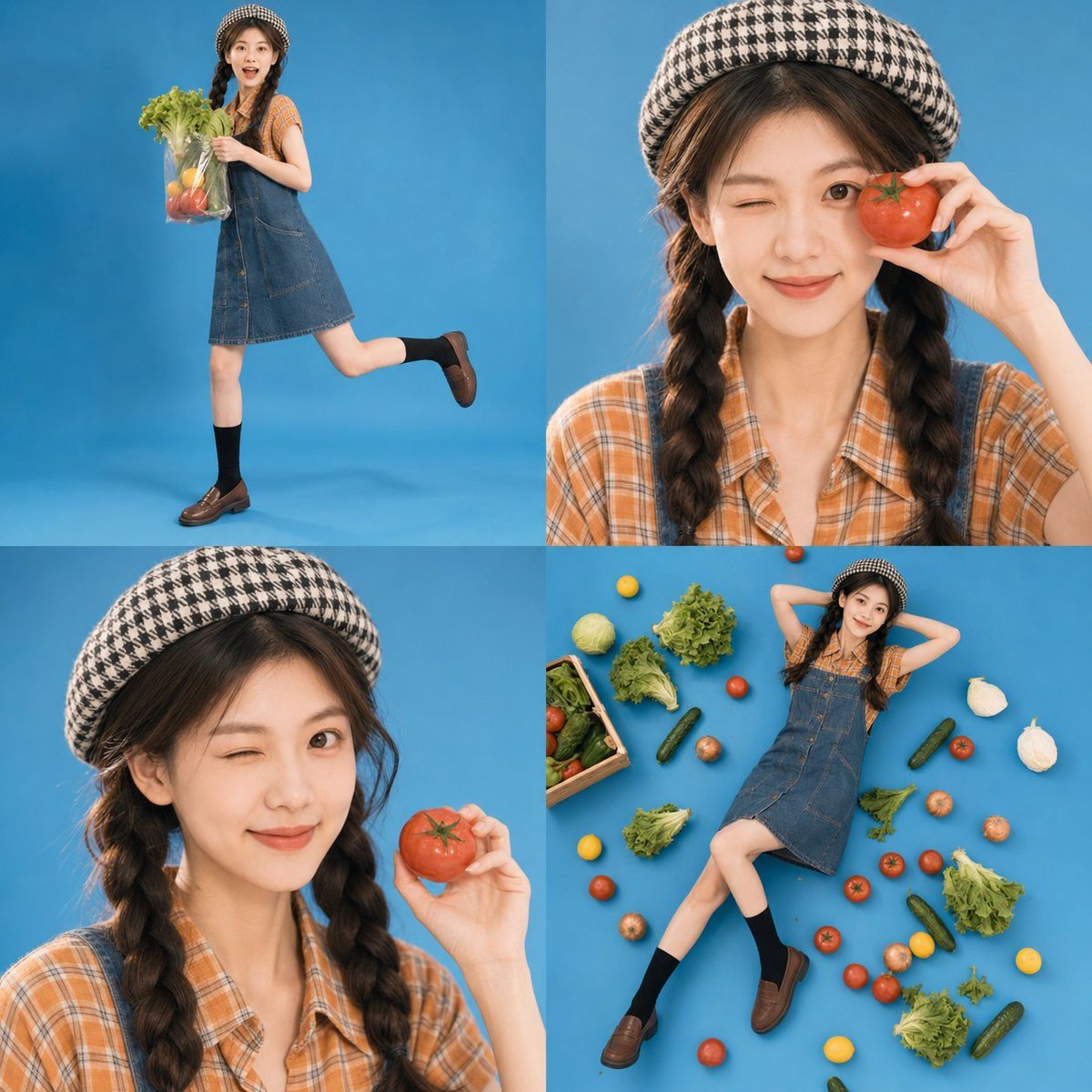
Retro Market-Girl Photo Collage
Model Cleaning Mini Me Scale Figure Prompt
Dua Lipa Skincare Editorial Collage

Ultra Realistic Cinematic Winter
Blonde Maid in Warm Cafe
Heroine Expression Difference Grid Attempt

Nintendo Switch Game Cover Design
Browse template categories
Japanese NEWT Travel App Poster questions
How do I use the Japanese NEWT Travel App Poster template?
Add your photo if the template asks for one, edit the prompt if you like — the template's model and format are already selected — and press Generate. Your version opens in PicX Studio.
Can I customize the Japanese NEWT Travel App Poster template?
Yes. You can change the subject, setting, lighting, mood, format, and available model controls before creating your image.
Is the Japanese NEWT Travel App Poster template free?
Opening and editing this template is free. Generating uses credits, shown on the Generate button when you are signed in.
Which AI model should I use?
Start with GPT Image 2, which is the model associated with this template. You can compare another compatible model for a different finish.
Looking for something else? Browse all templates.

Your photo, any look
Thousands of ready templates for every top image and video model, from one credit balance.