
Ultra Realistic Cinematic Winter
Ultra Realistic Cinematic Winter is a ready photo look for Nano Banana.

- Prompt included
- Model and format preset
- Premium template
The prompt behind this image
Copy the exact prompt behind Ultra Realistic Cinematic Winter, or open it in the studio and make it yours.
- Prompt
- Ultra-realistic full-body cinematic portrait of the same person from the uploaded reference image, face and identity must remain exactly the same — no change in facial structure, beard pattern, eyes, skin tone, or expression. The young man stands on a snowy mountain road, body slightly angled left, hands casually inside jacket pockets, head turned to the right looking into the distance. Wearing an olive green quilted winter jacket over a black t-shirt, white straight-fit trousers, brown-white sneakers, and dark sunglasses. Light snowfall frozen mid-air, crisp icy road texture beneath, snow-covered hills and a winding road leading into the scene. Natural cold daylight with soft overcast sky, cinematic winter mood, realistic skin texture, sharp fabric detailing, shallow depth of field, DSLR photography aesthetic, high contrast, hyper-real 8K clarity. Vertical 4:5 composition, premium editorial winter portrait style.
- Negative Prompt
- do not alter facial identity, no face changes, no different person, no painting or cartoon style, no blur, no AI artifacts, no distorted hands or extra fingers, no unrealistic skin smoothing
Raw JSON
{
  "prompt": "Ultra-realistic full-body cinematic portrait of the same person from the uploaded reference image, face and identity must remain exactly the same — no change in facial structure, beard pattern, eyes, skin tone, or expression. The young man stands on a snowy mountain road, body slightly angled left, hands casually inside jacket pockets, head turned to the right looking into the distance. Wearing an olive green quilted winter jacket over a black t-shirt, white straight-fit trousers, brown-white sneakers, and dark sunglasses. Light snowfall frozen mid-air, crisp icy road texture beneath, snow-covered hills and a winding road leading into the scene. Natural cold daylight with soft overcast sky, cinematic winter mood, realistic skin texture, sharp fabric detailing, shallow depth of field, DSLR photography aesthetic, high contrast, hyper-real 8K clarity. Vertical 4:5 composition, premium editorial winter portrait style.",

  "negative_prompt": "do not alter facial identity, no face changes, no different person, no painting or cartoon style, no blur, no AI artifacts, no distorted hands or extra fingers, no unrealistic skin smoothing\n"
}How to use Ultra Realistic Cinematic Winter in 3 steps
- 1Upload ImagePNG, JPG or paste
Add your photo
Upload the photo the template builds on. The prompt, model and format are already set.
- 2…a portrait of your subject in softgolden-hour light, 85mm…
Personalize
Edit the subject and creative details for your destination.
- 3Generate
Generate
Press Generate — your image is created in PicX Studio, so you can compare it with the original and refine one variable at a time.
More like this
Templates with the same subject, style or setup. Open one to see its prompt.
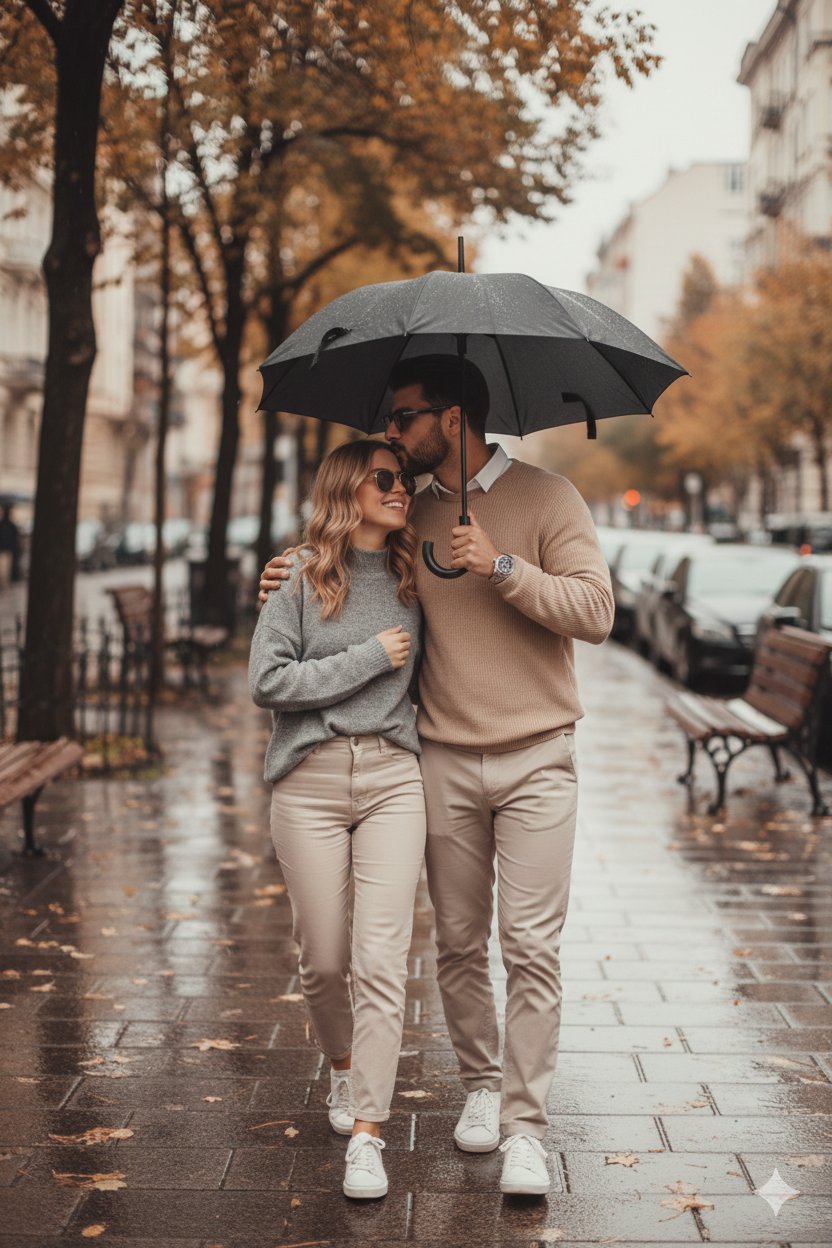
Hyper Realistic Cinematic Street

Hyper-Realistic Minecraft POV Portrait

Rainy Café Window Moody Portrait

80s Bollywood Star

80s Golden Hour Cinema

untitled

Toddler Version of a Person in 3d Pixar

Ultra Detailed 3d Plush Cartoon Characte

Nano Banana 2

Nano Banana 2 Gourmet Ice Cream Commerci
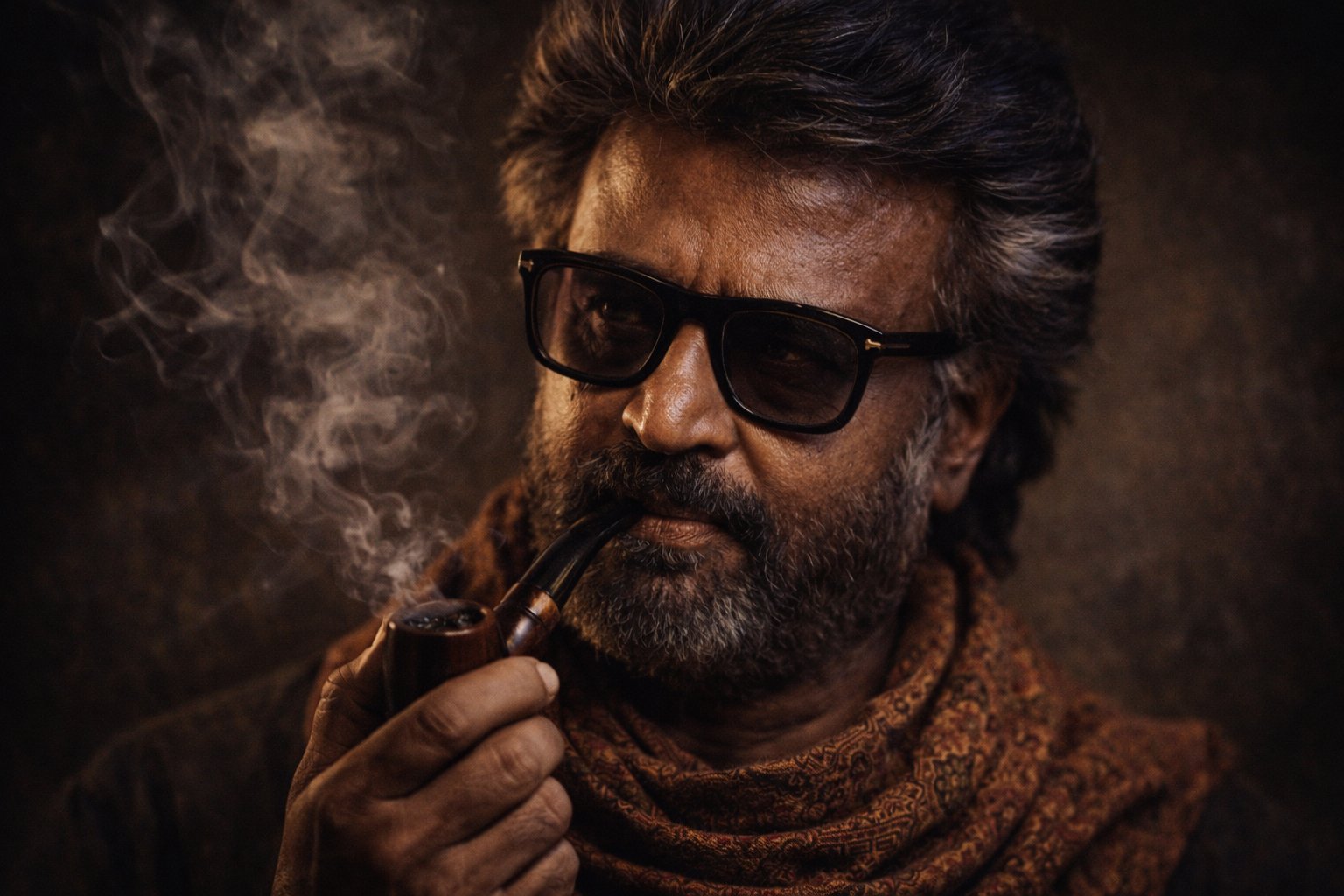
Cinematic Portrait Transformation

Nano Banana 2 Editorial Fashion Portrait
Make it yours
Ultra Realistic Cinematic Winter works as-is. These are the safest ways to change it without losing the look.
Change one field
Copy a single group, rewrite it, and generate again so you can see what that field is doing.
Keep the frame, change the subject
Hold the composition and light of 22-ultra-realistic-cinematic-winter-portrai, then swap wardrobe, props or the person for a new take.
| If the result… | Why | Fix |
|---|---|---|
| The result drifts from the preview | Too many fields changed at once. | Reuse 22-ultra-realistic-cinematic-winter-portrai as-is first, then change one group — subject, light, or setting. |
| Nano Banana ignores part of the JSON | Some models flatten or skip nested keys. | Keep the same values and paste them as a short paragraph instead. |
More Nano Banana templates
Other prompts made for Nano Banana.









More image prompts
Fresh picks from across the catalog.
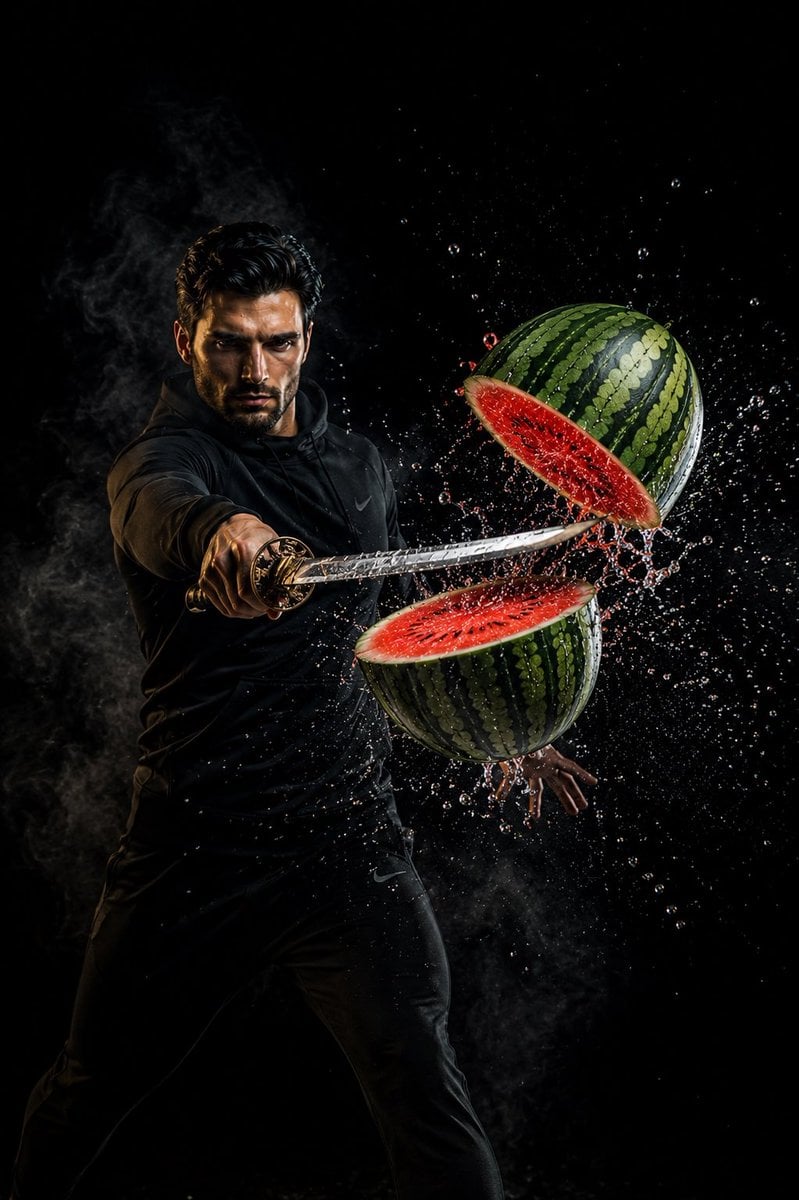
Action Samurai Fruit Slicing
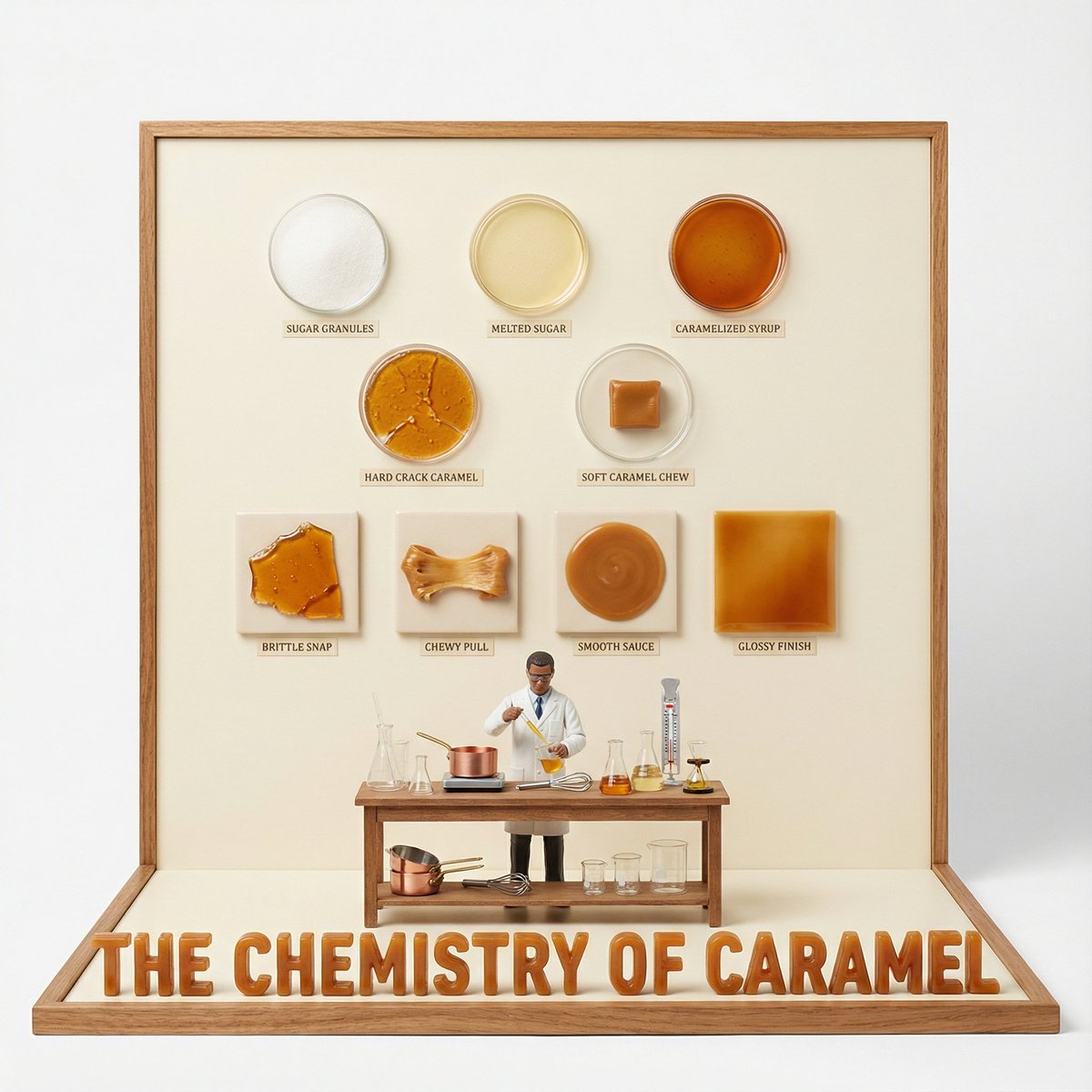
Culinary Science Diorama: The Chemistry of Chocolate
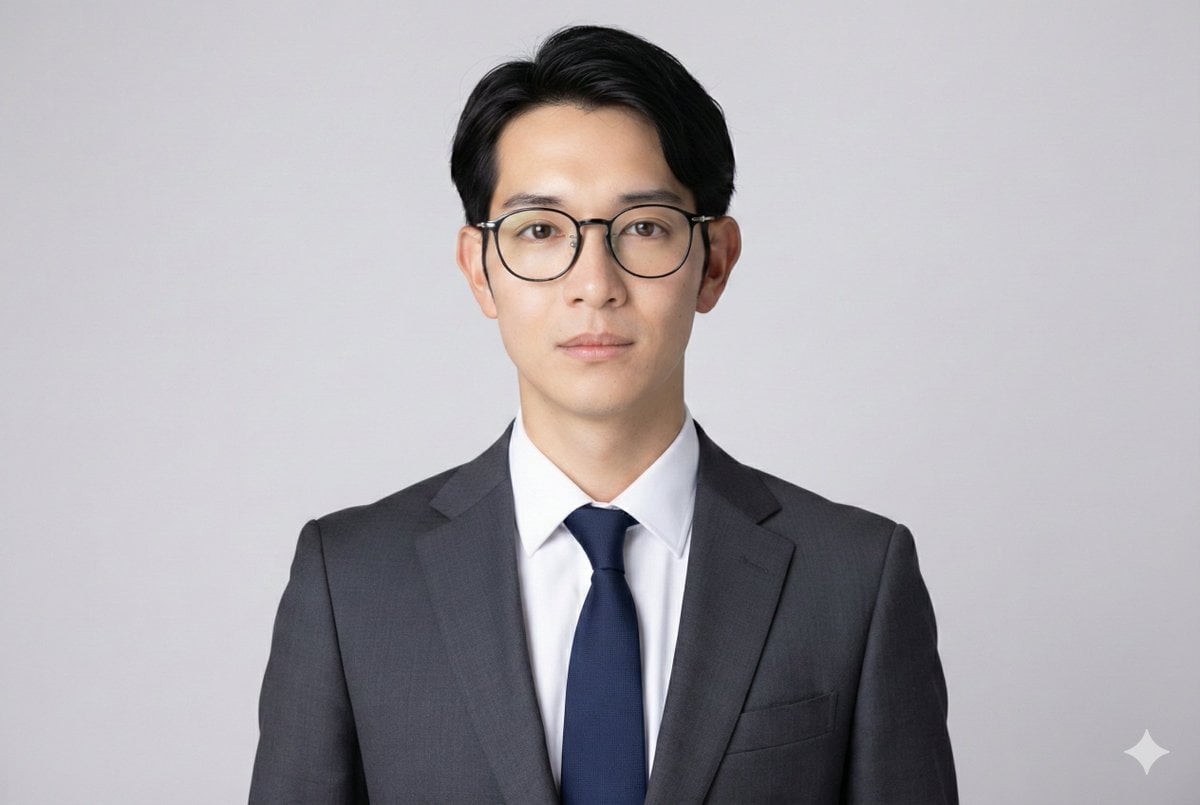
Professional ID Photo Generation Prompt
Character consistency with outfit change prompt
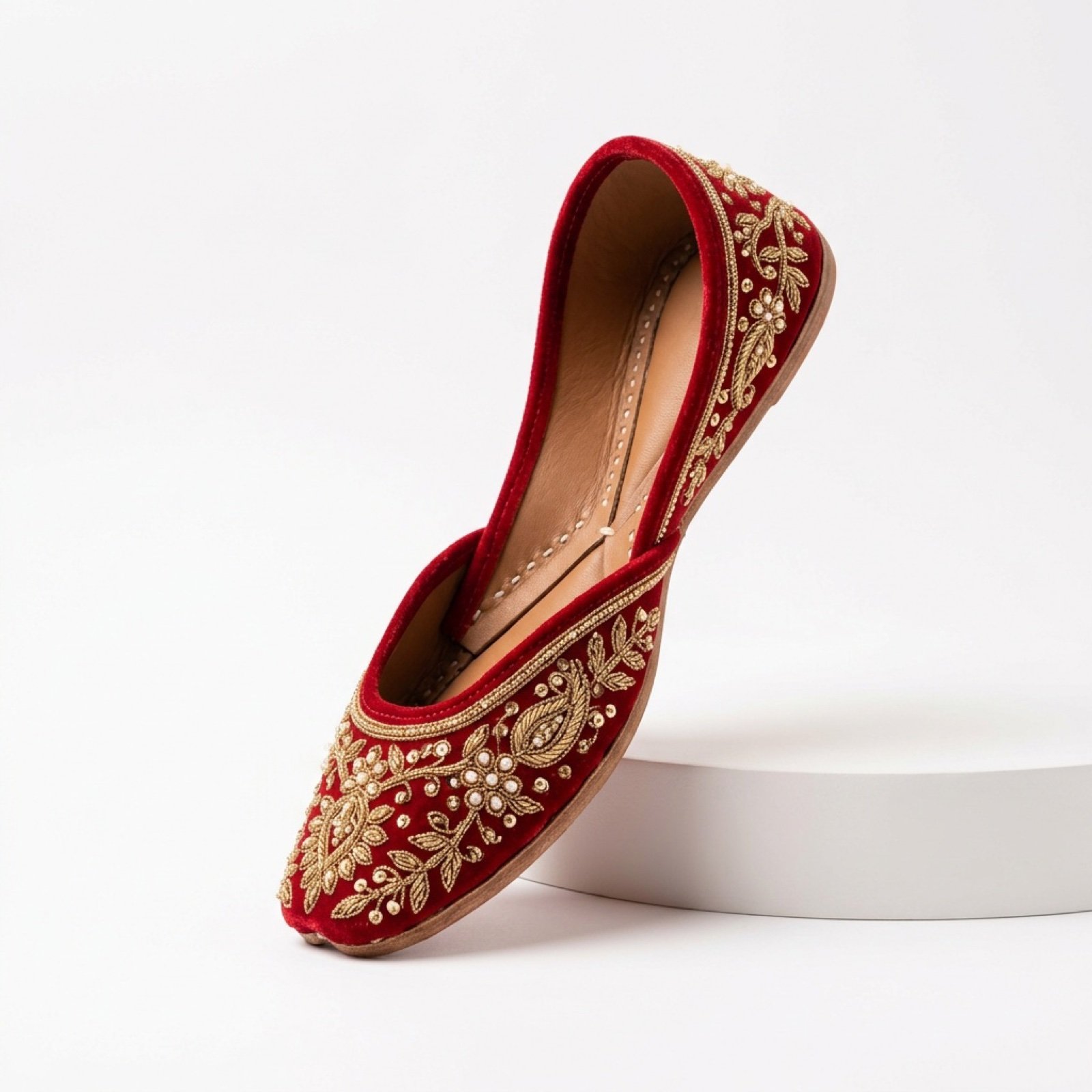
Commercial Product Photography and Video Prompt for Traditional Jutti
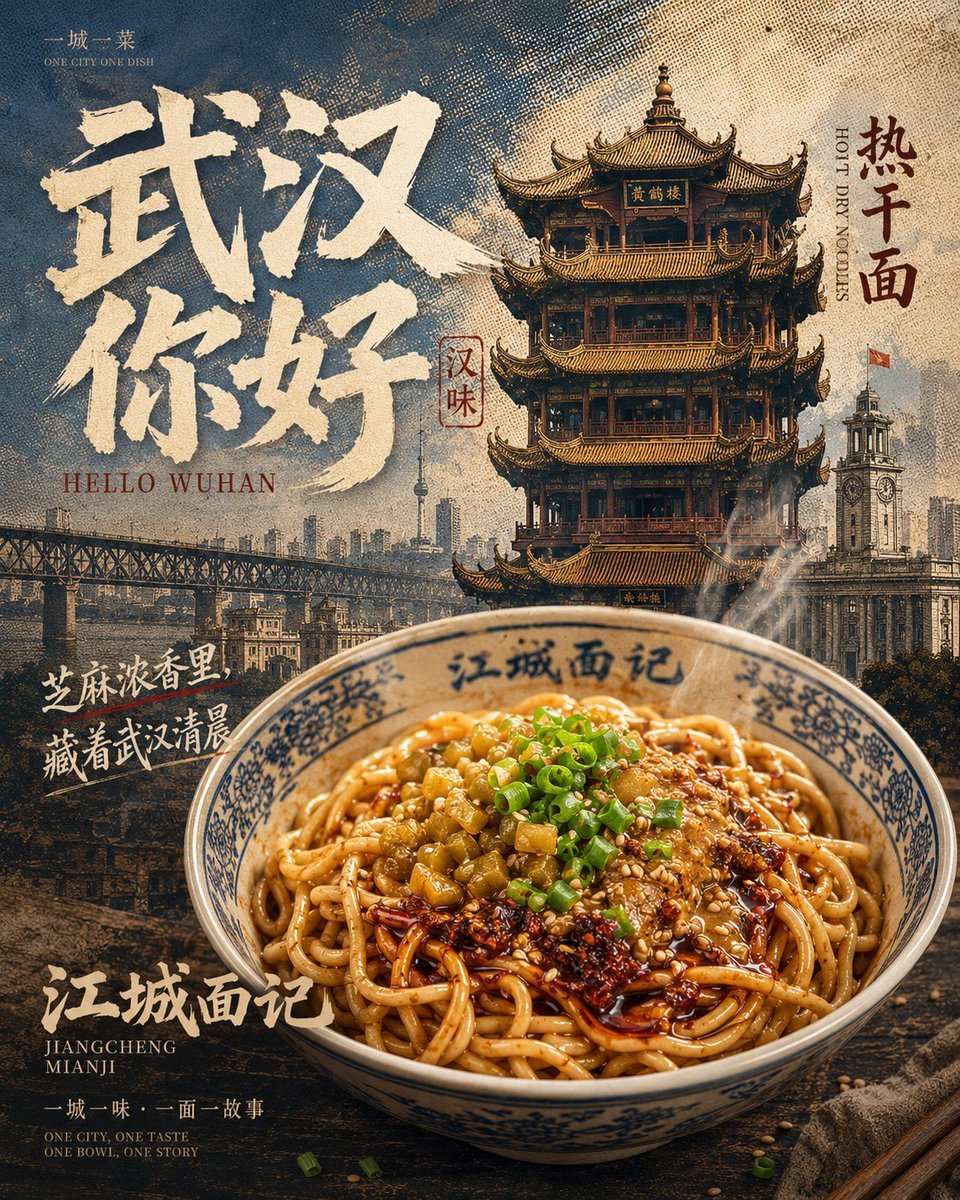
Vintage Wuhan Hot Dry Noodles Poster

Cinematic Night City Triptych Portrait (Duplicate)

Anime Style Basketball Athlete Poster
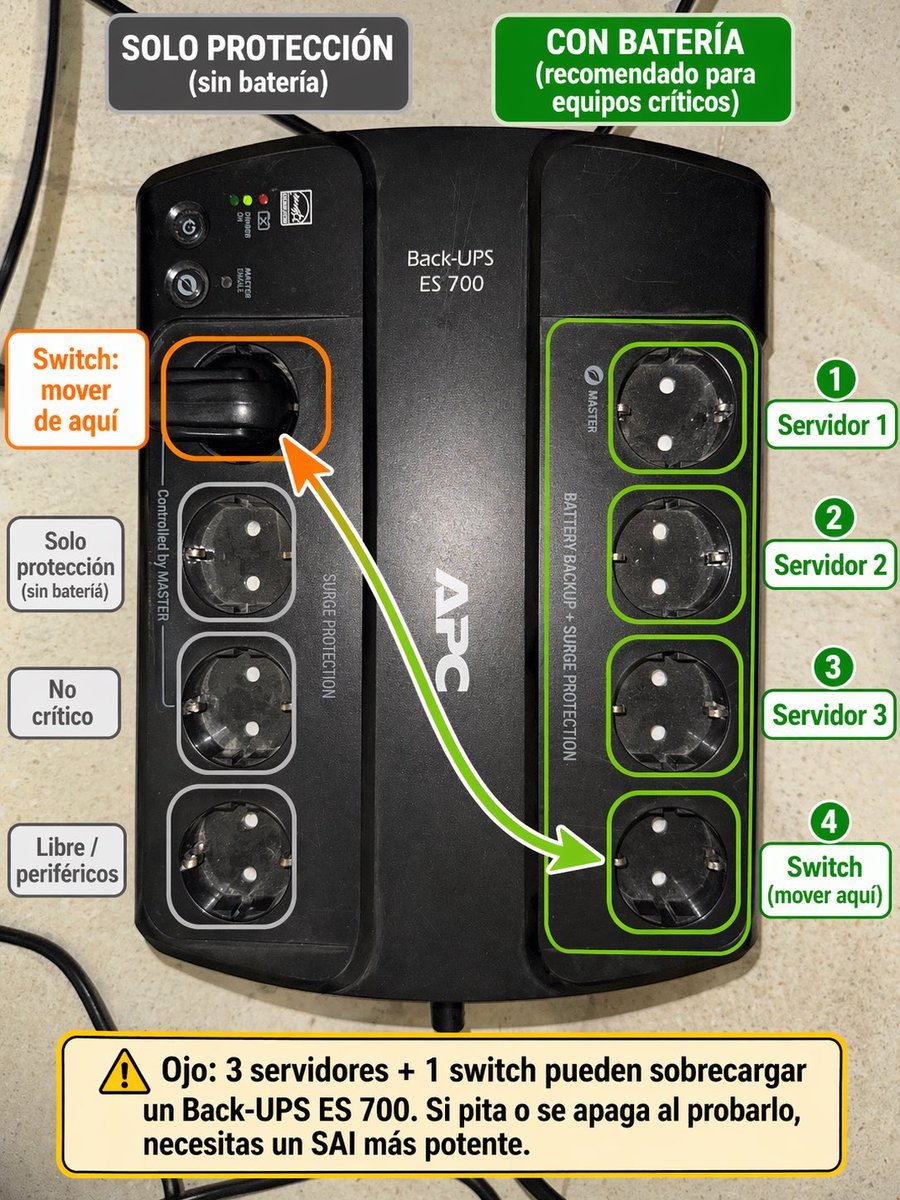
Spanish UPS outlet wiring infographic
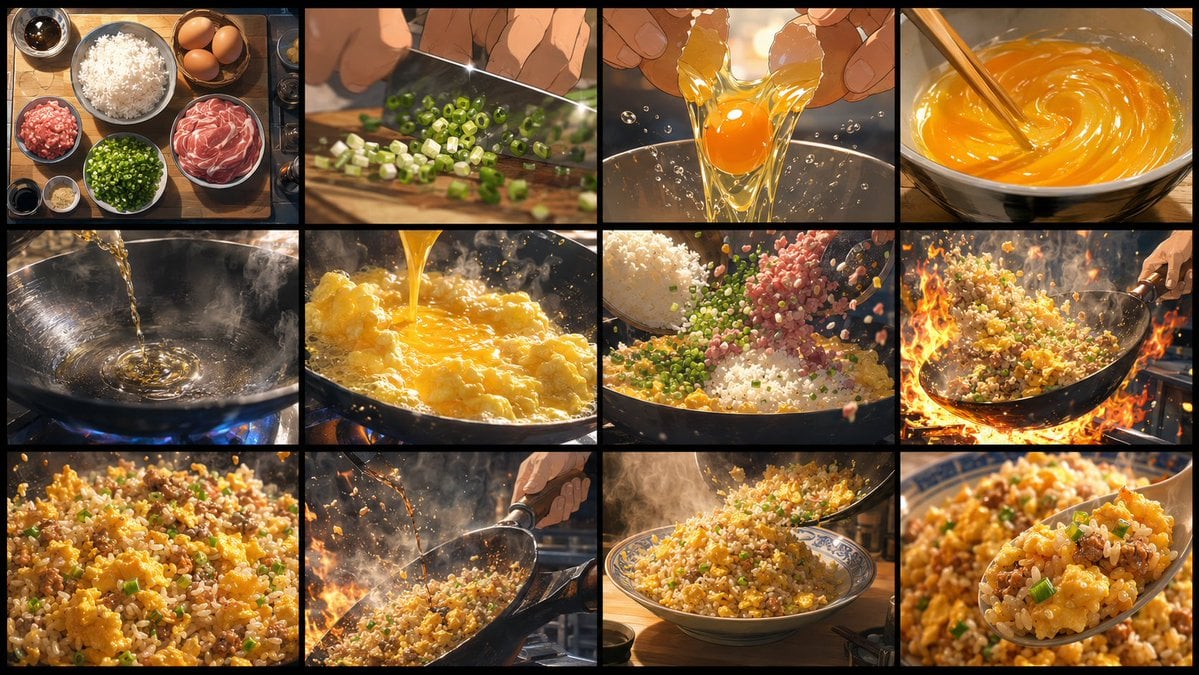
Golden Fried Rice Storyboard Sheet
Browse template categories
Ultra Realistic Cinematic Winter questions
How do I use the 22-ultra-realistic-cinematic-winter-portrai template?
Add your photo if the template asks for one, edit the prompt if you like — the template's model and format are already selected — and press Generate. Your version opens in PicX Studio.
Can I customize the 22-ultra-realistic-cinematic-winter-portrai template?
Yes. You can change the subject, setting, lighting, mood, format, and available model controls before creating your image.
Is the 22-ultra-realistic-cinematic-winter-portrai template free?
Opening and editing this template is free. Generating uses credits, shown on the Generate button when you are signed in.
Which AI model should I use?
Start with Nano Banana, which is the model associated with this template. You can compare another compatible model for a different finish.
Looking for something else? Browse all templates.

Your photo, any look
Thousands of ready templates for every top image and video model, from one credit balance.