
Culinary Science Diorama: The Chemistry of Chocolate
A complex, structured prompt for generating a 'Culinary Science' diorama photograph, specifically illustrating the chemistry of a food item like chocolate or caramel.
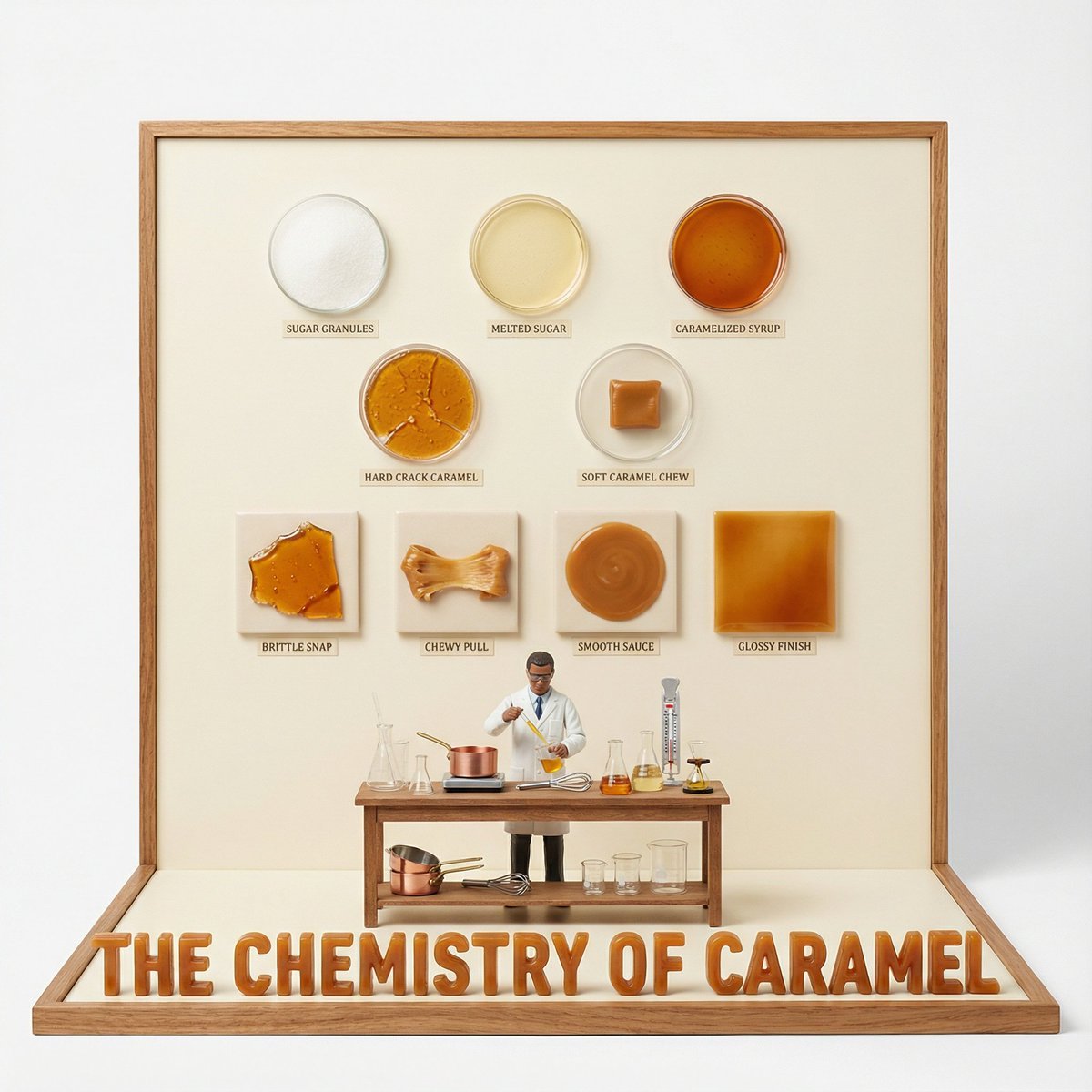
- Prompt included
- Model and format preset
- Free template
The prompt behind this image
Copy the exact prompt behind Culinary Science Diorama: The Chemistry of Chocolate, or open it in the studio and make it yours.
do this for {argument name="Food Item" default="caramel"} <instruction> Input A is a Complex Food Item or Dish (e.g., Chocolate, Bread, Cheese, Coffee). Deconstruct the subject into 3 Scientific Layers : The States of Matter: Identify 4–5 stages of processing. (e.g., Cocoa Bean -> Nibs -> Liquor -> Powder. Wheat -> Flour -> Dough -> Crumb). The Texture Samples: Identify the physical properties to display as swatches. (e.g., Snap/Gloss for Chocolate. Porosity/Crust for Bread. Rind/Creaminess for Cheese). The Material: Identify the substance for the 3D text. (e.g., Molded Dark Chocolate, Baked Bread Crust, Hard Wax/Cheese). 2. Container: Goal: "Culinary Science" Diorama Photography. The Stage: An L-Shaped Display Box (Vertical Backboard + Horizontal Floor). The Finish: Clean, matte Cream or White plastic, resembling a high-end educational kit or museum exhibit. The Frame: A simple wooden or plastic border framing the scene. 3. Periodic Table background: The Grid: The vertical wall features a neat, symmetrical grid of circular Petri Dishes or Ceramic Bowls . The Contents: Each dish contains a sample of the "States of Matter" (Step 1). The Swatches: Below the dishes are square tiles displaying the "Texture Samples" (e.g., a square of perfectly tempered chocolate next to a bloomed one). The Labels: Tiny, legible scientific text (Serif font) printed directly on the wall under each sample. 4. The Floor (The Laboratory): The Narrative: A 1:12 scale Scientist or Chef figure (wearing a lab coat) stands at a central wooden workbench. Equipment: The desk is cluttered with a mix of Chemistry Glassware (Beakers, Flasks) and Culinary Tools (Whisks, Scales). The Experiment: The figure is actively testing or measuring the food product. 5. Typography : Placement: Massive, thick 3D Extruded Letters stand on the very front edge of the floor, acting as a barrier. Construction: The letters are made of the food itself (e.g., "THE CHEMISTRY OF CHOCOLATE" molded in dark chocolate). Text: "THE CHEMISTRY OF {argument name="Input A" default="CHOCOLATE"}". Output: ONE image, 1:1 Aspect Ratio, Studio Product Lighting, "Wes Anderson" Symmetry, Educational Aesthetic. </instruction>
How to use Culinary Science Diorama: The Chemistry of Chocolate in 3 steps
- 1
Open
The prompt is already in the box next to the preview, with the template's model and format selected.
- 2…a portrait of your subject in softgolden-hour light, 85mm…
Personalize
Edit the subject and creative details for your destination.
- 3Generate
Generate
Press Generate — your image is created in PicX Studio, so you can compare it with the original and refine one variable at a time.
More like this
Templates with the same subject, style or setup. Open one to see its prompt.
Layered Paper Cut Forest Diorama
Soft Handcrafted Paper-Cut Layered Illustration
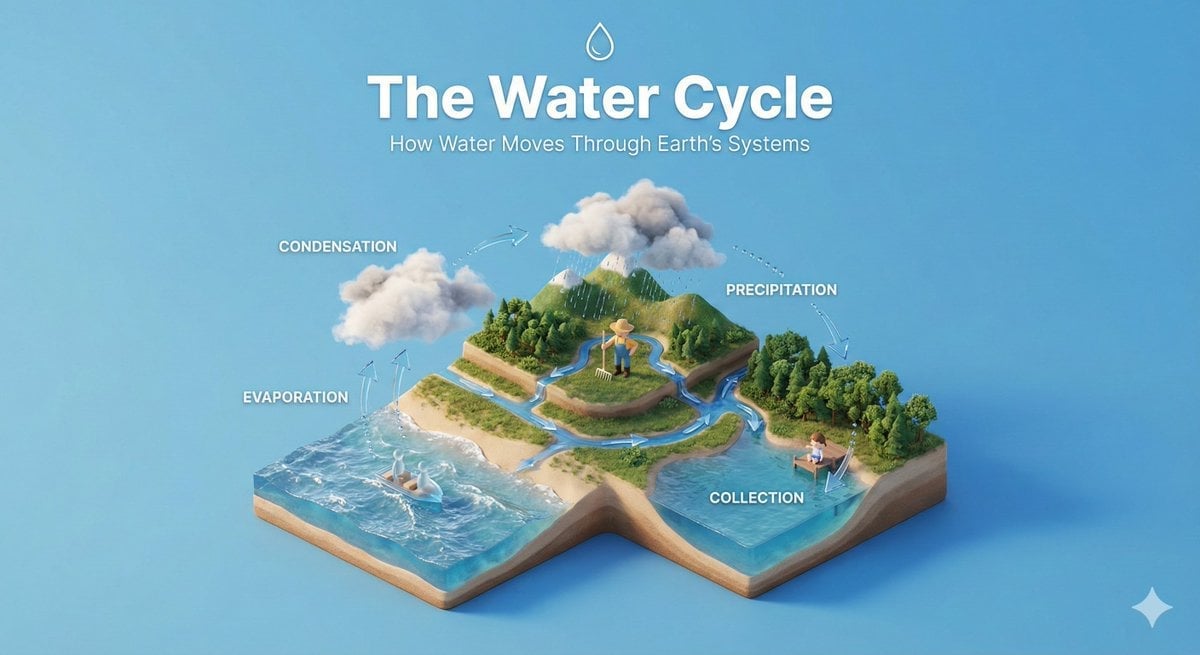
Isometric Process Educational Diorama
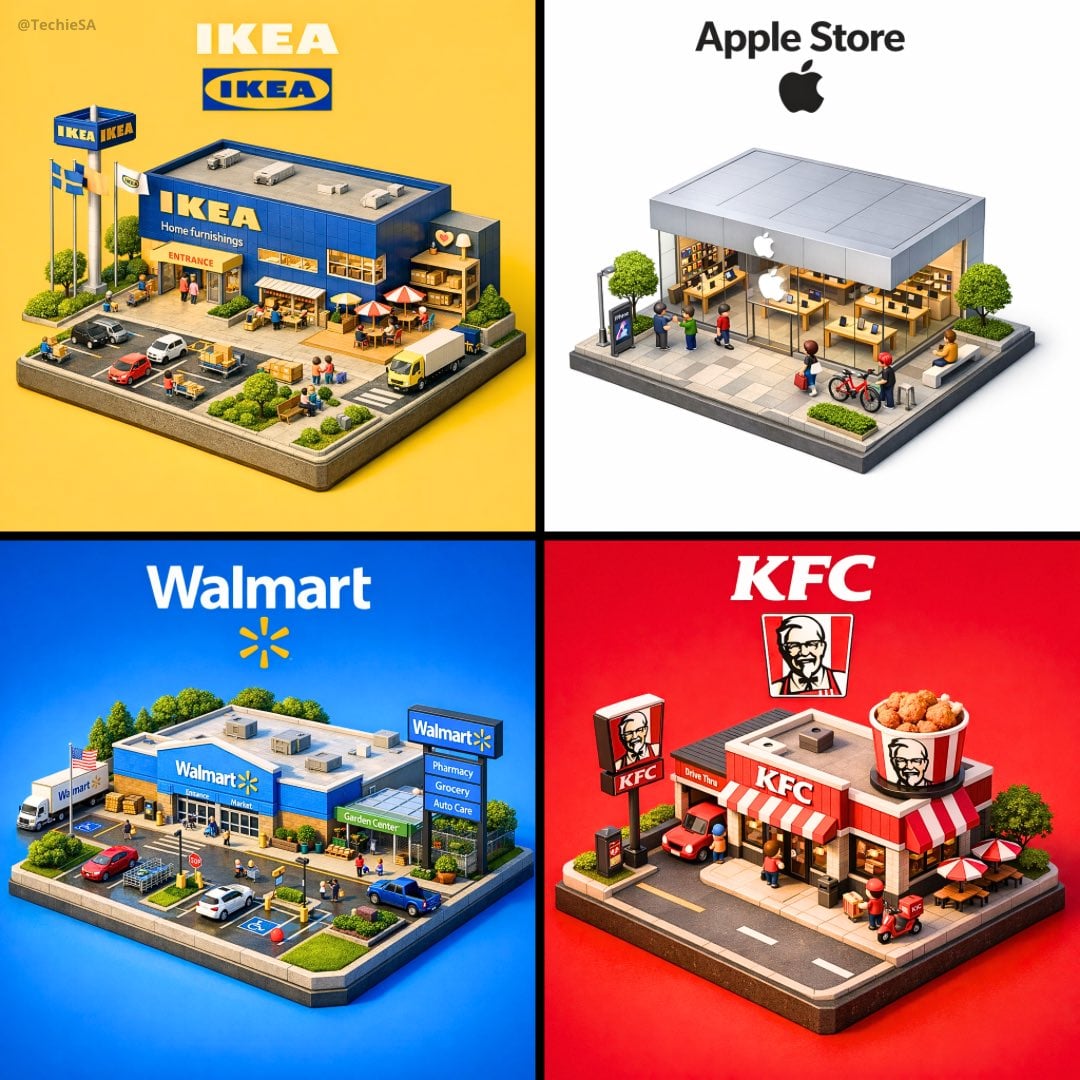
Isometric Brand Store Diorama
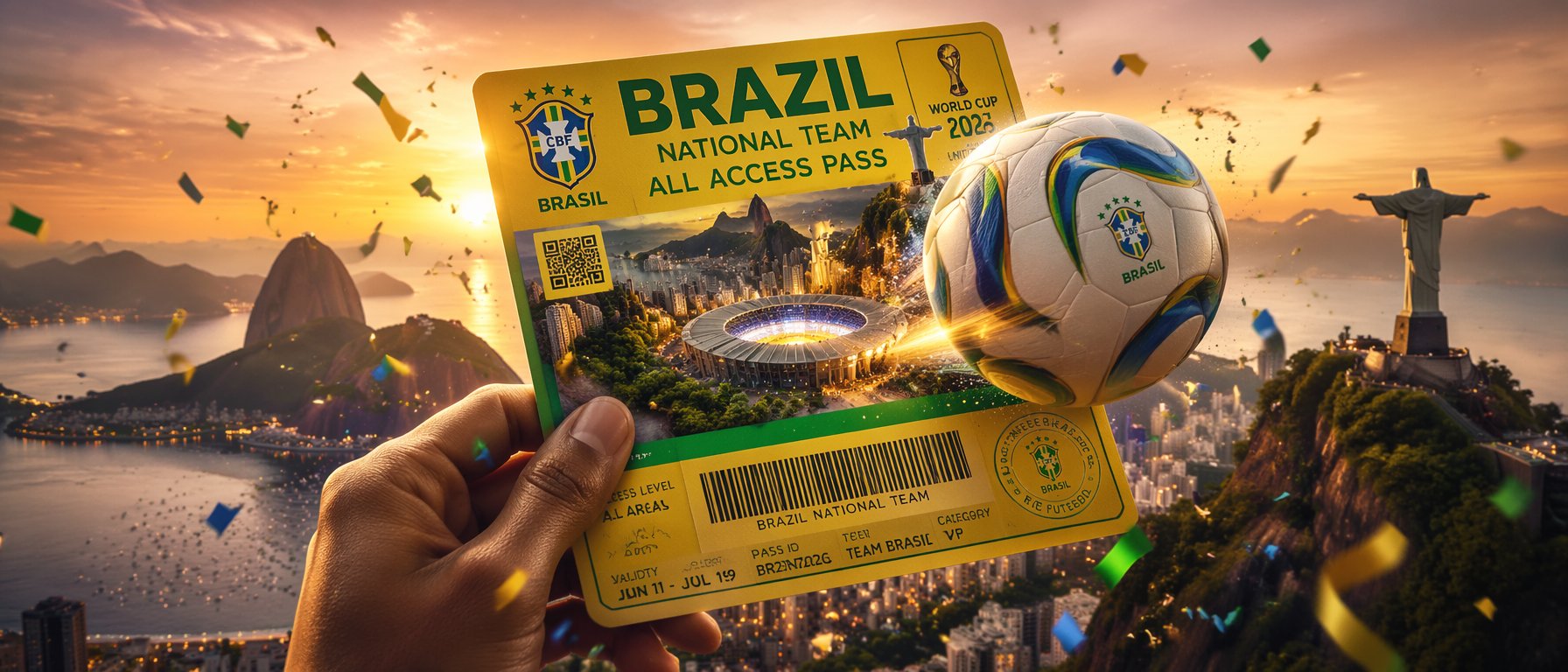
FIFA World Cup — Brazil National Pass Diorama
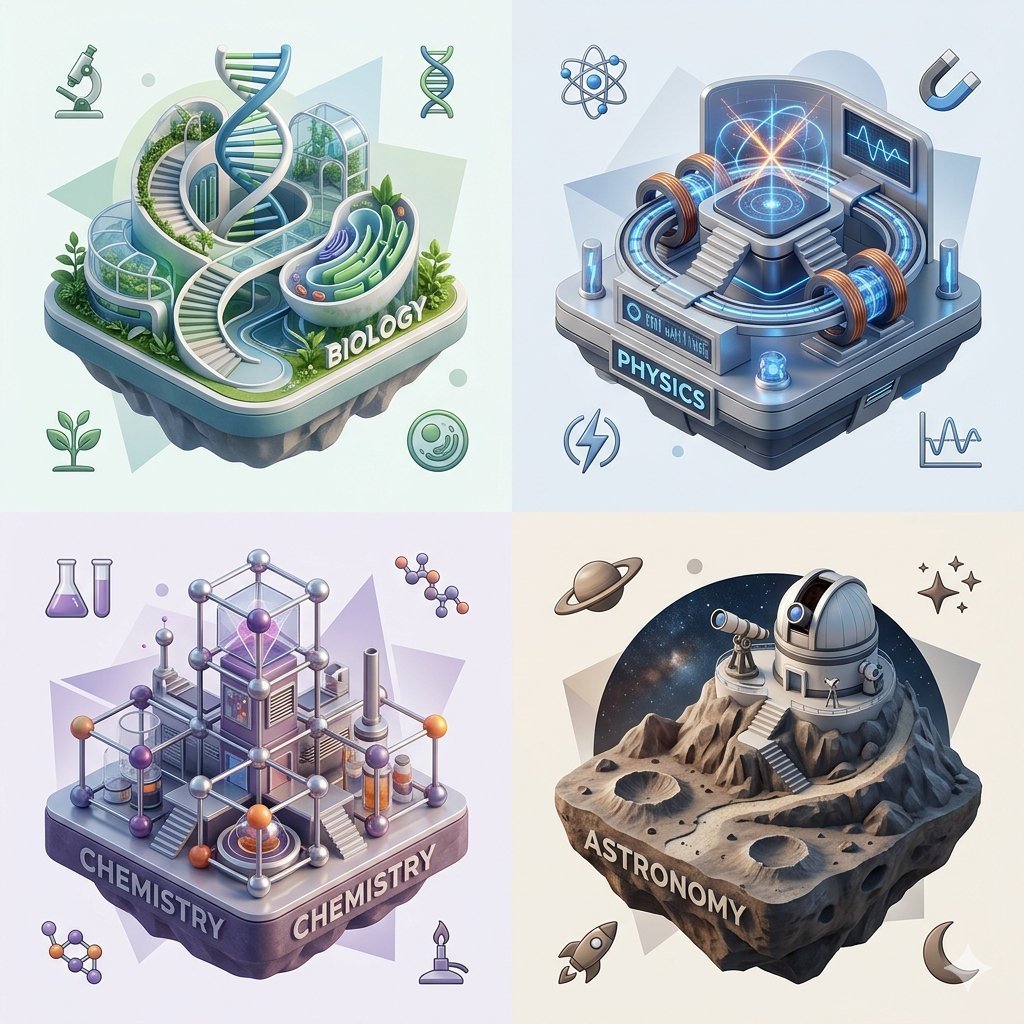
Isometric Science Concept Diorama Grid
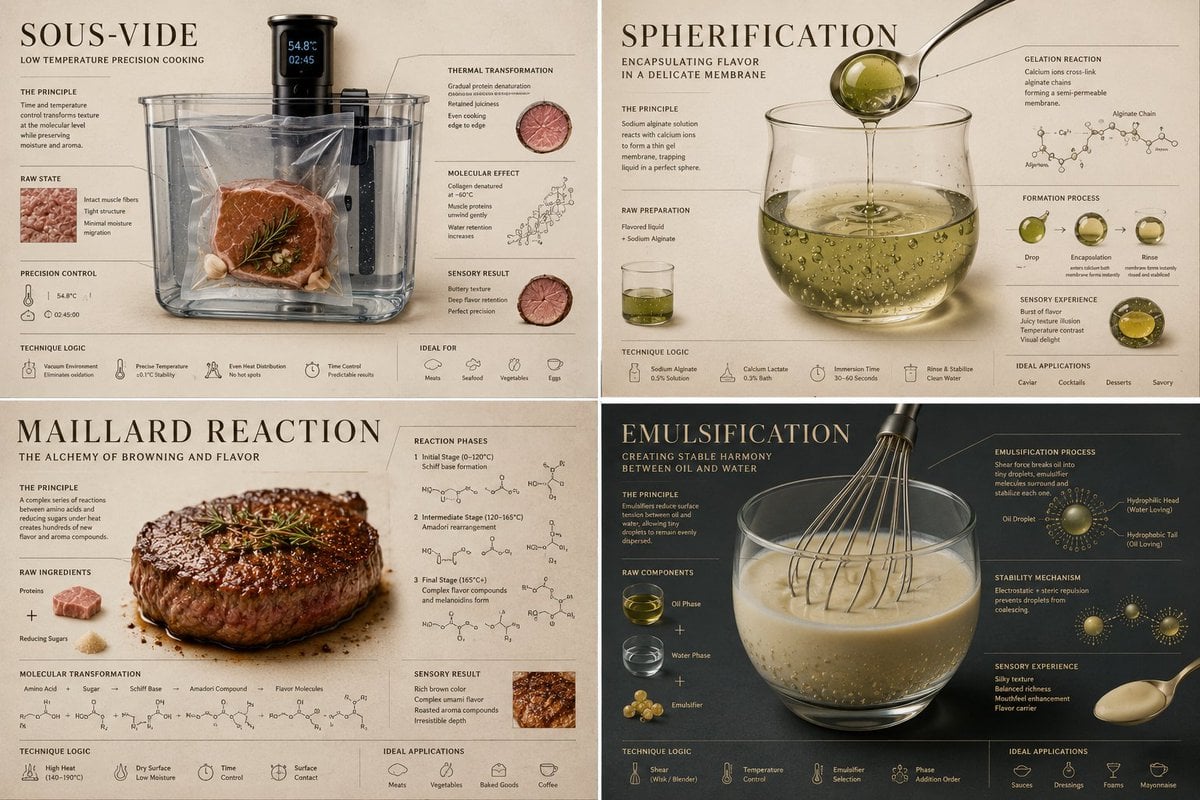
Luxury Culinary Chemistry Poster
Historical Macro Diorama: Culinary Atlas Grid
Culinary Atlas Grid: 3D Pop-up Recipe Dioramas
Culinary Pop-Up Book Diorama of Swedish Meatballs
敦煌纸雕飞天 — 3D Layered Paper Cutout
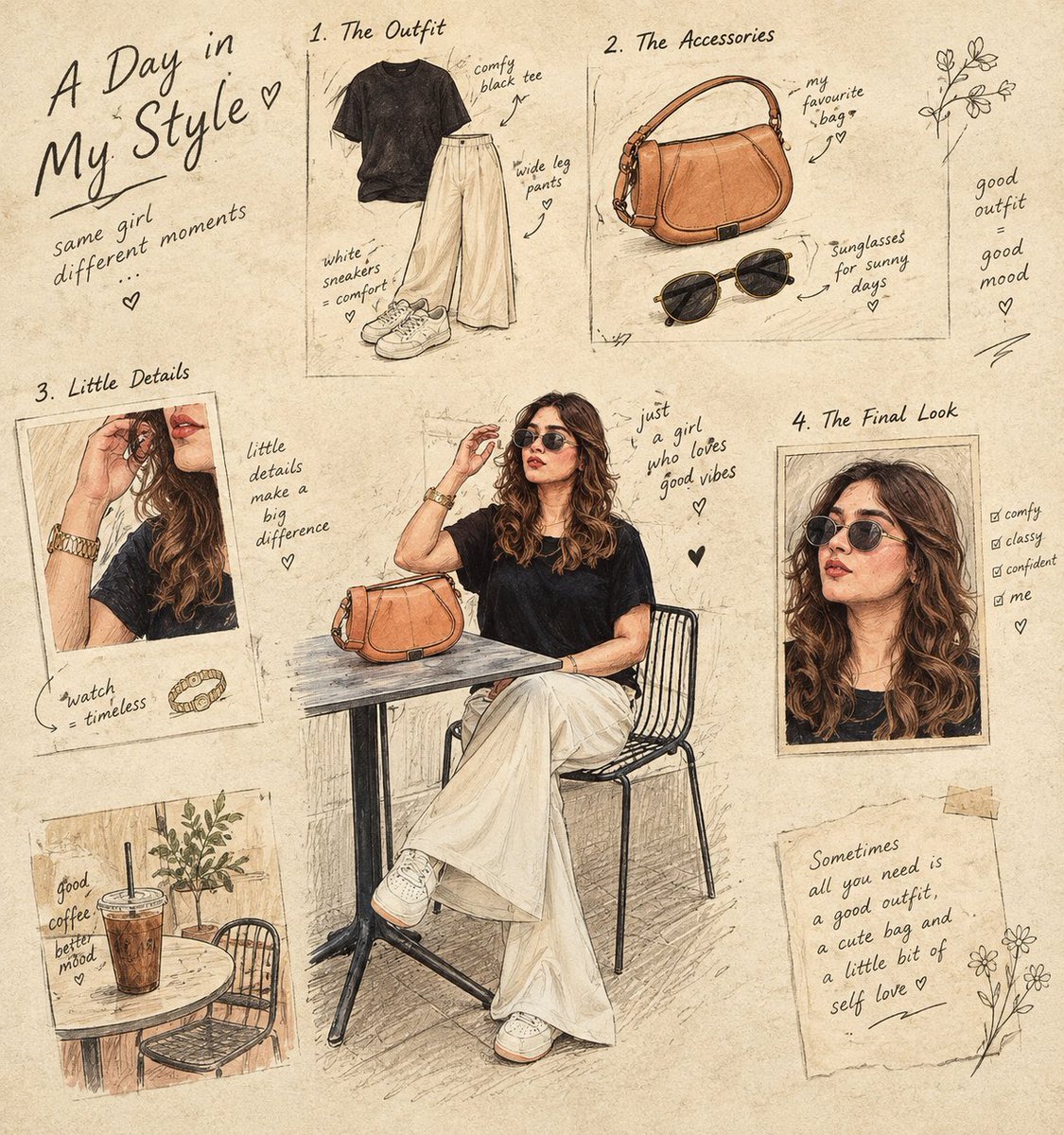
Culinary Sketchbook Illustrated Narrative
Make it yours
Culinary Science Diorama: The Chemistry of Chocolate works as-is. These are the safest ways to change it without losing the look.
Change one field
Copy a single group, rewrite it, and generate again so you can see what that field is doing.
Keep the frame, change the subject
Hold the composition and light of Culinary Science Diorama: The Chemistry of Chocolate, then swap wardrobe, props or the person for a new take.
| If the result… | Why | Fix |
|---|---|---|
| The result drifts from the preview | Too many fields changed at once. | Reuse Culinary Science Diorama: The Chemistry of Chocolate as-is first, then change one group — subject, light, or setting. |
| The model over-stylizes the scene | The prose prompt leaves finish and camera underspecified. | Add one camera or lighting sentence and stay on Nano Banana 2. |
More Nano Banana 2 templates
Other prompts made for Nano Banana 2.

Photorealistic Leaf Shaped Like a Dragon

K-Pop Idol Portrait Grid for Rapid Selection

Poetic Rain Forest Portrait During Golden Hour

Urban Street Portrait with Cartoon Inner Self Duo

Candid Nighttime Photo with Cat Prompt

High-Concept 3D Diorama Generation Prompt

Cinematic Futuristic Studio Portrait Template

Skincare Editorial Photography Collage Prompt

Hyper-Realistic Commercial Product Photography (Splash Effect)

Hyper-Realistic Nightclub Portrait Prompt
More image prompts
Fresh picks from across the catalog.
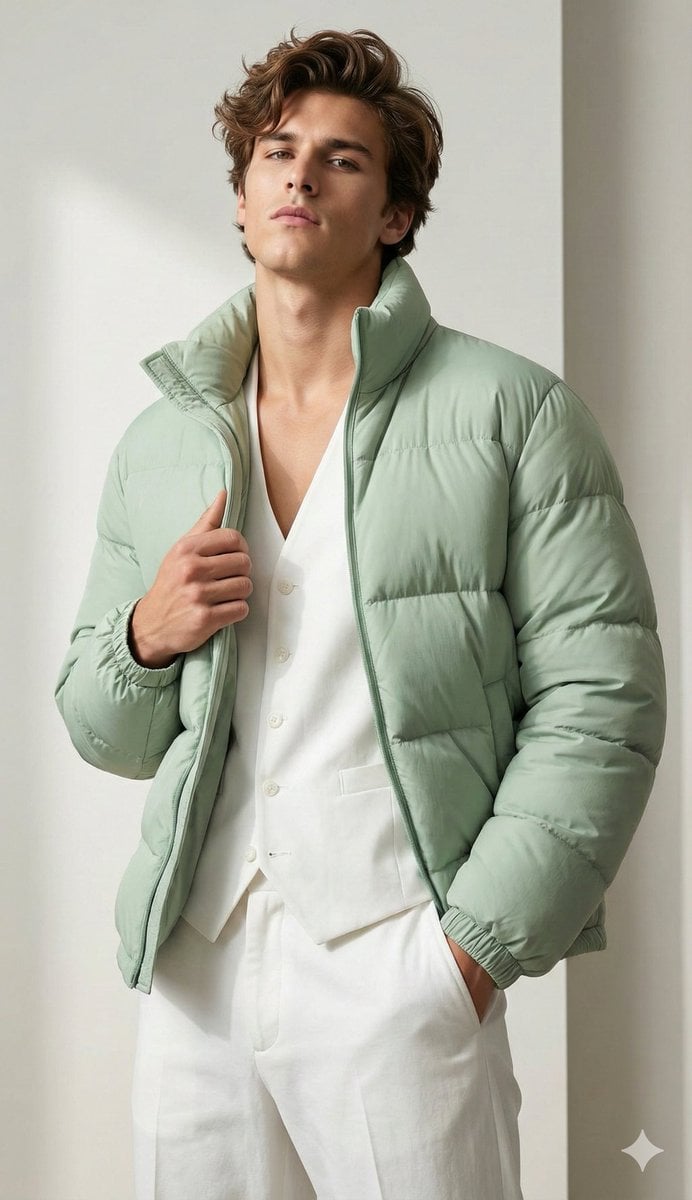
Stylish Man Attitude Pose Prompt (Image Reference)
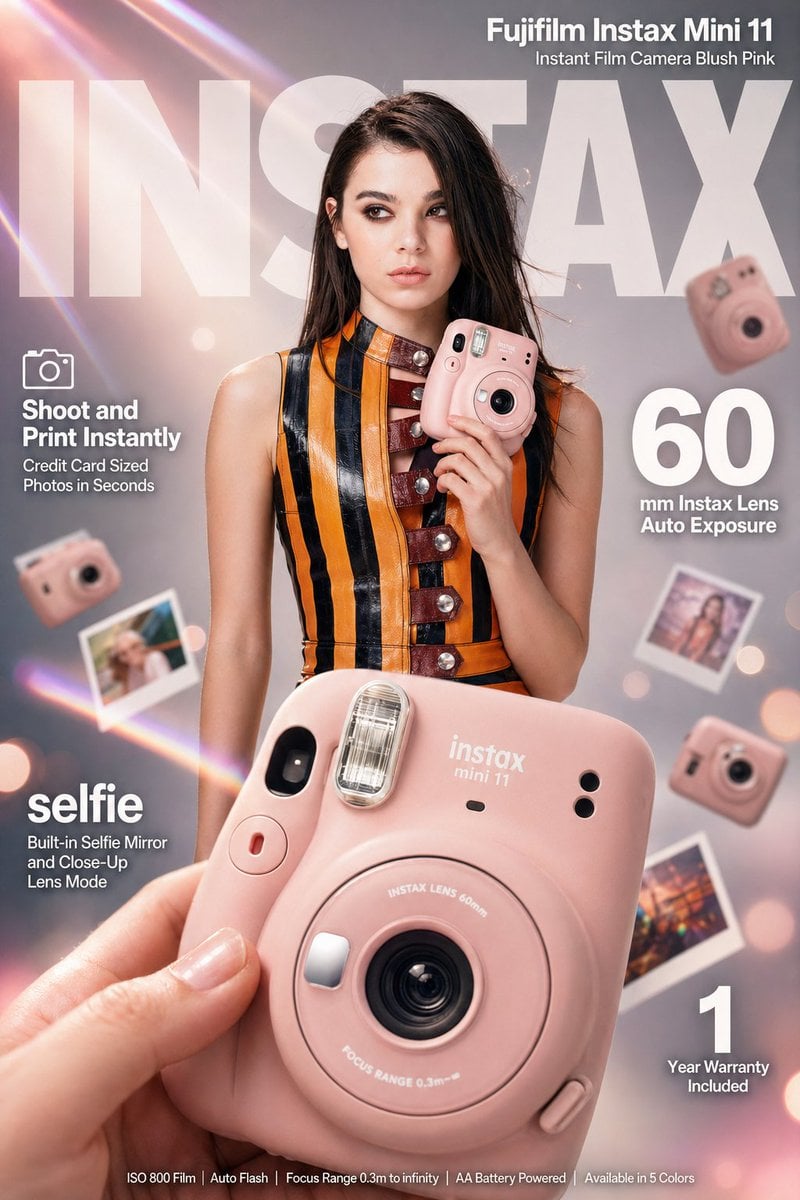
X Meng Dagg695 Gpt Image 2 on Socialsight
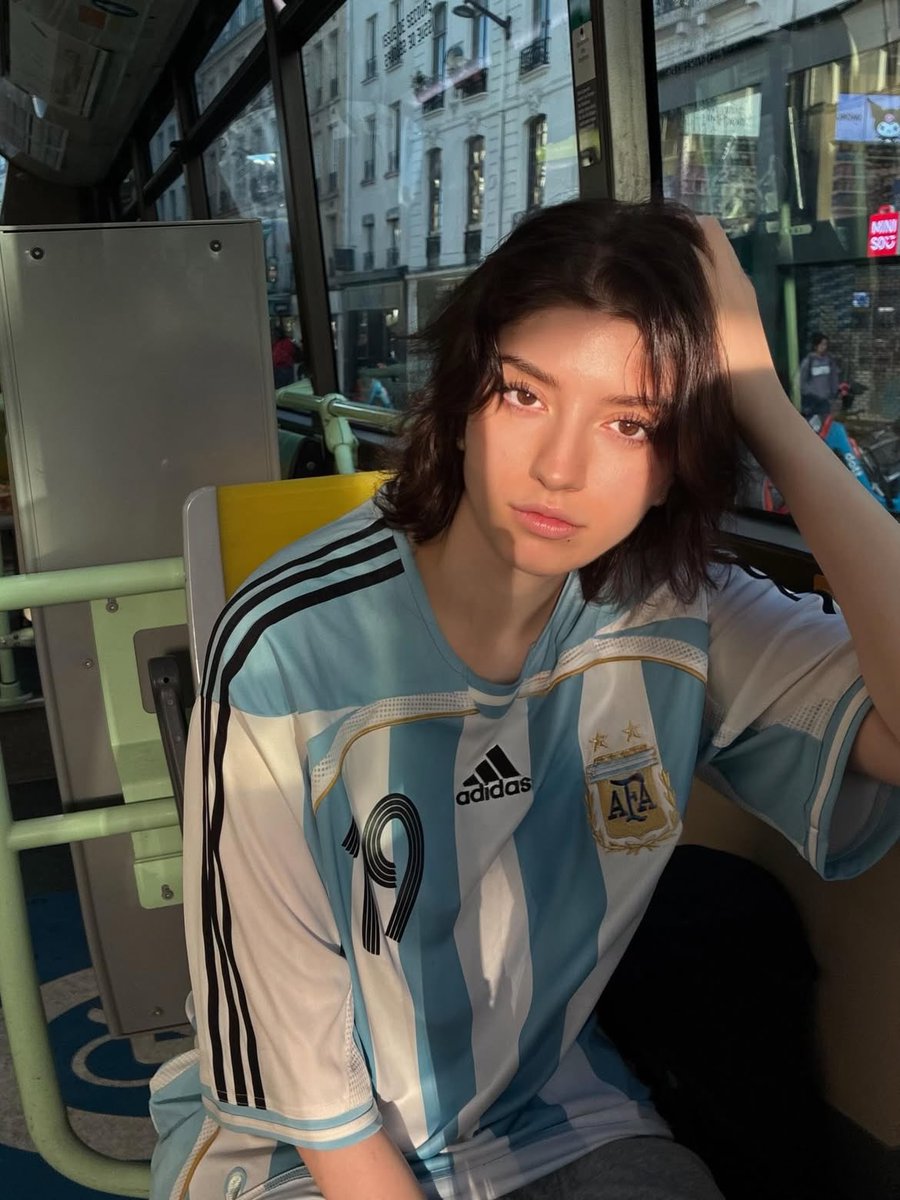
Golden Hour Bus Ride Portrait
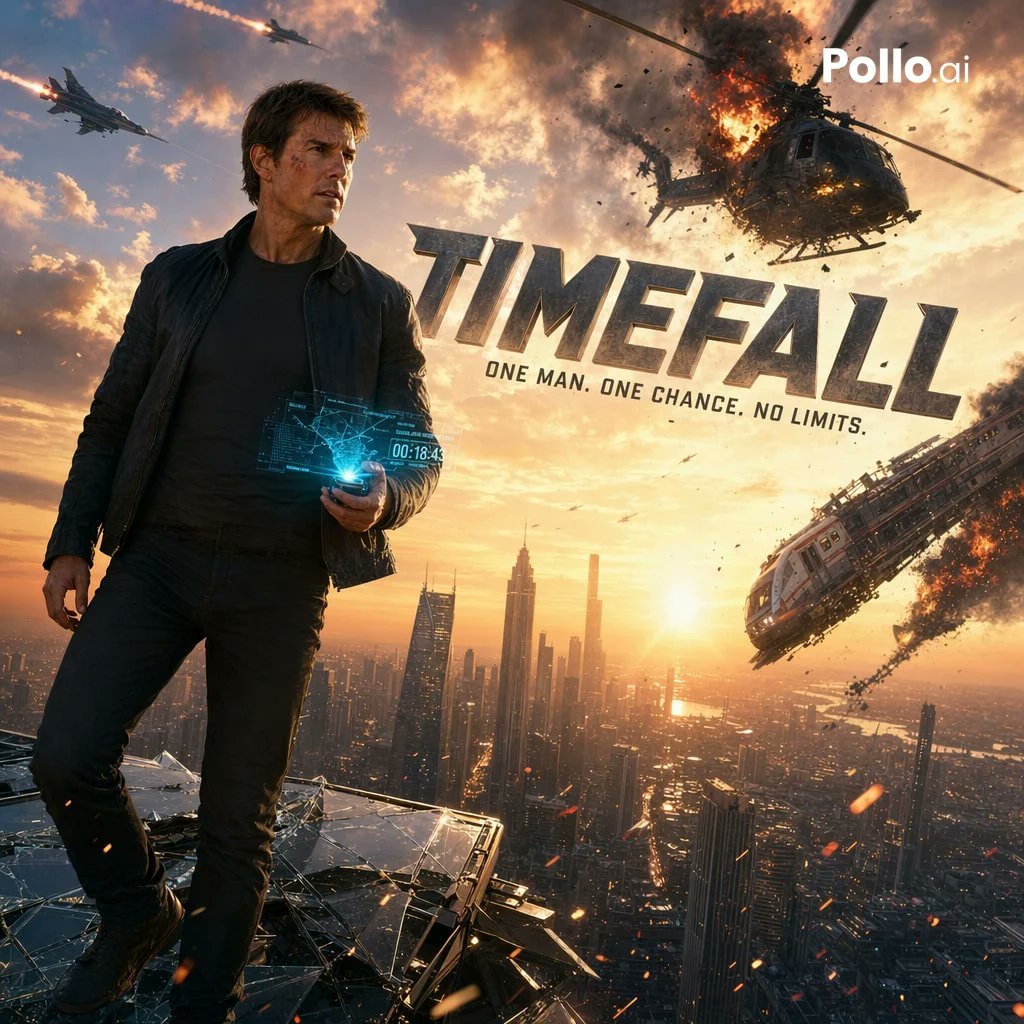
Cinematic Sci-Fi Action Poster
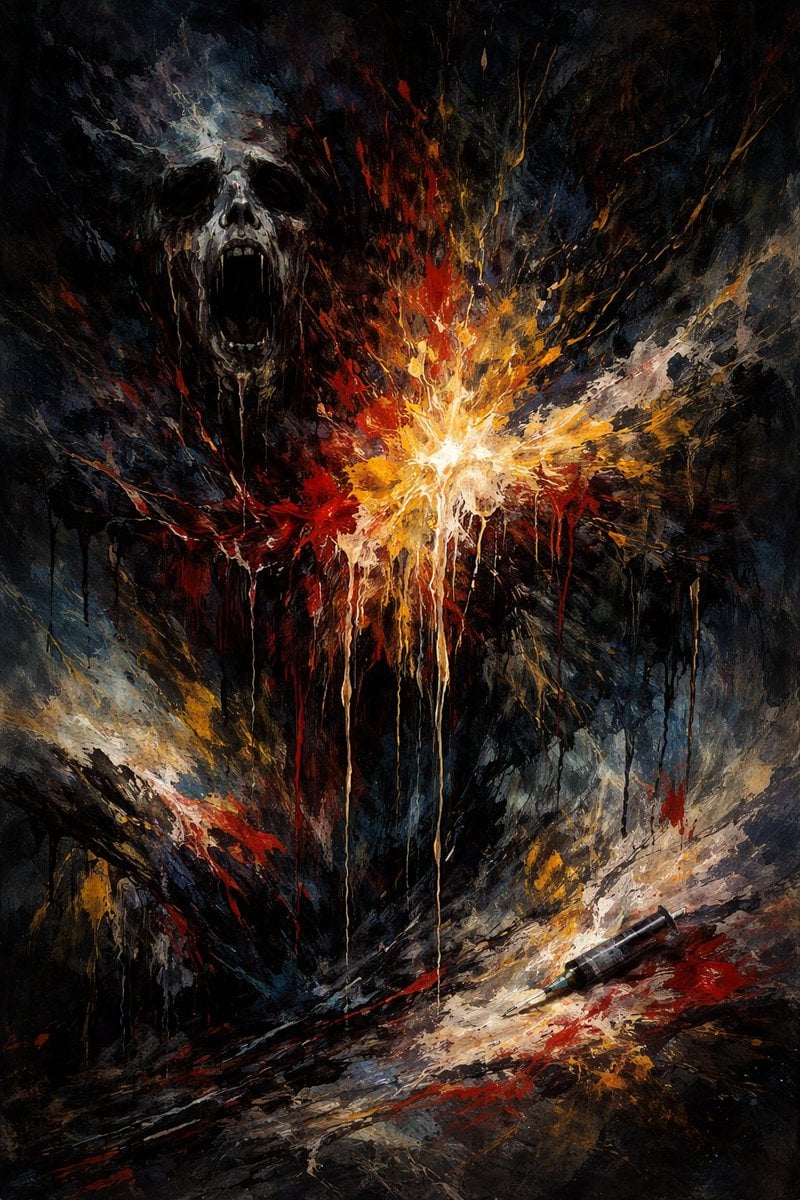
Abstract Art Inspired by Music Prompt
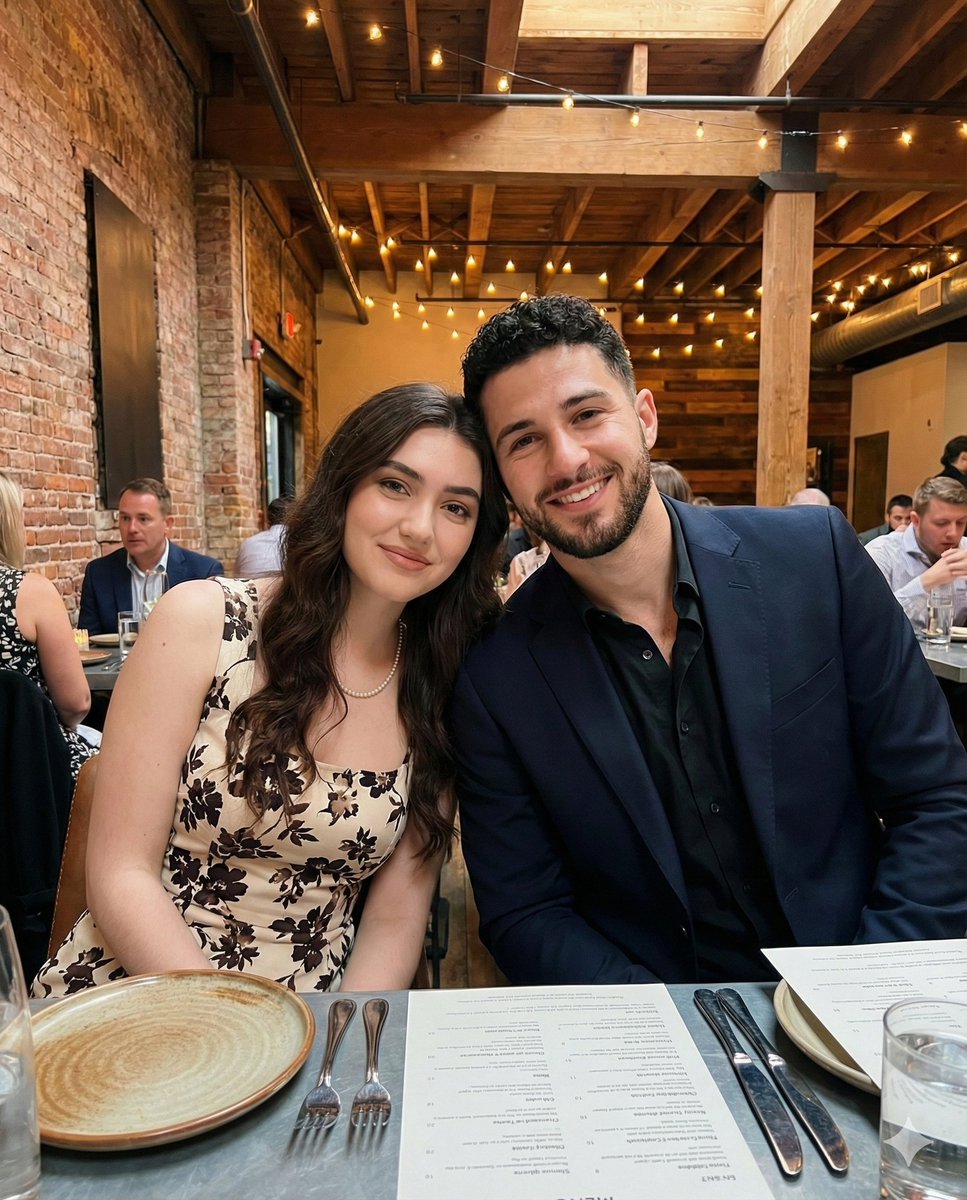
Intimate Portrait of a Couple in an Upscale Restaurant
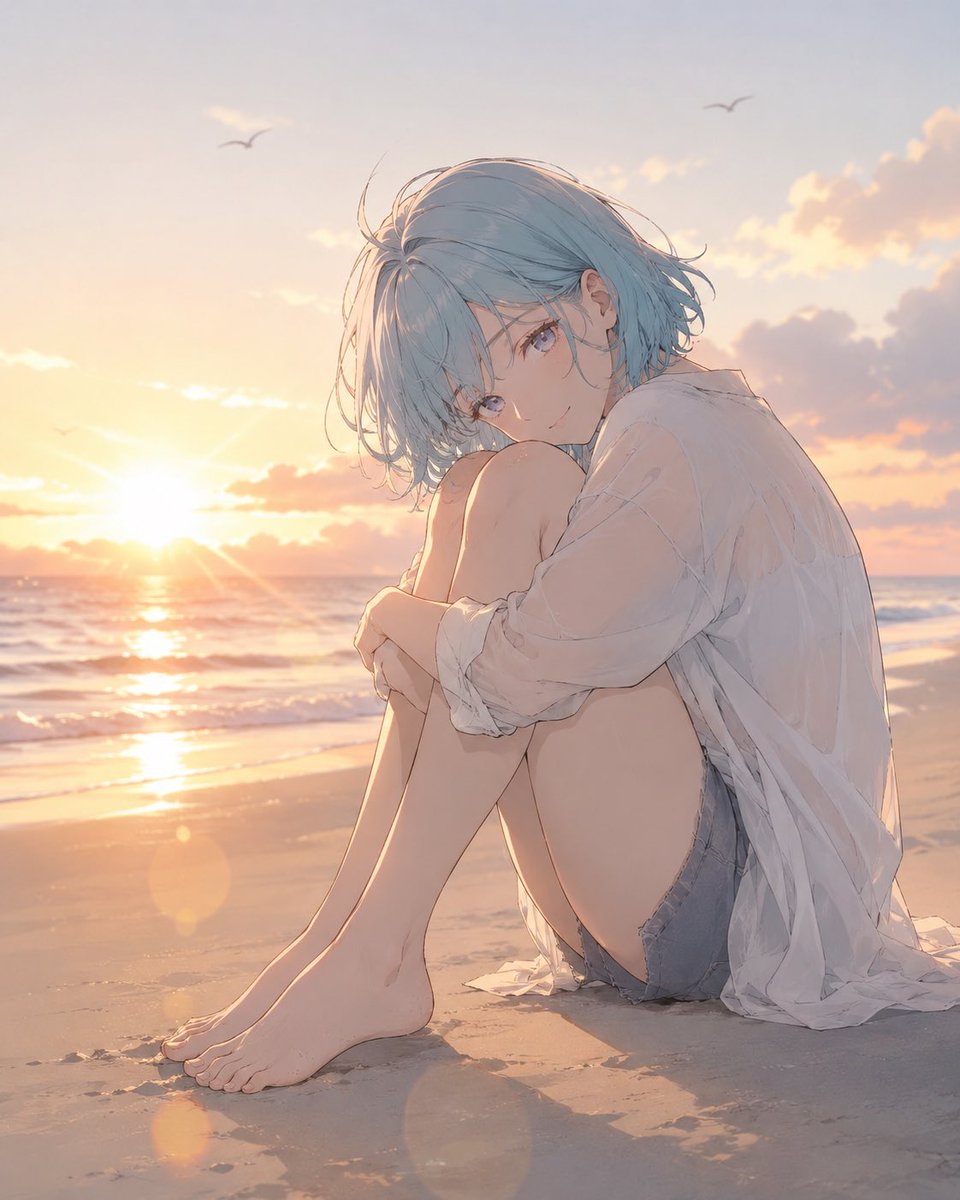
Anime Woman at Sunset Beach
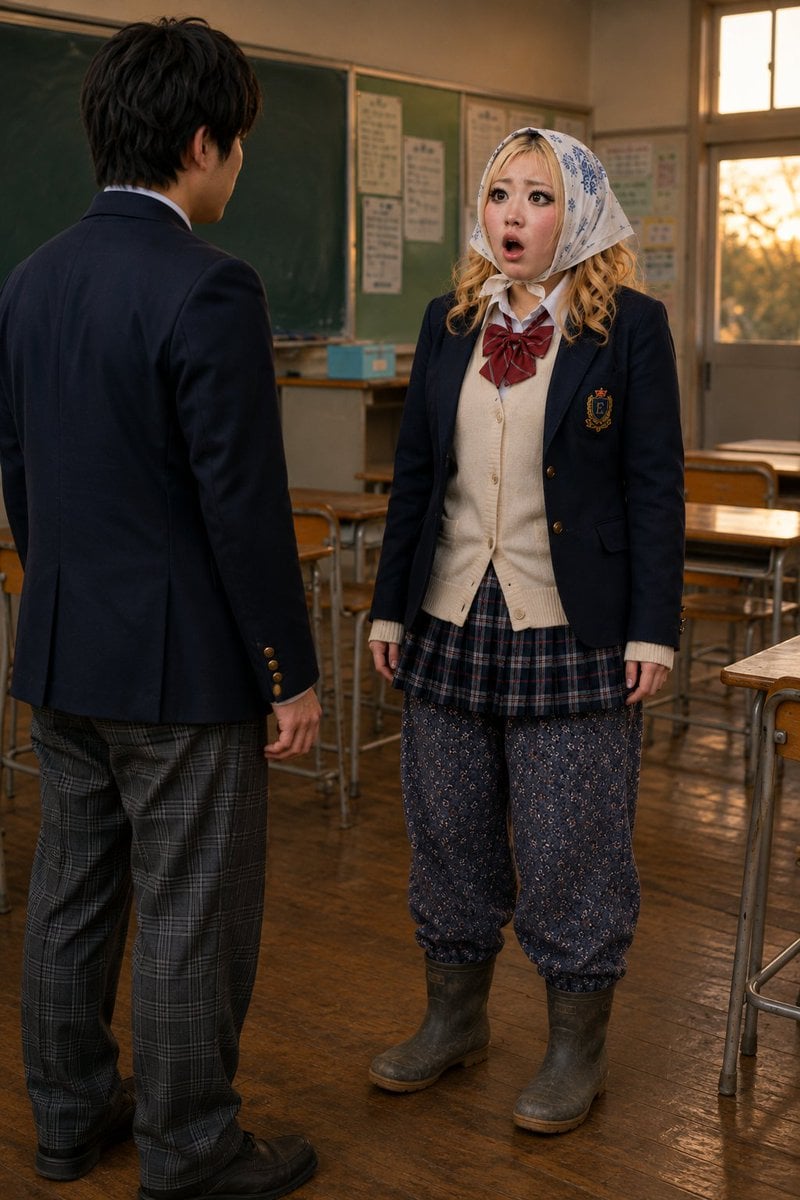
Schoolgirl Turned Rural Farmer Classroom Scene
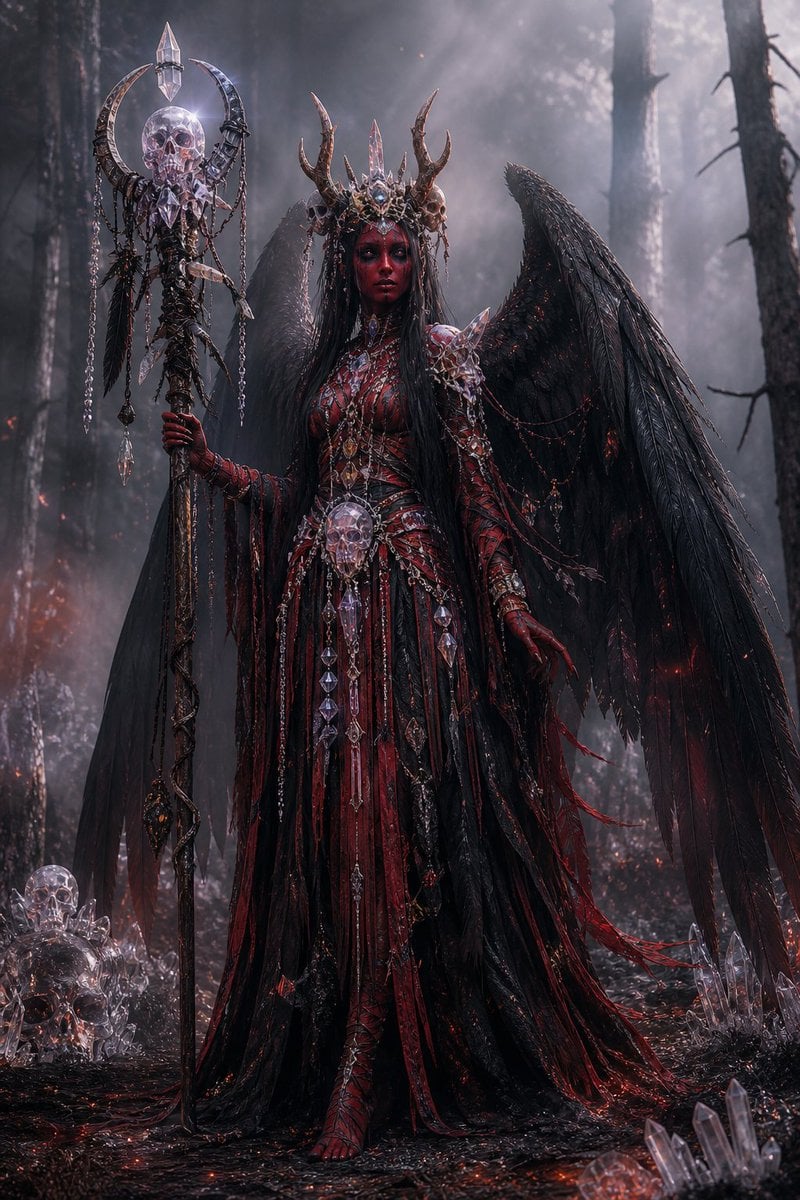
Gothic Fallen Angel Queen
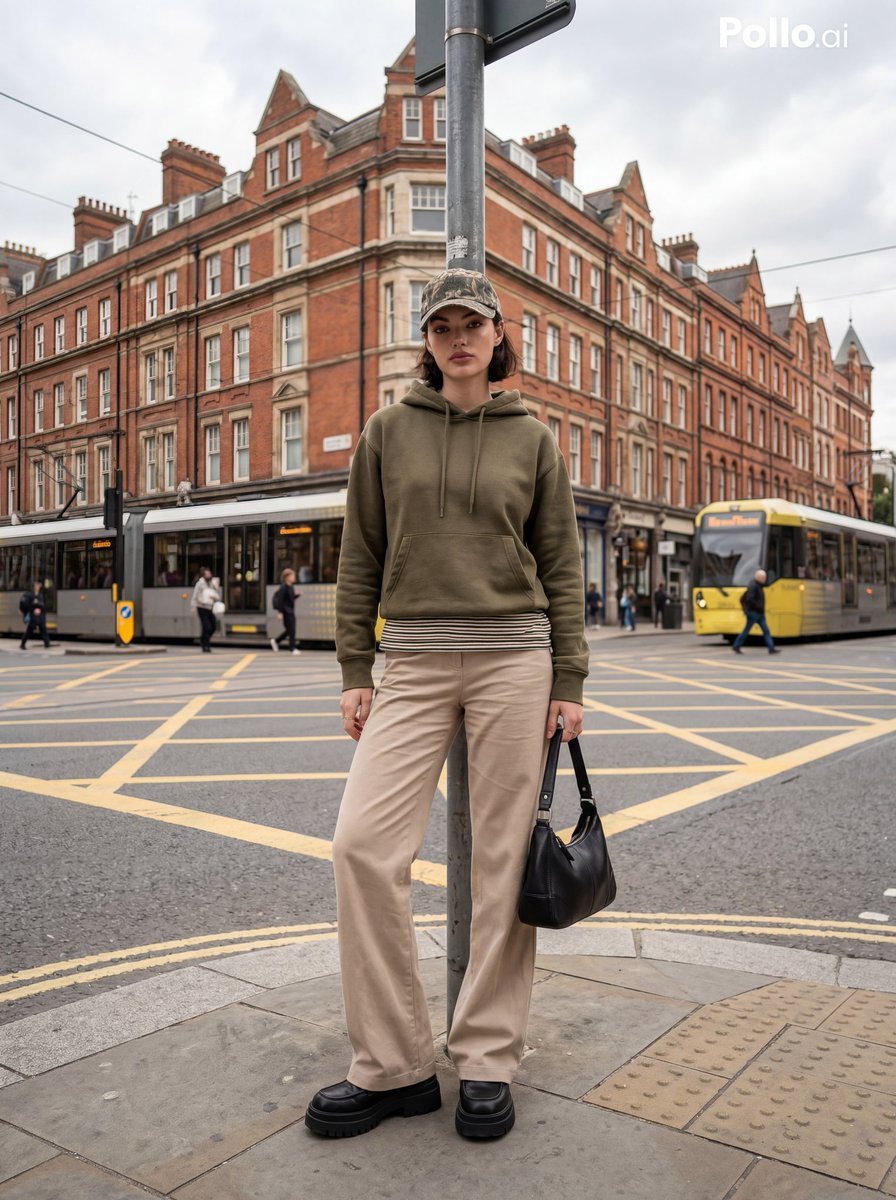
Street Fashion Editorial in European City
Browse template categories
Culinary Science Diorama: The Chemistry of Chocolate questions
How do I use the Culinary Science Diorama: The Chemistry of Chocolate template?
Add your photo if the template asks for one, edit the prompt if you like — the template's model and format are already selected — and press Generate. Your version opens in PicX Studio.
Can I customize the Culinary Science Diorama: The Chemistry of Chocolate template?
Yes. You can change the subject, setting, lighting, mood, format, and available model controls before creating your image.
Is the Culinary Science Diorama: The Chemistry of Chocolate template free?
Opening and editing this template is free. Generating uses credits, shown on the Generate button when you are signed in.
Which AI model should I use?
Start with Nano Banana 2, which is the model associated with this template. You can compare another compatible model for a different finish.
Looking for something else? Browse all templates.

Your photo, any look
Thousands of ready templates for every top image and video model, from one credit balance.