
Historical Macro Diorama: Culinary Atlas Grid
A complex, multi-phase prompt designed to generate a 2x2 grid of 'Historical Macro Dioramas' based on user-selected ingredients.
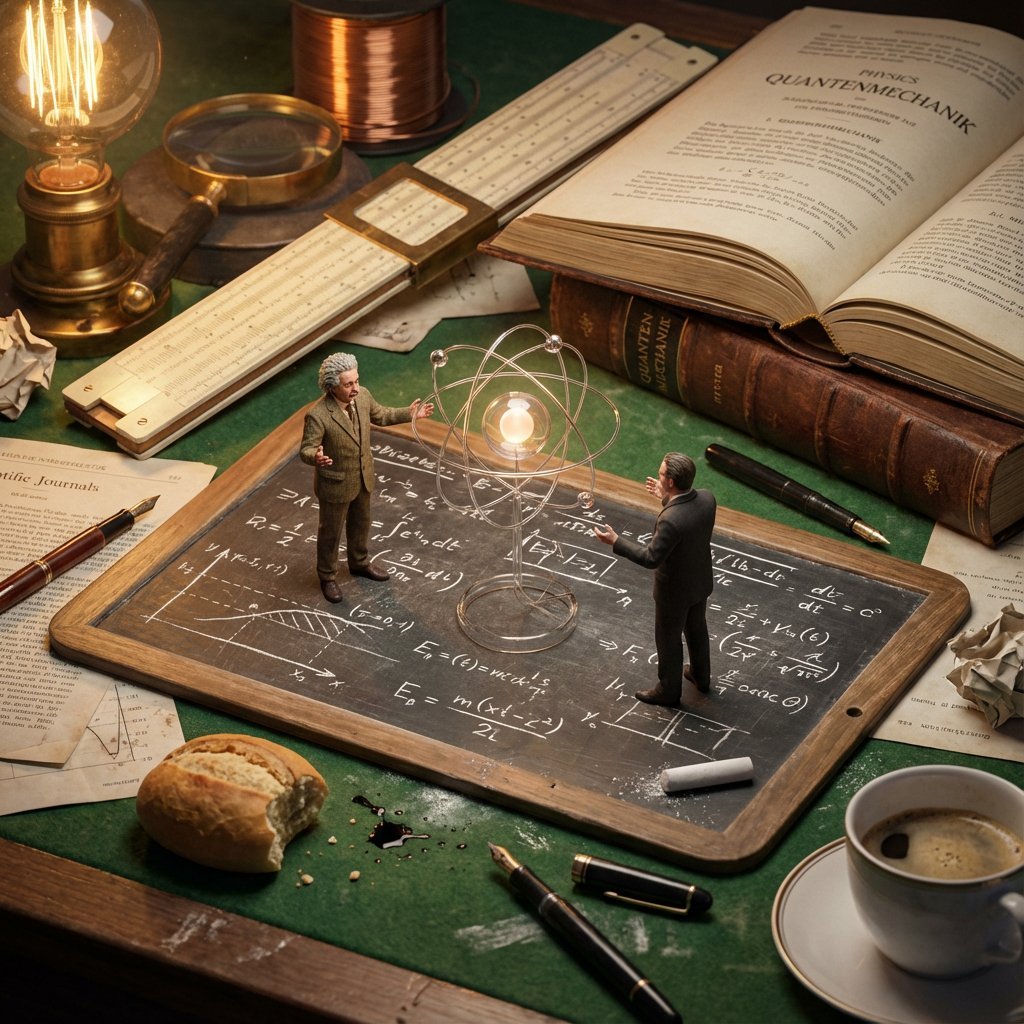
- Prompt included
- Model and format preset
- Free template
The prompt behind this image
Copy the exact prompt behind Historical Macro Diorama: Culinary Atlas Grid, or open it in the studio and make it yours.
Role:Historical Art Director & Macro Photographer. Input: Invention or Rivalry = [{argument name="user choice" default="User Choice"}] Phase 1: Chronological Profiling Before rendering, analyze the Year of the invention to determine the "Era Texture": If Ancient (e.g., 200 BC): Surface = Rough Stone or Papyrus. Light = Oil Lamp/Torch. Clutter = Clay shards, bronze chisels, scrolls, figs/grapes. If Renaissance (e.g., 1500): Surface = Dark Oak & Vellum. Light = Candle. Clutter = Quill feathers, wax seals, brass astrolabes, leather binding. If Industrial (e.g., 1890): Surface = Green Felt or Mahogany. Light = Gas/Filament. Clutter = Newsprint, pocket watches, copper wire, soot. If Modern (e.g., 1980): Surface = Formica or Metal. Light = Fluorescent/Neon. Clutter = Circuit boards, Polaroid photos, soda cans, plastic casings. Phase 2: Visual Execution Goal: A hyper-detailed "Macro Diorama" where the environment tells the story of the time period. Subject: A messy, chaotic workspace viewed through a macro lens. 1. The Stage (The Document): The "ground" is the primary design medium of that era The surface is filled with era-specific sketches/carvings of the invention. 2. The Living Miniatures: Two tiny, hyper-realistic figurines (The Inventor & The Rival) stand on this surface. They are dressed strictly in period-accurate clothing (Togas vs. Frock Coats vs. Turtlenecks). Action: They are interacting with a 3D Prototype of the invention that is rising physically out of the document/tablet. 3. The "Giant" Atmosphere (Dynamic Enrichment): The Wall: A massive background object establishing context (e.g., a carved stone stele, a tapestried wall, a vintage newspaper, or a stack of VHS tapes). The Tools: Giant-scale tools used to make the invention loom over the figures like trees (e.g., a giant chisel, a massive quill dipped in ink, or a soldering iron). The Debris: The mess of the creative process (e.g., stone dust, spilled ink, burnt fuses, or crumpled layout paper). The Comforts: Food/Drink of the era (e.g., an earthen jug of wine, a porcelain tea cup, or a can of cola). 4. Technical Specs: Lighting: Must match the "Era Light" determined in Phase 1 (Flickering warm fire vs. cold electric buzz). Perspective: Tilt-shift macro photography (45-degree angle). Texture: Extreme focus on material weathering (rust, dust, parchment cracks, or plastic sheen). Output: ONE image, 4:5 aspect ratio, "Historical Macro Realism."
How to use Historical Macro Diorama: Culinary Atlas Grid in 3 steps
- 1
Open
The prompt is already in the box next to the preview, with the template's model and format selected.
- 2…a portrait of your subject in softgolden-hour light, 85mm…
Personalize
Edit the subject and creative details for your destination.
- 3Generate
Generate
Press Generate — your image is created in PicX Studio, so you can compare it with the original and refine one variable at a time.
More like this
Templates with the same subject, style or setup. Open one to see its prompt.
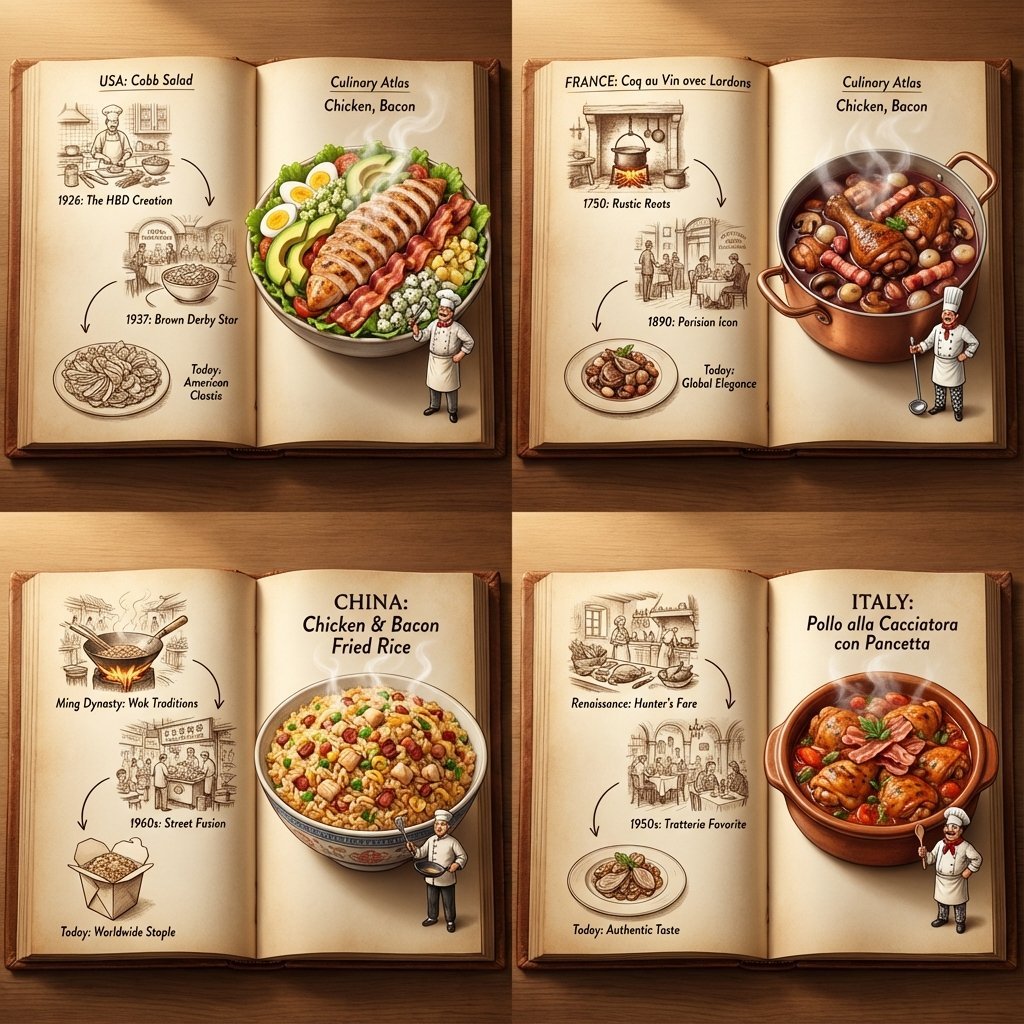
Culinary Atlas Grid: 3D Pop-up Recipe Dioramas

Layered Paper Cut Forest Diorama

Soft Handcrafted Paper-Cut Layered Illustration

Korean Luxury Fashion Editorial 2x2 Grid Series

Minimalist Fashion Editorial Split Layout

Ultra-Realistic Vogue-Style Editorial Fashion Grid
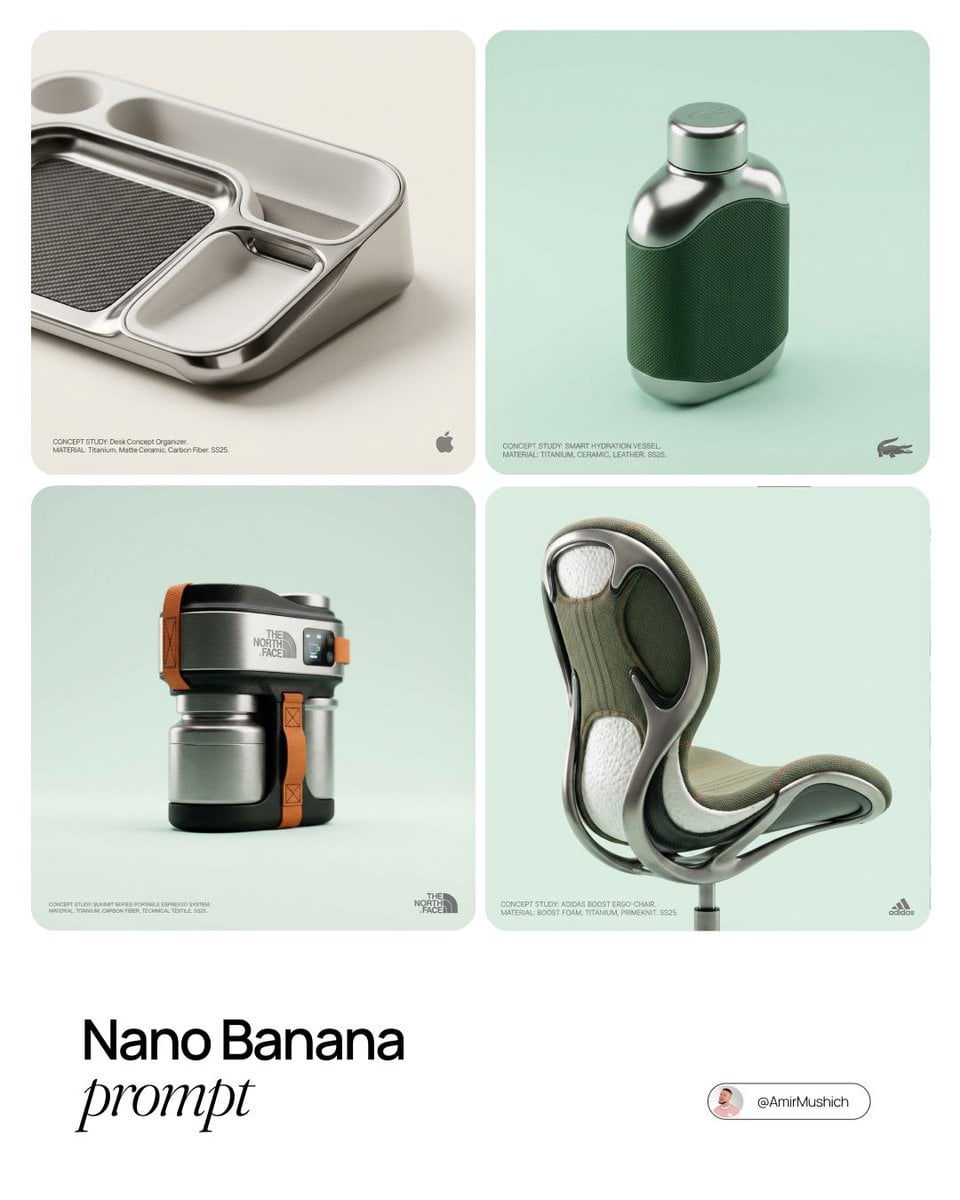
Editorial Concept Study Product Design

Headphones Lifestyle Nine Panel Grid

Isometric Process Educational Diorama

Isometric Brand Store Diorama

FIFA World Cup — Brazil National Pass Diorama
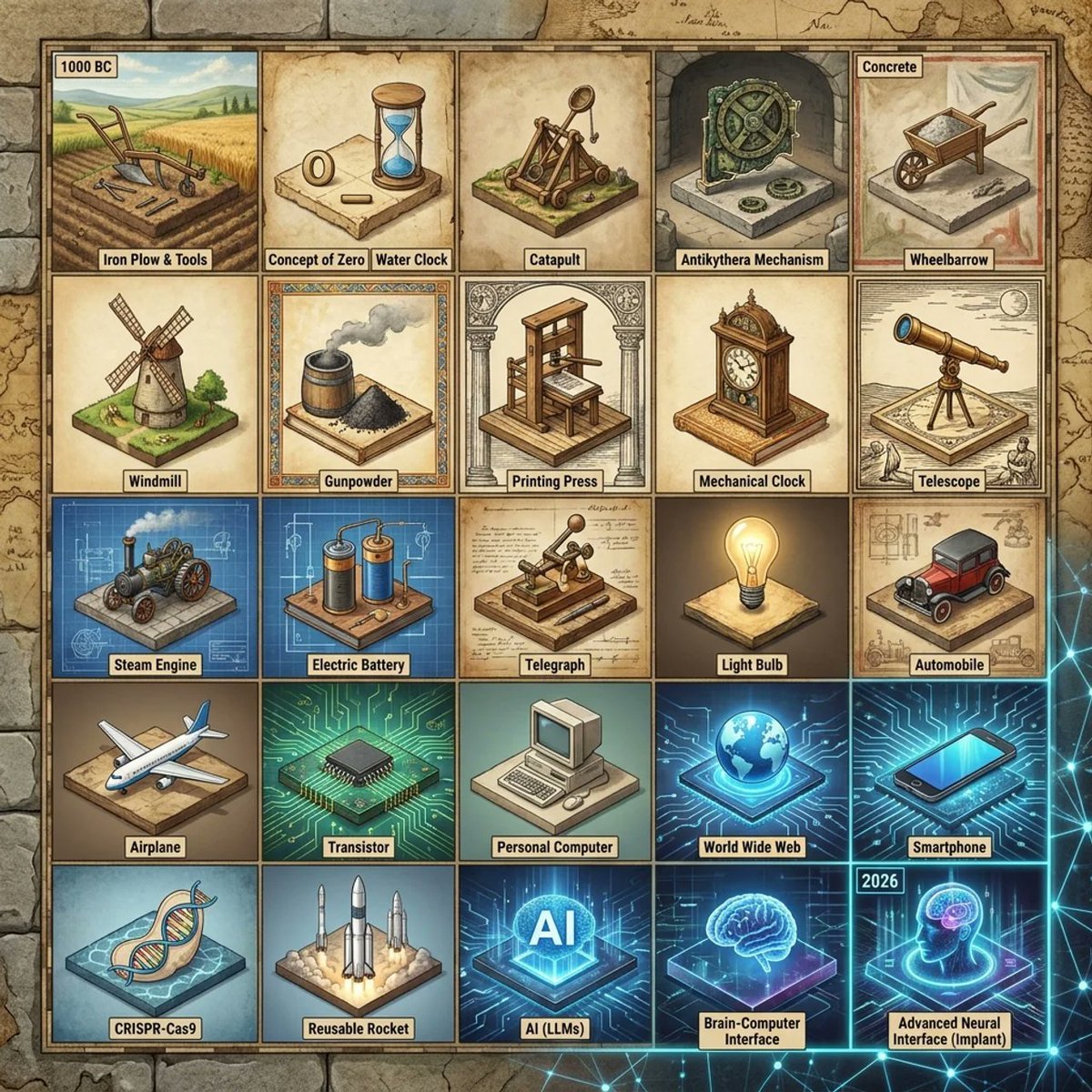
Historical Invention Timeline Grid
Make it yours
Historical Macro Diorama: Culinary Atlas Grid works as-is. These are the safest ways to change it without losing the look.
Change one field
Copy a single group, rewrite it, and generate again so you can see what that field is doing.
Keep the frame, change the subject
Hold the composition and light of Historical Macro Diorama: Culinary Atlas Grid, then swap wardrobe, props or the person for a new take.
| If the result… | Why | Fix |
|---|---|---|
| The result drifts from the preview | Too many fields changed at once. | Reuse Historical Macro Diorama: Culinary Atlas Grid as-is first, then change one group — subject, light, or setting. |
| The model over-stylizes the scene | The prose prompt leaves finish and camera underspecified. | Add one camera or lighting sentence and stay on Nano Banana 2. |
More Nano Banana 2 templates
Other prompts made for Nano Banana 2.

Photorealistic Leaf Shaped Like a Dragon

K-Pop Idol Portrait Grid for Rapid Selection

Poetic Rain Forest Portrait During Golden Hour

Urban Street Portrait with Cartoon Inner Self Duo

Candid Nighttime Photo with Cat Prompt

High-Concept 3D Diorama Generation Prompt

Cinematic Futuristic Studio Portrait Template

Skincare Editorial Photography Collage Prompt

Hyper-Realistic Commercial Product Photography (Splash Effect)

Hyper-Realistic Nightclub Portrait Prompt
More image prompts
Fresh picks from across the catalog.
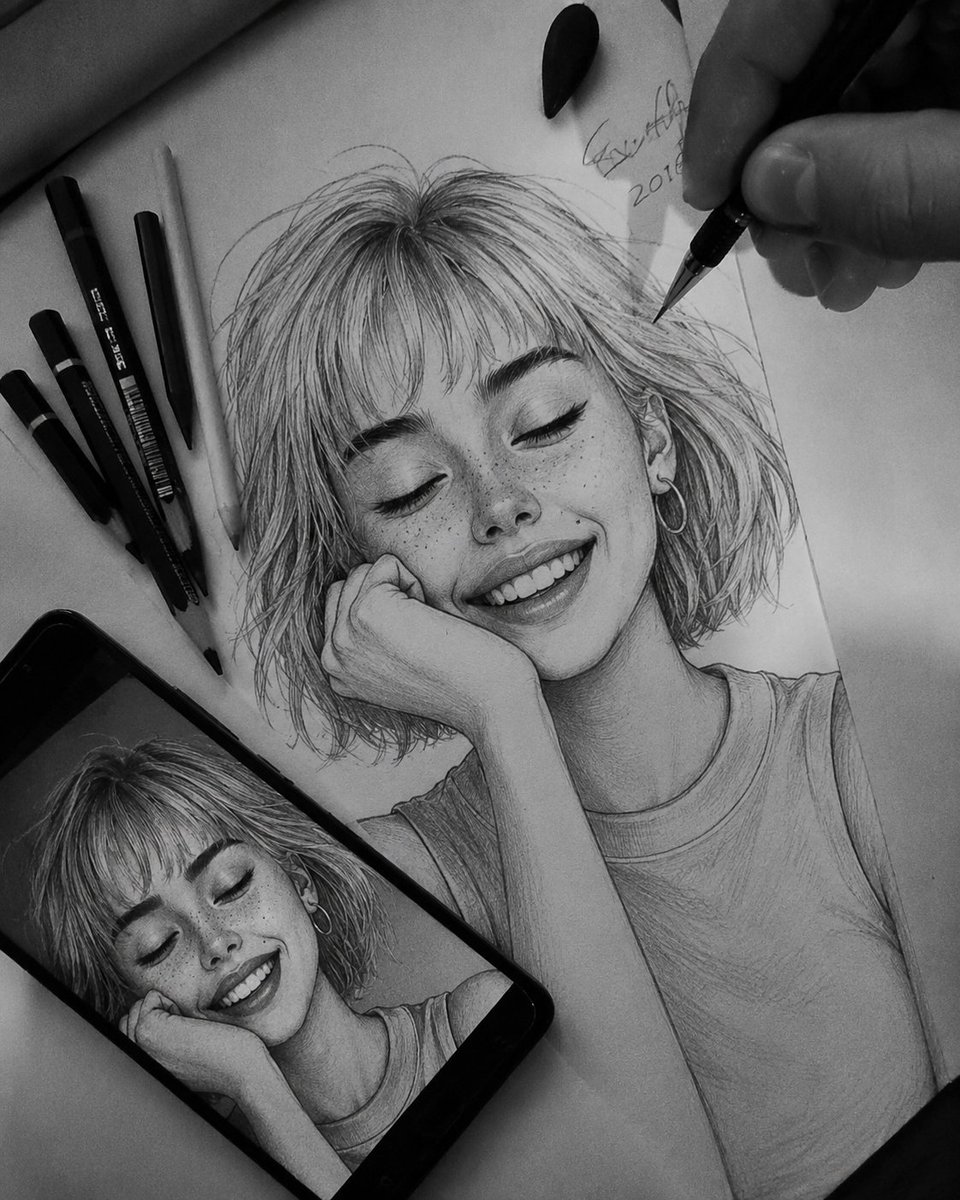
Hyper-Realistic Graphite Sketch Portrait

Editorial Portrait with Identity Lock and Dramatic Lighting
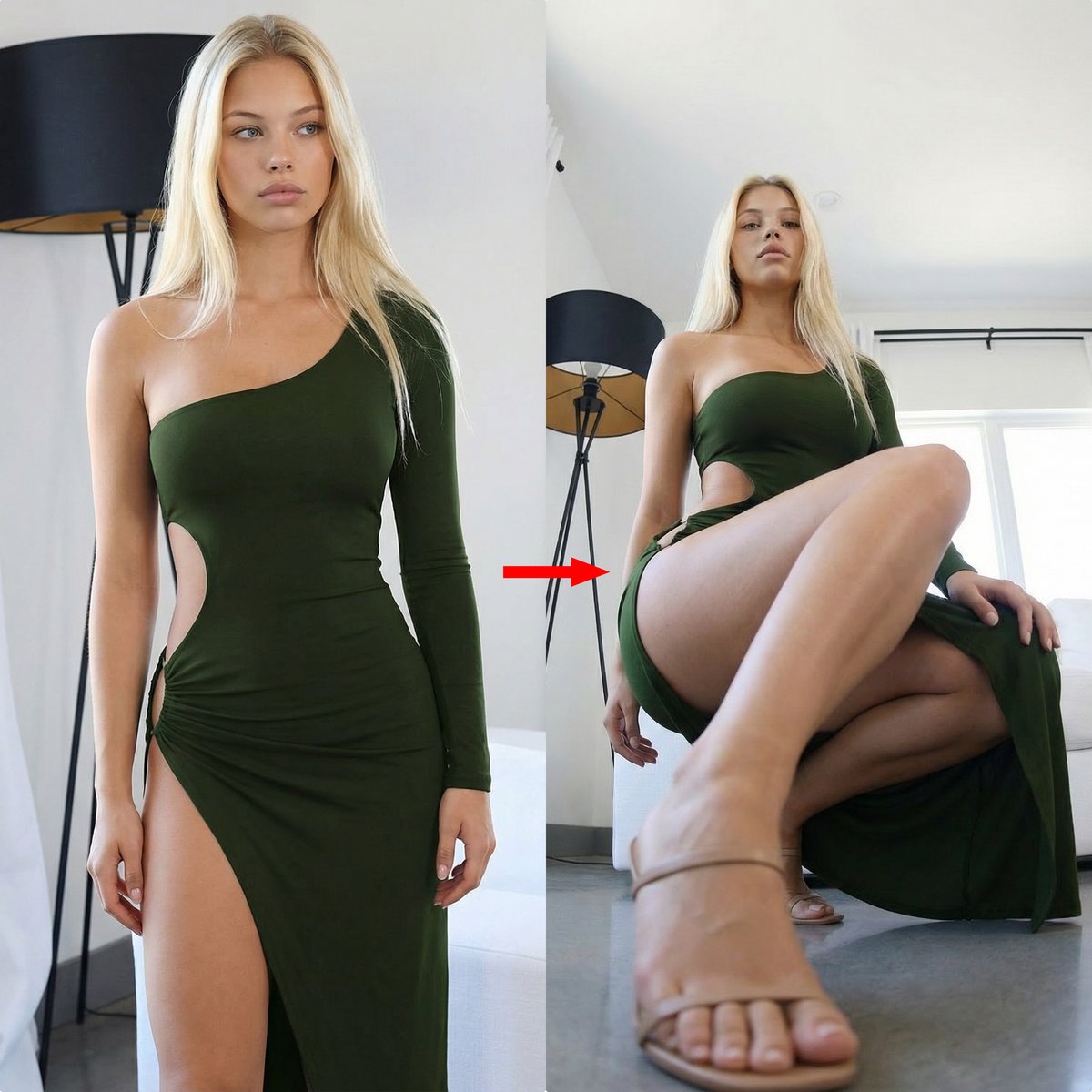
Extreme Perspective Ultra Wide-Angle Prompt
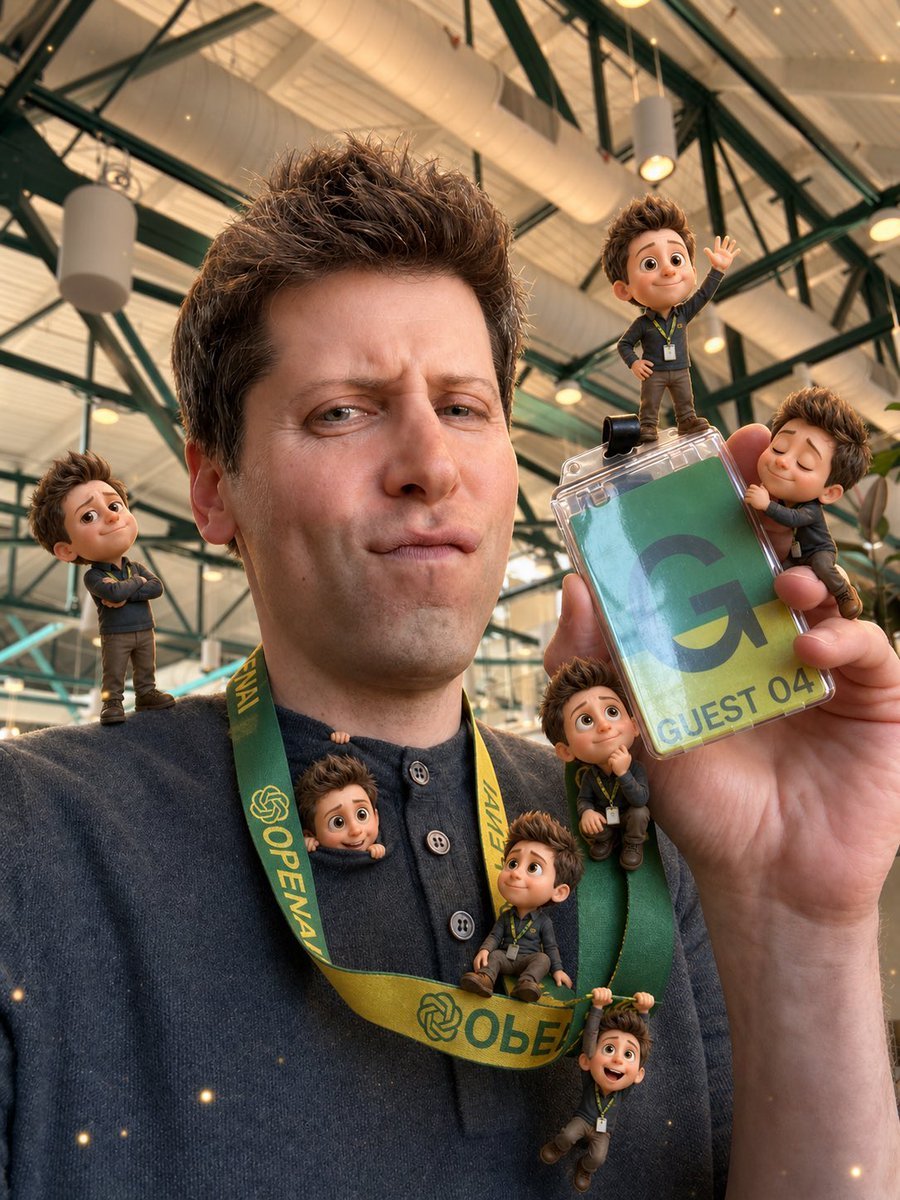
Mini-Me 3D Selfie Transformation
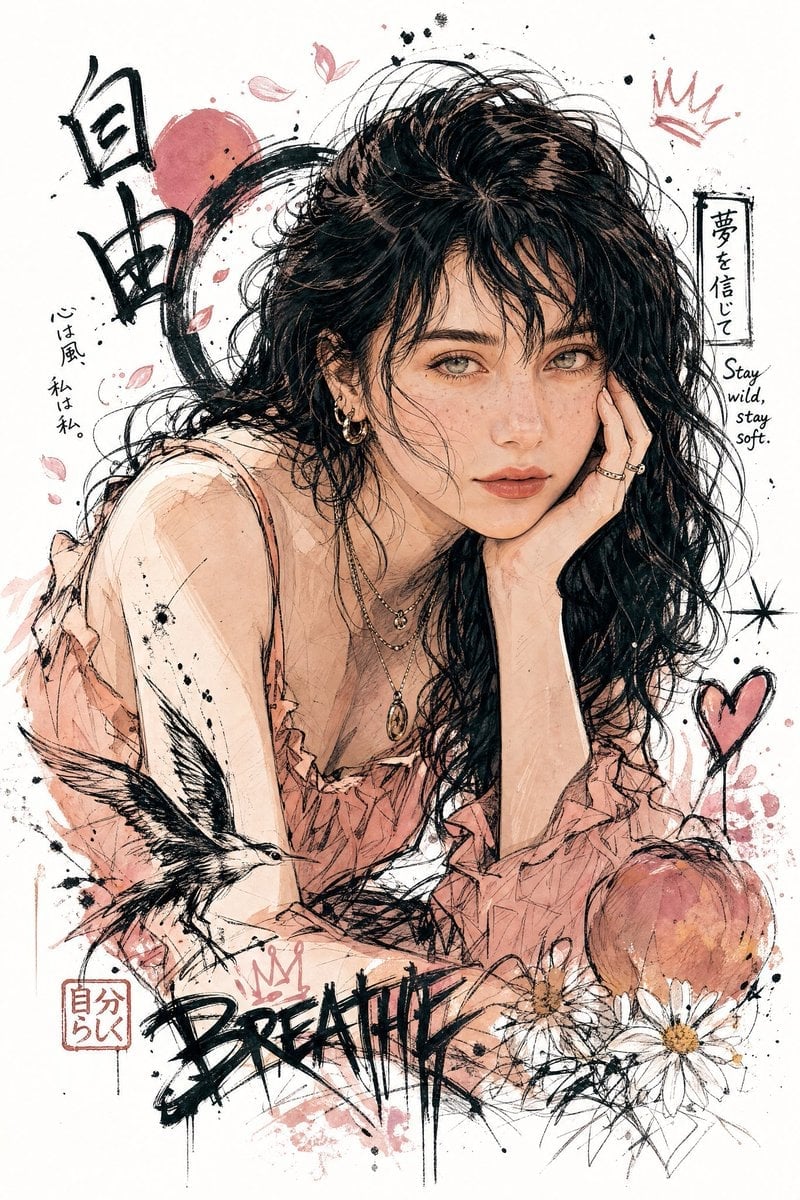
Japanese Graffiti Style Illustration

High-Fashion, Moody Portrait in a Luxury Lounge

Trendy Aesthetic Lifestyle Photo on a Bridge
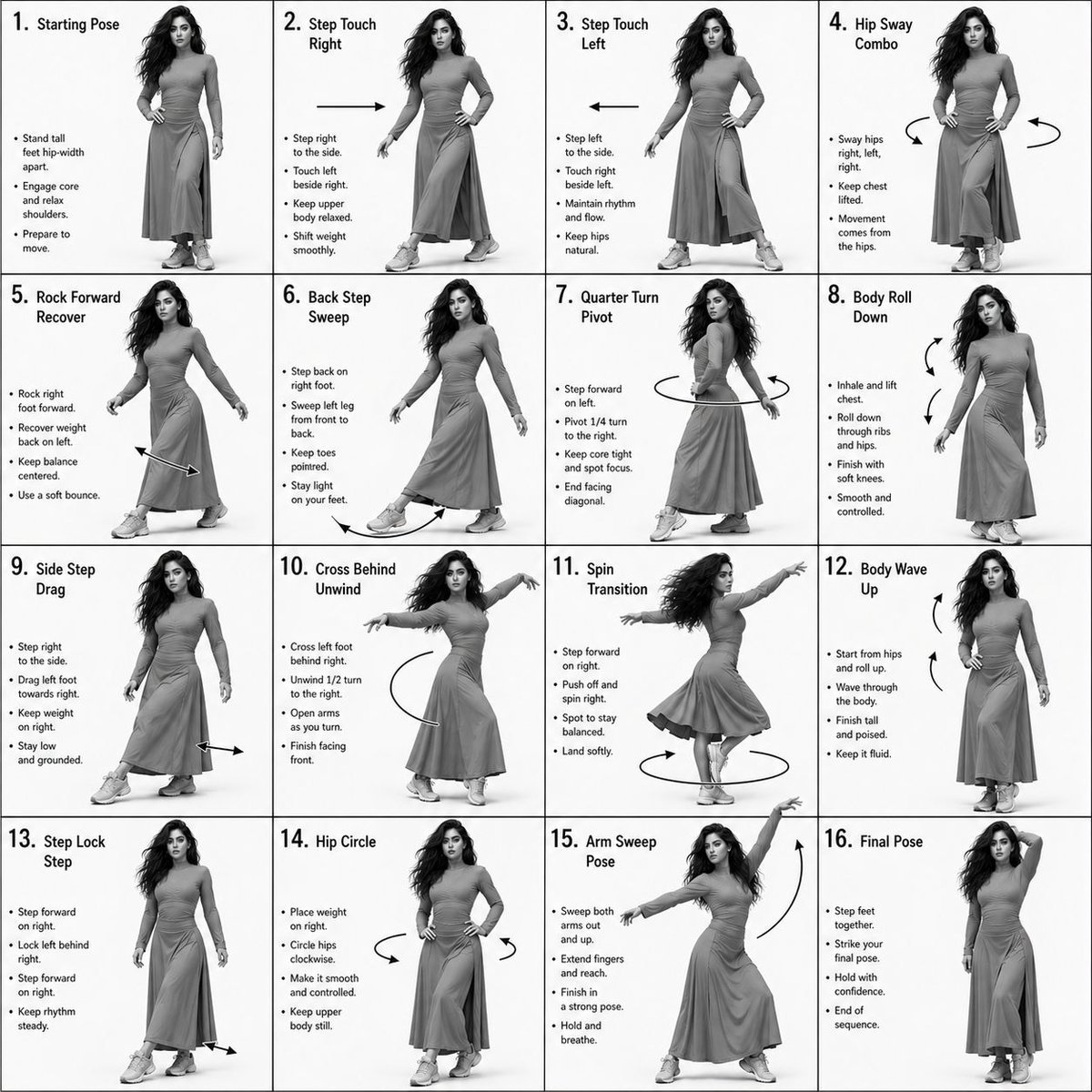
Choreography Instruction Sheet Generator

Ethereal Tang-Style Fantasy Portrait
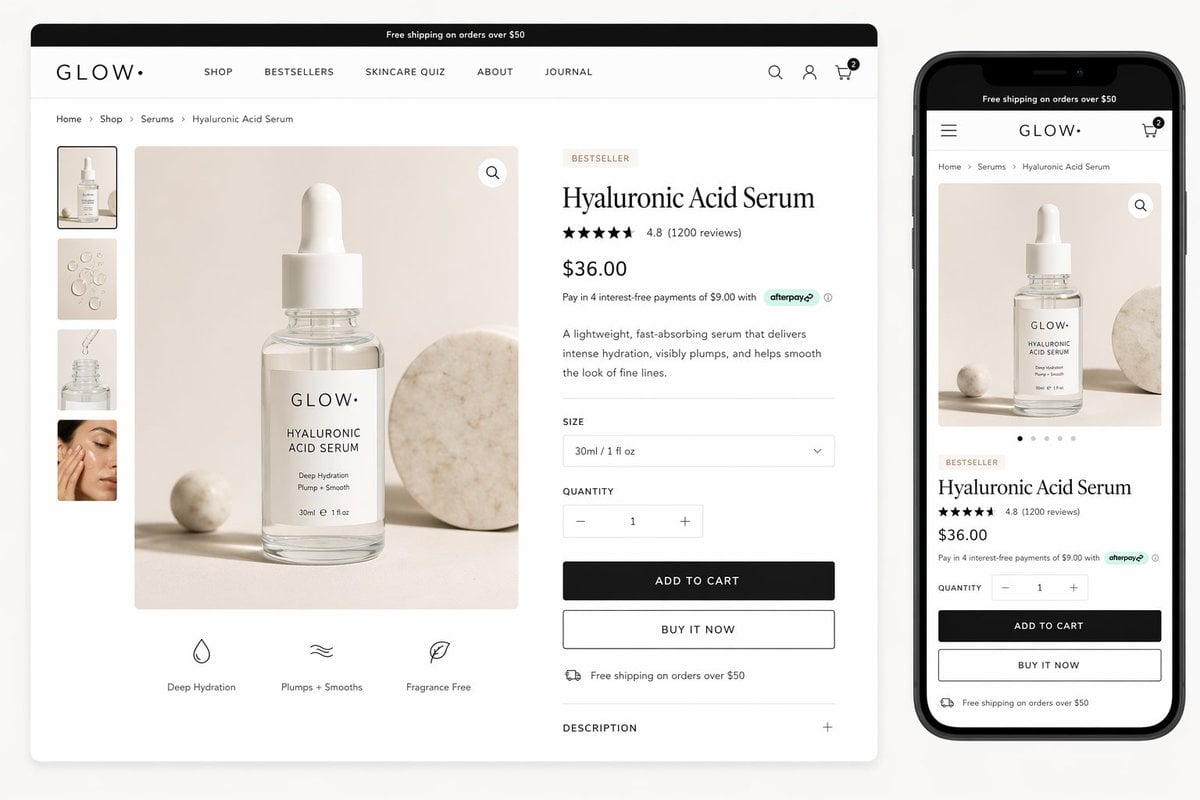
Luxury Skincare Product Page Mockup
Browse template categories
Historical Macro Diorama: Culinary Atlas Grid questions
How do I use the Historical Macro Diorama: Culinary Atlas Grid template?
Add your photo if the template asks for one, edit the prompt if you like — the template's model and format are already selected — and press Generate. Your version opens in PicX Studio.
Can I customize the Historical Macro Diorama: Culinary Atlas Grid template?
Yes. You can change the subject, setting, lighting, mood, format, and available model controls before creating your image.
Is the Historical Macro Diorama: Culinary Atlas Grid template free?
Opening and editing this template is free. Generating uses credits, shown on the Generate button when you are signed in.
Which AI model should I use?
Start with Nano Banana 2, which is the model associated with this template. You can compare another compatible model for a different finish.
Looking for something else? Browse all templates.

Your photo, any look
Thousands of ready templates for every top image and video model, from one credit balance.