
Editorial Concept Study Product Design
Editorial Concept Study Product Design
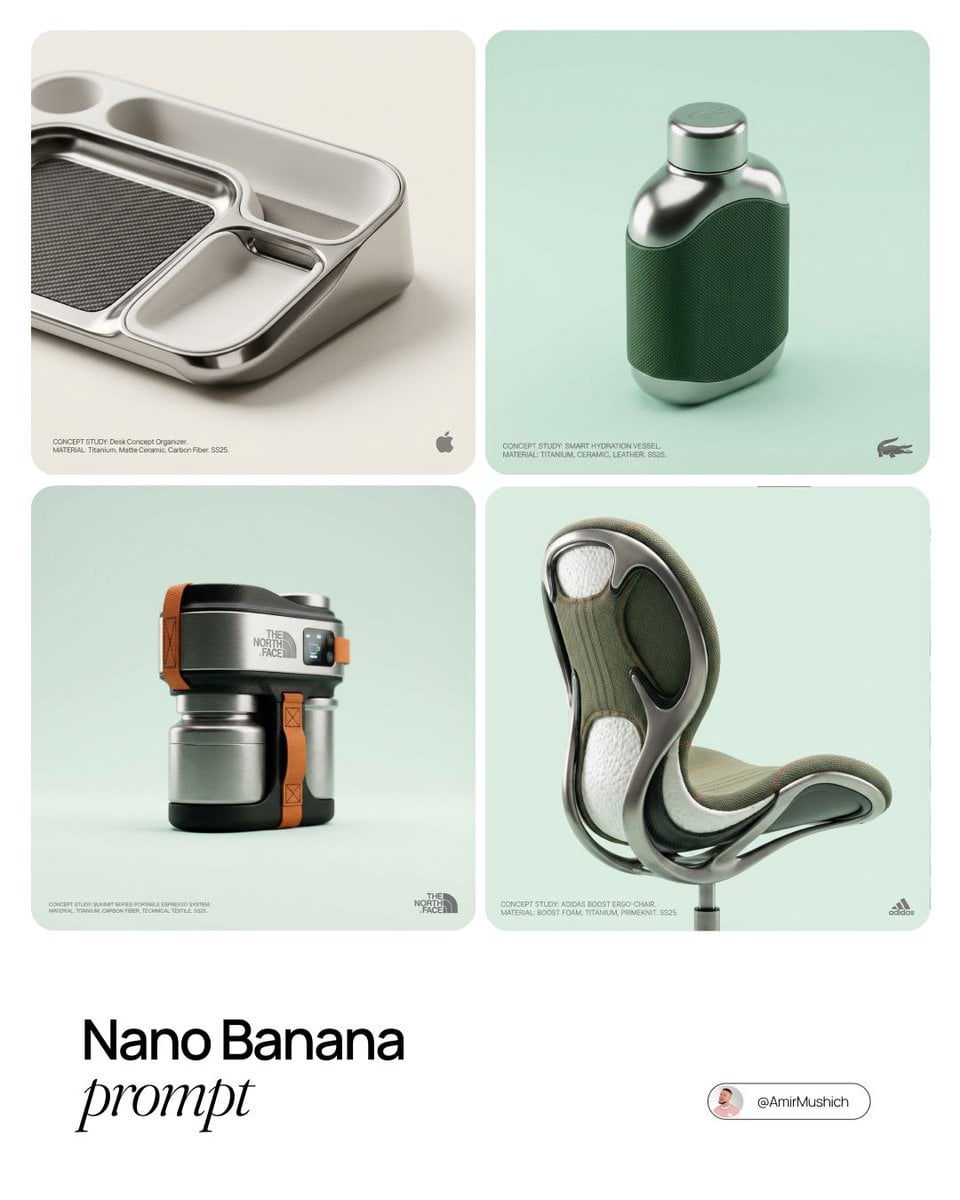
- Prompt included
- Model and format preset
- Premium template
The prompt behind this image
Copy the exact prompt behind Editorial Concept Study Product Design, or open it in the studio and make it yours.
[BRAND NAME] editorial photograph of a unique functional object conceptualized by the brand. Invent a novel utility product from the brand's design philosophy. Object should feel sculptural yet functional and avoid standard clothing, shoes, or bags. Constructed from ultra-premium materials such as patinated exotic leathers, brushed aerospace-grade titanium, sculpted matte ceramics, molded carbon fiber, or technical high-fashion textiles. Shot on medium format camera with 100mm macro lens, extremely shallow depth of field. Sophisticated studio softbox lighting with enveloping fill and precise rim light. Environment: seamless clean studio cyclorama in pure ultra-light pastel tone. Bottom-right: small monochrome gray brand logo. Bottom-left: minimalist monochrome gray product description. Luxury brand storytelling, clean cinematic studio photography, macro fidelity, premium advertising look, seamless background, minimal UI.
How to use Editorial Concept Study Product Design in 3 steps
- 1
Open
The prompt is already in the box next to the preview, with the template's model and format selected.
- 2…a portrait of your subject in softgolden-hour light, 85mm…
Personalize
Edit the subject and creative details for your destination.
- 3Generate
Generate
Press Generate — your image is created in PicX Studio, so you can compare it with the original and refine one variable at a time.
More like this
Templates with the same subject, style or setup. Open one to see its prompt.

Firefly Pixar Spill — Nano Banana Pro
Seedance - Arrow Microscopic Battle
Seedance - Brand Commercial
JSON Seedance - Fairy Macro Flight
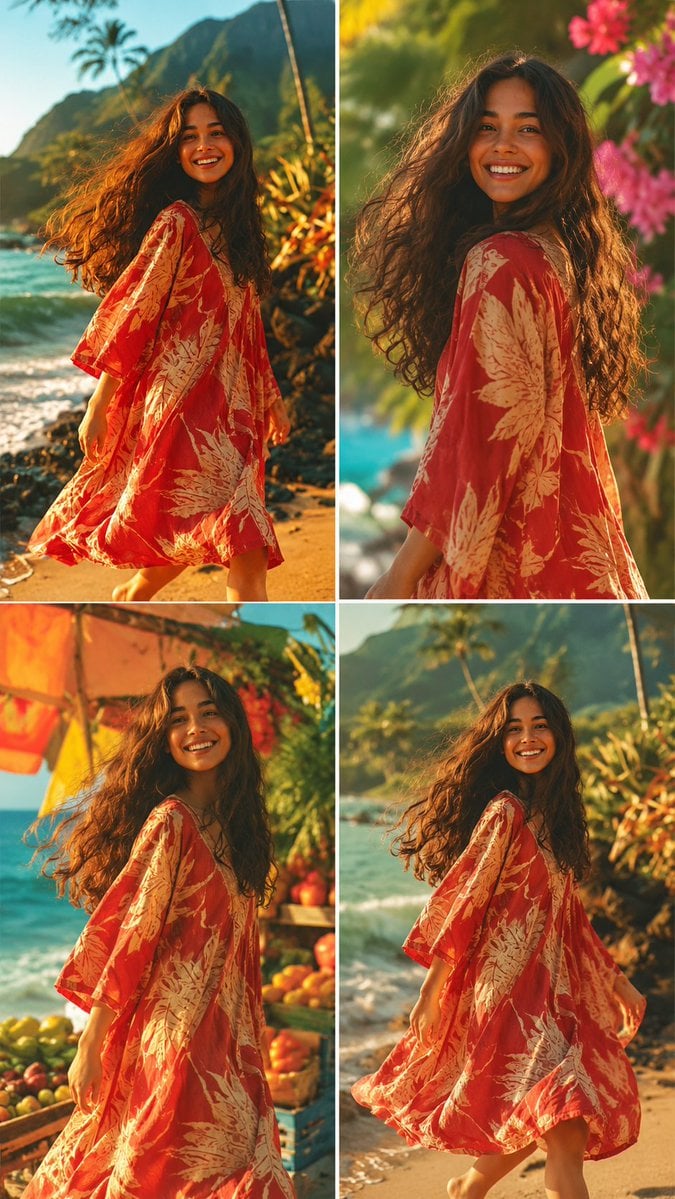
Tropical Vacation Editorial Photography

Underwater Macro Face Portrait

Use the uploaded image as the exact visual reference for product design
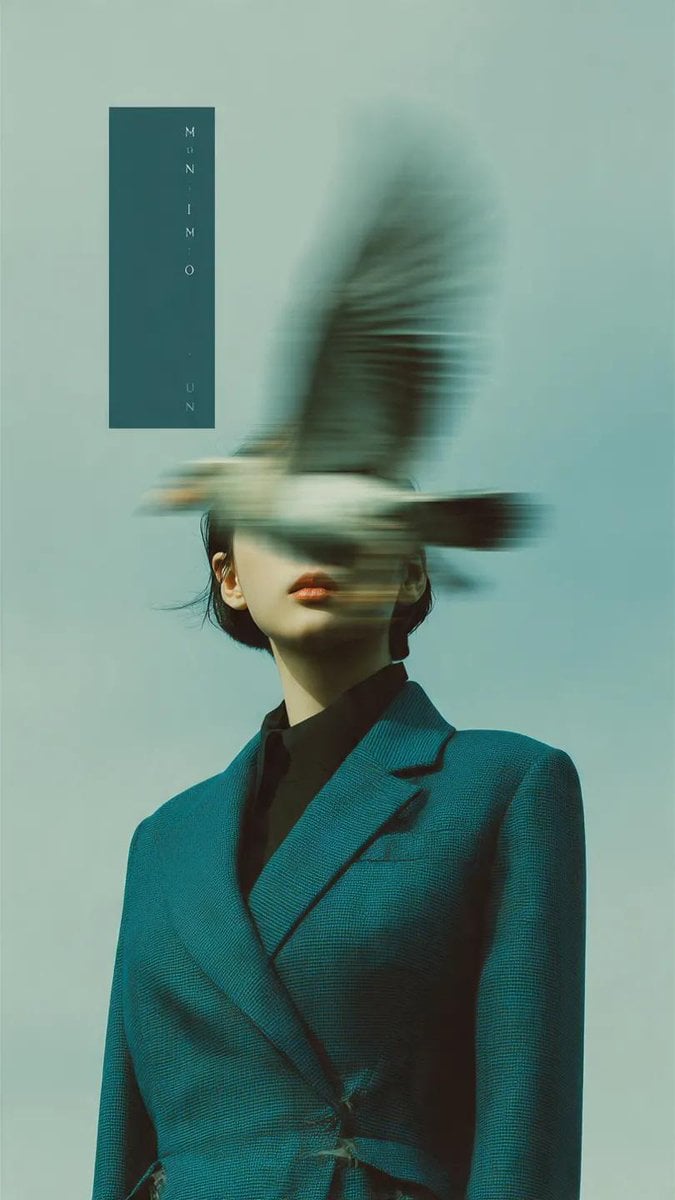
Editorial photography, a woman wearing a structured deep teal blazer
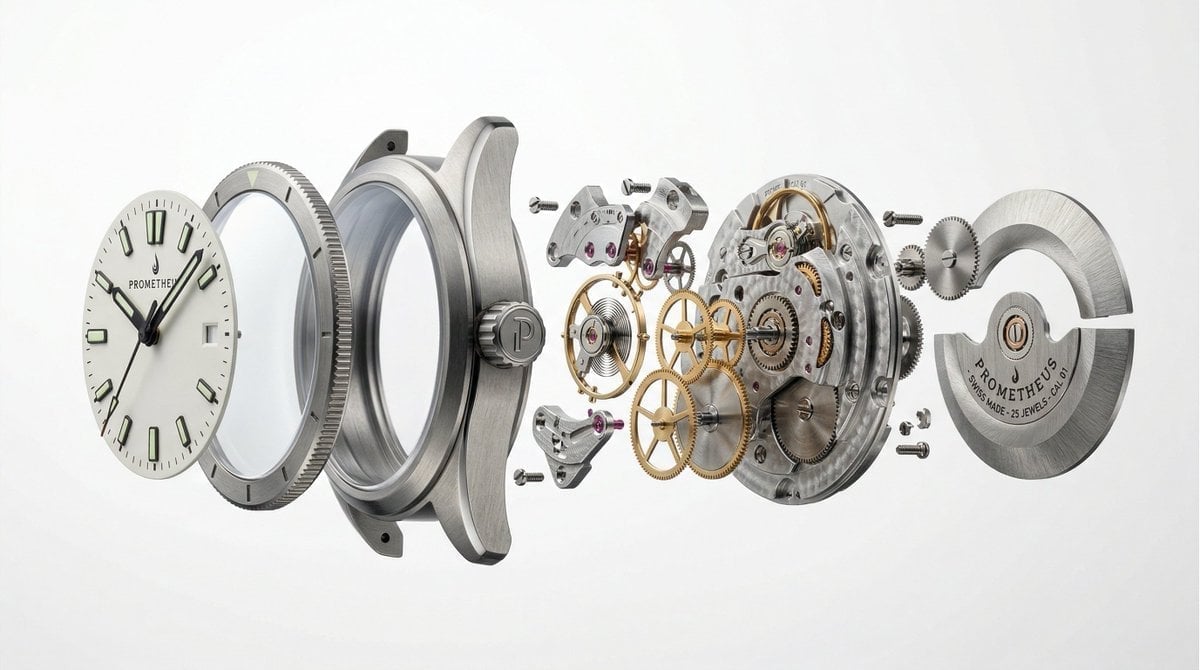
Prompt Studio Minimalist Luxury Product Design with Nano Banana 2
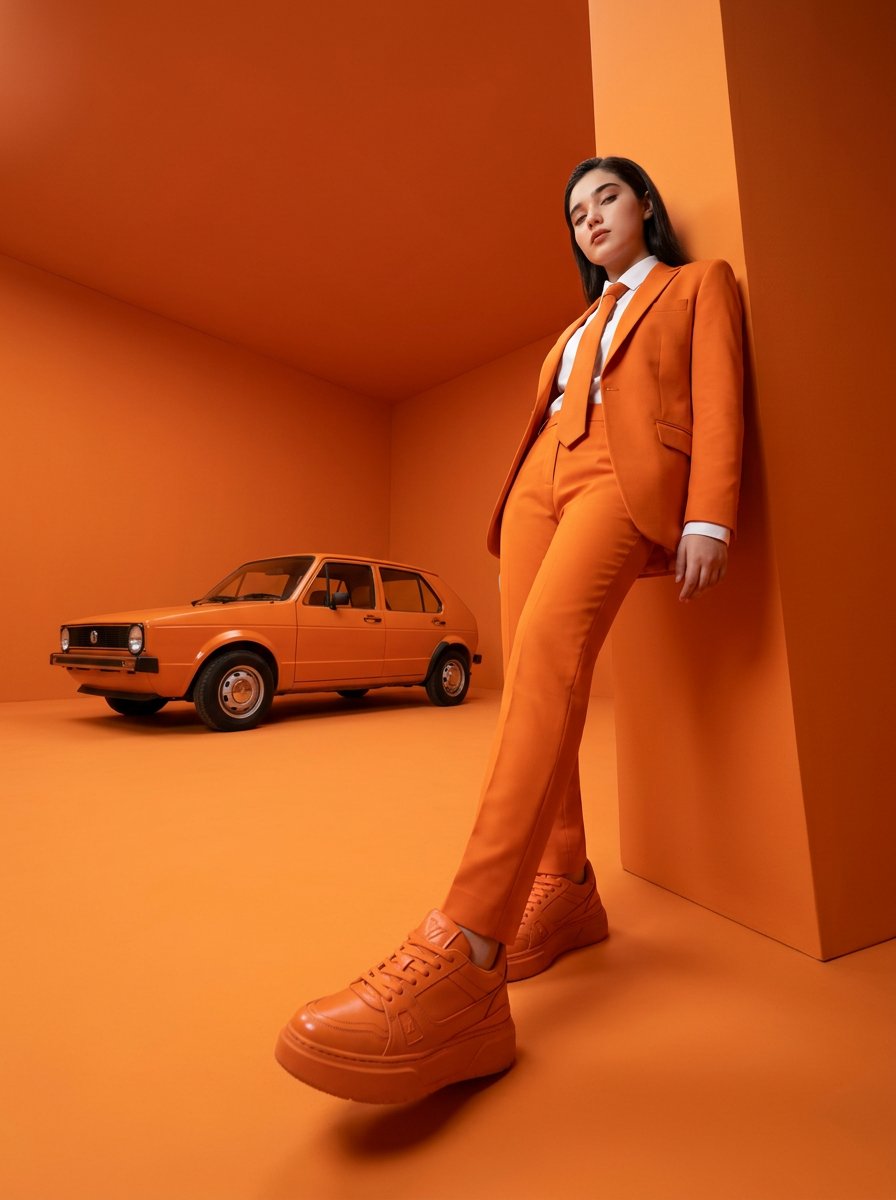
High-fashion editorial photography of a woman with the uploaded face
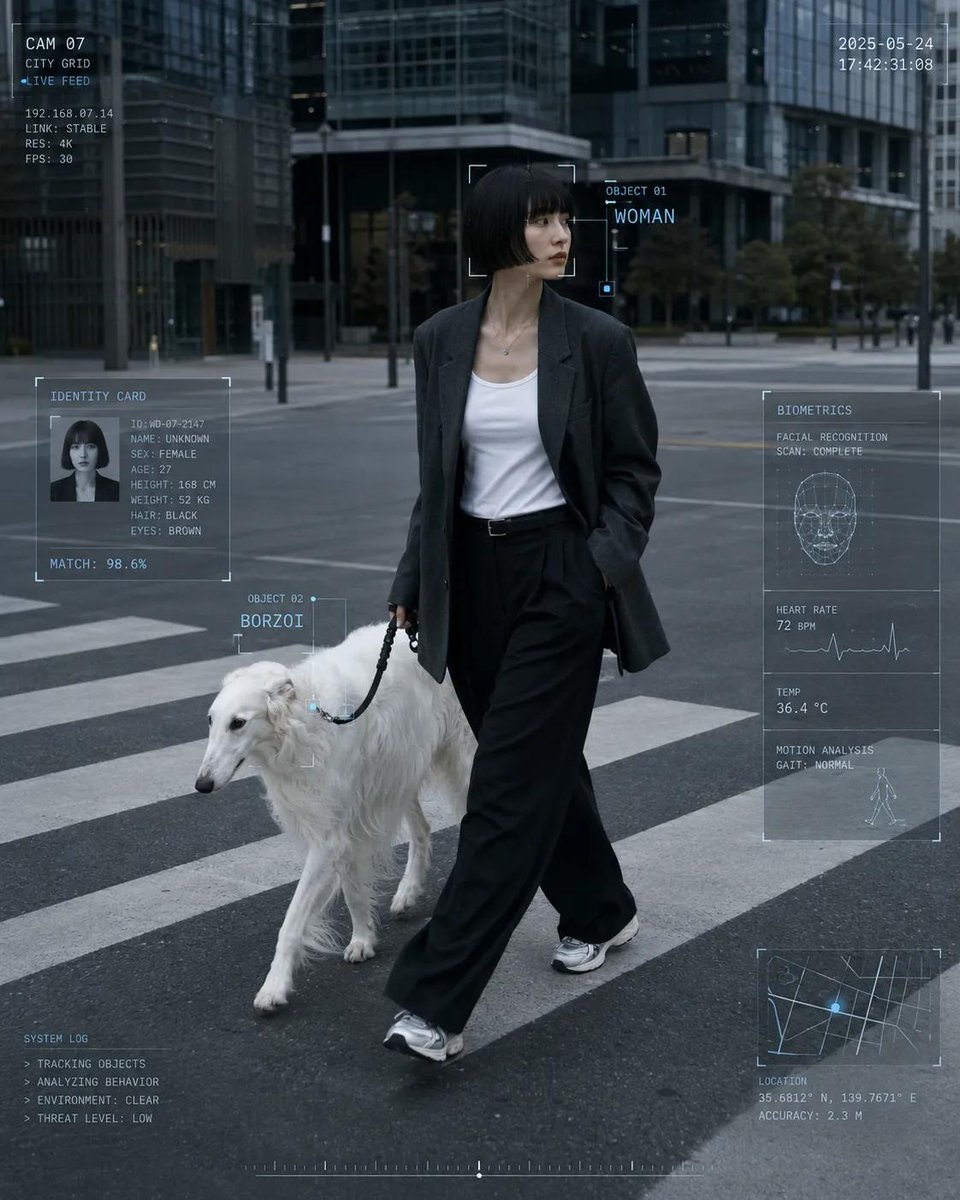
Cyber Core Editorial Surveillance Photography
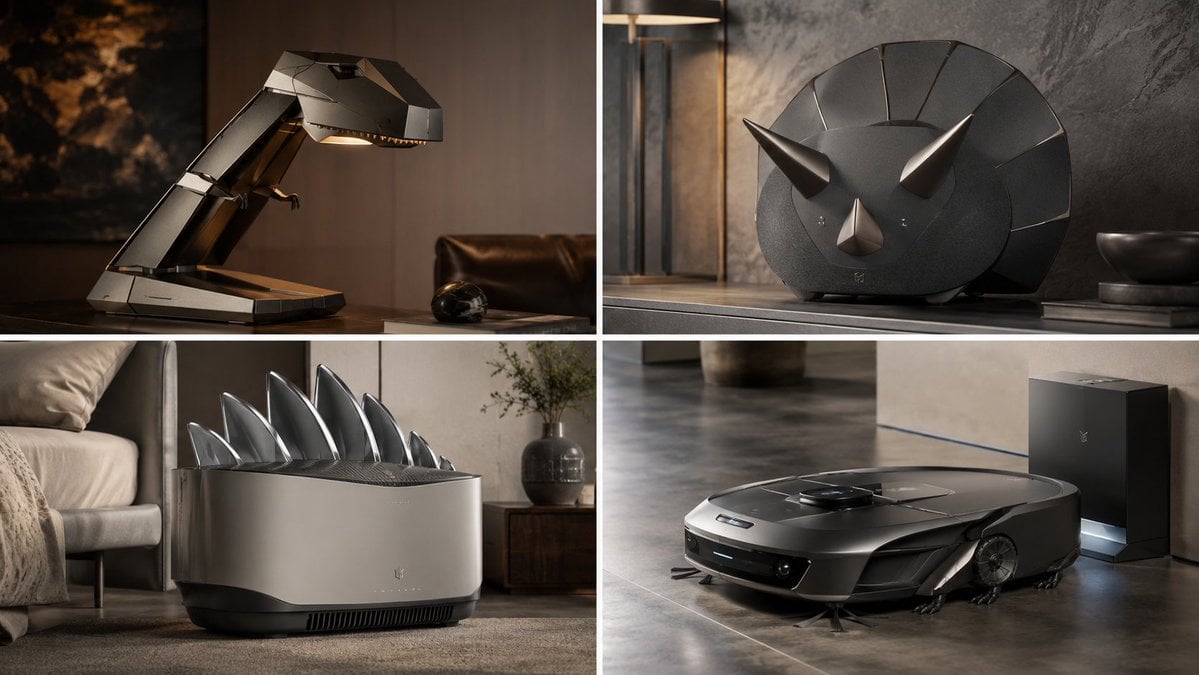
Premium Industrial Product Design Generator
Make it yours
Editorial Concept Study Product Design works as-is. These are the safest ways to change it without losing the look.
Change one field
Copy a single group, rewrite it, and generate again so you can see what that field is doing.
Keep the frame, change the subject
Hold the composition and light of Editorial Concept Study Product Design, then swap wardrobe, props or the person for a new take.
| If the result… | Why | Fix |
|---|---|---|
| The result drifts from the preview | Too many fields changed at once. | Reuse Editorial Concept Study Product Design as-is first, then change one group — subject, light, or setting. |
| The model over-stylizes the scene | The prose prompt leaves finish and camera underspecified. | Add one camera or lighting sentence and stay on PicX Studio. |
More image prompts
Fresh picks from across the catalog.

Urban lifestyle portrait prompt

Glossy Anime Shading Transformation

Hybrid CGI Ink-Wash Chinese Illustration
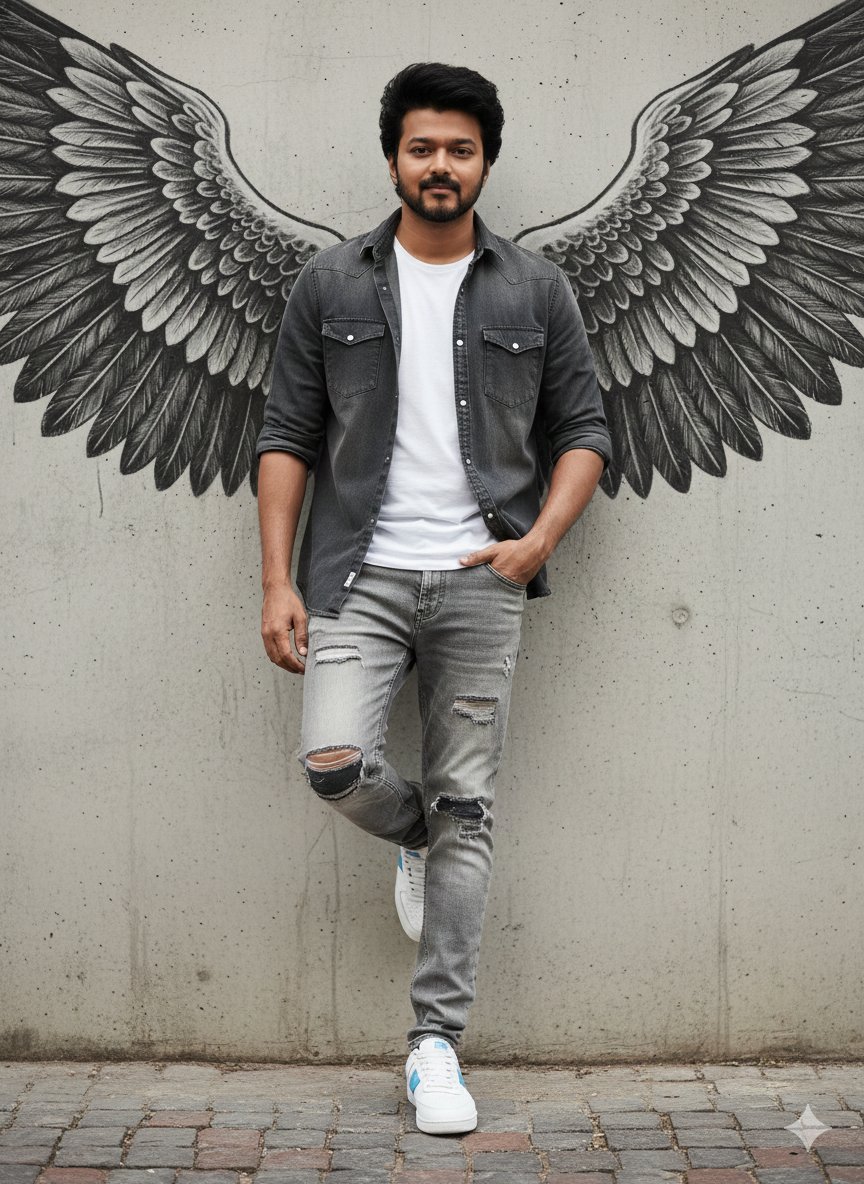
Urban Cinematic Portrait with Painted Angel Wings
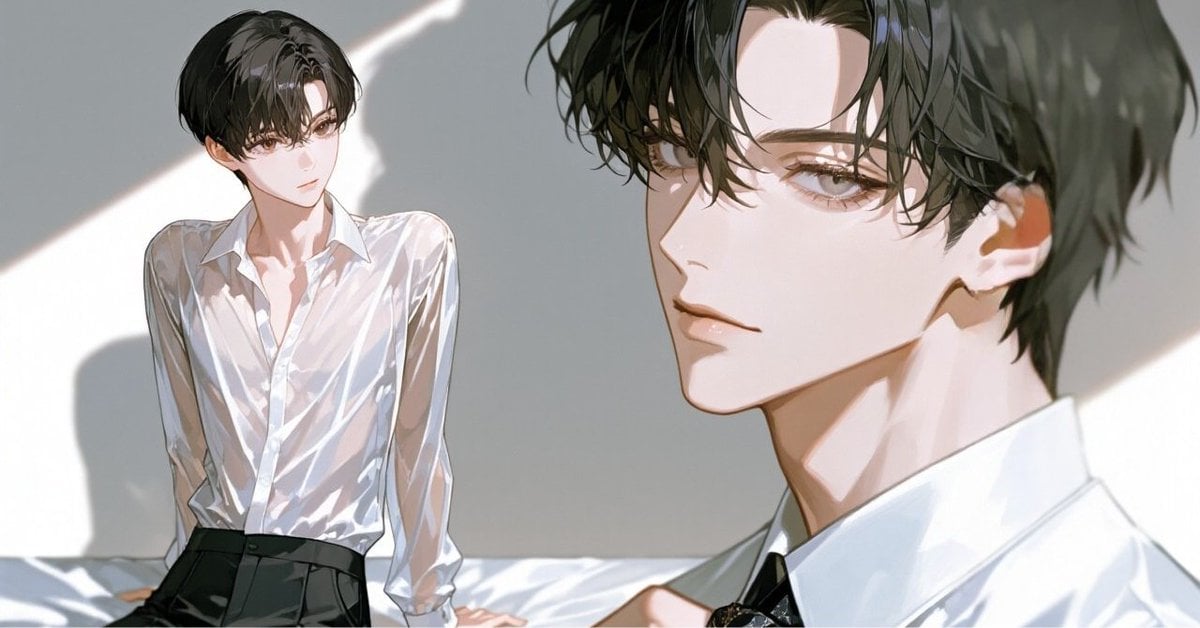
Anime Style Keyframe Prompt for Music Video Scene Generation

Adorable Baby Red Fox Kit Image Generation Prompt

Stylized Character Poster Illustration
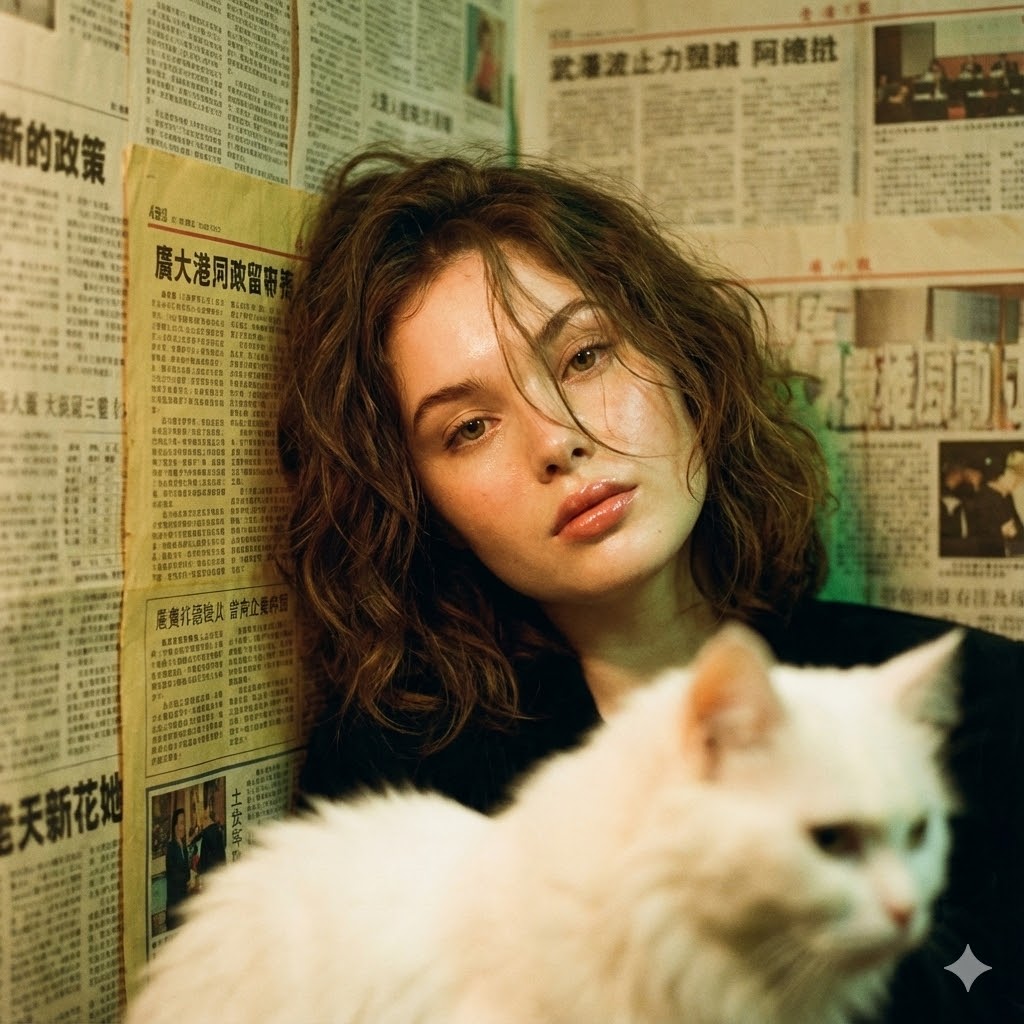
Photorealistic Hong Kong Retro Portrait Prompt
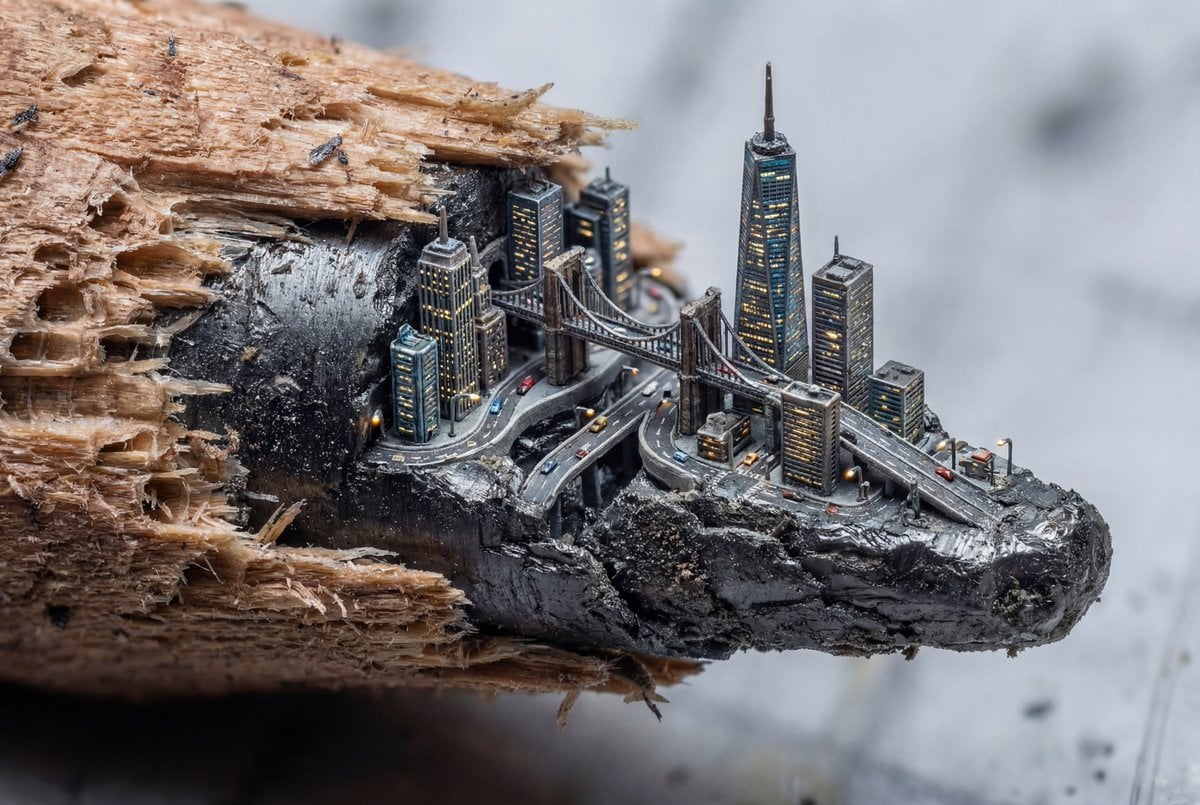
Microscopic City Art Addition Prompt

Skincare E-commerce Landing Page Mockup
Browse template categories
Editorial Concept Study Product Design questions
How do I use the Editorial Concept Study Product Design template?
Add your photo if the template asks for one, edit the prompt if you like — the template's model and format are already selected — and press Generate. Your version opens in PicX Studio.
Can I customize the Editorial Concept Study Product Design template?
Yes. You can change the subject, setting, lighting, mood, format, and available model controls before creating your image.
Is the Editorial Concept Study Product Design template free?
Opening and editing this template is free. Generating uses credits, shown on the Generate button when you are signed in.
Which AI model should I use?
Choose a compatible model in PicX Studio based on the style, speed, and output controls your project needs.
Looking for something else? Browse all templates.

Your photo, any look
Thousands of ready templates for every top image and video model, from one credit balance.