
Skincare E-commerce Landing Page Mockup
Generates a clean, clinical web design mockup for a skincare brand featuring a hero image, product shot, and feature highlights.
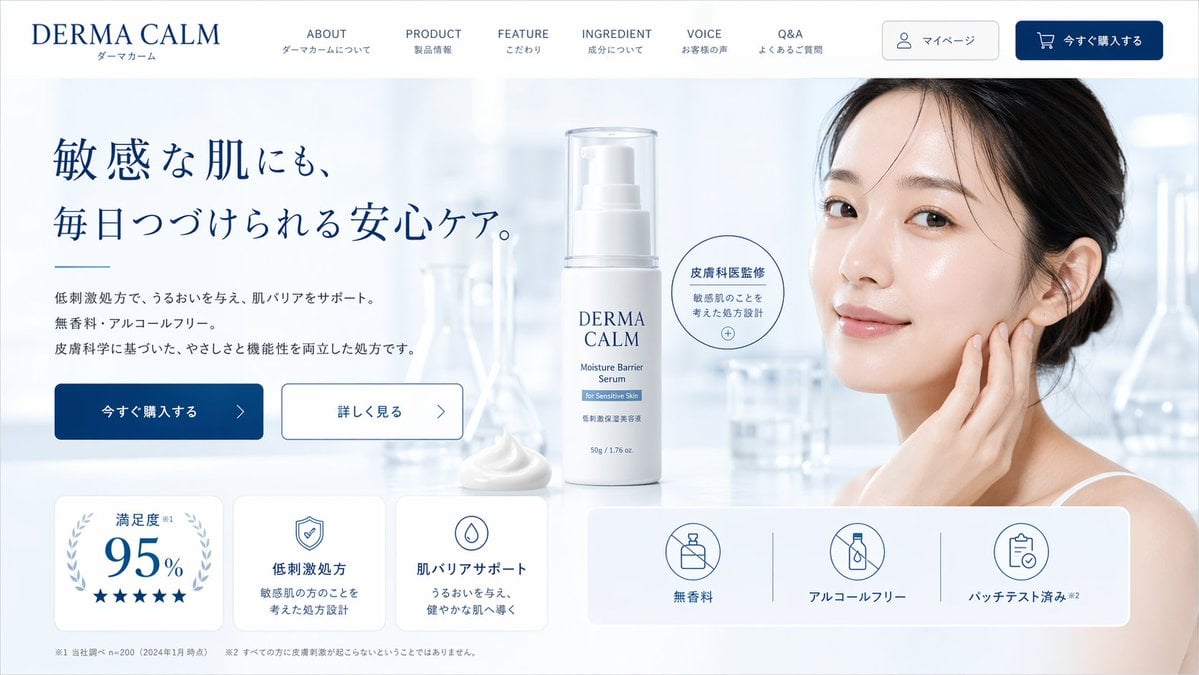
- Prompt included
- Model and format preset
- Premium template
The prompt behind this image
Copy the exact prompt behind Skincare E-commerce Landing Page Mockup, or open it in the studio and make it yours.
- Type
- skincare e-commerce landing page mockup
- Brand
- {argument name="brand name" default="DERMA CALM"}
- Color Palette
- white, light blue, {argument name="primary color" default="dark blue"}
- Layout › Header › Logo
- left-aligned brand name with Japanese subtext
- Layout › Header › Navigation Links › Count
- 6
- Layout › Header › Navigation Links › Labels
- ABOUT, PRODUCT, FEATURE, INGREDIENT, VOICE, Q&A
- Layout › Header › Buttons › Count
- 2
- Layout › Header › Buttons › Labels
- マイページ, 今すぐ購入する
- Layout › Hero Section › Left Column › Headline
- {argument name="hero headline" default="敏感な肌にも、毎日つづけられる安心ケア。"}
- Layout › Hero Section › Left Column › Subtext
- paragraph detailing low irritation, moisturizing, fragrance-free, and alcohol-free benefits
- Layout › Hero Section › Left Column › Buttons › Count
- 2
- Layout › Hero Section › Left Column › Buttons › Labels
- 今すぐ購入する, 詳しく見る
- Layout › Hero Section › Center Column › Product
- white pump bottle with clear cap labeled {argument name="product type" default="Moisture Barrier Serum"}
- Layout › Hero Section › Center Column › Props
- dollop of white cream, circular badge reading 皮膚科医監修
- Layout › Hero Section › Right Column › Subject
- {argument name="model description" default="young East Asian woman with clear glowing skin touching her cheek"}
- Layout › Hero Section › Right Column › Background
- blurred laboratory glassware in a bright, clean clinical setting
- Layout › Bottom Features Panel › Left Cards › Count
- 3
- Layout › Bottom Features Panel › Left Cards › Descriptions
- 95% satisfaction with 5 stars, shield icon for low irritation formula, drop icon for skin barrier support
- Layout › Bottom Features Panel › Right Badges › Count
- 3
- Layout › Bottom Features Panel › Right Badges › Descriptions
- no fragrance icon, no alcohol icon, patch tested icon
- Layout › Bottom Features Panel › Footer
- fine print disclaimers at the bottom
Raw JSON
{
  "type": "skincare e-commerce landing page mockup",
  "brand": "{argument name=\"brand name\" default=\"DERMA CALM\"}",
  "color_palette": ["white", "light blue", "{argument name=\"primary color\" default=\"dark blue\"}"],
  "layout": {
    "header": {
      "logo": "left-aligned brand name with Japanese subtext",
      "navigation_links": {
        "count": 6,
        "labels": ["ABOUT", "PRODUCT", "FEATURE", "INGREDIENT", "VOICE", "Q&A"]
      },
      "buttons": {
        "count": 2,
        "labels": ["マイページ", "今すぐ購入する"]
      }
    },
    "hero_section": {
      "left_column": {
        "headline": "{argument name=\"hero headline\" default=\"敏感な肌にも、毎日つづけられる安心ケア。\"}",
        "subtext": "paragraph detailing low irritation, moisturizing, fragrance-free, and alcohol-free benefits",
        "buttons": {
          "count": 2,
          "labels": ["今すぐ購入する", "詳しく見る"]
        }
      },
      "center_column": {
        "product": "white pump bottle with clear cap labeled {argument name=\"product type\" default=\"Moisture Barrier Serum\"}",
        "props": ["dollop of white cream", "circular badge reading 皮膚科医監修"]
      },
      "right_column": {
        "subject": "{argument name=\"model description\" default=\"young East Asian woman with clear glowing skin touching her cheek\"}",
        "background": "blurred laboratory glassware in a bright, clean clinical setting"
      }
    },
    "bottom_features_panel": {
      "left_cards": {
        "count": 3,
        "descriptions": ["95% satisfaction with 5 stars", "shield icon for low irritation formula", "drop icon for skin barrier support"]
      },
      "right_badges": {
        "count": 3,
        "descriptions": ["no fragrance icon", "no alcohol icon", "patch tested icon"]
      },
      "footer": "fine print disclaimers at the bottom"
    }
  }
}How to use Skincare E-commerce Landing Page Mockup in 3 steps
- 1Upload ImagePNG, JPG or paste
Add your photo
Upload the photo the template builds on. The prompt, model and format are already set.
- 2…a portrait of your subject in softgolden-hour light, 85mm…
Personalize
Edit the subject and creative details for your destination.
- 3Generate
Generate
Press Generate — your image is created in PicX Studio, so you can compare it with the original and refine one variable at a time.
More like this
Templates with the same subject, style or setup. Open one to see its prompt.

Luxury E-Commerce Landing Page Mockup
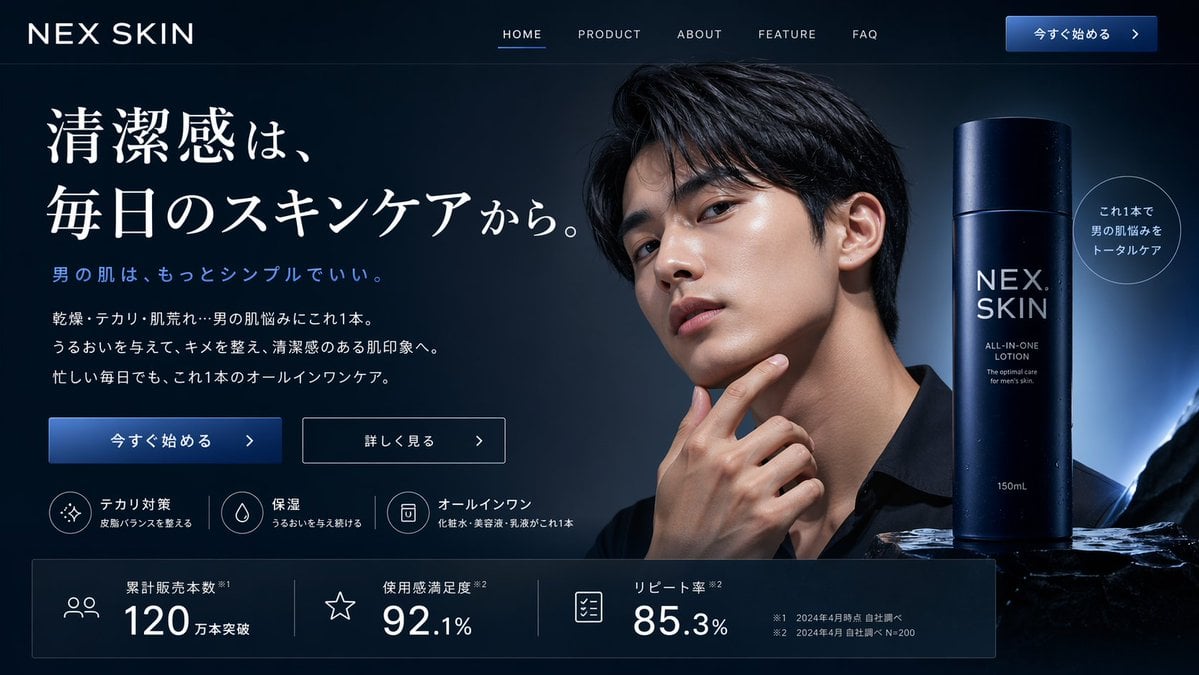
Men's Skincare Website Landing Page Mockup
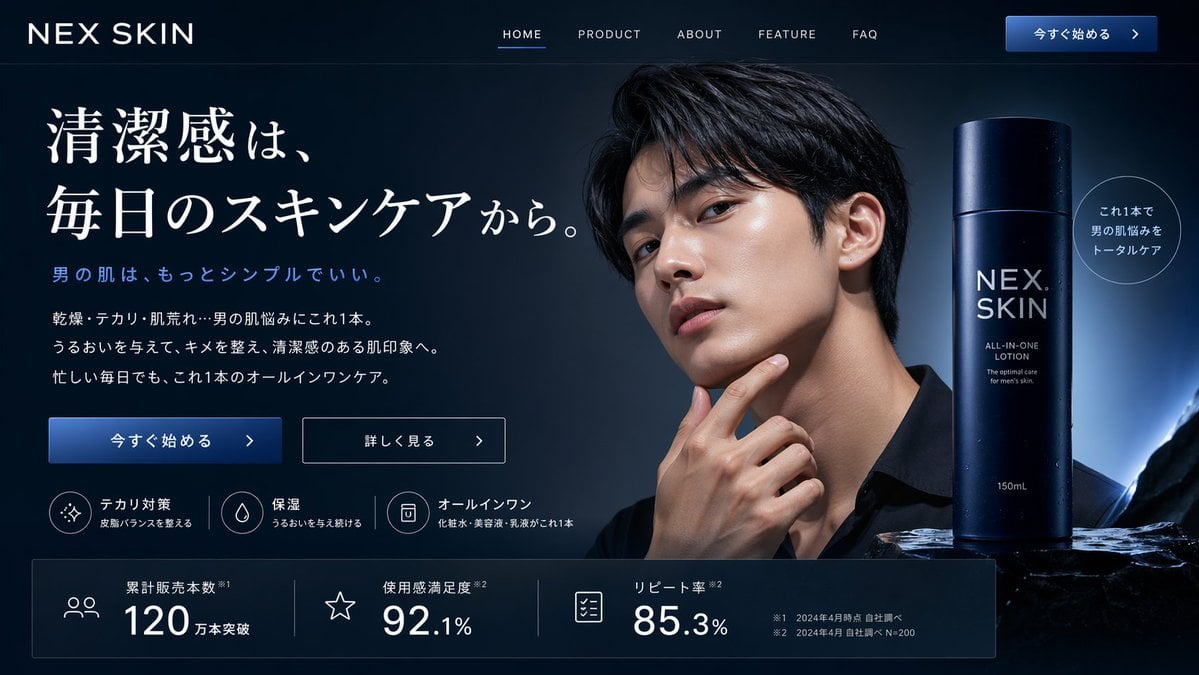
Men's Skincare Landing Page Mockup
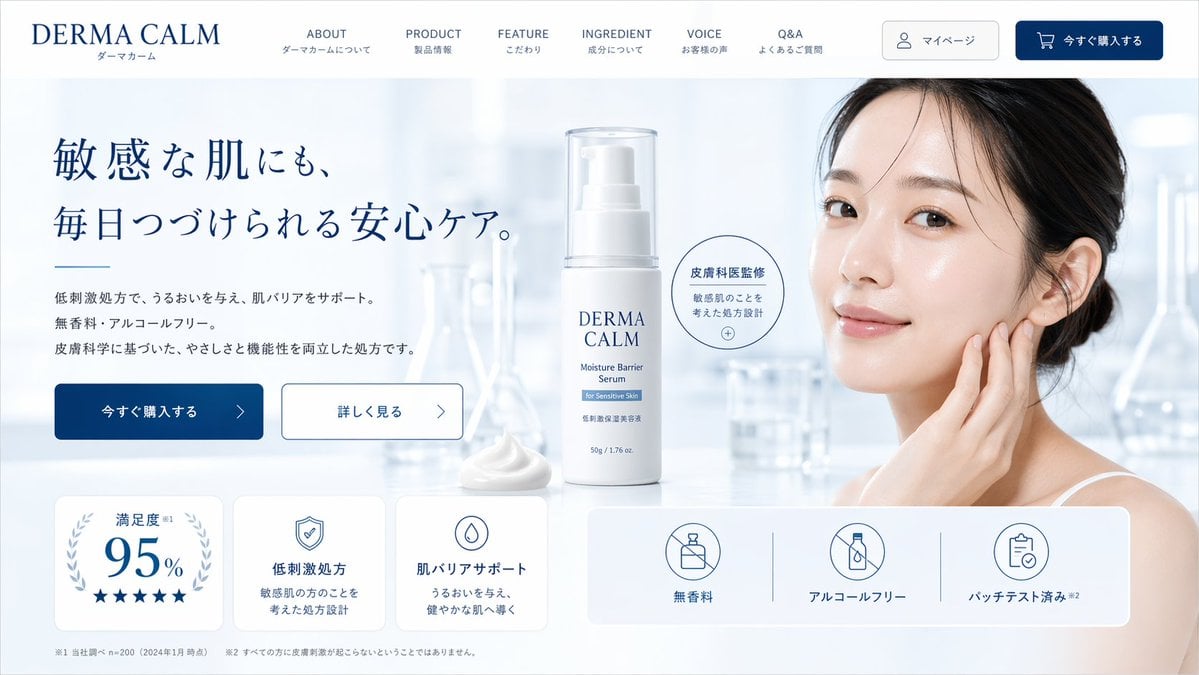
Skincare Landing Page Mockup
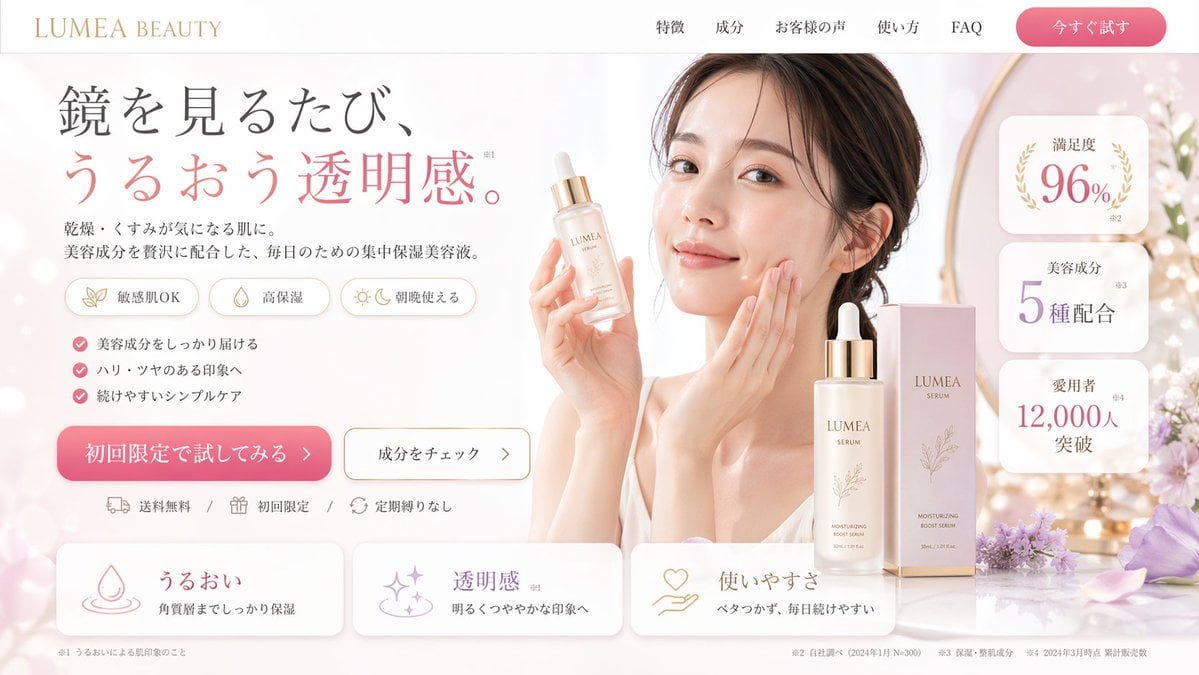
Beauty Product Landing Page Mockup
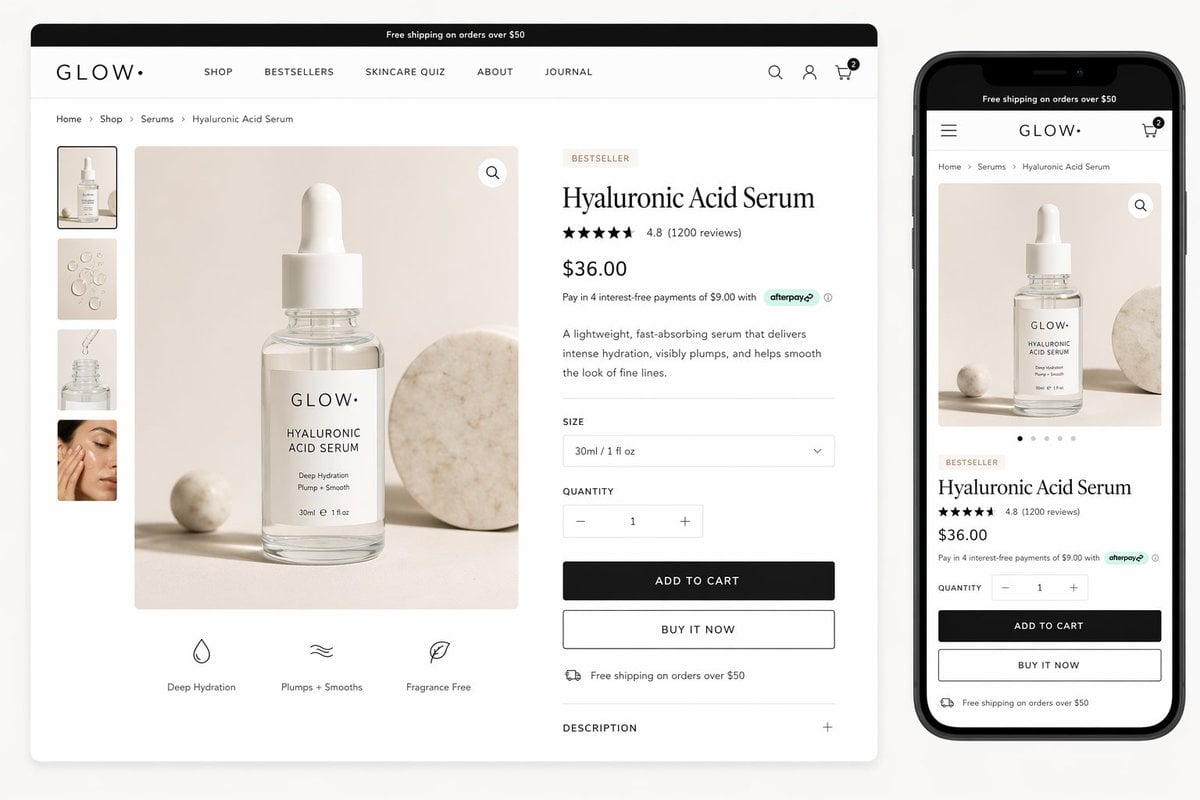
Luxury Skincare Product Page Mockup
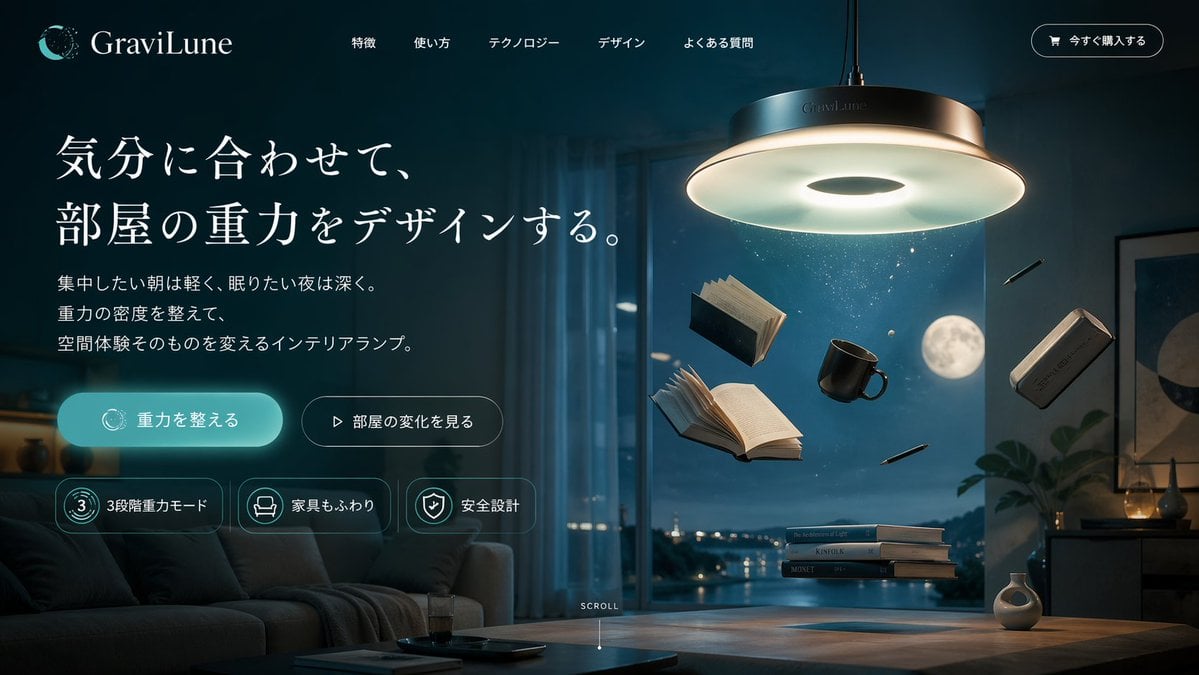
Anti-Gravity Lamp Landing Page Mockup

Ergonomic Office Chair E-commerce Mobile Detail Page
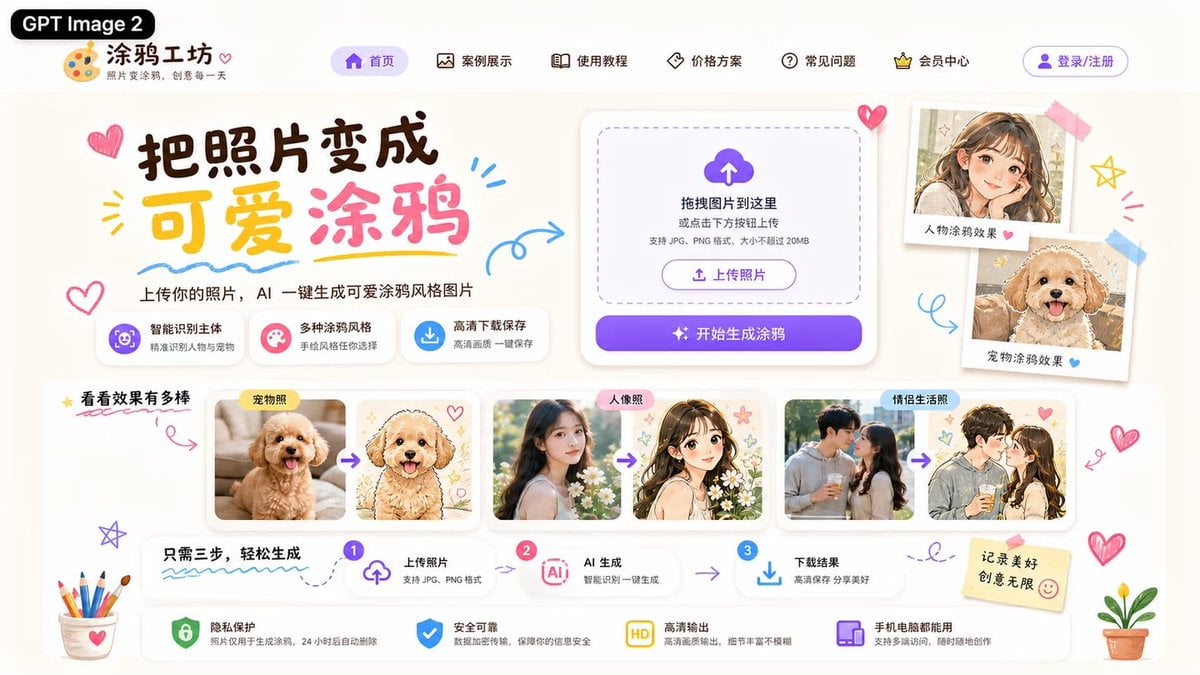
Cute AI Doodle Generator Landing Page
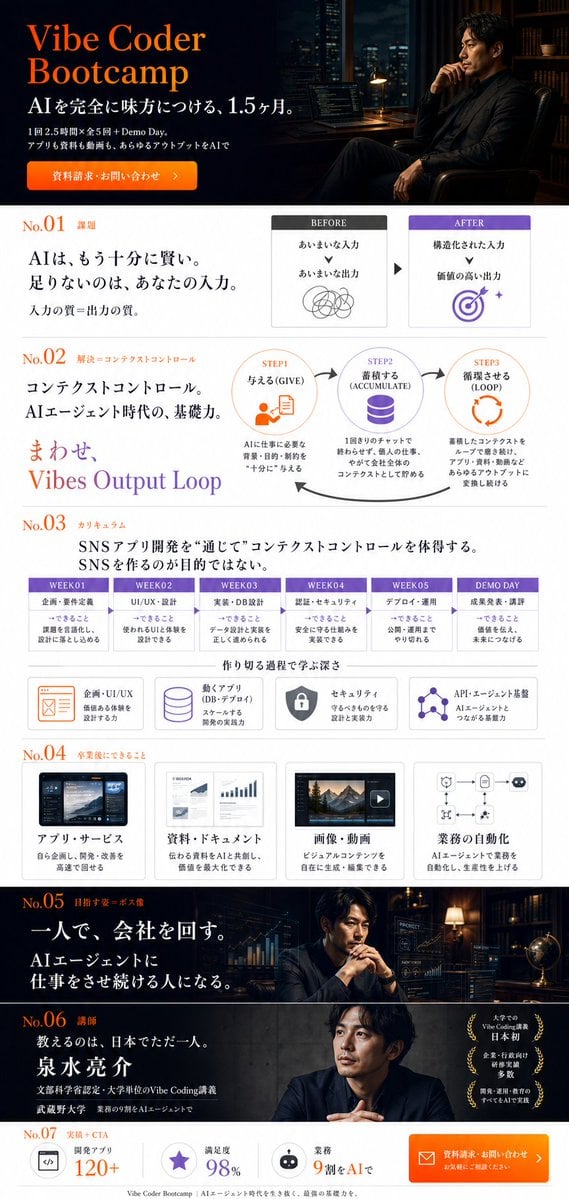
Vibe Coder Bootcamp Landing Page

Minimalist Skincare Product Water Stone Still

Botanical Skincare Minimal Product Advertising
Make it yours
Skincare E-commerce Landing Page Mockup works as-is. These are the safest ways to change it without losing the look.
Swap the setting
Keep the rest of the prompt and replace the location block. The current setting is “blurred laboratory glassware in a bright, clean clinical setting”.
Change one field
Copy a single group, rewrite it, and generate again so you can see what that field is doing.
Keep the frame, change the subject
Hold the composition and light of Skincare E-commerce Landing Page Mockup, then swap wardrobe, props or the person for a new take.
| If the result… | Why | Fix |
|---|---|---|
| The result drifts from the preview | Too many fields changed at once. | Reuse Skincare E-commerce Landing Page Mockup as-is first, then change one group — subject, light, or setting. |
| GPT Image 2 ignores part of the JSON | Some models flatten or skip nested keys. | Keep the same values and paste them as a short paragraph instead. |
More GPT Image 2 templates
Other prompts made for GPT Image 2.

Six VTuber Japanese Logo Sheet

Realistic Portrait of Woman and Deer

The Vista Modular Condo Poster

AI Model Routing Comparison Infographic

2.5D Anime Art Board

Isometric Productivity Desk Scene

New York Double Exposure Poster

Four-Panel AI Landscape Comparison

Japanese Tatami Lifestyle Magazine Cover

NESCAFÉ Coffee Map Poster
More image prompts
Fresh picks from across the catalog.
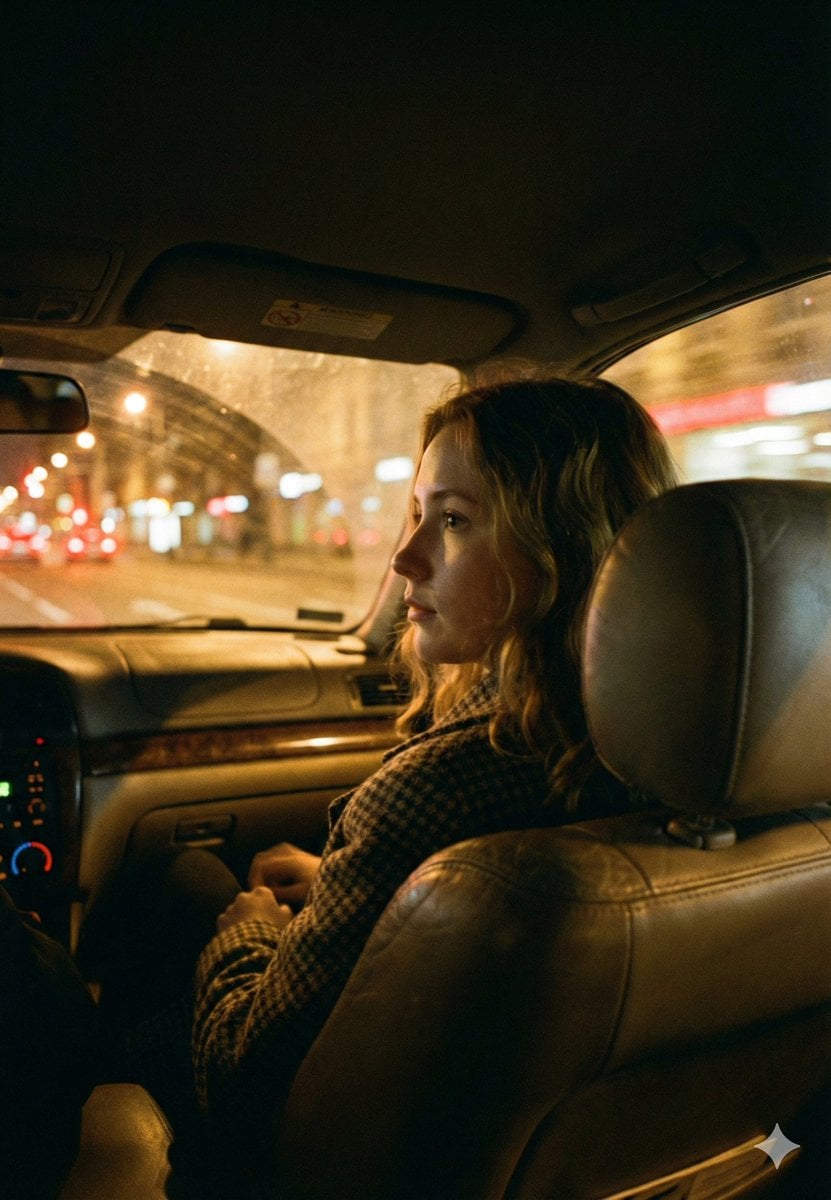
Cinematic Night Car Interior Portrait
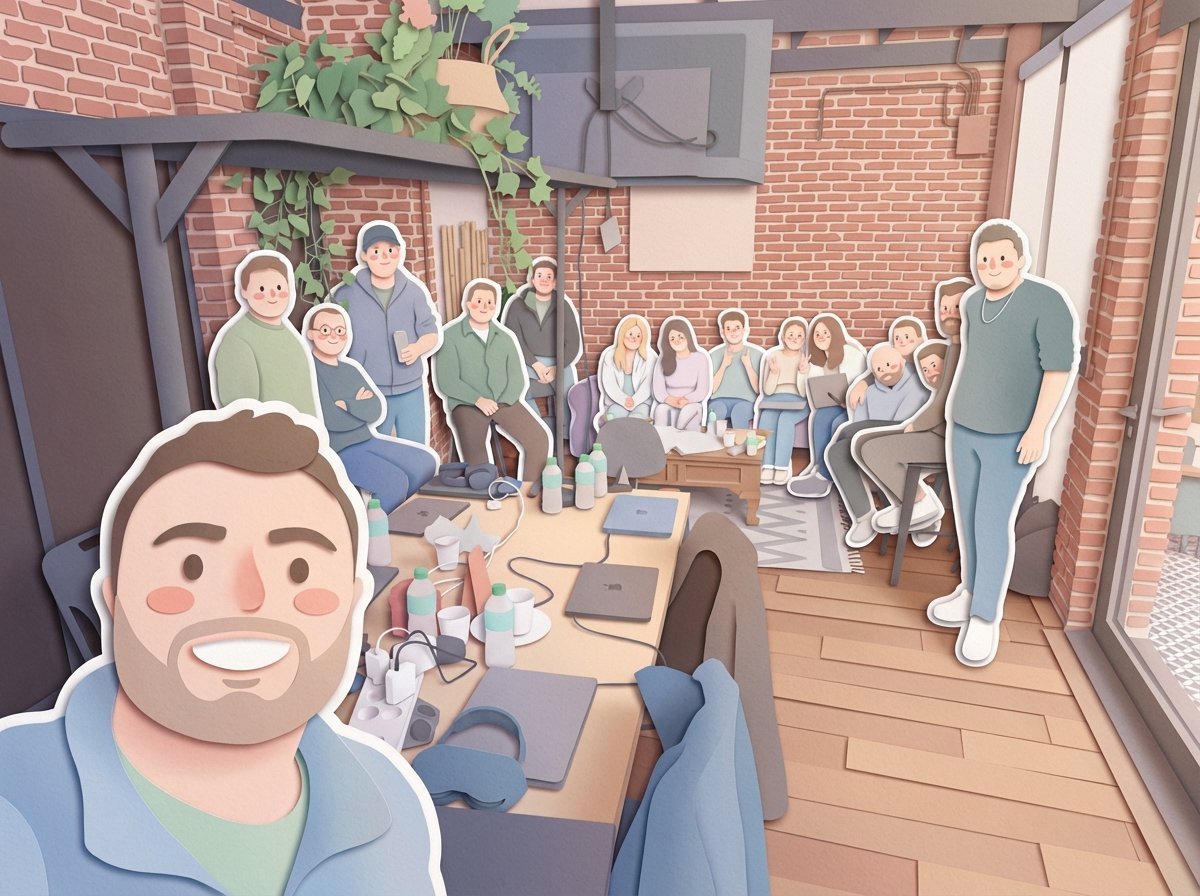
Paper-Cut Layered Illustration Style Transfer

Anonymized Swimmer in Teal Pool
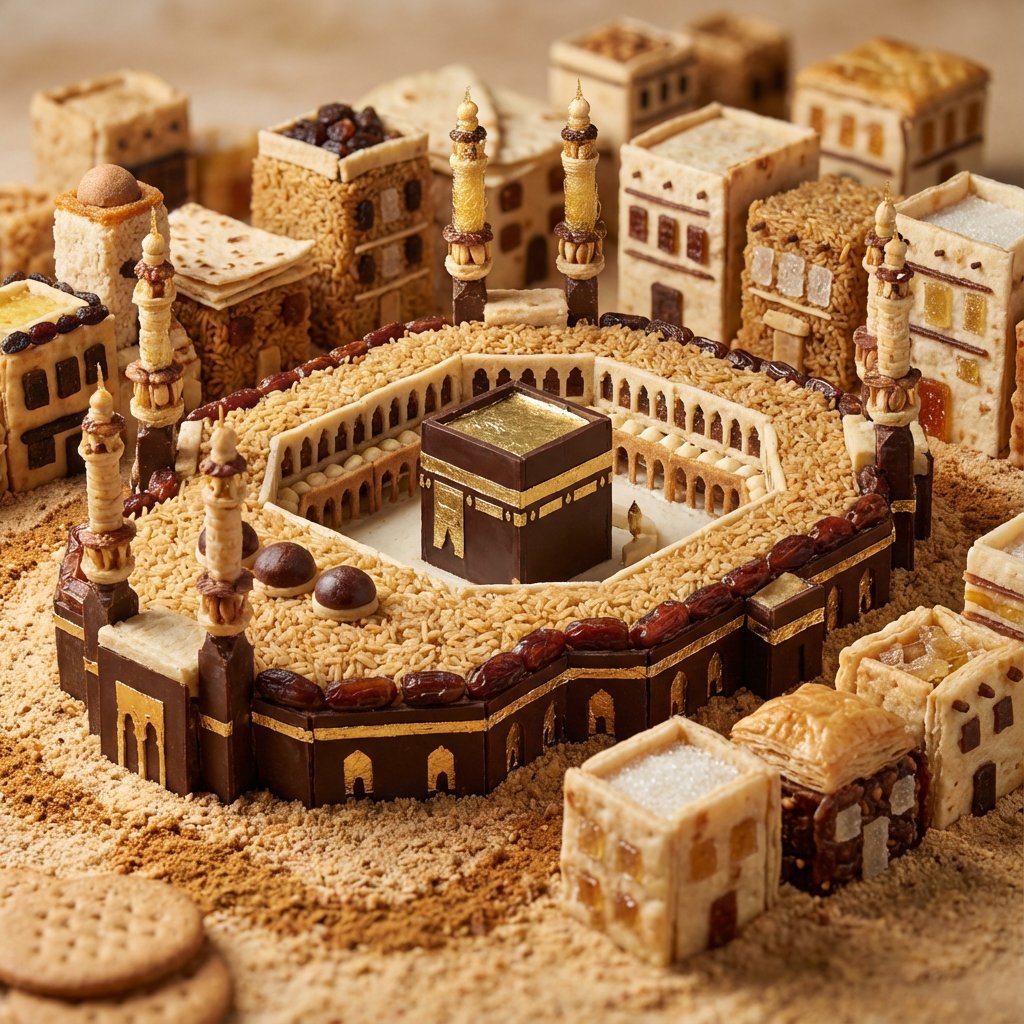
Edible Cityscape Diorama (Double Inference)

Cinematic Portrait in a Sunlit Meadow
Moonlit Anime Chocolate Box
mickey toxico
Elegant Curvy Woman Looking Back Over Shoulder
Crying Lover Portrait (JSON Format)

High-Quality Photo of Man Flying Above Clouds
Browse template categories
Skincare E-commerce Landing Page Mockup questions
How do I use the Skincare E-commerce Landing Page Mockup template?
Add your photo if the template asks for one, edit the prompt if you like — the template's model and format are already selected — and press Generate. Your version opens in PicX Studio.
Can I customize the Skincare E-commerce Landing Page Mockup template?
Yes. You can change the subject, setting, lighting, mood, format, and available model controls before creating your image.
Is the Skincare E-commerce Landing Page Mockup template free?
Opening and editing this template is free. Generating uses credits, shown on the Generate button when you are signed in.
Which AI model should I use?
Start with GPT Image 2, which is the model associated with this template. You can compare another compatible model for a different finish.
Looking for something else? Browse all templates.

Your photo, any look
Thousands of ready templates for every top image and video model, from one credit balance.