
Men's Skincare Landing Page Mockup
Generates a sleek, dark-themed website hero section for a men's skincare product, featuring a model, product shot, and feature statistics.
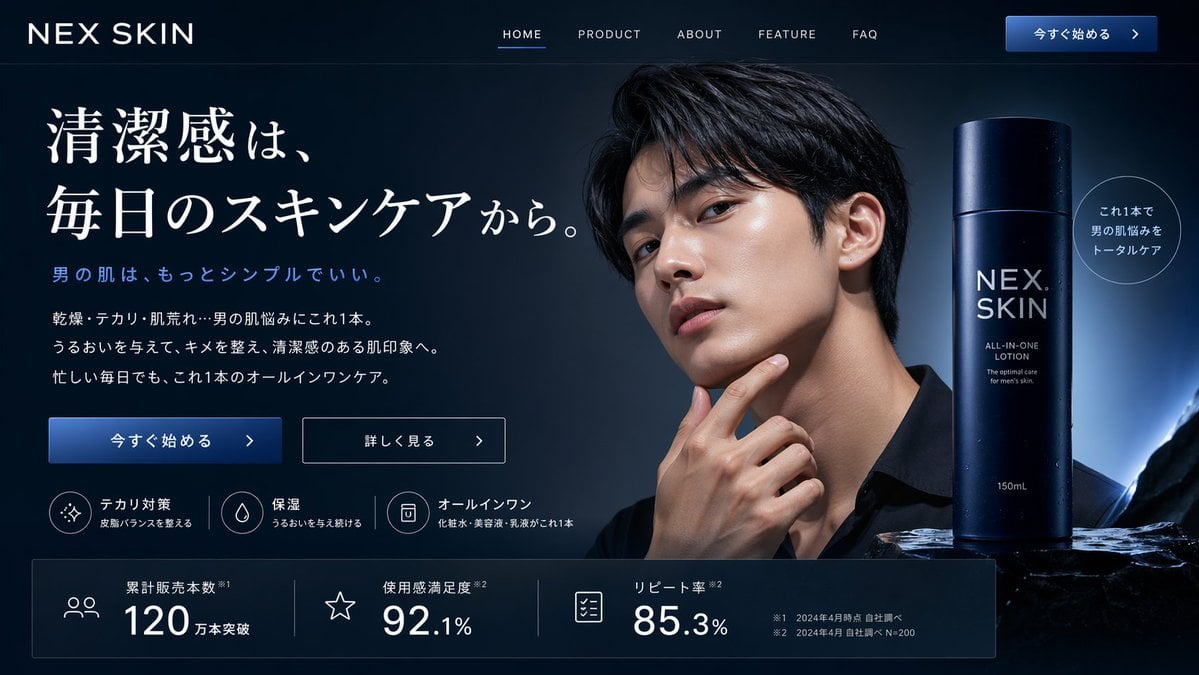
- Prompt included
- Model and format preset
- Free template
The prompt behind this image
Copy the exact prompt behind Men's Skincare Landing Page Mockup, or open it in the studio and make it yours.
- Type
- website landing page hero section
- Theme › Style
- sleek, professional, modern, dark mode
- Theme › Colors
- {argument name="primary color theme" default="deep navy blue and black"}
- Layout › Header › Logo
- {argument name="brand name" default="NEX SKIN"}
- Layout › Header › Navigation Links
- 5
- Layout › Header › Cta Button
- 今すぐ始める >
- Layout › Hero Content Left › Headline
- {argument name="main headline" default="清潔感は、毎日のスキンケアから。"}
- Layout › Hero Content Left › Subheadline
- 男の肌は、もっとシンプルでいい。
- Layout › Hero Content Left › Body Text
- 3 lines of descriptive text regarding skincare benefits
- Layout › Hero Content Left › Action Buttons
- 2
- Layout › Hero Content Left › Features › Count
- 3
- Layout › Hero Content Left › Features › Labels
- テカリ対策, 保湿, オールインワン
- Layout › Hero Content Left › Features › Format
- icon with title and subtext
- Layout › Hero Visuals Right › Model
- {argument name="model description" default="handsome young Asian man with clean glowing skin"}, touching chin, wearing black shirt
- Layout › Hero Visuals Right › Product
- {argument name="product type" default="men's all-in-one skincare lotion"}, dark blue cylindrical bottle with water droplets, resting on dark rocky surface, backlit
- Layout › Hero Visuals Right › Floating Element
- circular badge with text
- Layout › Bottom Statistics Bar › Count
- 3
- Layout › Bottom Statistics Bar › Metrics
- 累計販売本数 120万本突破, 使用感満足度 92.1%, リピート率 85.3%
- Layout › Bottom Statistics Bar › Format
- icon, label, and large percentage/number
- Layout › Bottom Statistics Bar › Footnotes
- small text at bottom right
Raw JSON
{
  "type": "website landing page hero section",
  "theme": {
    "style": "sleek, professional, modern, dark mode",
    "colors": "{argument name=\"primary color theme\" default=\"deep navy blue and black\"}"
  },
  "layout": {
    "header": {
      "logo": "{argument name=\"brand name\" default=\"NEX SKIN\"}",
      "navigation_links": 5,
      "cta_button": "今すぐ始める >"
    },
    "hero_content_left": {
      "headline": "{argument name=\"main headline\" default=\"清潔感は、毎日のスキンケアから。\"}",
      "subheadline": "男の肌は、もっとシンプルでいい。",
      "body_text": "3 lines of descriptive text regarding skincare benefits",
      "action_buttons": 2,
      "features": {
        "count": 3,
        "labels": ["テカリ対策", "保湿", "オールインワン"],
        "format": "icon with title and subtext"
      }
    },
    "hero_visuals_right": {
      "model": "{argument name=\"model description\" default=\"handsome young Asian man with clean glowing skin\"}, touching chin, wearing black shirt",
      "product": "{argument name=\"product type\" default=\"men's all-in-one skincare lotion\"}, dark blue cylindrical bottle with water droplets, resting on dark rocky surface, backlit",
      "floating_element": "circular badge with text"
    },
    "bottom_statistics_bar": {
      "count": 3,
      "metrics": ["累計販売本数 120万本突破", "使用感満足度 92.1%", "リピート率 85.3%"],
      "format": "icon, label, and large percentage/number",
      "footnotes": "small text at bottom right"
    }
  }
}How to use Men's Skincare Landing Page Mockup in 3 steps
- 1Upload ImagePNG, JPG or paste
Add your photo
Upload the photo the template builds on. The prompt, model and format are already set.
- 2…a portrait of your subject in softgolden-hour light, 85mm…
Personalize
Edit the subject and creative details for your destination.
- 3Generate
Generate
Press Generate — your image is created in PicX Studio, so you can compare it with the original and refine one variable at a time.
More like this
Templates with the same subject, style or setup. Open one to see its prompt.
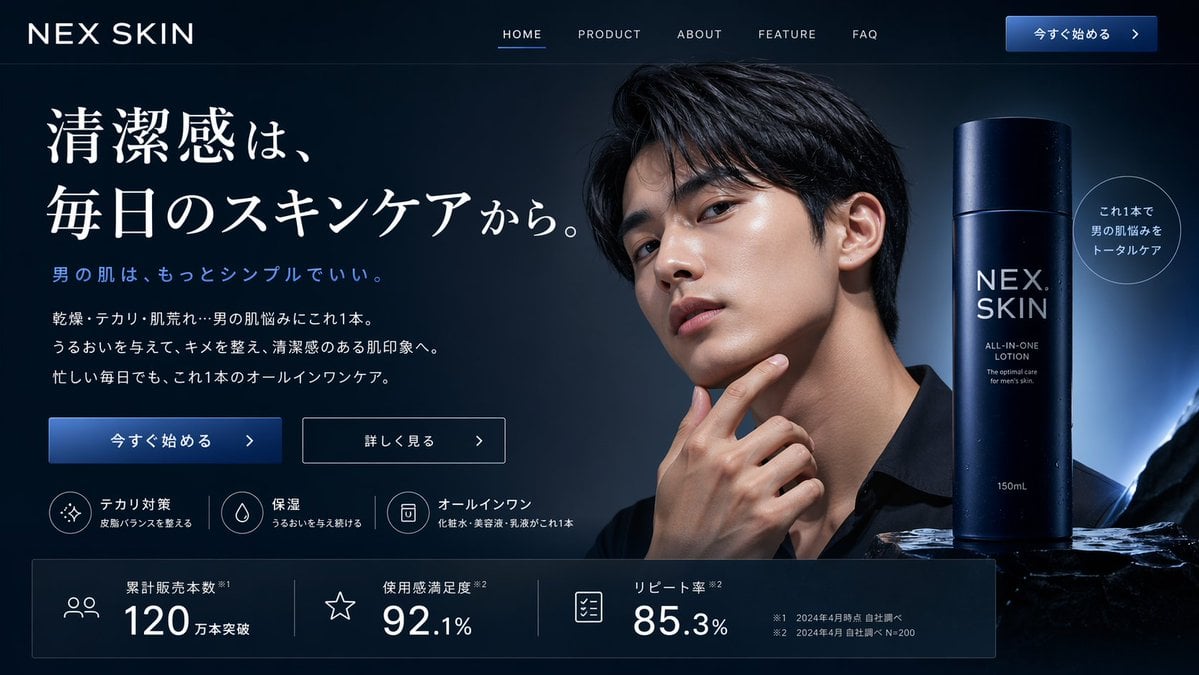
Men's Skincare Website Landing Page Mockup
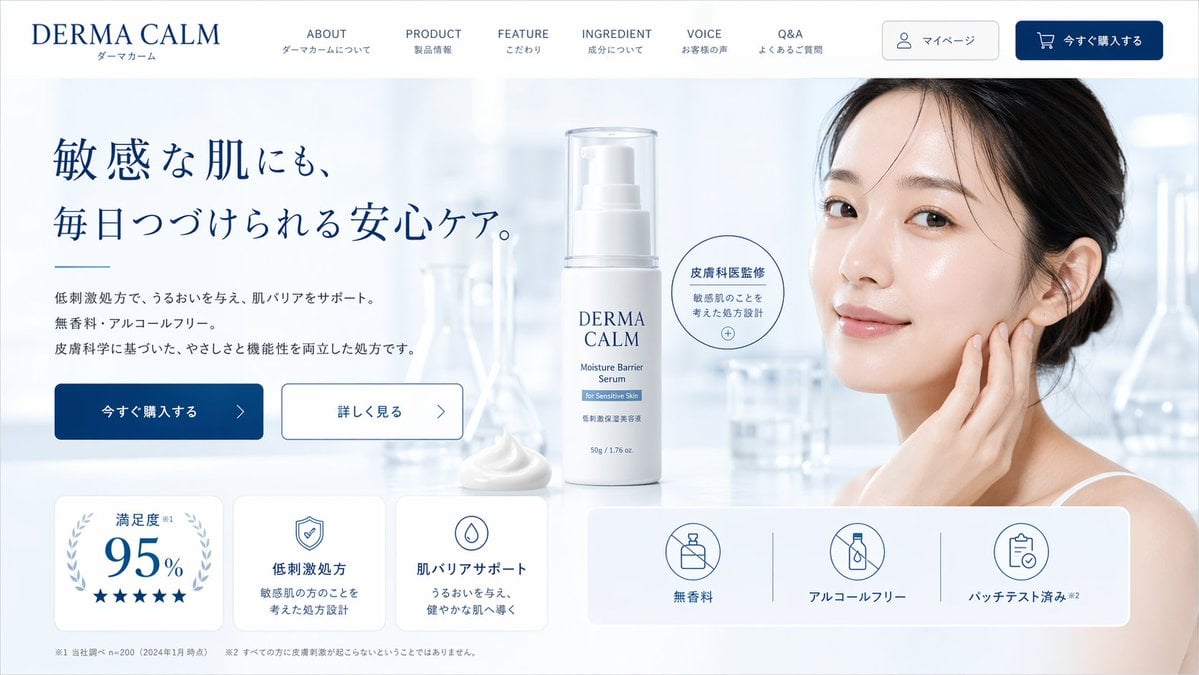
Skincare E-commerce Landing Page Mockup
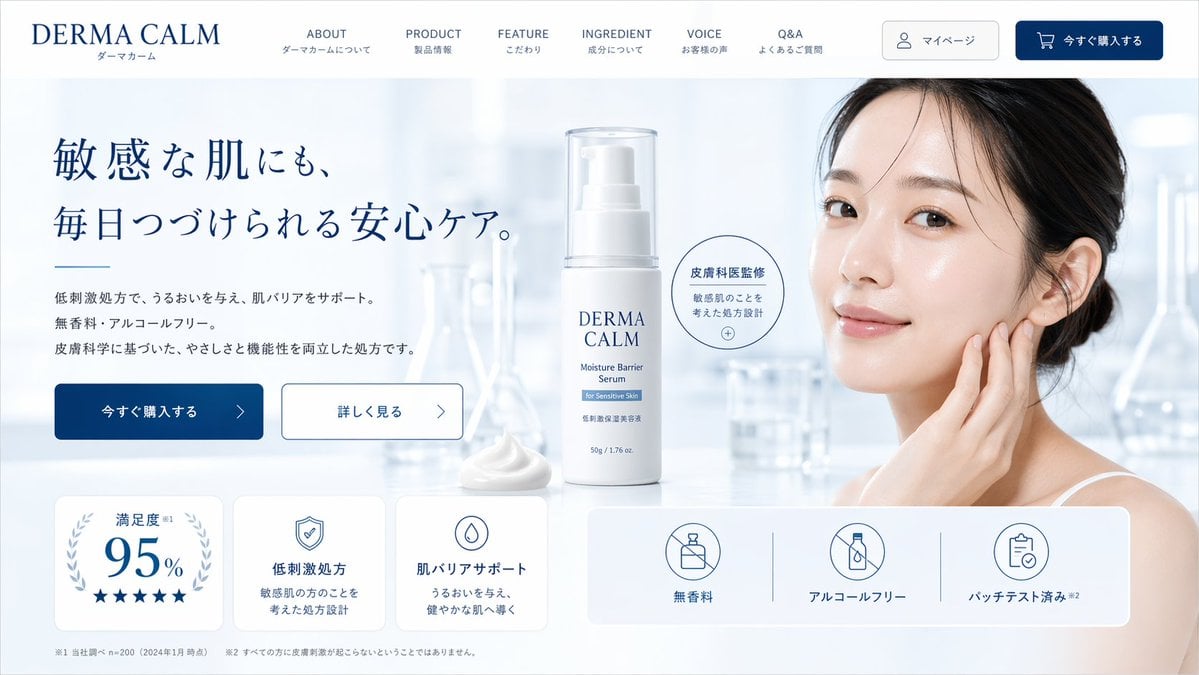
Skincare Landing Page Mockup

Luxury E-Commerce Landing Page Mockup
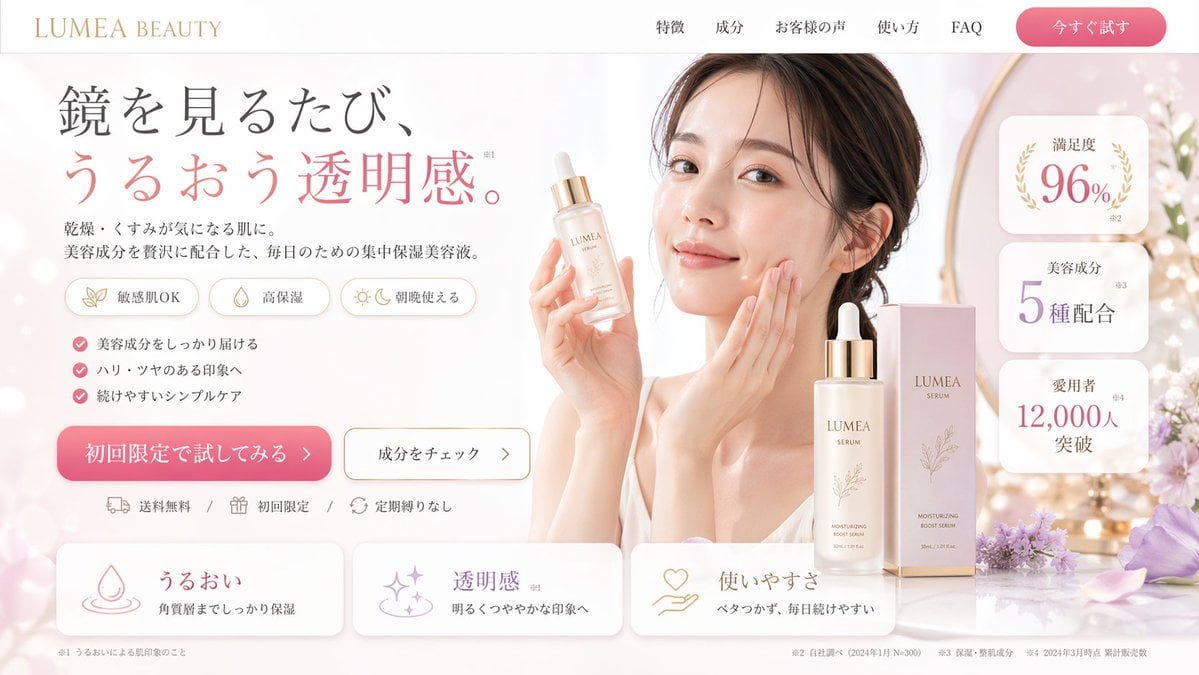
Beauty Product Landing Page Mockup
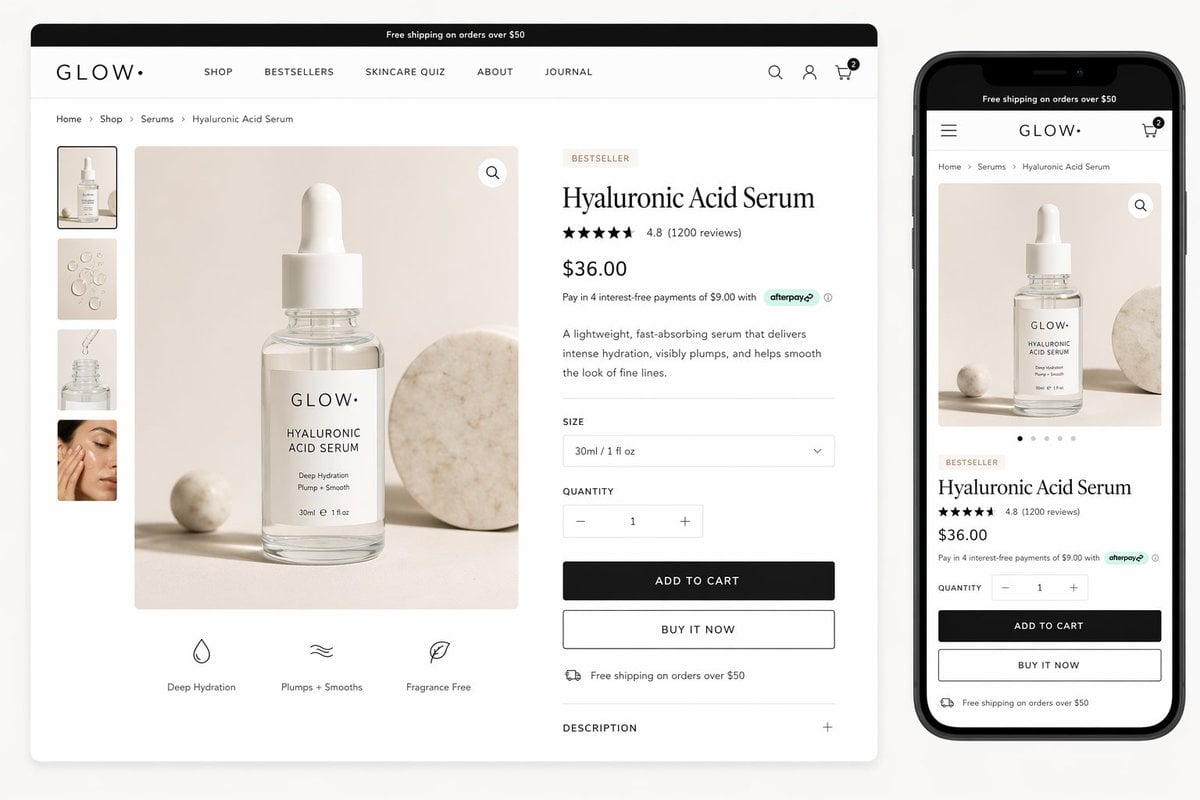
Luxury Skincare Product Page Mockup
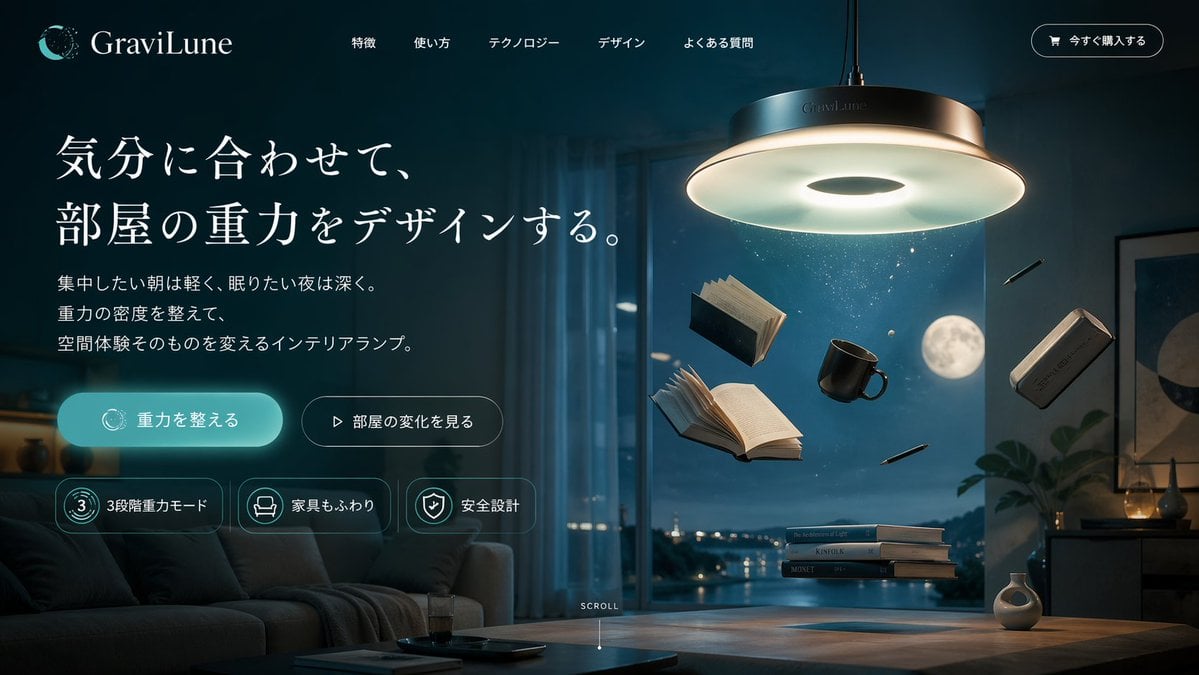
Anti-Gravity Lamp Landing Page Mockup
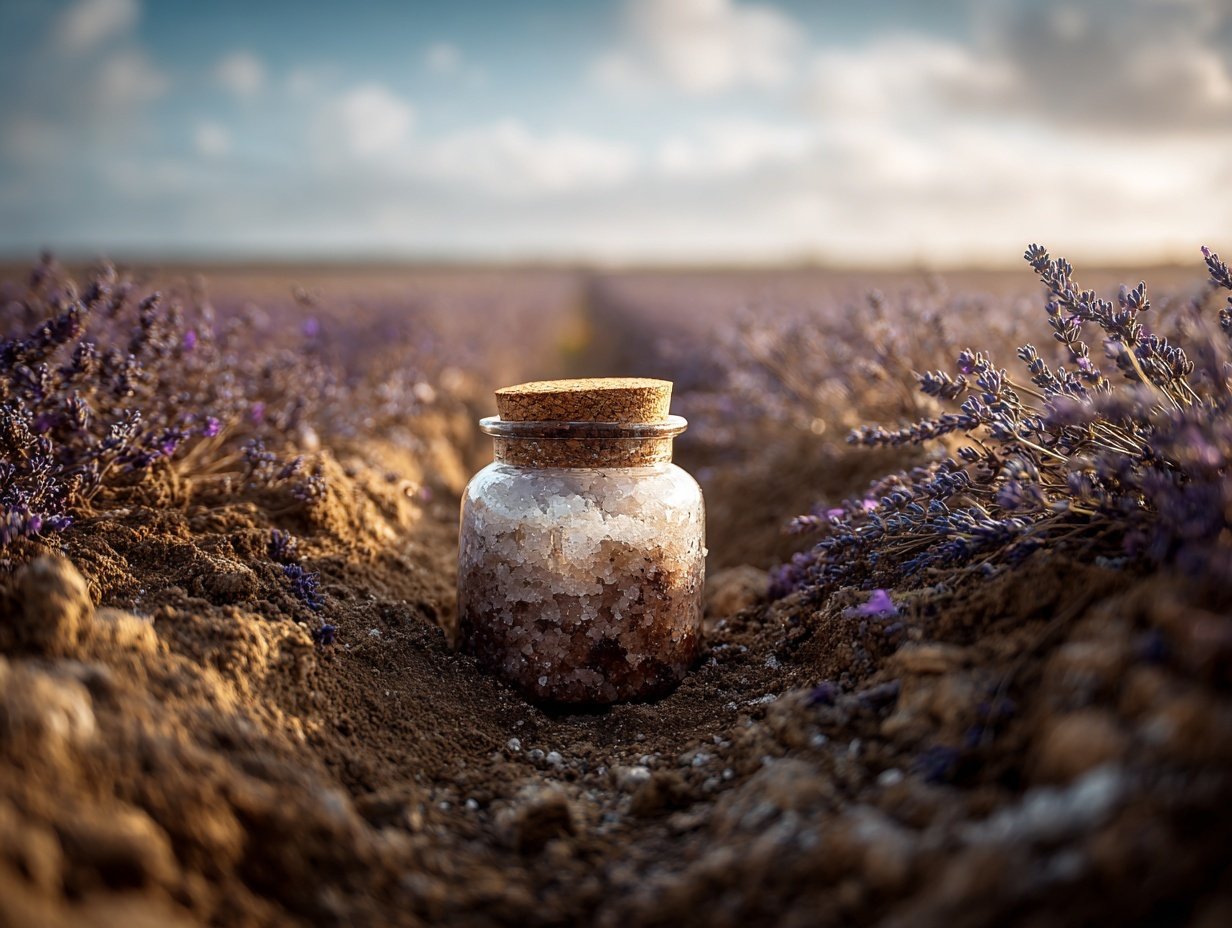
Product Elemental Lifestyle - Midjourney v7/v8
Luxury Skincare Product Advertisement
Premium Men's Skincare Thumbnail

Lumen iOS Wellness App Mockup
Cute AI Doodle Generator Landing Page
Make it yours
Men's Skincare Landing Page Mockup works as-is. These are the safest ways to change it without losing the look.
Change one field
Copy a single group, rewrite it, and generate again so you can see what that field is doing.
Keep the frame, change the subject
Hold the composition and light of Men's Skincare Landing Page Mockup, then swap wardrobe, props or the person for a new take.
| If the result… | Why | Fix |
|---|---|---|
| The result drifts from the preview | Too many fields changed at once. | Reuse Men's Skincare Landing Page Mockup as-is first, then change one group — subject, light, or setting. |
| GPT Image 2 ignores part of the JSON | Some models flatten or skip nested keys. | Keep the same values and paste them as a short paragraph instead. |
More GPT Image 2 templates
Other prompts made for GPT Image 2.

Six VTuber Japanese Logo Sheet

Realistic Portrait of Woman and Deer

The Vista Modular Condo Poster

AI Model Routing Comparison Infographic

2.5D Anime Art Board

Isometric Productivity Desk Scene

New York Double Exposure Poster

Four-Panel AI Landscape Comparison

Japanese Tatami Lifestyle Magazine Cover

NESCAFÉ Coffee Map Poster
More image prompts
Fresh picks from across the catalog.
Top-Down Selfie in Empty Indoor Pool
Cosmic Chessboard Checkmate Scene
Jimbocho Book Town Poster
High-Fashion Eyewear Editorial Close-Up Prompt
Bedtime Smartphone Anime Infographic
Surreal High-Fashion Portrait with Liquid Gold and Classical Architecture
Manhwa Style Boss Adjusting Tie
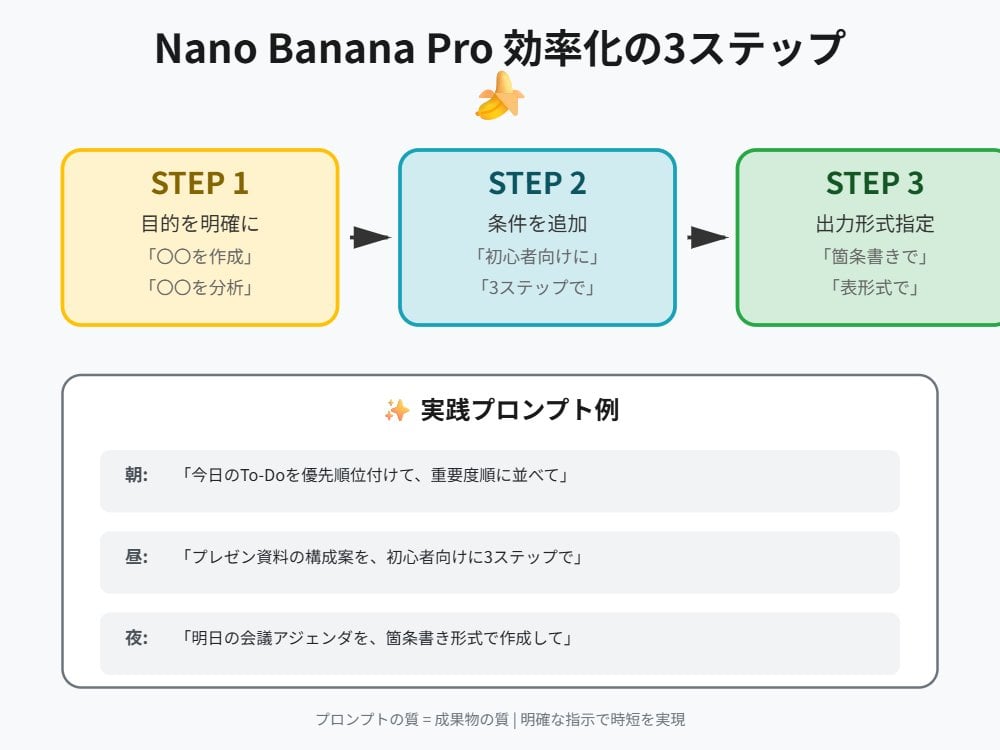
Tip for Using Nano Banana Pro: Adding Examples for Better Understanding
Isometric 3D Cube Prompt

3D Animated Tourism Infographic Poster
Browse template categories
Men's Skincare Landing Page Mockup questions
How do I use the Men's Skincare Landing Page Mockup template?
Add your photo if the template asks for one, edit the prompt if you like — the template's model and format are already selected — and press Generate. Your version opens in PicX Studio.
Can I customize the Men's Skincare Landing Page Mockup template?
Yes. You can change the subject, setting, lighting, mood, format, and available model controls before creating your image.
Is the Men's Skincare Landing Page Mockup template free?
Opening and editing this template is free. Generating uses credits, shown on the Generate button when you are signed in.
Which AI model should I use?
Start with GPT Image 2, which is the model associated with this template. You can compare another compatible model for a different finish.
Looking for something else? Browse all templates.

Your photo, any look
Thousands of ready templates for every top image and video model, from one credit balance.