
Cute AI Doodle Generator Landing Page
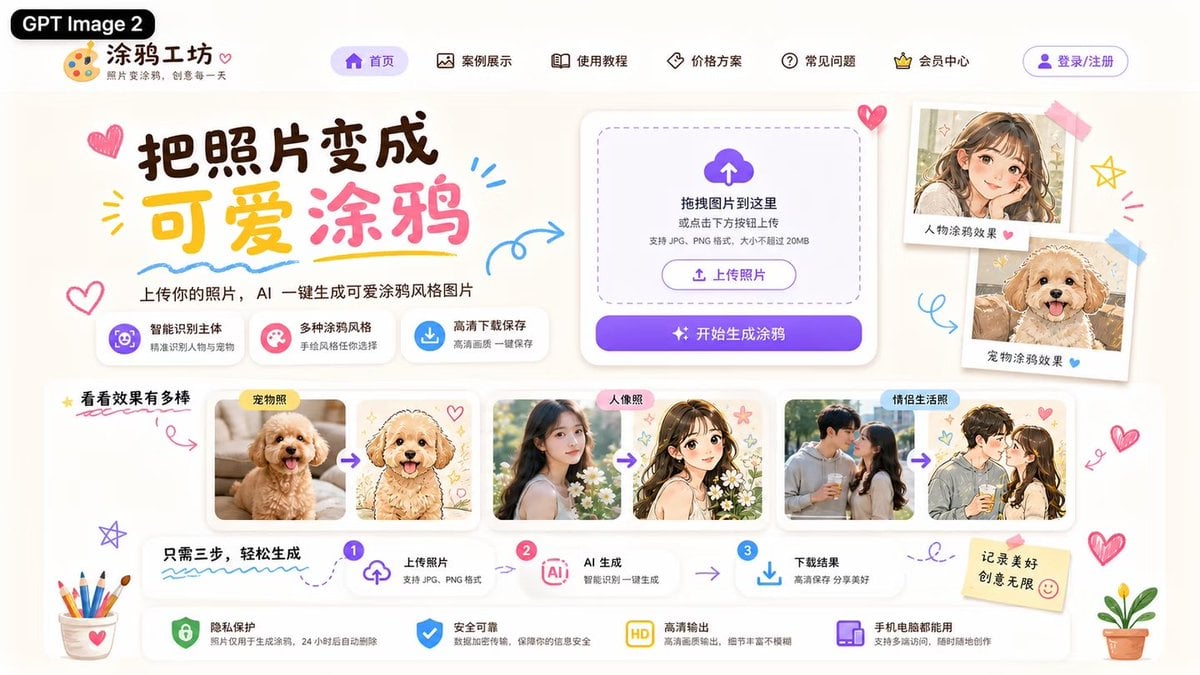
A polished Chinese web landing page mockup for an AI tool that converts photos into cute doodle-style illustrations.
- Prompt included
- Model and format preset
- Premium template
The prompt behind this image
Copy the exact prompt behind Cute AI Doodle Generator Landing Page, or open it in the studio and make it yours.
Goal: Create a cute Chinese landing-page UI mockup for an AI website that turns photos into adorable hand-drawn doodle illustrations, branded as {argument name="product name" default="涂鸦工坊"} and tagged with a black pill label reading {argument name="model label" default="GPT Image 2"}. Canvas: Wide 16:9 web hero screenshot, approximately 1200×675, warm off-white paper background, soft shadows, rounded cards, pastel purple, pink, yellow, and sky-blue accents. Use a playful kawaii stationery style with doodled hearts, arrows, stars, scribbles, stickers, tape, colored pencils, and small potted plants around the edges. Header: At top left place the black rounded label “GPT Image 2”, then a palette icon logo and the site name “涂鸦工坊” with the small subtitle “照片变涂鸦,创意每一天”. Across the top navigation show exactly 6 menu items with simple line icons: “首页” highlighted in a purple pill, “案例展示”, “使用教程”, “价格方案”, “常见问题”, and “会员中心”. At the far right add a purple outlined login button labeled “登录/注册”. Hero section: On the left, create a large brush-style headline reading {argument name="headline text" default="把照片变成 可爱涂鸦"}, with “可爱” in yellow and “涂鸦” in pink, surrounded by doodle hearts and underline strokes. Under it add the subheading “上传你的照片,AI 一键生成可爱涂鸦风格图片”. Below the subheading place exactly 3 feature chips: 1) purple icon “智能识别主体 / 精准识别人像与宠物”, 2) pink icon “多种涂鸦风格 / 手绘风格任你选择”, 3) blue download icon “高清下载保存 / 高清画质一键保存”. Upload card: On the center-right place a large white rounded upload panel with a dashed rounded drop zone, a purple cloud-upload icon, and the text “拖拽图片到这里 或点击下方按钮上传”, plus smaller text “支持 JPG、PNG 格式,大小不超过 20MB”. Inside it include a small outlined button “上传照片”, and below it a large purple gradient primary button reading “开始生成涂鸦” with sparkle icons. Right showcase stickers: To the right of the upload card, show exactly 2 tilted polaroid-style sample cards taped to the page: 1) a cute anime-style girl portrait labeled “人物涂鸦效果” with a pink heart, 2) a fluffy dog doodle portrait labeled “宠物涂鸦效果” with a blue heart. Example gallery: Below the hero, create a section title “看看效果有多棒” with a yellow star and a red underline. Show exactly 3 before-to-after comparison groups in white rounded cards, each group containing two images separated by a purple arrow: 1) labeled “宠物照”, a real fluffy apricot puppy photo transformed into a cute hand-drawn puppy illustration with hearts, 2) labeled “人像照”, a real young woman portrait transformed into a soft anime girl illustration with flowers and stars, 3) labeled “情侣生活照”, a couple photo transformed into a romantic anime couple doodle. Keep the after-images pastel, clean, and adorable. Process strip: Under the gallery, create a three-step horizontal guide titled “只需三步,轻松生成”. Show exactly 3 numbered steps connected by arrows: step 1 “上传照片 / 支持 JPG、PNG 格式” with an upload icon, step 2 “AI 生成 / 智能识别一键生成” with an AI chip icon, step 3 “下载结果 / 高清保存 分享美好” with a download icon. Bottom assurance bar: Along the bottom place exactly 4 trust feature cards with icons: 1) green shield “隐私保护 / 照片仅用于生成涂鸦,24小时后自动删除”, 2) blue shield-check “安全可靠 / 数据加密传输,保障你的信息安全”, 3) yellow HD badge “高清输出 / 高清画质输出,细节丰富不模糊”, 4) purple device icon “手机电脑都能用 / 支持多端访问,随时随地创作”. Add a sticky note on the right reading {argument name="sticky note text" default="记录美好 创意无限"} with a smiley face. Visual style: Modern polished UI/UX design, highly legible Chinese typography, playful hand-drawn accents, soft cream background, glassy rounded white cards, subtle drop shadows, purple CTA gradient, adorable doodle illustration aesthetic. Avoid browser chrome, watermarks, or extra unlisted sections.
How to use Cute AI Doodle Generator Landing Page in 3 steps
- 1Upload ImagePNG, JPG or paste
Add your photo
Upload the photo the template builds on. The prompt, model and format are already set.
- 2…a portrait of your subject in softgolden-hour light, 85mm…
Personalize
Edit the subject and creative details for your destination.
- 3Generate
Generate
Press Generate — your image is created in PicX Studio, so you can compare it with the original and refine one variable at a time.
More like this
Templates with the same subject, style or setup. Open one to see its prompt.
Minecraft Homage Illustrious Style
Cute AI Manga Lesson Comic Page
Vibe Coder Bootcamp Landing Page
Real Illustration Split Portrait Transition
Atlas GTM SaaS Hero Landing Page
Futuristic Ohmni Access Landing Page
Luxury E-Commerce Landing Page Mockup
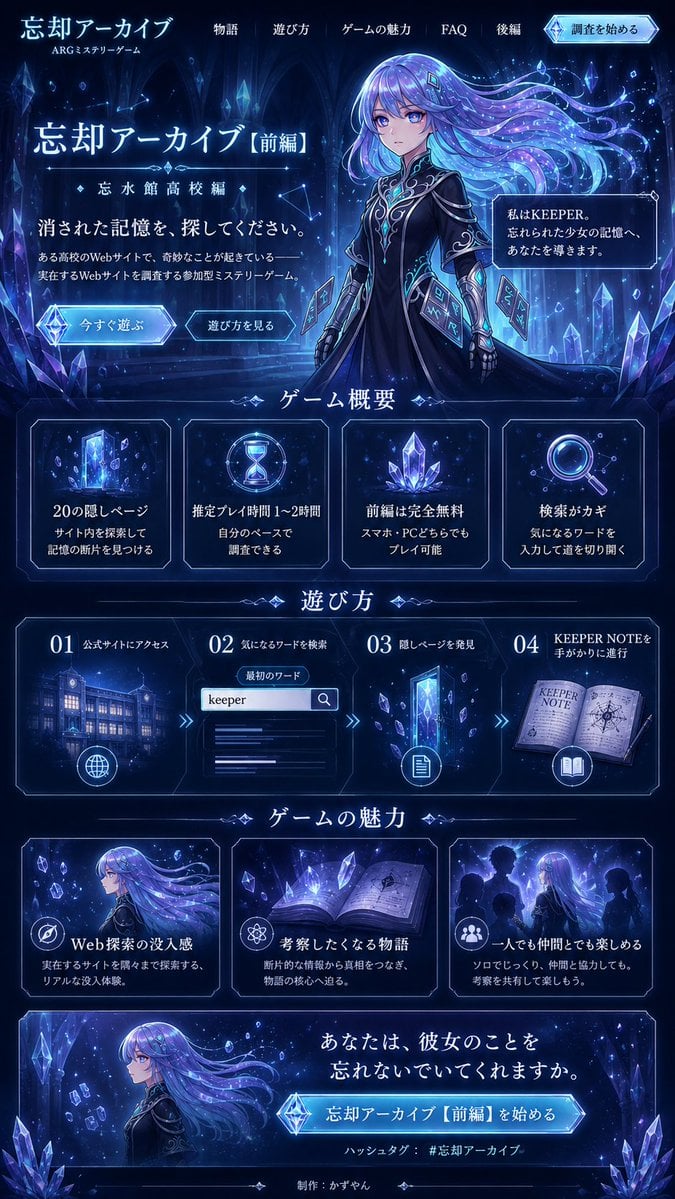
Forgotten Archive ARG Landing Page
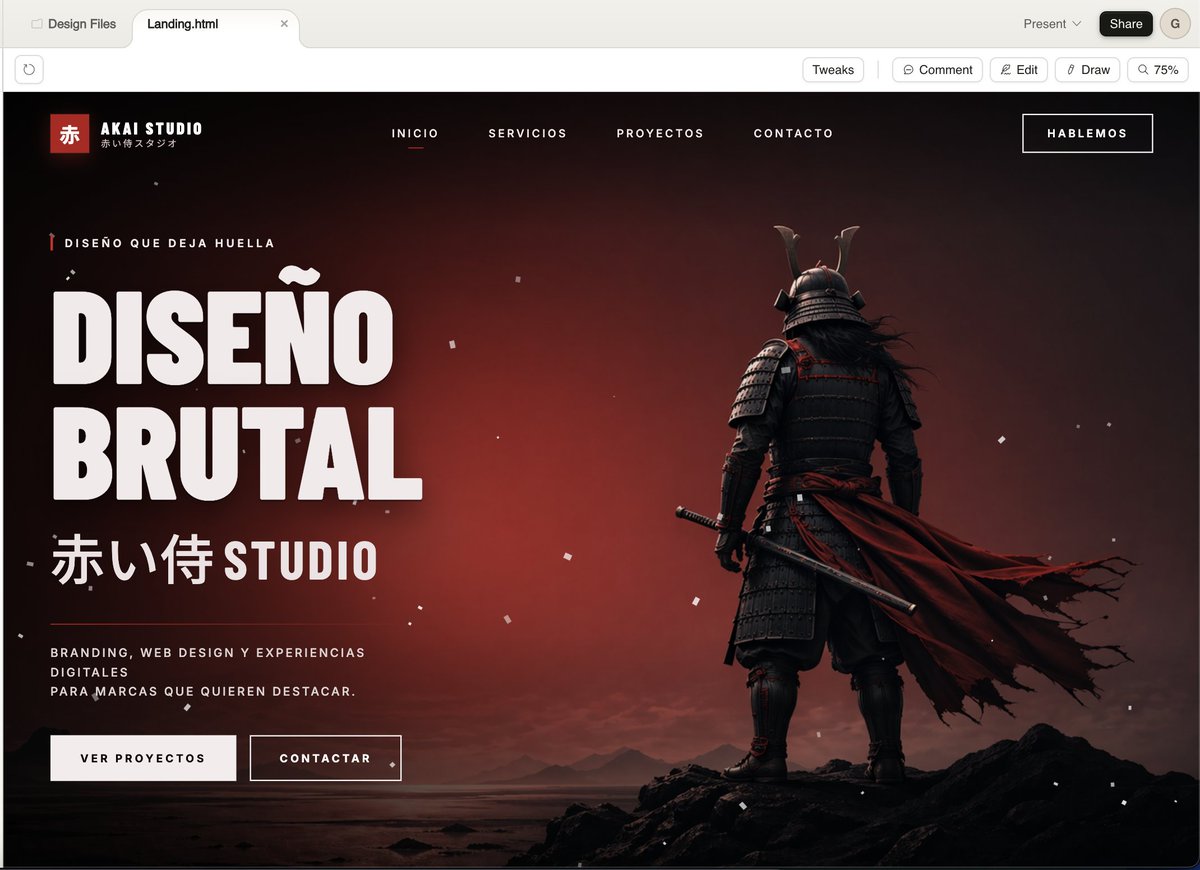
Cinematic Samurai Agency Landing Page
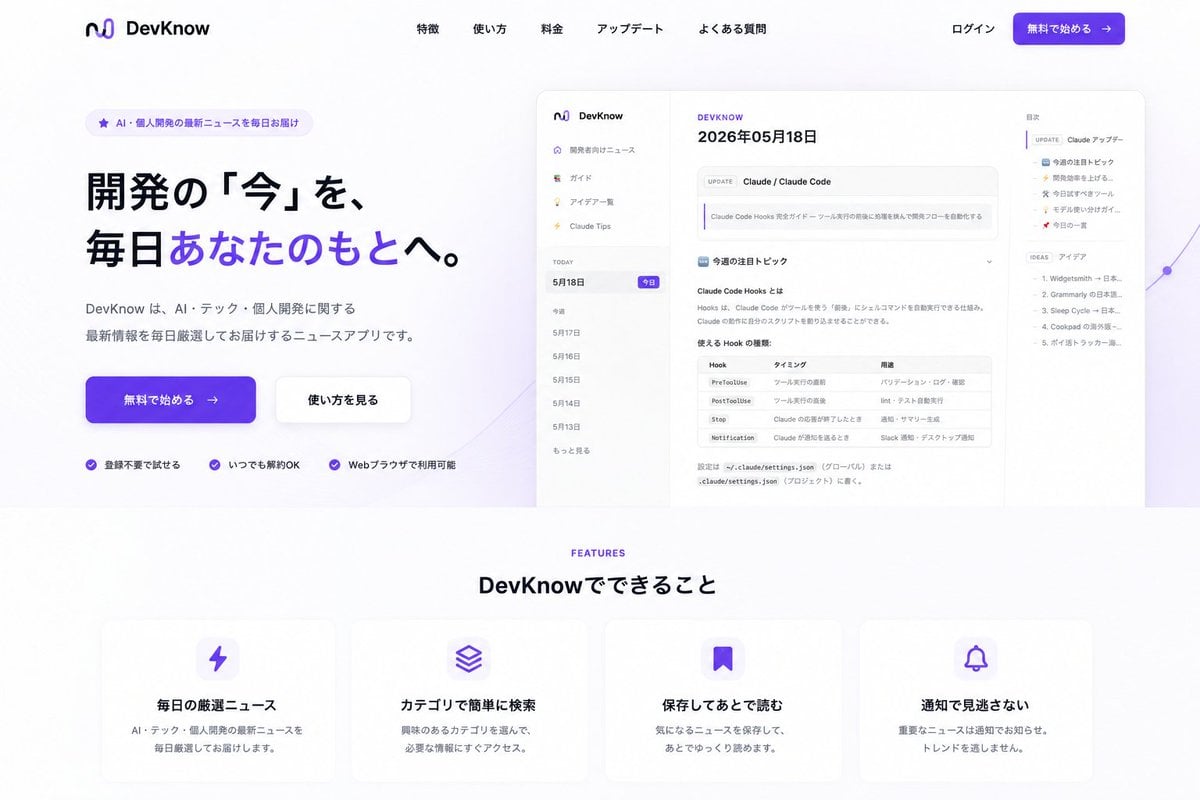
NOVALITH SaaS Landing Page Hero
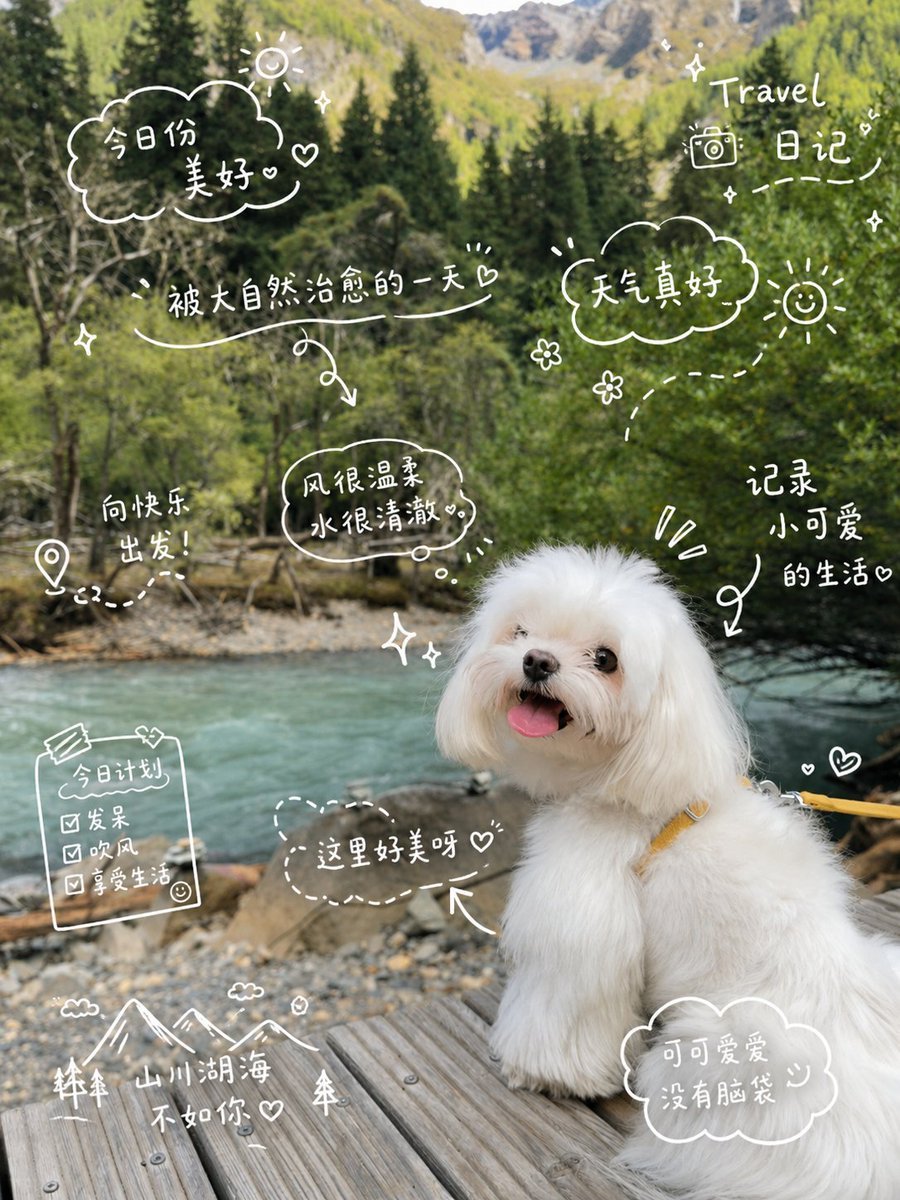
Cute Dog Travel Diary Doodles
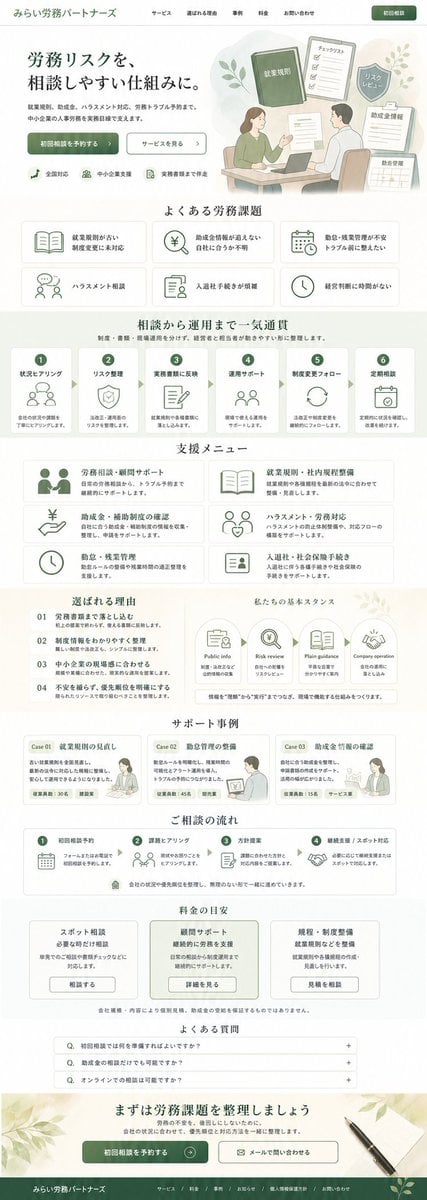
ASCII Layout Landing Page Generator
Make it yours
Cute AI Doodle Generator Landing Page works as-is. These are the safest ways to change it without losing the look.
Change one field
Copy a single group, rewrite it, and generate again so you can see what that field is doing.
Keep the frame, change the subject
Hold the composition and light of Cute AI Doodle Generator Landing Page, then swap wardrobe, props or the person for a new take.
| If the result… | Why | Fix |
|---|---|---|
| The result drifts from the preview | Too many fields changed at once. | Reuse Cute AI Doodle Generator Landing Page as-is first, then change one group — subject, light, or setting. |
| The model over-stylizes the scene | The prose prompt leaves finish and camera underspecified. | Add one camera or lighting sentence and stay on GPT Image 2. |
More GPT Image 2 templates
Other prompts made for GPT Image 2.

Six VTuber Japanese Logo Sheet

Realistic Portrait of Woman and Deer

The Vista Modular Condo Poster

AI Model Routing Comparison Infographic

2.5D Anime Art Board

Isometric Productivity Desk Scene

New York Double Exposure Poster

Four-Panel AI Landscape Comparison

Japanese Tatami Lifestyle Magazine Cover

NESCAFÉ Coffee Map Poster
More image prompts
Fresh picks from across the catalog.
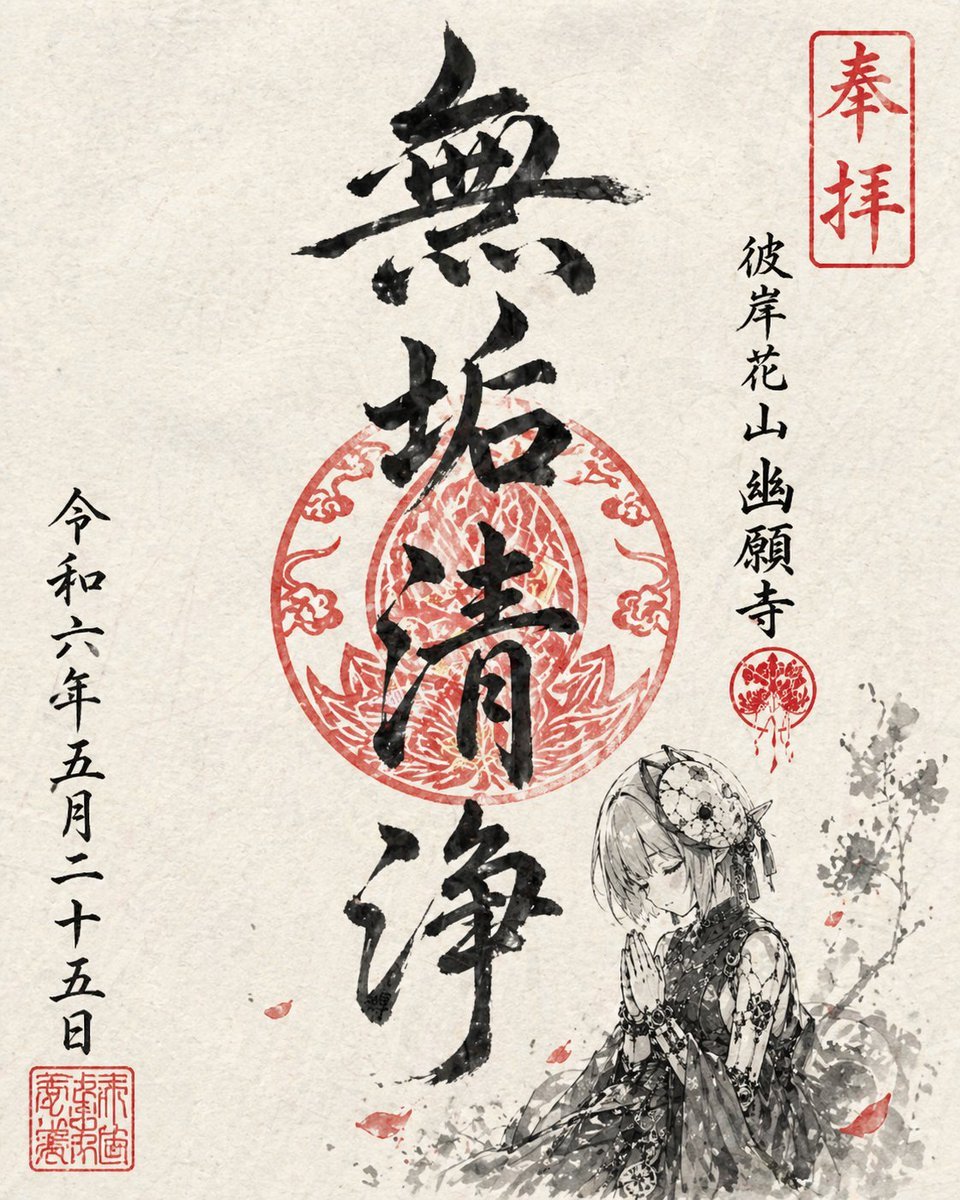
Goshuin Style Character Illustration
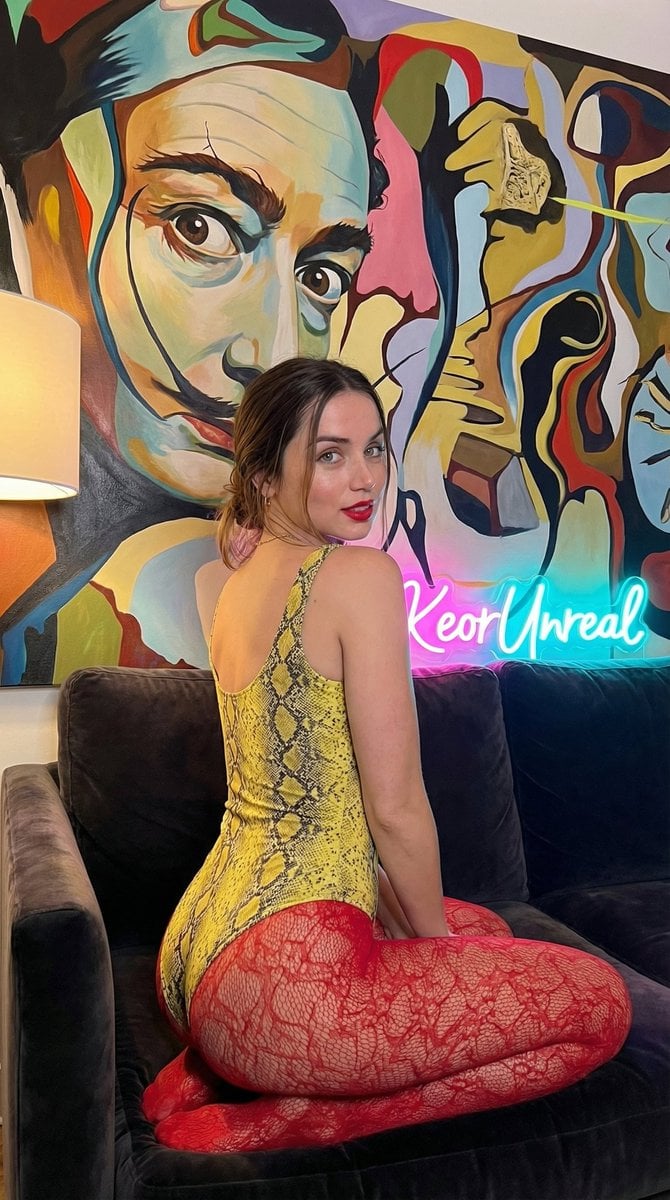
Glamorous Vertical Portrait with Salvador Dali Art and Neon
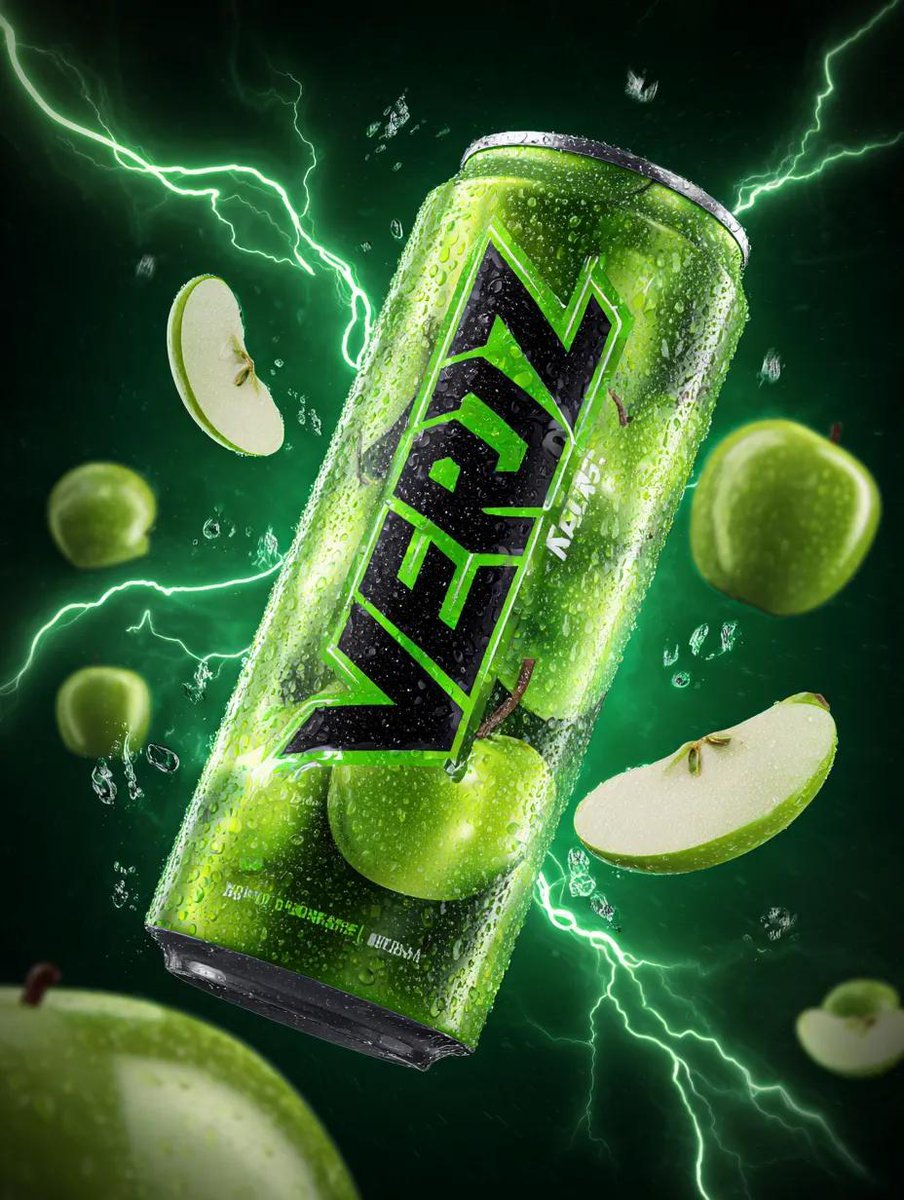
Energy Drink Can with Green Apple Splash and Neon Lightning
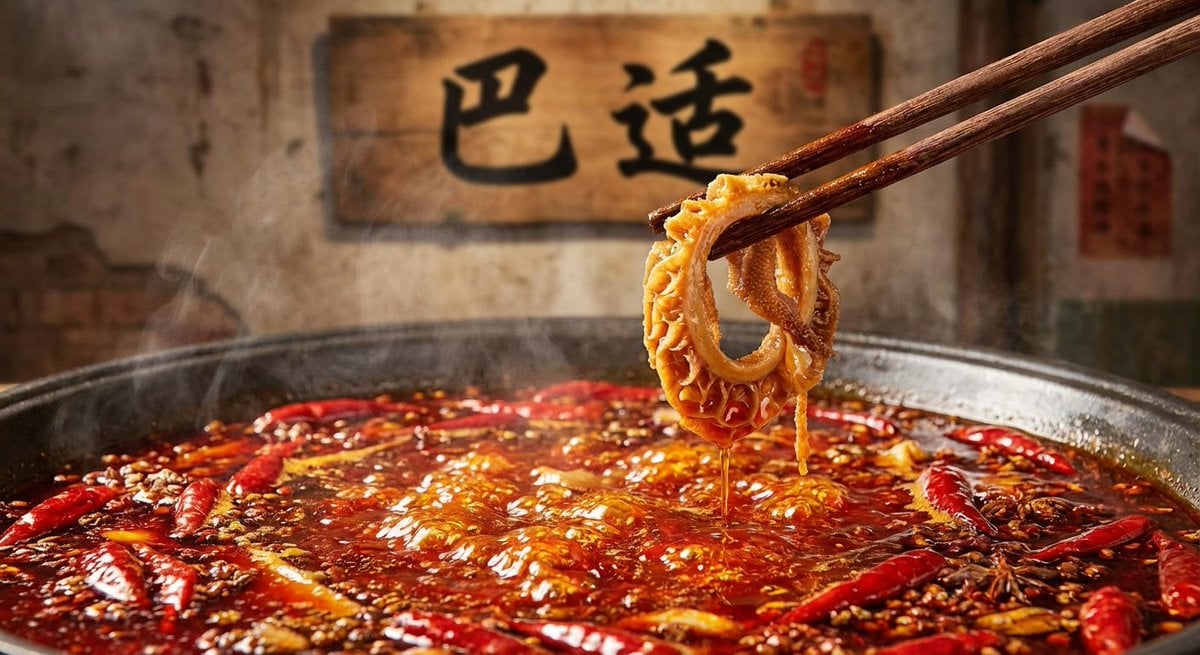
Nano Banana Pro brand hero image (with later edit request)

FIFA World Cup Sports Poster
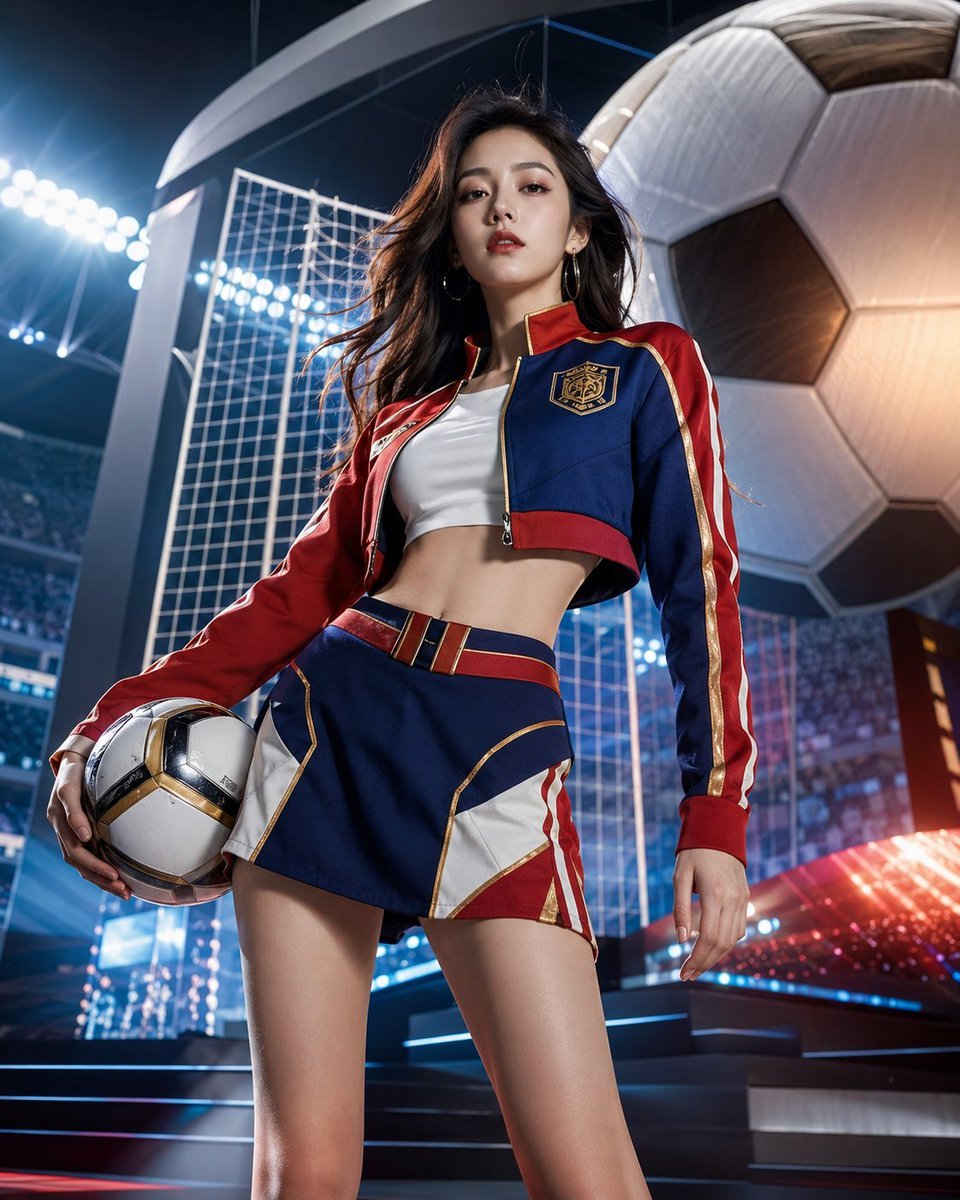
World Cup Soccer Girl High Fashion Poster
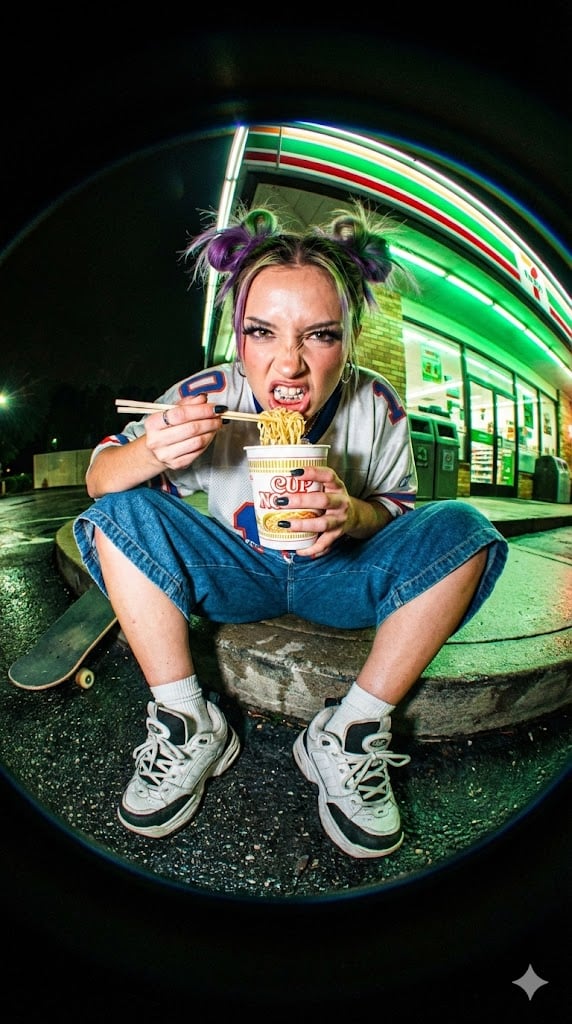
Extreme Fisheye Streetwear Portrait
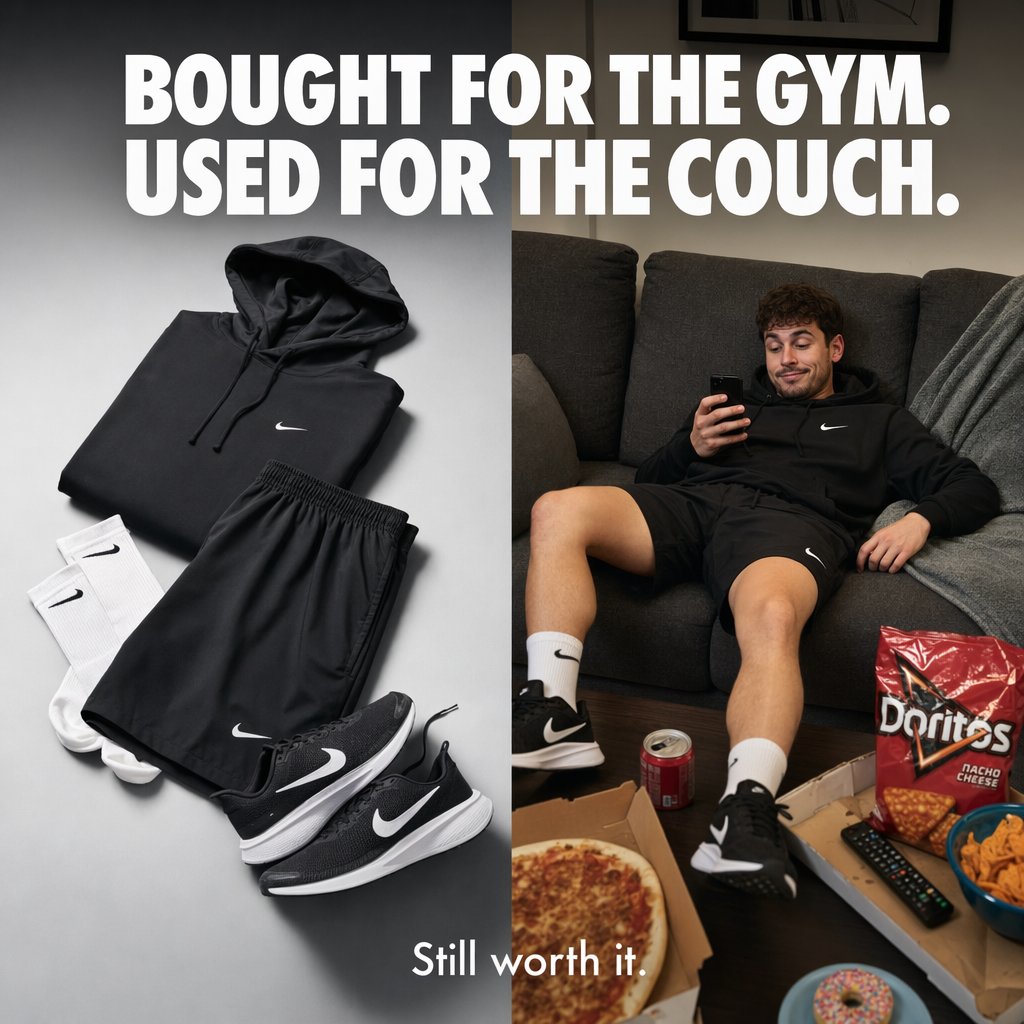
Split-Screen Athleisure Couch Ad

JSON Prompt for Cinematic Male Studio Portrait
Cinematic Frozen Lake Portrait and Video Prompt
Browse template categories
Cute AI Doodle Generator Landing Page questions
How do I use the Cute AI Doodle Generator Landing Page template?
Add your photo if the template asks for one, edit the prompt if you like — the template's model and format are already selected — and press Generate. Your version opens in PicX Studio.
Can I customize the Cute AI Doodle Generator Landing Page template?
Yes. You can change the subject, setting, lighting, mood, format, and available model controls before creating your image.
Is the Cute AI Doodle Generator Landing Page template free?
Opening and editing this template is free. Generating uses credits, shown on the Generate button when you are signed in.
Which AI model should I use?
Start with GPT Image 2, which is the model associated with this template. You can compare another compatible model for a different finish.
Looking for something else? Browse all templates.

Your photo, any look
Thousands of ready templates for every top image and video model, from one credit balance.