
Real Illustration Split Portrait Transition
Real Illustration Split Portrait Transition

- Prompt included
- Model and format preset
- Premium template
The prompt behind this image
Copy the exact prompt behind Real Illustration Split Portrait Transition, or open it in the studio and make it yours.
High-detail 8K split-style composition where the subject is divided vertically into two halves. LEFT SIDE: keep original photo fully realistic with natural lighting, textures, and fine details. Add subtle hand-drawn doodle outlines in soft pastel or neon lines. RIGHT SIDE: transform into a stylized cartoon or digital illustration with exact same pose, angle, and facial expression. Use clean lineart, soft shading, pastel or vibrant colors in modern cute style. Add small decorative sticker-style doodles, cute icons, or mini characters. BACKGROUND: keep the original background unchanged on both sides. CENTER DIVISION: vertical torn-paper or glitch-style transition. Modern digital art, clean composition, soft lighting, aesthetically pleasing, social media style.
How to use Real Illustration Split Portrait Transition in 3 steps
- 1Upload ImagePNG, JPG or paste
Add your photo
Upload the photo the template builds on. The prompt, model and format are already set.
- 2…a portrait of your subject in softgolden-hour light, 85mm…
Personalize
Edit the subject and creative details for your destination.
- 3Generate
Generate
Press Generate — your image is created in PicX Studio, so you can compare it with the original and refine one variable at a time.
More like this
Templates with the same subject, style or setup. Open one to see its prompt.
Real Illustration Split Portrait Transition

Spider-Verse Painterly Portrait Poster
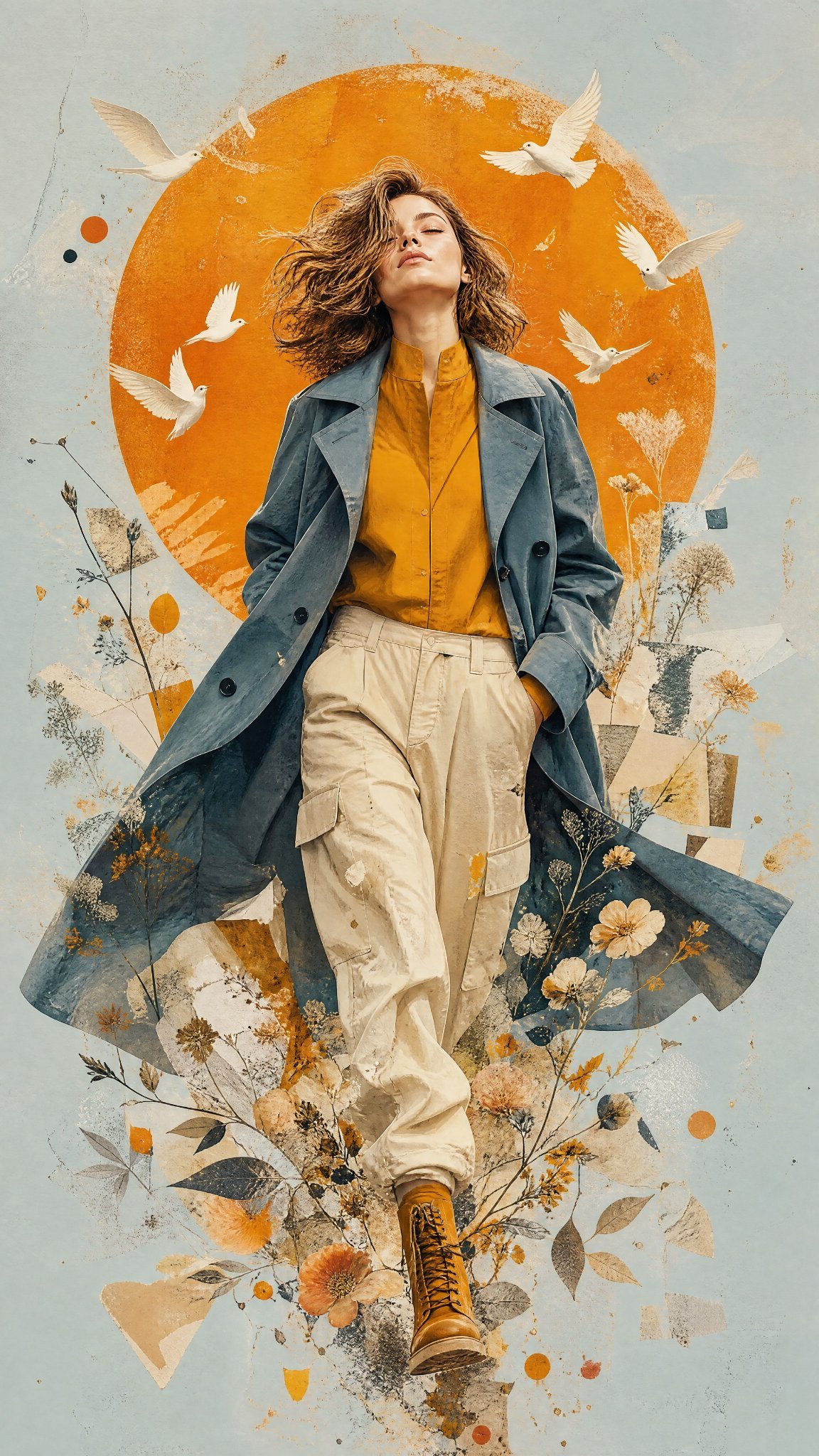
Mixed Media Editorial Woman Illustration

Cartoon TV Show Poster Pack

Trendy Cafe Drink Promo Poster

Blueprint Split Reality Archetype Prompt
Neon Glitch Cyber Symbiote Music Poster

Bold Side Profile Superhero Poster

Hero Portrait Comic Multi-Panel Poster

Anime Character Charm Analysis Sheet

City Posters by Nano Banana Pro

Character Archive — Blueprint Concept Sheet
Make it yours
Real Illustration Split Portrait Transition works as-is. These are the safest ways to change it without losing the look.
Change one field
Copy a single group, rewrite it, and generate again so you can see what that field is doing.
Keep the frame, change the subject
Hold the composition and light of Real Illustration Split Portrait Transition, then swap wardrobe, props or the person for a new take.
| If the result… | Why | Fix |
|---|---|---|
| The result drifts from the preview | Too many fields changed at once. | Reuse Real Illustration Split Portrait Transition as-is first, then change one group — subject, light, or setting. |
| The model over-stylizes the scene | The prose prompt leaves finish and camera underspecified. | Add one camera or lighting sentence and stay on PicX Studio. |
More image prompts
Fresh picks from across the catalog.
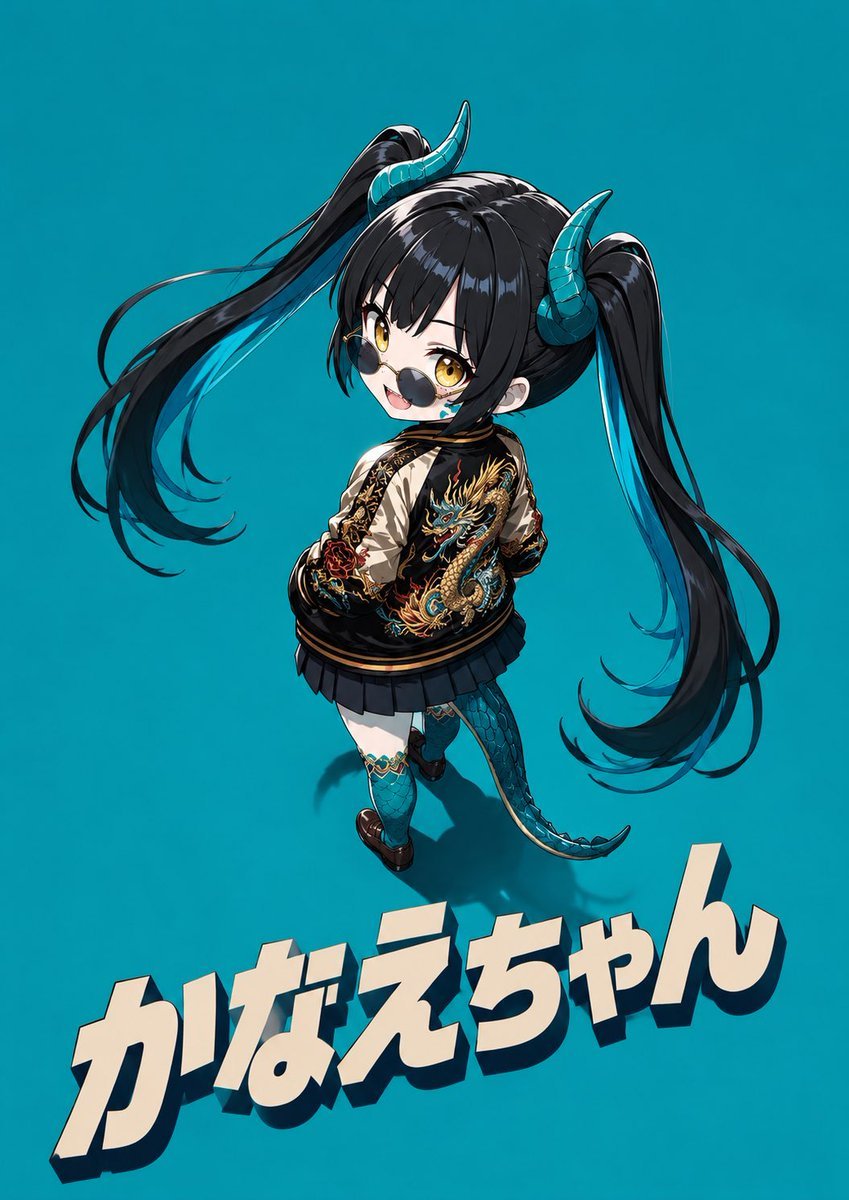
Cool Chibi Demon Girl Poster

Hyper-Realistic Commercial Food Photography Prompt for Gemini Nano Banana Pro
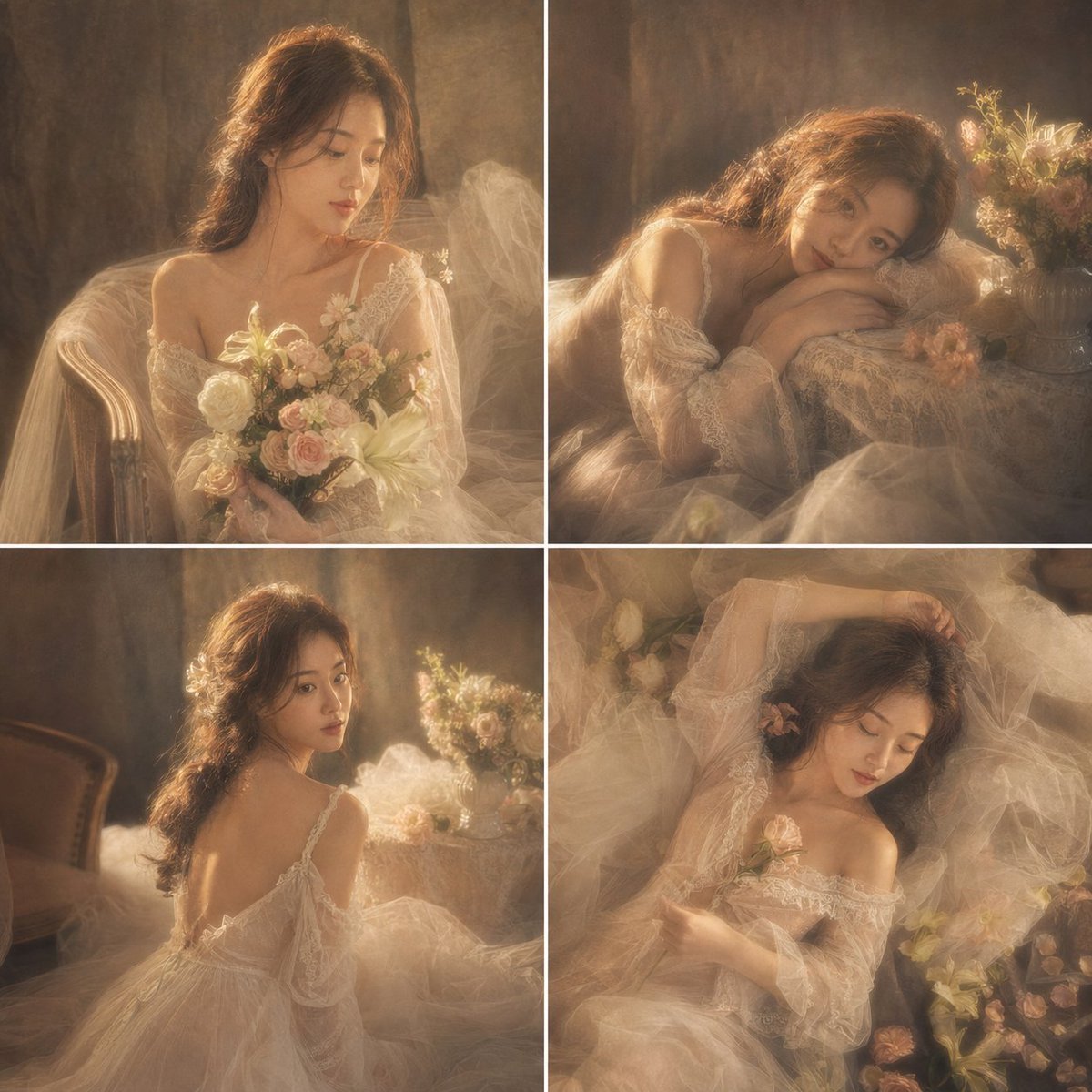
French Retro Oil Painting Portrait
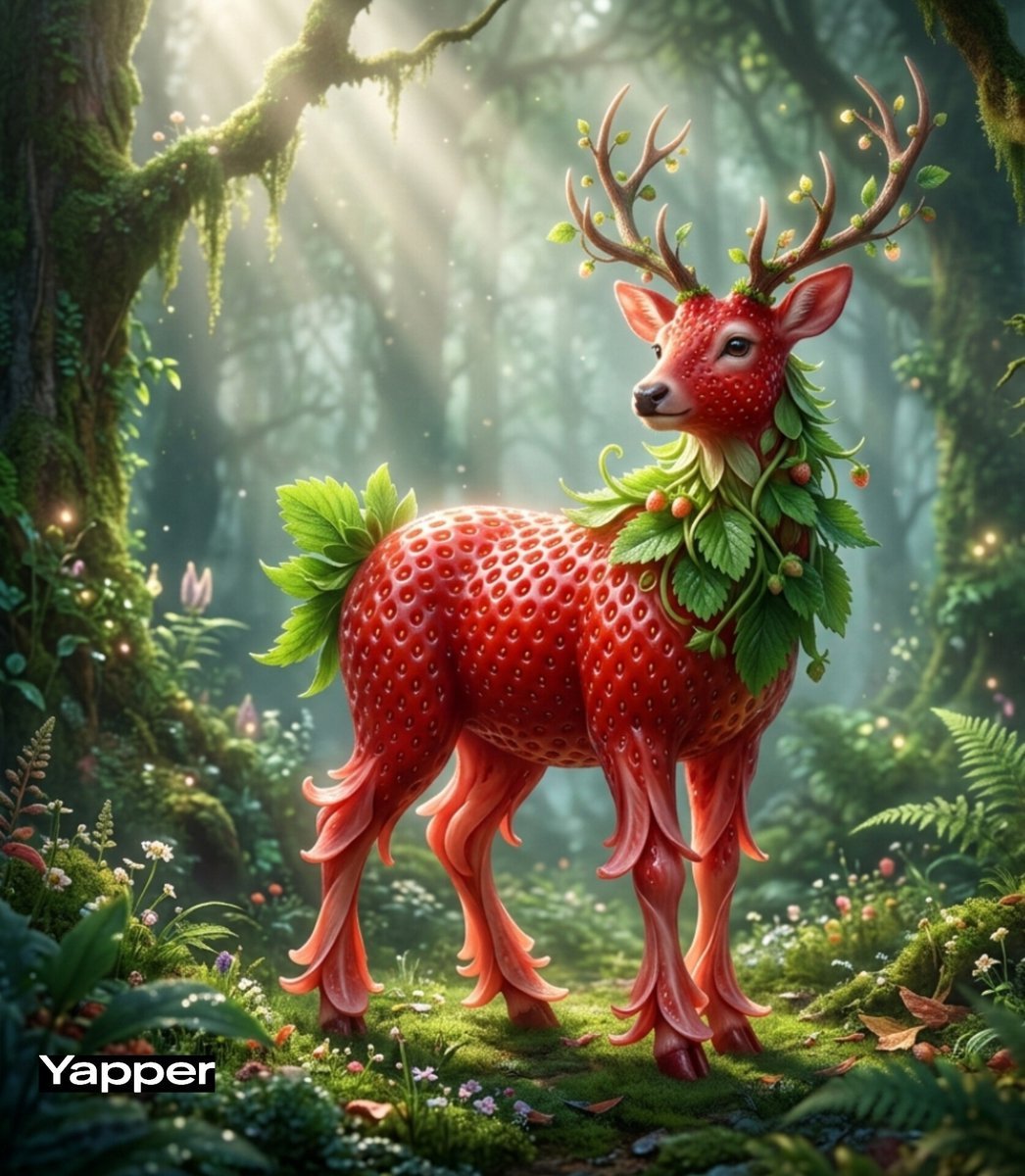
Whimsical Watermelon Elephant
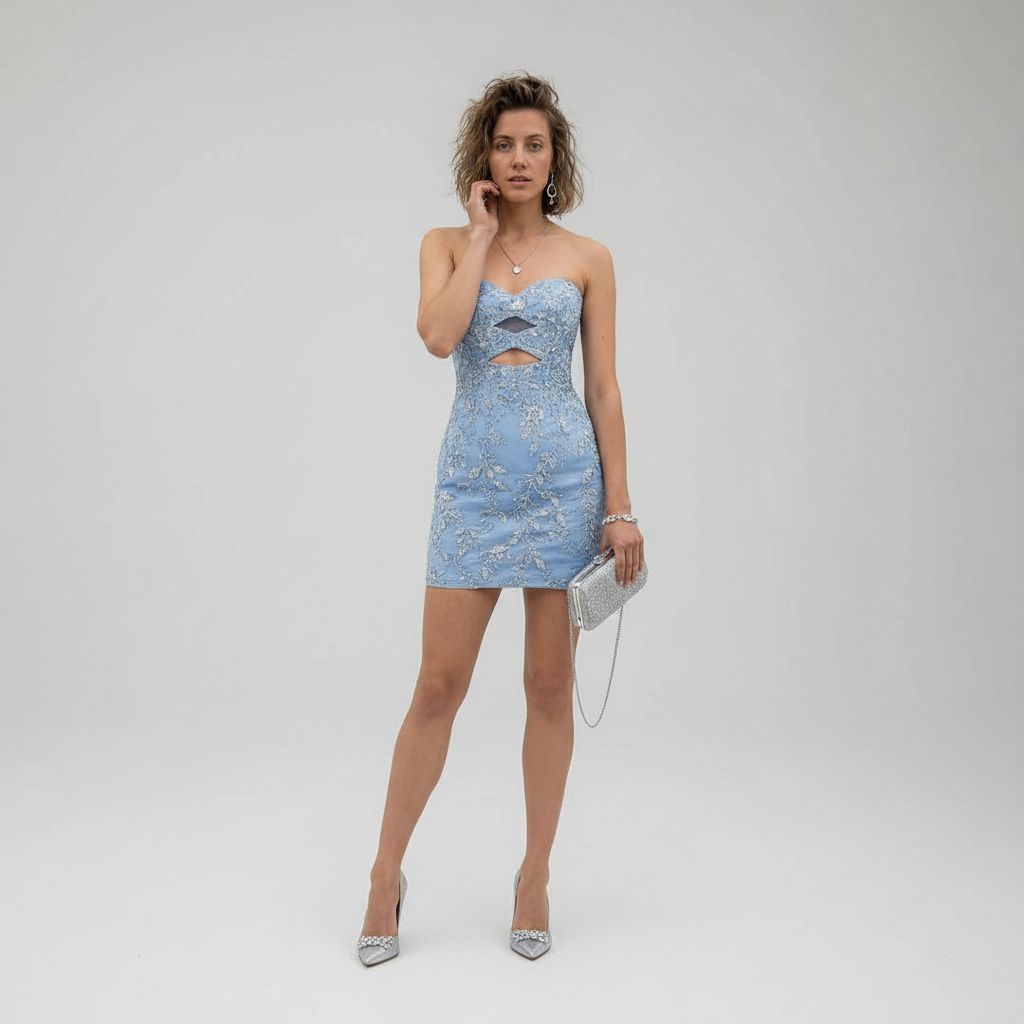
Luxury Studio Outfit Transformation
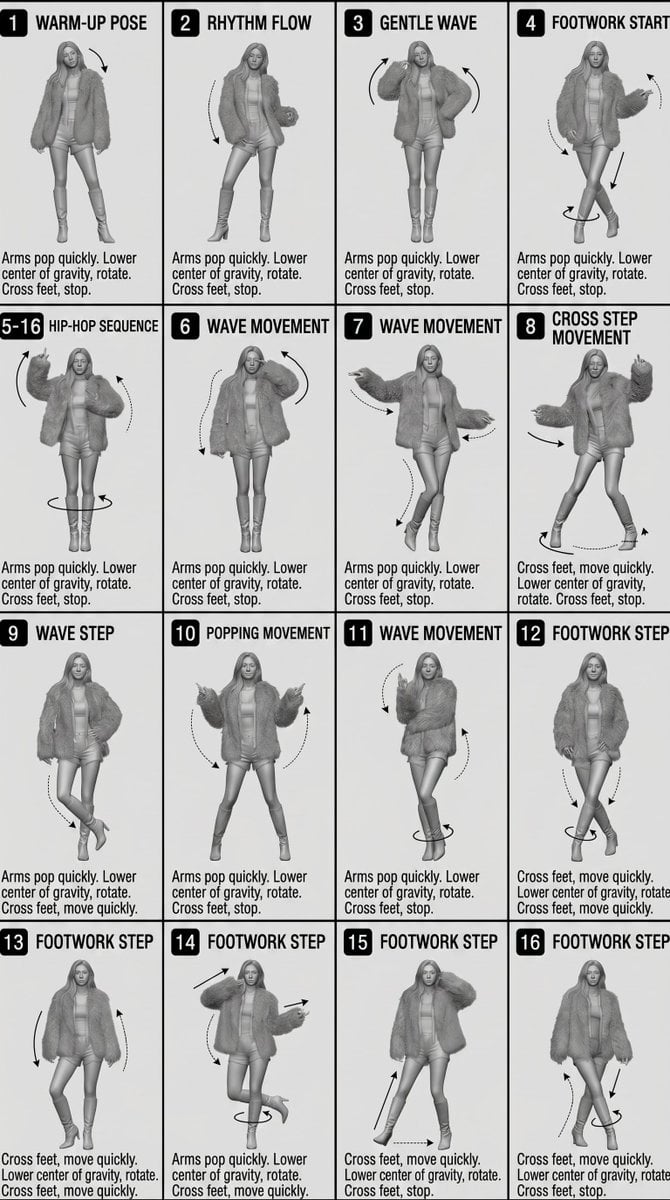
3D Technical Reference Sheet
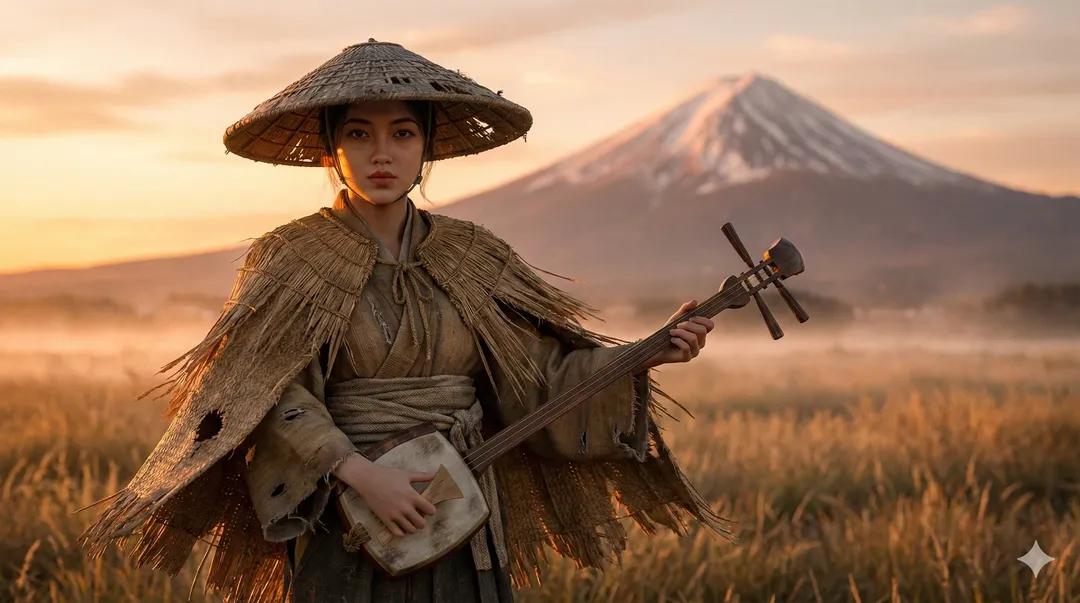
Ultra-Realistic Ronin Musician Portrait at Sunset

Corporate Cyberpunk Mascot Portrait Prompt

Luxury Lavender Skincare Ad
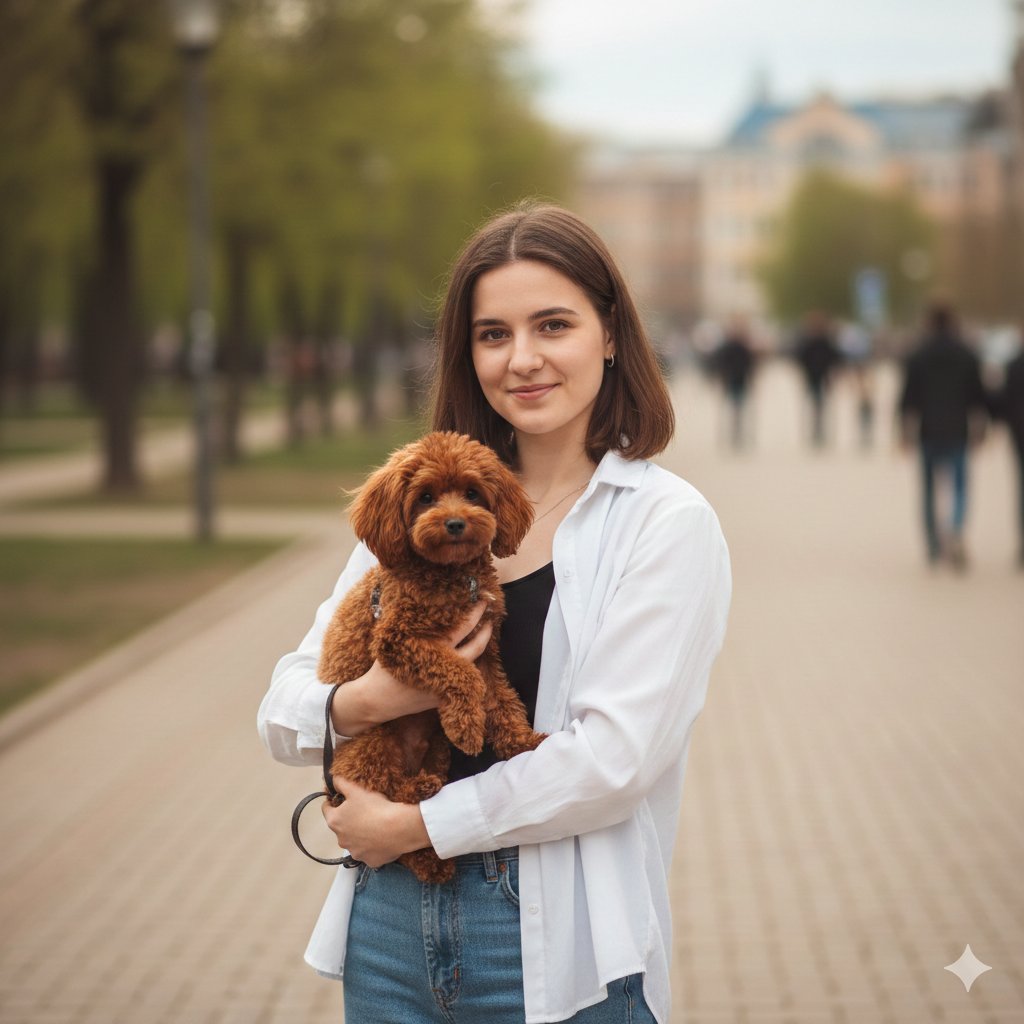
Urban Lifestyle Portrait with Dog Prompt
Browse template categories
Real Illustration Split Portrait Transition questions
How do I use the Real Illustration Split Portrait Transition template?
Add your photo if the template asks for one, edit the prompt if you like — the template's model and format are already selected — and press Generate. Your version opens in PicX Studio.
Can I customize the Real Illustration Split Portrait Transition template?
Yes. You can change the subject, setting, lighting, mood, format, and available model controls before creating your image.
Is the Real Illustration Split Portrait Transition template free?
Opening and editing this template is free. Generating uses credits, shown on the Generate button when you are signed in.
Which AI model should I use?
Choose a compatible model in PicX Studio based on the style, speed, and output controls your project needs.
Looking for something else? Browse all templates.

Your photo, any look
Thousands of ready templates for every top image and video model, from one credit balance.