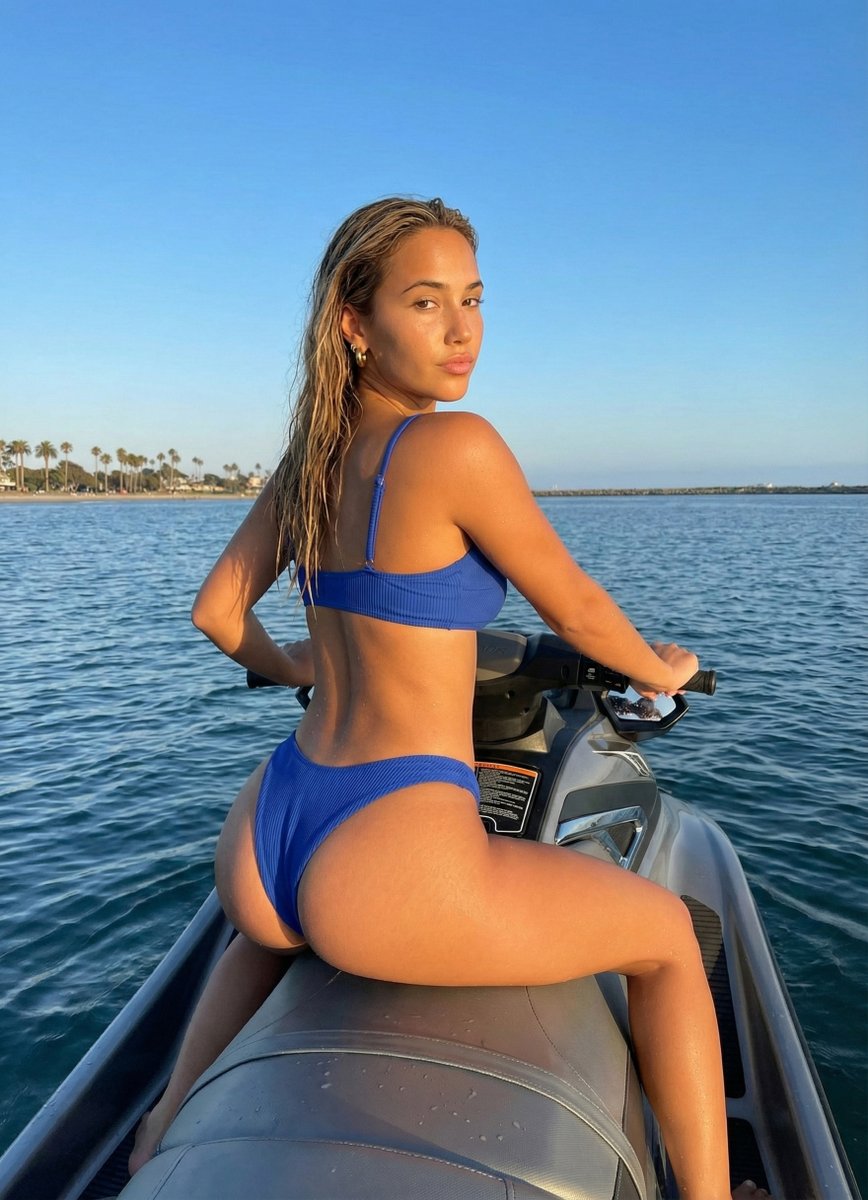
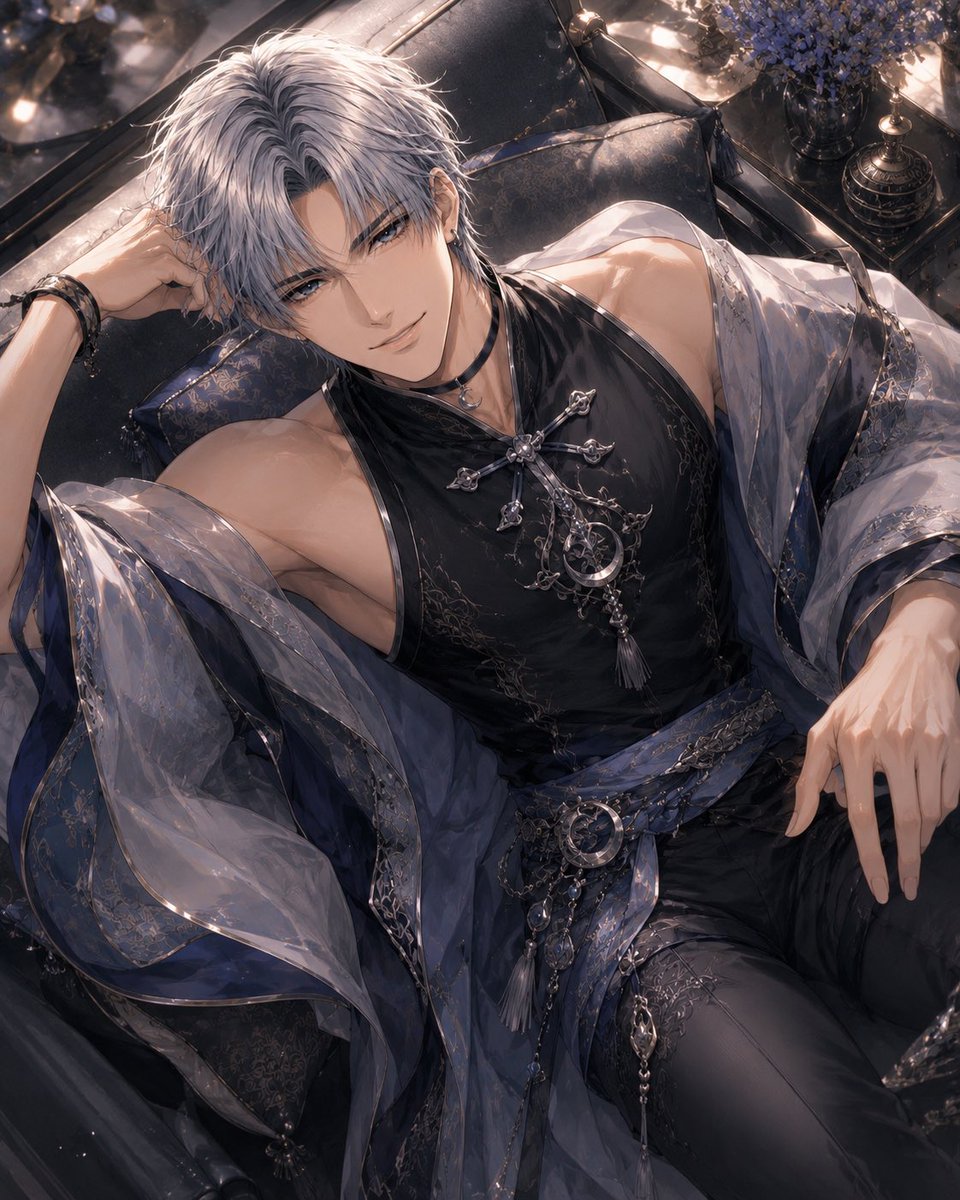
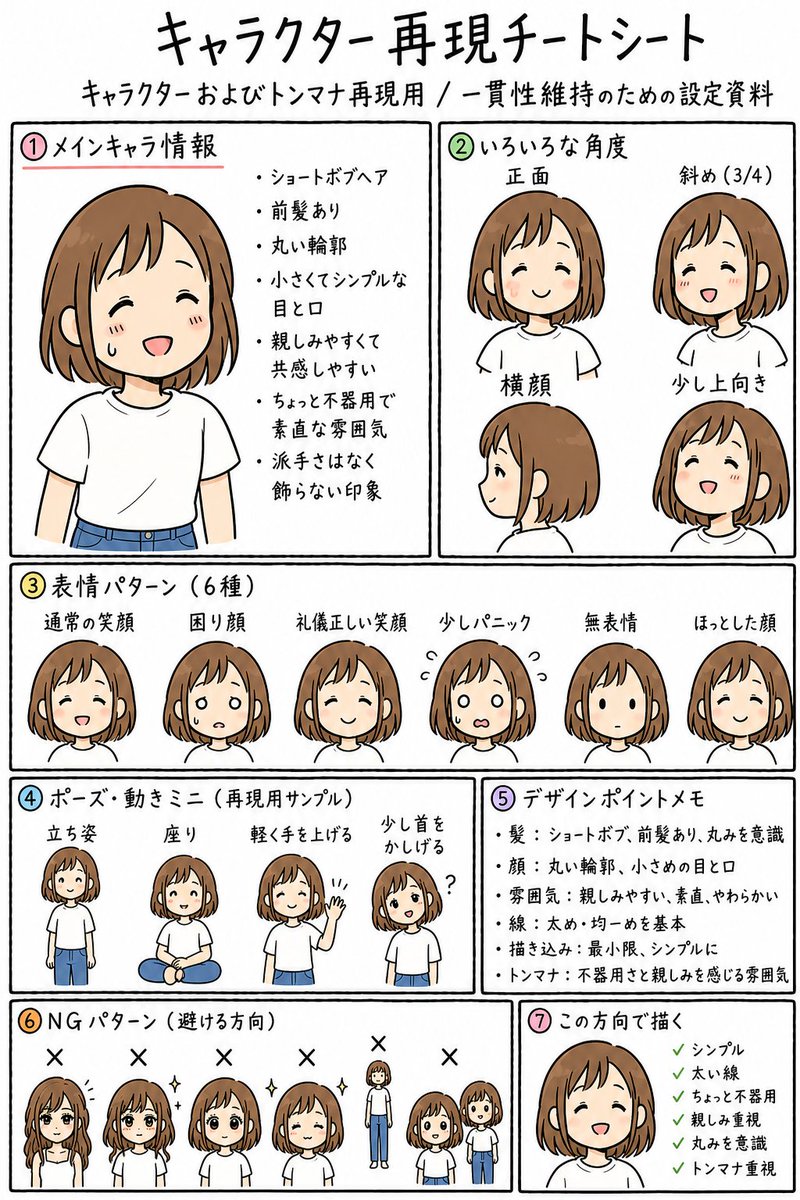
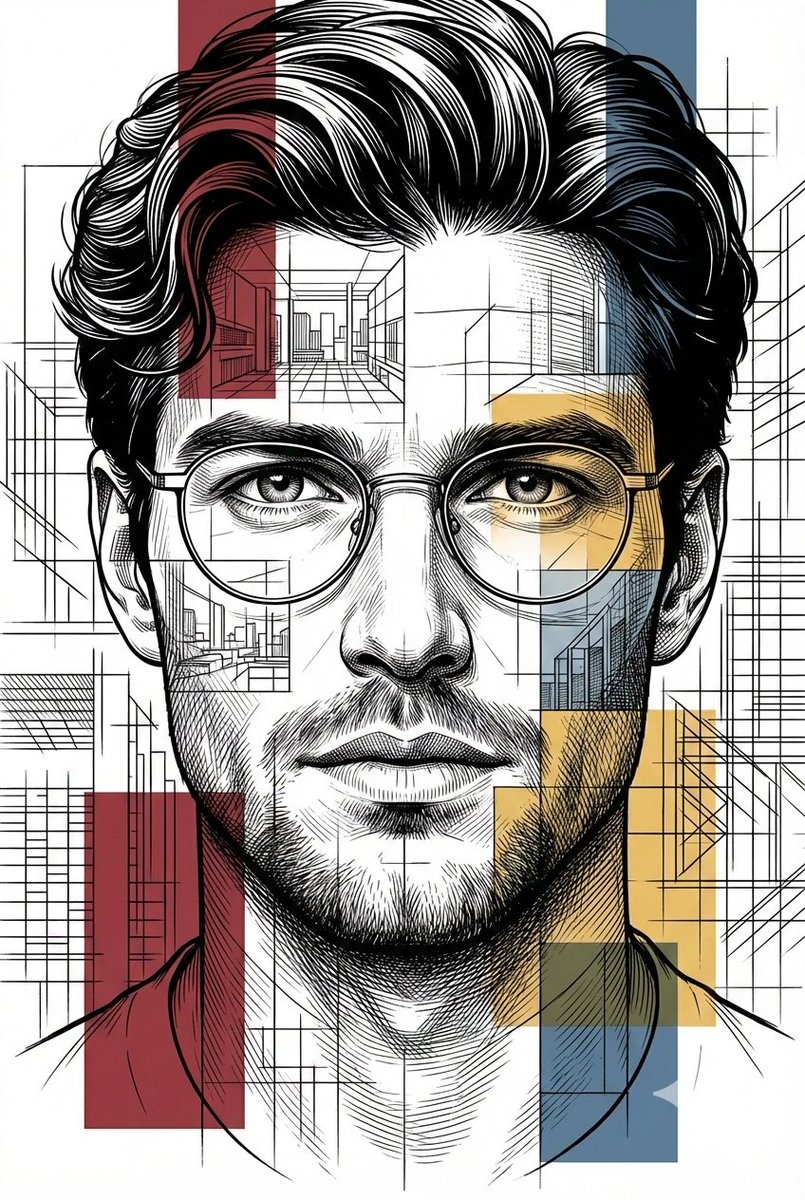
How do I use the Luxury Studio Outfit Transformation template?
Choose the primary action to open PicX Studio with the available template settings. Review the model and format, personalize the creative direction, and generate when ready.
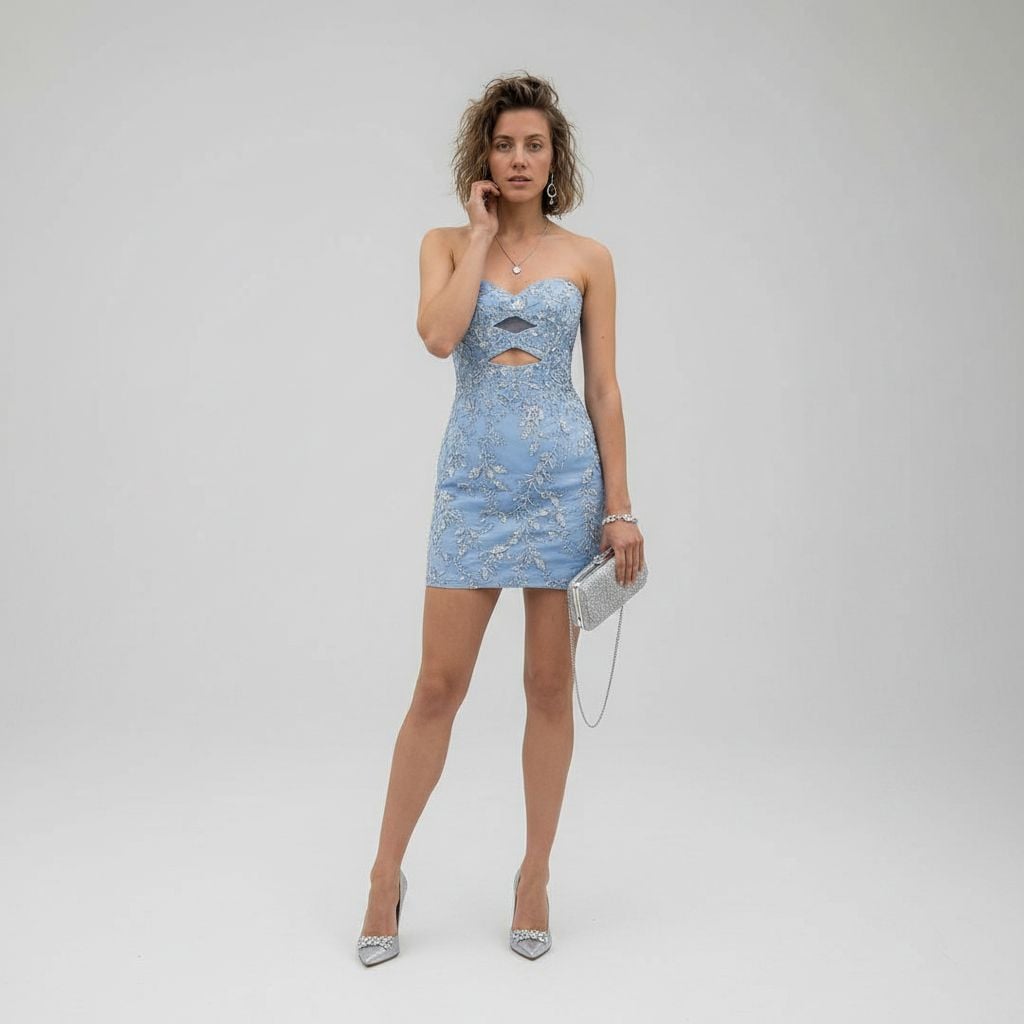
This prompt turns a casual reference photo into a polished high-fashion studio portrait with a new formal outfit, accessories, and cinematic editorial lighting.
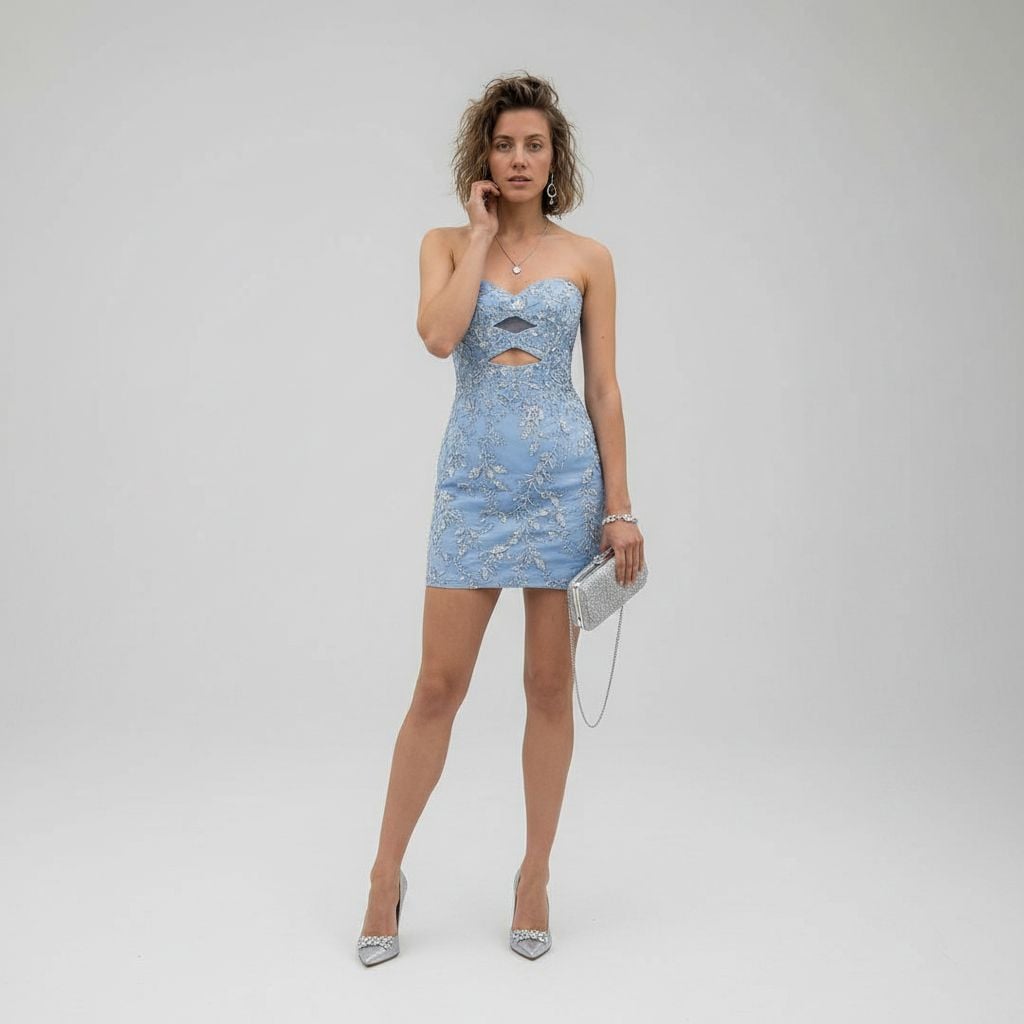
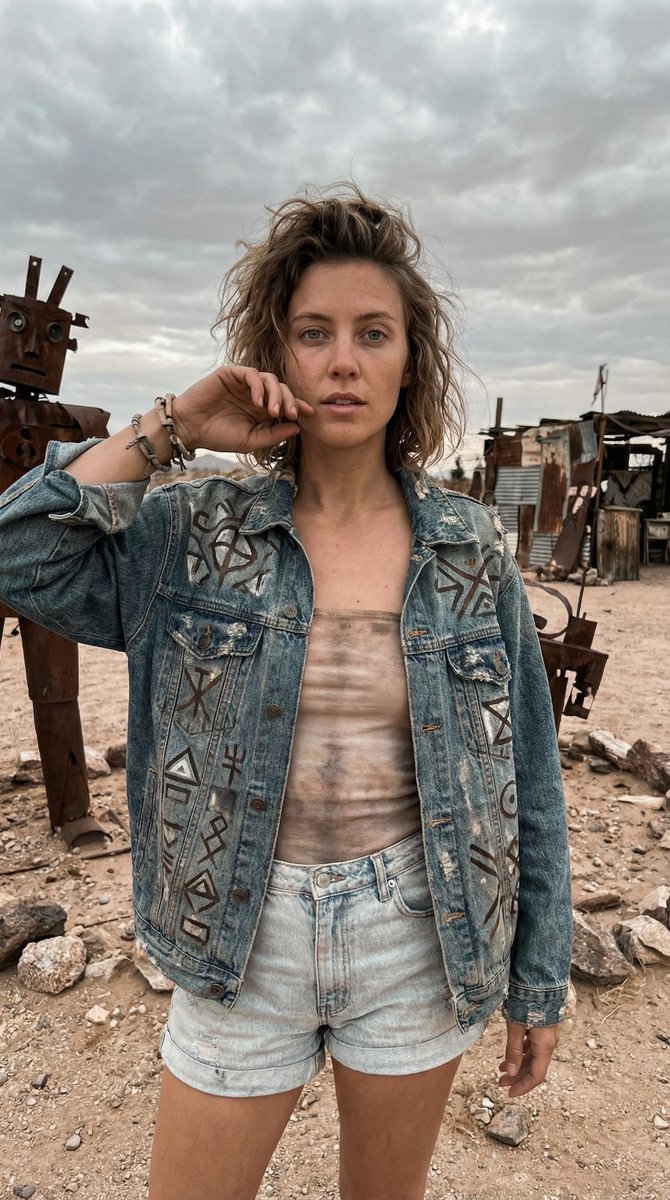
Using REFERENCE_0 as the subject base, transform the casual desert snapshot into a full-body luxury fashion studio portrait. Replace the denim jacket, tank top, and shorts with a fitted strapless mini cocktail dress in {argument name="dress color" default="powder blue"} with ornate silver floral embroidery and exactly 2 geometric cutouts at the chest and upper waist. Change the setting to a clean seamless light-gray studio background with polished high-end editorial styling. Add 1 silver clutch with a thin chain strap in the subject's right hand and 1 pair of pointed silver high heels. Refine the pose into an elegant standing fashion pose with one hand near the face, keep the same person and hair identity, and apply soft cinematic luxury lighting with crisp 8K fashion-photography detail.
Luxury Studio Outfit Transformation needs input media to work. Open it in the studio and these load alongside the prompt — pick whichever ones your chosen model can take.
Choose the primary action to open PicX Studio with the available template settings. Review the model and format, personalize the creative direction, and generate when ready.
Yes. You can change the subject, setting, lighting, mood, format, and available model controls before creating your image.
This template is free to open and customize. Generation usage is shown in PicX Studio before you create.
Start with GPT Image 2, which is the model associated with this template. You can compare another compatible model for a different finish.
Follow a topic to a crawlable collection of related PicX Studio templates.