
Hero Portrait Comic Multi-Panel Poster
Dynamic multi-panel comic-book poster with inked outlines, halftone shading, and dramatic superhero action and portrait moments.

- Prompt included
- Model and format preset
- Free template
The prompt behind this image
Copy the exact prompt behind Hero Portrait Comic Multi-Panel Poster, or open it in the studio and make it yours.
Portrait-oriented dynamic comic-book poster composed of multiple panels featuring the same young man in different poses and moods, hyper-detailed inked outlines and halftone shading, rich saturated colors and dramatic contrast. Central large panel: three-quarter portrait confident thoughtful man with short tousled dark hair and light stubble, medium skin tone, wearing burgundy button-up with sleeves rolled, hand to chin, subtle smirk, strong rim lighting and textured painterly skin detail. Surrounding panels: close-up polished silver wristwatch, small inset crossing arms smiling by colorful balloons, contemplative seated pose with thought bubbles, action frame running through smoke and debris with explosive motion lines, comic-style POW! burst in bright yellow and red, skyline at sunset with purple and orange clouds. Varied panel shapes with white gutters and black borders, dynamic speed lines, explosion effects, ink splatters, halftone dots, gritty paper texture. Cinematic low-angle full-body pose in one panel with arms crossed, dramatic backlight and fiery orange bursts. Bold typography for sound effects, high-detail facial expressions, realistic fabrics and watch reflections, stylized yet semi-realistic rendering, 3D depth, vivid contrasts, poster-quality resolution.
How to use Hero Portrait Comic Multi-Panel Poster in 3 steps
- 1
Open
The prompt is already in the box next to the preview, with the template's model and format selected.
- 2…a portrait of your subject in softgolden-hour light, 85mm…
Personalize
Edit the subject and creative details for your destination.
- 3Generate
Generate
Press Generate — your image is created in PicX Studio, so you can compare it with the original and refine one variable at a time.
More like this
Templates with the same subject, style or setup. Open one to see its prompt.

Spider-Man Noir Detective Rain Alley

Spider-Man Night Swing New York Cinematic

Spider-Man Rooftop Golden Hour Cinematic Photo
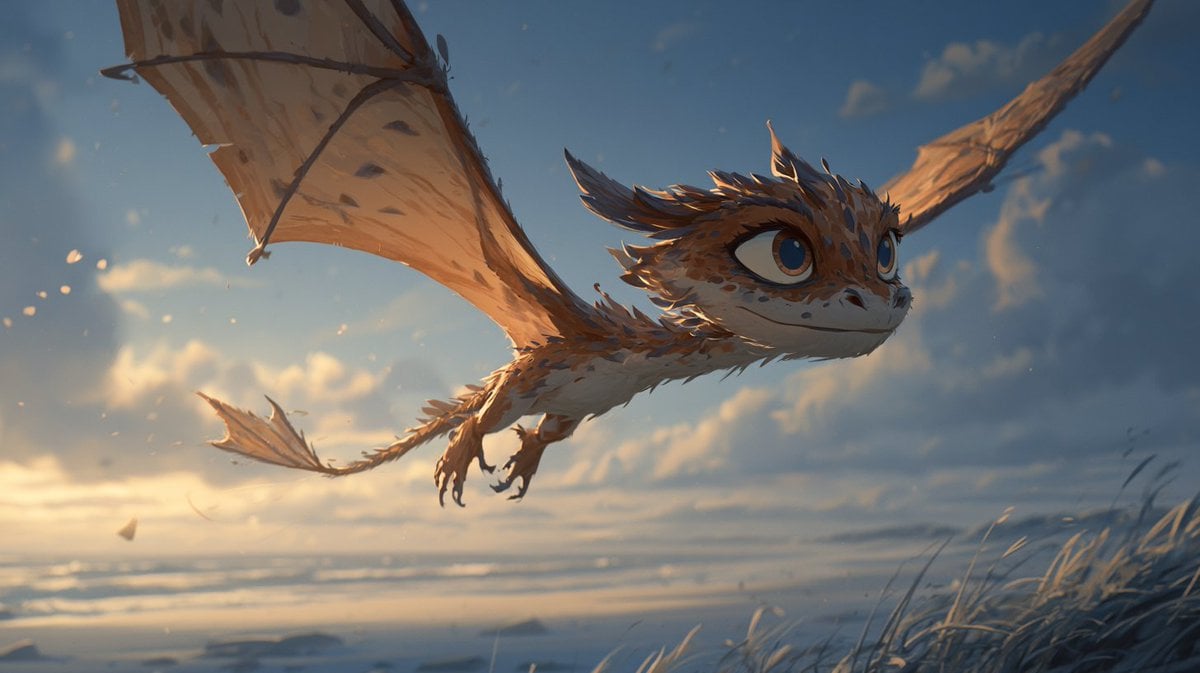
Multi-Panel Comic Illustration

Kids Crayon Travel Journal Illustration

Hyper-Realistic Minecraft POV Portrait

Japan Travel Brochure Poster

Master Paper Cut Illustration — Saudi Arabia Travel Poster in Layered Paper Art

Spider-Man 2099 Cyberpunk Neon Future City
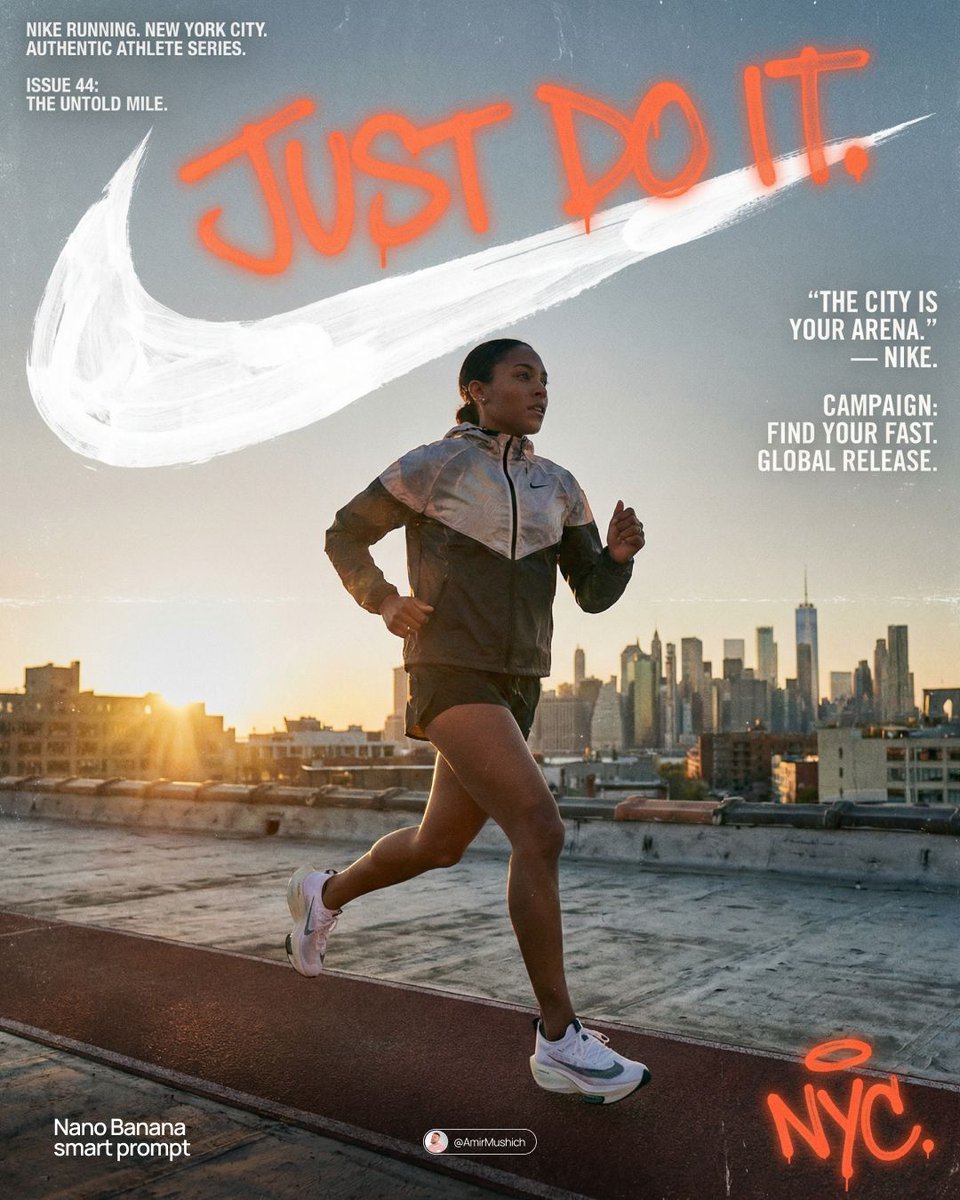
Miles Morales Spider-Man Brooklyn Graffiti

Found Photograph: Us, 1970

80s Couple Studio Portrait
Make it yours
Hero Portrait Comic Multi-Panel Poster works as-is. These are the safest ways to change it without losing the look.
Change one field
Copy a single group, rewrite it, and generate again so you can see what that field is doing.
Keep the frame, change the subject
Hold the composition and light of Hero Portrait Comic Multi-Panel Poster, then swap wardrobe, props or the person for a new take.
| If the result… | Why | Fix |
|---|---|---|
| The result drifts from the preview | Too many fields changed at once. | Reuse Hero Portrait Comic Multi-Panel Poster as-is first, then change one group — subject, light, or setting. |
| The model over-stylizes the scene | The prose prompt leaves finish and camera underspecified. | Add one camera or lighting sentence and stay on PicX Studio. |
More image prompts
Fresh picks from across the catalog.
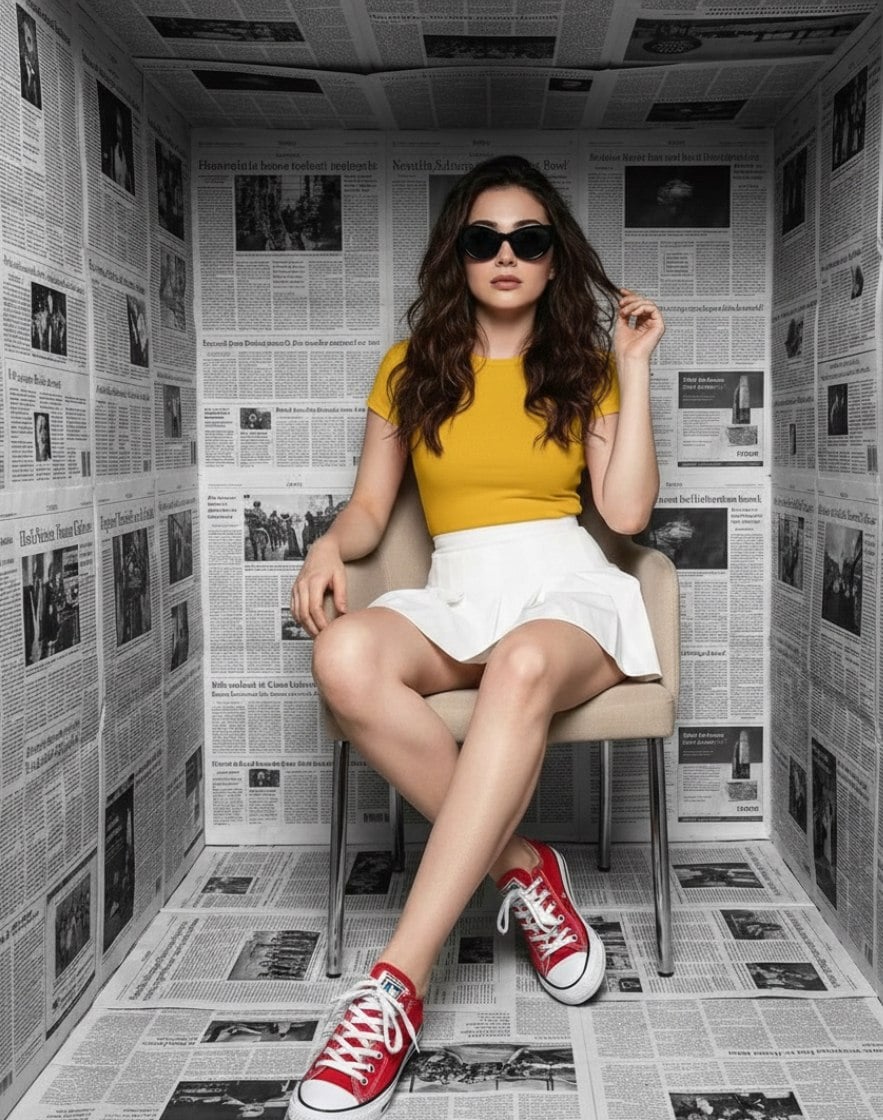
High-Fashion Studio Photoshoot in Newspaper Cube Room
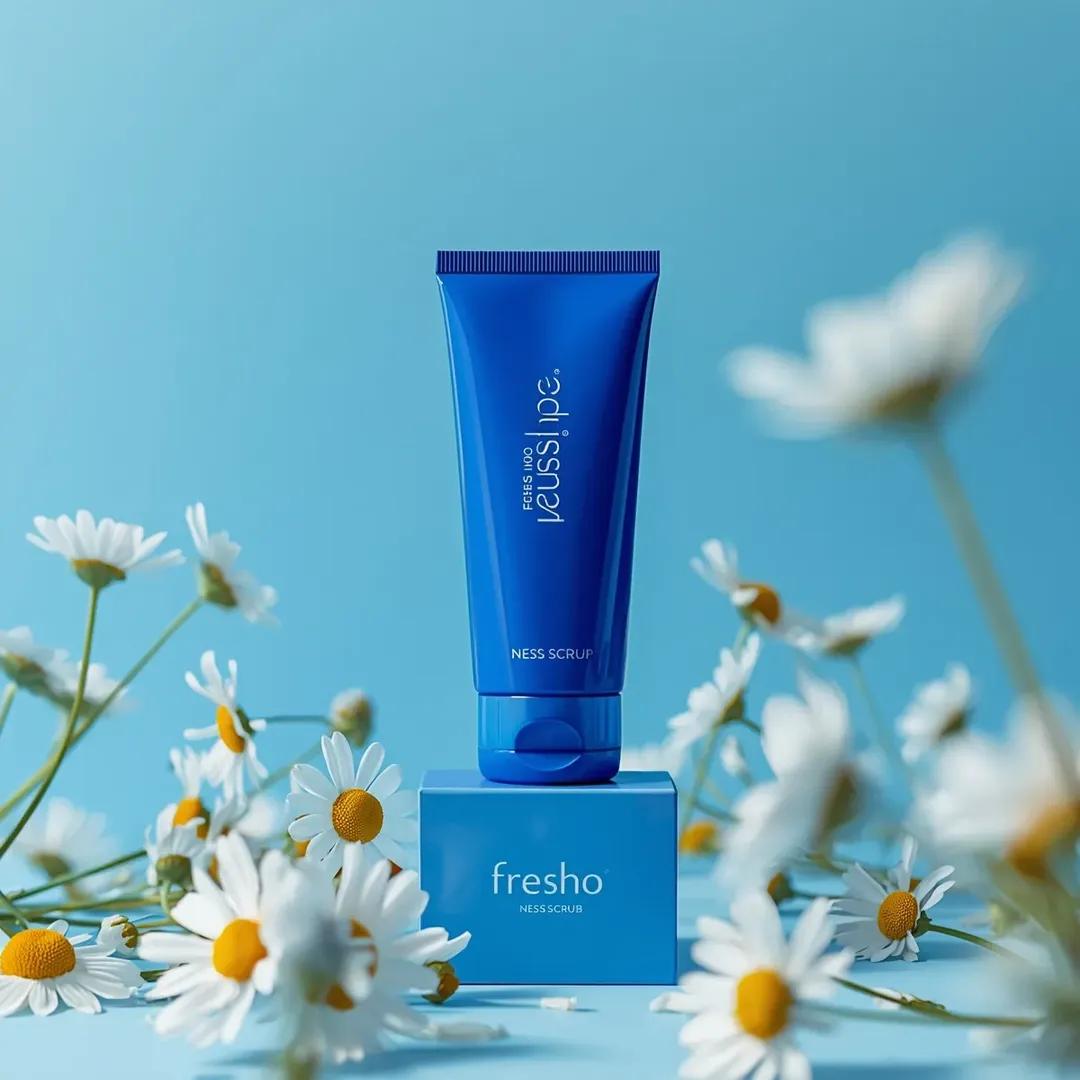
Ultra-Realistic Skincare Product Photography Prompt (Cobalt Blue)
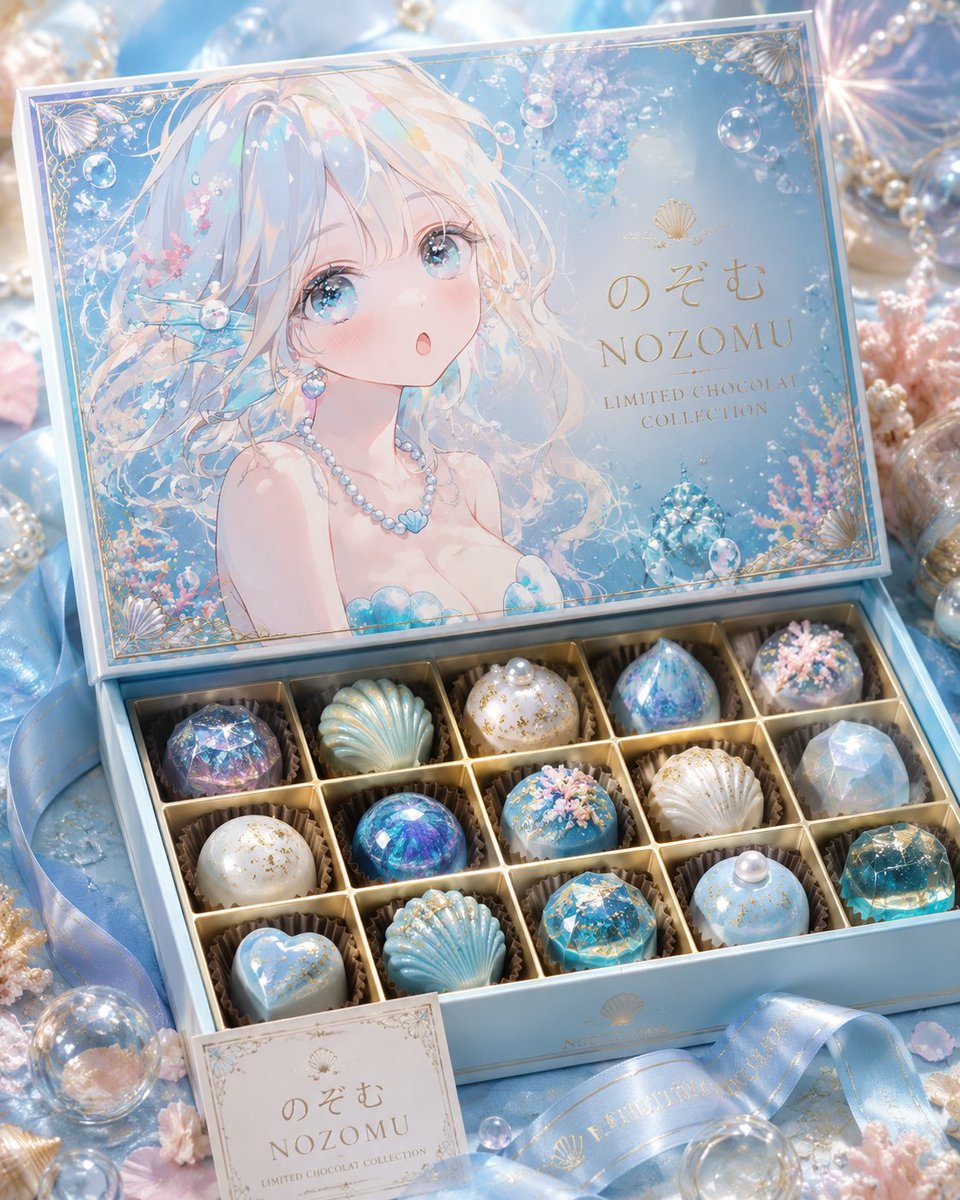
Luxury Ocean Princess Chocolate Box
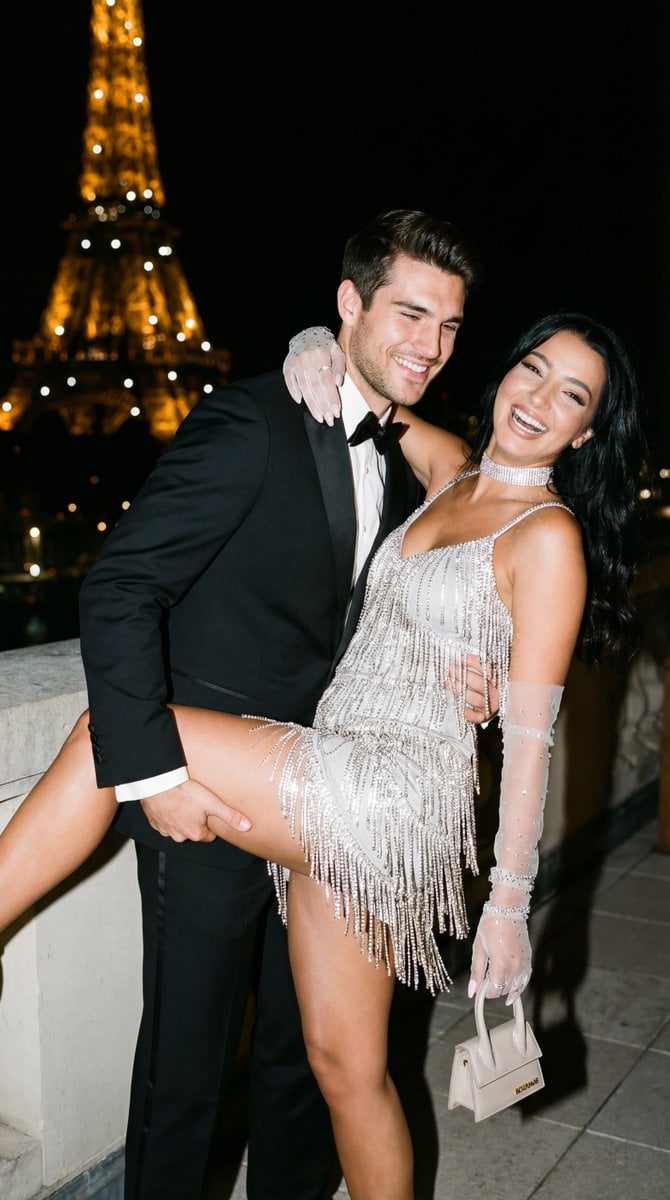
Cinematic Flash Editorial Couple Portrait in Paris
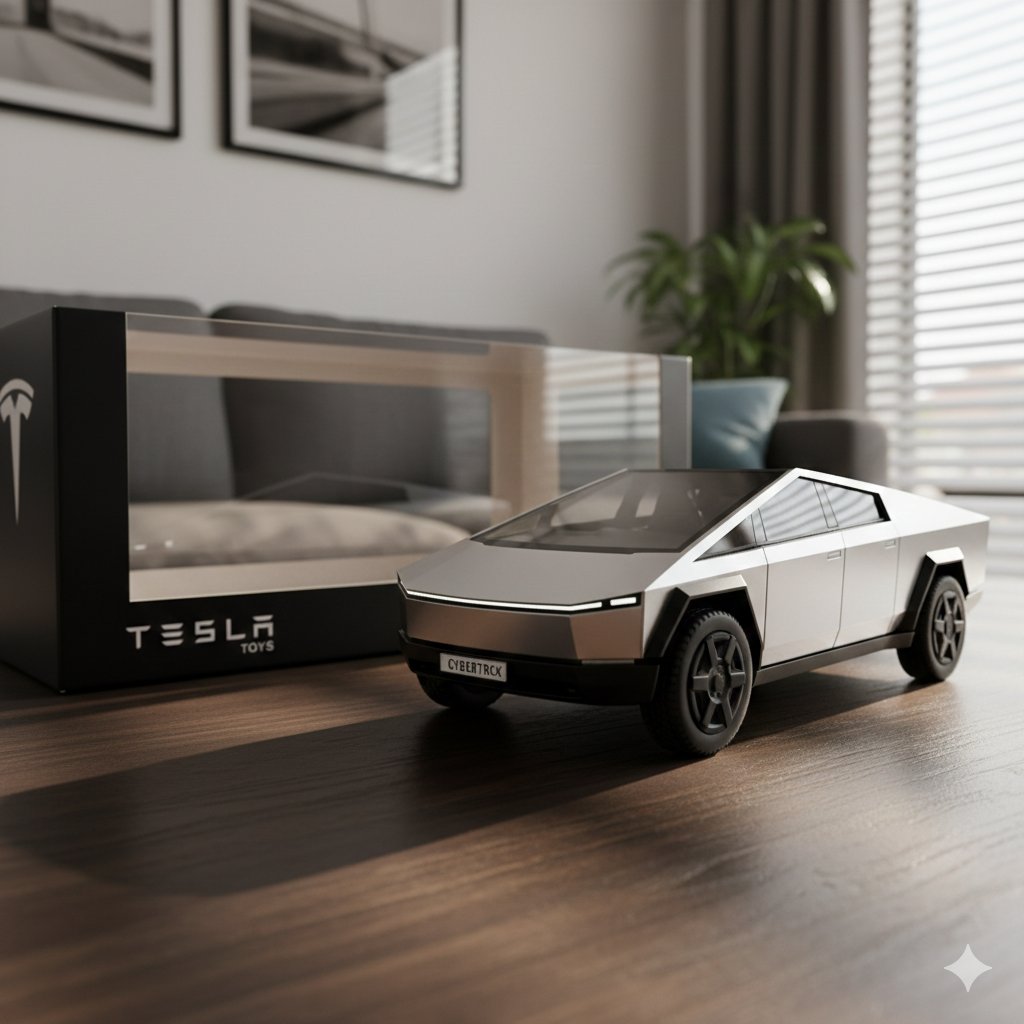
Diecast Toy Model Generation Prompt
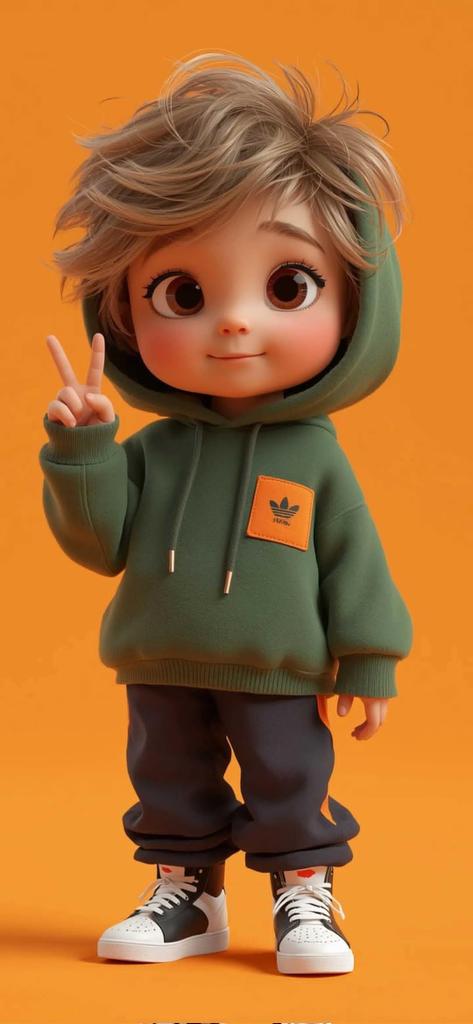
Pixar-Style 3D Chibi Boy Character
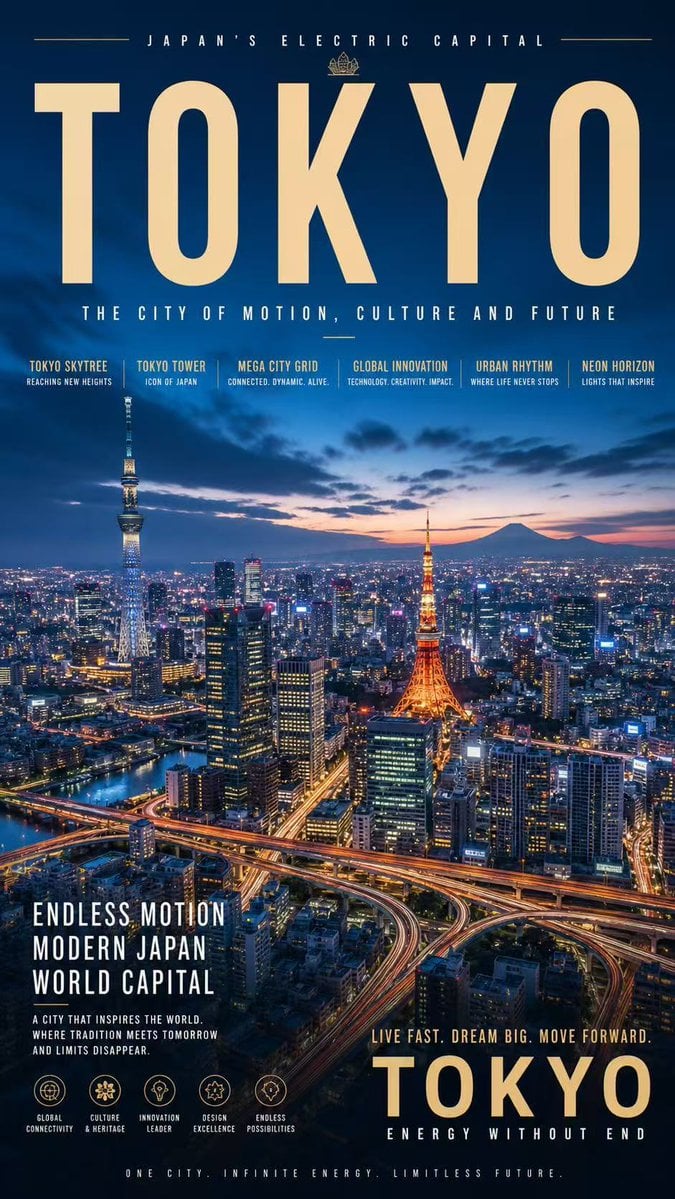
Tokyo Electric Capital Poster
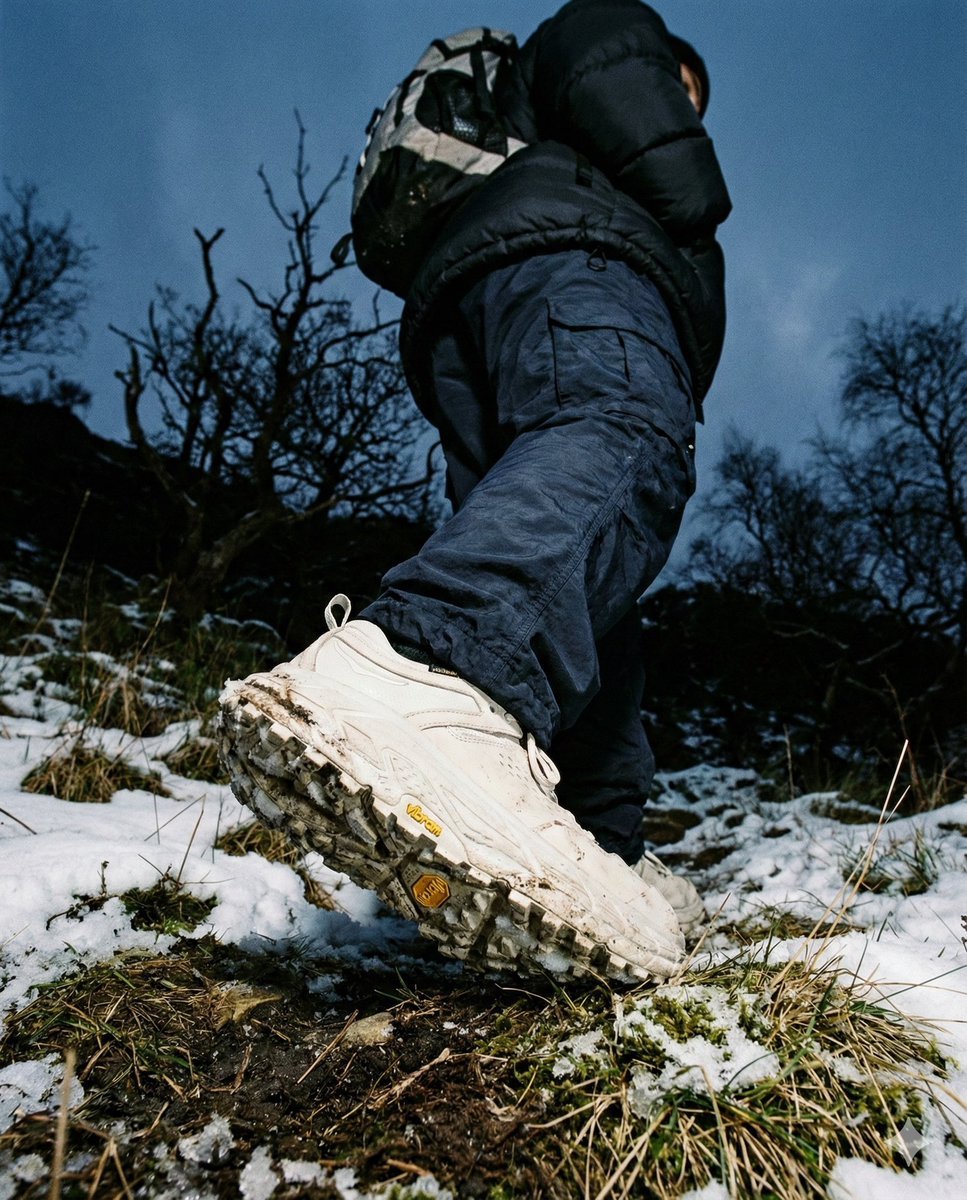
Gorpcore Editorial: Extreme Worm's-Eye View of Hiking Boot
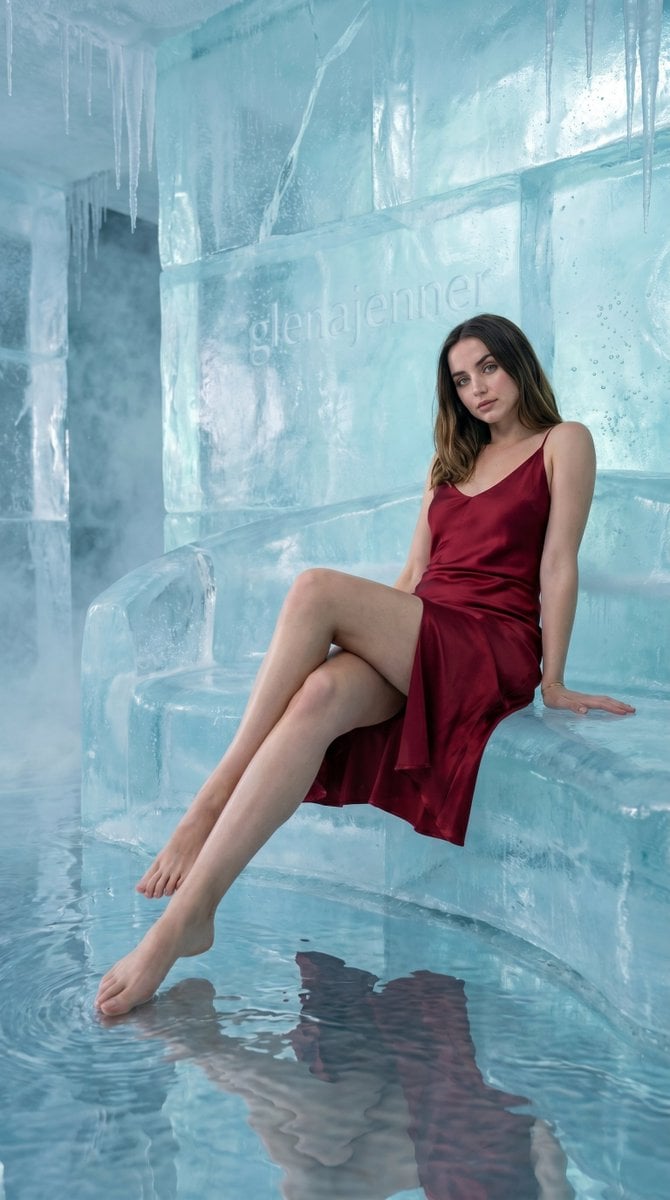
Luxury Ice Couch Portrait
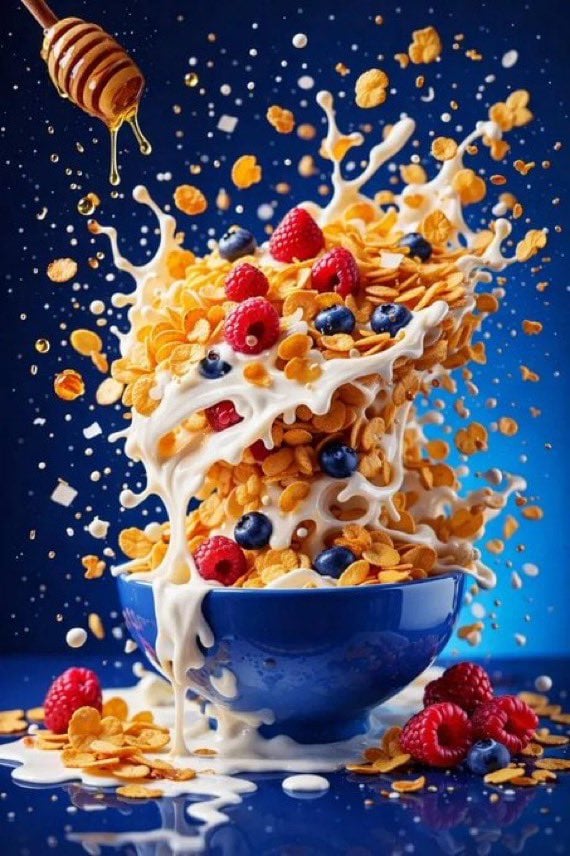
untitled
Browse template categories
Hero Portrait Comic Multi-Panel Poster questions
How do I use the Hero Portrait Comic Multi-Panel Poster template?
Add your photo if the template asks for one, edit the prompt if you like — the template's model and format are already selected — and press Generate. Your version opens in PicX Studio.
Can I customize the Hero Portrait Comic Multi-Panel Poster template?
Yes. You can change the subject, setting, lighting, mood, format, and available model controls before creating your image.
Is the Hero Portrait Comic Multi-Panel Poster template free?
Opening and editing this template is free. Generating uses credits, shown on the Generate button when you are signed in.
Which AI model should I use?
Choose a compatible model in PicX Studio based on the style, speed, and output controls your project needs.
Looking for something else? Browse all templates.

Your photo, any look
Thousands of ready templates for every top image and video model, from one credit balance.