
Luxury Ice Couch Portrait
A detailed prompt for a high-fashion editorial featuring a model in a red silk dress on an ice couch in a frozen room.
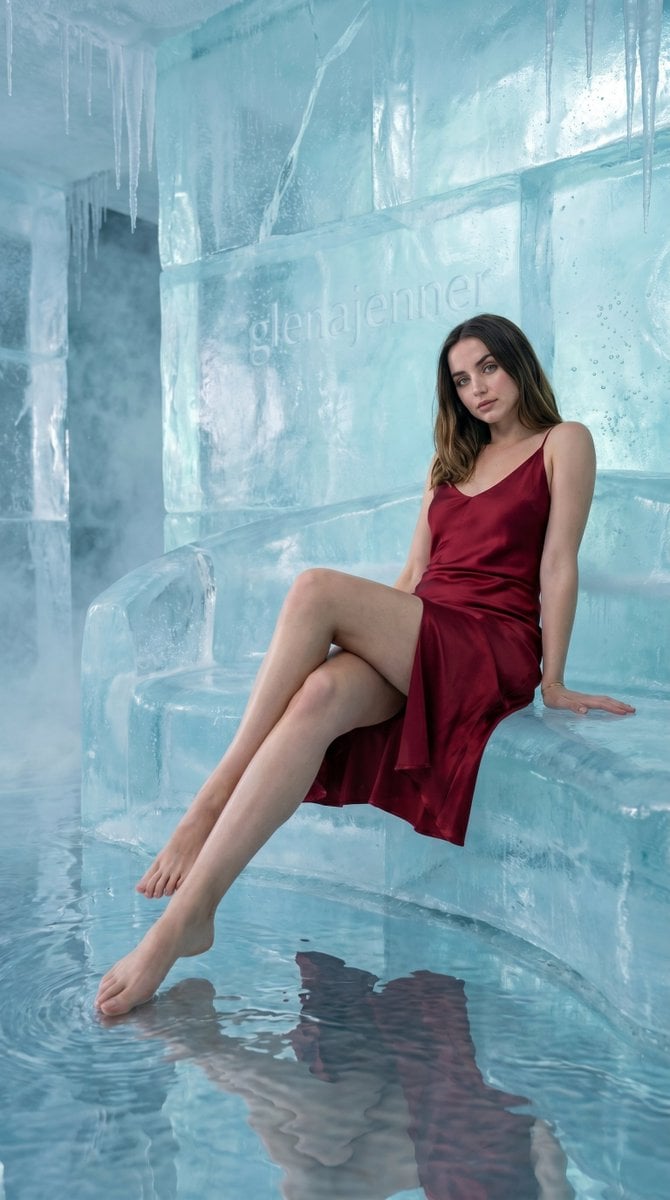
- Prompt included
- Model and format preset
- Free template
The prompt behind this image
Copy the exact prompt behind Luxury Ice Couch Portrait, or open it in the studio and make it yours.
- Scene › Setting
- {argument name="setting" default="hyper-realistic ice-water luxury interior"}
- Scene › Background
- walls formed from thick translucent frozen ice with trapped air bubbles and subtle imperfections, glass-like texture with realistic depth, faint internal cracks, and soft refractions, small embedded elegant text 'glenajenner' carved naturally into the ice wall, subtle and integrated (not overly bold), appearing as part of the frozen surface
- Scene › Lighting
- physically accurate cinematic lighting, soft cool blue and aqua ambient light diffused through ice, combined with neutral white key light on subject, realistic light bounce from water floor, subtle caustics moving across walls and skin, gentle reflections, balanced exposure for natural realism
- Subject › Type
- female
- Subject › Pose
- seated on a curved ice couch, torso slightly leaned back with one hand placed behind for support and the other resting naturally on thigh, legs crossed with one extended forward toward camera, exact pose preserved, natural posture with relaxed shoulders
- Subject › Expression
- soft neutral expression with calm confident gaze slightly downward and to the side
- Subject › Face
- Use uploaded reference image, keep identity exact, natural facial proportions, realistic skin texture with pores and subtle imperfections, no beautification
- Subject › Hair
- Use uploaded reference image, keep identity exact, long hair with natural waves, slightly affected by cool environment with subtle strand detail
- Subject › Eyes
- Use uploaded reference image, keep identity exact, natural reflections from icy environment
- Subject › Skin
- realistic skin tone with slight cool light influence, natural highlights and micro-texture, subtle subsurface scattering
- Subject › Body
- accurate anatomy with natural proportions and realistic weight distribution
- Clothing › Outfit
- {argument name="outfit" default="luxury silk mini dress in deep rich red color"}
- Clothing › Footwear
- bare legs visible, natural positioning
- Clothing › Accessories
- minimal delicate jewelry, subtle and realistic
- Environment Details › Props
- curved couch sculpted from semi-translucent ice with internal frozen flow patterns
- Environment Details › Atmosphere
- light mist in air, slight condensation, visible cold environment feel
- Environment Details › Details
- floor covered in shallow crystal-clear water with accurate reflections and ripple distortion, icicles hanging from ceiling with slow dripping effect, micro water movement, realistic physics-driven reflections and refractions
- Camera › Angle
- {argument name="camera angle" default="low angle from near leg level pointing upward toward subject"}
- Camera › Framing
- medium full-body shot with foreground emphasis on legs and depth perspective
Raw JSON
{ "scene": { "setting": "{argument name=\"setting\" default=\"hyper-realistic ice-water luxury interior\"}", "background": "walls formed from thick translucent frozen ice with trapped air bubbles and subtle imperfections, glass-like texture with realistic depth, faint internal cracks, and soft refractions, small embedded elegant text 'glenajenner' carved naturally into the ice wall, subtle and integrated (not overly bold), appearing as part of the frozen surface", "lighting": "physically accurate cinematic lighting, soft cool blue and aqua ambient light diffused through ice, combined with neutral white key light on subject, realistic light bounce from water floor, subtle caustics moving across walls and skin, gentle reflections, balanced exposure for natural realism" }, "subject": { "type": "female", "pose": "seated on a curved ice couch, torso slightly leaned back with one hand placed behind for support and the other resting naturally on thigh, legs crossed with one extended forward toward camera, exact pose preserved, natural posture with relaxed shoulders", "expression": "soft neutral expression with calm confident gaze slightly downward and to the side", "face": "Use uploaded reference image, keep identity exact, natural facial proportions, realistic skin texture with pores and subtle imperfections, no beautification", "hair": "Use uploaded reference image, keep identity exact, long hair with natural waves, slightly affected by cool environment with subtle strand detail", "eyes": "Use uploaded reference image, keep identity exact, natural reflections from icy environment", "skin": "realistic skin tone with slight cool light influence, natural highlights and micro-texture, subtle subsurface scattering", "body": "accurate anatomy with natural proportions and realistic weight distribution" }, "clothing": { "outfit": "{argument name=\"outfit\" default=\"luxury silk mini dress in deep rich red color\"}", "footwear": "bare legs visible, natural positioning", "accessories": "minimal delicate jewelry, subtle and realistic" }, "environment_details": { "props": "curved couch sculpted from semi-translucent ice with internal frozen flow patterns", "atmosphere": "light mist in air, slight condensation, visible cold environment feel", "details": "floor covered in shallow crystal-clear water with accurate reflections and ripple distortion, icicles hanging from ceiling with slow dripping effect, micro water movement, realistic physics-driven reflections and refractions" }, "camera": { "angle": "{argument name=\"camera angle\" default=\"low angle from near leg level pointing upward toward subject\"}", "framing": "medium full-body shot with foreground emphasis on legs and depth perspective" } }How to use Luxury Ice Couch Portrait in 3 steps
- 1Upload ImagePNG, JPG or paste
Add your photo
Upload the photo the template builds on. The prompt, model and format are already set.
- 2…a portrait of your subject in softgolden-hour light, 85mm…
Personalize
Edit the subject and creative details for your destination.
- 3Generate
Generate
Press Generate — your image is created in PicX Studio, so you can compare it with the original and refine one variable at a time.
More like this
Templates with the same subject, style or setup. Open one to see its prompt.

Nano Banana 2 Gourmet Ice Cream Commerci

Found Photograph: Us, 1970

80s Couple Studio Portrait

80s Bollywood Star

80s Golden Hour Cinema

Me in 1985

1985 Studio Portrait

Hyper-Realistic Minecraft POV Portrait

Luxury ABKR Portrait Poster

Cinematic Luxury Terrace Portrait

Luxury Fashion Editorial Portrait
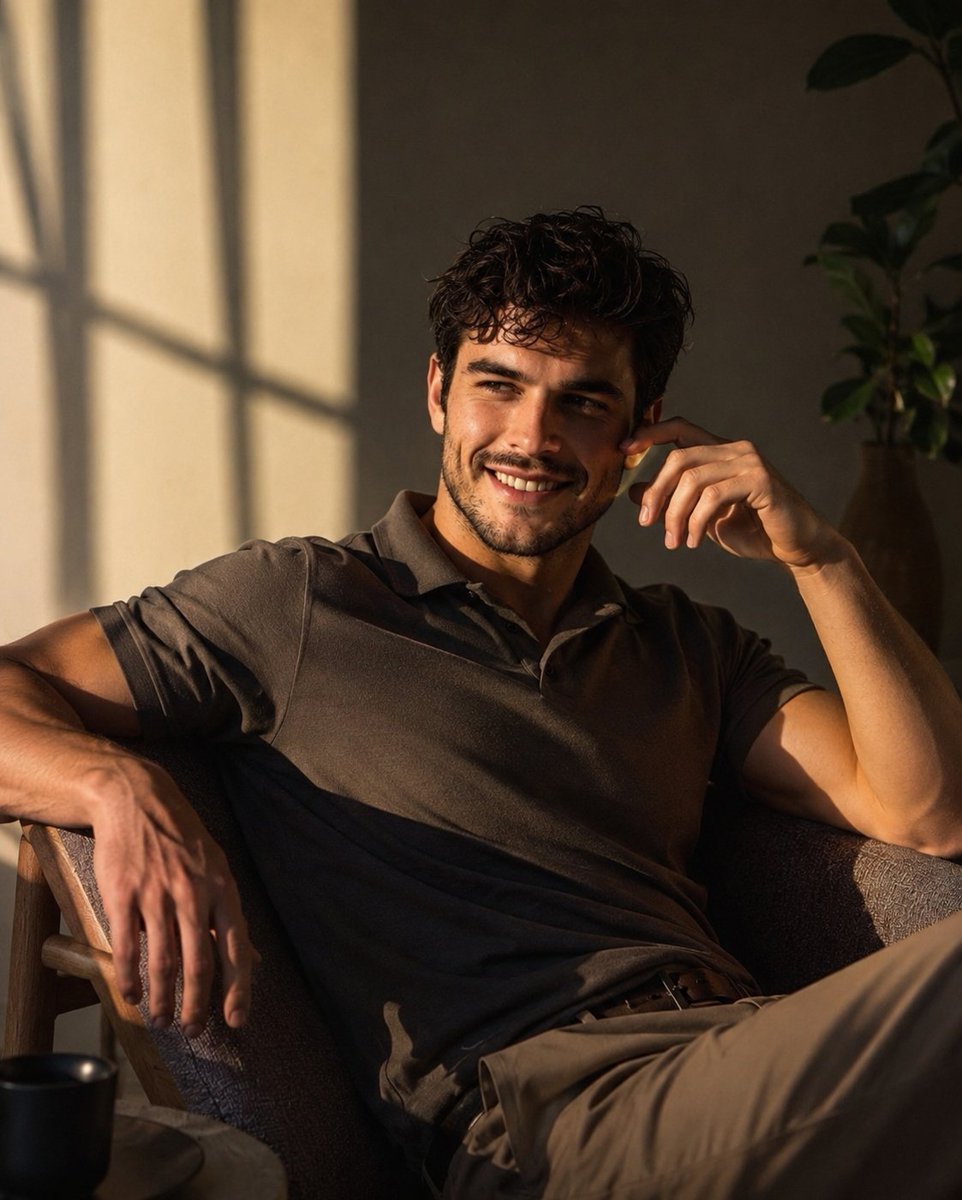
Luxury Men's Lifestyle Portrait
Make it yours
Luxury Ice Couch Portrait works as-is. These are the safest ways to change it without losing the look.
Swap the setting
Keep the rest of the prompt and replace the location block. The current setting is “{argument name="setting" default="hyper-realistic ice-water luxury interior"}”.
Swap the light
One lighting change is enough to compare takes. Current light: “physically accurate cinematic lighting, soft cool blue and aqua ambient light di”.
Change one field
Copy a single group, rewrite it, and generate again so you can see what that field is doing.
| If the result… | Why | Fix |
|---|---|---|
| The result drifts from the preview | Too many fields changed at once. | Reuse Luxury Ice Couch Portrait as-is first, then change one group — subject, light, or setting. |
| Nano Banana 2 ignores part of the JSON | Some models flatten or skip nested keys. | Keep the same values and paste them as a short paragraph instead. |
More Nano Banana 2 templates
Other prompts made for Nano Banana 2.

Photorealistic Leaf Shaped Like a Dragon

K-Pop Idol Portrait Grid for Rapid Selection

Poetic Rain Forest Portrait During Golden Hour

Urban Street Portrait with Cartoon Inner Self Duo

Candid Nighttime Photo with Cat Prompt

High-Concept 3D Diorama Generation Prompt

Cinematic Futuristic Studio Portrait Template

Skincare Editorial Photography Collage Prompt

Hyper-Realistic Commercial Product Photography (Splash Effect)

Hyper-Realistic Nightclub Portrait Prompt
More image prompts
Fresh picks from across the catalog.
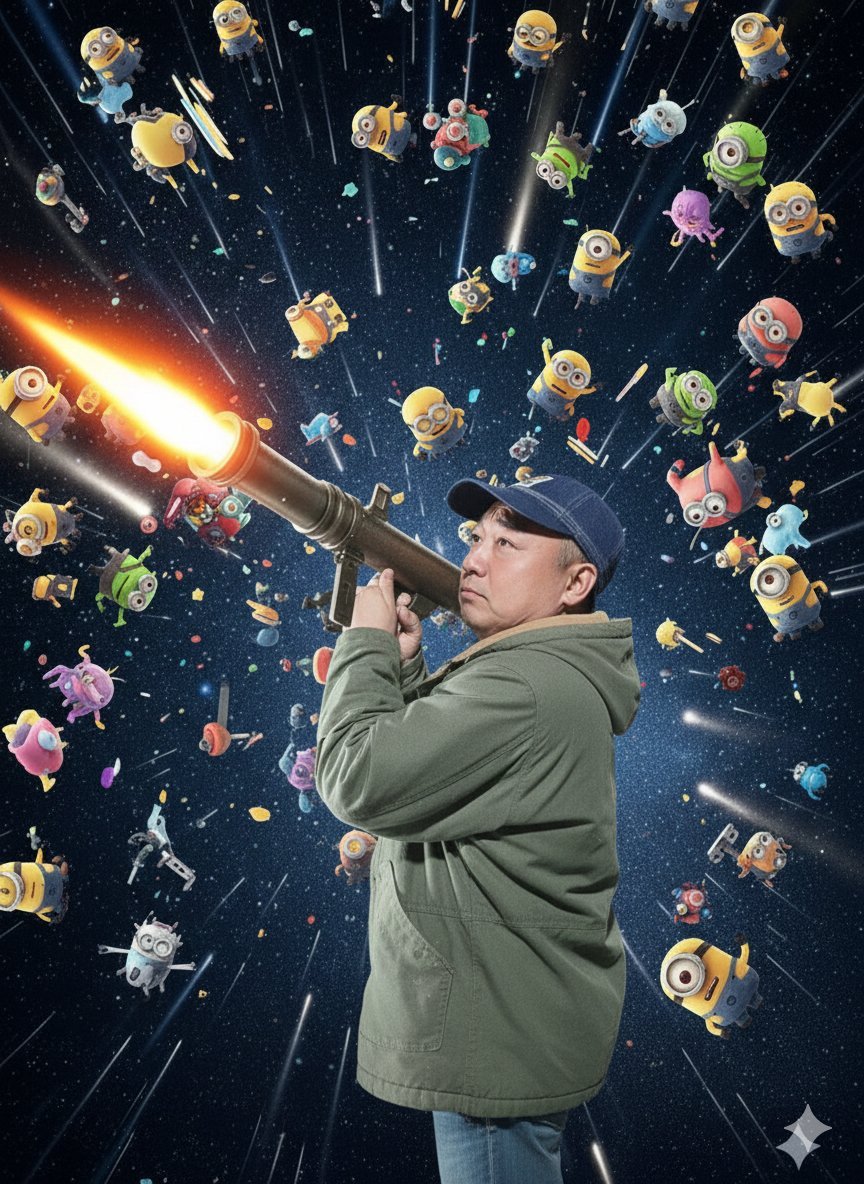
Nano Banana Pro Rocket Launcher Action Prompt
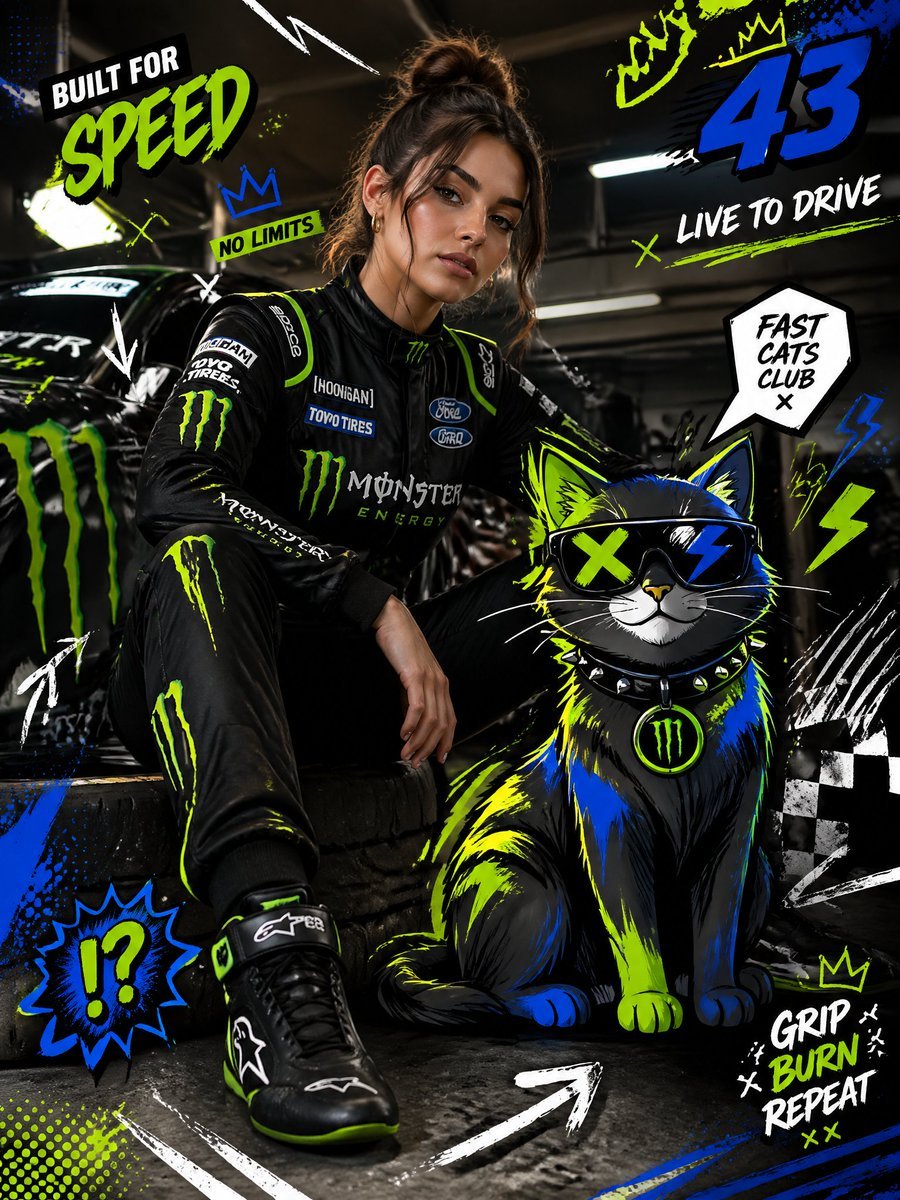
Mixed-Media Fashion Editorial and Cartoon Fusion
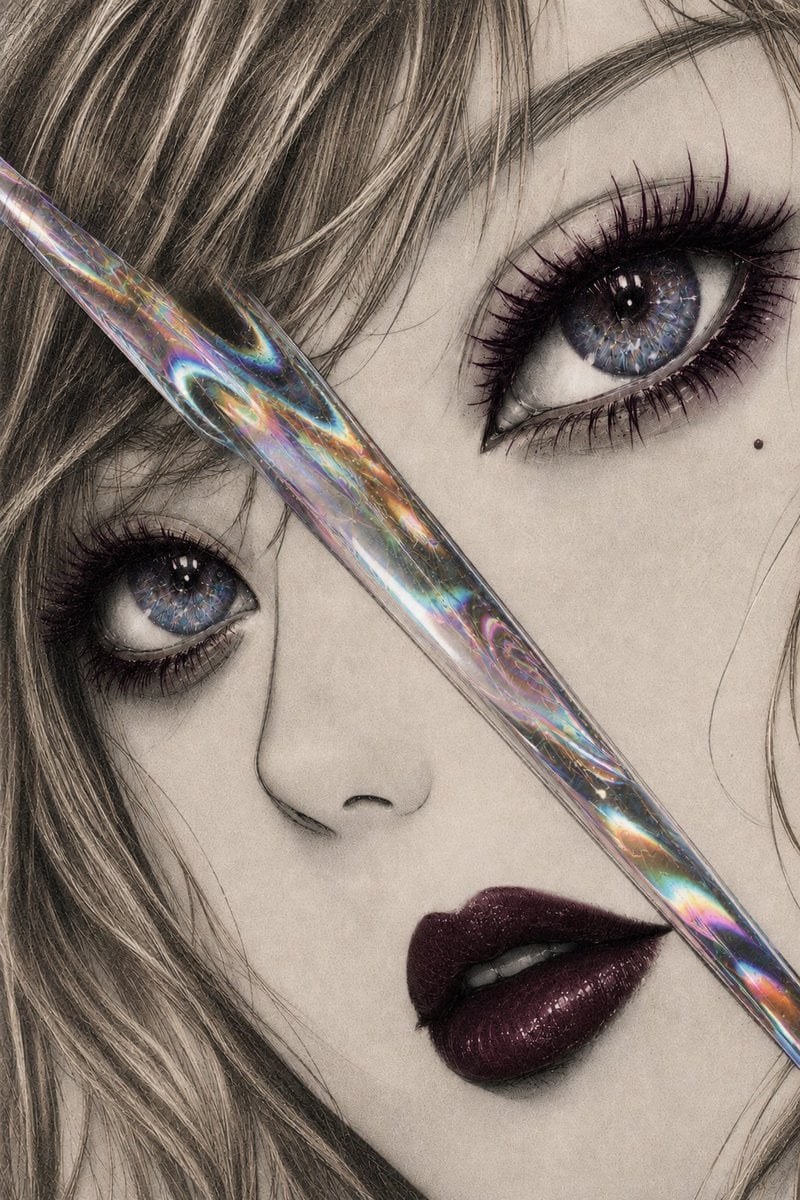
Iridescent Glass Gothic Beauty Portrait
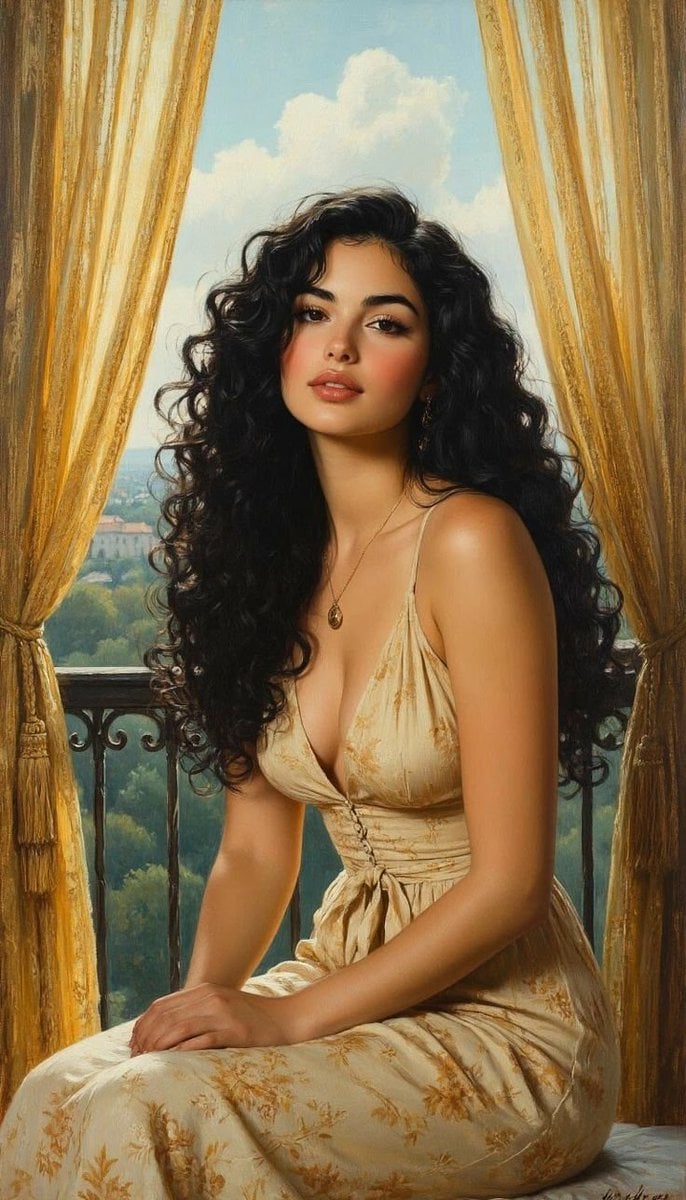
Romantic Painterly Portrait on European Balcony
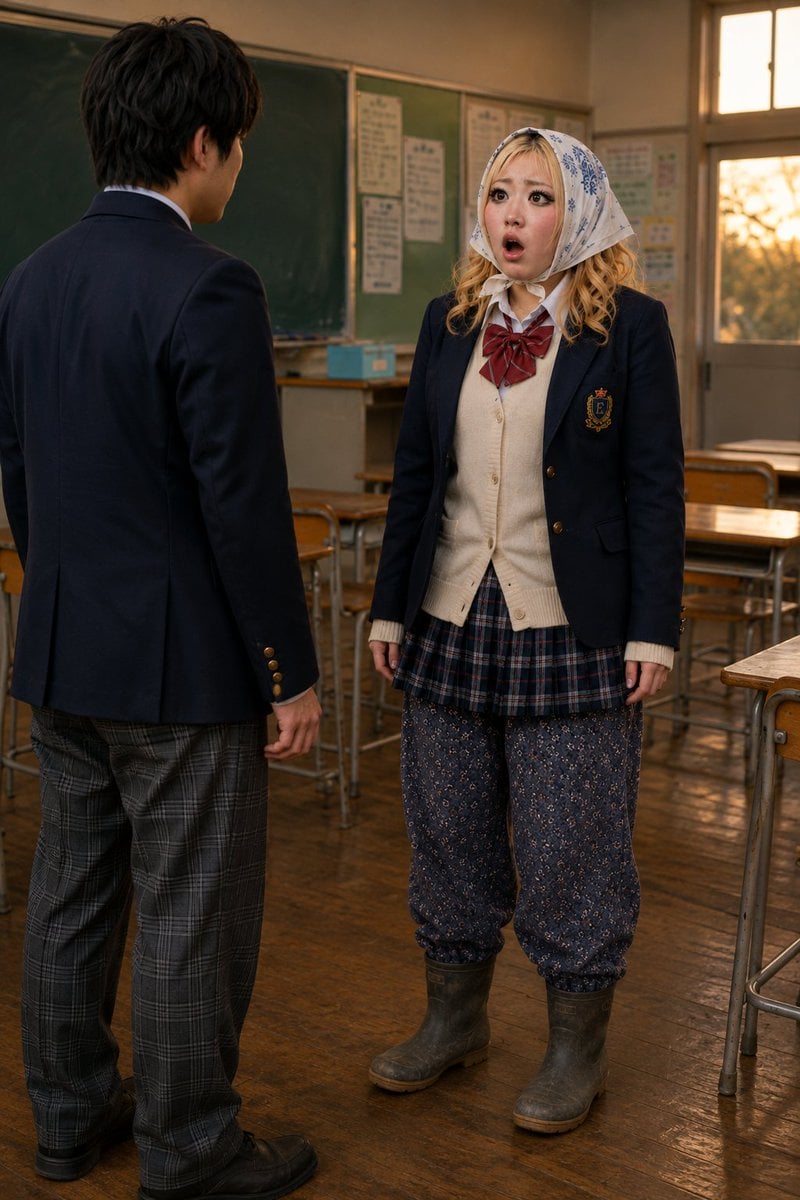
Schoolgirl Turned Rural Farmer Classroom Scene

Gpt2 Youtube Thumbnail Wuxia Movie Character Posters
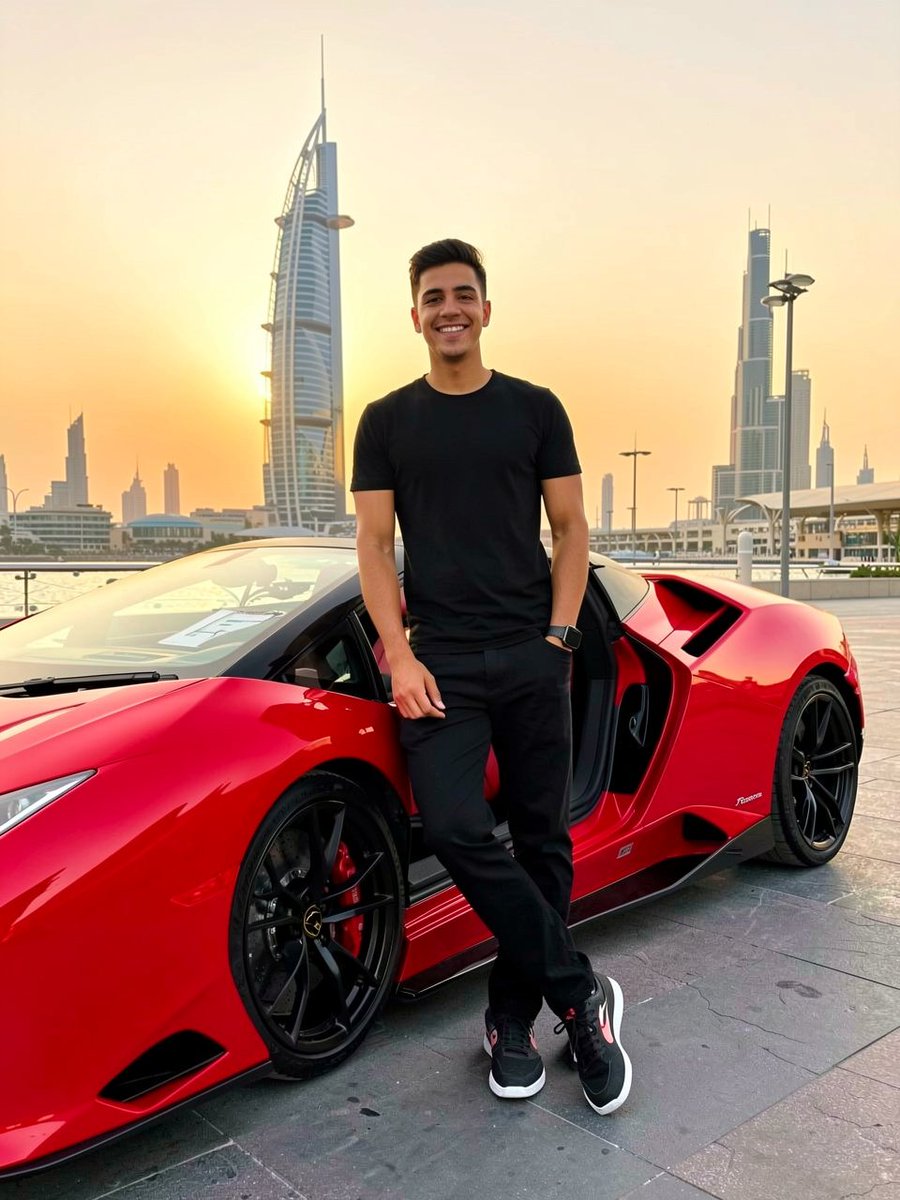
Cinematic Portrait with Lamborghini in Dubai Sunset
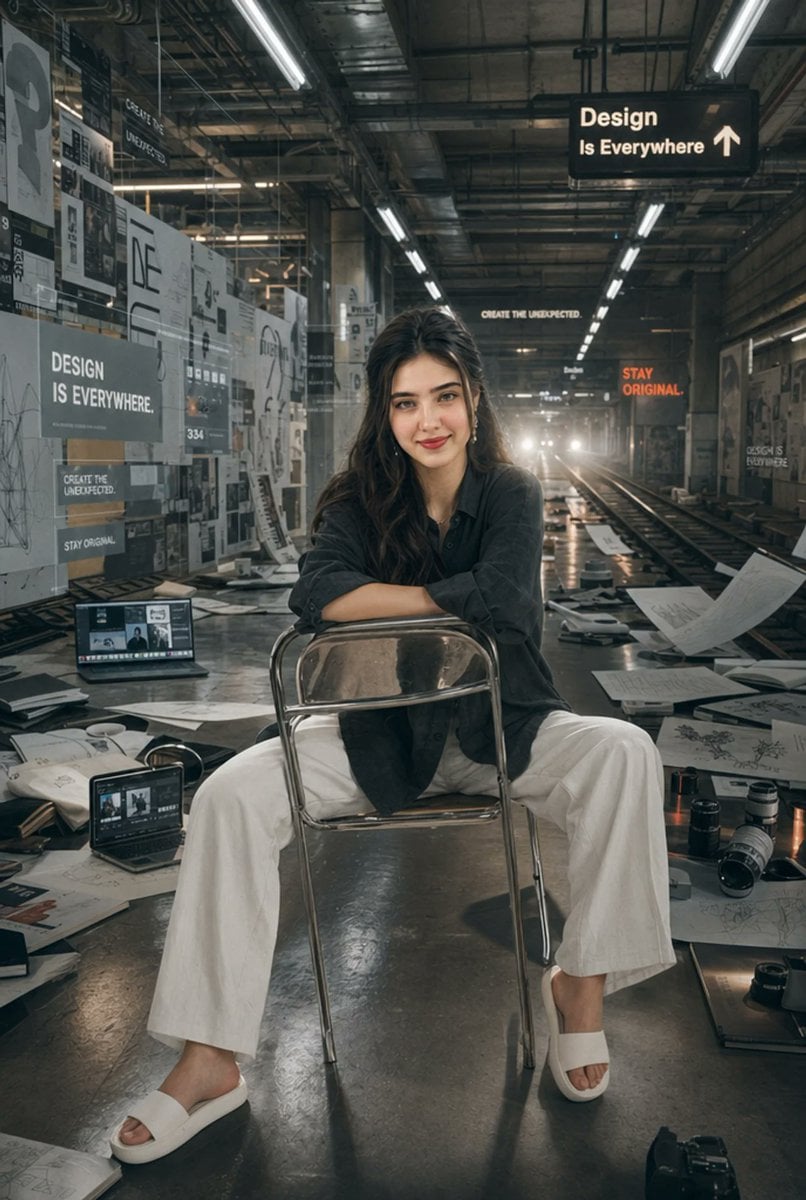
Subway Design Studio Portrait
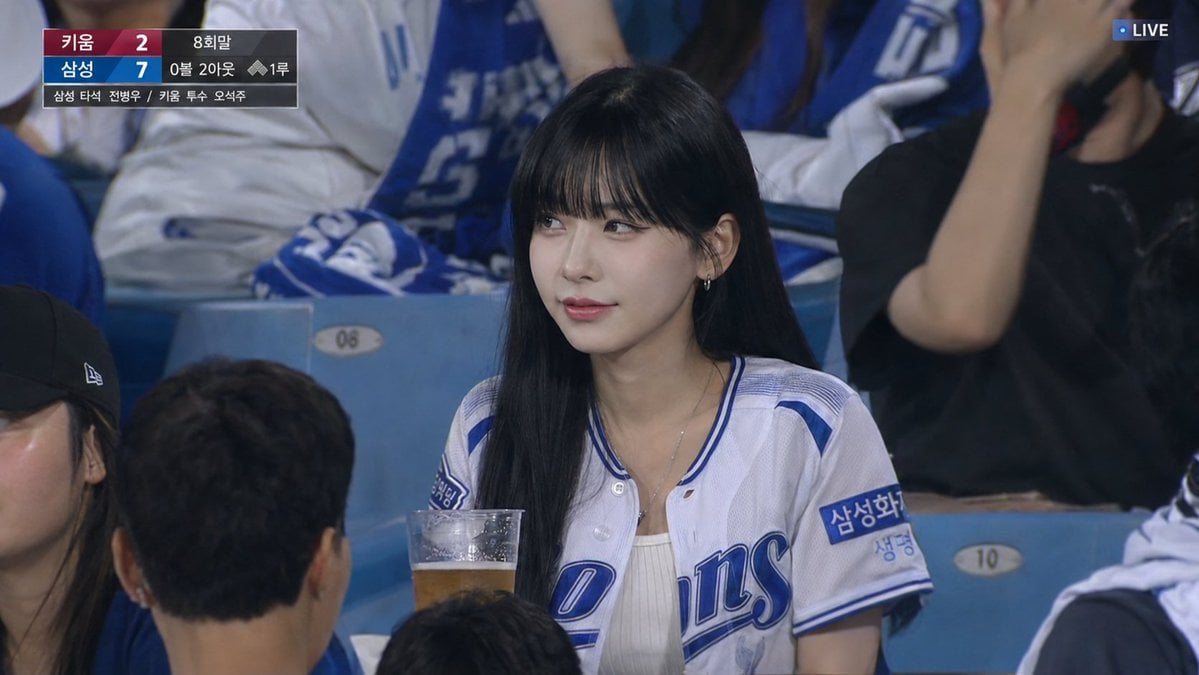
Korean Baseball Live TV Screenshot
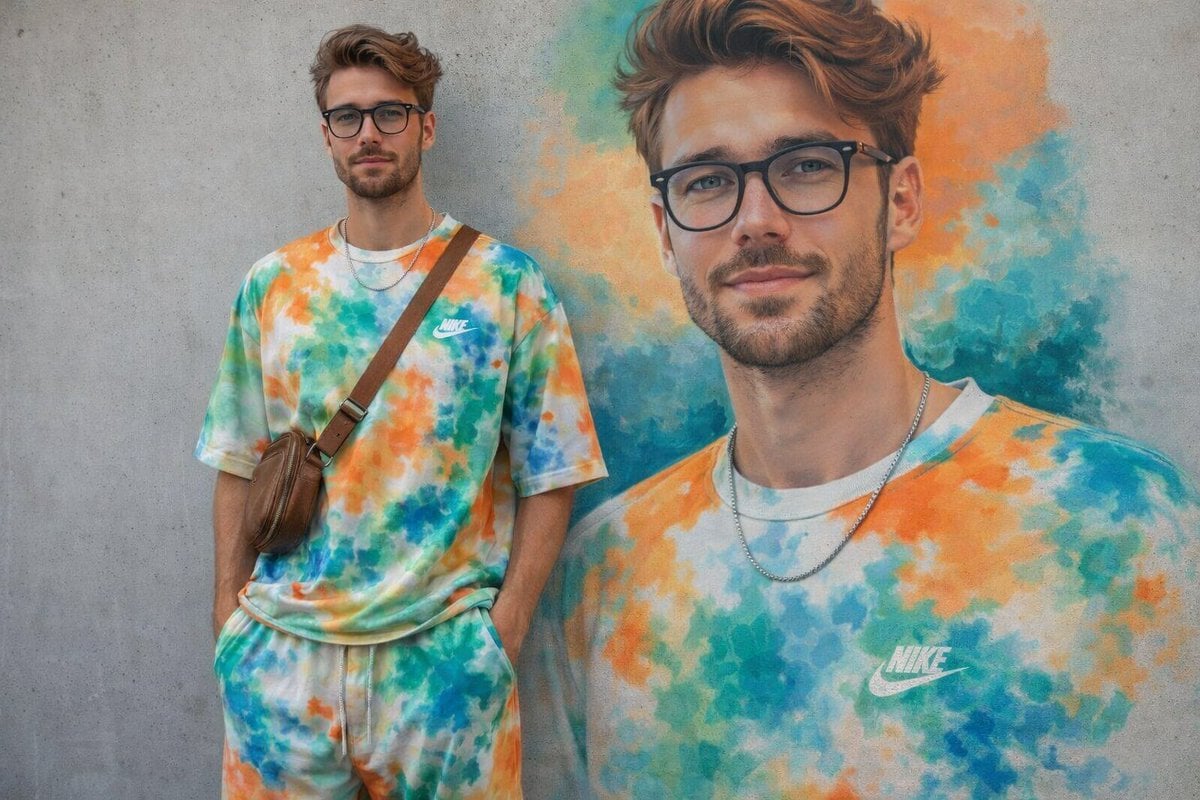
Minimal Mural Portrait
Browse template categories
Luxury Ice Couch Portrait questions
How do I use the Luxury Ice Couch Portrait template?
Add your photo if the template asks for one, edit the prompt if you like — the template's model and format are already selected — and press Generate. Your version opens in PicX Studio.
Can I customize the Luxury Ice Couch Portrait template?
Yes. You can change the subject, setting, lighting, mood, format, and available model controls before creating your image.
Is the Luxury Ice Couch Portrait template free?
Opening and editing this template is free. Generating uses credits, shown on the Generate button when you are signed in.
Which AI model should I use?
Start with Nano Banana 2, which is the model associated with this template. You can compare another compatible model for a different finish.
Looking for something else? Browse all templates.

Your photo, any look
Thousands of ready templates for every top image and video model, from one credit balance.