
Mixed-Media Fashion Editorial and Cartoon Fusion
A high-detail prompt that combines hyper-realistic fashion photography of a racing-themed model with vibrant, neon cartoon illustrations, set in a professional motorsport garage.
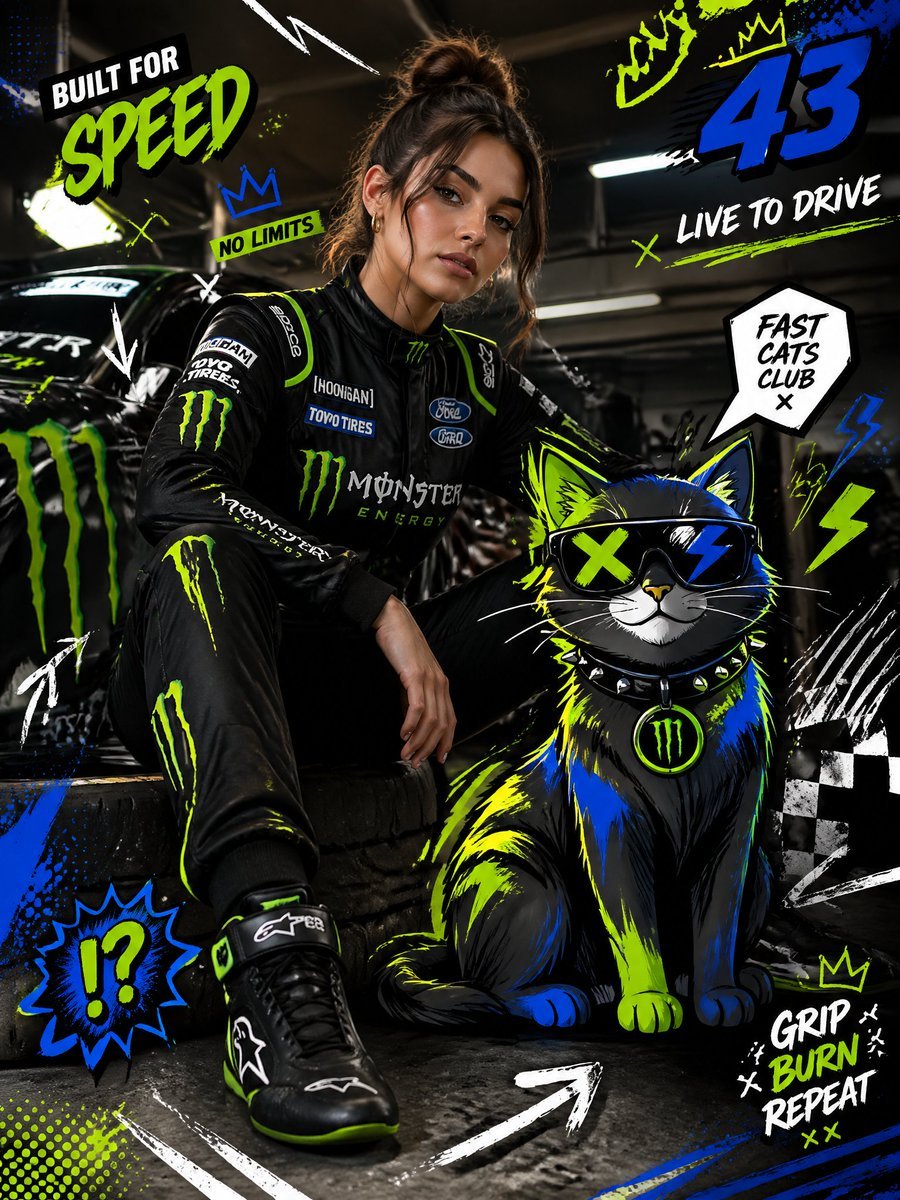
- Prompt included
- Model and format preset
- Free template
The prompt behind this image
Copy the exact prompt behind Mixed-Media Fashion Editorial and Cartoon Fusion, or open it in the studio and make it yours.
Full-body fashion editorial shot of a confident young woman with {argument name="hair description" default="long wavy dark brown hair"}, striking sharp facial features, defined cheekbones, deep-set eyes with a calm dominant gaze, sunglasses perched on top of her head, standing in a powerful pose — one hand resting on an open scissor door, body slightly turned, looking straight at camera with a composed, fierce expression. Wearing a fitted black long-sleeve racing jersey with gold sponsor logos (Alpinestars collar detail), black racing gloves, with a white, black, and red Sparco racing suit draped and hanging off her body, and black racing shoes. Clean editorial styling, natural confident stance, wind slightly moving her {argument name="hair description" default="dark wavy hair"}. Beside and partially interacting with a stylized cartoon {argument name="animal" default="Cat"}, positioned naturally as if sharing the same space. The {argument name="animal" default="Cat"} is illustrated in bold cartoon style with thick black outlines, vibrant neon color palette (neon green, blue, yellow accents), exaggerated proportions, expressive features, playful yet powerful presence. Background: bright indoor motorsport garage pit lane setting with large industrial windows flooding soft diffused daylight, glossy reflective concrete floor, a neon green {argument name="car model" default="Lamborghini Huracán"} with open scissor door partially visible. Fusion of hyper-realistic photography and graphic illustration, seamless integration between subject and cartoon. Add graphic overlay elements: doodle Gugu arrows, scribbles, racing-themed abstract shapes, speed lines, comic-style symbols, dynamic motion lines, checkered flag doodles. High contrast, HDR lighting, sharp focus, fashion editorial motorsport composition, surreal mixed-media aesthetic, ultra-detailed, 8K resolution.
How to use Mixed-Media Fashion Editorial and Cartoon Fusion in 3 steps
- 1
Open
The prompt is already in the box next to the preview, with the template's model and format selected.
- 2…a portrait of your subject in softgolden-hour light, 85mm…
Personalize
Edit the subject and creative details for your destination.
- 3Generate
Generate
Press Generate — your image is created in PicX Studio, so you can compare it with the original and refine one variable at a time.
More like this
Templates with the same subject, style or setup. Open one to see its prompt.
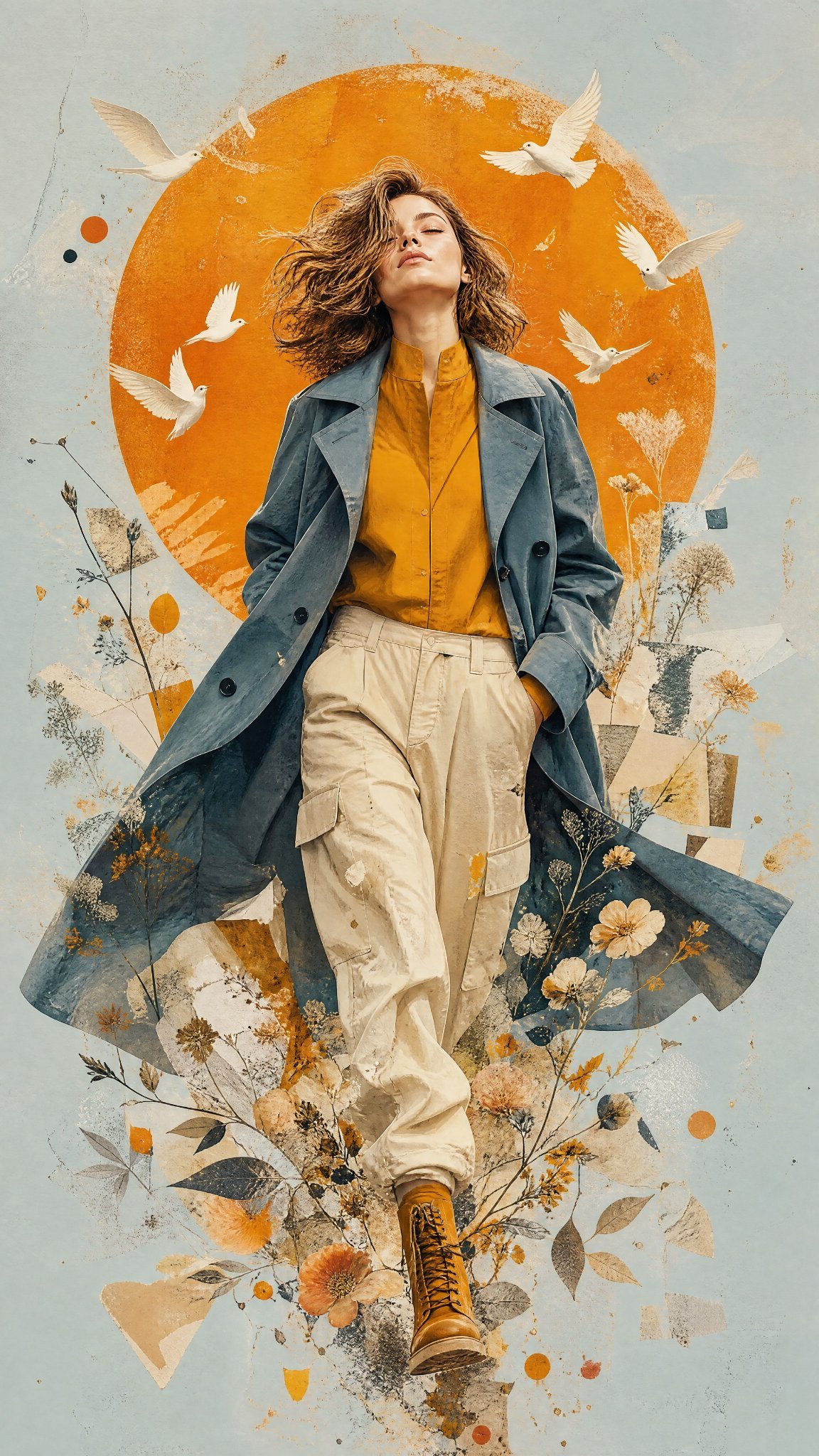
Mixed Media Editorial Woman Illustration
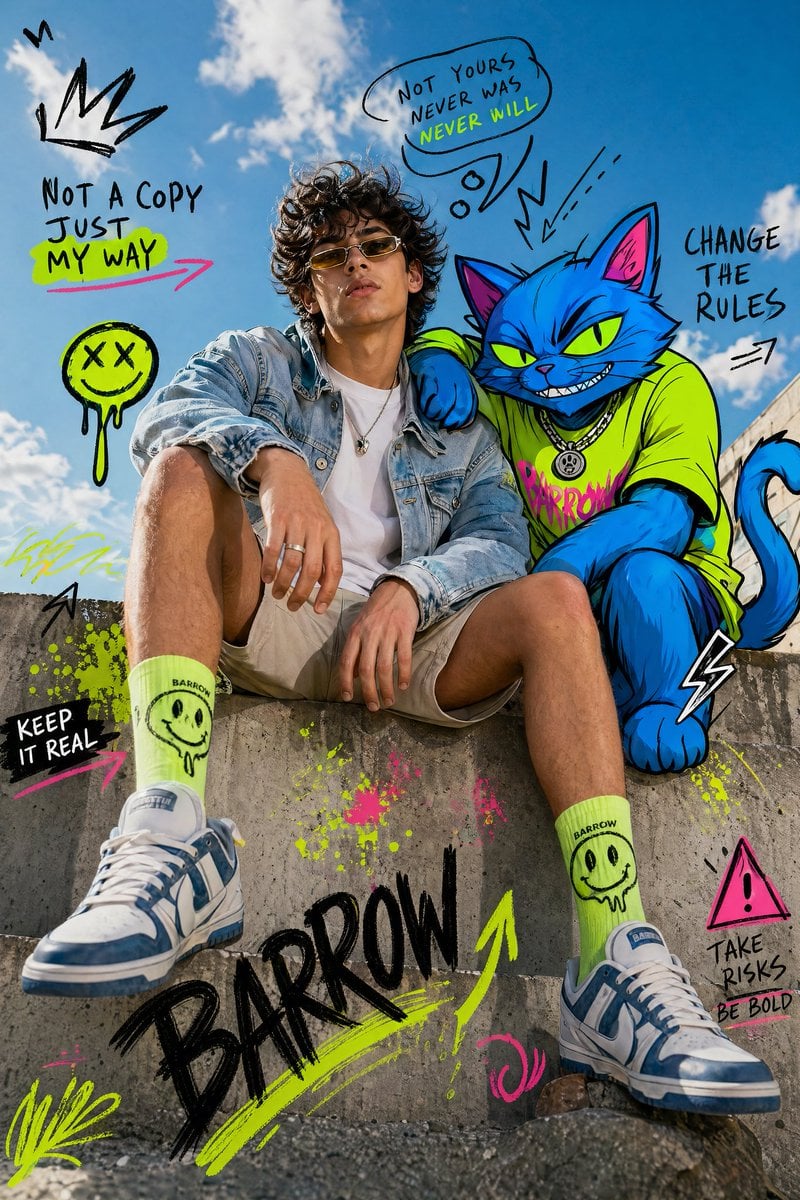
Mixed-Media Fashion Editorial with Neon Cartoon Interaction
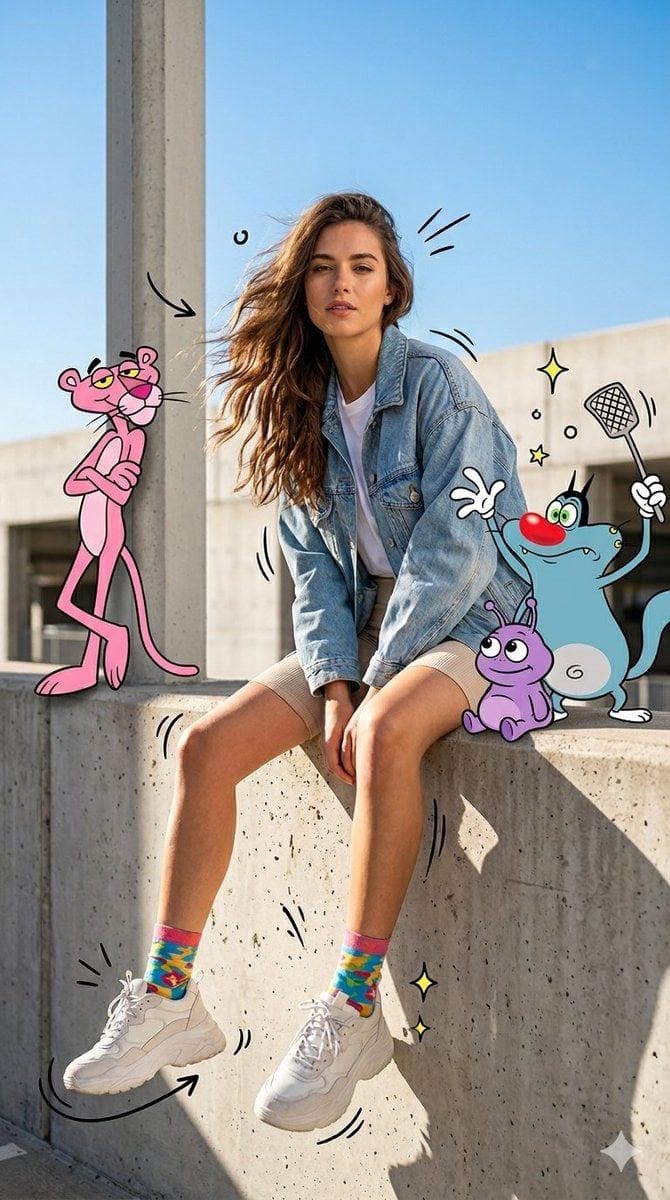
Mixed Media Urban Fashion Editorial
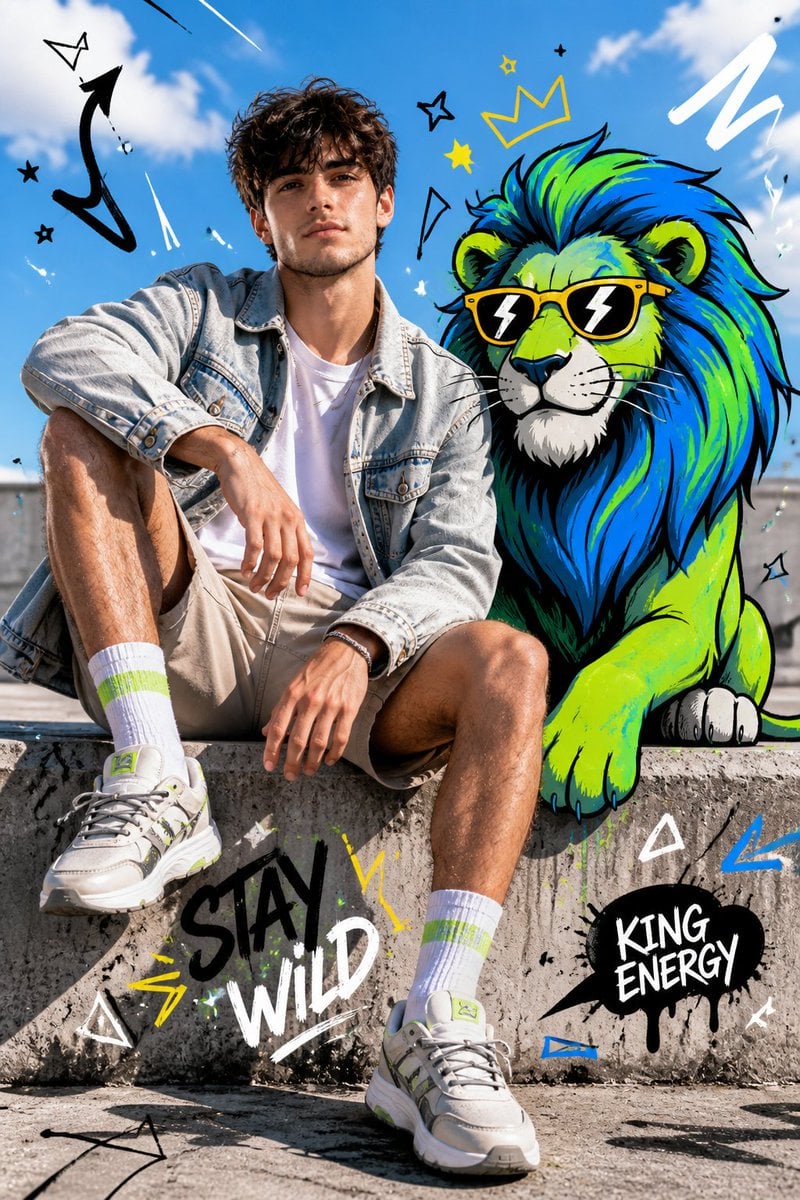
Fashion Editorial with Cartoon Fusion
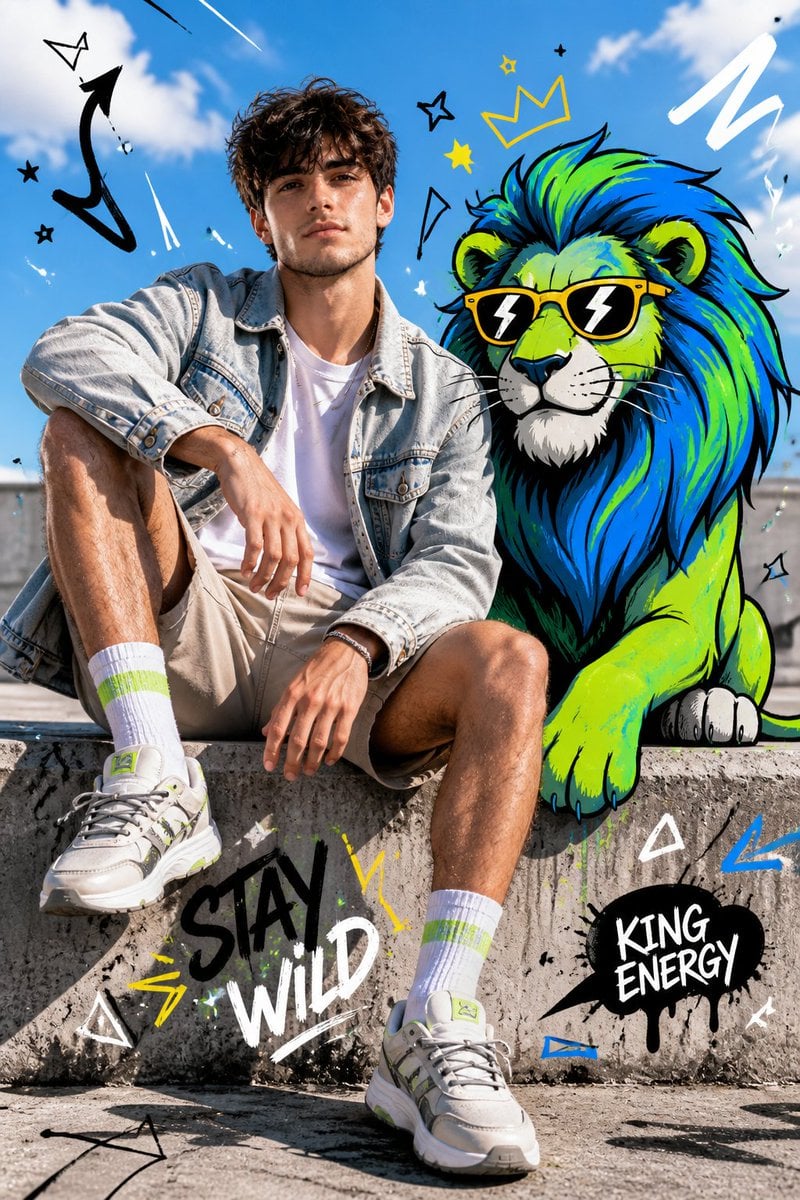
Fashion Editorial with Cartoon Fusion

untitled

Google Gemini Nano Banana Pro

Conceptual Fashion Portrait in Spider We

01 Skincare Split Portrait — Nano Banana 2

24 The Getty Center — California Series

21 Glass Floor Skyscraper — California Series

19 Luxury Helicopter Travel — California Series
Make it yours
Mixed-Media Fashion Editorial and Cartoon Fusion works as-is. These are the safest ways to change it without losing the look.
Change one field
Copy a single group, rewrite it, and generate again so you can see what that field is doing.
Keep the frame, change the subject
Hold the composition and light of Mixed-Media Fashion Editorial and Cartoon Fusion, then swap wardrobe, props or the person for a new take.
| If the result… | Why | Fix |
|---|---|---|
| The result drifts from the preview | Too many fields changed at once. | Reuse Mixed-Media Fashion Editorial and Cartoon Fusion as-is first, then change one group — subject, light, or setting. |
| The model over-stylizes the scene | The prose prompt leaves finish and camera underspecified. | Add one camera or lighting sentence and stay on GPT Image 2. |
More GPT Image 2 templates
Other prompts made for GPT Image 2.

Six VTuber Japanese Logo Sheet

Realistic Portrait of Woman and Deer

The Vista Modular Condo Poster

AI Model Routing Comparison Infographic

2.5D Anime Art Board

Isometric Productivity Desk Scene

New York Double Exposure Poster

Four-Panel AI Landscape Comparison

Japanese Tatami Lifestyle Magazine Cover

NESCAFÉ Coffee Map Poster
More image prompts
Fresh picks from across the catalog.
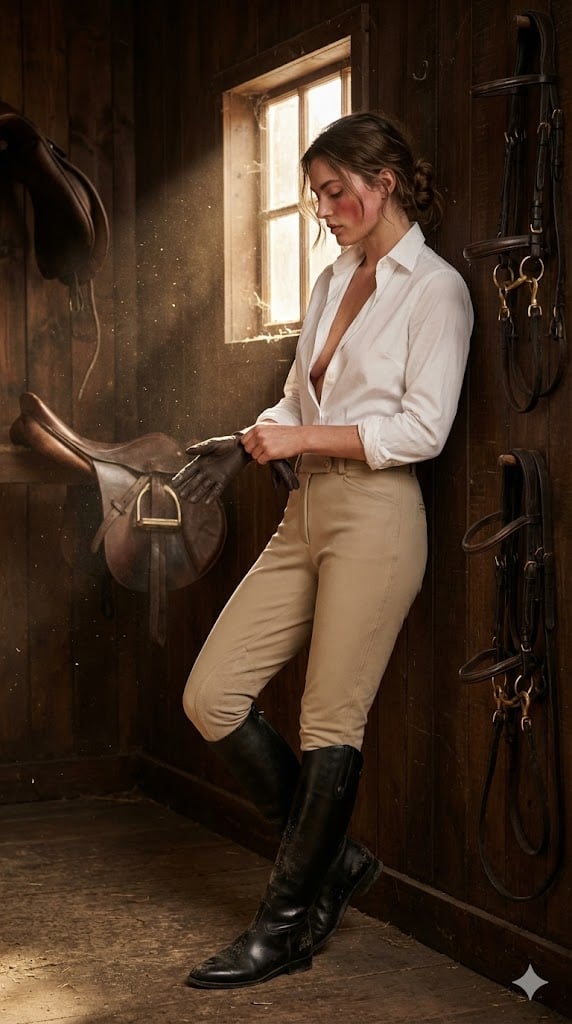
Ralph Lauren Equestrian Editorial Portrait
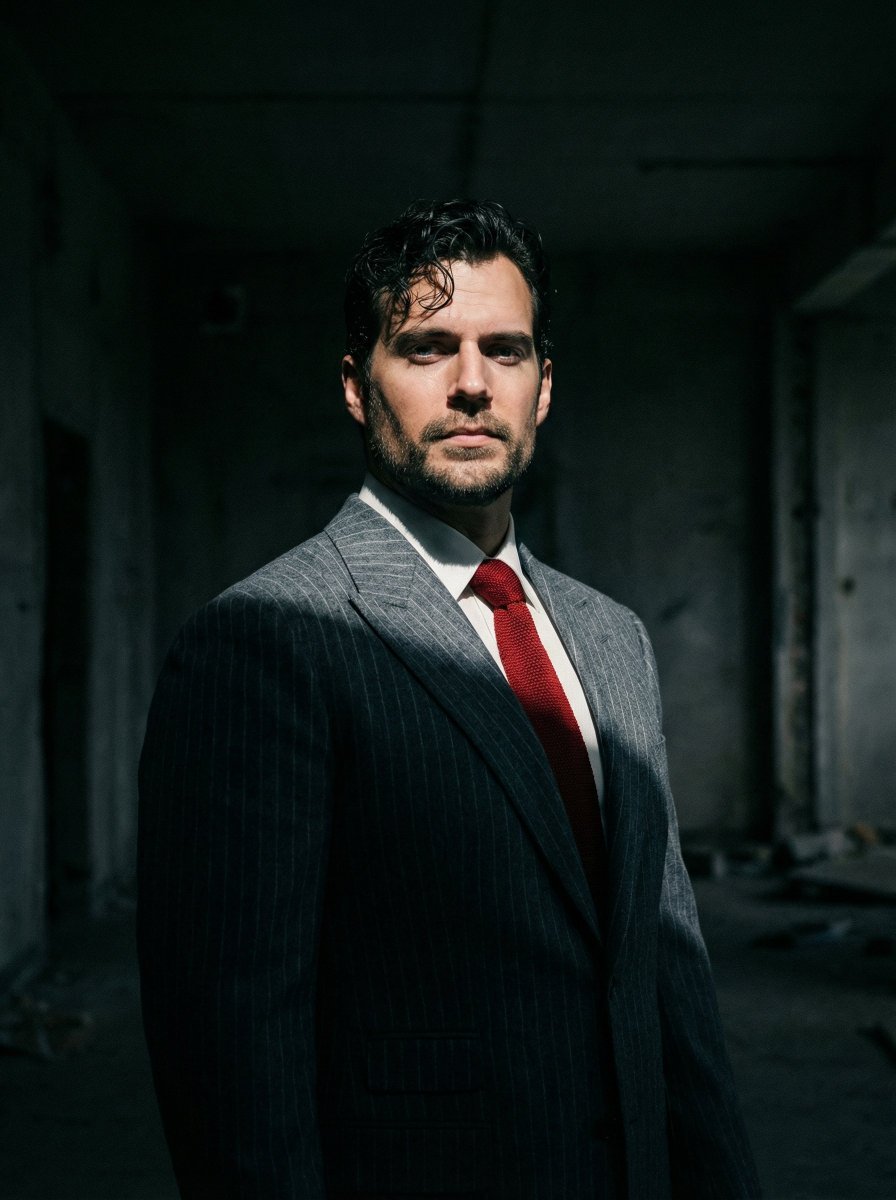
Dramatic Cinematic Low-Angle Portrait Prompt (Reference Image Required)
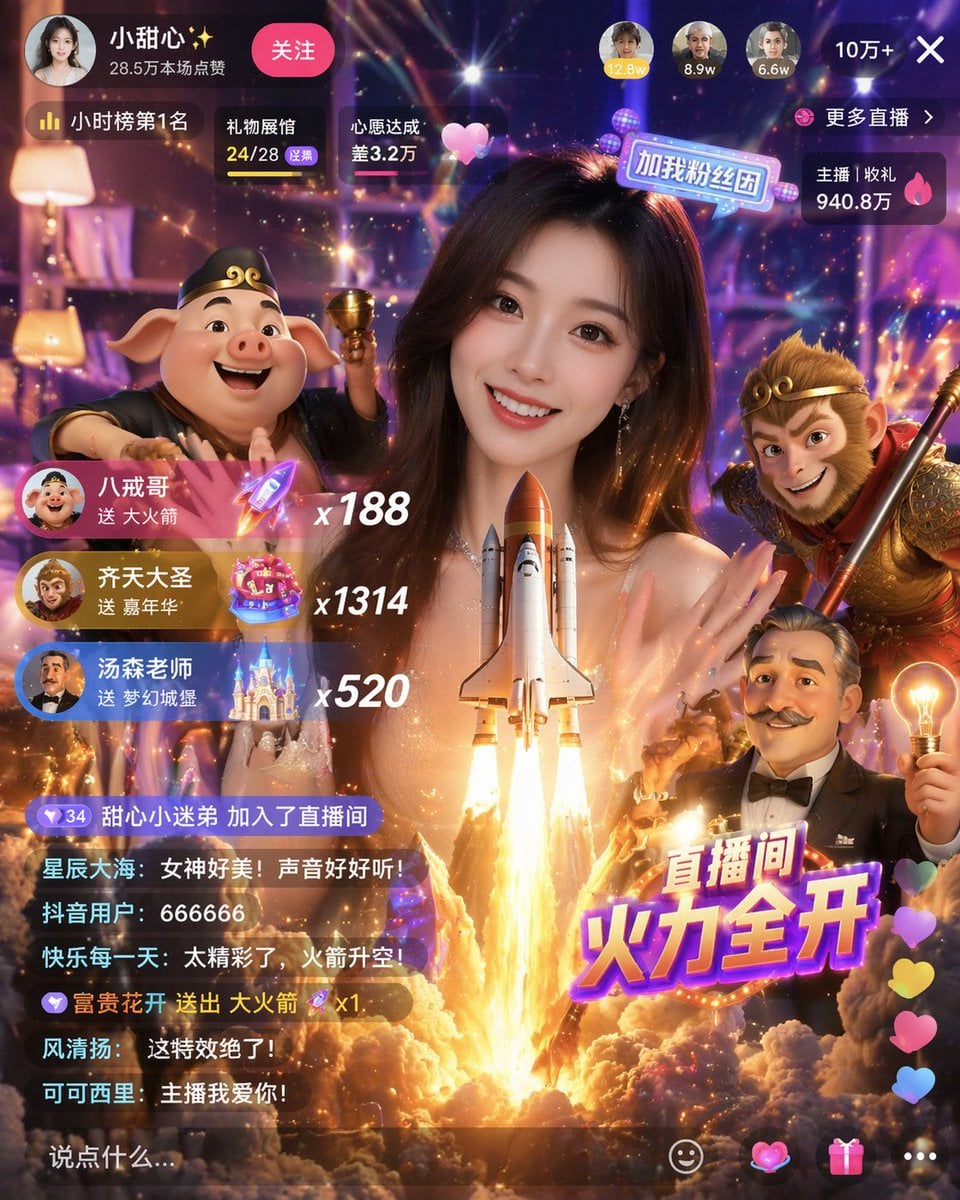
Live Stream UI Mockup with 3D Effects
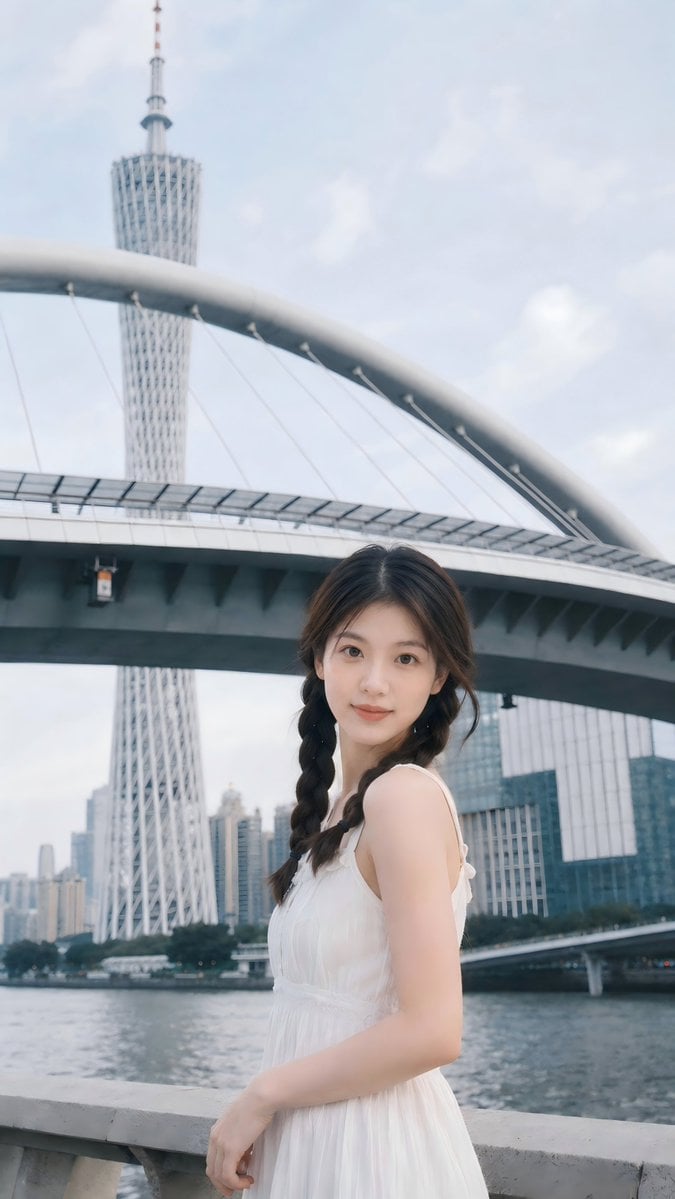
Prompt: Use the uploaded portrait as the ONLY ide
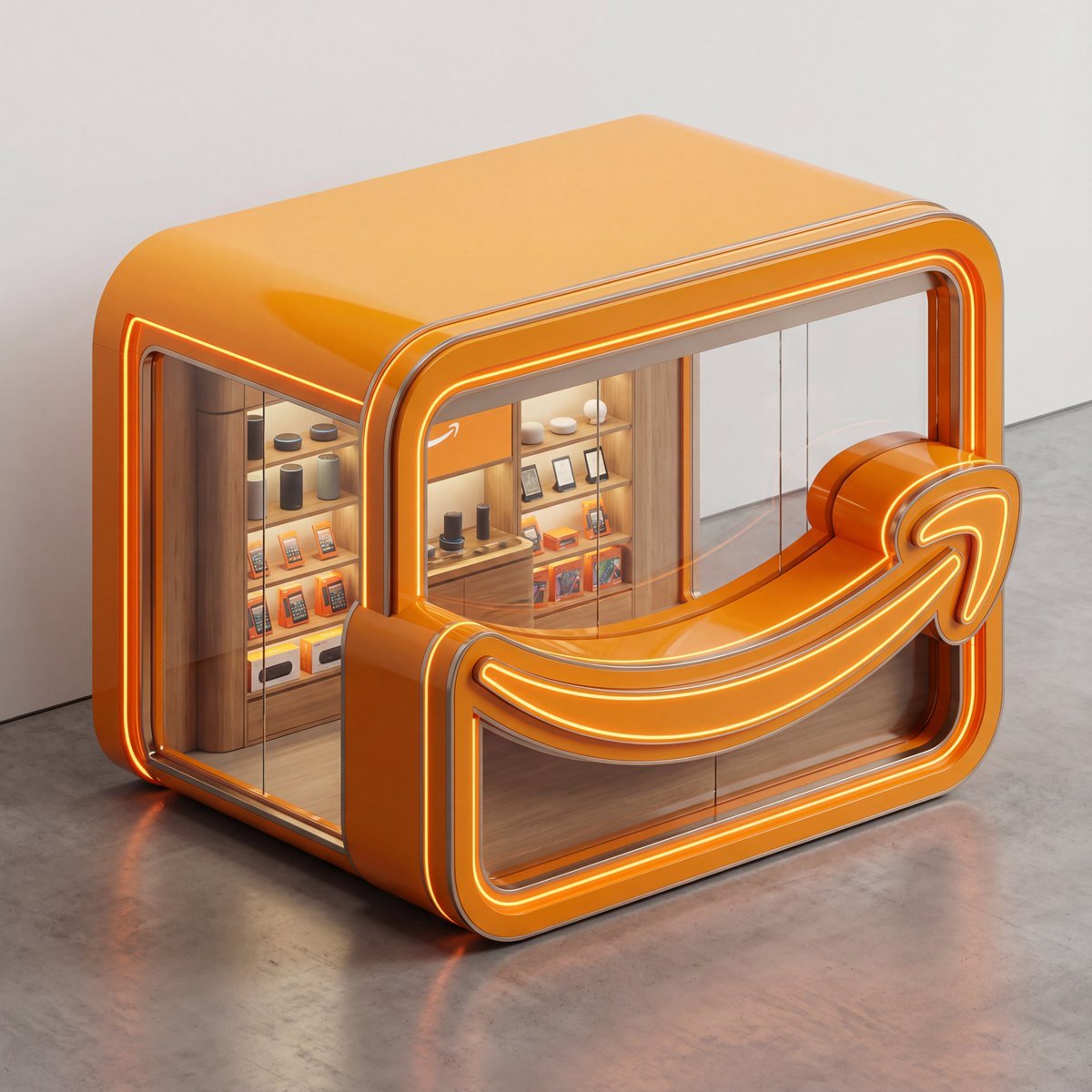
3D Isometric Luxury Pop-Up Kiosk Render
Loona
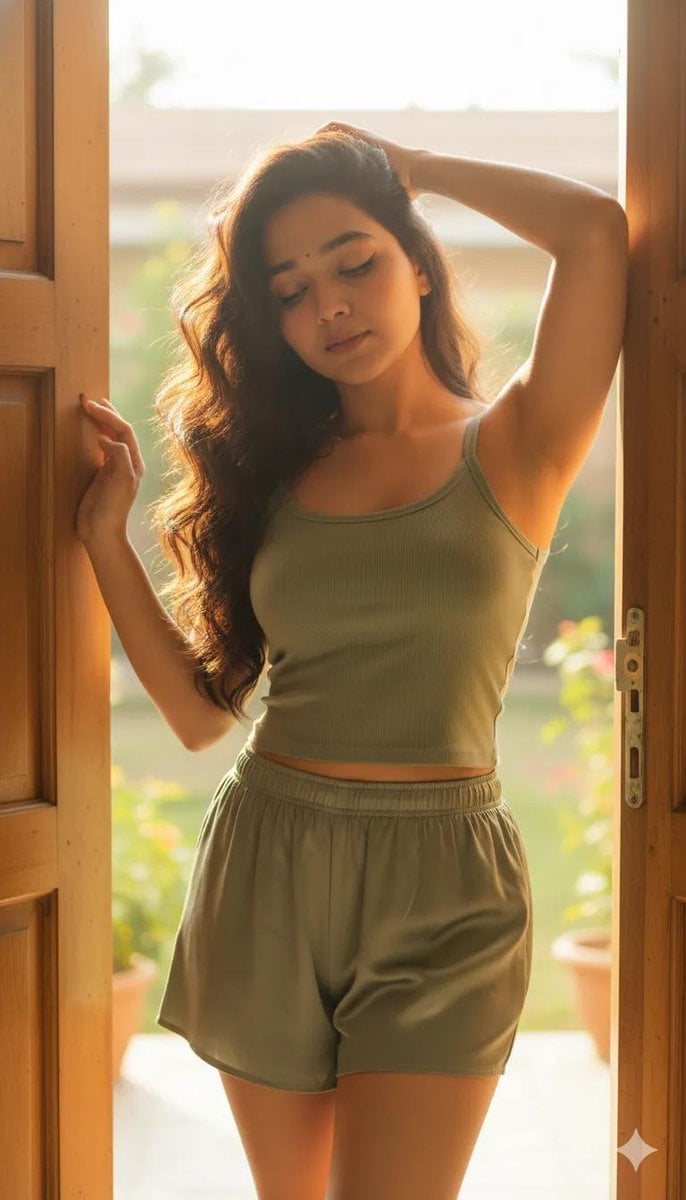
Cinematic Portrait Prompt with Identity Lock
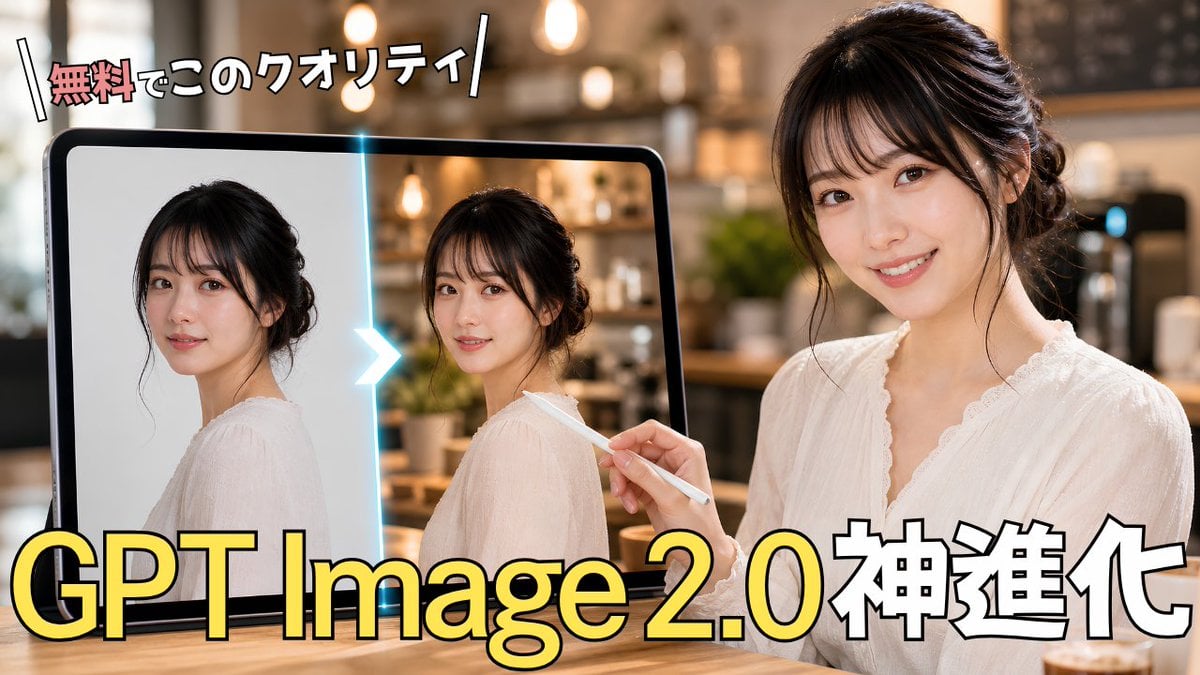
GPT Image 2.0 Japanese Thumbnail
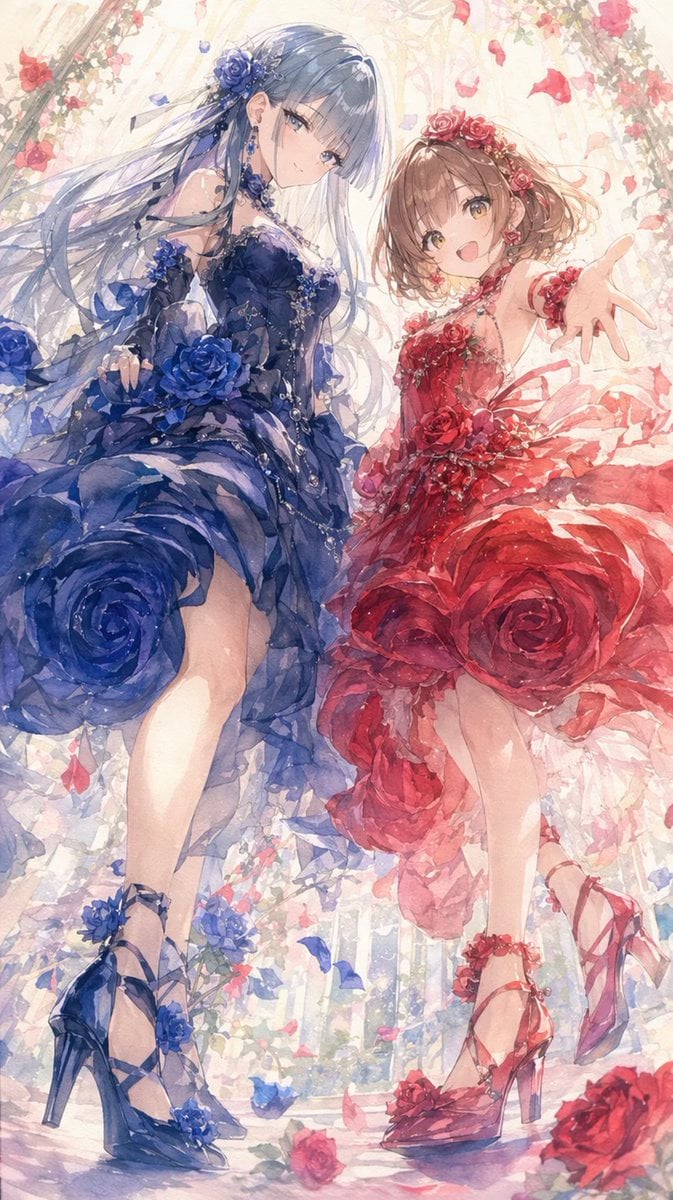
Rose Garden Anime Fashion Duo
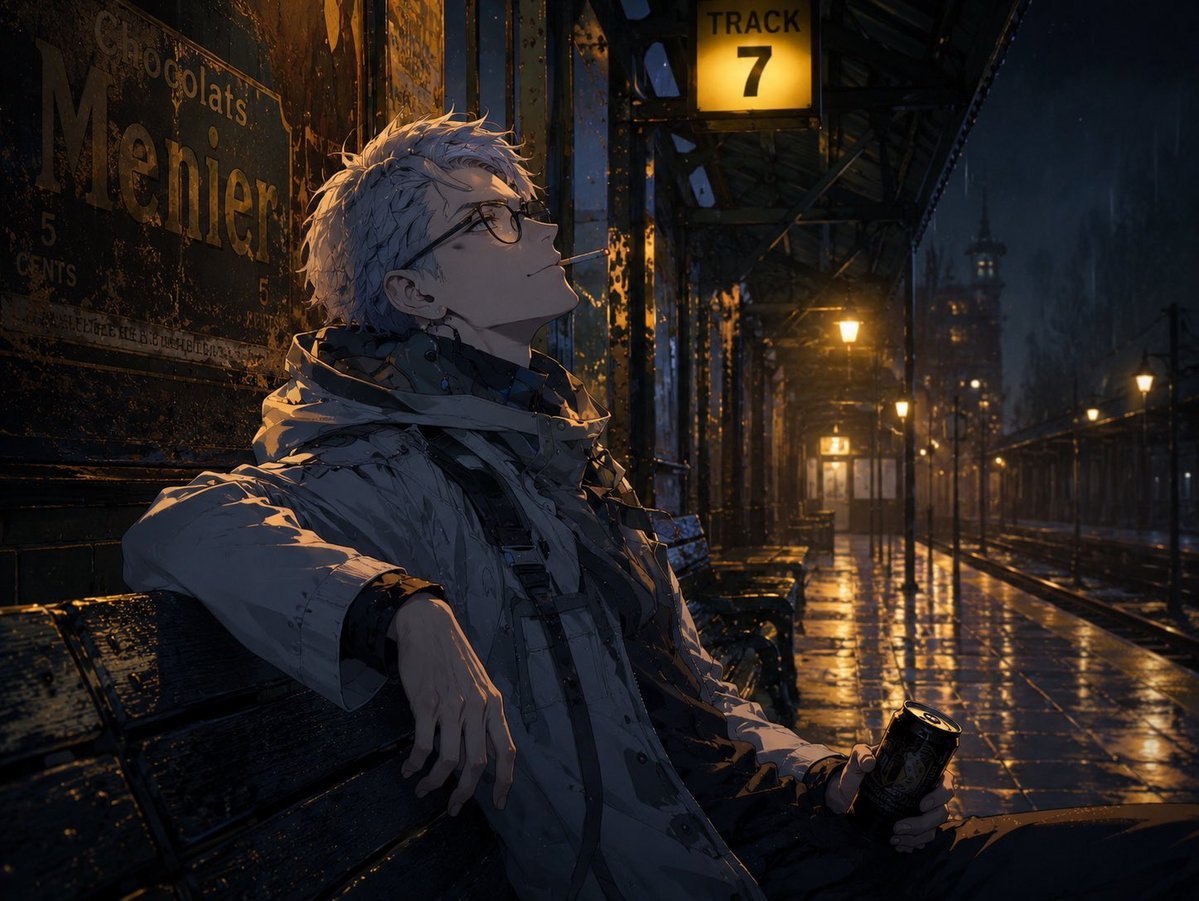
Cinematic Game Character in Midnight Station
Browse template categories
Mixed-Media Fashion Editorial and Cartoon Fusion questions
How do I use the Mixed-Media Fashion Editorial and Cartoon Fusion template?
Add your photo if the template asks for one, edit the prompt if you like — the template's model and format are already selected — and press Generate. Your version opens in PicX Studio.
Can I customize the Mixed-Media Fashion Editorial and Cartoon Fusion template?
Yes. You can change the subject, setting, lighting, mood, format, and available model controls before creating your image.
Is the Mixed-Media Fashion Editorial and Cartoon Fusion template free?
Opening and editing this template is free. Generating uses credits, shown on the Generate button when you are signed in.
Which AI model should I use?
Start with GPT Image 2, which is the model associated with this template. You can compare another compatible model for a different finish.
Looking for something else? Browse all templates.

Your photo, any look
Thousands of ready templates for every top image and video model, from one credit balance.