
Rose Garden Anime Fashion Duo
A vertical anime watercolor scene of two girls in elaborate blue and red rose-themed dresses, suitable for romantic fantasy fashion or Rose Day artwork.
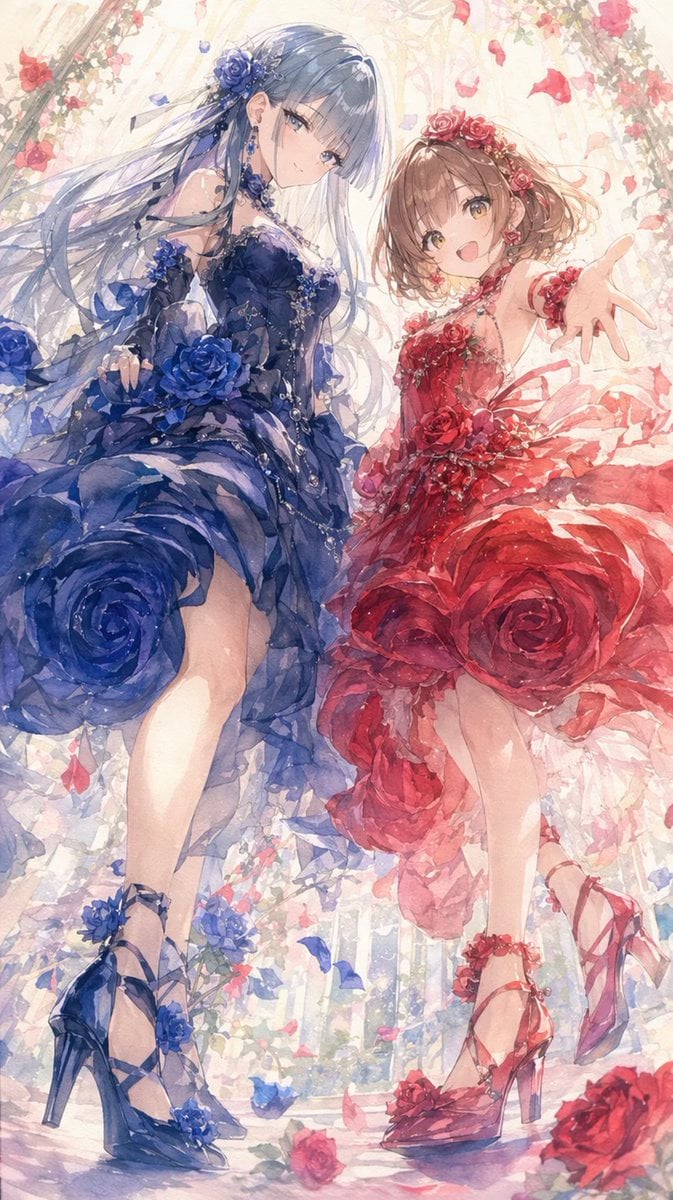
- Prompt included
- Model and format preset
- Free template
The prompt behind this image
Copy the exact prompt behind Rose Garden Anime Fashion Duo, or open it in the studio and make it yours.
Create a vertical 9:16 anime watercolor illustration of two elegant young women in a bright rose garden or glasshouse, viewed from a low angle as if the viewer is looking up at them while they step forward. There are exactly two characters: on the left, a tall graceful woman with very long flowing {argument name="left character hair color" default="silvery blue"} hair, a deep navy-blue rose-themed ballgown with layered translucent ruffles, a huge blue rose integrated into the skirt, blue rose hair ornaments, dangling jewelry, fingerless lace gloves, and high-heeled lace-up sandals decorated with blue flowers; her face is intentionally obscured by a soft opaque beige-gray rectangular block. On the right, a cheerful petite girl with short wavy {argument name="right character hair color" default="light brown"} hair and golden eyes, smiling brightly with her right hand reaching toward the viewer, wearing a vivid {argument name="right dress color" default="red"} rose-themed dress with layered sheer petals, large red roses in the skirt, a rose crown, rose earrings, wrist corsage, ankle rose ornaments, and red high-heeled lace-up shoes. The image should emphasize exactly two oversized rose dresses, one blue and one red, with rose motifs repeated in the hair, bodices, skirts, shoes, and accessories. Surround them with climbing rose vines, scattered petals, soft white sunlight, pale cream architecture, and a dreamy floral background; include falling red and blue petals and a few roses on the floor. Use delicate Japanese anime styling, luminous watercolor washes, fine linework, romantic fantasy fashion design, airy fabric transparency, sparkling highlights, pastel cream lighting, and a celebratory Rose Day mood. No text, no logo, no border.
How to use Rose Garden Anime Fashion Duo in 3 steps
- 1Upload ImagePNG, JPG or paste
Add your photo
Upload the photo the template builds on. The prompt, model and format are already set.
- 2…a portrait of your subject in softgolden-hour light, 85mm…
Personalize
Edit the subject and creative details for your destination.
- 3Generate
Generate
Press Generate — your image is created in PicX Studio, so you can compare it with the original and refine one variable at a time.
More like this
Templates with the same subject, style or setup. Open one to see its prompt.

Anime Rose Garden Throne

Pixar Anime Sidekick Duo
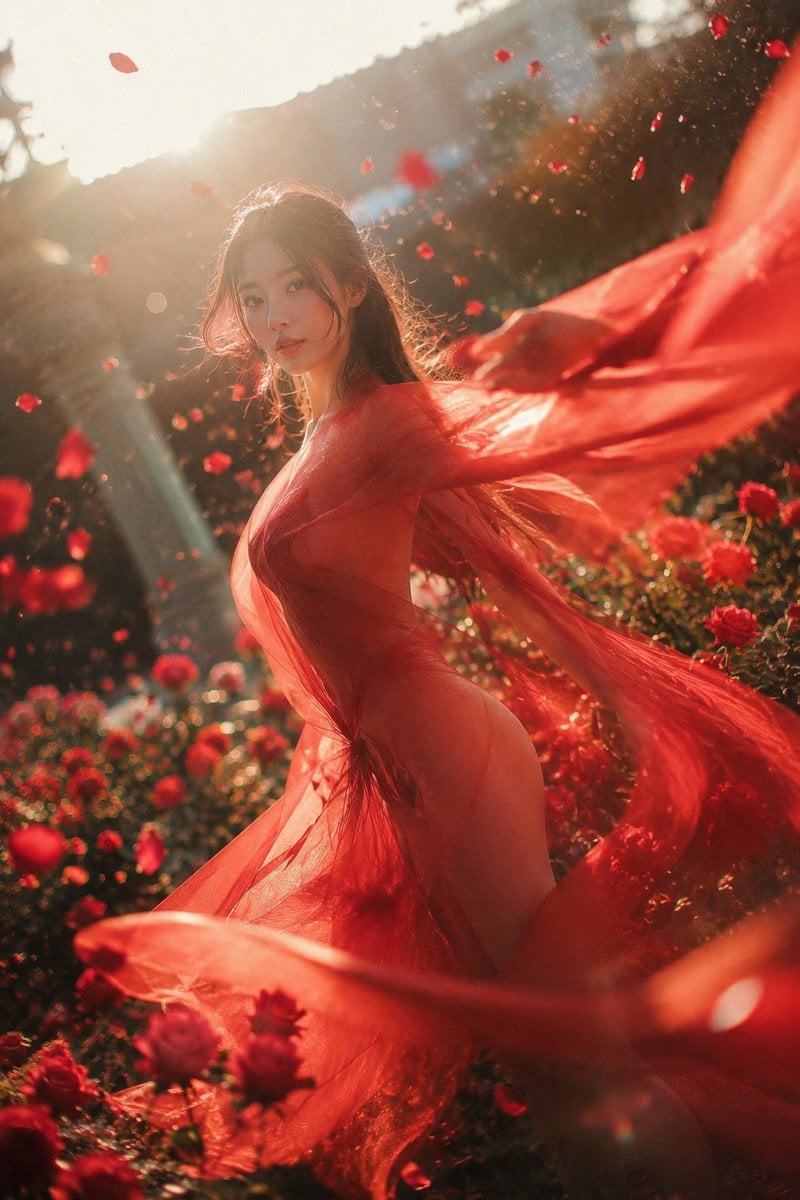
Crimson Rose Garden Fashion Portrait

80s College Gate

1988 Mall Style

80s Polka Dot Saree
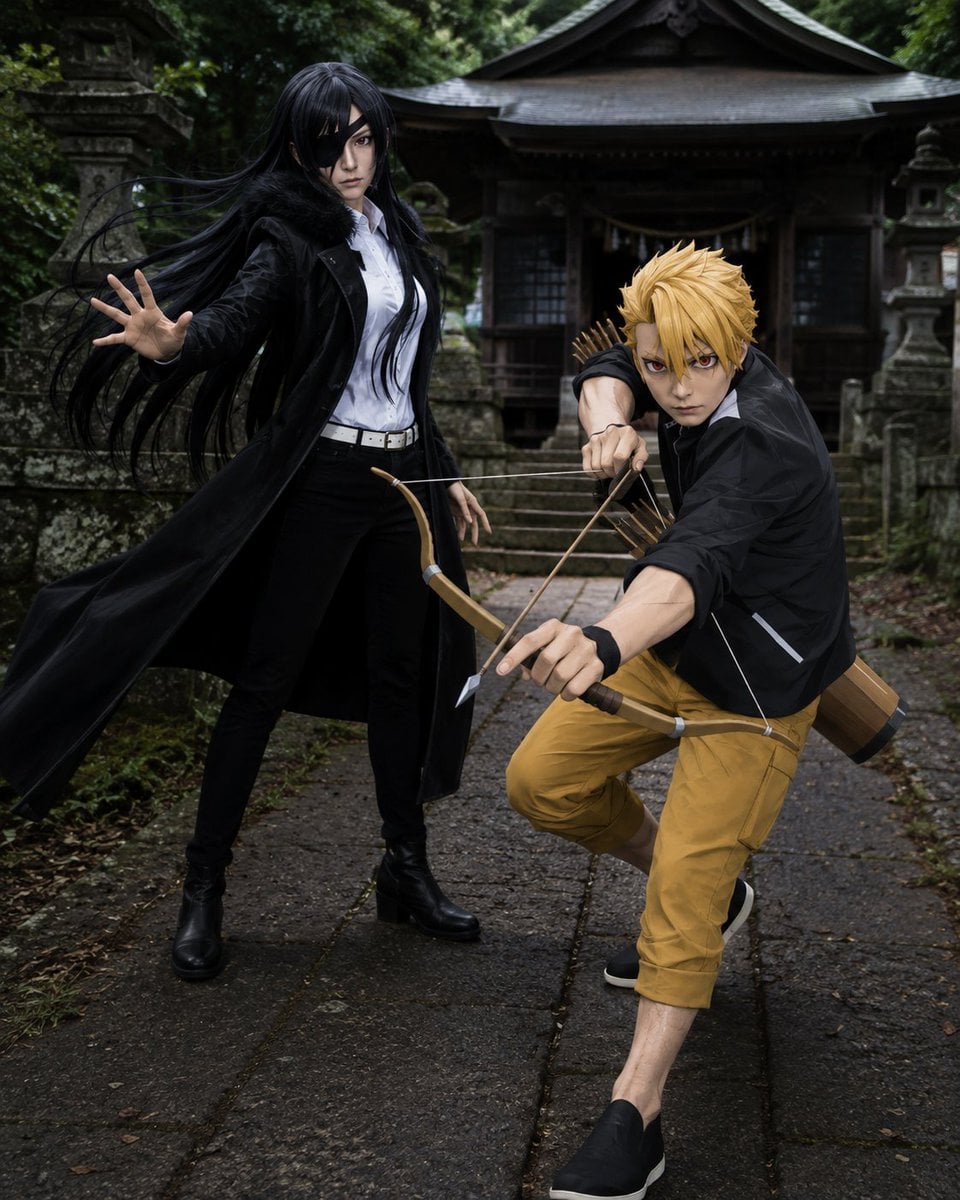
Anime Cosplay Duo at Forest Shrine
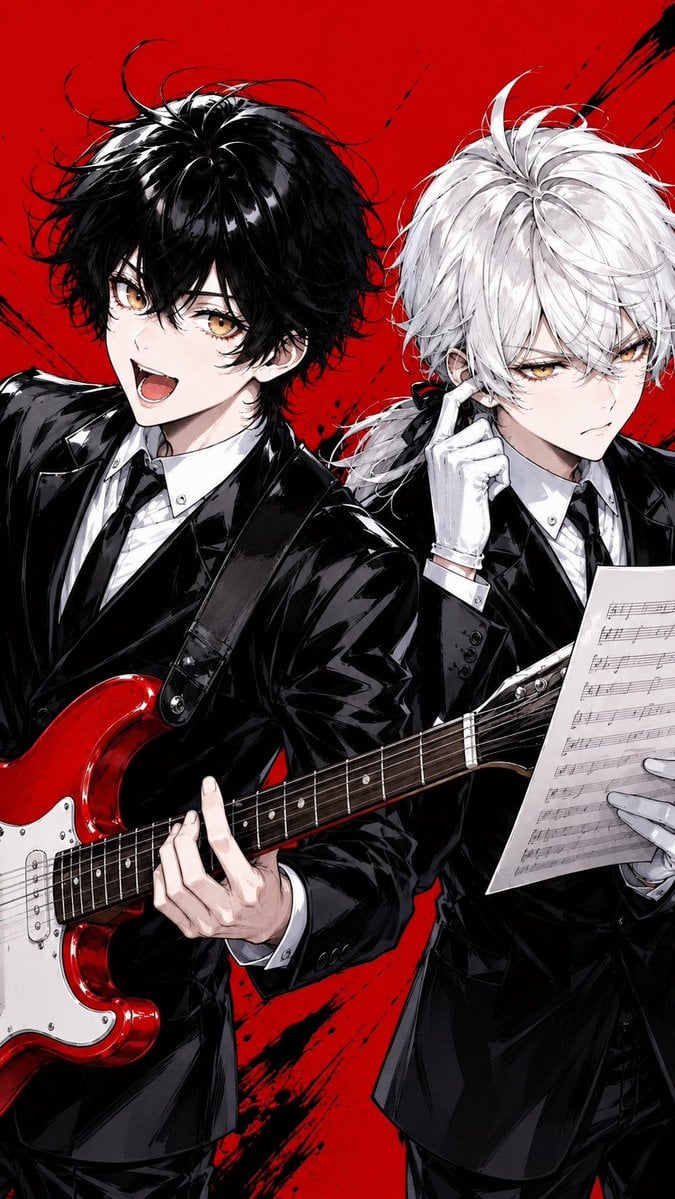
Anime Rock Duo with Guitar and Sheet Music
Whiskey in a Glowing Primrose Garden
Celestial Archive Anime Duo
Faceless Anime Cosplay Expo Duo
Fashion Portrait in Rose Cosmos Field
Make it yours
Rose Garden Anime Fashion Duo works as-is. These are the safest ways to change it without losing the look.
Change one field
Copy a single group, rewrite it, and generate again so you can see what that field is doing.
Keep the frame, change the subject
Hold the composition and light of Rose Garden Anime Fashion Duo, then swap wardrobe, props or the person for a new take.
| If the result… | Why | Fix |
|---|---|---|
| The result drifts from the preview | Too many fields changed at once. | Reuse Rose Garden Anime Fashion Duo as-is first, then change one group — subject, light, or setting. |
| The model over-stylizes the scene | The prose prompt leaves finish and camera underspecified. | Add one camera or lighting sentence and stay on GPT Image 2. |
More GPT Image 2 templates
Other prompts made for GPT Image 2.

Six VTuber Japanese Logo Sheet

Realistic Portrait of Woman and Deer

The Vista Modular Condo Poster

AI Model Routing Comparison Infographic

2.5D Anime Art Board

Isometric Productivity Desk Scene

New York Double Exposure Poster

Four-Panel AI Landscape Comparison

Japanese Tatami Lifestyle Magazine Cover

NESCAFÉ Coffee Map Poster
More image prompts
Fresh picks from across the catalog.
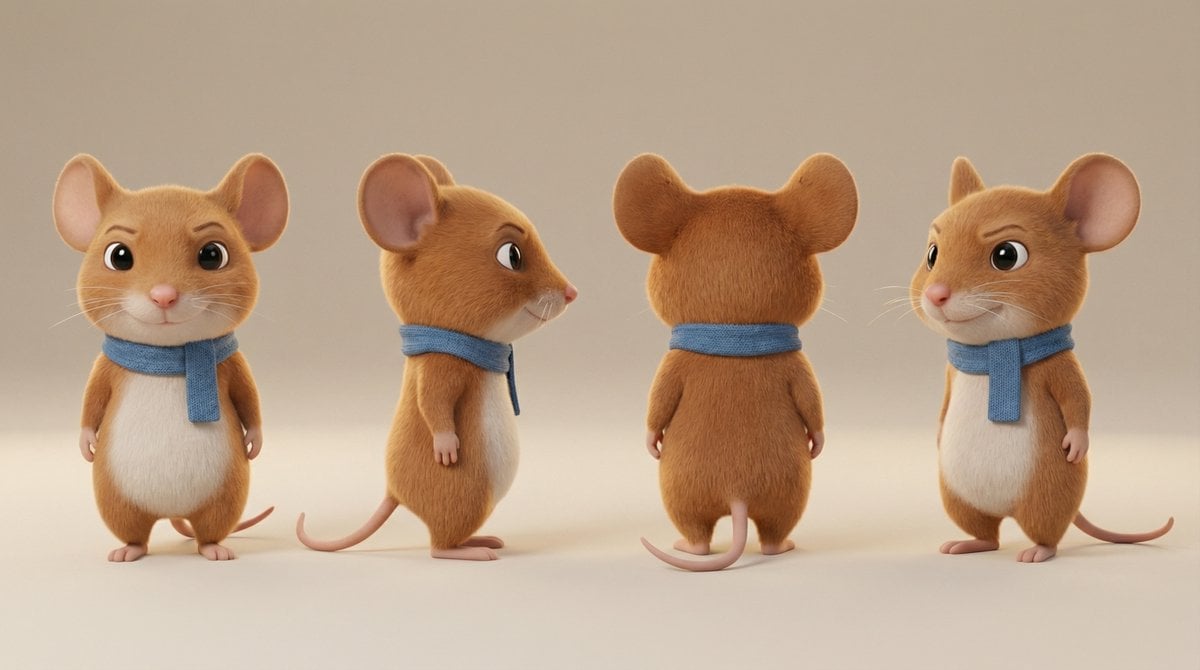
Action Pose Sheet for Cat
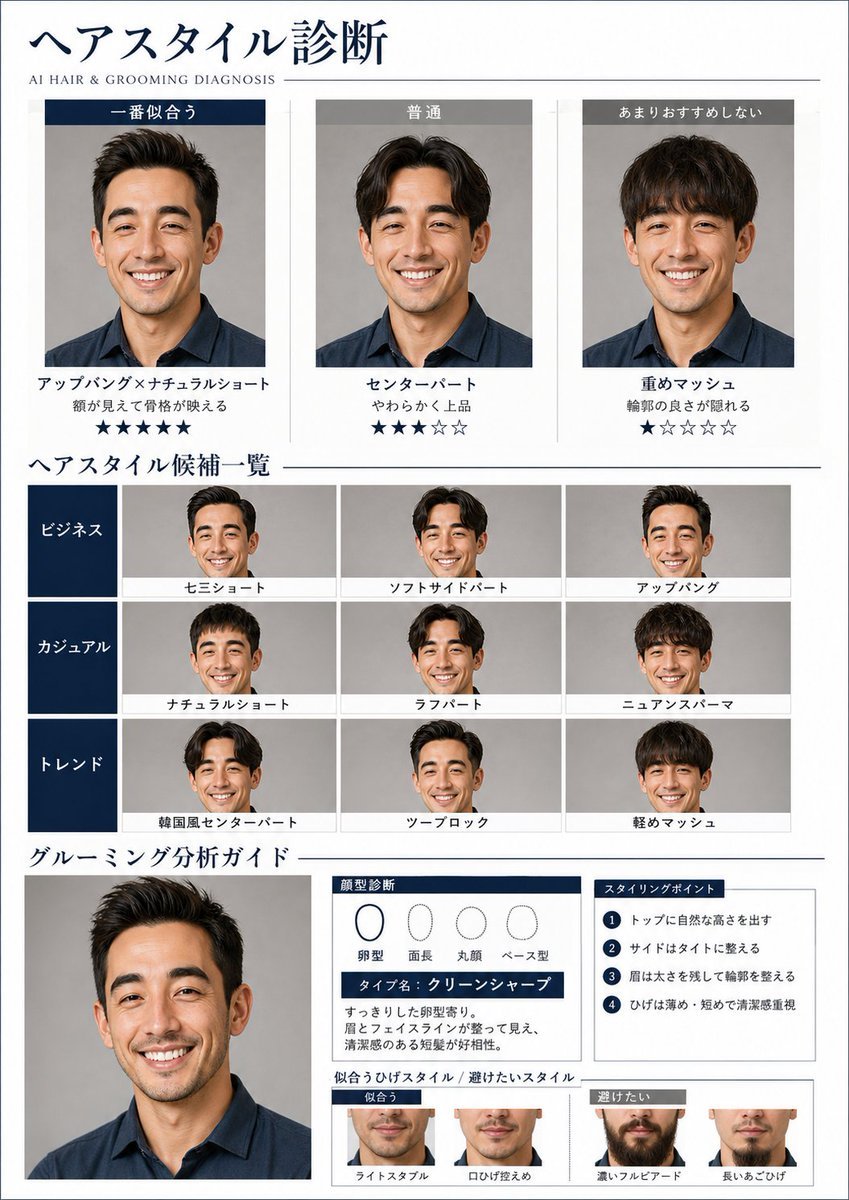
AI Hair and Grooming Diagnosis Report
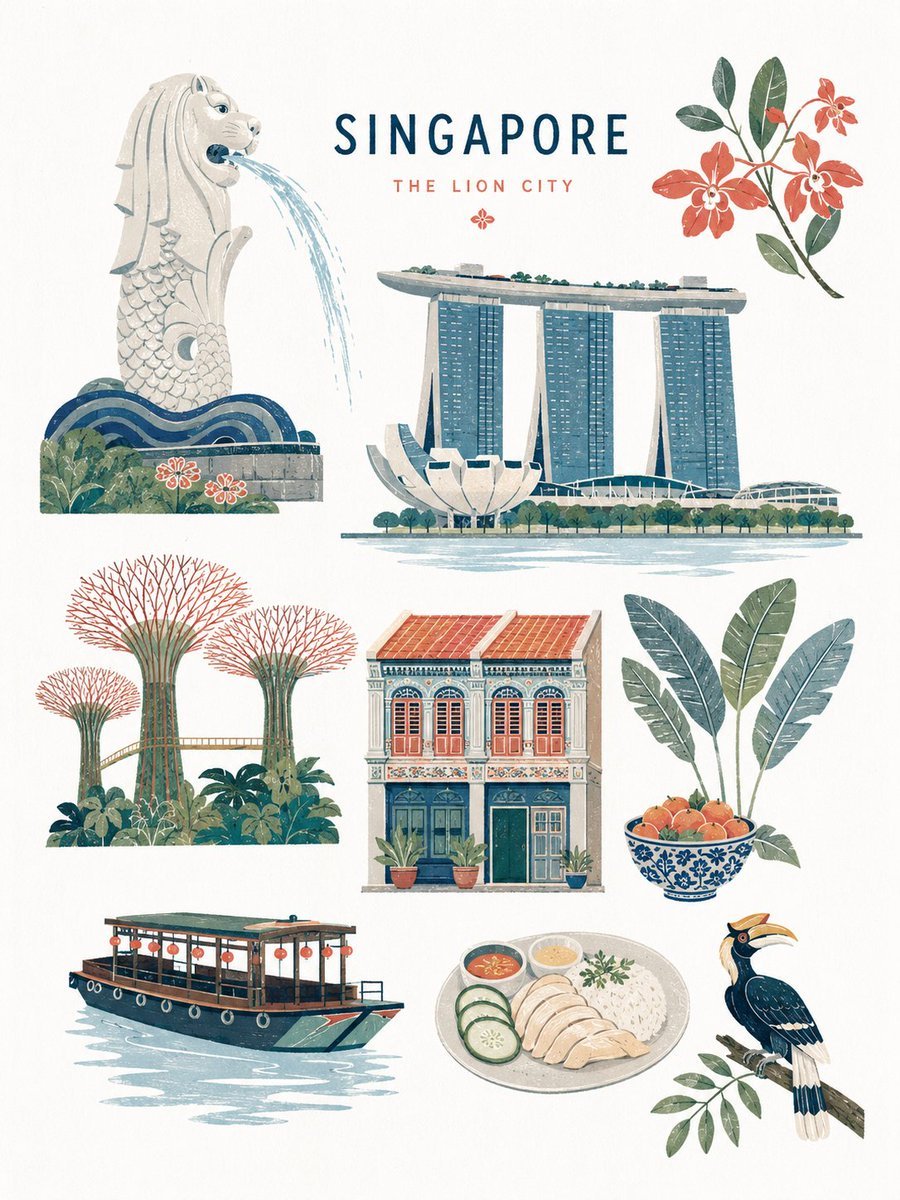
Mid-century Editorial Illustration
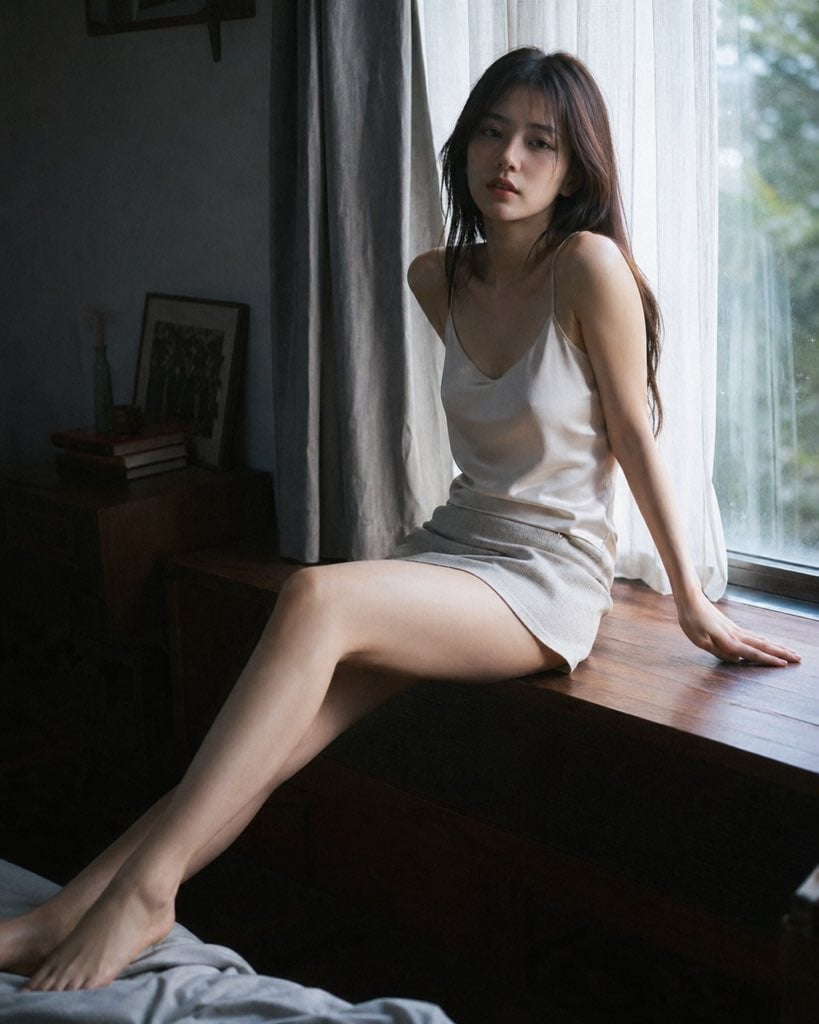
Cinematic Morning Interior Scene
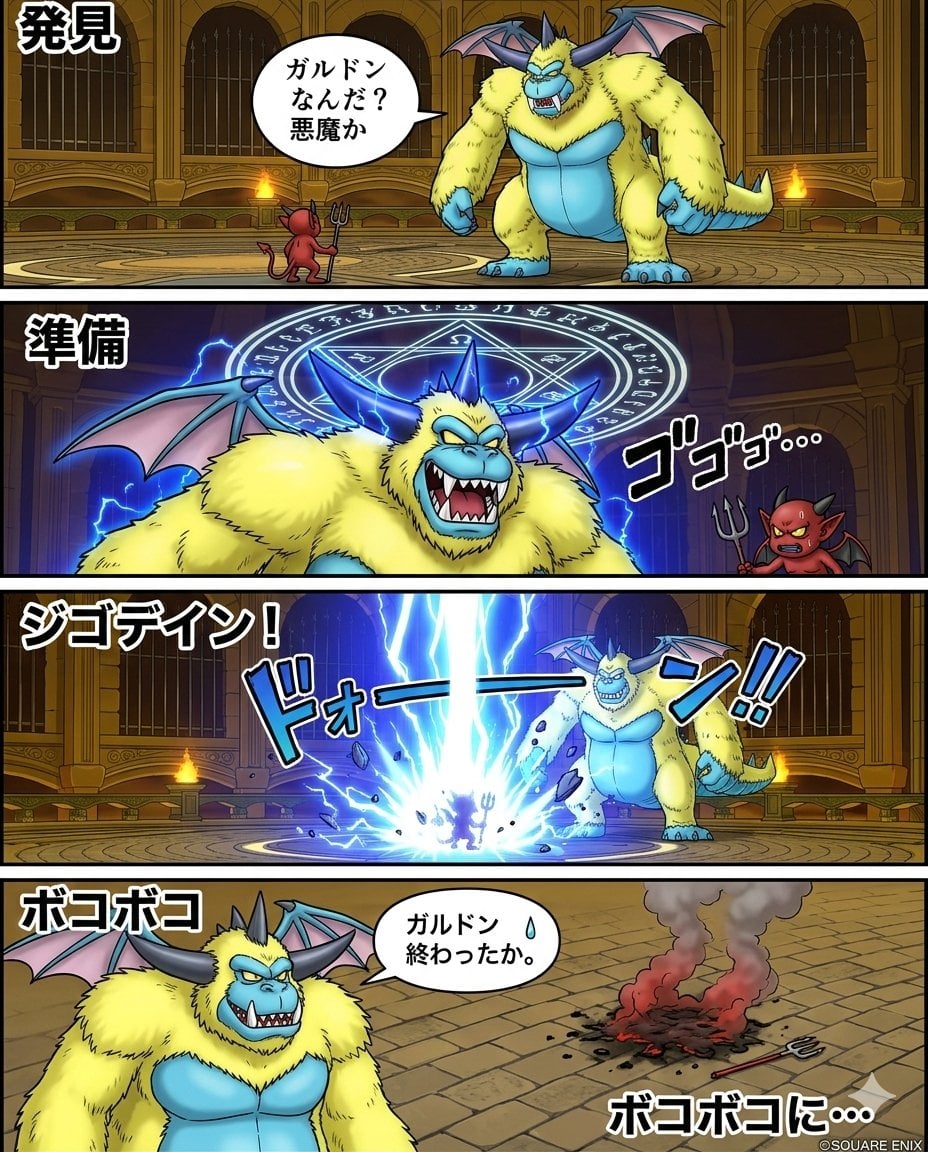
Galdodon Comic Strip Prompt
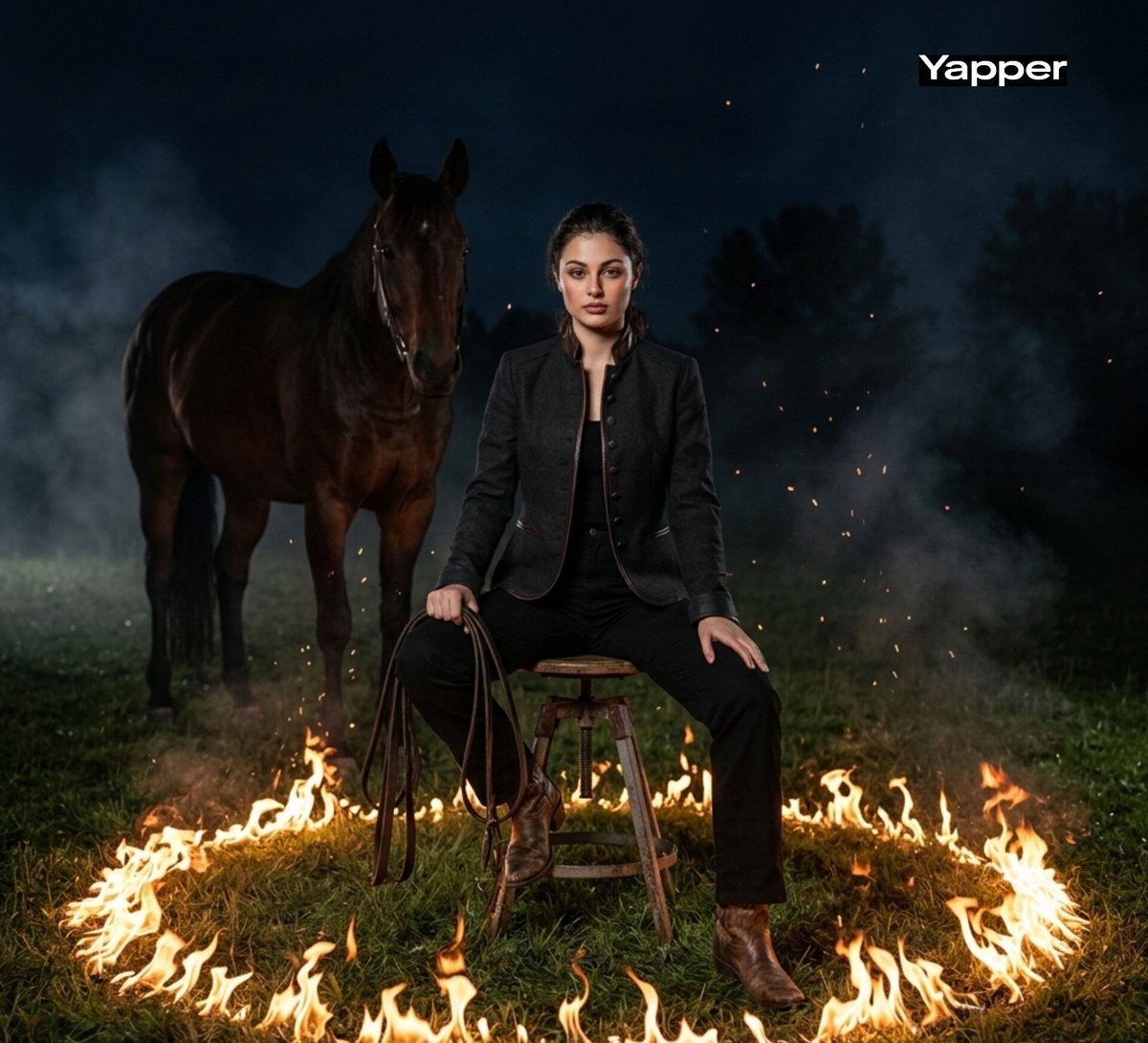
Cinematic Dark Western Portrait with Fire
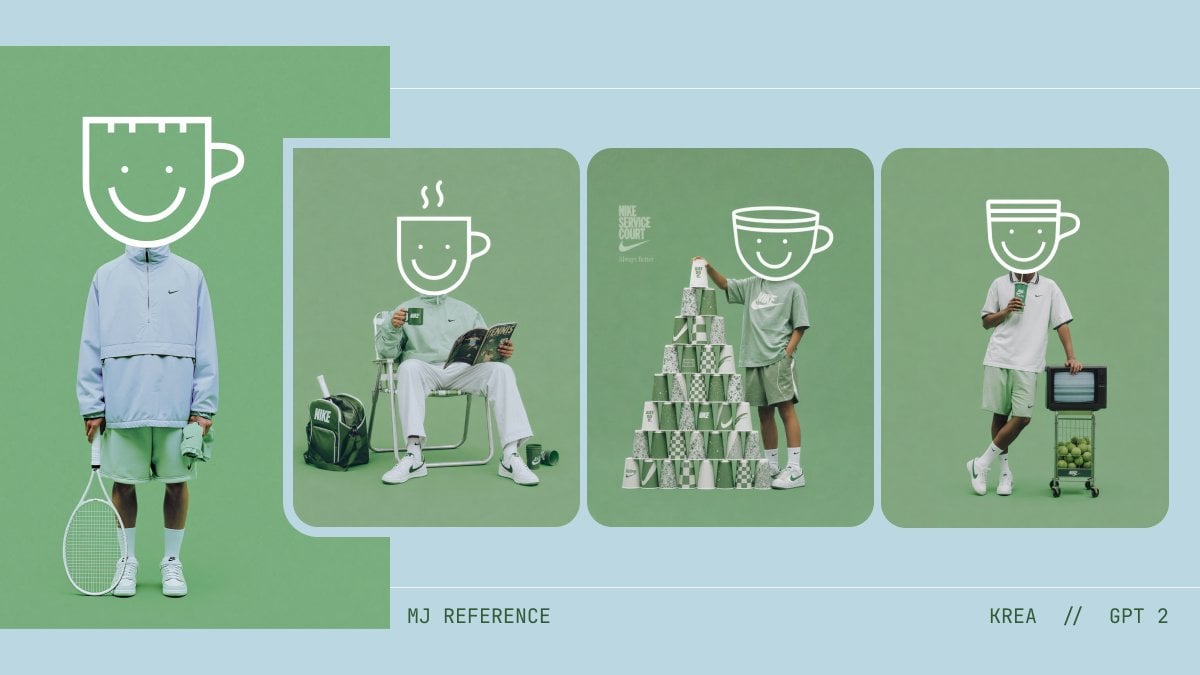
Monochrome Tennis Streetwear Moodboard
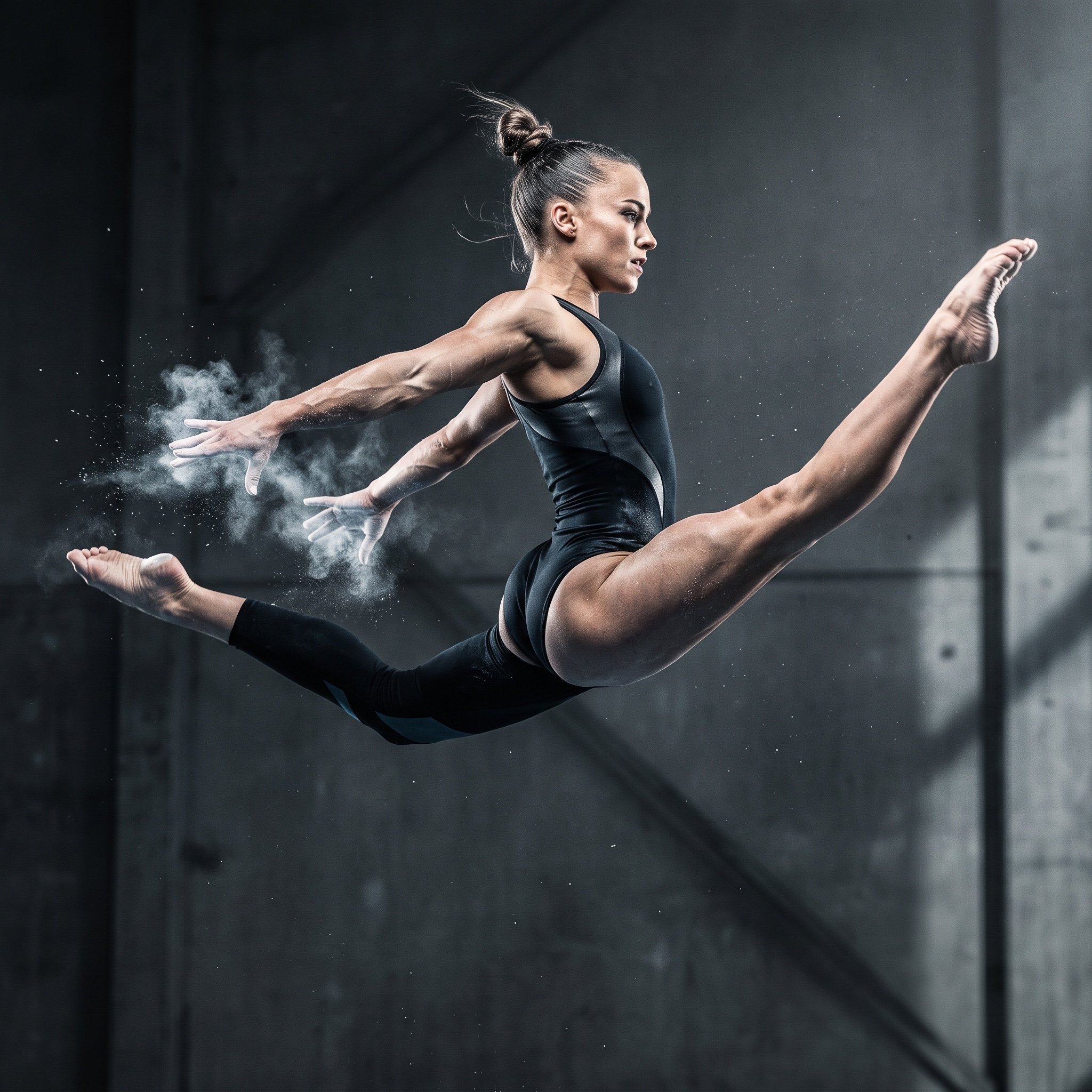
Avant-Garde Athleticism: Frozen Gymnast in Mid-Air
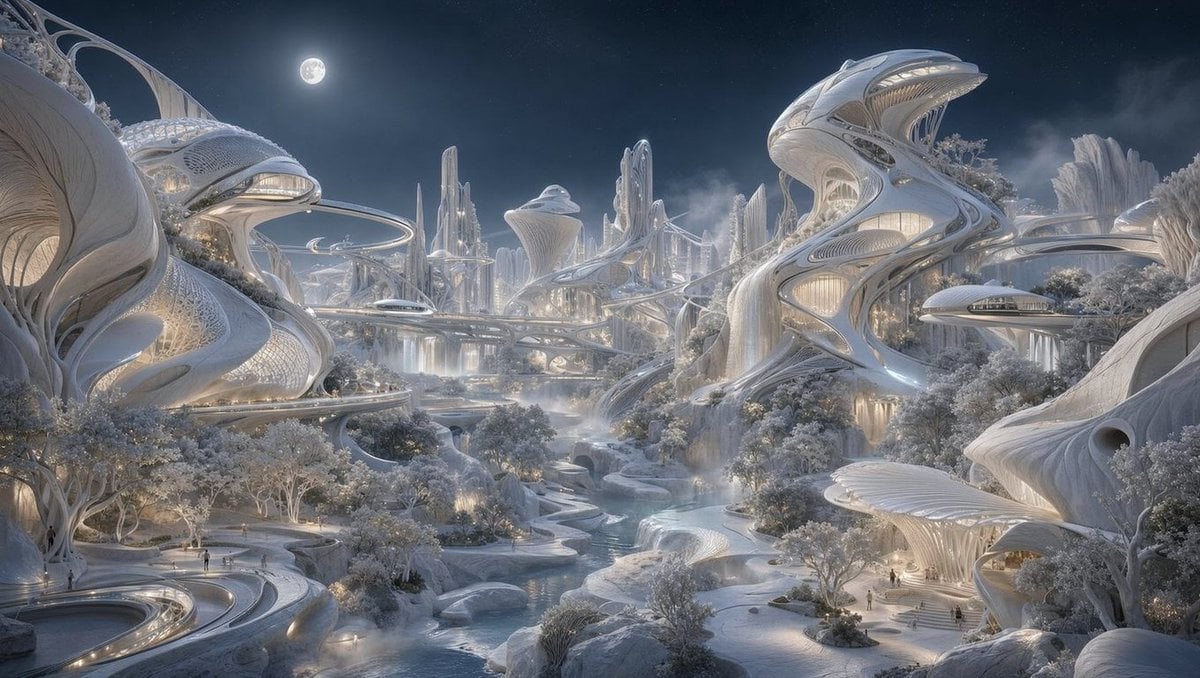
Moonlit Biomorphic Future City
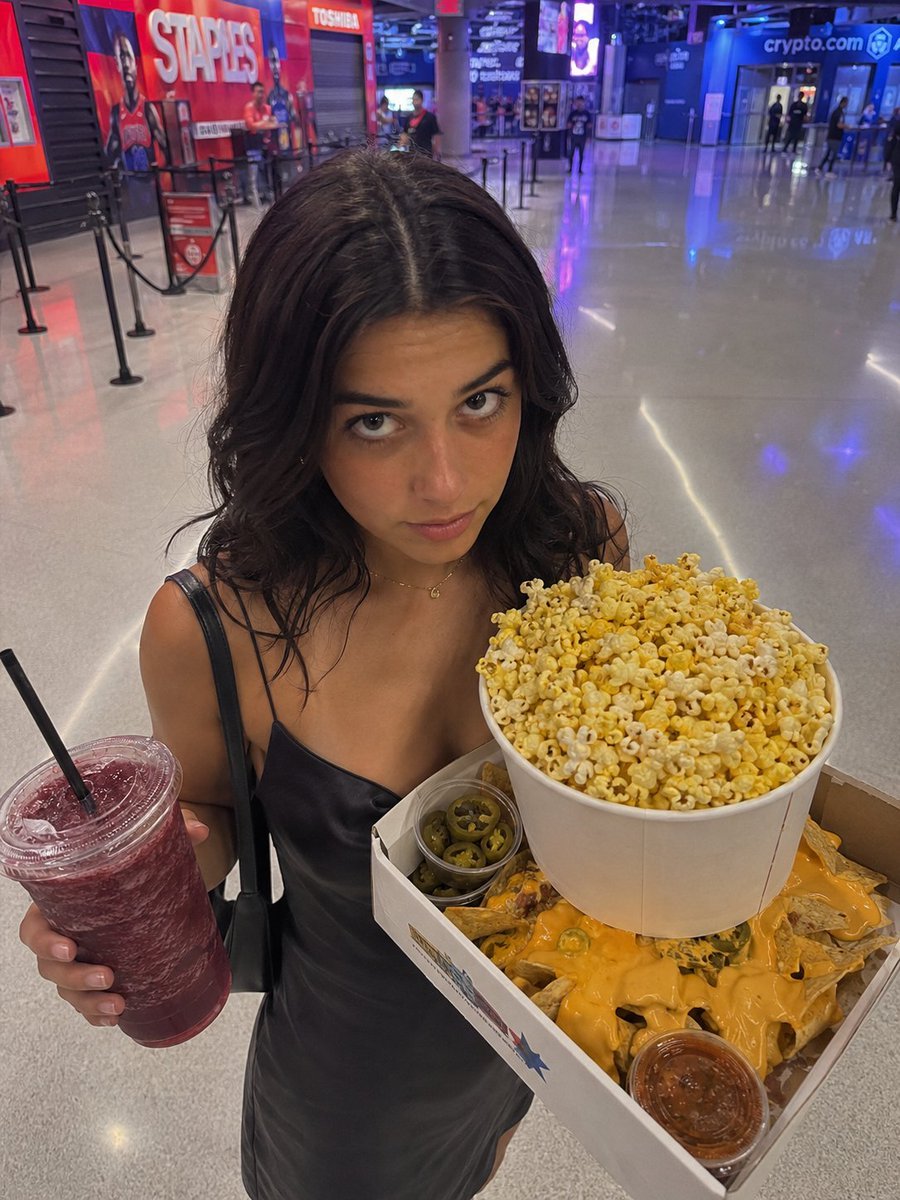
Arena Snack Snapshot
Browse template categories
Rose Garden Anime Fashion Duo questions
How do I use the Rose Garden Anime Fashion Duo template?
Add your photo if the template asks for one, edit the prompt if you like — the template's model and format are already selected — and press Generate. Your version opens in PicX Studio.
Can I customize the Rose Garden Anime Fashion Duo template?
Yes. You can change the subject, setting, lighting, mood, format, and available model controls before creating your image.
Is the Rose Garden Anime Fashion Duo template free?
Opening and editing this template is free. Generating uses credits, shown on the Generate button when you are signed in.
Which AI model should I use?
Start with GPT Image 2, which is the model associated with this template. You can compare another compatible model for a different finish.
Looking for something else? Browse all templates.

Your photo, any look
Thousands of ready templates for every top image and video model, from one credit balance.