
Arena Snack Snapshot
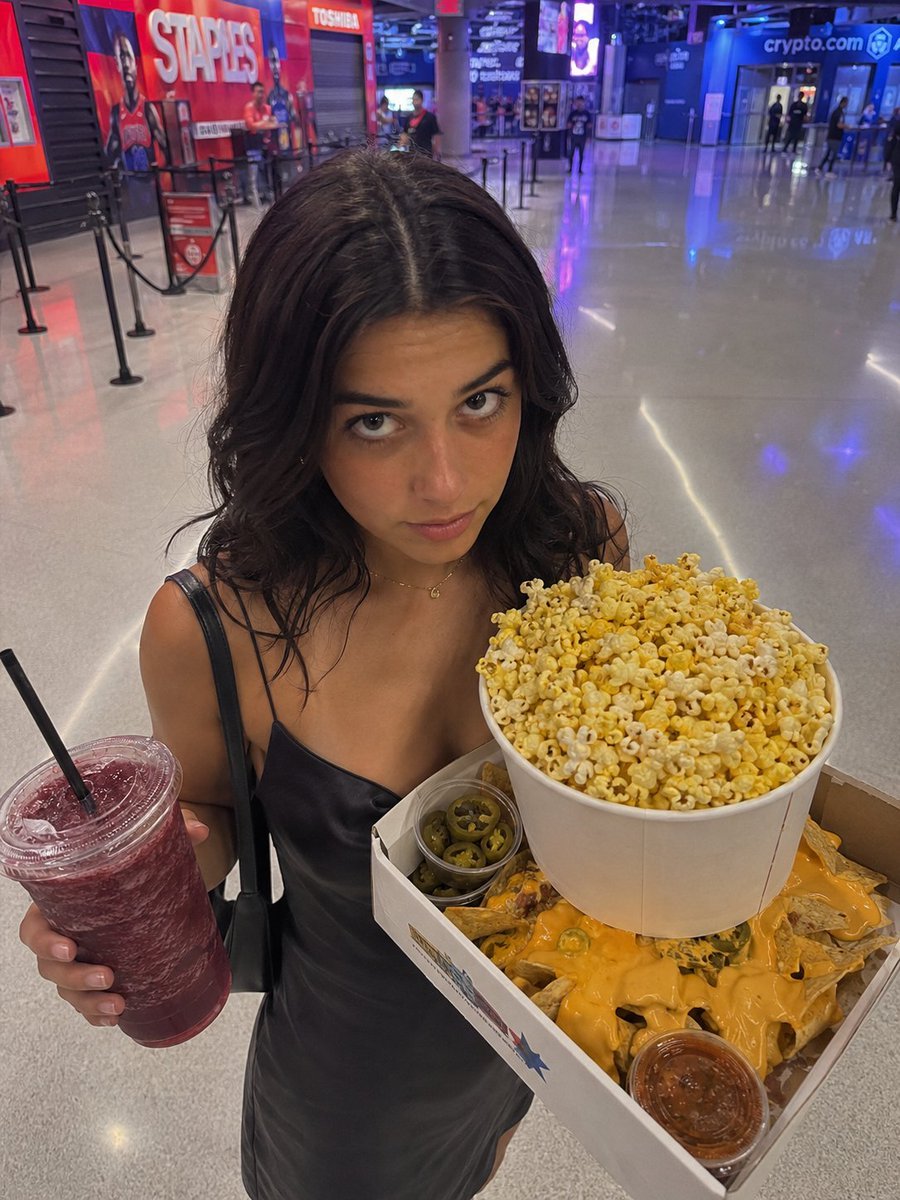
A realistic candid arena concourse photo featuring a woman with a censored face holding popcorn, nachos, and a frozen drink.
- Prompt included
- Model and format preset
- Free template
The prompt behind this image
Copy the exact prompt behind Arena Snack Snapshot, or open it in the studio and make it yours.
Create a realistic vertical smartphone photo taken inside a modern sports arena concourse at night, with glossy polished gray floors reflecting blue and purple lights, queue stanchions, concession signage, and distant entrance signs in the background, including a large red “STAPLES” wall graphic on the left and a blue “crypto.com” sign on the right. In the foreground, show {argument name="subject" default="a young woman"} standing close to the camera, framed from upper thighs to head, wearing {argument name="outfit" default="a black satin slip dress with thin straps"}, with shoulder-length wavy dark hair and a black shoulder bag strap. Her face is fully obscured by a centered solid brown square privacy block. She holds exactly two food-and-drink items: in her left hand, one large clear plastic cup of dark red frozen drink with a domed lid and one black straw; in her right arm, one white cardboard tray containing exactly four visible snack components: a huge white bucket overflowing with yellow-and-white buttered popcorn, a pile of nacho chips covered in bright orange cheese sauce, one small clear cup of sliced jalapeños, and one small clear cup of red salsa. Use candid wide-angle perspective, slightly overhead camera angle, sharp foreground detail, natural indoor arena lighting, realistic colors, casual social-media snapshot aesthetic, no extra people in the foreground, no readable added text beyond the venue signs.
How to use Arena Snack Snapshot in 3 steps
- 1Upload ImagePNG, JPG or paste
Add your photo
Upload the photo the template builds on. The prompt, model and format are already set.
- 2…a portrait of your subject in softgolden-hour light, 85mm…
Personalize
Edit the subject and creative details for your destination.
- 3Generate
Generate
Press Generate — your image is created in PicX Studio, so you can compare it with the original and refine one variable at a time.
More like this
Templates with the same subject, style or setup. Open one to see its prompt.

Nostalgic Digicam Café Afternoon Portrait
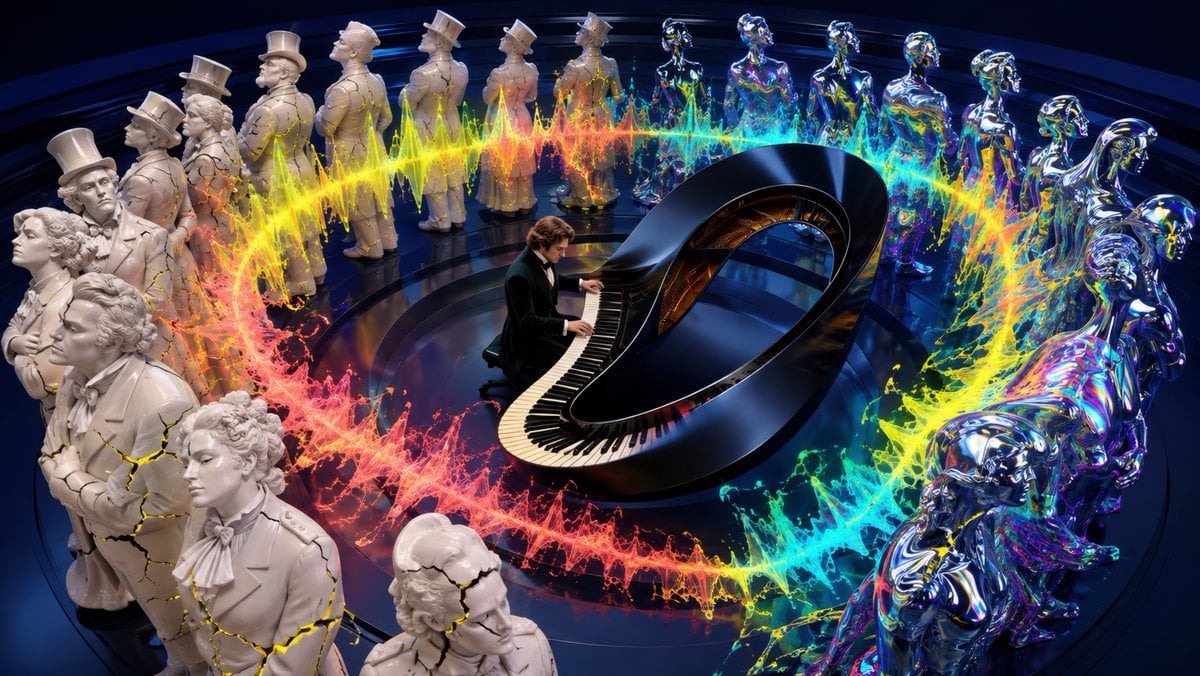
Surreal Brahms Piano Concerto Arena
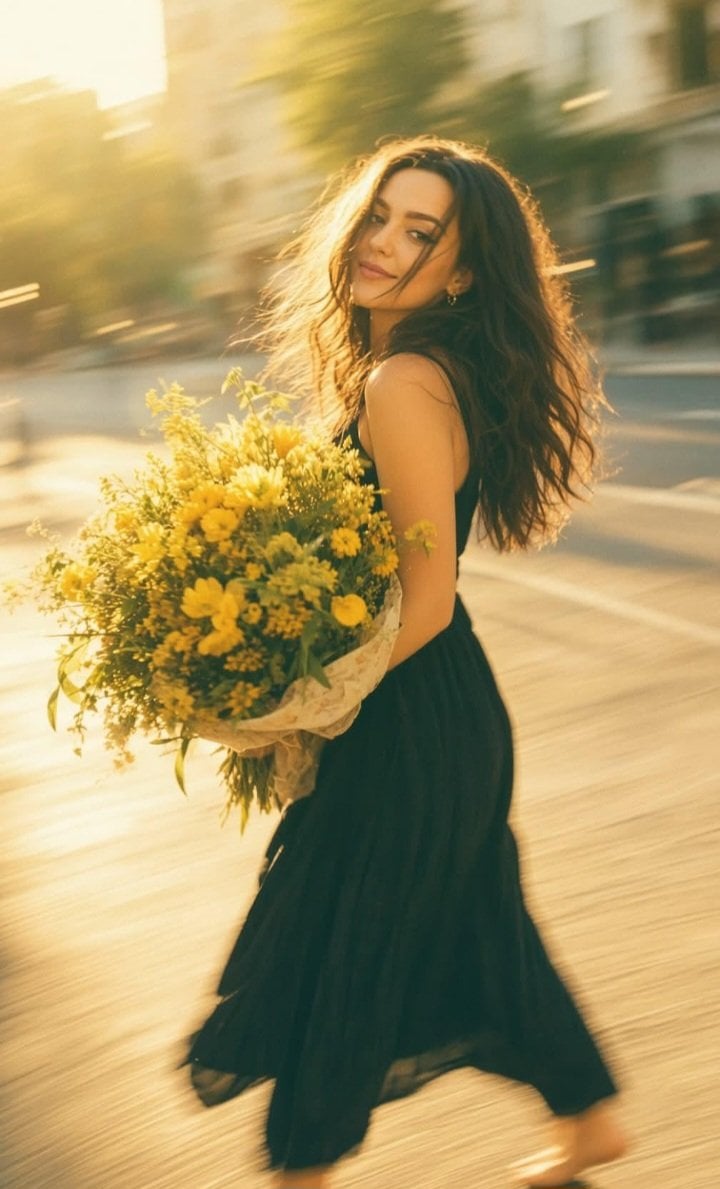
Consistent Series Character Street Snapshot
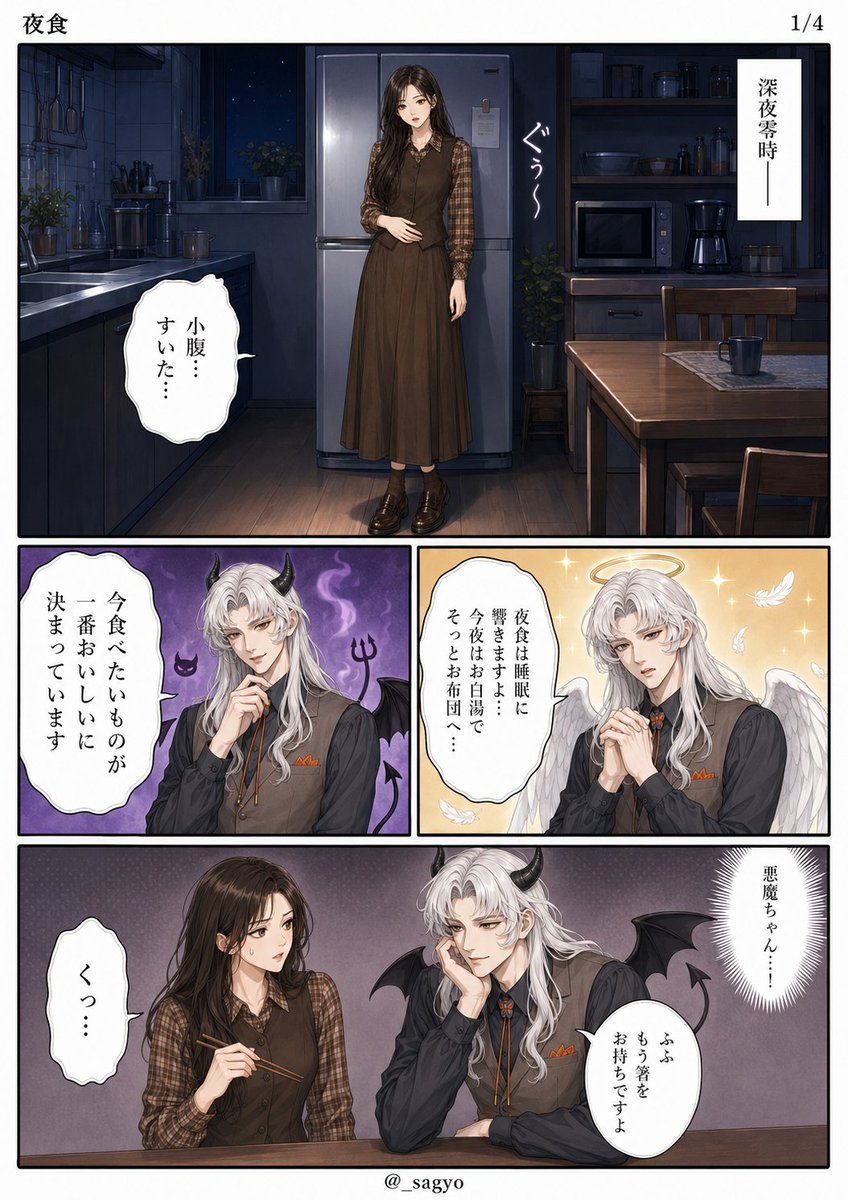
Late-Night Snack Manga Page
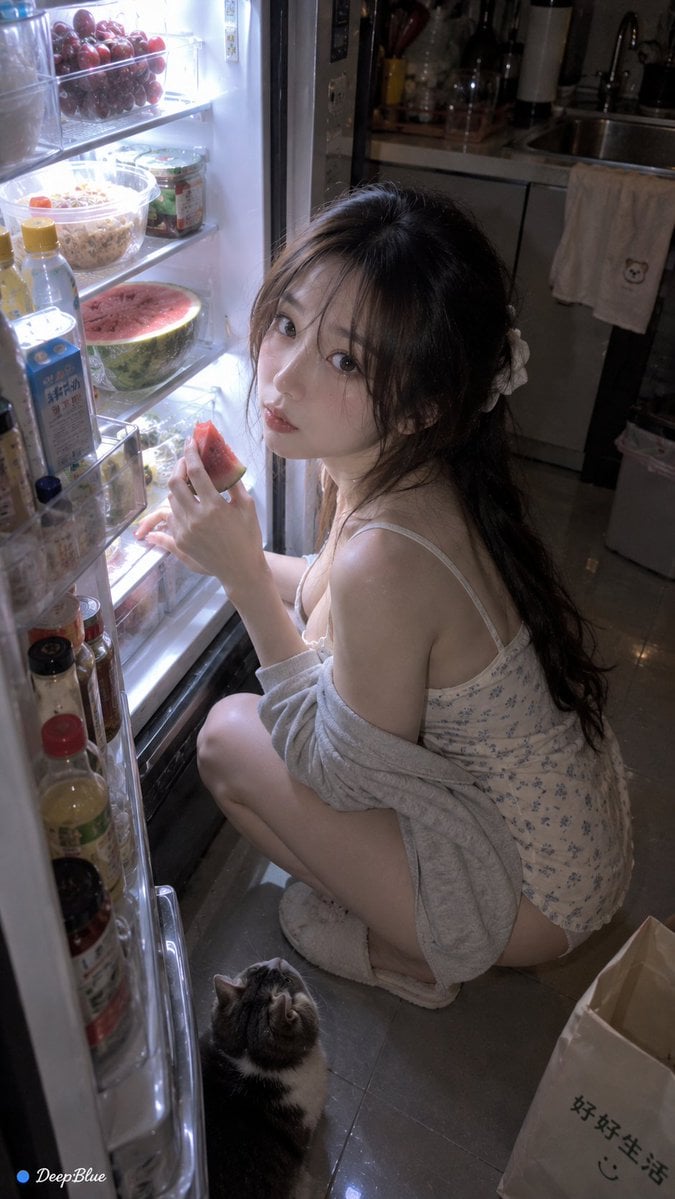
Late Night Fridge Candid Snapshot
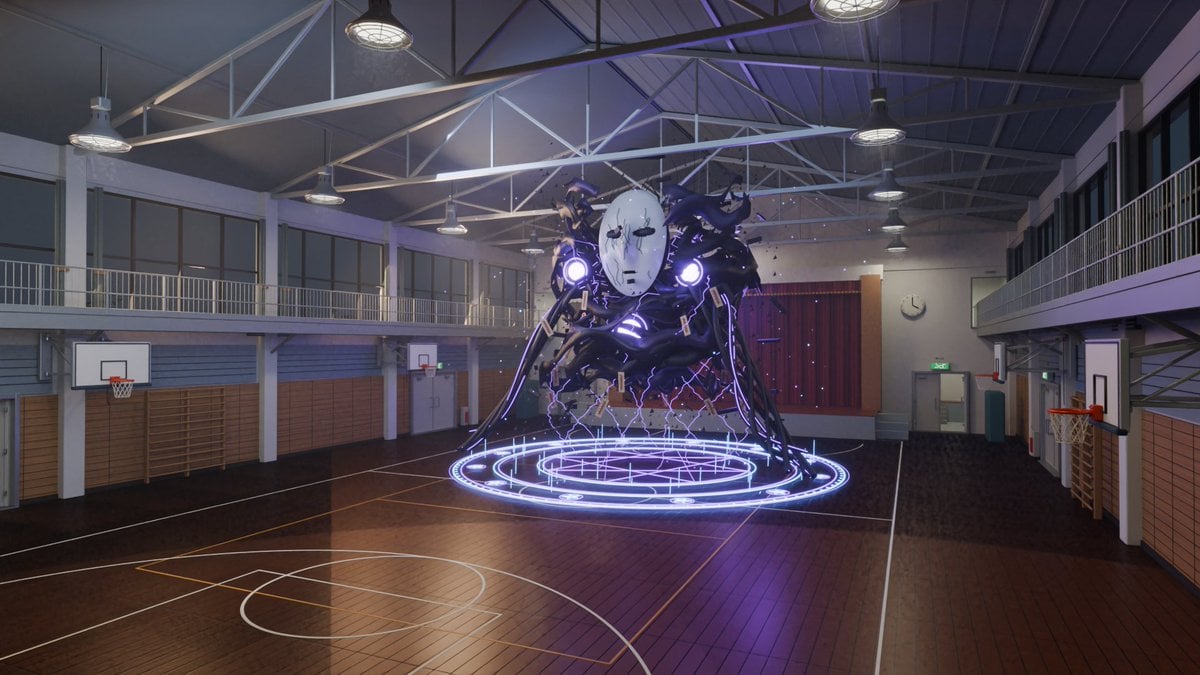
3D School Gym Boss Arena

Ultra-realistic commercial food photography showing a red Lay s snack
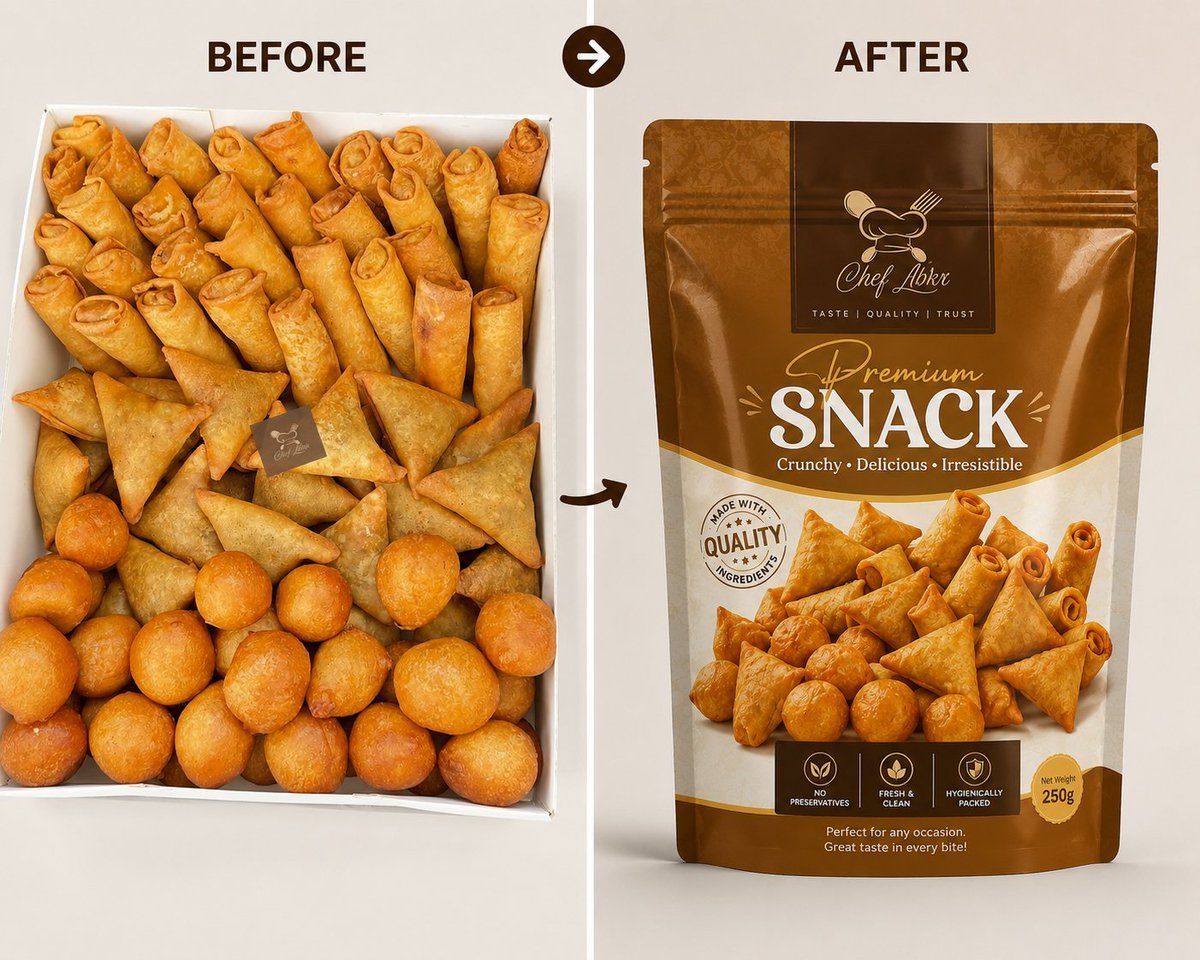
Professional Snack Packaging Mockup
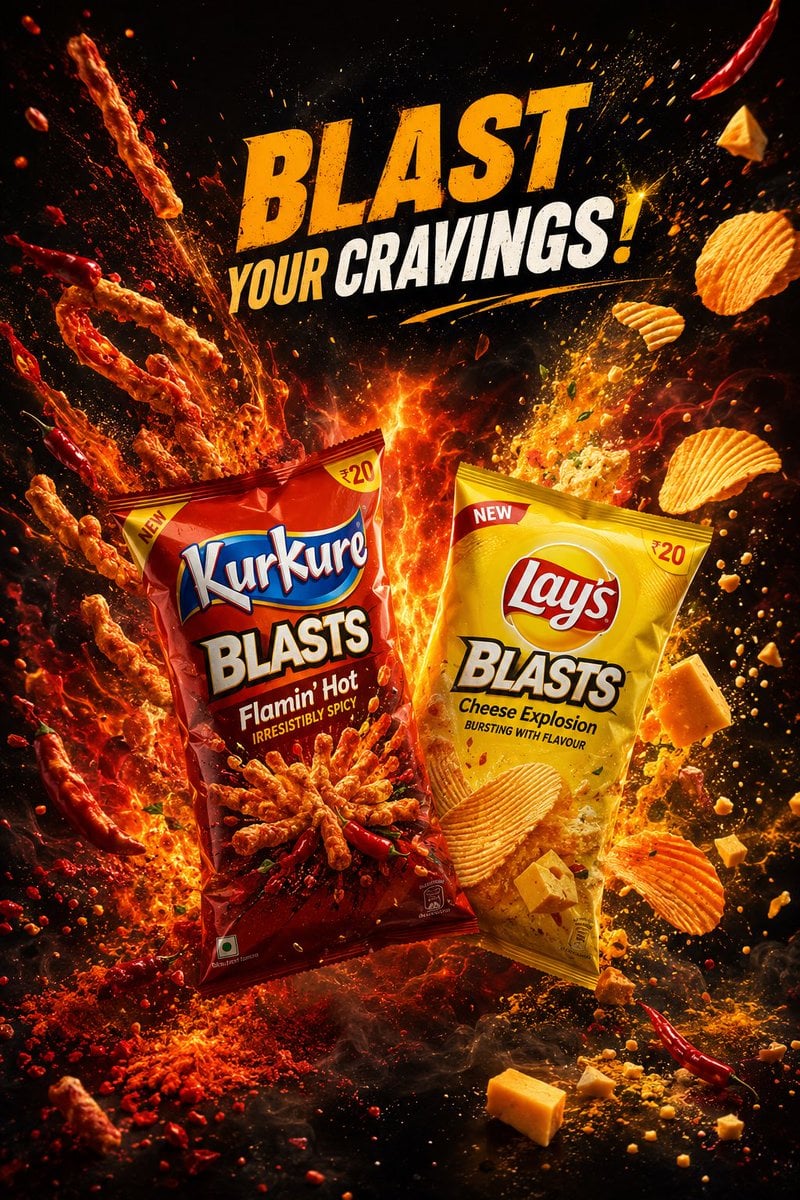
Premium Snack Advertising Poster
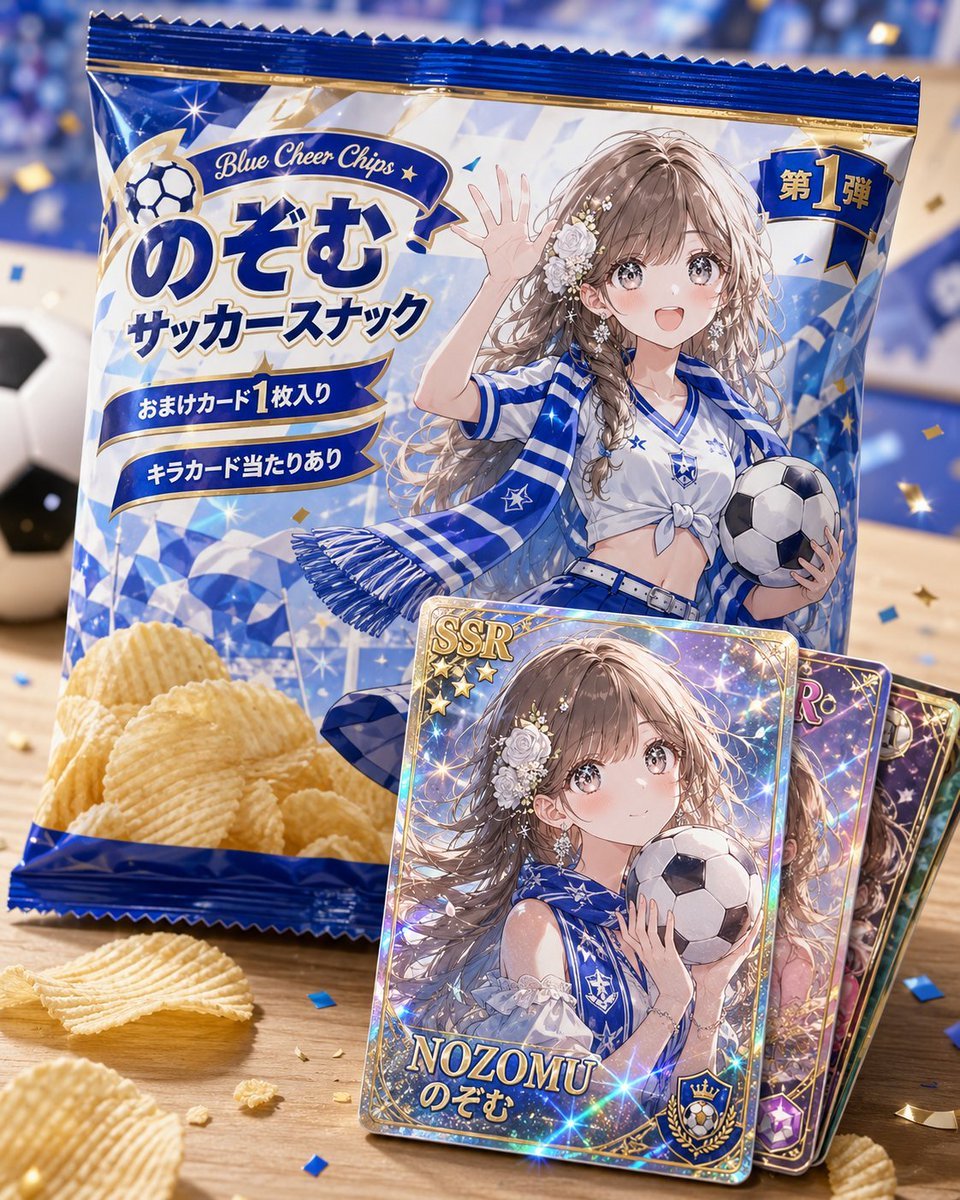
Anime Soccer Snack Bag Ad

Cheesy Chips Snack Ad Poster

Fictional Soccer Snack Trading Card Product Photo
Make it yours
Arena Snack Snapshot works as-is. These are the safest ways to change it without losing the look.
Change one field
Copy a single group, rewrite it, and generate again so you can see what that field is doing.
Keep the frame, change the subject
Hold the composition and light of Arena Snack Snapshot, then swap wardrobe, props or the person for a new take.
| If the result… | Why | Fix |
|---|---|---|
| The result drifts from the preview | Too many fields changed at once. | Reuse Arena Snack Snapshot as-is first, then change one group — subject, light, or setting. |
| The model over-stylizes the scene | The prose prompt leaves finish and camera underspecified. | Add one camera or lighting sentence and stay on GPT Image 2. |
More GPT Image 2 templates
Other prompts made for GPT Image 2.

Six VTuber Japanese Logo Sheet

Realistic Portrait of Woman and Deer

The Vista Modular Condo Poster

AI Model Routing Comparison Infographic

2.5D Anime Art Board

Isometric Productivity Desk Scene

New York Double Exposure Poster

Four-Panel AI Landscape Comparison

Japanese Tatami Lifestyle Magazine Cover

NESCAFÉ Coffee Map Poster
More image prompts
Fresh picks from across the catalog.
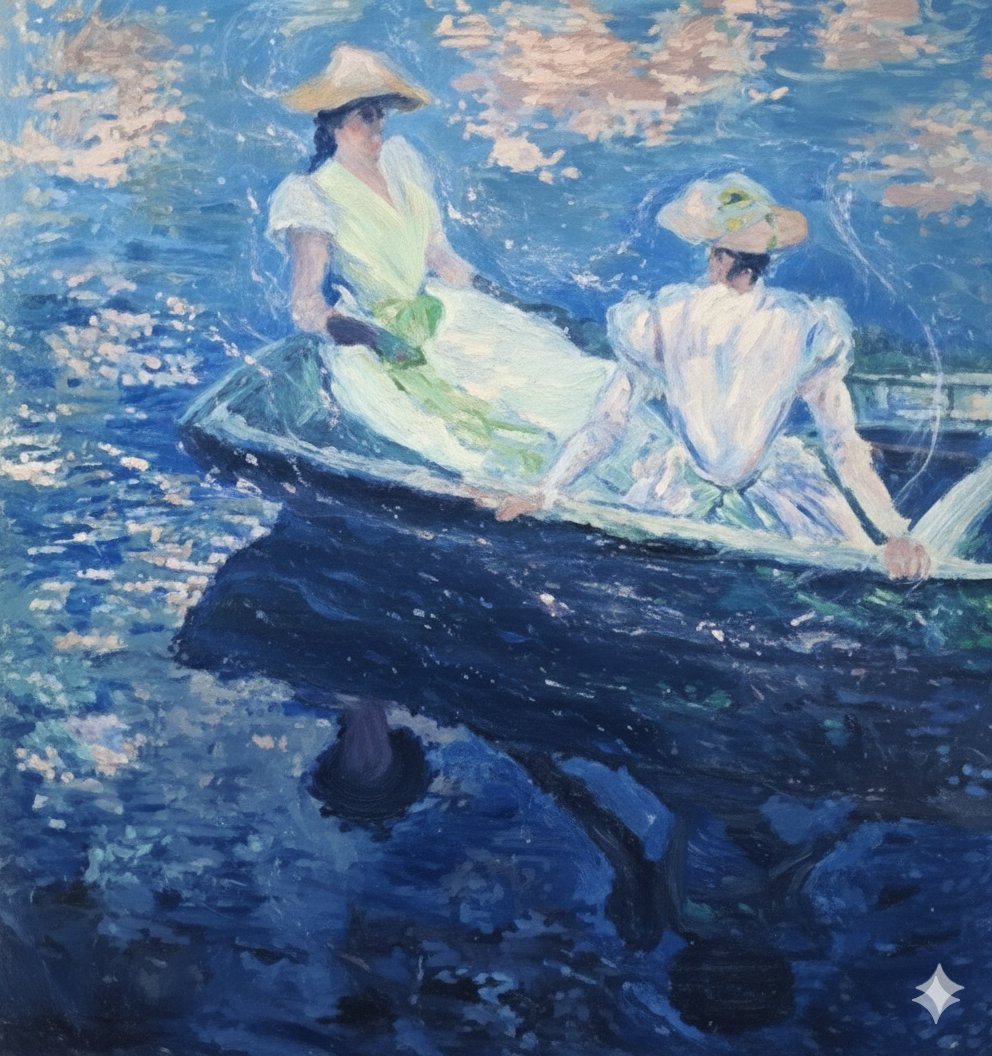
Image generation prompt for Nano Banana Pro: Monet's 'Boating' in an ethereal style
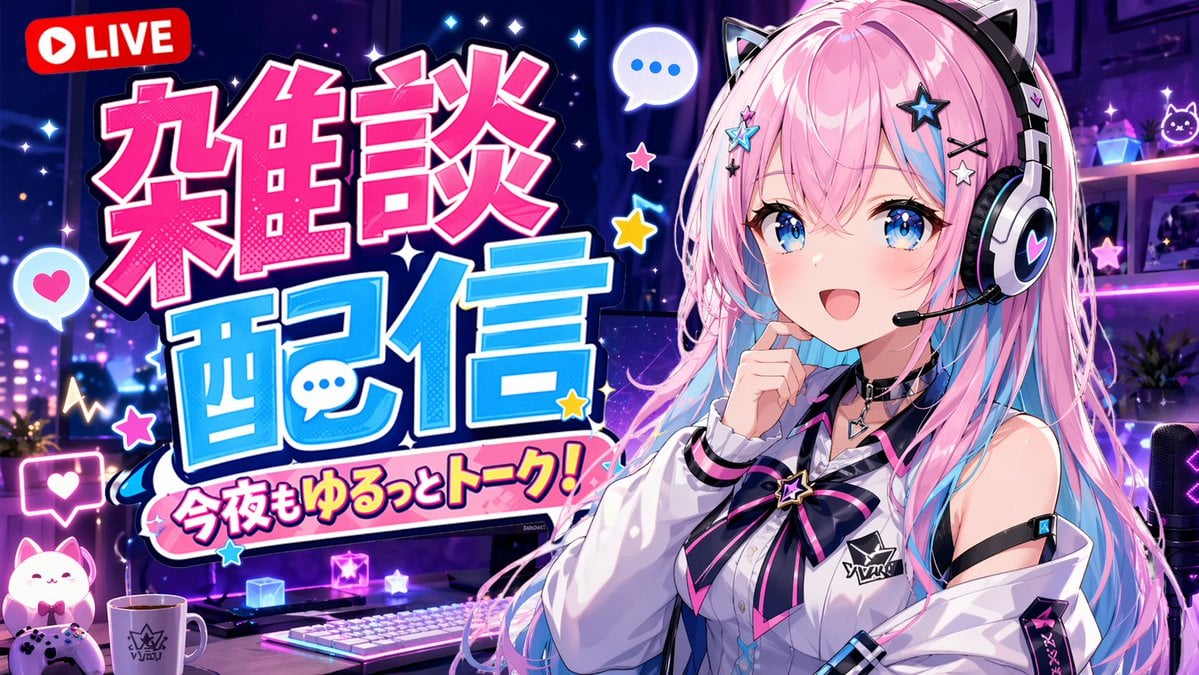
VTuber Chat Stream Thumbnail
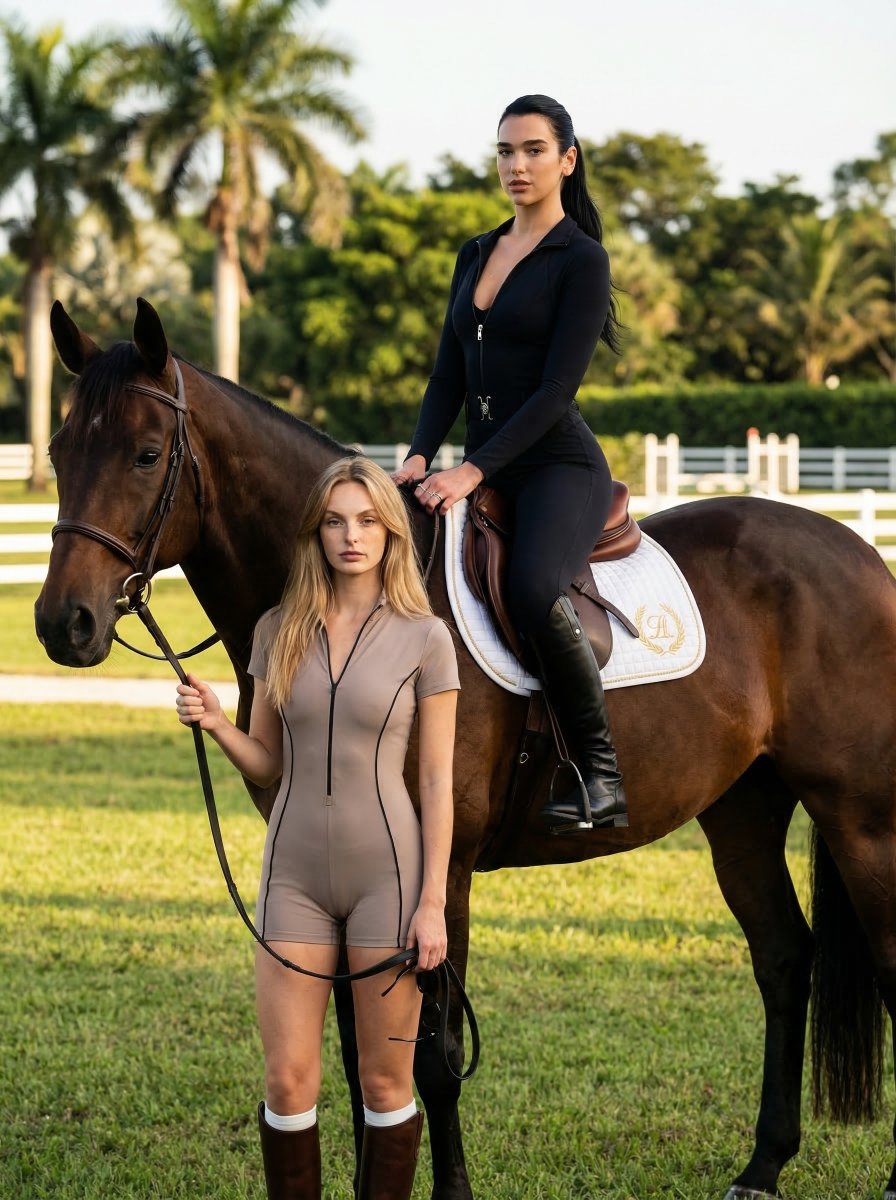
Luxury Equestrian Editorial with Dua Lipa

Miniature People Cinematic World Prompt
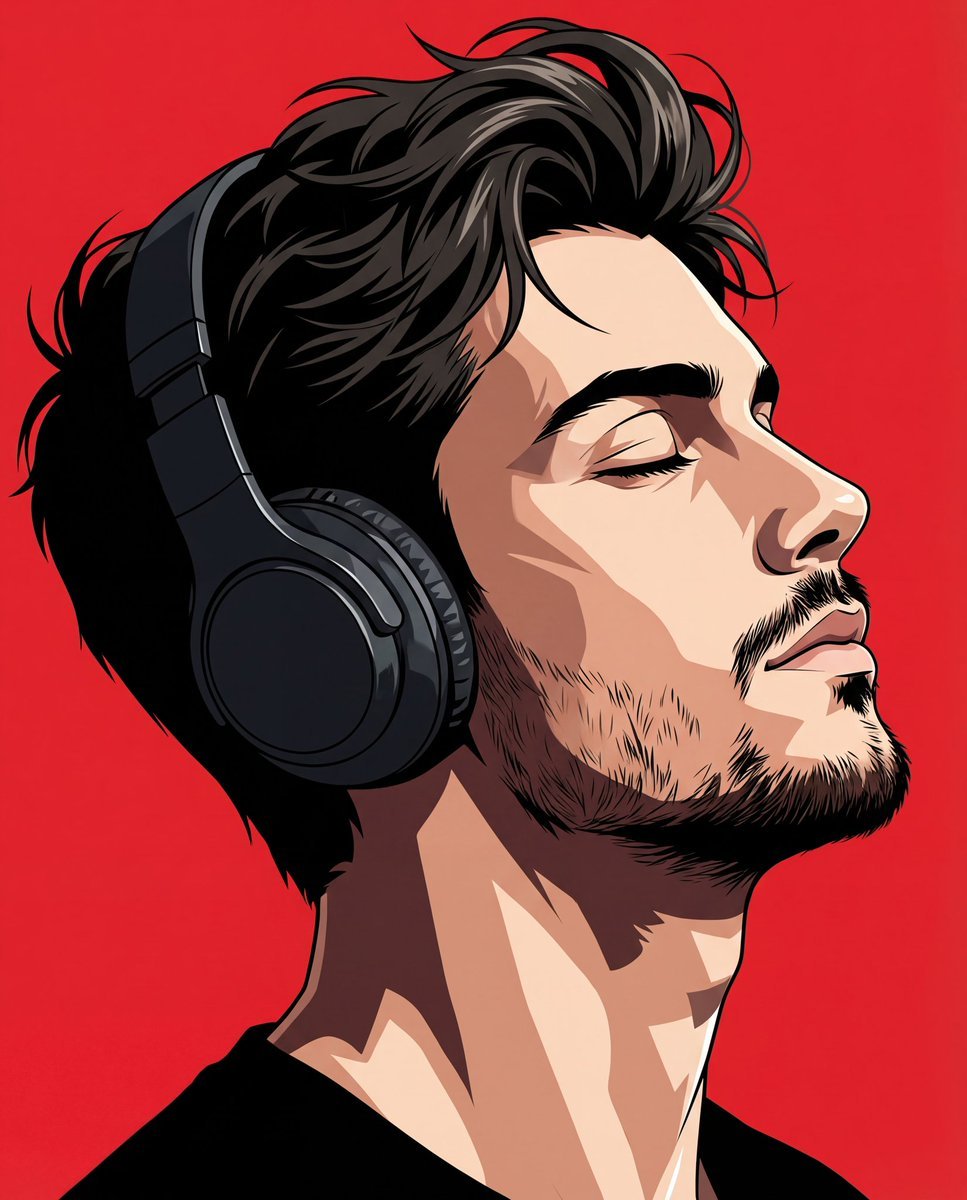
Transform Photo into Modern Anime Vector Illustration
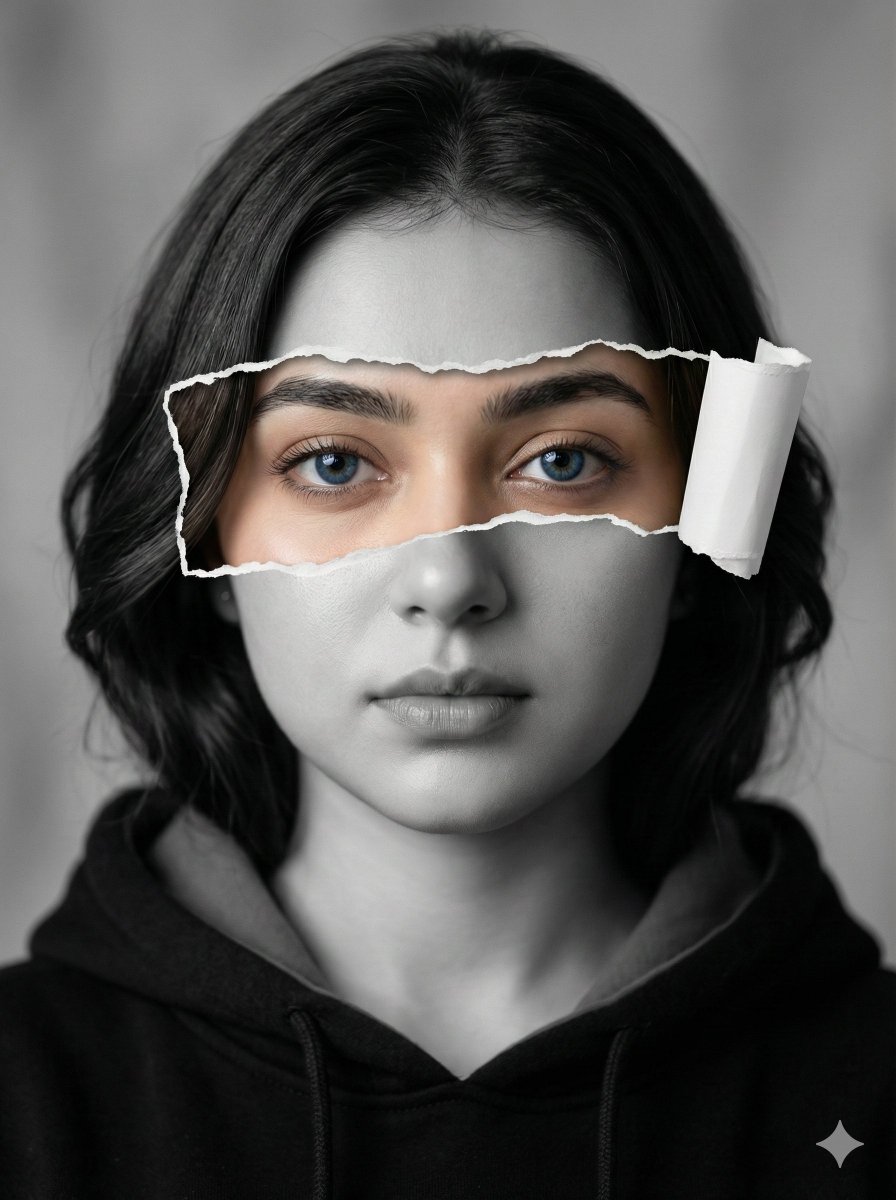
Hyperrealistic Black-and-White Portrait with Selective Color
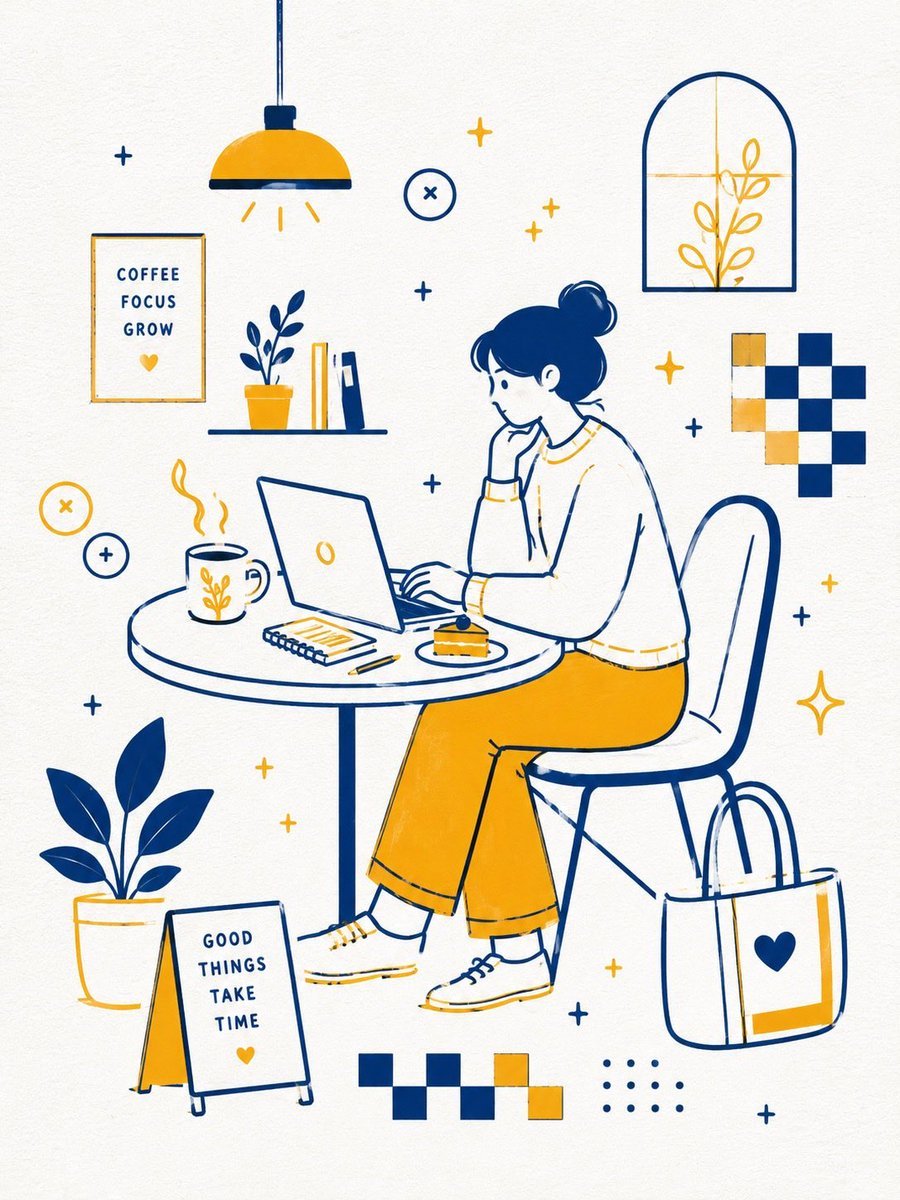
Scandinavian Minimalist Café Illustration
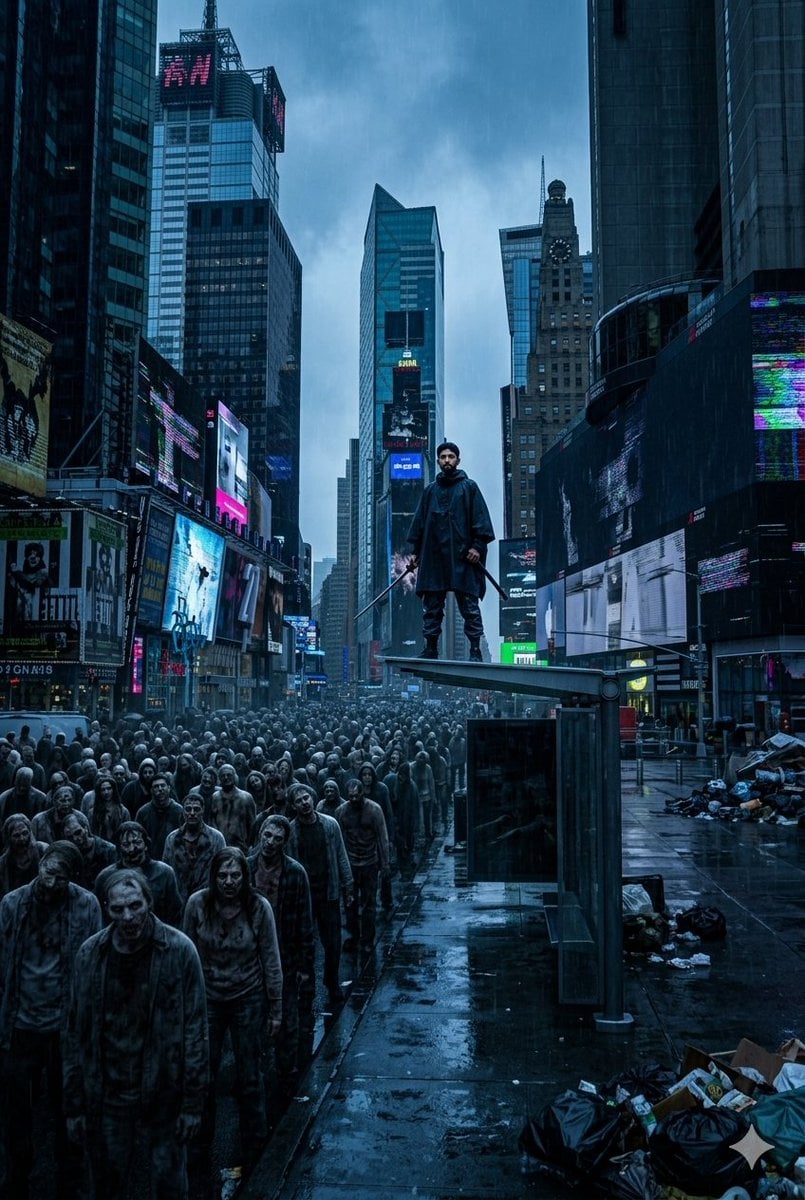
Post-Apocalyptic Times Square Horde
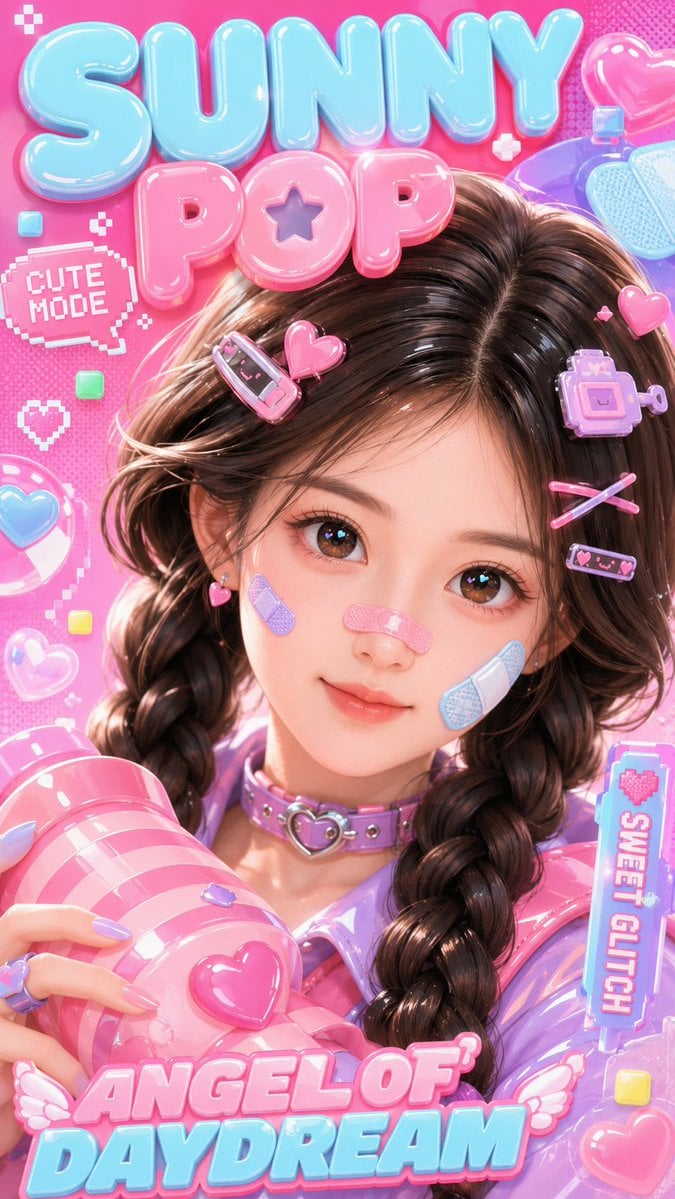
3D Kawaii Y2K Portrait Conversion
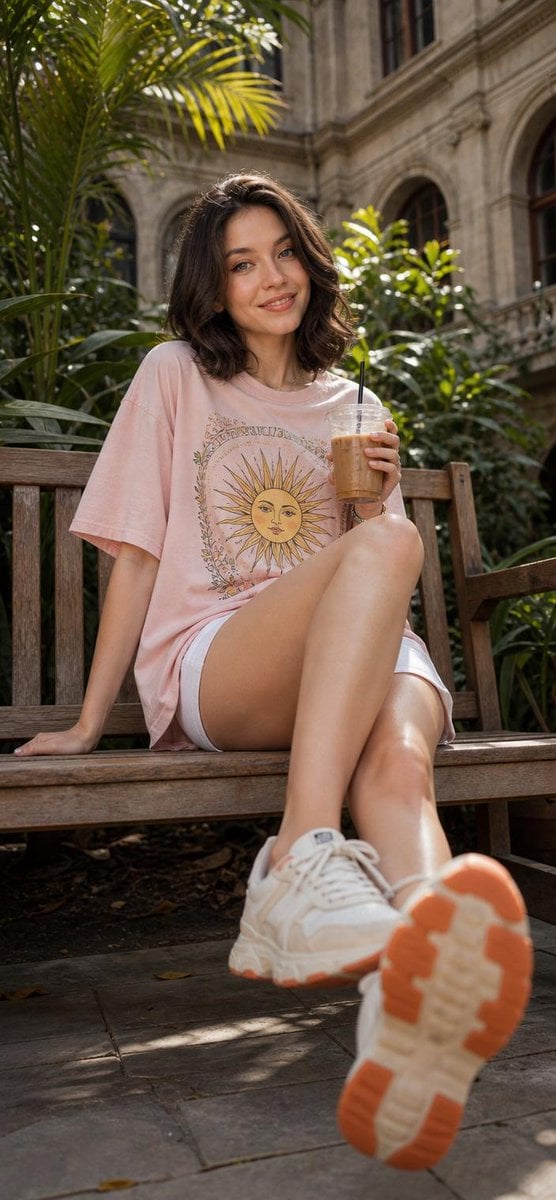
Cheerful Botanical Courtyard Portrait
Browse template categories
Arena Snack Snapshot questions
How do I use the Arena Snack Snapshot template?
Add your photo if the template asks for one, edit the prompt if you like — the template's model and format are already selected — and press Generate. Your version opens in PicX Studio.
Can I customize the Arena Snack Snapshot template?
Yes. You can change the subject, setting, lighting, mood, format, and available model controls before creating your image.
Is the Arena Snack Snapshot template free?
Opening and editing this template is free. Generating uses credits, shown on the Generate button when you are signed in.
Which AI model should I use?
Start with GPT Image 2, which is the model associated with this template. You can compare another compatible model for a different finish.
Looking for something else? Browse all templates.

Your photo, any look
Thousands of ready templates for every top image and video model, from one credit balance.