
3D School Gym Boss Arena
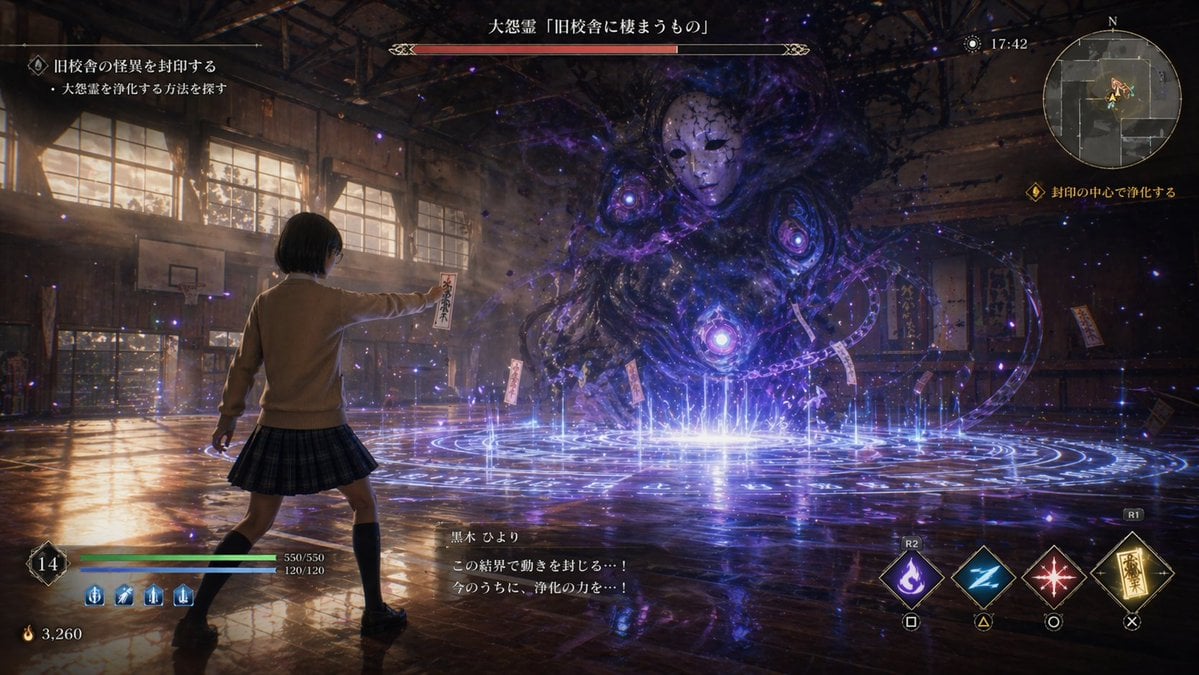
Transforms a game-style school gym battle screenshot into a clean realistic 3D environment render without UI or player character.
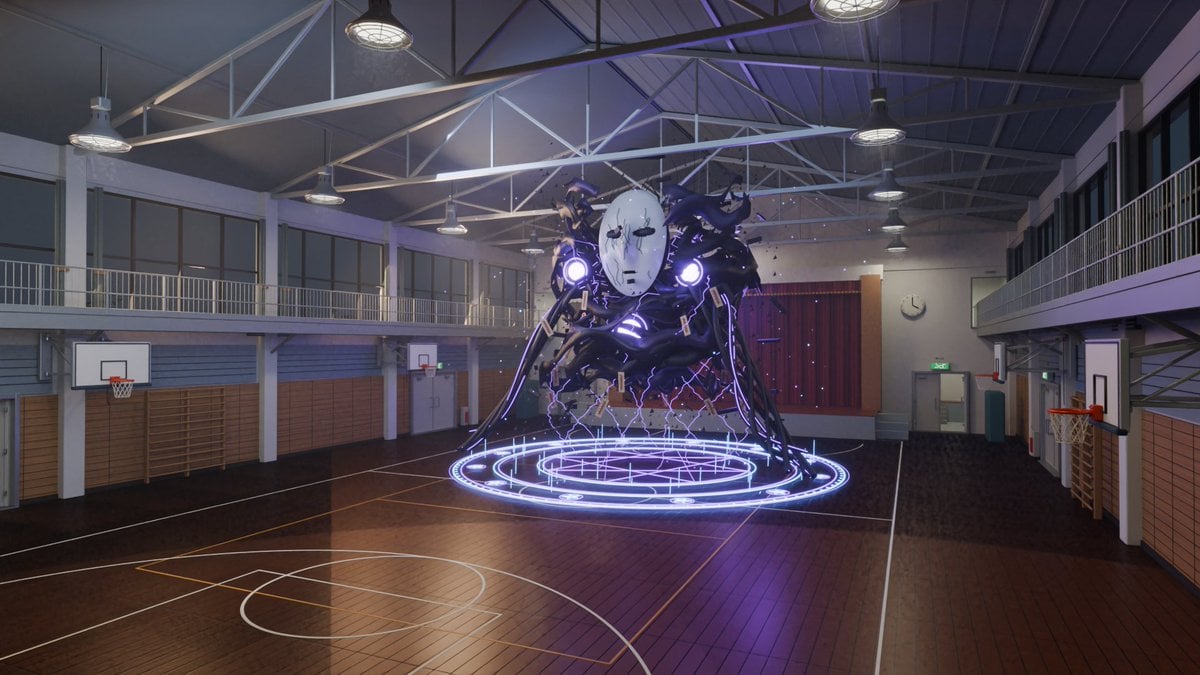
- Prompt included
- Model and format preset
- Free template
The prompt behind this image
Copy the exact prompt behind 3D School Gym Boss Arena, or open it in the studio and make it yours.
Using REFERENCE_0 as the source scene, convert the game screenshot into a clean, explorable 3D environment render of the same old school gym battle arena, as if rebuilt in Blender/real-time 3D. Remove all game UI, dialogue, HUD elements, text overlays, minimap, health bars, and the player character. Keep only the gym setting and the central masked shadow spirit with its glowing purple sealing magic circle, but make the monster more like a solid 3D asset hovering above the court rather than a 2D effects-heavy apparition. Environment changes: make the gymnasium architecturally realistic and detailed, with a polished wooden basketball court, accurate court markings, wall padding, wooden wall bars, doors, a stage with closed red curtains at the far end, side balconies/upper walkways with railings, large windows, visible steel roof trusses, and hanging industrial ceiling lamps. Include exactly 4 visible basketball hoops: two on the left wall, one at the far back, and one on the right wall. Use cool indoor evening lighting with subtle purple spill from the spirit and magic circle, realistic reflections on the lacquered floor, and a wide cinematic camera angle from an elevated spectator viewpoint. Style: realistic 3D anime-game environment render, clean composition, high fidelity school gym details, no characters besides the summoned spirit, no interface, no captions, no watermark. The result should feel like a playable UE5/Blender level based on the reference image.
Reference images included
3D School Gym Boss Arena needs input media to work. They load alongside the prompt when you open it in the studio.
How to use 3D School Gym Boss Arena in 3 steps
- 1Upload ImagePNG, JPG or paste
Add your photo
Upload the photo the template builds on. The prompt, model and format are already set.
- 2…a portrait of your subject in softgolden-hour light, 85mm…
Personalize
Edit the subject and creative details for your destination.
- 3Generate
Generate
Press Generate — your image is created in PicX Studio, so you can compare it with the original and refine one variable at a time.
More like this
Templates with the same subject, style or setup. Open one to see its prompt.
Surreal Brahms Piano Concerto Arena
Seaside School Band Rehearsal
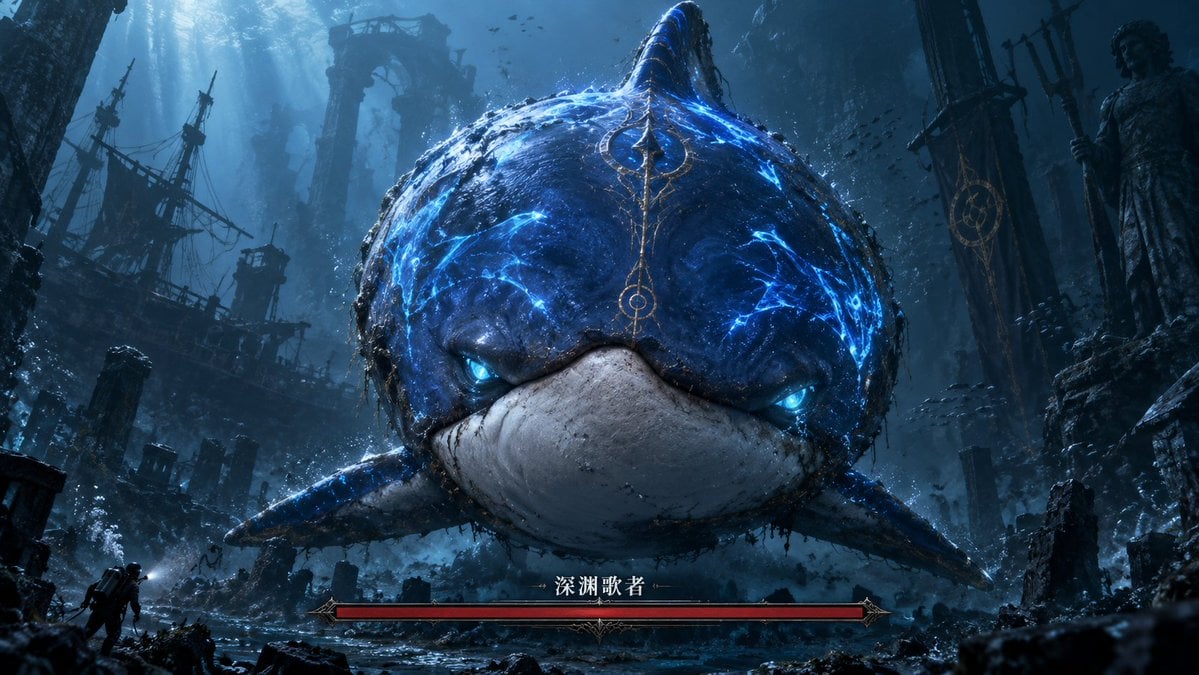
Abyssal Dolphin Boss Transformation

Anime School Rom-Com Key Visual

Monochrome Boss Portrait With Red Sunglasses
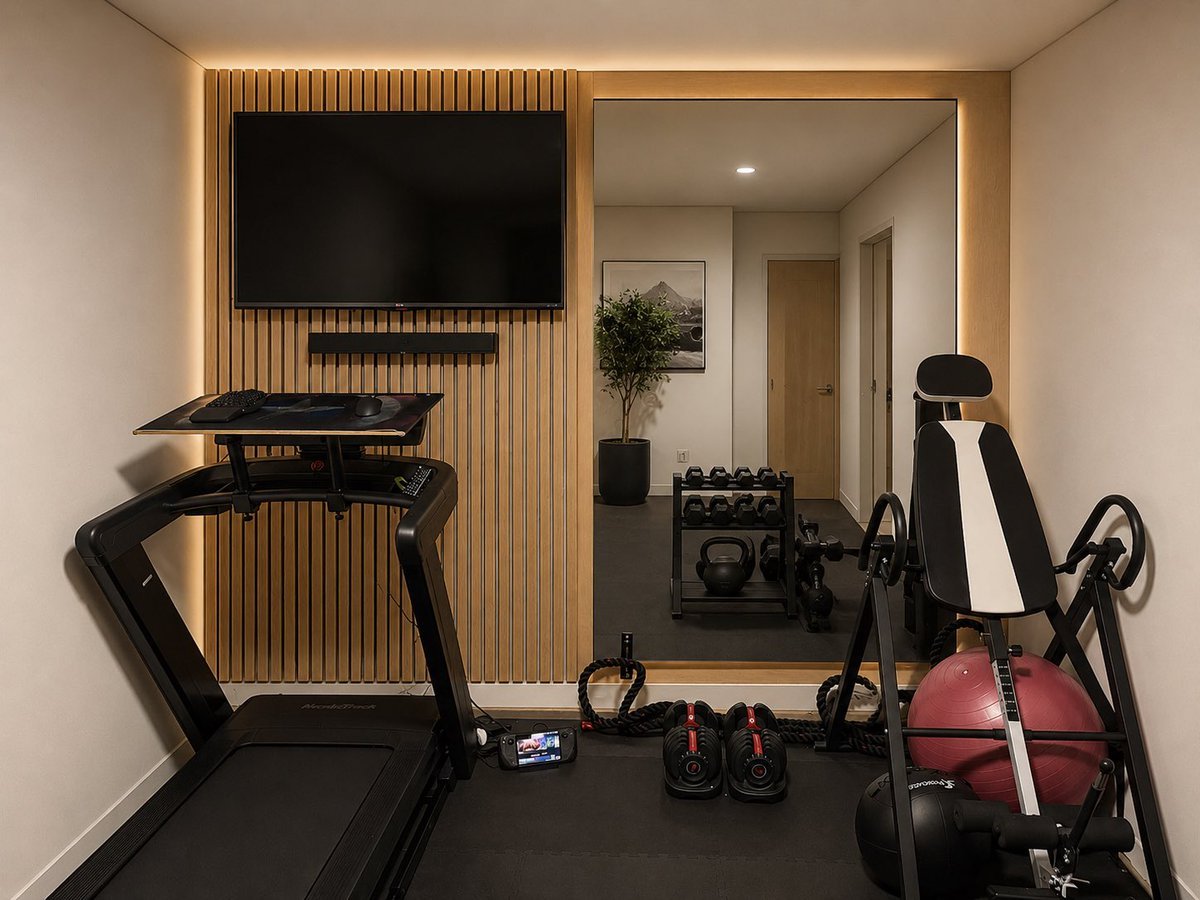
Modern Home Gym Wall Makeover
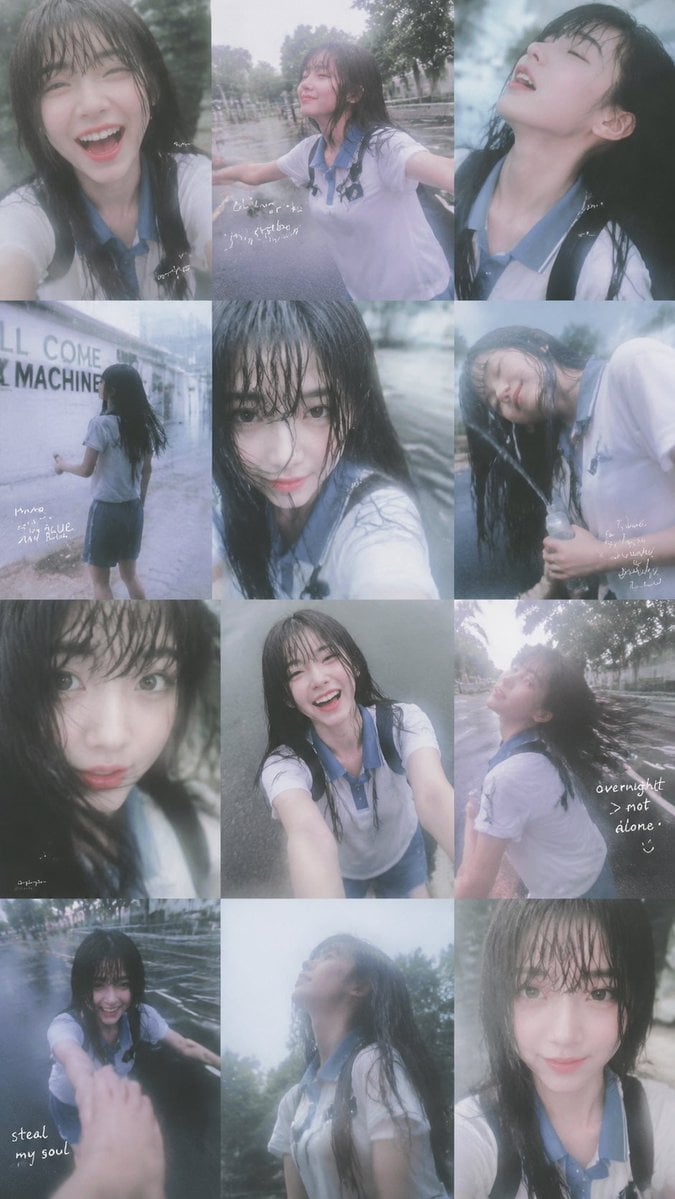
Rainy Schoolgirl Photo Diary Collage
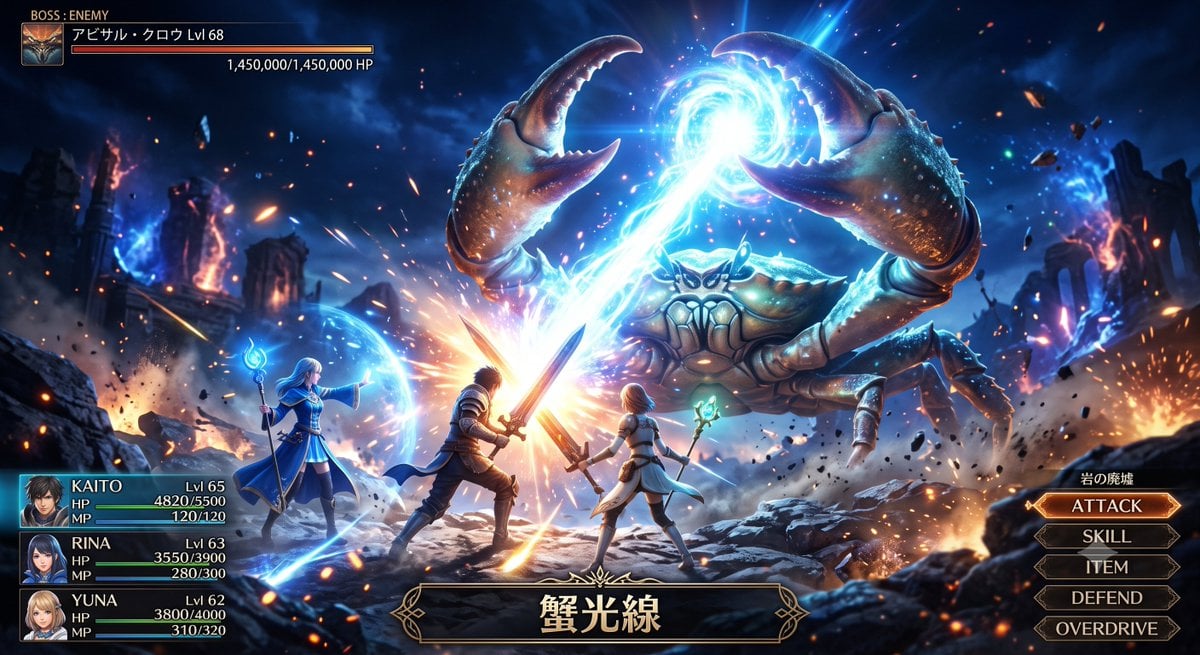
Fantasy Crab Boss Battle UI

Chaotic Anime Schoolgirl Fan Collage
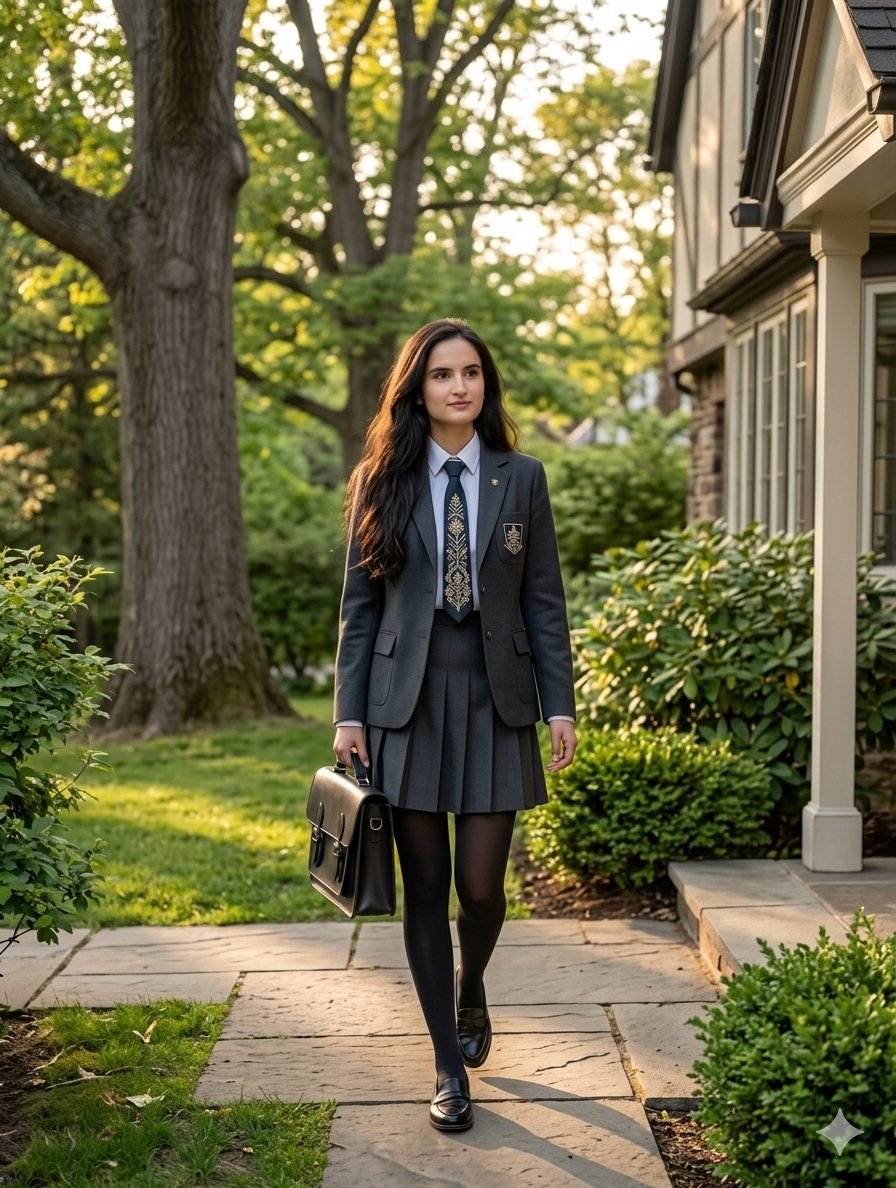
Private School Uniform Portrait

Golden Hour Cinematic Boss Energy Portrait
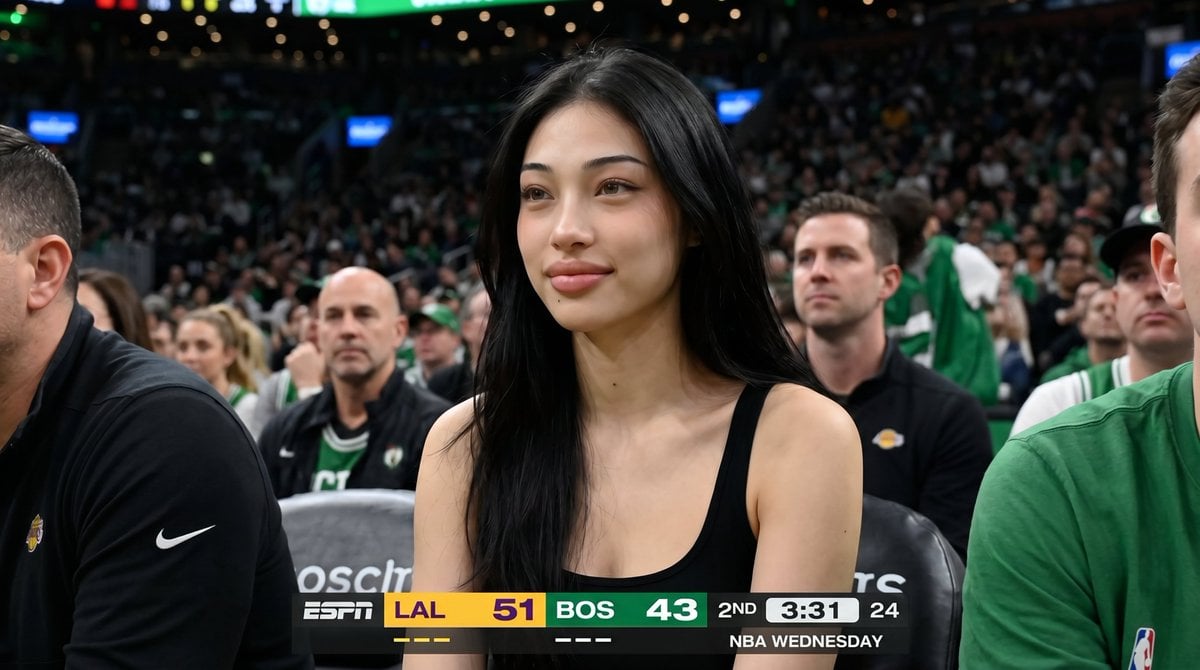
Basketball Arena Broadcast Portrait
Make it yours
3D School Gym Boss Arena works as-is. These are the safest ways to change it without losing the look.
Change one field
Copy a single group, rewrite it, and generate again so you can see what that field is doing.
Keep the frame, change the subject
Hold the composition and light of 3D School Gym Boss Arena, then swap wardrobe, props or the person for a new take.
| If the result… | Why | Fix |
|---|---|---|
| The result drifts from the preview | Too many fields changed at once. | Reuse 3D School Gym Boss Arena as-is first, then change one group — subject, light, or setting. |
| The model over-stylizes the scene | The prose prompt leaves finish and camera underspecified. | Add one camera or lighting sentence and stay on GPT Image 2. |
More GPT Image 2 templates
Other prompts made for GPT Image 2.

Six VTuber Japanese Logo Sheet

Realistic Portrait of Woman and Deer

The Vista Modular Condo Poster

AI Model Routing Comparison Infographic

2.5D Anime Art Board

Isometric Productivity Desk Scene

New York Double Exposure Poster

Four-Panel AI Landscape Comparison

Japanese Tatami Lifestyle Magazine Cover

NESCAFÉ Coffee Map Poster
More image prompts
Fresh picks from across the catalog.
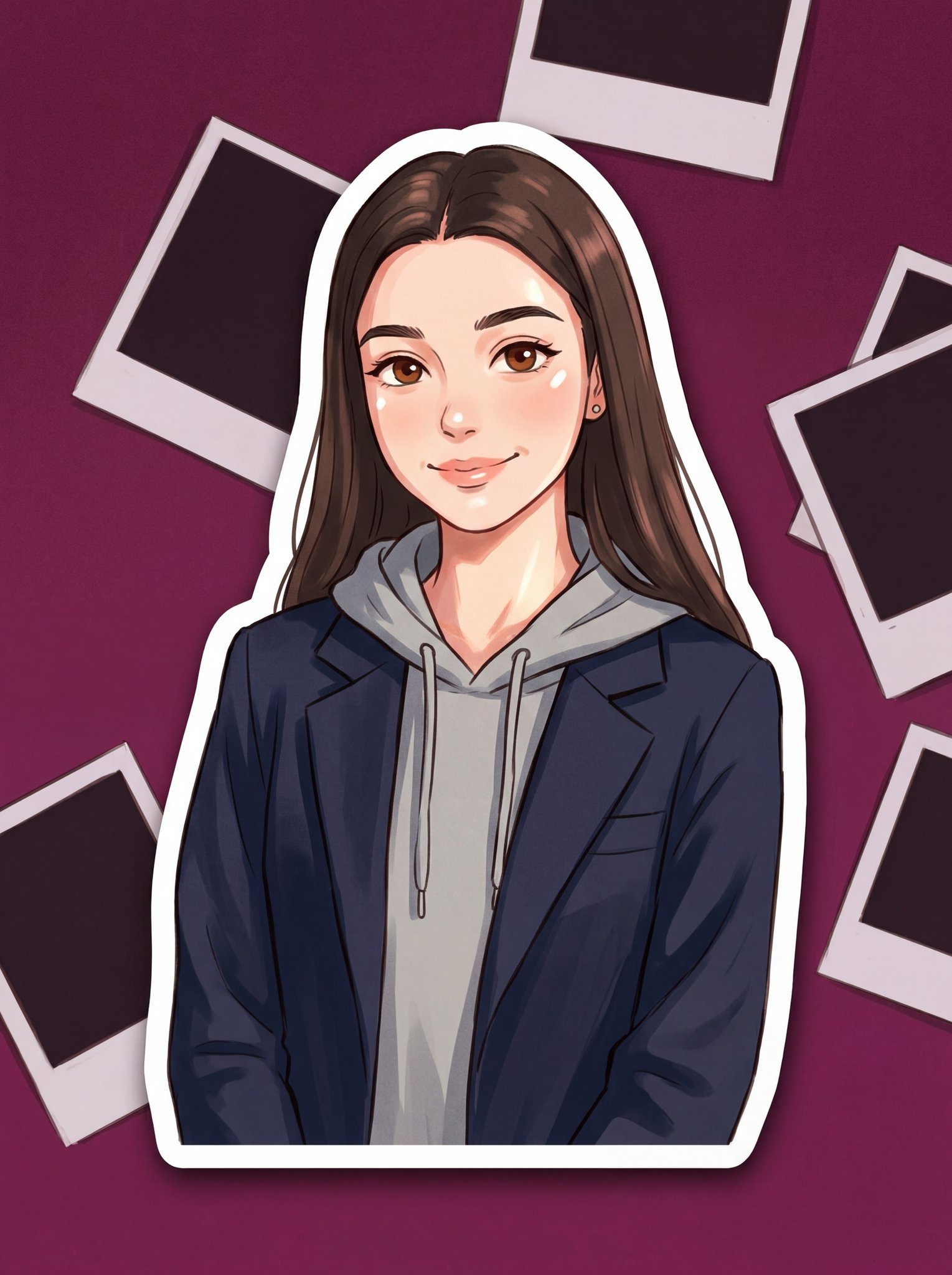
Turn Your Photo Into Ghibli Style with N
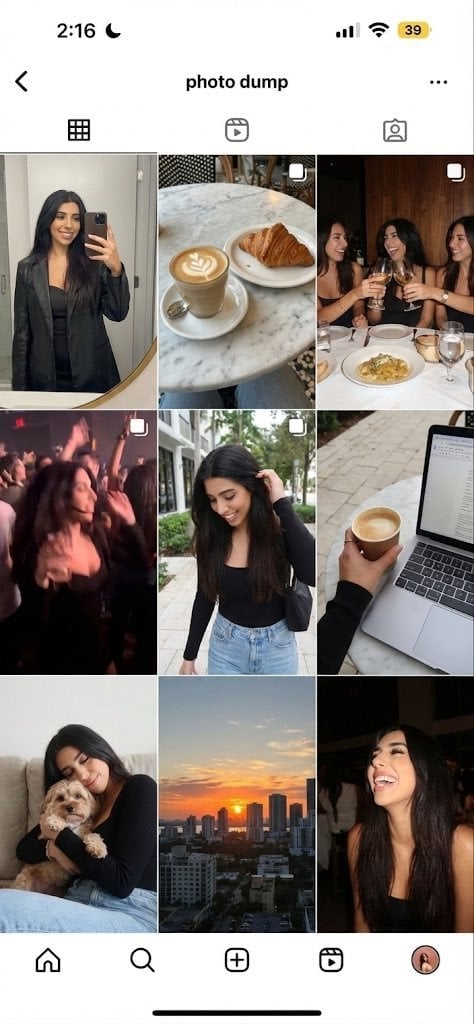
Weekend photo dump grid for Instagram
Anime Graffiti Girl Transformation
Neon Sign Text on Concrete Surface
Double Exposure Motion Blur Portrait
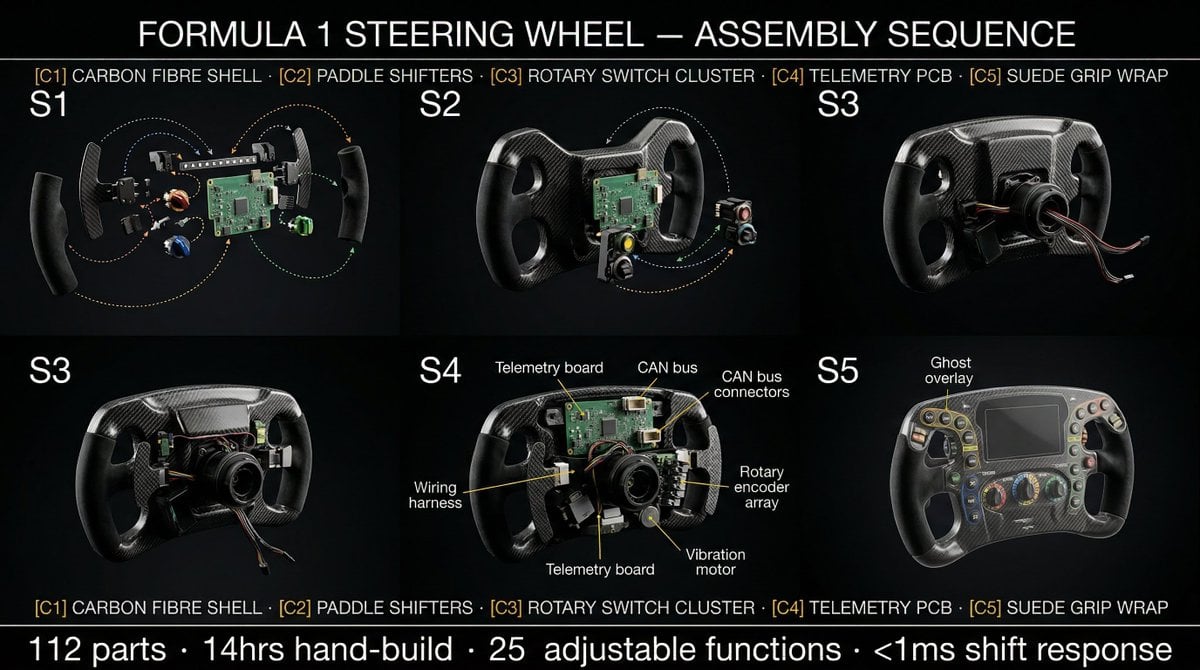
Product Assembly Sequence Timeline
Whimsical Hand-Painted Girl with Kitten Illustration
Elf Girl Walking Goat and Robot
Luxury Cinematic Food Photography of Seruit Lampung
Surreal Athletic Advertising Art
Browse template categories
3D School Gym Boss Arena questions
How do I use the 3D School Gym Boss Arena template?
Add your photo if the template asks for one, edit the prompt if you like — the template's model and format are already selected — and press Generate. Your version opens in PicX Studio.
Can I customize the 3D School Gym Boss Arena template?
Yes. You can change the subject, setting, lighting, mood, format, and available model controls before creating your image.
Is the 3D School Gym Boss Arena template free?
Opening and editing this template is free. Generating uses credits, shown on the Generate button when you are signed in.
Which AI model should I use?
Start with GPT Image 2, which is the model associated with this template. You can compare another compatible model for a different finish.
Looking for something else? Browse all templates.

Your photo, any look
Thousands of ready templates for every top image and video model, from one credit balance.