
Seaside School Band Rehearsal
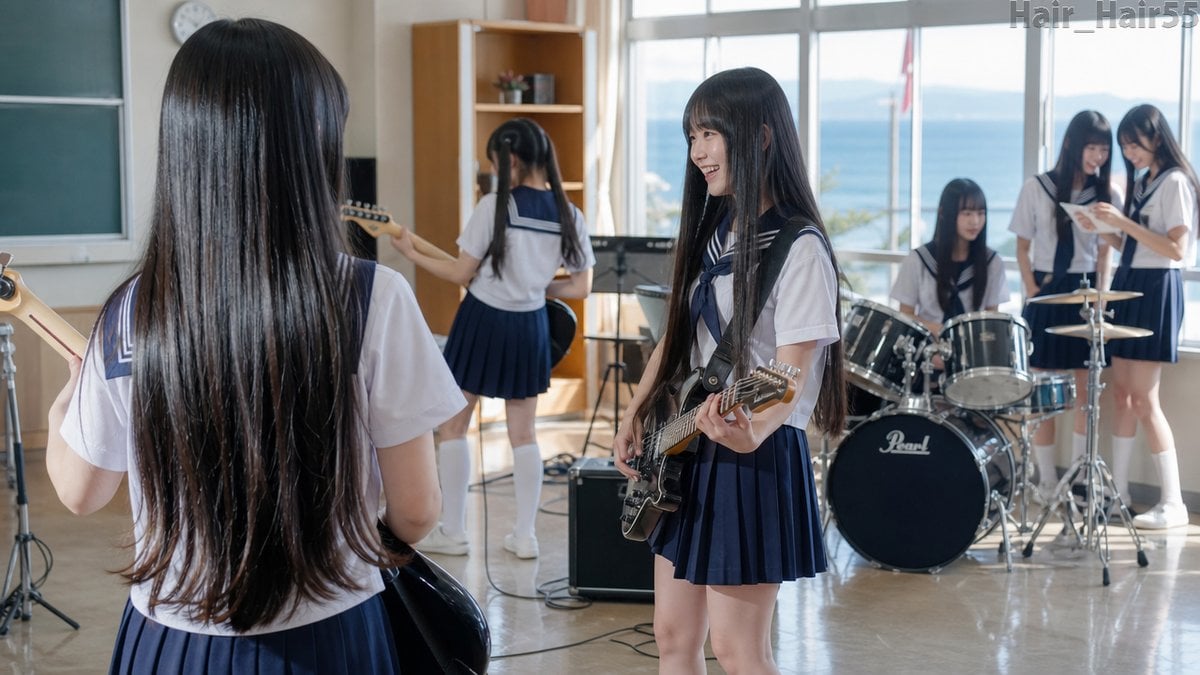
A photorealistic scene of six Japanese schoolgirls with long black hair practicing as a band in a sunny seaside classroom.
- Prompt included
- Model and format preset
- Free template
The prompt behind this image
Copy the exact prompt behind Seaside School Band Rehearsal, or open it in the studio and make it yours.
Create a photorealistic wide-angle 16:9 image of a cheerful Japanese high school girls' light music club practicing in a bright classroom by the sea. Show exactly 6 teenage girls, all wearing navy-and-white sailor school uniforms with pleated skirts, white socks, and long straight black hair: 1 girl in the left foreground seen from behind holding a bass guitar with her very long glossy hair dominating the foreground, 1 smiling girl near center-right facing left while playing a black electric guitar, 1 girl in the rear center seen from behind playing guitar near a music stand and amplifier, 1 seated girl at a black Pearl-style drum kit, and 2 girls standing together by the right window looking down at sheet music or a notebook. The room should be a sunlit school music room with polished floor, chalkboard on the left, wall clock, wooden shelf, music stands, cables, amplifier, and large windows revealing blue ocean and distant mountains. Use soft natural daylight, realistic reflections on hair, shallow but readable depth of field, candid rehearsal atmosphere, clean modern photography, high detail, gentle smiles, no exaggerated anime style. Add a faint gray watermark-like text in the top-right corner reading {argument name="watermark text" default="Hair_Hair55"}. The main subject is the girls' exceptionally long glossy {argument name="hair color" default="black"} hair, especially the foreground girl's waist-length hair and the center guitarist's long hair. Keep the scene wholesome, realistic, and lively, with {argument name="band activity" default="school band rehearsal"} as the theme, in a {argument name="location" default="sunny seaside classroom"}, using {argument name="visual style" default="photorealistic Japanese school-life photography"}.
How to use Seaside School Band Rehearsal in 3 steps
- 1Upload ImagePNG, JPG or paste
Add your photo
Upload the photo the template builds on. The prompt, model and format are already set.
- 2…a portrait of your subject in softgolden-hour light, 85mm…
Personalize
Edit the subject and creative details for your destination.
- 3Generate
Generate
Press Generate — your image is created in PicX Studio, so you can compare it with the original and refine one variable at a time.
More like this
Templates with the same subject, style or setup. Open one to see its prompt.
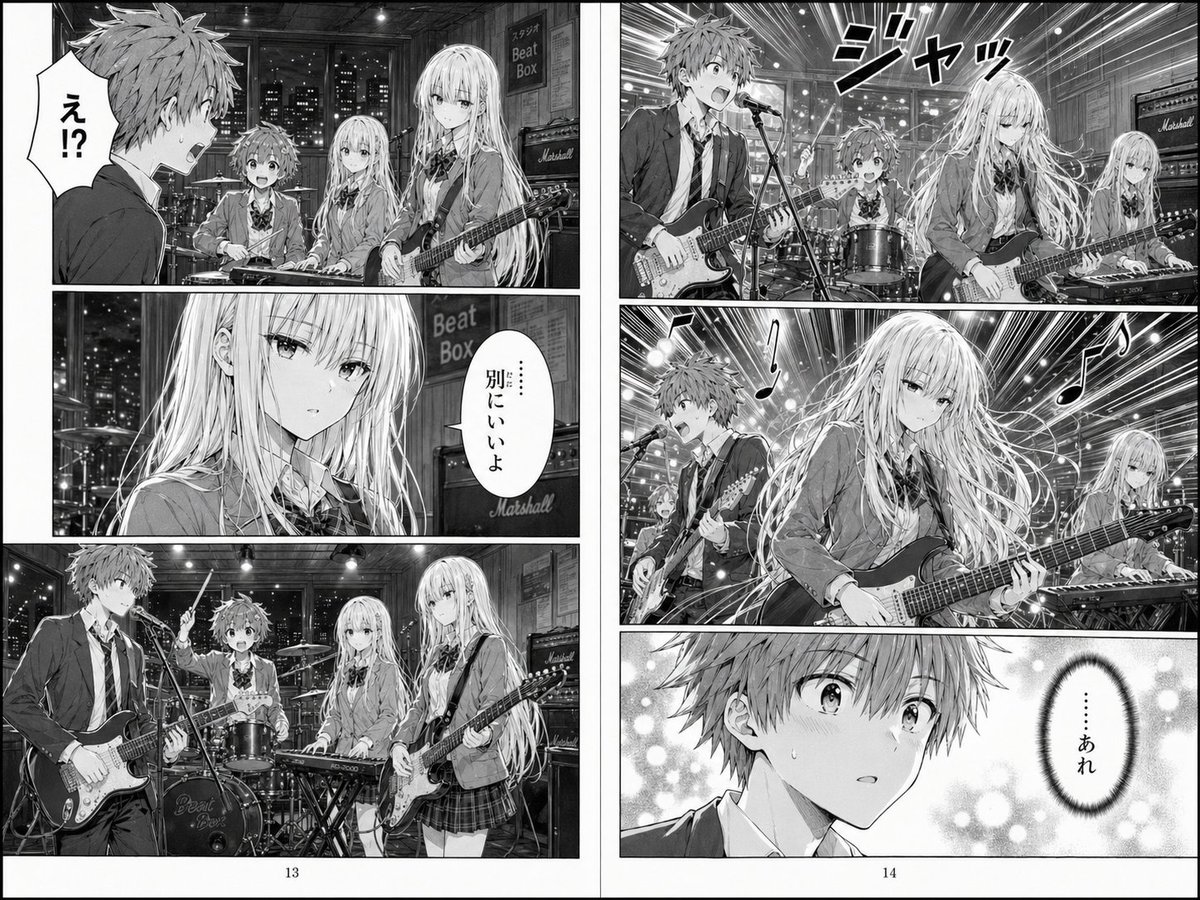
Two-Page School Band Manga Spread

Seaside Pocari Sweat Schoolgirl Ad
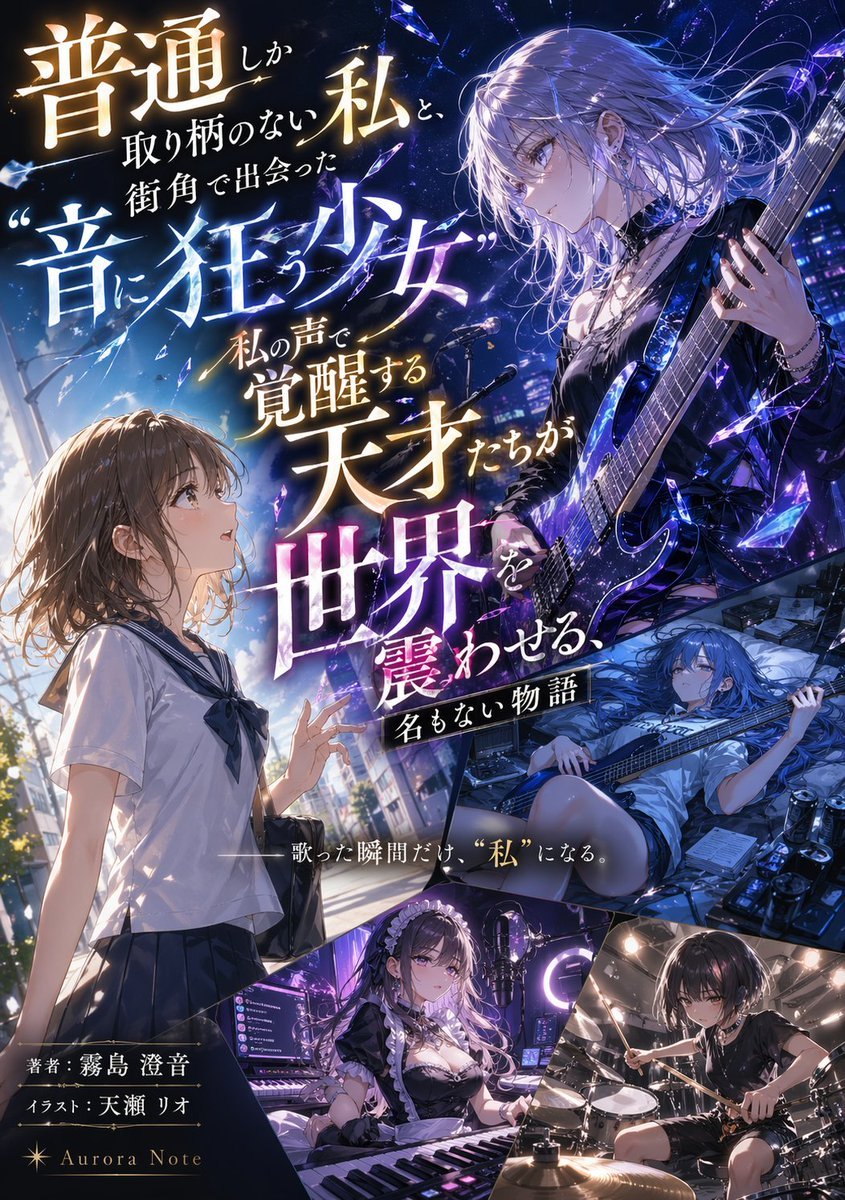
Light Novel Cover with Multi-Character Band Layout

Anime School Rom-Com Key Visual
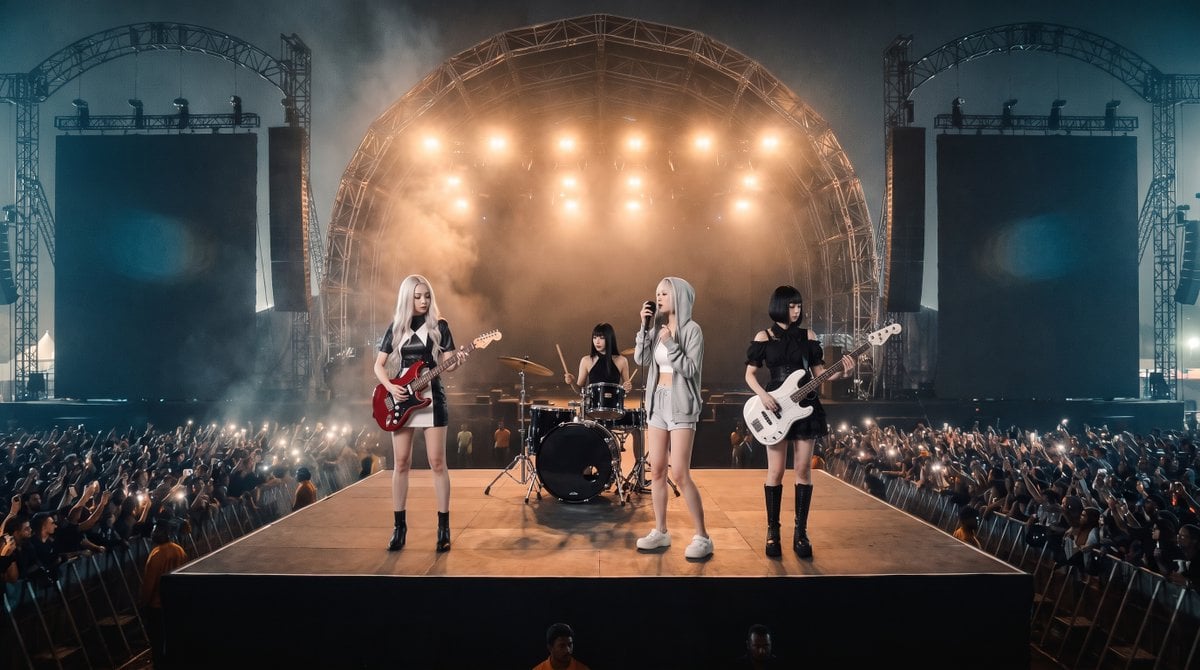
Photorealistic Festival Band Performance

Sparkling Seaside Anime Album Cover
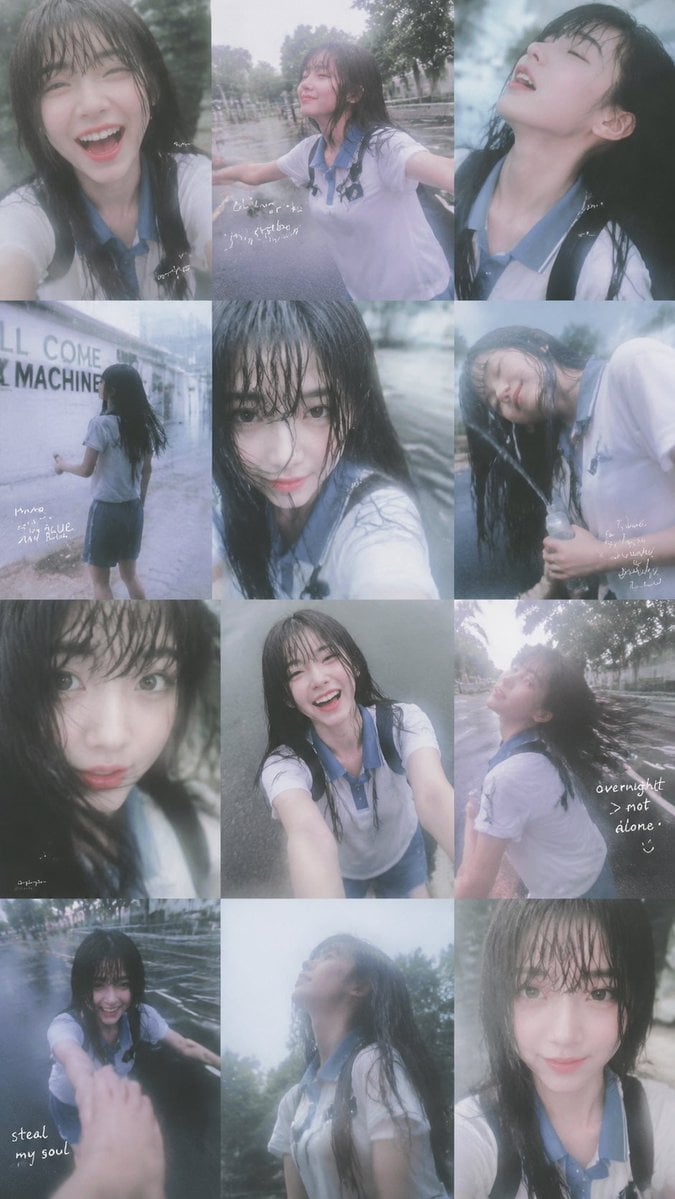
Rainy Schoolgirl Photo Diary Collage
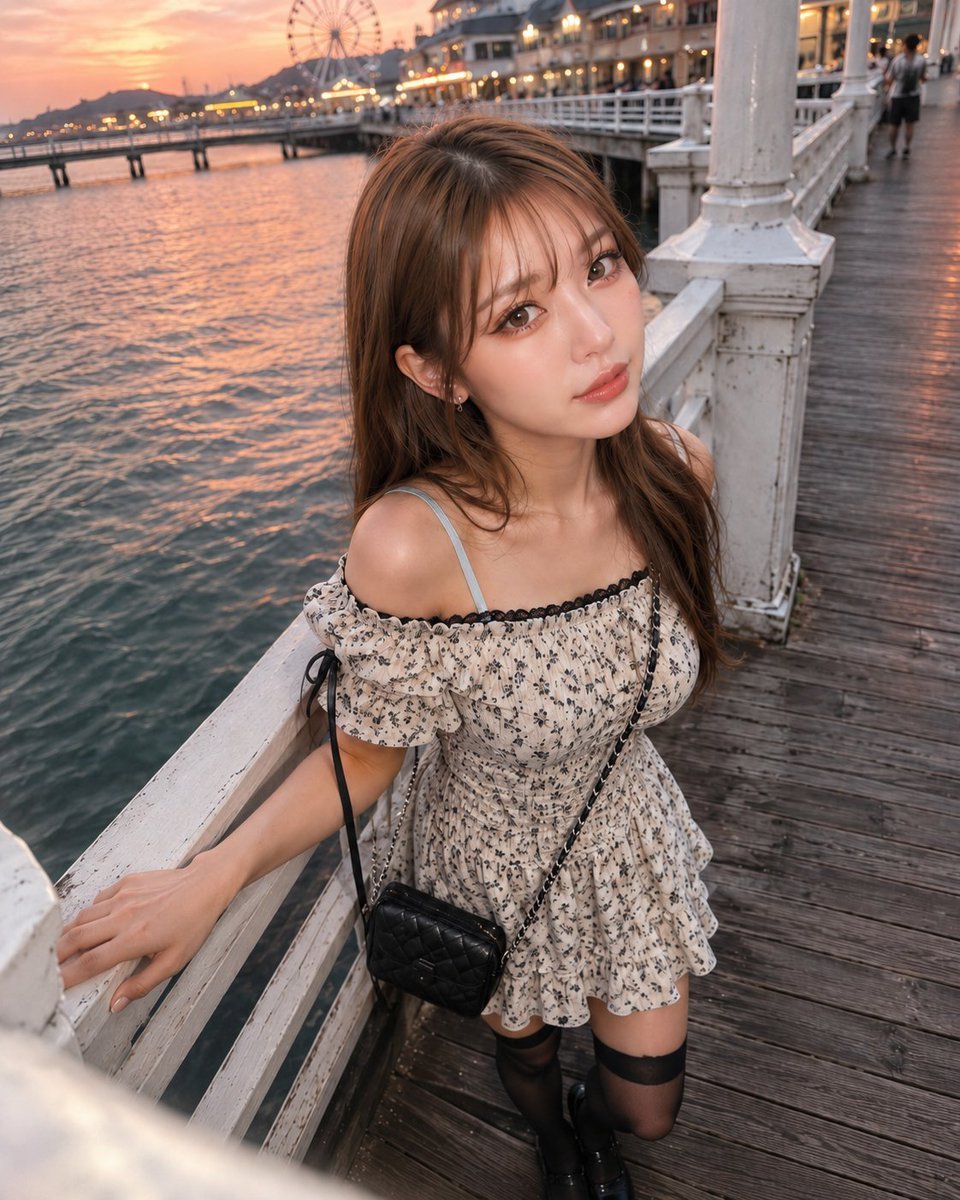
Boyfriend POV Seaside Sunset Date

Chaotic Anime Schoolgirl Fan Collage

Sunny Seaside Anime Manga Page
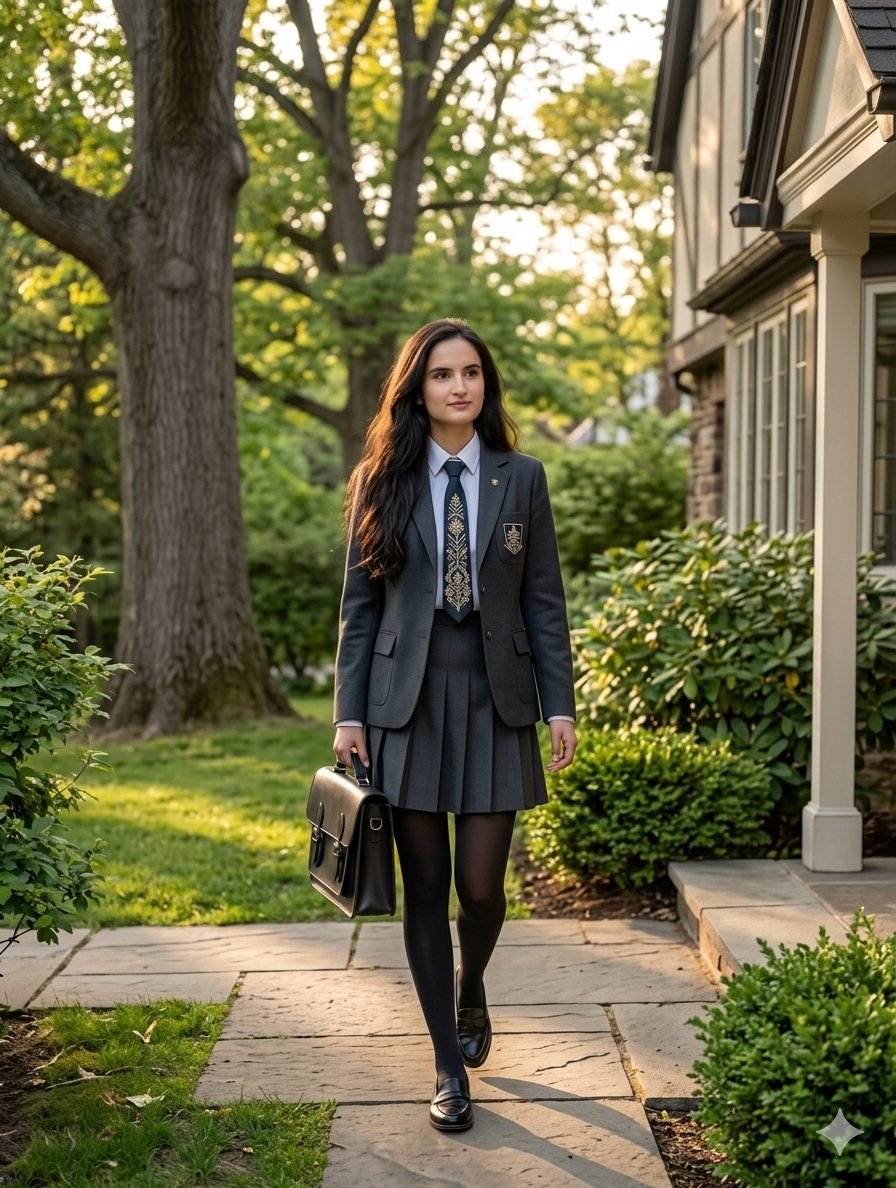
Private School Uniform Portrait

Cinematic Anime Schoolgirl Close-Up
Make it yours
Seaside School Band Rehearsal works as-is. These are the safest ways to change it without losing the look.
Change one field
Copy a single group, rewrite it, and generate again so you can see what that field is doing.
Keep the frame, change the subject
Hold the composition and light of Seaside School Band Rehearsal, then swap wardrobe, props or the person for a new take.
| If the result… | Why | Fix |
|---|---|---|
| The result drifts from the preview | Too many fields changed at once. | Reuse Seaside School Band Rehearsal as-is first, then change one group — subject, light, or setting. |
| The model over-stylizes the scene | The prose prompt leaves finish and camera underspecified. | Add one camera or lighting sentence and stay on GPT Image 2. |
More GPT Image 2 templates
Other prompts made for GPT Image 2.

Six VTuber Japanese Logo Sheet

Realistic Portrait of Woman and Deer

The Vista Modular Condo Poster

AI Model Routing Comparison Infographic

2.5D Anime Art Board

Isometric Productivity Desk Scene

New York Double Exposure Poster

Four-Panel AI Landscape Comparison

Japanese Tatami Lifestyle Magazine Cover

NESCAFÉ Coffee Map Poster
More image prompts
Fresh picks from across the catalog.
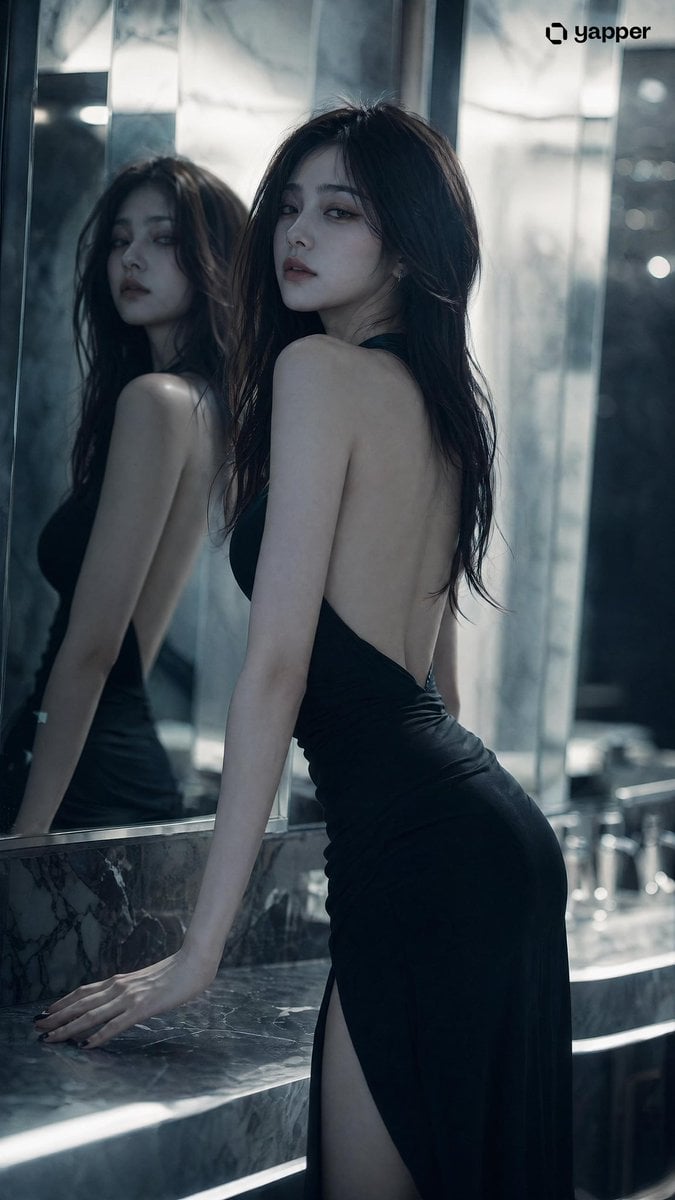
Aloof Portrait with Mirror Reflections

Neon Sign Text on Concrete Surface

Flat Cartoon Faceless Girl Illustration
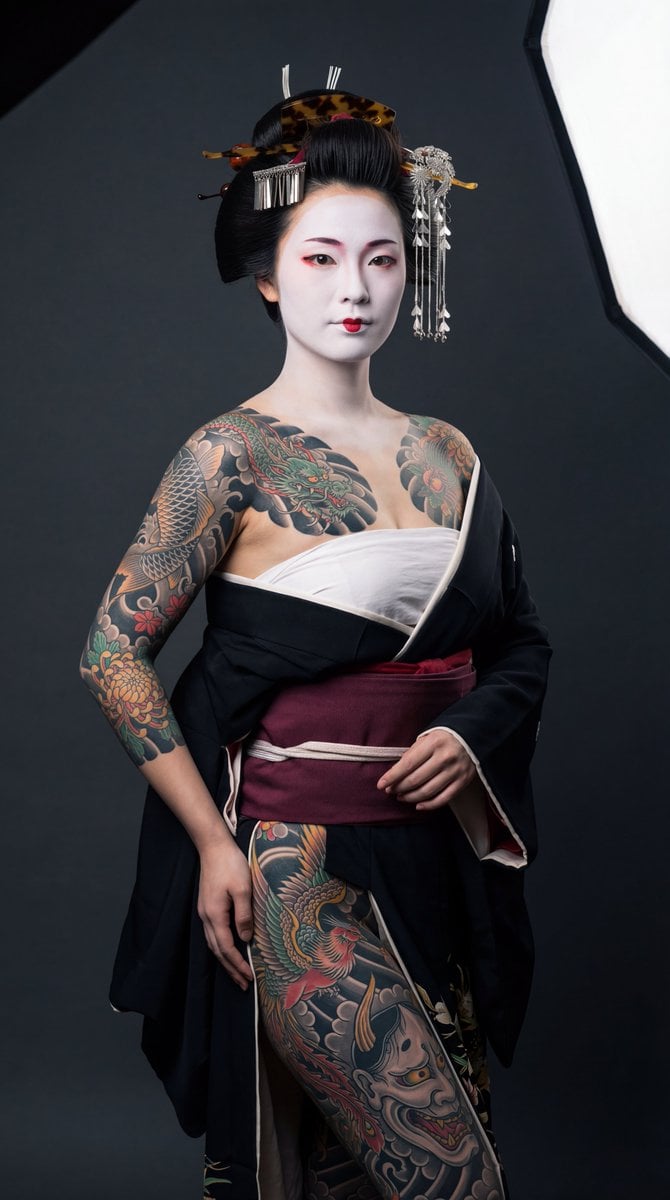
High-Contrast Geisha Irezumi Portrait Prompt

Cinematic Close-up Portrait Prompt of Winter Sports Athlete

Detailed Mirror Selfie/Indoor Portrait Prompt

Vintage Newspaper Ink Sketch

Classical Characters Modern Live-Streaming Prompt
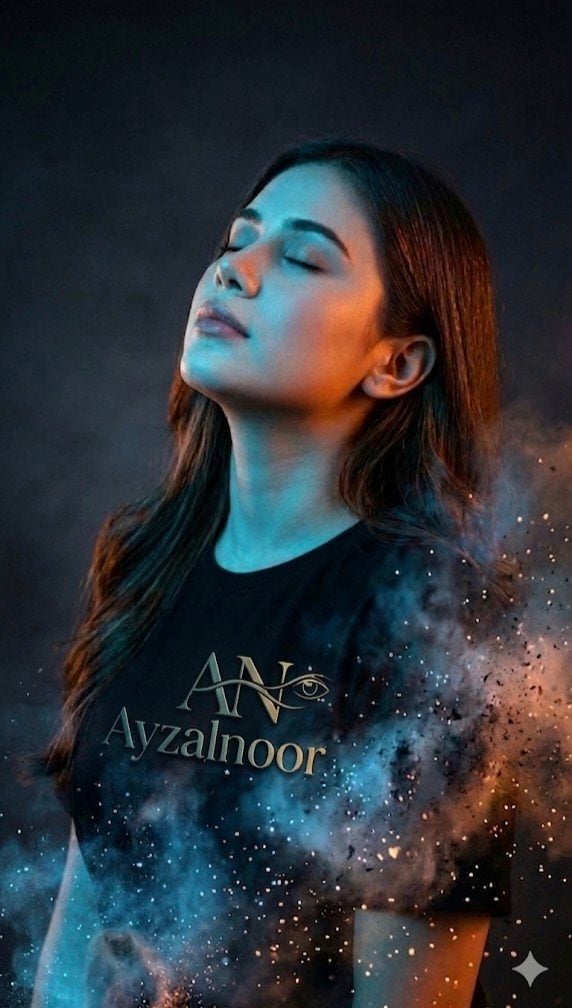
X Ayzalnooor24521 a Cinematic High Resolution Portrait of

Trolling Prompt with Red Ink Annotations (Simplified)
Browse template categories
Seaside School Band Rehearsal questions
How do I use the Seaside School Band Rehearsal template?
Add your photo if the template asks for one, edit the prompt if you like — the template's model and format are already selected — and press Generate. Your version opens in PicX Studio.
Can I customize the Seaside School Band Rehearsal template?
Yes. You can change the subject, setting, lighting, mood, format, and available model controls before creating your image.
Is the Seaside School Band Rehearsal template free?
Opening and editing this template is free. Generating uses credits, shown on the Generate button when you are signed in.
Which AI model should I use?
Start with GPT Image 2, which is the model associated with this template. You can compare another compatible model for a different finish.
Looking for something else? Browse all templates.

Your photo, any look
Thousands of ready templates for every top image and video model, from one credit balance.