
Photorealistic Festival Band Performance
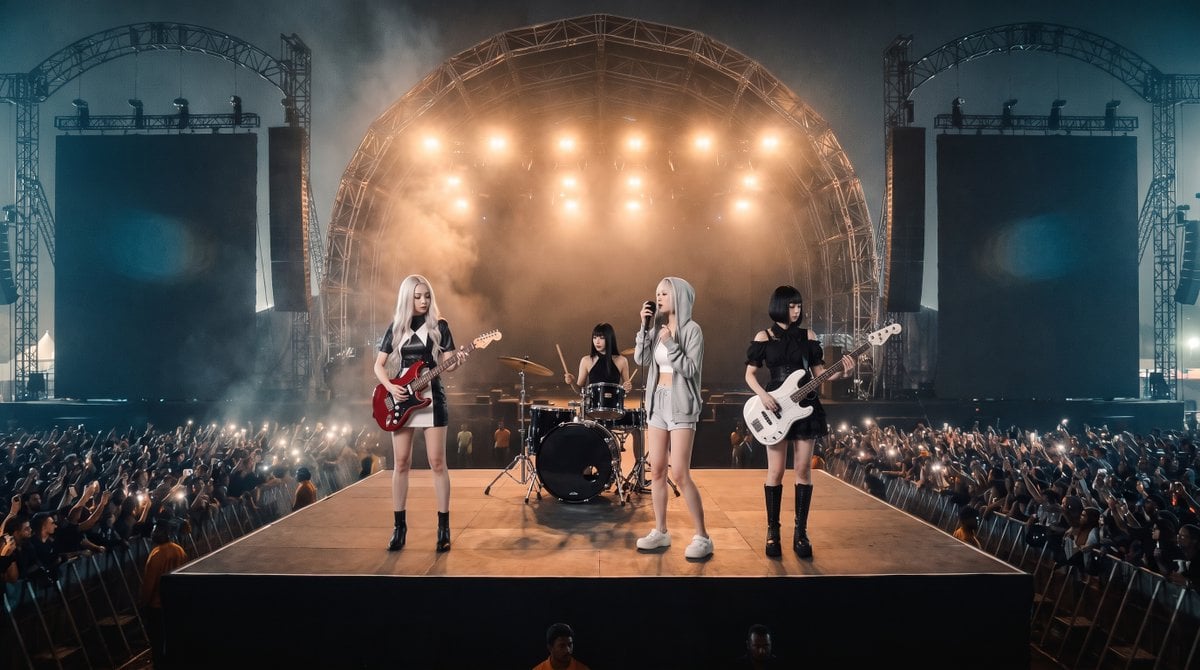
Creates a realistic live rock festival shot by adding a four-member band onto the referenced nighttime outdoor stage venue.
- Prompt included
- Model and format preset
- Free template
The prompt behind this image
Copy the exact prompt behind Photorealistic Festival Band Performance, or open it in the studio and make it yours.
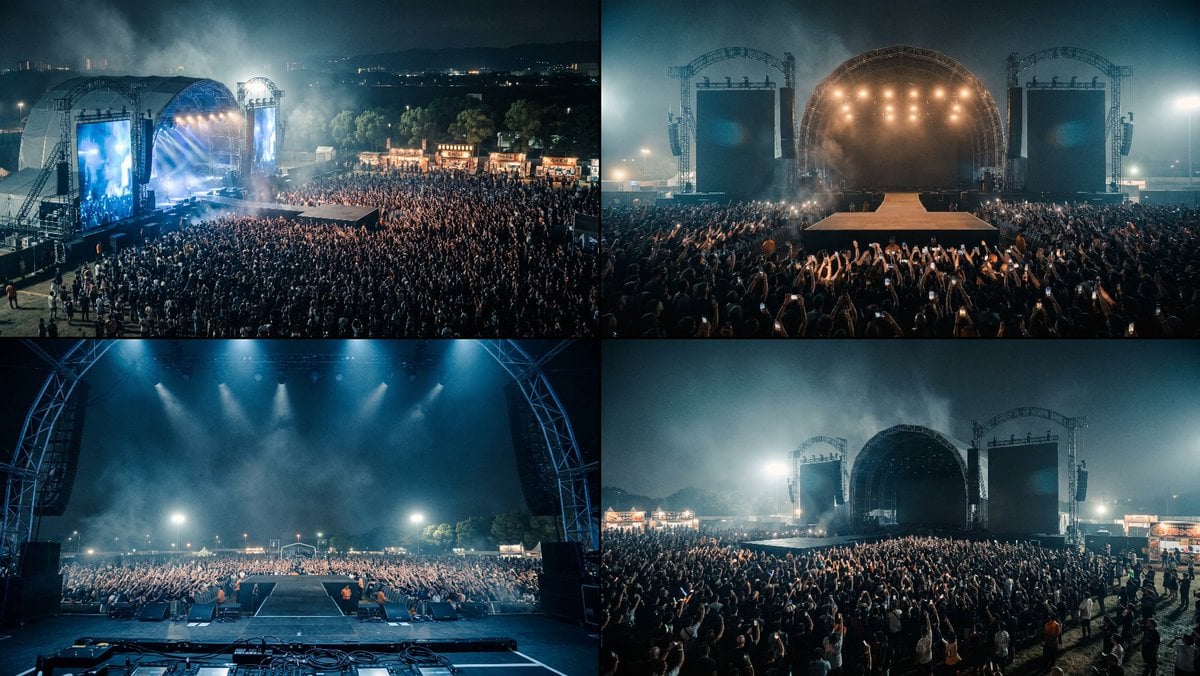
Using REFERENCE_0 as the live outdoor rock festival location reference, create a photorealistic concert performance shot from the front-center audience angle. Preserve the same nighttime festival venue, large arched main stage, two tall side screen towers, smoky blue-orange lighting, dense cheering crowd, phone lights, and the long runway/catwalk perspective from the reference. Add a 4-member female rock band performing on the front catwalk: 1 blonde electric guitarist on the left with a red guitar, 1 drummer centered slightly behind at a black drum kit, 1 blonde lead vocalist at center-front holding a microphone, and 1 black-haired bassist on the right with a white bass. Make them full-body, realistically integrated into the stage scale and lighting, with natural shadows on the platform. Style: ultra-realistic live concert photography, cinematic wide-angle composition, high dynamic range, atmospheric smoke, warm backlights from the stage rig, cool blue night ambience, sharp crowd detail without looking artificial. Constraints: keep the venue layout and lighting mood consistent with the reference image; do not make a 2x2 grid; output one single panoramic concert image; no text, logos, captions, or watermarks.
Reference images included
Photorealistic Festival Band Performance needs input media to work. They load alongside the prompt when you open it in the studio.
How to use Photorealistic Festival Band Performance in 3 steps
- 1Upload ImagePNG, JPG or paste
Add your photo
Upload the photo the template builds on. The prompt, model and format are already set.
- 2…a portrait of your subject in softgolden-hour light, 85mm…
Personalize
Edit the subject and creative details for your destination.
- 3Generate
Generate
Press Generate — your image is created in PicX Studio, so you can compare it with the original and refine one variable at a time.
More like this
Templates with the same subject, style or setup. Open one to see its prompt.

Cozy Knit Sweater Window Portrait

Gen Z Triple Selfie Collage — Y2K Flash Photography

Mountain Lake Sunset Landscape

Cinematic Destination Letter Panel Poster

Spider-Man Rooftop Golden Hour Cinematic Photo

Face-Locked Train Window Lifestyle Portrait

Face-Locked Cream Half-Zip Street Walk

Luxury Toothpaste Commercial Storyboard

Unfinished Sketch Comes Alive Portrait

Open Travel Journal Overhead Still Life

Face-Locked City Skyline Double Exposure

Face-Locked Identity Reference Portrait
Make it yours
Photorealistic Festival Band Performance works as-is. These are the safest ways to change it without losing the look.
Change one field
Copy a single group, rewrite it, and generate again so you can see what that field is doing.
Keep the frame, change the subject
Hold the composition and light of Photorealistic Festival Band Performance, then swap wardrobe, props or the person for a new take.
| If the result… | Why | Fix |
|---|---|---|
| The result drifts from the preview | Too many fields changed at once. | Reuse Photorealistic Festival Band Performance as-is first, then change one group — subject, light, or setting. |
| The model over-stylizes the scene | The prose prompt leaves finish and camera underspecified. | Add one camera or lighting sentence and stay on GPT Image 2. |
More GPT Image 2 templates
Other prompts made for GPT Image 2.

Six VTuber Japanese Logo Sheet

Realistic Portrait of Woman and Deer

The Vista Modular Condo Poster

AI Model Routing Comparison Infographic

2.5D Anime Art Board

Isometric Productivity Desk Scene

New York Double Exposure Poster

Four-Panel AI Landscape Comparison

Japanese Tatami Lifestyle Magazine Cover

NESCAFÉ Coffee Map Poster
More image prompts
Fresh picks from across the catalog.
Nostalgic Vacation iPhone Snapshot Grid
Cinematic Winter Night Couple Triptych
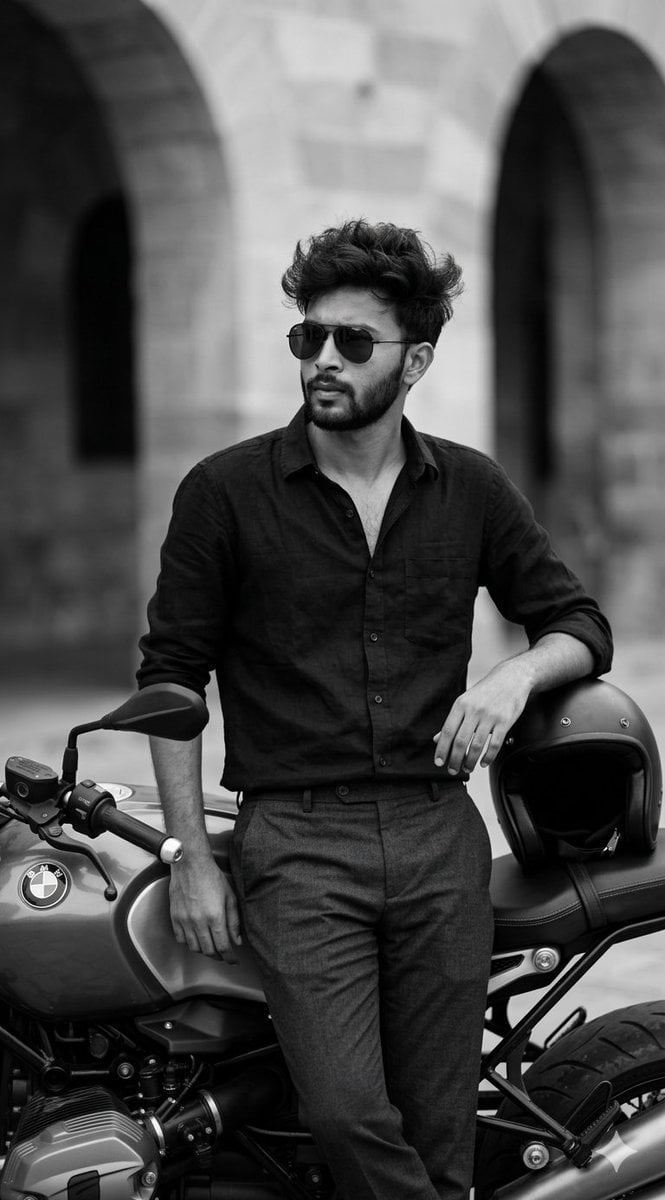
Black and White Cinematic Portrait with Motorcycle
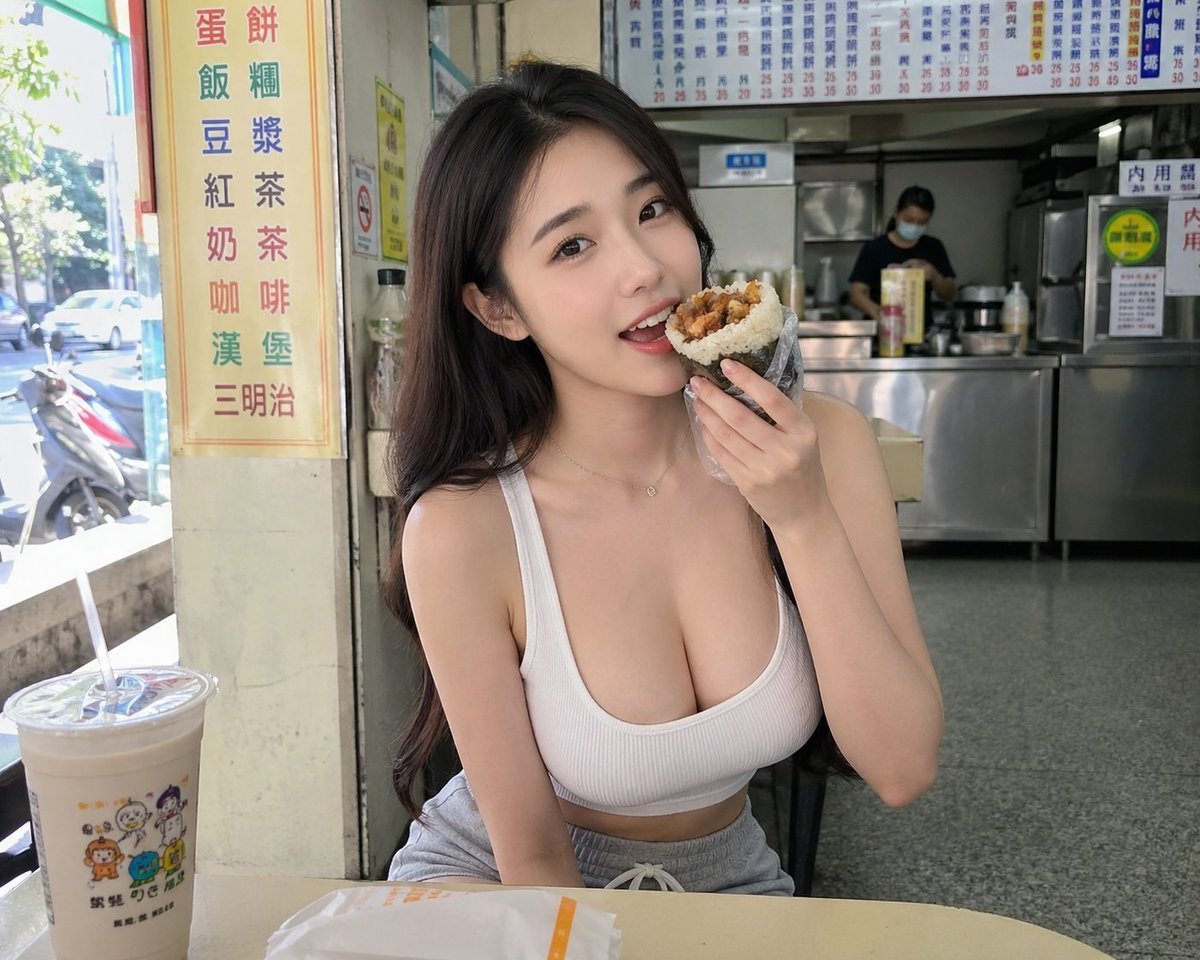
Taiwan Breakfast Shop Candid Portrait
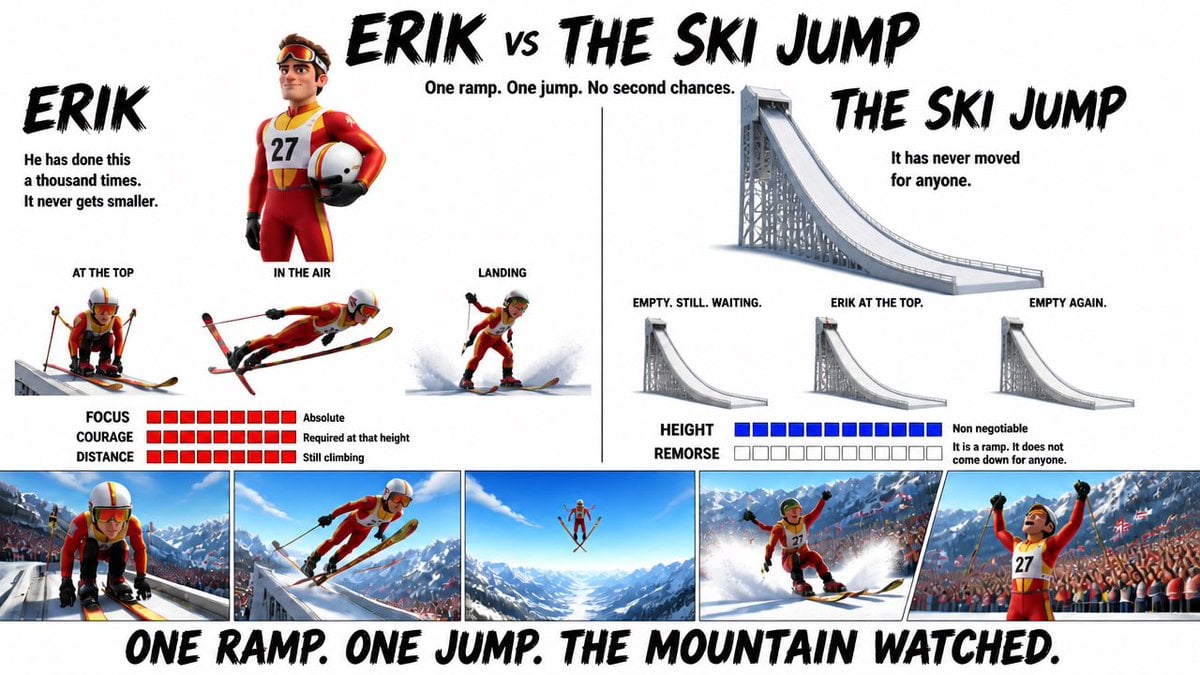
Pixar Style Character Design Sheet

High Fidelity Face Swap Task Definition
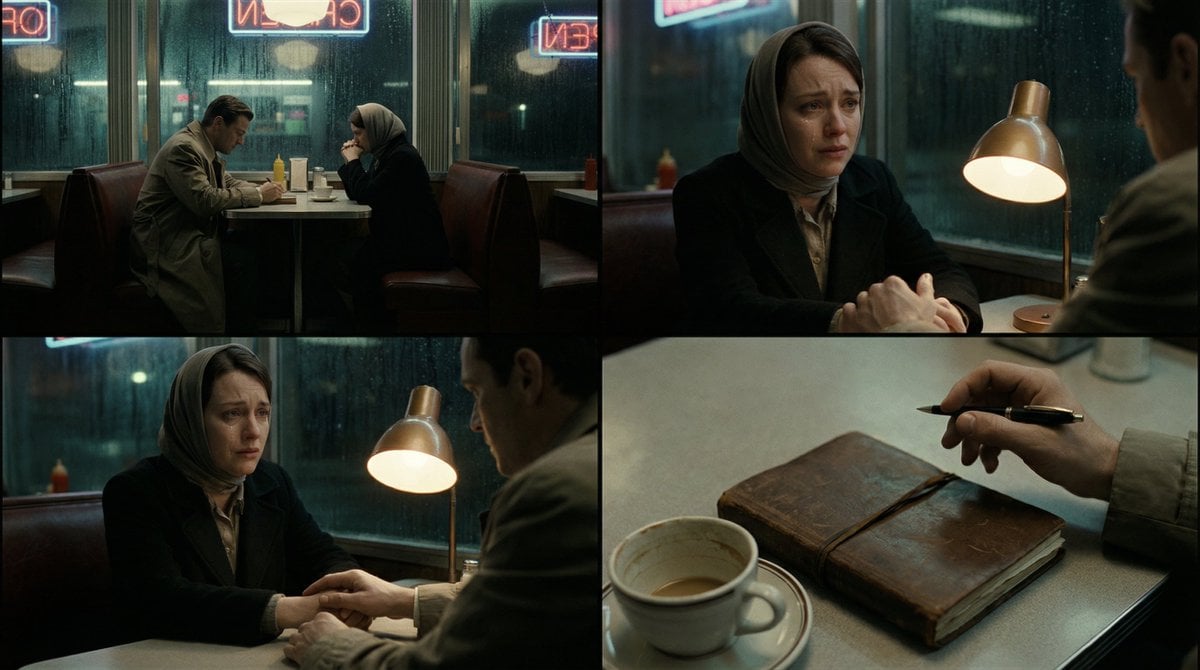
Cinematic Storytelling Scene Generation Prompt
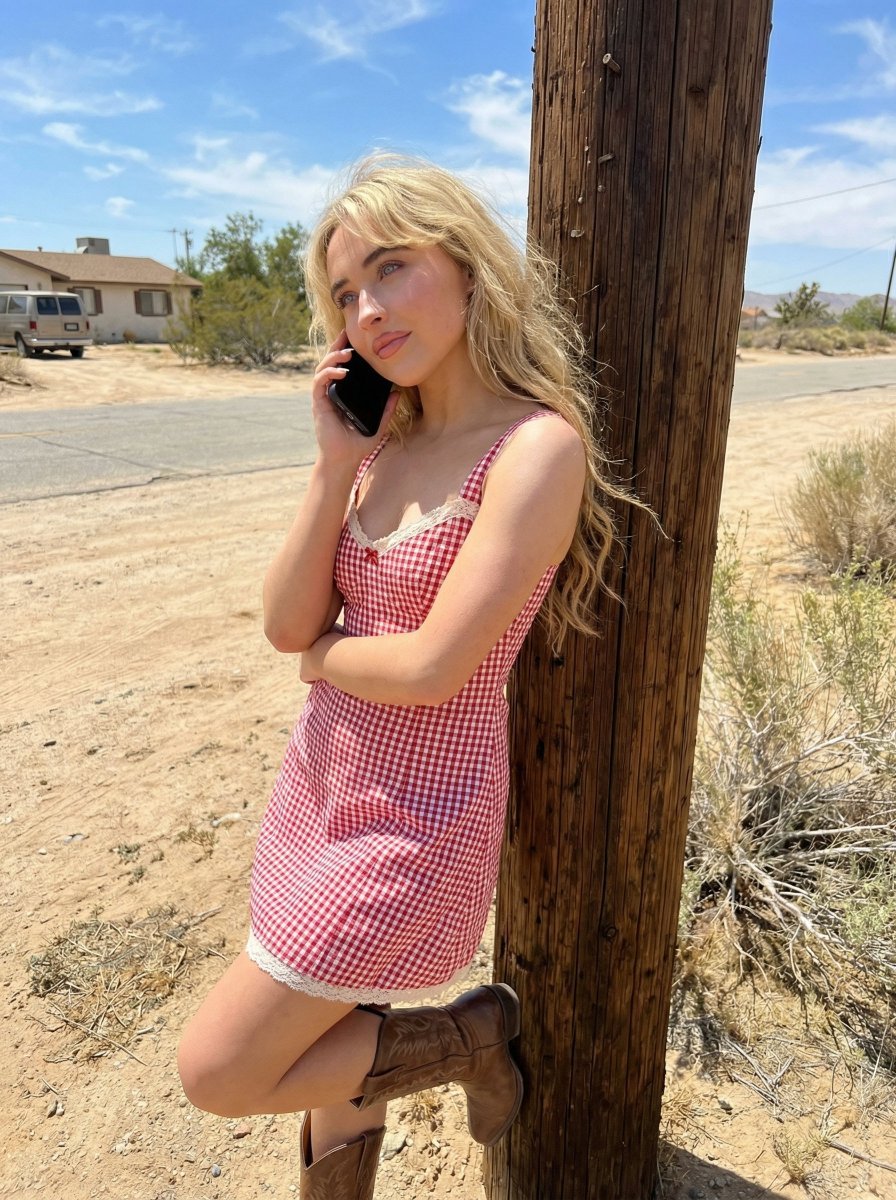
Desert Roadside Phone Call Lifestyle Photo
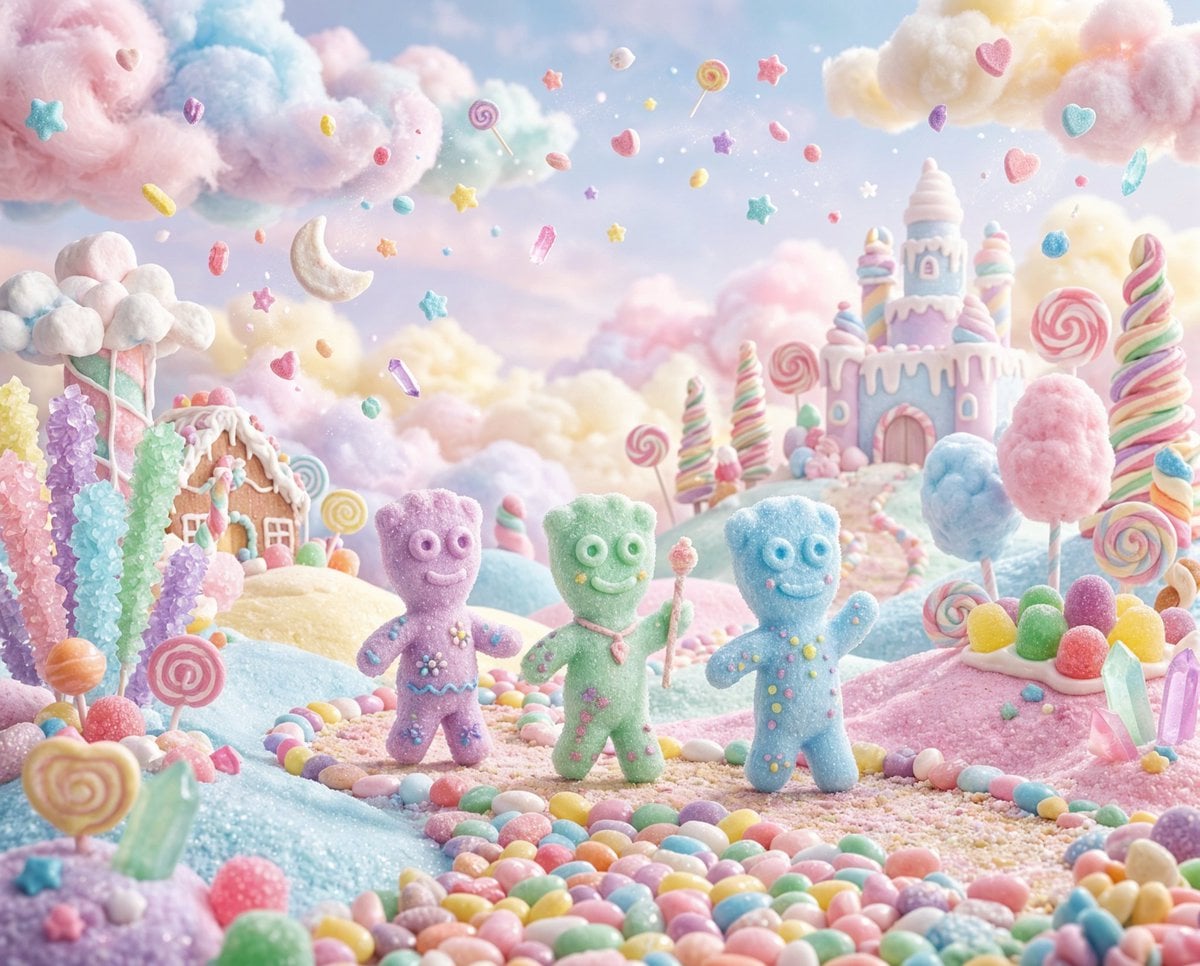
Pastel Painted Sour Patch Kids in Whimsical Candyland
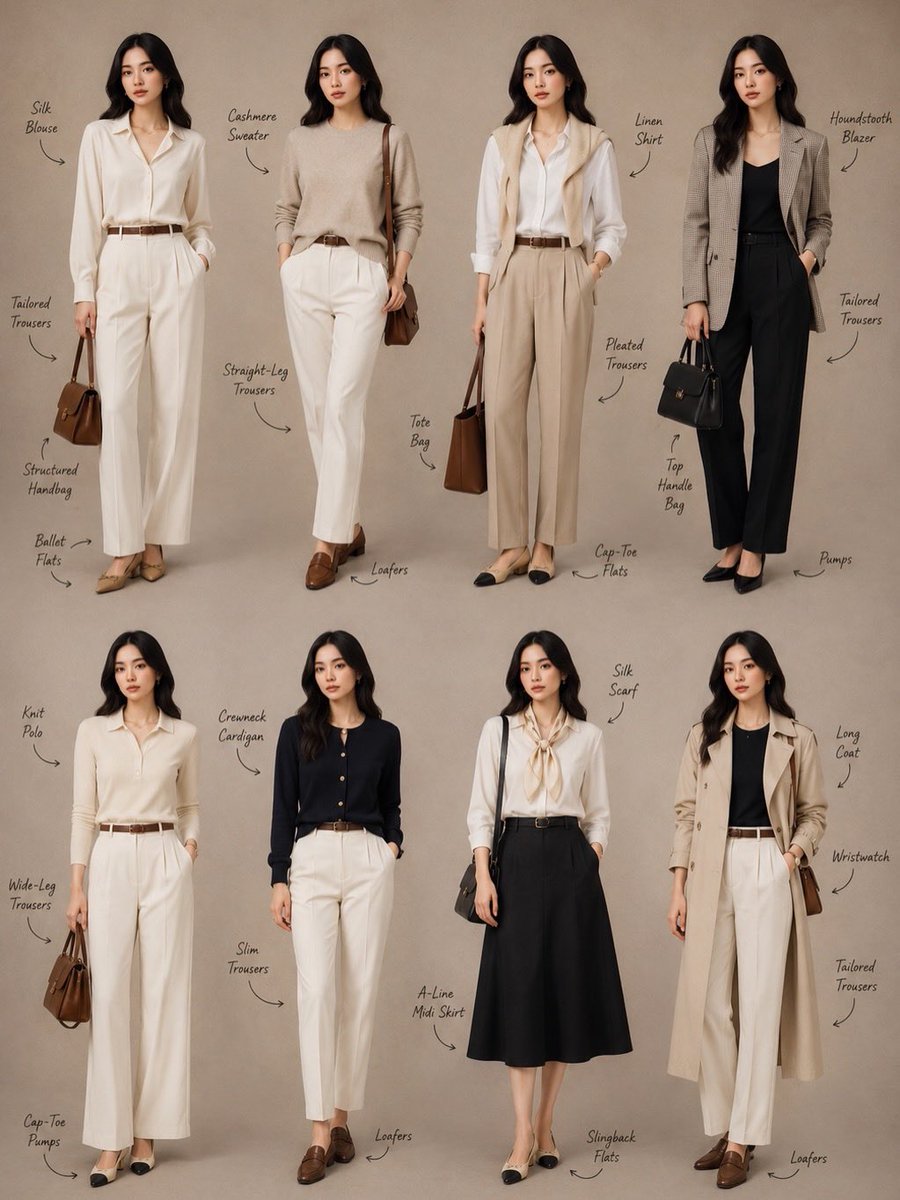
Minimalist Fashion Lookbook Collage
Browse template categories
Photorealistic Festival Band Performance questions
How do I use the Photorealistic Festival Band Performance template?
Add your photo if the template asks for one, edit the prompt if you like — the template's model and format are already selected — and press Generate. Your version opens in PicX Studio.
Can I customize the Photorealistic Festival Band Performance template?
Yes. You can change the subject, setting, lighting, mood, format, and available model controls before creating your image.
Is the Photorealistic Festival Band Performance template free?
Opening and editing this template is free. Generating uses credits, shown on the Generate button when you are signed in.
Which AI model should I use?
Start with GPT Image 2, which is the model associated with this template. You can compare another compatible model for a different finish.
Looking for something else? Browse all templates.

Your photo, any look
Thousands of ready templates for every top image and video model, from one credit balance.