
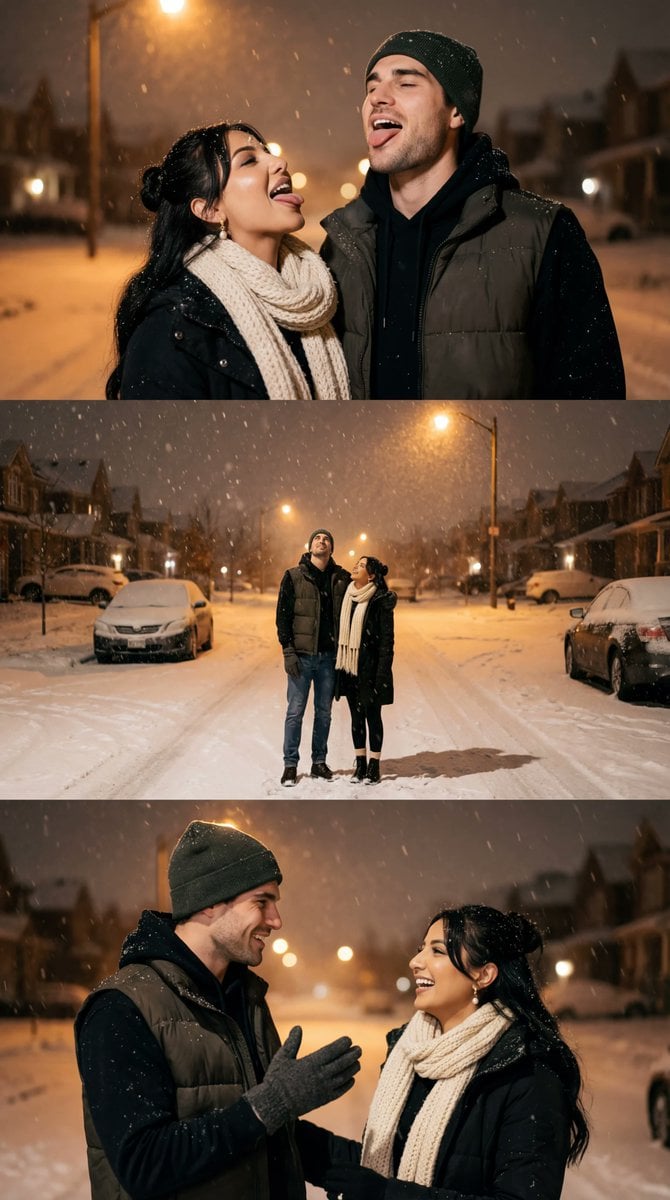
Cinematic Winter Night Couple Triptych
A detailed JSON prompt for generating a cohesive 3-panel cinematic photo strip (triptych) of a couple during heavy snowfall at night, emphasizing warm amber streetlight bokeh, consistent wardrobe, and different intimate…
- Prompt included
- Model and format preset
- Premium template
The prompt behind this image
Copy the exact prompt behind Cinematic Winter Night Couple Triptych, or open it in the studio and make it yours.
{ "generation_request": { "meta_data": { "task_type": "photoreal_cinematic_winter_night_couple_triptych", "version": "v1.0_WARM_STREETLIGHT_SNOWFALL_COUPLE_3PANEL_NO_TEXT_EN", "priority": "highest", "language": "en" }, "output_settings": { "aspect_ratio": "3:4", "orientation": "portrait", "resolution_target": "ultra_high_res", "render_style": "ultra_photoreal_cinematic_film_still", "sharpness": "crisp_but_natural", "film_grain": "subtle_35mm", "color_grade": "warm_streetlight_amber_with_cool_shadows", "dynamic_range": "natural_not_hdr", "skin_rendering": "real_texture_no_retouch", "no_text": true, "no_logos": true, "no_watermarks": true, "no_ui": true, "collage": { "layout": "3_horizontal_panels", "panel_padding": "thin_clean_gutter", "panel_style": "no_borders_no_frames", "consistent_color_grade": true } }, "creative_prompt": { "scene_summary": "A cohesive 3-panel cinematic photo strip (triptych) set at night during heavy snowfall in a quiet suburban street. Warm amber streetlights create soft bokeh and a nostalgic film-still look. The same couple appears in all three panels with different poses and framing. Snowflakes are visible at multiple depths (foreground large flakes with motion blur, midground sharp flakes), and snow rests naturally on hats, shoulders, and hair. No readable street signs or text.", "environment": { "location_feel": "quiet suburban street at night, snow-covered road, soft background houses", "weather": "heavy snowfall, calm wind", "lighting": "warm streetlight key light, soft fill from snow bounce, gentle shadows", "background": "defocused lights, minimal distractions, no readable signage" }, "wardrobe_consistency": { "female": "dark hair, winter scarf (white/cream knit), winter coat or chunky sweater, optional glasses, gloves", "male": "dark beanie, hoodie layered under a dark vest, winter gloves" }, "panels": [ { "panel_id": "PANEL_1_TOP", "moment": "both stand close side-by-side, heads tilted back, mouths open slightly, playfully catching snowflakes with their tongues", "camera": "tight medium close-up, faces and falling snow prominent", "emotion": "playful, intimate" }, { "panel_id": "PANEL_2_MIDDLE", "moment": "wide full-body shot of the couple standing in the snowy street, still looking up at the snowfall; warm streetlight bokeh behind them", "camera": "wide shot, eye-level, generous negative space showing snowfall and road", "emotion": "quiet wonder" }, { "panel_id": "PANEL_3_BOTTOM", "moment": "they turn toward each other smiling/laughing; the man gestures with a gloved hand, the woman smiles back",
How to use Cinematic Winter Night Couple Triptych in 3 steps
- 1
Open
The prompt is already in the box next to the preview, with the template's model and format selected.
- 2…a portrait of your subject in softgolden-hour light, 85mm…
Personalize
Edit the subject and creative details for your destination.
- 3Generate
Generate
Press Generate — your image is created in PicX Studio, so you can compare it with the original and refine one variable at a time.
More like this
Templates with the same subject, style or setup. Open one to see its prompt.

Two Tickets, One Night

One Dance Before Midnight

Night City Bridge Triptych Portrait Session
Night City Bridge Triptych Portrait Session

Sunday Afternoon, 1988

If We Met in 1985

Found Photograph: Us, 1970

Before We said Goodbye

Our Song was on a Cassette

Meet Me When It Rains

The Date After College

Two Hearts. One Scooter.
Make it yours
Cinematic Winter Night Couple Triptych works as-is. These are the safest ways to change it without losing the look.
Change one field
Copy a single group, rewrite it, and generate again so you can see what that field is doing.
Keep the frame, change the subject
Hold the composition and light of Cinematic Winter Night Couple Triptych, then swap wardrobe, props or the person for a new take.
| If the result… | Why | Fix |
|---|---|---|
| The result drifts from the preview | Too many fields changed at once. | Reuse Cinematic Winter Night Couple Triptych as-is first, then change one group — subject, light, or setting. |
| The model over-stylizes the scene | The prose prompt leaves finish and camera underspecified. | Add one camera or lighting sentence and stay on Nano Banana 2. |
More Nano Banana 2 templates
Other prompts made for Nano Banana 2.

Photorealistic Leaf Shaped Like a Dragon

K-Pop Idol Portrait Grid for Rapid Selection

Poetic Rain Forest Portrait During Golden Hour

Urban Street Portrait with Cartoon Inner Self Duo

Candid Nighttime Photo with Cat Prompt

High-Concept 3D Diorama Generation Prompt

Cinematic Futuristic Studio Portrait Template

Skincare Editorial Photography Collage Prompt

Hyper-Realistic Commercial Product Photography (Splash Effect)

Hyper-Realistic Nightclub Portrait Prompt
More image prompts
Fresh picks from across the catalog.
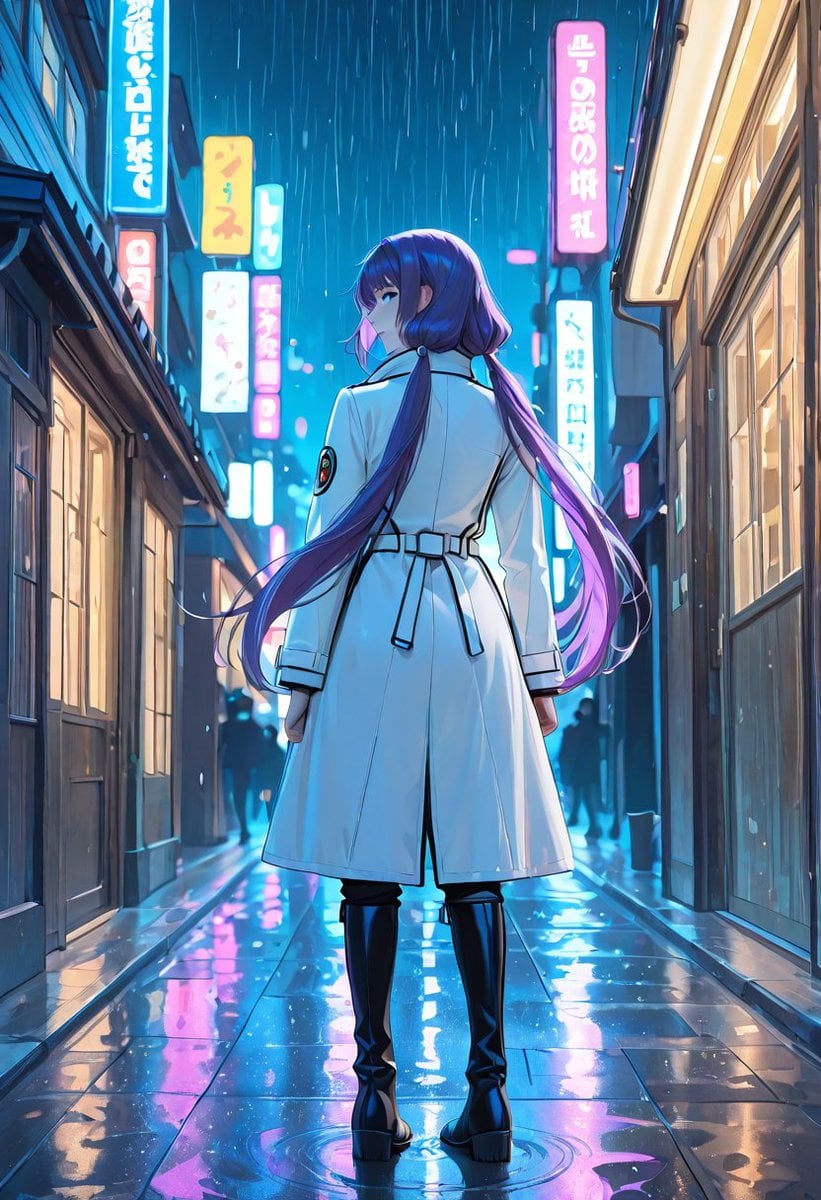
Rainy Neon Anime Alley Woman
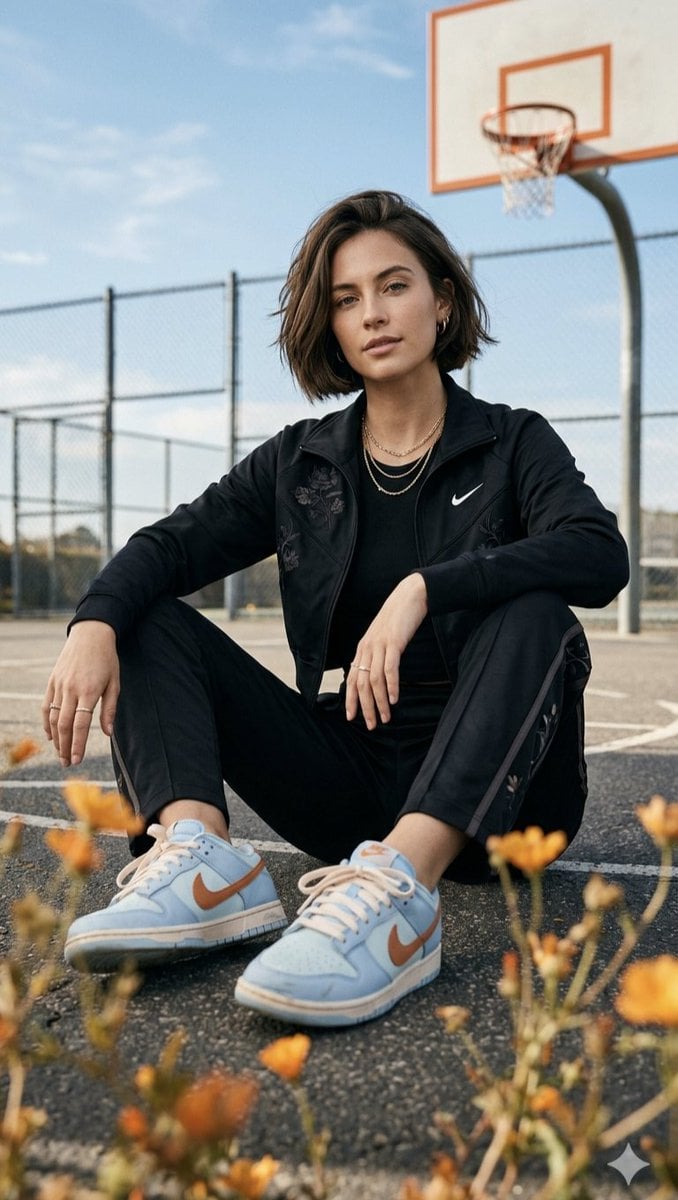
Urban lifestyle portrait prompt

Epic Outdoor Footwear Ad

High-Contrast Black and White Portrait Prompt
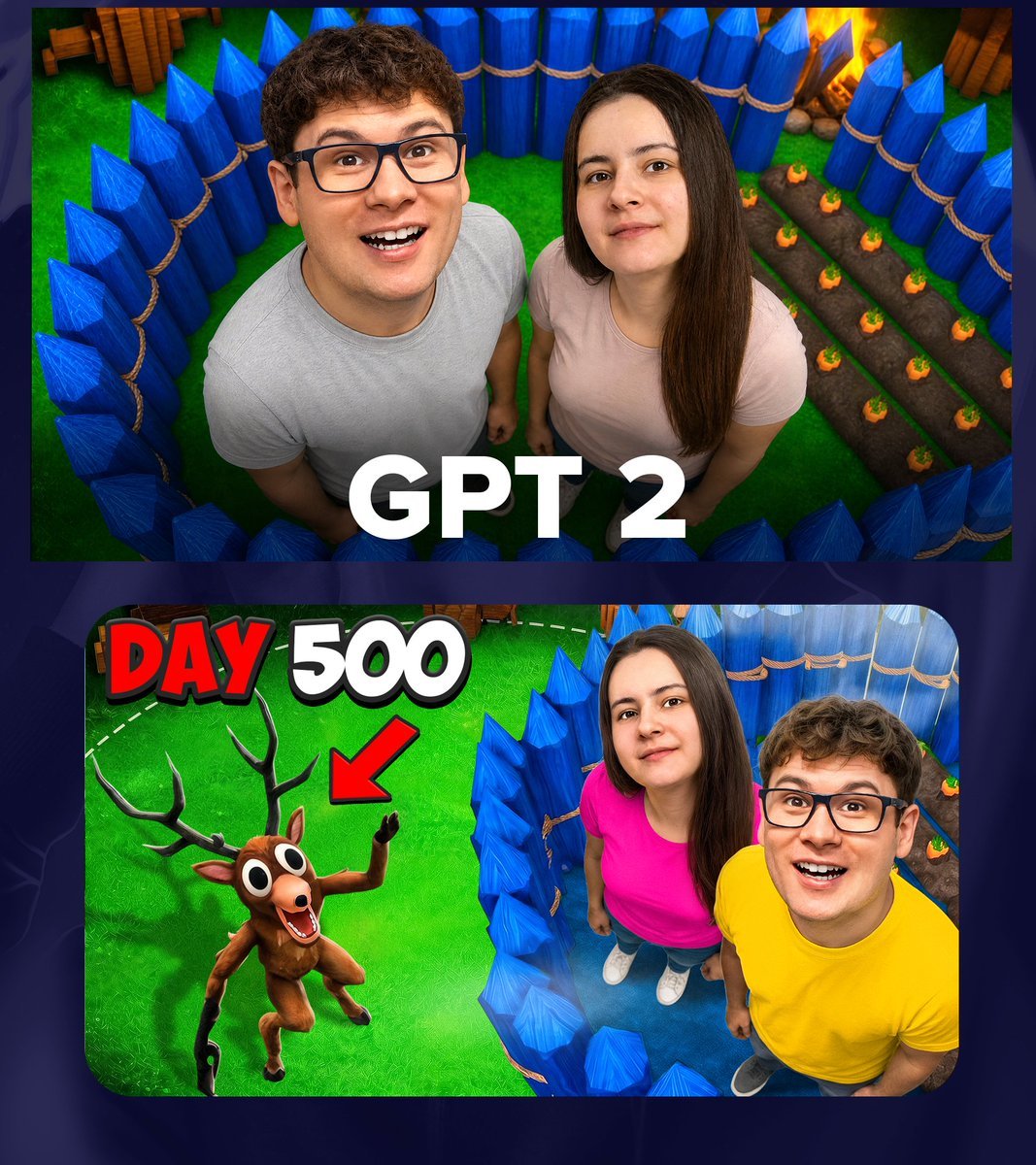
GPT 2 Day 500 Gaming Thumbnail
Anime Supermarket Group Scene
Soft Watercolor Illustration Style Art Prompt for Gemini Nano Banana Pro 2.0
Spider-Girl Cosplay Selfie Prompt (White)

Pamplets
Dynamic Energy Drink Ad
Browse template categories
Cinematic Winter Night Couple Triptych questions
How do I use the Cinematic Winter Night Couple Triptych template?
Add your photo if the template asks for one, edit the prompt if you like — the template's model and format are already selected — and press Generate. Your version opens in PicX Studio.
Can I customize the Cinematic Winter Night Couple Triptych template?
Yes. You can change the subject, setting, lighting, mood, format, and available model controls before creating your image.
Is the Cinematic Winter Night Couple Triptych template free?
Opening and editing this template is free. Generating uses credits, shown on the Generate button when you are signed in.
Which AI model should I use?
Start with Nano Banana 2, which is the model associated with this template. You can compare another compatible model for a different finish.
Looking for something else? Browse all templates.

Your photo, any look
Thousands of ready templates for every top image and video model, from one credit balance.