
Pamplets
Pamplets is a ready photo look.
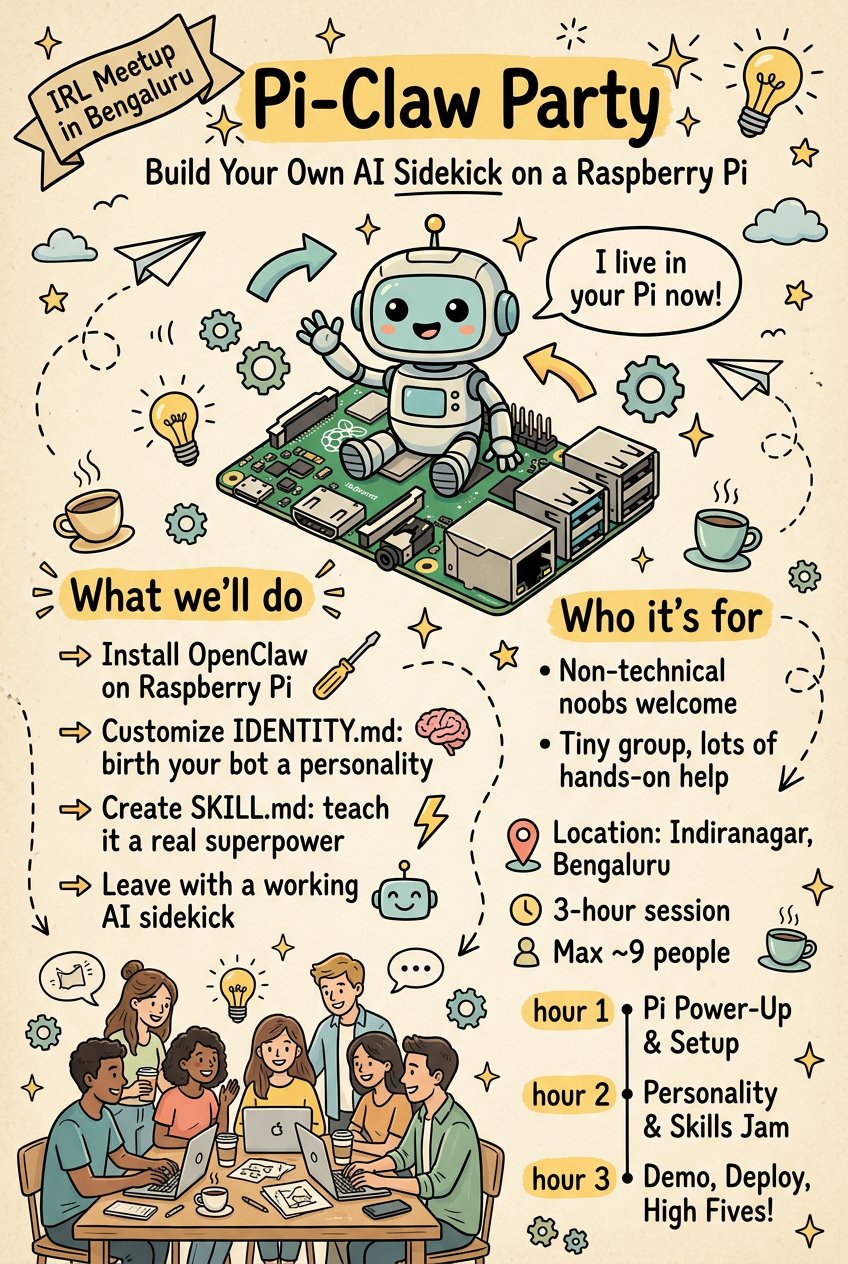
- Prompt included
- Model and format preset
- Free template
The prompt behind this image
Copy the exact prompt behind Pamplets, or open it in the studio and make it yours.
Prompt: Create a hand-drawn illustrated event poster in a playful doodle sketch style, beige vintage paper background, black ink outlines with soft pastel accent colors (yellow, teal, light blue, muted green). The design looks like a notebook drawing or workshop flyer with whimsical cartoon elements and handwritten typography. Poster title at top center in bold hand-lettered style: “Pi-Claw Party” Subheading below: “Build Your Own AI Sidekick on a Raspberry Pi” Top left small label: “IRL Meetup in Bengaluru” Main illustration: A cute cartoon robot sitting on top of a green Raspberry Pi circuit board, waving happily. A speech bubble from the robot saying: “I live in your Pi now!” Left section titled: “What we’ll do” with arrow pointing right and bullet list: Install OpenClaw on Raspberry Pi Customize IDENTITY.md (birth your bot a personality) Create SKILL.md (teach it a real superpower) Leave with a working AI sidekick Bottom illustration: Group of 6–7 diverse young people sitting around a table with laptops, coffee cups, smiling and collaborating, casual meetup vibe. Right section titled: “Who it’s for” with bullet points: Non-technical noobs welcome Tiny group, lots of hands-on help Location block with map pin icon: Indiranagar, Bengaluru 3-hour session Max ~9 people Bottom timeline: hour 1 → Pi Power-Up & Setup hour 2 → Personality & Skills Jam hour 3 → Demo, Deploy, High Fives Design style: hand-drawn arrows, stars, clouds, dashed lines playful doodles of paper planes, light bulbs, gears, coffee cups sketchy ink texture warm friendly vibe minimal color palette looks like a zine or workshop poster slightly imperfect handwritten fonts flat 2D illustration vertical poster layout balanced composition clean readable text high resolution no blur no watermark no logo Art style keywords: hand-drawn doodle illustration, sketch poster, vintage paper texture, cartoon robot, workshop flyer, playful infographic, whimsical line art, pastel highlights, notebook style, cozy community meetup Aspect ratio: 2:3 vertical poster Ultra-detailed, high quality, sharp focus 🚫 NEGATIVE PROMPT (important) Avoid: photorealism, 3D render, glossy effects, neon colors, modern UI, corporate design, anime style, dark background, messy text, illegible typography, watermark, logo, blur, distorted faces, extra limbs, cluttered layout
How to use Pamplets in 3 steps
- 1
Open
The prompt is already in the box next to the preview, with the template's model and format selected.
- 2…a portrait of your subject in softgolden-hour light, 85mm…
Personalize
Edit the subject and creative details for your destination.
- 3Generate
Generate
Press Generate — your image is created in PicX Studio, so you can compare it with the original and refine one variable at a time.
Make it yours
Pamplets works as-is. These are the safest ways to change it without losing the look.
Change one field
Copy a single group, rewrite it, and generate again so you can see what that field is doing.
Keep the frame, change the subject
Hold the composition and light of Pamplets, then swap wardrobe, props or the person for a new take.
| If the result… | Why | Fix |
|---|---|---|
| The result drifts from the preview | Too many fields changed at once. | Reuse Pamplets as-is first, then change one group — subject, light, or setting. |
| The model over-stylizes the scene | The prose prompt leaves finish and camera underspecified. | Add one camera or lighting sentence and stay on PicX Studio. |
More image prompts
Fresh picks from across the catalog.
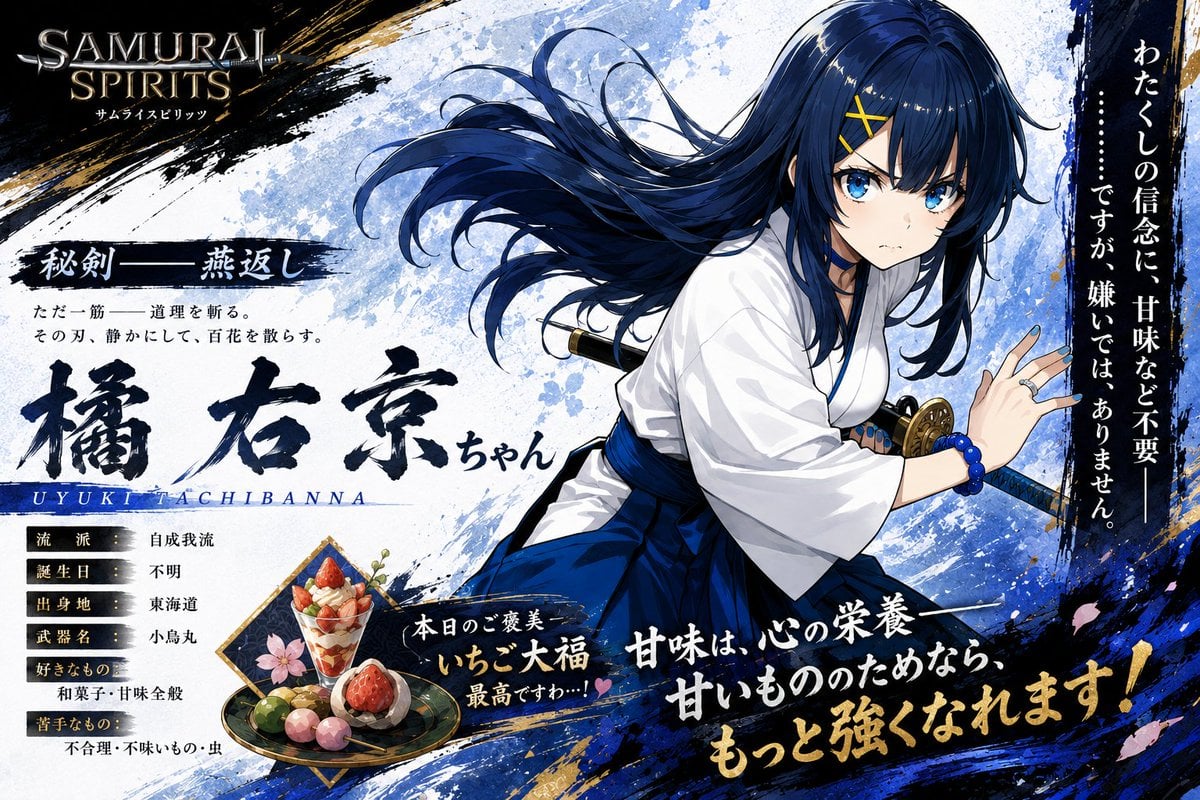
Anime Samurai Character Poster
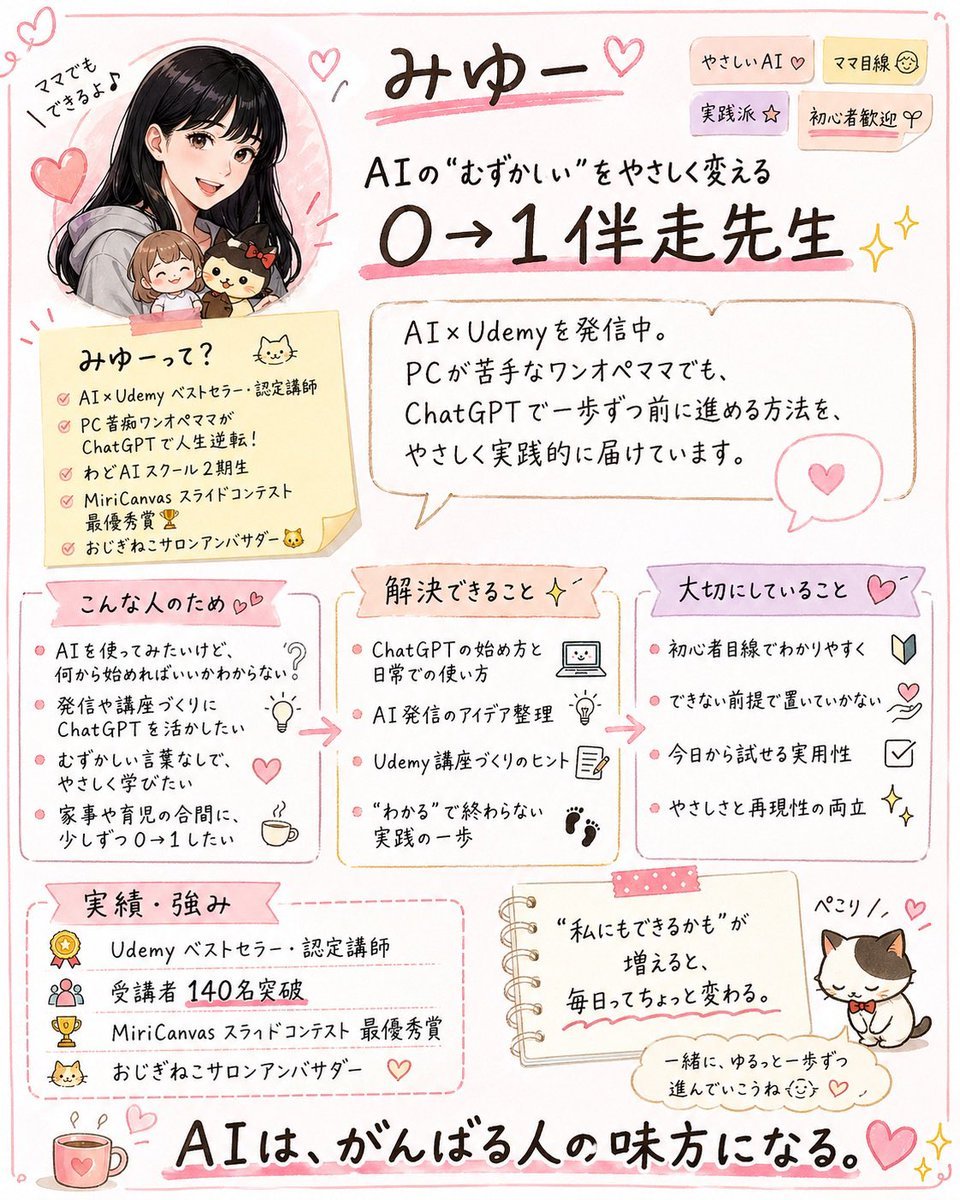
Cute handwritten profile summary poster
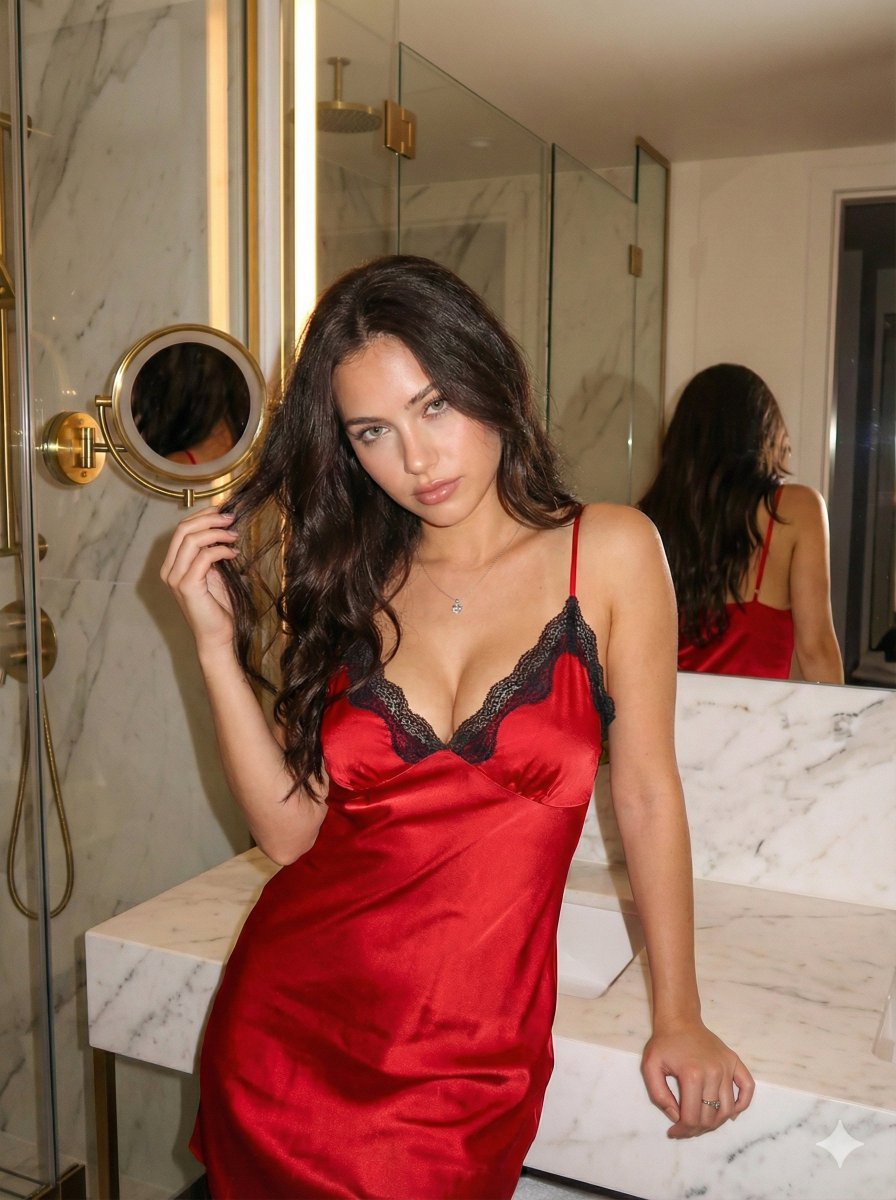
Red Satin Slip Dress Bathroom Flash Photo Prompt

Movement Sheet - Dance Reference (Seedance 2.0)
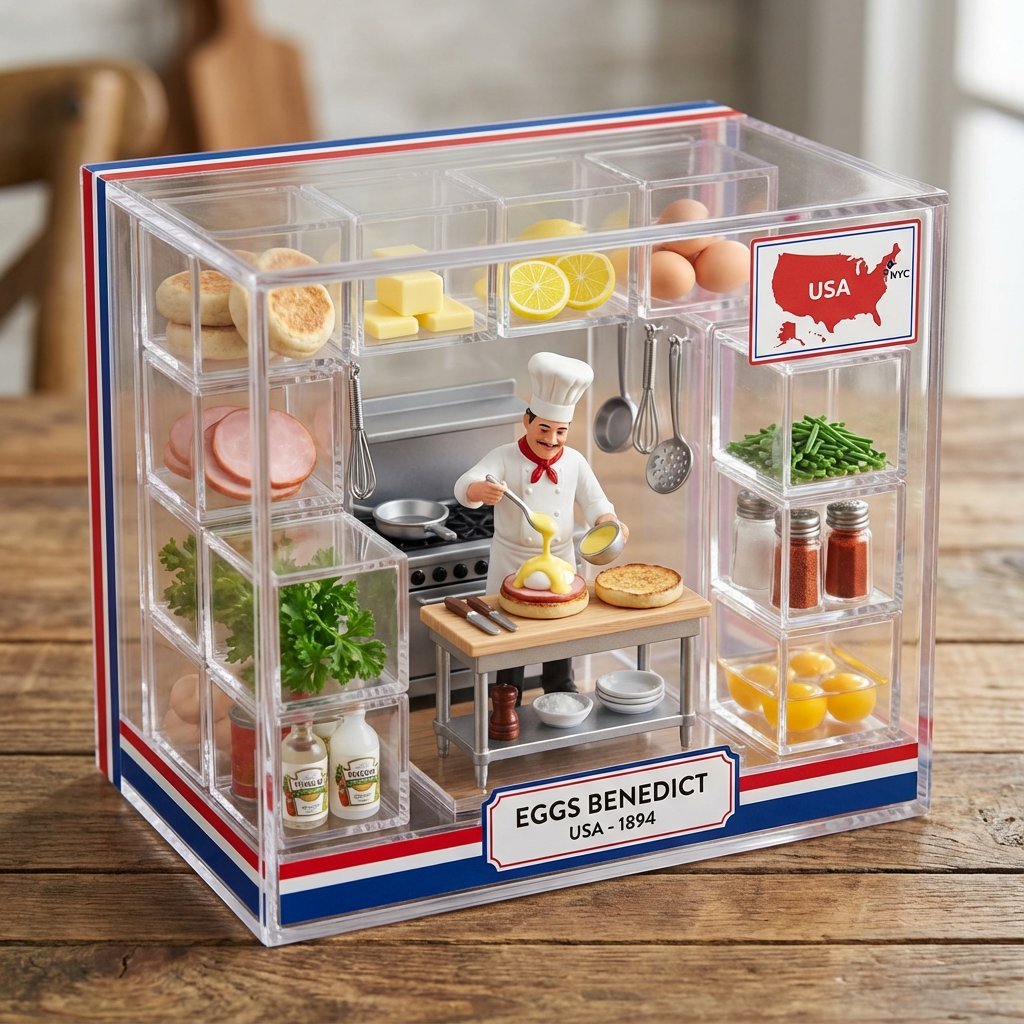
Culinary Origin Miniature Kitchen Display
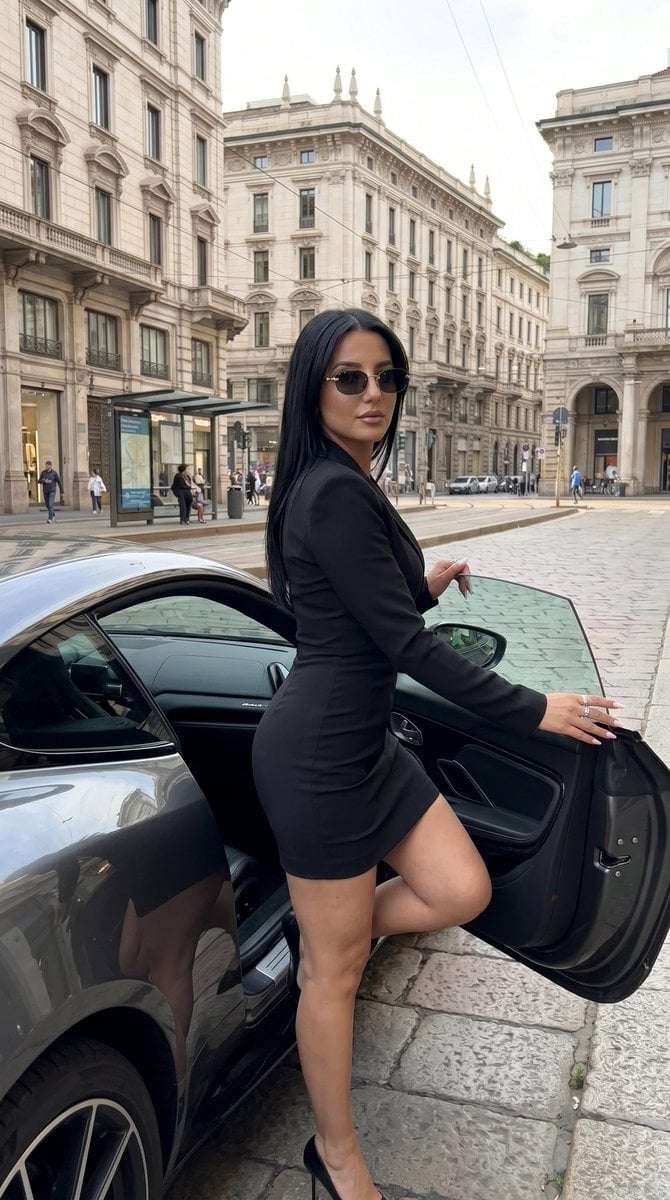
Milan Luxury Street Editorial
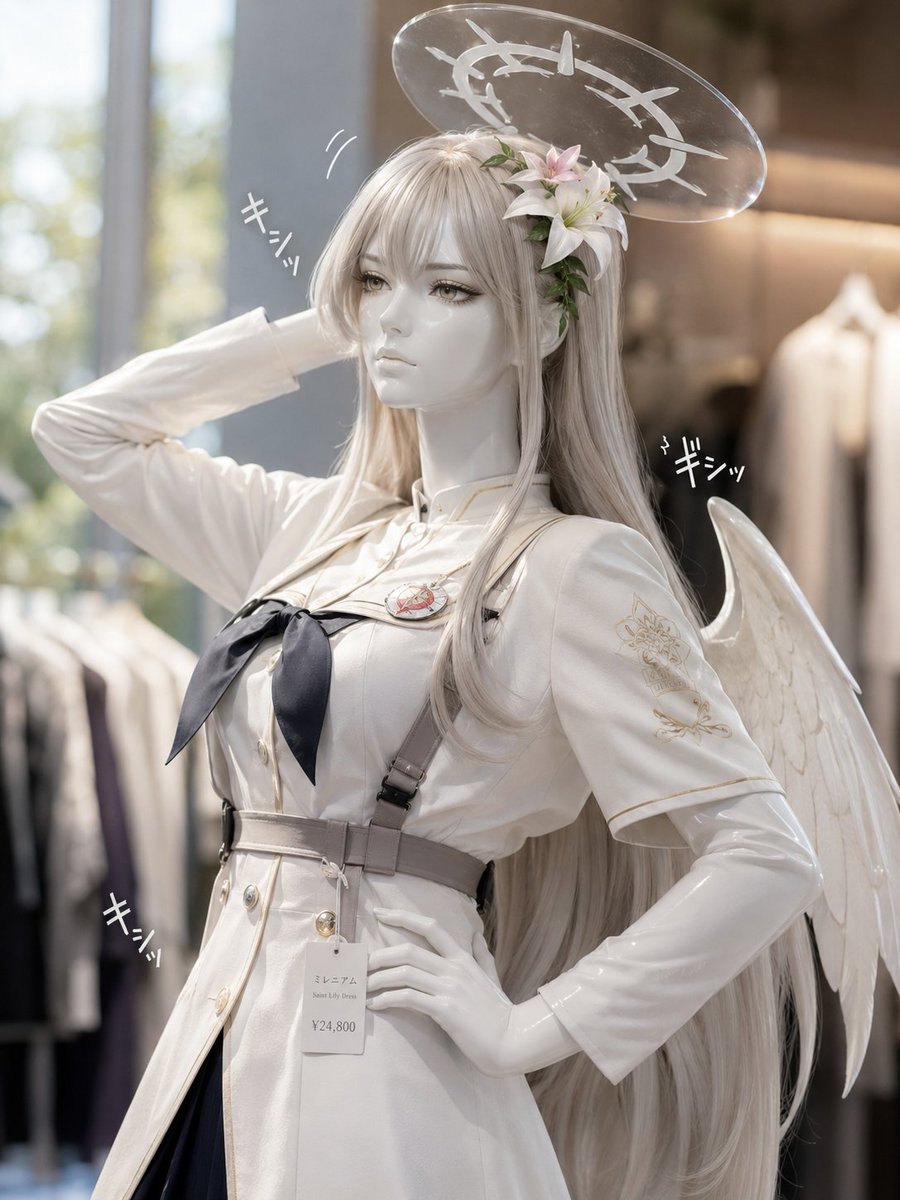
Realistic Angel Mannequin Boutique Display
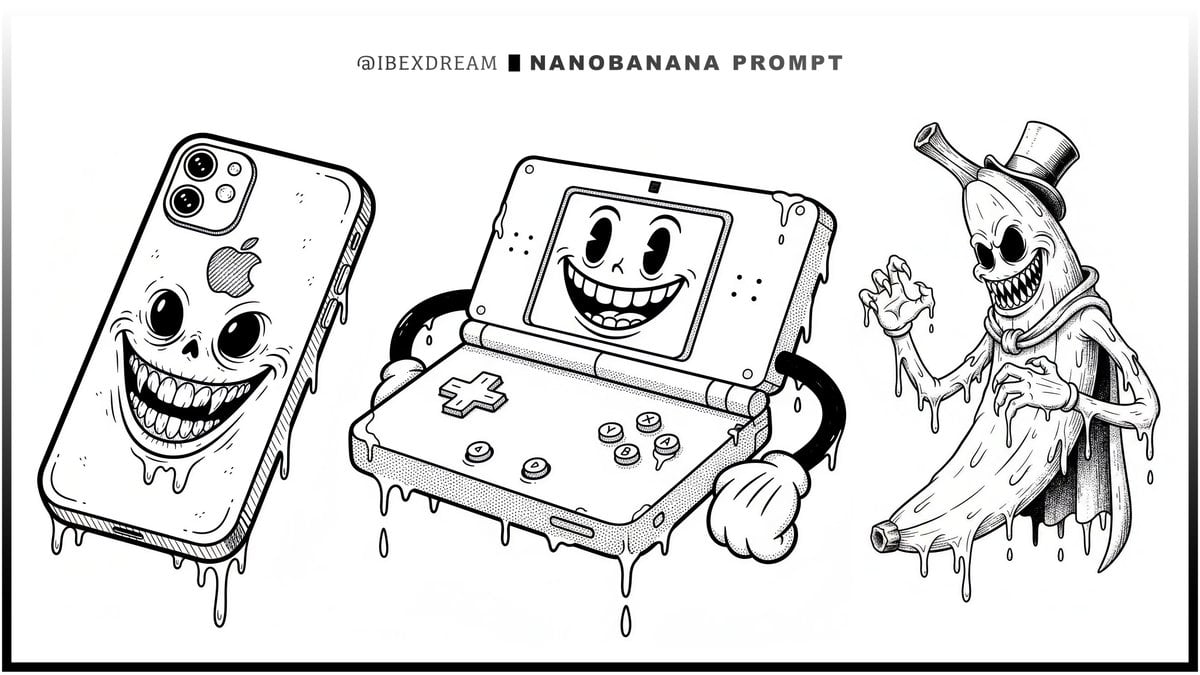
Surreal Rubber-Hose Ink Style Illustration
Affiliate Marketing Prompt Collection for Nano Banana Pro
Luxury Spa Day on Yacht Trio Prompt
Browse template categories
Pamplets questions
How do I use the Pamplets template?
Add your photo if the template asks for one, edit the prompt if you like — the template's model and format are already selected — and press Generate. Your version opens in PicX Studio.
Can I customize the Pamplets template?
Yes. You can change the subject, setting, lighting, mood, format, and available model controls before creating your image.
Is the Pamplets template free?
Opening and editing this template is free. Generating uses credits, shown on the Generate button when you are signed in.
Which AI model should I use?
Choose a compatible model in PicX Studio based on the style, speed, and output controls your project needs.
Looking for something else? Browse all templates.

Your photo, any look
Thousands of ready templates for every top image and video model, from one credit balance.