
Realistic Angel Mannequin Boutique Display
Generates a realistic fashion-store mannequin styled as an anime angel character with acrylic halo, wings, ornate white dress, price tag, and Japanese squeak effects.
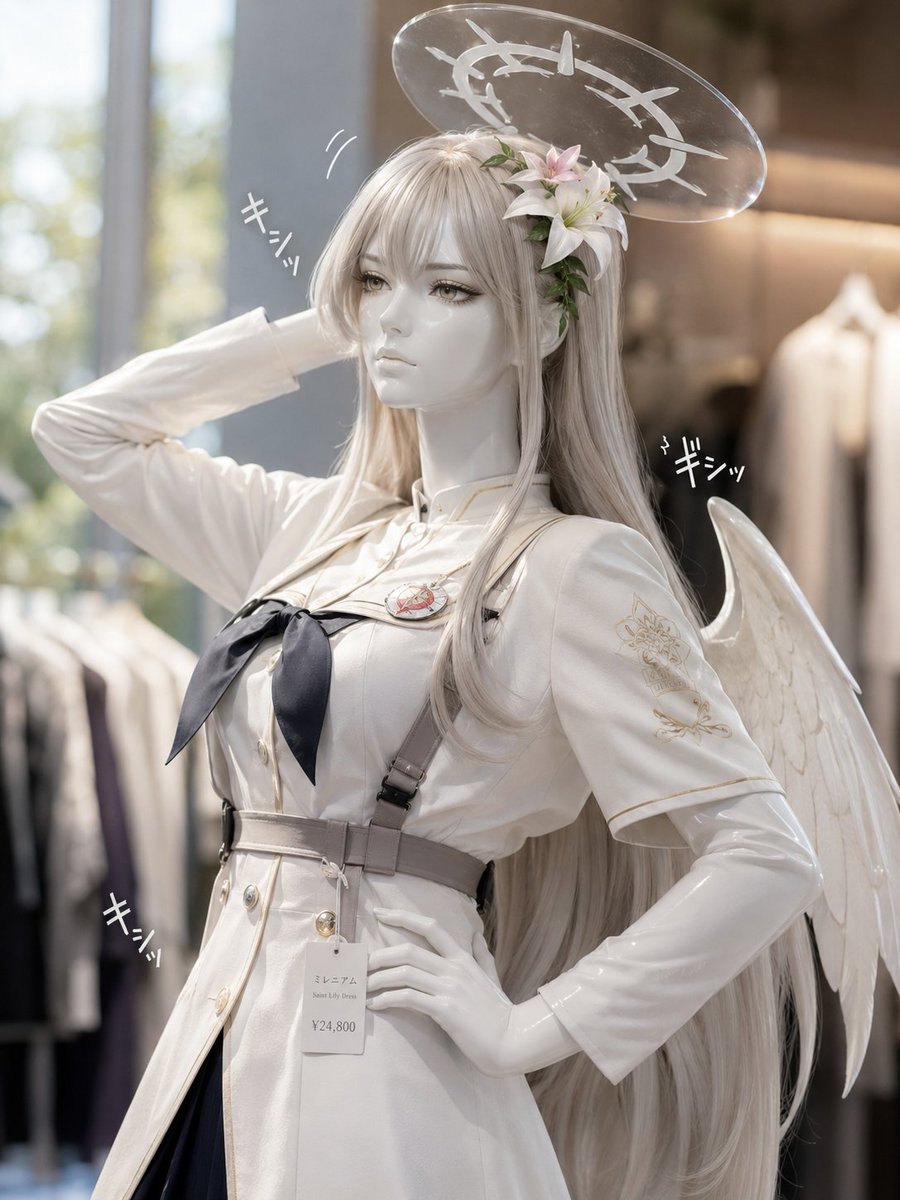
- Prompt included
- Model and format preset
- Premium template
The prompt behind this image
Copy the exact prompt behind Realistic Angel Mannequin Boutique Display, or open it in the studio and make it yours.
Create a realistic high-end boutique mannequin photo of an elegant anime-inspired angel character, {argument name="character name" default="Mireia"}, posed in a clothing store with soft natural window light and shallow depth of field. The mannequin has a smooth white faceless head partially covered by a plain square gray privacy censor block, extremely long silver-white hair flowing past the waist, and a cluster of pale pink lilies with green leaves tucked into the hair near the right temple. Above the head is a translucent clear acrylic halo disk with a white thorny circular emblem printed on it, catching highlights like polished plastic. The mannequin wears a pristine {argument name="outfit style" default="white military nun dress"}: fitted white uniform dress with gold piping, short cape-like sleeves over glossy white long sleeves, double-breasted gold buttons, a black ribbon bow at the chest, a small round red-and-gold chest emblem, gray harness straps crossing the torso, a wide gray waist belt, and a dark navy or black skirt panel visible below the coat. Add one white feathered angel wing on the viewer’s right side, curved upward behind the body. Pose the mannequin with the left arm bent behind the head and the right hand on the hip, emphasizing a fashion display figure with glossy plastic hands. Attach a rectangular white shop tag hanging from the belt reading {argument name="tag text" default="ミレニア / Saint Lily Dress / ¥24,800"}. Include exactly three small hand-drawn Japanese squeak sound effects in white, each reading {argument name="sound effect text" default="キシッ"}: one near the raised left arm, one near the right wing, and one near the lower left waist area. Background: softly blurred upscale apparel shop with clothing racks, warm beige interior lighting, large bright window on the left, realistic lens blur, premium product photography, vertical 3:4 composition, clean highlights, no extra people, no watermark.
How to use Realistic Angel Mannequin Boutique Display in 3 steps
- 1Upload ImagePNG, JPG or paste
Add your photo
Upload the photo the template builds on. The prompt, model and format are already set.
- 2…a portrait of your subject in softgolden-hour light, 85mm…
Personalize
Edit the subject and creative details for your destination.
- 3Generate
Generate
Press Generate — your image is created in PicX Studio, so you can compare it with the original and refine one variable at a time.
More like this
Templates with the same subject, style or setup. Open one to see its prompt.
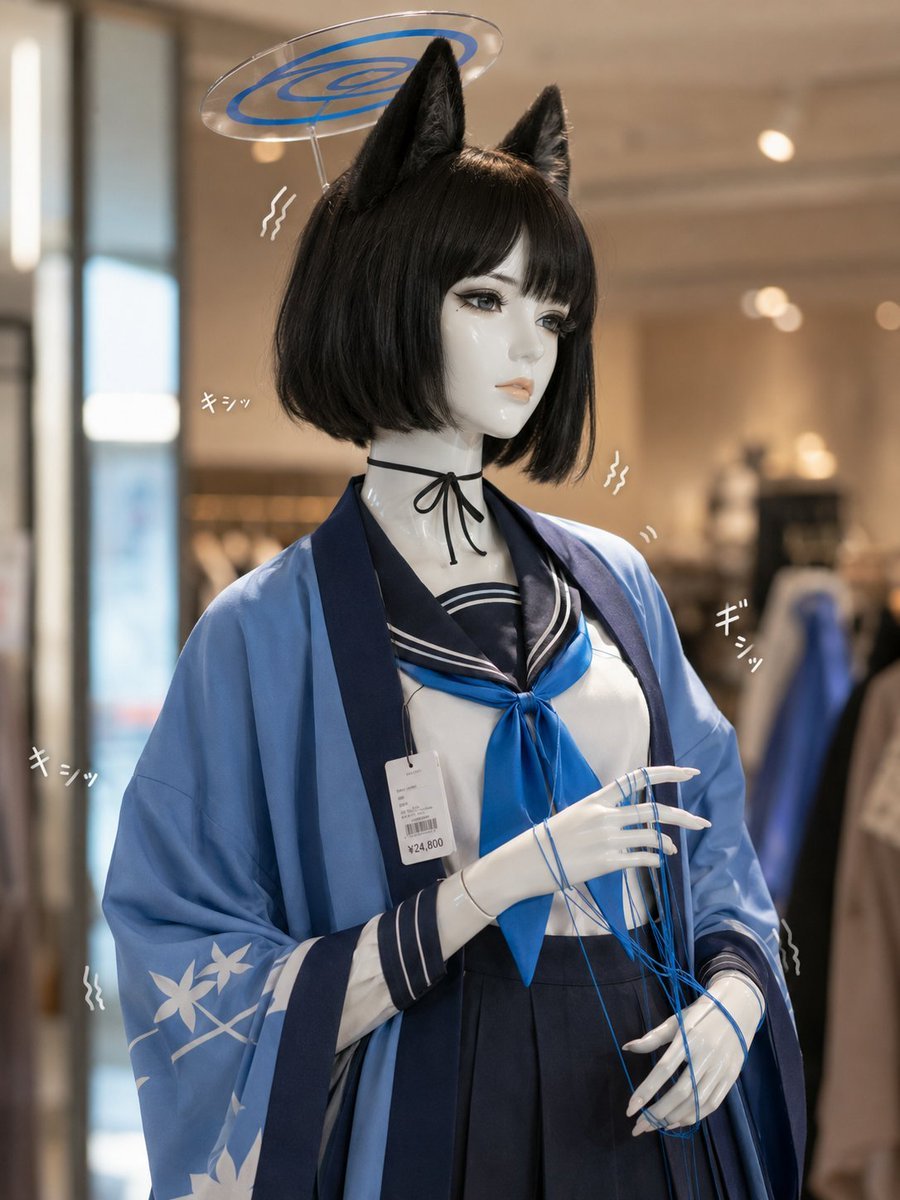
Photoreal Anime Mannequin Display

Anime Police Mannequin Fashion Display
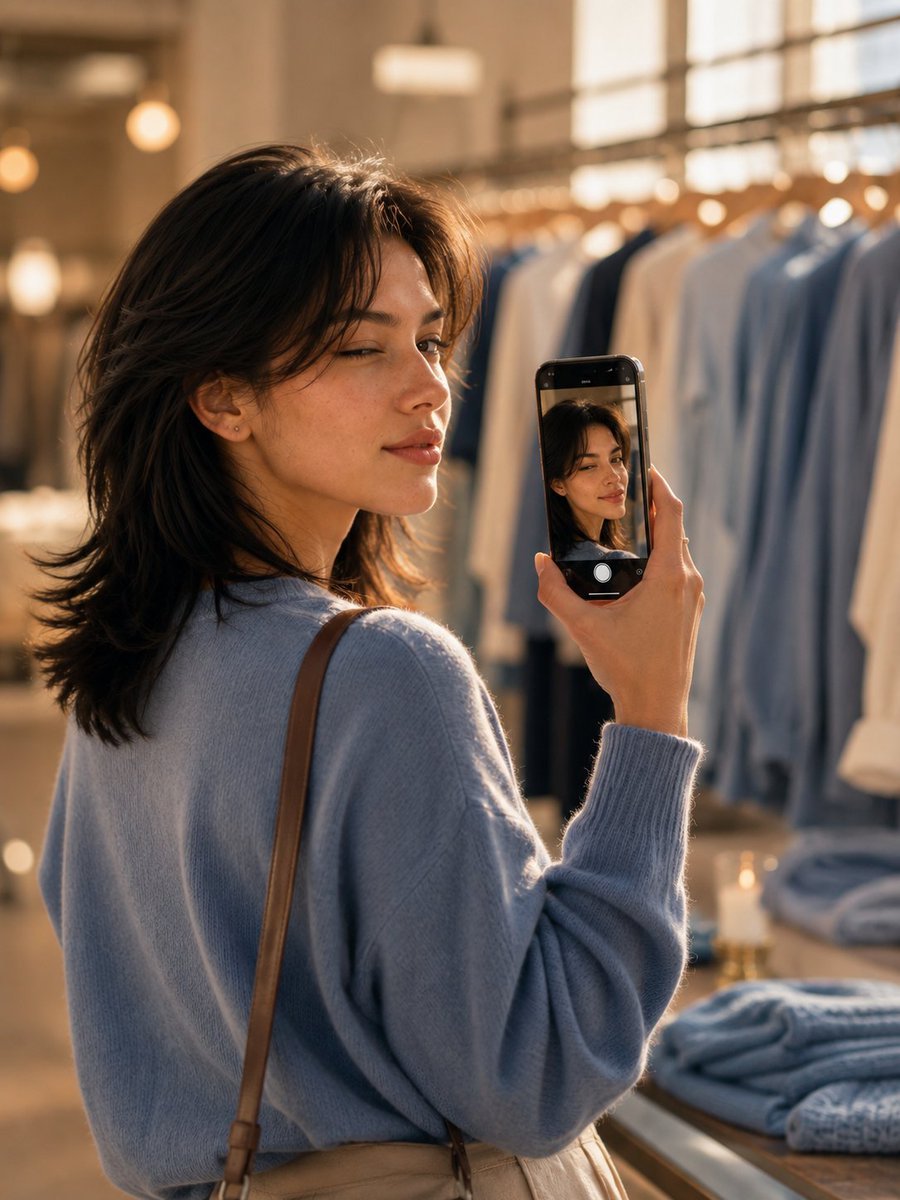
Boutique iPhone Reflection Portrait
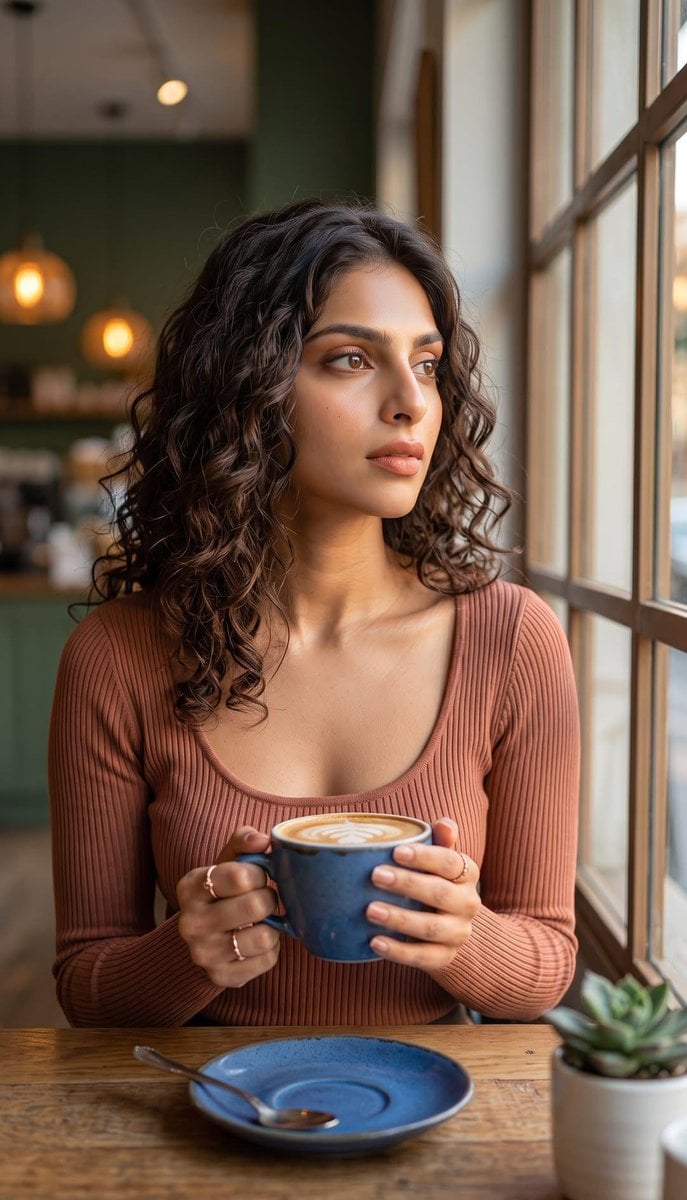
Boutique Cafe Twilight Portrait
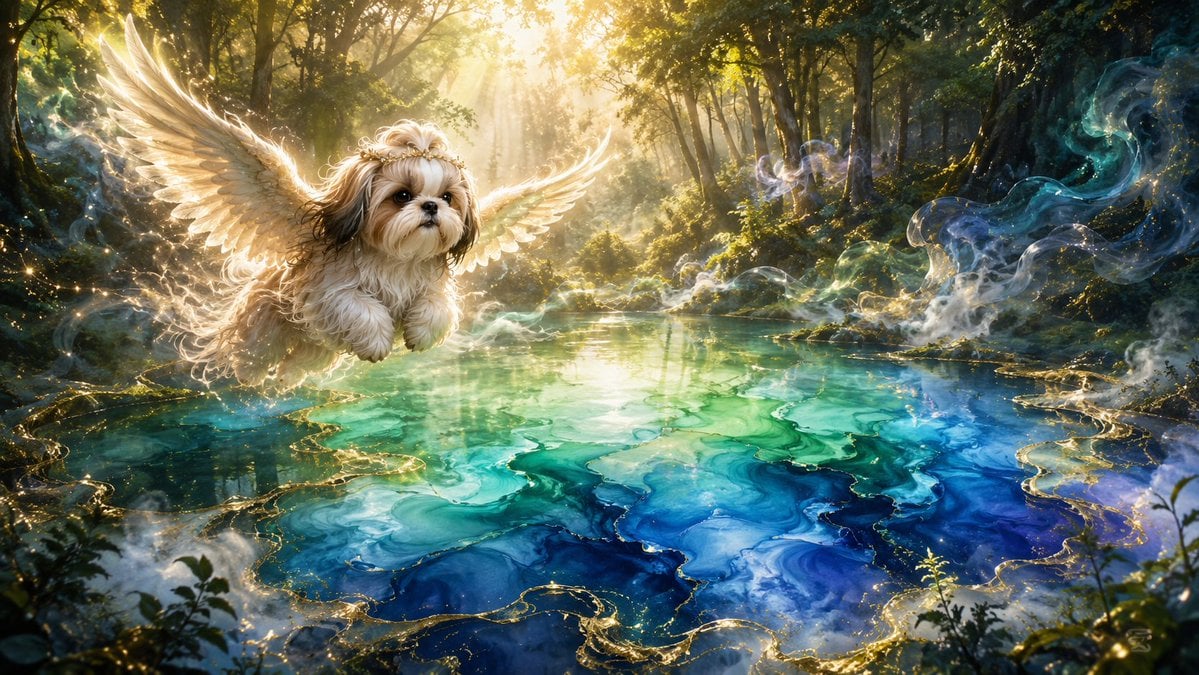
Angel Shih Tzu Over Ink Pond
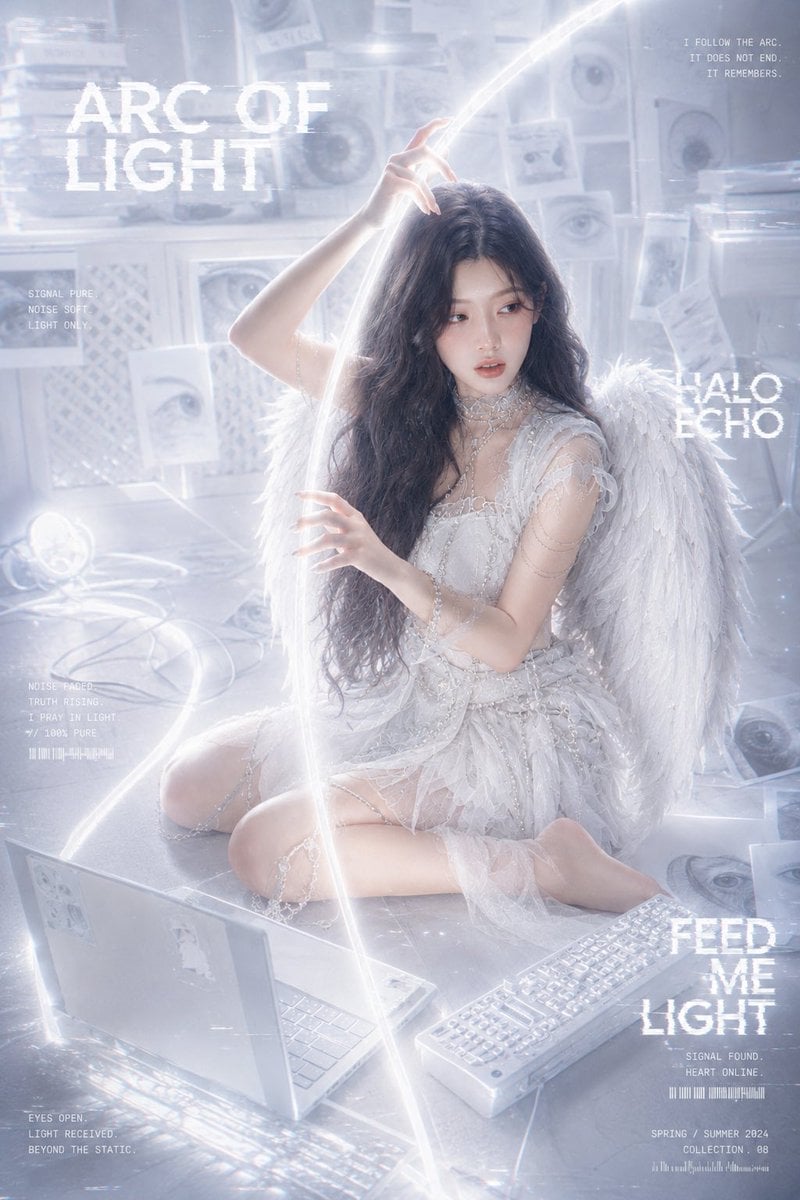
Arc of Light Cyber Angel Poster
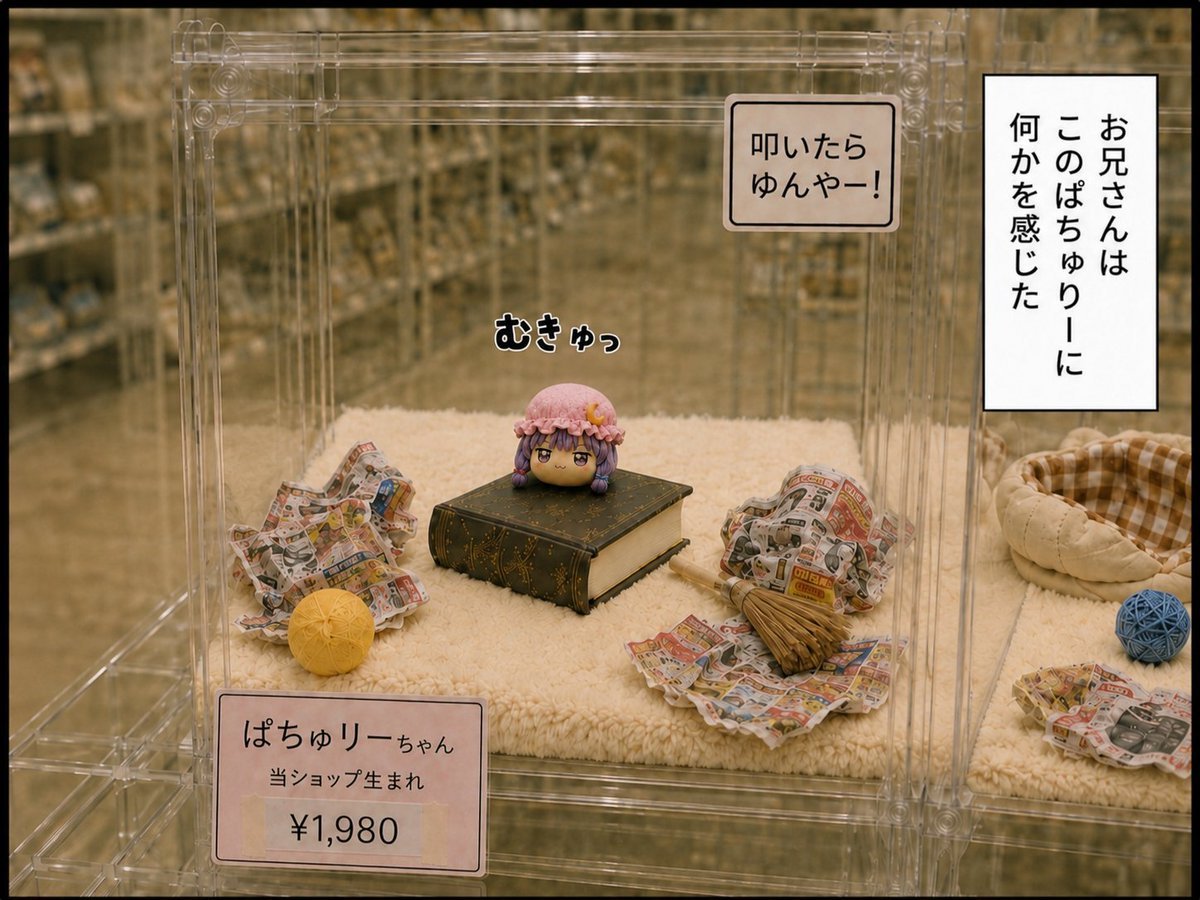
Patchouli Yukkuri Pet Shop Display
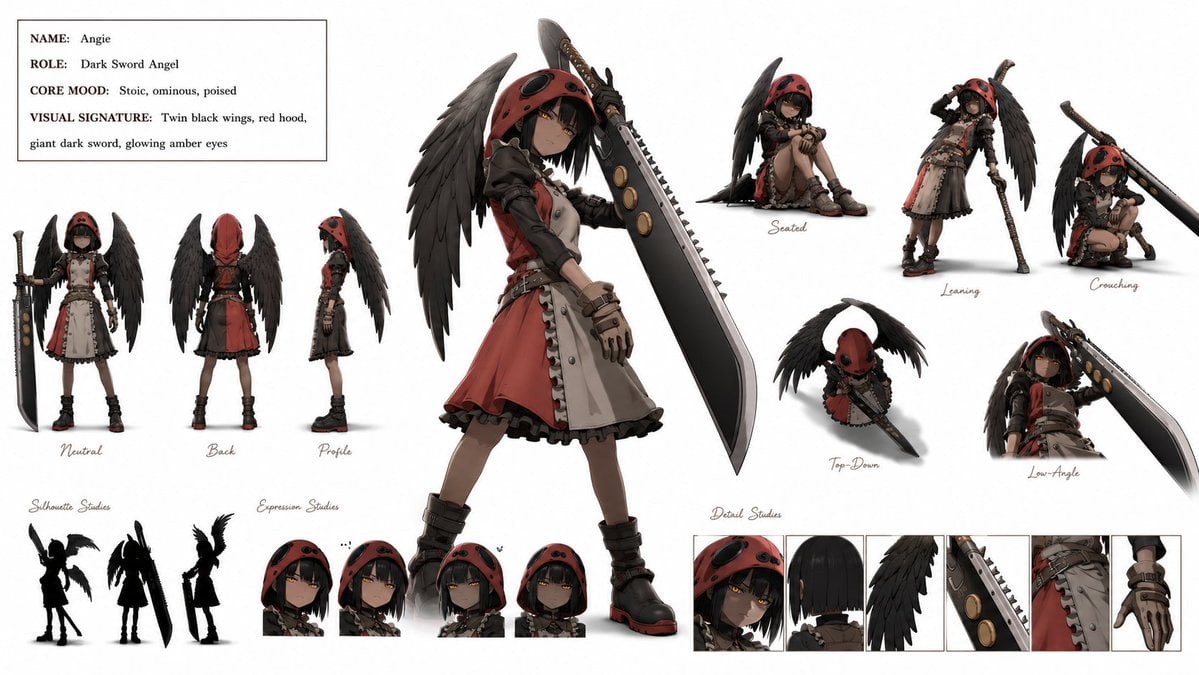
Dark Sword Angel Character Sheet
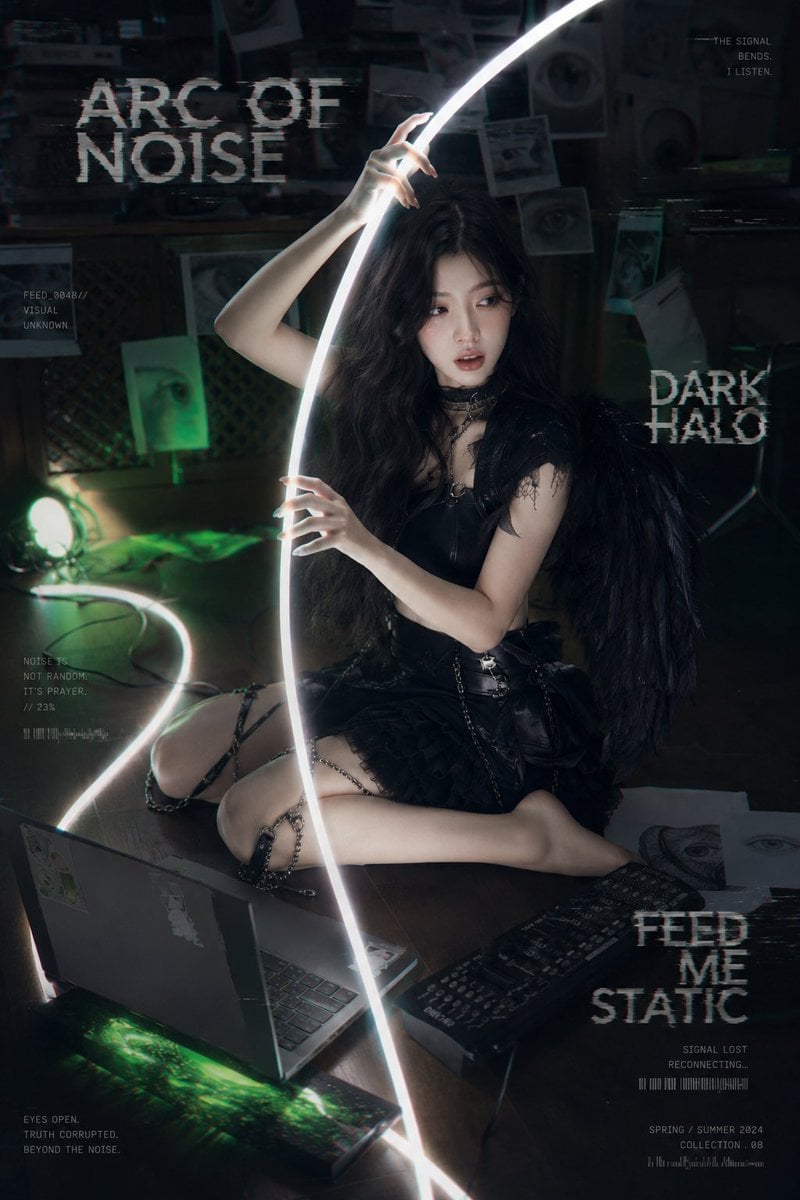
Dark Cyber-Goth Angel Poster
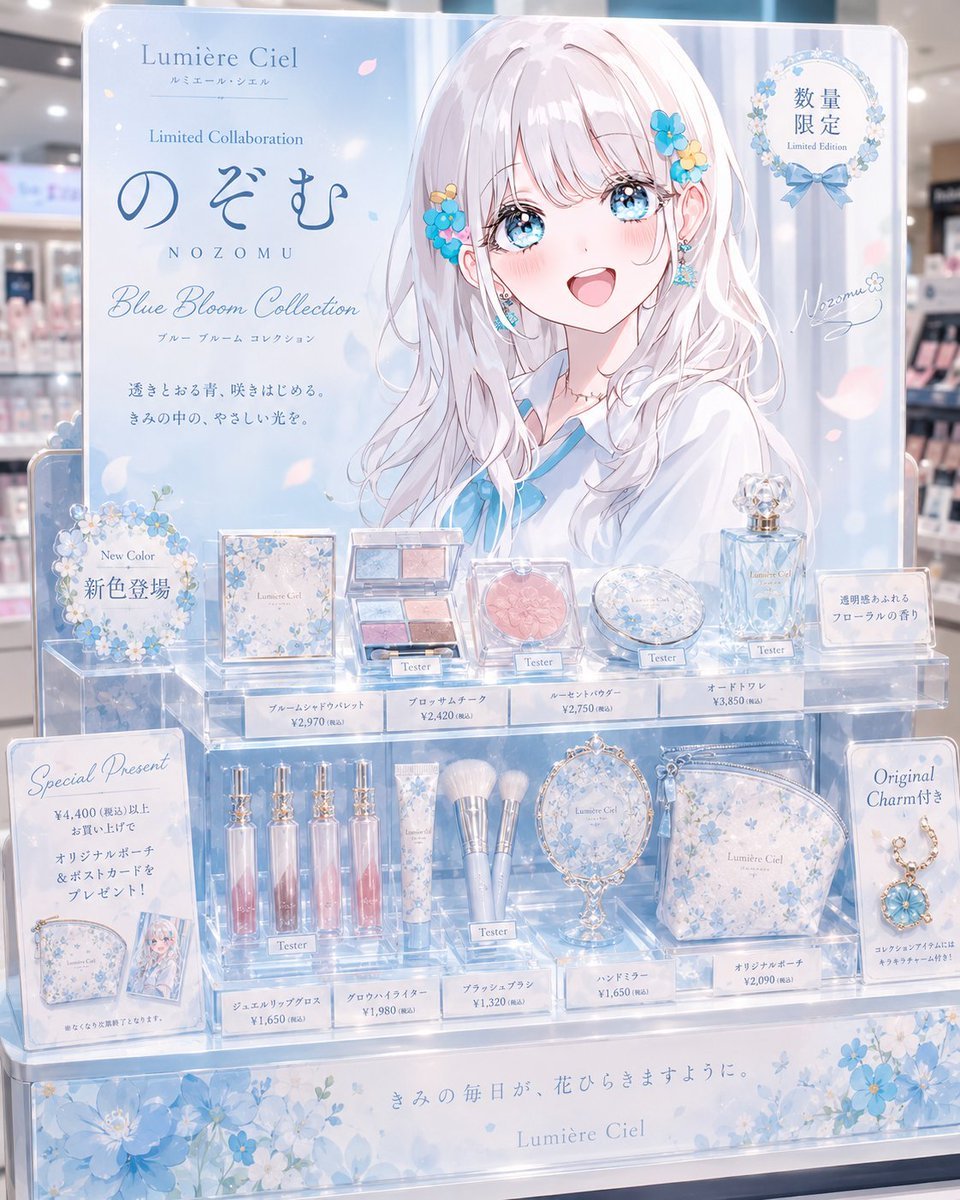
Anime Limited Cosmetics Display
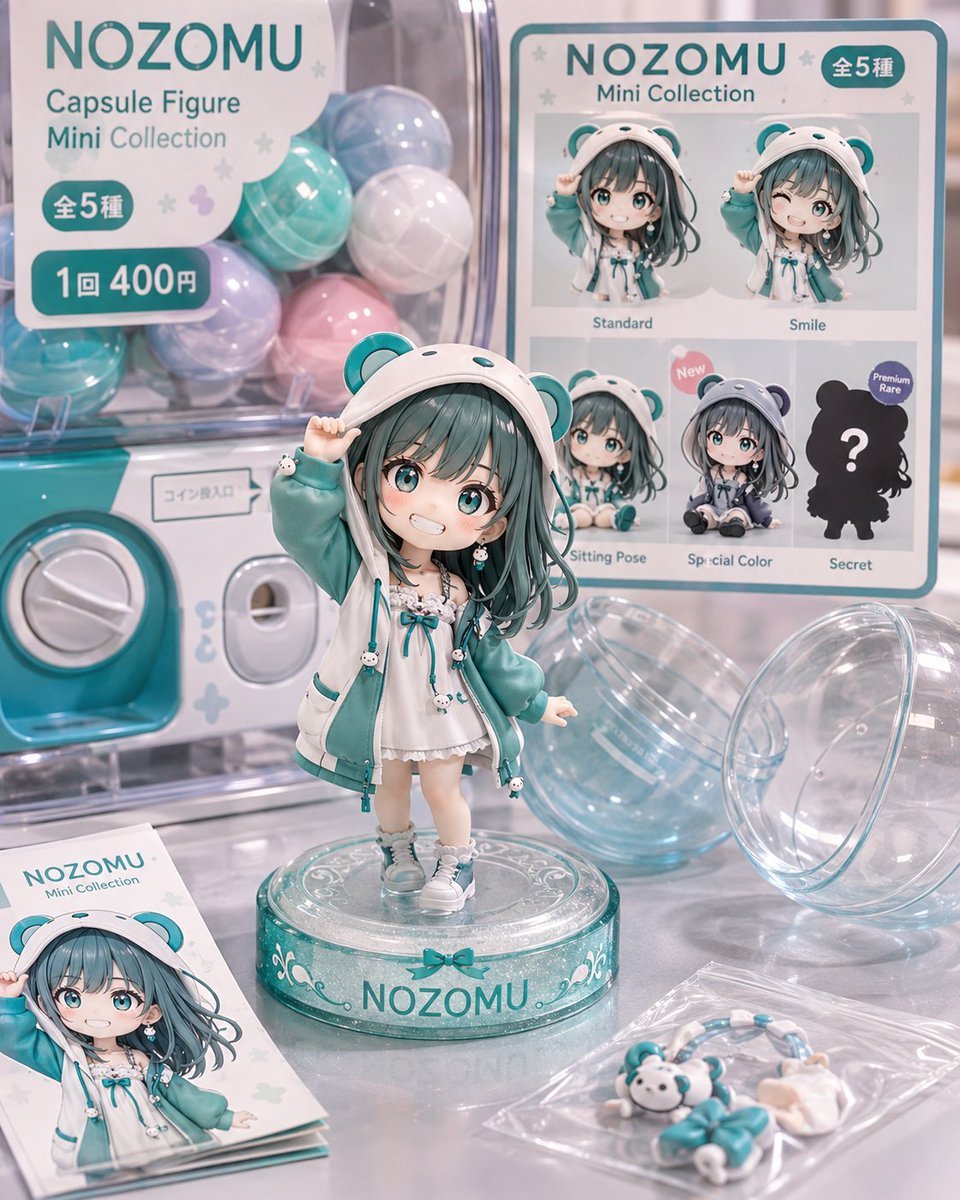
NOZOMU Capsule Figure Product Display
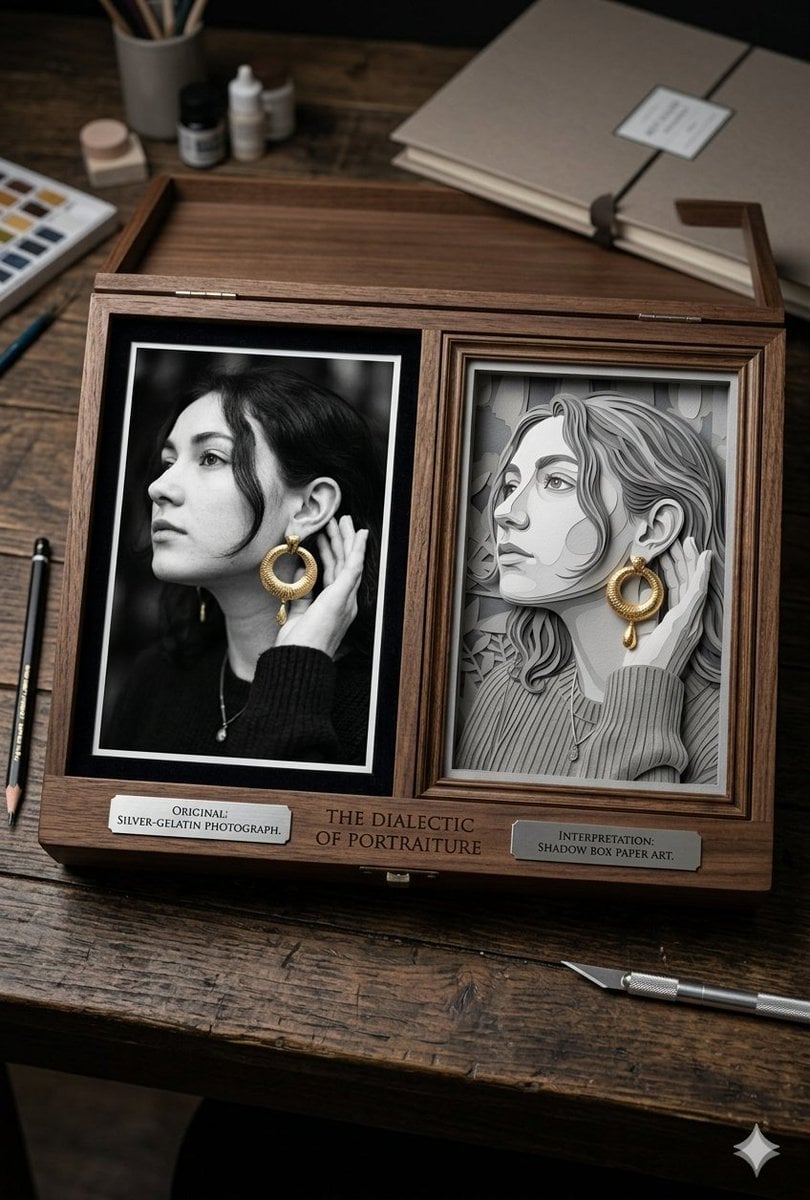
Mixed Media Artist Studio Display
Make it yours
Realistic Angel Mannequin Boutique Display works as-is. These are the safest ways to change it without losing the look.
Change one field
Copy a single group, rewrite it, and generate again so you can see what that field is doing.
Keep the frame, change the subject
Hold the composition and light of Realistic Angel Mannequin Boutique Display, then swap wardrobe, props or the person for a new take.
| If the result… | Why | Fix |
|---|---|---|
| The result drifts from the preview | Too many fields changed at once. | Reuse Realistic Angel Mannequin Boutique Display as-is first, then change one group — subject, light, or setting. |
| The model over-stylizes the scene | The prose prompt leaves finish and camera underspecified. | Add one camera or lighting sentence and stay on GPT Image 2. |
More GPT Image 2 templates
Other prompts made for GPT Image 2.

Six VTuber Japanese Logo Sheet

Realistic Portrait of Woman and Deer

The Vista Modular Condo Poster

AI Model Routing Comparison Infographic

2.5D Anime Art Board

Isometric Productivity Desk Scene

New York Double Exposure Poster

Four-Panel AI Landscape Comparison

Japanese Tatami Lifestyle Magazine Cover

NESCAFÉ Coffee Map Poster
More image prompts
Fresh picks from across the catalog.
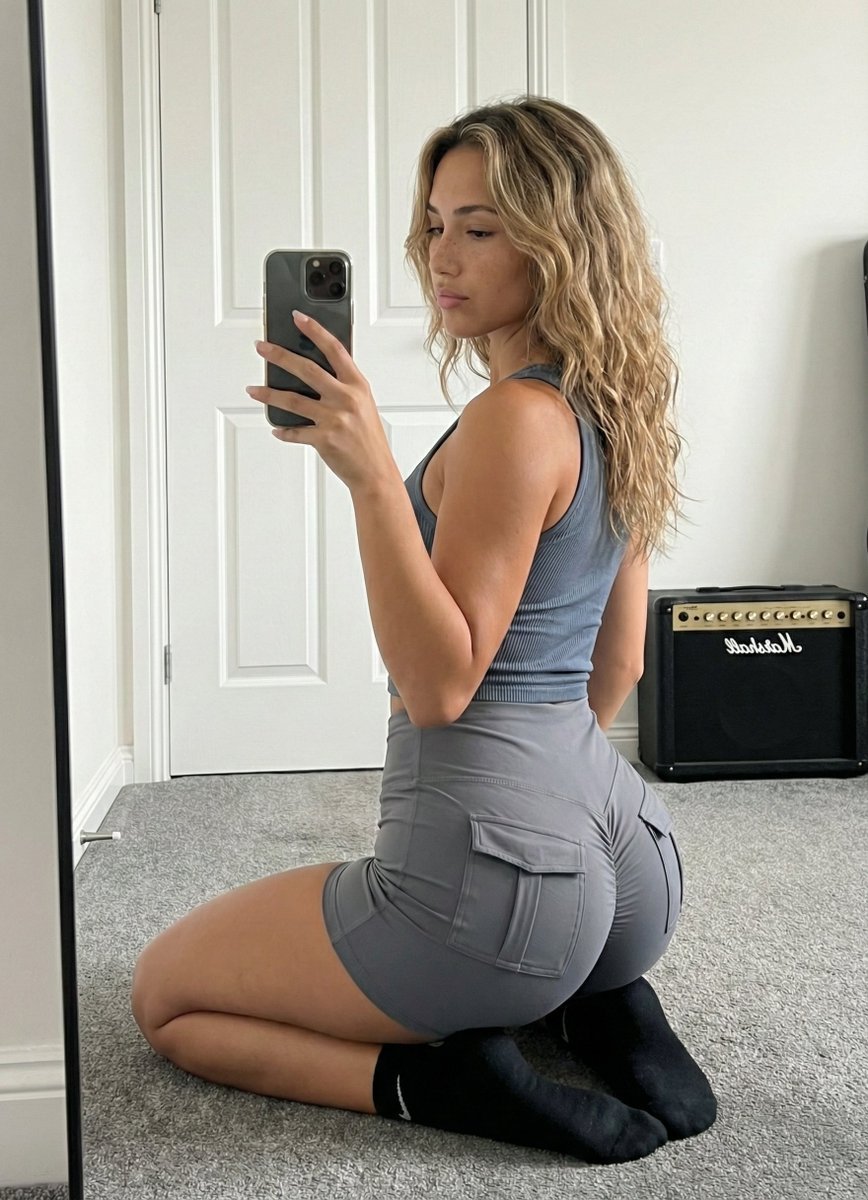
Mirror Selfie Athleisure Look with Detailed Anatomy
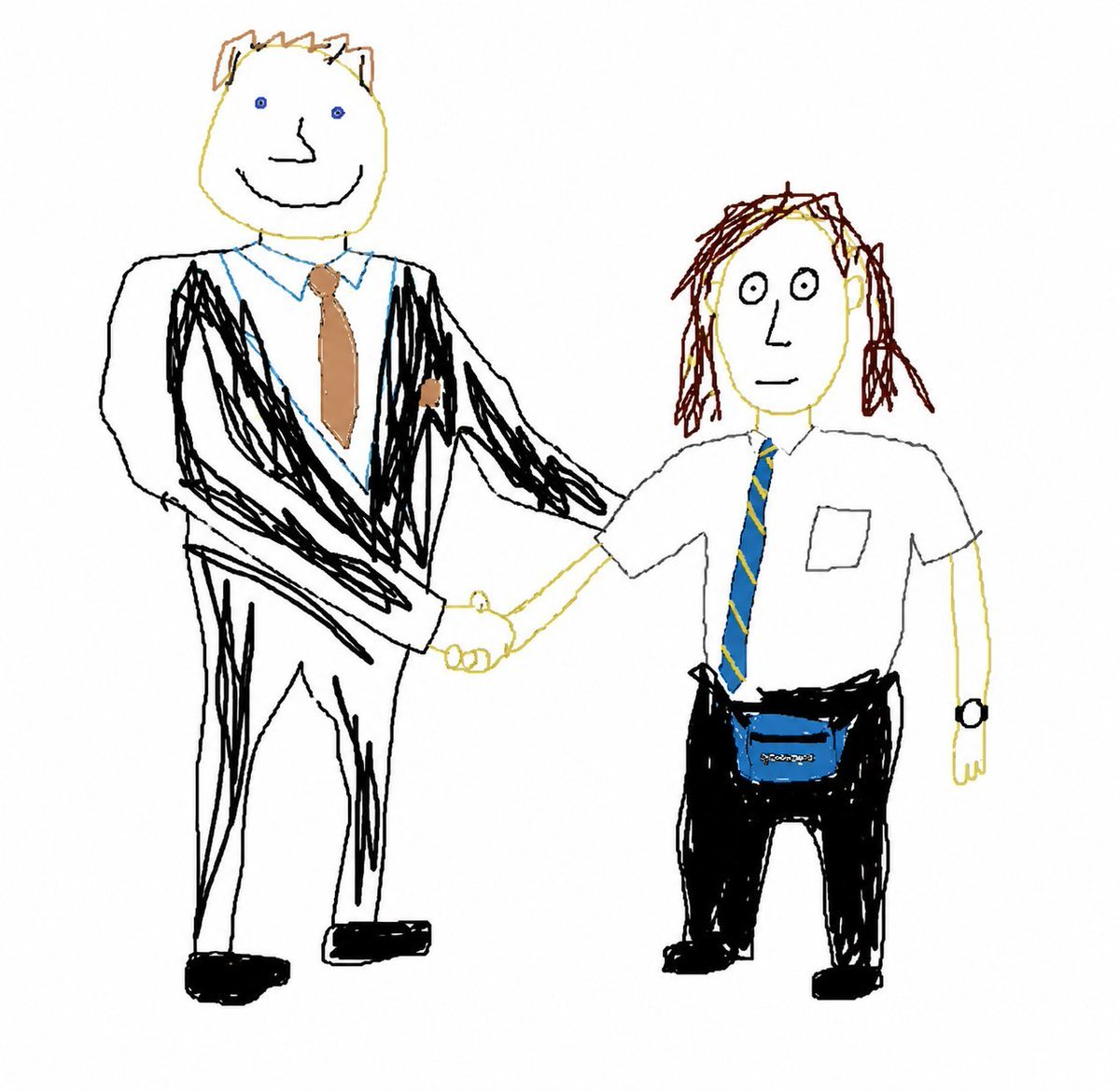
Broken Mouse MS Paint Recreation
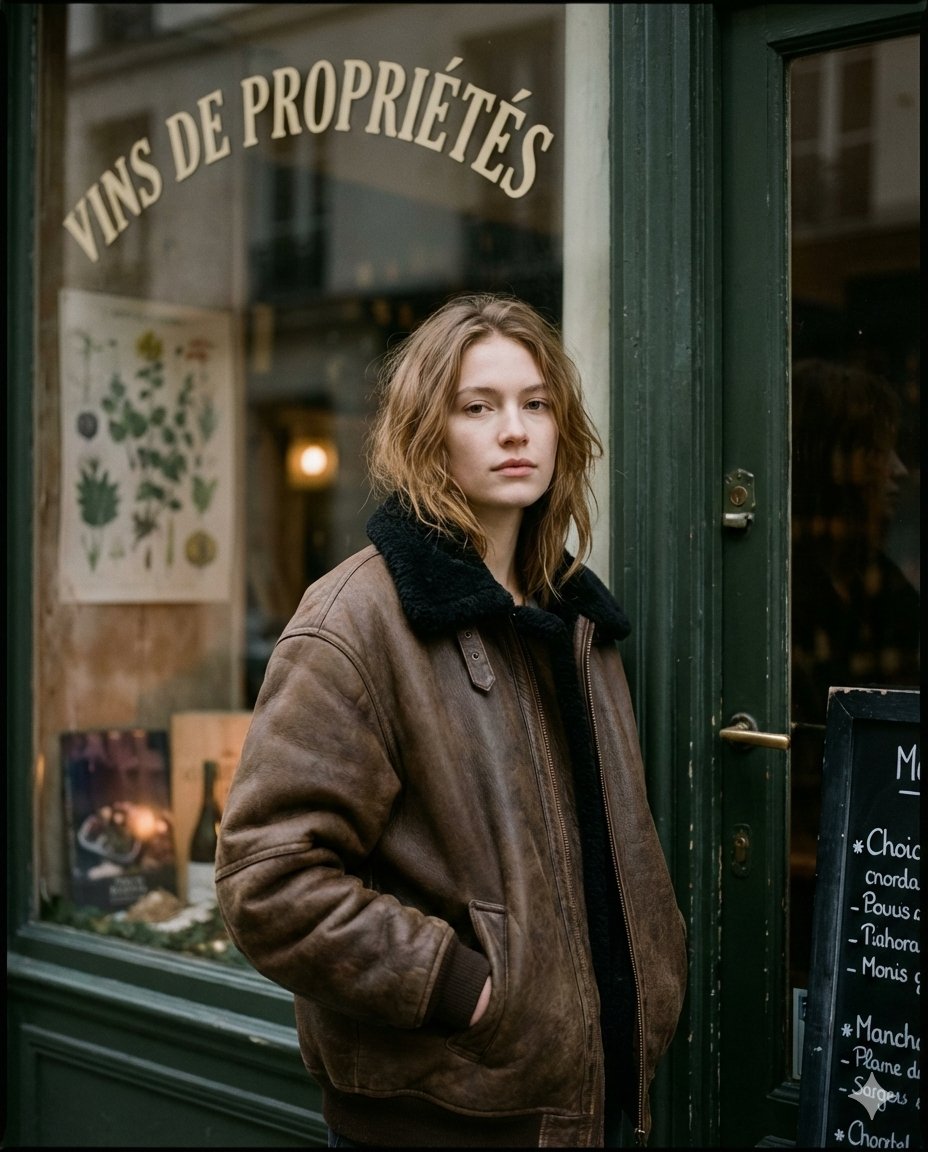
Moody Paris Street Editorial Portrait
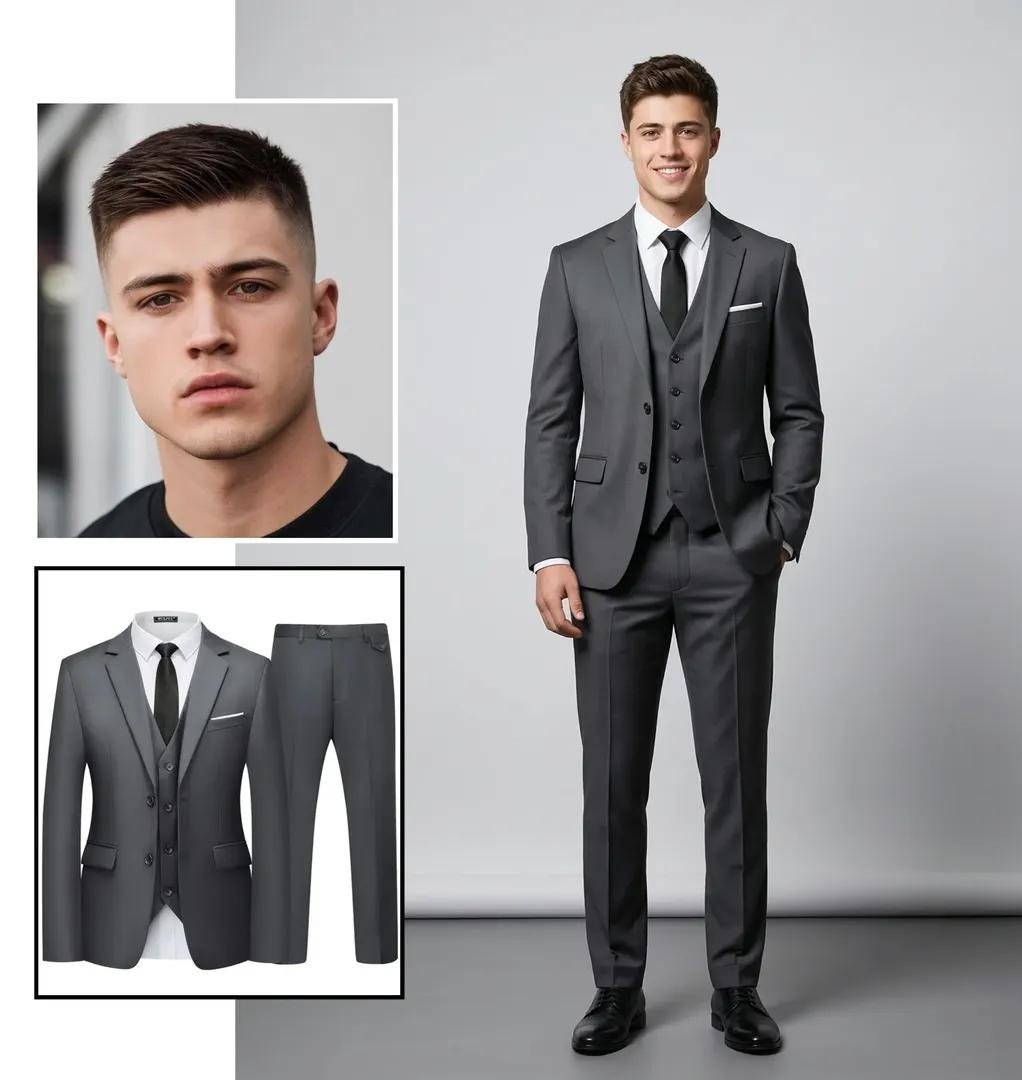
Ultra-realistic Full-Body Fashion Studio Portrait
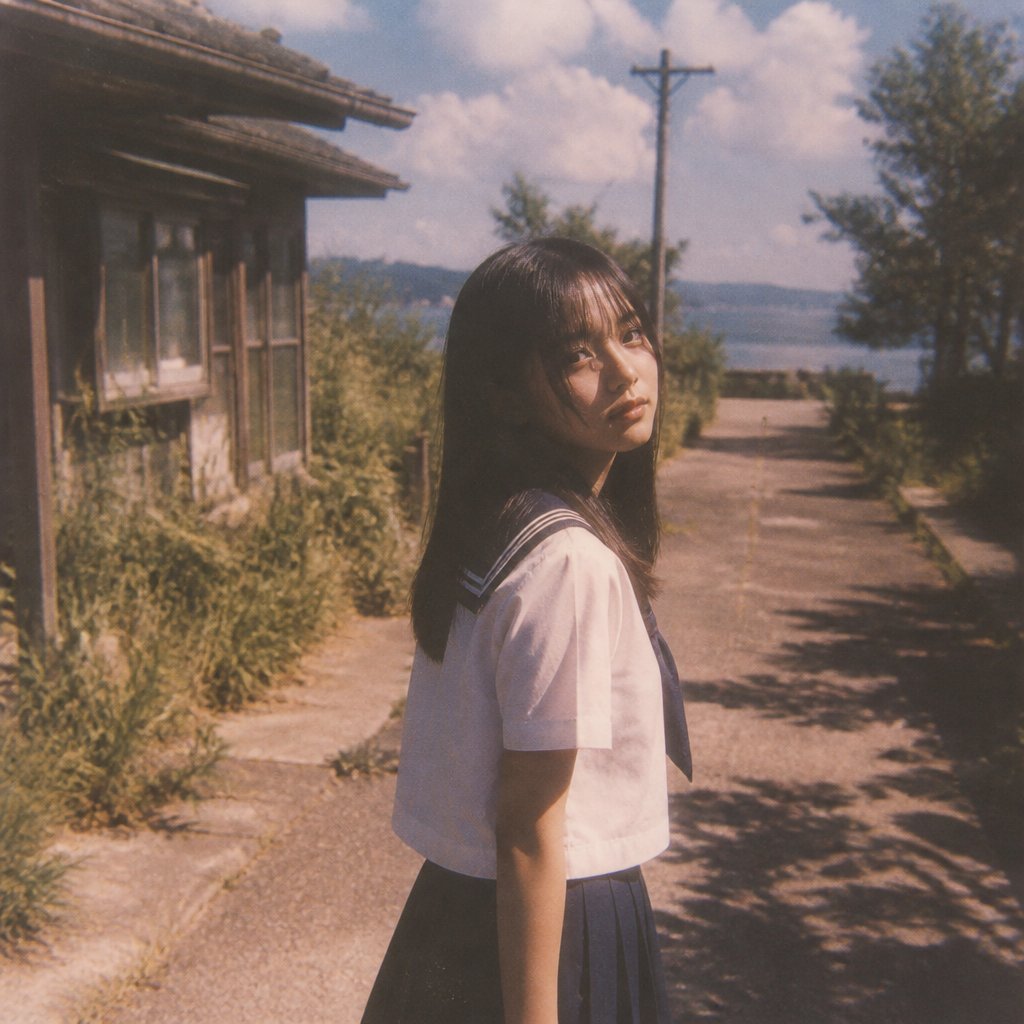
Nostalgic Summer Schoolgirl Snapshot
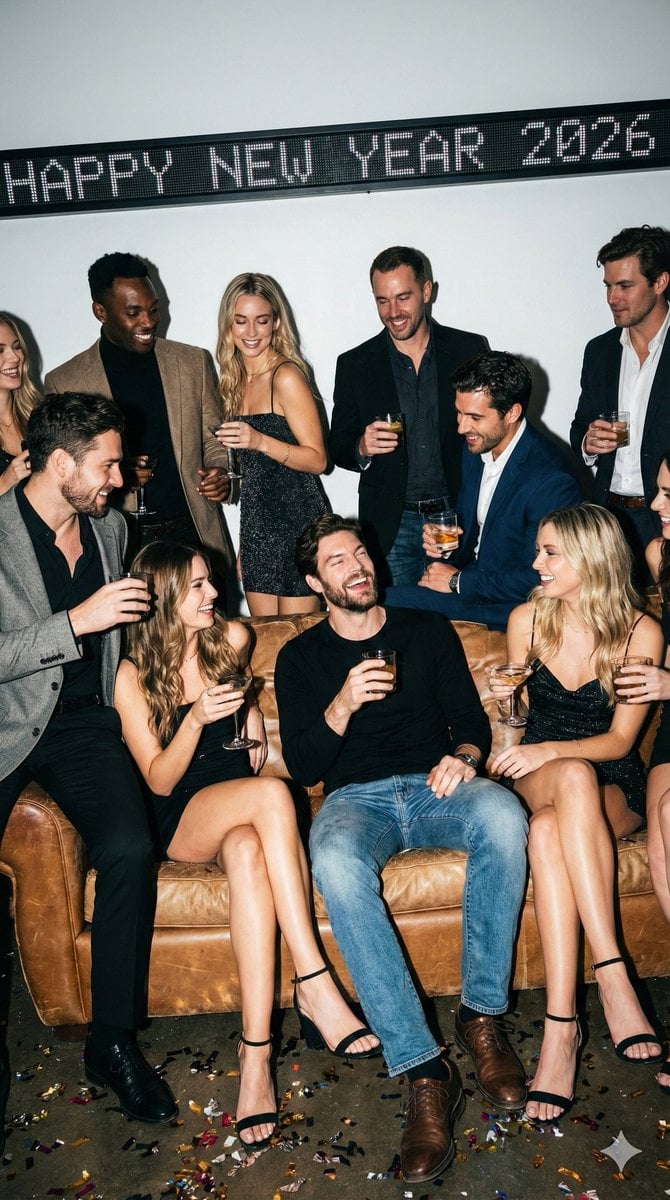
New Year's Eve Flash Photography Group Portrait
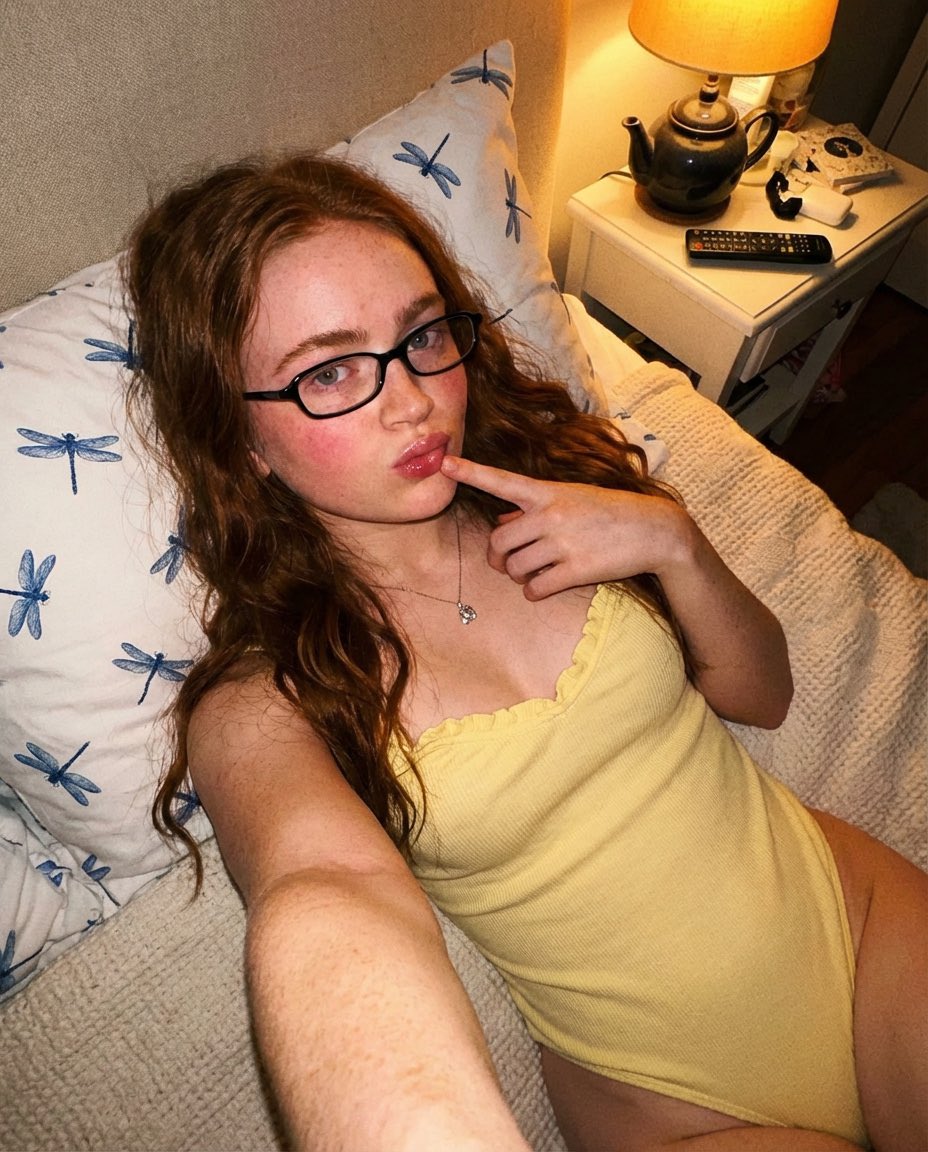
Cozy Indoor Bedroom Portrait

Vintage Spanish Tortilla Recipe Poster
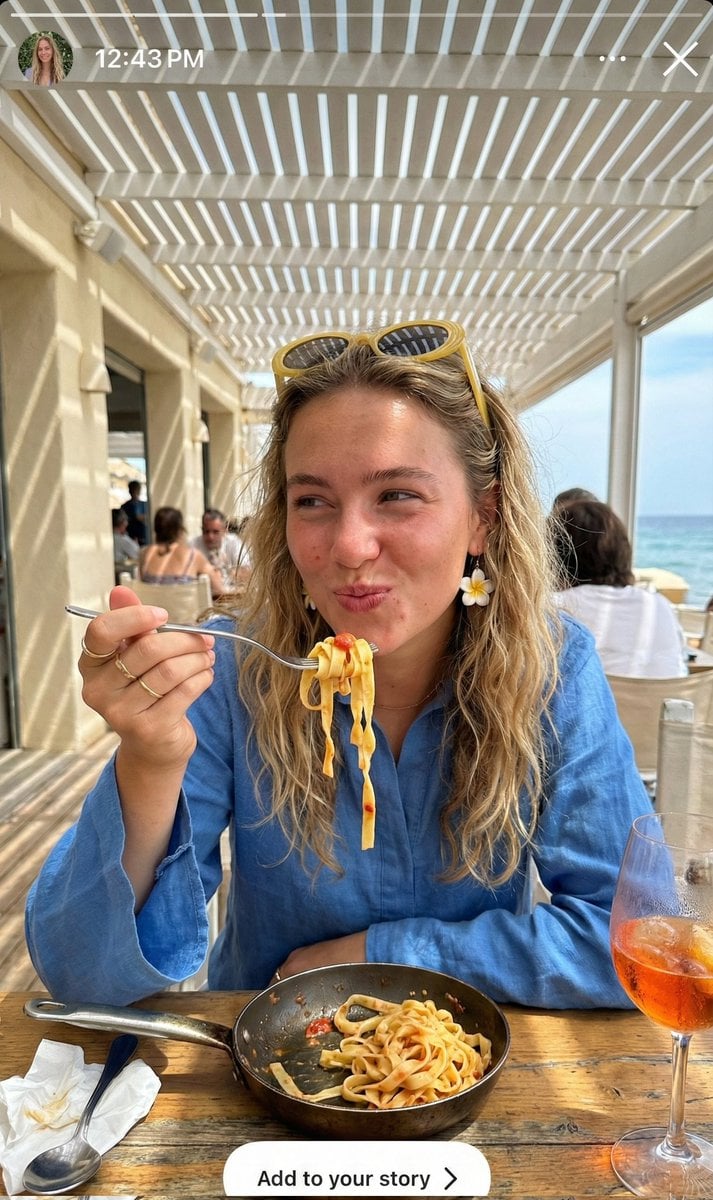
Ultra-Realistic Candid Instagram Story Photo of Woman Eating Pasta
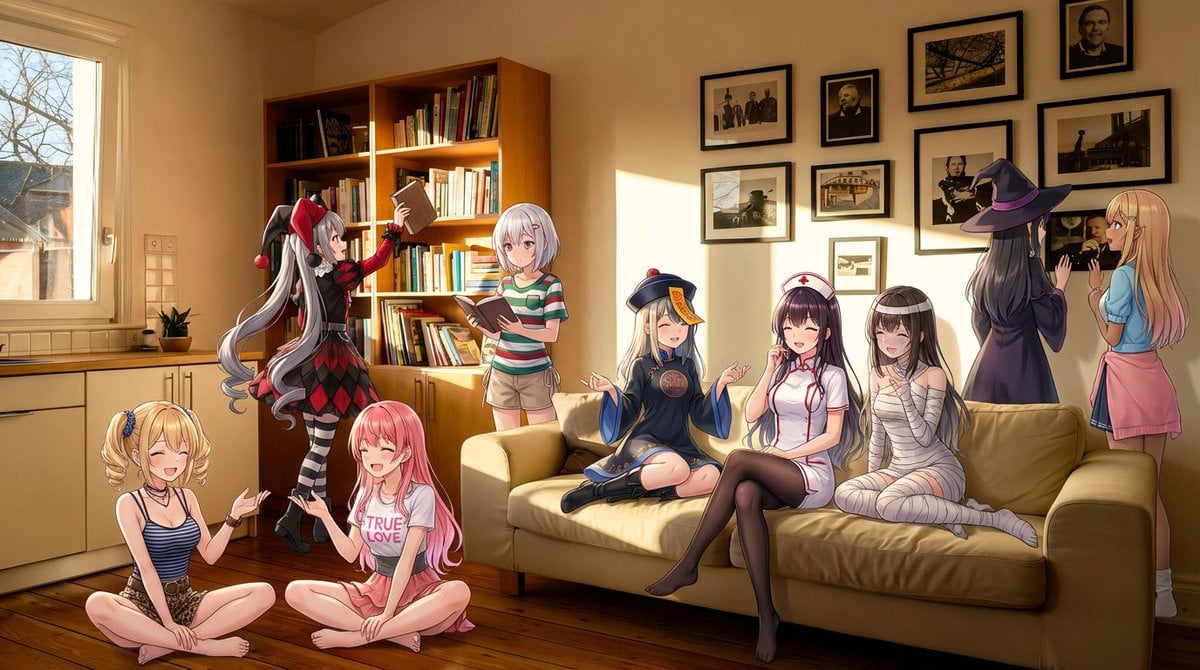
Nine-character group scene in living room background
Browse template categories
Realistic Angel Mannequin Boutique Display questions
How do I use the Realistic Angel Mannequin Boutique Display template?
Add your photo if the template asks for one, edit the prompt if you like — the template's model and format are already selected — and press Generate. Your version opens in PicX Studio.
Can I customize the Realistic Angel Mannequin Boutique Display template?
Yes. You can change the subject, setting, lighting, mood, format, and available model controls before creating your image.
Is the Realistic Angel Mannequin Boutique Display template free?
Opening and editing this template is free. Generating uses credits, shown on the Generate button when you are signed in.
Which AI model should I use?
Start with GPT Image 2, which is the model associated with this template. You can compare another compatible model for a different finish.
Looking for something else? Browse all templates.

Your photo, any look
Thousands of ready templates for every top image and video model, from one credit balance.