
Anime Limited Cosmetics Display
Generates a pastel anime character collaboration cosmetics counter with acrylic shelves, floral branding, and detailed limited-edition beauty products.
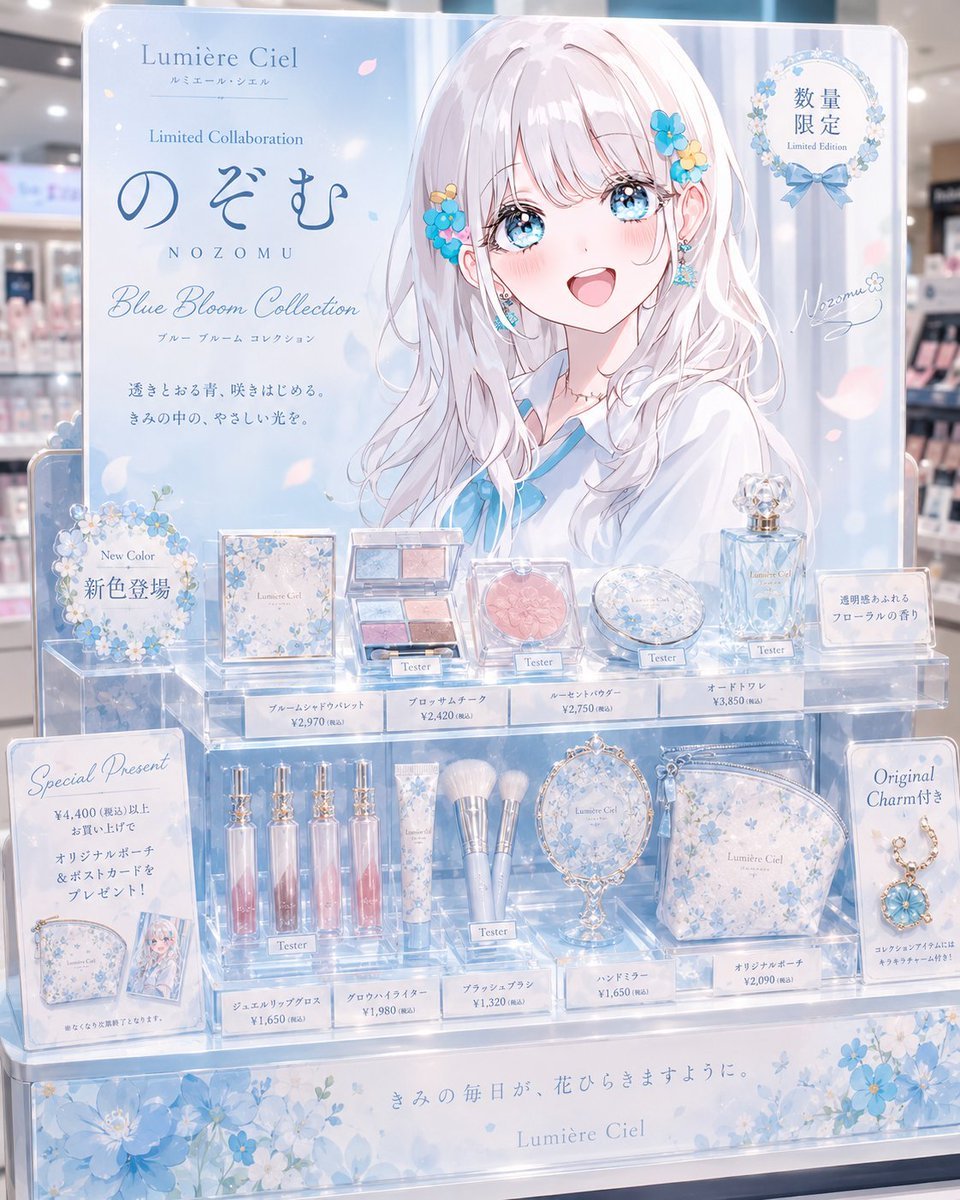
- Prompt included
- Model and format preset
- Premium template
The prompt behind this image
Copy the exact prompt behind Anime Limited Cosmetics Display, or open it in the studio and make it yours.
Goal: Create a dreamy anime-style limited-edition cosmetics retail display for {argument name="character name" default="Nozomu"}, themed as a pastel blue flower collaboration brand called {argument name="brand name" default="Lumière Ciel"}. Canvas: Vertical 4:5 promotional product-display image, front-facing view in a bright department-store cosmetics section. Use soft depth of field for the real store background, glossy acrylic shelves, pale blue lighting, sparkles, translucent reflections, and delicate flower petals floating across the scene. Layout: A large upright advertisement panel fills the back of the display. The left side contains elegant brand typography and campaign copy; the right side features a large anime girl illustration. Place a plain opaque pale pink square censor block over the center of the character’s face, covering eyes, nose, and mouth while leaving hair, ear accessories, neck, and outfit visible. Below the panel, arrange exactly 2 clear acrylic product tiers plus a floral base plinth. Main character details: The advertisement illustration shows a soft, elegant anime girl with very long {argument name="hair color" default="silvery white"} hair, pale skin, blue floral hair ornaments near the ear, small earrings, and a white blouse with a light blue sailor-style ribbon. The mood is gentle, airy, refined, and collectible. Text content: Include a mix of elegant English and Japanese-style display text. Prominent visible text should include “Lumière Ciel,” “Limited Collaboration,” large Japanese hiragana-style brand name “のぞむ,” spaced romanization “NOZOMU,” “Blue Bloom Collection,” and a circular badge reading “数量限定 / Limited Edition.” Include smaller Japanese promotional copy and price tags, but keep tiny text decorative and plausible rather than perfectly legible. Products and counts: Show exactly 10 main cosmetic product groups on the acrylic shelves, each with a small white price tag and some marked “Tester”: 1 square blue floral eyeshadow palette box, 1 open four-color eyeshadow palette, 1 round pink blush compact, 1 round blue floral face powder compact, 1 faceted pale blue perfume bottle, 1 set of four pink-blue lip gloss tubes, 1 floral tube product, 1 set of three makeup brushes with pale blue handles, 1 ornate oval hand mirror, and 1 blue floral cosmetic pouch. Add exactly 2 side promotional cards: left card for a “Special Present” gift campaign showing a pouch and character card, right card for an “Original Charm” campaign showing a gold chain charm with a blue flower pendant. Add exactly 2 floral circular sign decorations on the left/back and top-right badge area. Visual style: High-quality gpt-image-2 anime commercial illustration blended with realistic product photography; glossy acrylic, glass reflections, soft bokeh, pastel blue and white color palette, tiny blossoms, ribbon motifs, premium limited-cosmetics-counter feel. Typography should be elegant serif plus handwritten script accents. Constraints: Keep the display symmetrical and believable as an in-store limited cosmetics counter. Use {argument name="theme color" default="pale sky blue"} as the dominant accent color. Do not add extra product groups beyond the 10 listed. No watermark, no brand logos from real companies, no hands, no customers in the foreground.
How to use Anime Limited Cosmetics Display in 3 steps
- 1Upload ImagePNG, JPG or paste
Add your photo
Upload the photo the template builds on. The prompt, model and format are already set.
- 2…a portrait of your subject in softgolden-hour light, 85mm…
Personalize
Edit the subject and creative details for your destination.
- 3Generate
Generate
Press Generate — your image is created in PicX Studio, so you can compare it with the original and refine one variable at a time.
More like this
Templates with the same subject, style or setup. Open one to see its prompt.



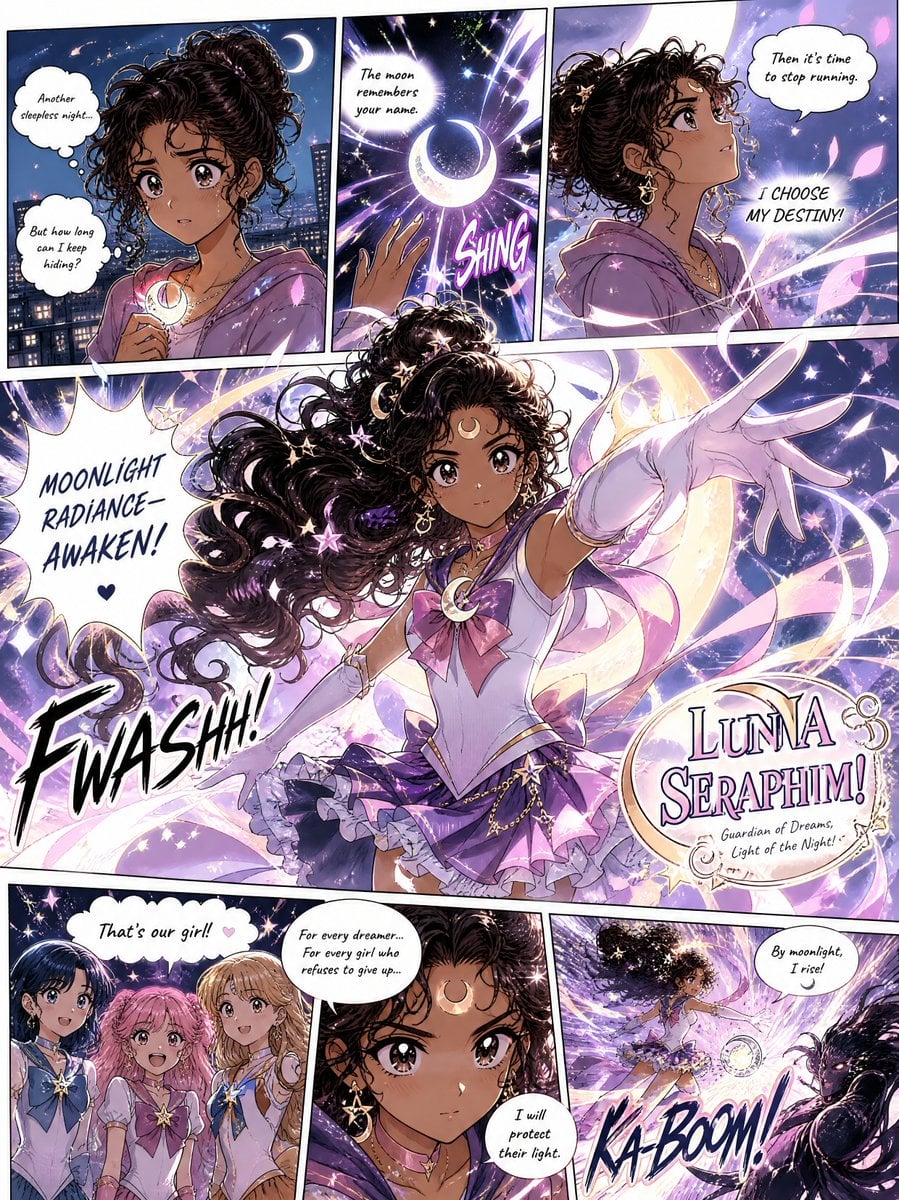
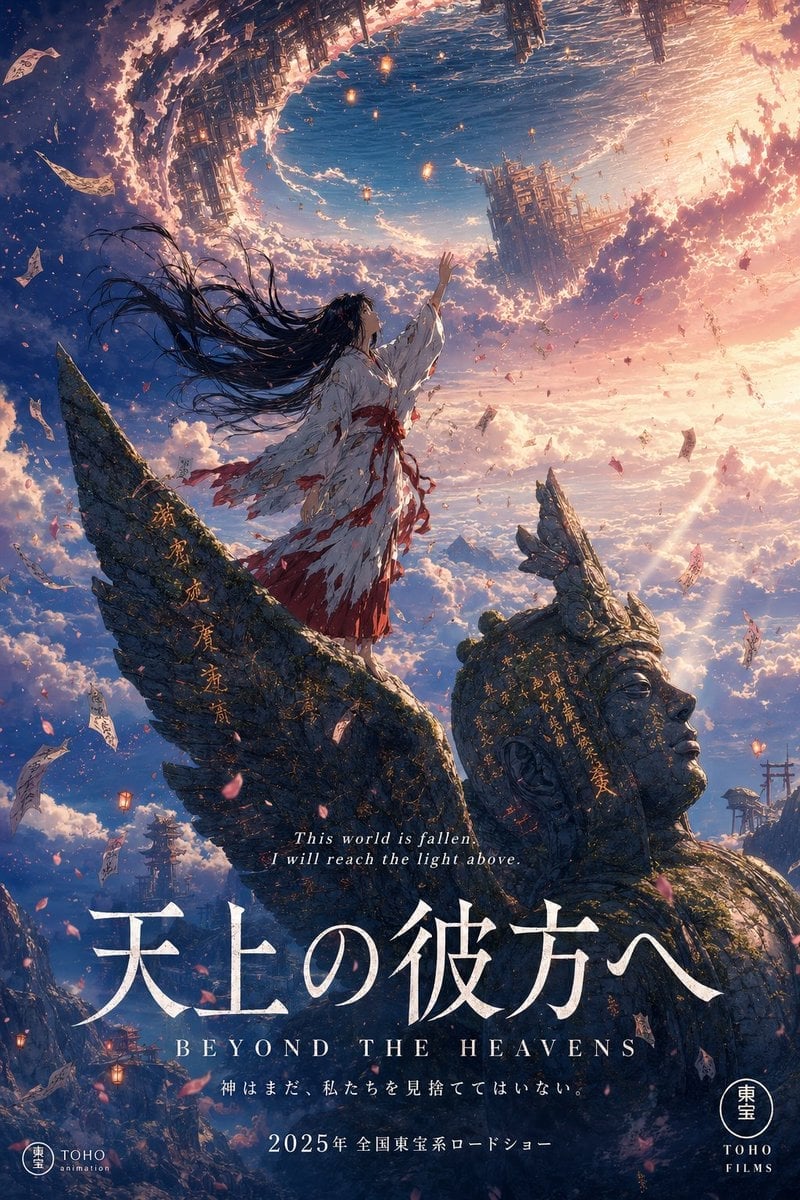
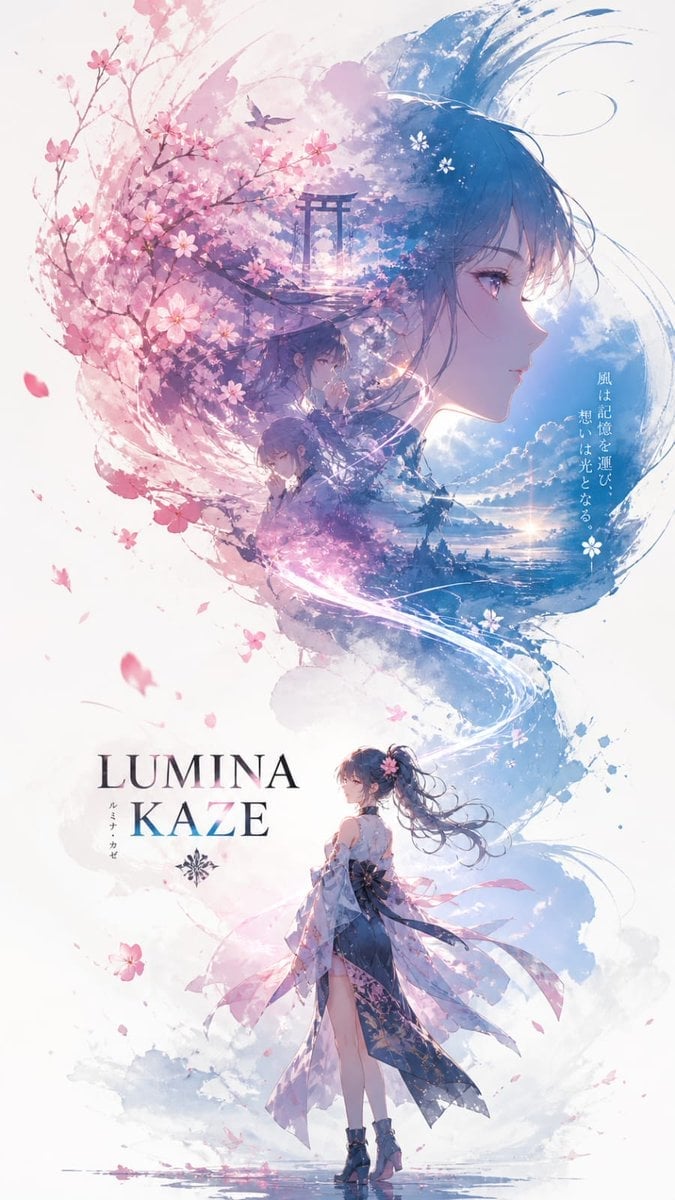
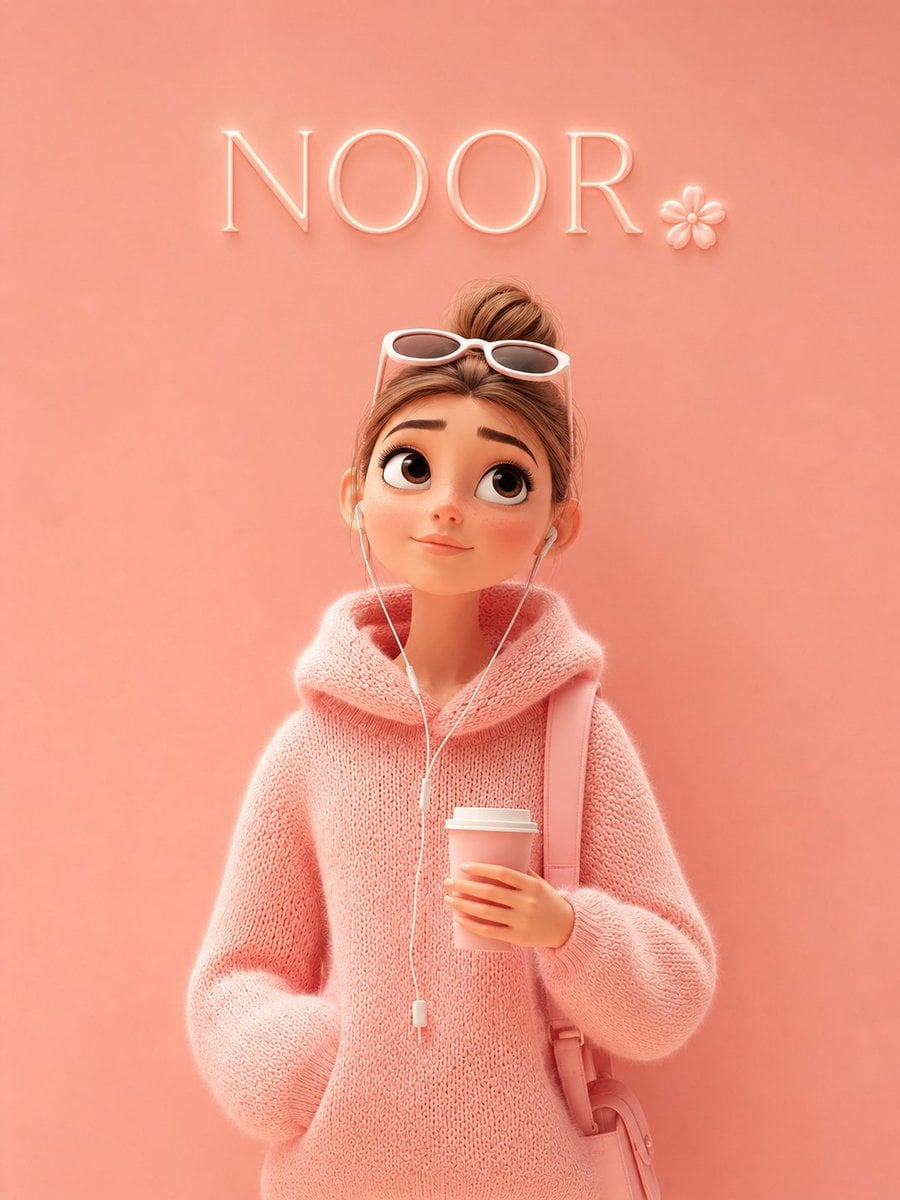
Make it yours
Anime Limited Cosmetics Display works as-is. These are the safest ways to change it without losing the look.
Change one field
Copy a single group, rewrite it, and generate again so you can see what that field is doing.
Keep the frame, change the subject
Hold the composition and light of Anime Limited Cosmetics Display, then swap wardrobe, props or the person for a new take.
| If the result… | Why | Fix |
|---|---|---|
| The result drifts from the preview | Too many fields changed at once. | Reuse Anime Limited Cosmetics Display as-is first, then change one group — subject, light, or setting. |
| The model over-stylizes the scene | The prose prompt leaves finish and camera underspecified. | Add one camera or lighting sentence and stay on GPT Image 2. |
More GPT Image 2 templates
Other prompts made for GPT Image 2.

Six VTuber Japanese Logo Sheet

Realistic Portrait of Woman and Deer

The Vista Modular Condo Poster

AI Model Routing Comparison Infographic

2.5D Anime Art Board

Isometric Productivity Desk Scene

New York Double Exposure Poster

Four-Panel AI Landscape Comparison

Japanese Tatami Lifestyle Magazine Cover

NESCAFÉ Coffee Map Poster
More image prompts
Fresh picks from across the catalog.
Panel Grid Layout for Portrait Photography with Detailed JSON Prompt
Luxury Bag Meets Discount Chaos Poster
Natural Identity Preservation Prompt
Pixar 3D Character Portrait with Fennec Fox
Vocabulary Learning Grid
Candid Tokyo Street Night Photography
Abstract Background for Premium Website
Cinematic Editorial Photograph Prompt (Stranger Things Cast)
Four-Panel Lifestyle Fashion Collage
Realistic League of Legends Cosplay
Browse template categories
Anime Limited Cosmetics Display questions
How do I use the Anime Limited Cosmetics Display template?
Add your photo if the template asks for one, edit the prompt if you like — the template's model and format are already selected — and press Generate. Your version opens in PicX Studio.
Can I customize the Anime Limited Cosmetics Display template?
Yes. You can change the subject, setting, lighting, mood, format, and available model controls before creating your image.
Is the Anime Limited Cosmetics Display template free?
Opening and editing this template is free. Generating uses credits, shown on the Generate button when you are signed in.
Which AI model should I use?
Start with GPT Image 2, which is the model associated with this template. You can compare another compatible model for a different finish.
Looking for something else? Browse all templates.

Your photo, any look
Thousands of ready templates for every top image and video model, from one credit balance.