
Panel Grid Layout for Portrait Photography with Detailed JSON Prompt
This is a highly detailed, structured JSON prompt designed for Nano Banana Pro to generate a 3x3 grid of 9 different angles and expressions of a subject's face, based on an uploaded photo.
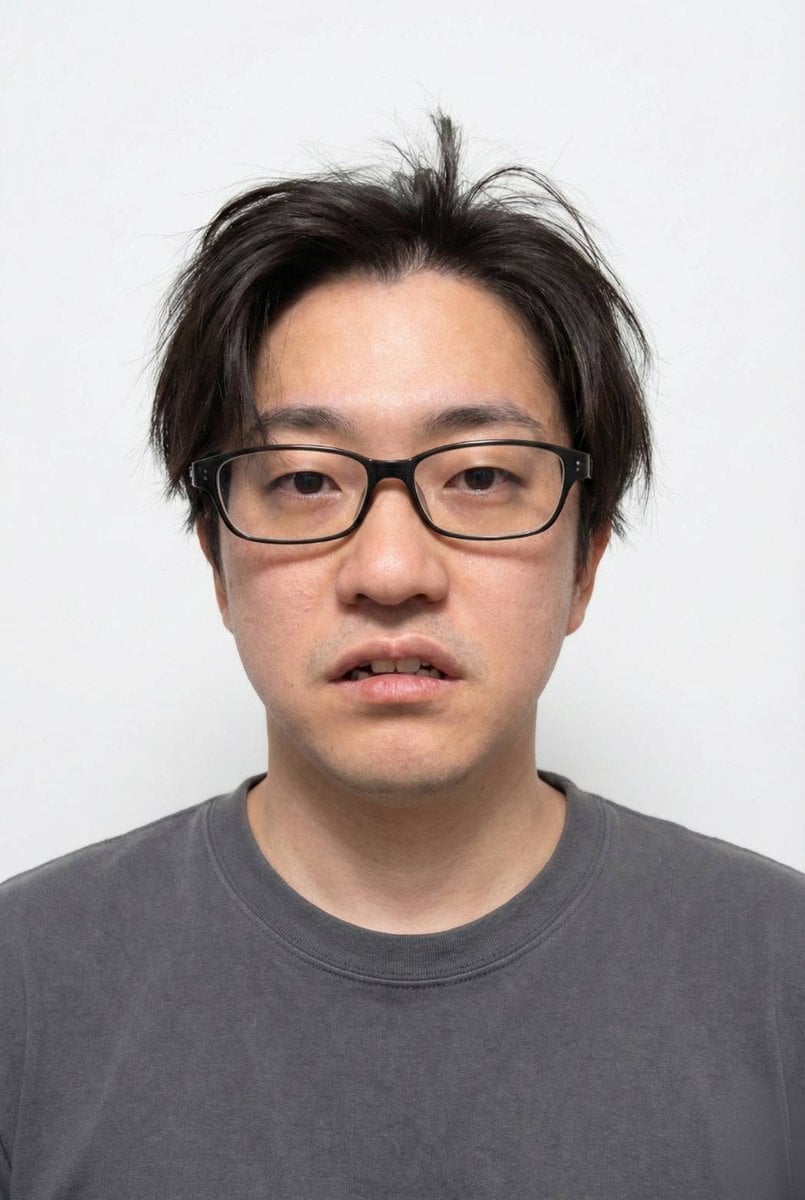
- Prompt included
- Model and format preset
- Free template
The prompt behind this image
Copy the exact prompt behind Panel Grid Layout for Portrait Photography with Detailed JSON Prompt, or open it in the studio and make it yours.
人物の顔のみに使用して下記のプロンプトへ適用させてください 実際のモデル撮影のように表情と髪型を変えながら9種類の異なるアングルで3×3のグリッドレイアウトで配置。各画像の左上に通し番号を1から順に表示して { "subject": { "description": "{argument name="subject description" default="Young Asian man, early 20s, with dark, straight, slightly disheveled hair and bangs covering his forehead."}", "pose": "{argument name="pose" default="Sitting relaxed on a chair at a window counter, body slightly turned, looking down at a smartphone held in both hands."}", "expression": "Calm, neutral, slightly pensive, gaze directed downwards at the phone screen." }, "attire": { "outerwear": "White ribbed knit zip-up polo sweater with a collar, partially unzipped, showing the inner shirt. The knit texture is visible.", "innerwear": "White crew-neck t-shirt.", "bottoms": "Grey tailored trousers, slightly loose fit, with some natural wrinkles.", "accessories": "Silver rectangular-faced metal analog wristwatch on the left wrist." }, "objects": { "smartphone": "Held in both hands, dark case, screen illuminated showing an app interface (possibly a map or social media).", "cup": "White paper takeaway coffee cup with a black lid and a black straw, held loosely in the right hand near the phone.", "headphones": "White wireless earbuds sitting inside their open white charging case, placed on the grey windowsill counter to the right of the subject.", "furniture": "Grey concrete windowsill counter. In the background, there are wooden chairs with metal frames and round wooden tables." }, "environment": { "location": "Industrial-style cafe interior.", "walls_ceiling": "Exposed concrete walls and ceiling with visible pipes, ducts, and wiring.", "decor": "Hanging green rope-like macrame plants from the ceiling. Exposed Edison-style filament bulbs hanging from cords. String lights are also visible and lit.", "window": "Large window on the right side, letting in soft natural daylight. The window frame is painted white.", "background_people": "Several other patrons are blurred in the background: one person walking on the left, one sitting at a table, and another standing nearby wearing a face mask.", "lighting": "Soft, natural daylight from the window mixed with warm ambient light from the hanging bulbs and string lights." }, "composition": { "shot_type": "Medium shot, capturing the subject from the mid-thigh up.", "angle": "Slightly high angle, looking slightly down at the subject.", "focus": "Sharp focus on the man, his phone, and the cup. The background is gently blurred (bokeh)." } }
How to use Panel Grid Layout for Portrait Photography with Detailed JSON Prompt in 3 steps
- 1
Open
The prompt is already in the box next to the preview, with the template's model and format selected.
- 2…a portrait of your subject in softgolden-hour light, 85mm…
Personalize
Edit the subject and creative details for your destination.
- 3Generate
Generate
Press Generate — your image is created in PicX Studio, so you can compare it with the original and refine one variable at a time.
More like this
Templates with the same subject, style or setup. Open one to see its prompt.

Portrait of a young woman in her early 20s walking calmly on a beautiful

A 3x3 grid storyboard contact sheet comprised of nine candid, cinematic

A high-definition cinematic portrait of a sophisticated woman sitting

Realistic portrait 100 identical face, no editing allowed

2025 Aesthetic Photography

B&W Photobooth Expression Grid 4x4 — Nano Banana

Gen Z TikTok Viral Expression Grid 4x4 — Nano Banana

Found Photograph: Us, 1970

80s Couple Studio Portrait

80s Bollywood Star

80s Golden Hour Cinema

Me in 1985
Make it yours
Panel Grid Layout for Portrait Photography with Detailed JSON Prompt works as-is. These are the safest ways to change it without losing the look.
Change one field
Copy a single group, rewrite it, and generate again so you can see what that field is doing.
Keep the frame, change the subject
Hold the composition and light of 9-Panel Grid Layout for Portrait Photography with Detailed JSON Prompt, then swap wardrobe, props or the person for a new take.
| If the result… | Why | Fix |
|---|---|---|
| The result drifts from the preview | Too many fields changed at once. | Reuse 9-Panel Grid Layout for Portrait Photography with Detailed JSON Prompt as-is first, then change one group — subject, light, or setting. |
| The model over-stylizes the scene | The prose prompt leaves finish and camera underspecified. | Add one camera or lighting sentence and stay on Nano Banana 2. |
More Nano Banana 2 templates
Other prompts made for Nano Banana 2.

Photorealistic Leaf Shaped Like a Dragon

K-Pop Idol Portrait Grid for Rapid Selection

Poetic Rain Forest Portrait During Golden Hour

Urban Street Portrait with Cartoon Inner Self Duo

Candid Nighttime Photo with Cat Prompt

High-Concept 3D Diorama Generation Prompt

Cinematic Futuristic Studio Portrait Template

Skincare Editorial Photography Collage Prompt

Hyper-Realistic Commercial Product Photography (Splash Effect)

Hyper-Realistic Nightclub Portrait Prompt
More image prompts
Fresh picks from across the catalog.
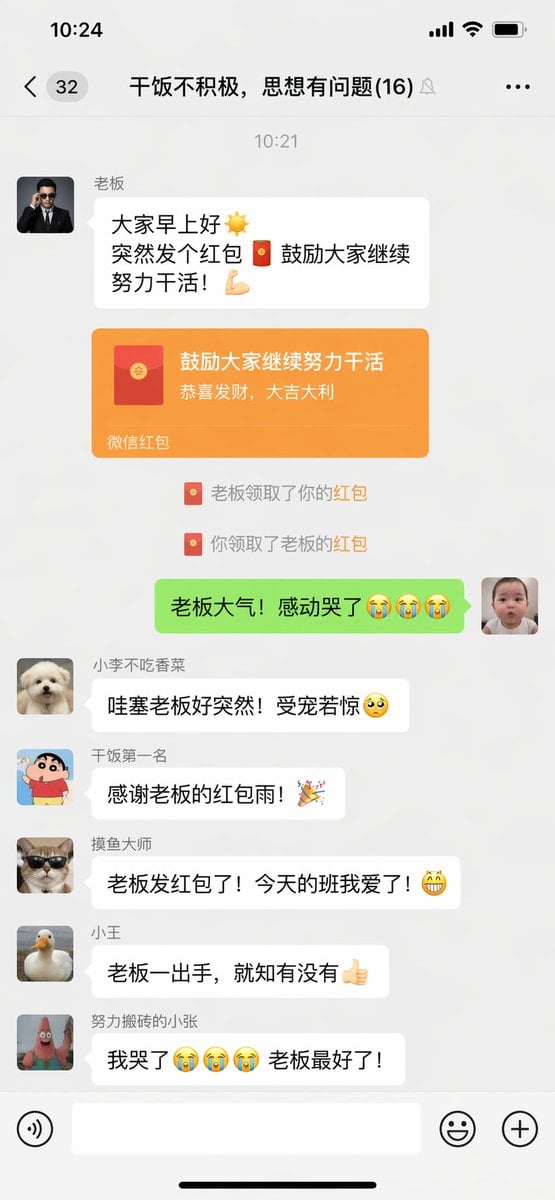
Funny Chat App Screenshot Prompt
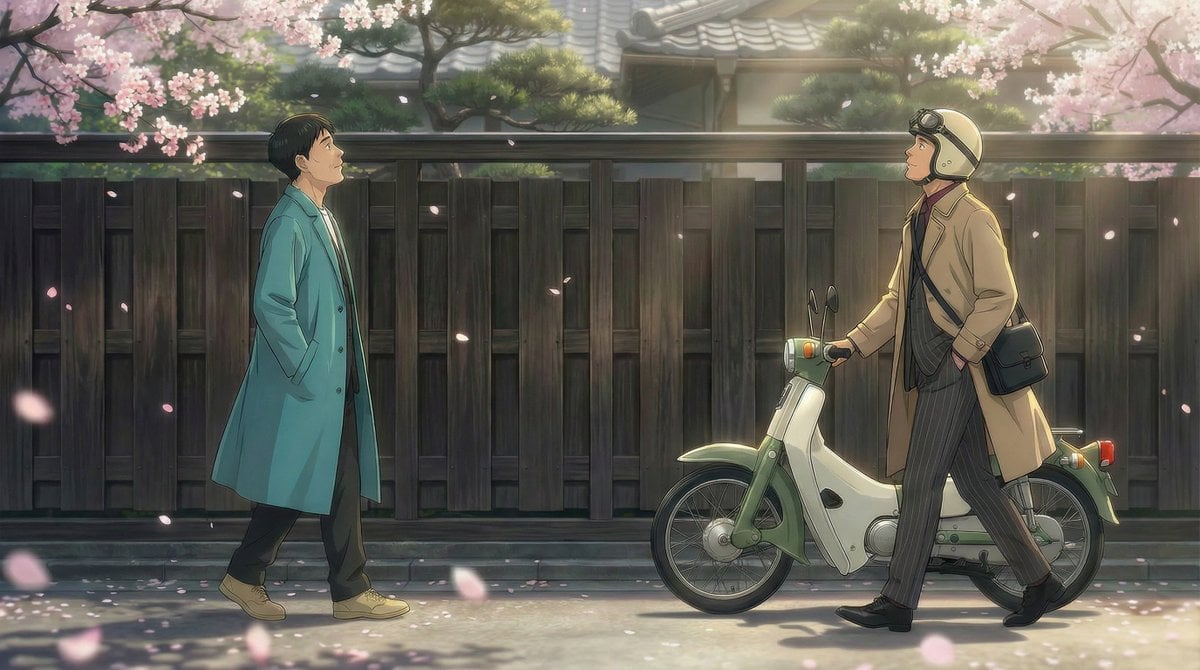
Nano Banana Pro Prompt for 'Scramble Spring' Fan Art
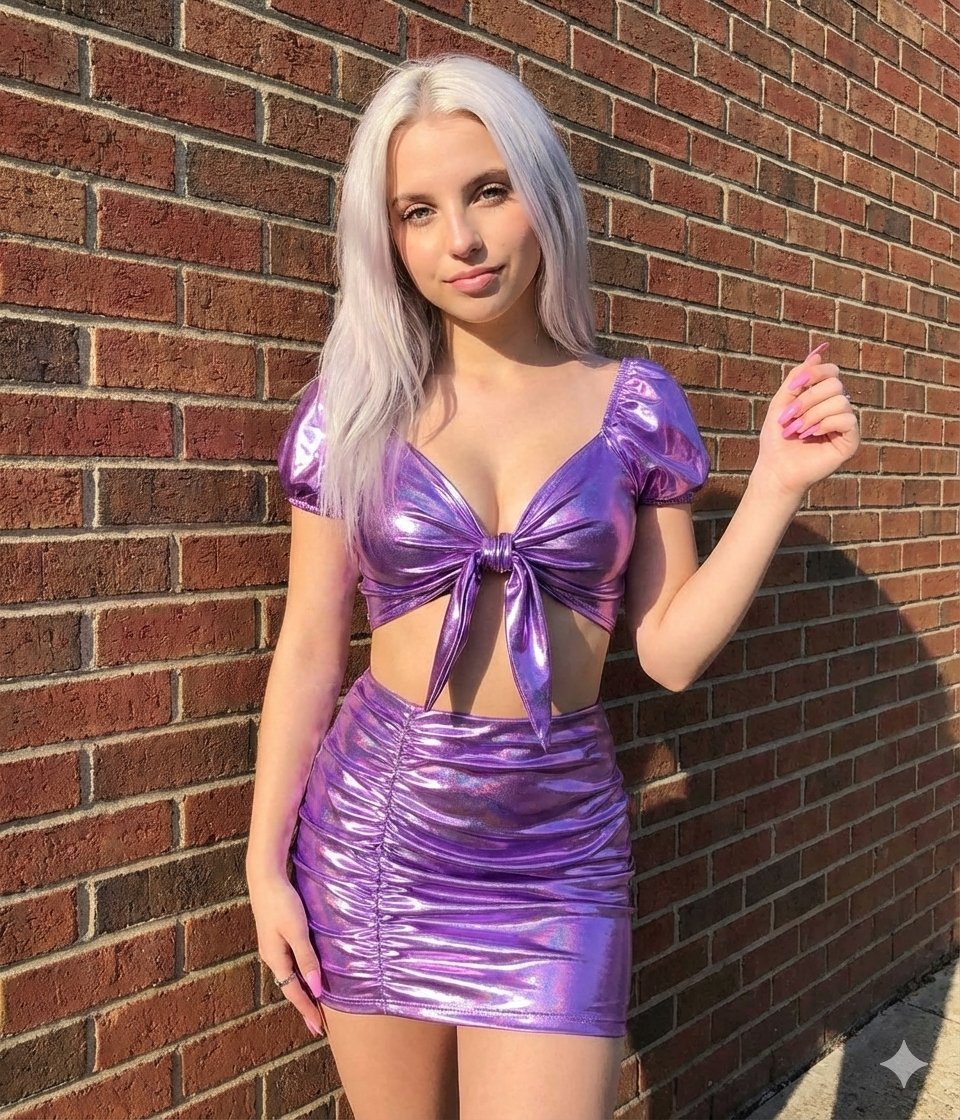
Metallic Purple Street Fashion Prompt

Gpt2 E Commerce Main Image Elegant Cosmetic Poster

Manga Surf Wipeout Comic Poster
Kindergarten Crayon Doodle Illustration Prompt
Candid Vintage Photo Aesthetic Prompt for Nano Banana Pro
Bubble Dragon and Fox Stretching
Chalkboard king rabbit illustration at sunset

Luxury Spain Sunset Travel Poster
Browse template categories
Panel Grid Layout for Portrait Photography with Detailed JSON Prompt questions
How do I use the 9-Panel Grid Layout for Portrait Photography with Detailed JSON Prompt template?
Add your photo if the template asks for one, edit the prompt if you like — the template's model and format are already selected — and press Generate. Your version opens in PicX Studio.
Can I customize the 9-Panel Grid Layout for Portrait Photography with Detailed JSON Prompt template?
Yes. You can change the subject, setting, lighting, mood, format, and available model controls before creating your image.
Is the 9-Panel Grid Layout for Portrait Photography with Detailed JSON Prompt template free?
Opening and editing this template is free. Generating uses credits, shown on the Generate button when you are signed in.
Which AI model should I use?
Start with Nano Banana 2, which is the model associated with this template. You can compare another compatible model for a different finish.
Looking for something else? Browse all templates.

Your photo, any look
Thousands of ready templates for every top image and video model, from one credit balance.