
Bubble Dragon and Fox Stretching
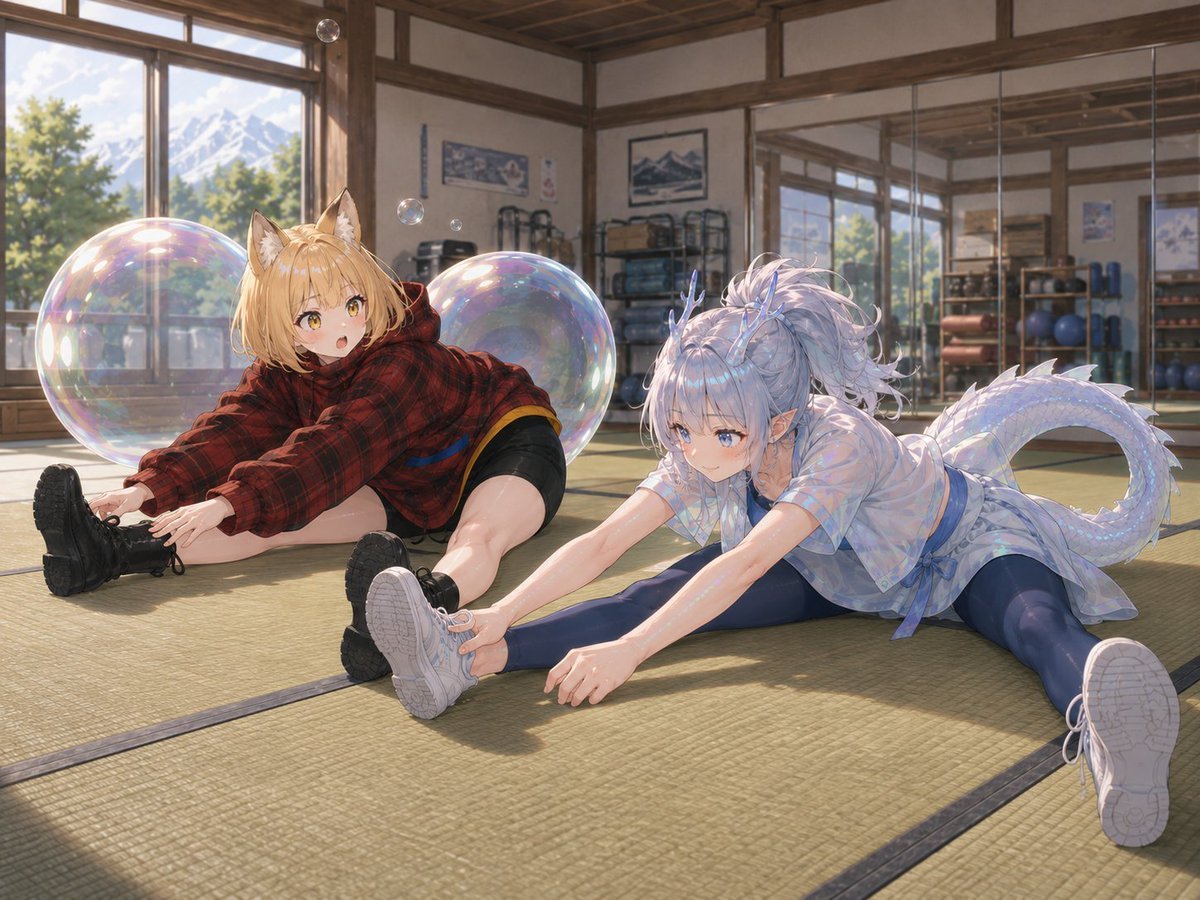
A detailed anime fantasy slice-of-life scene of a fox-eared youth and a bubble dragon youth stretching together in a sunlit tatami dojo.
- Prompt included
- Model and format preset
- Free template
The prompt behind this image
Copy the exact prompt behind Bubble Dragon and Fox Stretching, or open it in the studio and make it yours.
Create a polished anime-style illustration of two fantasy humanoid characters stretching on tatami mats inside a sunlit traditional Japanese dojo or training room. The scene shows exactly two main characters sitting on the floor in wide-legged forward stretches: on the left, a fox-eared youth with messy blond hair, tan fox ears, a red-and-black oversized plaid hoodie, black shorts, and black lace-up boots, leaning forward to reach one boot; on the right, a pale dragon-themed youth with fluffy white hair, small translucent blue horns, pointed elf-like ears, a long iridescent white-blue dragon tail curled behind them, a semi-transparent pale blue patterned tunic tied with blue ribbons, dark blue leggings, and white sneakers, reaching toward one shoe. Use {argument name="left character" default="a blond fox-eared youth in a red plaid hoodie"} and {argument name="right character" default="a white-haired bubble dragon youth with a shimmering tail"}. Add exactly four visible soap bubbles: one large iridescent bubble behind the fox character, one large iridescent bubble behind and between the two characters, and two small floating bubbles above them. The room has wooden beams, sliding glass windows, mirrored wall panels, shelves with exercise equipment, posters, and a mountain landscape visible outside through bright windows. Lighting should be warm late-morning sunlight with long soft shadows, sparkling highlights on bubbles, and glossy iridescent reflections on the dragon tail and clothing. Composition is a wide horizontal 4:3 view from low floor level, emphasizing depth across the tatami mats. Style: high-detail modern anime, soft painterly rendering, realistic room perspective, delicate linework, airy atmosphere, whimsical fantasy slice-of-life mood. Leave both faces softly obscured or featureless with neutral skin-tone blurs, avoiding detailed facial features. No captions, no watermark, no extra characters.
How to use Bubble Dragon and Fox Stretching in 3 steps
- 1Upload ImagePNG, JPG or paste
Add your photo
Upload the photo the template builds on. The prompt, model and format are already set.
- 2…a portrait of your subject in softgolden-hour light, 85mm…
Personalize
Edit the subject and creative details for your destination.
- 3Generate
Generate
Press Generate — your image is created in PicX Studio, so you can compare it with the original and refine one variable at a time.
More like this
Templates with the same subject, style or setup. Open one to see its prompt.
Minecraft Fantasy Kingdom Voxel Landscape
Bubble Fox Friends Meet in Niseko
Fox Girl Bubble Dream
Seedance - Dragon vs Python Battle
Moonlit Fox Mask Night Market
Halloween Fox-Eared Fantasy Girl
Woman Stretching in Sports Wear Under Blue Sky
Foxy App Icon Exploration Board
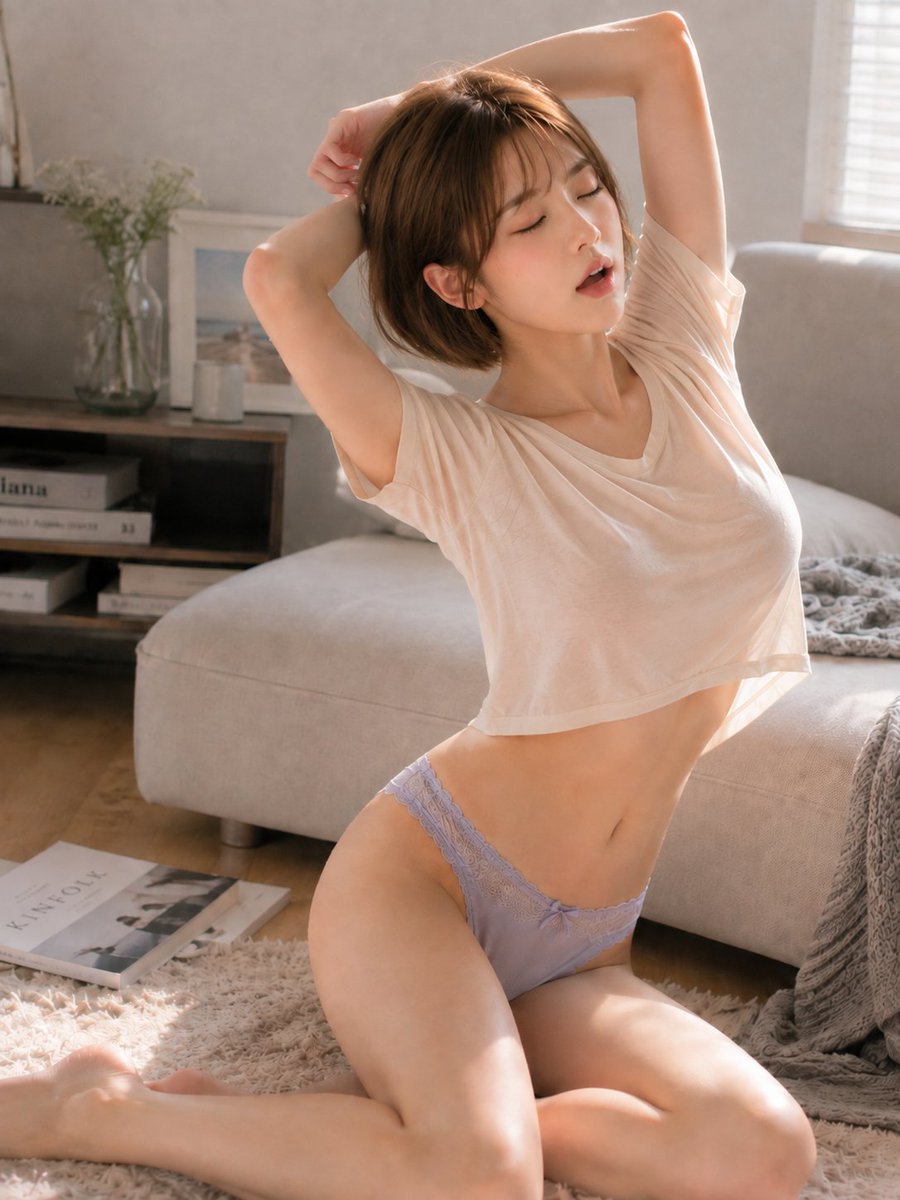
Cozy Morning Stretching Portrait
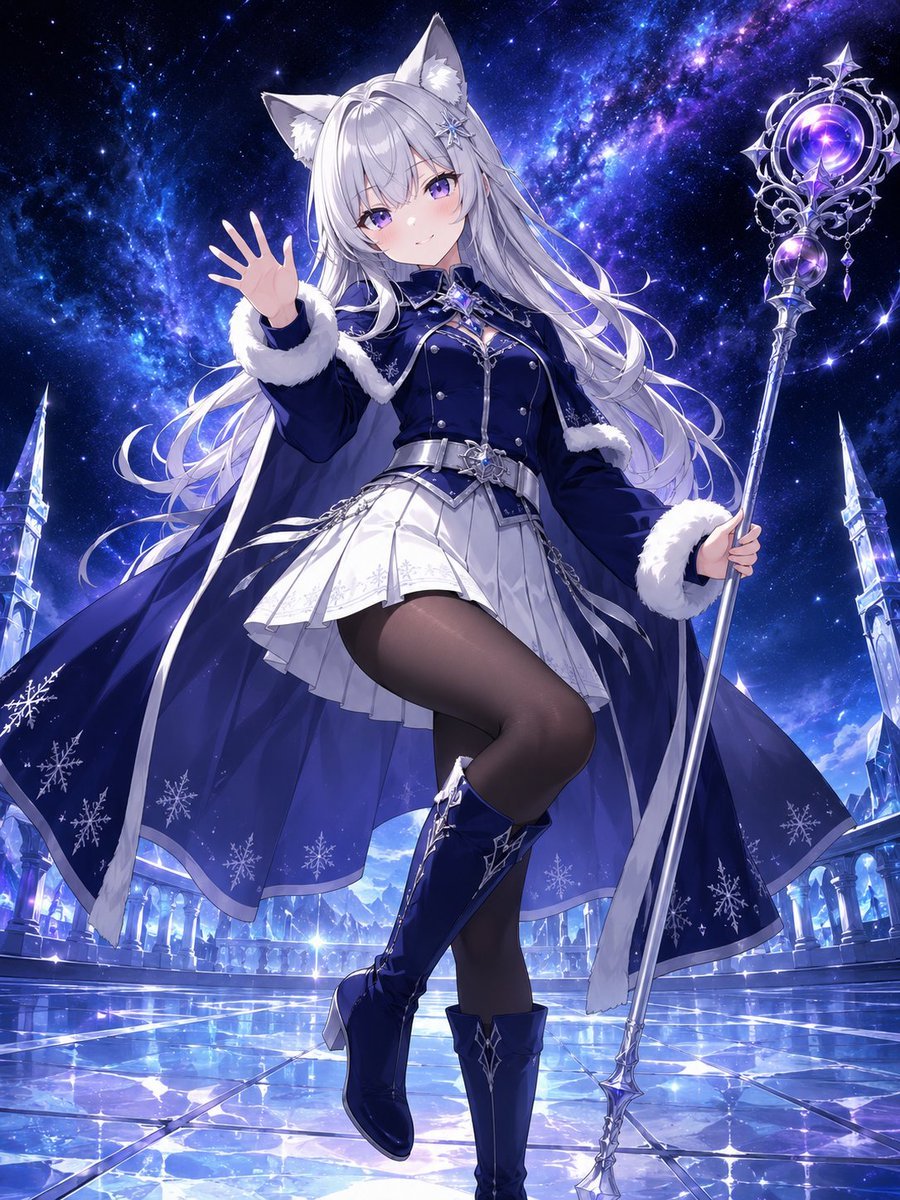
Silver Fox-Eared Winter Mage
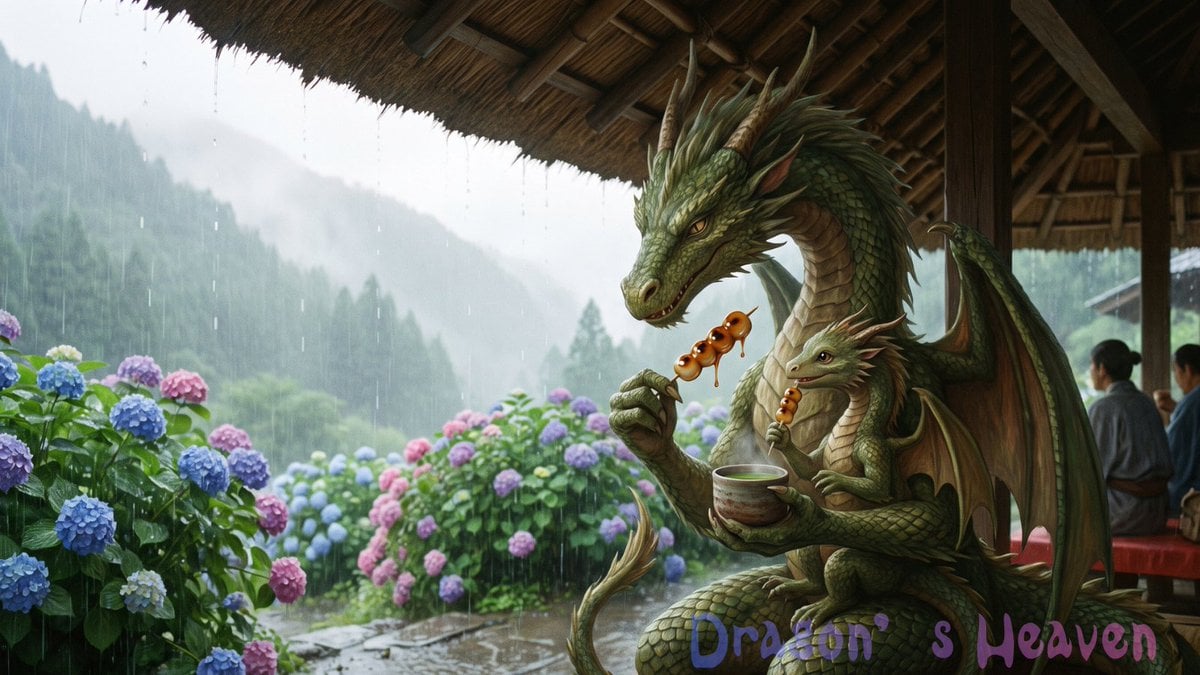
Rainy Dragon Family Eating Dango
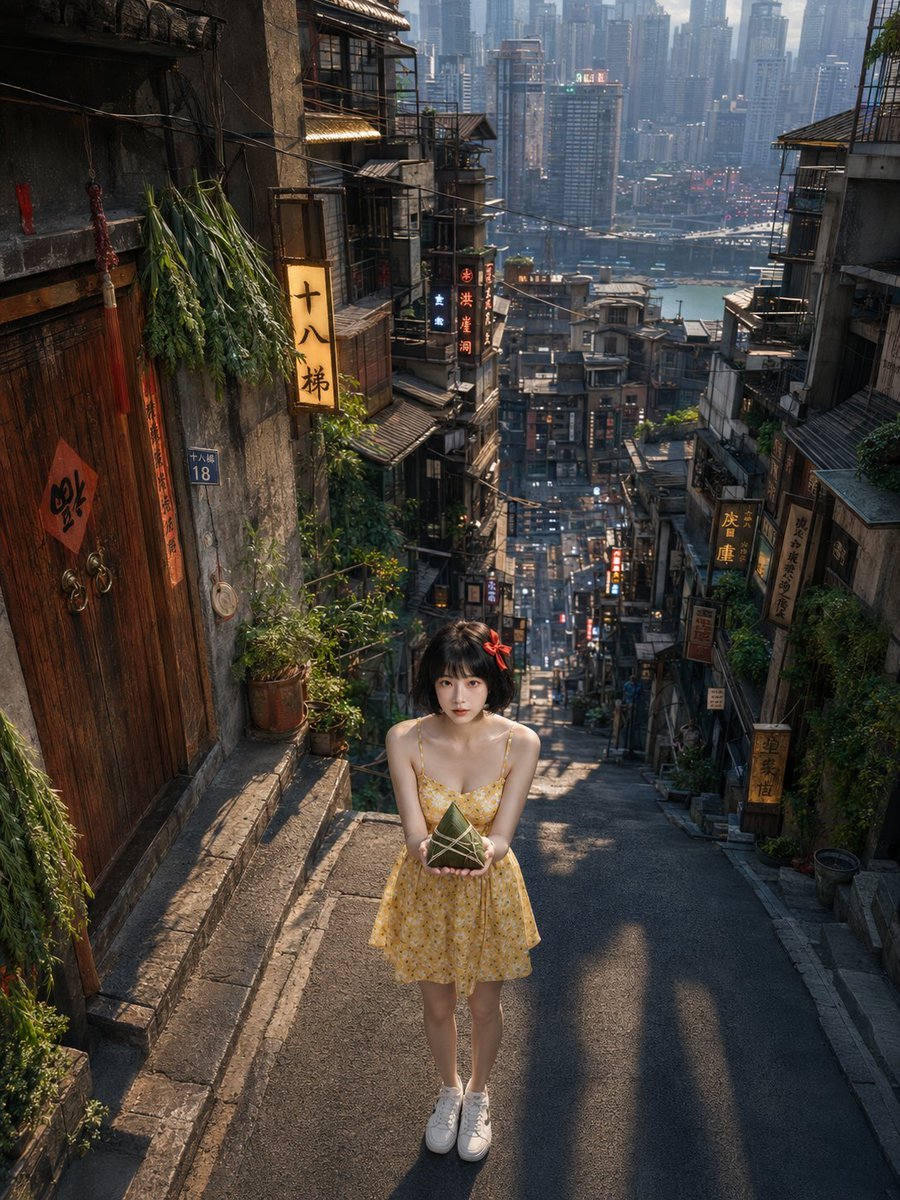
Dragon Boat Festival Chongqing Street Portrait
Make it yours
Bubble Dragon and Fox Stretching works as-is. These are the safest ways to change it without losing the look.
Change one field
Copy a single group, rewrite it, and generate again so you can see what that field is doing.
Keep the frame, change the subject
Hold the composition and light of Bubble Dragon and Fox Stretching, then swap wardrobe, props or the person for a new take.
| If the result… | Why | Fix |
|---|---|---|
| The result drifts from the preview | Too many fields changed at once. | Reuse Bubble Dragon and Fox Stretching as-is first, then change one group — subject, light, or setting. |
| The model over-stylizes the scene | The prose prompt leaves finish and camera underspecified. | Add one camera or lighting sentence and stay on GPT Image 2. |
More GPT Image 2 templates
Other prompts made for GPT Image 2.

Six VTuber Japanese Logo Sheet

Realistic Portrait of Woman and Deer

The Vista Modular Condo Poster

AI Model Routing Comparison Infographic

2.5D Anime Art Board

Isometric Productivity Desk Scene

New York Double Exposure Poster

Four-Panel AI Landscape Comparison

Japanese Tatami Lifestyle Magazine Cover

NESCAFÉ Coffee Map Poster
More image prompts
Fresh picks from across the catalog.

Generate diagrams from programming explanations
Jomon Dogu Couture Moodboard
Pixar-Style 3D Animated Character Portraits
Fictional Newspaper Newspaper Extra
Gemini Nano Banana 2
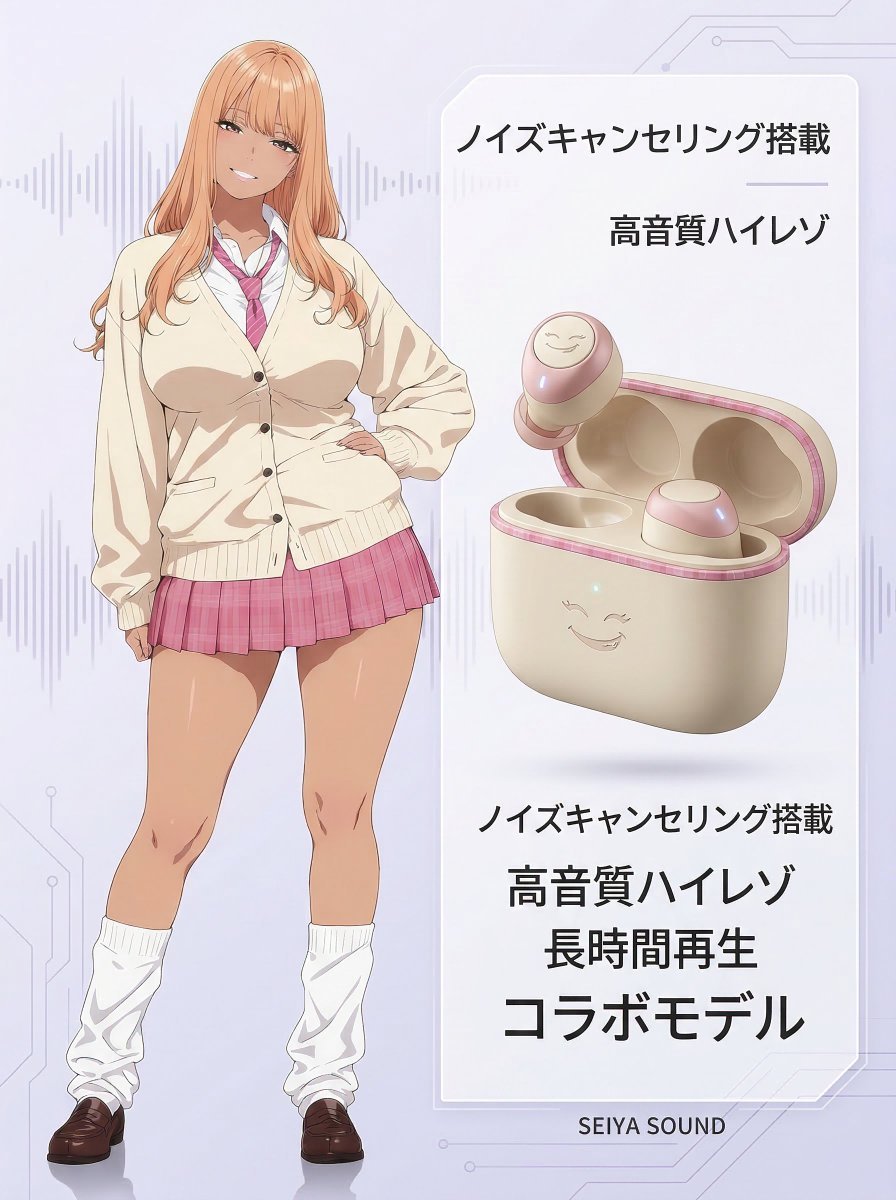
Character-Themed Wireless Earbuds Product Shot
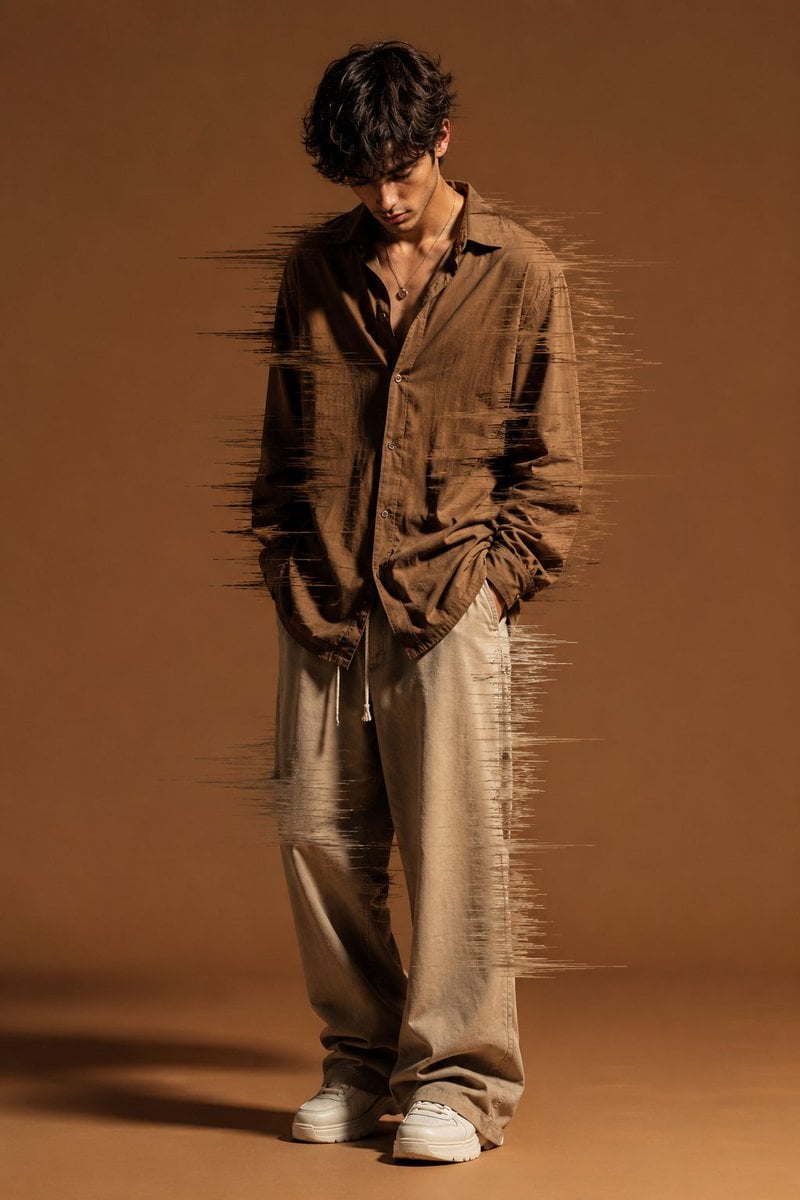
Editorial Fashion Glitch Portrait
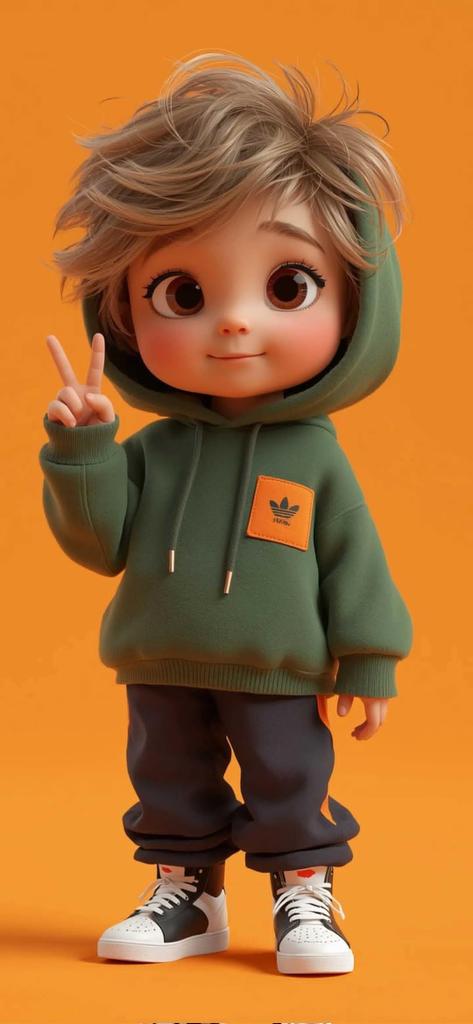
Pixar-Style 3D Chibi Boy Character
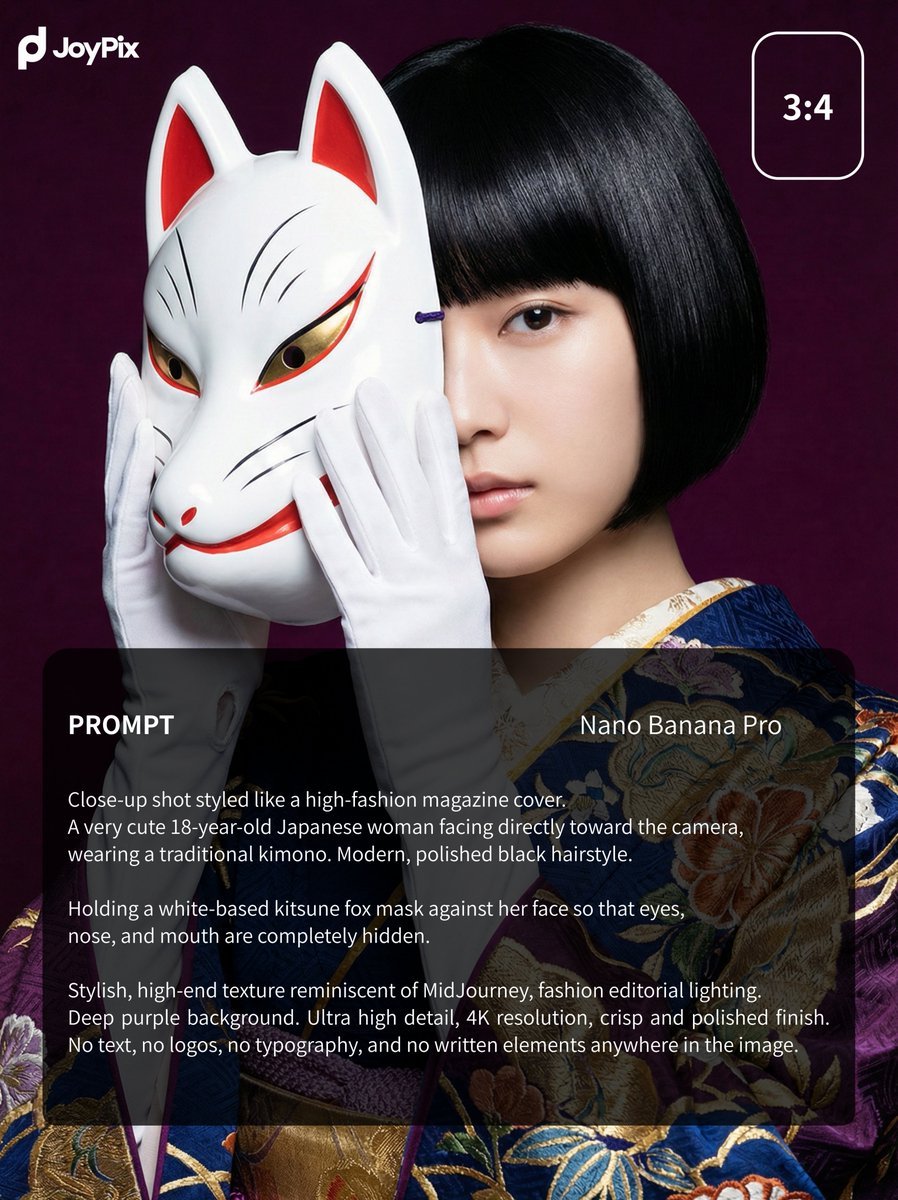
Japanese Style White Fox Goddess for JoyPix Brand
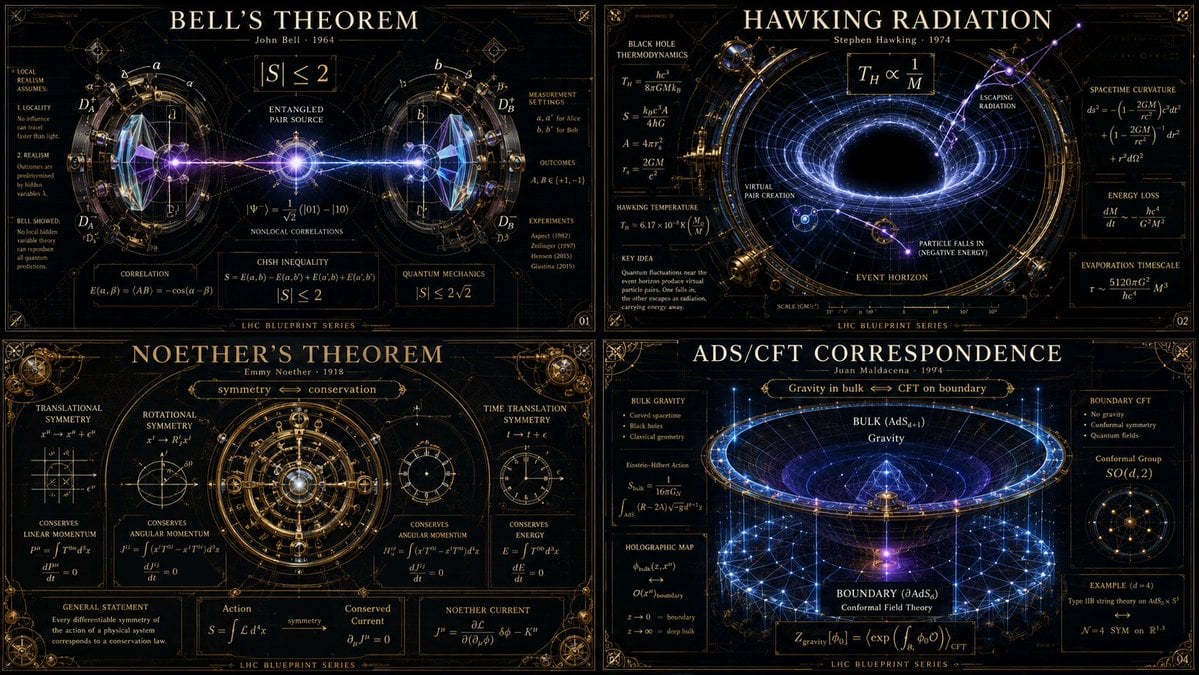
Advanced Physics Paradox Infographic
Browse template categories
Bubble Dragon and Fox Stretching questions
How do I use the Bubble Dragon and Fox Stretching template?
Add your photo if the template asks for one, edit the prompt if you like — the template's model and format are already selected — and press Generate. Your version opens in PicX Studio.
Can I customize the Bubble Dragon and Fox Stretching template?
Yes. You can change the subject, setting, lighting, mood, format, and available model controls before creating your image.
Is the Bubble Dragon and Fox Stretching template free?
Opening and editing this template is free. Generating uses credits, shown on the Generate button when you are signed in.
Which AI model should I use?
Start with GPT Image 2, which is the model associated with this template. You can compare another compatible model for a different finish.
Looking for something else? Browse all templates.

Your photo, any look
Thousands of ready templates for every top image and video model, from one credit balance.