
Silver Fox-Eared Winter Mage
A detailed anime fantasy prompt for generating a silver-haired fox-eared winter mage princess in an icy palace under a galaxy sky.
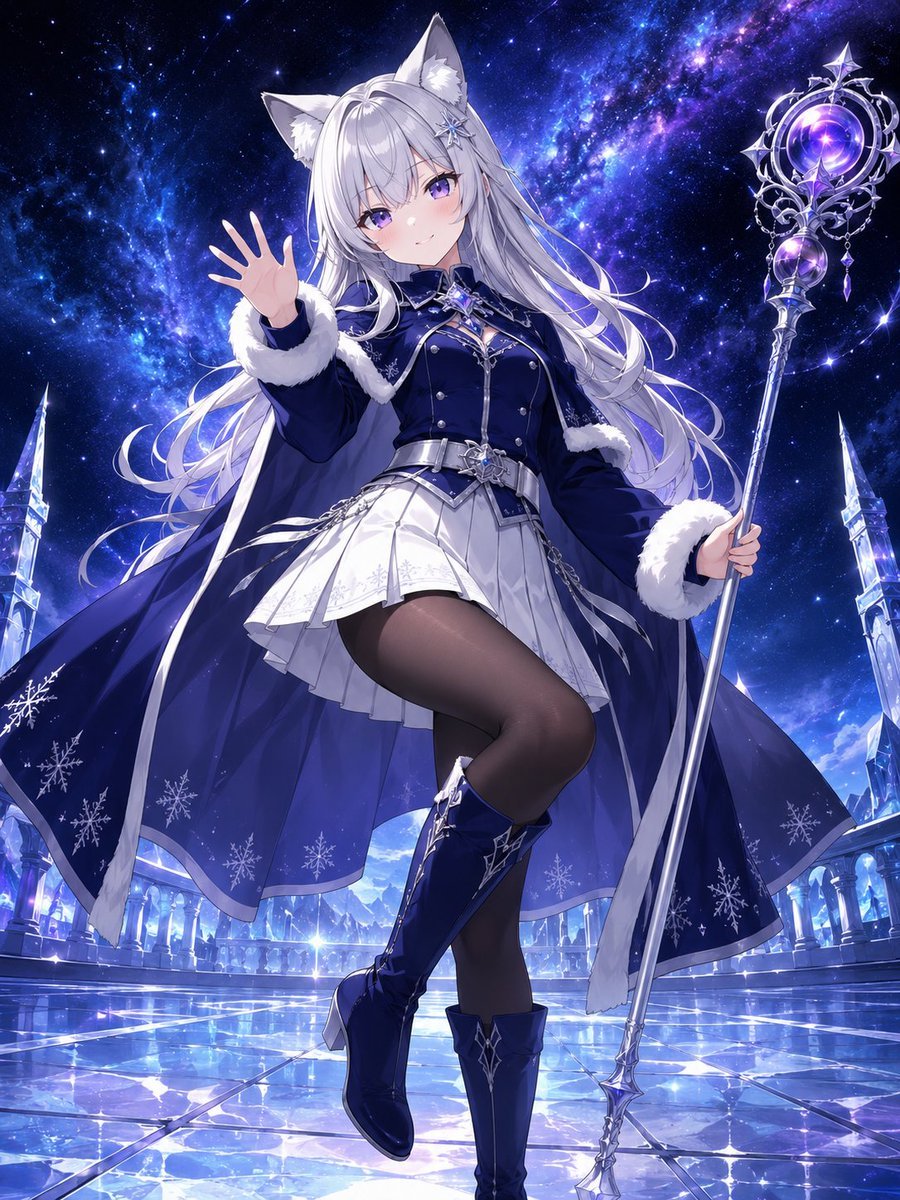
- Prompt included
- Model and format preset
- Free template
The prompt behind this image
Copy the exact prompt behind Silver Fox-Eared Winter Mage, or open it in the studio and make it yours.
Create a polished full-body anime fantasy illustration of a cheerful silver-haired fox-eared girl in a cool winter night setting. The character has {argument name="hair color" default="long flowing silver-white hair"}, large fluffy fox ears, violet eyes, soft blush, and a gentle smile while facing the viewer. She is stepping forward gracefully with one leg raised, her left hand open in a friendly wave toward the camera, and her right hand holding an ornate tall magical staff topped with a glowing purple crystal orb inside a silver crescent-and-star filigree frame. Dress her in {argument name="outfit style" default="navy blue and white snow-princess military mage outfit"}: a fitted dark navy jacket with silver buttons and star brooch details, white fur trim on cuffs and cape edges, a silver belt, a short pleated white skirt, dark translucent tights, navy knee-high boots with silver snowflake-like ornaments, and a dramatic flowing navy cape decorated with visible white snowflake motifs. Set the scene in {argument name="background setting" default="an icy crystal palace terrace under a brilliant blue-purple galaxy sky"}, with exactly two tall crystalline spires visible near the left and right edges, luminous arched palace architecture in the distance, a reflective frozen-tile floor sparkling with star-like highlights, and deep space nebula clouds overhead. Use a low-angle heroic composition, centered character, dynamic wind-blown hair and cape, crisp line art, highly detailed anime rendering, luminous blue and violet lighting, glossy ice reflections, magical winter atmosphere, no text, no watermark.
How to use Silver Fox-Eared Winter Mage in 3 steps
- 1Upload ImagePNG, JPG or paste
Add your photo
Upload the photo the template builds on. The prompt, model and format are already set.
- 2…a portrait of your subject in softgolden-hour light, 85mm…
Personalize
Edit the subject and creative details for your destination.
- 3Generate
Generate
Press Generate — your image is created in PicX Studio, so you can compare it with the original and refine one variable at a time.
More like this
Templates with the same subject, style or setup. Open one to see its prompt.
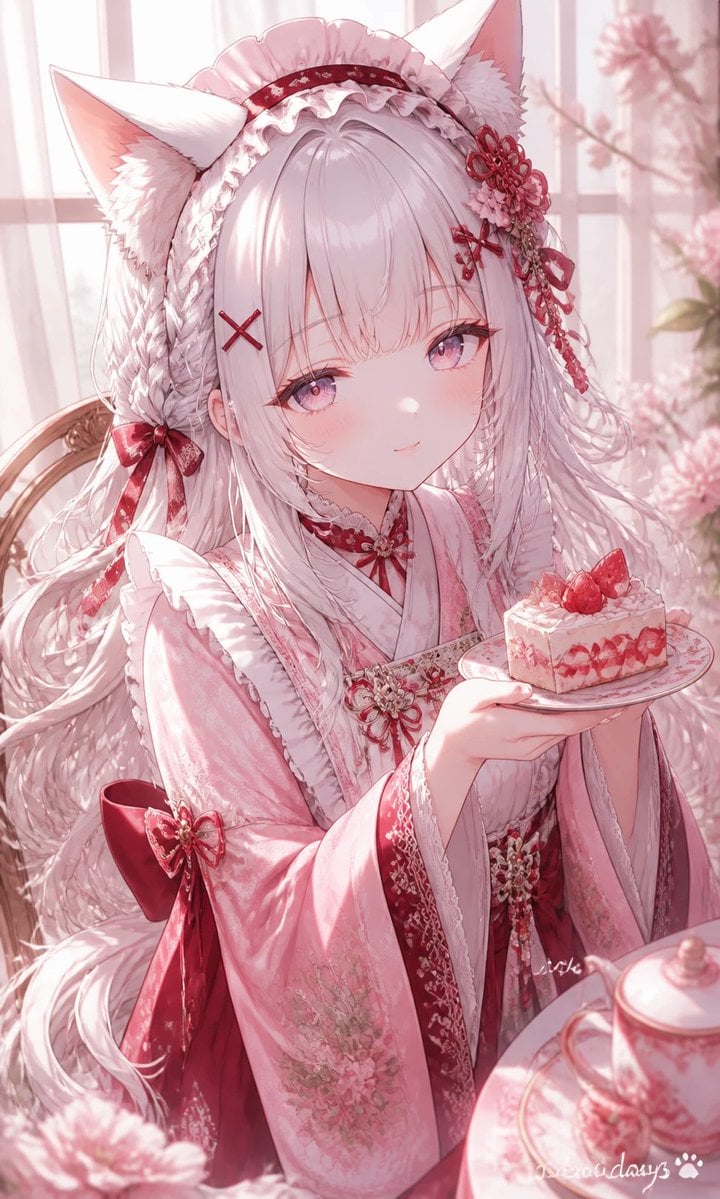
Fox-Eared Kimono Tea Party Girl
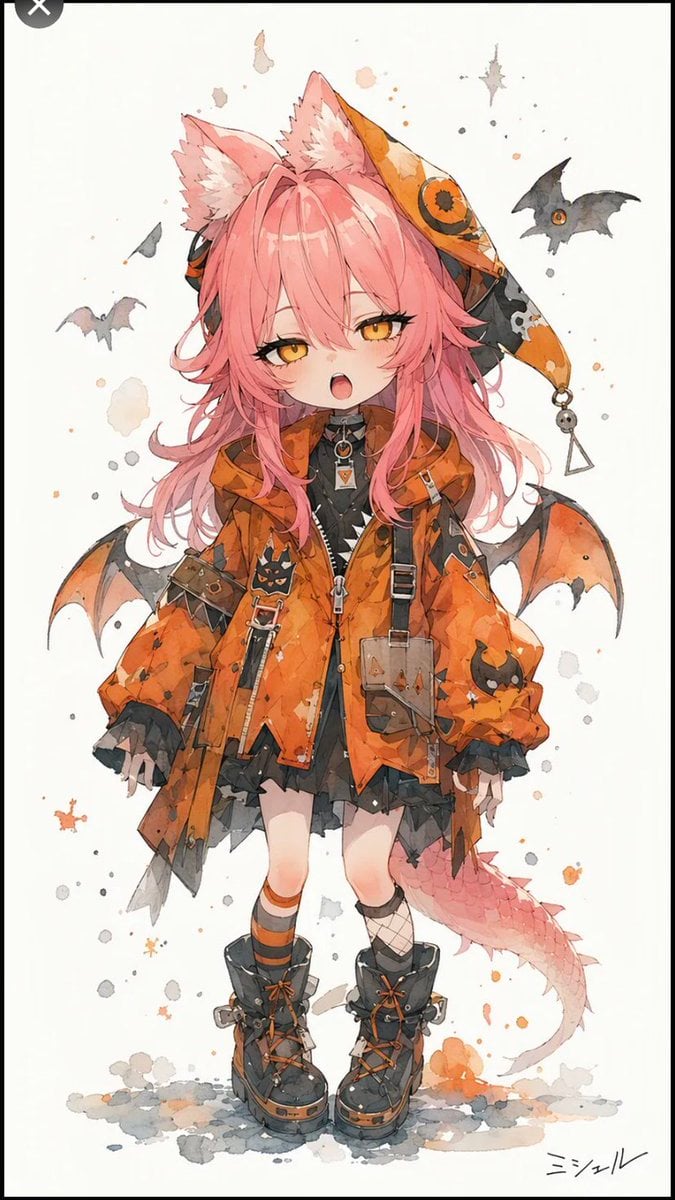
Halloween Fox-Eared Fantasy Girl
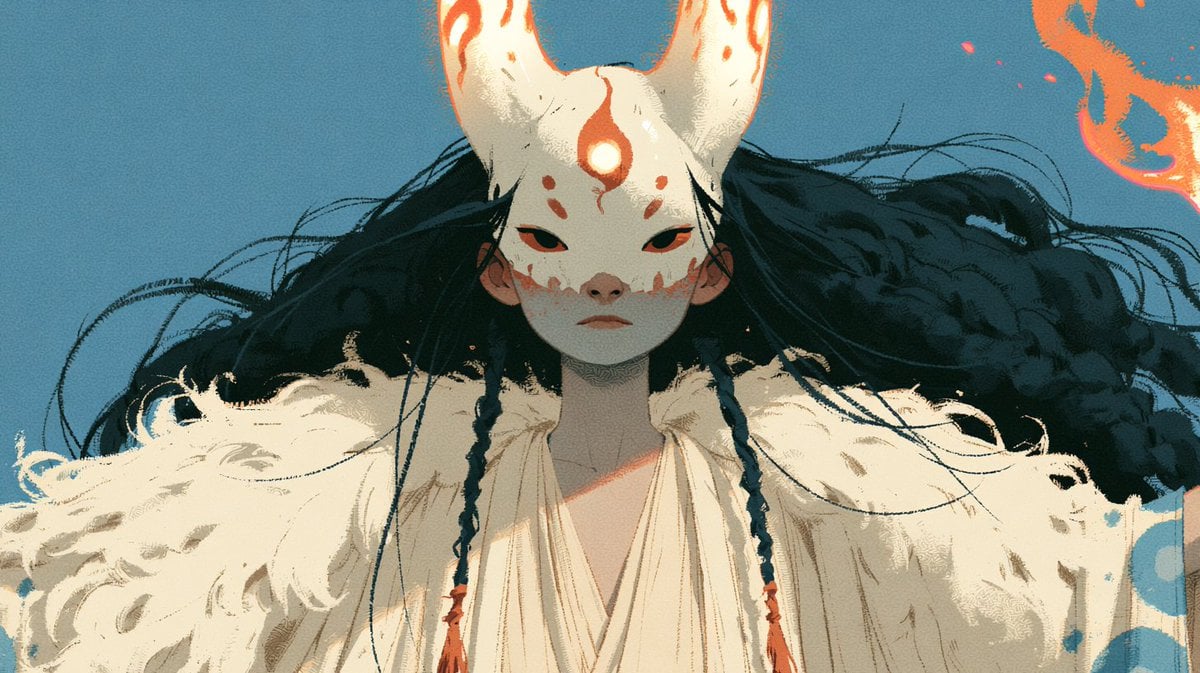
Neon Fox Mask Mage Portrait
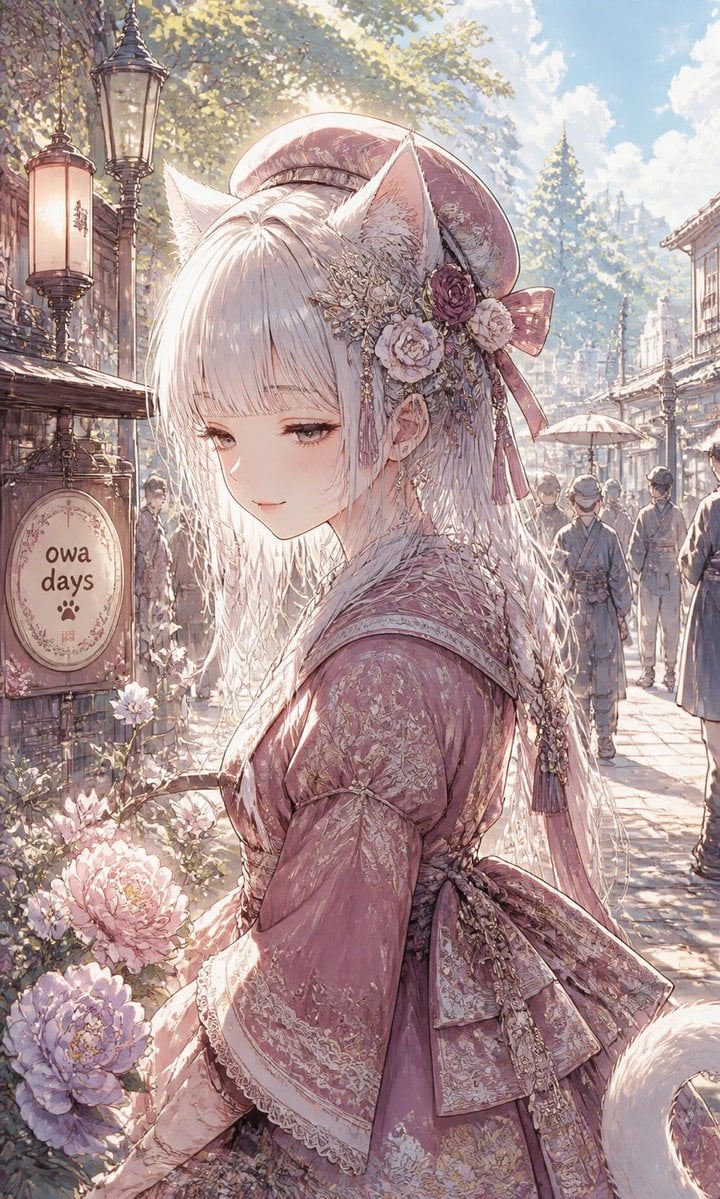
Fox-Eared Girl on Sunlit Market Street

Frozen Street Luxe Graffiti Fashion Campaign

Photoreal Snow Biome Name Tag UI

Minecraft You Died Winter Death Screen
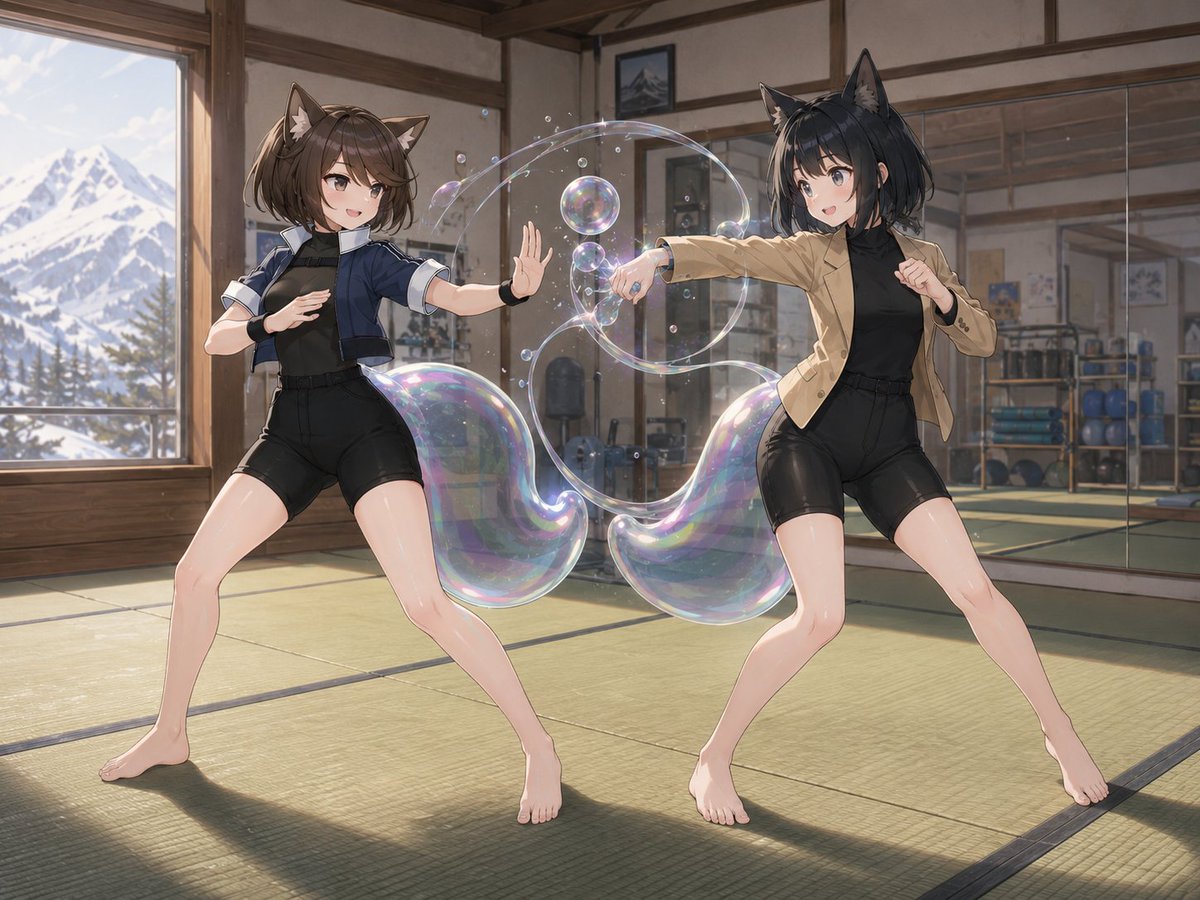
Fox-Eared Dojo Sparring Scene
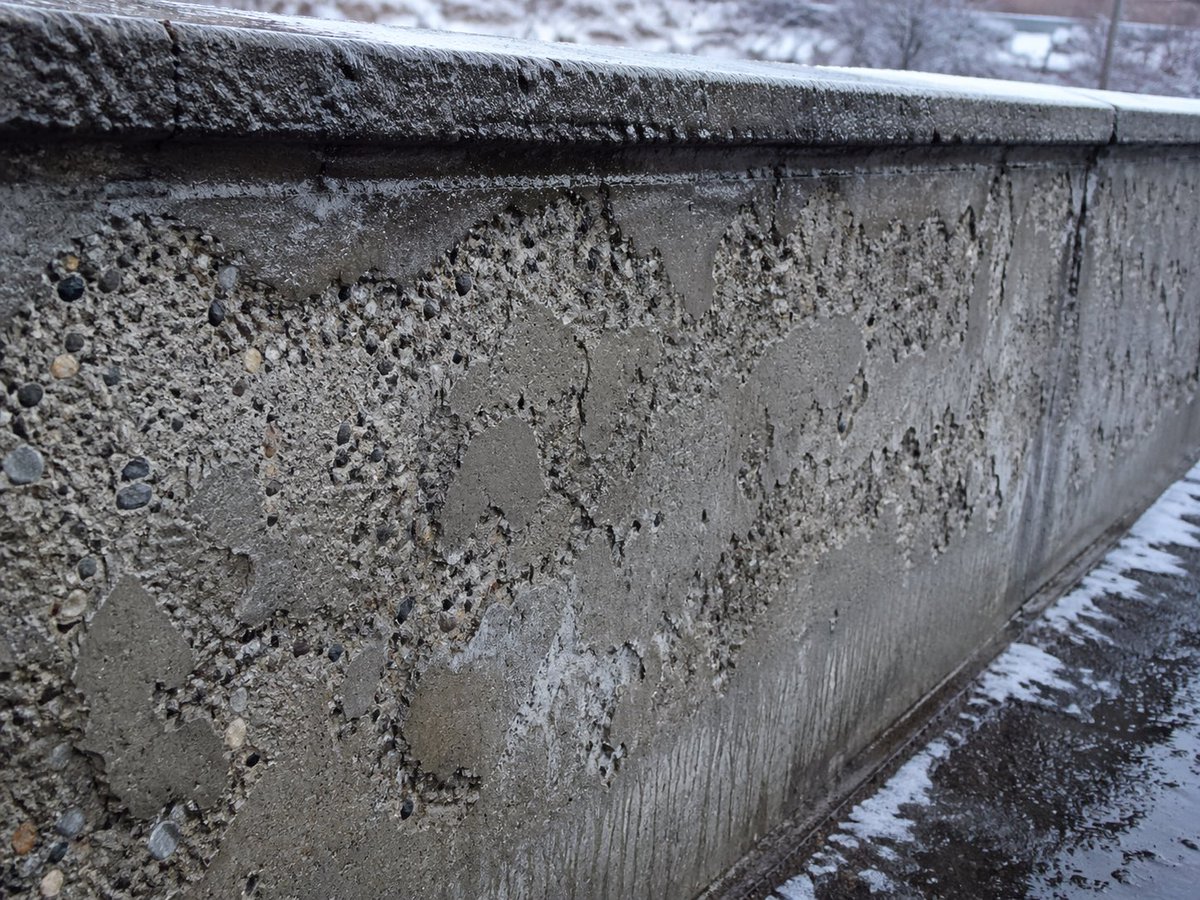
Winter Concrete Salt Damage Close-Up
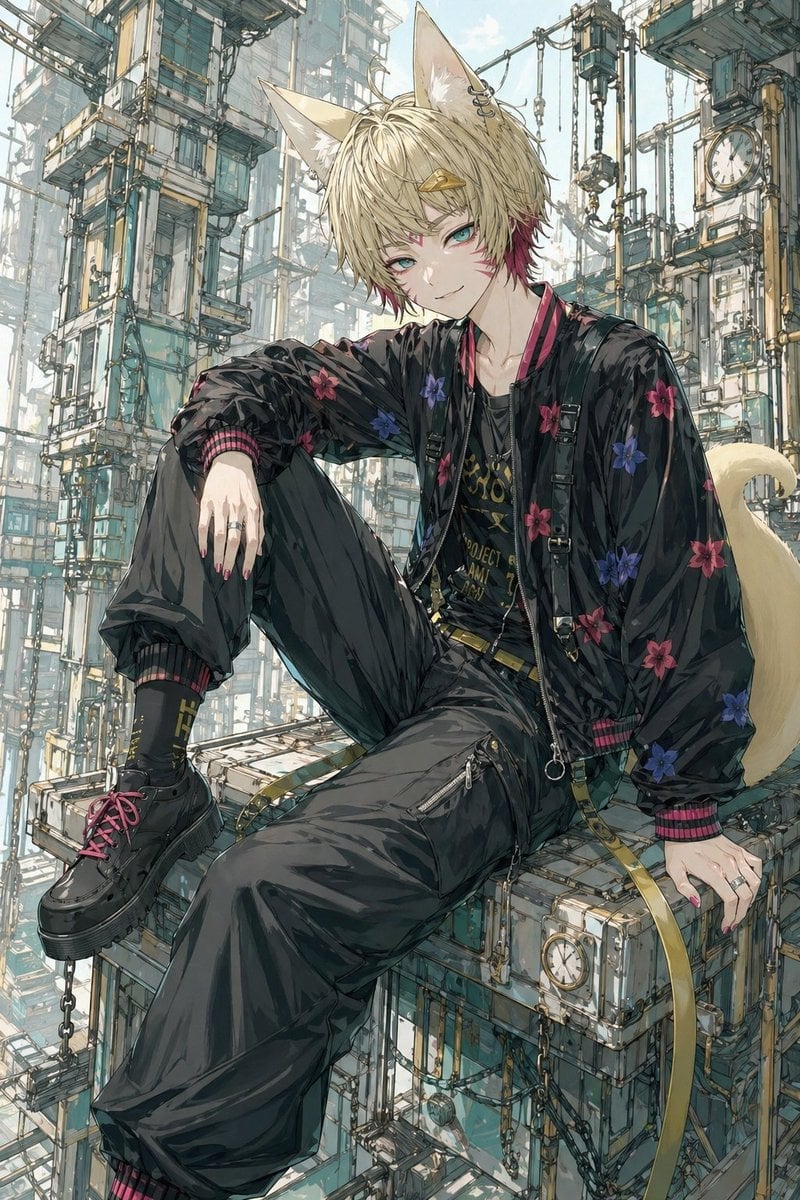
Fox-Eared Streetwear Boy in Steampunk City
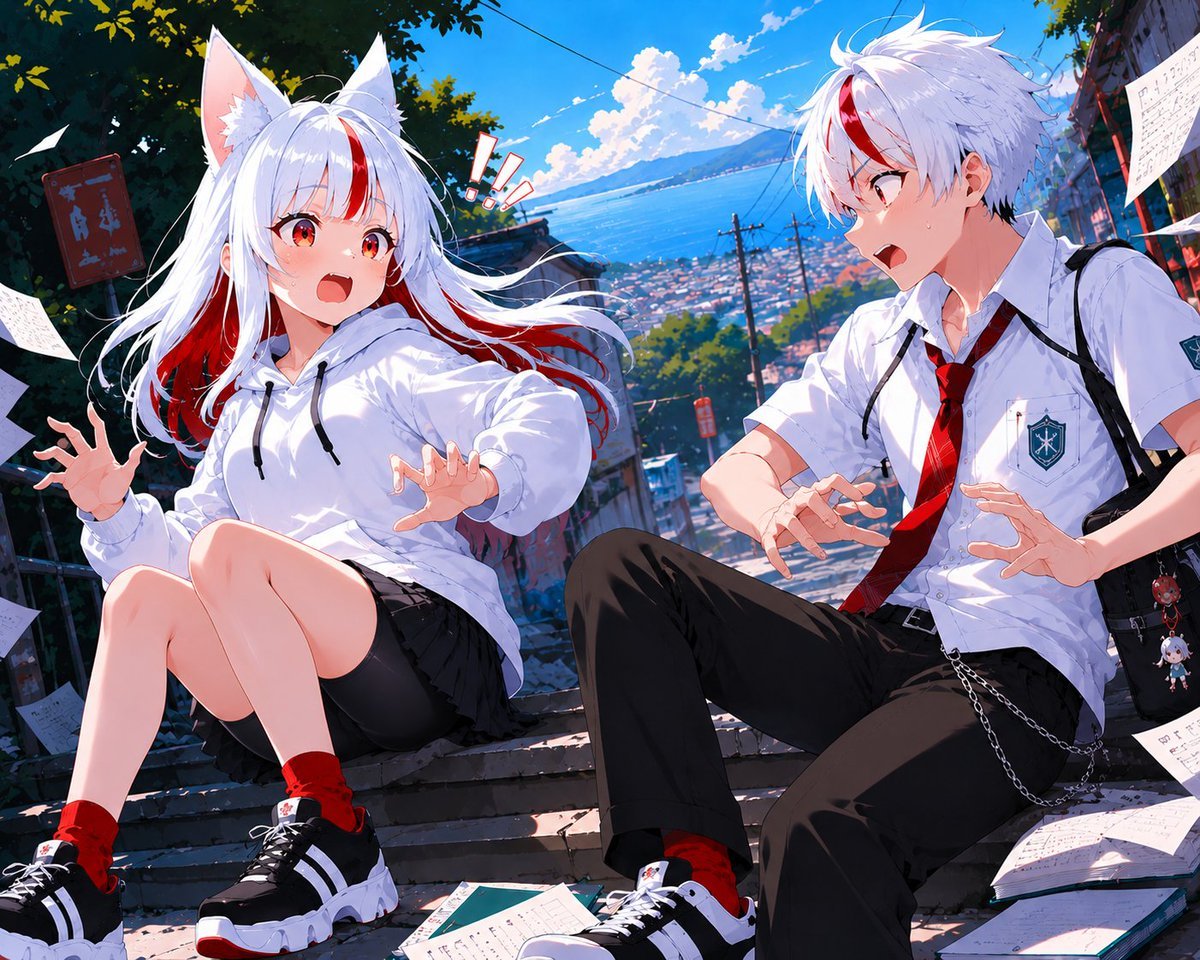
Fox-Eared Anime Students by the Sea
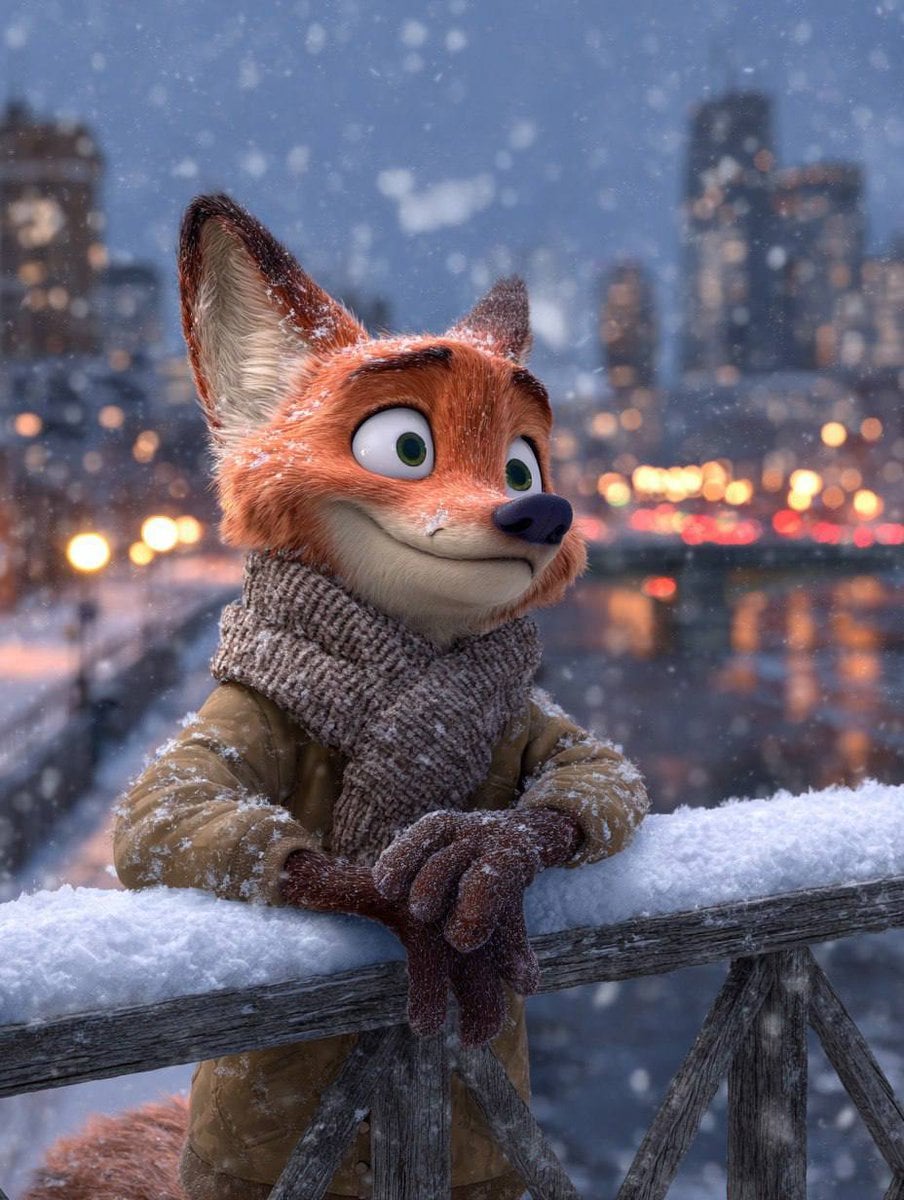
Anthropomorphic Fox Character in Winter Scene
Make it yours
Silver Fox-Eared Winter Mage works as-is. These are the safest ways to change it without losing the look.
Change one field
Copy a single group, rewrite it, and generate again so you can see what that field is doing.
Keep the frame, change the subject
Hold the composition and light of Silver Fox-Eared Winter Mage, then swap wardrobe, props or the person for a new take.
| If the result… | Why | Fix |
|---|---|---|
| The result drifts from the preview | Too many fields changed at once. | Reuse Silver Fox-Eared Winter Mage as-is first, then change one group — subject, light, or setting. |
| The model over-stylizes the scene | The prose prompt leaves finish and camera underspecified. | Add one camera or lighting sentence and stay on GPT Image 2. |
More GPT Image 2 templates
Other prompts made for GPT Image 2.

Six VTuber Japanese Logo Sheet

Realistic Portrait of Woman and Deer

The Vista Modular Condo Poster

AI Model Routing Comparison Infographic

2.5D Anime Art Board

Isometric Productivity Desk Scene

New York Double Exposure Poster

Four-Panel AI Landscape Comparison

Japanese Tatami Lifestyle Magazine Cover

NESCAFÉ Coffee Map Poster
More image prompts
Fresh picks from across the catalog.
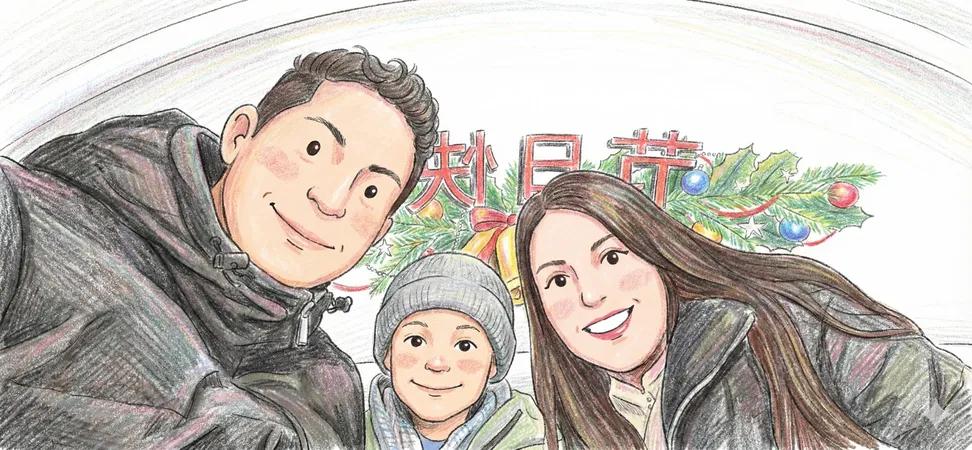
Image to Colored Pencil Sketch Prompt
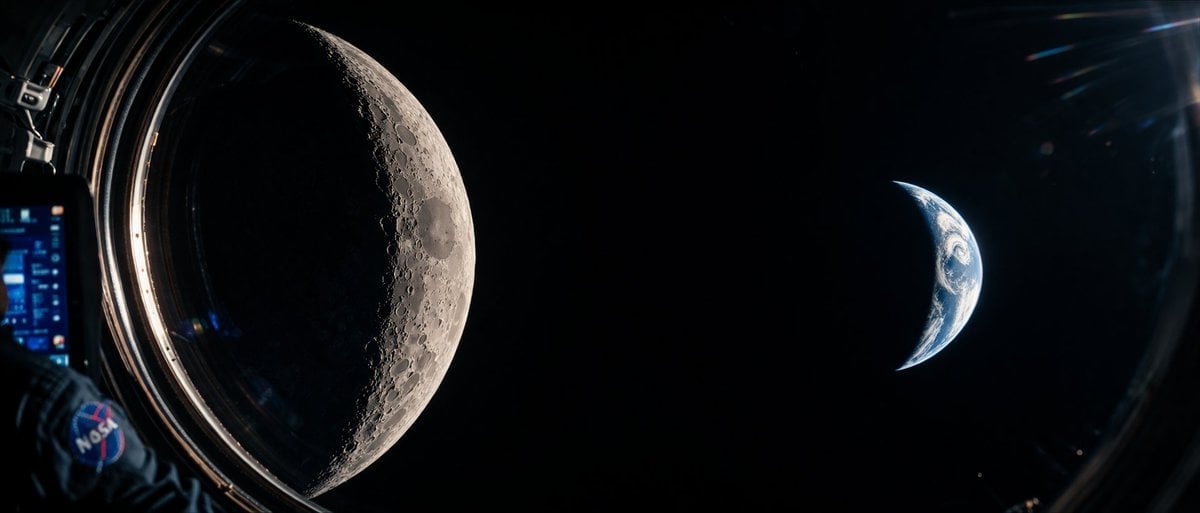
Cinematic Spacecraft View of Moon and Earth

Conceptual Visual for Vision to Execution

AI Tech Tutorial Thumbnail

Man Sleeping on Giant Smartphone
Polaroid Style Photo of Self Hugging Younger Self
Photoreal Holiday Couple Portrait with Identity Lock
Rinpa Gold Screen Portrait
9 Grid Travel Profile Photo Series
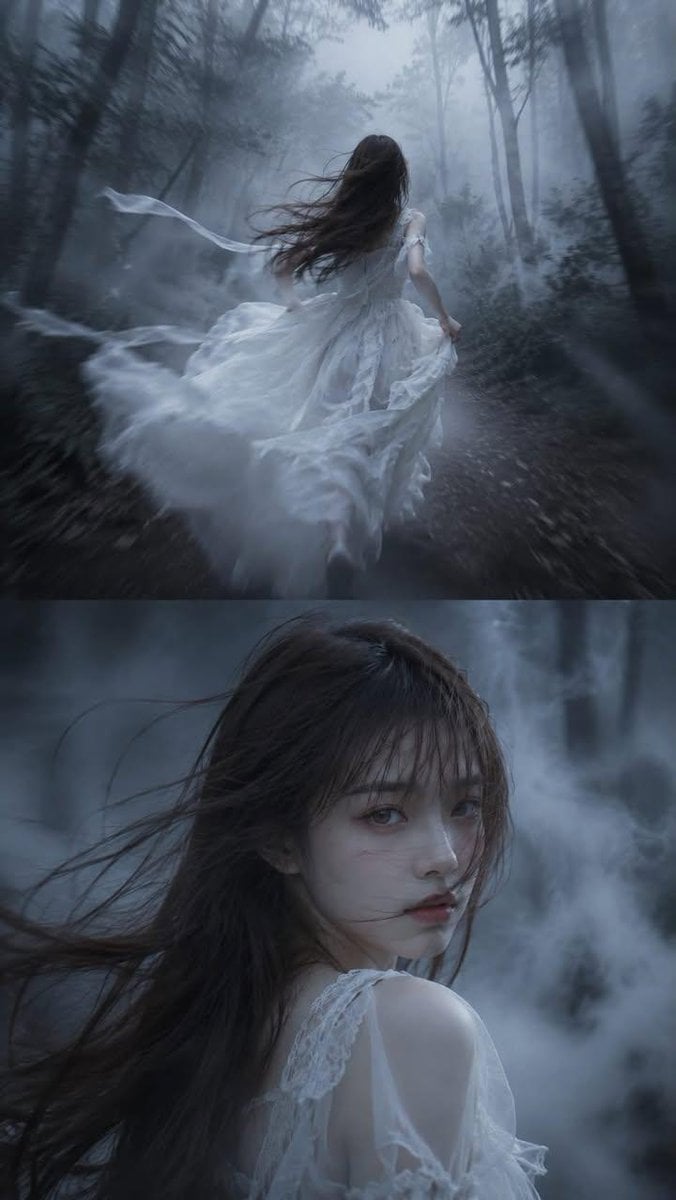
Dark Fairytale Cinematic Diptych
Browse template categories
Silver Fox-Eared Winter Mage questions
How do I use the Silver Fox-Eared Winter Mage template?
Add your photo if the template asks for one, edit the prompt if you like — the template's model and format are already selected — and press Generate. Your version opens in PicX Studio.
Can I customize the Silver Fox-Eared Winter Mage template?
Yes. You can change the subject, setting, lighting, mood, format, and available model controls before creating your image.
Is the Silver Fox-Eared Winter Mage template free?
Opening and editing this template is free. Generating uses credits, shown on the Generate button when you are signed in.
Which AI model should I use?
Start with GPT Image 2, which is the model associated with this template. You can compare another compatible model for a different finish.
Looking for something else? Browse all templates.

Your photo, any look
Thousands of ready templates for every top image and video model, from one credit balance.