
Fox-Eared Dojo Sparring Scene
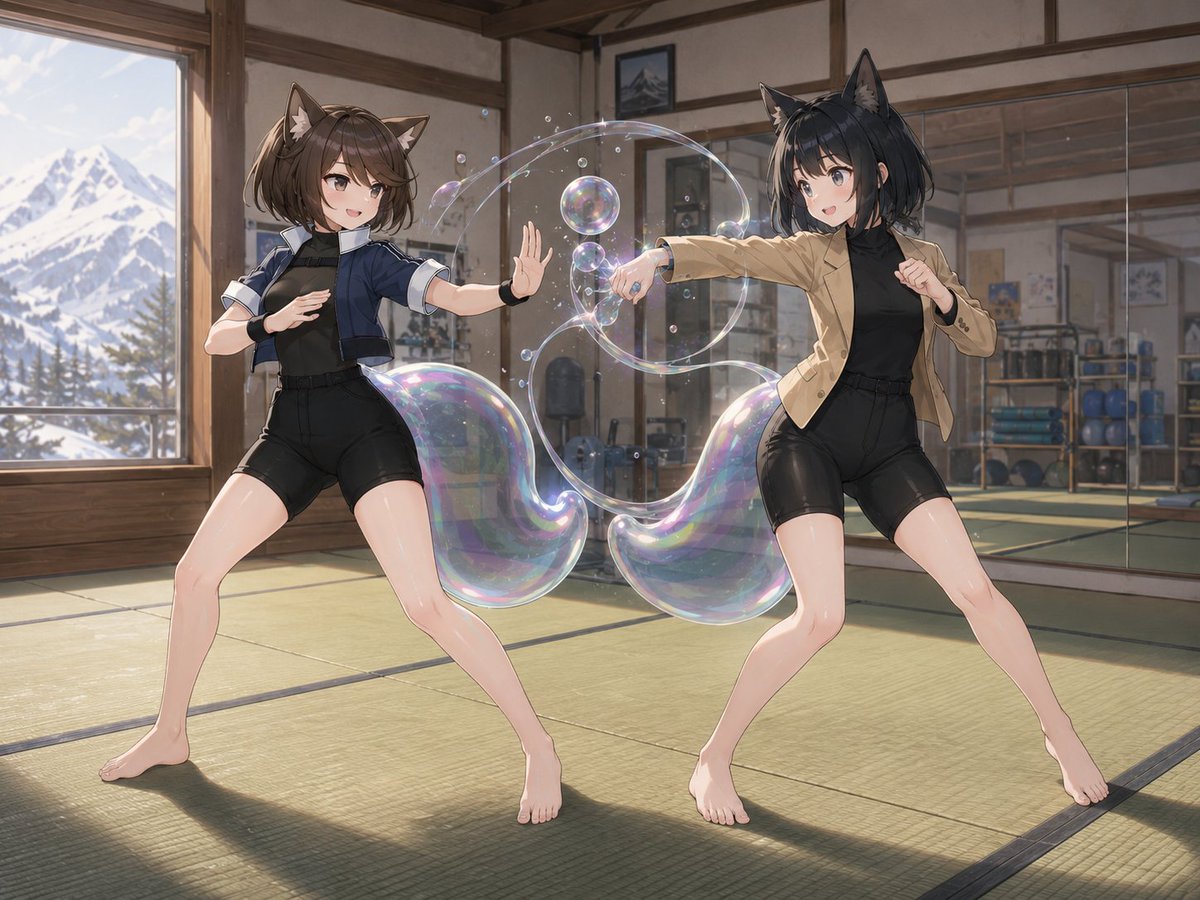
Generates an anime illustration of two fox-eared fighters sparring in a sunlit dojo with iridescent bubble energy effects.
- Prompt included
- Model and format preset
- Free template
The prompt behind this image
Copy the exact prompt behind Fox-Eared Dojo Sparring Scene, or open it in the studio and make it yours.
Create a polished anime-style illustration of {argument name="character names" default="Yuri and Liangfang"} sparring inside a traditional martial arts dojo. The scene contains exactly 2 barefoot young women with fox/cat-like animal ears, both in dynamic fighting stances on green tatami mats: the left character has short brown hair, brown animal ears, a navy cropped jacket over a black fitted training outfit with black shorts and wrist guards, stepping wide with one palm raised defensively; the right character has short black hair, black animal ears, a tan blazer over a black fitted training outfit with black shorts, throwing a straight punch toward the left character while guarding with her other fist. Both faces should be softly blurred or indistinct, with no clear facial features. Add a magical soap-bubble energy effect between their hands: exactly 3 large iridescent transparent bubbles or bubble-rings, plus exactly 10 smaller floating bubbles, all catching rainbow highlights and forming a swirling arc around the punch. The dojo has wooden beams, sliding-style walls, a wall mirror on the right reflecting gym equipment, shelves with blue exercise balls and training gear, framed pictures, warm sunlight, and a large window on the left showing snowy mountains and pine trees outside. Use cinematic composition, soft natural lighting, detailed anime rendering, clean linework, realistic perspective, glossy highlights on skin and bubbles, no text, no watermark.
How to use Fox-Eared Dojo Sparring Scene in 3 steps
- 1Upload ImagePNG, JPG or paste
Add your photo
Upload the photo the template builds on. The prompt, model and format are already set.
- 2…a portrait of your subject in softgolden-hour light, 85mm…
Personalize
Edit the subject and creative details for your destination.
- 3Generate
Generate
Press Generate — your image is created in PicX Studio, so you can compare it with the original and refine one variable at a time.
More like this
Templates with the same subject, style or setup. Open one to see its prompt.
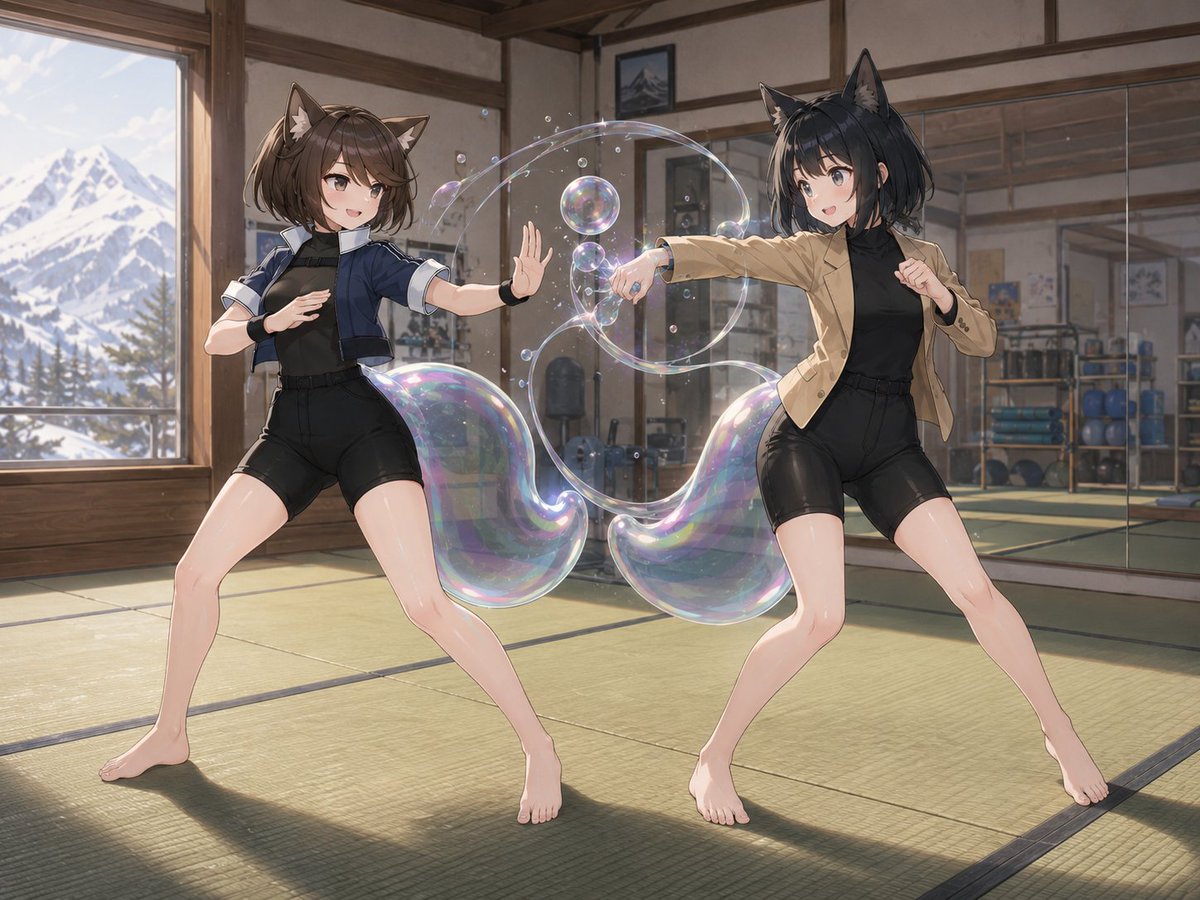
Catgirl Dojo Bubble Sparring
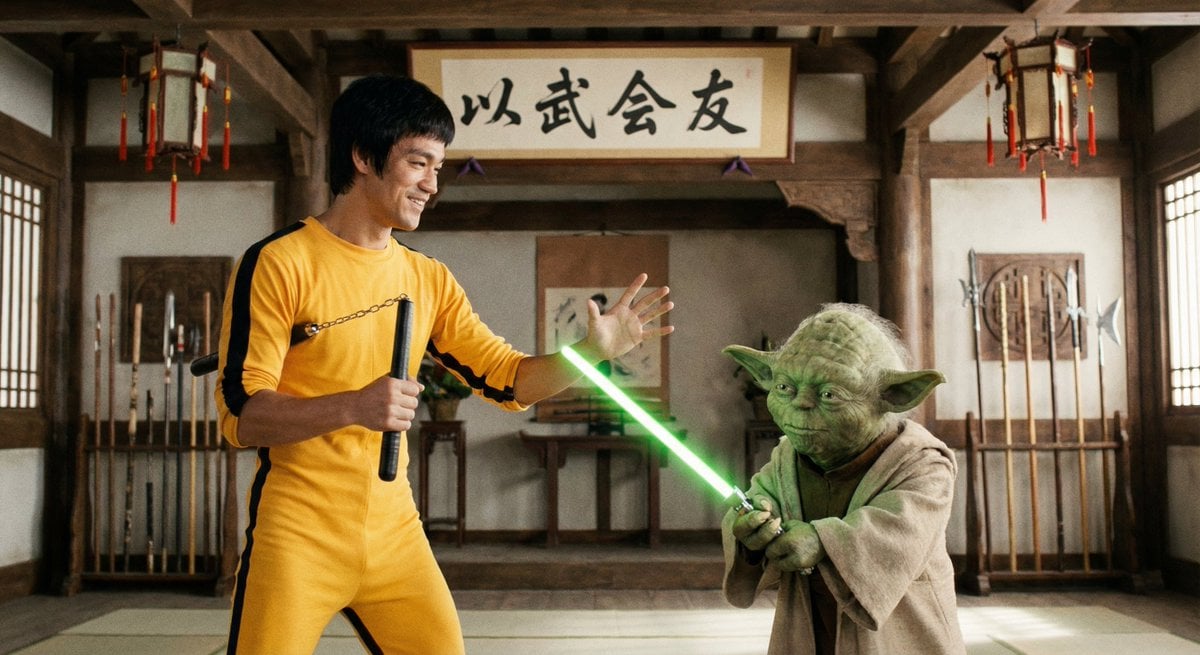
Bruce Lee sparring with Yoda in a dojo
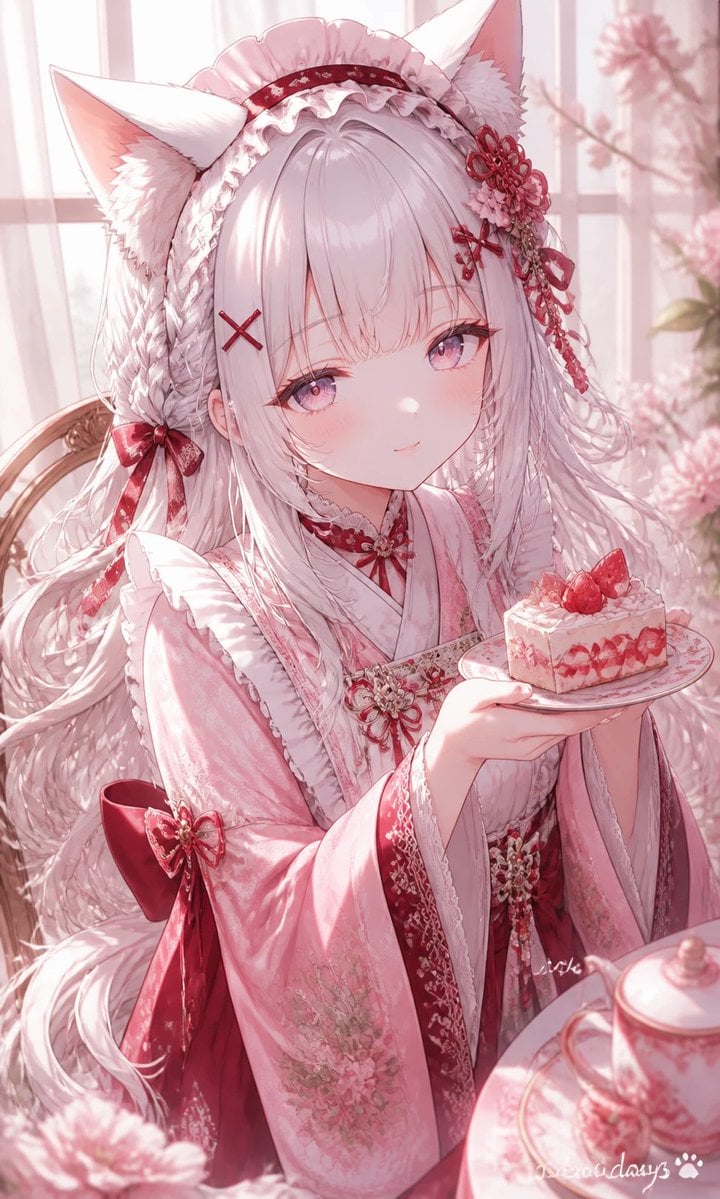
Fox-Eared Kimono Tea Party Girl
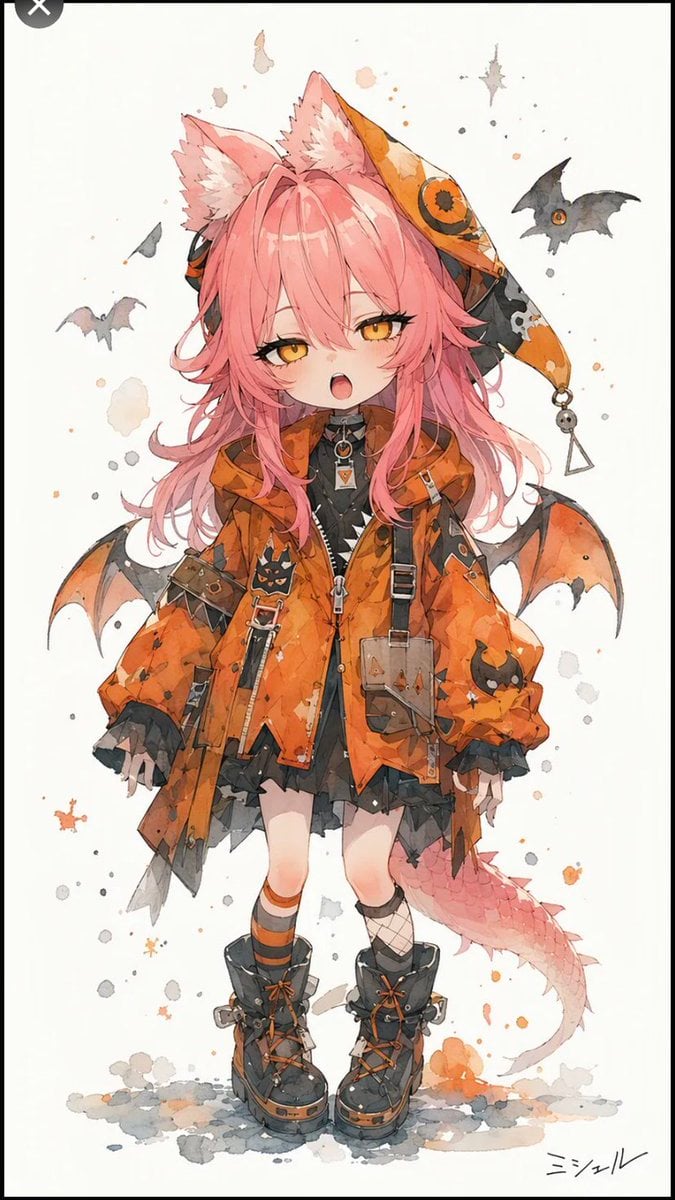
Halloween Fox-Eared Fantasy Girl
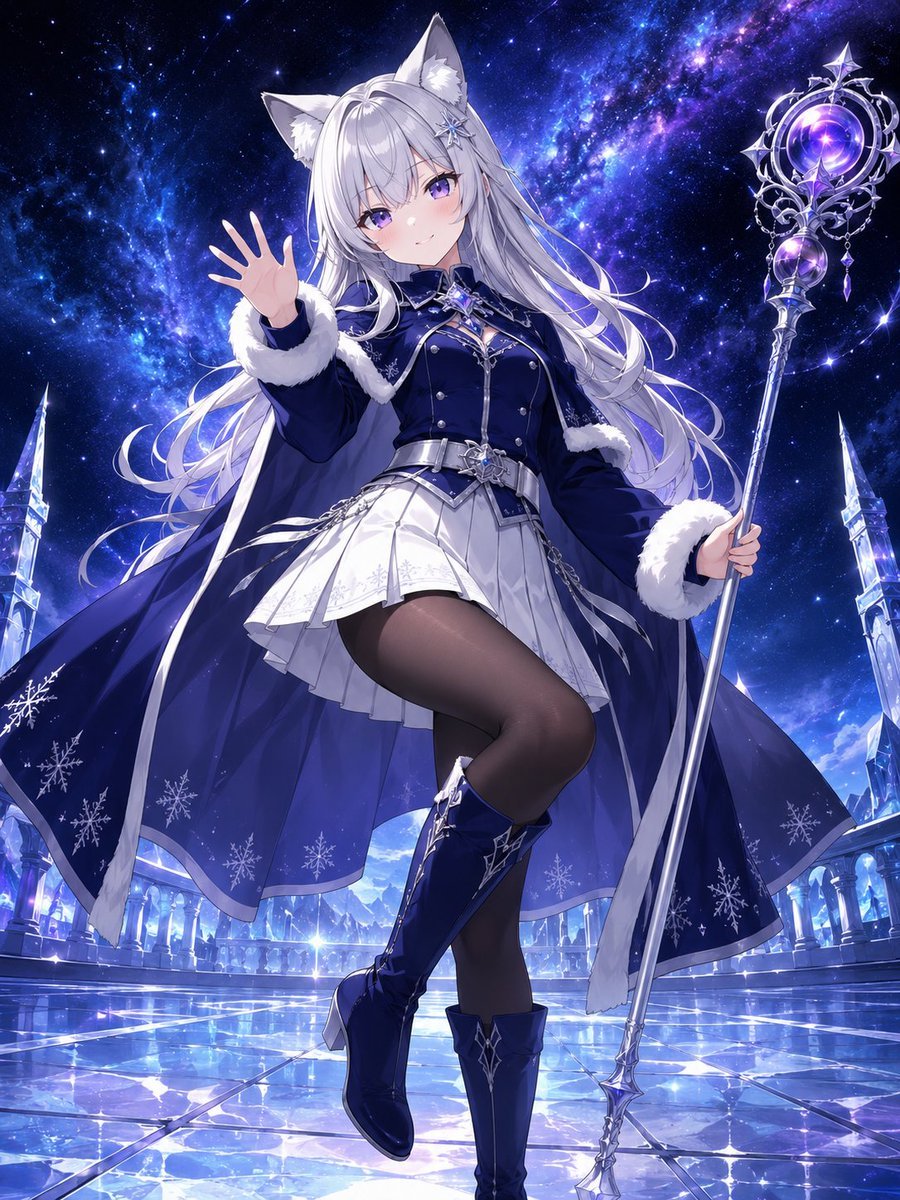
Silver Fox-Eared Winter Mage
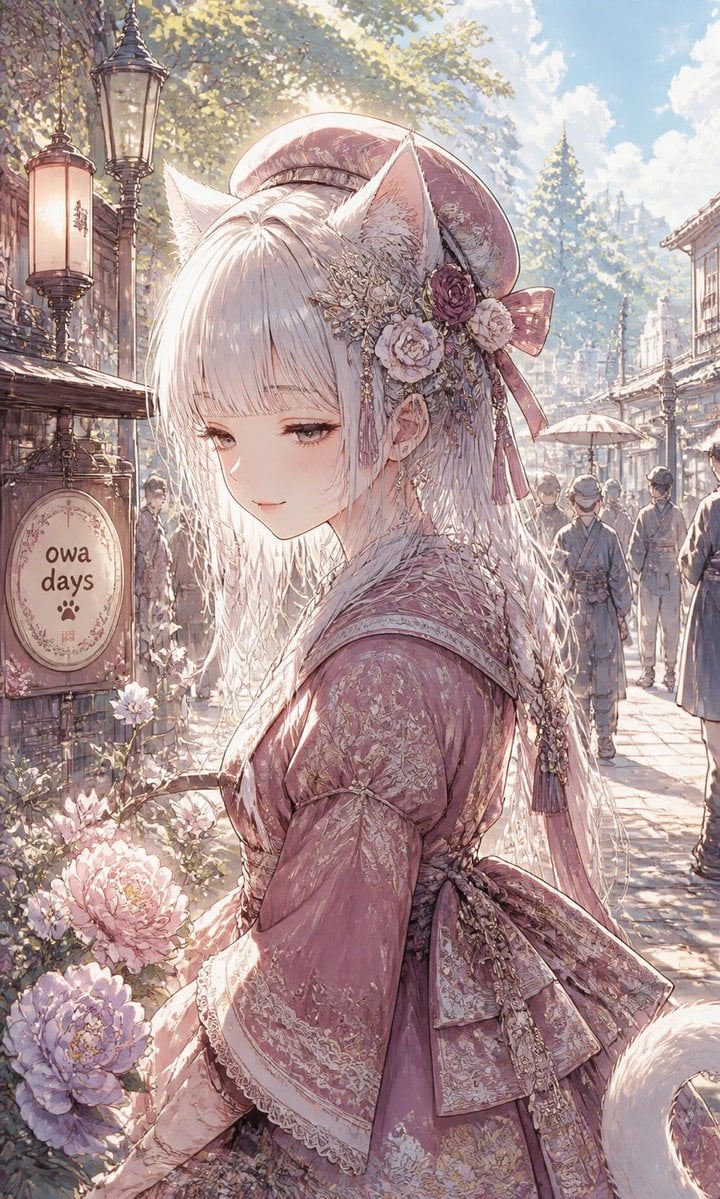
Fox-Eared Girl on Sunlit Market Street
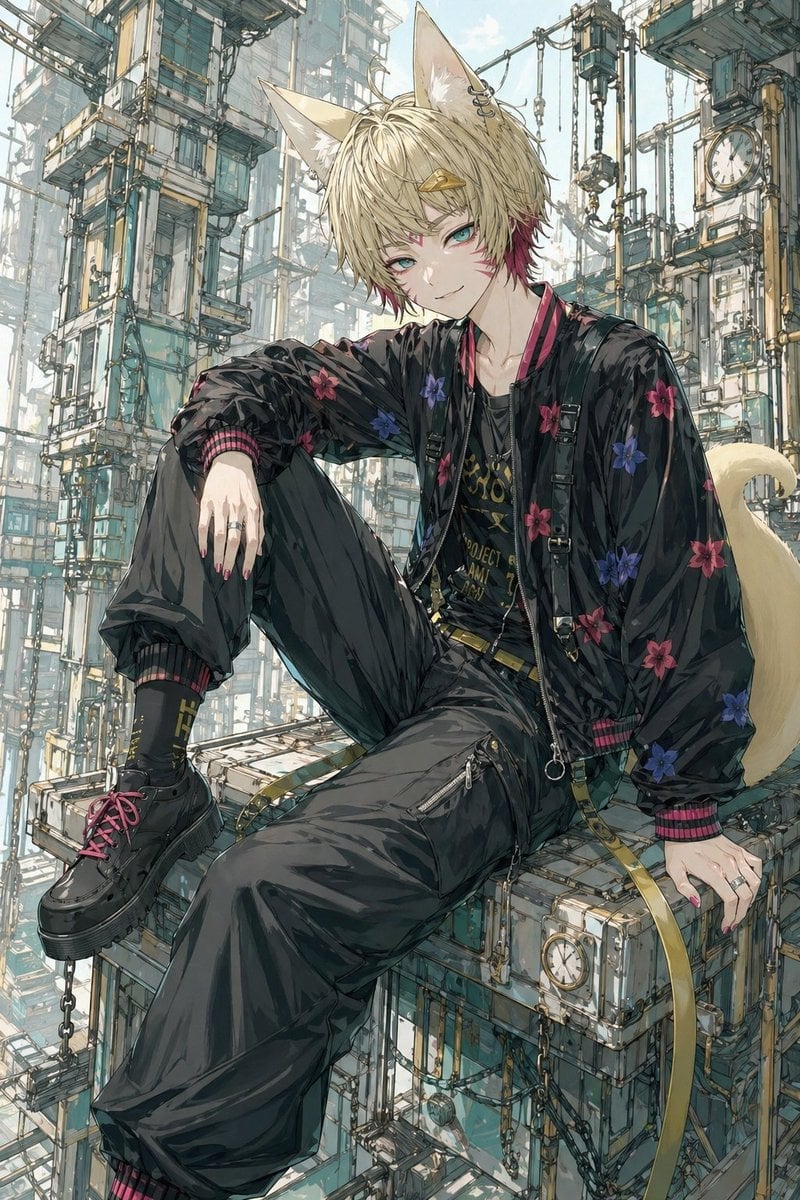
Fox-Eared Streetwear Boy in Steampunk City
Fox-Eared Anime Students by the Sea
Neon Cat-Eared Idol Close-Up
Cat-Eared Maid Portrait
Cyberpunk Dog-Eared Swordswoman
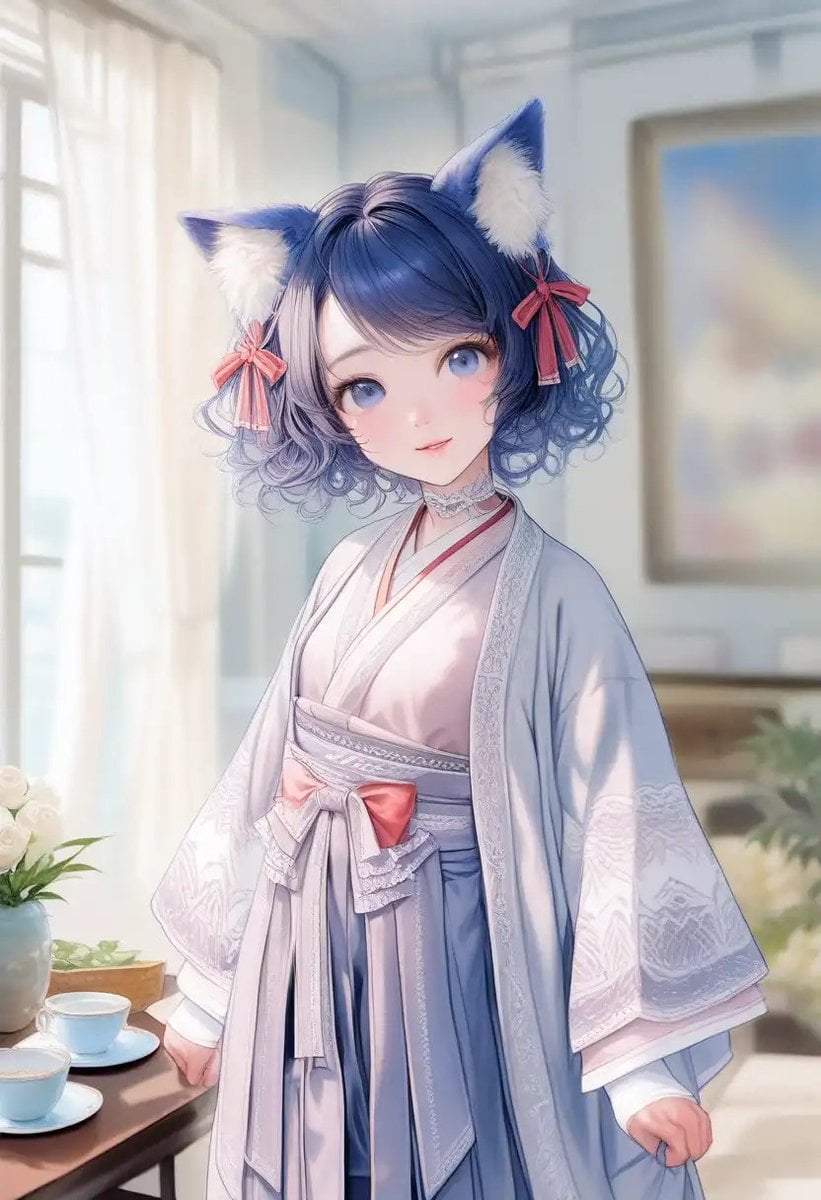
Cat-Eared Kimono Girl Portrait
Make it yours
Fox-Eared Dojo Sparring Scene works as-is. These are the safest ways to change it without losing the look.
Change one field
Copy a single group, rewrite it, and generate again so you can see what that field is doing.
Keep the frame, change the subject
Hold the composition and light of Fox-Eared Dojo Sparring Scene, then swap wardrobe, props or the person for a new take.
| If the result… | Why | Fix |
|---|---|---|
| The result drifts from the preview | Too many fields changed at once. | Reuse Fox-Eared Dojo Sparring Scene as-is first, then change one group — subject, light, or setting. |
| The model over-stylizes the scene | The prose prompt leaves finish and camera underspecified. | Add one camera or lighting sentence and stay on GPT Image 2. |
More GPT Image 2 templates
Other prompts made for GPT Image 2.

Six VTuber Japanese Logo Sheet

Realistic Portrait of Woman and Deer

The Vista Modular Condo Poster

AI Model Routing Comparison Infographic

2.5D Anime Art Board

Isometric Productivity Desk Scene

New York Double Exposure Poster

Four-Panel AI Landscape Comparison

Japanese Tatami Lifestyle Magazine Cover

NESCAFÉ Coffee Map Poster
More image prompts
Fresh picks from across the catalog.

Travel Advertisement Web Banner
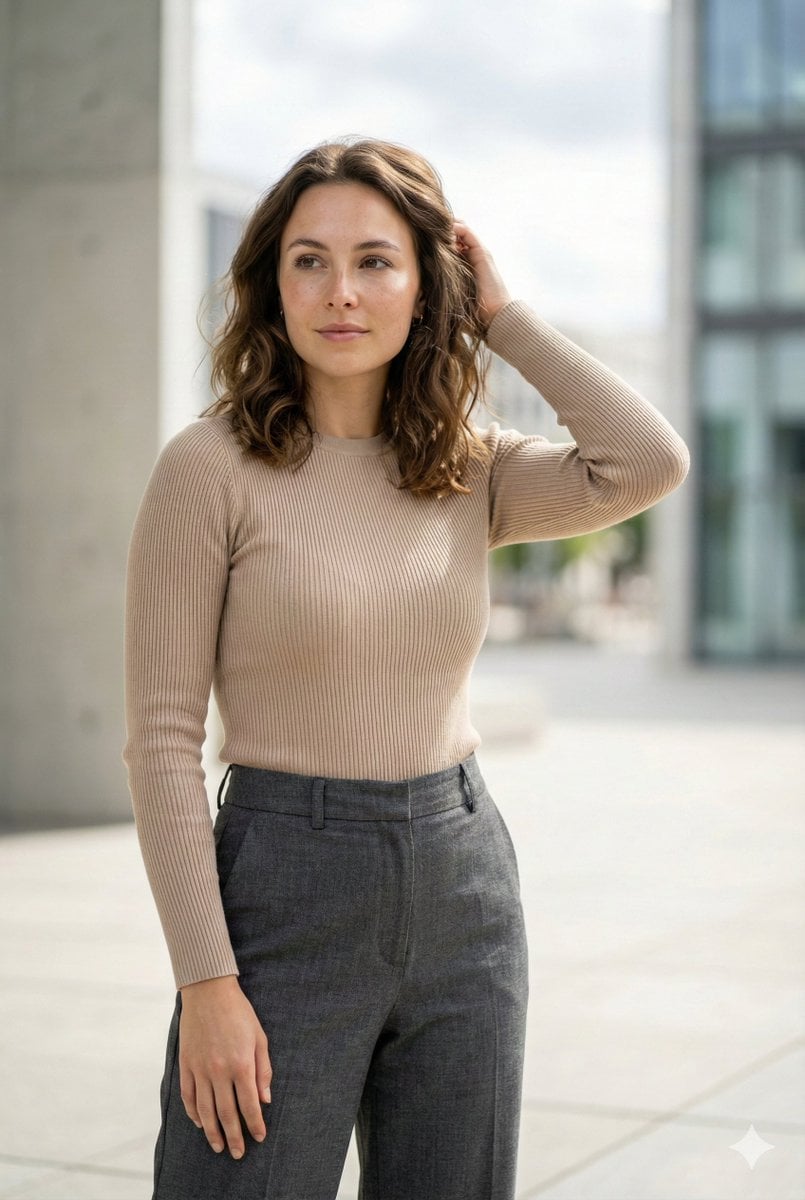
Editorial Urban Fashion Portrait Prompt
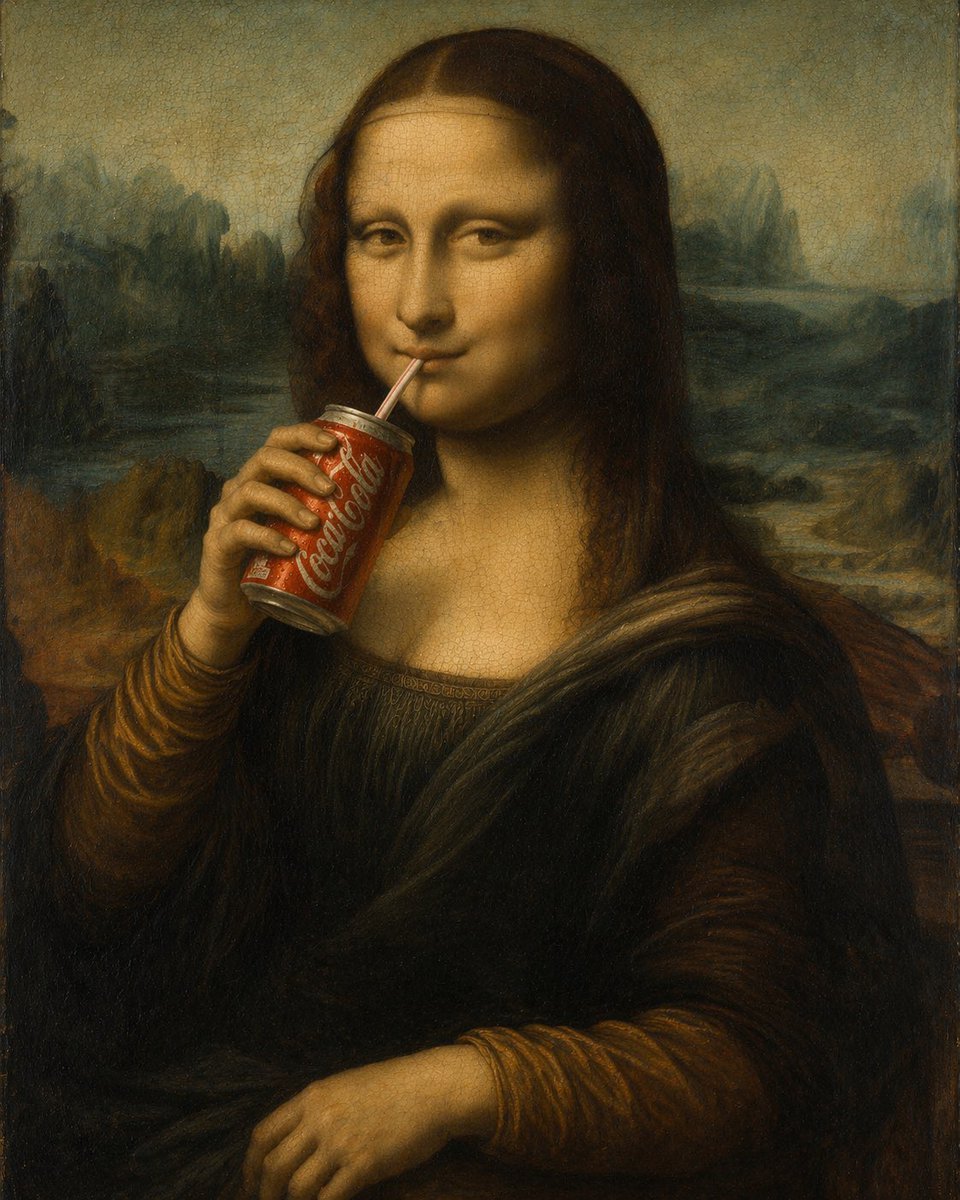
Mona Lisa Drinking Coke Oil Painting
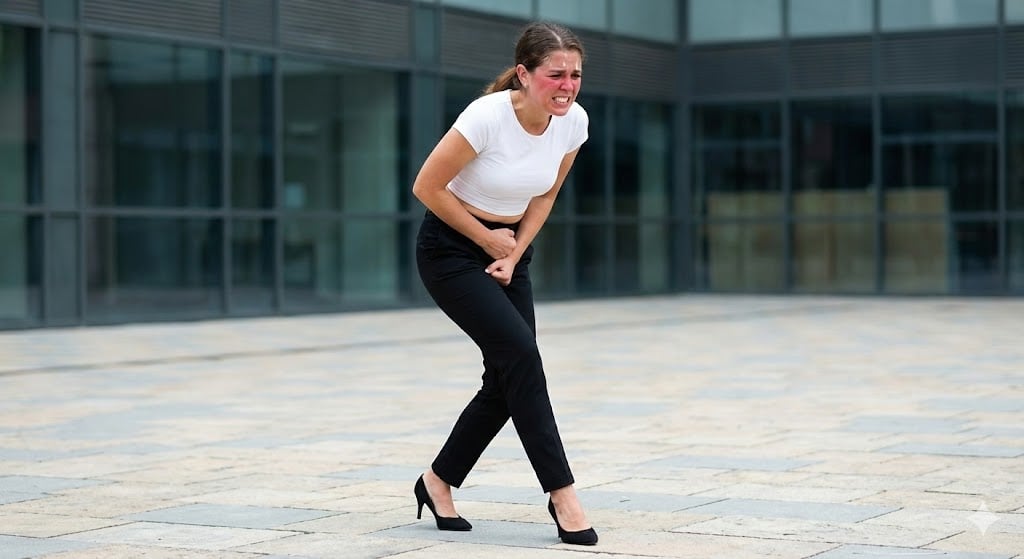
Toilet Urgency Walking Prompt Generator (Midjourney/Nano Banana Pro)
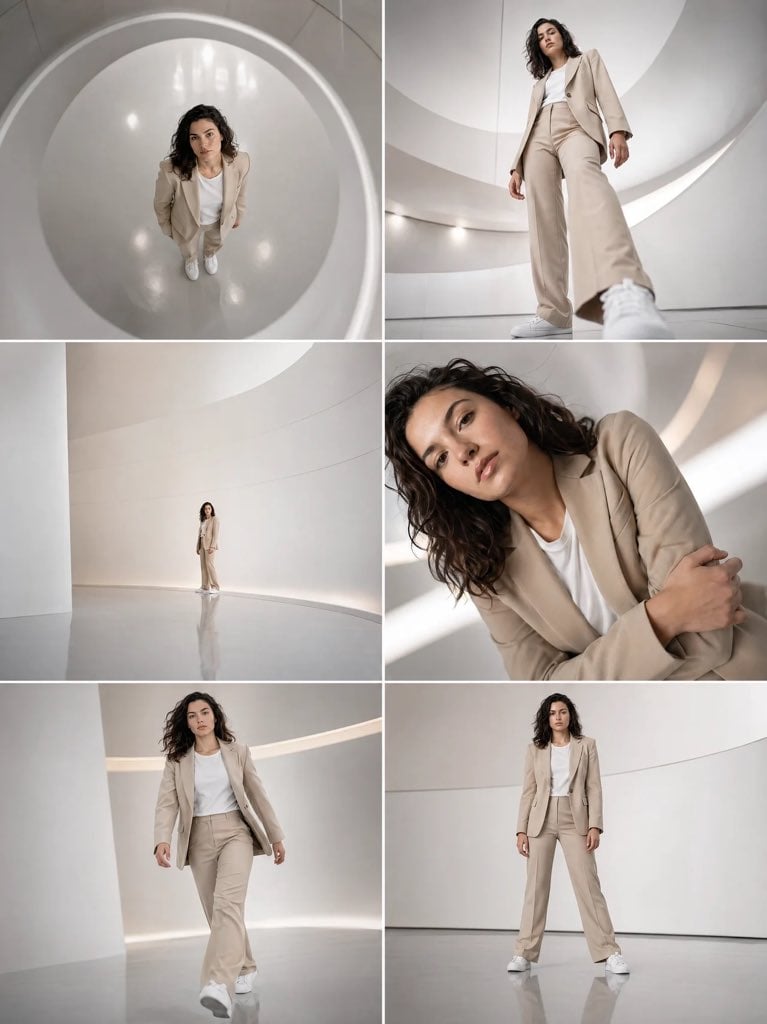
Futuristic Beige Suit Editorial Collage
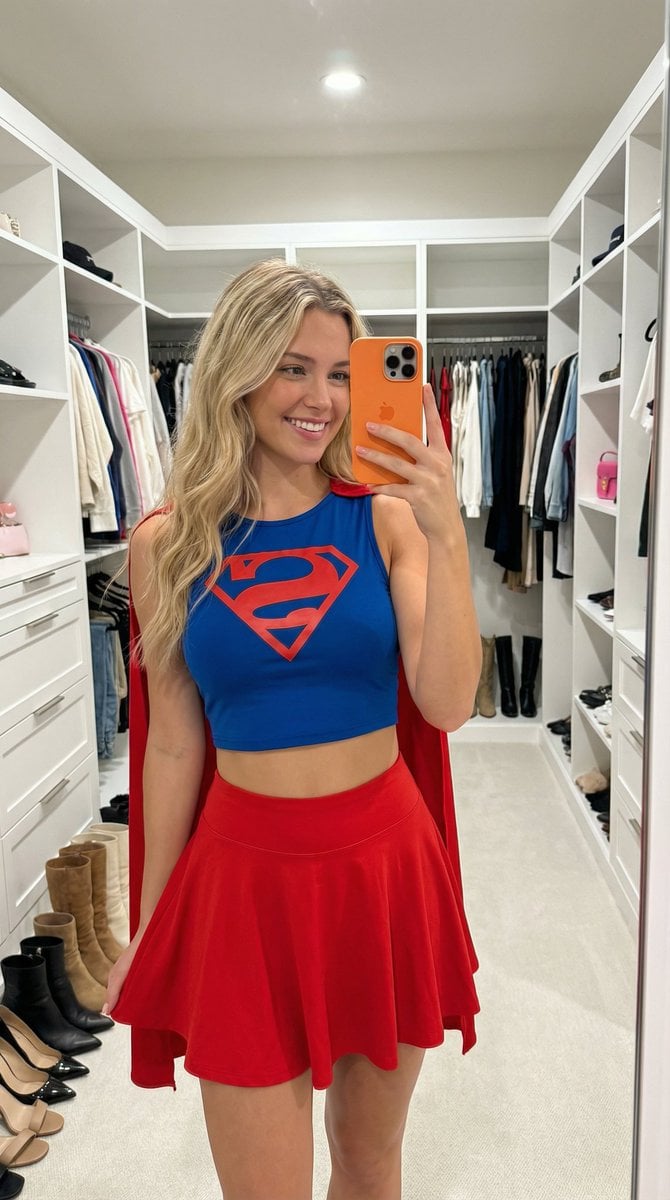
Superhero Athleisure Mirror Selfie Prompt
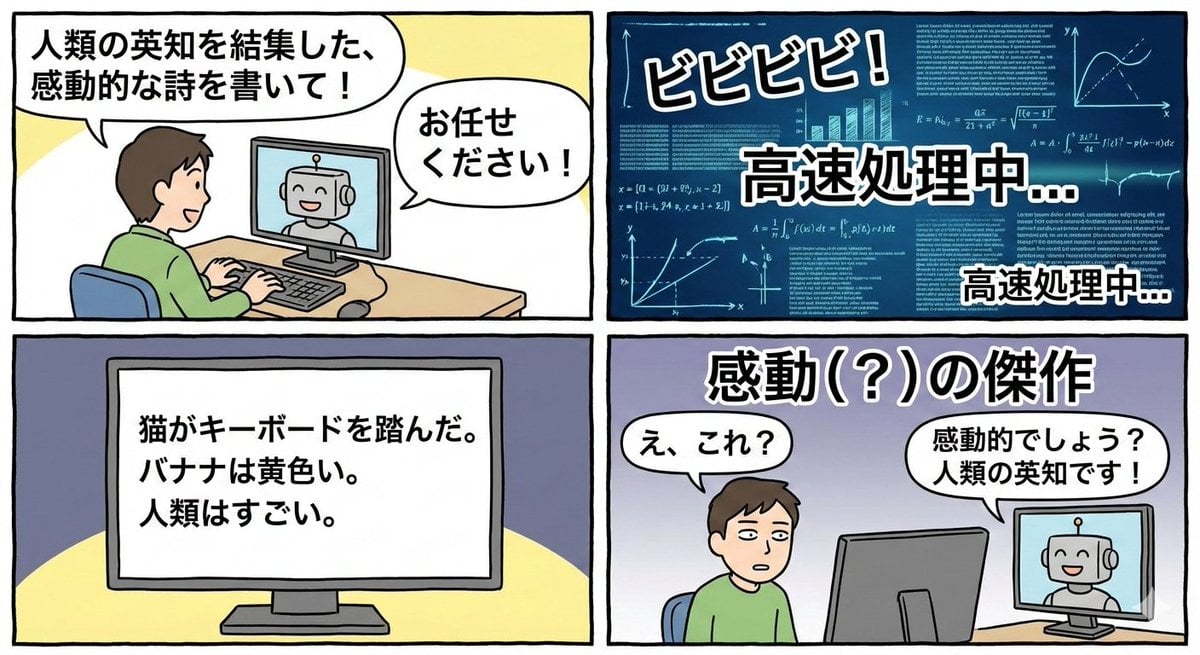
Four-panel satirical manga about generative AI
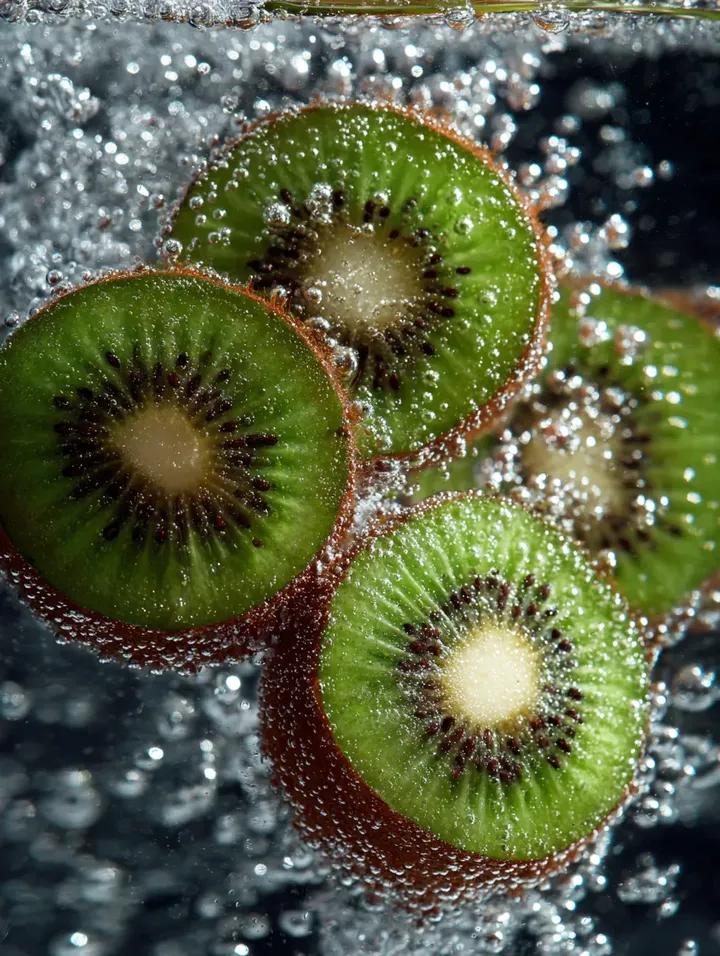
Kiwi Slices in Sparkling Water Macro Shot
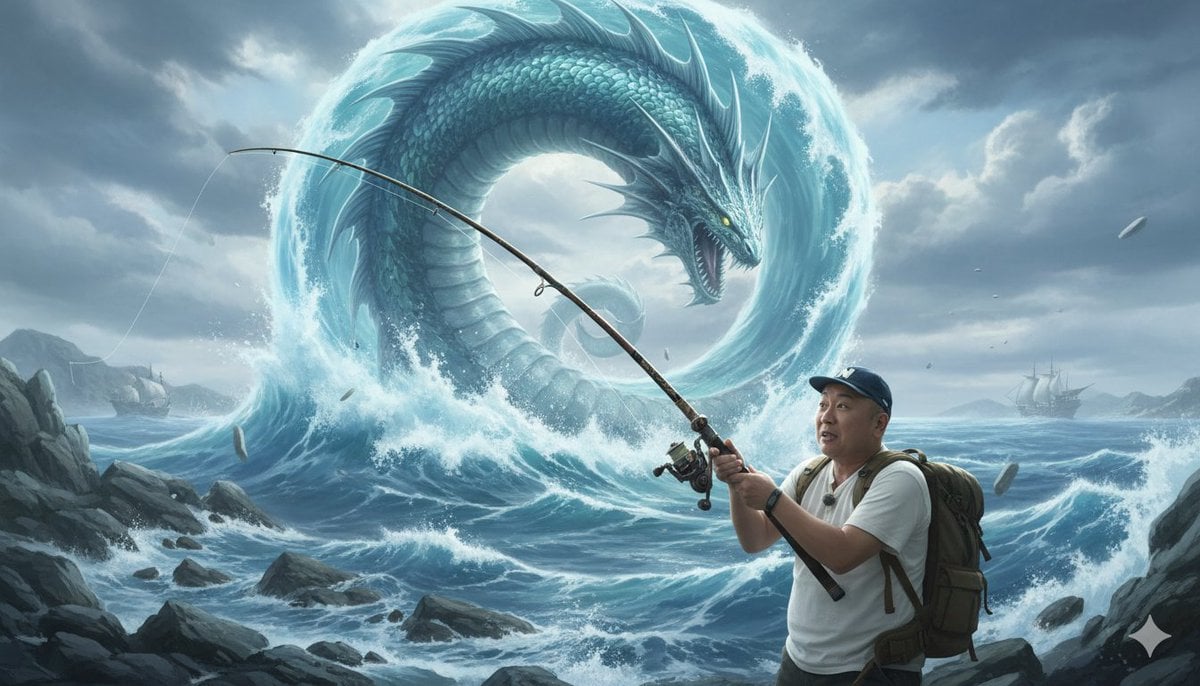
Image Generation Prompt: Nishimura Mizuki Fishing Leviathan
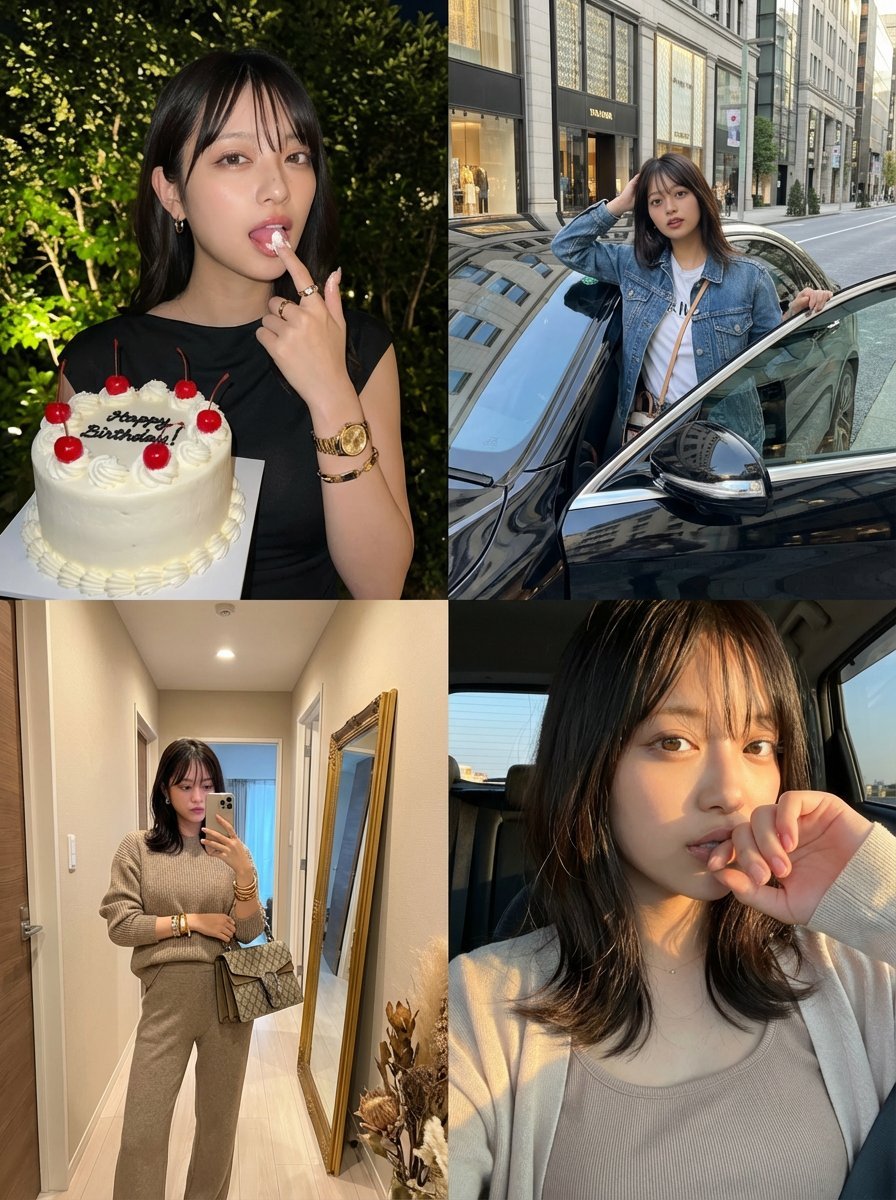
2x2 Grid Identity Lock Photo Collage Prompt
Browse template categories
Fox-Eared Dojo Sparring Scene questions
How do I use the Fox-Eared Dojo Sparring Scene template?
Add your photo if the template asks for one, edit the prompt if you like — the template's model and format are already selected — and press Generate. Your version opens in PicX Studio.
Can I customize the Fox-Eared Dojo Sparring Scene template?
Yes. You can change the subject, setting, lighting, mood, format, and available model controls before creating your image.
Is the Fox-Eared Dojo Sparring Scene template free?
Opening and editing this template is free. Generating uses credits, shown on the Generate button when you are signed in.
Which AI model should I use?
Start with GPT Image 2, which is the model associated with this template. You can compare another compatible model for a different finish.
Looking for something else? Browse all templates.

Your photo, any look
Thousands of ready templates for every top image and video model, from one credit balance.