
Cat-Eared Kimono Girl Portrait
Generates a luminous semi-realistic anime portrait of a blue-haired cat-eared girl in a pastel kimono inside a sunlit room.

- Prompt included
- Model and format preset
- Free template
The prompt behind this image
Copy the exact prompt behind Cat-Eared Kimono Girl Portrait, or open it in the studio and make it yours.
Create a polished semi-realistic anime portrait of a cute young cat-eared girl standing in a bright, elegant room. She has {argument name="hair color" default="short wavy navy-blue hair with soft lavender highlights"}, large clear blue eyes, fair skin with a gentle blush, and a small shy smile. Add two fluffy cat ears on top of her head, dark blue outside and white fur inside, plus exactly 2 red ribbon hair ornaments, one hanging beside each ear with thin trailing ties. Dress her in a graceful layered Japanese kimono-inspired outfit: a pale pink inner robe, a soft powder-blue outer haori with wide sleeves, subtle embroidered white patterns along the sleeves and trim, a gray-lavender obi, and a small coral-red bow at the waist. Her pose is relaxed and slightly tilted toward the viewer, hands lowered at her sides, with an innocent calm expression. Set the scene in a softly lit interior beside a large window on the left with sheer cream curtains and warm morning sunlight streaming in. Include exactly 5 visible table items in the lower left: 2 pale blue teacups on saucers, 1 small vase of white roses, 1 rectangular wooden tray, and 1 tabletop edge. In the background, show a softly blurred framed painting on the wall, muted architectural trim, and a hint of greenery, all with shallow depth of field. Use delicate linework, luminous pastel colors, detailed fabric texture, realistic light bloom, soft shadows, and a dreamy high-detail gpt-image-2 anime illustration style. Vertical portrait composition, waist-up to three-quarter view, centered character, no text, no watermark.
How to use Cat-Eared Kimono Girl Portrait in 3 steps
- 1Upload ImagePNG, JPG or paste
Add your photo
Upload the photo the template builds on. The prompt, model and format are already set.
- 2…a portrait of your subject in softgolden-hour light, 85mm…
Personalize
Edit the subject and creative details for your destination.
- 3Generate
Generate
Press Generate — your image is created in PicX Studio, so you can compare it with the original and refine one variable at a time.
More like this
Templates with the same subject, style or setup. Open one to see its prompt.

Cat-Eared Kimono Girl
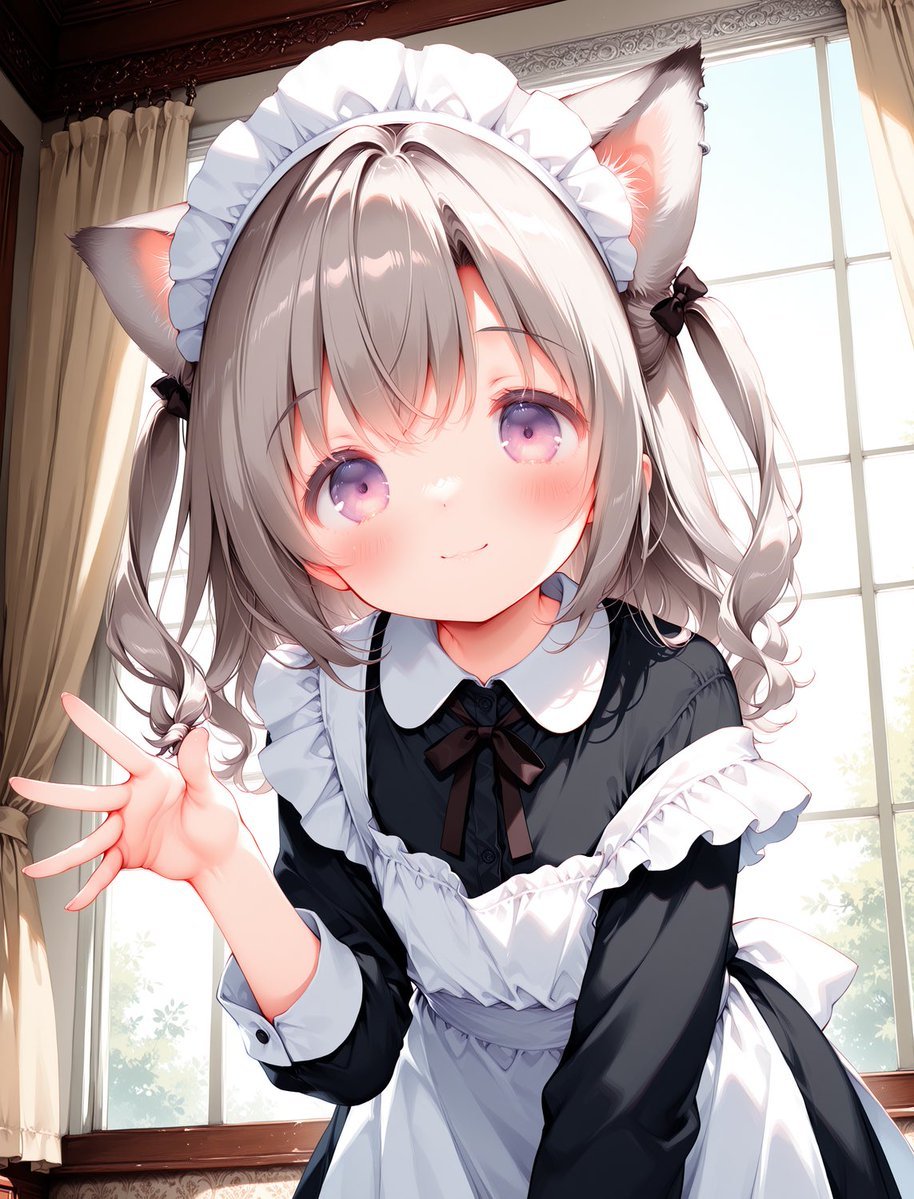
Cat-Eared Maid Portrait
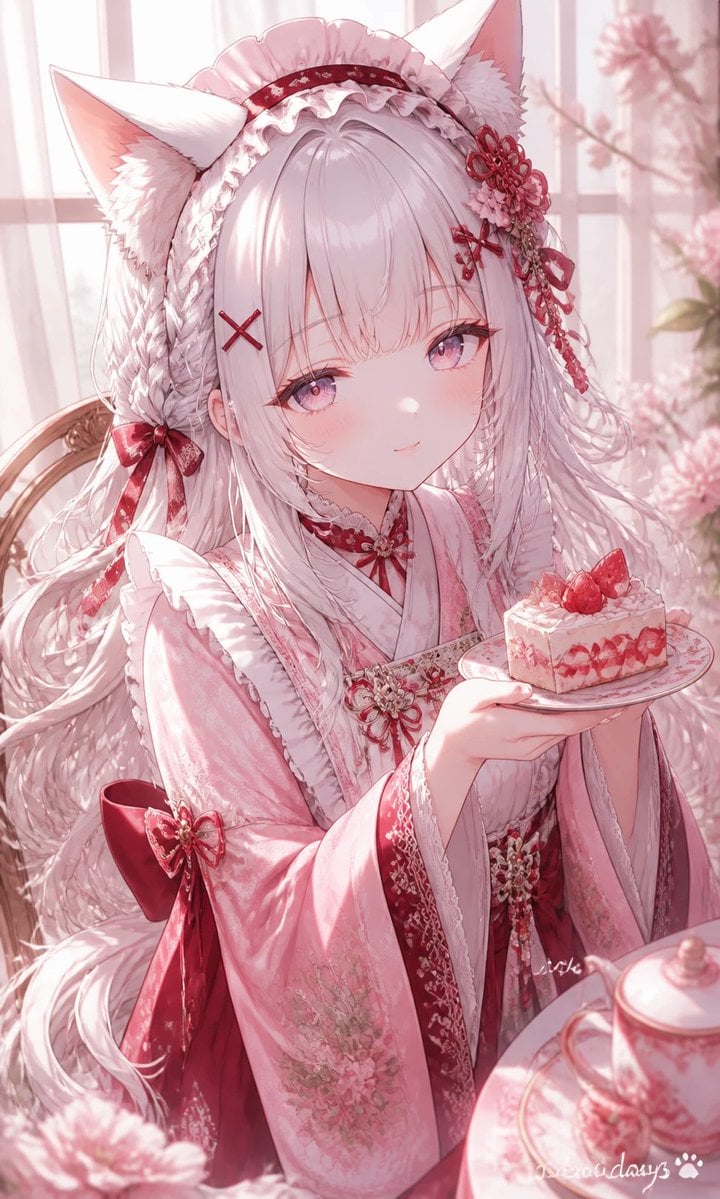
Fox-Eared Kimono Tea Party Girl
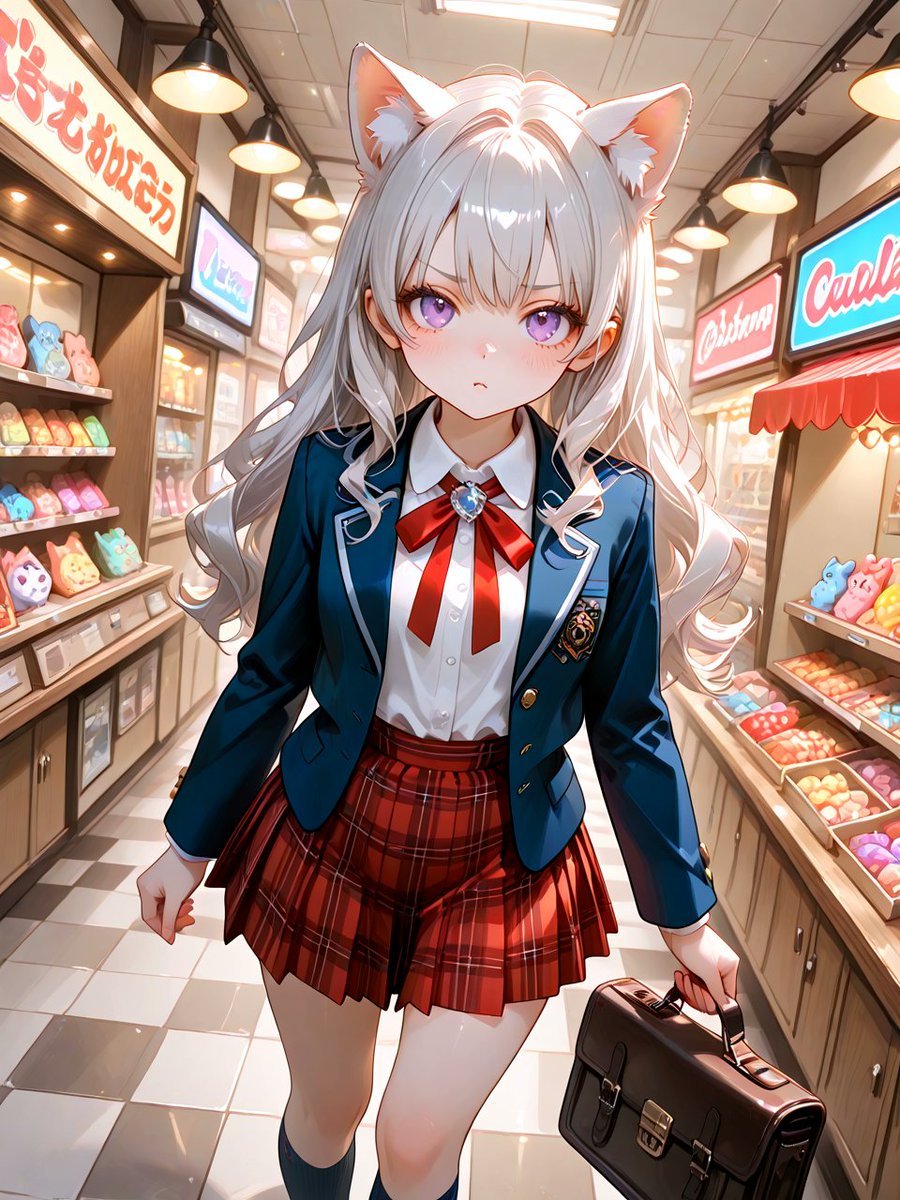
Cat-Eared Schoolgirl in Sweets Arcade
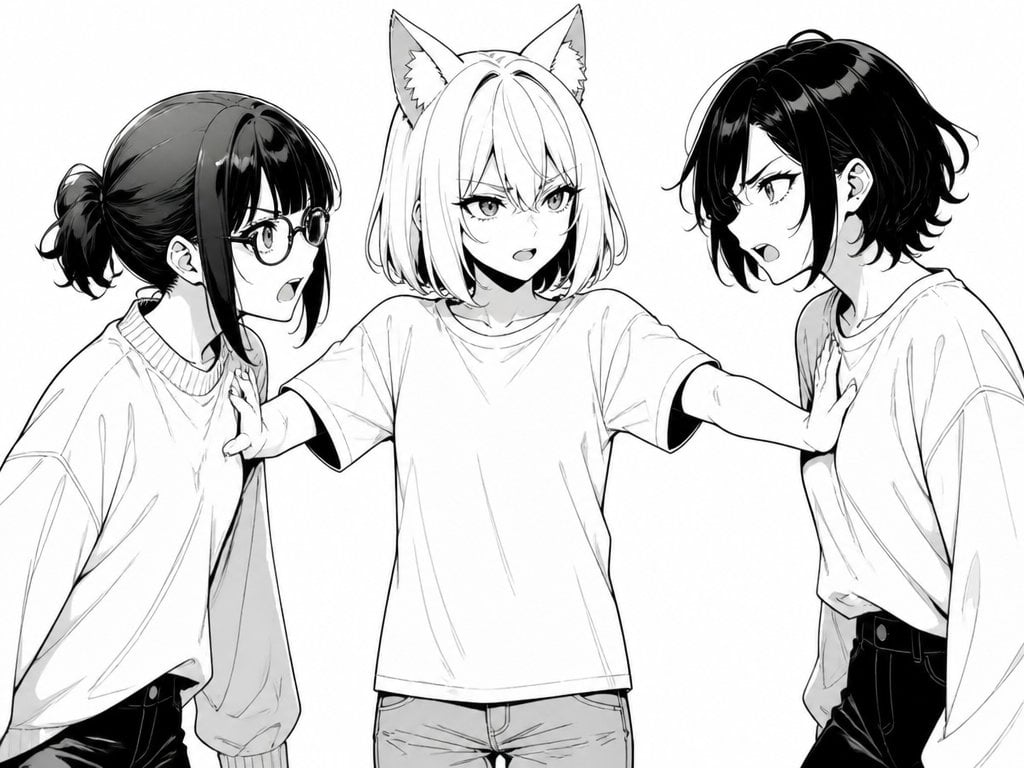
Manga Cat-Eared Girl Breaking Up Fight

Sunlit Cat-Eared Girl Reading
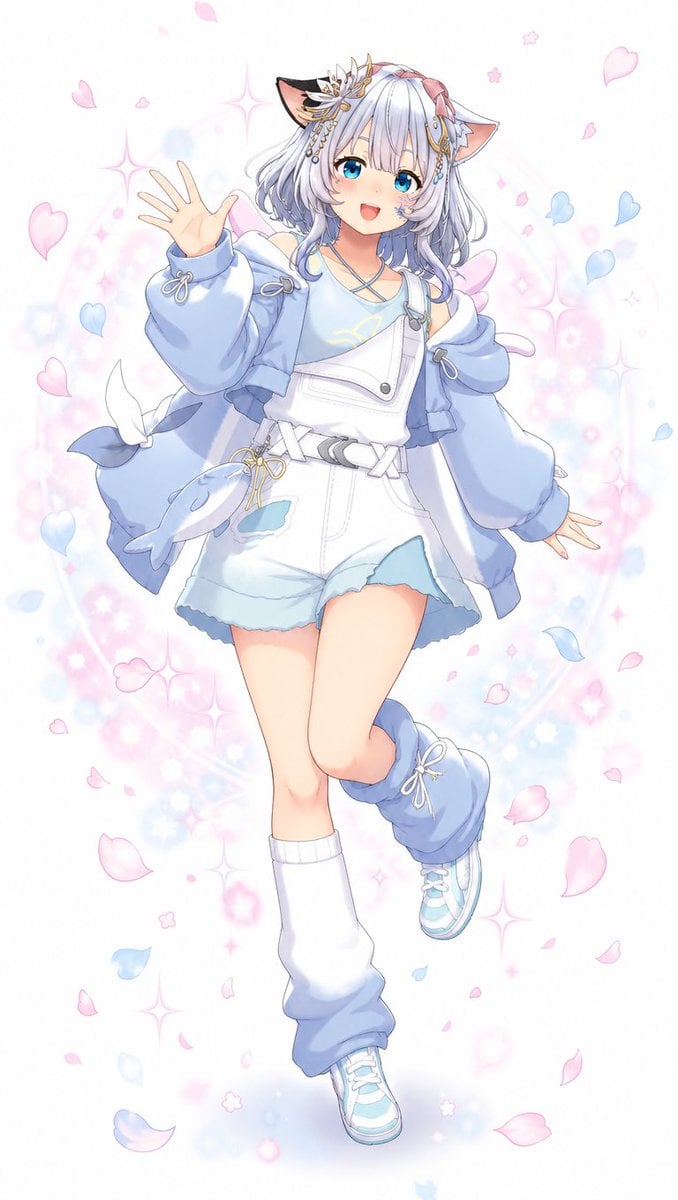
Pastel Cat-Eared Anime Girl

Rooftop Fisheye — Cat-Ear Balaclava at Golden Hour
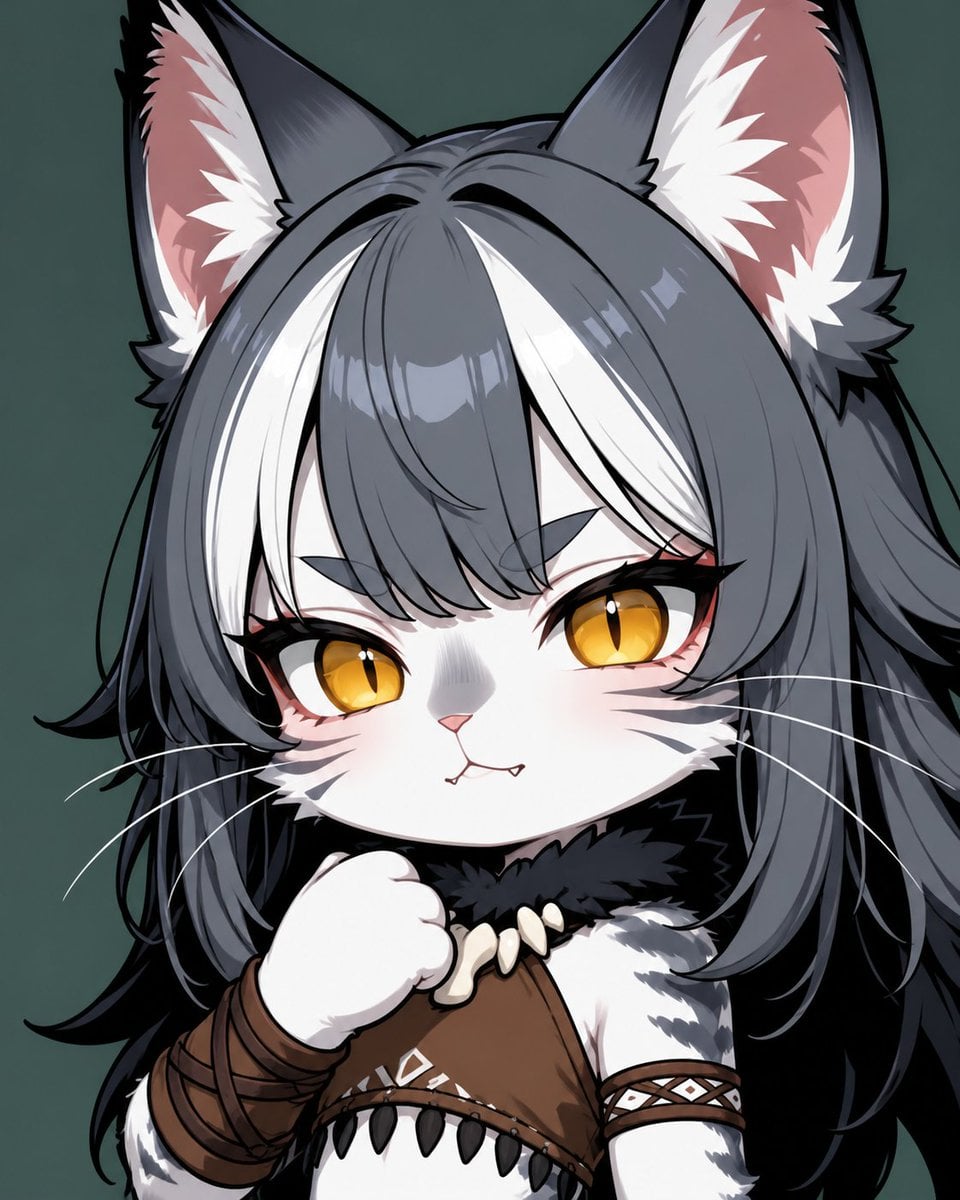
Chibi Cat-Girl Portrait
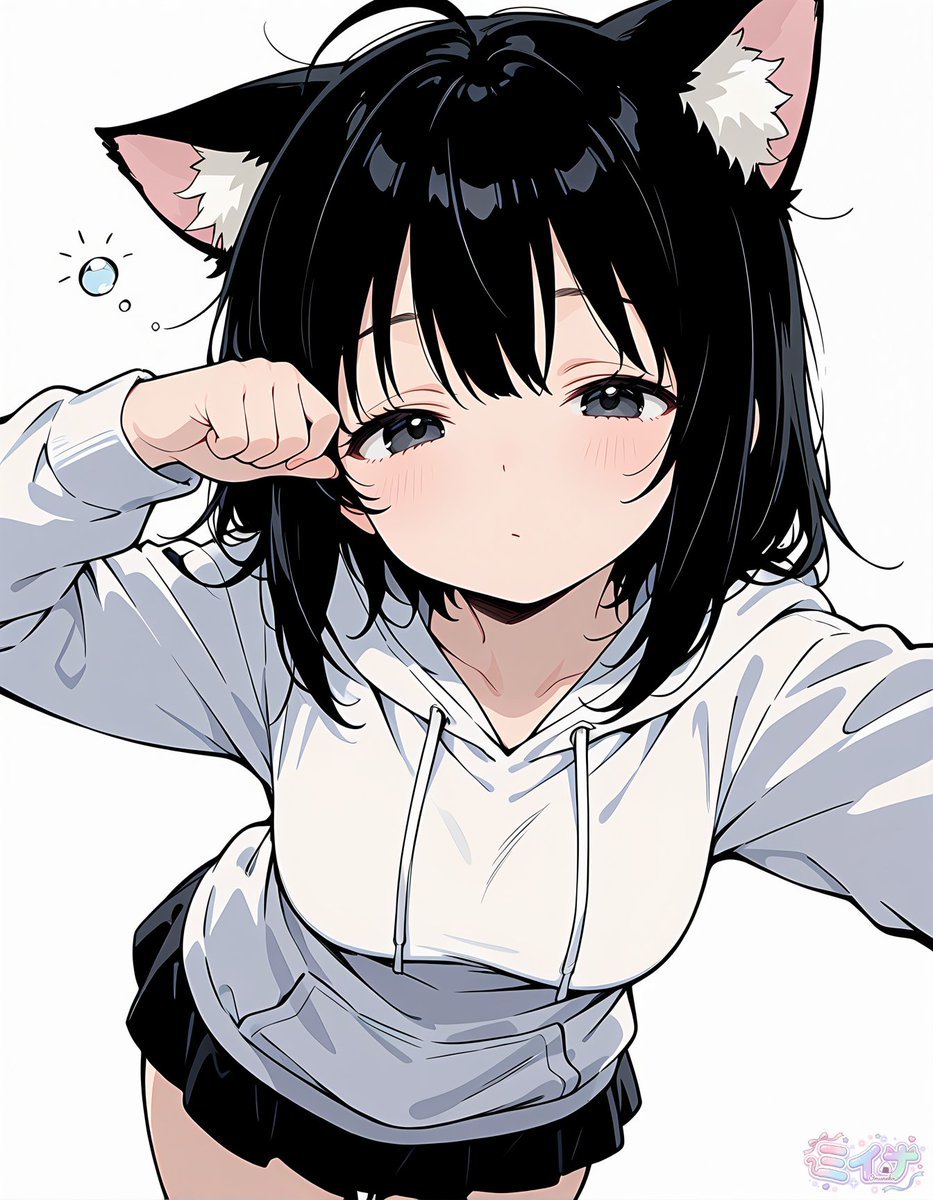
Sleepy Cat-Eared Anime Girl
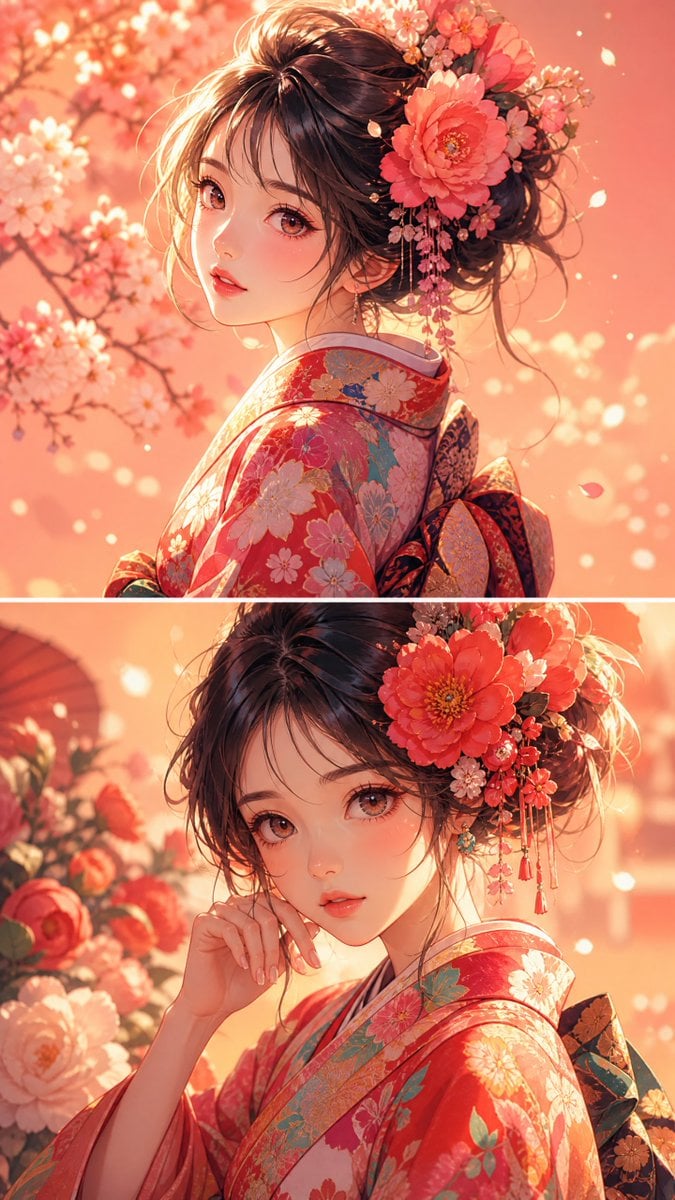
Anime Girl Floral Kimono Portrait
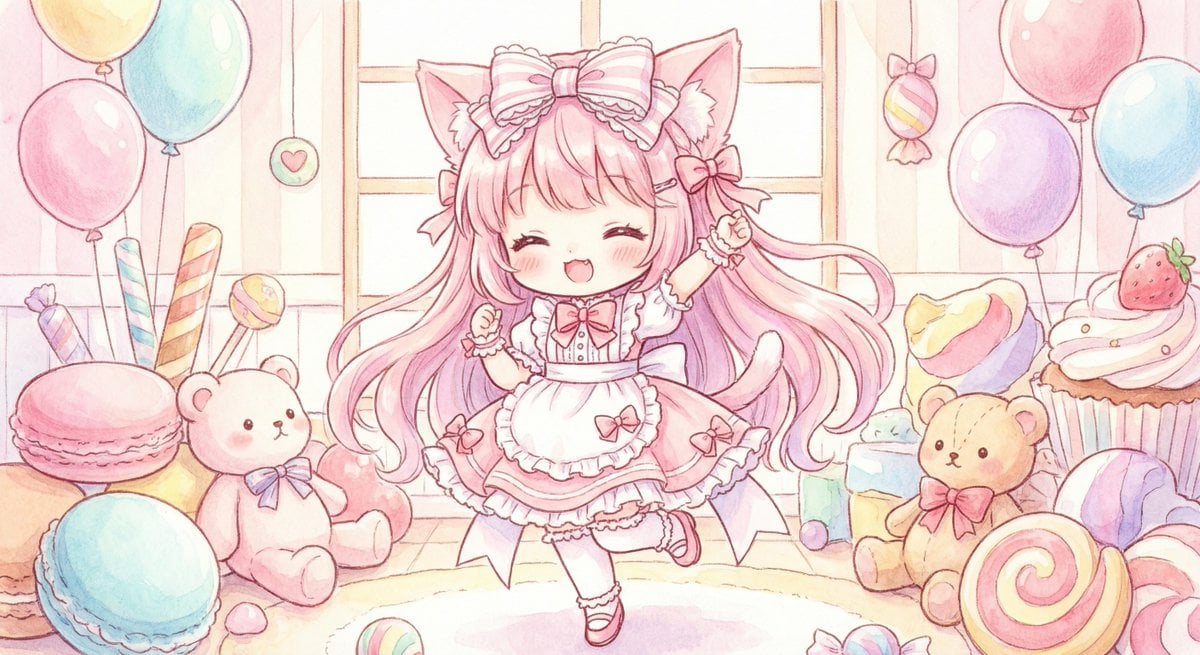
Cute chibi cat-eared girl illustration
Make it yours
Cat-Eared Kimono Girl Portrait works as-is. These are the safest ways to change it without losing the look.
Change one field
Copy a single group, rewrite it, and generate again so you can see what that field is doing.
Keep the frame, change the subject
Hold the composition and light of Cat-Eared Kimono Girl Portrait, then swap wardrobe, props or the person for a new take.
| If the result… | Why | Fix |
|---|---|---|
| The result drifts from the preview | Too many fields changed at once. | Reuse Cat-Eared Kimono Girl Portrait as-is first, then change one group — subject, light, or setting. |
| The model over-stylizes the scene | The prose prompt leaves finish and camera underspecified. | Add one camera or lighting sentence and stay on GPT Image 2. |
More GPT Image 2 templates
Other prompts made for GPT Image 2.

Six VTuber Japanese Logo Sheet

Realistic Portrait of Woman and Deer

The Vista Modular Condo Poster

AI Model Routing Comparison Infographic

2.5D Anime Art Board

Isometric Productivity Desk Scene

New York Double Exposure Poster

Four-Panel AI Landscape Comparison

Japanese Tatami Lifestyle Magazine Cover

NESCAFÉ Coffee Map Poster
More image prompts
Fresh picks from across the catalog.
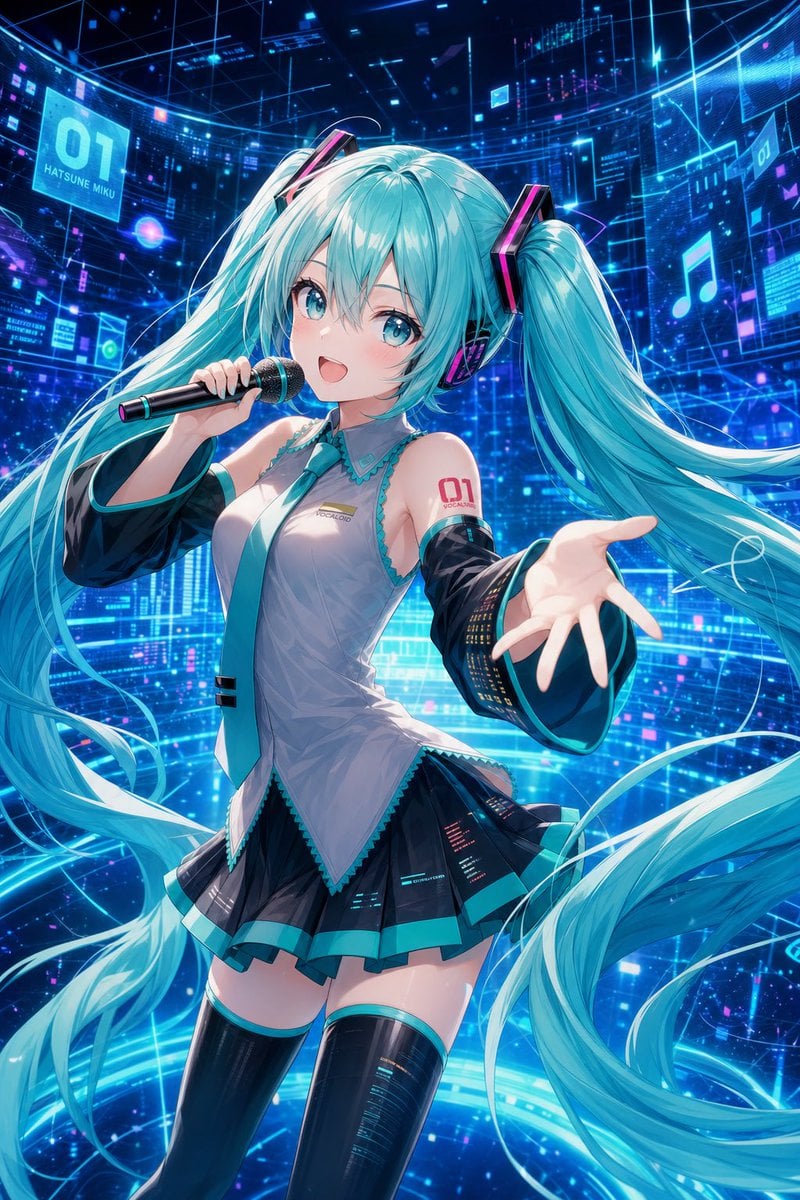
Cyber Vocaloid Concert Idol
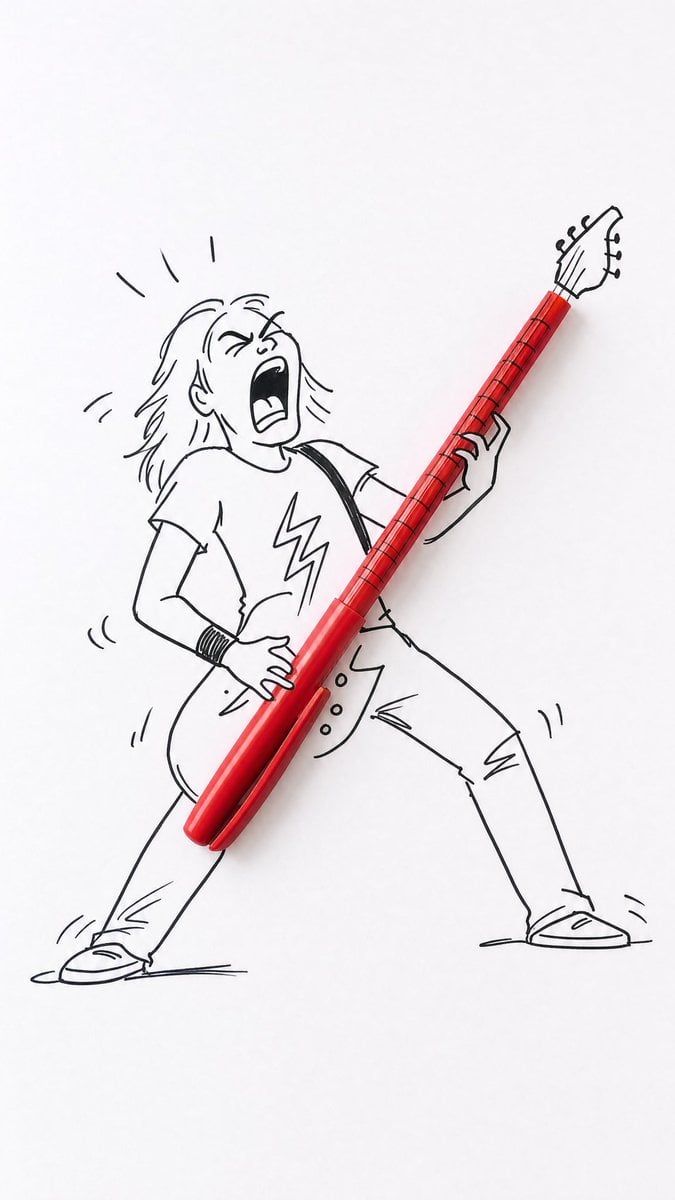
Real Object and Doodle Composite Art
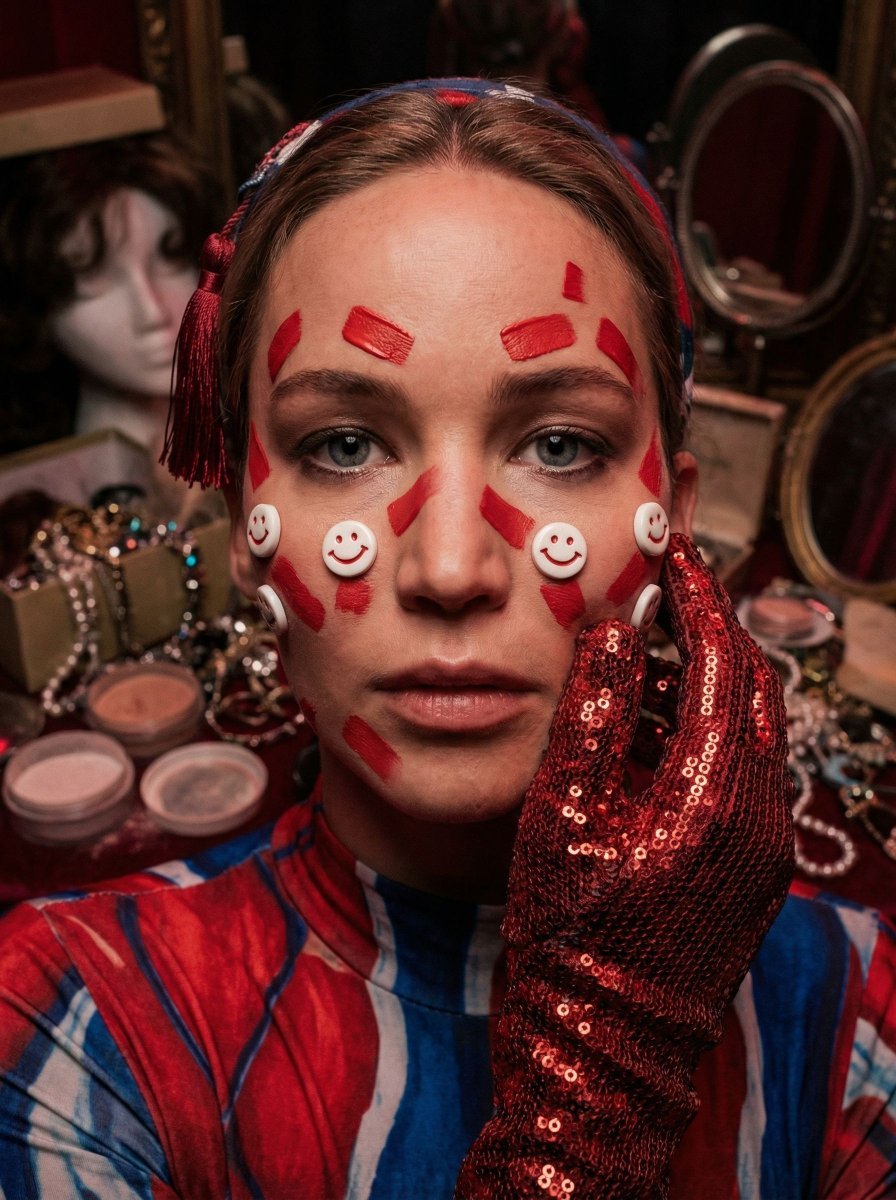
Hyper-Realistic Surrealist Portrait with Crimson Lighting
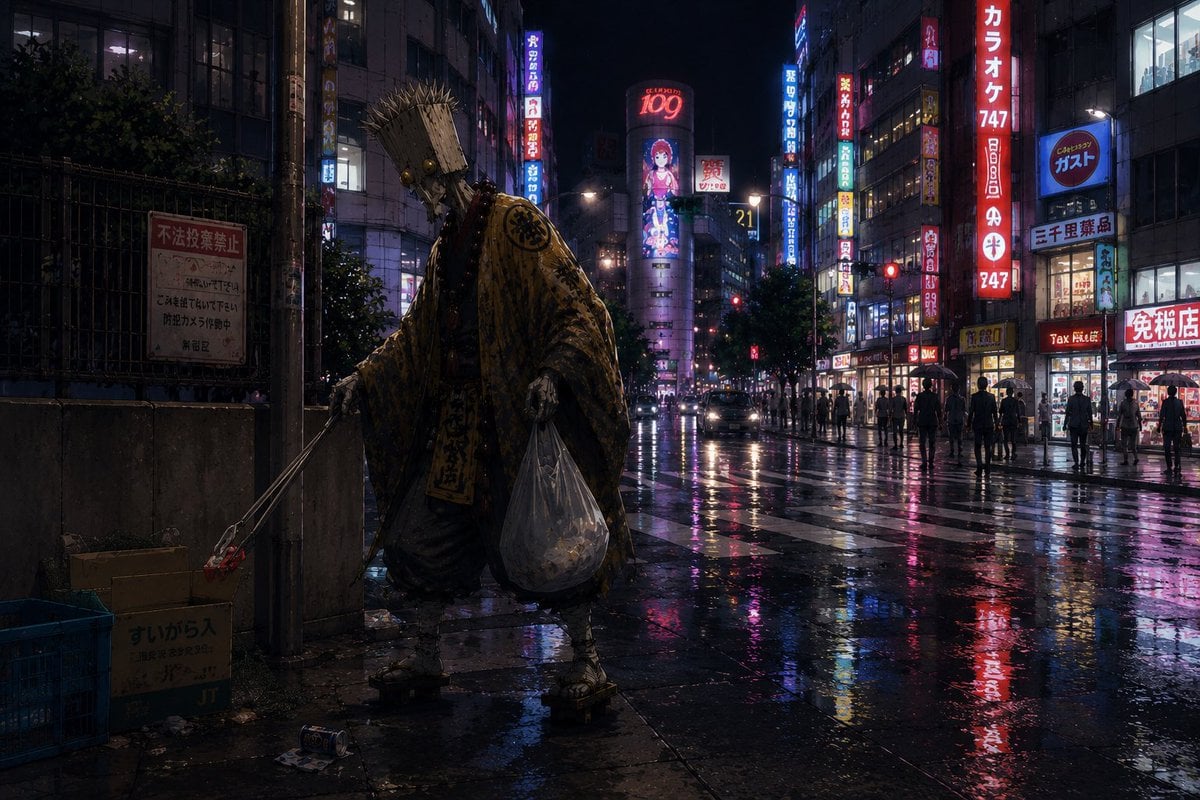
Ascetic Monk Cleaning Neon Tokyo
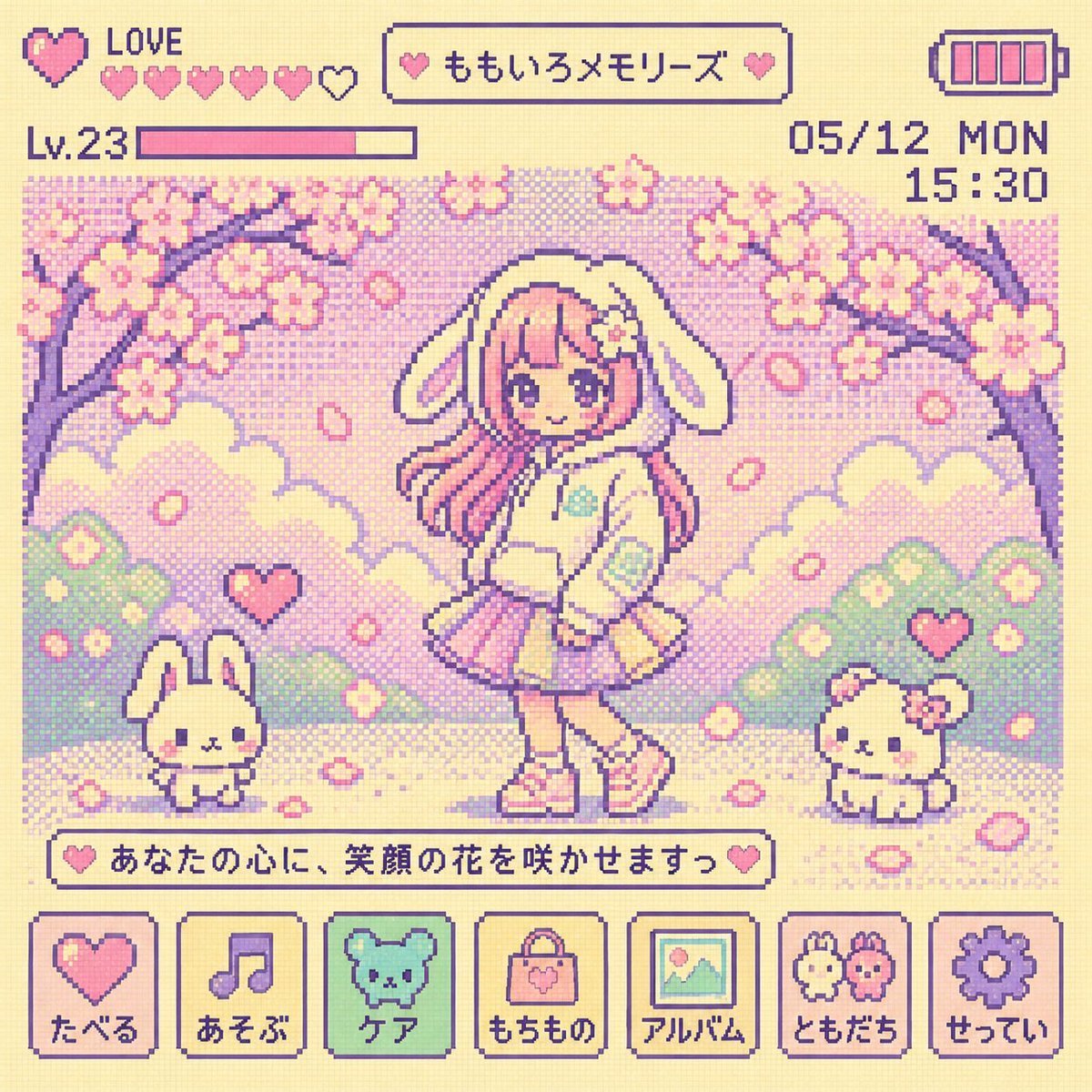
Y2K Tamagotchi LCD Filter
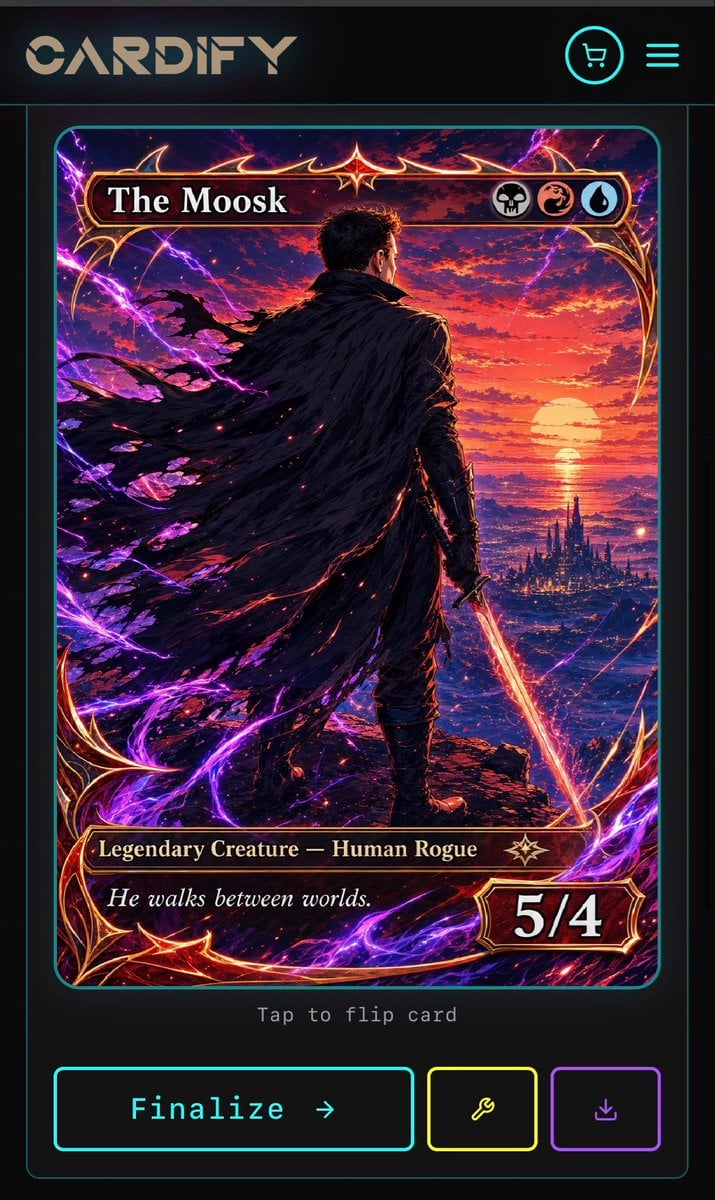
Cyberpunk Fantasy Trading Card App
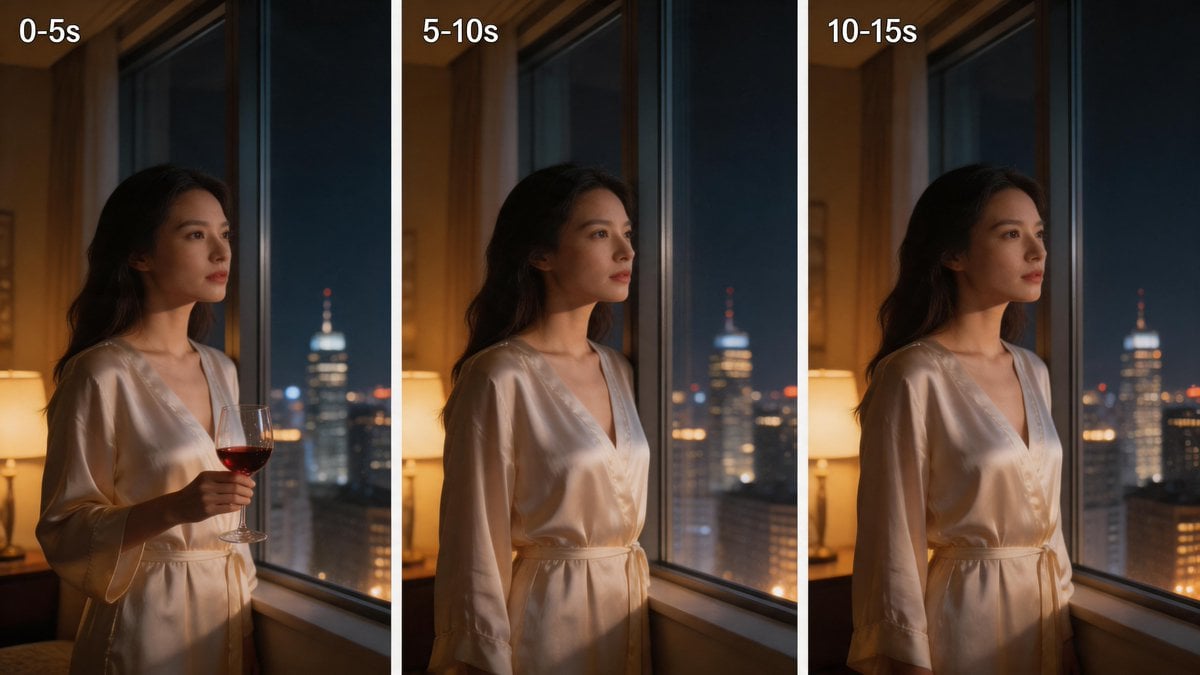
Three-Panel Night Window Comparison

Cyberpunk Creative Cloud Ad Poster
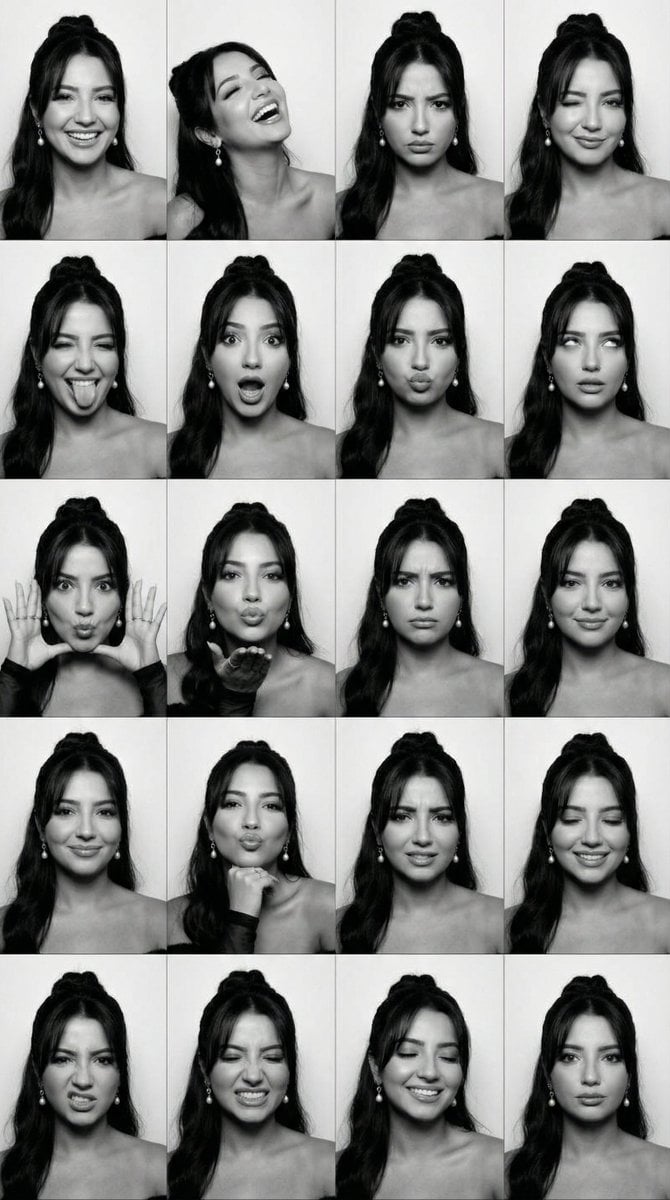
Black and White Photobooth Expression Grid (4x4)
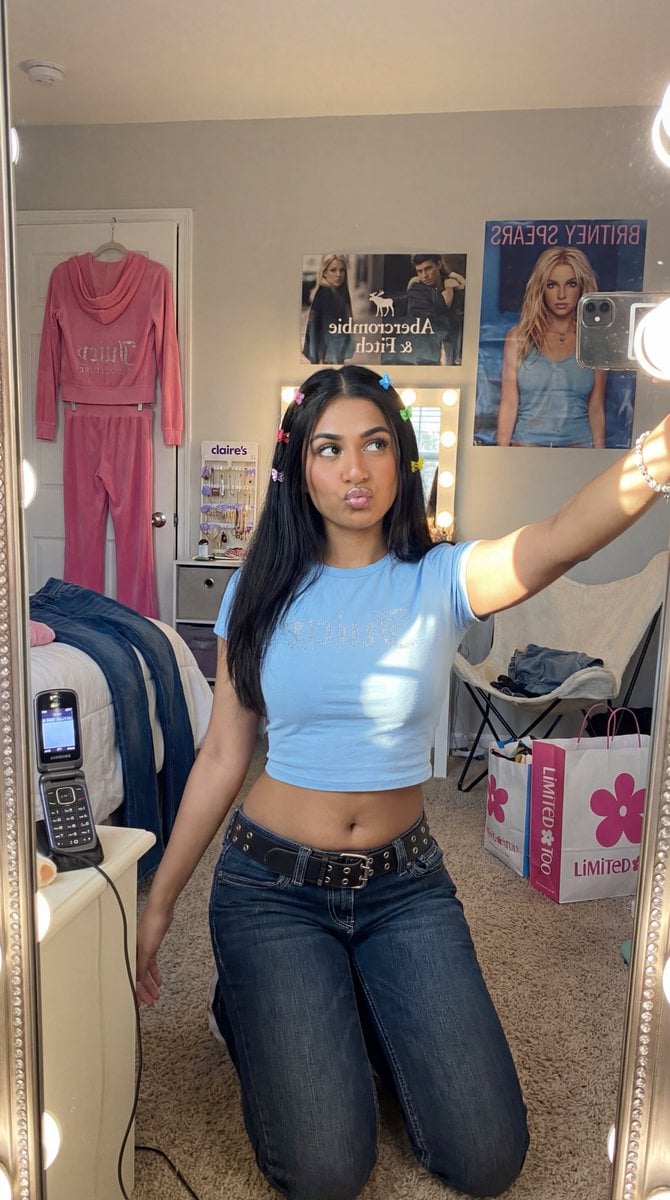
Y2K Diva Mirror Selfie in Mall-Themed Bedroom
Browse template categories
Cat-Eared Kimono Girl Portrait questions
How do I use the Cat-Eared Kimono Girl Portrait template?
Add your photo if the template asks for one, edit the prompt if you like — the template's model and format are already selected — and press Generate. Your version opens in PicX Studio.
Can I customize the Cat-Eared Kimono Girl Portrait template?
Yes. You can change the subject, setting, lighting, mood, format, and available model controls before creating your image.
Is the Cat-Eared Kimono Girl Portrait template free?
Opening and editing this template is free. Generating uses credits, shown on the Generate button when you are signed in.
Which AI model should I use?
Start with GPT Image 2, which is the model associated with this template. You can compare another compatible model for a different finish.
Looking for something else? Browse all templates.

Your photo, any look
Thousands of ready templates for every top image and video model, from one credit balance.