
Cat-Eared Schoolgirl in Sweets Arcade
Generates a high-detail anime illustration of a cat-eared schoolgirl in a school uniform walking through a colorful sweets arcade.
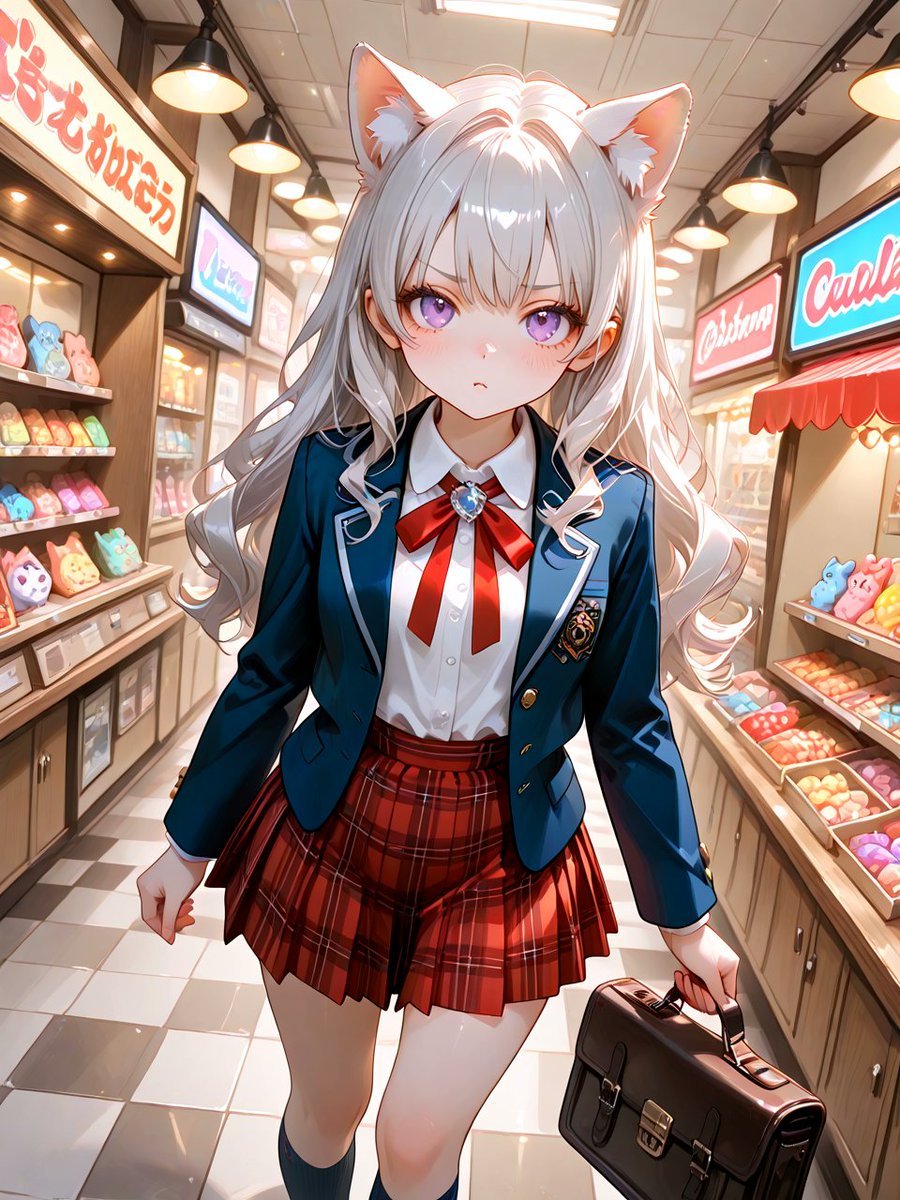
- Prompt included
- Model and format preset
- Free template
The prompt behind this image
Copy the exact prompt behind Cat-Eared Schoolgirl in Sweets Arcade, or open it in the studio and make it yours.
Create a polished anime-style full-body illustration of {argument name="character name" default="a cat-eared schoolgirl"} walking toward the viewer inside a bright, cozy Japanese sweets shopping arcade. She is centered in a slightly low, dynamic portrait composition, with a confident but mildly pouty expression, large violet eyes, rosy cheeks, and long flowing {argument name="hair color" default="silver-white"} hair with soft curls and matching fluffy cat ears. Her outfit is a refined school uniform: navy blazer with white piping and gold buttons, crest patch on the chest, crisp white blouse, large red ribbon bow with a blue jewel brooch, red plaid pleated skirt, dark knee-high socks, and polished school shoes. She carries a dark brown leather school satchel in her right hand while her left hand is clenched as she strides forward. The background is a narrow indoor sweets arcade with exactly two main display counters, one on each side, filled with colorful animal-shaped pastries and candy boxes; warm wooden cabinetry, glass cases, red awnings, hanging black pendant lamps, glowing shop signs with stylized unreadable Japanese/English-like lettering, and a glossy cream-and-gray checkered tile floor. Use warm afternoon lighting, strong rim light from overhead fixtures, soft bloom, detailed fabric texture, glossy highlights on hair and eyes, shallow depth of field, clean line art, high-detail cel-shaded anime rendering, vibrant colors, vertical 3:4 composition, no watermark, no extra characters, and avoid readable real brand names.
How to use Cat-Eared Schoolgirl in Sweets Arcade in 3 steps
- 1Upload ImagePNG, JPG or paste
Add your photo
Upload the photo the template builds on. The prompt, model and format are already set.
- 2…a portrait of your subject in softgolden-hour light, 85mm…
Personalize
Edit the subject and creative details for your destination.
- 3Generate
Generate
Press Generate — your image is created in PicX Studio, so you can compare it with the original and refine one variable at a time.
More like this
Templates with the same subject, style or setup. Open one to see its prompt.
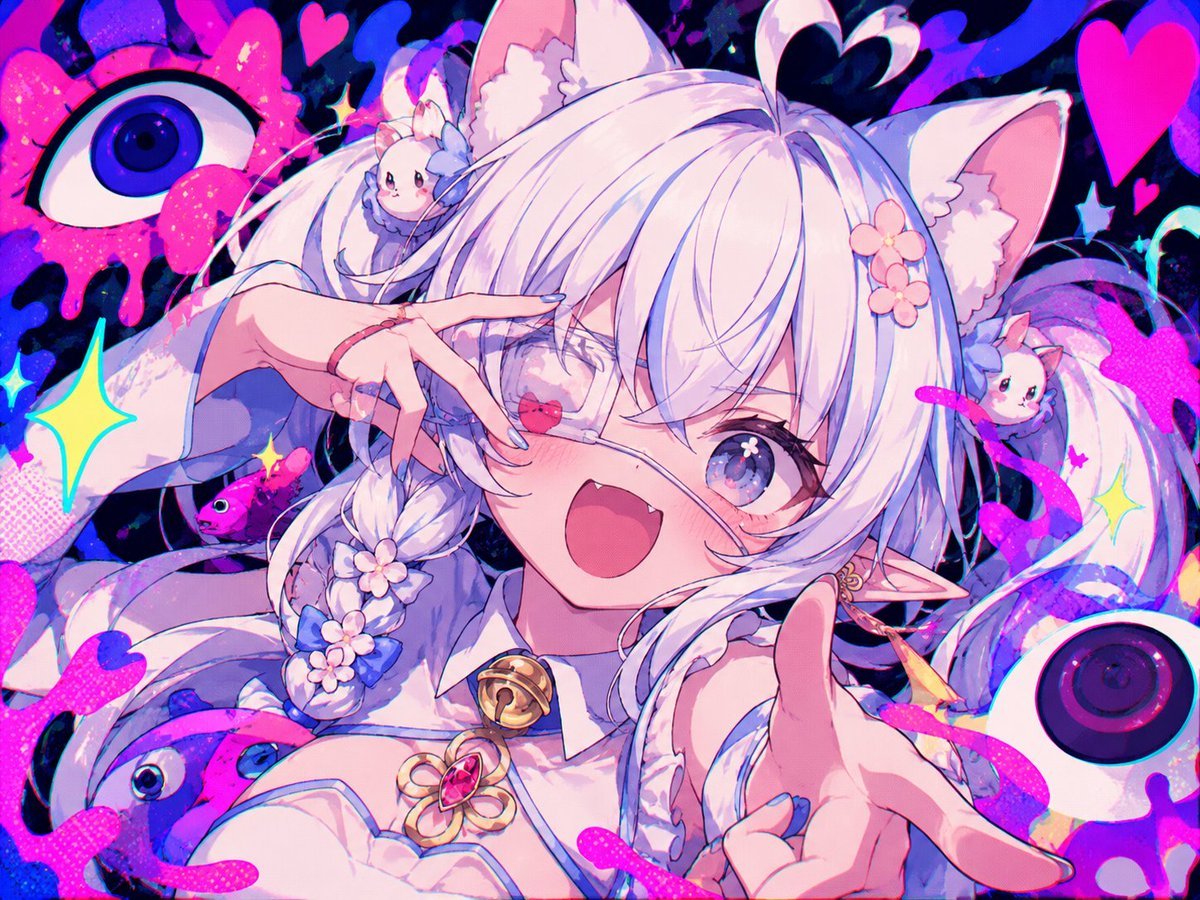
Neon Cat-Eared Idol Close-Up
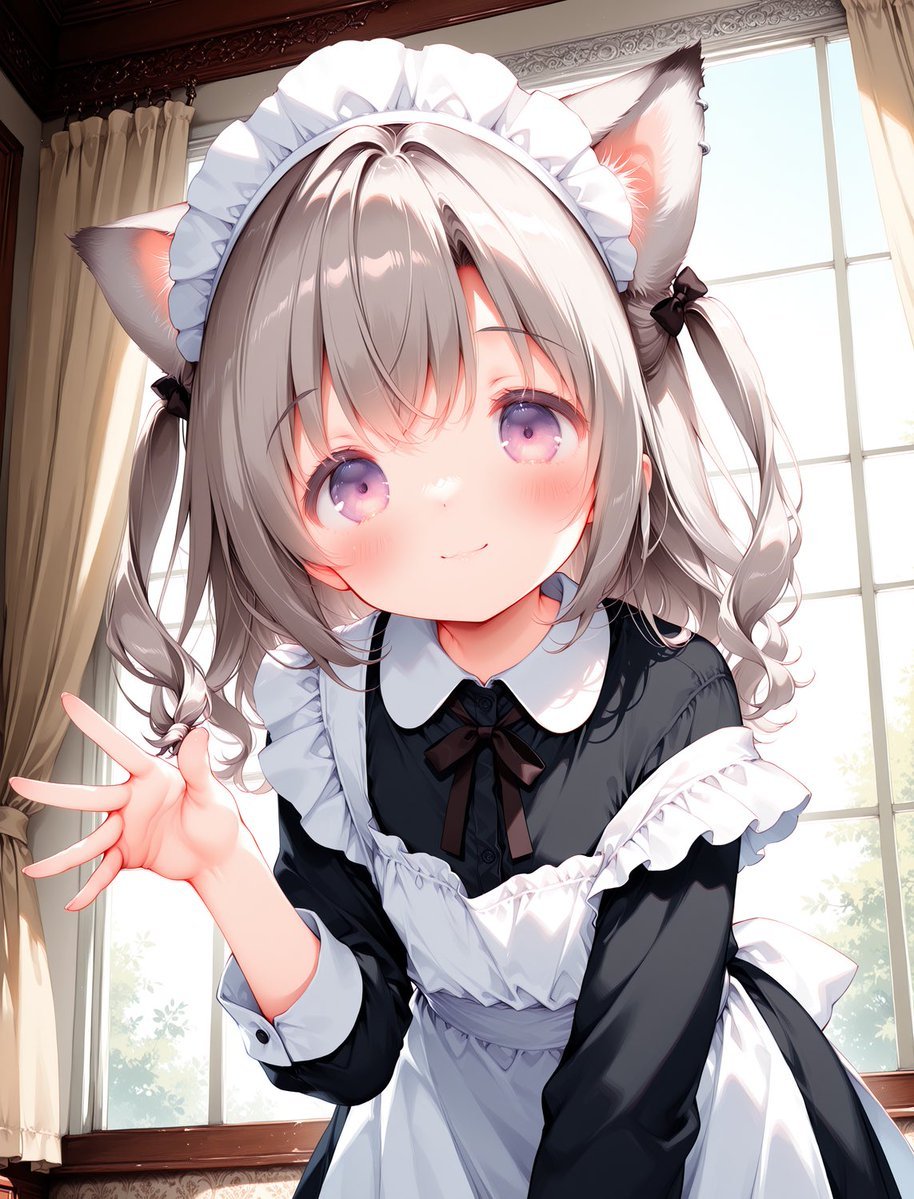
Cat-Eared Maid Portrait
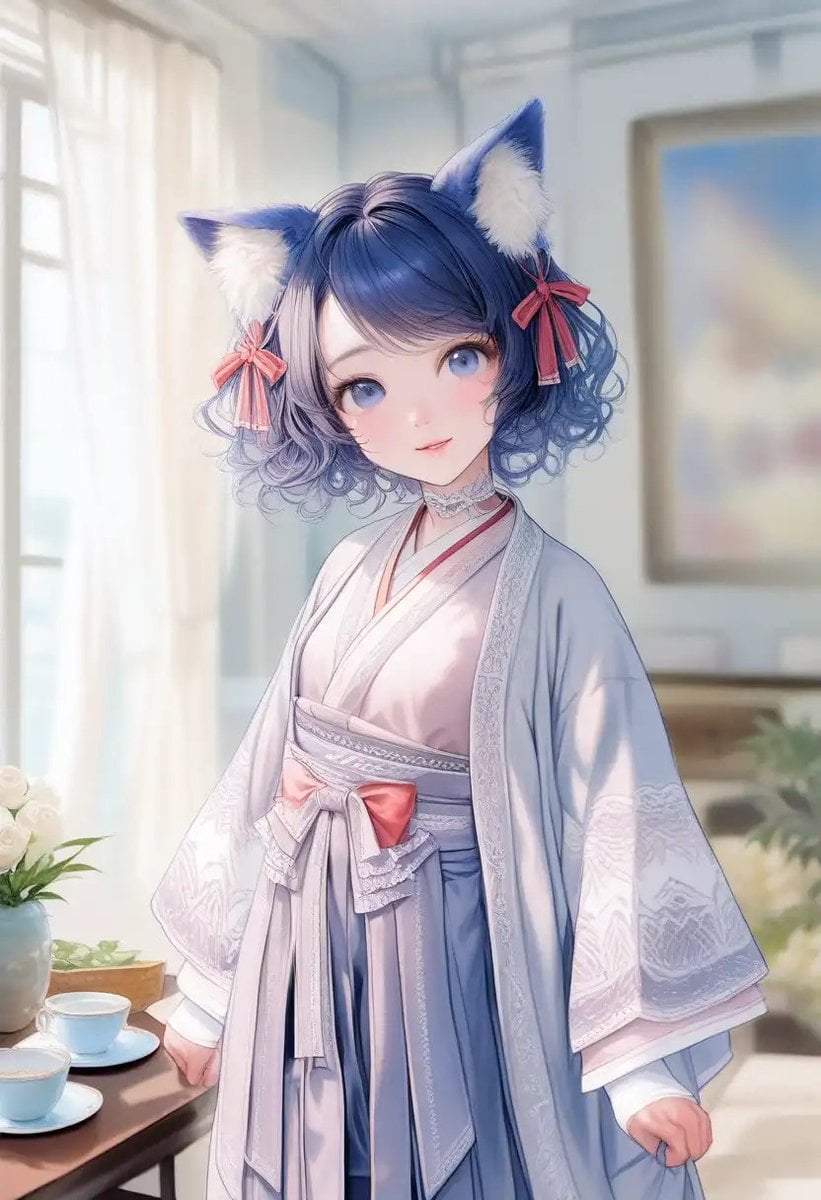
Cat-Eared Kimono Girl Portrait
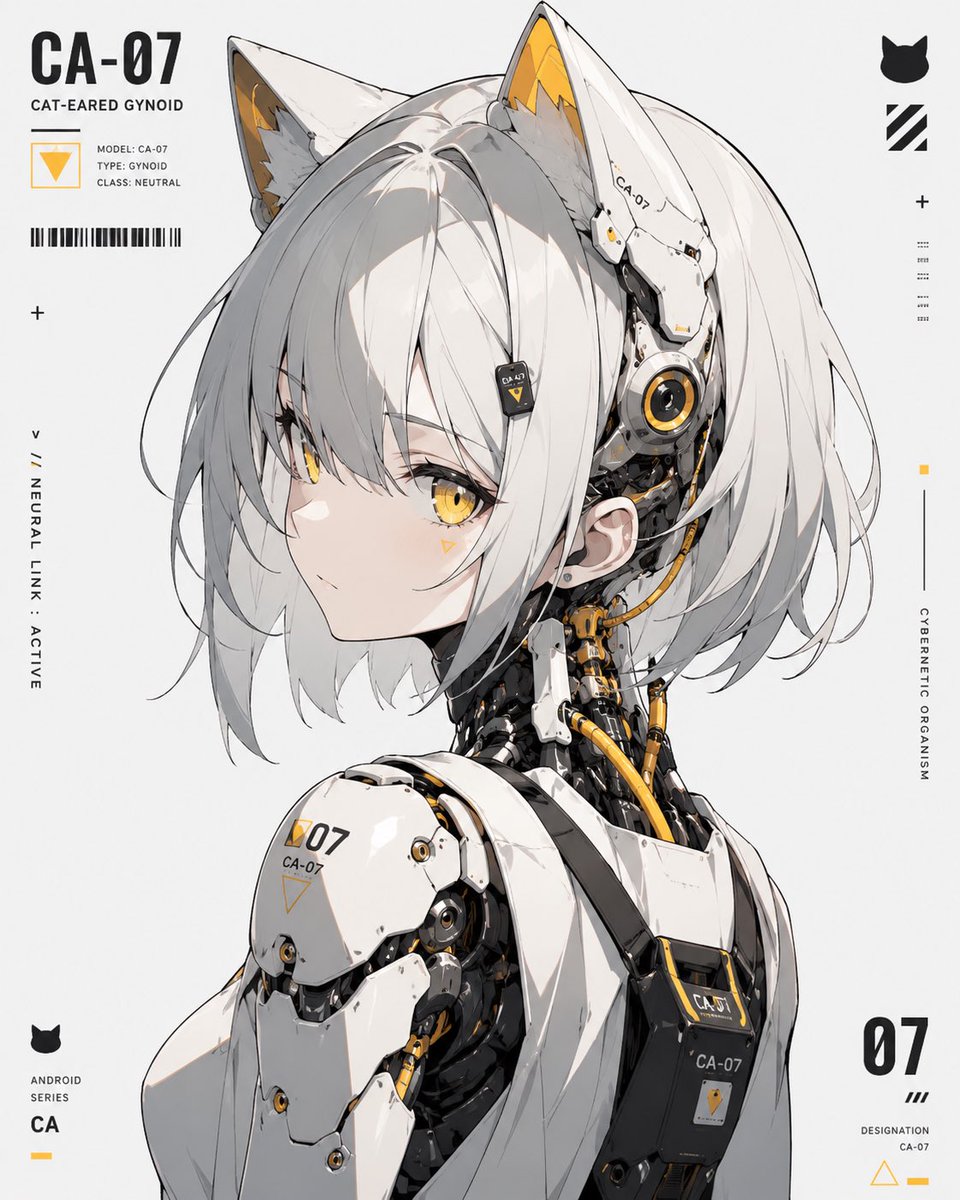
Cat-Eared Gynoid Digital Illustration
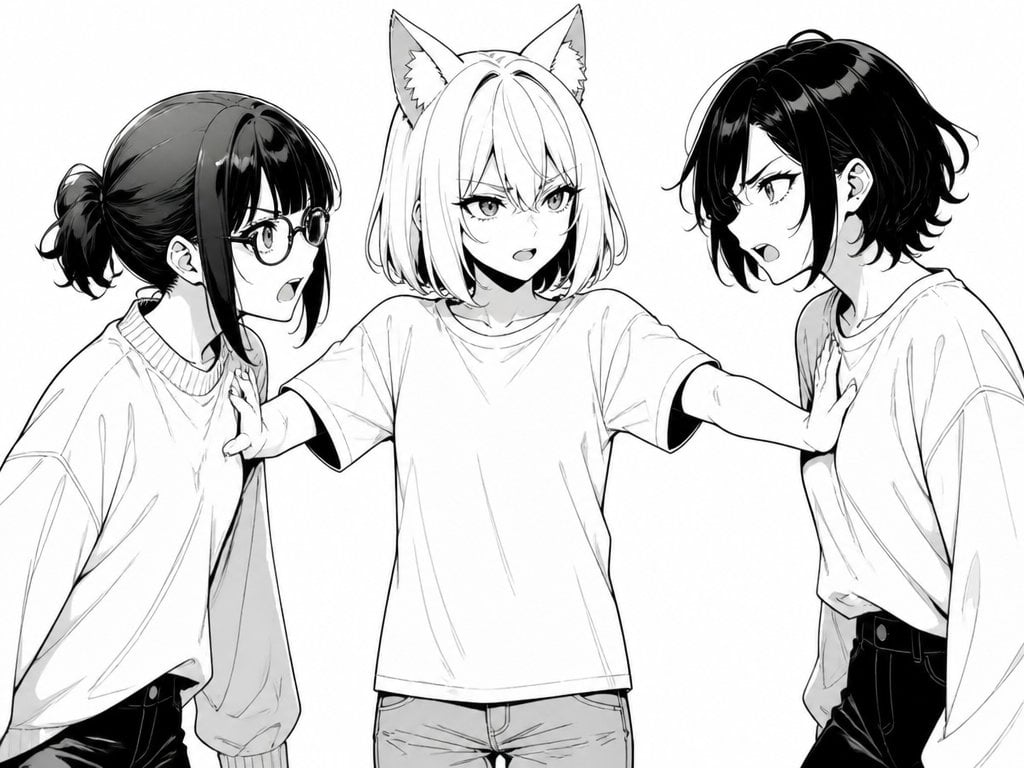
Manga Cat-Eared Girl Breaking Up Fight
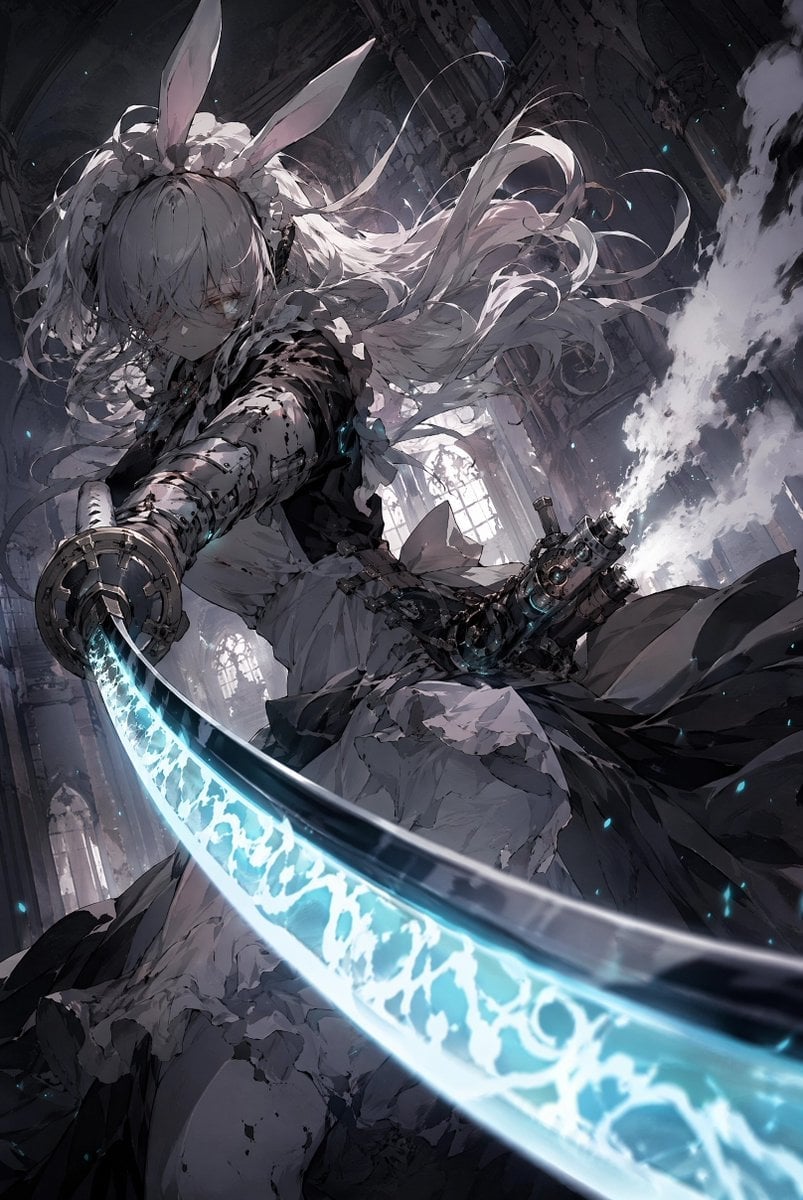
Rabbit-Eared Swordswoman in Ruined Cathedral
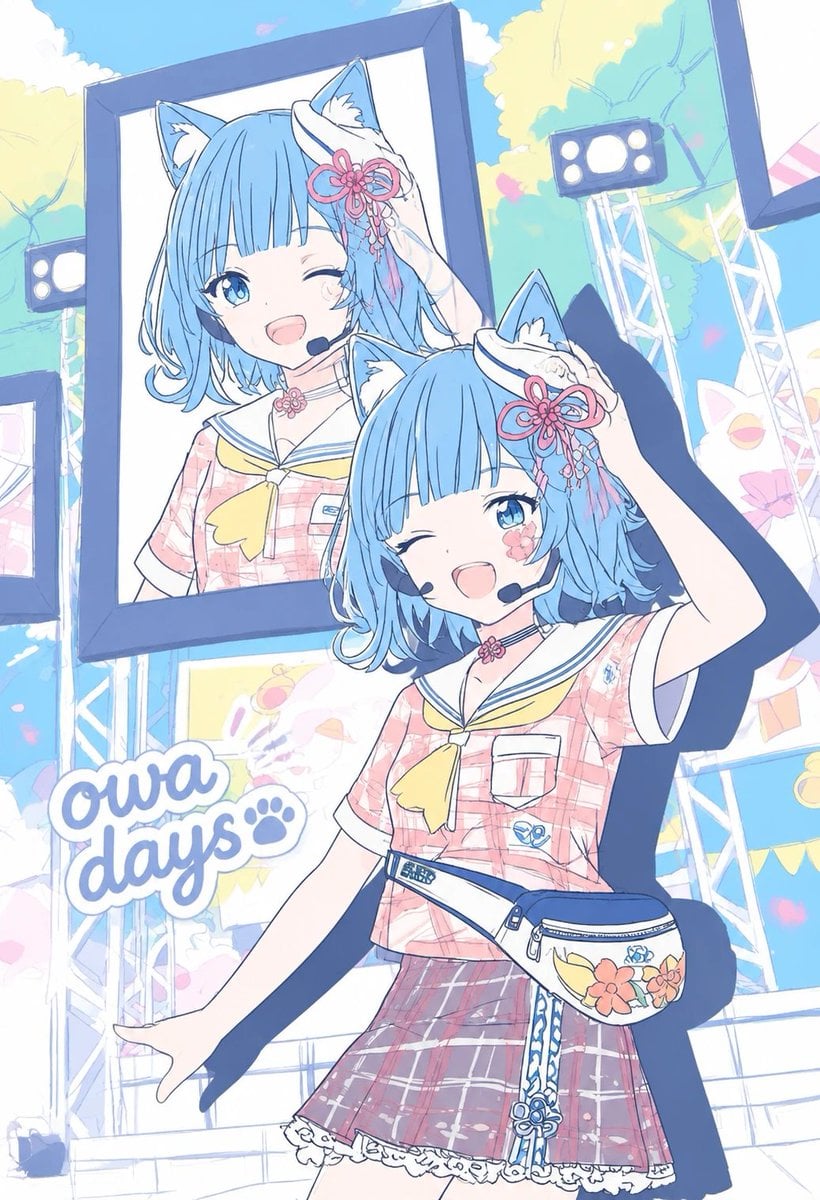
Pastel Cat-Eared Summer Idol Stage

Sunlit Cat-Eared Girl Reading
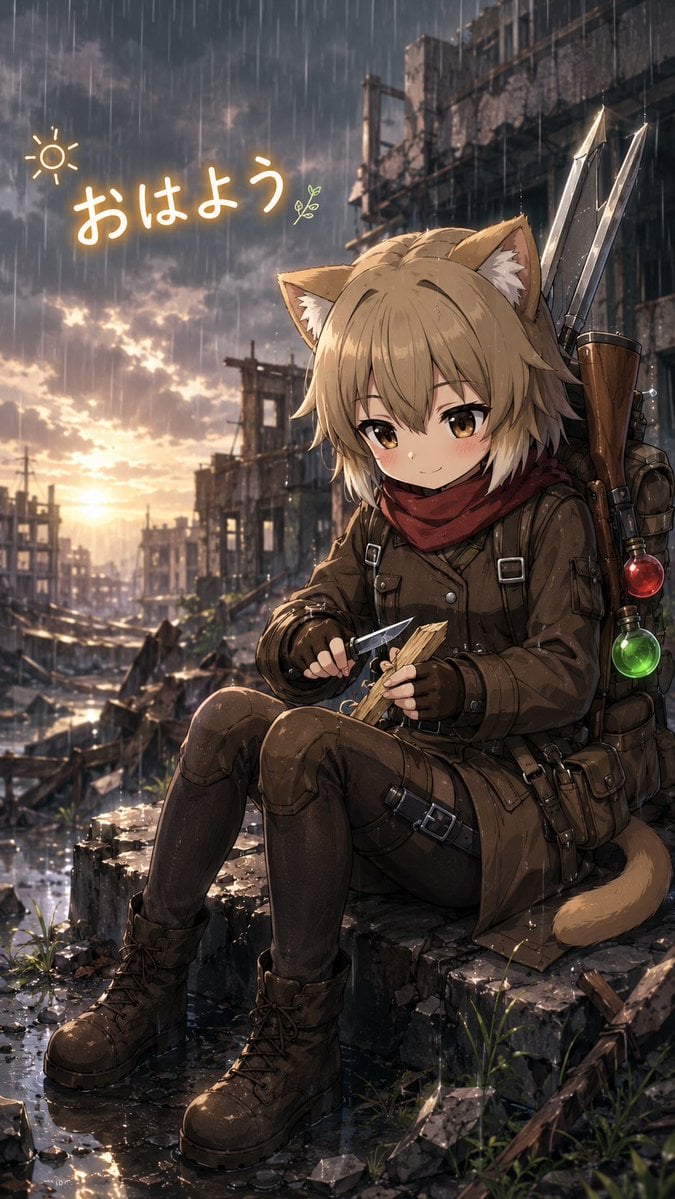
Rainy Cat-Eared Survivor Morning

Cat-Eared Kimono Girl
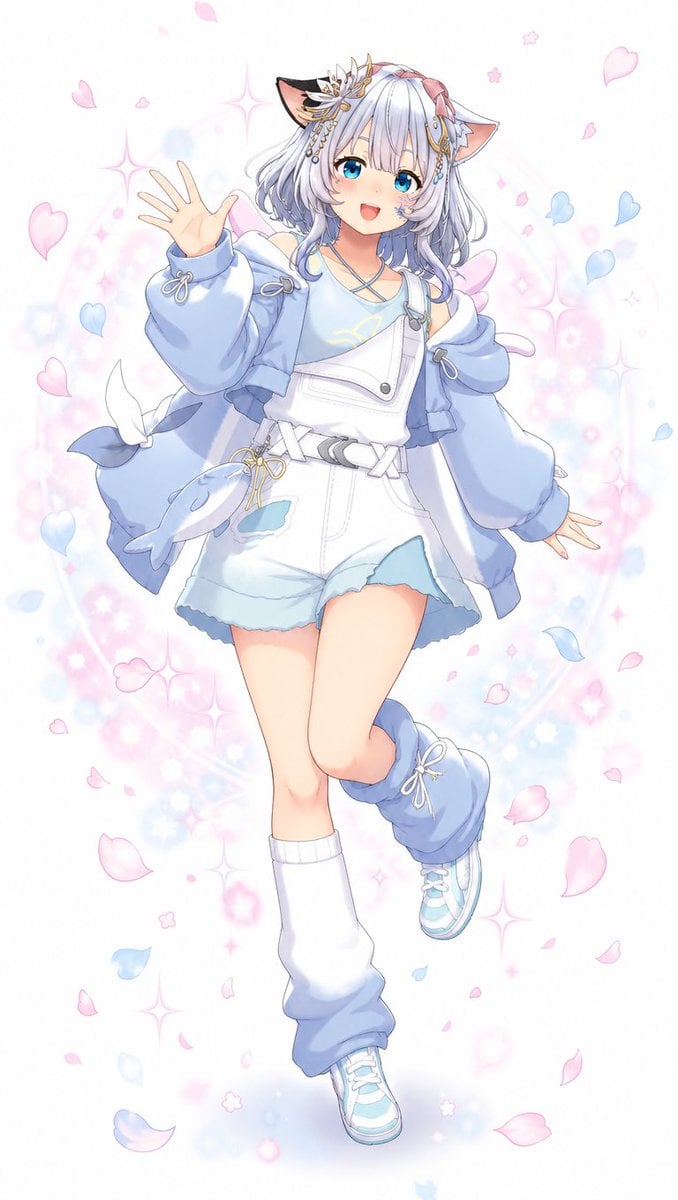
Pastel Cat-Eared Anime Girl
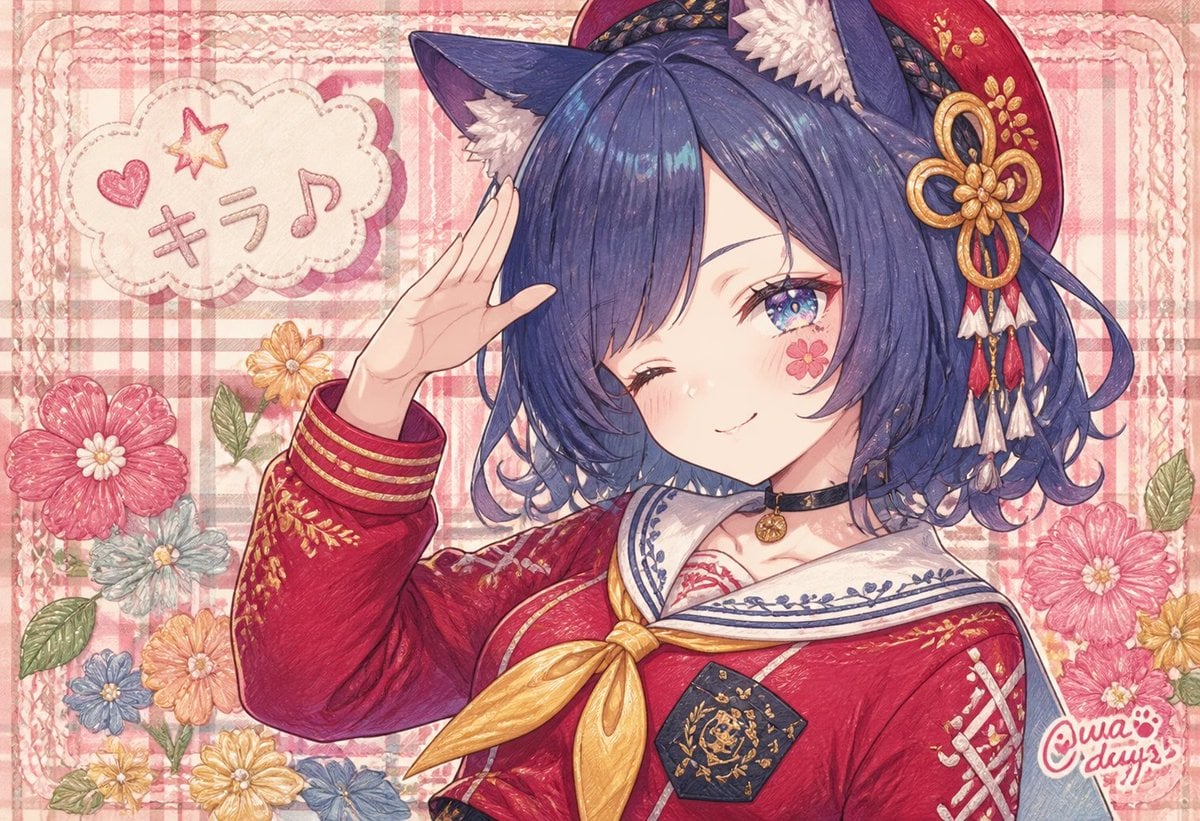
Winking Cat-Eared Idol Card
Make it yours
Cat-Eared Schoolgirl in Sweets Arcade works as-is. These are the safest ways to change it without losing the look.
Change one field
Copy a single group, rewrite it, and generate again so you can see what that field is doing.
Keep the frame, change the subject
Hold the composition and light of Cat-Eared Schoolgirl in Sweets Arcade, then swap wardrobe, props or the person for a new take.
| If the result… | Why | Fix |
|---|---|---|
| The result drifts from the preview | Too many fields changed at once. | Reuse Cat-Eared Schoolgirl in Sweets Arcade as-is first, then change one group — subject, light, or setting. |
| The model over-stylizes the scene | The prose prompt leaves finish and camera underspecified. | Add one camera or lighting sentence and stay on GPT Image 2. |
More GPT Image 2 templates
Other prompts made for GPT Image 2.

Six VTuber Japanese Logo Sheet

Realistic Portrait of Woman and Deer

The Vista Modular Condo Poster

AI Model Routing Comparison Infographic

2.5D Anime Art Board

Isometric Productivity Desk Scene

New York Double Exposure Poster

Four-Panel AI Landscape Comparison

Japanese Tatami Lifestyle Magazine Cover

NESCAFÉ Coffee Map Poster
More image prompts
Fresh picks from across the catalog.
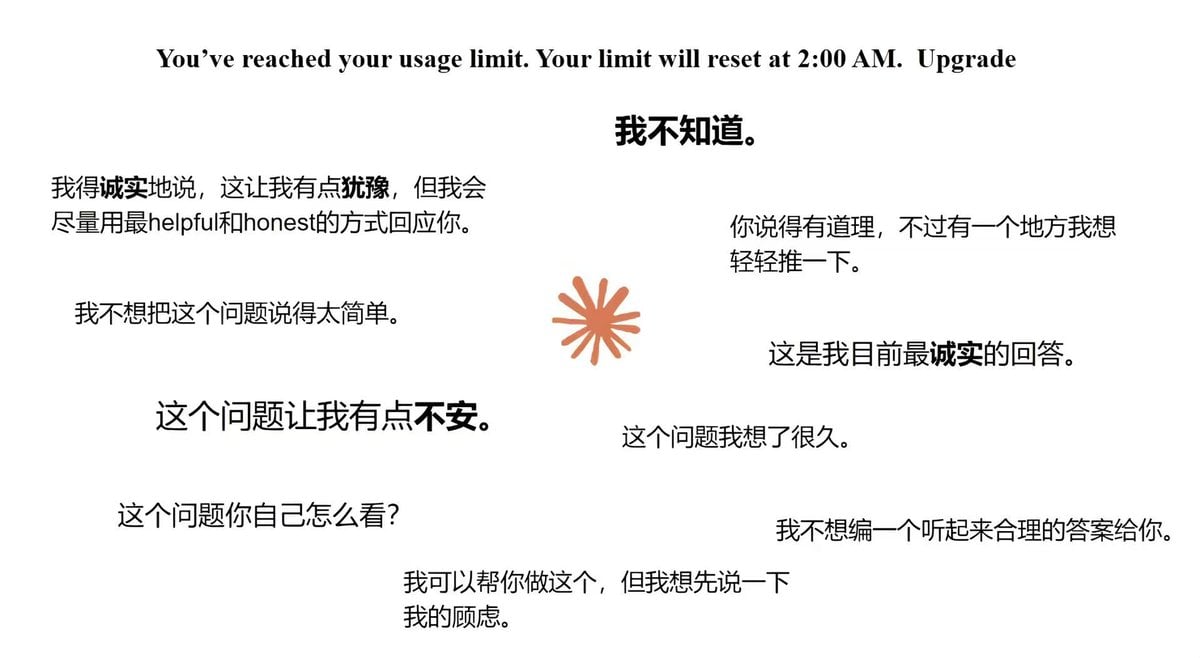
Moe Anime Style Claude Meme
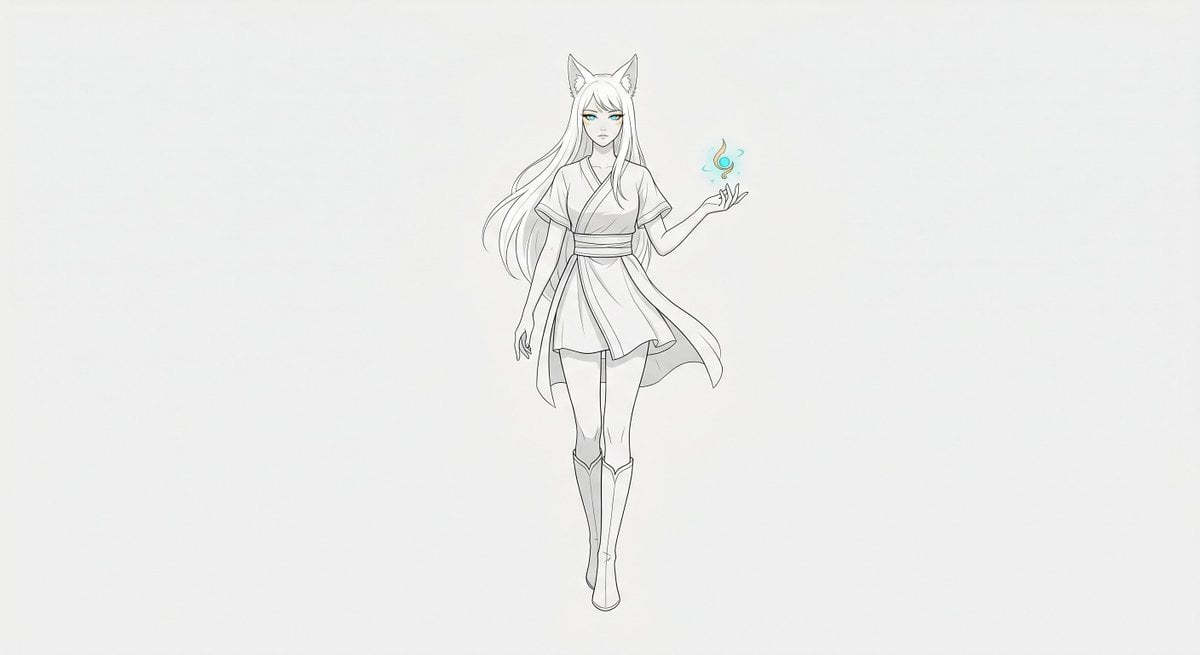
Minimal Fox Spirit Character Sketch
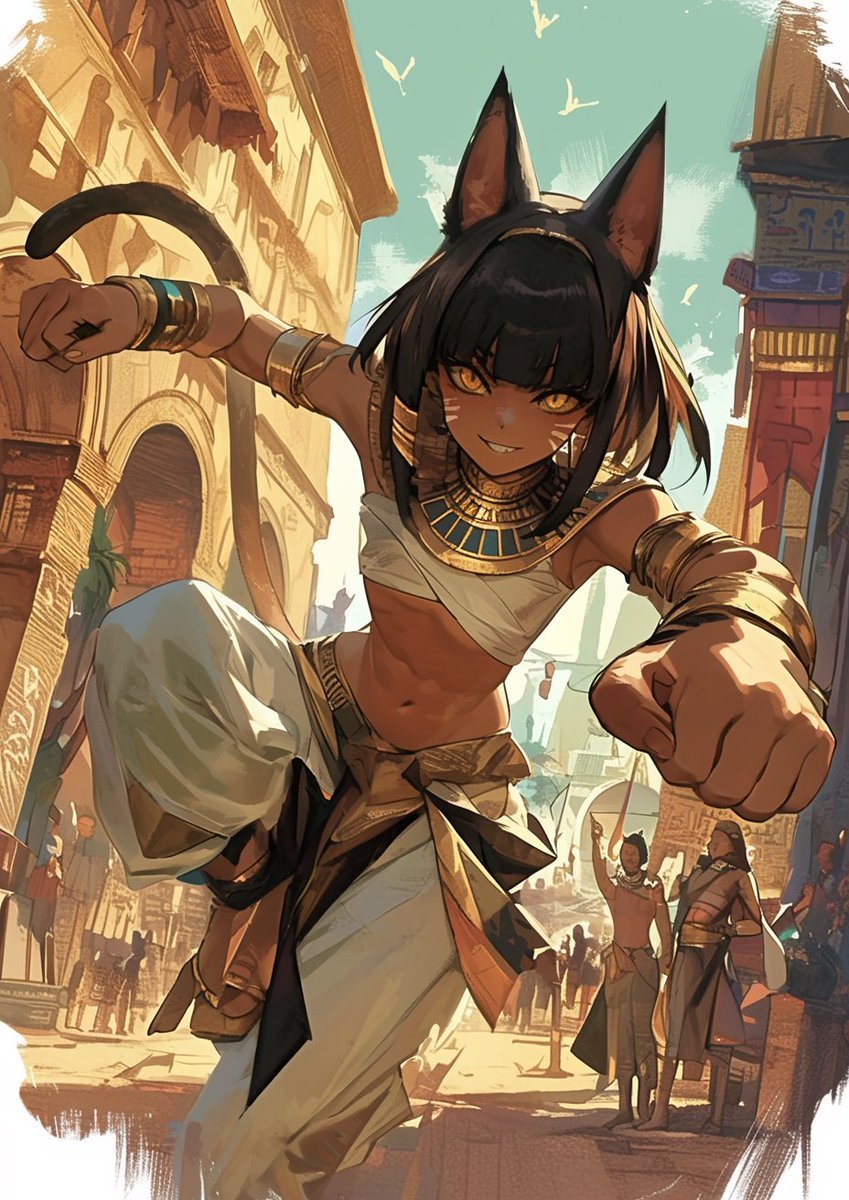
LINE Sticker Generation Prompt
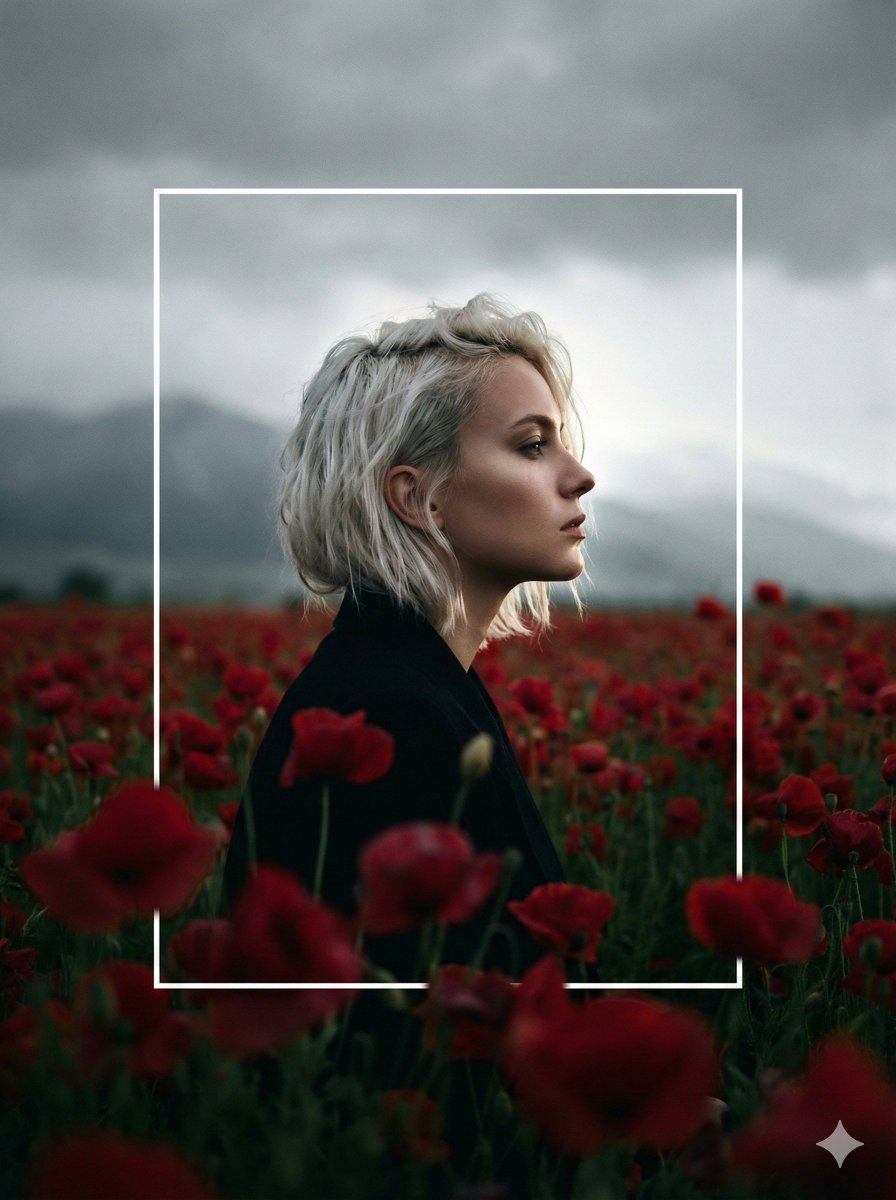
Cinematic Profile Portrait in Crimson Field with Frame Overlay

Retro Chengdu Cartoon Postcard
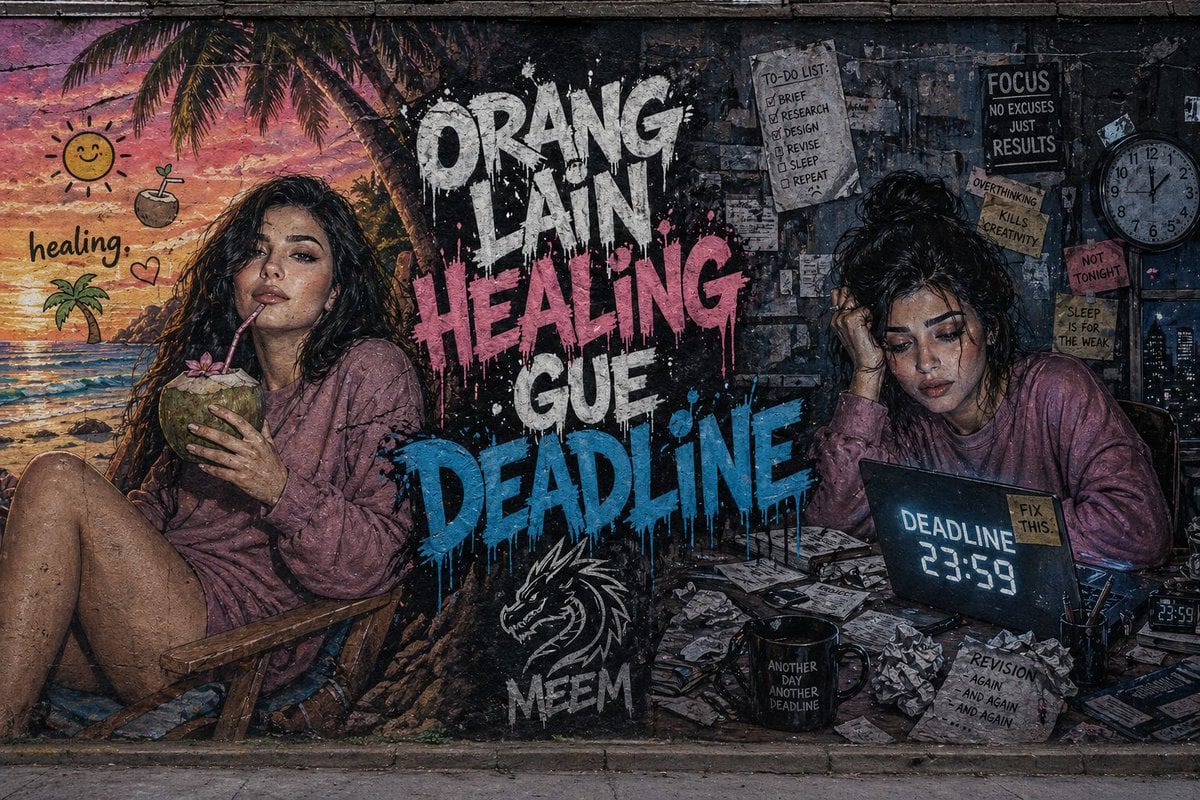
Dual-Concept Street Art Mural

Cinematic Architectural House Exterior
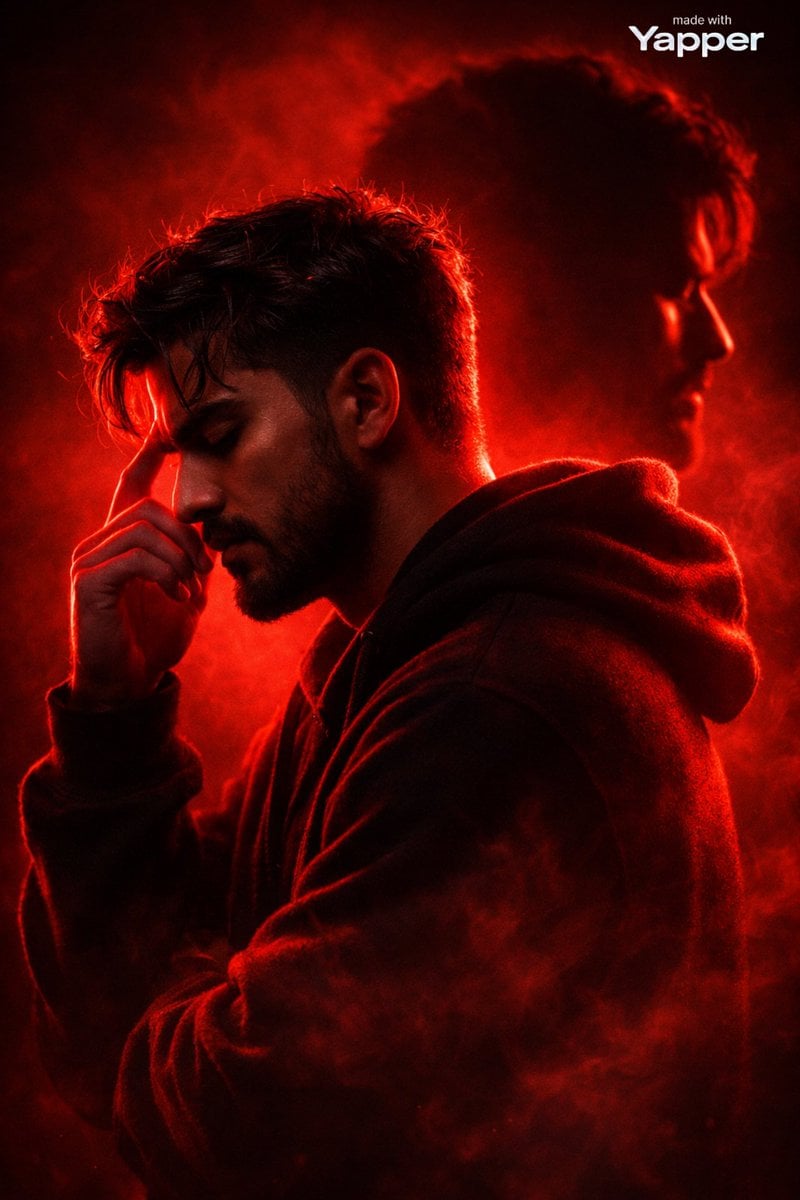
Ultra-Cinematic Red Silhouette Portrait with Double Exposure
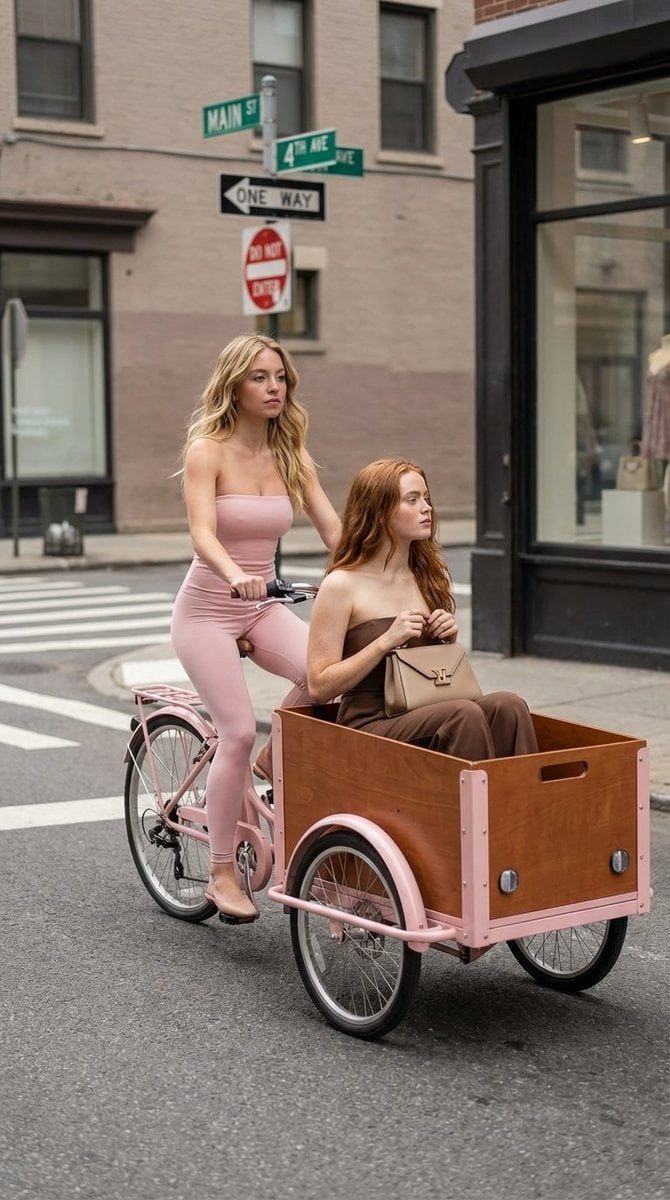
High Fashion Street Photography on a Pink Cargo Bike

Malta Guinness Inner Strength Ad
Browse template categories
Cat-Eared Schoolgirl in Sweets Arcade questions
How do I use the Cat-Eared Schoolgirl in Sweets Arcade template?
Add your photo if the template asks for one, edit the prompt if you like — the template's model and format are already selected — and press Generate. Your version opens in PicX Studio.
Can I customize the Cat-Eared Schoolgirl in Sweets Arcade template?
Yes. You can change the subject, setting, lighting, mood, format, and available model controls before creating your image.
Is the Cat-Eared Schoolgirl in Sweets Arcade template free?
Opening and editing this template is free. Generating uses credits, shown on the Generate button when you are signed in.
Which AI model should I use?
Start with GPT Image 2, which is the model associated with this template. You can compare another compatible model for a different finish.
Looking for something else? Browse all templates.

Your photo, any look
Thousands of ready templates for every top image and video model, from one credit balance.