
Rainy Cat-Eared Survivor Morning
Generates a vertical anime scene of a cute cat-eared survivor whittling wood in rainy post-apocalyptic ruins with glowing Japanese morning text.
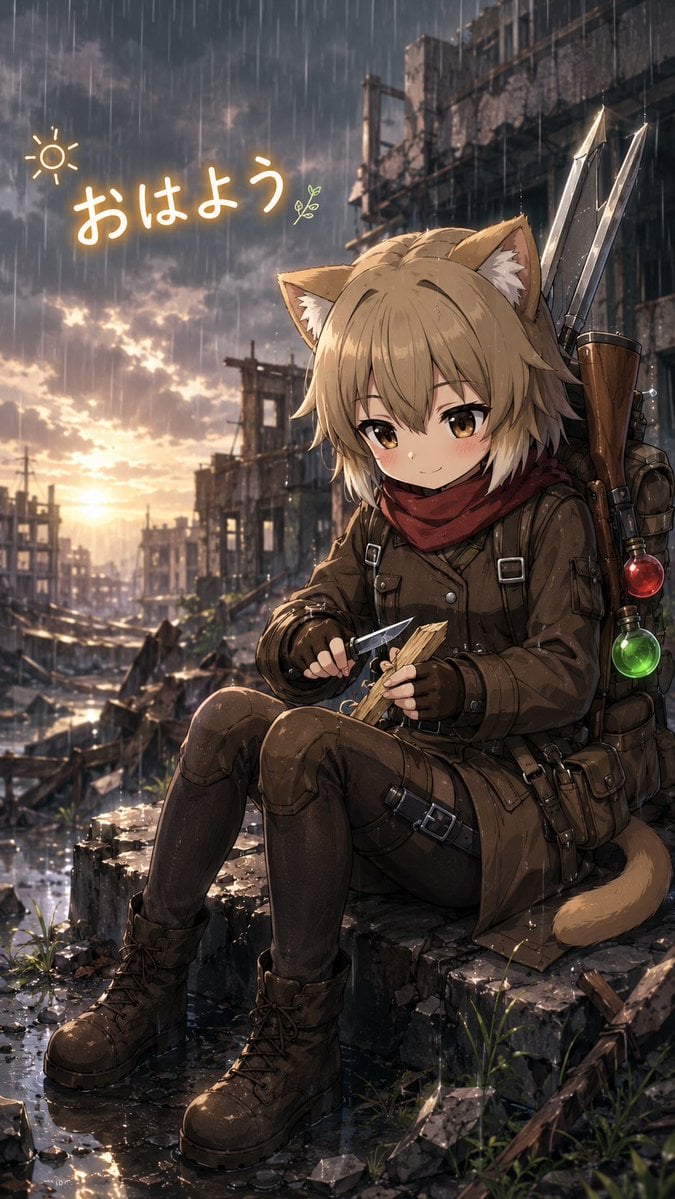
- Prompt included
- Model and format preset
- Free template
The prompt behind this image
Copy the exact prompt behind Rainy Cat-Eared Survivor Morning, or open it in the studio and make it yours.
Create a vertical 9:16 anime-style illustration of a cute chibi cat-eared adventurer girl sitting on broken concrete rubble in a rainy post-apocalyptic ruined city at sunrise. The character is {argument name="character name" default="an unnamed cat-eared survivor girl"}, a small young-looking kemonomimi girl with tan-blonde messy short hair, fluffy cat ears with white inner fur, golden-brown eyes, soft blush, and a calm shy smile. She wears a rugged brown survival outfit: long brown coat or tunic, dark leggings, knee pads, fingerless gloves, utility belts with metal buckles, pouches, straps, and heavy lace-up brown combat boots, plus a deep red scarf around her neck and a visible tan cat tail curling behind her. She sits with knees bent on wet rubble, holding exactly 2 small hand items: a short knife in one hand and a carved piece of wood in the other, as if whittling. On her back are exactly 2 tall metallic spear-like weapons or blades in a leather harness, and exactly 2 glowing round potion-like ornaments attached to the gear, one red and one green. The background is a devastated urban street with collapsed buildings, exposed concrete frames, debris, puddles, scattered grass shoots, dark storm clouds, and warm sunrise light glowing low on the horizon, reflecting in the wet ground. Heavy rain falls in long vertical streaks across the entire image, with cinematic rim light and atmospheric mist. Add handwritten glowing Japanese morning text near the upper left reading {argument name="greeting text" default="おはよう"}; include exactly 2 small doodles around it: a simple sun icon to the left and a tiny green sprout icon to the right. Visual style: highly detailed modern anime illustration, painterly lighting, cute character design contrasted with gritty ruins, warm orange sunrise against cool gray rain, sharp character focus, depth of field, no watermark, no extra characters, no extra text.
How to use Rainy Cat-Eared Survivor Morning in 3 steps
- 1Upload ImagePNG, JPG or paste
Add your photo
Upload the photo the template builds on. The prompt, model and format are already set.
- 2…a portrait of your subject in softgolden-hour light, 85mm…
Personalize
Edit the subject and creative details for your destination.
- 3Generate
Generate
Press Generate — your image is created in PicX Studio, so you can compare it with the original and refine one variable at a time.
More like this
Templates with the same subject, style or setup. Open one to see its prompt.
Neon Cat-Eared Idol Close-Up
Cat-Eared Maid Portrait
Cat-Eared Kimono Girl Portrait
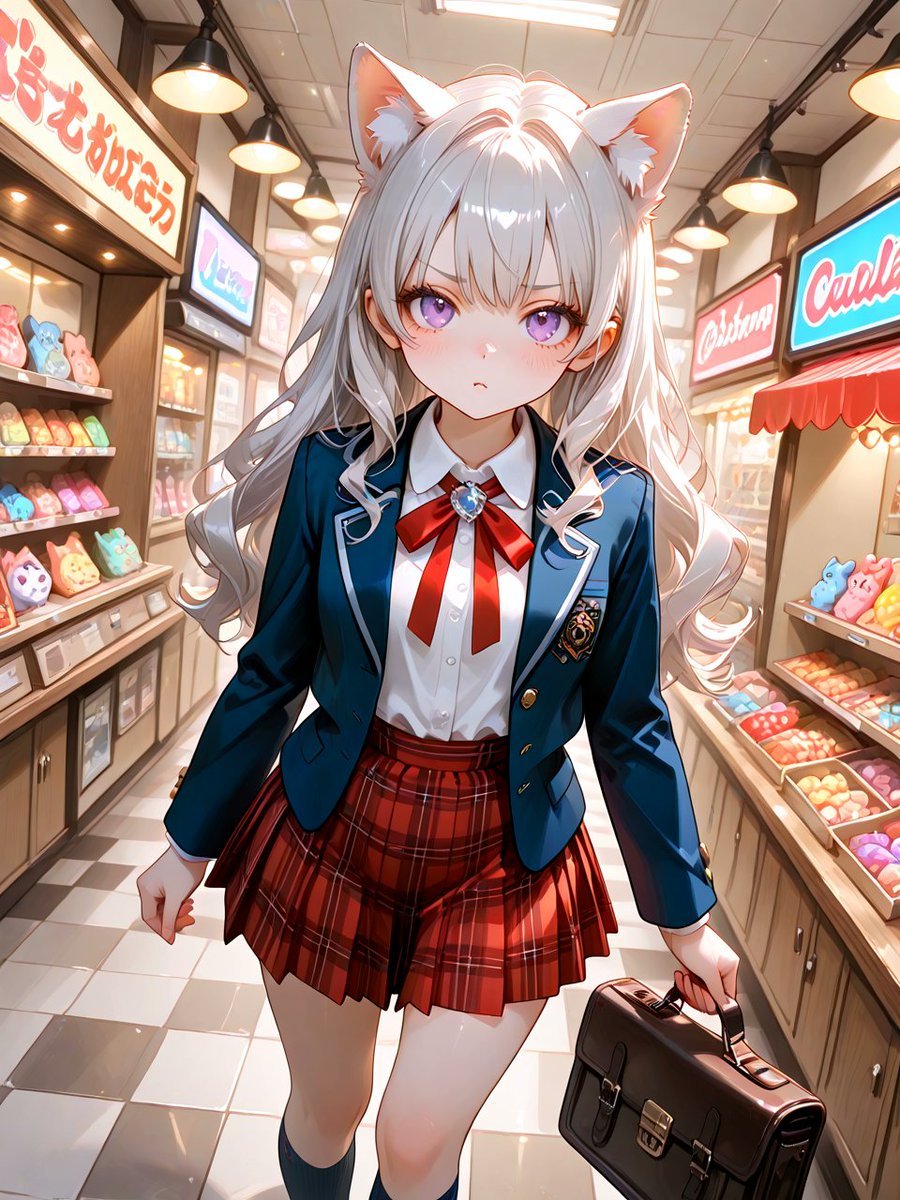
Cat-Eared Schoolgirl in Sweets Arcade
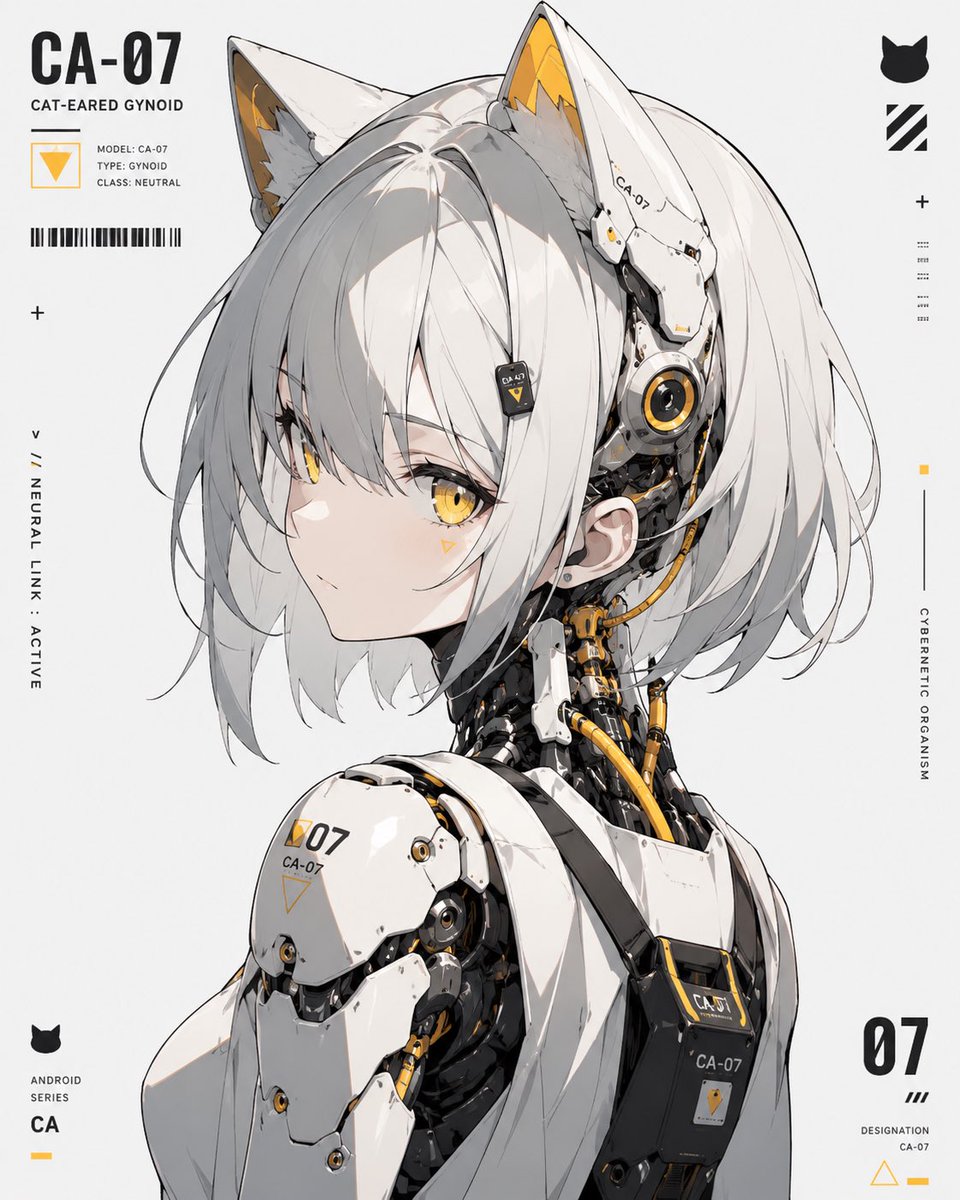
Cat-Eared Gynoid Digital Illustration
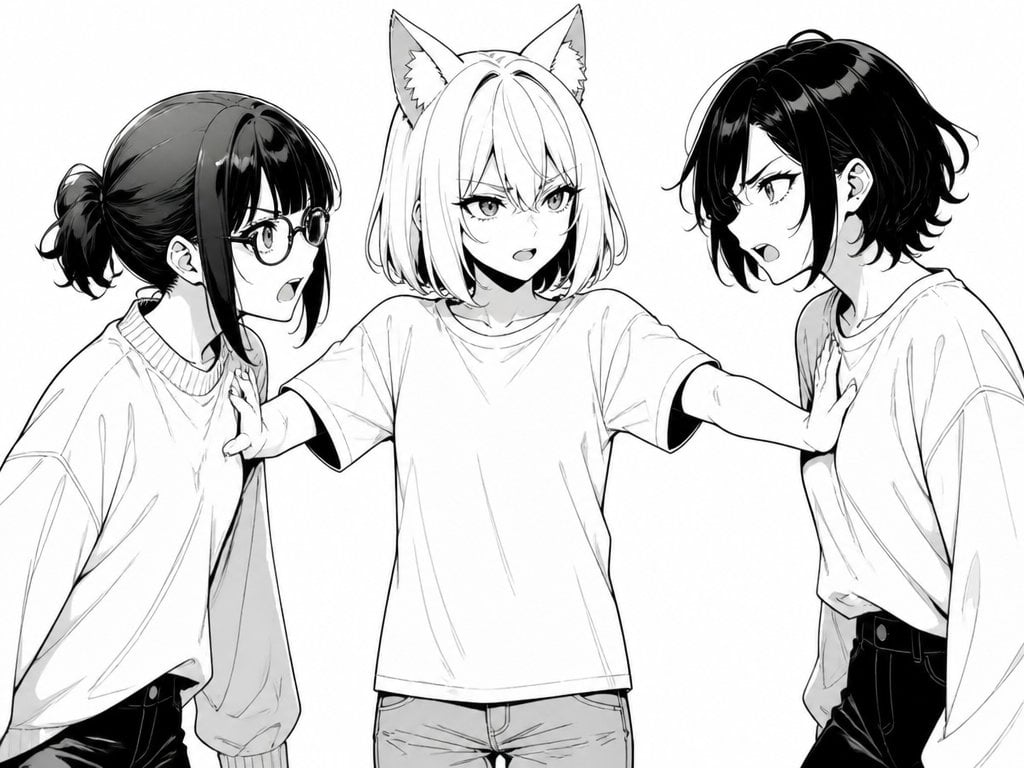
Manga Cat-Eared Girl Breaking Up Fight
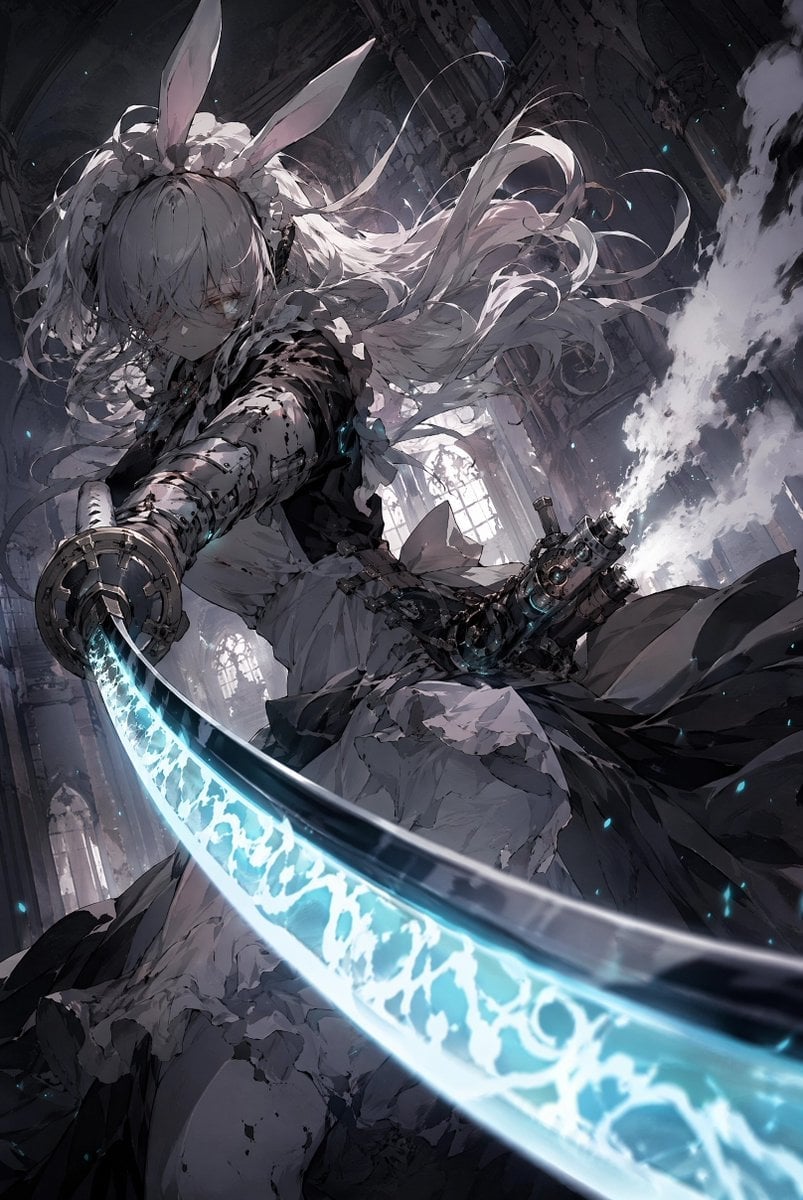
Rabbit-Eared Swordswoman in Ruined Cathedral
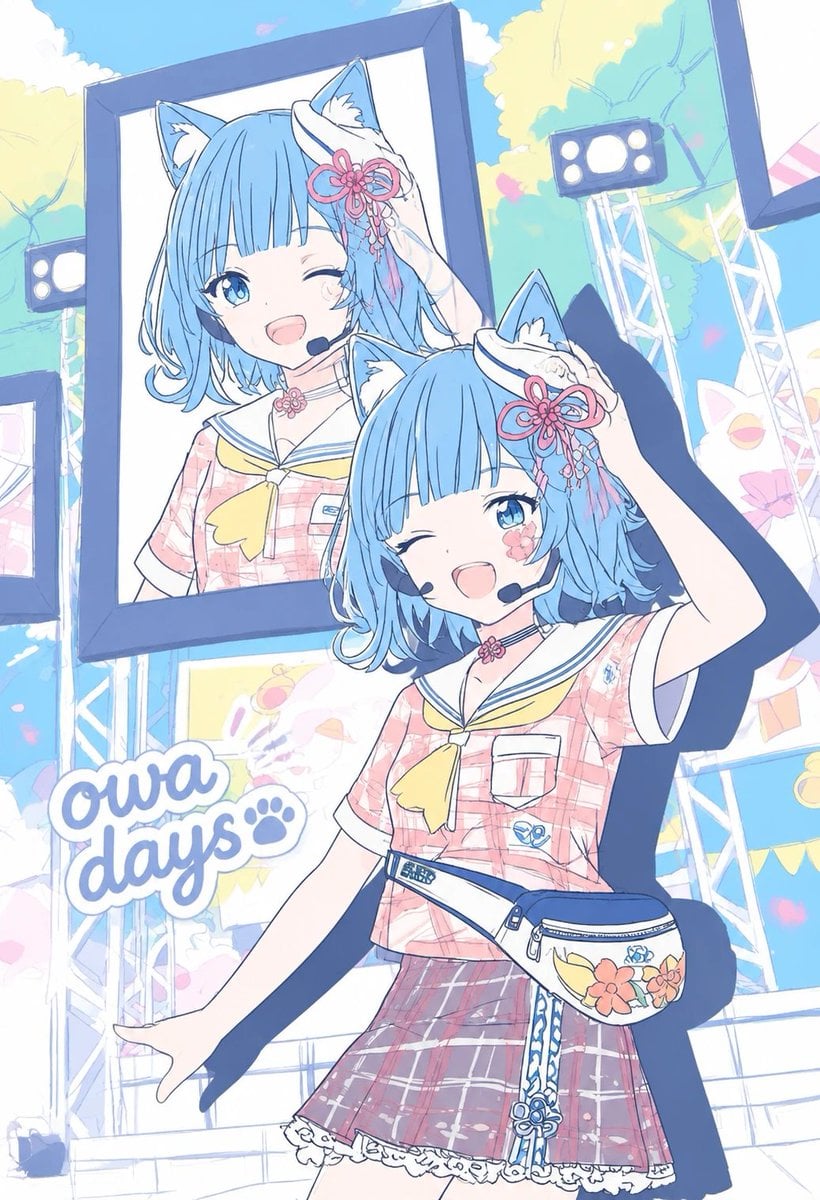
Pastel Cat-Eared Summer Idol Stage
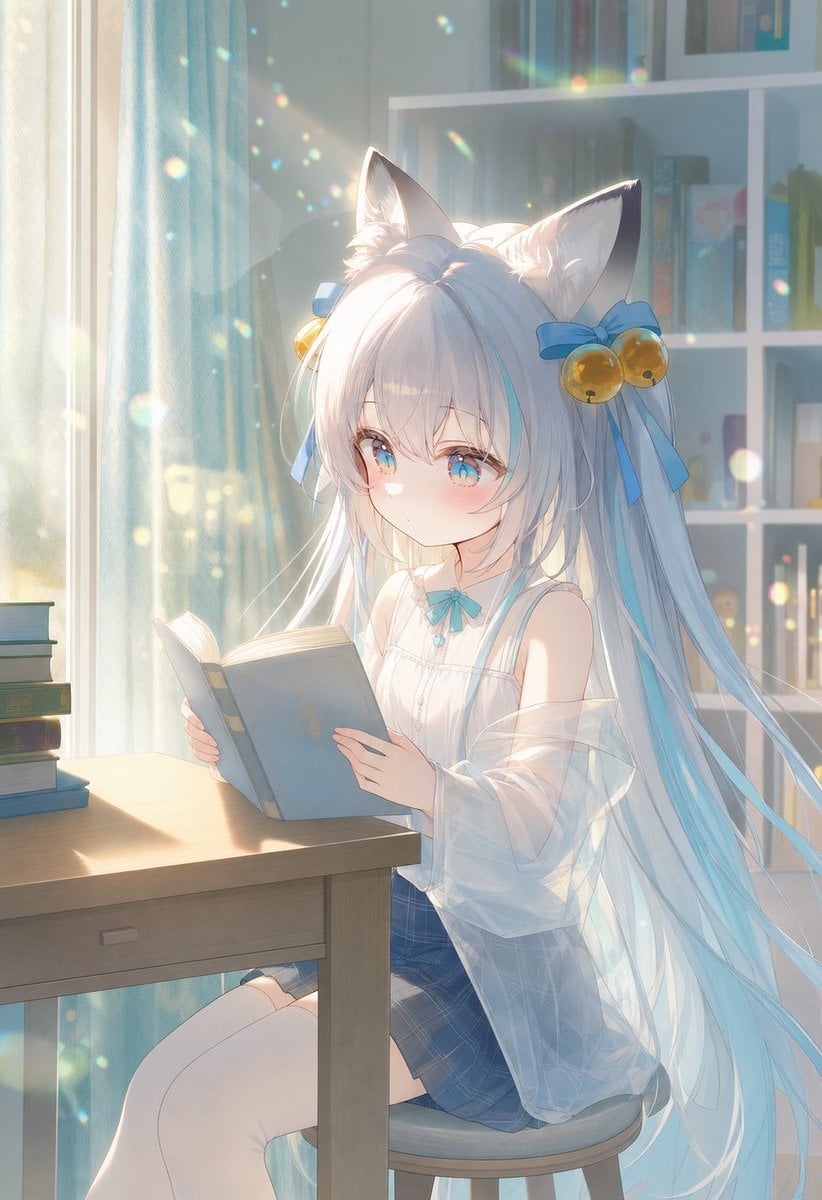
Sunlit Cat-Eared Girl Reading

Cat-Eared Kimono Girl
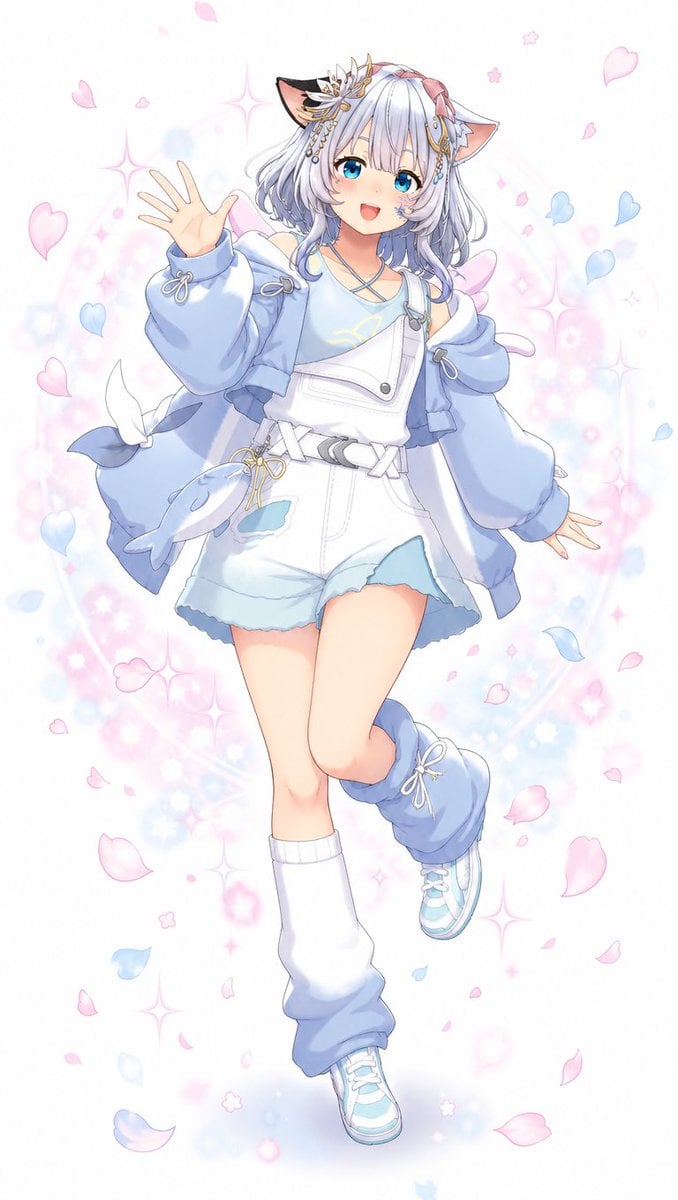
Pastel Cat-Eared Anime Girl
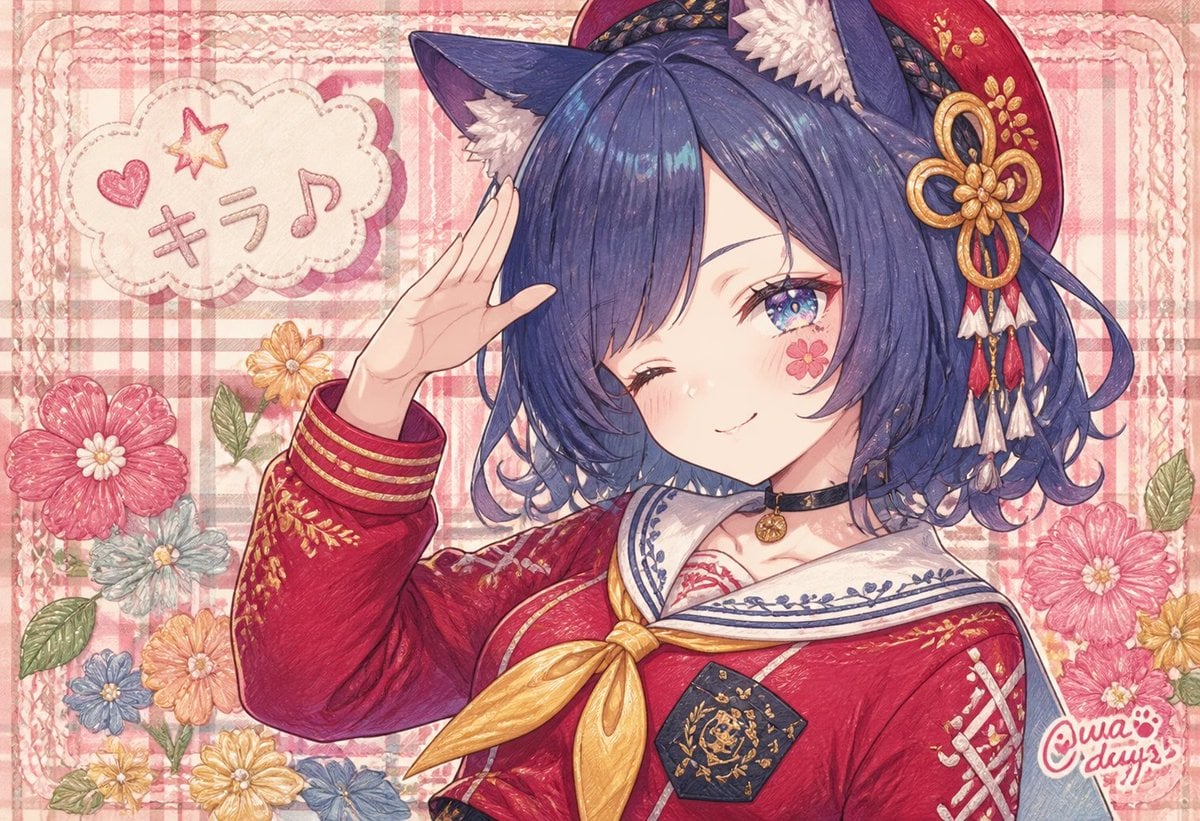
Winking Cat-Eared Idol Card
Make it yours
Rainy Cat-Eared Survivor Morning works as-is. These are the safest ways to change it without losing the look.
Change one field
Copy a single group, rewrite it, and generate again so you can see what that field is doing.
Keep the frame, change the subject
Hold the composition and light of Rainy Cat-Eared Survivor Morning, then swap wardrobe, props or the person for a new take.
| If the result… | Why | Fix |
|---|---|---|
| The result drifts from the preview | Too many fields changed at once. | Reuse Rainy Cat-Eared Survivor Morning as-is first, then change one group — subject, light, or setting. |
| The model over-stylizes the scene | The prose prompt leaves finish and camera underspecified. | Add one camera or lighting sentence and stay on GPT Image 2. |
More GPT Image 2 templates
Other prompts made for GPT Image 2.

Six VTuber Japanese Logo Sheet

Realistic Portrait of Woman and Deer

The Vista Modular Condo Poster

AI Model Routing Comparison Infographic

2.5D Anime Art Board

Isometric Productivity Desk Scene

New York Double Exposure Poster

Four-Panel AI Landscape Comparison

Japanese Tatami Lifestyle Magazine Cover

NESCAFÉ Coffee Map Poster
More image prompts
Fresh picks from across the catalog.
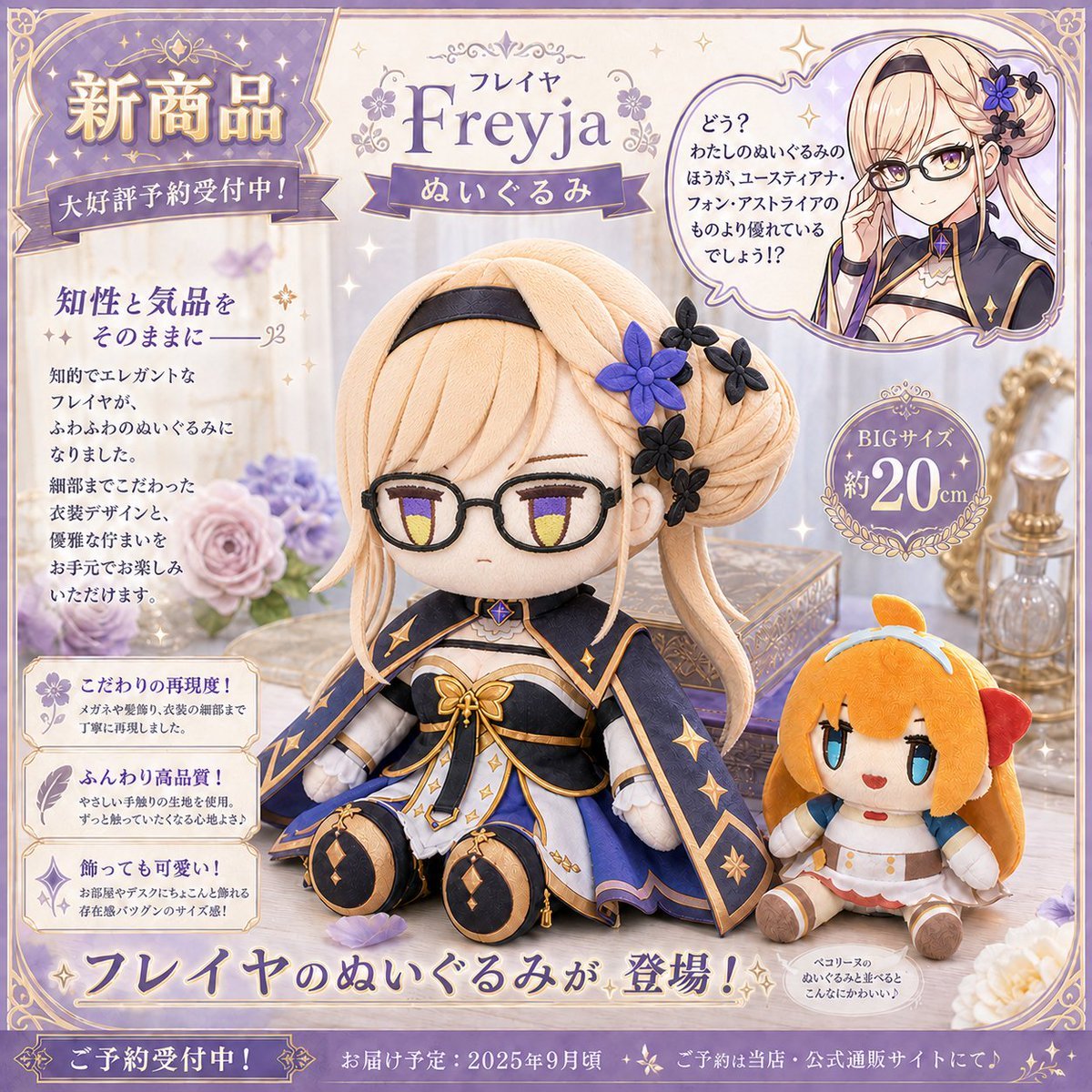
Freyja Plush Merchandise Flyer

Winter Full Hourglass Portrait with Puffer Jacket Prompt
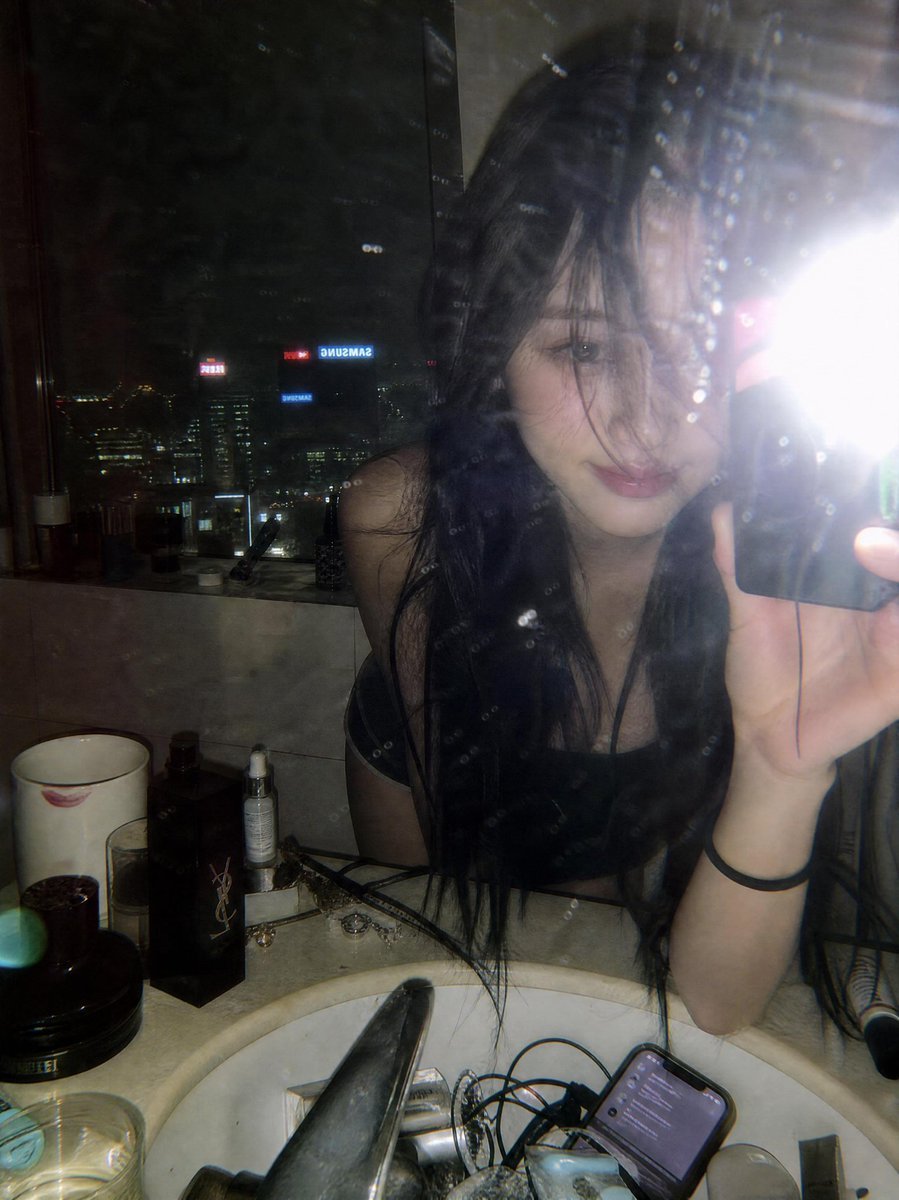
Late Night Luxury Mirror Selfie
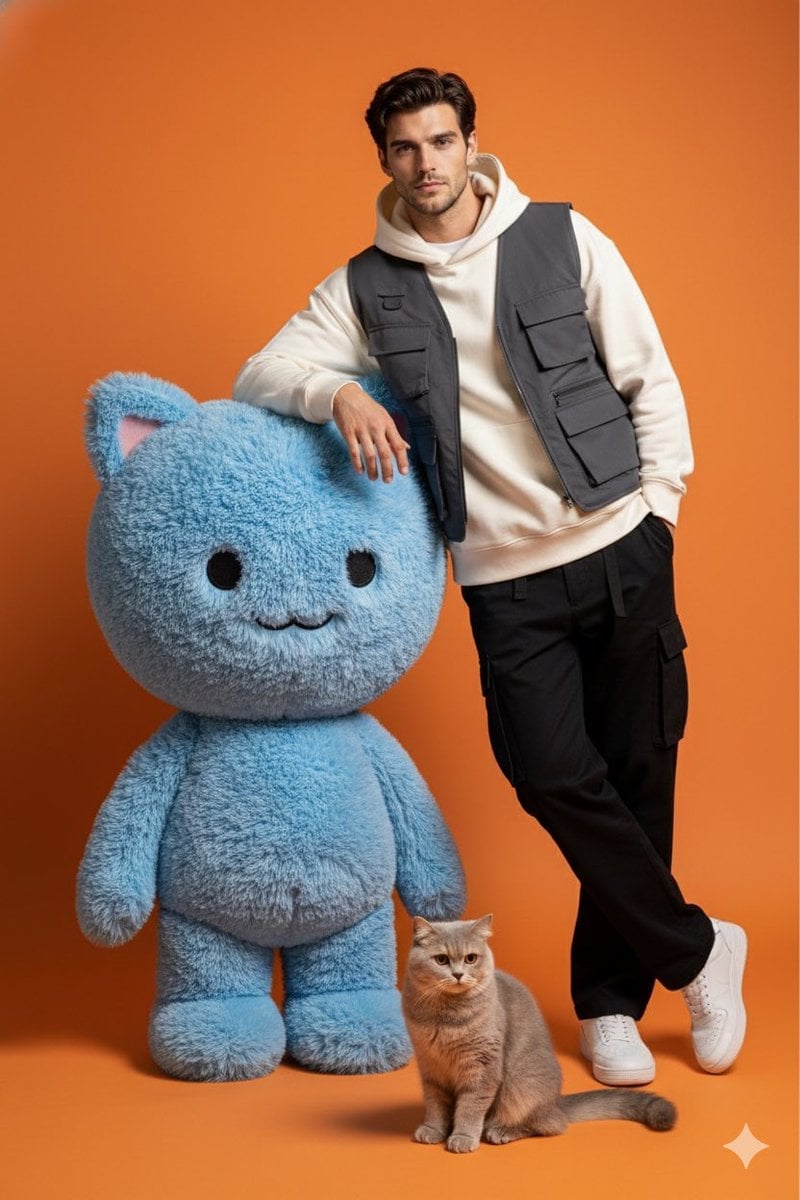
Studio Photoshoot with Labubu and British Shorthair
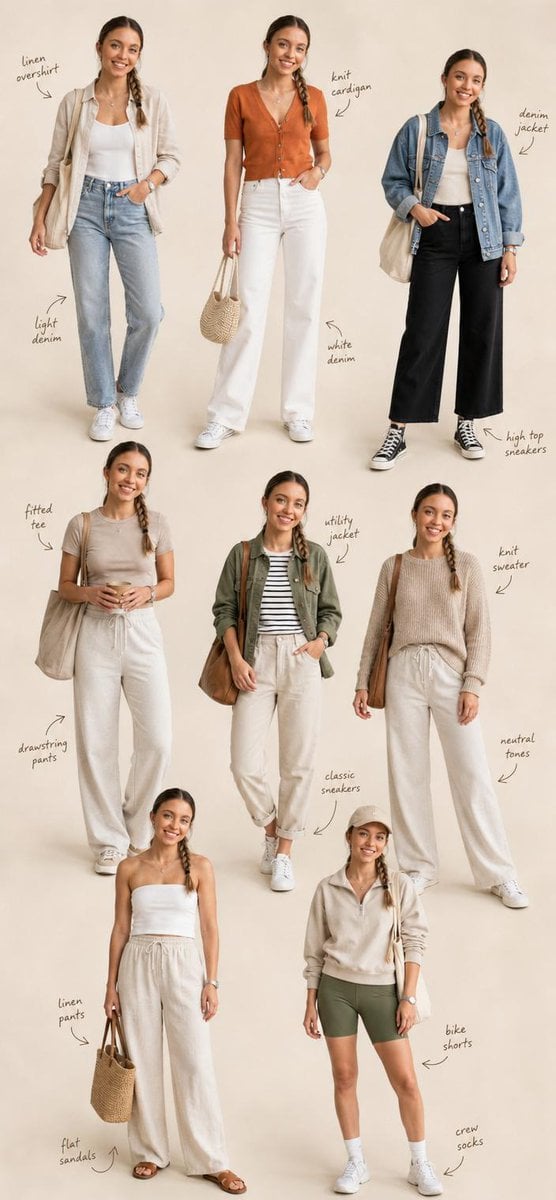
Fashion Editorial Collage Layout
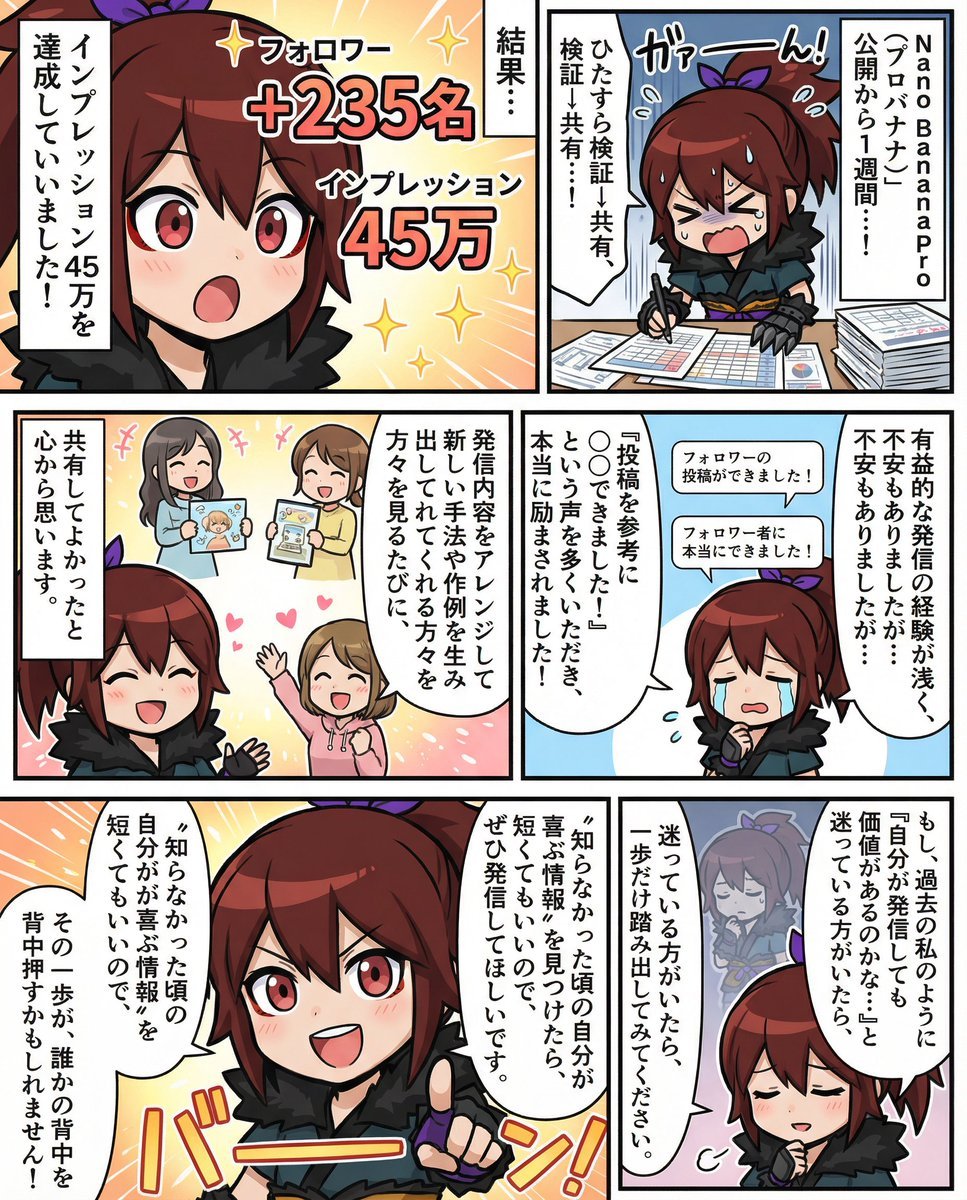
Moe-style full-color manga from given character and story
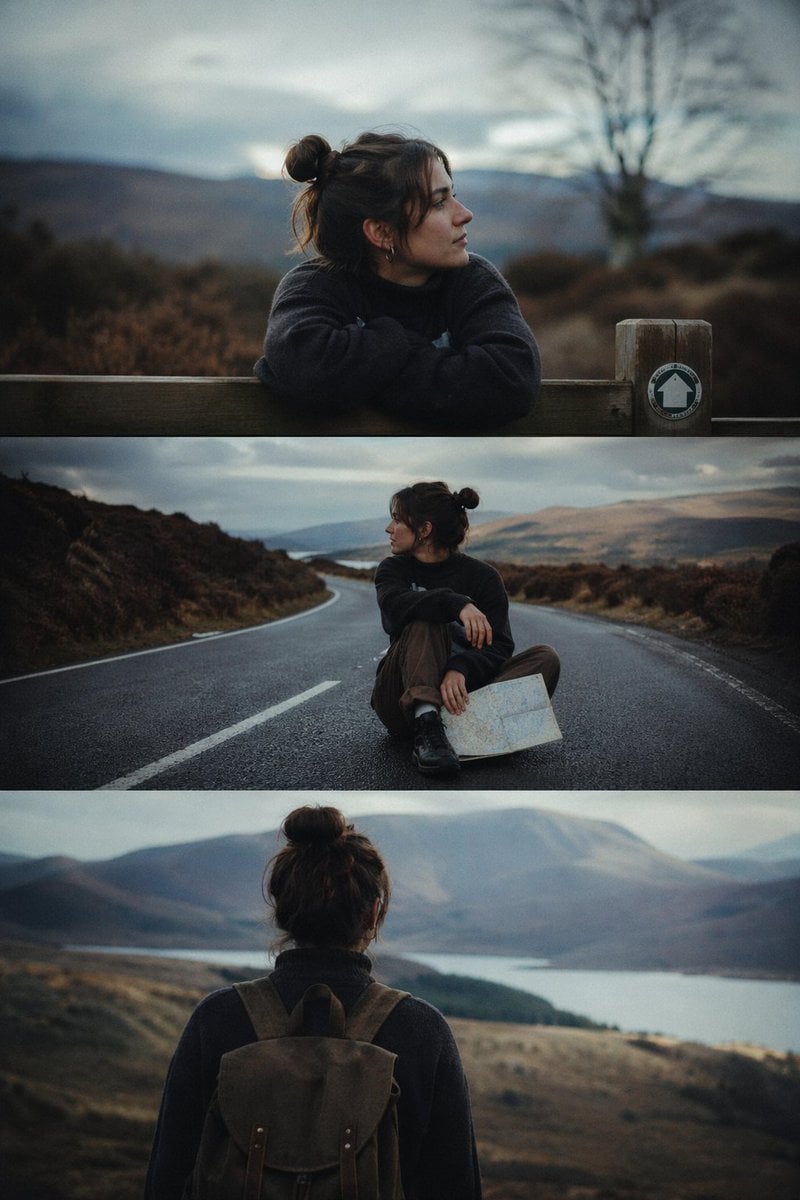
Cinematic 3-Frame Solo Travel Stills
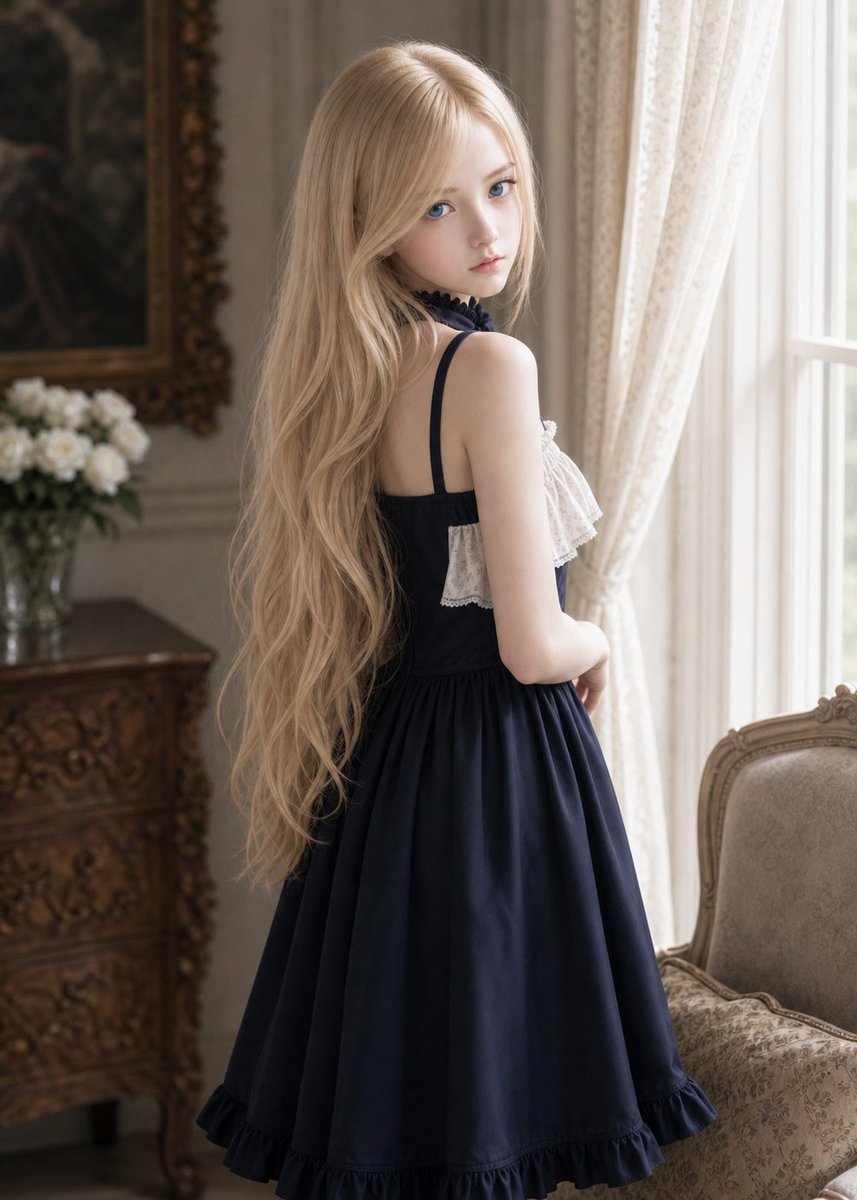
Vintage Lolita Portrait With Face Glitch

Paris Travel Collage Grid - Face Reference

Luxury Travel Magazine Layout Prompt
Browse template categories
Rainy Cat-Eared Survivor Morning questions
How do I use the Rainy Cat-Eared Survivor Morning template?
Add your photo if the template asks for one, edit the prompt if you like — the template's model and format are already selected — and press Generate. Your version opens in PicX Studio.
Can I customize the Rainy Cat-Eared Survivor Morning template?
Yes. You can change the subject, setting, lighting, mood, format, and available model controls before creating your image.
Is the Rainy Cat-Eared Survivor Morning template free?
Opening and editing this template is free. Generating uses credits, shown on the Generate button when you are signed in.
Which AI model should I use?
Start with GPT Image 2, which is the model associated with this template. You can compare another compatible model for a different finish.
Looking for something else? Browse all templates.

Your photo, any look
Thousands of ready templates for every top image and video model, from one credit balance.