
Cat-Eared Kimono Girl
A detailed anime prompt for generating an elegant cat-eared girl in a burgundy floral kimono lying among cherry blossoms.

- Prompt included
- Model and format preset
- Free template
The prompt behind this image
Copy the exact prompt behind Cat-Eared Kimono Girl, or open it in the studio and make it yours.
Create a highly detailed anime illustration of one cat-eared girl named {argument name="character name" default="Miu"} lying on her stomach in a graceful side pose, propping her chin on one hand and gazing softly toward the viewer with bright {argument name="eye color" default="cyan blue"} eyes. She has very long flowing {argument name="hair color" default="silver white"} hair with curled strands spread across the floor, straight bangs, two large fluffy white cat ears, one burgundy flower hair ornament with a gold center, one small burgundy X-shaped hairpin, small earrings, and one matching flower choker. Dress her in an ornate {argument name="kimono color" default="deep burgundy"} gothic-lolita kimono dress with wide sleeves, intricate white floral embroidery, lace trim, layered ruffled skirt, patterned bow at the back, black inner collar details, and delicate translucent lace accents. Show her bare legs bent upward behind her, with both feet visible near the upper right. The setting is a pale decorative Japanese floral backdrop with cherry blossom branches, scattered white petals and flowers, a burgundy crescent moon motif, faint checkered texture, an ornate thin lace-like rectangular border, and a glossy reflective floor that mirrors her sleeve, hair, and blossoms. Use a soft pastel palette of burgundy, white, pale pink, and gray, with clean polished line art, luminous highlights, delicate shading, and an elegant dreamy AI-anime art style. Include exactly these visible repeated elements: one girl, two cat ears, two raised bare feet, three main burgundy accessories on her head/neck area, one crescent moon symbol, many cherry blossom branches and scattered petals. Add a small handwritten signature reading {argument name="signature text" default="ausa days"} with a tiny paw mark in the bottom right corner. No extra characters, no modern objects, no watermark besides the small signature.
How to use Cat-Eared Kimono Girl in 3 steps
- 1Upload ImagePNG, JPG or paste
Add your photo
Upload the photo the template builds on. The prompt, model and format are already set.
- 2…a portrait of your subject in softgolden-hour light, 85mm…
Personalize
Edit the subject and creative details for your destination.
- 3Generate
Generate
Press Generate — your image is created in PicX Studio, so you can compare it with the original and refine one variable at a time.
More like this
Templates with the same subject, style or setup. Open one to see its prompt.
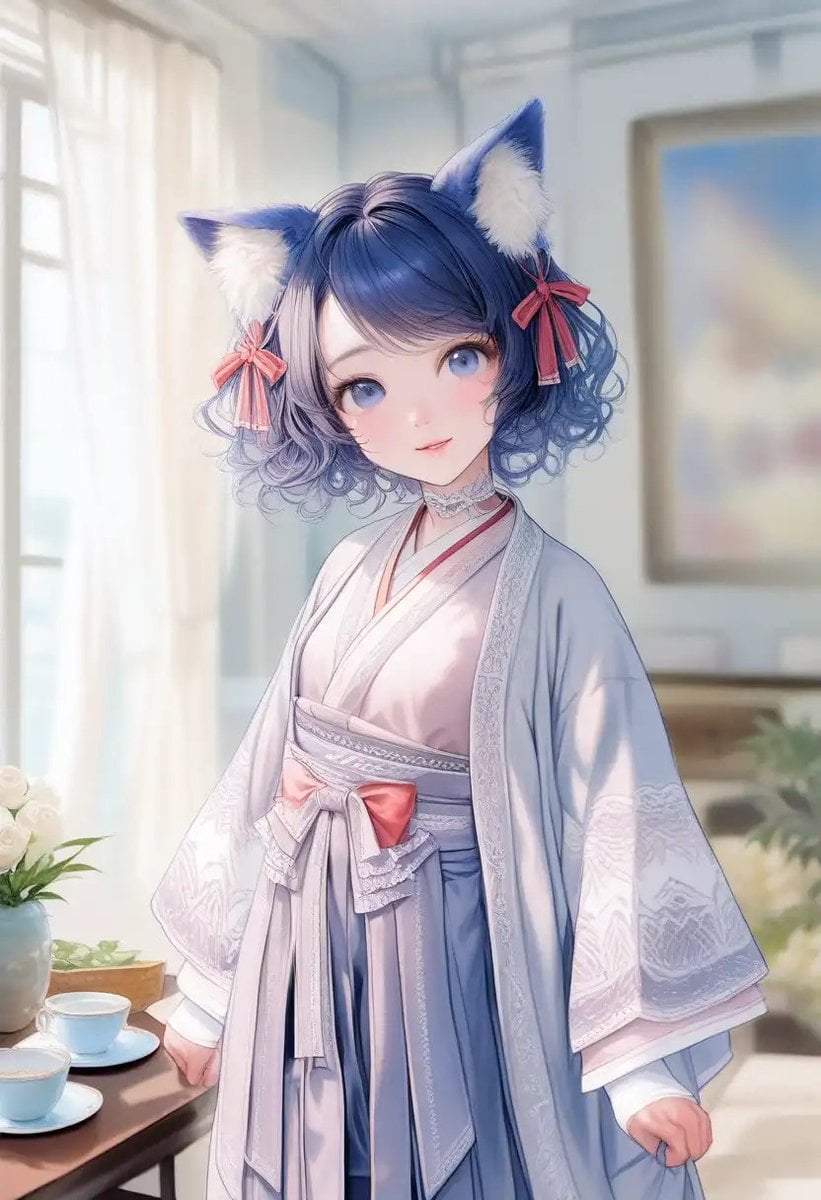
Cat-Eared Kimono Girl Portrait
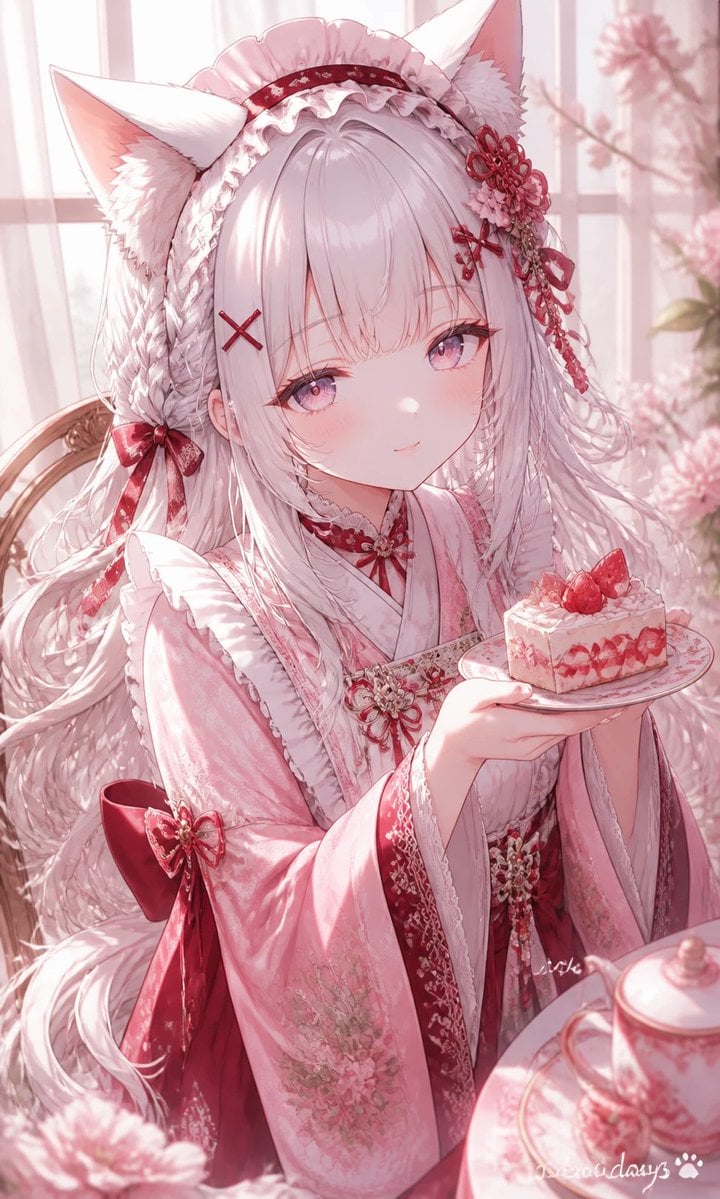
Fox-Eared Kimono Tea Party Girl
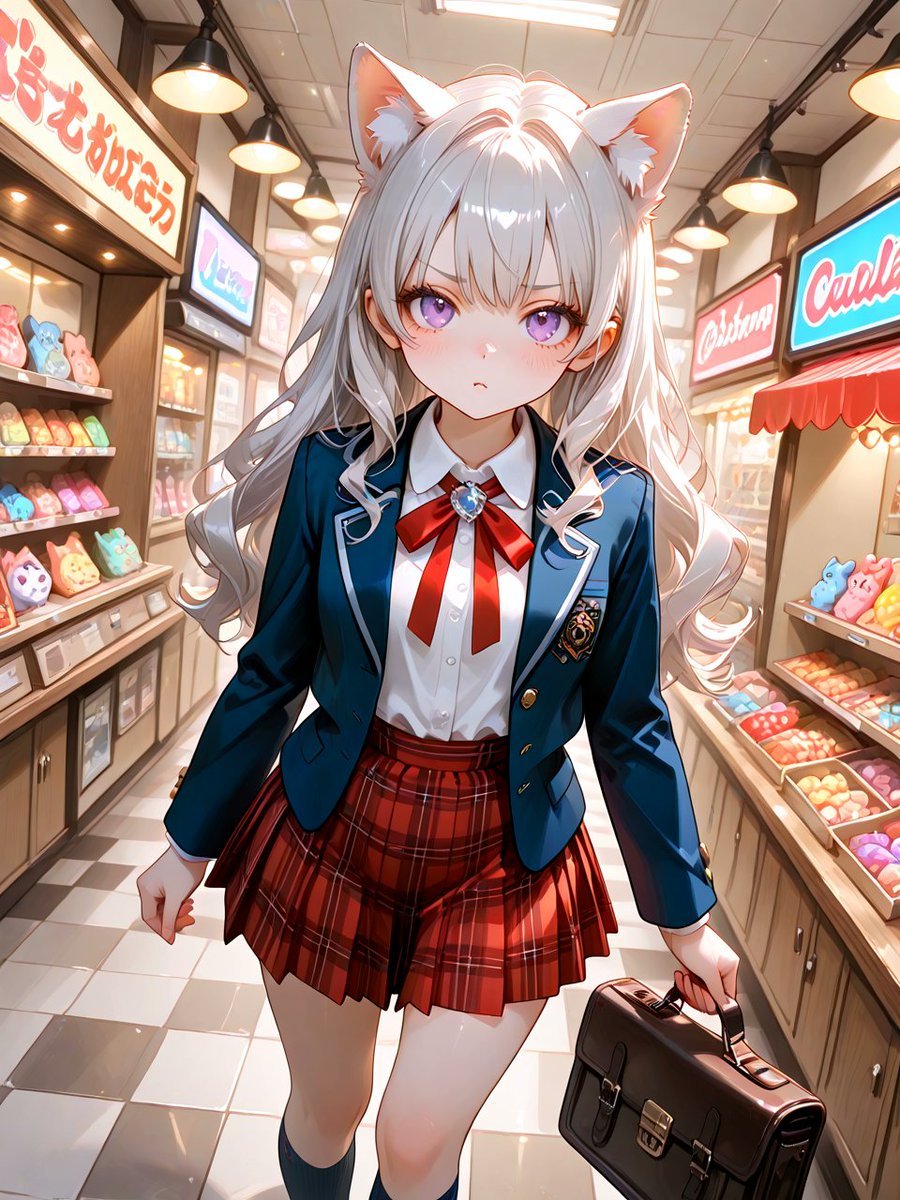
Cat-Eared Schoolgirl in Sweets Arcade
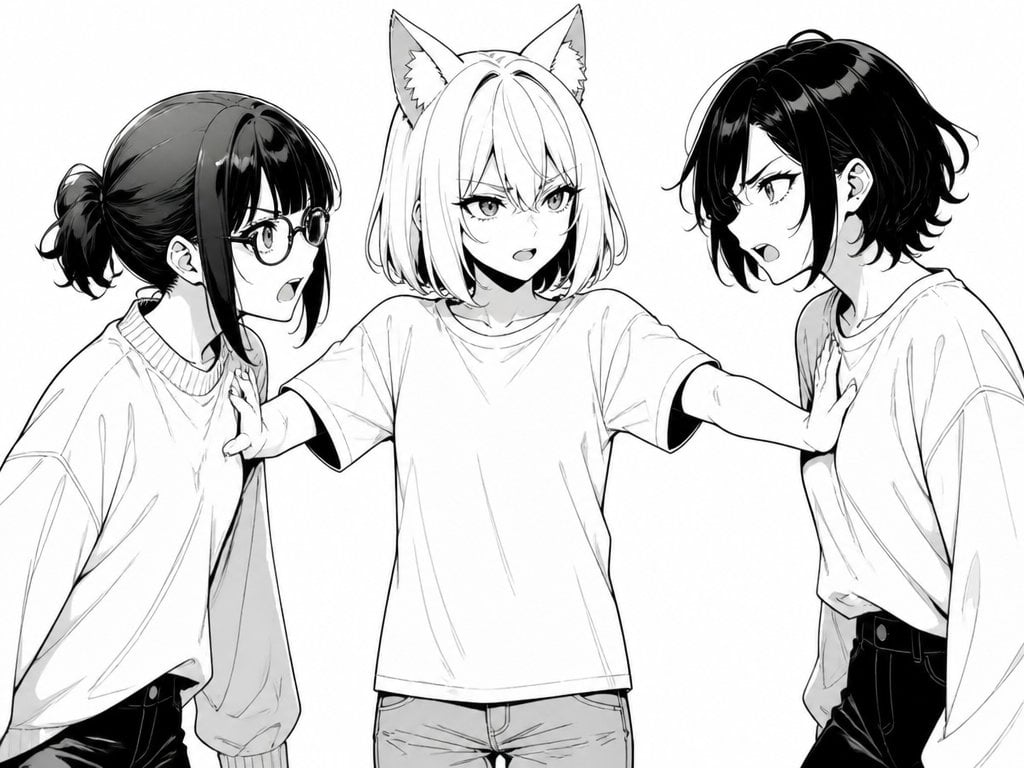
Manga Cat-Eared Girl Breaking Up Fight
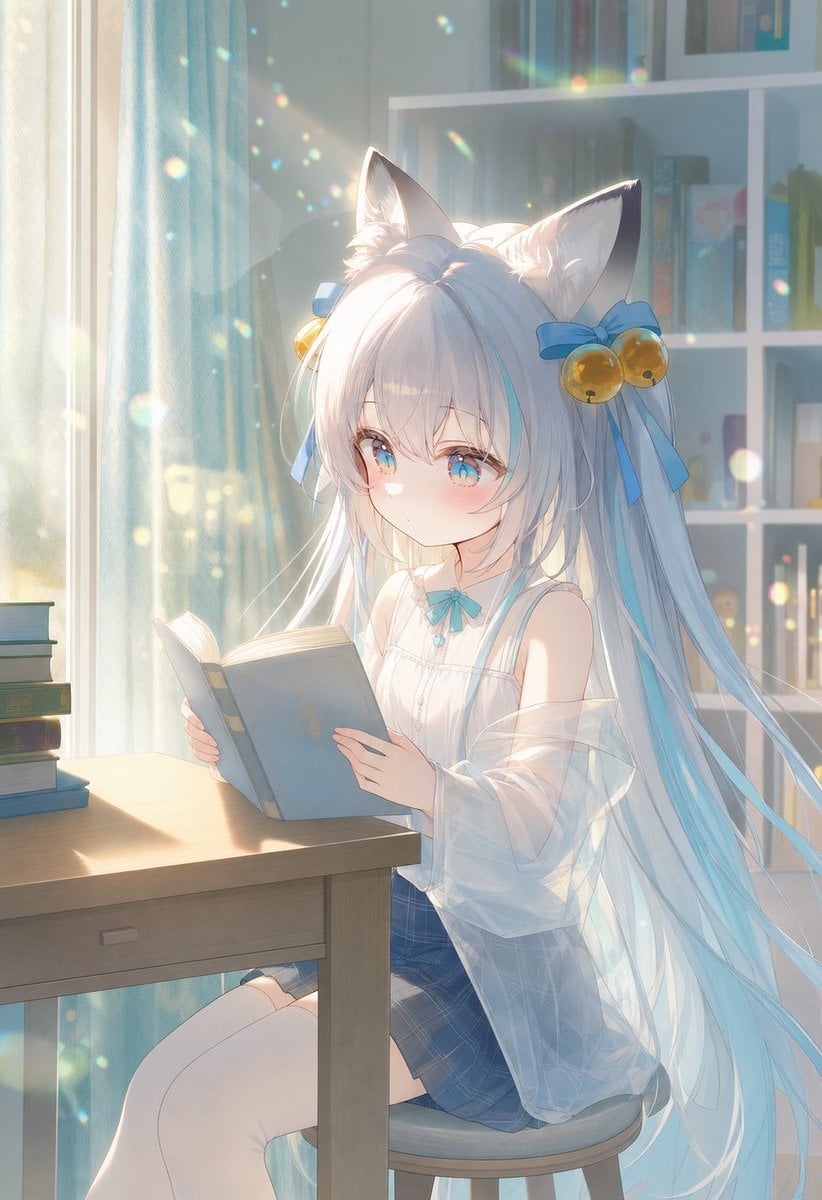
Sunlit Cat-Eared Girl Reading
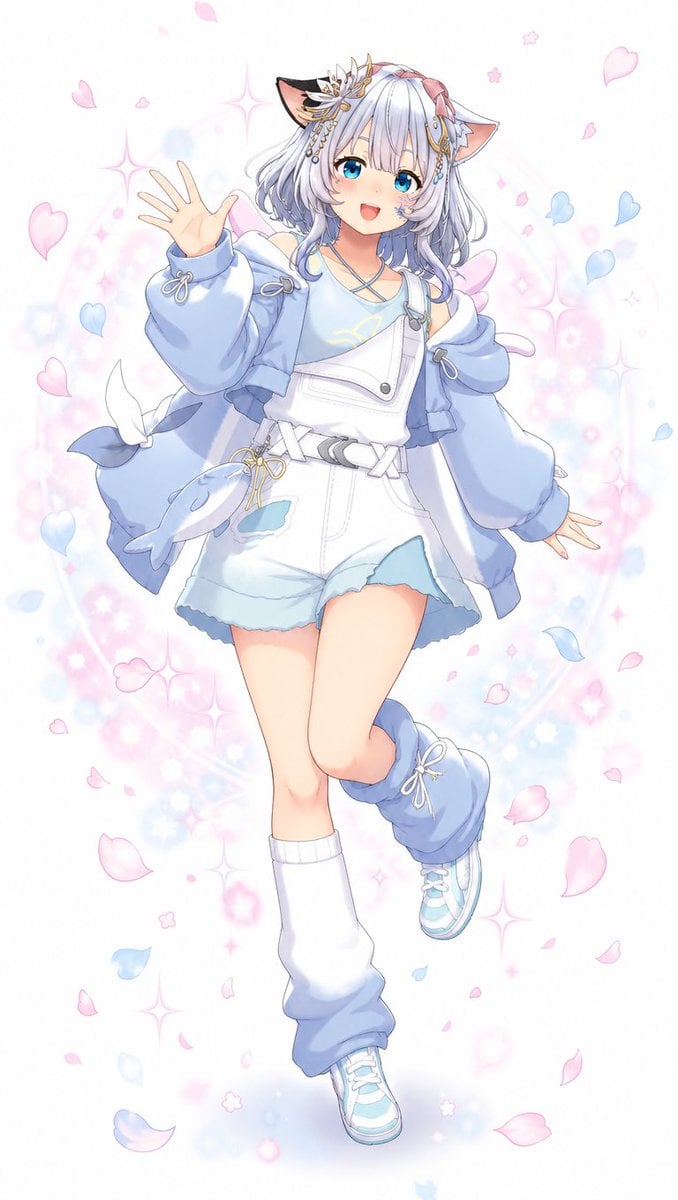
Pastel Cat-Eared Anime Girl
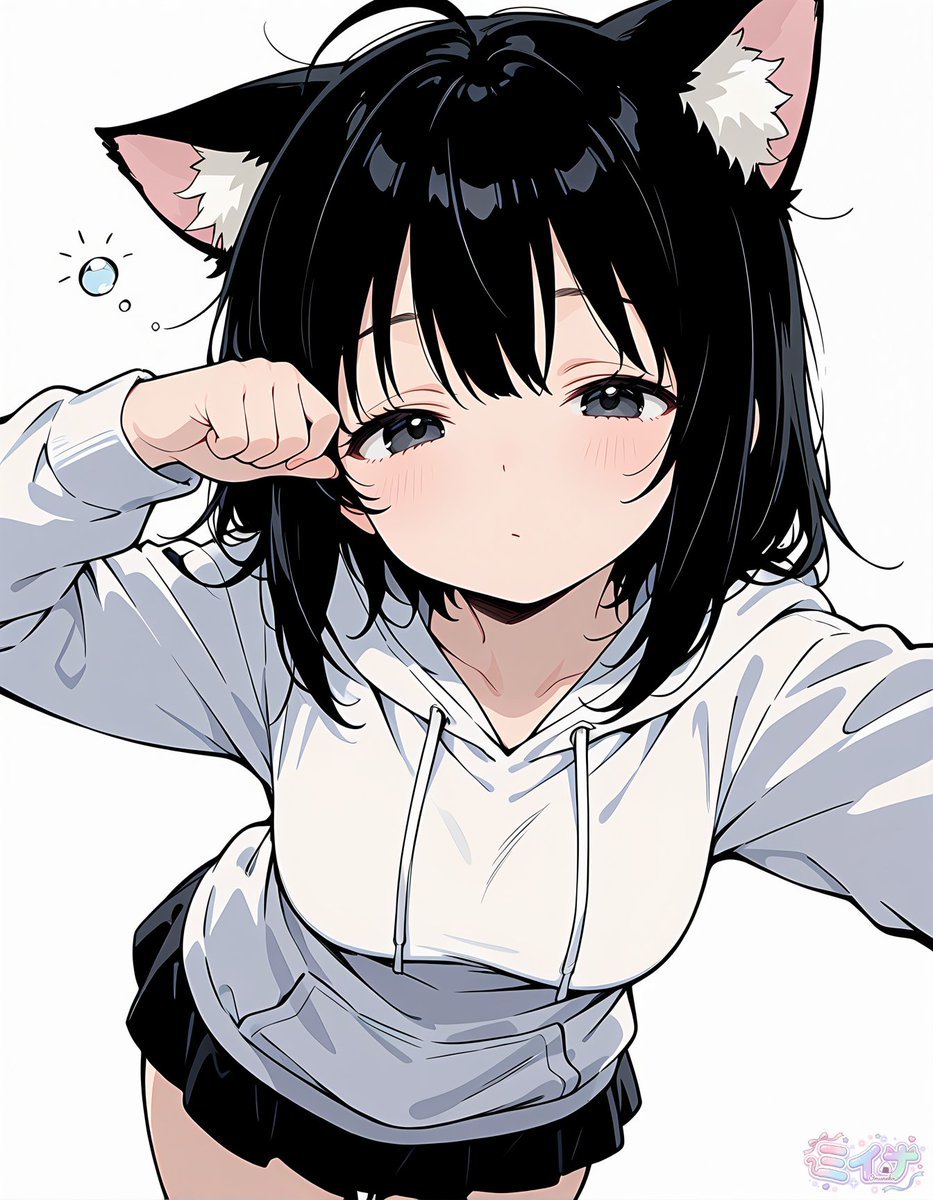
Sleepy Cat-Eared Anime Girl
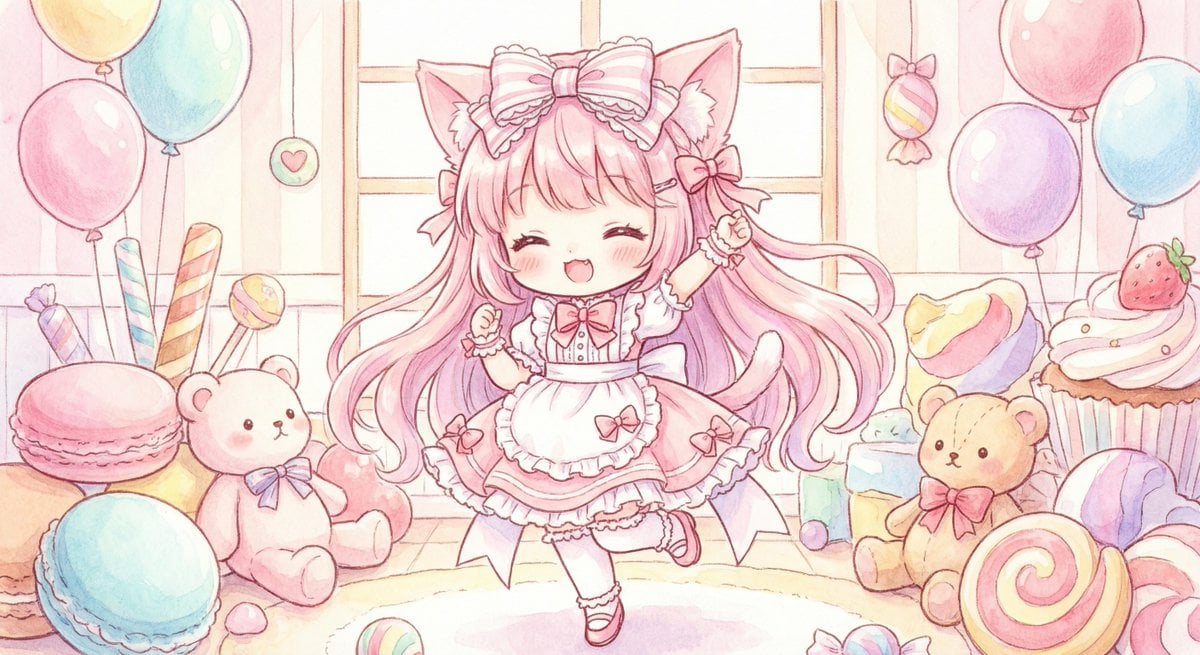
Cute chibi cat-eared girl illustration
Neon Cat-Eared Idol Close-Up
Cat-Eared Maid Portrait
Halloween Fox-Eared Fantasy Girl

Teen Girl Alpine Lake Mountain View
Make it yours
Cat-Eared Kimono Girl works as-is. These are the safest ways to change it without losing the look.
Change one field
Copy a single group, rewrite it, and generate again so you can see what that field is doing.
Keep the frame, change the subject
Hold the composition and light of Cat-Eared Kimono Girl, then swap wardrobe, props or the person for a new take.
| If the result… | Why | Fix |
|---|---|---|
| The result drifts from the preview | Too many fields changed at once. | Reuse Cat-Eared Kimono Girl as-is first, then change one group — subject, light, or setting. |
| The model over-stylizes the scene | The prose prompt leaves finish and camera underspecified. | Add one camera or lighting sentence and stay on GPT Image 2. |
More GPT Image 2 templates
Other prompts made for GPT Image 2.

Six VTuber Japanese Logo Sheet

Realistic Portrait of Woman and Deer

The Vista Modular Condo Poster

AI Model Routing Comparison Infographic

2.5D Anime Art Board

Isometric Productivity Desk Scene

New York Double Exposure Poster

Four-Panel AI Landscape Comparison

Japanese Tatami Lifestyle Magazine Cover

NESCAFÉ Coffee Map Poster
More image prompts
Fresh picks from across the catalog.

Seaside Pocari Sweat Schoolgirl Ad
Cinematic Sunset Portrait Prompt
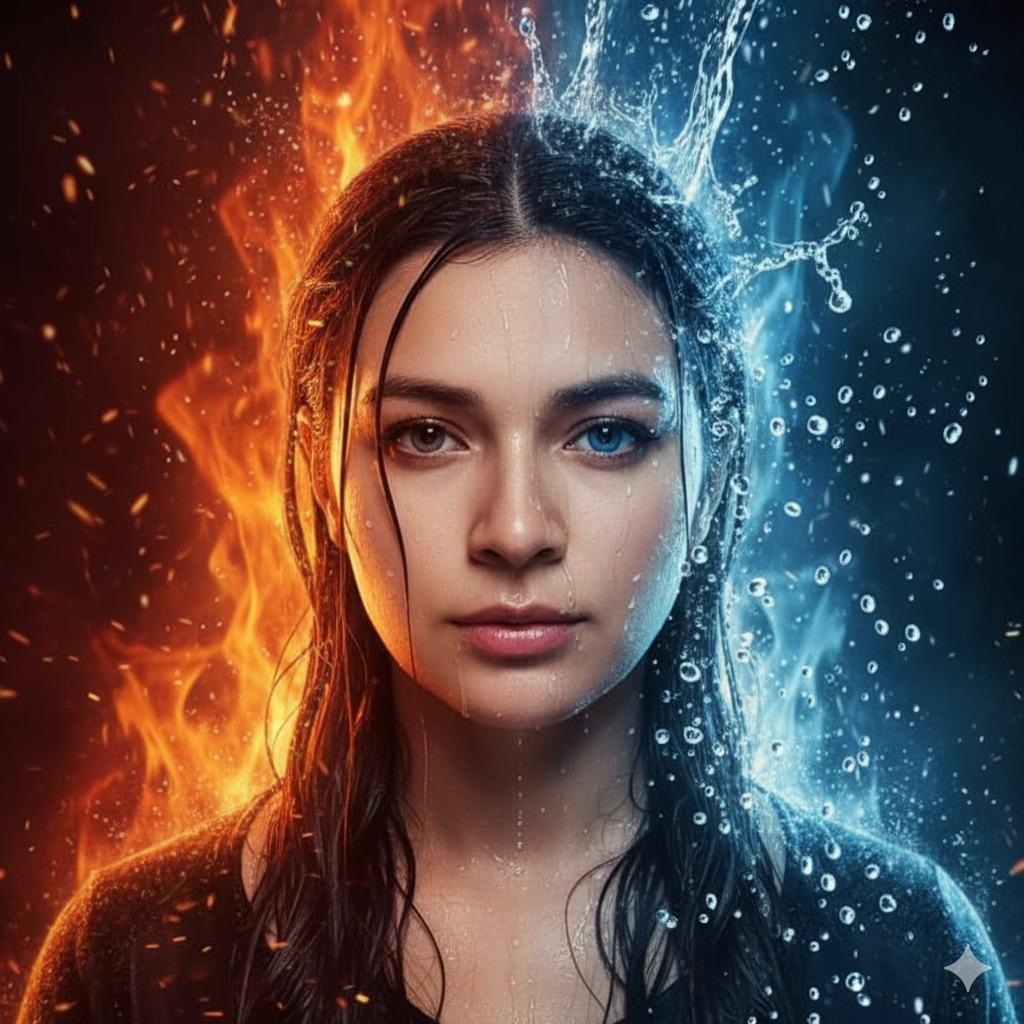
Hyper-Realistic Cinematic Portrait of Elemental Balance (Fire and Water)
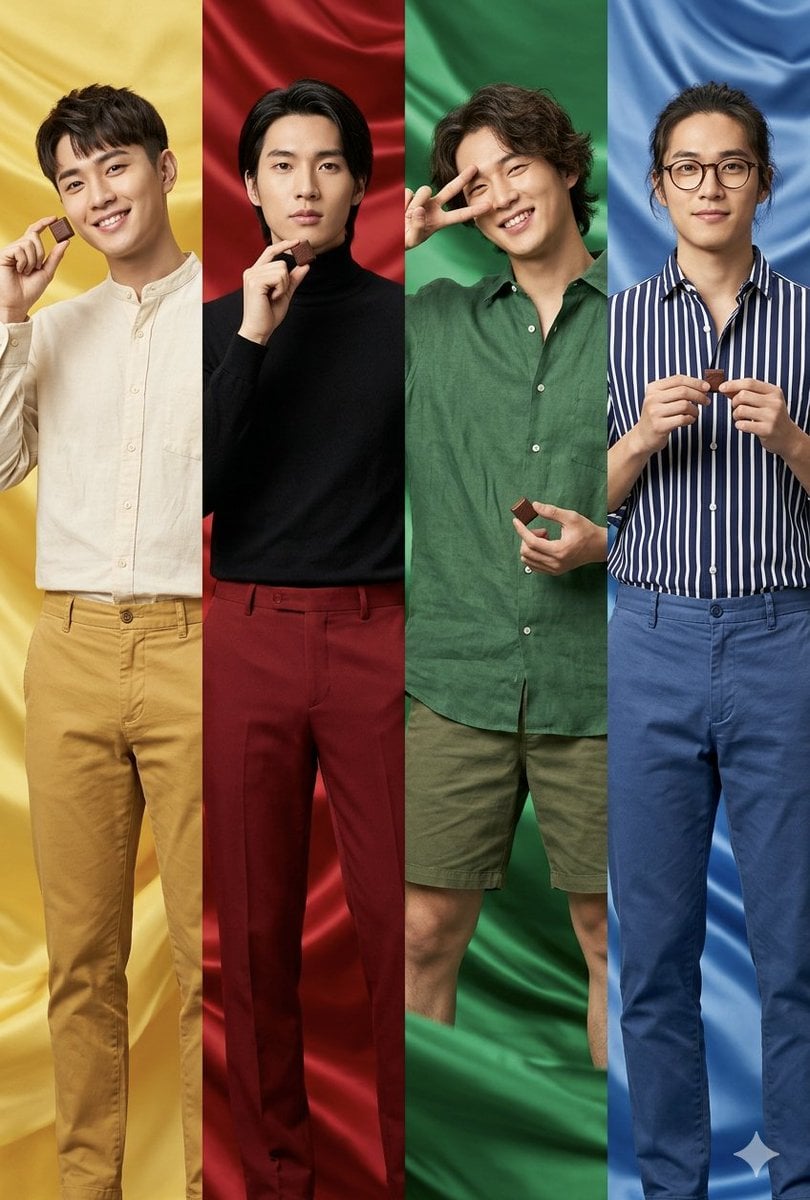
Fashion Editorial Color Quadtych
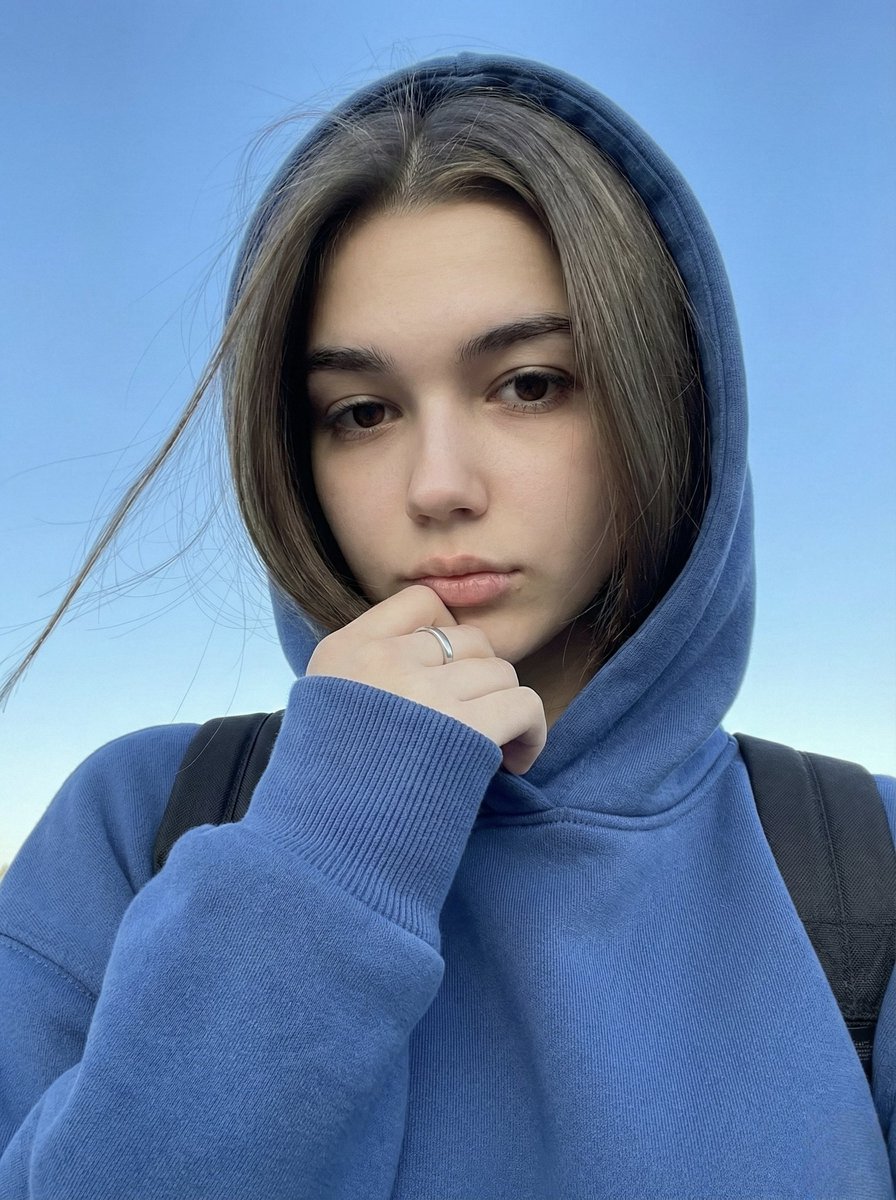
Instagram-Style Casual Portrait Prompt with Identity Lock

Ancestral Tribal Gaze Portrait Prompt (Facial Lock)
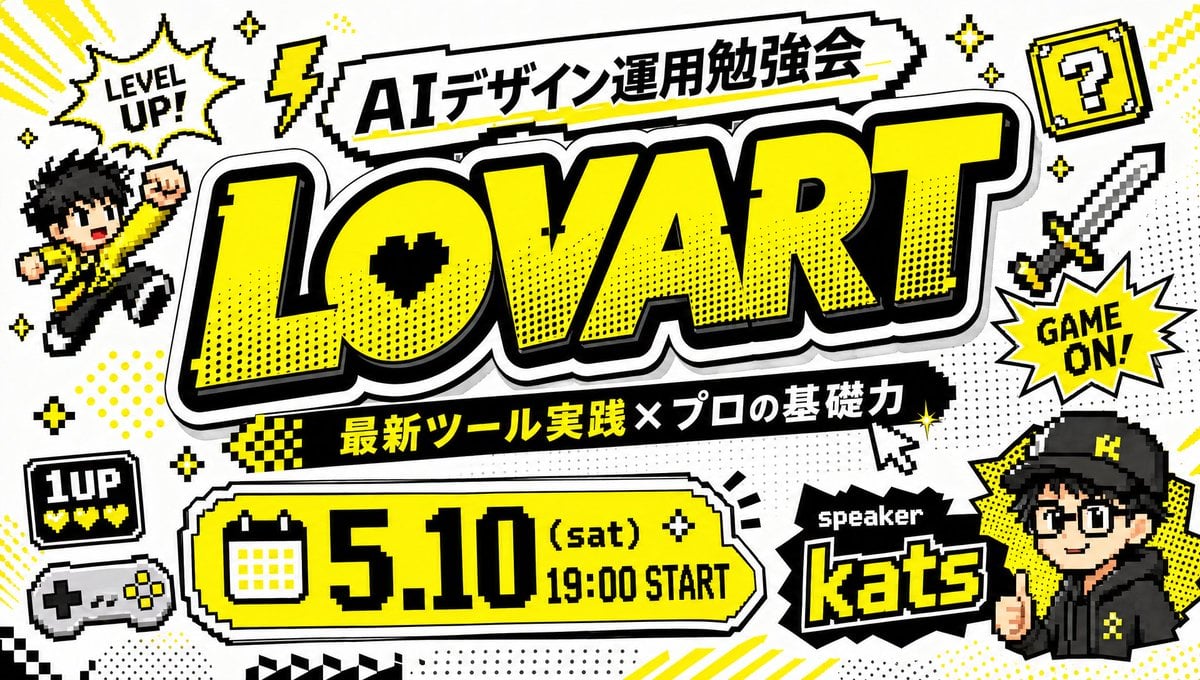
Retro Game Style Japanese Event Banner
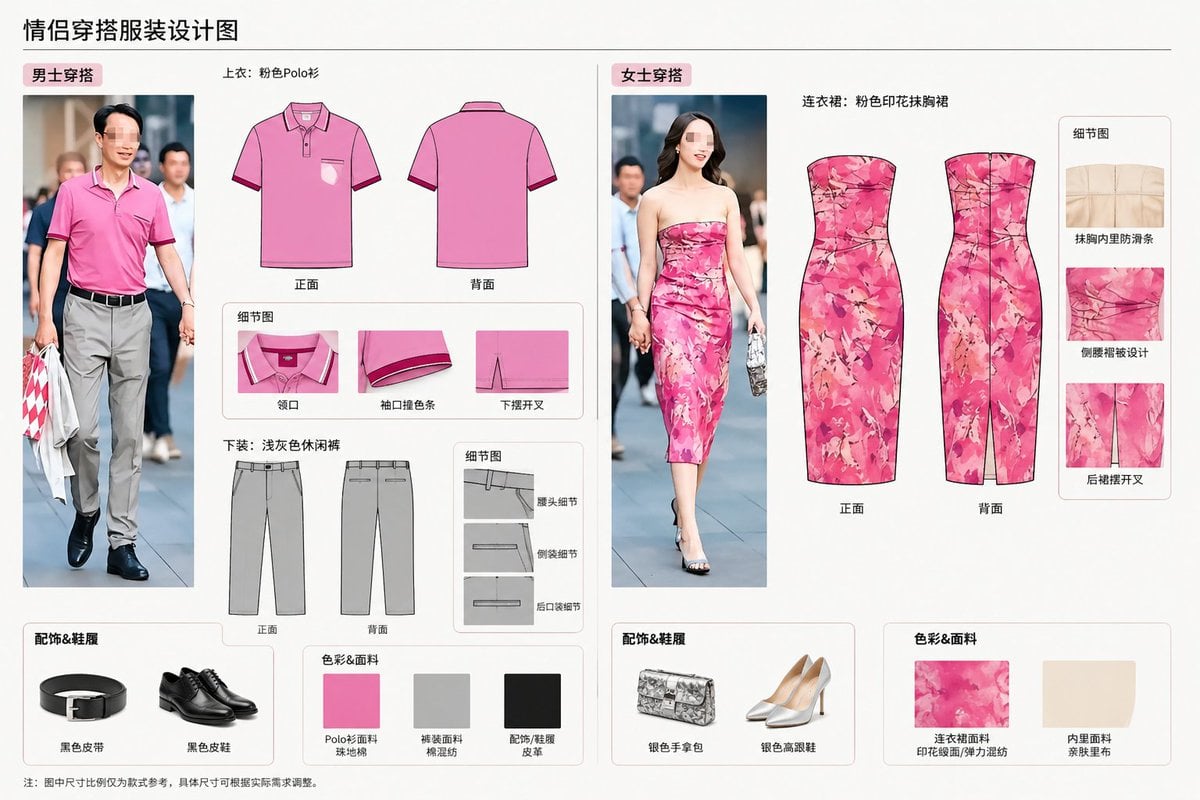
Real-World Clothing Deconstruction
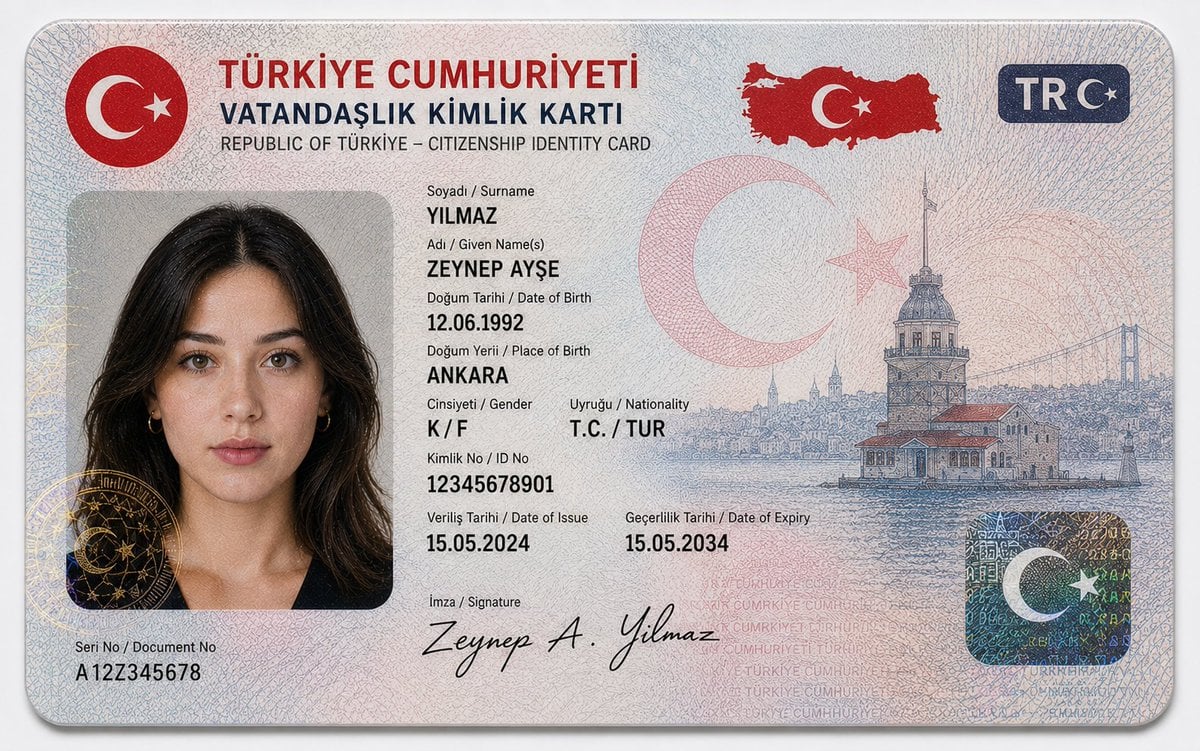
German Citizenship Identity Card Mockup

Sparkling Beverage Ad Banner
Browse template categories
Cat-Eared Kimono Girl questions
How do I use the Cat-Eared Kimono Girl template?
Add your photo if the template asks for one, edit the prompt if you like — the template's model and format are already selected — and press Generate. Your version opens in PicX Studio.
Can I customize the Cat-Eared Kimono Girl template?
Yes. You can change the subject, setting, lighting, mood, format, and available model controls before creating your image.
Is the Cat-Eared Kimono Girl template free?
Opening and editing this template is free. Generating uses credits, shown on the Generate button when you are signed in.
Which AI model should I use?
Start with GPT Image 2, which is the model associated with this template. You can compare another compatible model for a different finish.
Looking for something else? Browse all templates.

Your photo, any look
Thousands of ready templates for every top image and video model, from one credit balance.