
Sunlit Cat-Eared Girl Reading
Generates a dreamy vertical anime illustration of a cat-eared girl studying peacefully by a sunlit window.
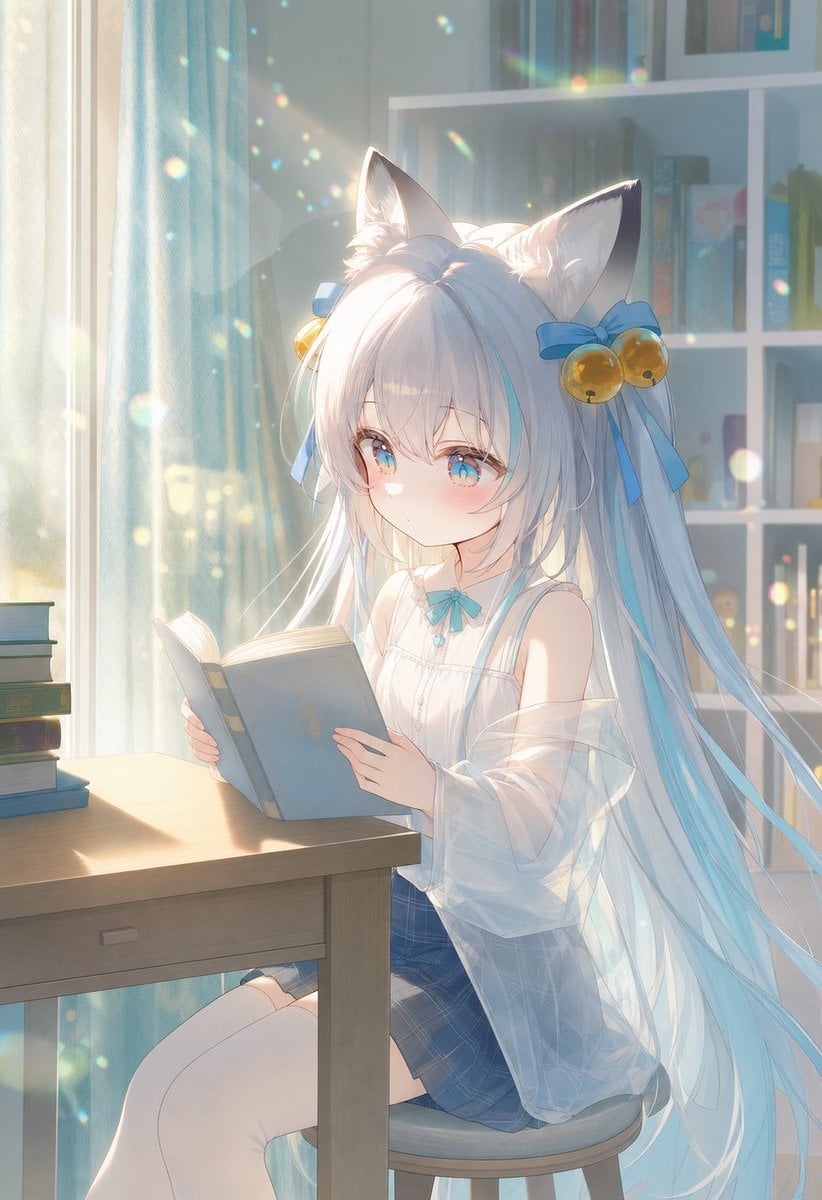
- Prompt included
- Model and format preset
- Premium template
The prompt behind this image
Copy the exact prompt behind Sunlit Cat-Eared Girl Reading, or open it in the studio and make it yours.
Create a soft, luminous anime illustration of {argument name="character name" default="Xuelian"}, a cute cat-eared girl quietly reading a book at a desk in a sunlit bedroom or study. She has very long flowing {argument name="hair color" default="silvery white hair with pale cyan streaks"}, large fluffy cat ears, bright blue eyes with starry highlights, a shy calm expression, rosy cheeks, and delicate childlike features. Add two blue ribbon hair bows, one on each side, each decorated with small golden bell ornaments. She wears a white sleeveless blouse with subtle frills and a small cyan bow at the collar, a translucent loose white cardigan slipping off her shoulders, a blue plaid skirt, and white thigh-high socks. Pose her seated on a round stool beside a simple wooden desk, holding an open pale blue hardcover book with both hands and looking down at it as if seriously studying. On the left side of the desk place exactly 4 stacked books: one teal book on top, one pale cream book, one dark green book, and one blue book at the bottom. The background is a cozy room with a tall window and sheer blue curtains on the left, strong warm morning sunlight streaming in, and a white bookshelf on the right with softly blurred colorful books and small objects. Use dreamy high-key lighting, lens flare, floating dust motes and rainbow bokeh sparkles throughout the air, translucent glow around the hair, gentle pastel colors, soft depth of field, detailed hair strands, clean anime linework, and an ethereal NovelAI-style finish. Vertical 2:3 composition, character centered slightly right, desk in the foreground, peaceful reading atmosphere. Avoid text, watermark, extra characters, distorted hands, malformed book structure, or extra ears.
How to use Sunlit Cat-Eared Girl Reading in 3 steps
- 1Upload ImagePNG, JPG or paste
Add your photo
Upload the photo the template builds on. The prompt, model and format are already set.
- 2…a portrait of your subject in softgolden-hour light, 85mm…
Personalize
Edit the subject and creative details for your destination.
- 3Generate
Generate
Press Generate — your image is created in PicX Studio, so you can compare it with the original and refine one variable at a time.
More like this
Templates with the same subject, style or setup. Open one to see its prompt.

Cat-Eared Kimono Girl Portrait
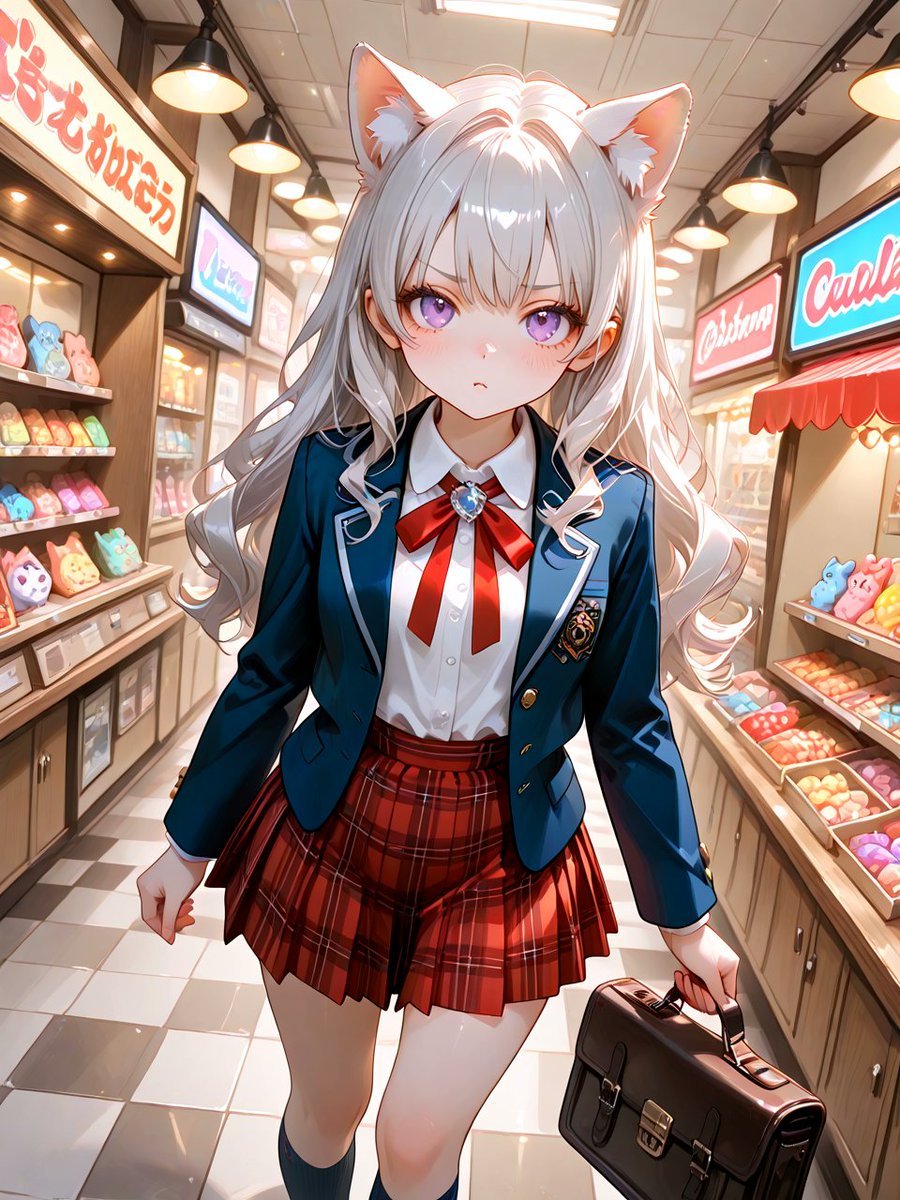
Cat-Eared Schoolgirl in Sweets Arcade
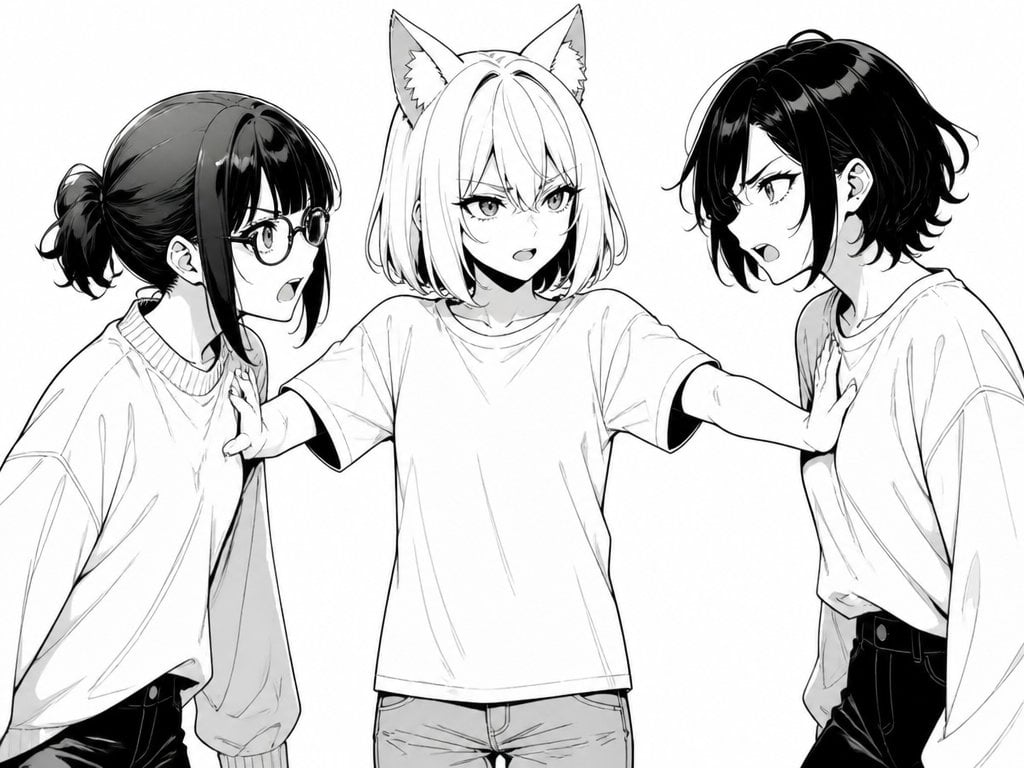
Manga Cat-Eared Girl Breaking Up Fight
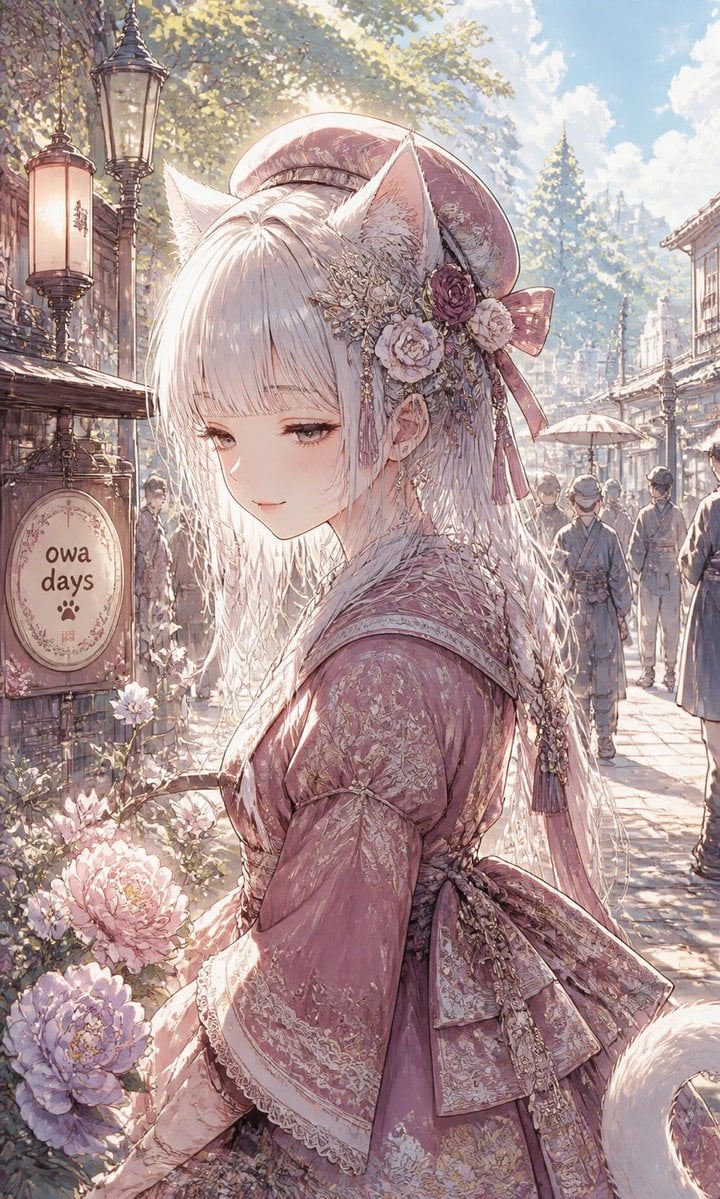
Fox-Eared Girl on Sunlit Market Street

Cat-Eared Kimono Girl
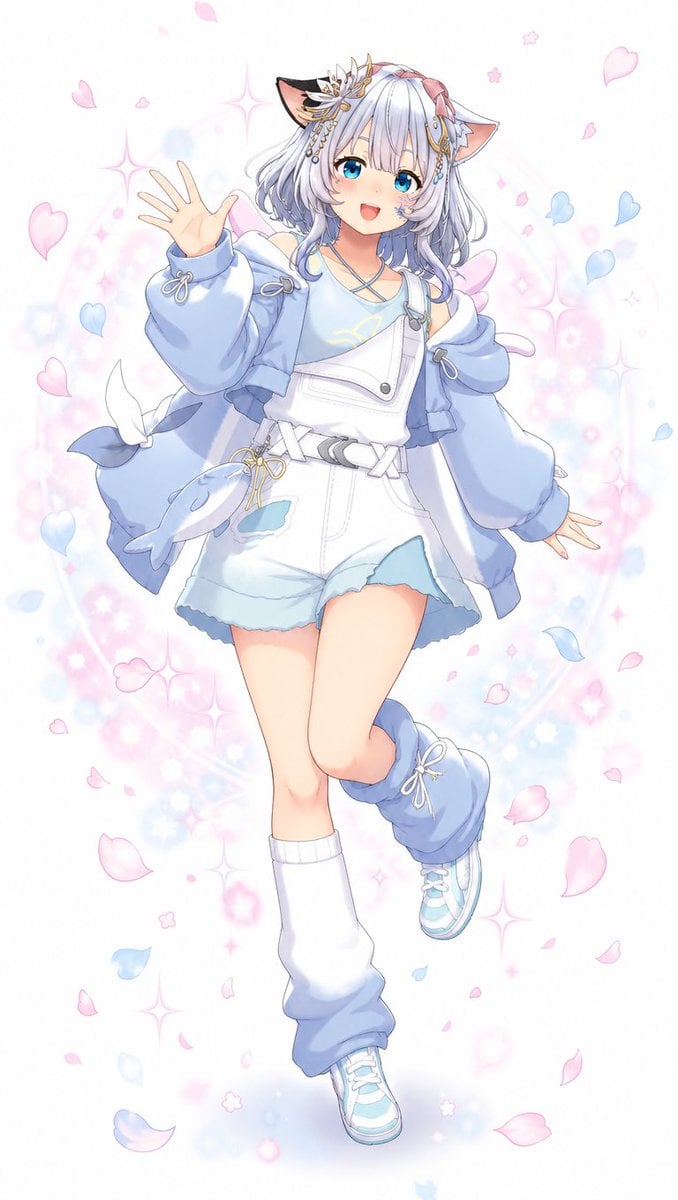
Pastel Cat-Eared Anime Girl
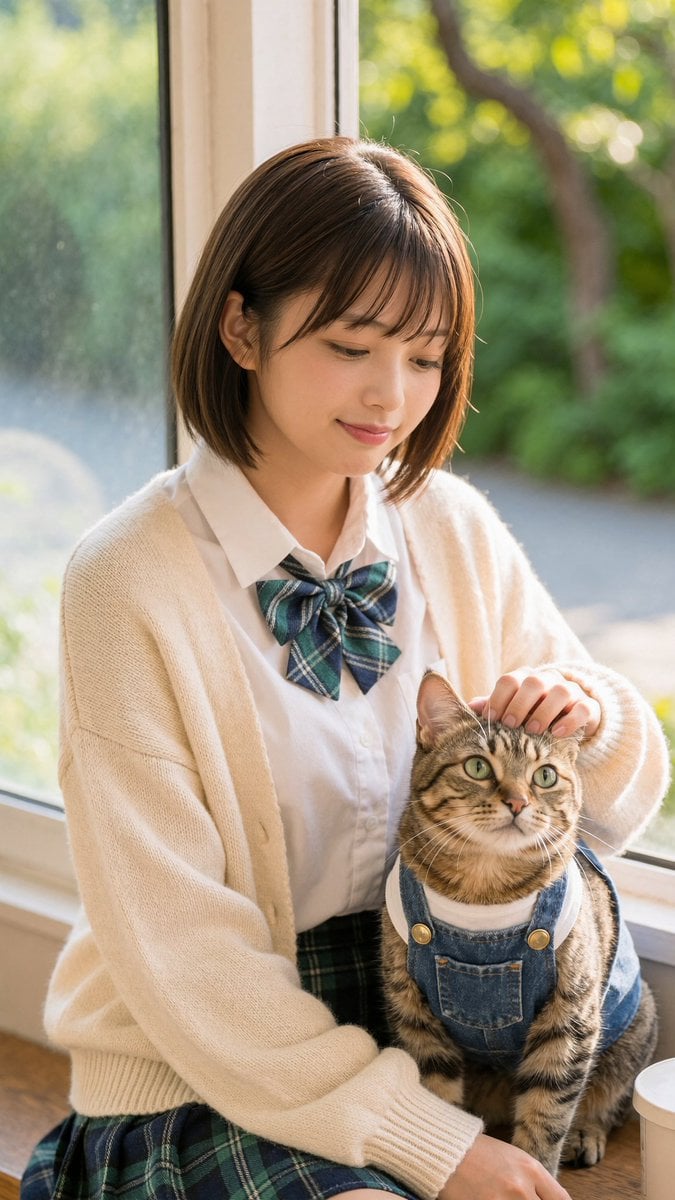
Schoolgirl With Cat by Sunlit Window

Sleepy Cat-Eared Anime Girl
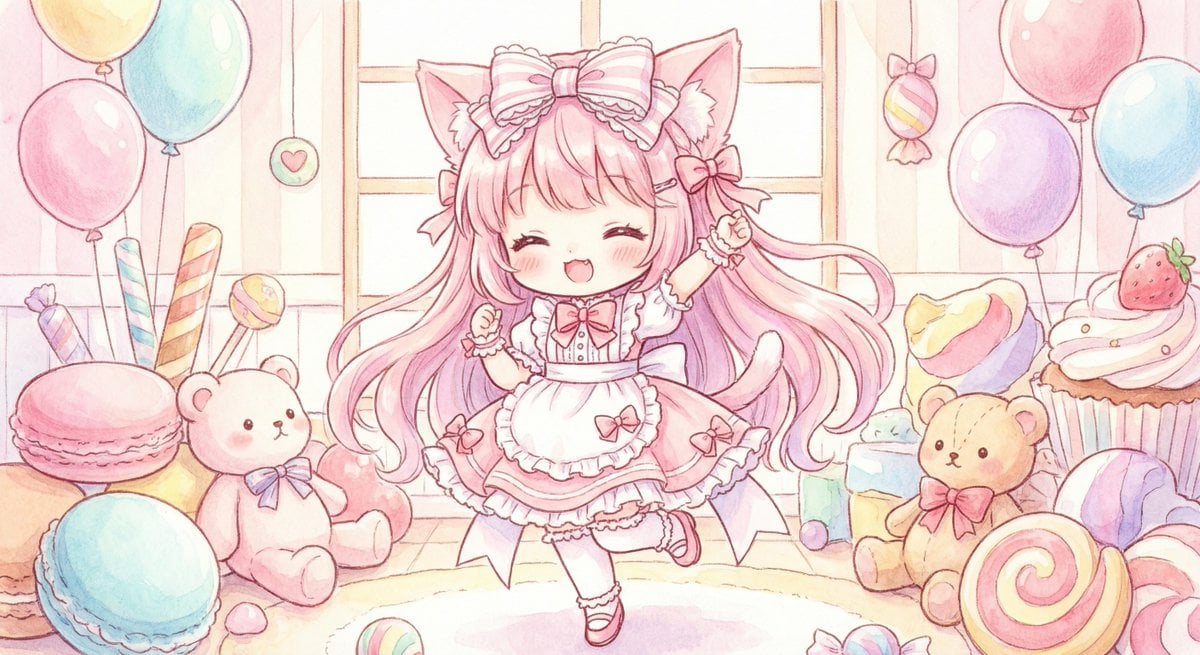
Cute chibi cat-eared girl illustration
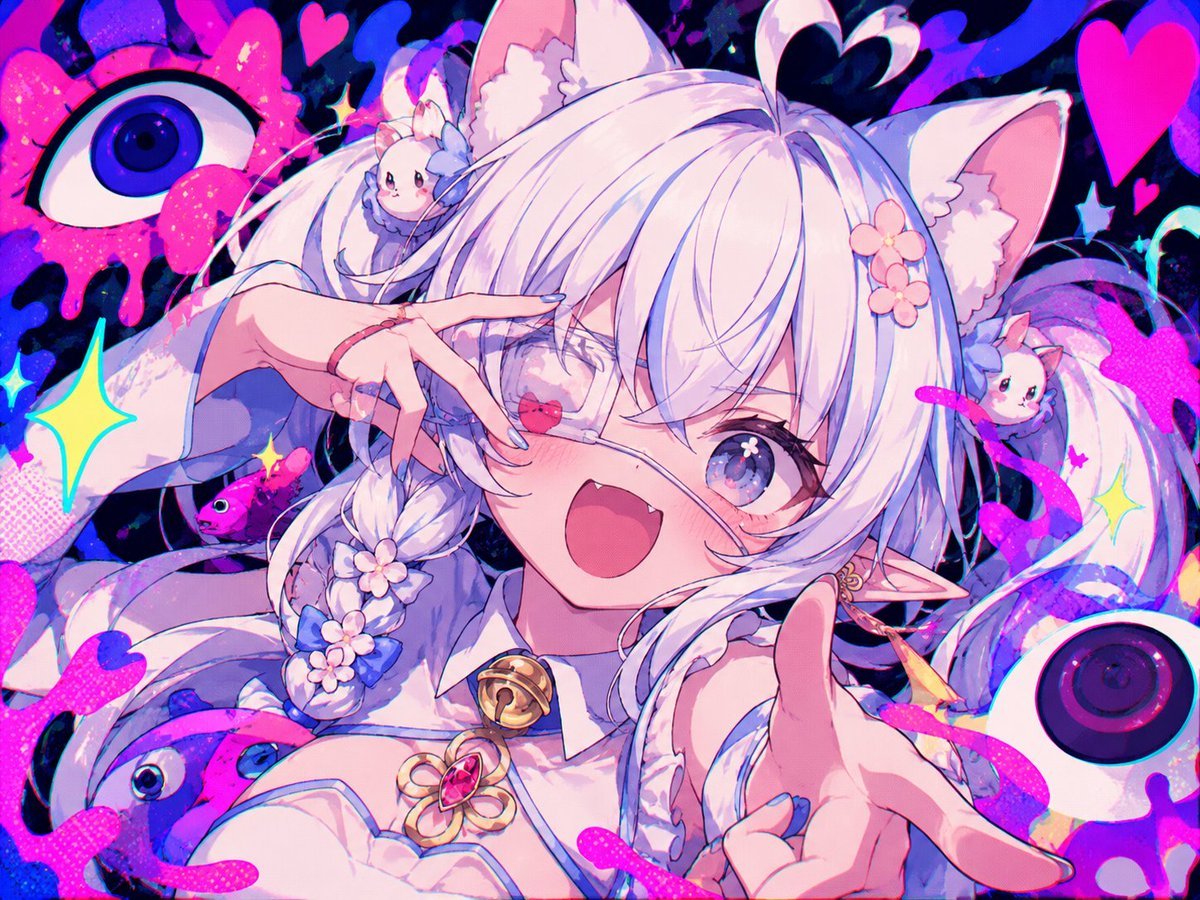
Neon Cat-Eared Idol Close-Up
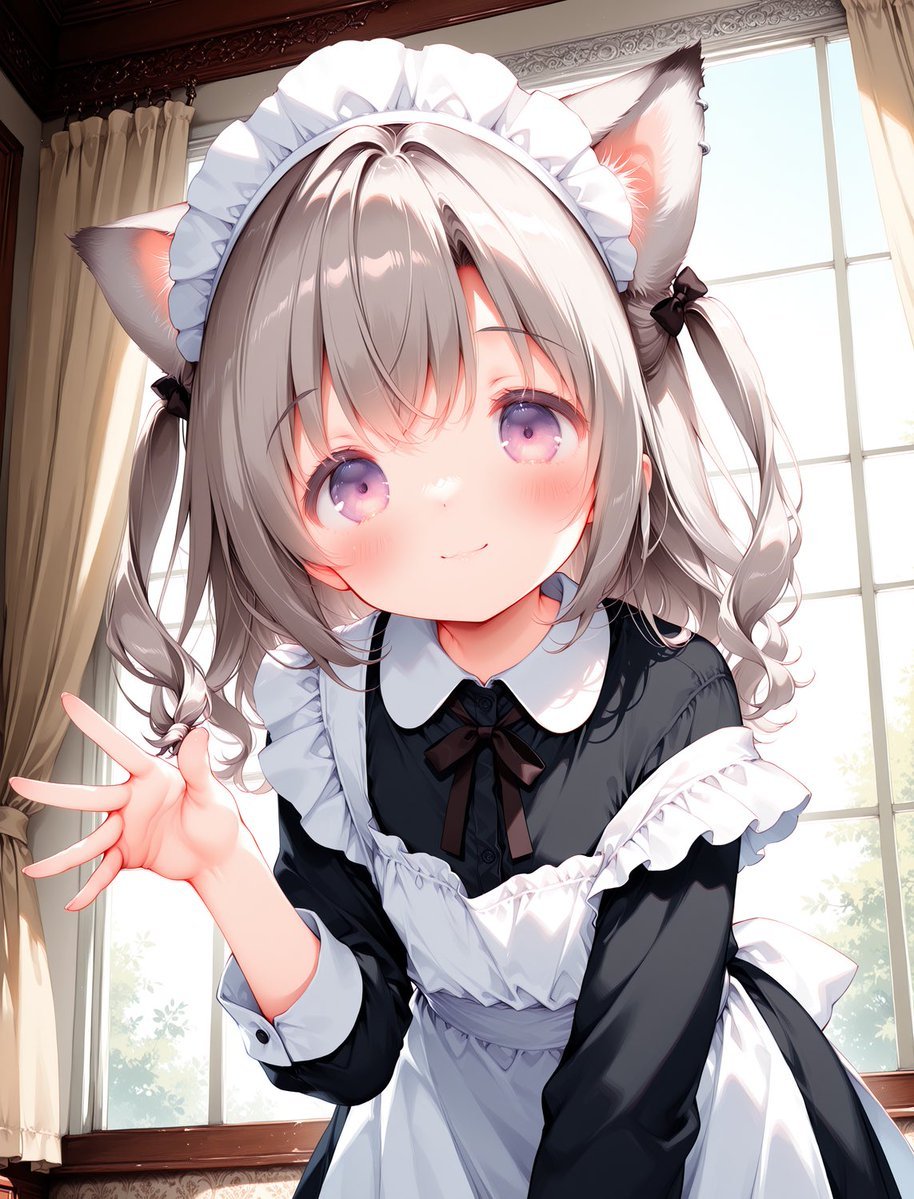
Cat-Eared Maid Portrait
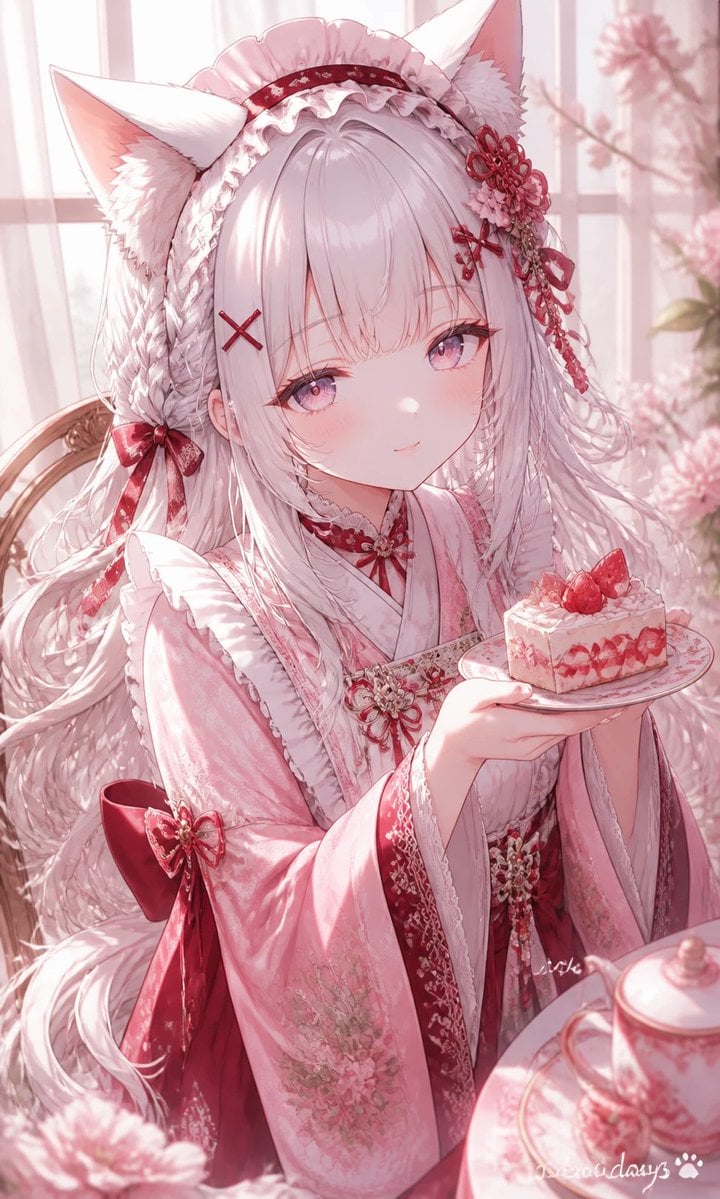
Fox-Eared Kimono Tea Party Girl
Make it yours
Sunlit Cat-Eared Girl Reading works as-is. These are the safest ways to change it without losing the look.
Change one field
Copy a single group, rewrite it, and generate again so you can see what that field is doing.
Keep the frame, change the subject
Hold the composition and light of Sunlit Cat-Eared Girl Reading, then swap wardrobe, props or the person for a new take.
| If the result… | Why | Fix |
|---|---|---|
| The result drifts from the preview | Too many fields changed at once. | Reuse Sunlit Cat-Eared Girl Reading as-is first, then change one group — subject, light, or setting. |
| The model over-stylizes the scene | The prose prompt leaves finish and camera underspecified. | Add one camera or lighting sentence and stay on GPT Image 2. |
More GPT Image 2 templates
Other prompts made for GPT Image 2.

Six VTuber Japanese Logo Sheet

Realistic Portrait of Woman and Deer

The Vista Modular Condo Poster

AI Model Routing Comparison Infographic

2.5D Anime Art Board

Isometric Productivity Desk Scene

New York Double Exposure Poster

Four-Panel AI Landscape Comparison

Japanese Tatami Lifestyle Magazine Cover

NESCAFÉ Coffee Map Poster
More image prompts
Fresh picks from across the catalog.
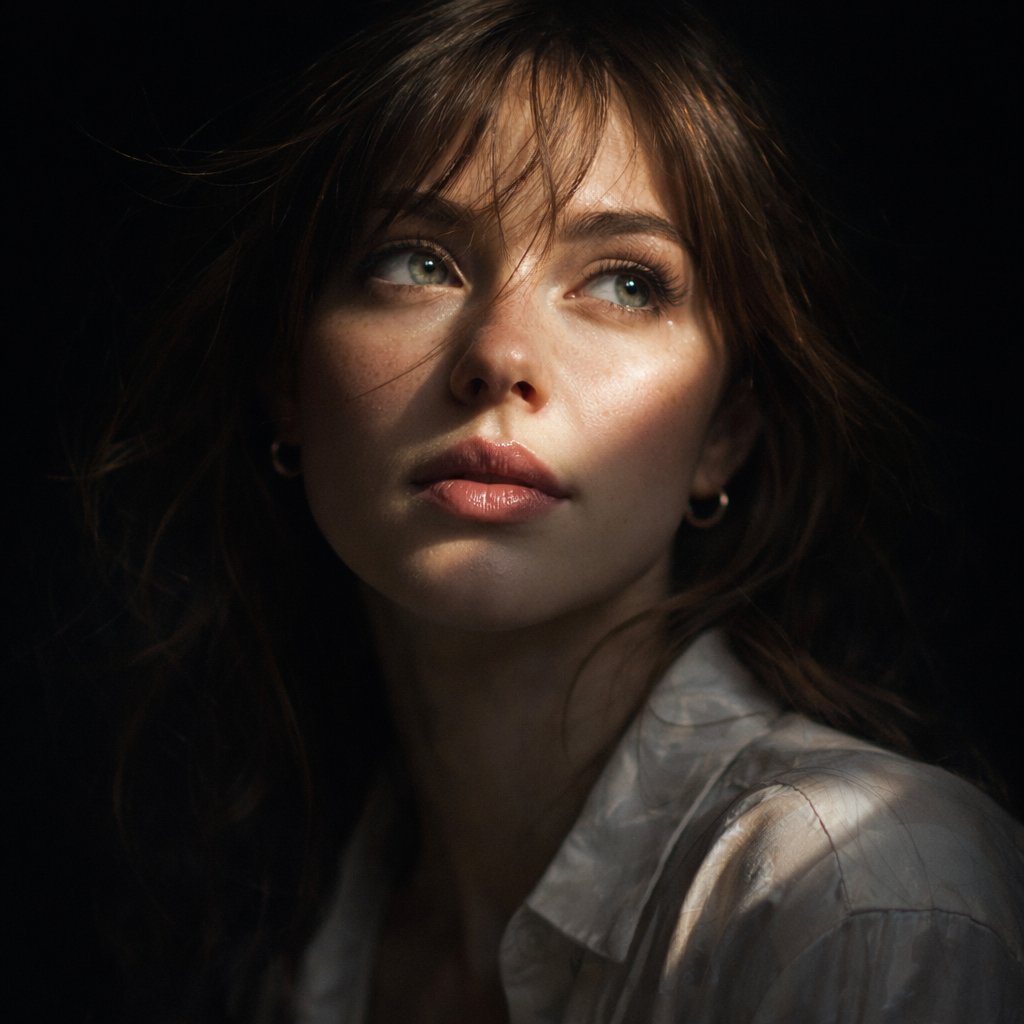
Cinematic Chiaroscuro Portrait

Neon Dream City

Pongal Festival Photo Prompt for Gemini Nano Banana

High-Definition Culinary Photography: Chicken Drumsticks
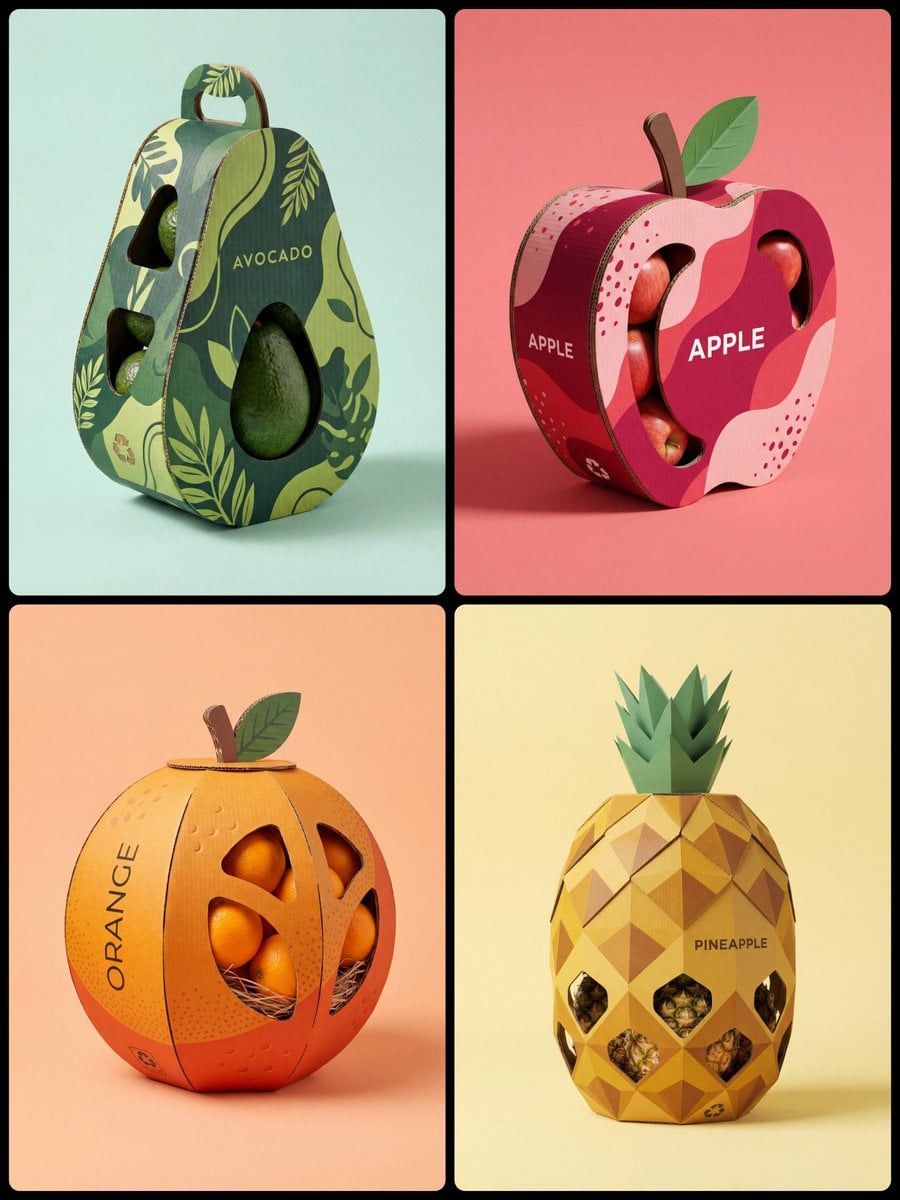
Corrugated Cardboard Fruit Packaging Concept Prompt
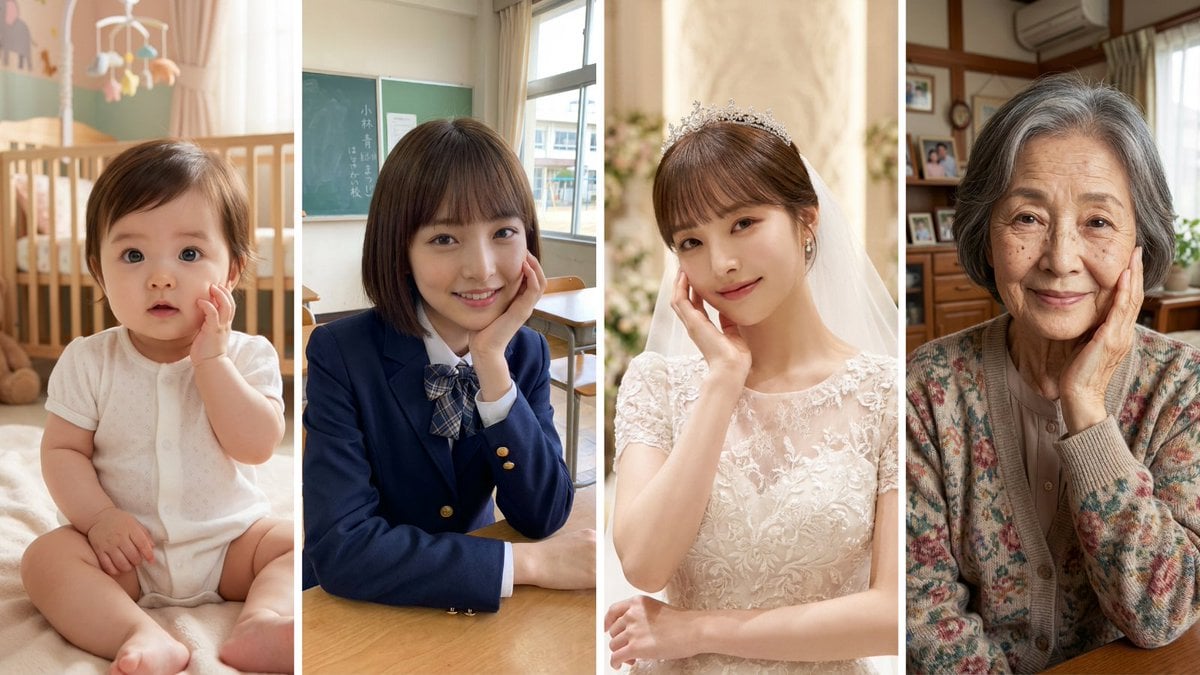
Age progression of a woman into an old lady

Nano Banana Pro Chibi Snow Globe Prompt

Minimalist Traveler Airport Scene
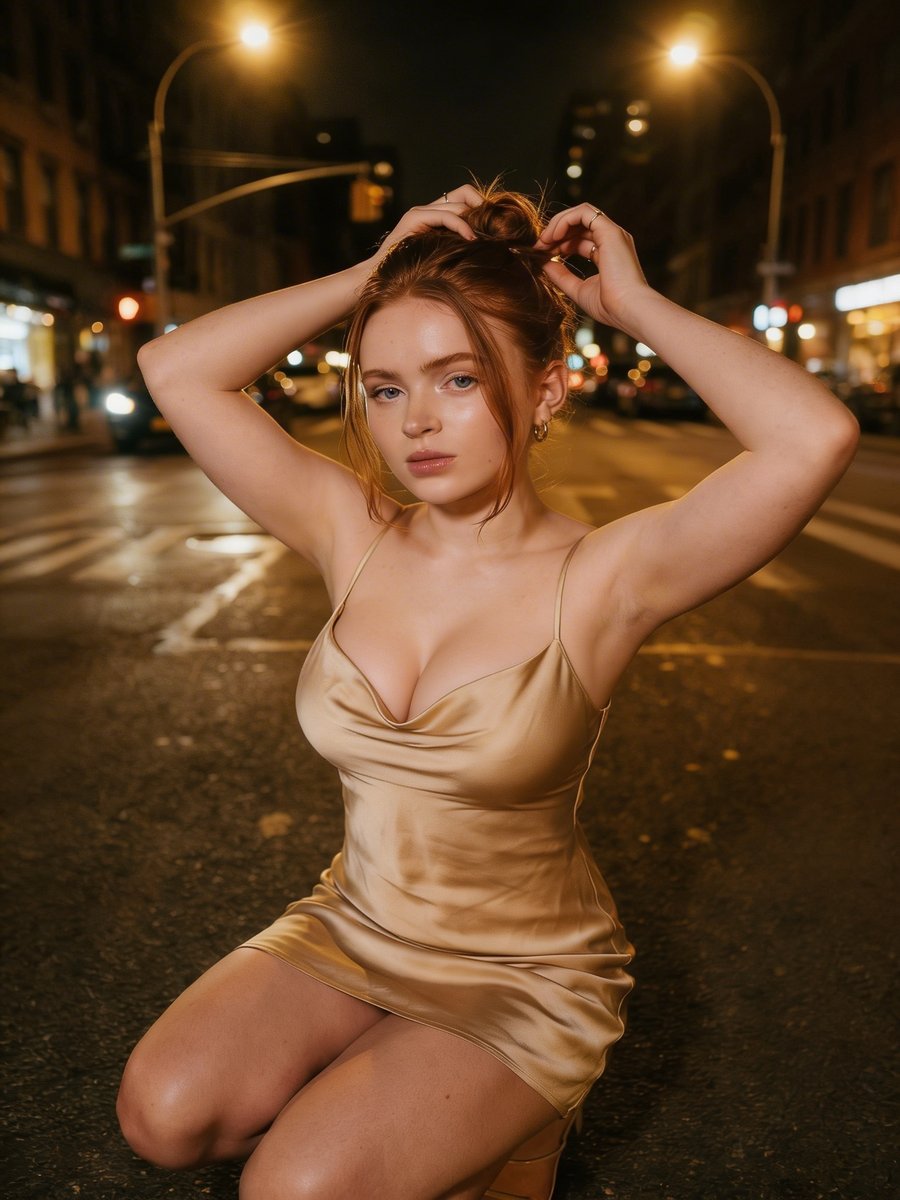
Cinematic Night Street Photography
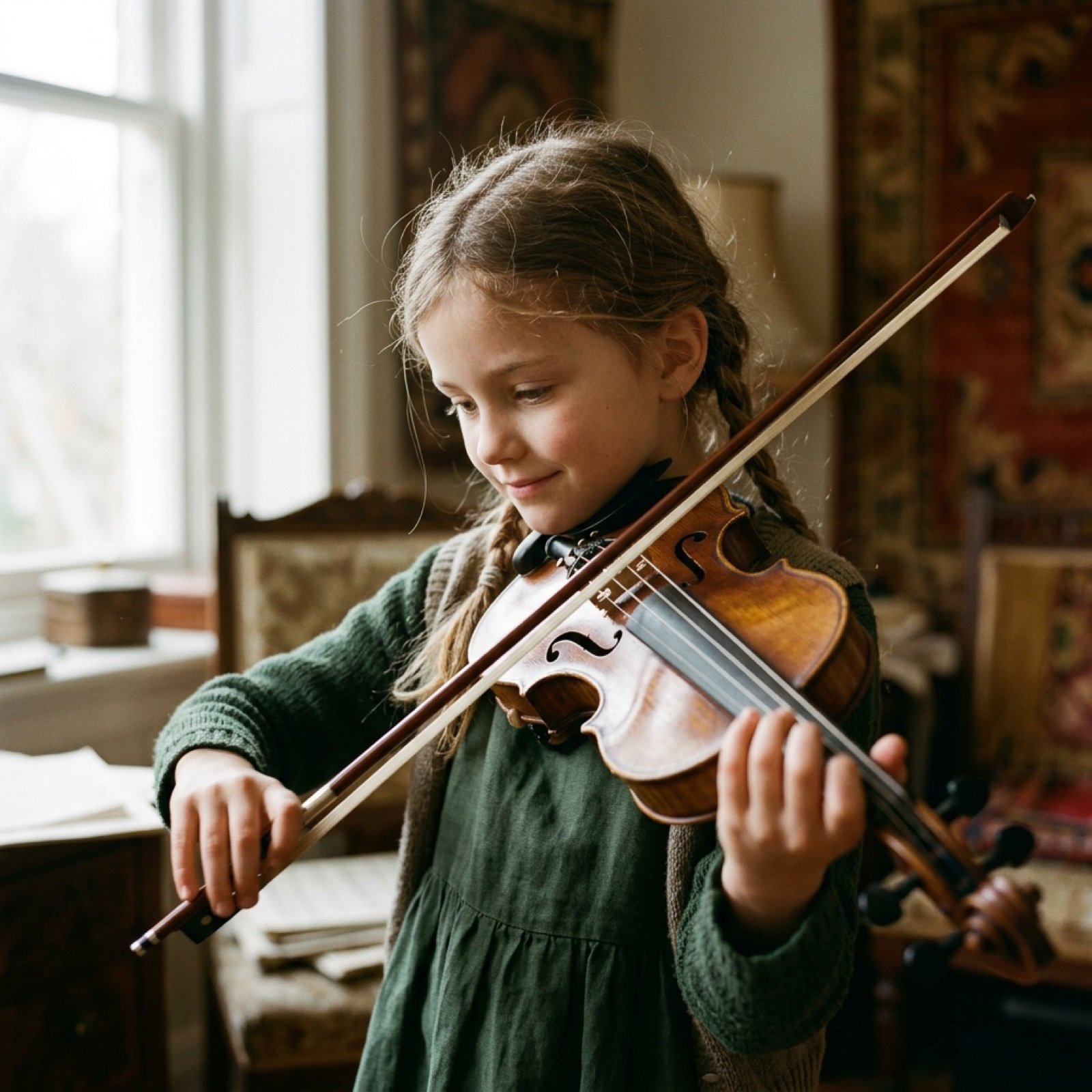
Cinematic Video Prompt for Violinist Girl
Browse template categories
Sunlit Cat-Eared Girl Reading questions
How do I use the Sunlit Cat-Eared Girl Reading template?
Add your photo if the template asks for one, edit the prompt if you like — the template's model and format are already selected — and press Generate. Your version opens in PicX Studio.
Can I customize the Sunlit Cat-Eared Girl Reading template?
Yes. You can change the subject, setting, lighting, mood, format, and available model controls before creating your image.
Is the Sunlit Cat-Eared Girl Reading template free?
Opening and editing this template is free. Generating uses credits, shown on the Generate button when you are signed in.
Which AI model should I use?
Start with GPT Image 2, which is the model associated with this template. You can compare another compatible model for a different finish.
Looking for something else? Browse all templates.

Your photo, any look
Thousands of ready templates for every top image and video model, from one credit balance.