
Neon Dream City
A cinematic fantasy cyberpunk canal city with glowing jellyfish holograms, flower-covered bridges, gondolas, and vivid neon reflections.
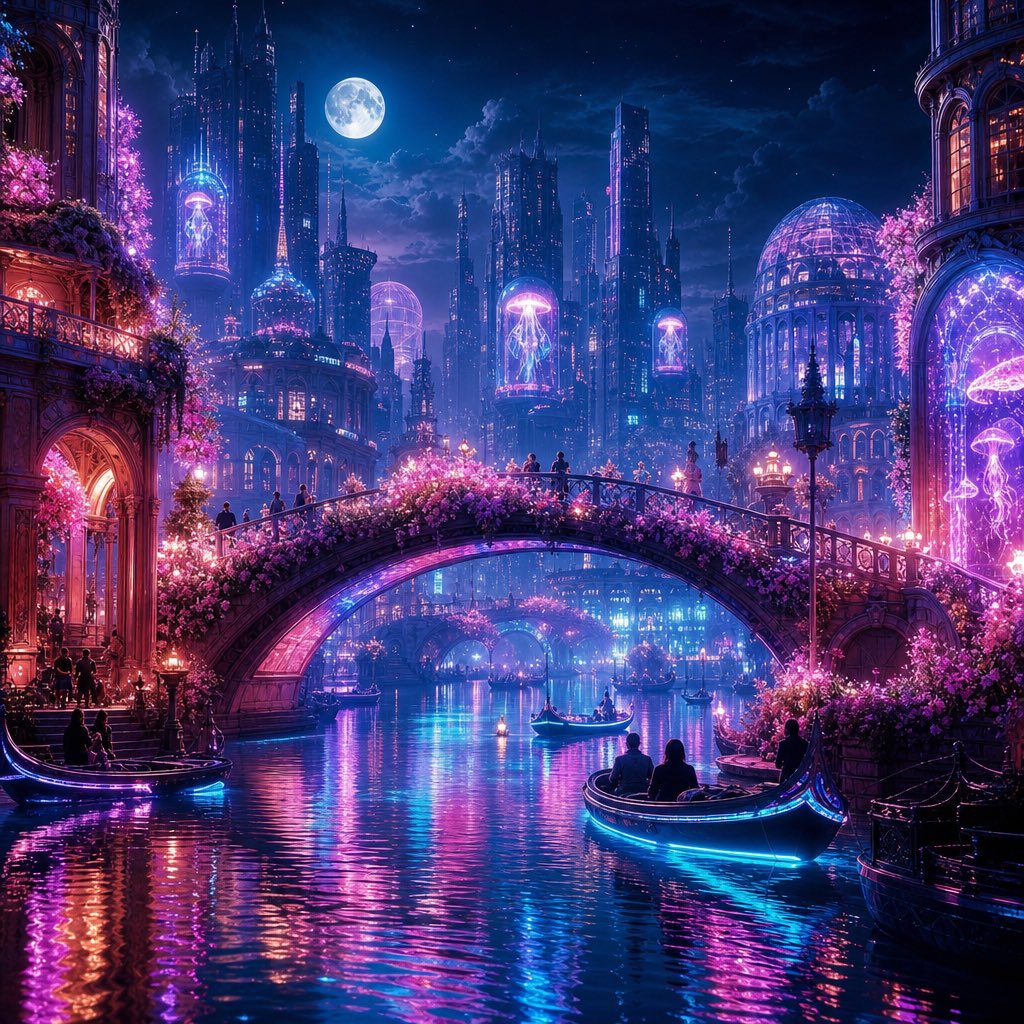
- Prompt included
- Model and format preset
- Free template
The prompt behind this image
Copy the exact prompt behind Neon Dream City, or open it in the studio and make it yours.
Create a highly detailed fantasy cyberpunk cityscape at night titled {argument name="scene concept" default="Neon Dream City"}: a romantic canal city with Venetian architecture fused with futuristic glass towers, glowing magenta and cyan lights, and a luminous full moon in a deep blue starry sky. Use a square 1:1 canvas, cinematic wide-angle view from water level, with a grand arched stone bridge covered in dense pink flowering vines crossing the center of the image. Show exactly 4 visible boats: one gondola docked at the lower left by a warmly lit arched building entrance, one small gondola near the center under the bridge, one larger foreground gondola at the lower right carrying seated silhouettes with bright cyan underglow, and one dark moored boat at the far right edge. Include exactly 5 prominent glowing jellyfish holograms or aquarium-like displays: one tall jellyfish in a tower capsule on the left skyline, one jellyfish inside a pink dome near the center-left skyline, one floating jellyfish sign high in the middle distance, one large jellyfish display in the right-side arched window, and one small jellyfish display near the far right lower window. The city should contain ornate balconies, domed conservatories, spires, skyscrapers, streetlamps, tiny silhouetted pedestrians on the bridge, and pink blossoms cascading from both sides. The canal water must be calm but rippled, reflecting intense neon {argument name="primary neon color" default="cyan"}, {argument name="secondary neon color" default="magenta"}, violet, and warm orange lights in long vertical streaks. Mood: dreamy, romantic, magical, futuristic, ultra-detailed digital painting, sharp architectural detail, volumetric moonlight, glowing mist, rich contrast, no text, no logo, no watermark.
How to use Neon Dream City in 3 steps
- 1Upload ImagePNG, JPG or paste
Add your photo
Upload the photo the template builds on. The prompt, model and format are already set.
- 2…a portrait of your subject in softgolden-hour light, 85mm…
Personalize
Edit the subject and creative details for your destination.
- 3Generate
Generate
Press Generate — your image is created in PicX Studio, so you can compare it with the original and refine one variable at a time.
More like this
Templates with the same subject, style or setup. Open one to see its prompt.

Spider-Man 2099 Cyberpunk Neon Future City

Japan Neon Speed City Racing Poster

80s Neon Disco Night

Cozy Knit Sweater Window Portrait

Minimalist Hand-Drawn Doodle Portrait

Cartoon TV Show Poster Pack

Rainy Night Android Cyberpunk Portrait

Korean Idol Partial Shadow Editorial Portrait

Cyberpunk Neon Profile Fashion Portrait

Neon Night Crosswalk Candid Portrait

Subway Platform Quiet Introspective Portrait
Rainy Night Android Cyberpunk Portrait
Make it yours
Neon Dream City works as-is. These are the safest ways to change it without losing the look.
Change one field
Copy a single group, rewrite it, and generate again so you can see what that field is doing.
Keep the frame, change the subject
Hold the composition and light of Neon Dream City, then swap wardrobe, props or the person for a new take.
| If the result… | Why | Fix |
|---|---|---|
| The result drifts from the preview | Too many fields changed at once. | Reuse Neon Dream City as-is first, then change one group — subject, light, or setting. |
| The model over-stylizes the scene | The prose prompt leaves finish and camera underspecified. | Add one camera or lighting sentence and stay on GPT Image 2. |
More GPT Image 2 templates
Other prompts made for GPT Image 2.

Six VTuber Japanese Logo Sheet

Realistic Portrait of Woman and Deer

The Vista Modular Condo Poster

AI Model Routing Comparison Infographic

2.5D Anime Art Board

Isometric Productivity Desk Scene

New York Double Exposure Poster

Four-Panel AI Landscape Comparison

Japanese Tatami Lifestyle Magazine Cover

NESCAFÉ Coffee Map Poster
More image prompts
Fresh picks from across the catalog.
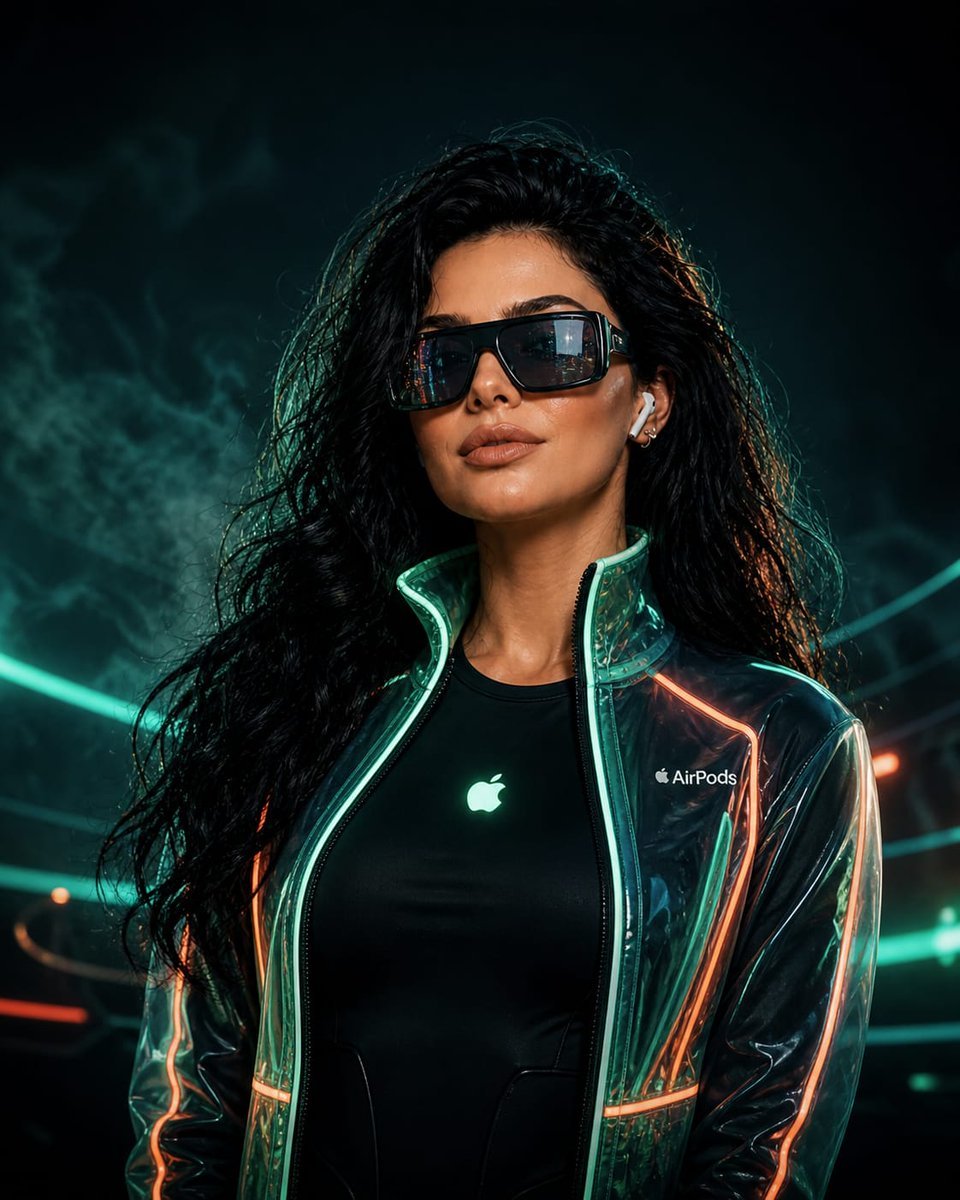
Cyberpunk Neon Fashion Portrait
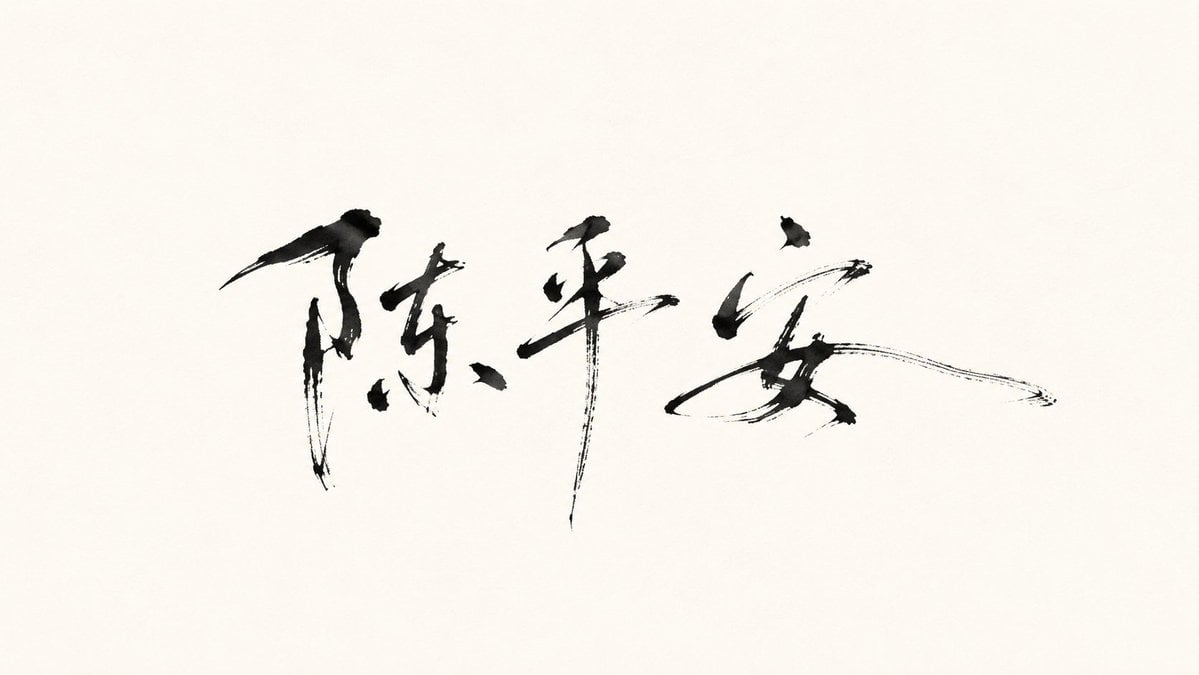
Minimalist Oriental Ink Signature Design
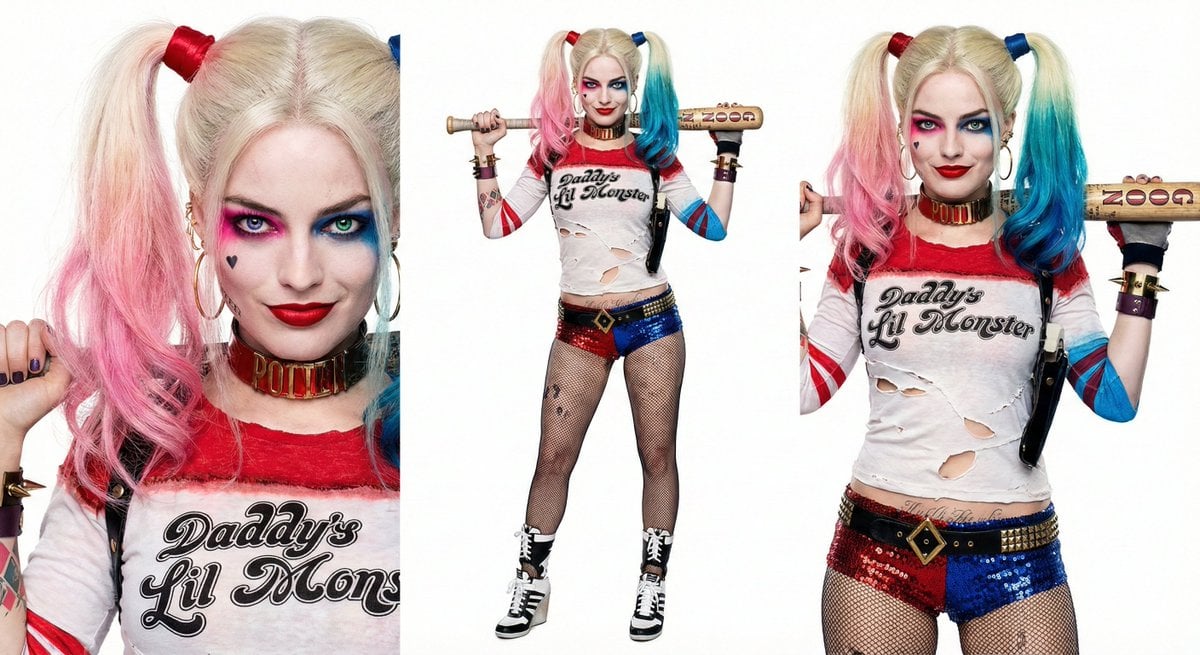
Harley Quinn Archetype Image Generation Prompt
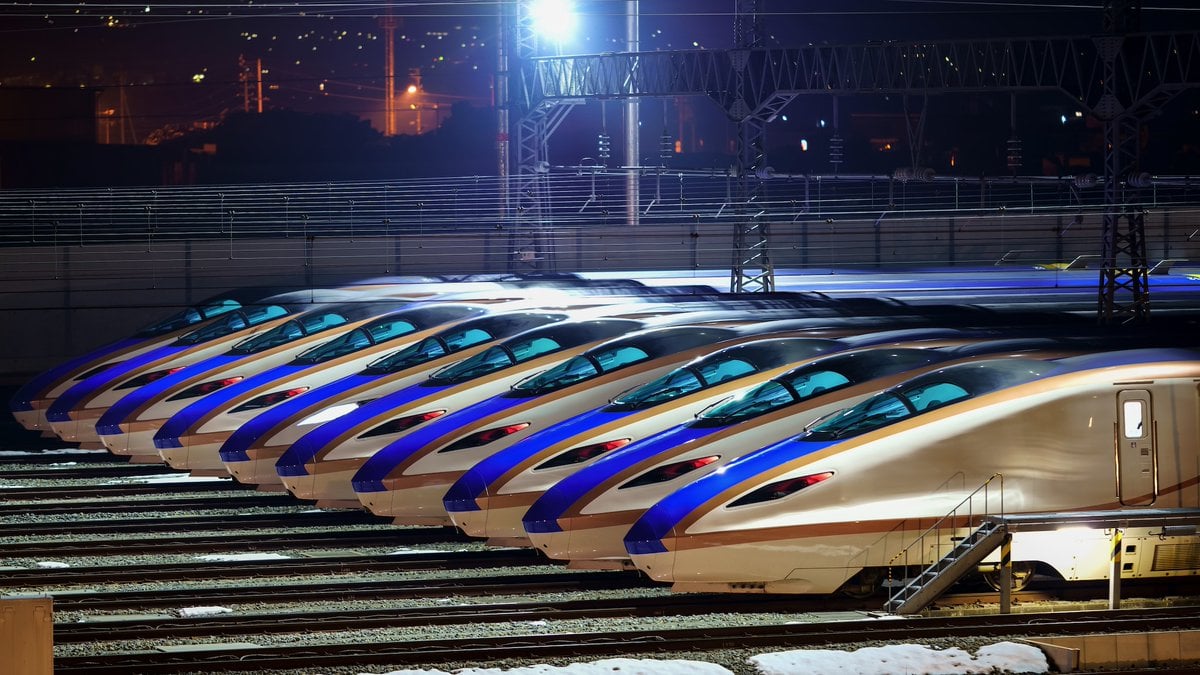
Image Generation from Photo and Short Prompt
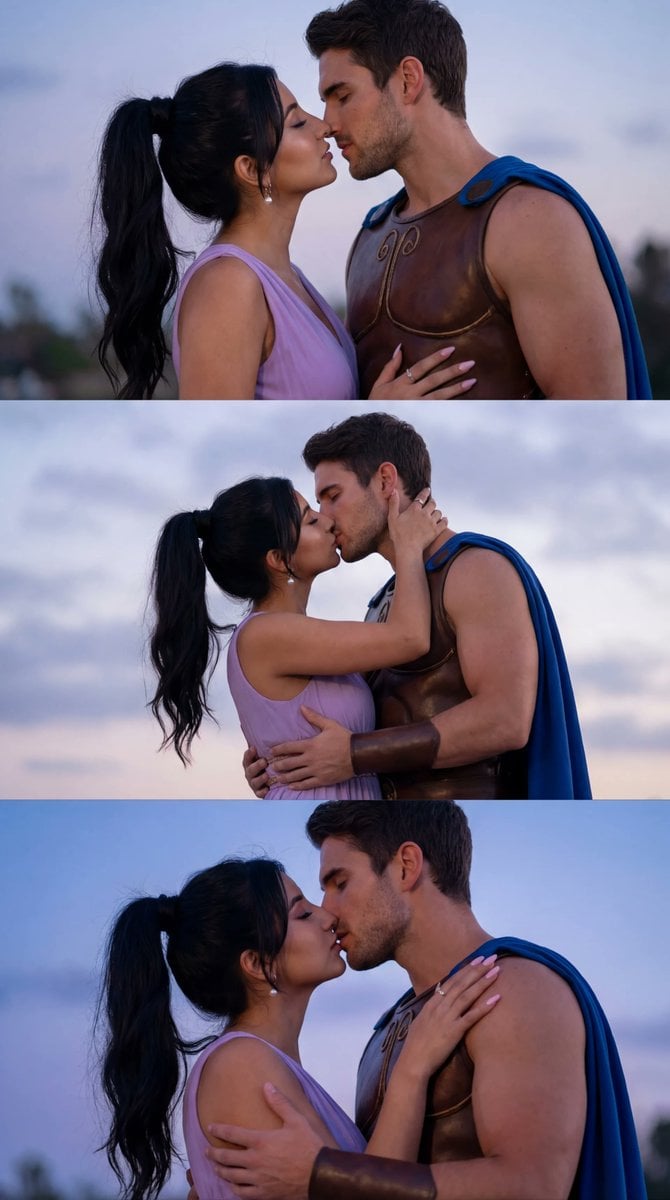
Cinematic Cosplay Romance Triptych
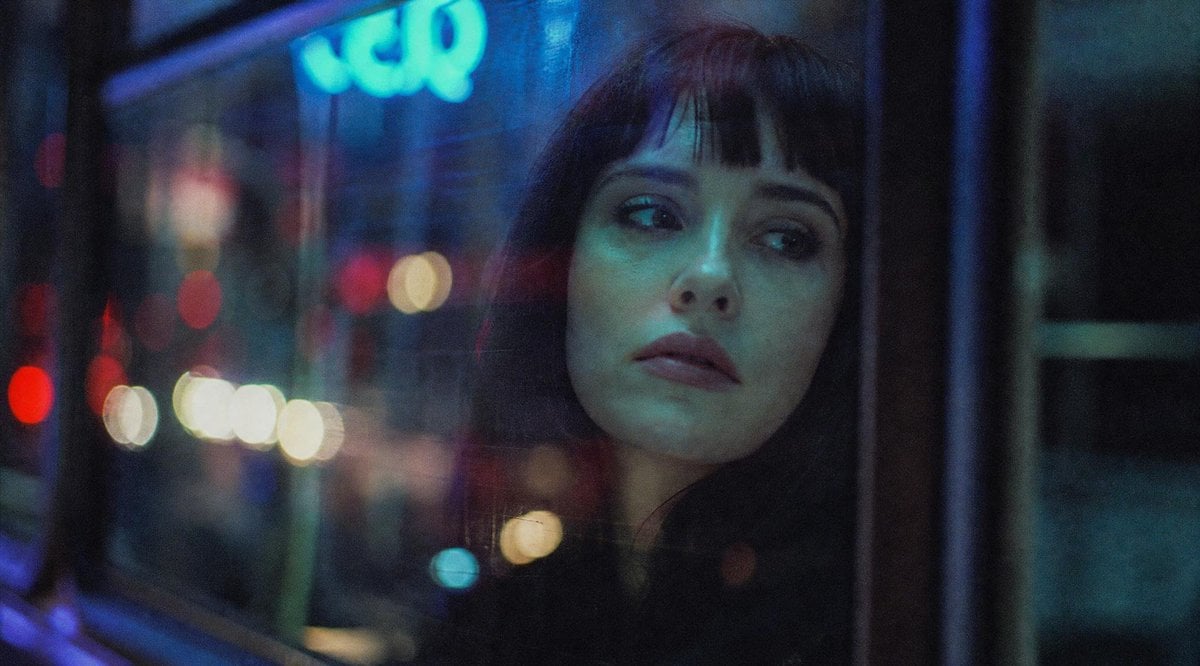
Censored Night Bus Window Scene
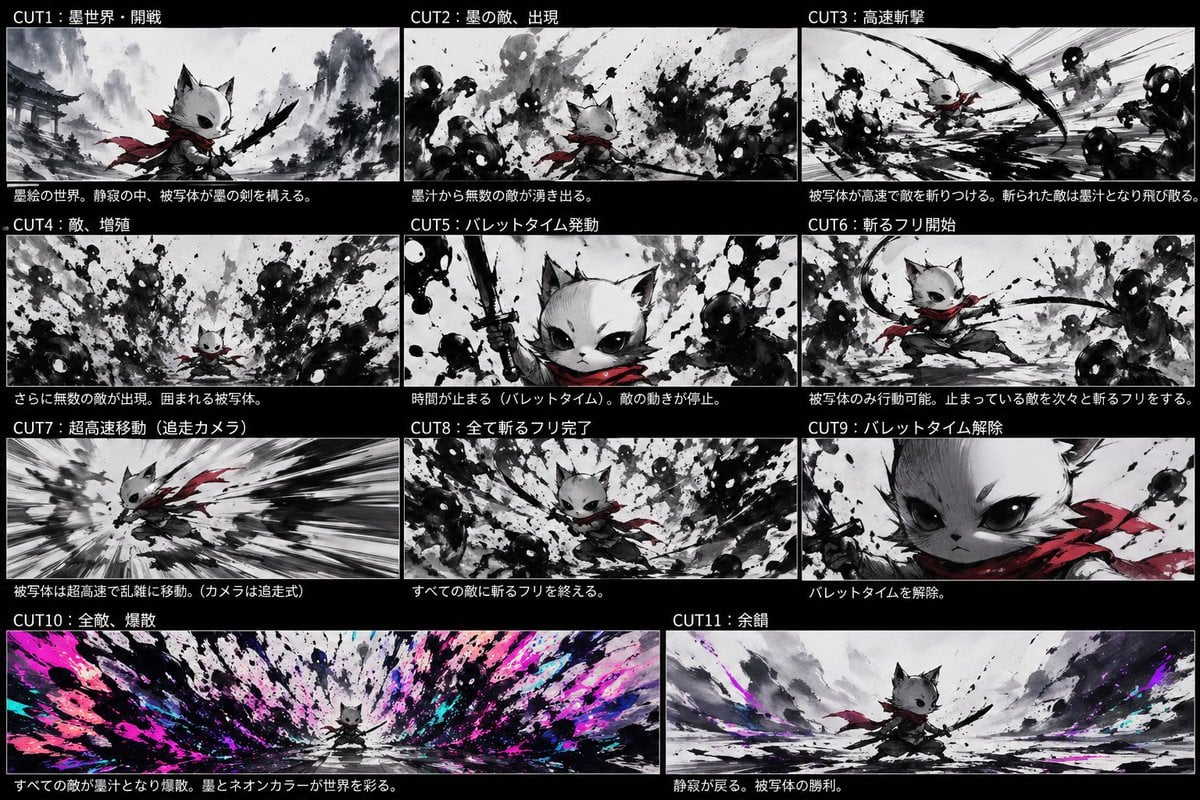
Ink Neon Cat Samurai Storyboard
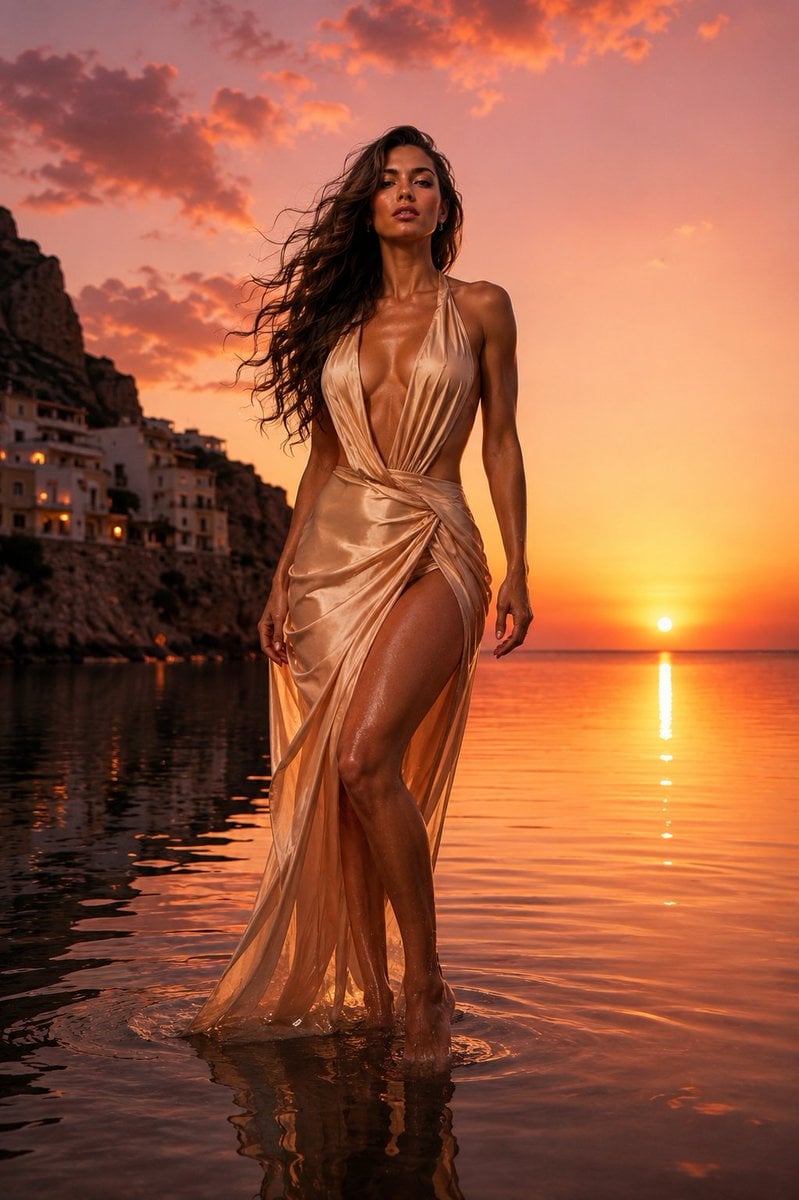
The Red Dress Fashion Editorial
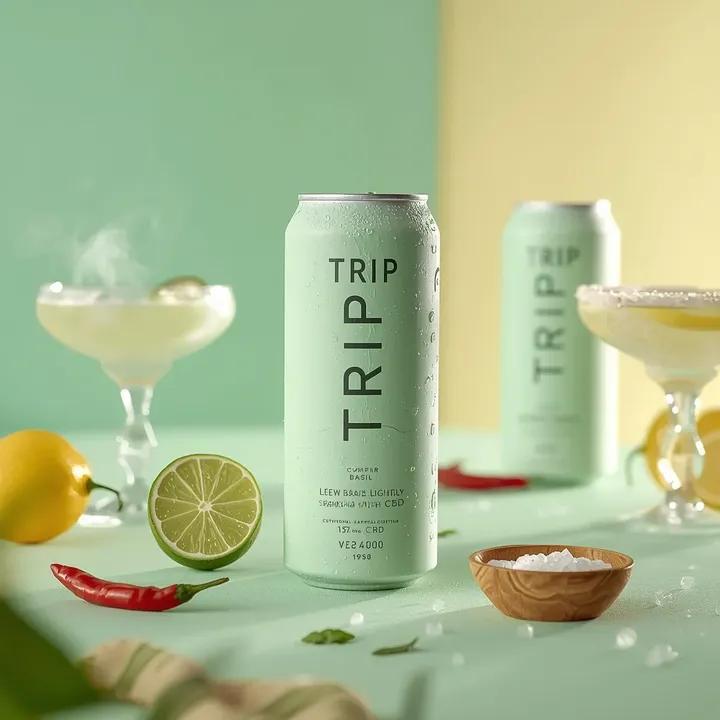
Ultra-Realistic Beverage Advertising Photography
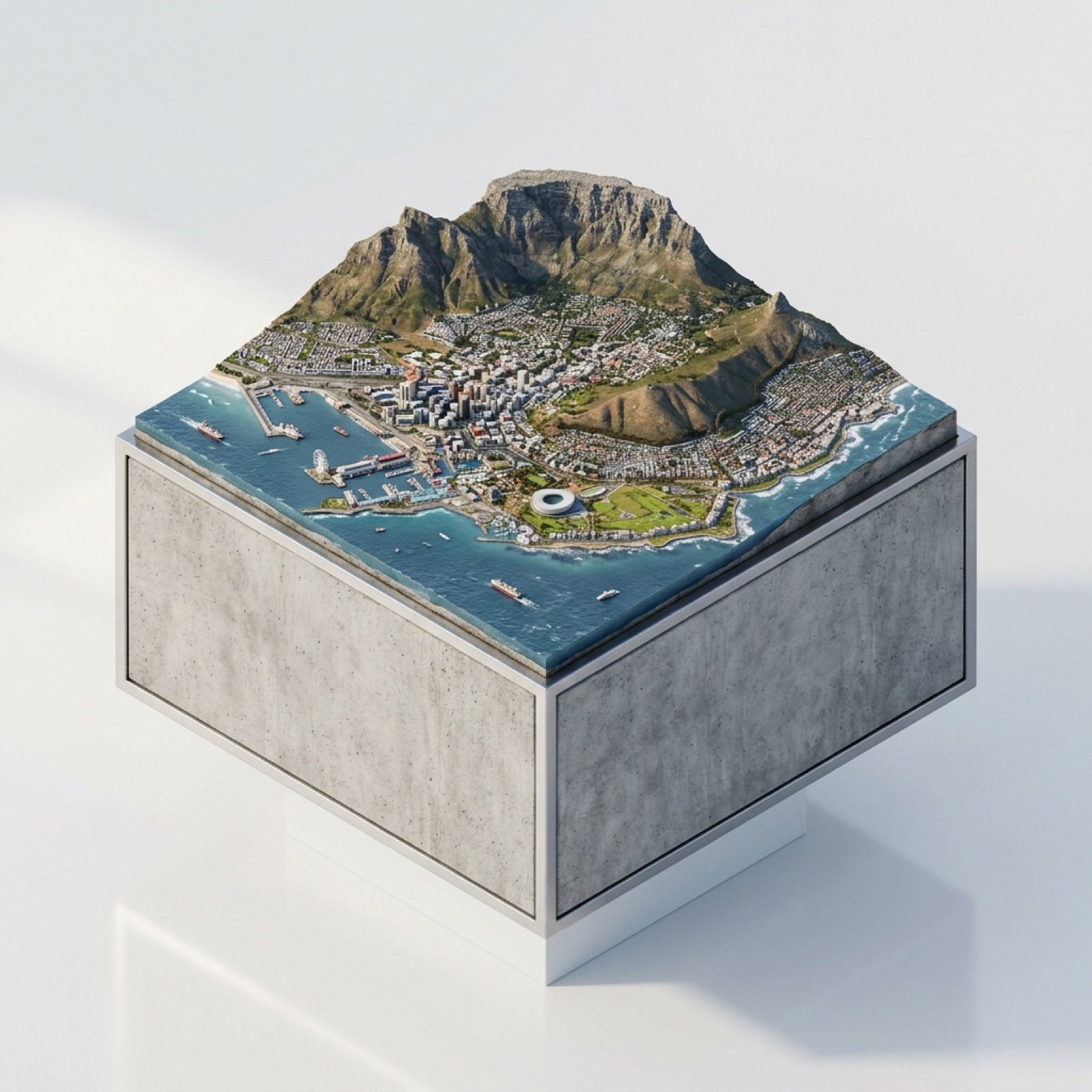
3D Miniature Cape Town Diorama on Floating Cube
Browse template categories
Neon Dream City questions
How do I use the Neon Dream City template?
Add your photo if the template asks for one, edit the prompt if you like — the template's model and format are already selected — and press Generate. Your version opens in PicX Studio.
Can I customize the Neon Dream City template?
Yes. You can change the subject, setting, lighting, mood, format, and available model controls before creating your image.
Is the Neon Dream City template free?
Opening and editing this template is free. Generating uses credits, shown on the Generate button when you are signed in.
Which AI model should I use?
Start with GPT Image 2, which is the model associated with this template. You can compare another compatible model for a different finish.
Looking for something else? Browse all templates.

Your photo, any look
Thousands of ready templates for every top image and video model, from one credit balance.